

AI IMAGE
GENERATOR
Turn any idea into a stunning image with OpenArt's AI Image Generator. Create images from text prompts or reference photos, and generate everything from realistic characters to anime art, product images, and marketing visuals in seconds.
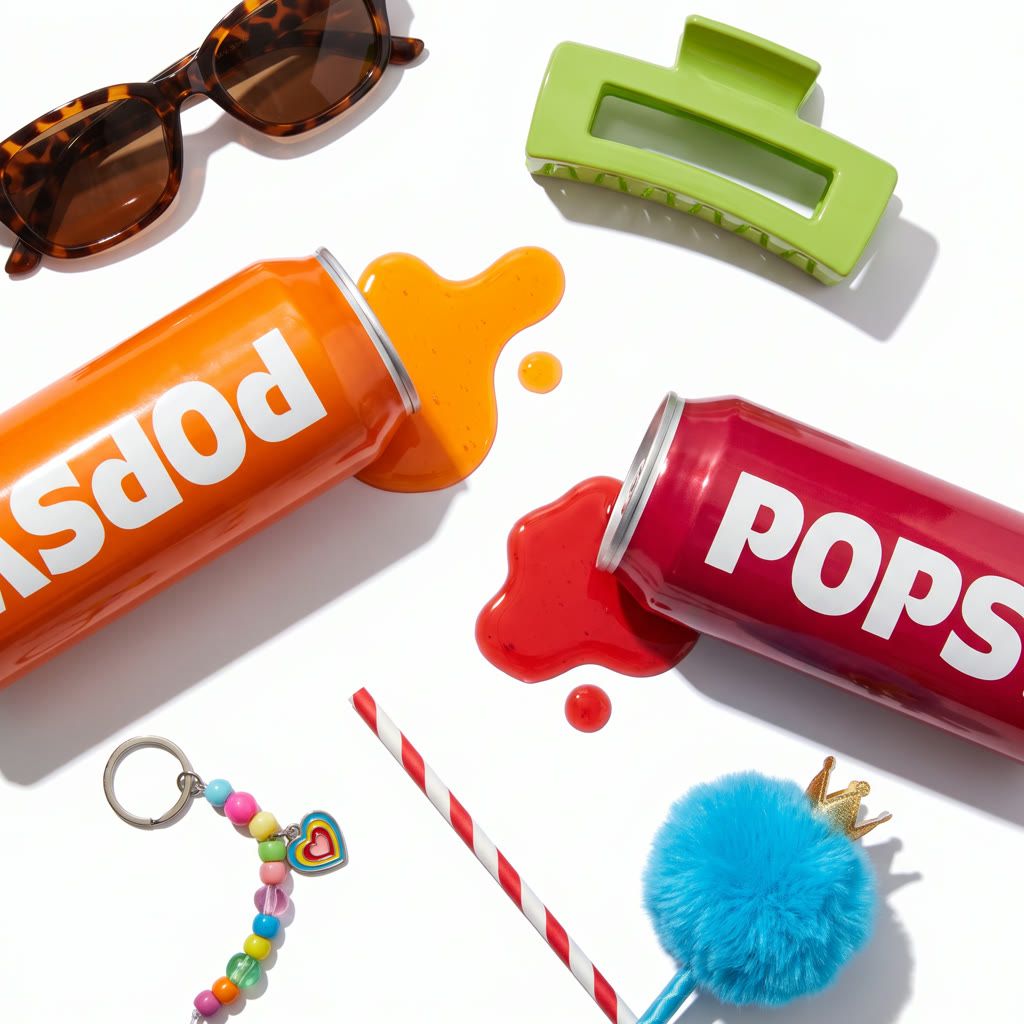
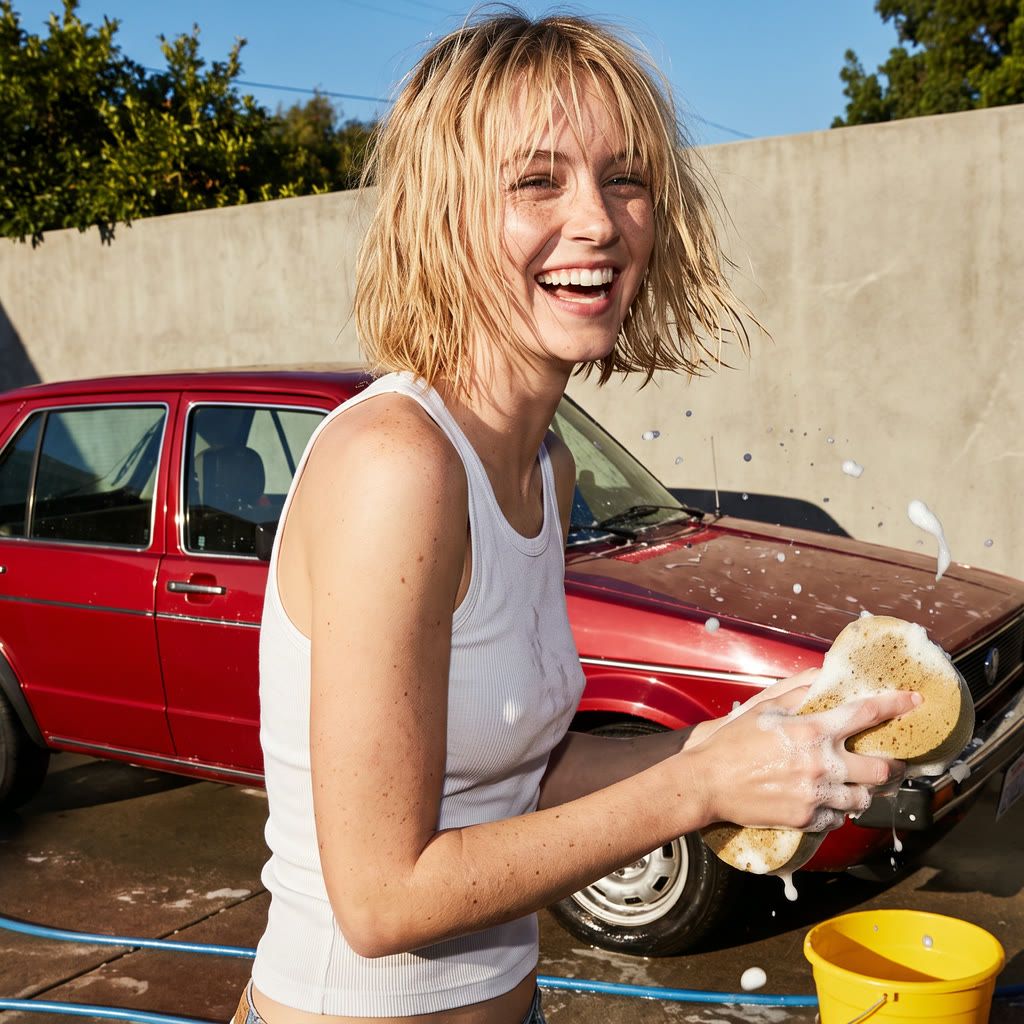
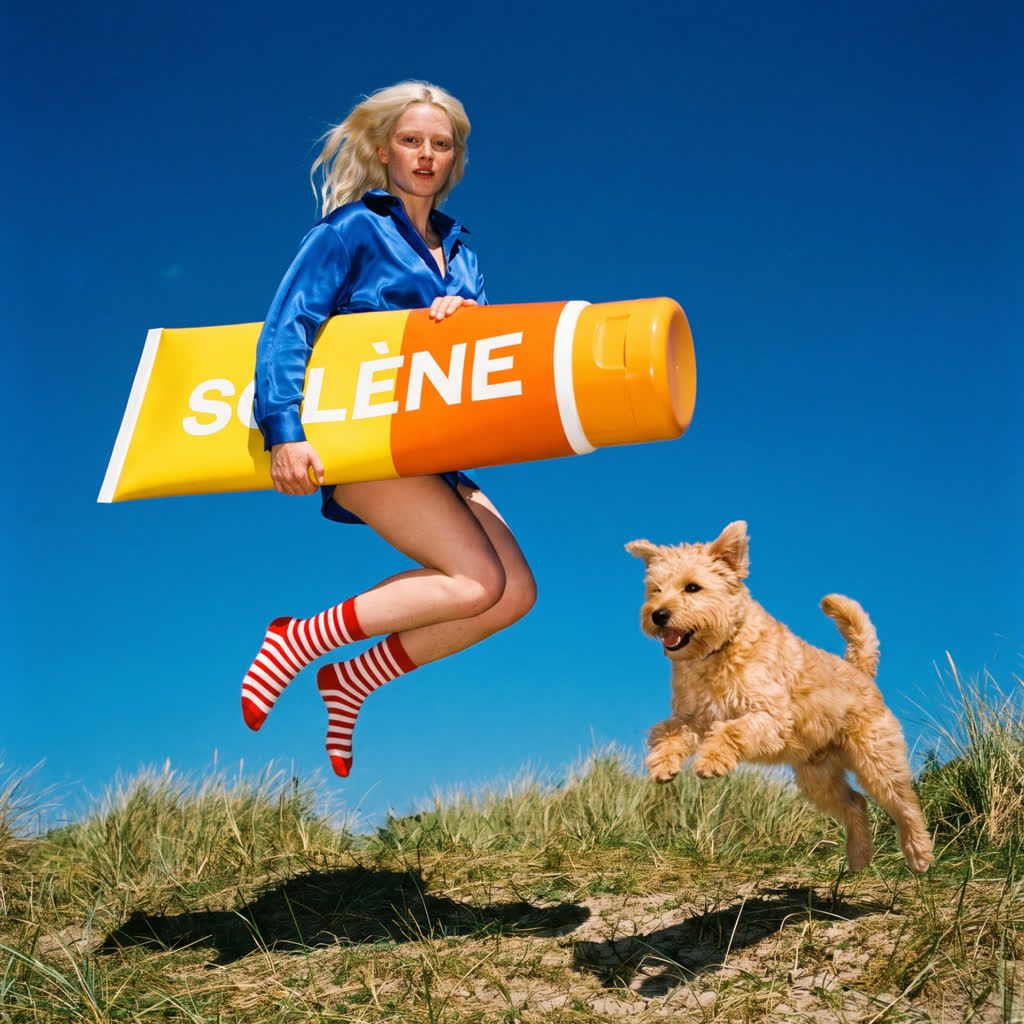
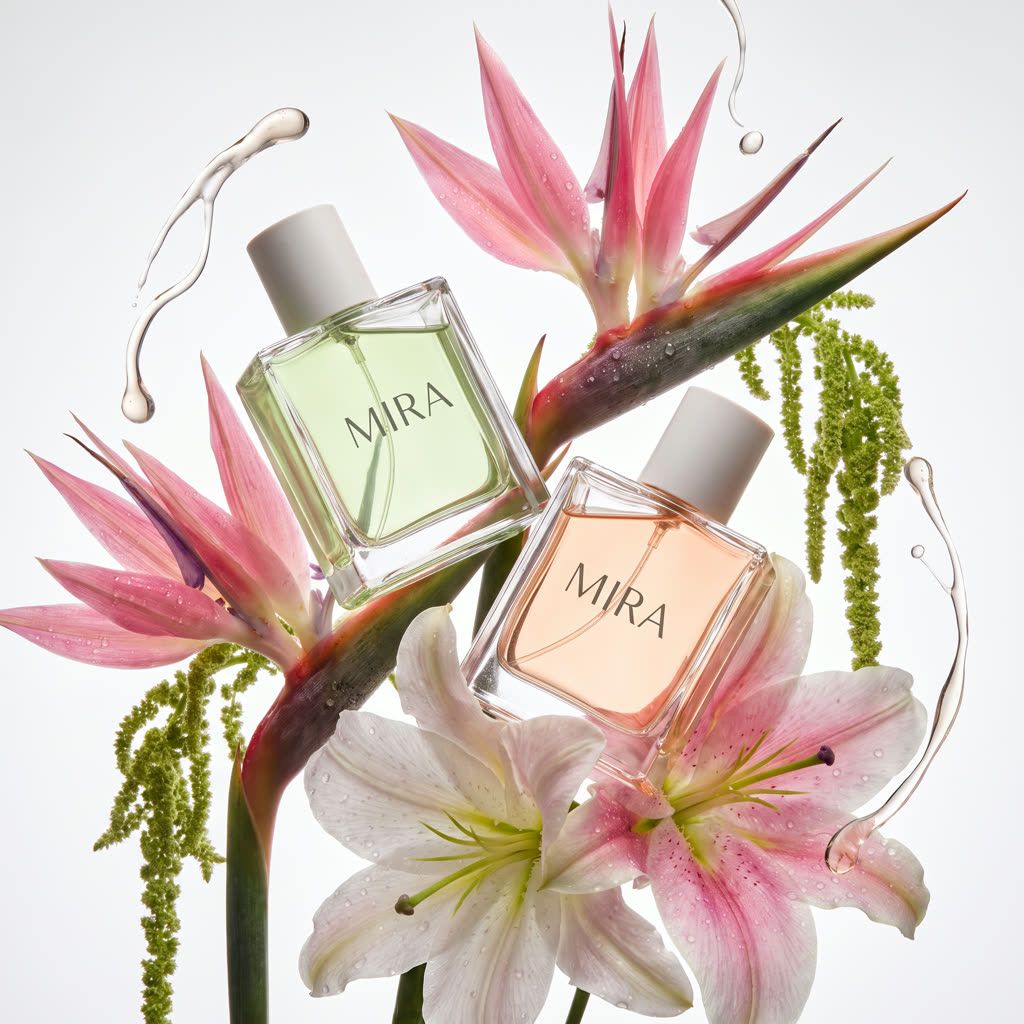
Explore AI Image Examples and Prompts
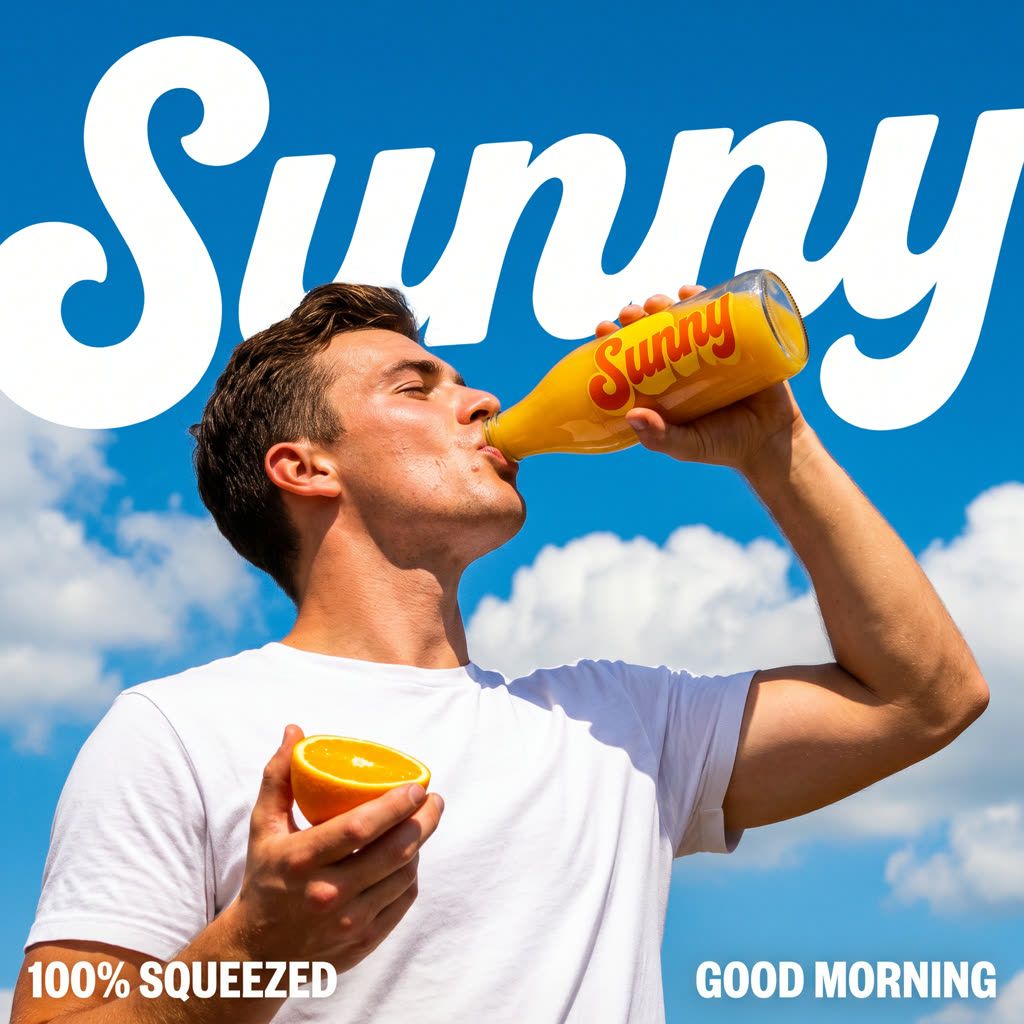
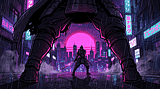
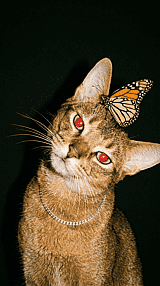
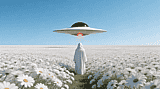
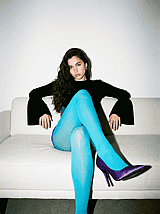
See what marketers, designers, and creators are making with OpenArt's AI image generator. Browse text to image prompts for photorealistic portraits, product mockups, anime art, and posters, then try a prompt or write your own.
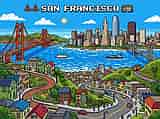
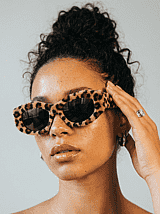
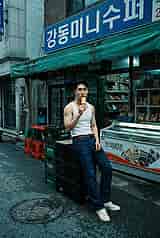
Key AI Image Generation Features
Make, edit, and finish AI images in one place. Generate from a text prompt or a reference photo, fix one part of a picture, keep a character the same across images, and pick the model that fits the job. Nano Banana 2.1, GPT Image 2.5, Ideogram 4.5, and Seedream 5.0 Pro all live in the same account.
Text to Image
Type what you want to see, and OpenArt's text to image generator makes it from scratch. Name the subject, the style, the lighting, and the mood, like "a red sneaker on wet pavement at night, product photo." Short prompts work for quick ideas, and longer prompts get you closer to the exact picture in your head. Generate up to 8 images from one prompt, then try again until one clicks.
Frame/Image to Image
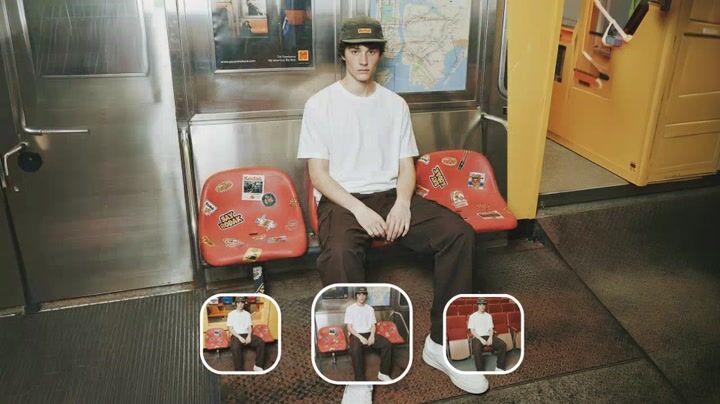
Upload a photo, a sketch, or a screenshot, and OpenArt's AI image to image generator uses it as the starting point for a new image. The result keeps the layout and shapes of your picture while changing the style, the colors, or the details. Set how closely the output should follow the original, from a small style change to a full remake. Turn one product shot into a whole set of ad images, or a pencil sketch into a finished illustration.
Image Editing
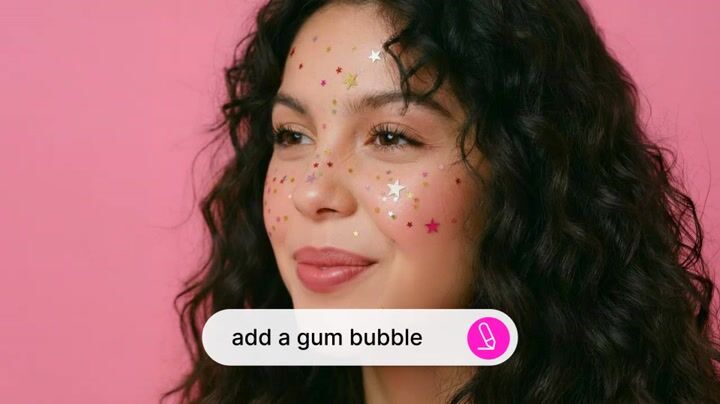
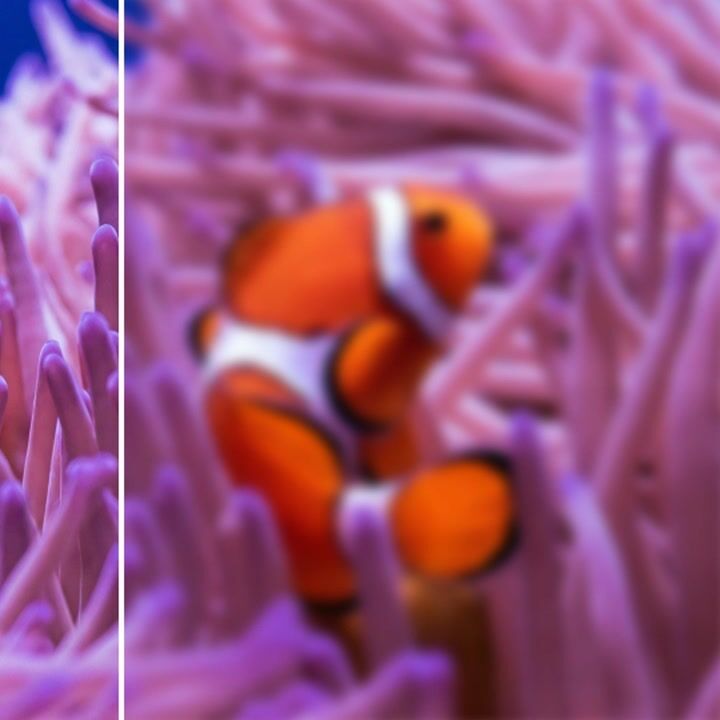
Fix one part of an image without starting over. OpenArt's AI photo editor changes only the area you select, swaps an object, removes or replaces the background, or adds a detail you forgot. Expand Image extends the picture past its edges for a new aspect ratio, and Image Upscale sharpens it up to 10x its original size. Everything happens in the same window as the generator, so your project stays in one place.
Character Consistency
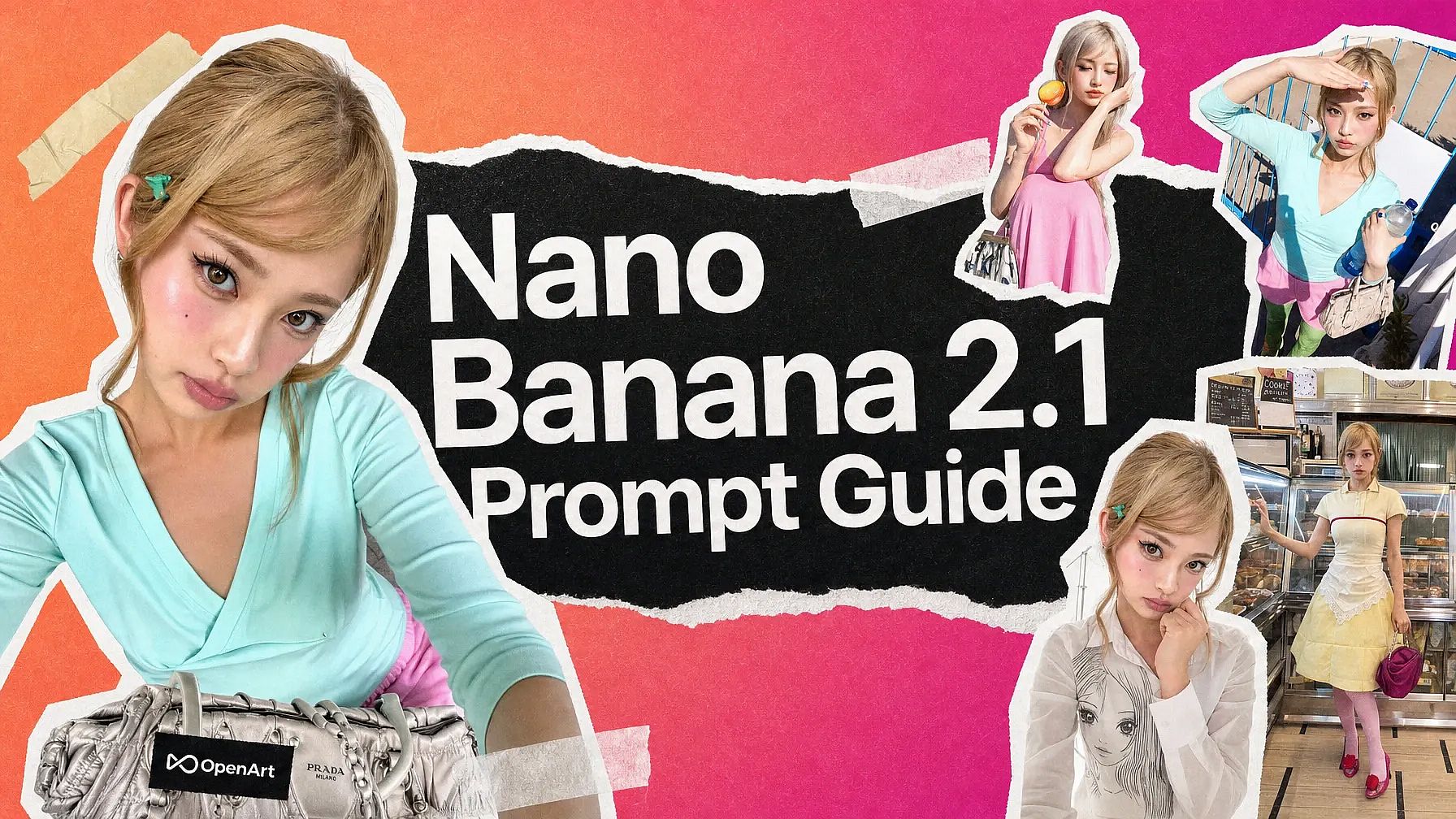
Build a person, a mascot, or a product once with OpenArt Characters, and the same face shows up in every image you make. Change the pose, the outfit, the scene, or the lighting, and the character stays recognizable. Models like Nano Banana 2.1 take up to 14 reference images, so you can lock in a subject from several photos at once. Send that same character to OpenArt's AI video generator when you want to see them move.
Enhance Your Prompt
Type a rough idea, and OpenArt's prompt enhancer rewrites it into a detailed prompt with the style, lighting, and mood filled in. If you have a picture you like and do not know how to describe it, the image to prompt tool turns it into a ready-to-use prompt. Edit the result, or send it straight into generation. It is the fastest way to learn what a good prompt looks like.
Leading Image Models
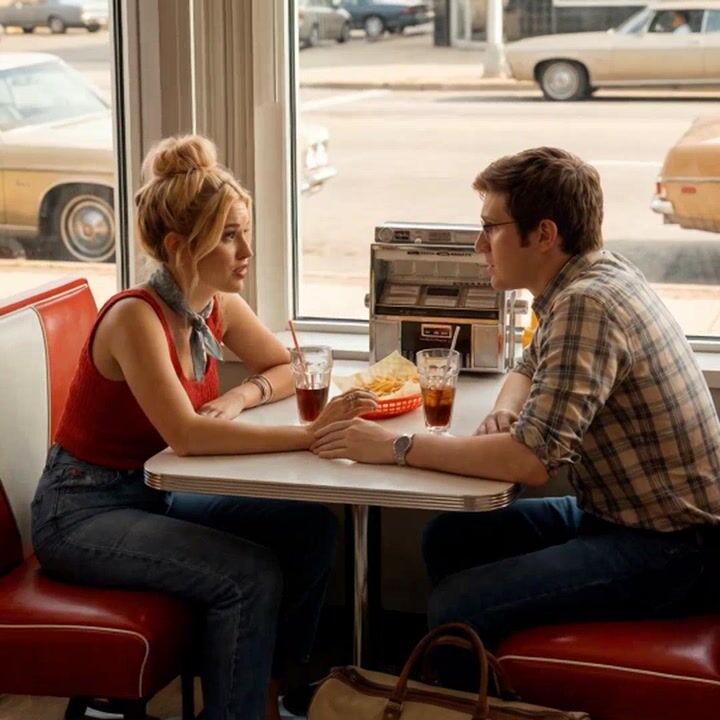
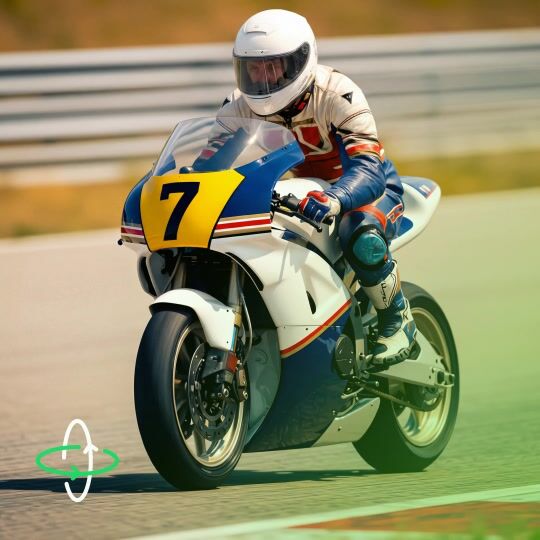
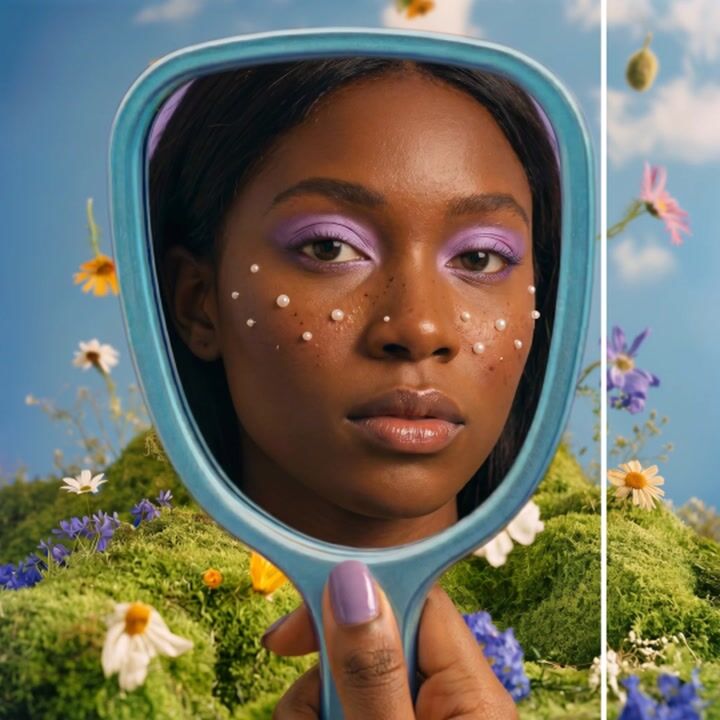
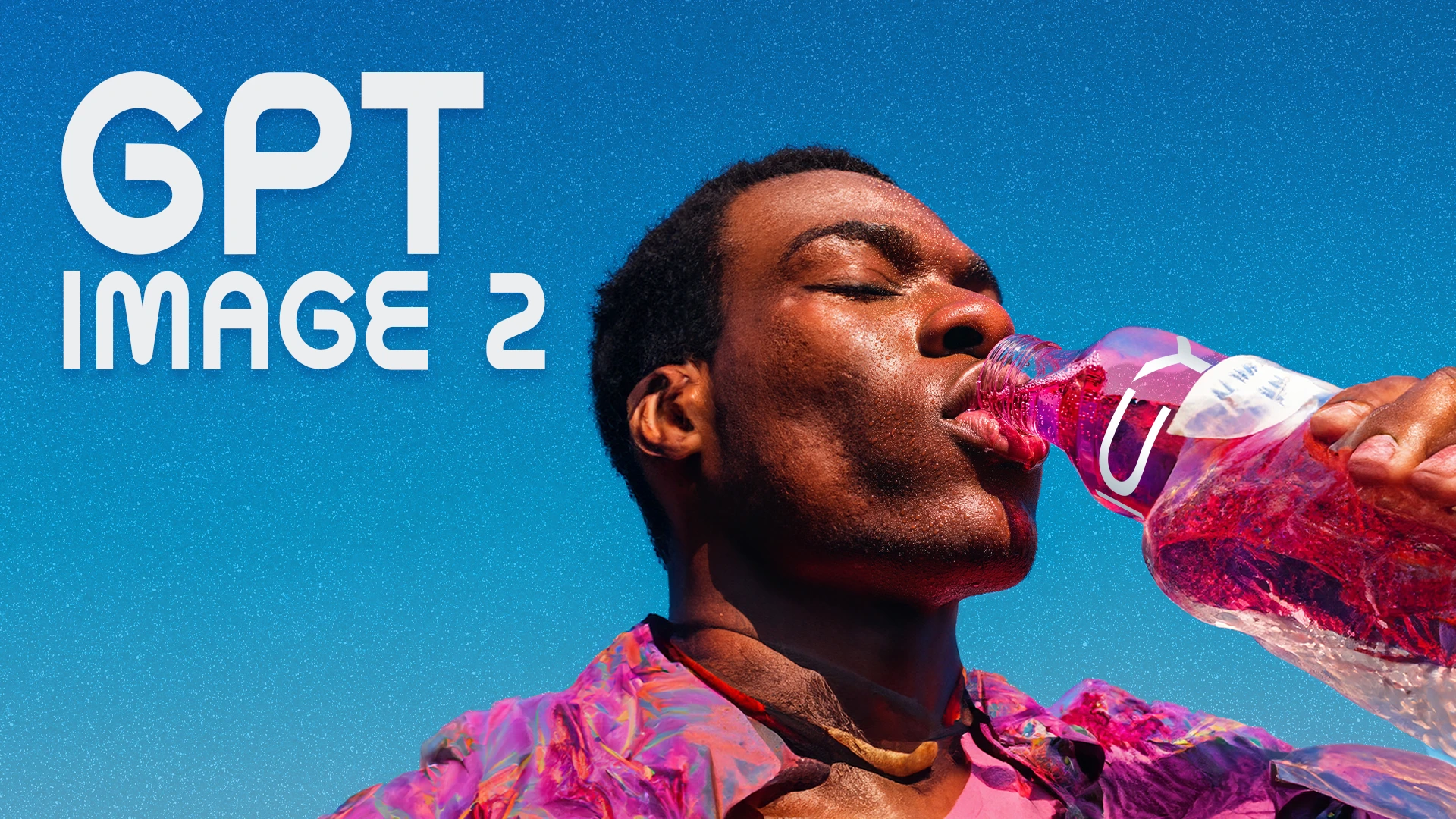
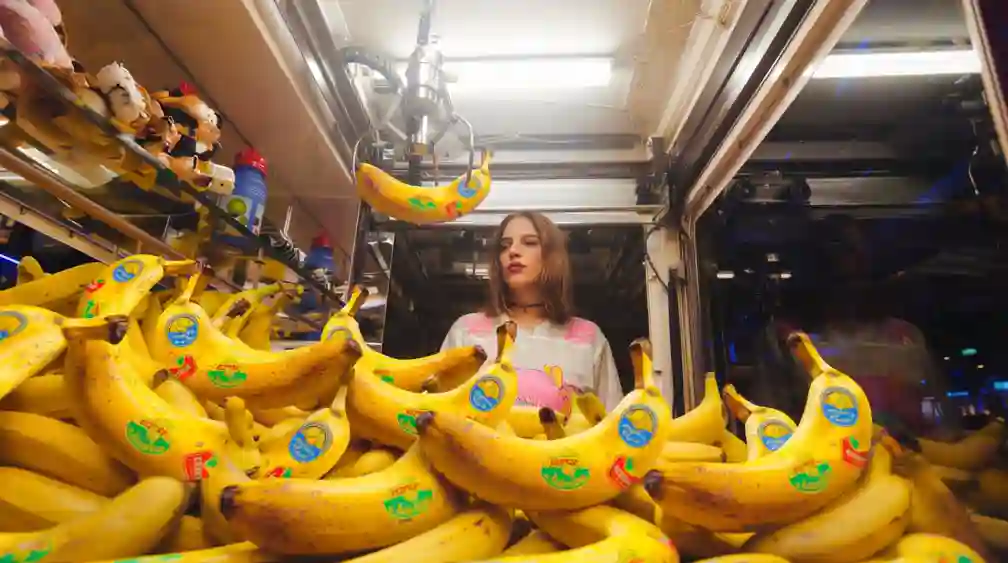
OpenArt gives you all the latest, leading image models in one place. Nano Banana 2.1 is the fast pick for ads, posters, and packaging with readable text. GPT Image 2.5 makes premium product and fashion shots. Seedream 5.0 Pro does anime and poster layouts, and Nano Banana Pro handles long in-image text. Run the same prompt through several models and keep the one that fits.
More Ways to Create and Edit
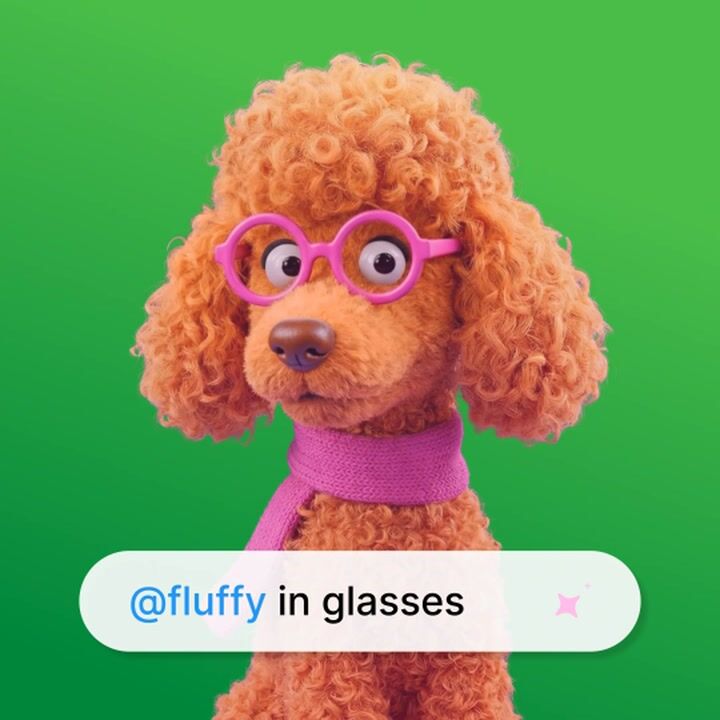
Top AI Models That Power OpenArt's Image Generator
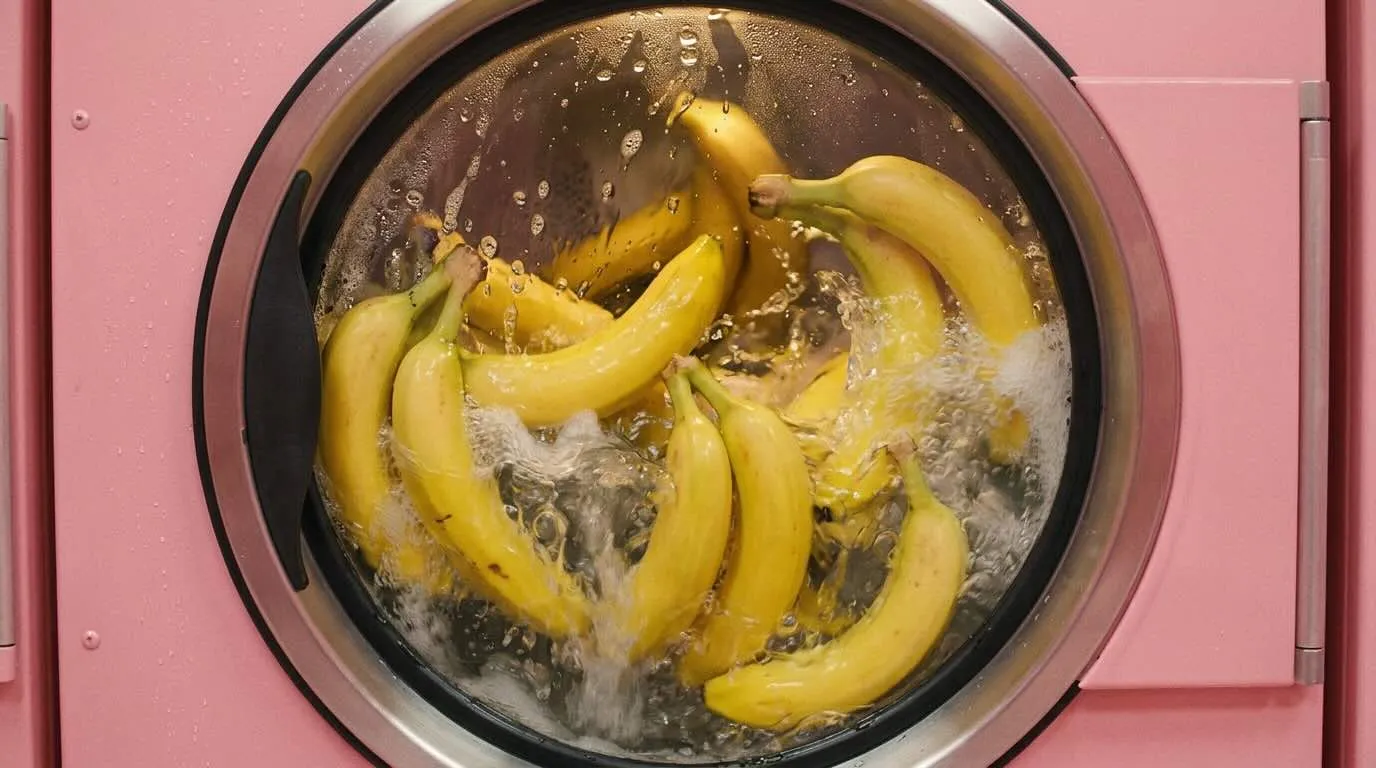
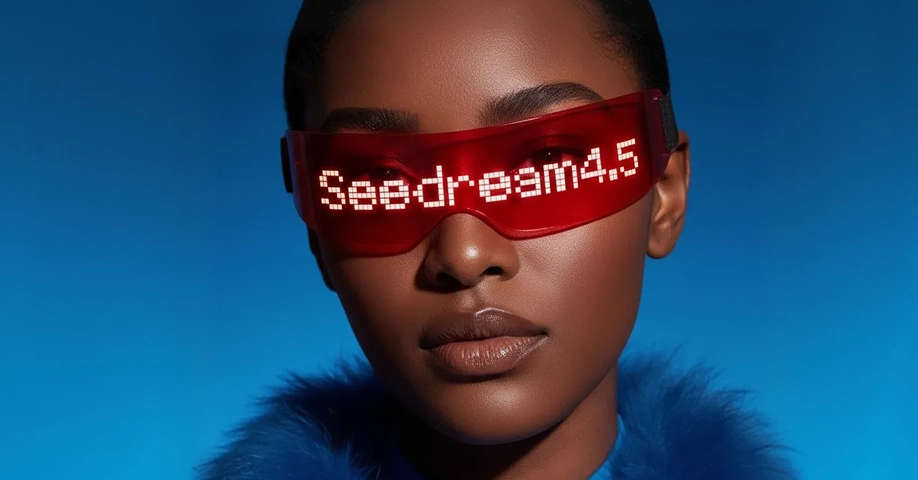
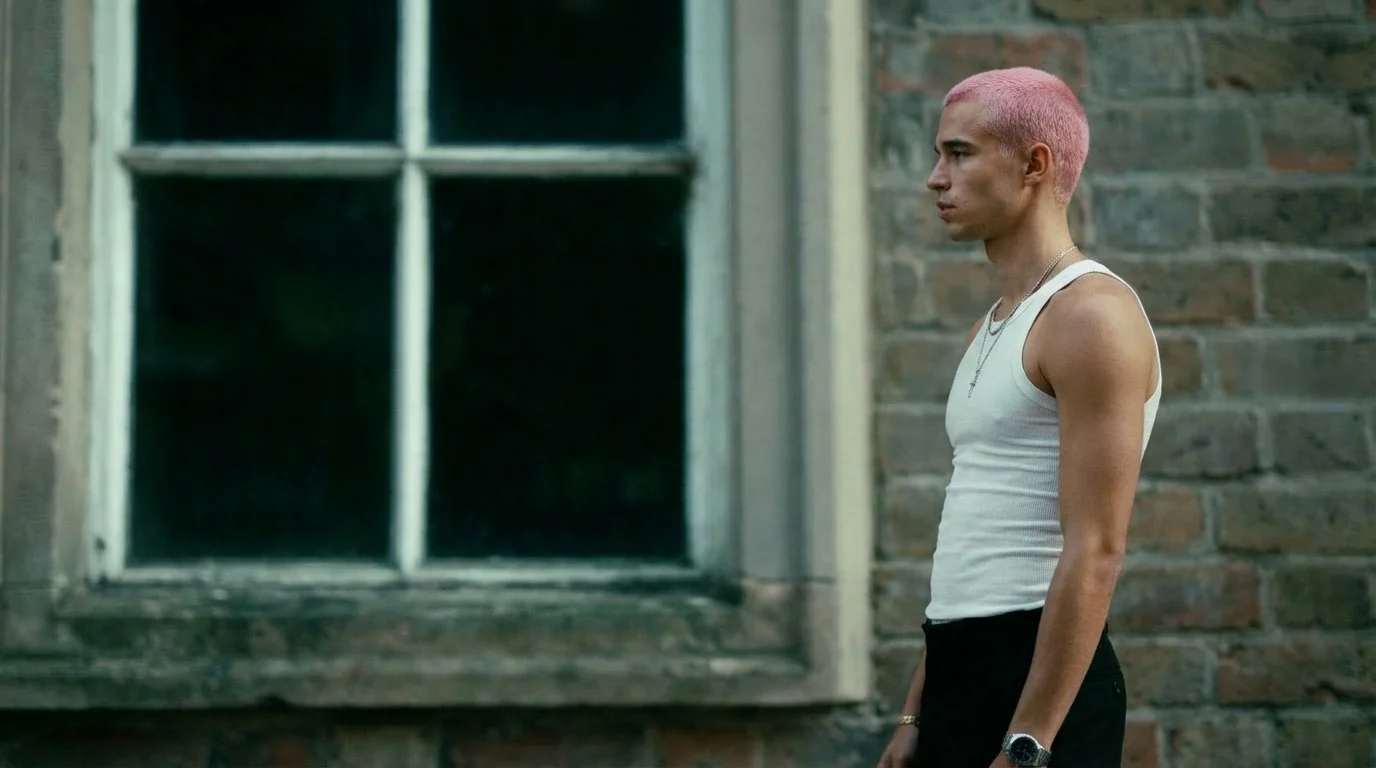
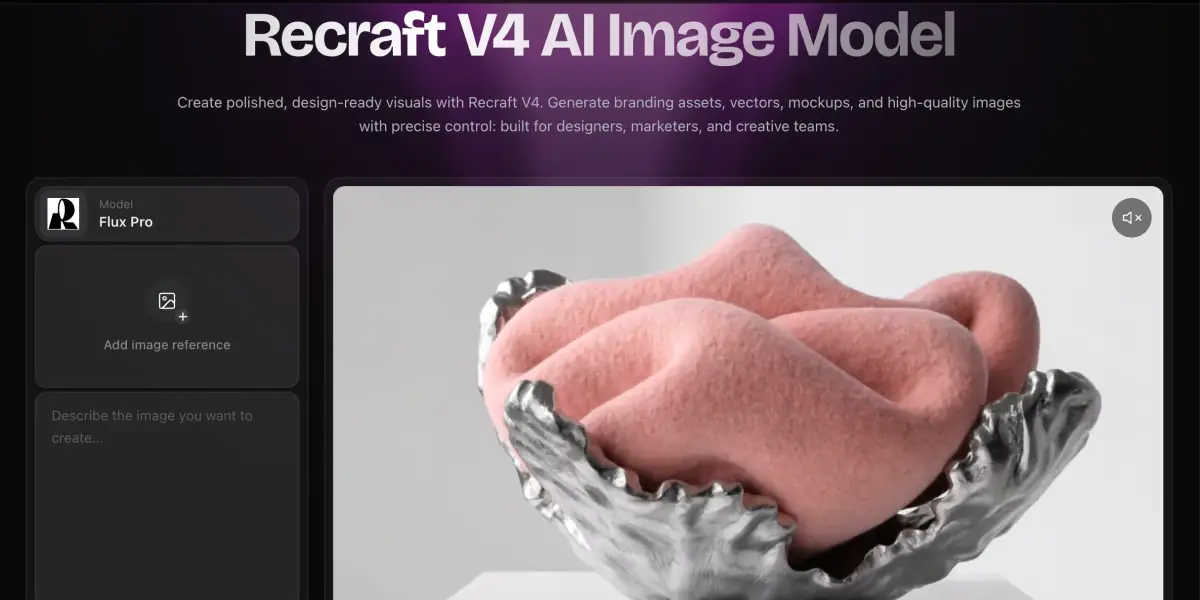
OpenArt gives you direct access to the best image generation models available - not locked to one provider, not filtered through a single look. Pick the model that fits the job.
How to Generate AI Images
Create stunning visuals in just a few steps. No design experience needed.
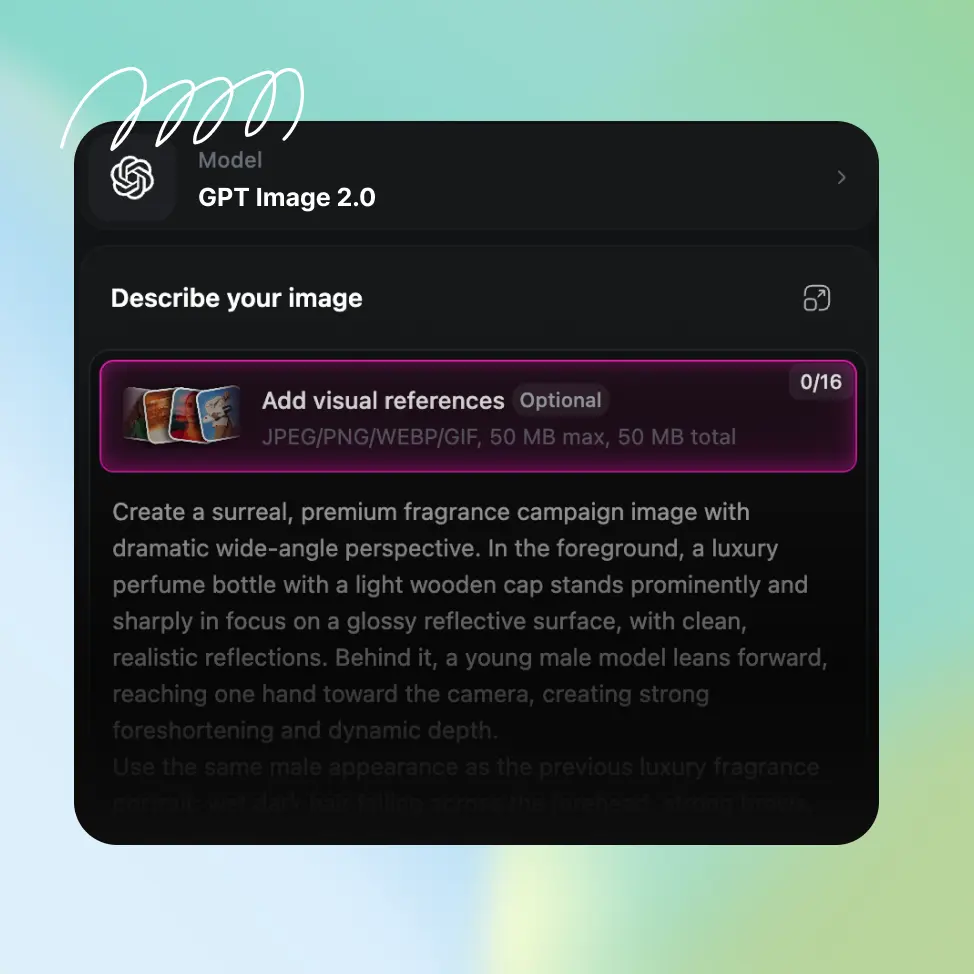
Write your prompt or upload a photo
Open the AI image generator and type what you want to see, or upload a reference photo. You can use both together: the photo for the layout and the prompt for the style.
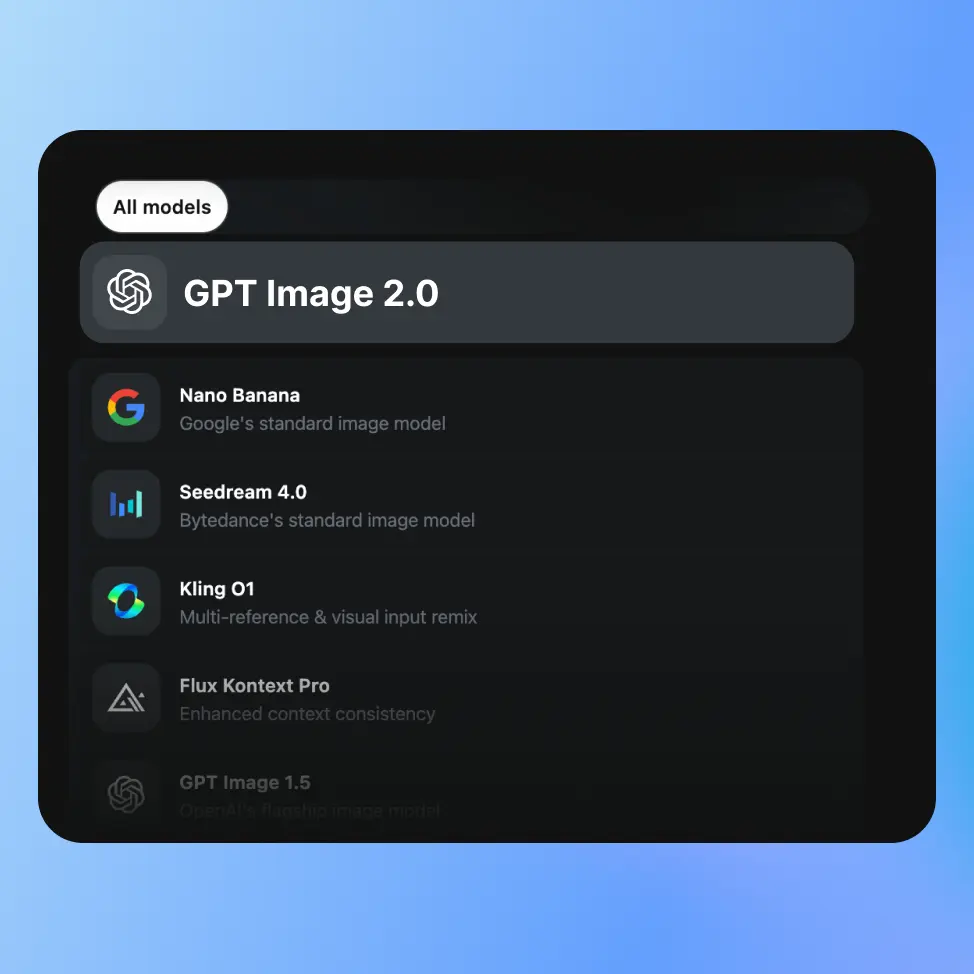
Pick a model and your settings
Choose a model like Nano Banana 2.1 or GPT Image 2.5, then set the aspect ratio, the resolution, other options, and how many images you want. Click Generate.
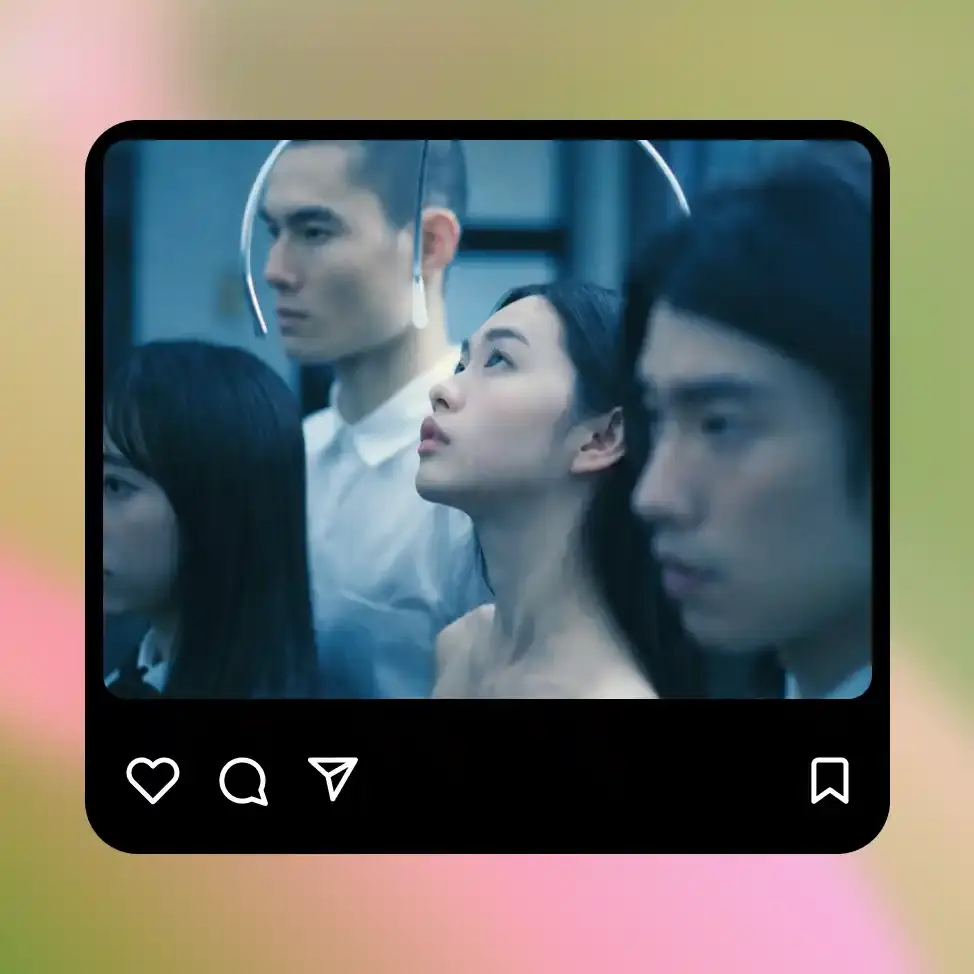
Refine and download
Check the results, change the prompt and generate again, or make precise edits. Download the ones you want as PNG, JPEG, or WEBP.
Best Uses for OpenArt's AI Image Generator
Content Creators and Social Media
Generate custom visuals for every post, video, thumbnail, campaign, and piece of content you put out, without needing a photographer, illustrator, or stock library subscription for every idea. Text-to-image gets you from concept to usable visual in under a minute, and the style reference tools mean you can keep a consistent look across your content without rebuilding the prompt from scratch every time. Build a visual identity that's actually yours, not a slightly different version of the same stock photo everyone else is using.
Try it NowHobbyists and Beginners
You don't need a creative background to use OpenArt's image generator. If you can describe something in plain language, you can make an image. Type "a cozy cabin in the woods in autumn, painted in a watercolor style" and you get exactly that. No technical knowledge required, no design skills needed, no prompting expertise necessary to get started.
Try it NowArtists and Illustrators
Use text to image and image to image for fast concept work before you commit to a final piece. Sketch a rough idea, run it through the generator for a polished version, then take it further in OpenArt's editing tools. Run the same concept through three models, like Seedream 5.0 Pro, GPT Image 2.5, and Ideogram 4.5, and pick the direction that feels right.
Try it Now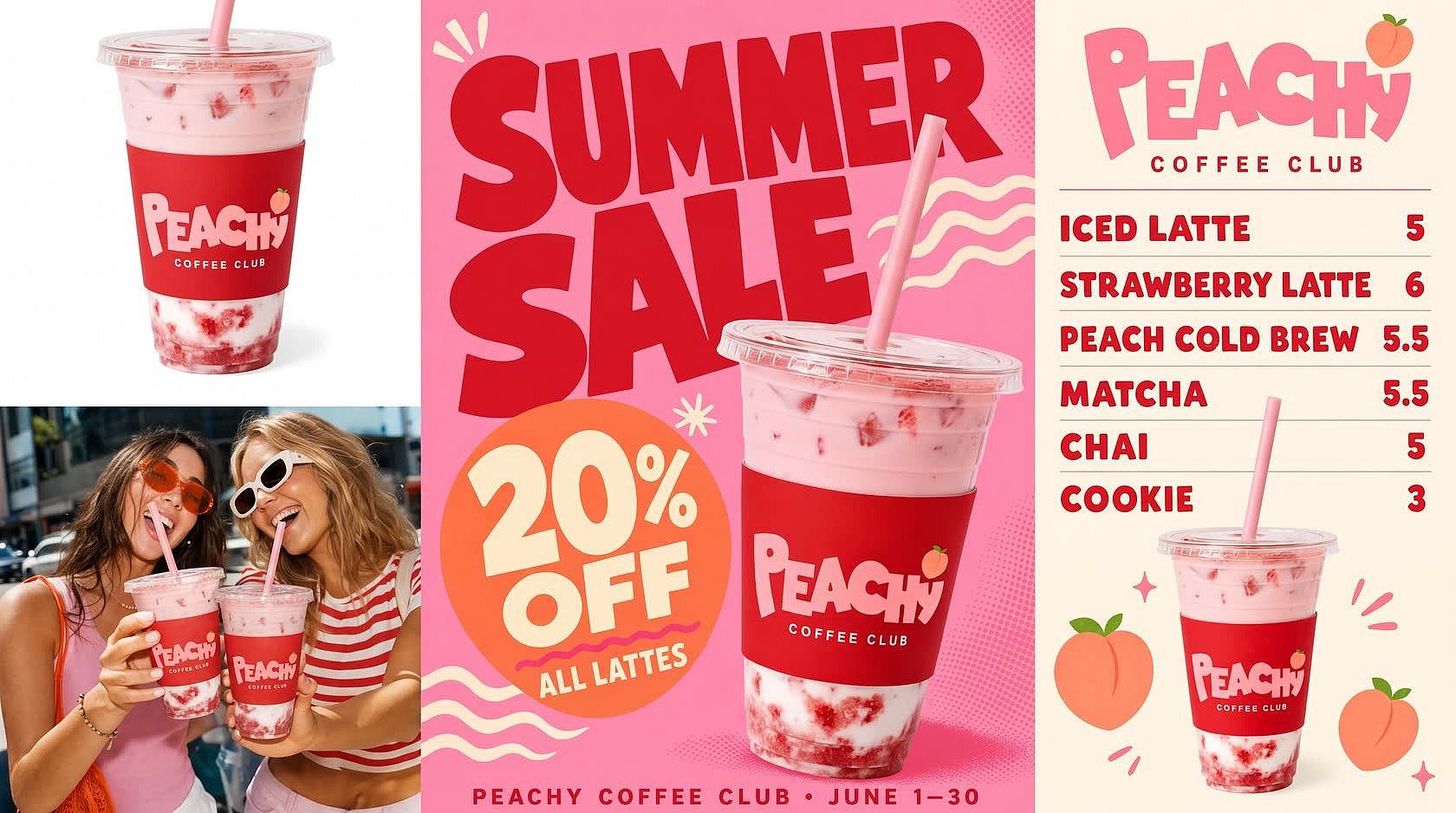
Small Business Owners
Make product photos, menu boards, and promo posters without hiring a designer. Upload a photo of your product, and the AI product image generator puts it on a clean white background or in a lifestyle scene. Type "summer sale poster for a coffee shop, 20% off lattes," and the AI makes a poster with the words spelled right.
Try it NowMarketing Agencies
Make on-brand image sets for every client from one account. Save each client's logo, colors, and fonts in Brand Kit, and every GPT Image 2.5 image in that project comes out in their style. Upload the same product photo as a reference, and the product stays the same across every ad, banner, and social post. For big batches, generate images straight from Claude, ChatGPT, Cursor, or your terminal with the OpenArt MCP and CLI.
Try it Now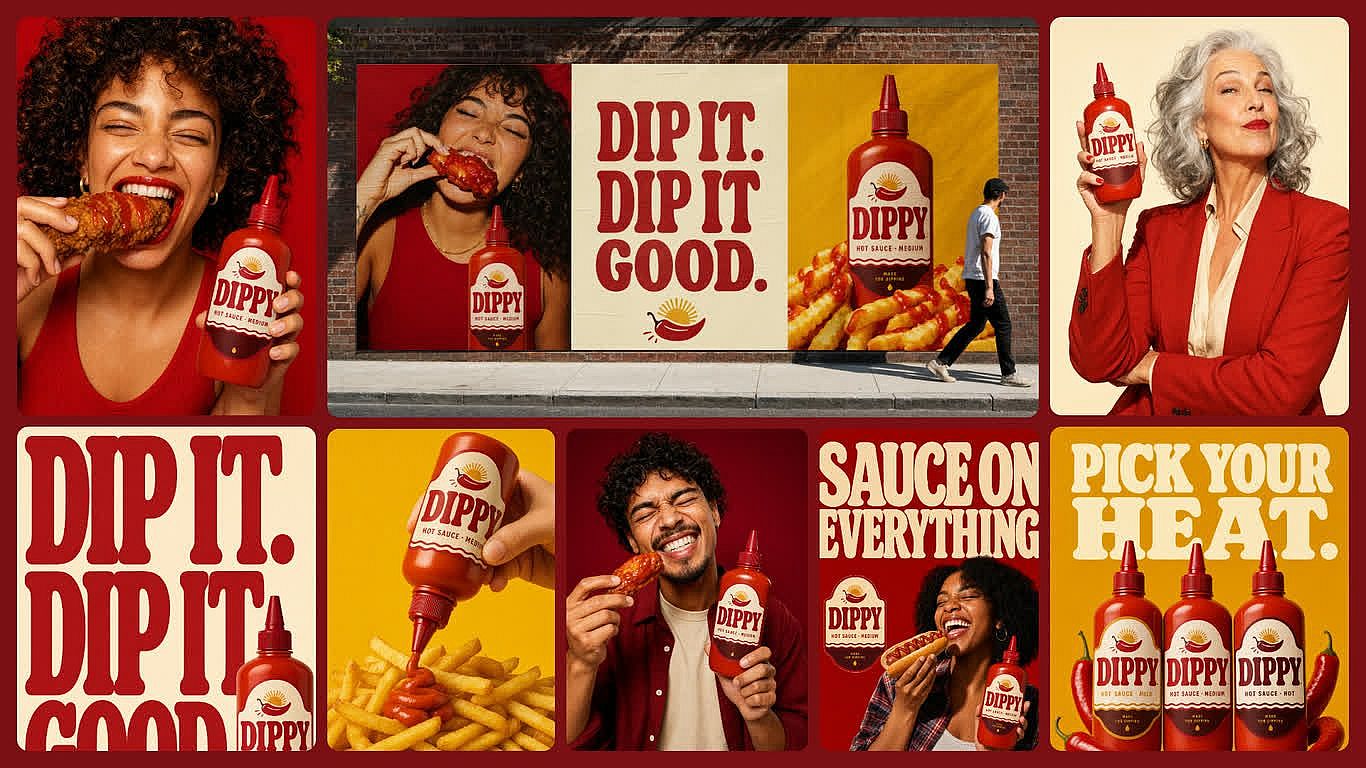
Brand Marketing Teams
Make campaign images you can actually ship. Commercial rights apply on Plus plans and higher, so the images you make can go straight into ads, packaging, and paid client work. Run a finished image through the IP & Copyright Checker before it goes out, and it flags similarity to known brands, logos, and well-known people. Keep each campaign's images in one project with AI Brand Kit, so the next variation starts from the approved set.
Try it NowLoved by Creators Worldwide
See what our community has to say
I've tried many AI platforms… but OpenArt is still the best for character creation, image-to-video quality, and the variety of models available.
OpenArt offers an excellent array of AI tools… once you learn the features, the creative possibilities are amazing - and their support team is outstanding.
OpenArt is a very versatile AI platform with many image and video models, consistent character creation, and powerful editing tools.
Helpful AI tools all in one place - image and video generation, editing, and more… no need for multiple subscriptions.
Customer service is always quick and helpful… and the platform keeps getting better with new features and tools.
I've tried many AI platforms… but OpenArt is still the best for character creation, image-to-video quality, and the variety of models available.
OpenArt offers an excellent array of AI tools… once you learn the features, the creative possibilities are amazing - and their support team is outstanding.
OpenArt is a very versatile AI platform with many image and video models, consistent character creation, and powerful editing tools.
Helpful AI tools all in one place - image and video generation, editing, and more… no need for multiple subscriptions.
Customer service is always quick and helpful… and the platform keeps getting better with new features and tools.
I've tried many AI platforms… but OpenArt is still the best for character creation, image-to-video quality, and the variety of models available.
OpenArt offers an excellent array of AI tools… once you learn the features, the creative possibilities are amazing - and their support team is outstanding.
OpenArt is a very versatile AI platform with many image and video models, consistent character creation, and powerful editing tools.
Helpful AI tools all in one place - image and video generation, editing, and more… no need for multiple subscriptions.
Customer service is always quick and helpful… and the platform keeps getting better with new features and tools.
With so many AI platforms out there, OpenArt stood out as a stellar choice - I'd recommend it to any creator.
This platform includes everything you need for AI content creation - images, video, characters, audio, and multiple AI models in one place.
OpenArt is pushing the boundaries of AI video creation… and it's clear the team is committed to improving the creator experience.
I made my first AI music video with OpenArt… and their support team was the best help I've ever experienced.
I'm very happy with the support - my issue was resolved quickly and the team made the process easy.
With so many AI platforms out there, OpenArt stood out as a stellar choice - I'd recommend it to any creator.
This platform includes everything you need for AI content creation - images, video, characters, audio, and multiple AI models in one place.
OpenArt is pushing the boundaries of AI video creation… and it's clear the team is committed to improving the creator experience.
I made my first AI music video with OpenArt… and their support team was the best help I've ever experienced.
I'm very happy with the support - my issue was resolved quickly and the team made the process easy.
With so many AI platforms out there, OpenArt stood out as a stellar choice - I'd recommend it to any creator.
This platform includes everything you need for AI content creation - images, video, characters, audio, and multiple AI models in one place.
OpenArt is pushing the boundaries of AI video creation… and it's clear the team is committed to improving the creator experience.
I made my first AI music video with OpenArt… and their support team was the best help I've ever experienced.
I'm very happy with the support - my issue was resolved quickly and the team made the process easy.
Frequently Asked Questions
An AI image generator is a tool that creates images from a text description or reference photo. It can produce photorealistic pictures, illustrations, concept art, product visuals, anime characters, and many other visual styles. For artwork-focused results, you can also use OpenArt’s AI Art Generator to create digital paintings, fantasy art, anime, and other stylized artwork.
Text-to-image creates a new picture from a written prompt. Image-to-image starts with an existing photo, sketch, or artwork and transforms it based on your instructions. OpenArt’s AI image-to-image generator can preserve the original composition while changing the style, mood, colors, or details.
Commercial use rights are included with OpenArt’s Advanced, Infinite, and Wonder plans. Terms may also vary depending on the model and how the image is used, so check the current plan details and OpenArt’s Terms of Service before using an image in advertising, client work, products, or other commercial projects.
You can upload JPEG, PNG, and WEBP files as reference images. Generated outputs can be downloaded as PNG or JPEG. PNG keeps transparency intact, which matters if you're using the background remover or working with sticker-style outputs.
Yes. OpenArt’s AI Character Generator helps you keep the same face and overall appearance across different scenes, poses, outfits, and visual styles. This is useful for comics, storyboards, brand mascots, and recurring social media characters.
Yes. You can start creating images for free with signup credits. Paid plans provide more credits, access to premium models, faster generation, and additional creative tools. You can compare the available options on the OpenArt pricing pag.
It depends on what you want to create. Some models are better for photorealistic images, while others work better for illustrations, readable text, graphic design, or fast concept generation. OpenArt lets you explore different, run the same prompt through multiple models, and compare the results.
Be specific. Instead of “a landscape,” try “a misty mountain valley at dawn with pine trees in the foreground, soft golden light, photorealistic, high detail.” Name the subject, setting, lighting, mood, and style. Style references such as “oil painting,” “cinematic still,” or “watercolor illustration” help the AI understand the look you want. If you have a reference image but do not know how to describe it, use our image to prompt tool to create a detailed prompt from it. You can also use negative prompts to remove things you do not want, such as blur, extra limbs, clashing colors, or watermarks. If the first result is not right, adjust the prompt and generate again instead of accepting a result that is only close.
Yes. You can refine an image without starting over. OpenArt lets you remove or replace objects with the AI photo editor, use the AI background changer to create a new setting, improve details with the image upscaler, expand the canvas, and continue editing in the same workflow.
Yes, as most new image models excel at that. Models such as GPT Image 2.5 are well suited for posters, signs, product graphics, advertisements, UI mockups, and other images that need detailed, readable text.
More Insights from Experts Blog
Get the insights you need. Our experts share actionable hacks, break down the hottest topics, and provide essential how-to guides to help you build, optimize, and scale.
Read More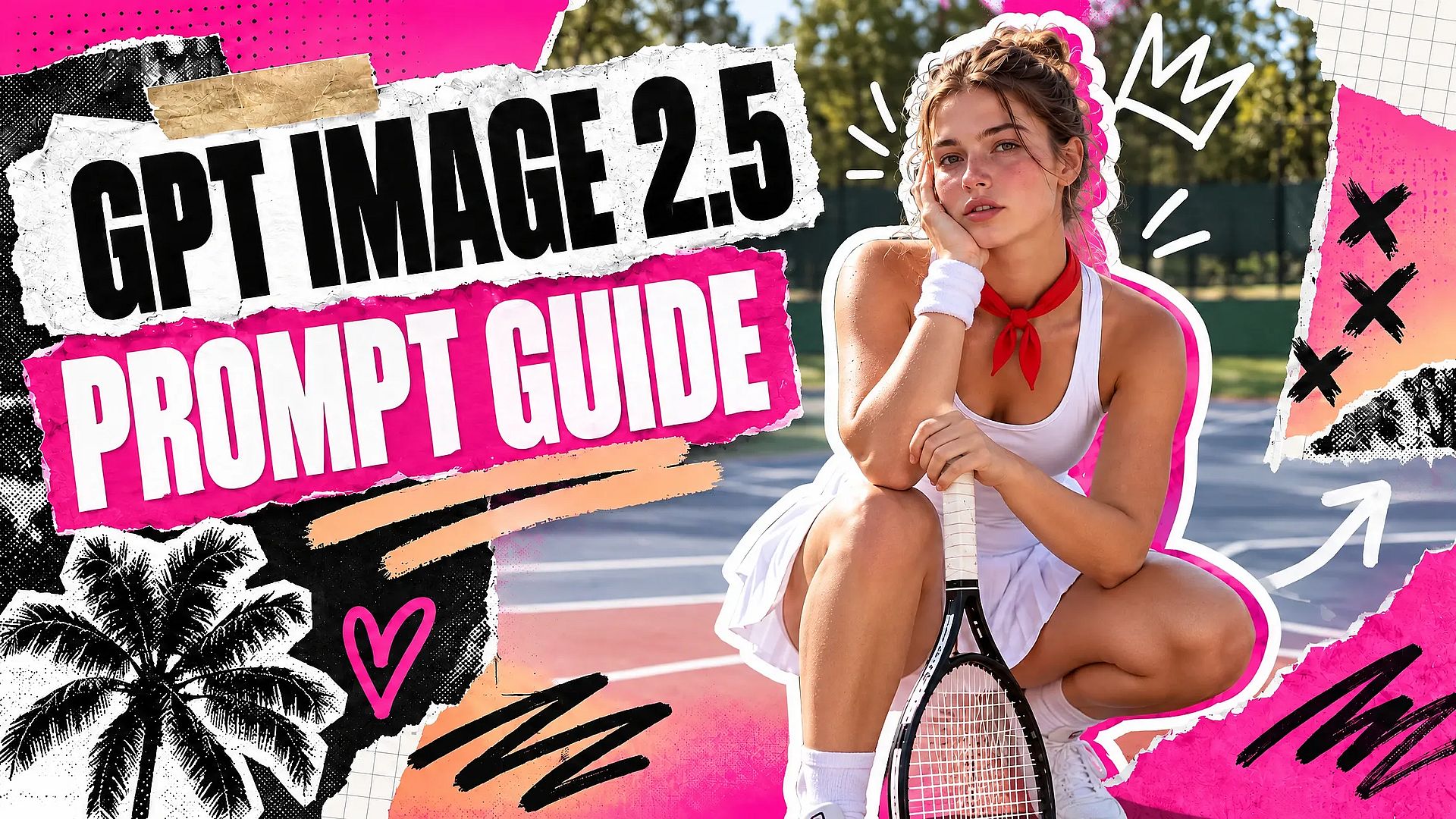
Create without limits
Join thousands of creators using OpenArt to generate stunning images, videos, and more — all in one platform.
Get Started for Free →