
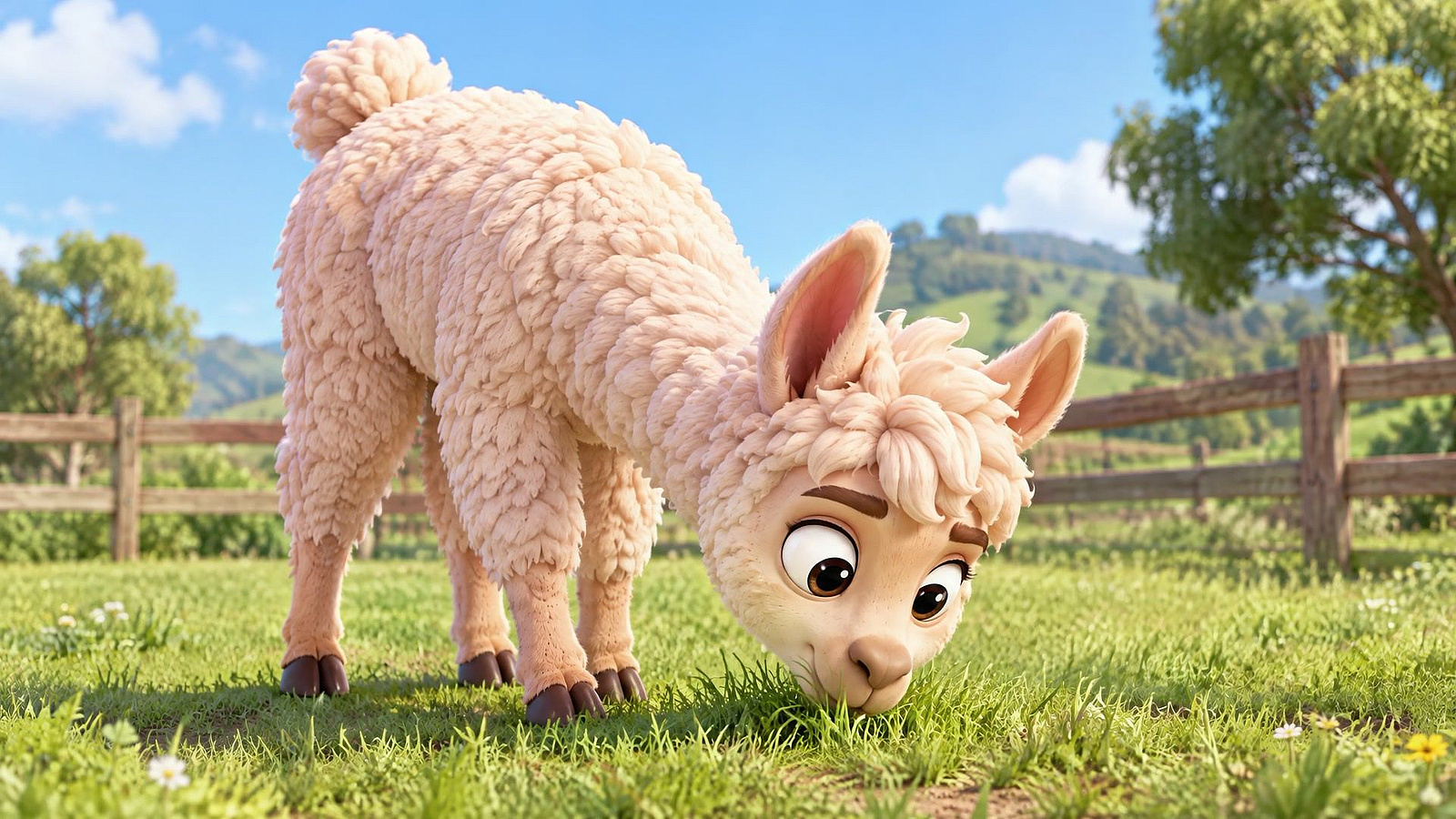
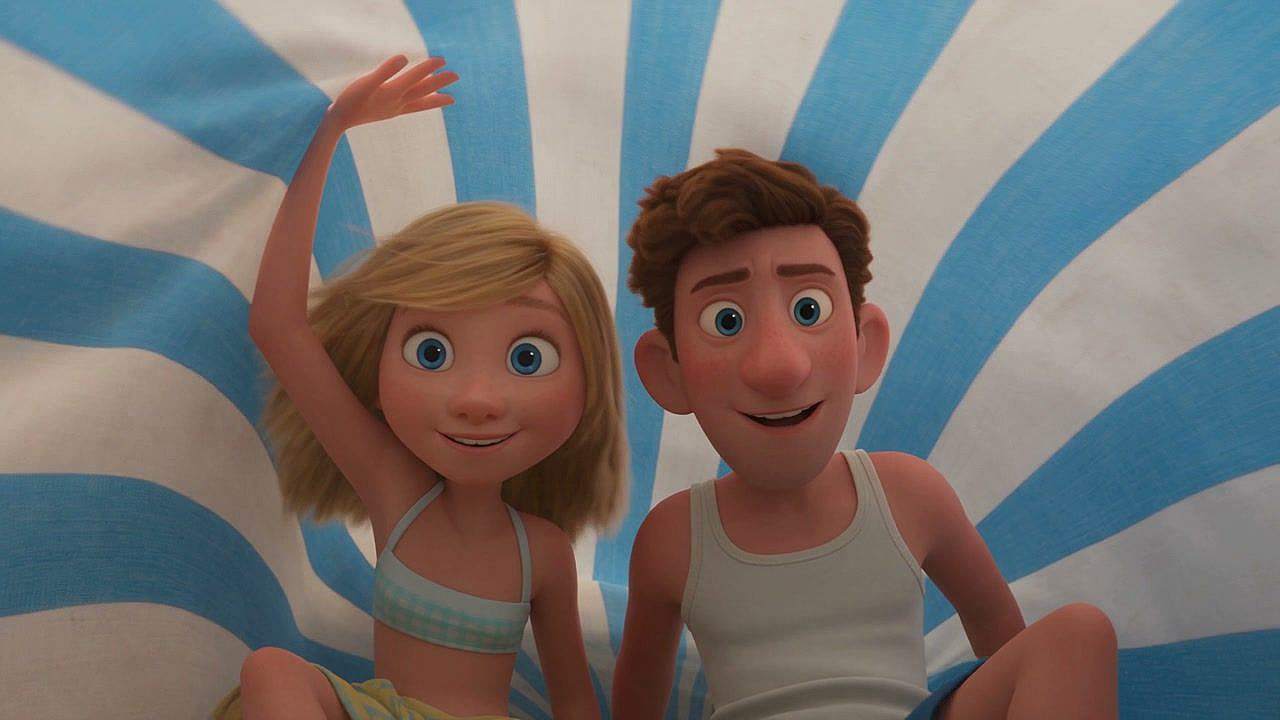
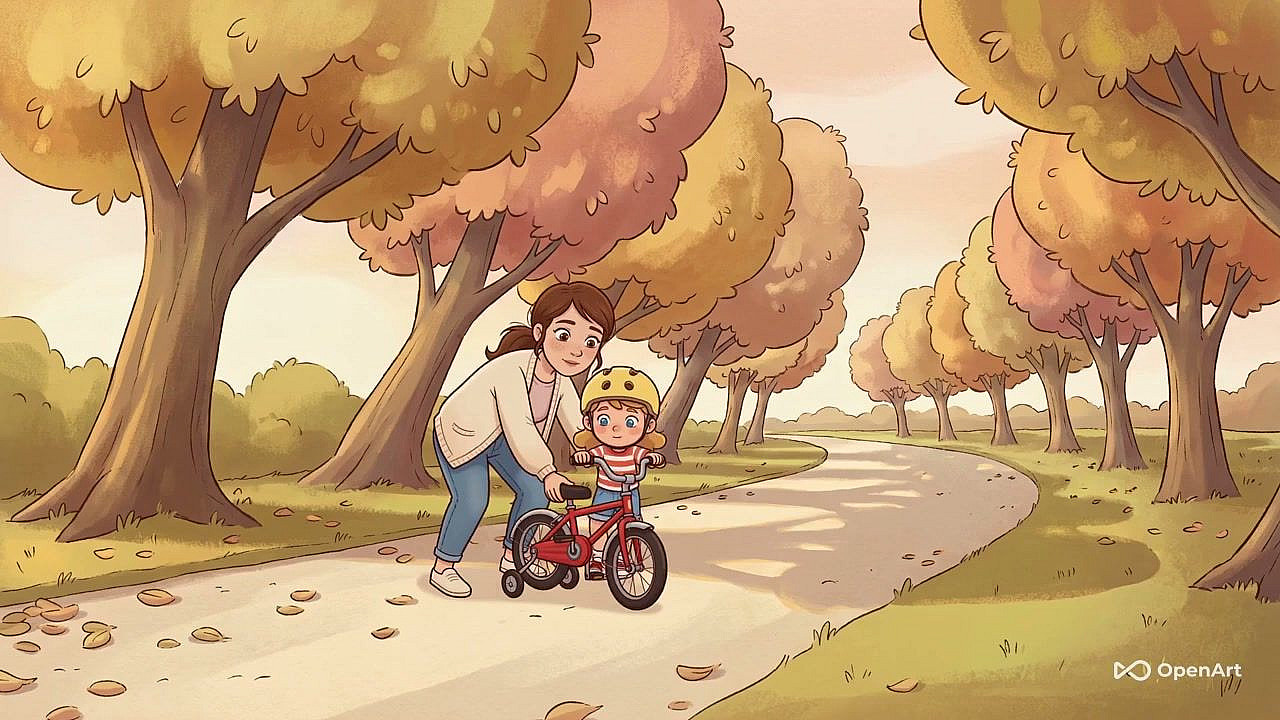
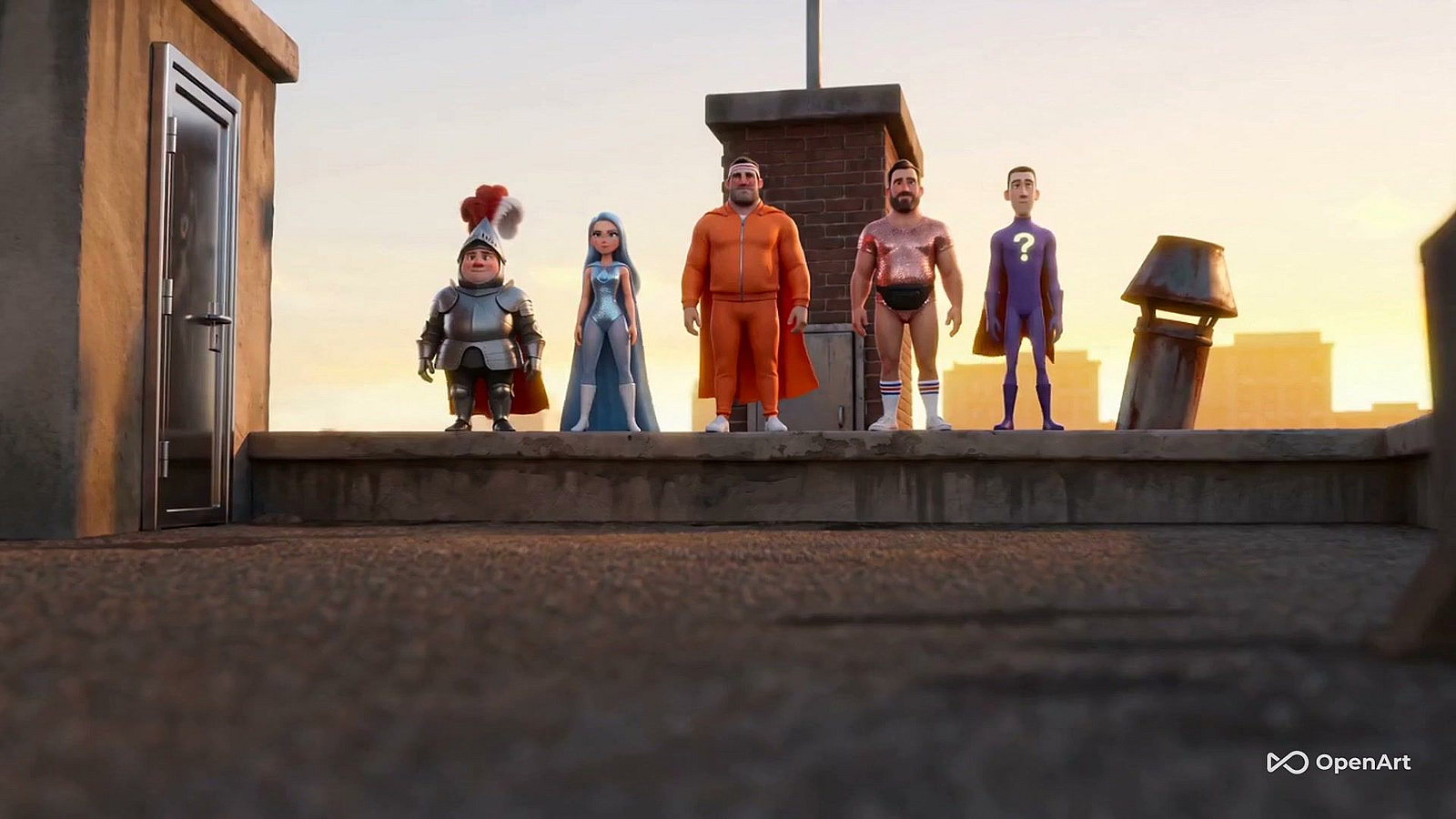
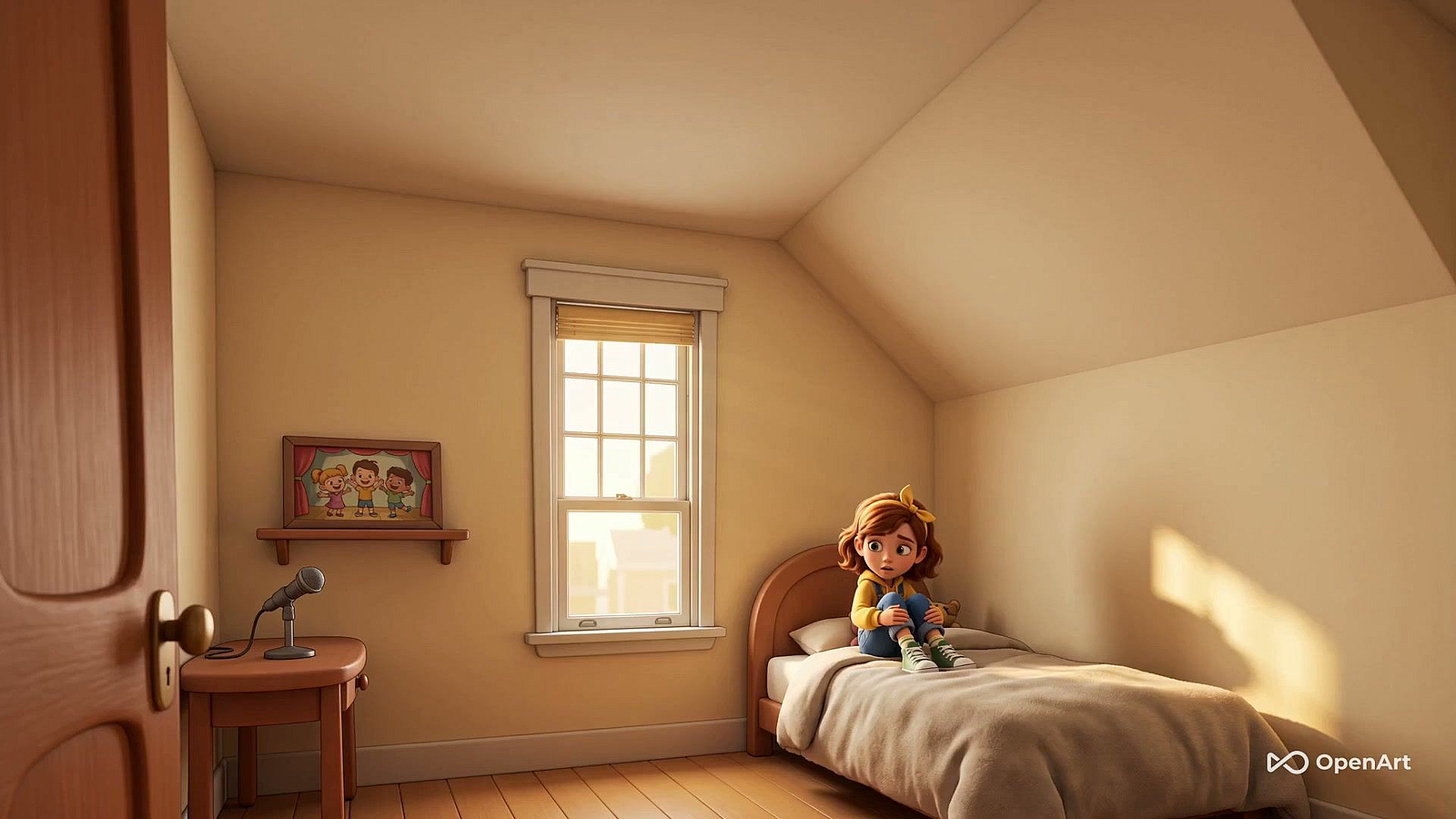
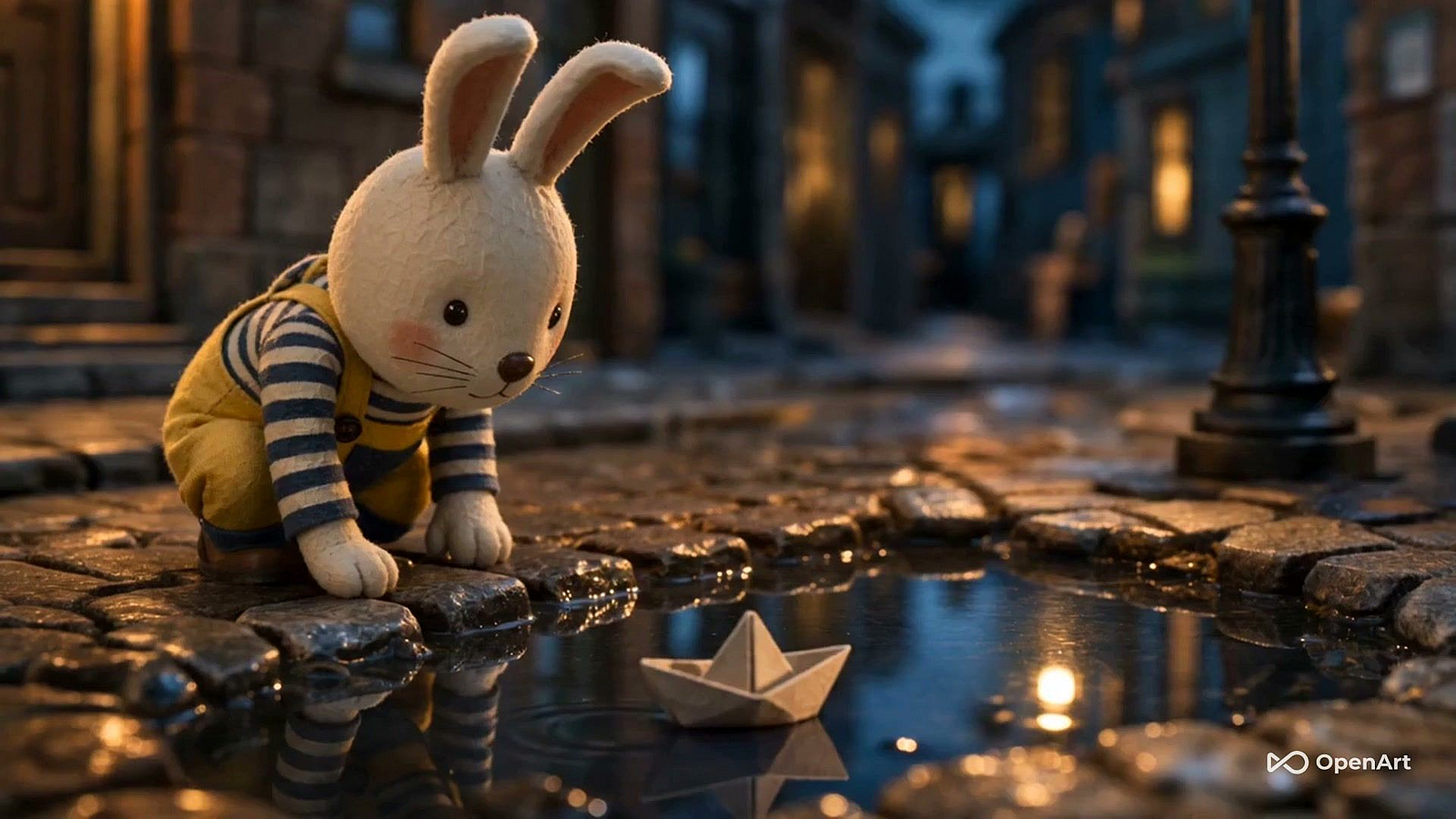
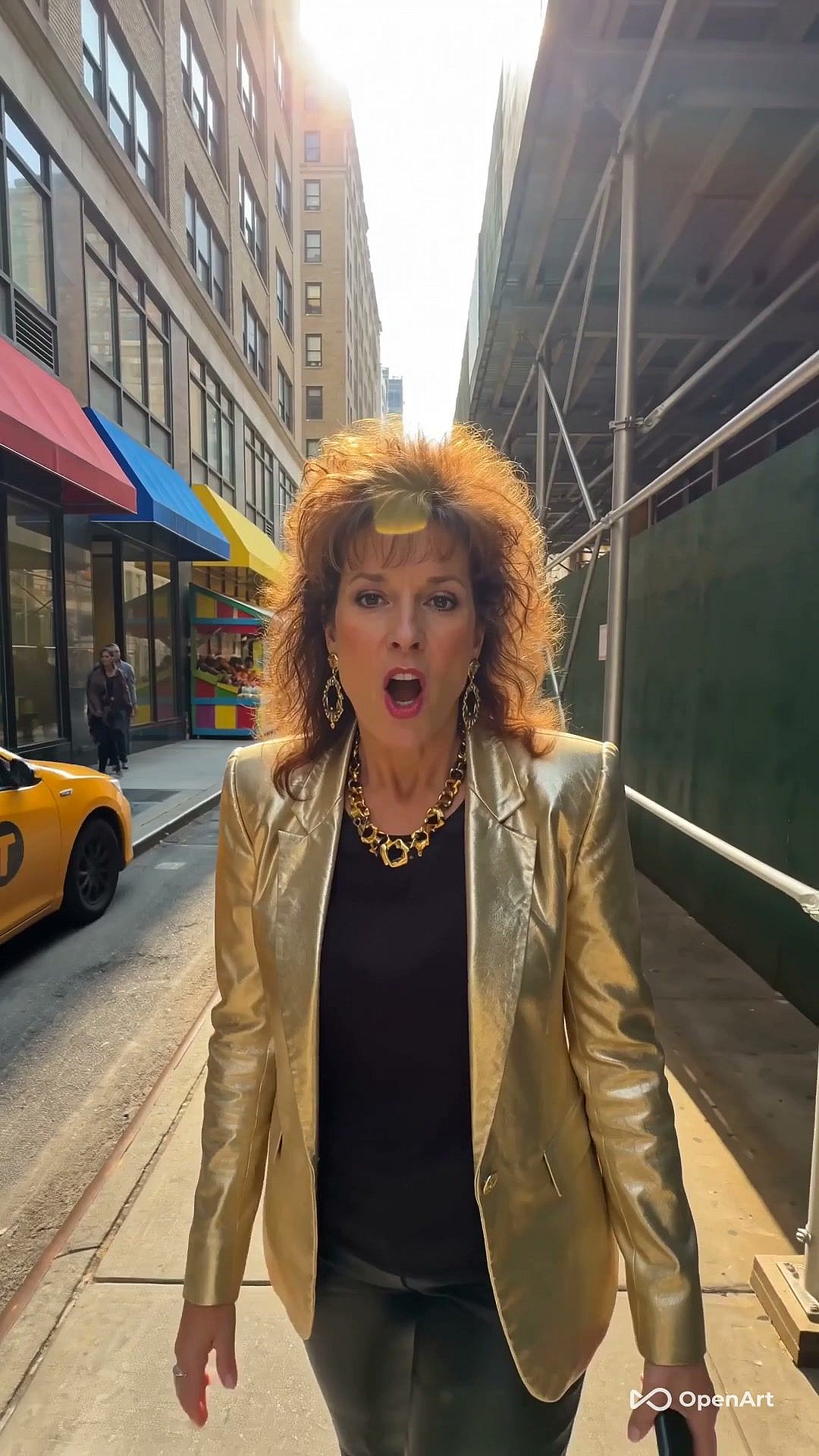
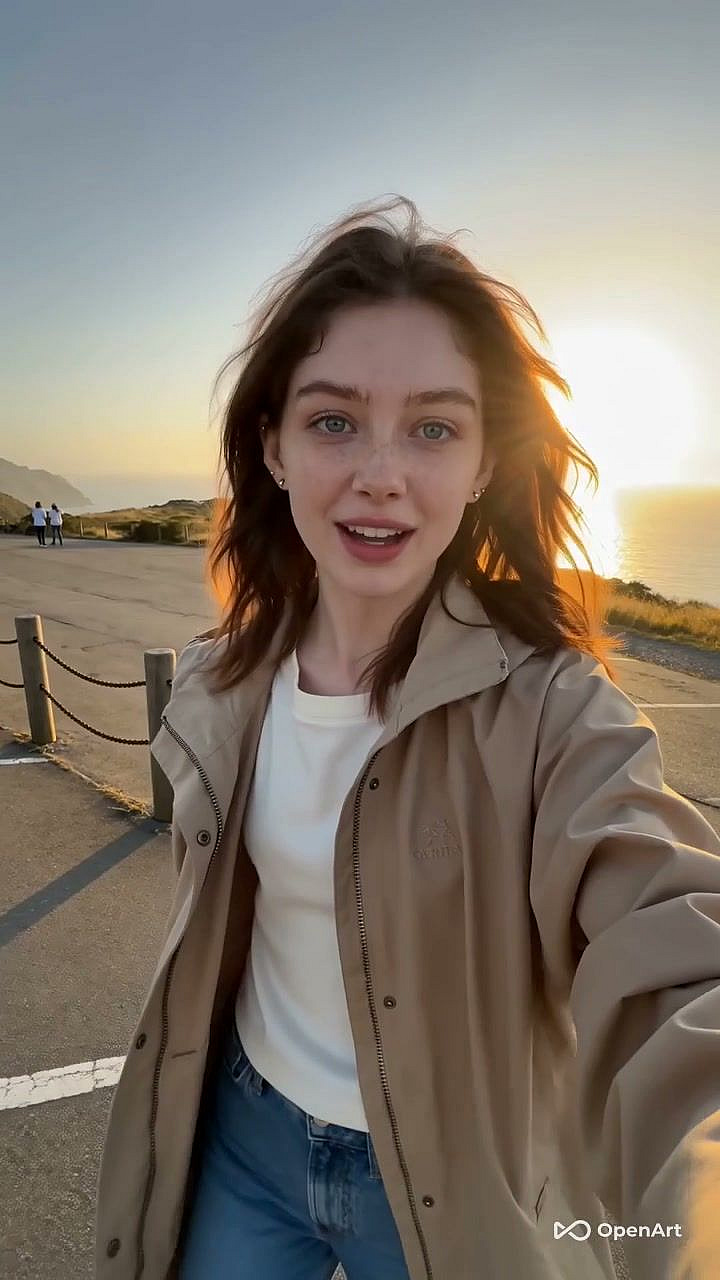
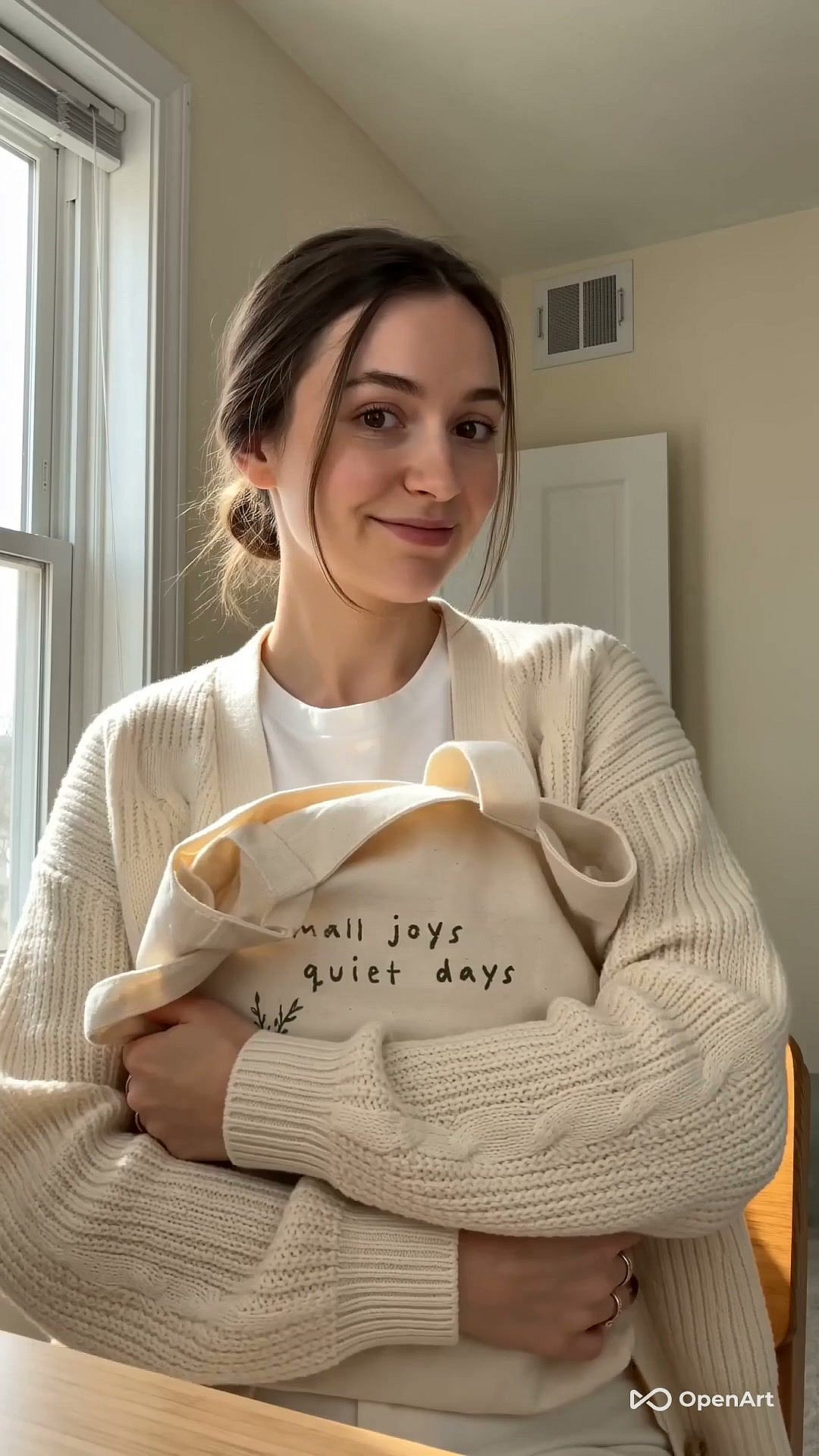
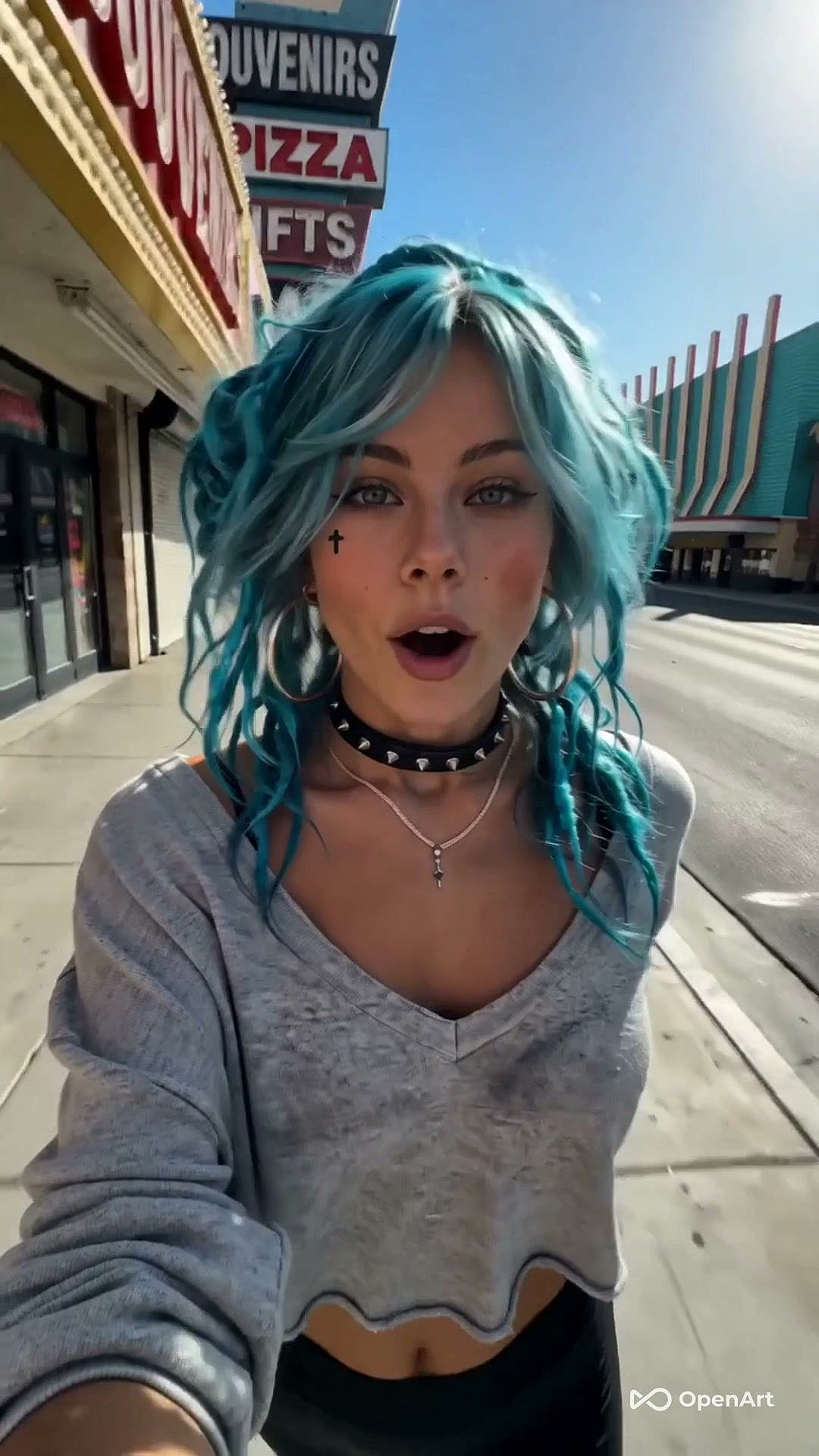
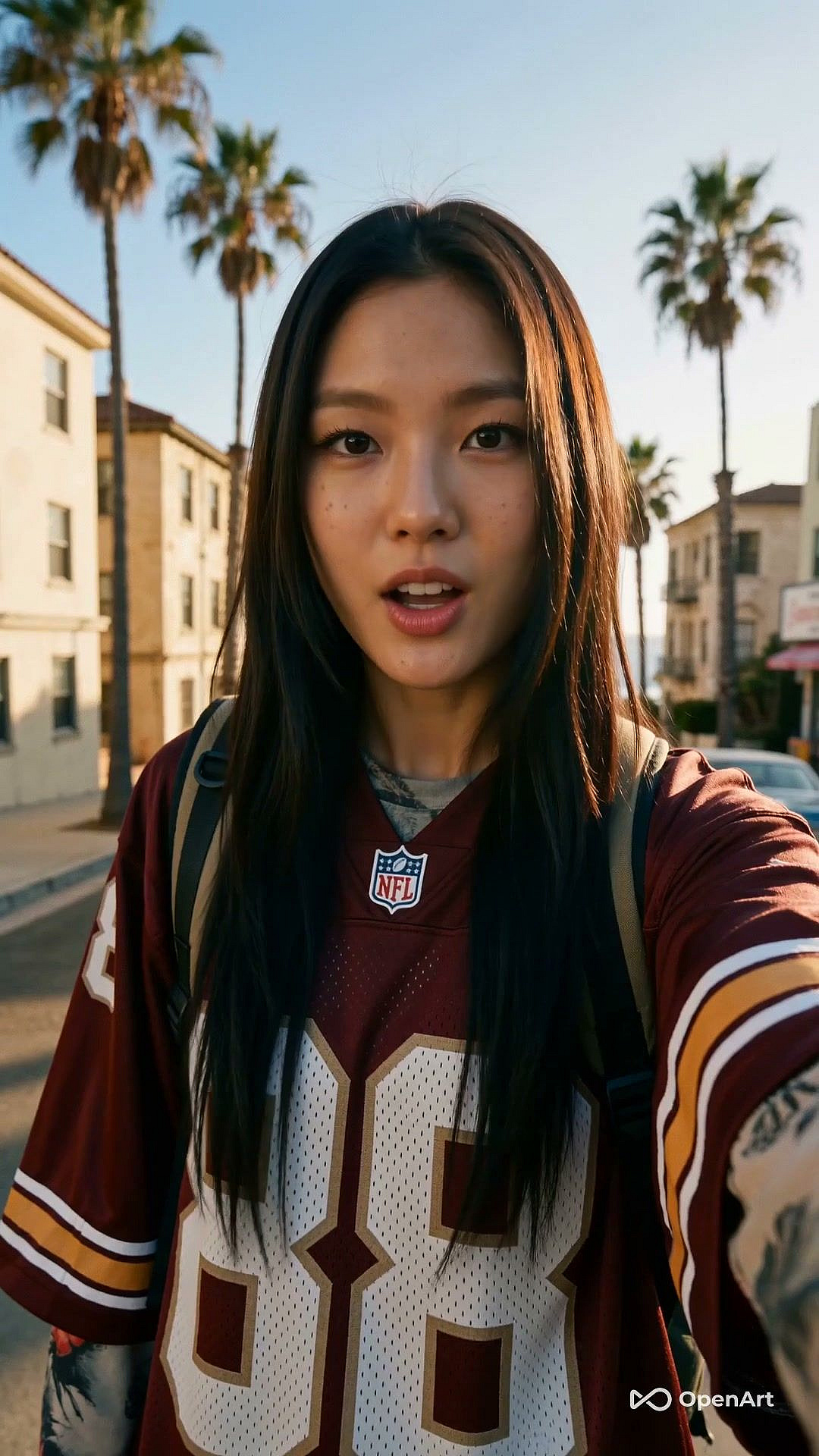
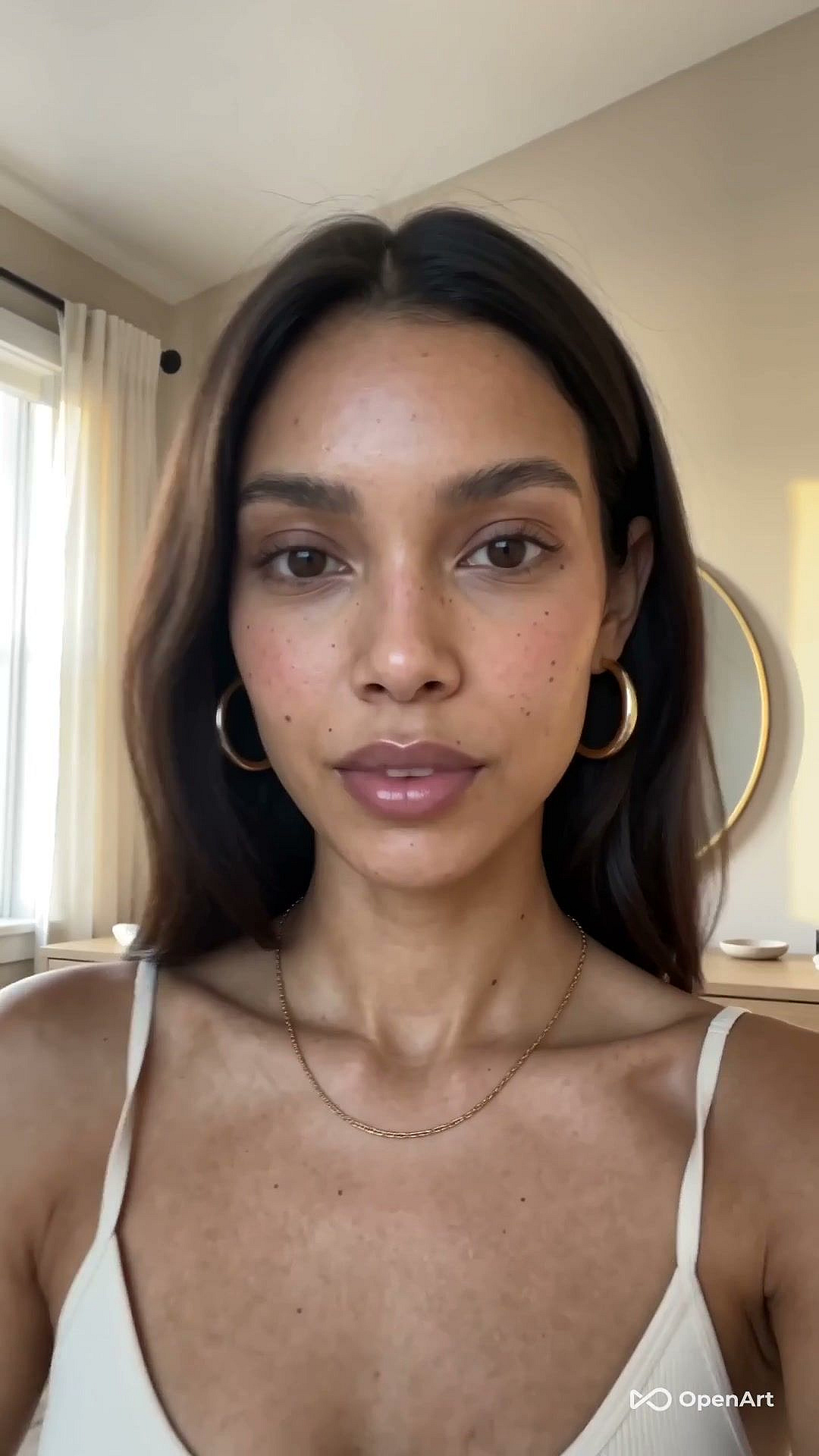
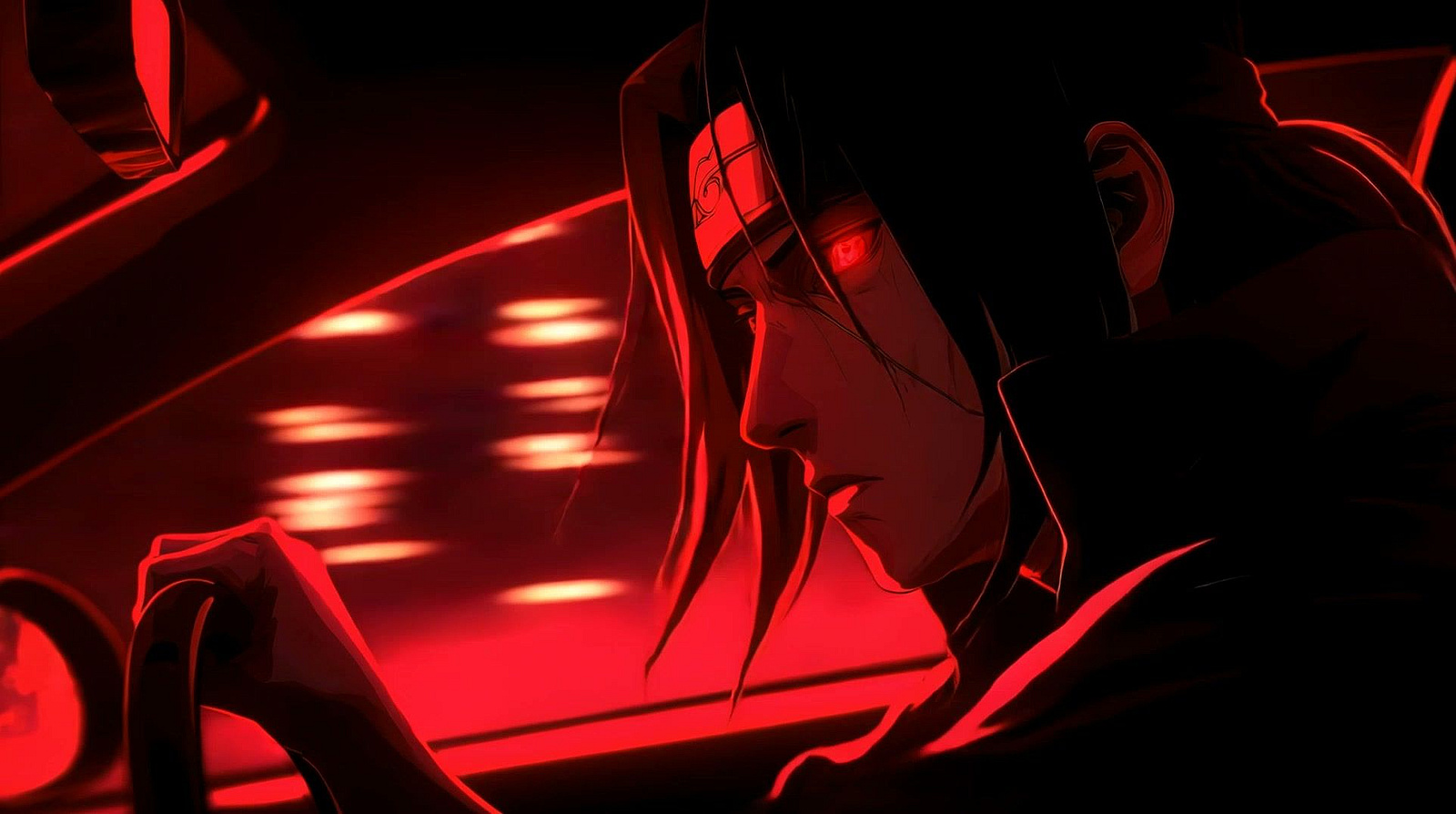
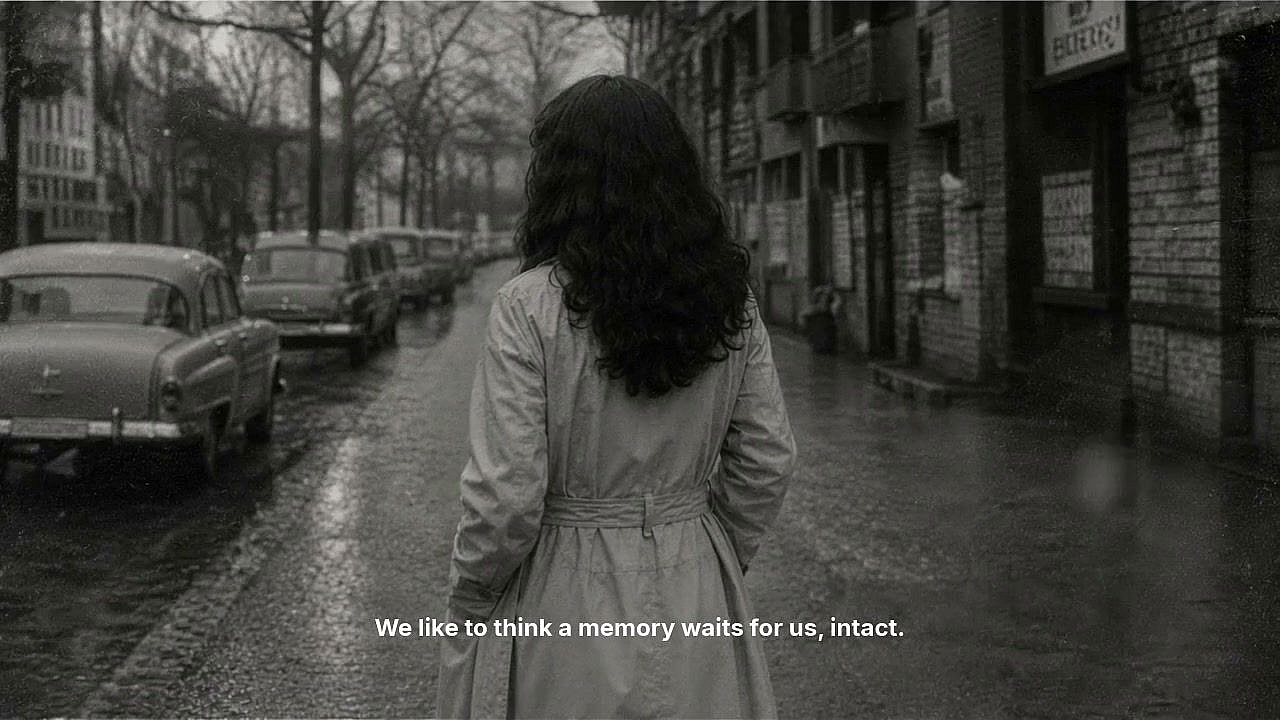
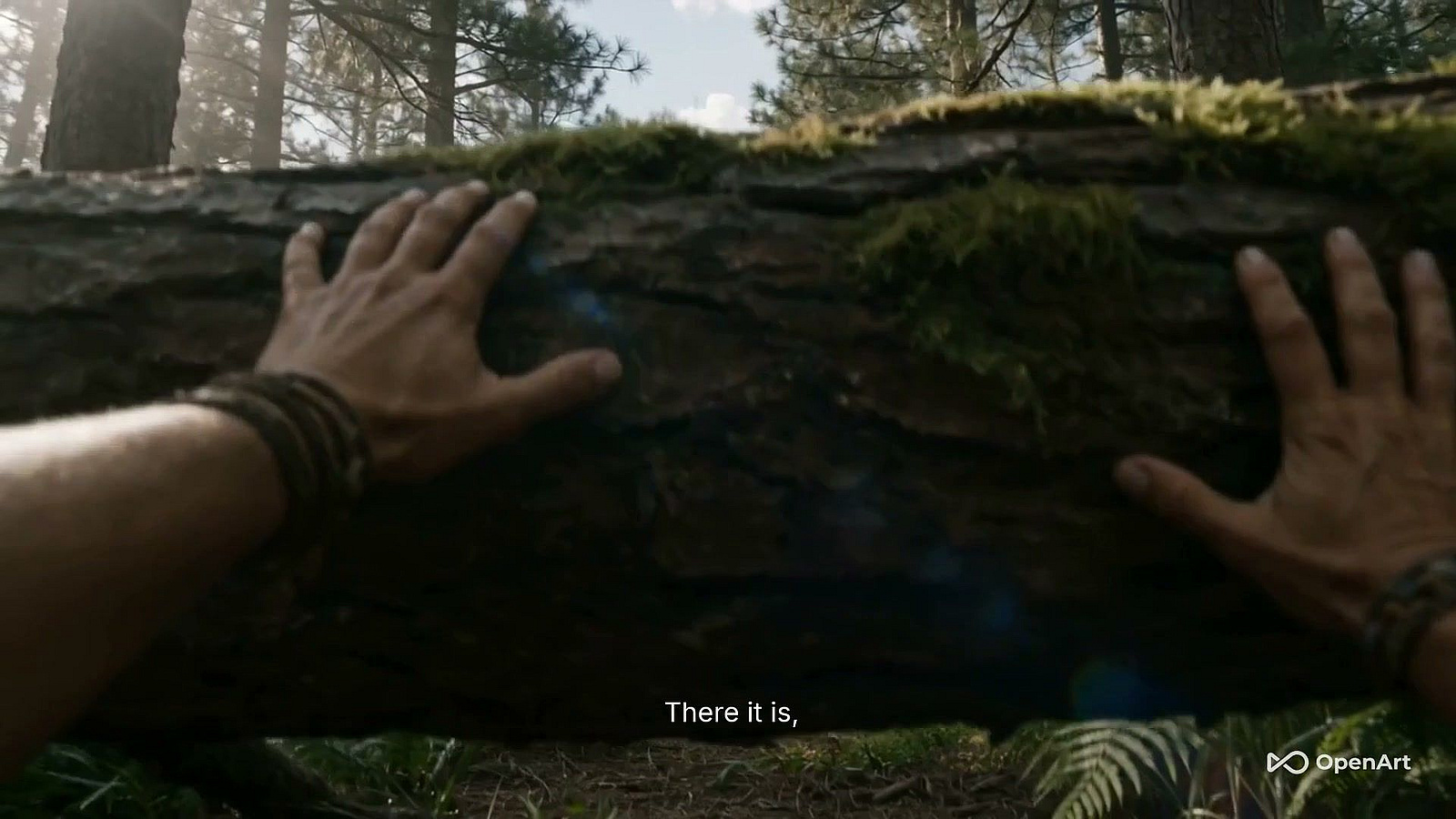
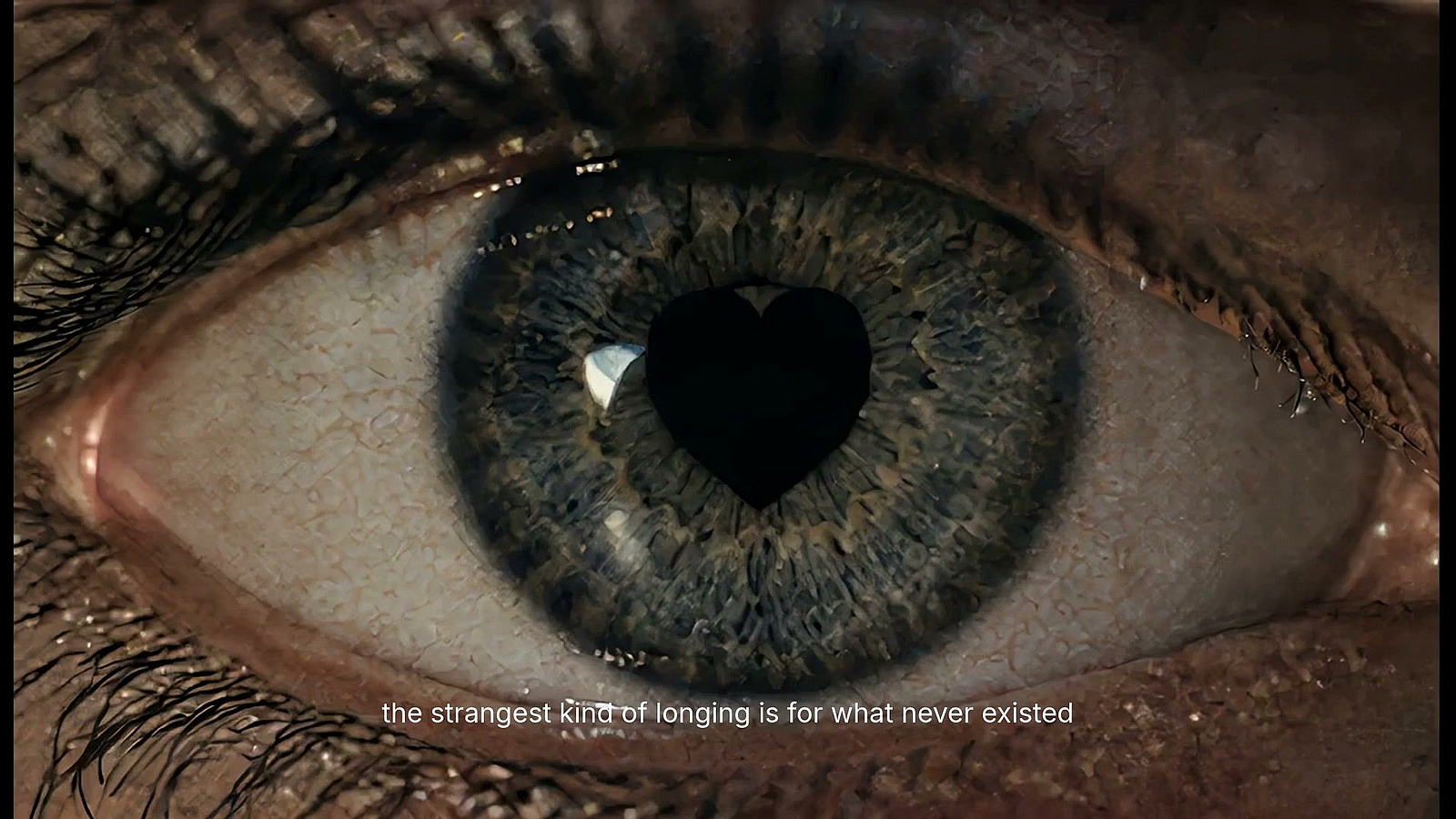
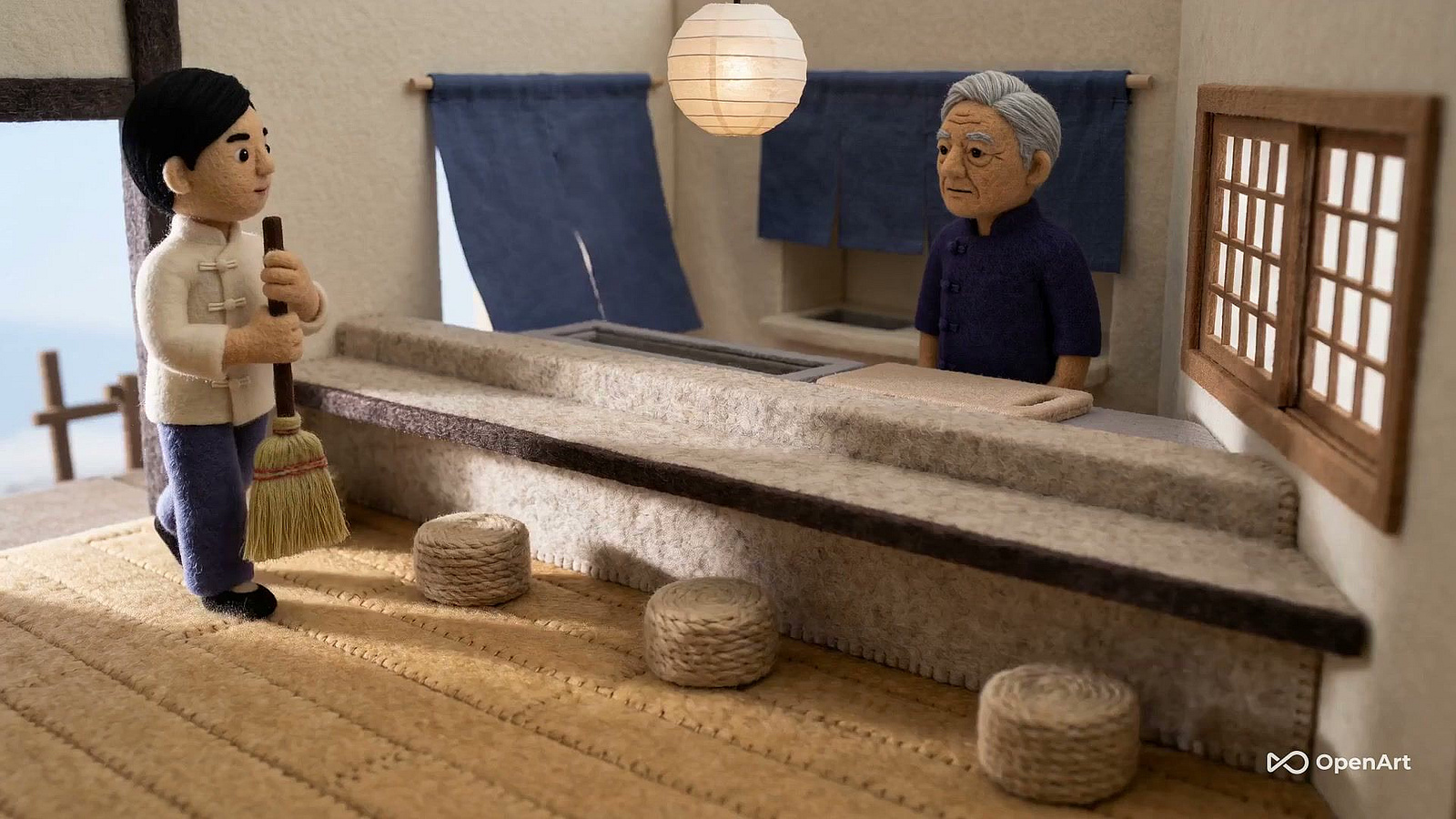
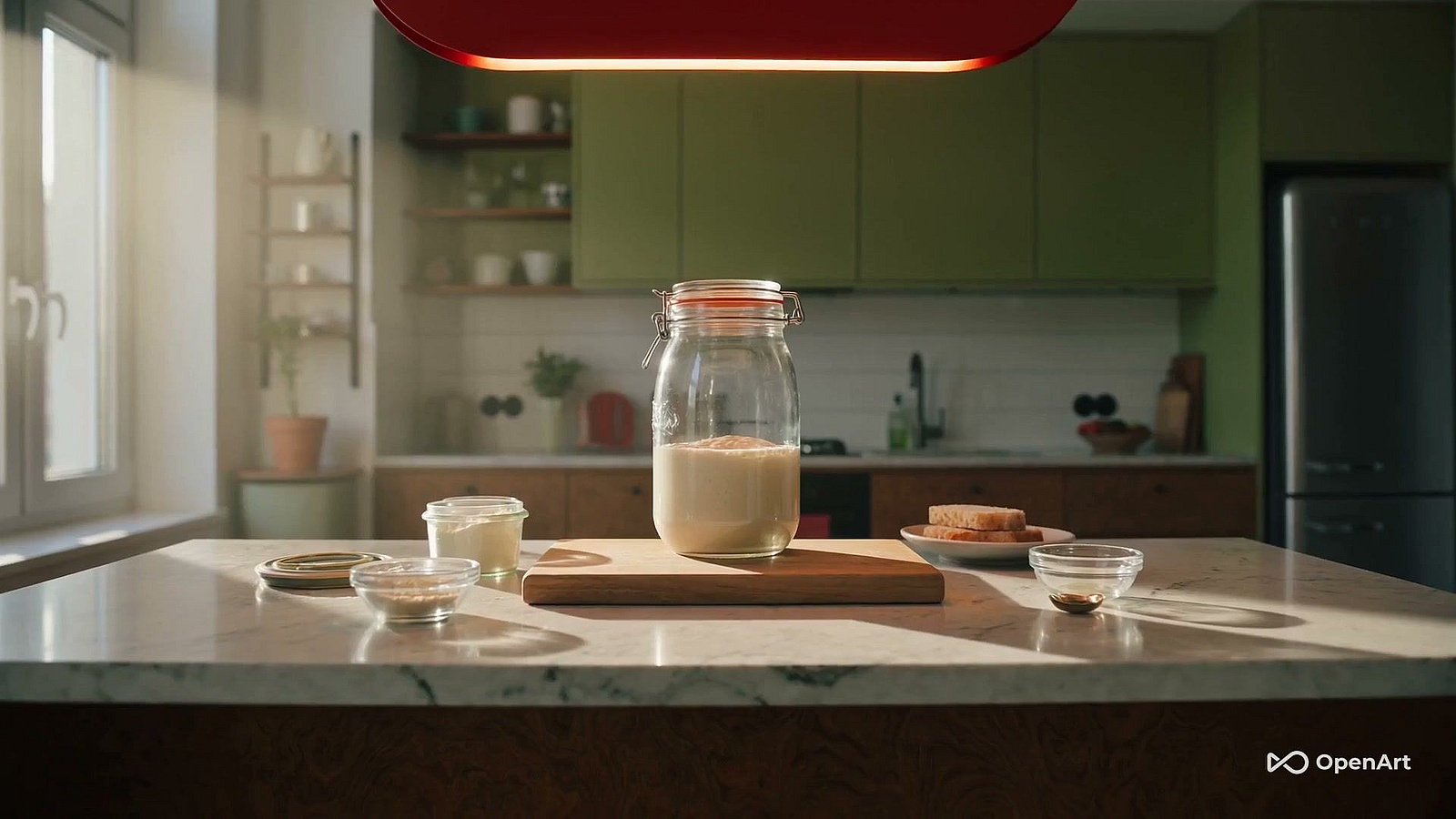
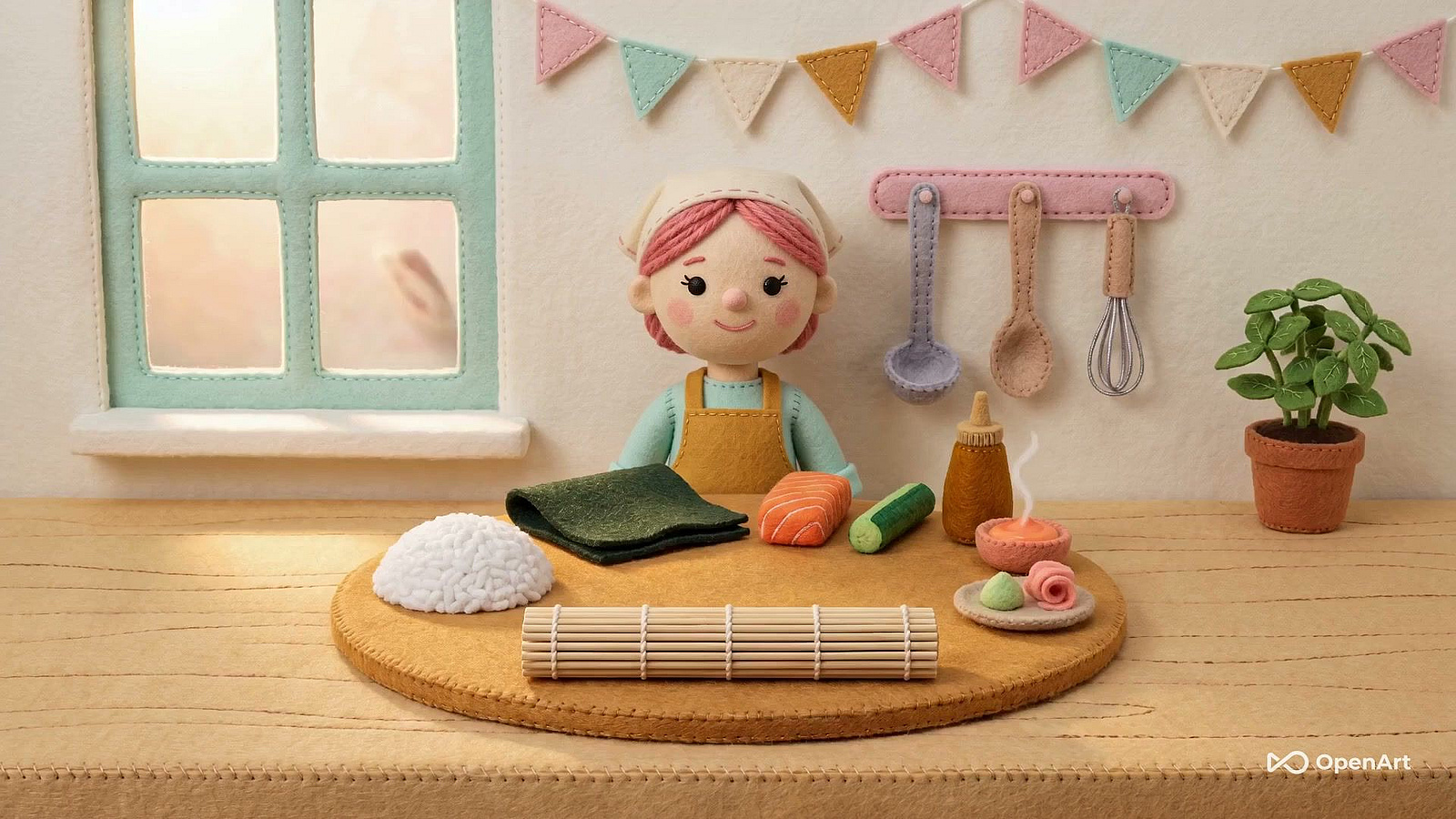
Your Favorite Models — All in One Place, with Unlimited Generations.

Enjoy Limited Time 50% OFF! ›

AI VIDEO
GENERATOR

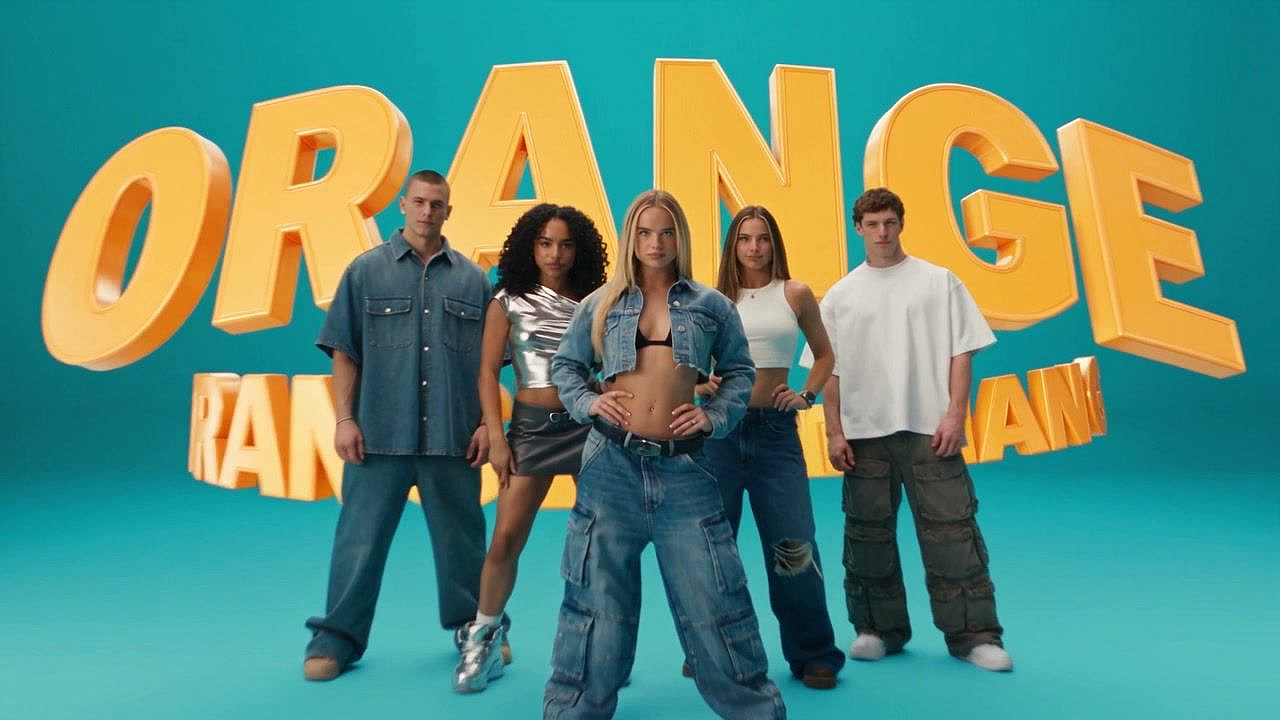
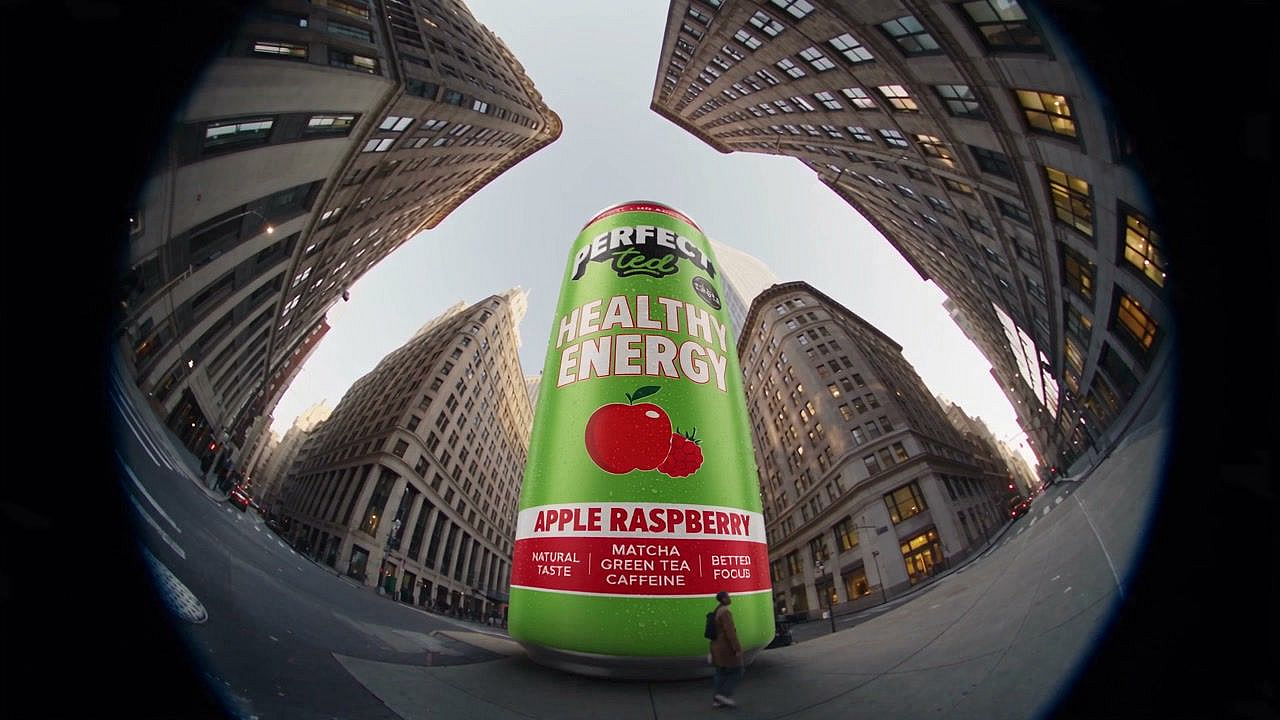
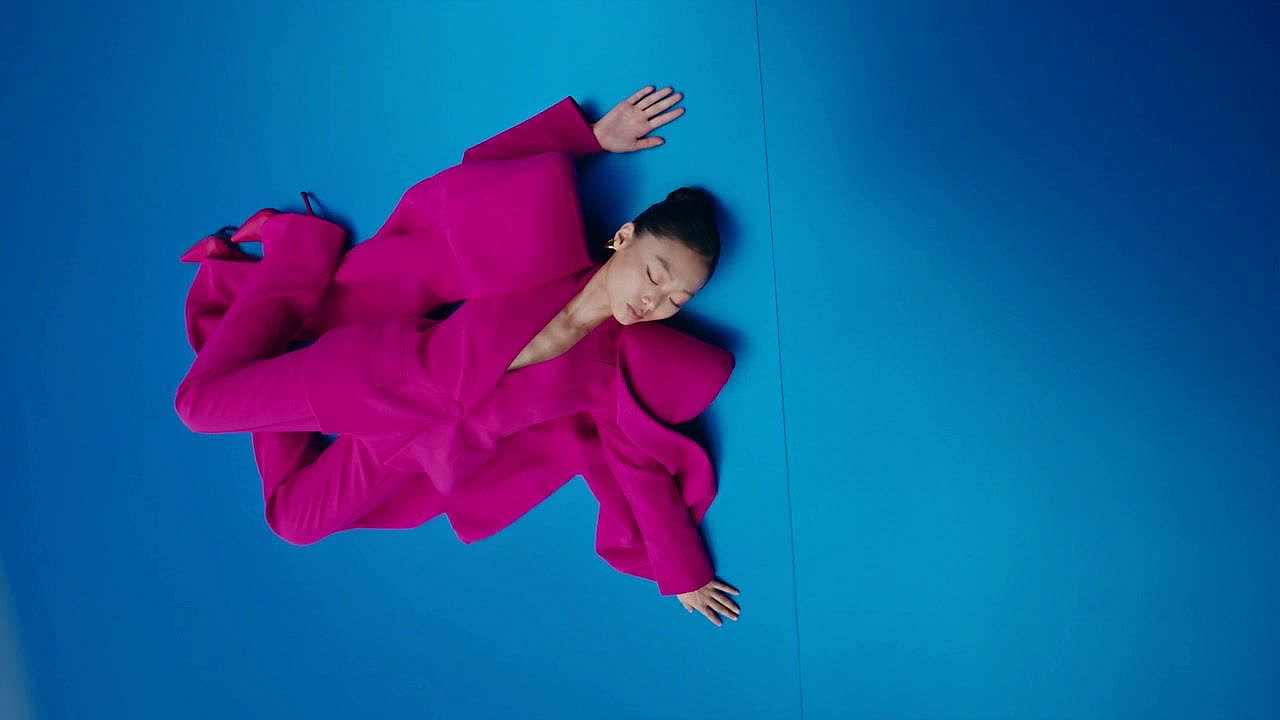
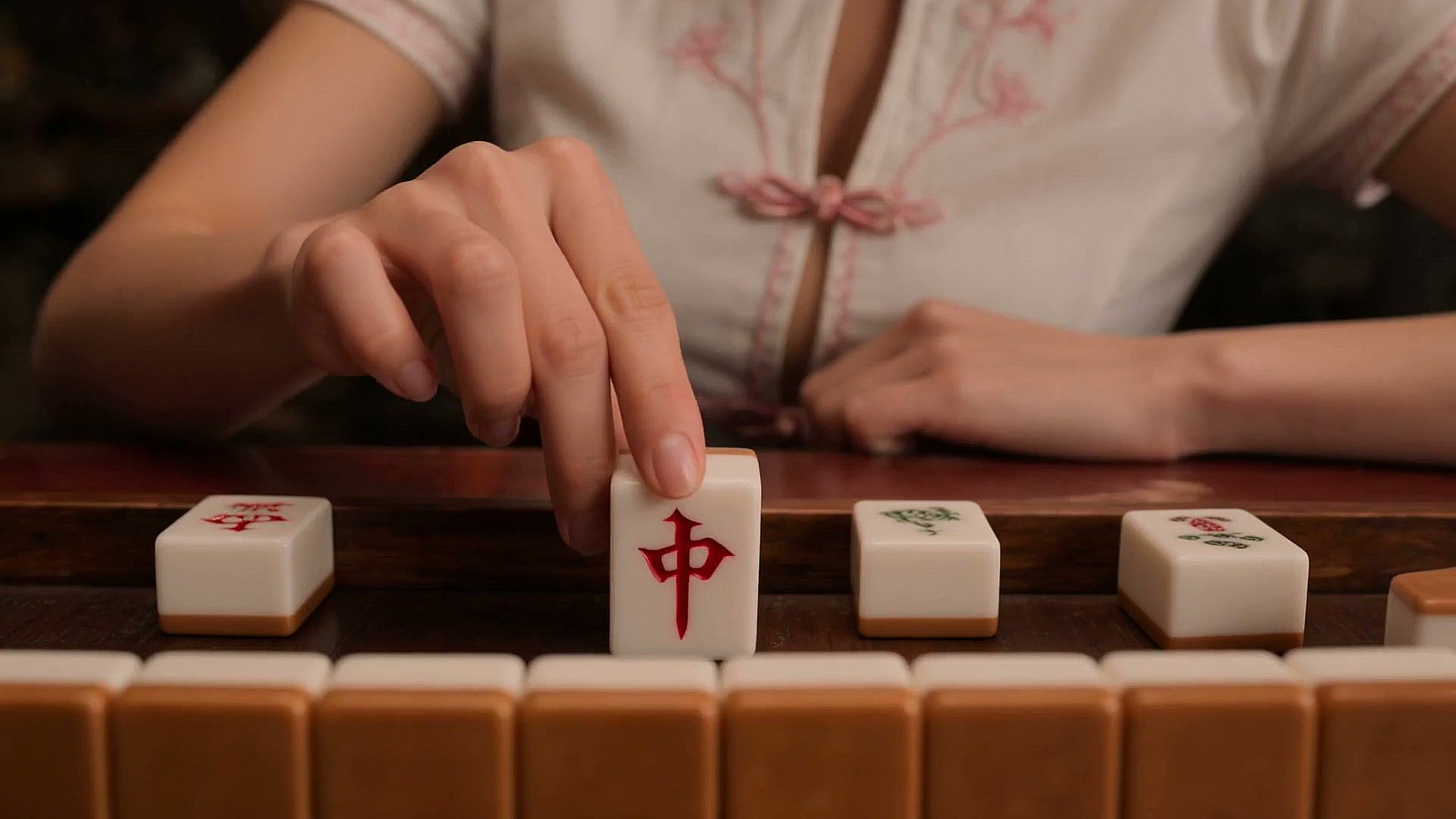
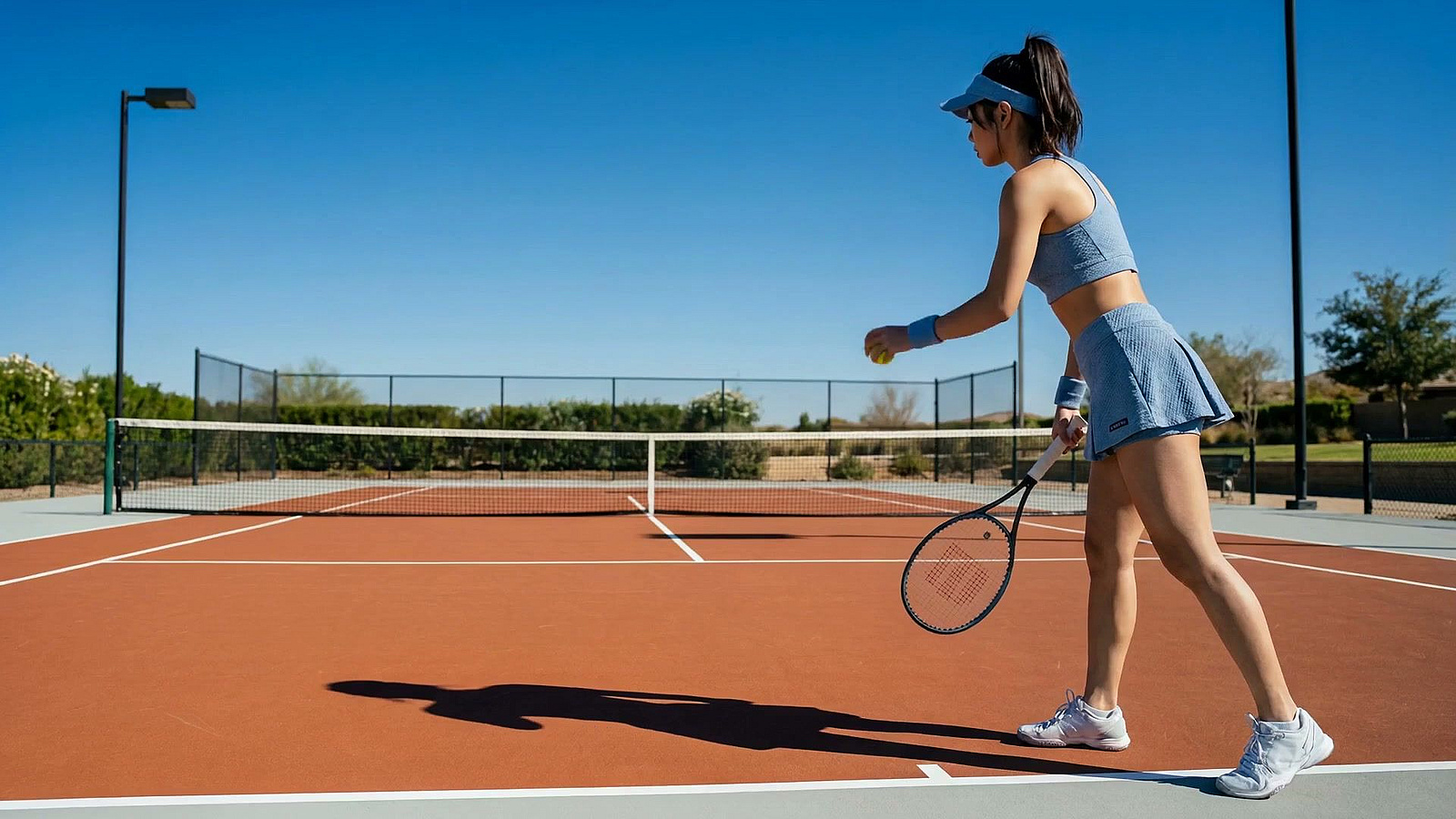
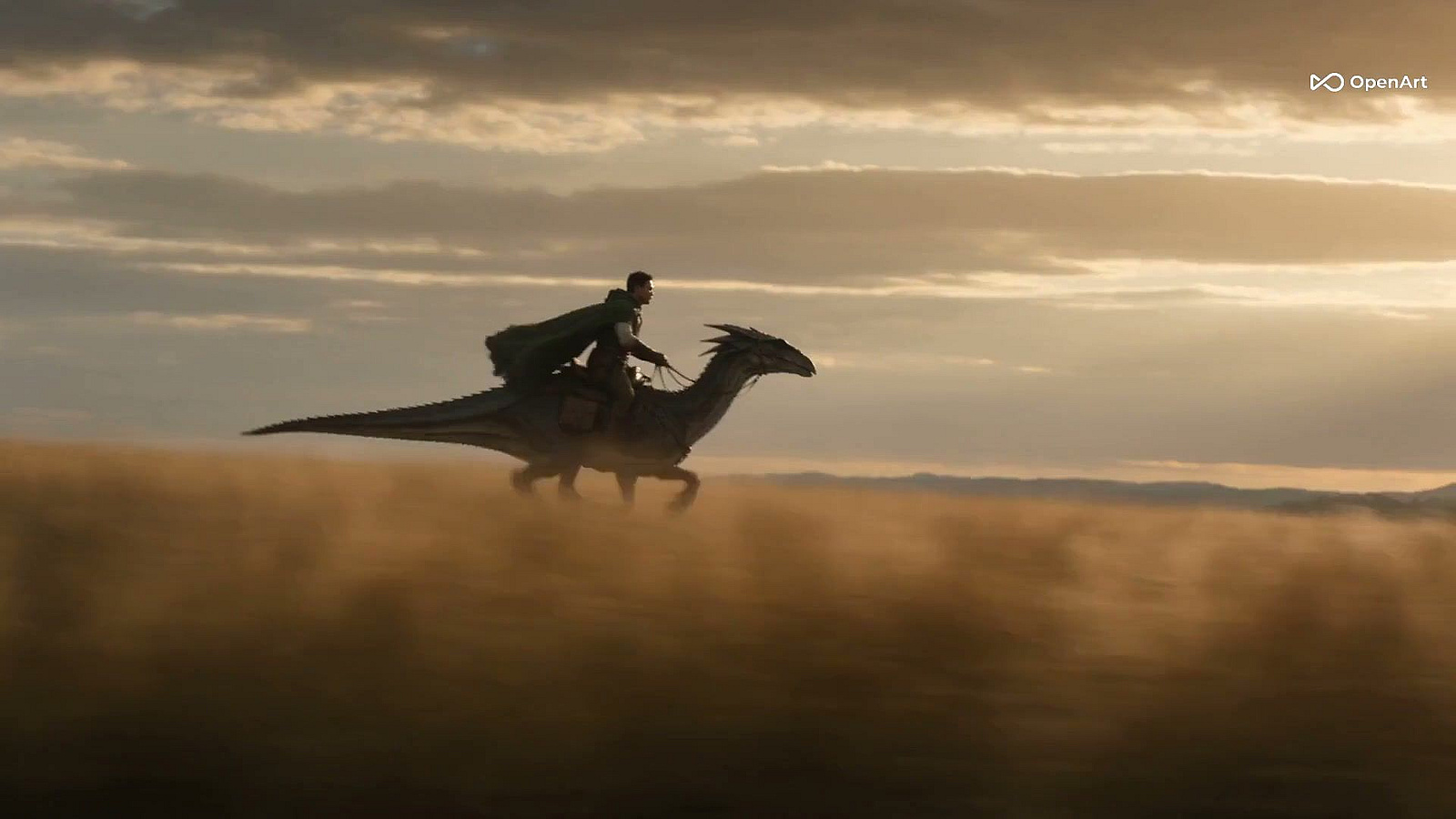
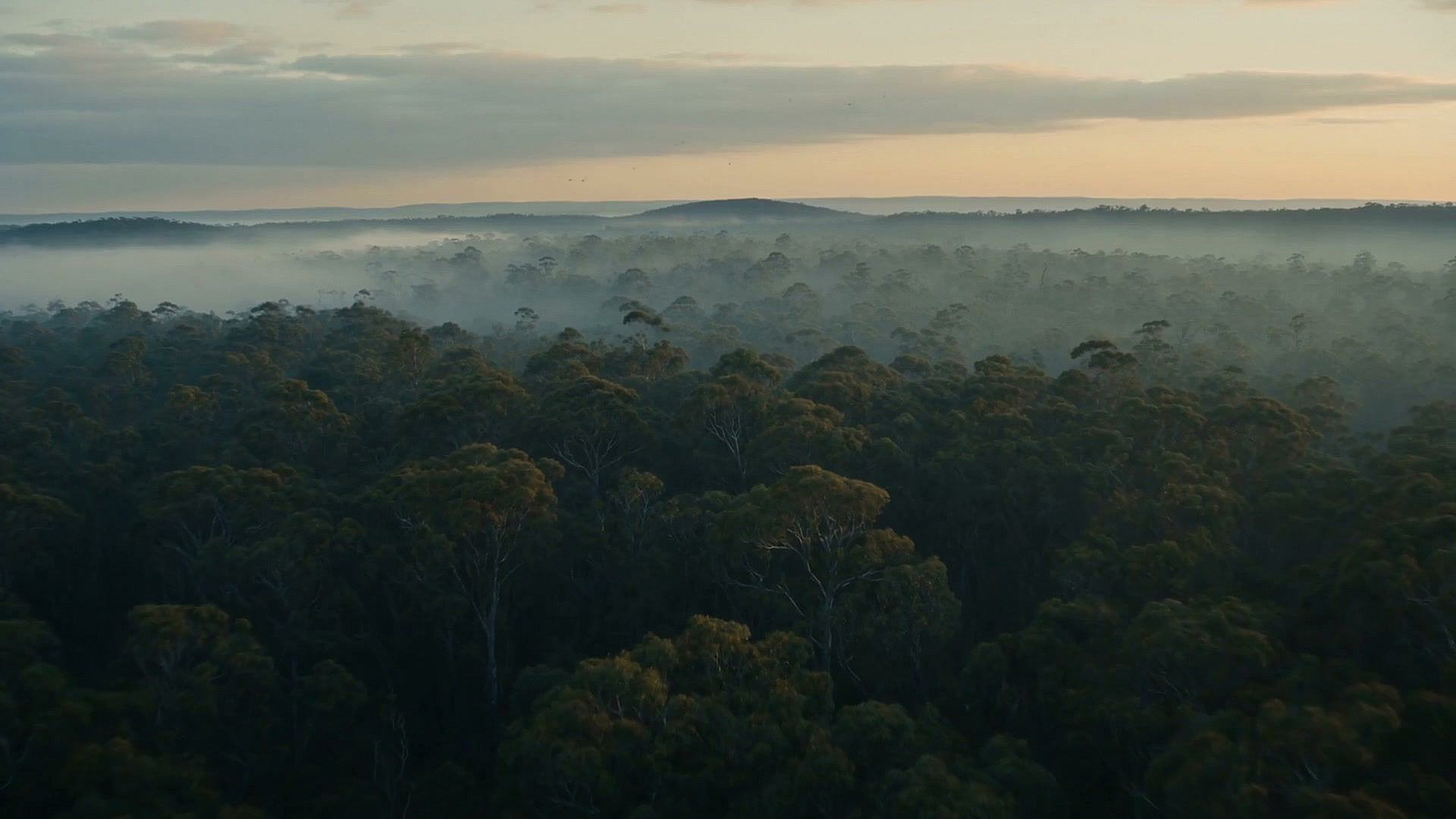
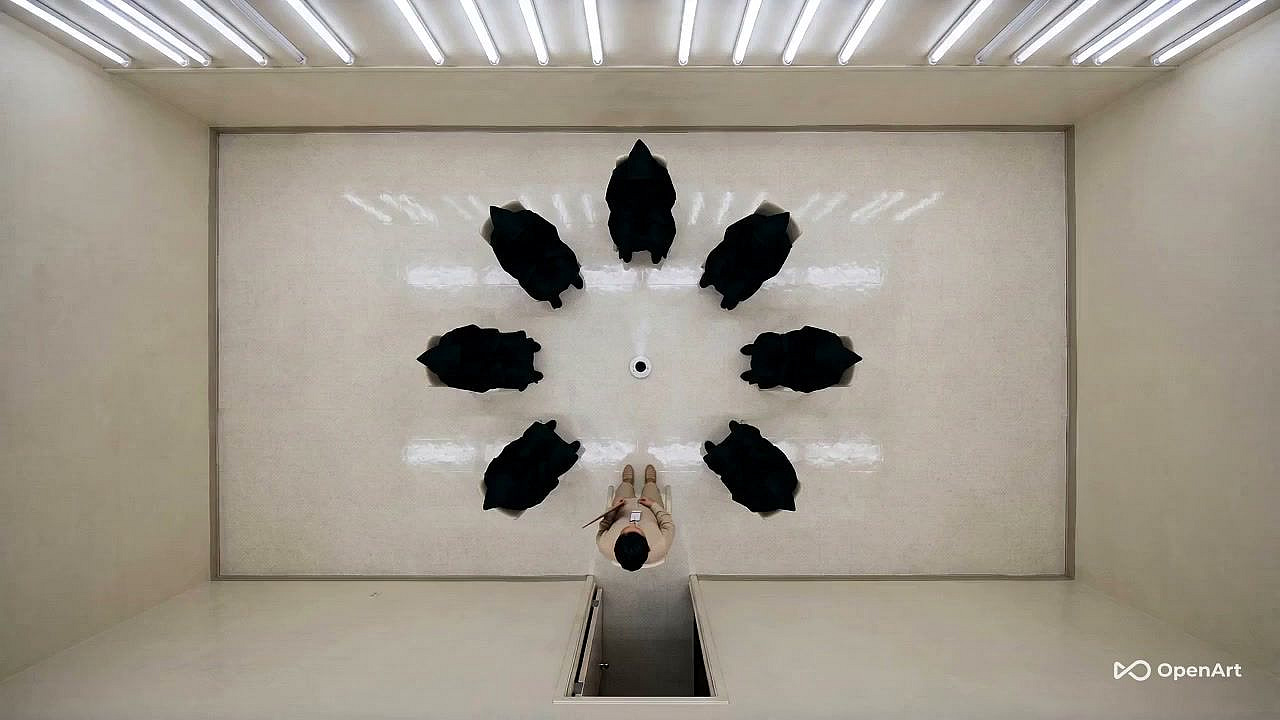
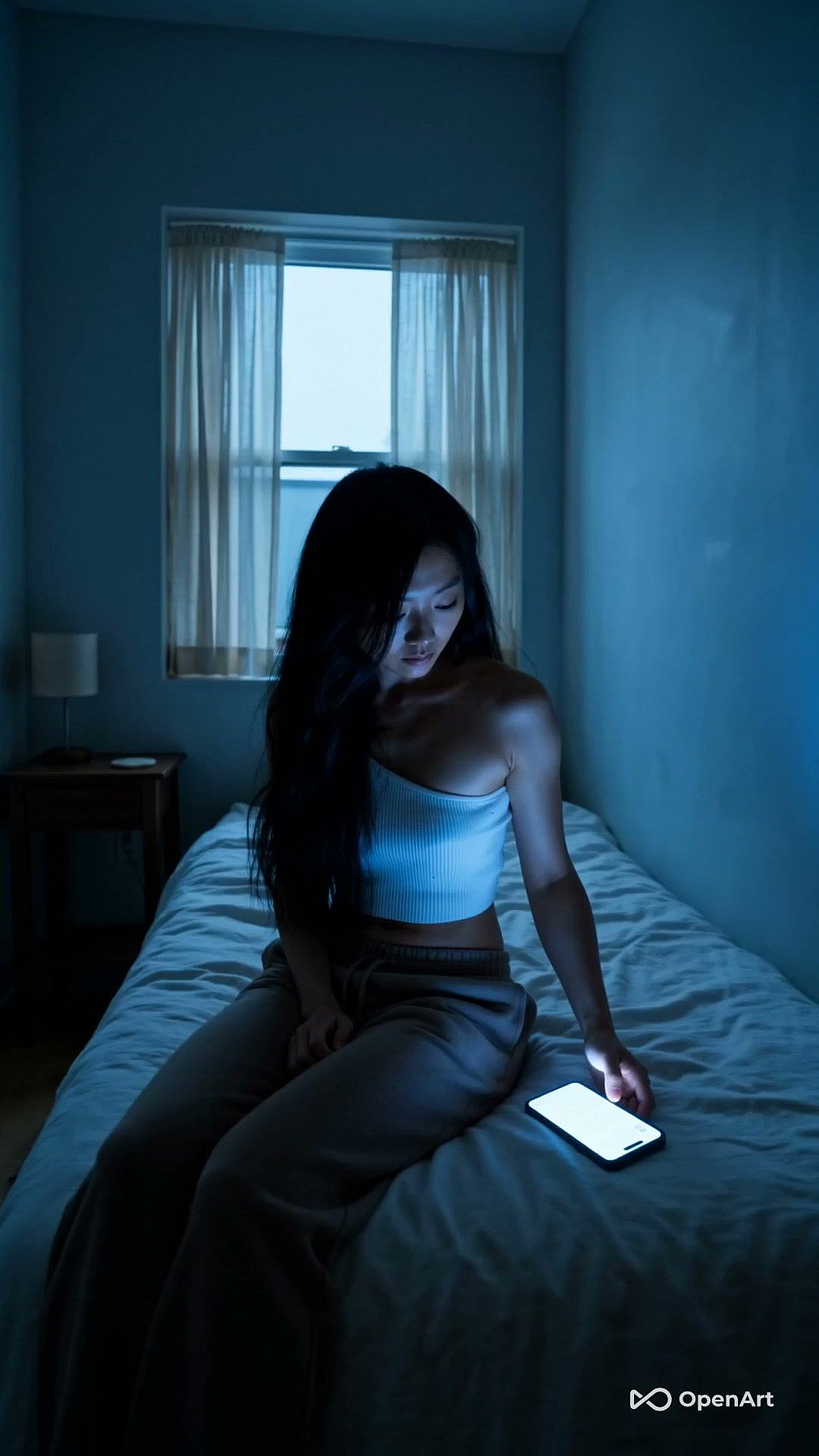
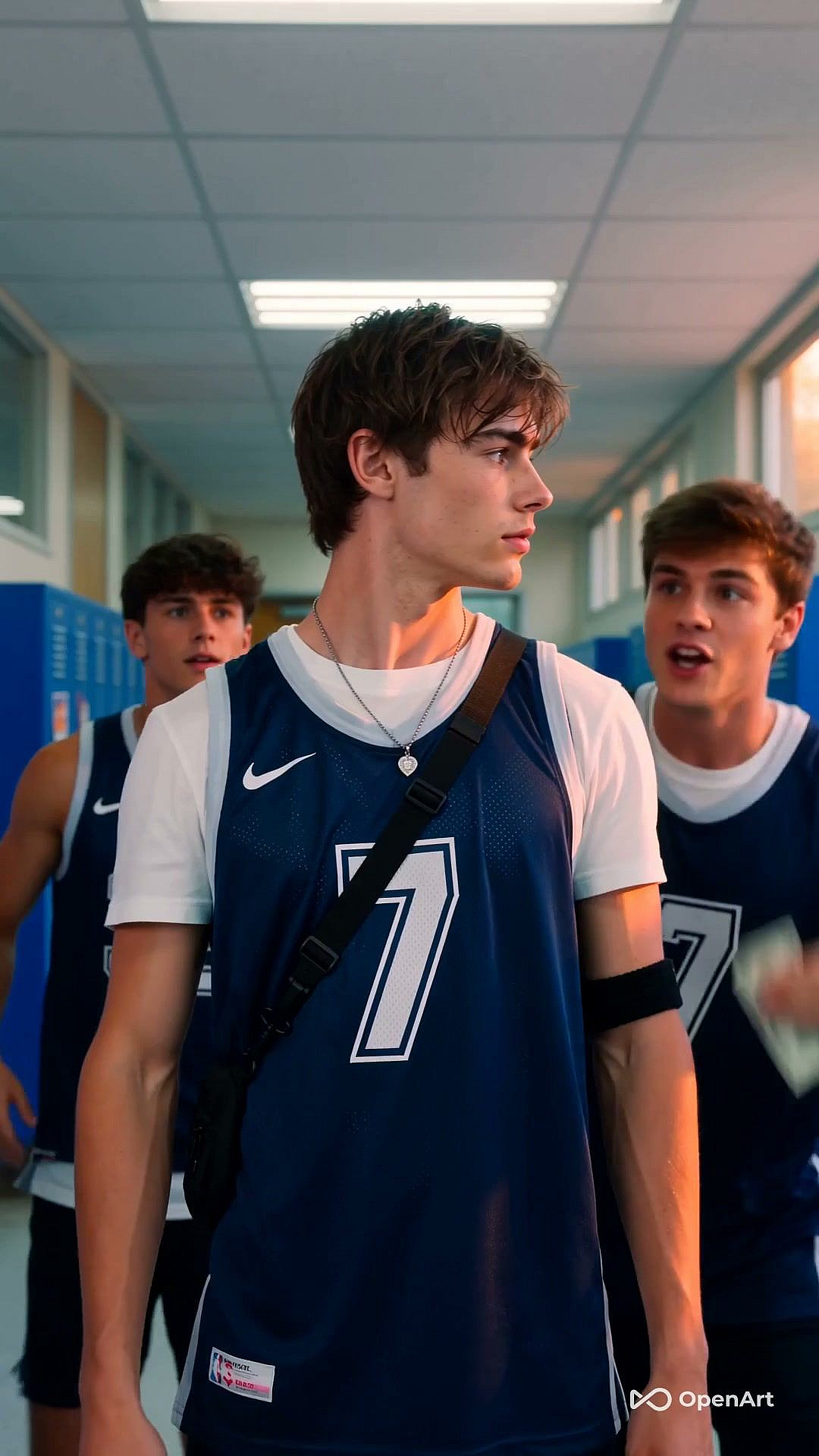
Create cinematic AI videos from text prompts and reference images, with the leading video models all in one platform with OpenArt's AI video generator.

Image
Generate Video

Introducing OpenArt's AI Video Generator

Manage everything from your text prompts and saved characters to video generations all in one platform. OpenArt’s AI video generator is a one-stop solution powered by some of the best AI models in the industry, including Seedance 2.0, Veo 3.1, Kling Omni, and Wan 2.7.

Key Features of AI Video Generator

Everything you need to create professional-quality videos from a single tool.

Text-to-Video Generation

Type a prompt, get a video. Describe all the specific details, and the AI builds motion and visual style from your words. Short prompts work for quick ideas; detailed prompts get you closer to a specific shot. Use fast models like Sora 2 Fast for quick clips, or premium ones like Seedance 2.0, Veo 3.1, and Kling 3.0 Omni for studio-quality results.

Image-to-Video Animation

Upload any still image, like a product shot or a portrait, and OpenArt adds motion, camera movement, and atmosphere. Use it to bring brand photos to life, animate character art, turn a product image into an ad clip, or reanimate AI stills you already have. Pair it with OpenArt's Character library to lock in a face or body so it stays consistent across every video.

Style Customization

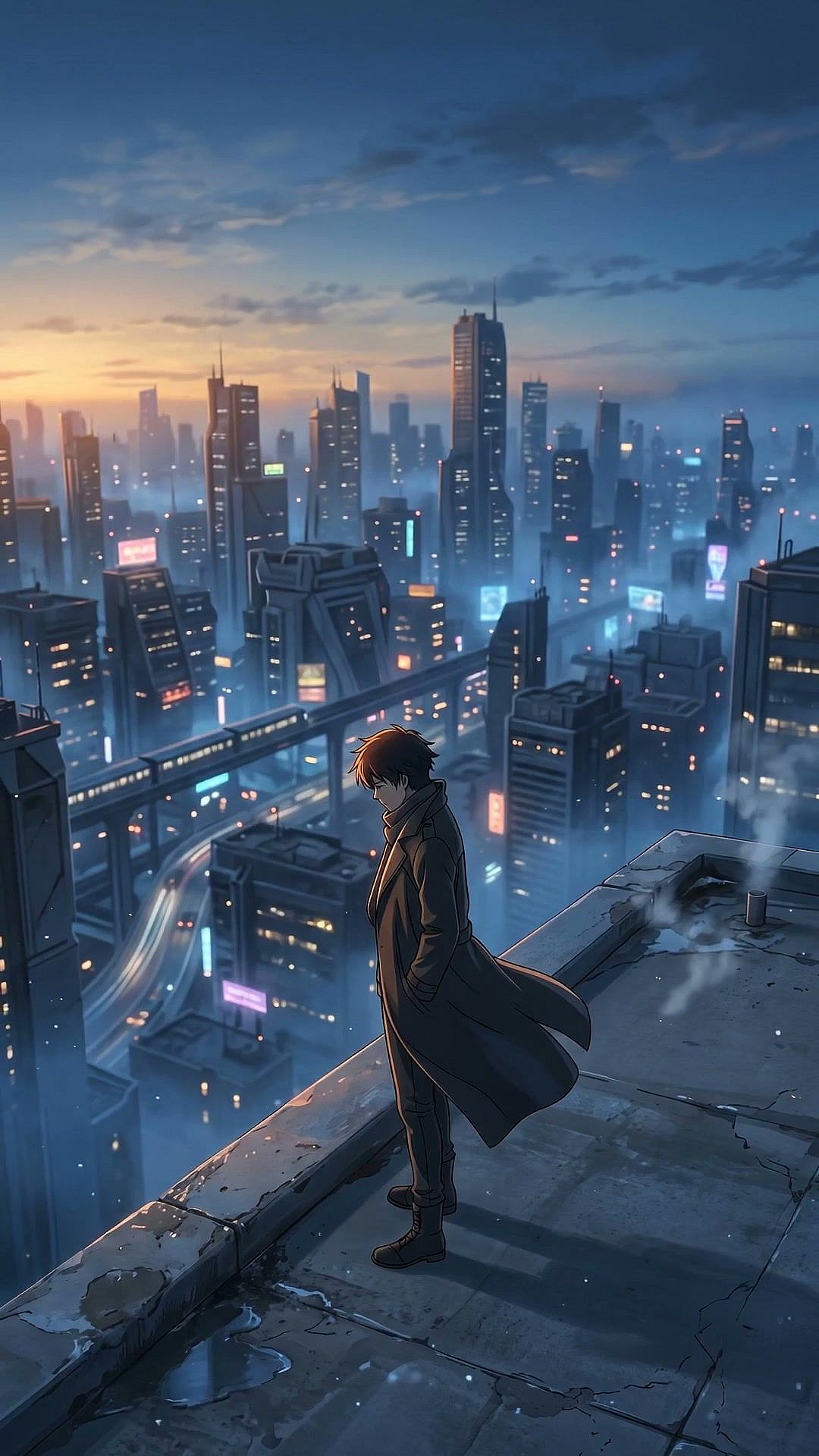
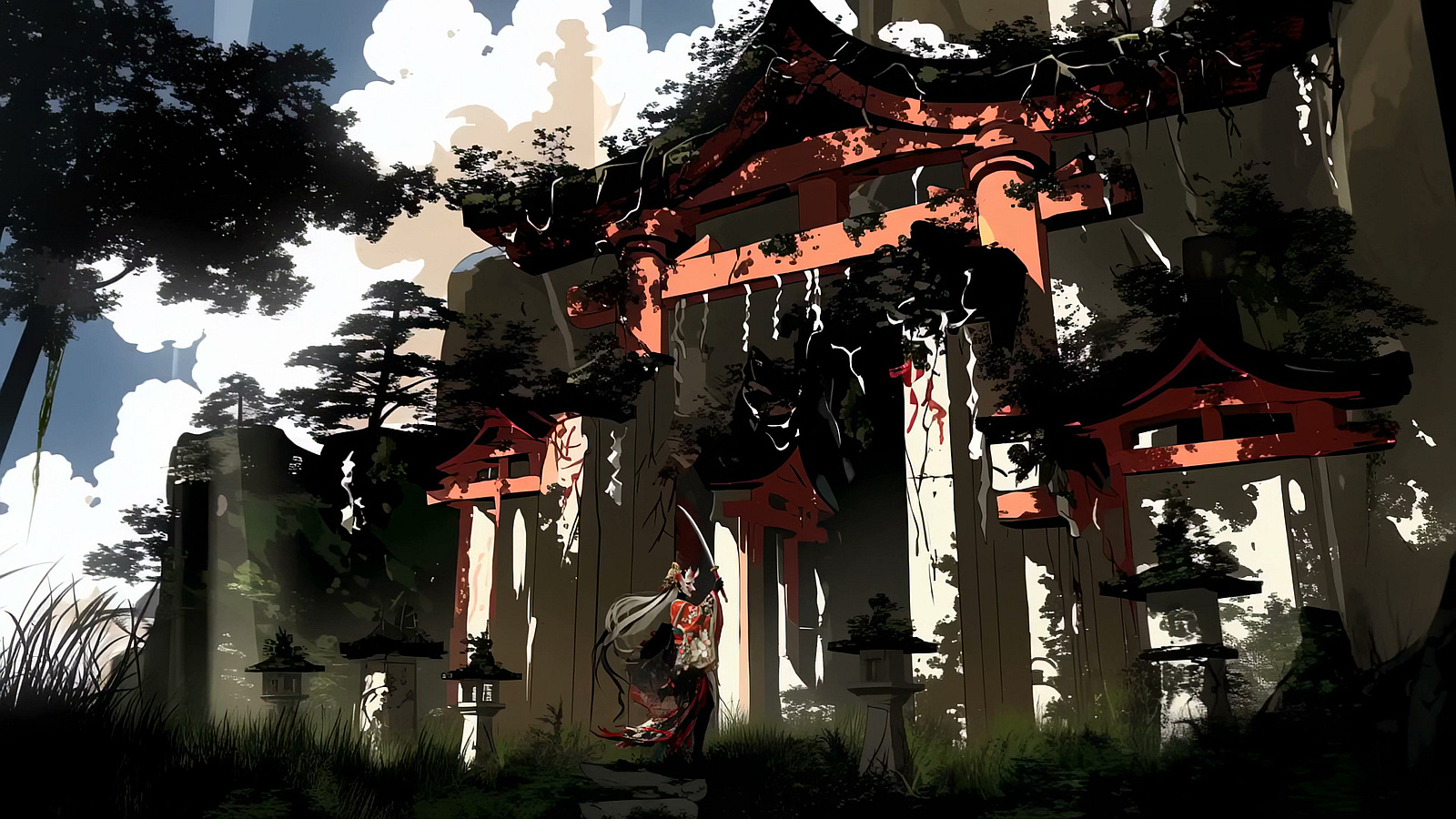
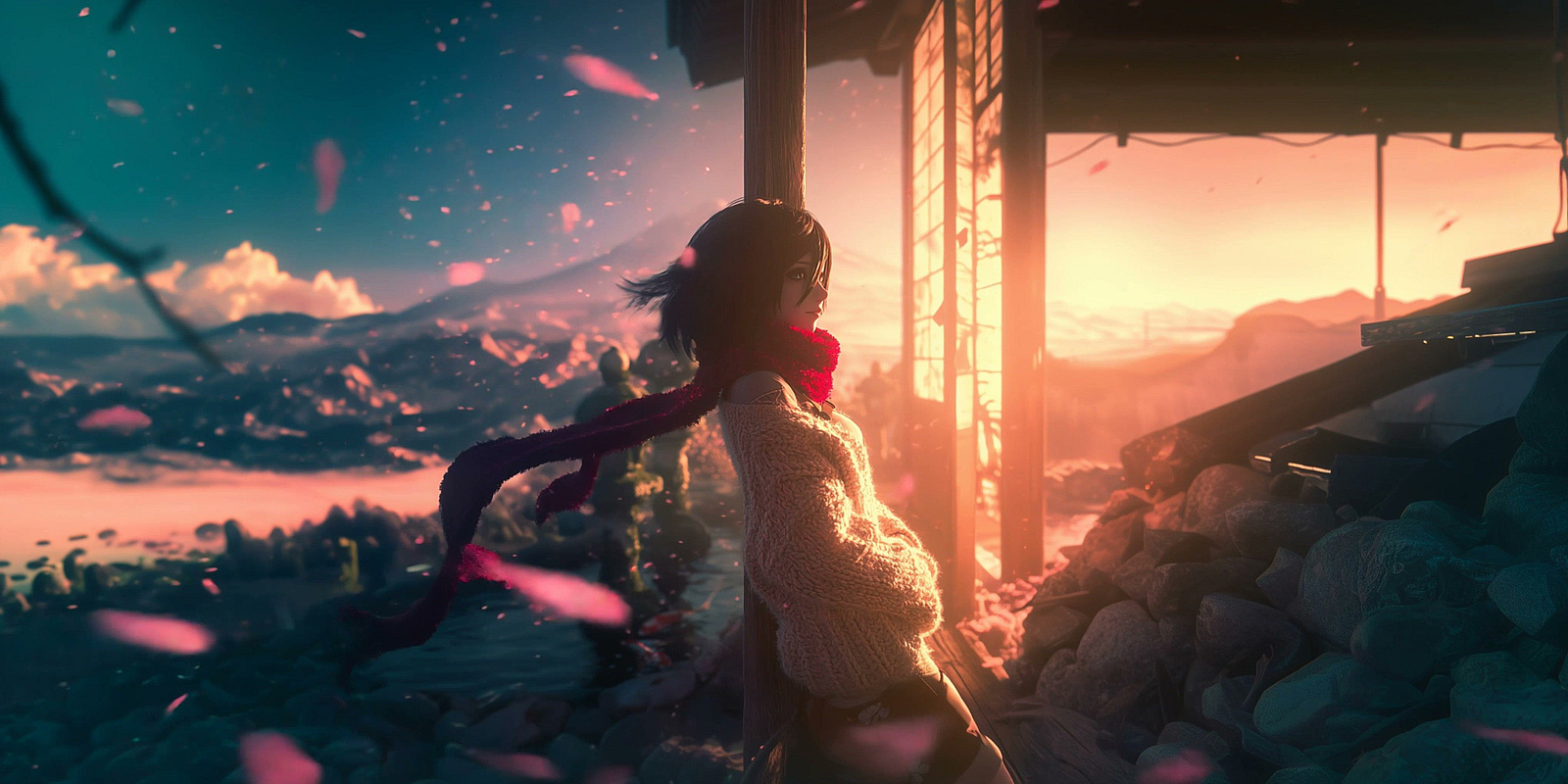
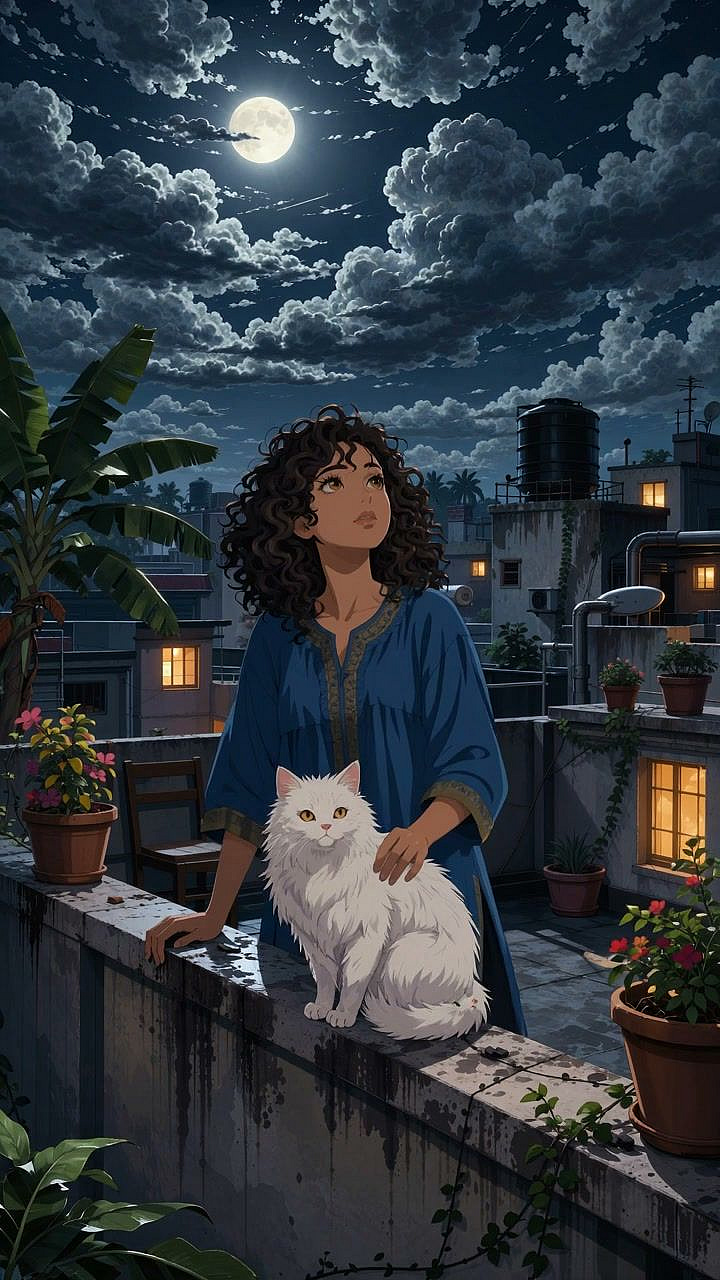
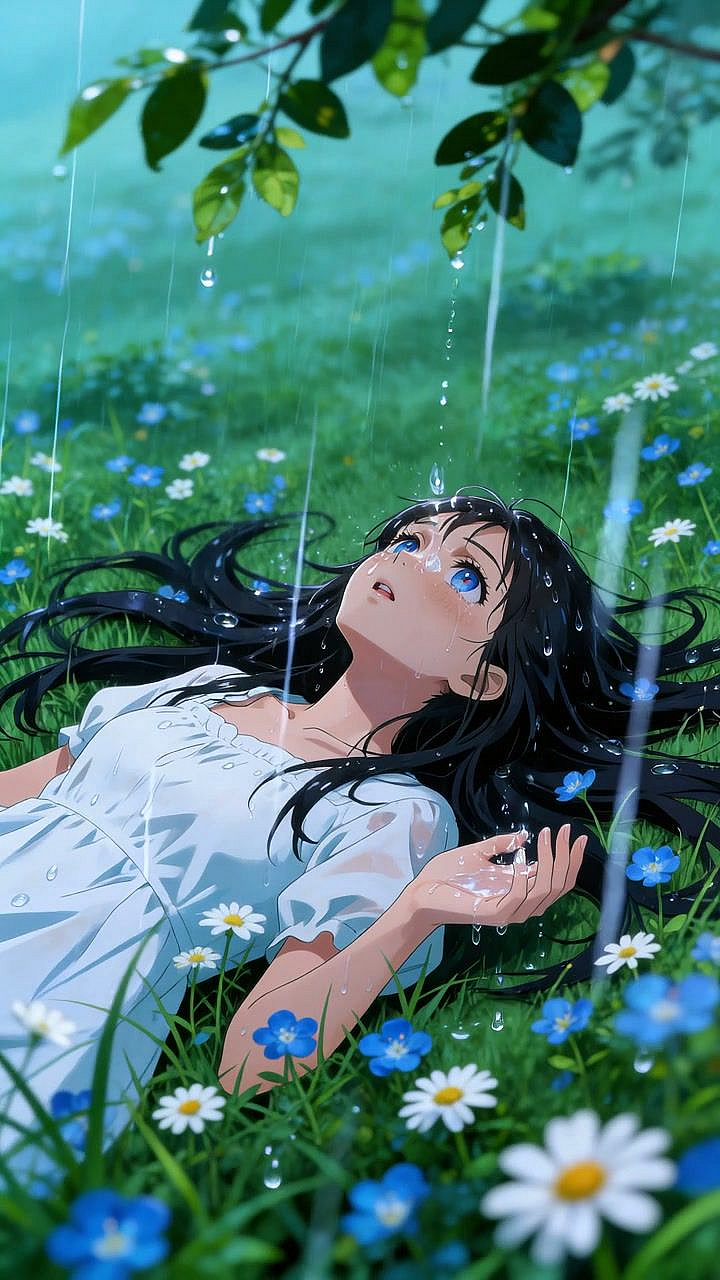
Create photorealistic, cinematic, anime, 3D, watercolor, claymation, pixel art, oil painting, and many other styles without editing a single frame. Run the same prompt through different style presets to compare creative directions before deciding. Apply preset effects like Ghibli, Japanese Anime, Rick & Morty, or Retro Pixel Art to get a fresh look in one click.

Cinematic Camera Controls

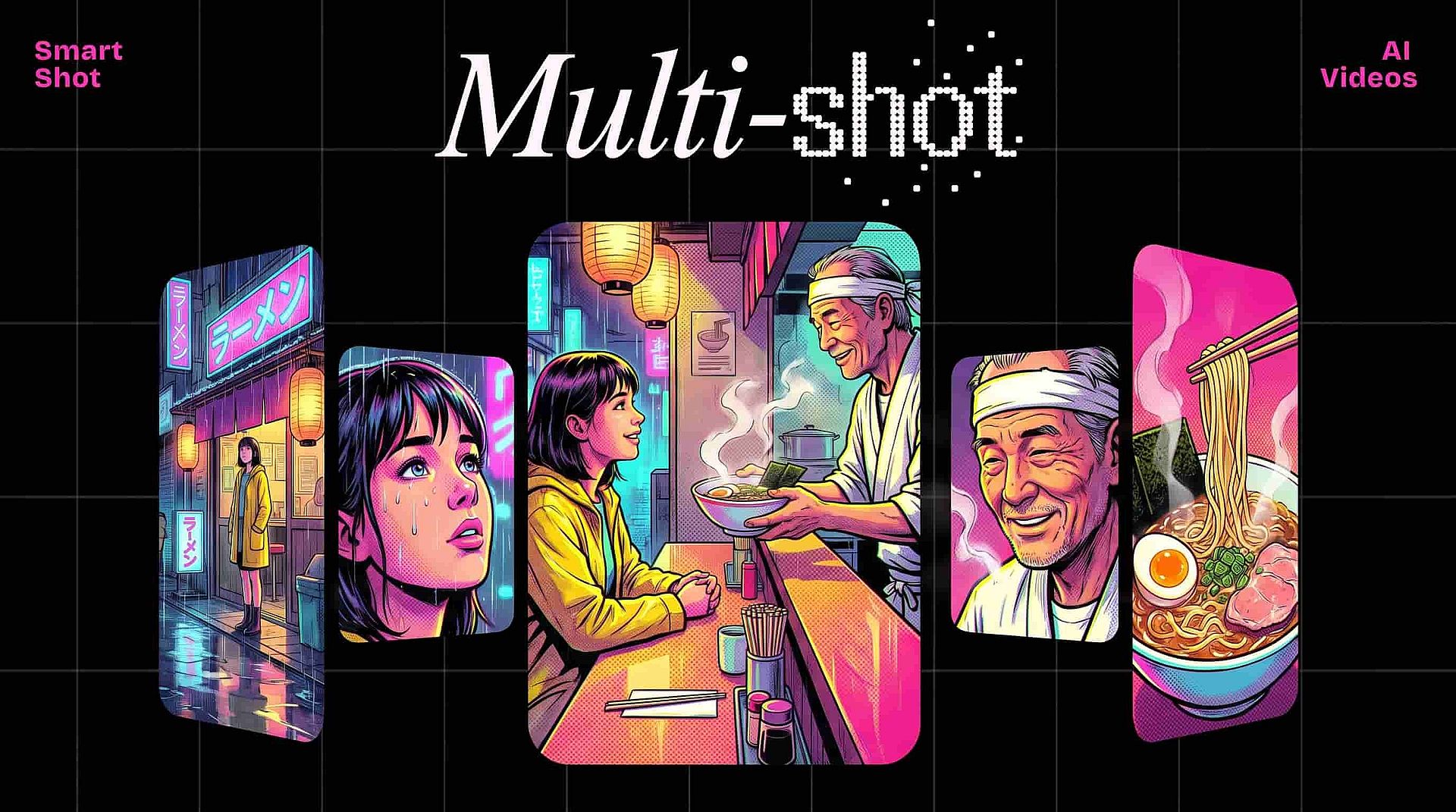
Direct the camera like a filmmaker using simple text prompts. Describe any angle or POV, from sweeping pans and dolly moves to orbits, zooms, and tracking shots. No timelines, keyframes, or After Effects needed. With Smart Shot, generate up to nine angles of the same scene to cut between, just like a real multi-cam shoot.

Motion Control & Lip Sync

Bring your AI characters to life with Motion Control and Lip Sync. Upload any reference video and Motion Control transfers the movement directly onto your character, matching gestures, posture, and pacing frame by frame. Then layer in Lip Sync to create talking-head clips, dialogue scenes, or presenter videos perfectly matched to your voiceover.

More Ways to Create and Edit

Move from idea to finished clip with tools for generation, animation, and editing.

Top AI Models That Power OpenArt's Video Generator

OpenArt gives you access to leading AI video models in one workflow, so you can choose the right model for cinematic generation, animation, motion control, and editing.

How Creators Are Using OpenArt's AI Video Generator

See how marketers, social teams, educators, and brands use OpenArt to ship video faster than ever.

Marketing and Ad Creatives

The AI video generator lets you create promo videos, branded stories, paid social ads, and website visuals faster than ever. No production schedules or delays to slow you down. A/B testing is just as easy: spin up dozens of ad variations from a single image or video without re-sourcing creators or reshooting.

Try it Now

Trendy Social Media Content

Make videos that play seamlessly on TikTok, Instagram Reels, YouTube Shorts, X, Facebook, and LinkedIn. Pick your aspect ratio (vertical, horizontal, or square) and OpenArt's AI handles the rest. Create trend pieces, hook-first openers, animated memes, and short-form stories in the time it takes to plan one shot.

Try it Now

Explainers and Talking-Head Videos

Audio in AI videos has always been hard to get right. But with OpenArt's fine-tuning, native audio generation, and Lip Sync, you can create clips with consistent, high-quality sound and vocals. The possibilities are endless: turn a one-pager into a video explainer, or a SaaS feature announcement into a social post for your business.

Try it Now

Product and Commercial Videos

Turn simple e-commerce product photos into video demos, lifestyle shots, and feature highlights. Imagine this: create a digital replica of your real-life model with OpenArt Characters, copy her movements using Motion Control, then generate the final scene featuring your product with a reference image. The way you prompt and combine everything shapes the final output.

Try it Now

Educational Video Content

The AI video generator helps you build engaging lesson visuals, tutorial walkthroughs, training modules, and course content for classrooms, online academies, and corporate training. Tired of students zoning out during slides? Animated diagrams and narrated walkthroughs work far better, especially for things easier to show than describe. Visuals just land differently than static text.

Try it Now

Loved by Creators Worldwide

See what our community has to say

I've tried many AI platforms… but OpenArt is still the best for character creation, image-to-video quality, and the variety of models available.

Jan C. Trustpilot

OpenArt offers an excellent array of AI tools… once you learn the features, the creative possibilities are amazing - and their support team is outstanding.

Tom G. Trustpilot

OpenArt is a very versatile AI platform with many image and video models, consistent character creation, and powerful editing tools.

Klant K. Trustpilot

Helpful AI tools all in one place - image and video generation, editing, and more… no need for multiple subscriptions.

Scorpy Trustpilot

Customer service is always quick and helpful… and the platform keeps getting better with new features and tools.

Richard M. Trustpilot

I've tried many AI platforms… but OpenArt is still the best for character creation, image-to-video quality, and the variety of models available.

Jan C. Trustpilot

OpenArt offers an excellent array of AI tools… once you learn the features, the creative possibilities are amazing - and their support team is outstanding.

Tom G. Trustpilot

OpenArt is a very versatile AI platform with many image and video models, consistent character creation, and powerful editing tools.

Klant K. Trustpilot

Helpful AI tools all in one place - image and video generation, editing, and more… no need for multiple subscriptions.

Scorpy Trustpilot

Customer service is always quick and helpful… and the platform keeps getting better with new features and tools.

Richard M. Trustpilot

I've tried many AI platforms… but OpenArt is still the best for character creation, image-to-video quality, and the variety of models available.

Jan C. Trustpilot

OpenArt offers an excellent array of AI tools… once you learn the features, the creative possibilities are amazing - and their support team is outstanding.

Tom G. Trustpilot

OpenArt is a very versatile AI platform with many image and video models, consistent character creation, and powerful editing tools.

Klant K. Trustpilot

Helpful AI tools all in one place - image and video generation, editing, and more… no need for multiple subscriptions.

Scorpy Trustpilot

Customer service is always quick and helpful… and the platform keeps getting better with new features and tools.

Richard M. Trustpilot

With so many AI platforms out there, OpenArt stood out as a stellar choice - I'd recommend it to any creator.

Jon S. Trustpilot

This platform includes everything you need for AI content creation - images, video, characters, audio, and multiple AI models in one place.

Mathew K. Trustpilot

OpenArt is pushing the boundaries of AI video creation… and it's clear the team is committed to improving the creator experience.

Iftikar Z. Trustpilot

I made my first AI music video with OpenArt… and their support team was the best help I've ever experienced.

Mark Trustpilot

I'm very happy with the support - my issue was resolved quickly and the team made the process easy.

Rasmus Trustpilot

With so many AI platforms out there, OpenArt stood out as a stellar choice - I'd recommend it to any creator.

Jon S. Trustpilot

This platform includes everything you need for AI content creation - images, video, characters, audio, and multiple AI models in one place.

Mathew K. Trustpilot

OpenArt is pushing the boundaries of AI video creation… and it's clear the team is committed to improving the creator experience.

Iftikar Z. Trustpilot

I made my first AI music video with OpenArt… and their support team was the best help I've ever experienced.

Mark Trustpilot

I'm very happy with the support - my issue was resolved quickly and the team made the process easy.

Rasmus Trustpilot

With so many AI platforms out there, OpenArt stood out as a stellar choice - I'd recommend it to any creator.

Jon S. Trustpilot

This platform includes everything you need for AI content creation - images, video, characters, audio, and multiple AI models in one place.

Mathew K. Trustpilot

OpenArt is pushing the boundaries of AI video creation… and it's clear the team is committed to improving the creator experience.

Iftikar Z. Trustpilot

I made my first AI music video with OpenArt… and their support team was the best help I've ever experienced.

Mark Trustpilot

I'm very happy with the support - my issue was resolved quickly and the team made the process easy.

Rasmus Trustpilot

Frequently Asked Questions

An AI video generator is a tool that uses artificial intelligence to produce videos automatically from a text prompt, image, or script. You do not need to record or edit videos by hand. You describe what you want, and the AI generates a video in seconds.
Videos are usually ready within 30 seconds to a few minutes, depending on length, style, and resolution. Shorter clips are generally faster, while longer or more complex videos take more time to generate.
You can create social media videos, product videos, explainer videos, animated illustrations, educational videos, marketing videos, character animation, movie scene animation, and more in photorealistic, anime, 3D, and other visual styles.
Yes. Upload any still image, product photo, AI-generated artwork, portrait, or illustration, and OpenArt can bring it to life with motion, camera movement, and visual effects. You can also use it with a consistent character to keep the same subject across multiple clips.
Traditional editing starts with recorded footage that you cut and adjust. AI video generation creates the footage itself from scratch, so nothing needs to be filmed beforehand. This makes video creation faster, less expensive, and more accessible for creators without cameras, studios, or editing software.
OpenArt gives new users free credits to start, but they may not be enough for every video generation. Most AI video models are available through paid plans, which let you create longer, higher-quality videos.
Yes. OpenArt videos can be used for commercial purposes such as ads, marketing campaigns, client work, and social media content. Commercial use rights are available on Advanced plans and higher. Check OpenArt's Terms of Service for the latest commercial use rights by plan.
No editing or animation experience is required. You can create a video from a sentence that describes what you want to see. OpenArt also includes trimming and export options, making it easy to finish and share your results.
AI-generated videos can be published to TikTok, Instagram Reels, YouTube Shorts, Facebook, LinkedIn, X/Twitter, and more. OpenArt supports multiple aspect ratios, including 9:16, 16:9, and 1:1, so your videos can be optimized for different platforms.

More Resources

Get the insights you need. Our experts share actionable hacks, break down the hottest topics, and provide essential how-to guides to help you create, optimize, and scale.

Read More

Create without limits

Join millions of creators using OpenArt to generate images, videos, characters, and stories - all in one platform.

Get Started for Free →