

OpenArt Plugin for After Effects
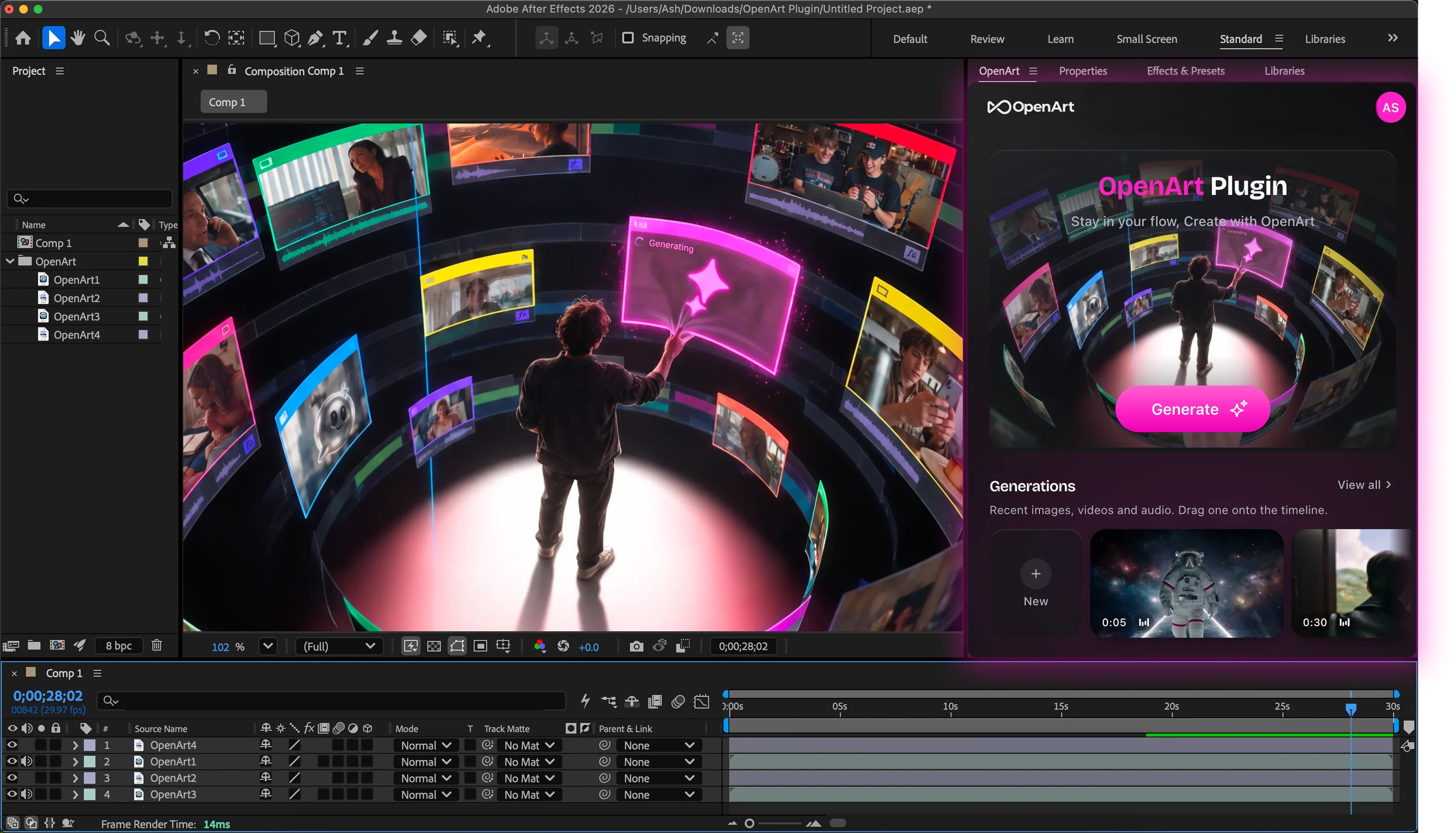
Generate images and videos with the OpenArt plugin inside After Effects. Drag a composition in as a reference, then drag the generated image or video back onto your timeline.
Download the OpenArt After Effects Plugin
Install OpenArt for After Effects
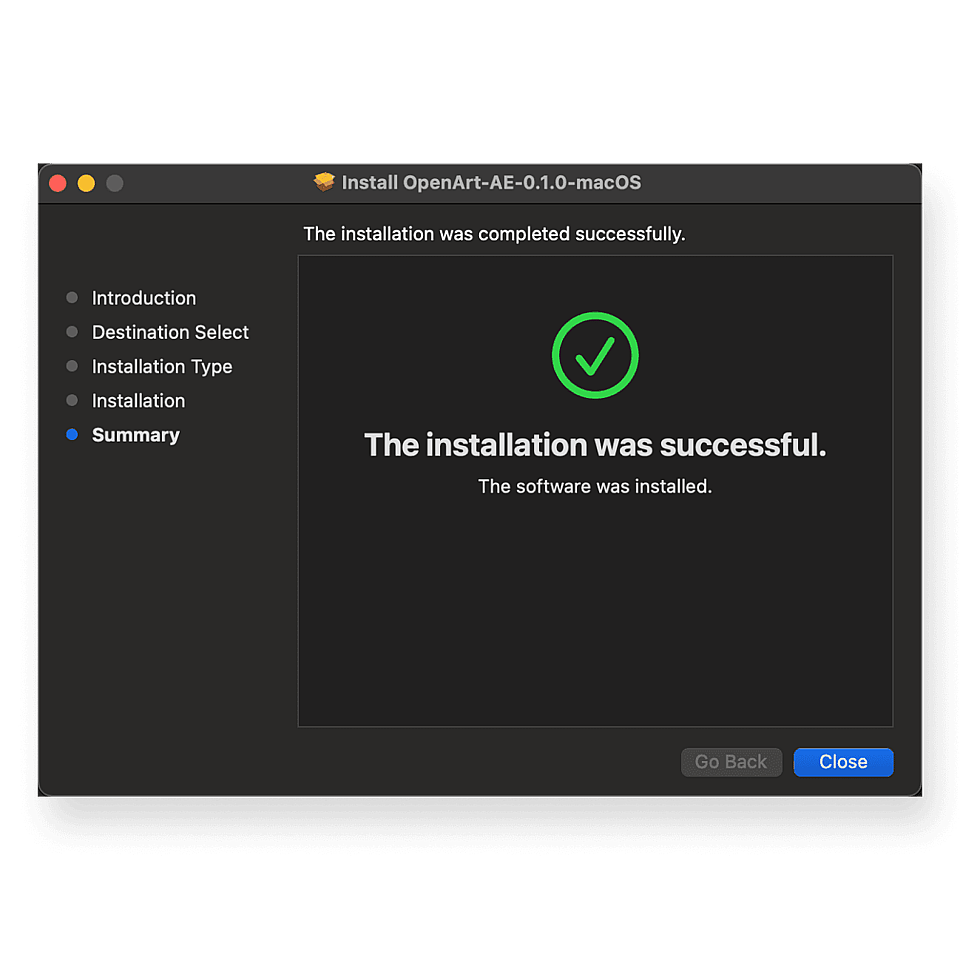
Run the installer
Quit After Effects, open the installer, and follow the setup to install the OpenArt plugin.
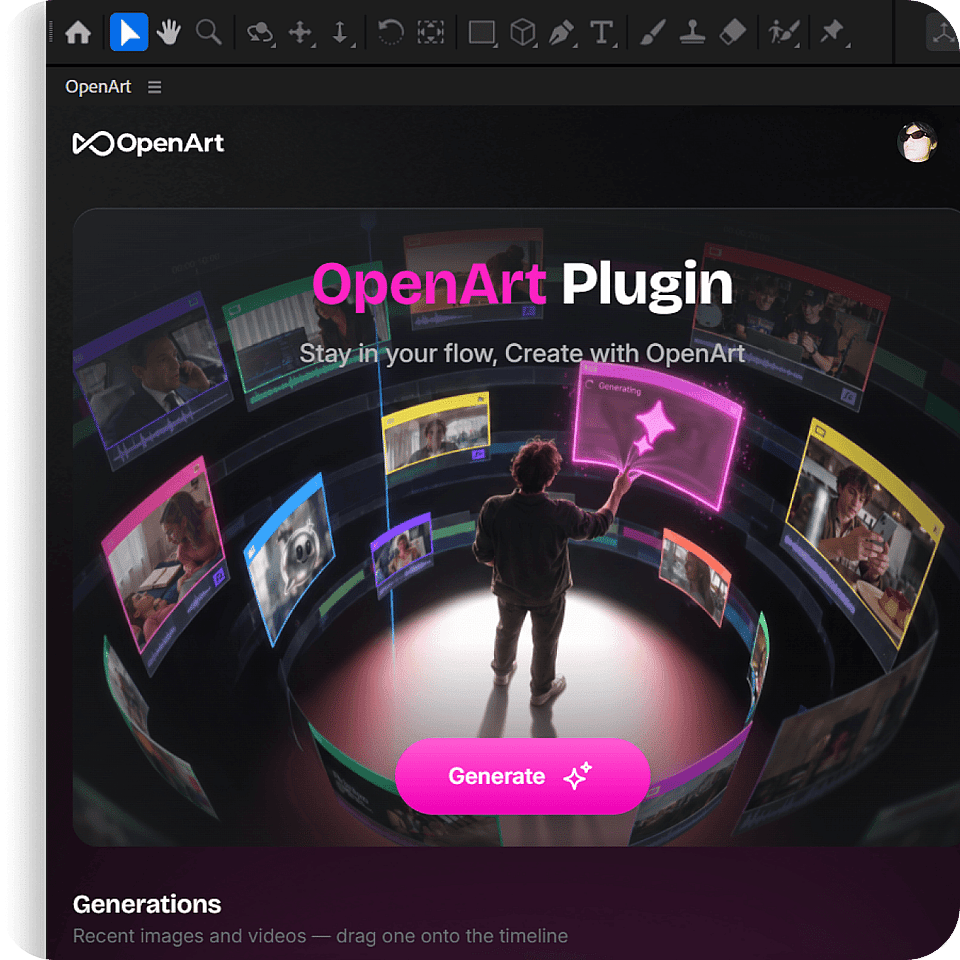
Open the plugin in After Effects
Launch After Effects → choose Window → Extensions → OpenArt. Drag the OpenArt panel to a workspace you're familiar with.
Download the installer
Download the installer here, or from the top of the page. If Windows Defender blocks it, click More info → Run anyway.
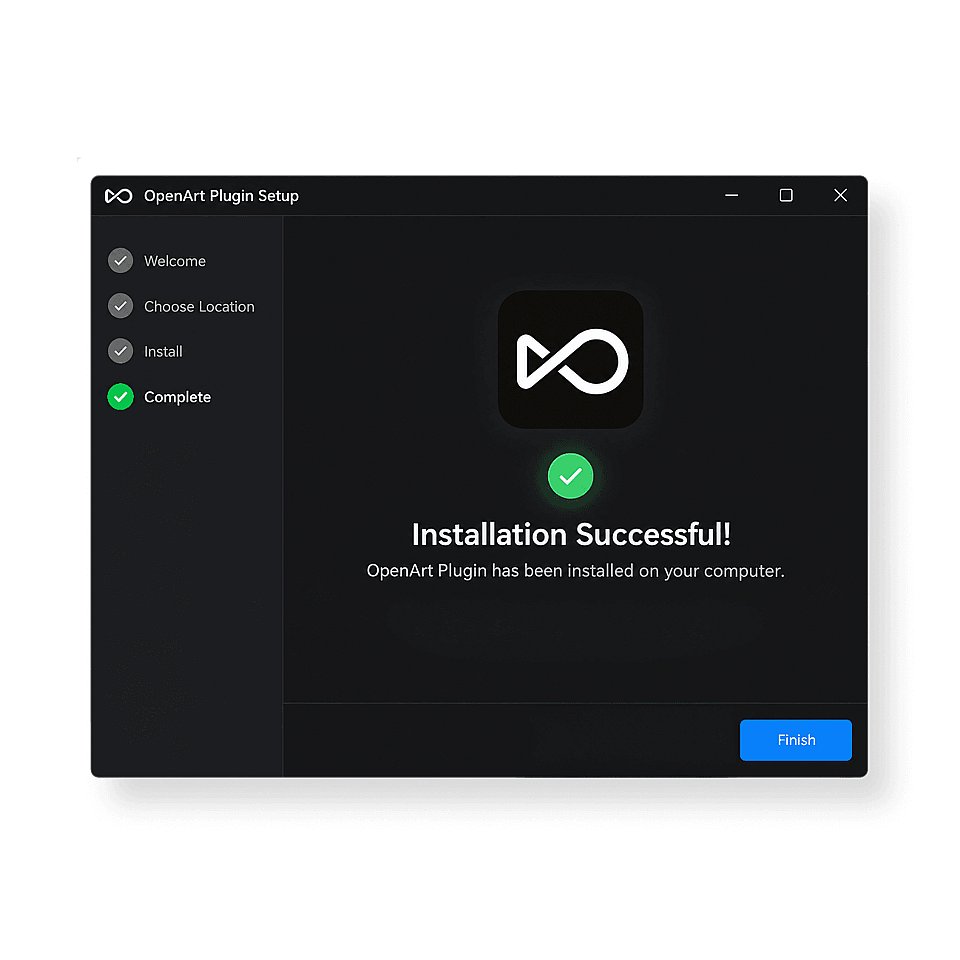
Run the installer
Quit After Effects, open the installer, and follow the setup to install the OpenArt plugin.
Open the plugin in After Effects
Launch After Effects → choose Window → Extensions → OpenArt. Drag the OpenArt panel to a workspace you're familiar with.
From generation to composition
Create with AI, use your own footage as a reference, and bring the results into your edit—all inside After Effects.
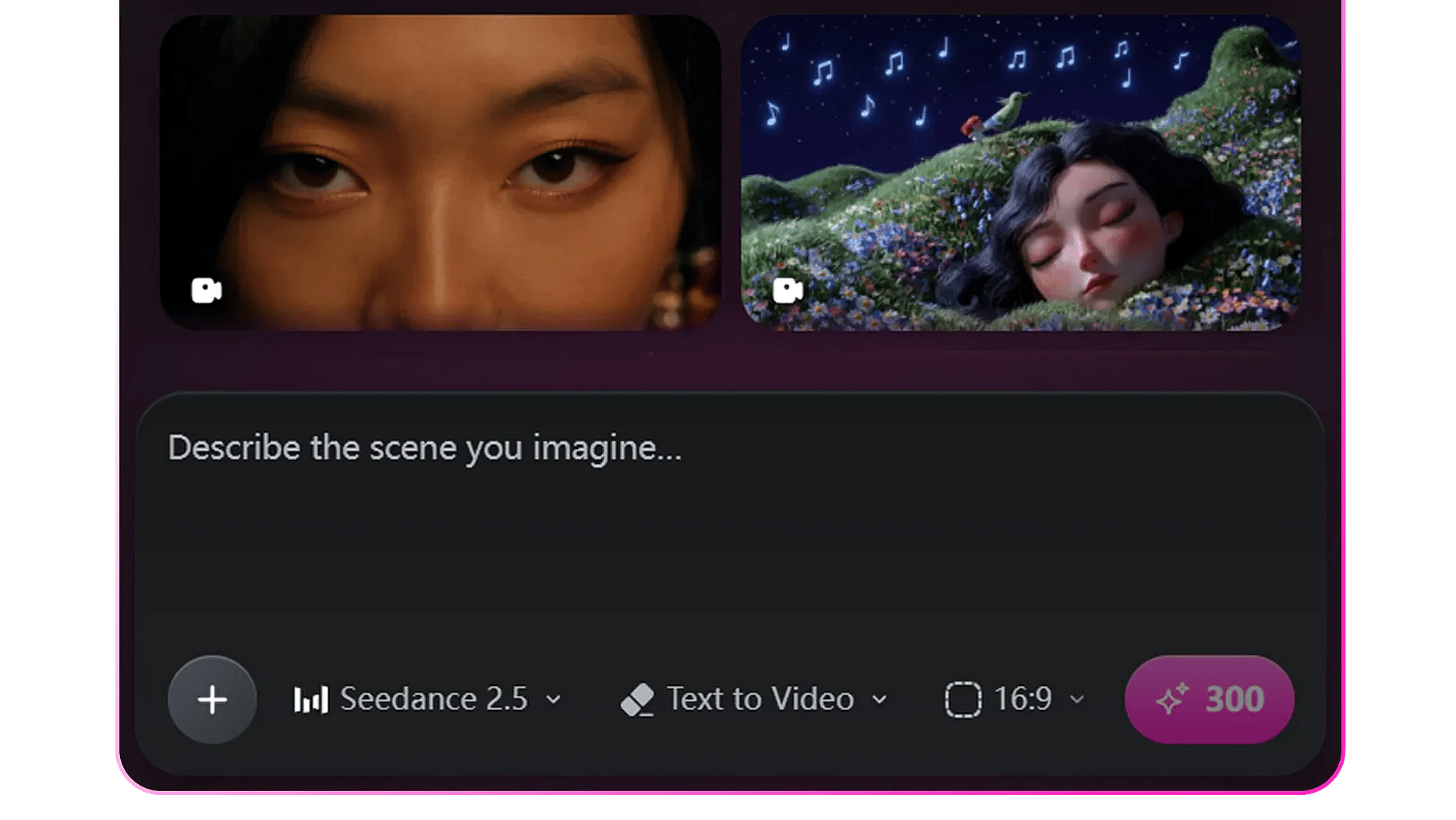
Create AI videos inside After Effects
Turn a prompt into a video without leaving After Effects. Add image, video, or audio references to guide the result. One click to add the generated video to your After Effects timeline.
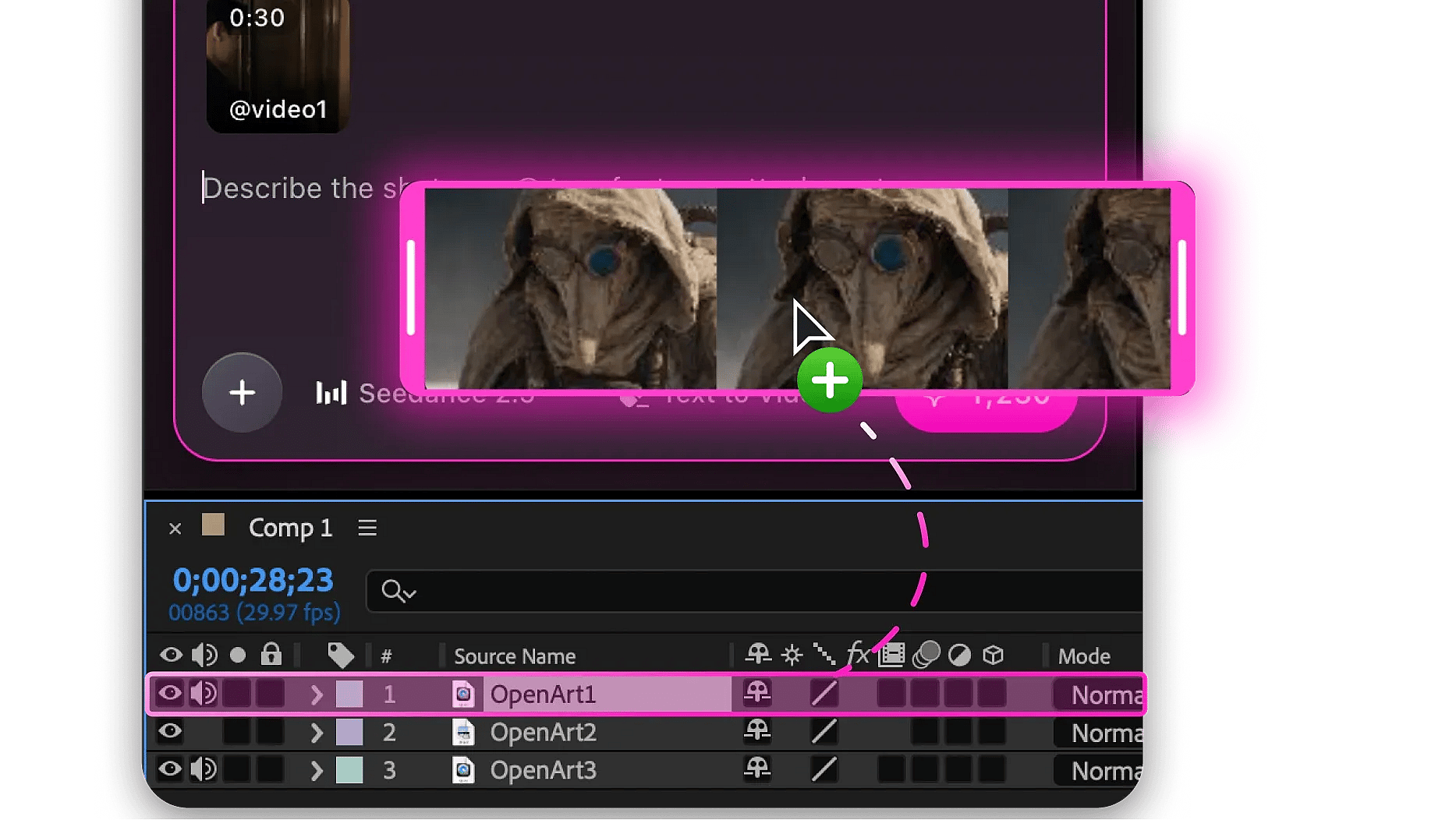
Create with your own footage
Drag layers or compositions into OpenArt as references. Trims, masks, effects, and speed changes are included in the rendered reference.

Bring results straight into your composition
Results drop into your comp as regular After Effects layers, right at the playhead. Drag it onto the timeline or click download, and it starts at the current time.
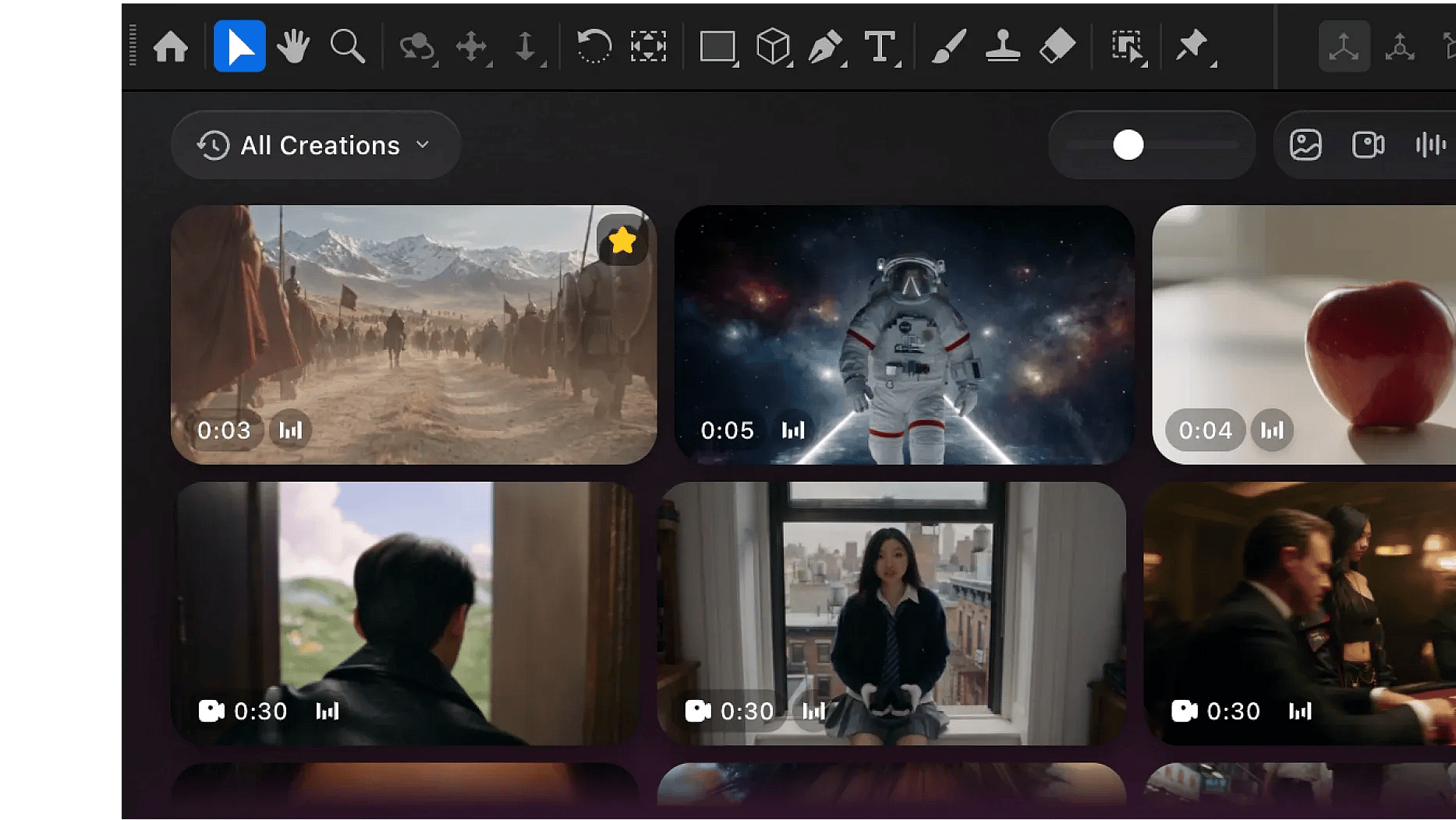
Every Creation, Synced and Ready to Recreate
Your whole OpenArt gallery, synced and right inside After Effects. Switch workspaces in a click, and use Recreate to rerun any result with the same settings.
Frequently Asked Questions
Generate images and videos from a prompt, or guide the result with your own references. Add the result to your composition as a new layer and keep editing in After Effects.
Download the installer for your operating system, quit After Effects, and run the installer. Reopen After Effects, choose Window → Extensions → OpenArt, and sign in.
Move the playhead to the frame you want, then click Add reference → Capture the current frame. Use the captured image as a reference, or as a start or end frame in Frame to Video.
The plugin runs the same models as the OpenArt website. For video, it includes Seedance 2.5, MiniMax H3 Max, and Kling Omni. For images, it includes Nano Banana Pro, GPT Image 2.5, and Seedream 5.0 Pro. Open the model picker beside the prompt box to see the available image and video models.
Only once. Sign in through your browser first, then create, browse your gallery, and add results to your composition all inside After Effects
The plugin supports macOS and Windows with After Effects 2025 or later.
Open your composition, then drag a result onto the timeline or click Download in the OpenArt panel. The result is added as a new footage layer at the playhead and appears in the OpenArt folder in the Project panel.
Yes. You can drag multiple compositions as references to the OpenArt plugin panel with effects, masks, or speed changes.
Yes. The plugin uses the same credit balance as your selected OpenArt workspace on the website. You can check your balance directly in the panel.
Yes. Use the workspace switcher at the top of the panel to select your personal, team, or Enterprise workspace. The gallery and credit balance update to match your selection. Teams that want admin controls can talk to sales through OpenArt Enterprise.