

Seedream 5.0 Pro — AI Image Model
Generate images you can separate in layers, make precise grounded edits, and add native text in 14 languages with ByteDance's Seedream 5.0 Pro AI image model on OpenArt.

Key Features of Seedream 5.0 Pro
Seedream 5.0 Pro is ByteDance's new flagship image model, the Pro tier of the Seedream 5.0 line, now available in OpenArt's image tools.
Pinpoint Spatial and Intent Precision
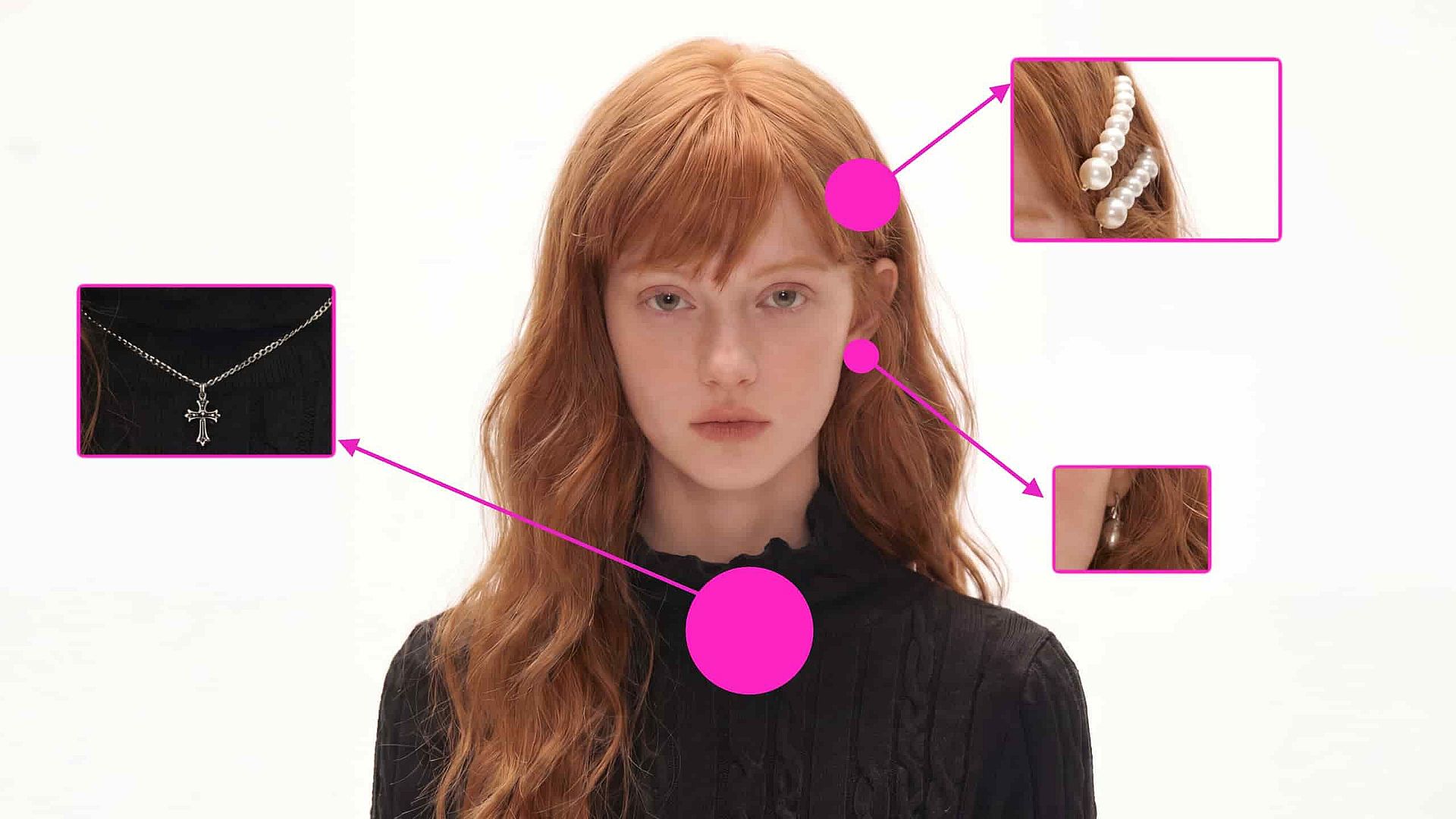
Seedream 5.0 Pro reads where every element sits in the frame and what your prompt actually asks for, so fine-grained instructions land on the right target. Mark the spot with a point, bounding box, arrow, or rough sketch, describe the change, and the model edits just that element while the rest of the frame stays put. And all of that in native 2K resolution, with upscaling available up to 4K.
Try it NowMulti-Layer Separation on Demand
Ask Seedream 5.0 Pro to split a result into independent, editable layers: a headline, a character, a product, or the full background. Each layer can then be repositioned, scaled, or revised on its own, so edits stay non-destructive instead of regenerating the whole image. It brings design-tool control, closer to working in a layered design file than prompting a flat picture, into an AI image workflow.
Try it NowHigh-Density Layout Generation
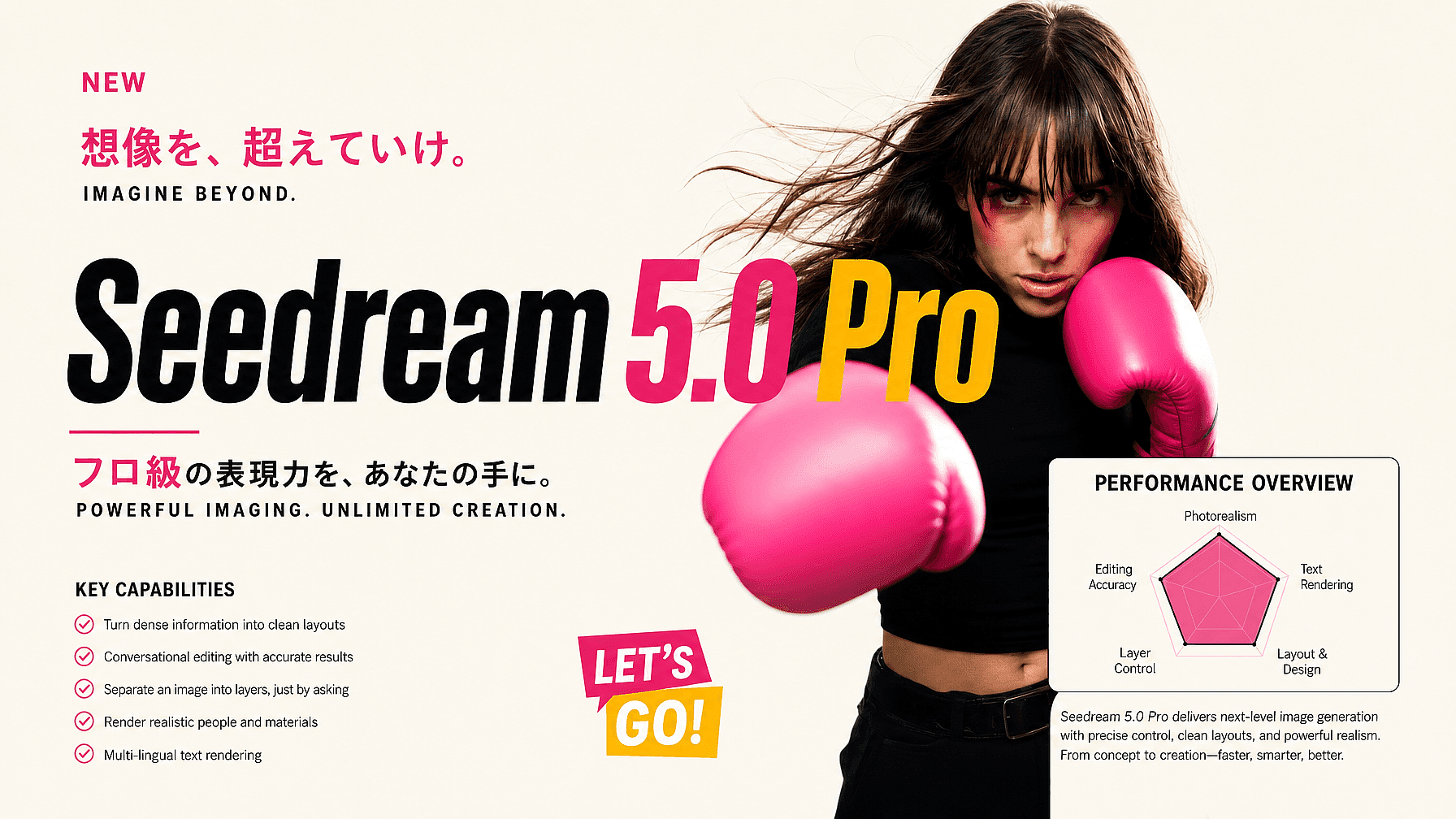
Where older models manage one strong subject per image, Seedream 5.0 Pro composes information-rich visuals in a single pass: posters, infographics, slide layouts, data charts, flowcharts, and diagrams. It holds a structured visual hierarchy across many elements and keeps small labels legible with a clear reading order. That makes it practical for work where the layout is the product, not just the backdrop.
Try it Now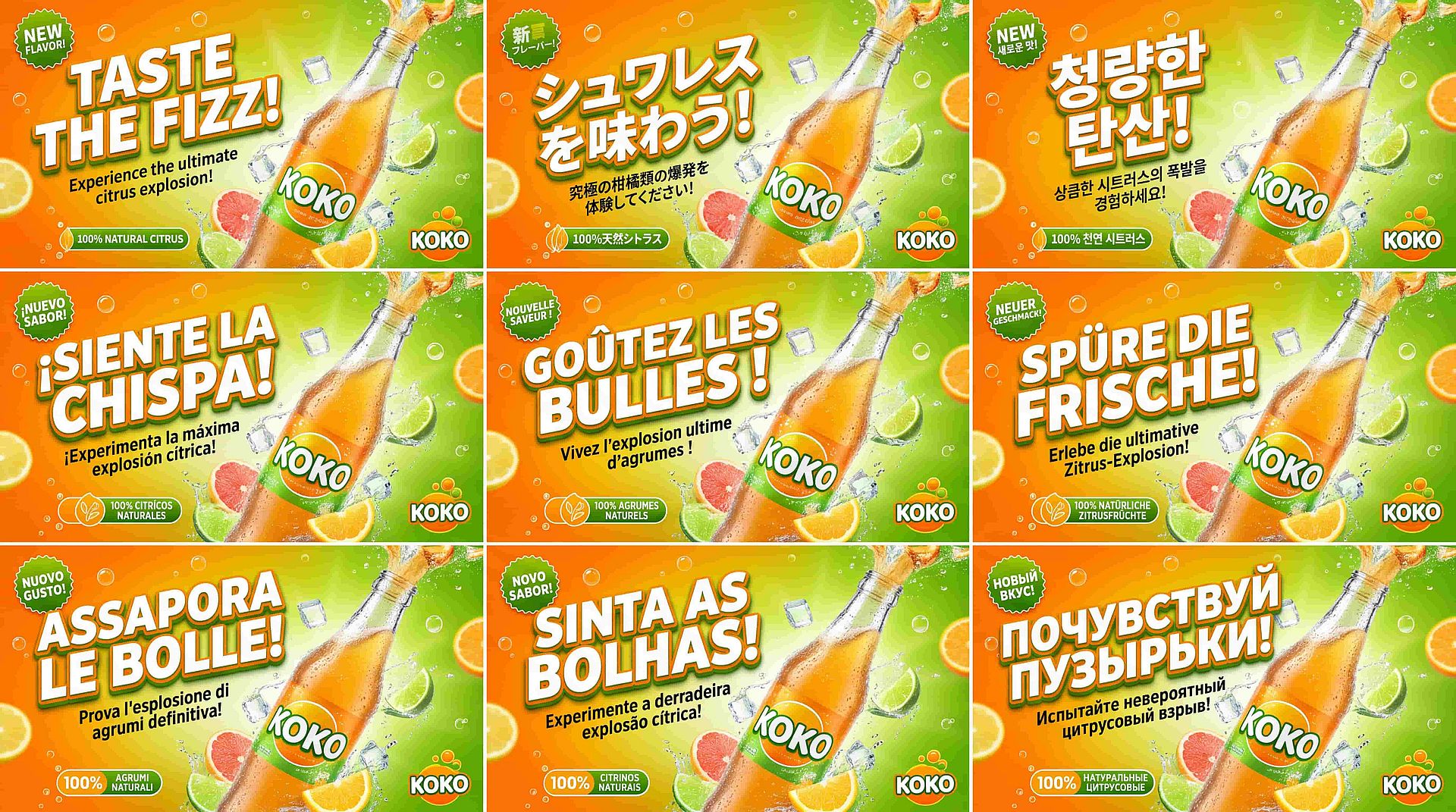
Native Text in Over 14 Languages
Seedream 5.0 Pro generates text directly in multiple languages, including Arabic, Japanese, Korean, Russian, and Thai, with correct letterforms and local typography. Because the text is rendered natively rather than translated and pasted, right-to-left scripts read correctly and tone marks stack where they should. One model can carry a campaign across markets without a per-language cleanup pass.
Try it NowHow to Use Seedream 5.0 Pro
Three steps take you from prompt to layered, finished image.
Choose the Model
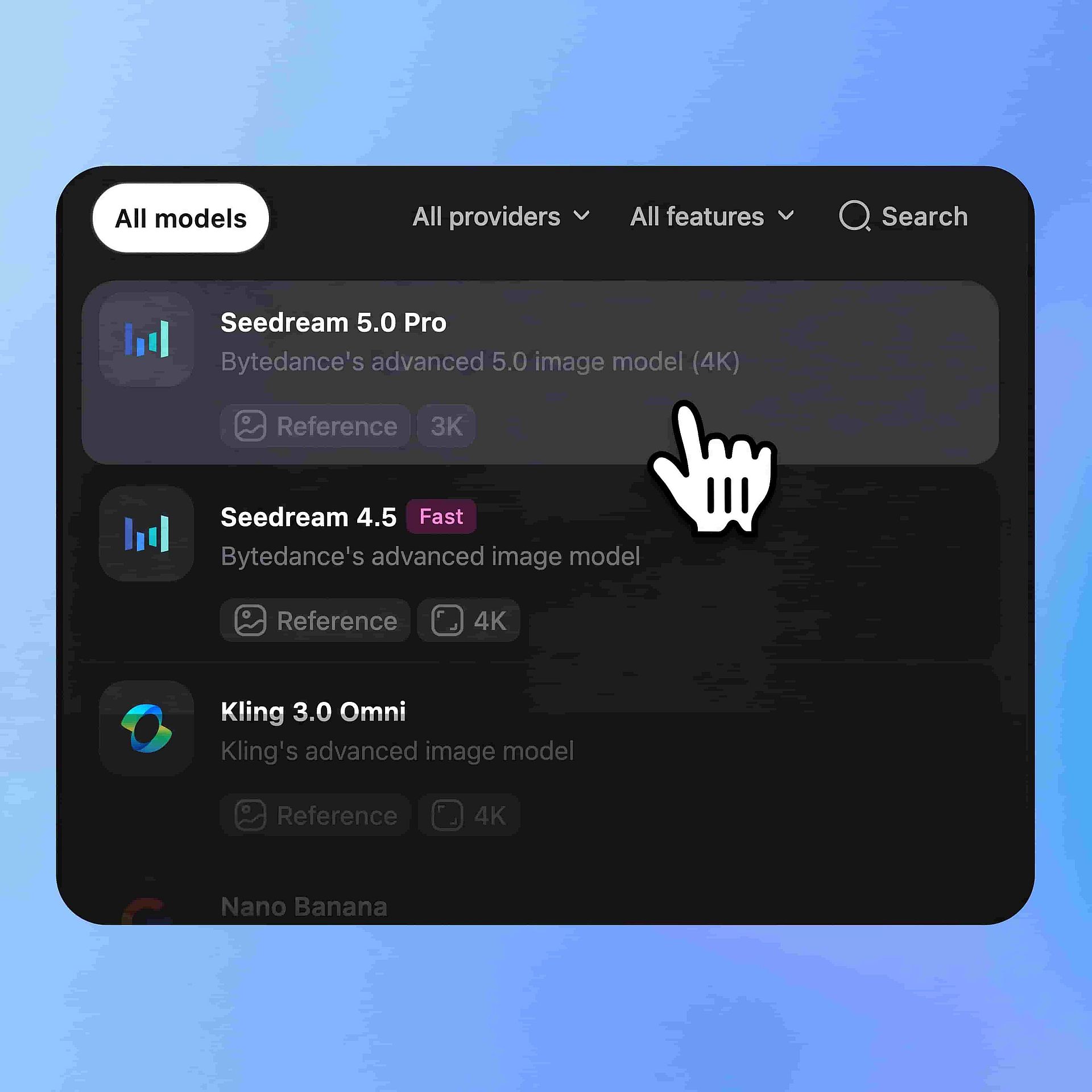
Open OpenArt's image generator and select Seedream 5.0 Pro from the model menu. Pick your aspect ratio: vertical for social, square for feeds, or widescreen for banners and slides.
Write Your Prompt
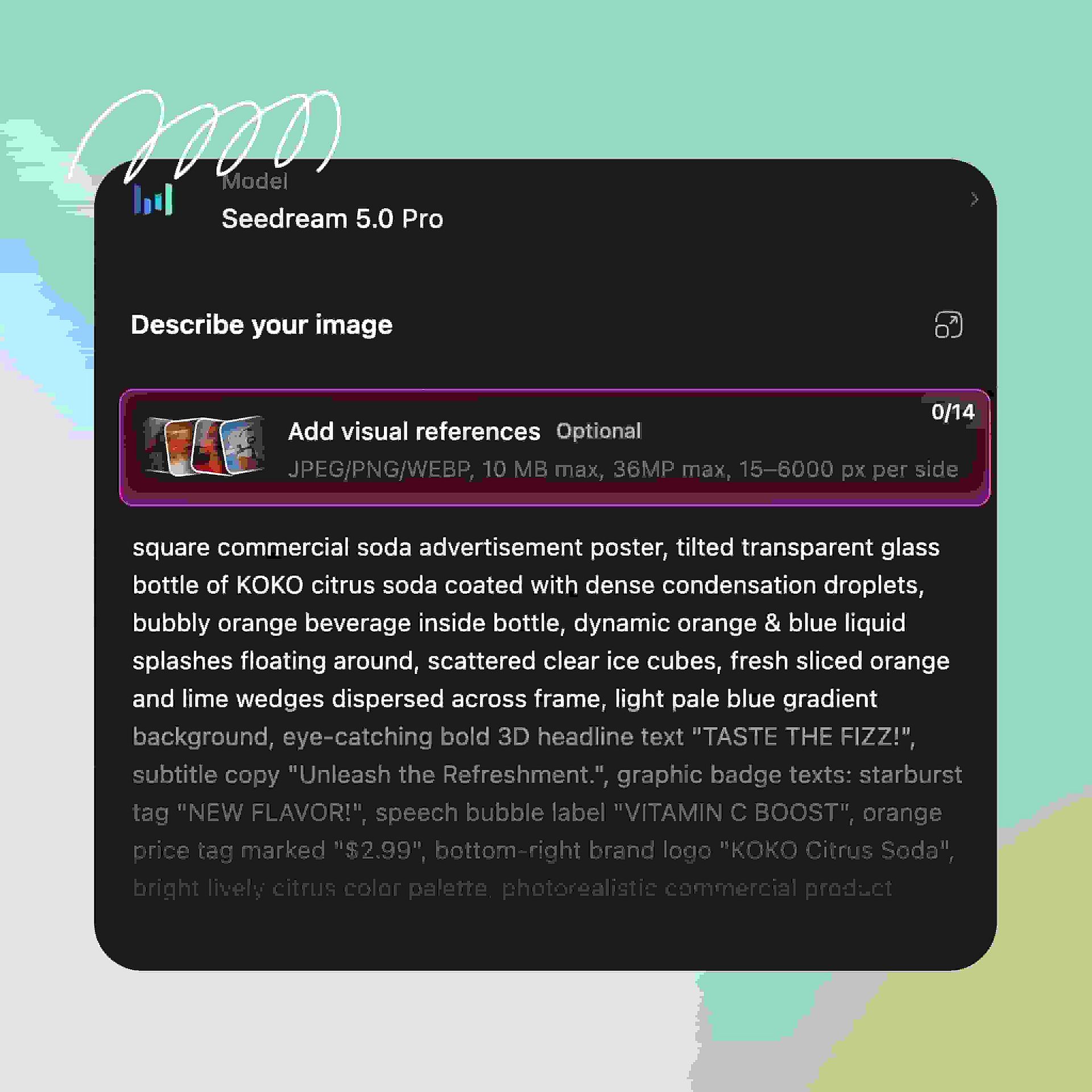
Describe the subject, style, layout, and any in-image text, including the language it should render in. For dense layouts, spell out the hierarchy: headline at the top, chart in the center, caption at the bottom.
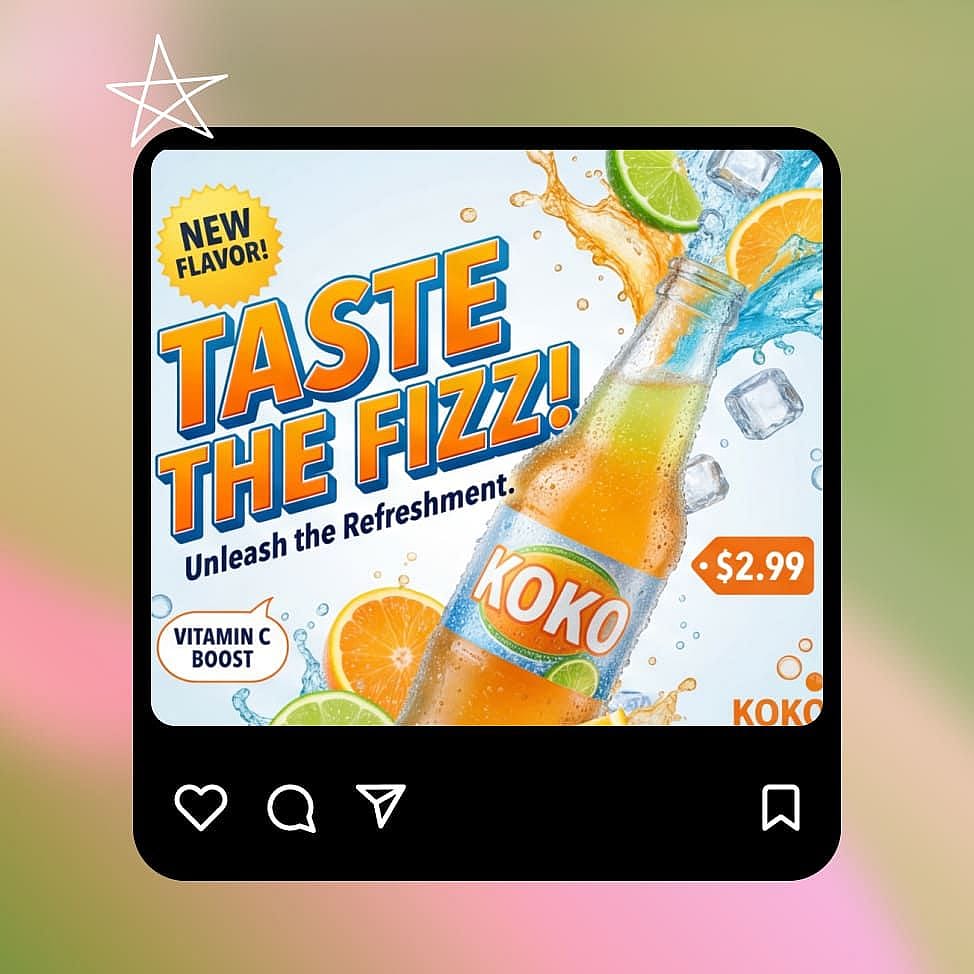
Edit by Region or Layer
Generate, then refine with precision instead of re-rolling. Mark a region to change just that element, or ask the model to separate a layer and reposition, scale, or restyle it on its own before you download.
Best Use Cases for Seedream 5.0 Pro
Where the Seedream 5.0 Pro AI image generator fits naturally into your workflow on OpenArt.
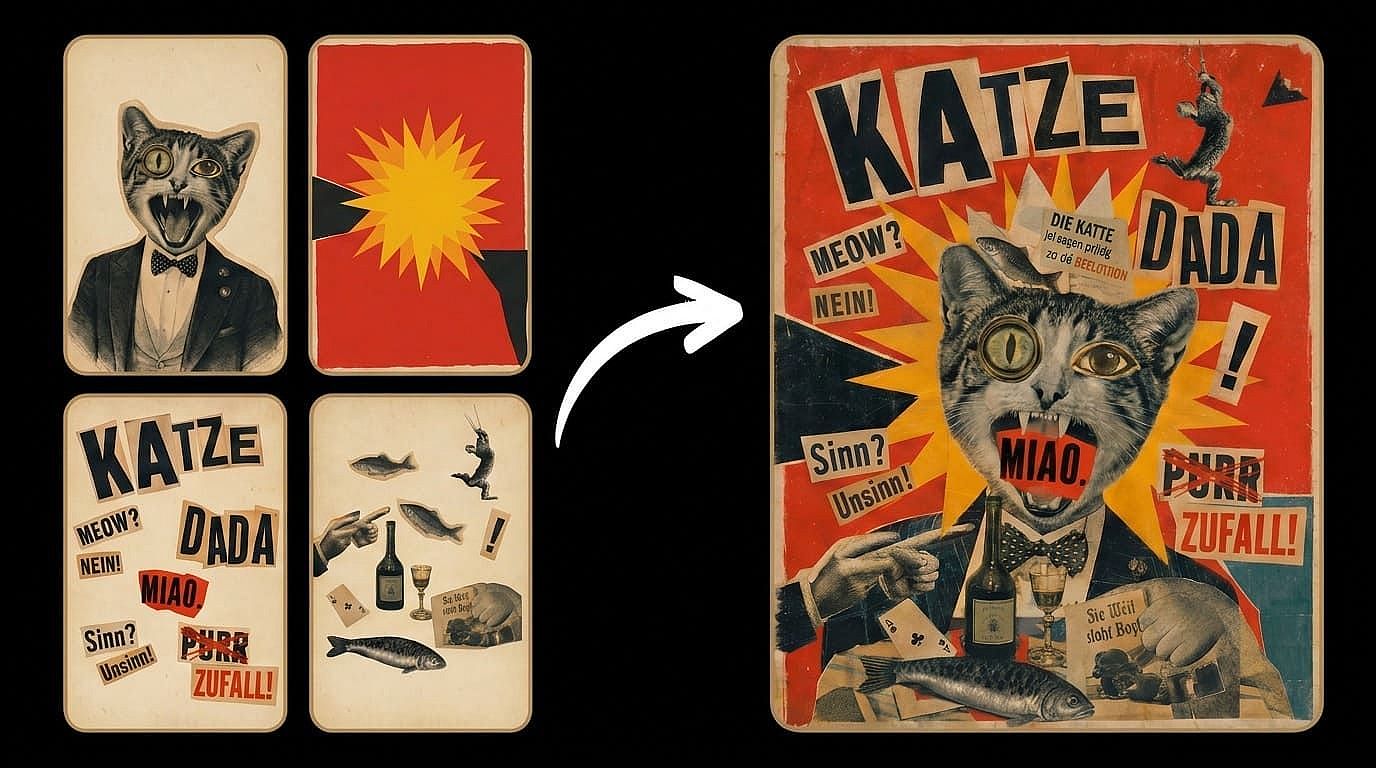
Layered Posters and Brand Layouts
Generate a poster, then split it into text, subject, and background layers you can adjust independently. Move the headline, swap the background, or scale the product without touching anything else. A layout stops being one frozen render and becomes a working file you iterate on.
Try it Now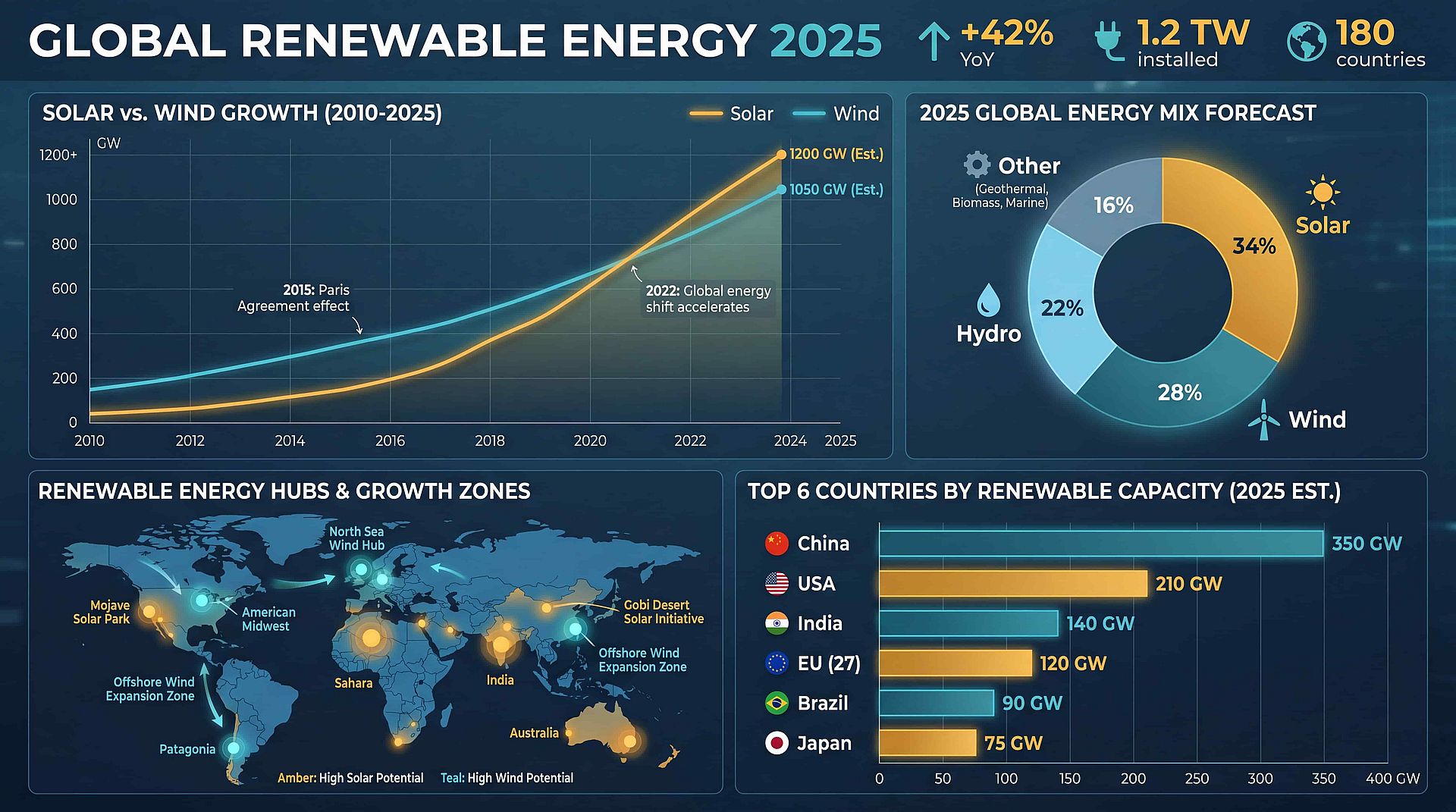
Infographics, Charts, and Slides
Produce data charts, flowcharts, annotated diagrams, and slide visuals in one generation, with small text that stays readable. The model's structured hierarchy keeps dense information scannable rather than cluttered. Teams can draft explainer graphics and deck visuals without starting from a blank design canvas.
Try it Now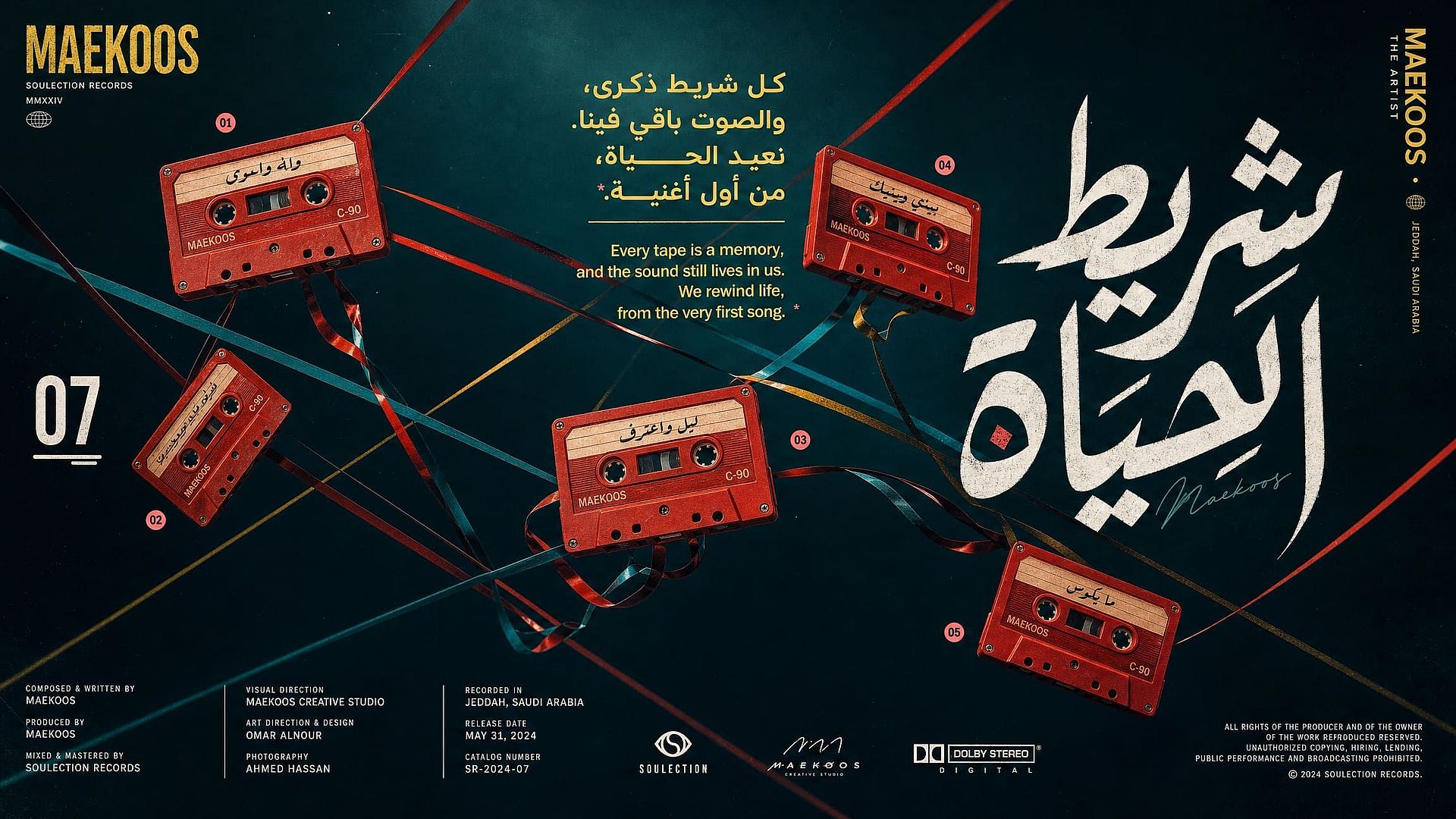
Multilingual Campaign Creatives
Run one visual system across markets by rendering native text in 14 different languages, from an Arabic sale poster to a Chinese product banner. Letterforms, direction, and typography come out correct in the generation itself. That cuts localization from a redesign job down to a prompt change.
Try it Now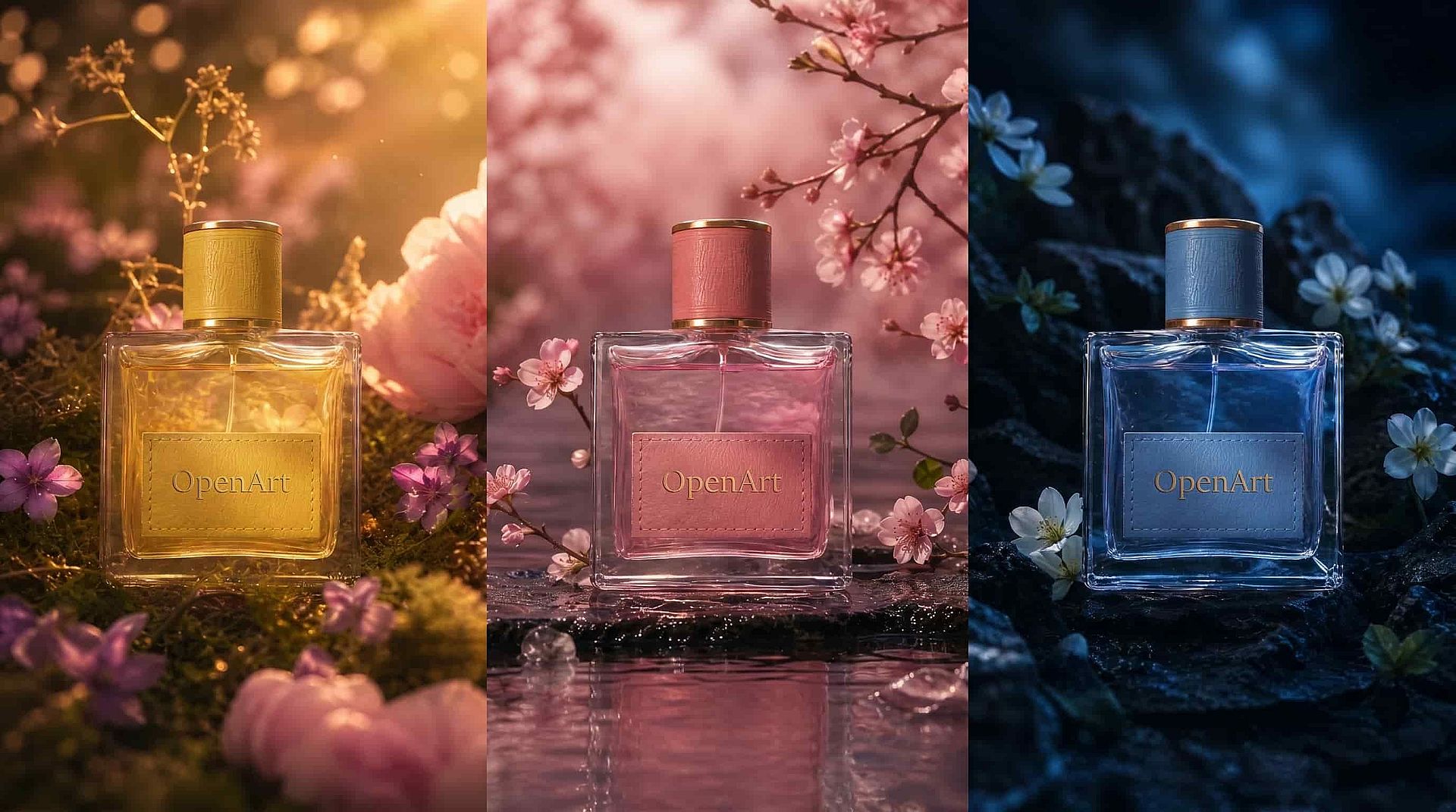
Product and Catalog Edits
Point at a label, a colorway, or a background and change only that region while the product stays pixel-consistent. Spatial grounding makes packaging tweaks and catalog variants reliable across a whole product line. You get controlled variations instead of a fresh roll of the dice per image.
Try it NowChoosing the Right Model for AI Image Creation
| Model | Best For |
|---|---|
| Seedream 5.0 Pro | Multi-layer separation, region-precise edits, high-density layouts, and native text in 14 languages. |
| Seedream 5.0 Lite | Smarter instruction understanding with real-time web grounding, clean poster-style layouts, and transparent PNG input for layered design work. |
| Seedream 4.5 | Photorealistic detail and stable, reference-accurate results, with precise dense typography for professional product and portrait work. |
| Nano Banana Pro / 2 Lite | High-resolution photorealism, character consistency, and fast native generation. |
| GPT Image 2 | Photoreal composition, typography, and structured commercial layouts. |
| Recraft V4 | Vector-style illustration, brand systems, and clean graphic design with native SVG. |
Tips for Best Results
Mark the subject for edits
For edits, point at or box the exact element you want changed and describe only that change. Precise targets keep the rest of the frame untouched.
Name your layers up front
Tell the model which elements you will want as separate layers, like "headline text" or "product bottle". Clean element definitions make separation and later repositioning sharper.
Spell out the layout hierarchy
For infographics and posters, state the reading order: title, sections, labels, footnote. The model holds structure best when your prompt supplies one.
Write in-image text in target language
Put the exact copy in your prompt in the language it should render, rather than asking for a translation. Native input gets native typography.
Frequently Asked Questions
Get Insights from Experts Blog
Get the insights you need. Our experts share actionable hacks, break down the hottest topics, and provide essential how-to guides to help you build, optimize, and scale.
Read More
Loved by Creators
I've tried many AI platforms... but OpenArt is still the best for character creation, image-to-video quality, and the variety of models available.
OpenArt offers an excellent array of AI tools... once you learn the features, the creative possibilities are amazing - and their support team is outstanding.
OpenArt is a very versatile AI platform with many image and video models, consistent character creation, and powerful editing tools.
Helpful AI tools all in one place - image and video generation, editing, and more... no need for multiple subscriptions.
Customer service is always quick and helpful... and the platform keeps getting better with new features and tools.
I've tried many AI platforms... but OpenArt is still the best for character creation, image-to-video quality, and the variety of models available.
OpenArt offers an excellent array of AI tools... once you learn the features, the creative possibilities are amazing - and their support team is outstanding.
OpenArt is a very versatile AI platform with many image and video models, consistent character creation, and powerful editing tools.
Helpful AI tools all in one place - image and video generation, editing, and more... no need for multiple subscriptions.
Customer service is always quick and helpful... and the platform keeps getting better with new features and tools.
I've tried many AI platforms... but OpenArt is still the best for character creation, image-to-video quality, and the variety of models available.
OpenArt offers an excellent array of AI tools... once you learn the features, the creative possibilities are amazing - and their support team is outstanding.
OpenArt is a very versatile AI platform with many image and video models, consistent character creation, and powerful editing tools.
Helpful AI tools all in one place - image and video generation, editing, and more... no need for multiple subscriptions.
Customer service is always quick and helpful... and the platform keeps getting better with new features and tools.
With so many AI platforms out there, OpenArt stood out as a stellar choice - I'd recommend it to any creator.
This platform includes everything you need for AI content creation - images, video, characters, audio, and multiple AI models in one place.
OpenArt is pushing the boundaries of AI video creation... and it's clear the team is committed to improving the creator experience.
I made my first AI music video with OpenArt... and their support team was the best help I've ever experienced.
I'm very happy with the support - my issue was resolved quickly and the team made the process easy.
With so many AI platforms out there, OpenArt stood out as a stellar choice - I'd recommend it to any creator.
This platform includes everything you need for AI content creation - images, video, characters, audio, and multiple AI models in one place.
OpenArt is pushing the boundaries of AI video creation... and it's clear the team is committed to improving the creator experience.
I made my first AI music video with OpenArt... and their support team was the best help I've ever experienced.
I'm very happy with the support - my issue was resolved quickly and the team made the process easy.
With so many AI platforms out there, OpenArt stood out as a stellar choice - I'd recommend it to any creator.
This platform includes everything you need for AI content creation - images, video, characters, audio, and multiple AI models in one place.
OpenArt is pushing the boundaries of AI video creation... and it's clear the team is committed to improving the creator experience.
I made my first AI music video with OpenArt... and their support team was the best help I've ever experienced.
I'm very happy with the support - my issue was resolved quickly and the team made the process easy.