

Grok Imagine
AI Image & Video Generator
Grok Imagine Image 2.0 brings region-based editing to OpenArt's model library, on top of the video and audio generation Grok Imagine on OpenArt already supports. Generate an image, edit the exact part that's wrong, then animate it, all inside one account.

Key Features of Grok Imagine
Grok Imagine, xAI’s creative AI model. Grok Imagine brings image creation, editing, video, and sound into one creative flow. Make the first frame, refine it with references, then turn it into motion without rebuilding the idea in another tool.
Text to Image
Write a prompt and Grok Imagine generates clean images with strong instruction following at 1K or 2K. With OpenArt's AI image generator, you control aspect ratio and count, and you get several options per run to compare side by side before you pick one.
Try it NowMulti-Image Editing
Edit any image in plain language, or combine up to 3 reference images in a single request. That lets you composite subjects, transfer a style, and build a scene from separate sources without manual masking.
Try it NowText, Image, and Reference to Video
Grok Imagine supports native 1080p for text-to-video and image-to-video, with clips up to 15 seconds. For more controlled scenes, reference-to-video supports up to 7 images, up to three voice references, and output up to 720p.
Try it NowNative Audio Generation
Grok Imagine creates dialogue, ambient sound, and effects together with the video, so the audio follows the action from the start. With Grok Imagine 1.5, reference-to-video can also use up to three voice references to guide who speaks and which voice the video follows.
Try it NowHow to Use Grok Imagine on OpenArt
Three steps take you from prompt to finished clip.
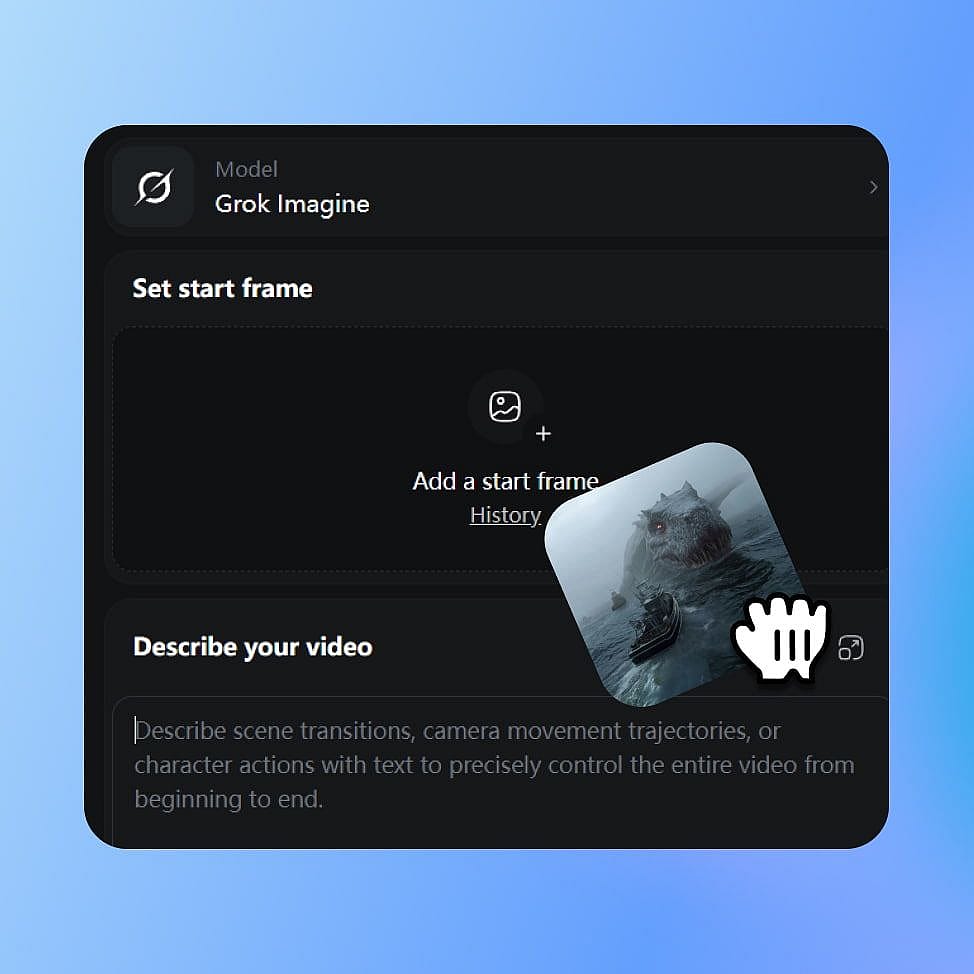
Choose Grok Imagine
Open OpenArt's image or video tools and select Grok Imagine from the model menu. Pick your mode: create an image, edit one, or generate video.
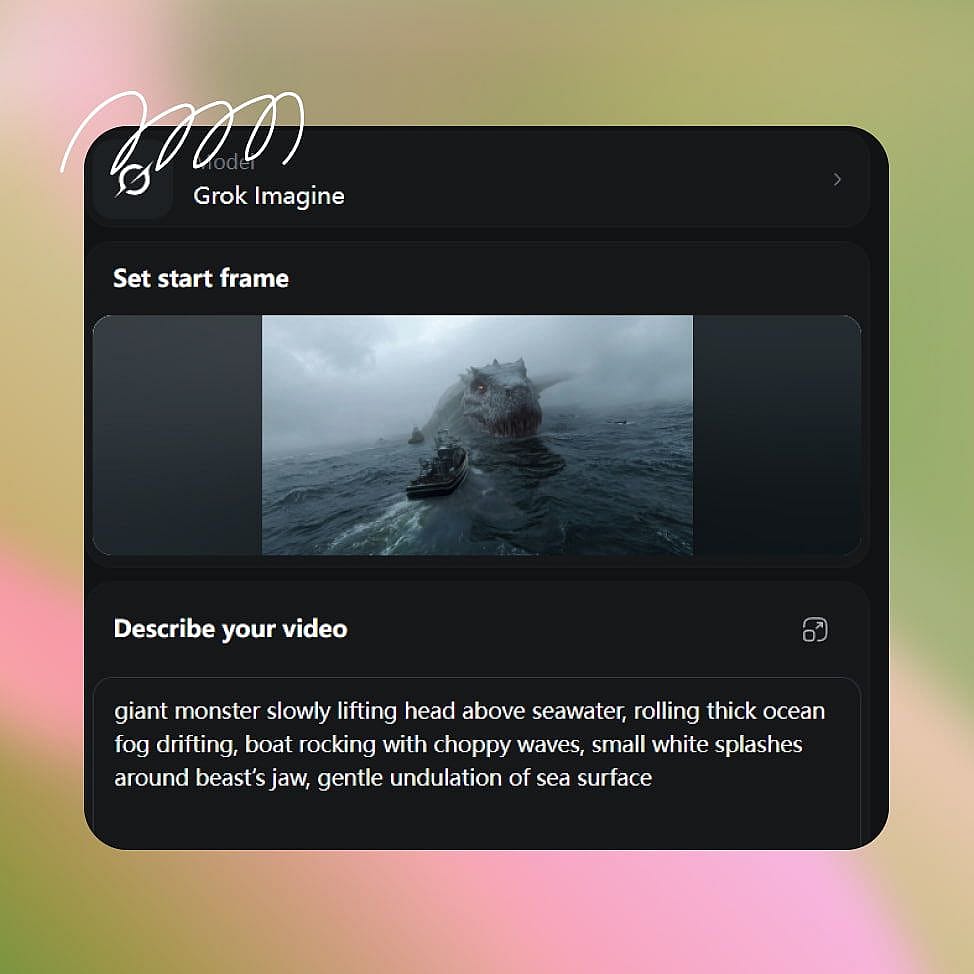
Write Your Prompt
Describe your subject, style, and any camera moves you want. For image-to-video, upload or generate a first frame, and add reference images when you need more control.
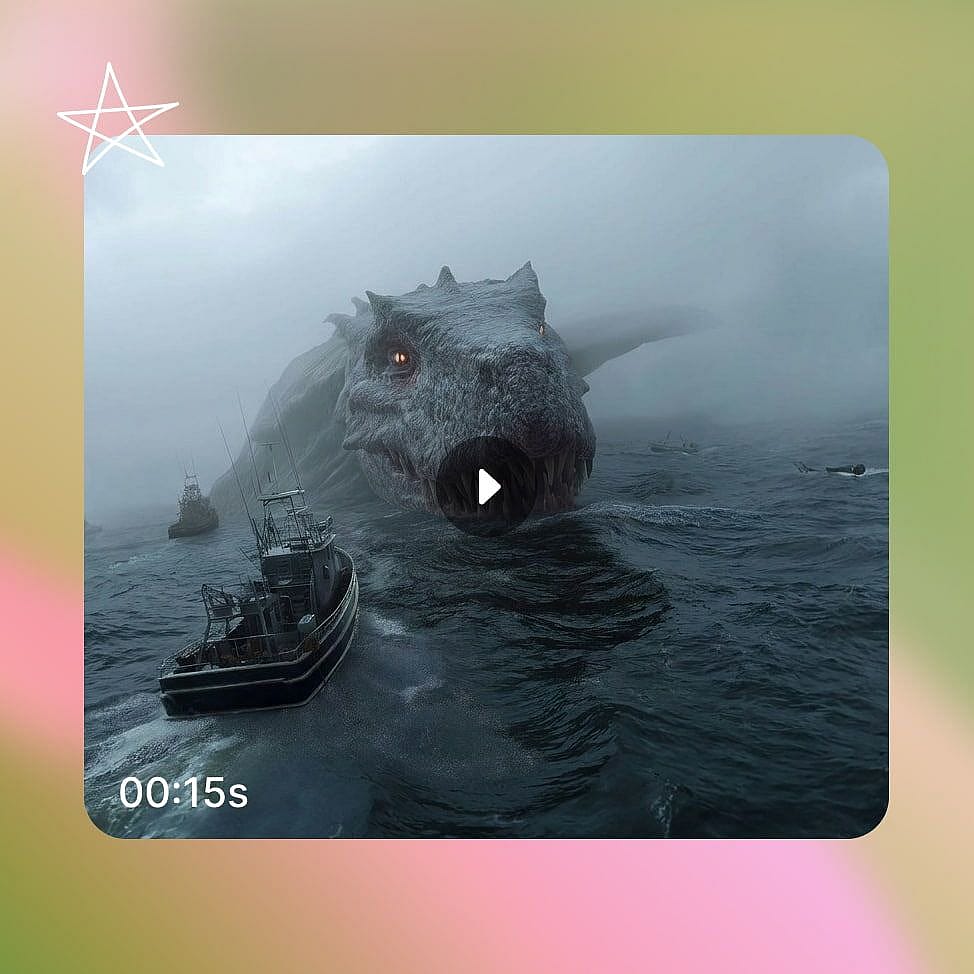
Create and Refine
Set your aspect ratio and resolution, then generate. Refine your prompt or swap a reference image and regenerate to lock in the result.
Who Grok Imagine Is Built For
Grok Imagine fits anyone who needs both stills and short video, fast, from one model. Here is where it maps to real work.
Social Media Creators
Turn a single image into a vertical clip with synced audio for TikTok, Reels, and Shorts. Fast generation lets you test several hooks in the time a traditional edit takes, so you can post more and find what lands.
Try it NowMarketers working with Brand Kit
Brand Kit carries your saved colors, typography, and brand rules into campaign production. Use Grok Imagine to swap a product detail or the setting behind it without regenerating the full image, then resize the same creative for each ad placement.
Try it NowFilmmakers and Storytellers
Animate concept art and stills into cinematic shots with camera control and synced dialogue. Image-to-video preserves your starting frame, so a storyboard or character design carries straight into the scene.
Try it NowSmall Business and E-commerce
Build product photos and short promo clips without a studio or a film crew. Edit a single product shot into multiple scenes, then turn the best one into a demo with sound, so you can market a launch on your own.
Try it NowTips for Best Results
Loved by Creators
I've tried many AI platforms... but OpenArt is still the best for character creation, image-to-video quality, and the variety of models available.
OpenArt offers an excellent array of AI tools... once you learn the features, the creative possibilities are amazing - and their support team is outstanding.
OpenArt is a very versatile AI platform with many image and video models, consistent character creation, and powerful editing tools.
Helpful AI tools all in one place - image and video generation, editing, and more... no need for multiple subscriptions.
Customer service is always quick and helpful... and the platform keeps getting better with new features and tools.
I've tried many AI platforms... but OpenArt is still the best for character creation, image-to-video quality, and the variety of models available.
OpenArt offers an excellent array of AI tools... once you learn the features, the creative possibilities are amazing - and their support team is outstanding.
OpenArt is a very versatile AI platform with many image and video models, consistent character creation, and powerful editing tools.
Helpful AI tools all in one place - image and video generation, editing, and more... no need for multiple subscriptions.
Customer service is always quick and helpful... and the platform keeps getting better with new features and tools.
I've tried many AI platforms... but OpenArt is still the best for character creation, image-to-video quality, and the variety of models available.
OpenArt offers an excellent array of AI tools... once you learn the features, the creative possibilities are amazing - and their support team is outstanding.
OpenArt is a very versatile AI platform with many image and video models, consistent character creation, and powerful editing tools.
Helpful AI tools all in one place - image and video generation, editing, and more... no need for multiple subscriptions.
Customer service is always quick and helpful... and the platform keeps getting better with new features and tools.
With so many AI platforms out there, OpenArt stood out as a stellar choice - I'd recommend it to any creator.
This platform includes everything you need for AI content creation - images, video, characters, audio, and multiple AI models in one place.
OpenArt is pushing the boundaries of AI video creation... and it's clear the team is committed to improving the creator experience.
I made my first AI music video with OpenArt... and their support team was the best help I've ever experienced.
I'm very happy with the support - my issue was resolved quickly and the team made the process easy.
With so many AI platforms out there, OpenArt stood out as a stellar choice - I'd recommend it to any creator.
This platform includes everything you need for AI content creation - images, video, characters, audio, and multiple AI models in one place.
OpenArt is pushing the boundaries of AI video creation... and it's clear the team is committed to improving the creator experience.
I made my first AI music video with OpenArt... and their support team was the best help I've ever experienced.
I'm very happy with the support - my issue was resolved quickly and the team made the process easy.
With so many AI platforms out there, OpenArt stood out as a stellar choice - I'd recommend it to any creator.
This platform includes everything you need for AI content creation - images, video, characters, audio, and multiple AI models in one place.
OpenArt is pushing the boundaries of AI video creation... and it's clear the team is committed to improving the creator experience.
I made my first AI music video with OpenArt... and their support team was the best help I've ever experienced.
I'm very happy with the support - my issue was resolved quickly and the team made the process easy.
Frequently Asked Questions
Image 2.0 adds targeted image editing to Grok Imagine. You can select regions, remove backgrounds, combine references, and resize compositions inside OpenArt. These controls let you revise an existing result instead of generating it again.
Grok Imagine can create images from text, edit images with references, animate a still image, create video directly from text, and build a video from multiple visual references.
Grok Imagine can animate an existing image while keeping its subject, composition, lighting, and visual direction. Grok Imagine 1.5 supports native 1080p image-to-video and clips up to 15 seconds.
Yes. Grok Imagine supports reference images for both editing and video creation. With Grok Imagine 1.5 reference-to-video, you can use up to 7 images to guide the people, products, setting, clothing, composition, or style of a shot.
Grok Imagine is available in OpenArt's image and video tools. Select it from the model menu, then choose whether you want to create an image, edit an existing visual, or create a video.
Grok Imagine is xAI's model for creating and editing images and turning text or images into short videos with sound. On OpenArt, you can use it across both image and video workflows.
Up to five. OpenArt uses them to guide details like style, product shape, or a person's likeness. More references give you tighter control over a complex edit than one image alone.
Yes. Grok Imagine creates dialogue, ambient sound, and effects together with the video. Grok Imagine 1.5 also supports one optional audio reference in reference-to-video mode.
Grok Imagine understands camera directions such as zoom, pan, tilt, push-in, and handheld movement from the description, giving you more control over how the shot develops.
xAI tightened Grok Imagine's moderation after reports in late 2025 that it was being used to generate non-consensual sexualized edits, and users on Reddit have since argued the filters now catch routine, fully clothed prompts along with the content they were meant to stop. Results can vary by request as xAI keeps tuning this. If Grok Imagine rejects or misreads a prompt, you can switch to one of OpenArt's other image models in the same library.
Create without limits
Join thousands of creators using OpenArt to generate stunning images, videos, and more — all in one platform.
Get Started for Free →