

AI Brand Kit
Set your logo, colors, fonts, and brand rules once, and OpenArt's AI Brand Kit feature applies them to every image and video you generate in that project. Forget re-uploading your assets or re-typing your style guide into each prompt.
Key Benefits



Set Up Once
Save your logo, color palette, typography, and usage rules a single time. You stop pasting hex codes and style notes into every prompt, because the kit holds them for you.



Apply Everywhere
Your brand carries into every image and video in the project automatically. The kit applies across image and video AI models, so you do not rebuild it each time.
Consistency at Scale
Generate hundreds of assets that all read as unmistakably yours, from color grading to typography. A rotating product catalog still comes out looking like one brand.
Key Features of AI Brand Kit
Save Your Whole Brand Once
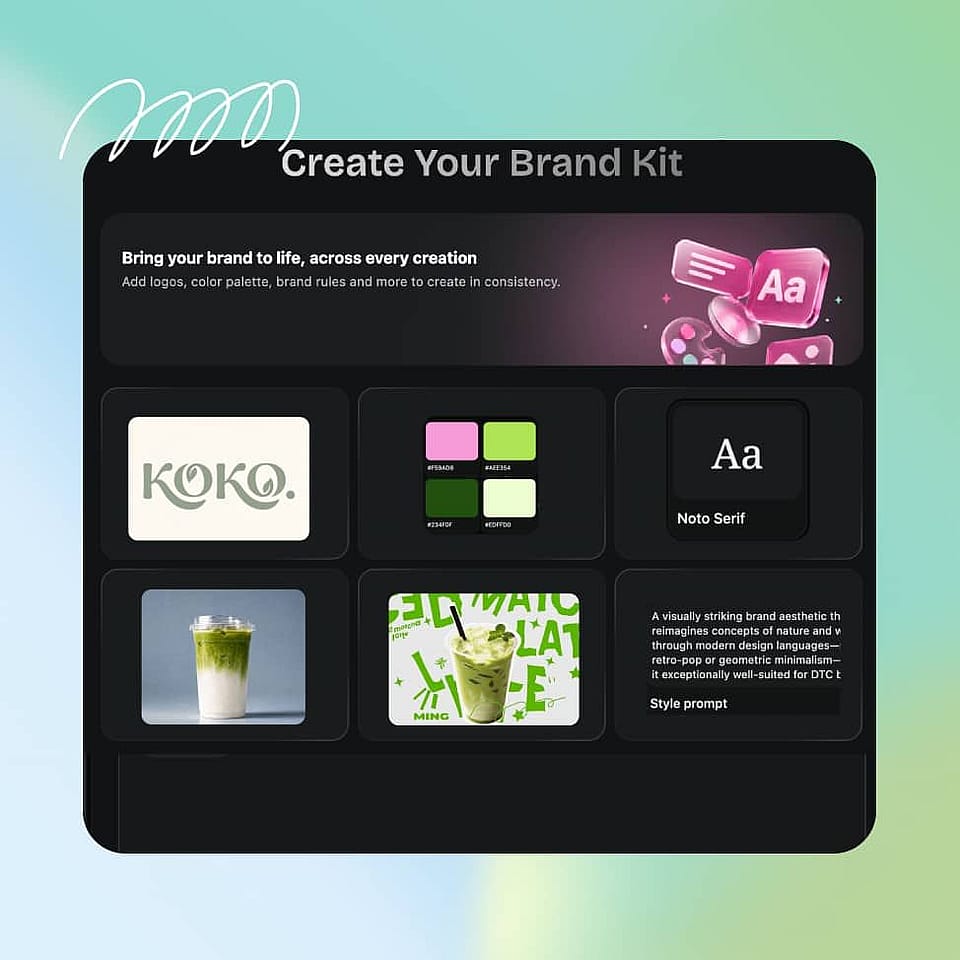
A brand kit in OpenArt holds six things: your logo, color palette, typography, brand assets, style references, and brand rules. Brand assets are specific items like product shots, packaging, or a mascot, while style references capture the overall look and feel you want carried through. Brand rules are your plain list of what to always do and what to never do.
Consistently Locks Into Every Generation
Your color palette, typography, and brand rules live in the text layer, so they apply to every single generation. A model with only two reference slots still receives your exact hex codes, your fonts, and your full "never do this" list. These three even carry over to text-only models, where image references have nowhere to go.
Prioritize the References That Matter Most
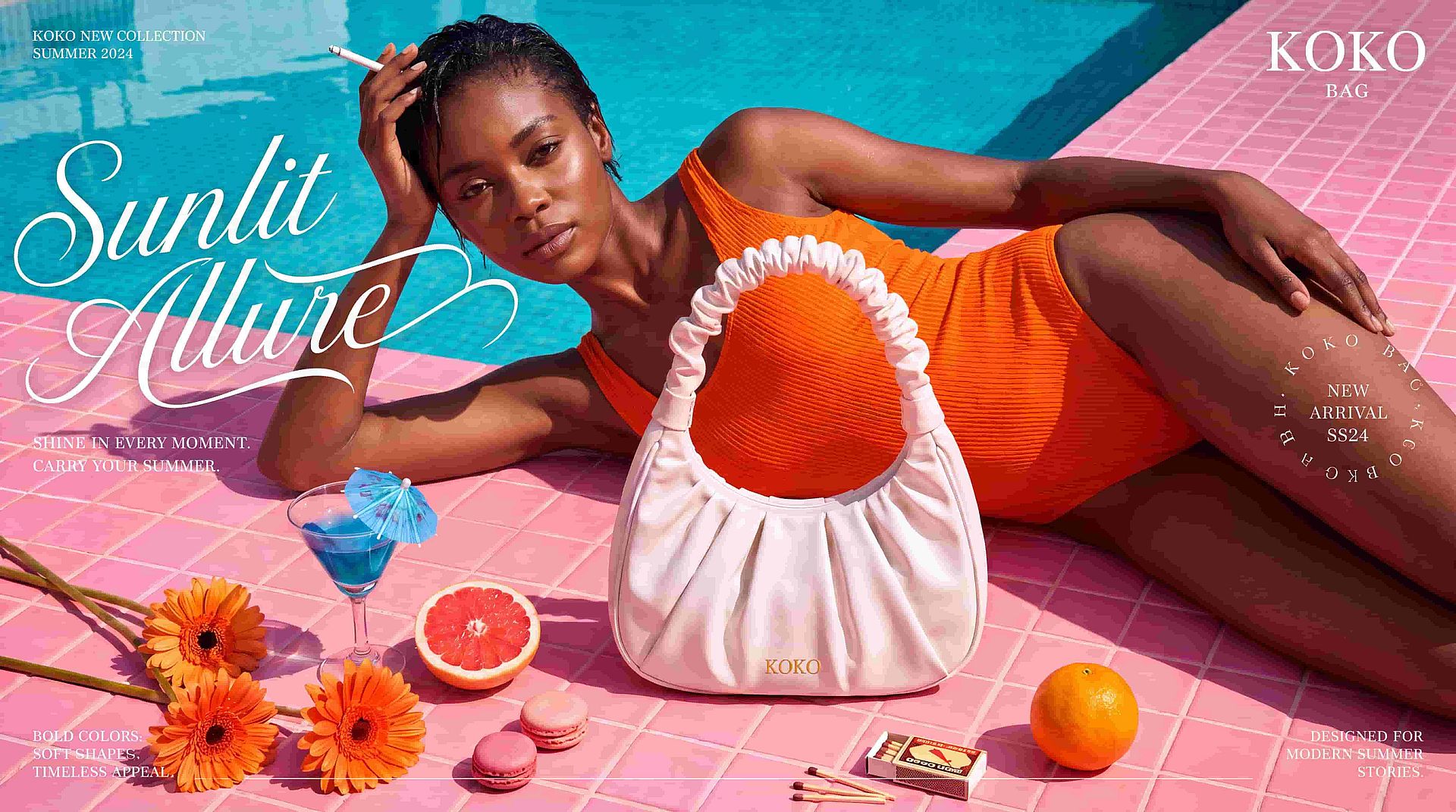
Your logo, brand assets, and style references share whatever image reference slots your chosen model supports. When slots run tight, you set a reference focus (overall style, product, mascot, logo, or color palette) and Brand Kit protects that first, then tells you what it dropped instead of silently swapping something out. You can also add a one-off campaign asset at generation time, and it shares the same reference budget without overwriting your saved brand.
Grow Your Kits as You Generate
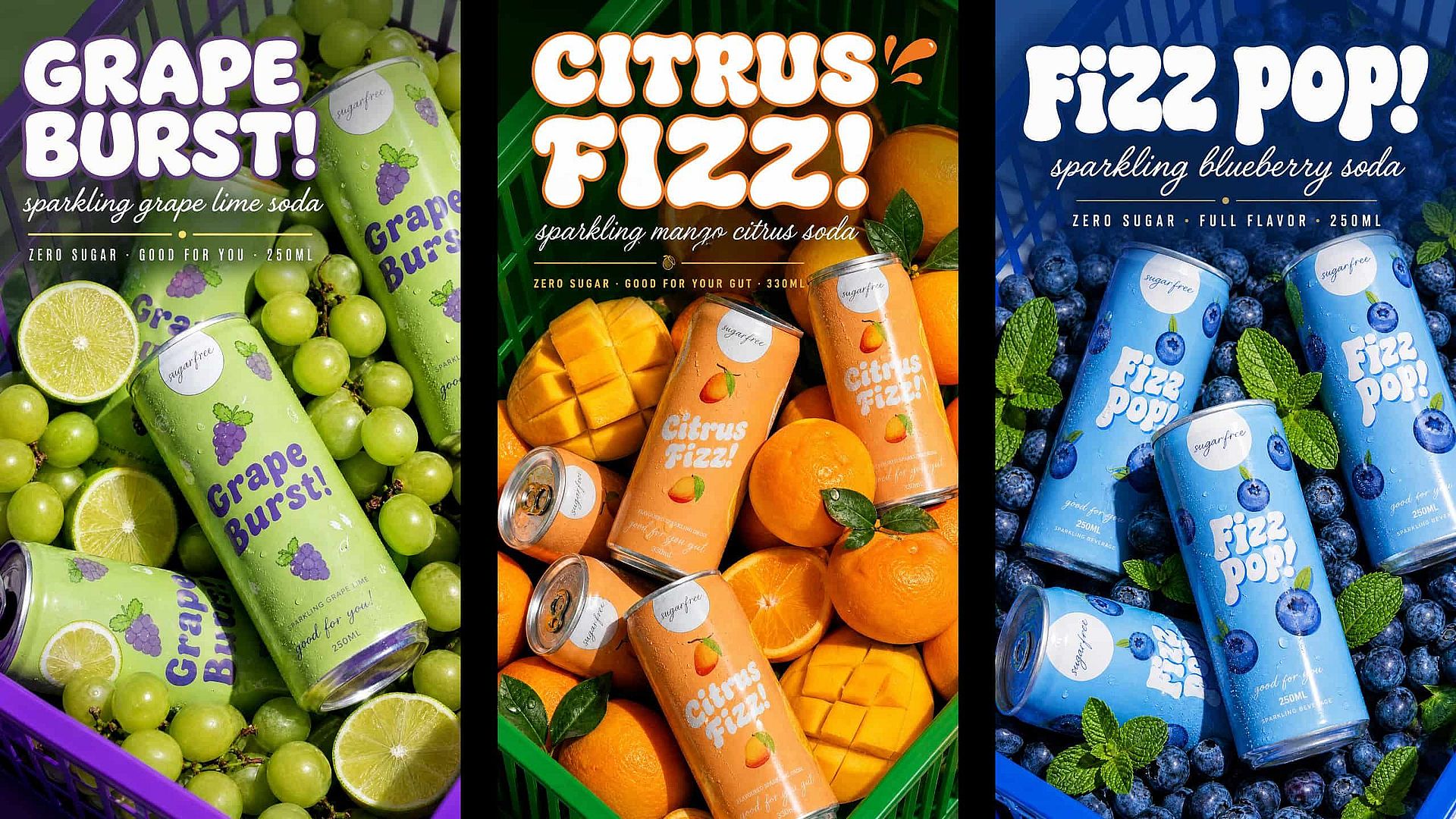
Save a generation you like straight back into the kit as a new brand asset or style reference. Each kit gets stronger with use rather than staying frozen at whatever you uploaded on day one. Kits stay isolated to their own project by default, so you can run separate clients or campaigns without mixing them up.
How to Use OpenArt's AI Brand Kit
Set up your brand once and generate on-brand content in three steps.
Create Your Brand Kit
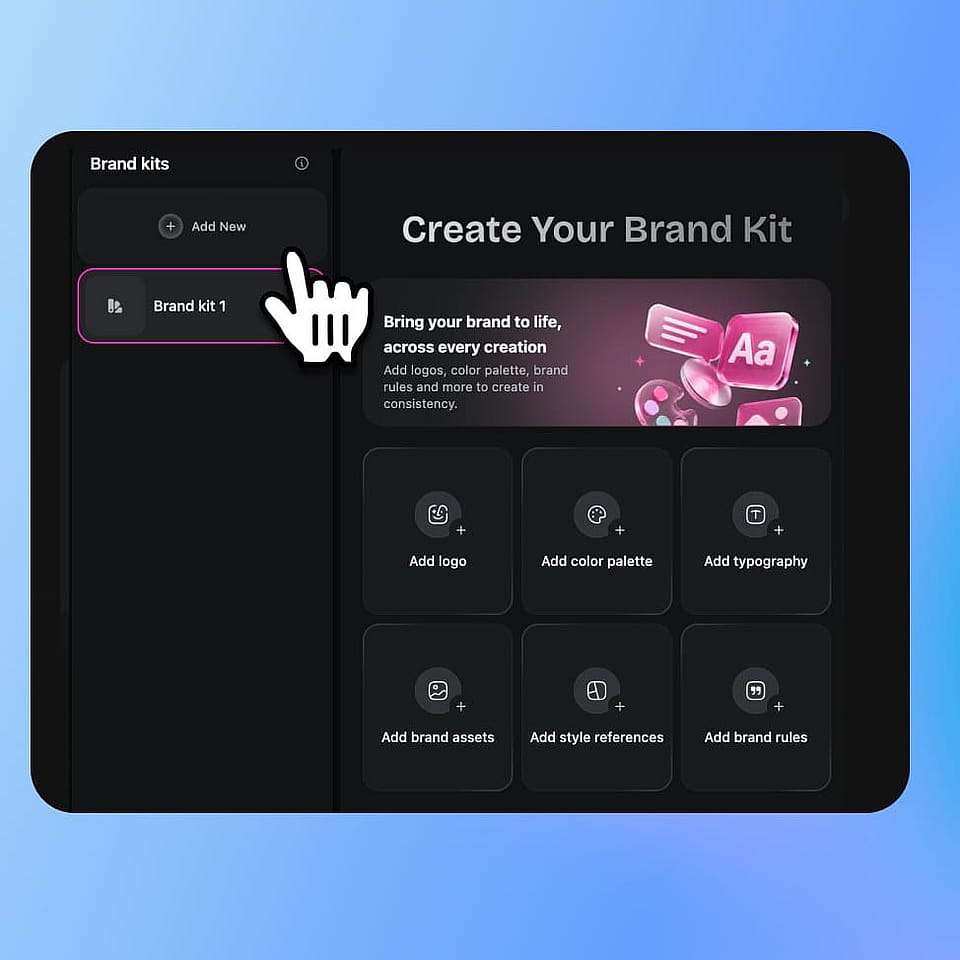
In the sidebar under Assets, open Brand Kit and click Add New. Name the kit after the client or campaign it belongs to, since each kit stays isolated to its own project by default.
Fill In the Specifics
Add your logo, color palette (exact hex codes), typography, brand assets, style references, and brand rules. Then tell Brand Kit what to protect first, so the asset you care about most survives when a model's reference slots run out.
Generate On-Brand Visuals
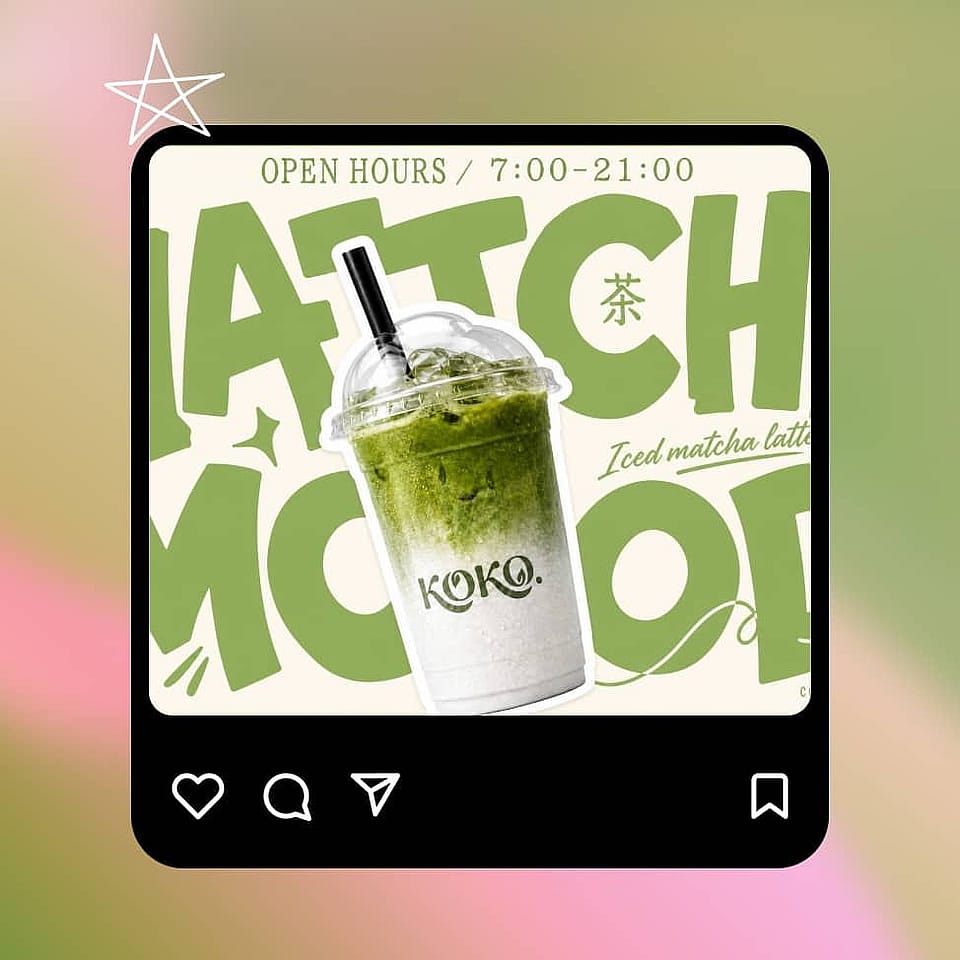
Switch into Create Image or Text to Video, and every generation in that project pulls from the kit automatically. Add a one-off campaign asset any time without touching what you already saved.
Use the AI Brand Kit for Any Branded Content
Creative Ad Agencies
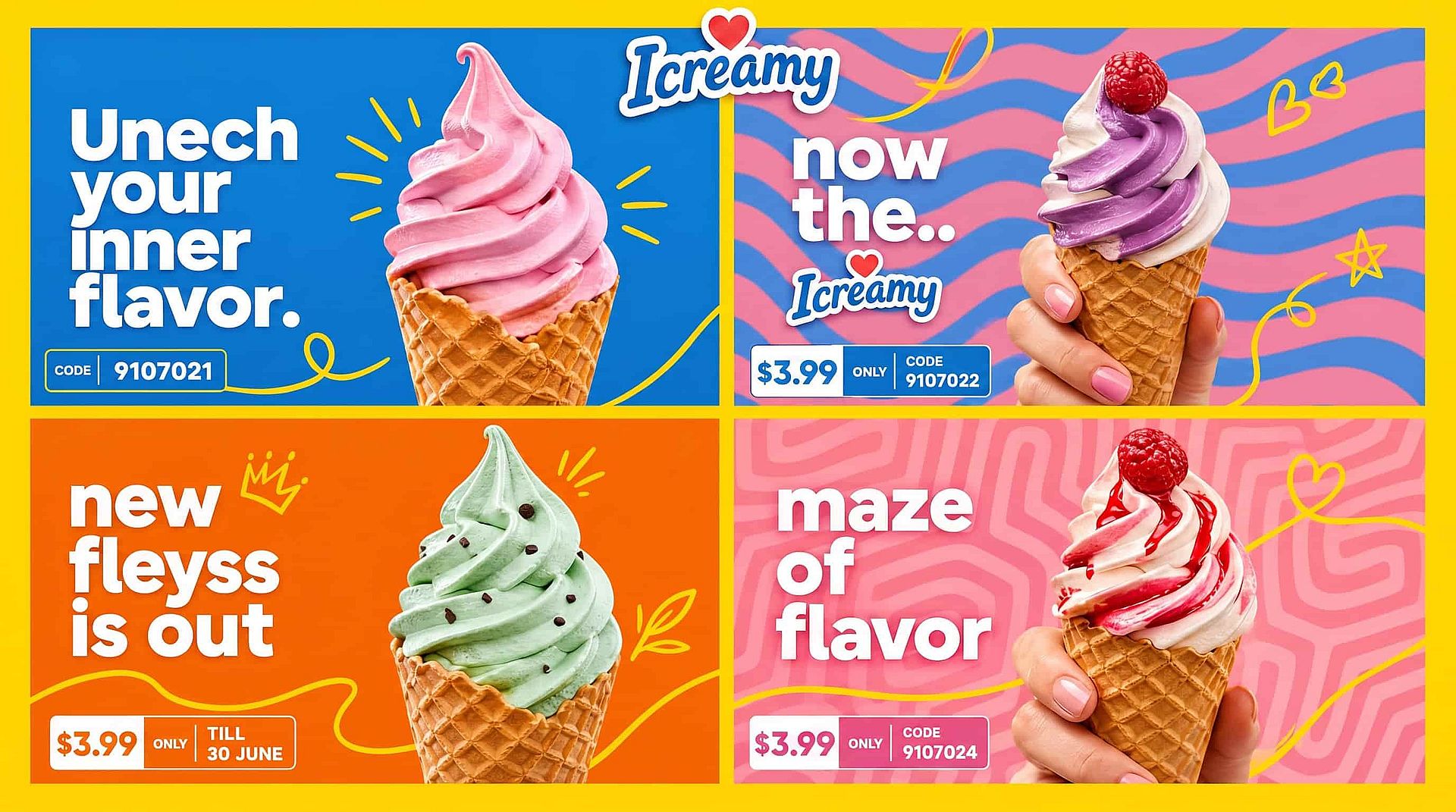
Agencies running five, ten, or twenty client accounts can give each client its own kit, isolated by project, so nothing bleeds across accounts. Each client keeps its own logo, tone, and "never do this" list in one workspace. Pair Brand Kit with the AI video generator to turn out on-brand ad creative for every account.
Try it NowIn-House Marketing Teams
For teams where brand consistency is someone's actual job, Brand Kit moves the brand definition out of individual prompts and into a layer the model checks every time. Colors stop drifting between generations, and typography stays fixed across a full campaign. Everyone on the team generates from the same saved identity.
Try it Now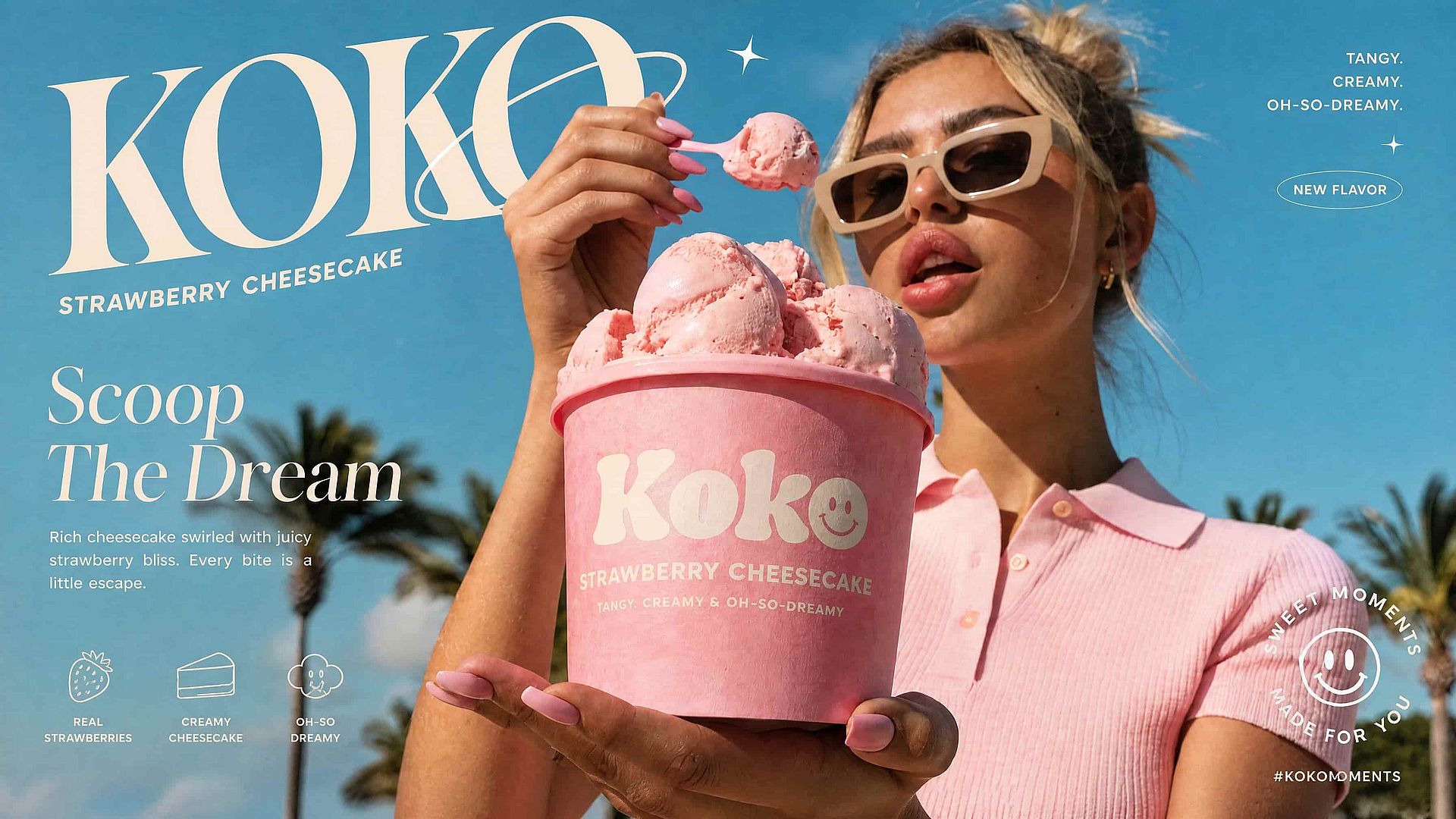
Freelancers and Content Creators
Freelancers producing branded content for several clients can save each client's identity once and reuse it, instead of rebuilding a style guide from scratch every project. Keep a mascot or spokesperson consistent alongside your brand by combining Brand Kit with OpenArt Characters. Switching between clients takes one click, not a fresh setup.
Try it Now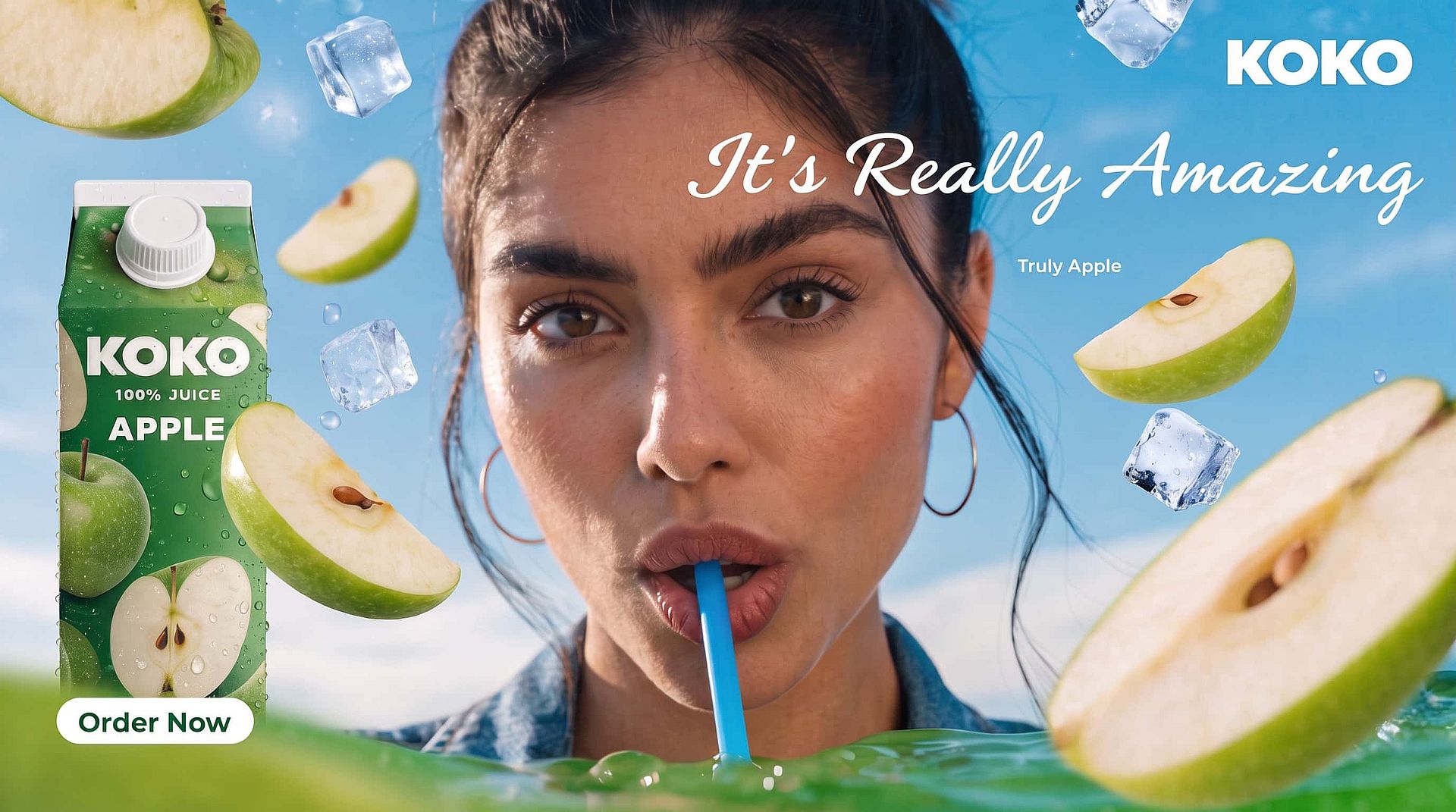
E-Commerce and DTC Brands
Online brands whose catalog changes every week can keep one fixed identity across seasonal drops and new SKUs. Product photography stays in the same palette and style even as the products themselves change. Everything is possible when you use Brand Kit in our AI image generator.
Try it NowFrequently Asked Questions
A brand kit is a saved set of your visual identity, including your logo, colors, fonts, tone, and usage rules, that a tool applies automatically instead of making you re-enter it every time. Inside OpenArt, a brand kit holds six fields: logo, color palette, typography, brand assets, style references, and brand rules, all attached to a project and applied every time you generate.
Brand assets are specific things such as your product shots, packaging, or mascot. Style references are about overall look and feel, the visual mood you want carried through even when the exact subject changes. Both share the model's image reference slots, while your color palette, typography, and brand rules do not, because those live in the text layer.
Yes. Kits are project-scoped by default, so each client or campaign stays isolated and nothing bleeds across accounts. You can also share a kit across your workspace when several projects need the same identity.
Both. Brand Kit currently applies inside Create Image and Text to Video, so the same saved identity drives your still images and your motion content.
Most AI tools work at the prompt level, so the same prompt can produce a slightly different shade of your brand color or a different reading of a rule like "friendly icons" every time. Brand Kit closes that gap by holding your definition in a layer the model checks on every generation.
Open Brand Kit in the sidebar under Assets, click Add New, and name the kit. Then fill in your logo, color palette, typography, brand assets, style references, and brand rules, and set a reference focus so the AI Brand Kit knows what to protect first when reference slots run low.
Your brand prompt, colors, and rules apply across all supported models through the text layer. Image references such as your logo and product shots depend on how many reference slots the selected model supports, and Brand Kit tells you what it prioritized when slots run out.
Yes. Upload it at generation time, and it shares the same reference budget as your saved kit assets instead of replacing them. Your fixed identity keeps working alongside a catalog that rotates.
Many AI brand kit generators create a brand identity from scratch, producing a logo and palette from a prompt. OpenArt's AI Brand Kit feature takes the identity you already have and applies it to every image and video you generate, so your existing brand stays consistent at scale.
Content you create with Brand Kit on OpenArt can be used in commercial projects such as ads, product pages, and social campaigns. Review the current OpenArt terms for the details that apply to your plan.