Image Models Video Models Blog Tutorials Sign Up for FREE
NEW — OpenArt Worlds

OpenArt Worlds

From a single image to a consistent 3D environment — create, explore, and capture your vision like never before with Worlds. Powered by World Labs spatial AI, exclusively on OpenArt.

Optional

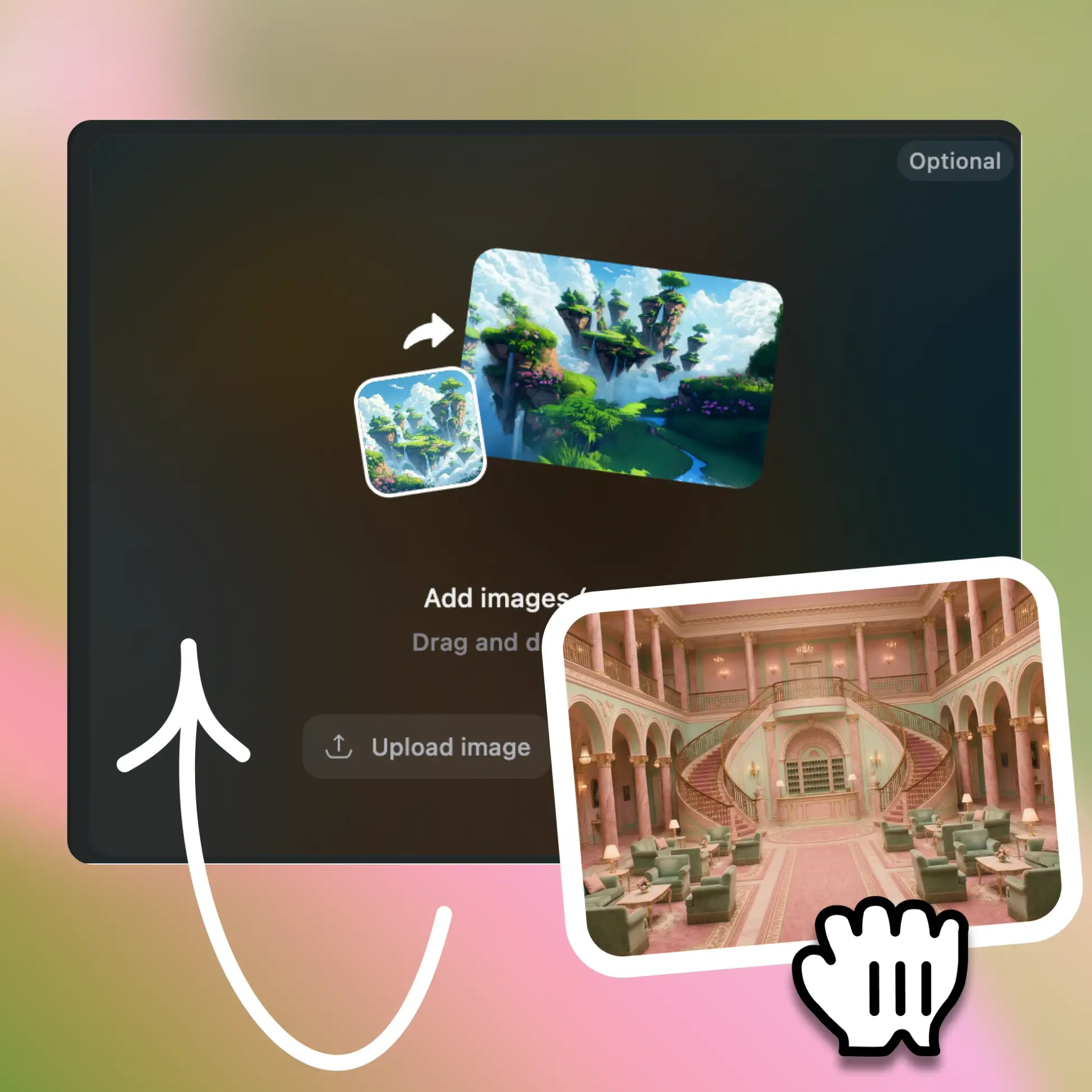
Add images (up to 4)

Drag and drop to upload

World Preset
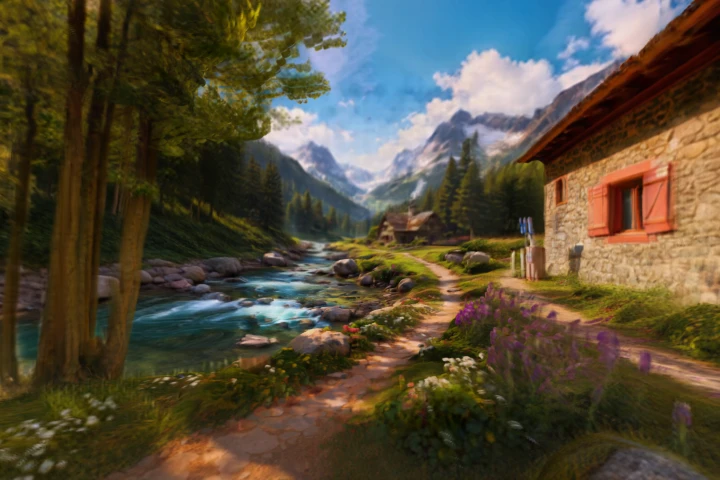
Mountain Stream Cabin
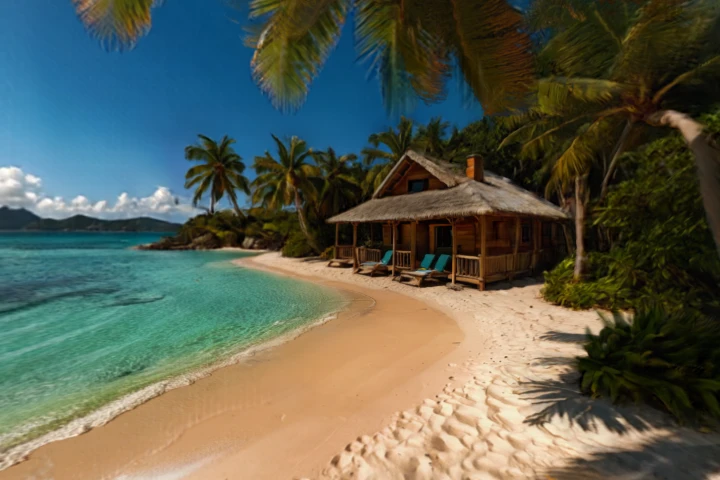
Tropical Beach Bungalow
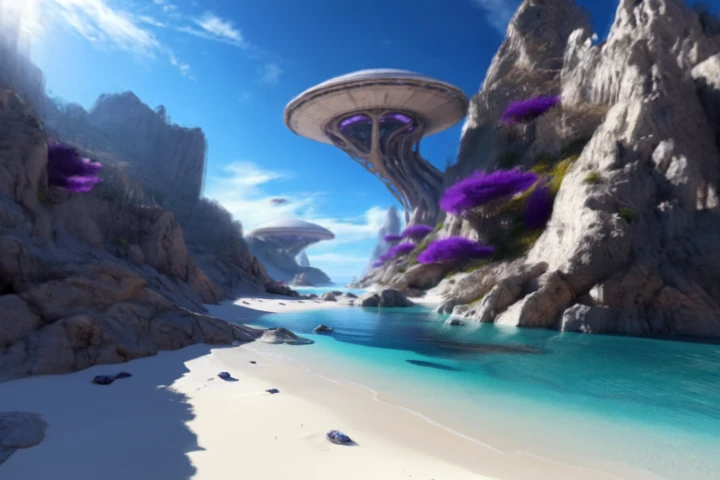
Futuristic Coastal Retreat
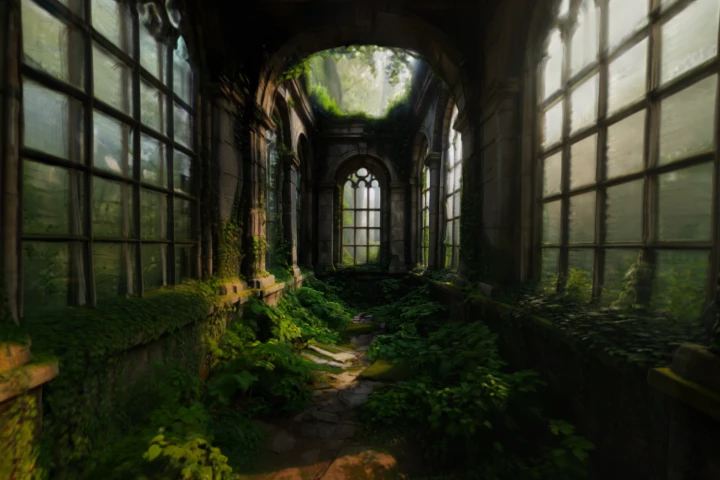
Overgrown Ruin
icon

Persistent 3D Worlds

Your creations in Worlds live forever, reusable across all projects.

icon

Full Spatial Control

Navigate freely, set exact camera angles, and frame the perfect shot.

icon

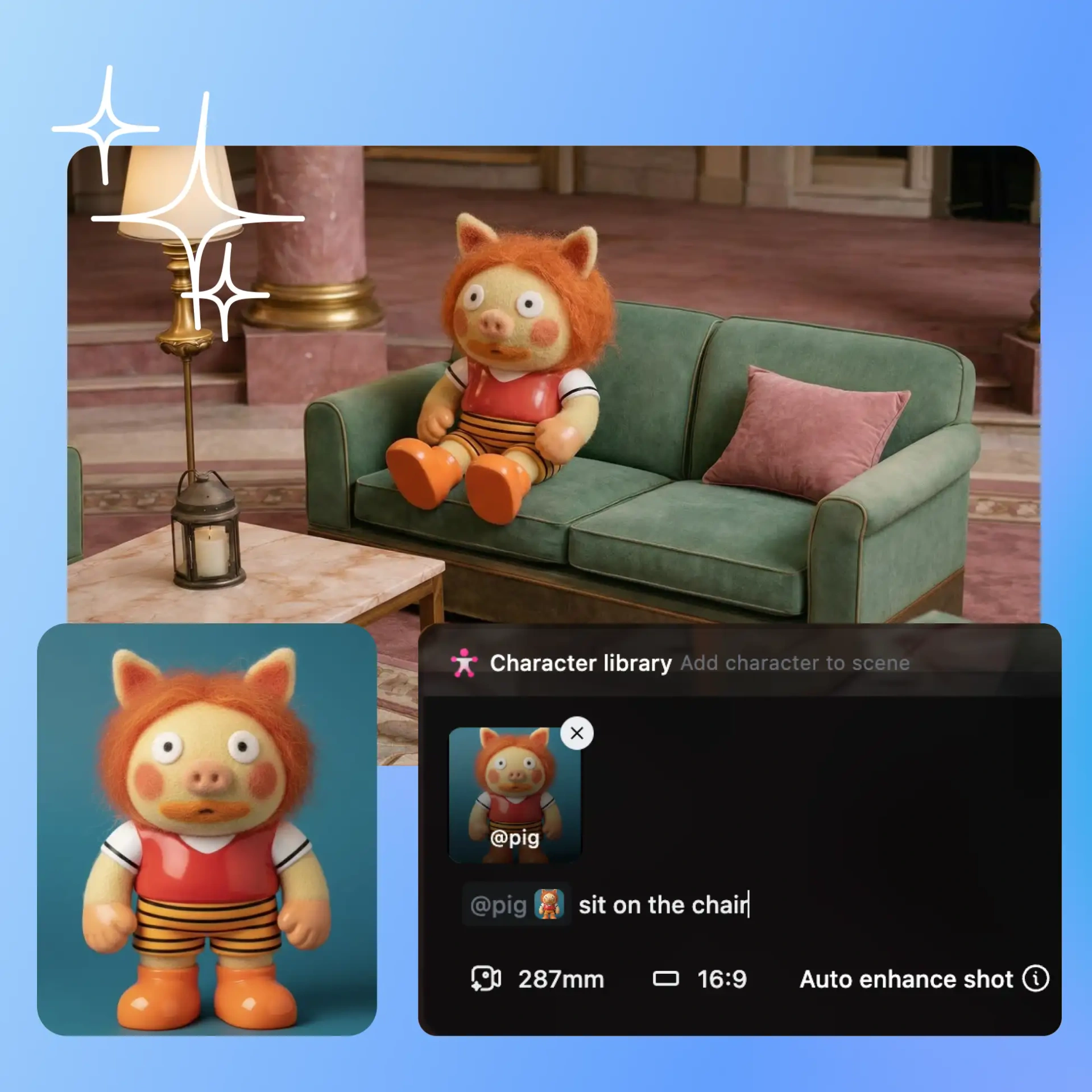
Characters and Objects

Add new objects, characters, or any new details with absolute ease.

Community Creations

See how AI creators, filmmakers, and designers are building entire universes in Worlds.

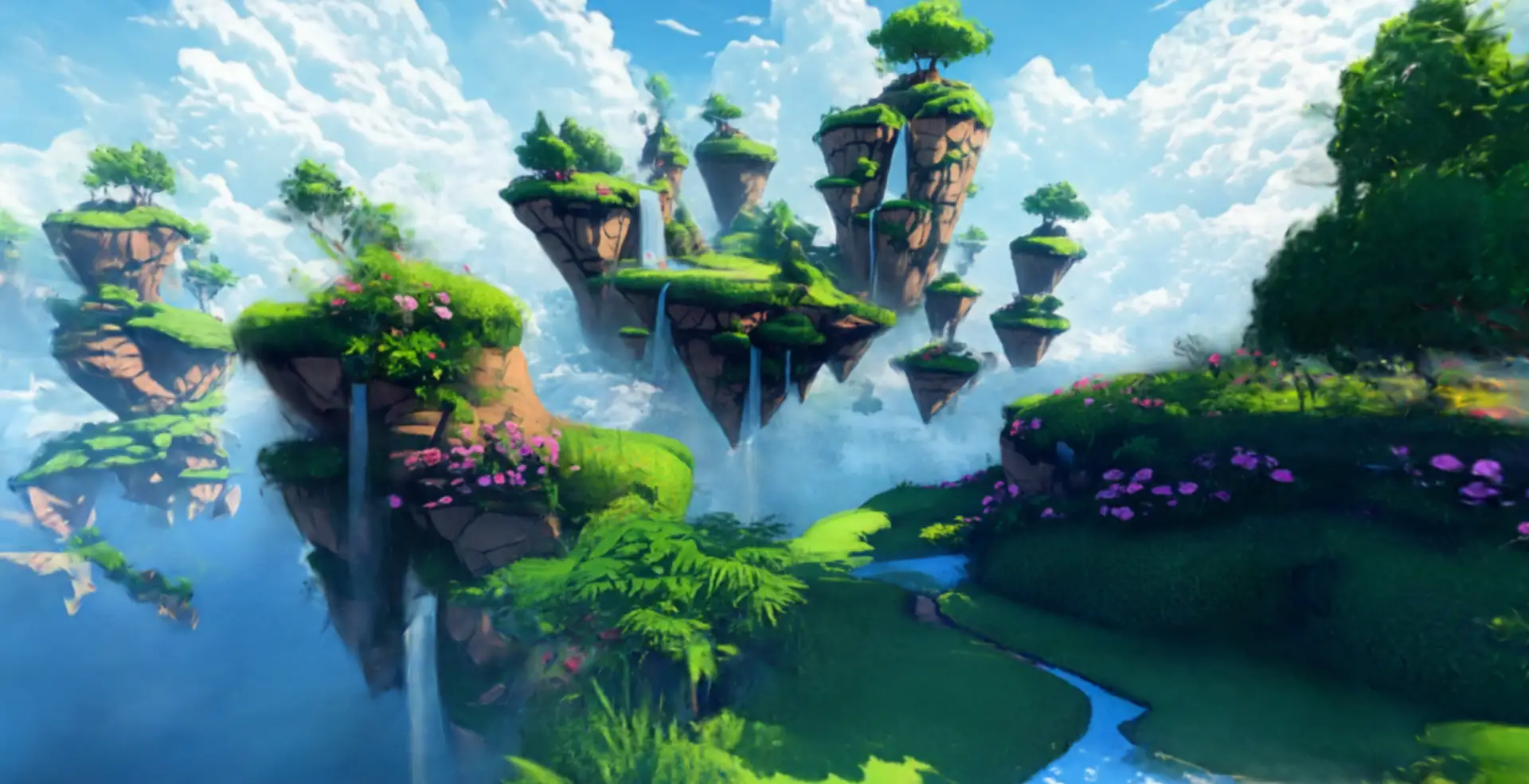
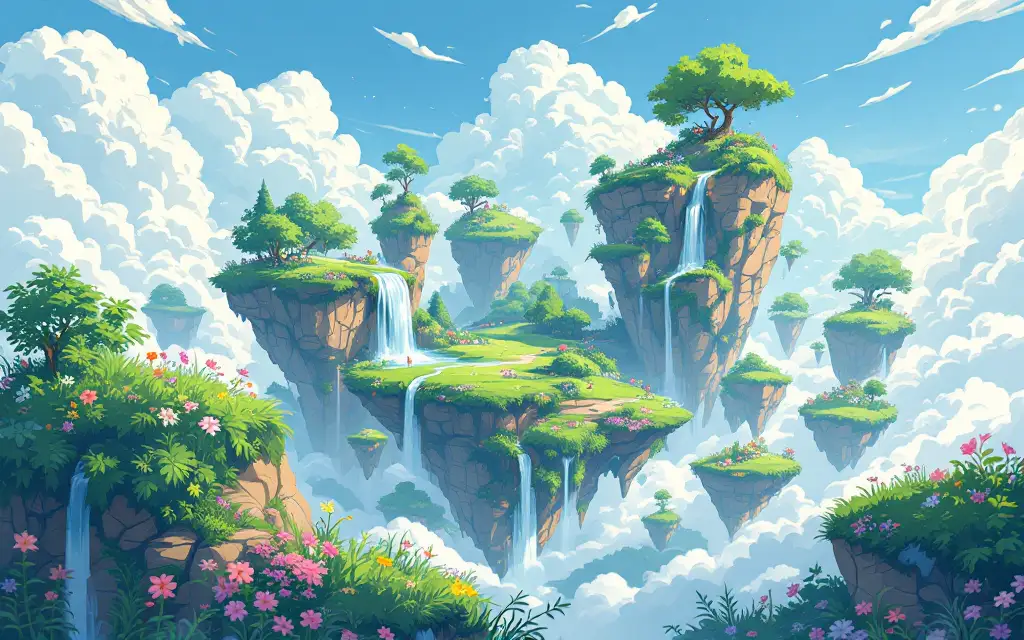
Turn any image into an explorable world

Start with a single image and OpenArt Worlds instantly transforms it into a fully navigable 3D environment. You don't need to set up anything or configure technical settings – just upload an image or enter a prompt and watch as the system builds a world you can walk through. The static inspiration becomes a real, immersive environment, ready for exploration, storytelling, and creative experimentation.

Walk through it and direct every scene

Once your world exists, you can freely navigate the environment, placing characters, objects, and lights exactly where you want them. You can move the camera to any angle, stage scenes, and control every aspect of the composition. Every adjustment is reflected in real time, giving you complete authority over your creative vision.

Build once. Reuse forever

Every World you create lives permanently in your OpenArt library. You can return to it next week, next month, or next year and continue building within the same environment. Scene consistency is maintained across all posts, videos, and projects, so every piece of content aligns perfectly with your previous work.

Export to any 3D tool's workflow

OpenArt Worlds is built to integrate seamlessly into professional creative pipelines. You can export your worlds in 3D Gaussian Splat format, bringing them directly into tools like Blender or Unreal Engine. Whether you're a filmmaker, game designer, architect, or virtual creator, you can start in Worlds and continue production without losing control over your environment.

How to Use OpenArt Worlds

Create your own World from just an image or text – in three simple steps.

Step 1
Step 01
Define Your World
Upload an image or enter a prompt to generate the base environment and visual style.
Step 2
Step 02
Build & Create
Generate the full 3D world, navigate freely, and capture or export your desired shots.
Step 3
Step 03
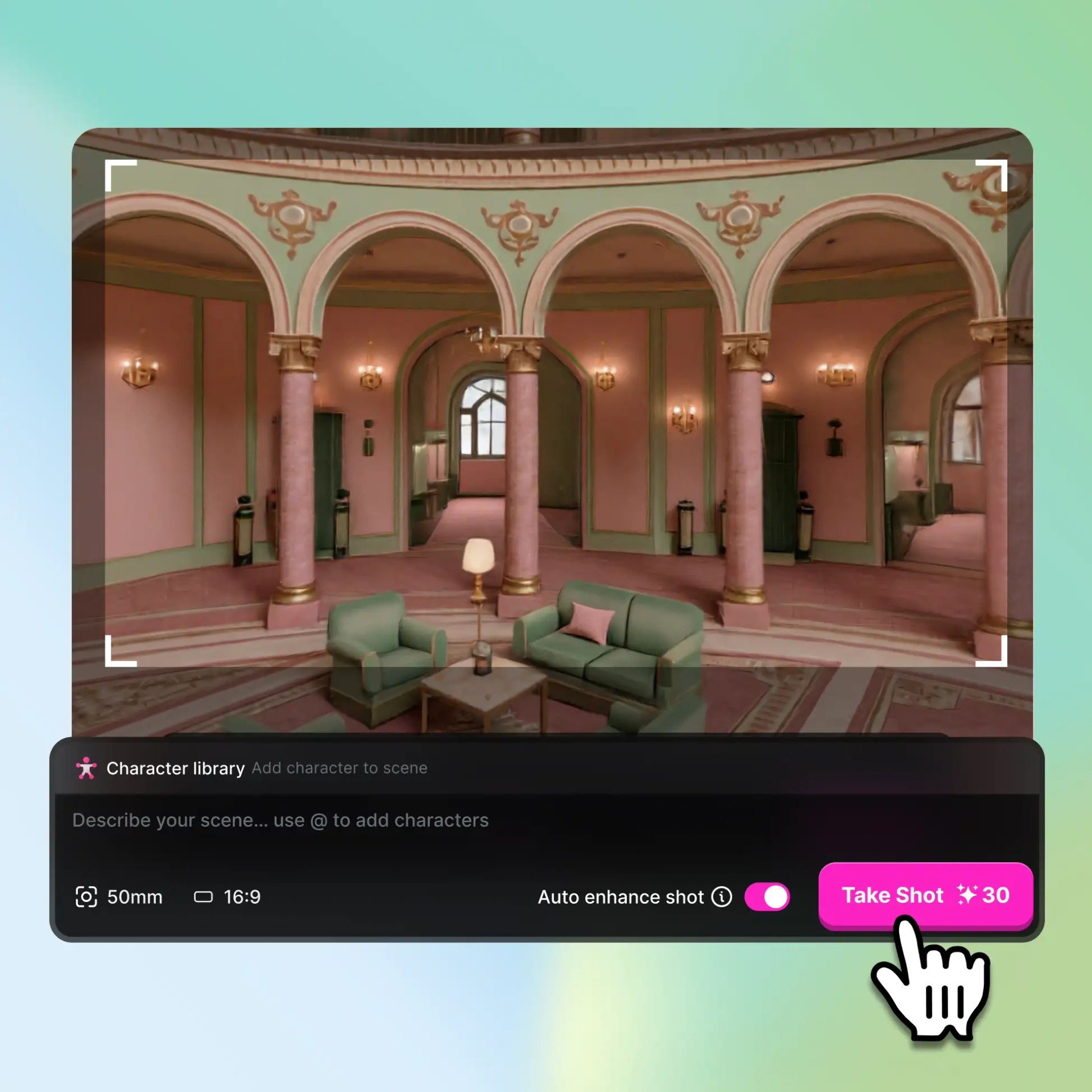
Pose & Capture
Navigate through your world, and add characters, objects, or anything via prompt.
Create Now

What Will You Build?

From game environments to film sets — World Studio adapts to every creative vision.

Filmmakers and Video Creators

Filmmakers and video creators can build stable sets that never change between takes. With precise control over camera angles, lighting, and scene composition, you can shoot exactly the shots you imagined without worrying about inconsistencies between regenerations. Worlds gives creators the freedom to plan, explore, and capture every frame with total confidence.

Social Media and Virtual IP Creators

Social media creators and virtual IP owners can give their characters a permanent home to live in. Every post and video can be consistent, using the same environments across different content pieces. Worlds ensures that your characters are always in a visually coherent universe.

Game Designers and Concept Artists

Game designers and concept artists can rapidly prototype worlds and explore spatial layouts before production. Worlds allows you to concept entire levels, walk through the environments, and refine visual storytelling. You can export directly to game engines or modeling software, giving you production-ready assets without extra conversion steps.

Architects and Spatial Designers

Architects and spatial designers can present clients with realistic walkthroughs of spaces before they are built. Worlds allows you to add furniture, lighting, and spatial details while maintaining real-world proportions. You can walk through the design, adjust elements in real time, and export the environment into professional modeling software for refinement.

Loved by Creators Worldwide

See what artists and storytellers are building with OpenArt Worlds on OpenArt.

★★★★★

"“I’ve tried many AI platforms… but OpenArt is still the best for character creation, image-to-video quality, and the variety of models available.”"

★★★★★

"“OpenArt offers an excellent array of AI tools… once you learn the features, the creative possibilities are amazing - and their support team is outstanding.”"

★★★★★

"“OpenArt is a very versatile AI platform with many image and video models, consistent character creation, and powerful editing tools.”"

★★★★★

"“Helpful AI tools all in one place - image and video generation, editing, and more… no need for multiple subscriptions.”"

★★★★★

"OpenArt's World Studio is the first AI tool that actually understands spatial relationships. Mind-blowing results."

★★★★★

"I've tried every AI world generator out there. World Studio is in a different league — the textures, lighting, atmosphere are all perfect."

★★★★★

"“With so many AI platforms out there, OpenArt stood out as a stellar choice - I’d recommend it to any creator.”"

★★★★★

"“This platform includes everything you need for AI content creation - images, video, characters, audio, and multiple AI models in one place.”"

★★★★★

"“OpenArt is pushing the boundaries of AI video creation… and it’s clear the team is committed to improving the creator experience.”"

★★★★★

"“I made my first AI music video with OpenArt… and their support team was the best help I’ve ever experienced.”"

★★★★★

"“I’m very happy with the support - my issue was resolved quickly and the team made the process easy.”"

★★★★★

"World Studio feels like having a team of 3D artists at your fingertips. The level of detail in every output is jaw-dropping."

Frequently Asked Questions

Yes, every World you create is permanently saved in your OpenArt library, allowing you to return at any time and reuse the same environment with new characters, objects, or storylines, ensuring visual consistency across all your projects.
No, creating Worlds requires no technical expertise. Simply upload an image or enter a descriptive prompt, and the platform generates a fully navigable 3D environment that you can immediately explore, customize, and capture.
Yes, while a "World" itself consists of the surrounding environment and atmosphere, you can place, move, or remove any characters or objects within it at any time, giving you full control over how your scenes are composed.
There's no strict limit. You can create as many Worlds as you want, each stored permanently in your library, so your creative universe grows as you continue building, exploring, and reusing environments for new projects.