

PixVerse AI Video Generator
Turn your written idea into a cinematic short video with text-to-video and image-to-video generation. Create multi-shot scenes with optional audio, 1080p HD, and customizable video settings using PixVerse V6 and C1 on OpenArt.
Key Features of PixVerse
PixVerse is built by AIsphere, and both its V6 and C1 models are available on OpenArt. PixVerse replaces template-driven effects with model-driven generation built around narrative continuity and physical realism.
Text to Video
Write a scene in plain language and V6 generates a 1080p clip matching the motion, lighting, and pacing you described. You don't need to pick templates, just the scene as you wrote it, and the AI video generator handles everything.
Try it NowImage to Video
Upload a reference image, add motion or camera instructions, and PixVerse animates the subject while preserving its visual identity. The look you start with carries through the clip.
Try it NowMulti-Shot Sequences
Describe two or more shots in one prompt and PixVerse treats them as a connected sequence. Characters and environments stay consistent across cuts, so you get an edited scene from one generation instead of clips to stitch together.
Try it NowCinematic Camera Motion
PixVerse reads tracking, dolly, crane, POV, and lens effects like fisheye straight from your prompt. That gives you over 20 cinematic camera moves without any manual keyframing.
Try it NowNative Audio Generation
V6 produces voice lines, ambient sound, and effects alongside the visuals, synced to the on-screen action. There is no separate audio step, so the clip is watchable the moment it finishes.
Try it NowIn-Frame Multilingual Text
Posters, signage, and overlays render correctly in English, Chinese, and other languages, with consistent placement and styling. That makes the model practical for localized marketing assets.
Try it NowHow to Use PixVerse on OpenArt
Three steps take you from idea to finished clip.
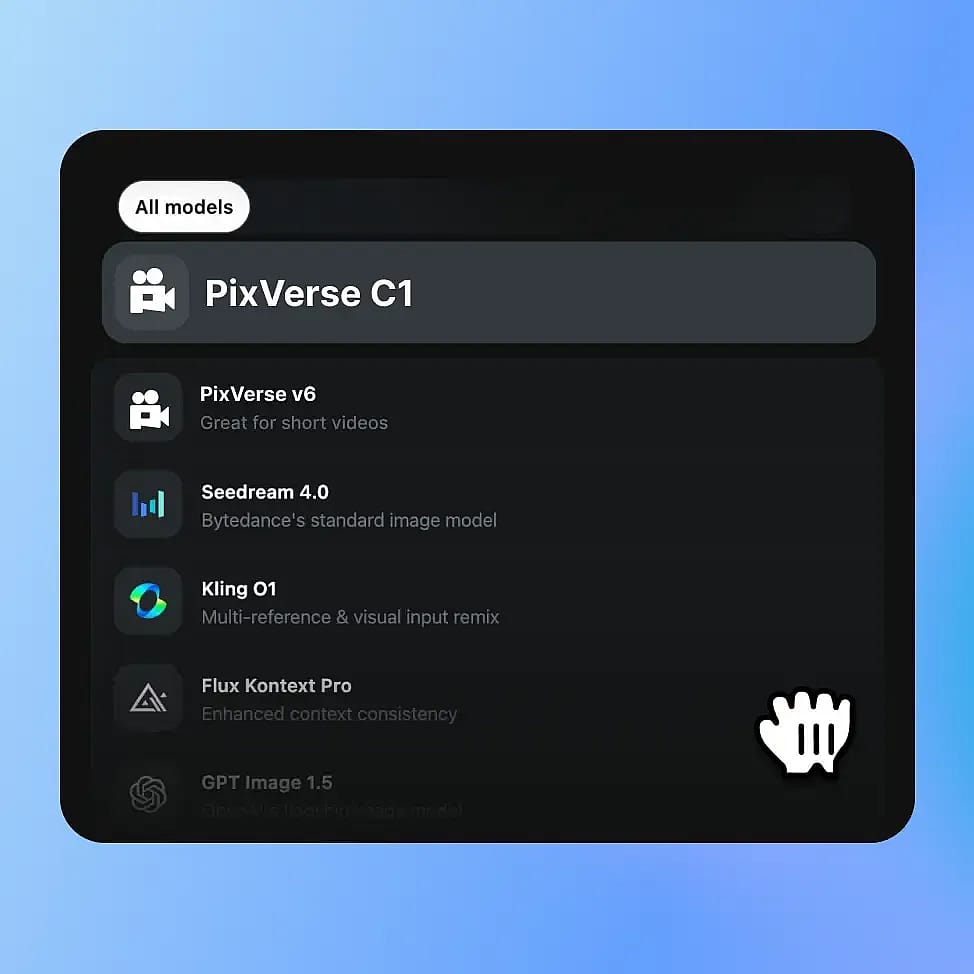
Set Up Your Scene
Open OpenArt's video tools and pick PixVerse from the model menu. Describe your scene in the prompt box, or upload a reference image for image-to-video work.
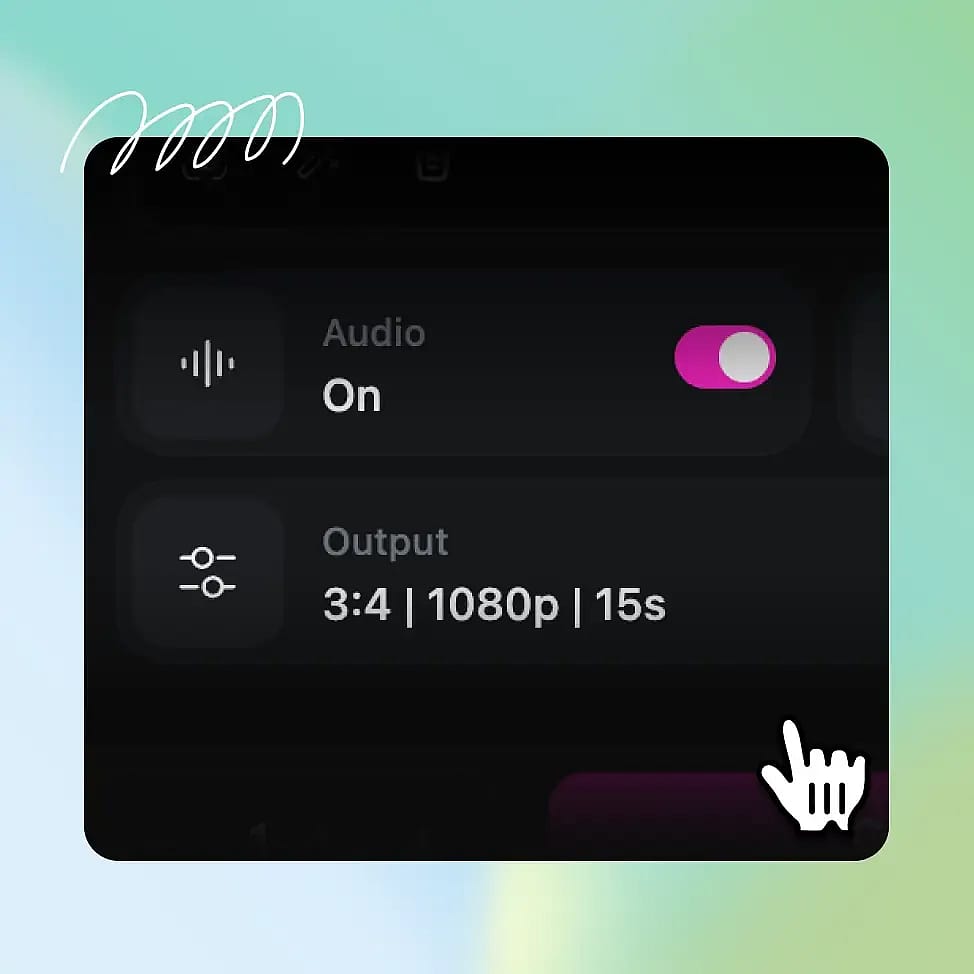
Configure Audio and Motion
Enable optional audio and transitions. Adjust resolution, duration, and aspect ratio.
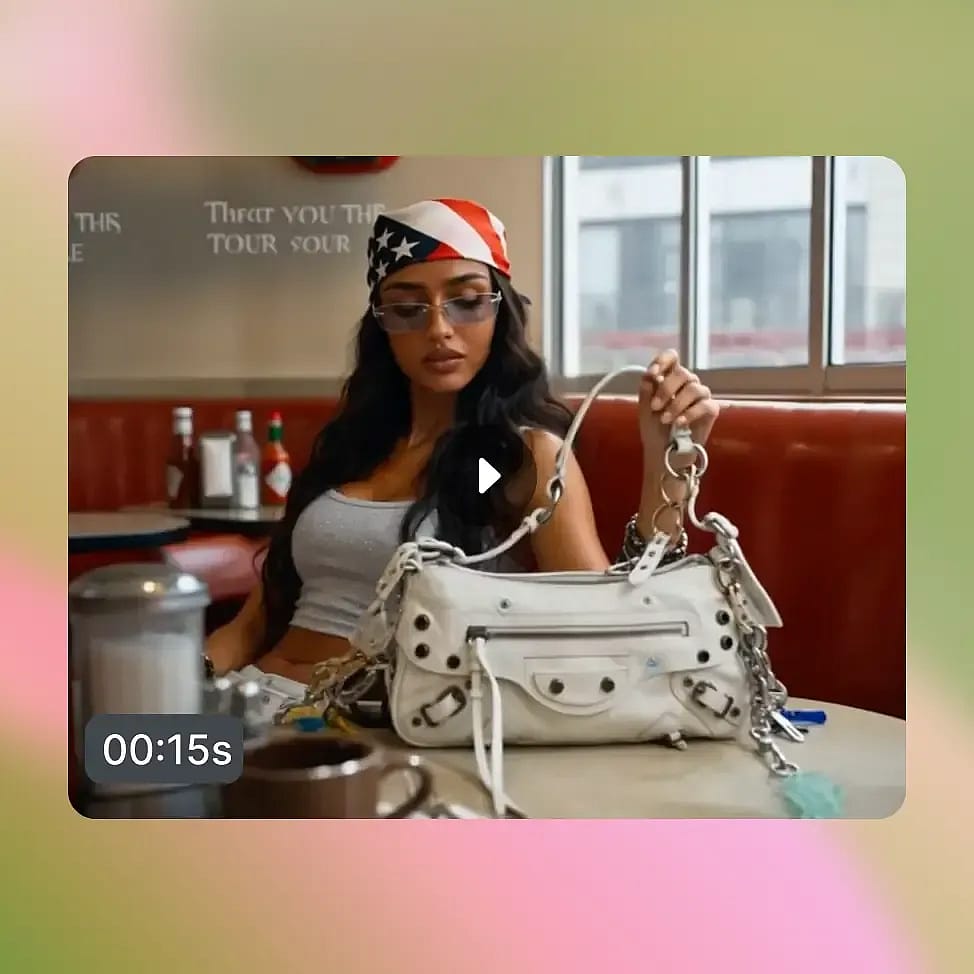
Generate and Refine
Click Create, review the clip, then adjust your prompt or settings and regenerate. Use a fixed seed to keep results consistent across iterations.
Built for AI Video Beyond Single Stylized Clips
PixVerse delivers the most value when a project needs continuity, sound, and multiple shots. Here is where its strengths map directly to production work.
Social Media Ads
Generate 9:16 vertical clips with native audio for TikTok, Reels, and Shorts. Multi-shot lets a 15-second ad open on a wide product shot and cut to a close-up without losing continuity, so the spot feels edited rather than generated.
Try it NowProduct Marketing Videos
Build a single-generation explainer or hero video for a landing page. On-screen text in English or Chinese renders directly in the frame, so the product and its message stay together.
Try it NowLocalized Campaigns
Produce 50 or more variants of an unboxing, demo, or testimonial across regions, with audio and on-screen text adjusted per market. That turns a costly reshoot cycle into a batch of prompt edits.
Try it NowShort Narrative Films
Anime, character drama, and dialogue scenes benefit from character consistency and lip-sync across multiple languages. A character keeps the same face and styling from shot to shot, so the film reads as one story.
Try it NowTrailers & Action Sequences
High-motion shots with debris, sparks, and large-scale chaos keep the main subject in focus. That suits game trailers, music videos, and cinematic openers, where the action cannot dissolve into noise.
Try it NowDocumentary & Concept Previews
Filmmakers and ad agencies can pitch a sequence by generating a multi-shot draft before committing to a full production budget. C1's cinematic look gives the team a concrete reference rather than a mood board.
Try it NowPick the Best Model for Your Project
| Feature | PixVerse V6 | PixVerse C1 |
|---|---|---|
| Best For | Multi-purpose video generation supporting text-to-video, image-to-video, audio, and transitions | Video generation supporting reference image fusion and animation-focused workflows |
| Duration | Up to 15 seconds | Up to 15 seconds |
| Resolution | Up to 1080p | Up to 1080p |
| Aspect Ratios | 16:9 / 9:16 / 1:1 / 4:3 / 3:4 / 2:3 / 3:2 / 21:9 | 16:9 / 9:16 / 1:1 / 4:3 / 3:4 / 2:3 / 3:2 / 21:9 |
| Audio | Optional audio generation | Optional audio generation |
Discover More AI Models
Loved by Creators
I've tried many AI platforms... but OpenArt is still the best for character creation, image-to-video quality, and the variety of models available.
OpenArt offers an excellent array of AI tools... once you learn the features, the creative possibilities are amazing - and their support team is outstanding.
OpenArt is a very versatile AI platform with many image and video models, consistent character creation, and powerful editing tools.
Helpful AI tools all in one place - image and video generation, editing, and more... no need for multiple subscriptions.
Customer service is always quick and helpful... and the platform keeps getting better with new features and tools.
I've tried many AI platforms... but OpenArt is still the best for character creation, image-to-video quality, and the variety of models available.
OpenArt offers an excellent array of AI tools... once you learn the features, the creative possibilities are amazing - and their support team is outstanding.
OpenArt is a very versatile AI platform with many image and video models, consistent character creation, and powerful editing tools.
Helpful AI tools all in one place - image and video generation, editing, and more... no need for multiple subscriptions.
Customer service is always quick and helpful... and the platform keeps getting better with new features and tools.
I've tried many AI platforms... but OpenArt is still the best for character creation, image-to-video quality, and the variety of models available.
OpenArt offers an excellent array of AI tools... once you learn the features, the creative possibilities are amazing - and their support team is outstanding.
OpenArt is a very versatile AI platform with many image and video models, consistent character creation, and powerful editing tools.
Helpful AI tools all in one place - image and video generation, editing, and more... no need for multiple subscriptions.
Customer service is always quick and helpful... and the platform keeps getting better with new features and tools.
With so many AI platforms out there, OpenArt stood out as a stellar choice - I'd recommend it to any creator.
This platform includes everything you need for AI content creation - images, video, characters, audio, and multiple AI models in one place.
OpenArt is pushing the boundaries of AI video creation... and it's clear the team is committed to improving the creator experience.
I made my first AI music video with OpenArt... and their support team was the best help I've ever experienced.
I'm very happy with the support - my issue was resolved quickly and the team made the process easy.
With so many AI platforms out there, OpenArt stood out as a stellar choice - I'd recommend it to any creator.
This platform includes everything you need for AI content creation - images, video, characters, audio, and multiple AI models in one place.
OpenArt is pushing the boundaries of AI video creation... and it's clear the team is committed to improving the creator experience.
I made my first AI music video with OpenArt... and their support team was the best help I've ever experienced.
I'm very happy with the support - my issue was resolved quickly and the team made the process easy.
With so many AI platforms out there, OpenArt stood out as a stellar choice - I'd recommend it to any creator.
This platform includes everything you need for AI content creation - images, video, characters, audio, and multiple AI models in one place.
OpenArt is pushing the boundaries of AI video creation... and it's clear the team is committed to improving the creator experience.
I made my first AI music video with OpenArt... and their support team was the best help I've ever experienced.
I'm very happy with the support - my issue was resolved quickly and the team made the process easy.
Frequently Asked Questions
Create without limits
Join thousands of creators using OpenArt to generate stunning images, videos, and more — all in one platform.
Get Started for Free →