

Seedance 2.5 Flash
Use Seedance 2.5 Flash on OpenArt, an independent AI platform that integrates leading video models. Make clips up to 30 seconds long at 2X the speed of Seedance 2.5, for 34% less on comparable 720p text-to-video and image-to-video. Try a new opening or camera move and see what works with Seedance 2.5 Flash.

Community Creations
See how creators use Seedance 2.5 Flash for creative iterations and testing several versions of the same idea side by side.
Key Features of Seedance 2.5 Flash
ByteDance Seedance 2.5 Flash is a speed-focused version of Seedance 2.5 that supports faster creative iterations and shorter feedback loop so that you can compare and test more versions while the idea is fresh
Generate Video 2X Faster at a Lower Cost
Seedance 2.5 Flash makes videos 2X faster than Seedance 2.5. It also costs 34% less than Seedance 2.5 for comparable 720p text-to-video and image-to-video generations. You can try a few different openings for the same product and see them all sooner. More versions give you more real choices to compare. You spend less time waiting and more time picking the video that works.
Try it NowWatch the Whole Scene in Clips Up to 30 Seconds
Seedance 2.5 Flash makes clips up to 30 seconds long in one generation. A short clip only shows you the first moment of an idea. A 30-second clip shows you everything from the first shot to the ending. You can see if a reveal lands or if the ending feels rushed. Pick 480p or 720p for each clip, depending on what the job needs. You get to judge the full video before you put more work into it.
Try it NowGuide Your Video With Up to 20 References
Show Seedance 2.5 Flash what you have in mind with your own files. You can add up to 10 images, 5 video clips, and 5 audio clips in one request. A product photo shows the model exactly what your item looks like. A video clip can show the camera move you want, and an audio clip can set the mood. You spend less time writing long prompts to explain your idea in words.
Try it NowHow to Use Seedance 2.5 Flash
You can make your first Seedance 2.5 Flash video in 3 steps.
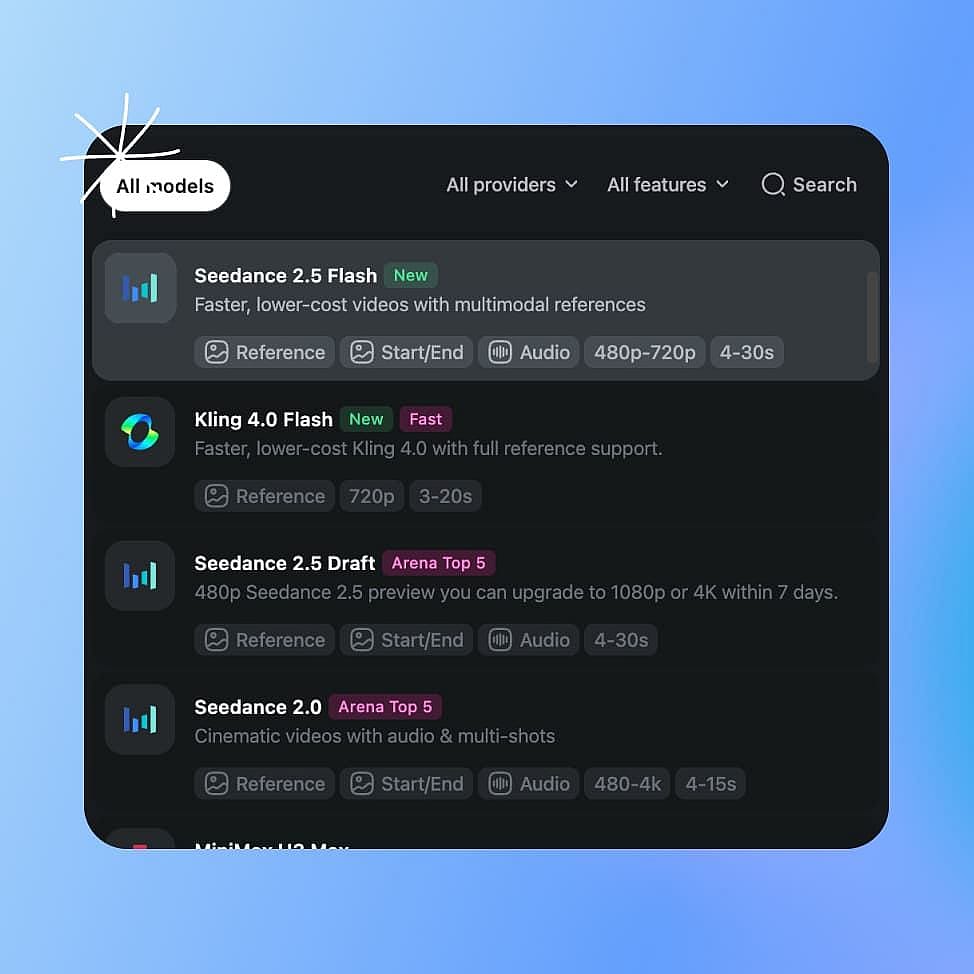
Choose Your Mode
Open the AI video generator, pick Text to Video or Frame to Video, and select Seedance 2.5 Flash from the model list.
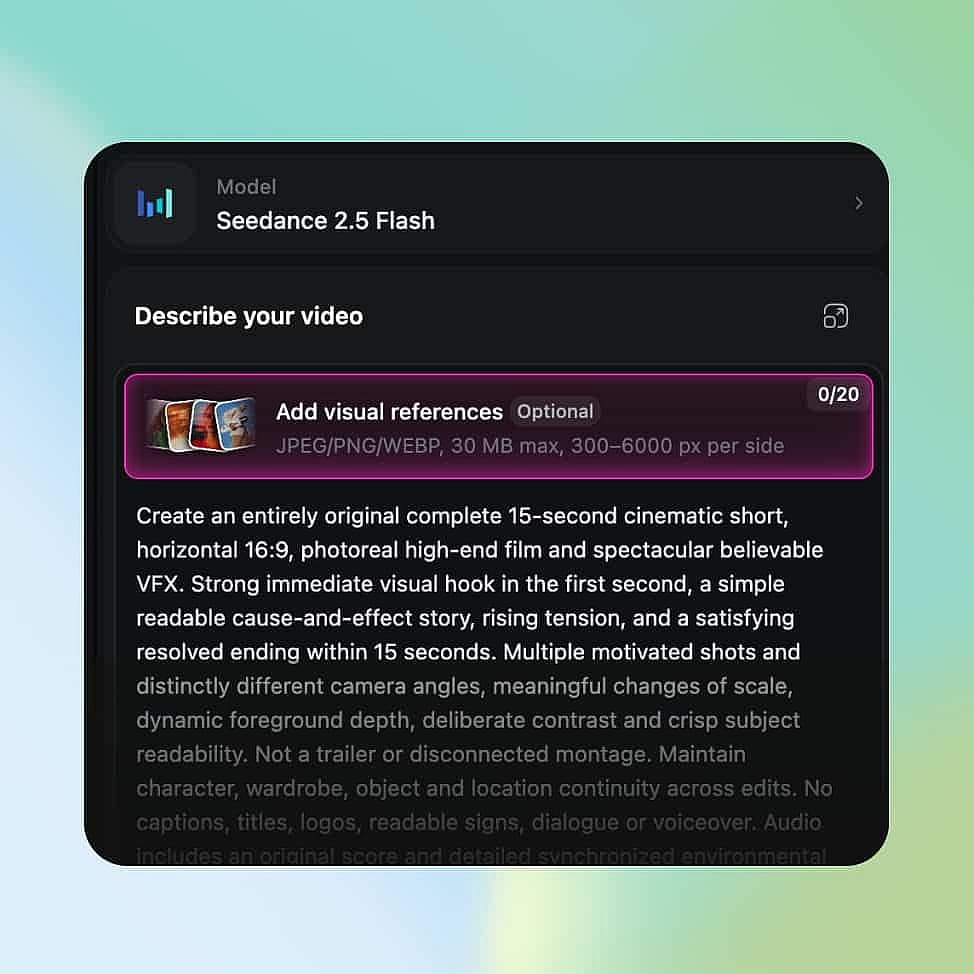
Write Your Prompt
Describe the subject, the camera move, and what happens from start to finish. Upload product photos, video clips, or audio clips as references if you have them.
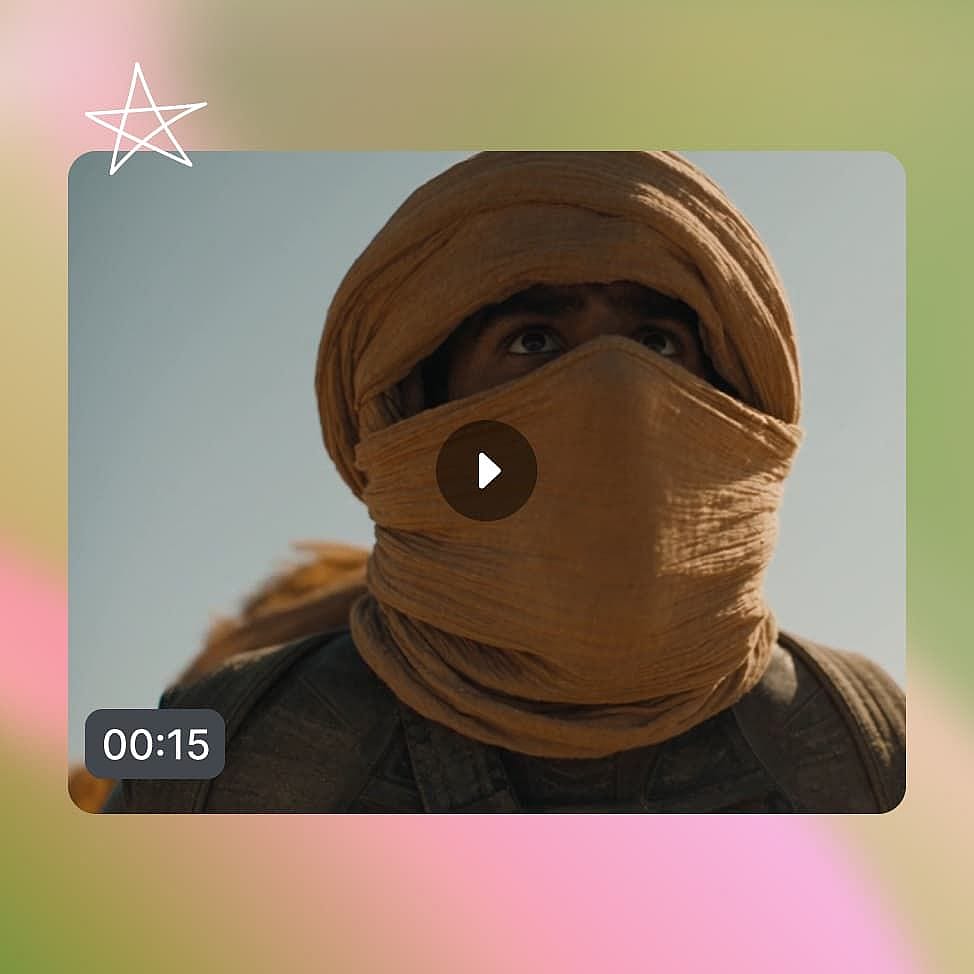
Generate and Compare
Pick 480p or 720p, your aspect ratio, and your clip length, then generate. Change one detail in your prompt, generate again, and keep the version you like best.
Built to Help You Find the Version That Works
Seedance 2.5 Flash fits any job where seeing a few versions beats guessing, from ads and product videos to film scenes and social posts.
Test More Ad Openings From One Brief
Performance marketers need several openings to find the one worth testing. With Seedance 2.5 Flash, one product brief can turn into three different starts. One version opens on a close-up of the bottle. Another opens on a hand picking it up, and a third opens on the finished look. Each clip can run up to 30 seconds, so every opening plays through the demo and the ending. Because Flash is 2X faster than Seedance 2.5, you have more openings ready to test sooner.
Try it NowShow One Product in Several Ways
Ecommerce teams and agencies often need a few ways to show the same item. Start with one product photo as your reference. Then ask for a close-up on a marble counter, a quick demo of how it works, a lifestyle scene in a sunny kitchen, and an unboxing. The photo keeps the product looking the same in every version. Agencies can bring two directions to a client review, so the client can watch both and pick one. At 720p, image-to-video costs 34% less than a comparable Seedance 2.5 generation, so the same budget covers more looks.
Try it NowCheck a Camera Move Before You Shoot
Filmmakers and storytellers can see how a shot plays before they plan a real shoot. Take one storyboard moment, like a character walking into a dark warehouse. Make one version with a slow tracking shot that follows her. Make a second version that slowly moves in on her face. Watch both through the full scene and see which one builds the mood you want. Bring the winner to your crew as a clear example of the shot you have in mind.
Try it NowFind the Opening That Keeps Viewers Watching
Social creators and YouTubers need an opening that makes people stay. Try one version that starts on a close-up of the subject. Then try one that opens straight on the reveal. YouTube creators can also make an intro and a short cutaway for the same video and see where each one fits in the edit. Watch the versions back to back and keep the one that makes you want to see more. With faster generation, you can test a new idea on the same day you think of it.
Try it NowChoosing the Right Model for AI Video Creation
| Feature | Model |
|---|---|
| Seedance 2.5 Flash | Comparing several versions of an idea at 480p or 720p, 2X faster than Seedance 2.5, in clips up to 30 seconds |
| Seedance 2.5 | ByteDance's highest-quality Seedance output, higher-resolution delivery, and the largest reference budget |
| Seedance 2.5 Draft | A low-cost 480p preview of a shot that you can upgrade to 1080p later |
| Kling 4.0 Flash | Fast, lower-cost 720p clips up to 20 seconds with consistent characters |
| Wan 3.0 | Long single-shot clips up to 30 seconds at up to 1080p, with an audio track |
Tips for Best Results
Get Insights from Experts Blog
Get the insights you need. Our experts share actionable hacks, break down the hottest topics, and provide essential how-to guides to help you build, optimize, and scale.
Read More

Loved by Creators
I've tried many AI platforms... but OpenArt is still the best for character creation, image-to-video quality, and the variety of models available.
OpenArt offers an excellent array of AI tools... once you learn the features, the creative possibilities are amazing - and their support team is outstanding.
OpenArt is a very versatile AI platform with many image and video models, consistent character creation, and powerful editing tools.
Helpful AI tools all in one place - image and video generation, editing, and more... no need for multiple subscriptions.
Customer service is always quick and helpful... and the platform keeps getting better with new features and tools.
I've tried many AI platforms... but OpenArt is still the best for character creation, image-to-video quality, and the variety of models available.
OpenArt offers an excellent array of AI tools... once you learn the features, the creative possibilities are amazing - and their support team is outstanding.
OpenArt is a very versatile AI platform with many image and video models, consistent character creation, and powerful editing tools.
Helpful AI tools all in one place - image and video generation, editing, and more... no need for multiple subscriptions.
Customer service is always quick and helpful... and the platform keeps getting better with new features and tools.
I've tried many AI platforms... but OpenArt is still the best for character creation, image-to-video quality, and the variety of models available.
OpenArt offers an excellent array of AI tools... once you learn the features, the creative possibilities are amazing - and their support team is outstanding.
OpenArt is a very versatile AI platform with many image and video models, consistent character creation, and powerful editing tools.
Helpful AI tools all in one place - image and video generation, editing, and more... no need for multiple subscriptions.
Customer service is always quick and helpful... and the platform keeps getting better with new features and tools.
With so many AI platforms out there, OpenArt stood out as a stellar choice - I'd recommend it to any creator.
This platform includes everything you need for AI content creation - images, video, characters, audio, and multiple AI models in one place.
OpenArt is pushing the boundaries of AI video creation... and it's clear the team is committed to improving the creator experience.
I made my first AI music video with OpenArt... and their support team was the best help I've ever experienced.
I'm very happy with the support - my issue was resolved quickly and the team made the process easy.
With so many AI platforms out there, OpenArt stood out as a stellar choice - I'd recommend it to any creator.
This platform includes everything you need for AI content creation - images, video, characters, audio, and multiple AI models in one place.
OpenArt is pushing the boundaries of AI video creation... and it's clear the team is committed to improving the creator experience.
I made my first AI music video with OpenArt... and their support team was the best help I've ever experienced.
I'm very happy with the support - my issue was resolved quickly and the team made the process easy.
With so many AI platforms out there, OpenArt stood out as a stellar choice - I'd recommend it to any creator.
This platform includes everything you need for AI content creation - images, video, characters, audio, and multiple AI models in one place.
OpenArt is pushing the boundaries of AI video creation... and it's clear the team is committed to improving the creator experience.
I made my first AI music video with OpenArt... and their support team was the best help I've ever experienced.
I'm very happy with the support - my issue was resolved quickly and the team made the process easy.
Frequently Asked Questions
Seedance 2.5 Flash is ByteDance's speed-focused version of Seedance 2.5. It makes AI videos up to 30 seconds long at 480p or 720p, and it generates 2X faster than Seedance 2.5. On OpenArt, you can use it to make and compare several versions of the same video idea
BytePlus describes Seedance 2.5 Flash results as close to Seedance 2.5. The main difference you will see is resolution, since Flash makes 480p and 720p video. For a sharper final video, make your chosen version with Seedance 2.5.
Seedance 2.5 Flash supports up to 10 images, 5 video clips, and 5 audio clips per request. Check the generation screen for the options available in your workflow.
Yes. Write a prompt to make a video from text, or upload a photo to use as your starting image. You can also add video and audio clips as references.
Seedance 2.5 Flash is 2X faster than Seedance 2.5 and costs 34% less for comparable 720p text-to-video and image-to-video generations. It makes 480p and 720p video while Seedance 2.5 can generate videos of up to 4K resolution. Choose Seedance 2.5 when you need a higher resolution or its highest-quality output.
Seedance 2.5 Flash makes clips up to 30 seconds long in one generation. That gives you enough room to see a whole scene play out, from the opening to the ending.
Use Seedance 2.5 Draft for a quick 480p check of a single shot. Use Seedance 2.5 Flash when you want to test different versions at slightly higher resolution like 720p and want to watch how the whole clip plays, including the pacing and the ending.
Create without limits
Join thousands of creators using OpenArt to generate stunning images, videos, and more — all in one platform.
Get Started for Free →