

 ChatGPT
 Perplexity
 Claude
 Gemini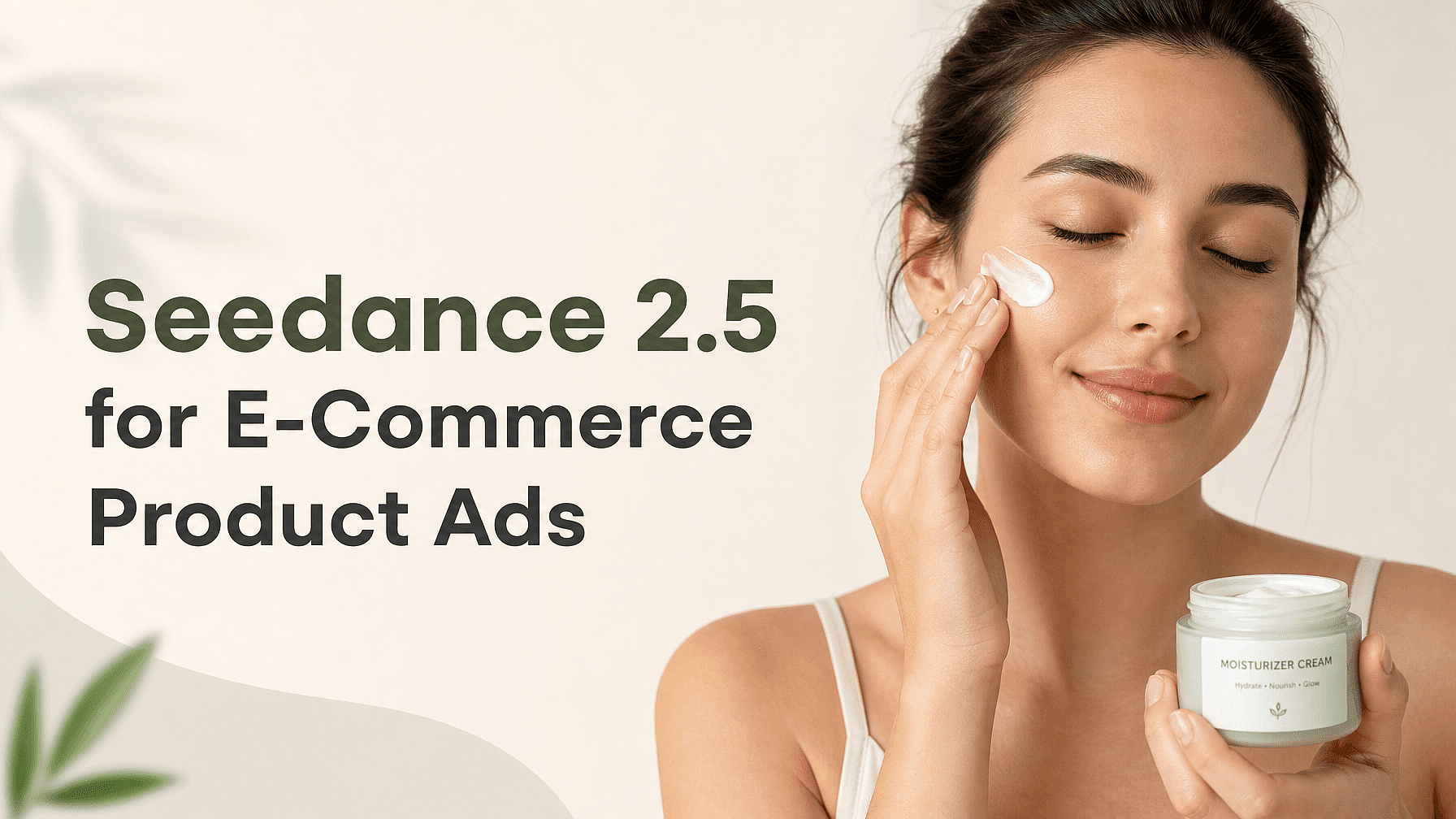
Quick Summary
- Seedance 2.5 on OpenArt creates ad-ready product videos up to 30 seconds in one generation with native audio.
- You can provide up to 30 image, 10 video, and 10 audio references to keep products, packaging, talent, and locations consistent.
- Improved small-object and product interaction supports believable unboxing, cap twisting, texture shots, and other handling details.
- Camera direction and lighting prompts can shape a complete setup, use, and reveal sequence. Timestamp-level editing lets you correct a weak moment without regenerating the full ad.
- You can produce polished product spots without a studio or film crew. Generate your first video on OpenArt.
Why product ads are a hard case for AI video
Product ads expose visual errors that generic AI video can hide in other scenes. Your product has fixed geometry, colors, labels, and proportions. When a model redraws each frame, logo letters can melt, packaging edges can bend, and a bottle may change shape during a camera move.
Physical interaction makes the task harder. An unboxing shot requires a hand to grip the package while the box and product keep their structure. A cap-twisting shot must preserve the fingers, label, container, and direction of movement. Generic tools may warp the hand or fuse it with the packaging because they struggle to track several small, moving details at once.
Lighting can also weaken an otherwise usable generation. Flat illumination makes glass, metal, fabric, and skin care textures look similar. Product footage needs controlled reflections and shadows so buyers can read the material and finish.
Continuity creates another problem when an ad uses several shots. The product may begin with a black cap and end with a silver one, or the logo may shift between angles. Ecommerce ads need consistent product details across the setup and reveal because viewers compare every shot against the listing image. An effective AI product video generator must preserve those details while handling movement, contact, lighting, and camera direction.
What Seedance 2.5 gets right for product footage
ByteDance built Seedance 2.5 to generate product footage with more control over continuity, timing, and physical motion. Available on OpenArt, the AI product video generator can create up to 30 seconds in one generation. That duration can hold a complete ad with a product demonstration and final reveal, reducing the need to join several unrelated clips.
Native audio lets the video include sounds tied to visible actions. An unboxing sequence can pair a carton tear with the opening motion, while a bottle shot can include the click of a closing cap. You can also build dialogue, ambient sound, or music into the same generation instead of assembling every audio layer separately.
Seedance 2.5 accepts up to 30 image, 10 video, and 10 audio references. Product photos can preserve the bottle shape and label design, while packaging images help keep the box consistent. Video references can guide movement or camera behavior. Audio references can establish the intended voice or sound direction.
Improved small-object and product interaction helps with shots that often expose AI video errors. Hands can twist a cap or lift a compact lid with more believable contact between the hand and object. Material details also have a better chance of remaining readable during close shots, especially when the prompt specifies texture, reflections, and lighting.
Timestamp-level editing lets you repair a weak moment without regenerating the entire ad. If the opening works but the product rotates incorrectly at second 14, you can target that segment and preserve the usable footage around it.
Building a product story with camera movement and lighting
A clear setup, use, and reveal sequence gives a short ad a readable story. Use the opening seconds to establish the product, then show one specific action before ending on the finished result or packaging. Up to 30 seconds in one generation gives Seedance 2.5 enough room for that arc without stitching separate clips together. Specify the shot progression in your prompt, including when the camera pushes closer, follows the hand, or holds for the final reveal.
Lighting prompts work best when they describe a source and its effect on the product. For a skincare bottle, request a large soft light above the product with a narrow rim light that defines the glass edge. For a watch, ask for controlled reflections across the metal face while the camera moves slowly around it. Concrete lighting directions help the model show gloss, texture, and material more clearly than a vague request for a premium commercial look.
Physical handling deserves equally precise direction. Describe which hand grips the product, which part moves, and how quickly the action happens. A cosmetics prompt might ask for a thumb and forefinger to twist the cap slowly, followed by a close shot of the applicator and a soft click through native audio. Seedance 2.5’s improved small-object and product interaction supports these moments, which helps viewers understand how packaging opens, how a texture behaves, or how a material responds to touch without requiring a film crew.
Keeping product and packaging consistent with references
Use references to define what should remain consistent before you describe the action. Upload clean product photos that show the label, cap, materials, and other identifying details. Add a separate packaging shot when the box design or included accessories must stay visible. In your prompt, name each reference by role and specify which details should remain unchanged.
For a countertop ad, combine a product photo with a packaging shot. Add a location plate that shows the intended kitchen, bathroom, or studio setting. A short video reference can guide the hand movement or camera path. An audio reference can set the music, voice, or packaging sound. Seedance 2.5 accepts up to 30 image, 10 video, and 10 audio references, so one generation can draw on several campaign assets.
For a reference-led campaign, pair the product with a talent reference and describe how the person handles it. You can also include a location reference to keep the setting close to existing campaign photography. Use the same core references across variations when you want matching ads for different placements.
Conflicting references can weaken consistency. Choose one current SKU, remove images with outdated labels, and avoid showing multiple package designs unless the ad requires them. Clear source material gives the model fewer competing instructions.
Four ad formats you can build this week
The 30-second product spot
Use clean product photos, packaging views, and a short demonstration clip as references. Open with the product in context, show one core action, and finish on a clear pack shot. For a moisturizer, the camera might move from the jar on a bathroom counter to application, then return to the closed jar beside the box. The generation replaces a studio booking, camera crew, and product pickup session.
The unboxing and reveal
Provide images of the sealed package, interior presentation, and product finish. Start with the unopened box, show the hands breaking the seal, and hold the final reveal long enough for viewers to inspect the item. Add audio references when packaging sounds matter, such as tearing paper or lifting a fitted lid. The finished clip replaces a tabletop unboxing shoot and separate close-up filming.
The lifestyle or in-use shot
Combine product photos with references for your talent and location. Place the product in a specific routine, such as a runner fastening a watch before leaving home or a cook twisting open a sauce bottle at the stove. Let the camera follow the interaction before settling on the product in use. The generation replaces location scouting and a filmed lifestyle session.
The reference-led multi-asset campaign
Build a reusable reference set with approved product images, packaging details, talent, locations, and audio. Keep those references consistent while changing the opening scene, use case, or final offer for each placement. A luggage brand could create separate airport, hotel, and packing-table ads while preserving the same suitcase color and talent. The reference-led workflow reduces the need for new shoots whenever you need another campaign variation.
Practical tips for prompting product ads
Describe physical interaction as a sequence. Name the actor, the contact point, and the product response. For example, ask for a hand to grip the bottle body while the thumb flips the cap open, followed by a small drop of liquid forming at the nozzle.
Specify what must remain unchanged. Tell Seedance 2.5 to preserve the logo placement, package proportions, label text, and product color shown in your references. Add material details such as matte plastic, brushed aluminum, or clear glass when surface appearance affects the sale.
Direct the lighting with concrete production language. Ask for a large soft light above and to the left if you want smooth reflections across packaging. For a sharper cosmetic shot, request narrow side lighting that reveals texture while keeping the label readable.
Divide camera movement across the full ad. Use the opening five seconds for a slow push toward the unopened product. Give the middle section to product handling or use, then reserve the final seconds for a steady hero shot with clear packaging.
Keep camera instructions physically plausible. A single continuous move usually gives the model fewer chances to distort the product than several abrupt angle changes. Ask for a slow orbit, controlled handheld movement, or a fixed macro shot based on the scene.
Repair weak moments instead of restarting. If the cap warps at second 12 or the logo slips near the reveal, use timestamp-level editing to target that segment. Preserve the usable footage and revise only the action, camera direction, or product constraint that failed.
Try Seedance 2.5 on OpenArt
OpenArt gives you access to Seedance 2.5 alongside other video models through one shared credit pool. You can generate the same product concept with different models, compare the outputs, and choose the version that fits your campaign without buying separate subscriptions.
Upload your product and packaging references, describe the action, lighting, and camera movement, then generate your first ad. No film crew or studio booking required.
FAQ
How much does Seedance 2.5 cost compared with a product shoot?
Credit cost measures the OpenArt usage required for each generation. Your total depends on current credit pricing and the number of versions you create, while a traditional shoot adds equipment, talent, location, and editing costs. Check OpenArt’s current pricing before estimating campaign costs.
Can I start with one product photo?
A single product photo gives an AI product video generator a visual reference for your item. Seedance 2.5 on OpenArt can start with one image, but extra angles and packaging references can help preserve details during movement. You can test an idea before preparing a larger reference set.
How long does a Seedance 2.5 generation take?
Generation time covers the wait between submitting your prompt and receiving the video. OpenArt processing time can vary with clip settings, demand, and model workload. Plan time for several prompt revisions rather than assuming the first output will be final.
Can I use Seedance 2.5 videos for paid ads?
Paid platforms accept videos that meet their current technical and policy requirements. Before publishing an OpenArt generation, confirm its aspect ratio, resolution, duration, audio, and content rights against the platform’s specifications. You may need to crop or export separate versions for different placements.
The takeaway
For ecommerce owners with limited production budgets, Seedance 2.5 turns product video into a prompt-and-reference workflow. You can direct believable handling while reference assets preserve the product and packaging. Instead of budgeting a shoot for every ad concept, you can generate and test ideas on OpenArt, then reserve traditional production for concepts that prove worthwhile.