



Cursor MCP
OpenArt's Cursor MCP connector adds image and video generation to your AI code editor. Sign in once and Cursor makes hero images, product shots, and short clips with the OpenArt account you already have.
How to Connect Cursor to OpenArt
Setup takes about a minute. You paste one server URL into Cursor, sign in to OpenArt, and start asking for pictures.
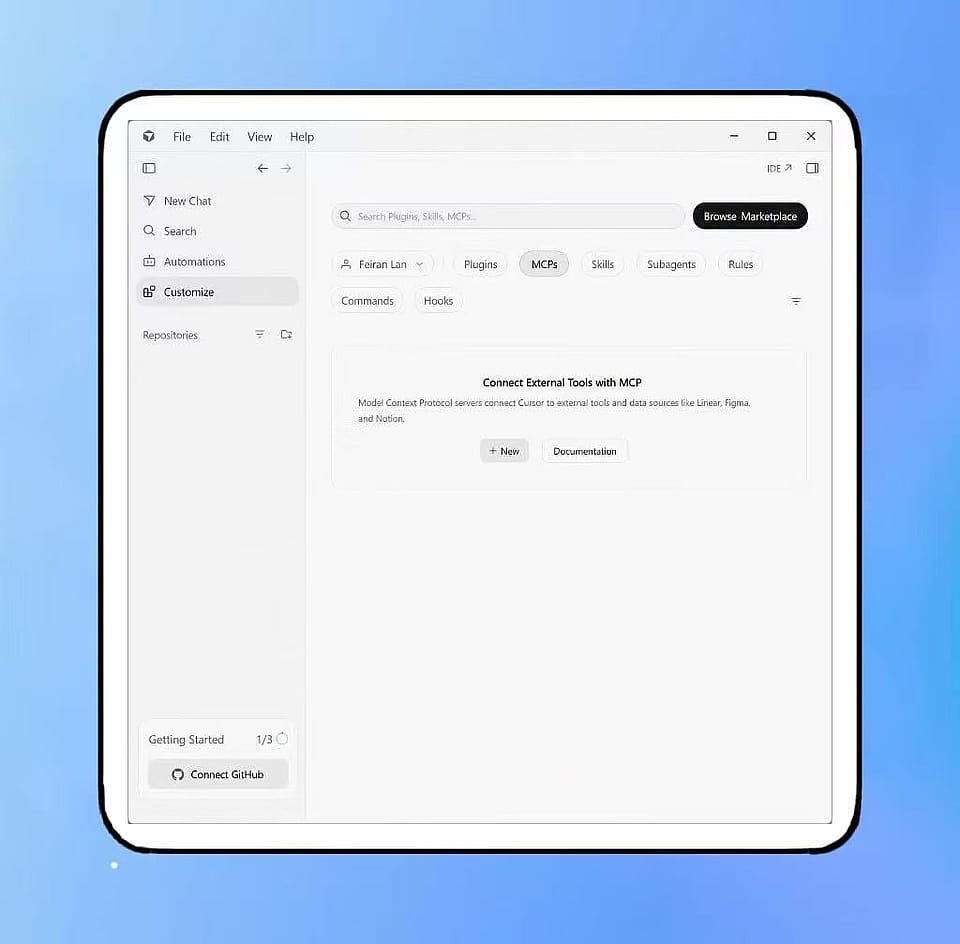
Open Cursor's MCP Settings
For team setup, open Plugins & MCPs in your Cursor dashboard and sign in. For local setup, open Cursor settings → Tools & MCP in the desktop app.
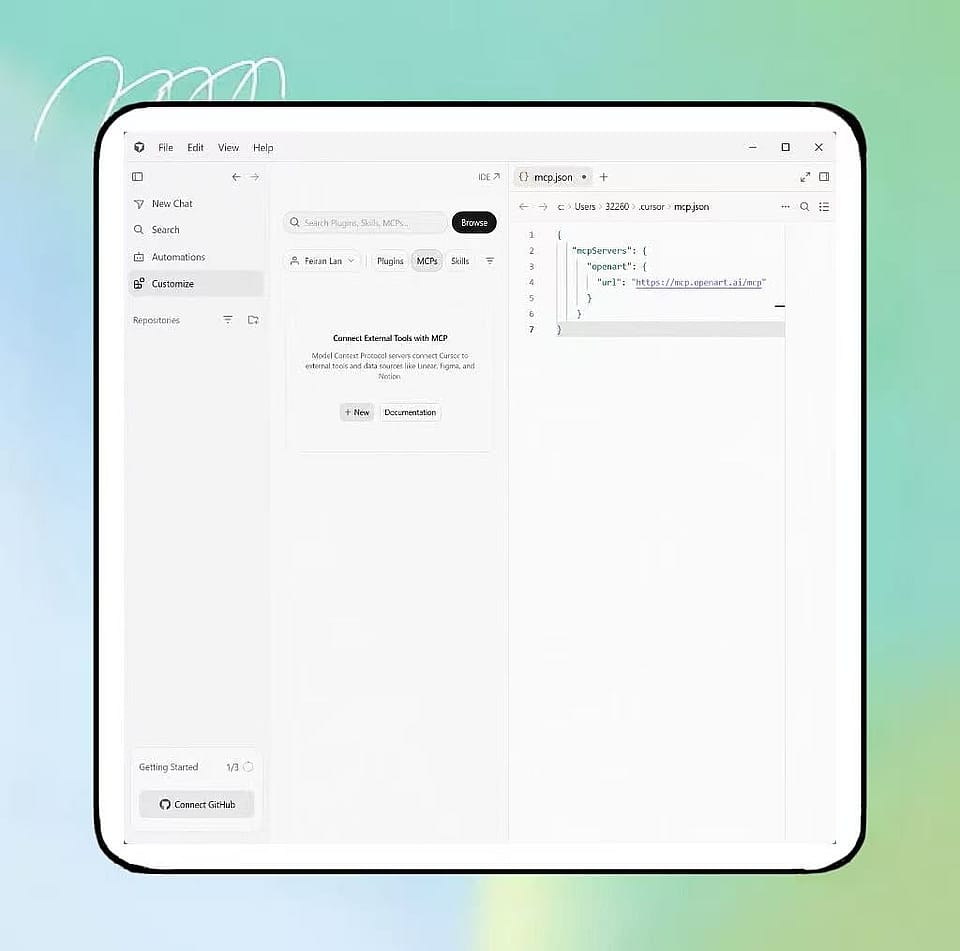
Add the OpenArt Server
Add a new MCP server named OpenArt using this URL. If Cursor opens mcp.json, add it as the server’s url: https://mcp.openart.ai/mcp
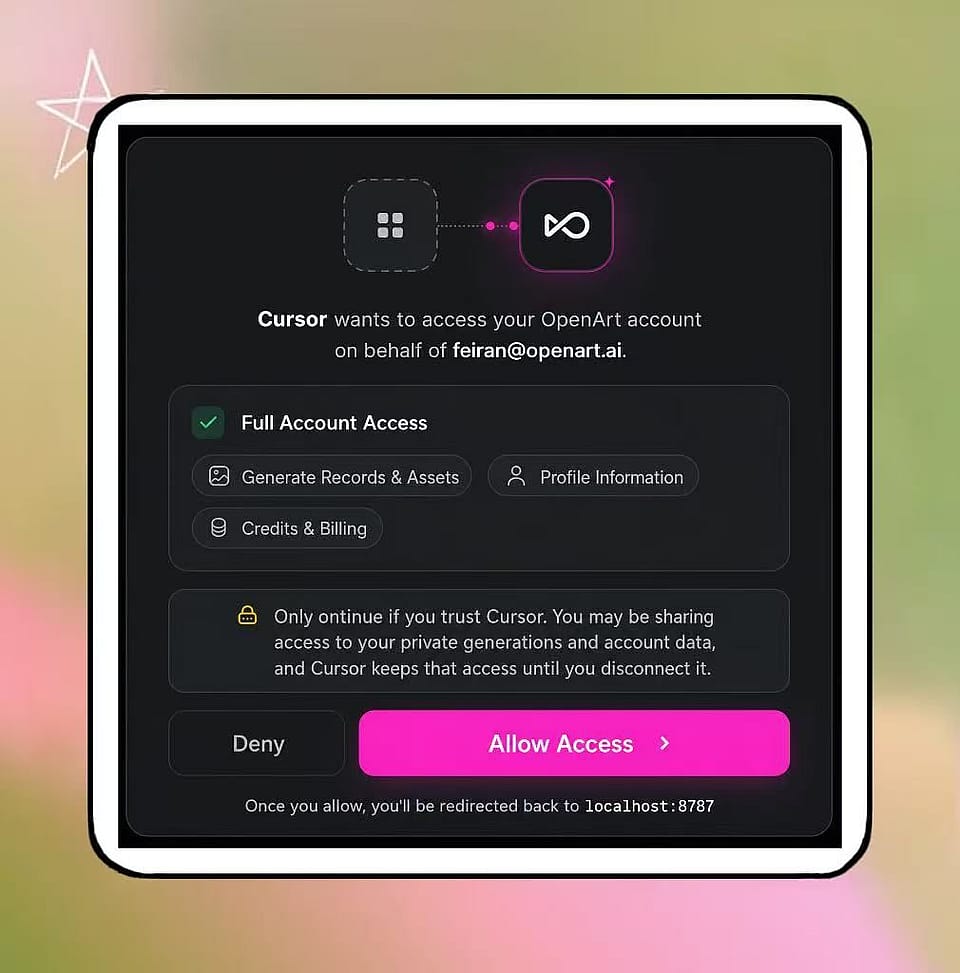
Connect Once
Click Connect next to the OpenArt MCP server and sign in with your OpenArt account. Then ask Cursor to make an ad video with OpenArt.
Make Images and Video Inside Cursor
One connection gives Cursor the OpenArt models, including GPT Image 2, Nano Banana Pro, Seedream 5 Pro, and Kling 3 Omni for images, plus Seedance 2.5, Wan 2.7, Gemini Omni Flash, Grok Imagine 1.5, and PixVerse V6 for video.
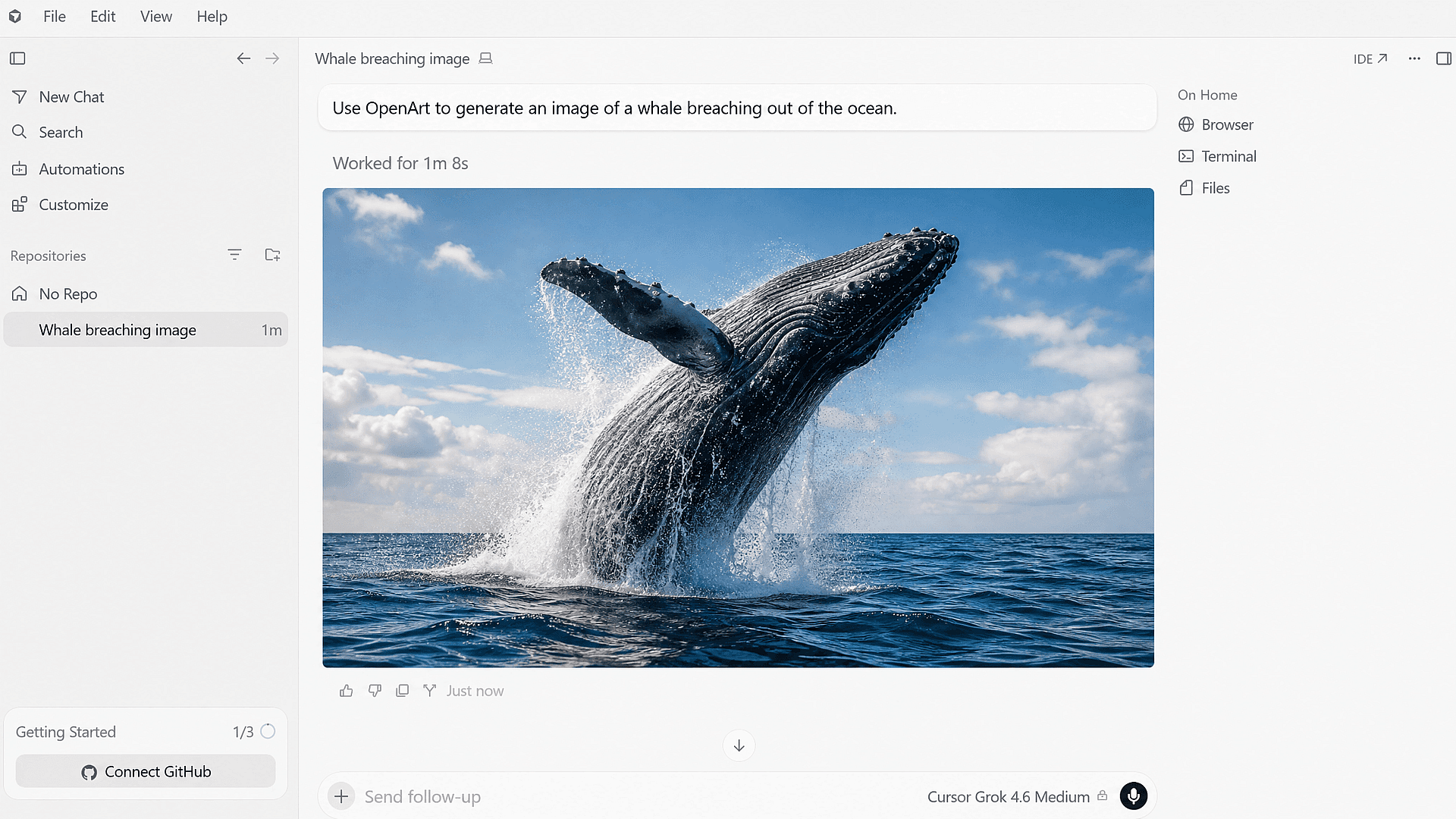
Ask for an Image as You Build
Describe the picture you need while you write the page in Cursor. Ask for a wide hero shot of a running shoe on wet pavement, with open space on the left for your headline. The finished image comes back in the chat, and it is the same AI image generator you use on the OpenArt website.
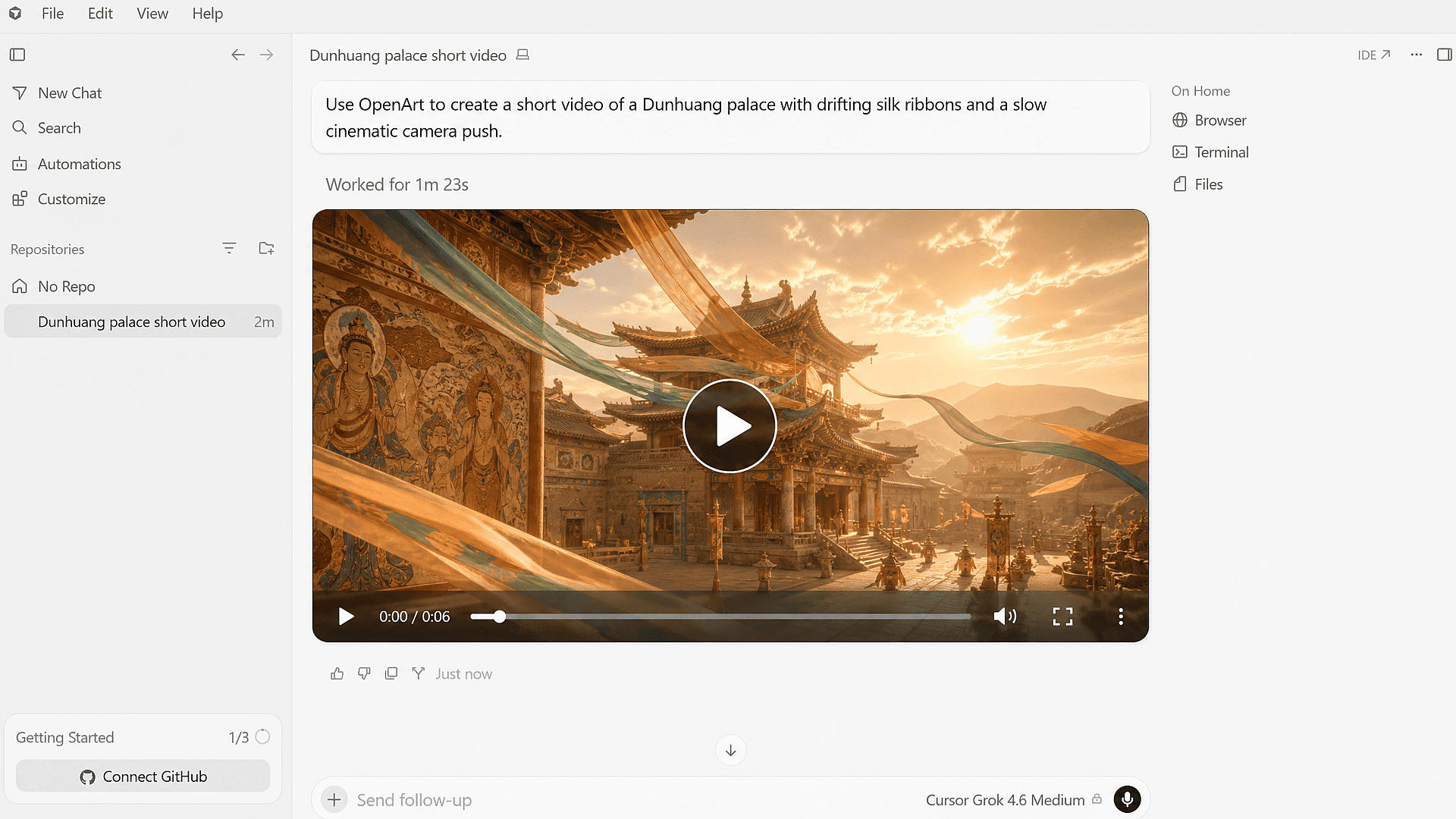
Turn That Picture Into a Short Video
Ask for motion in the same chat and OpenArt sends the job to a video model. Say you want a six-second clip of the shoe landing on wet pavement with a slow camera push. Kling 3 Omni makes 4K clips, and Seedance 2.5 goes up to 30 seconds, so you get the same AI video generator choices as the website.
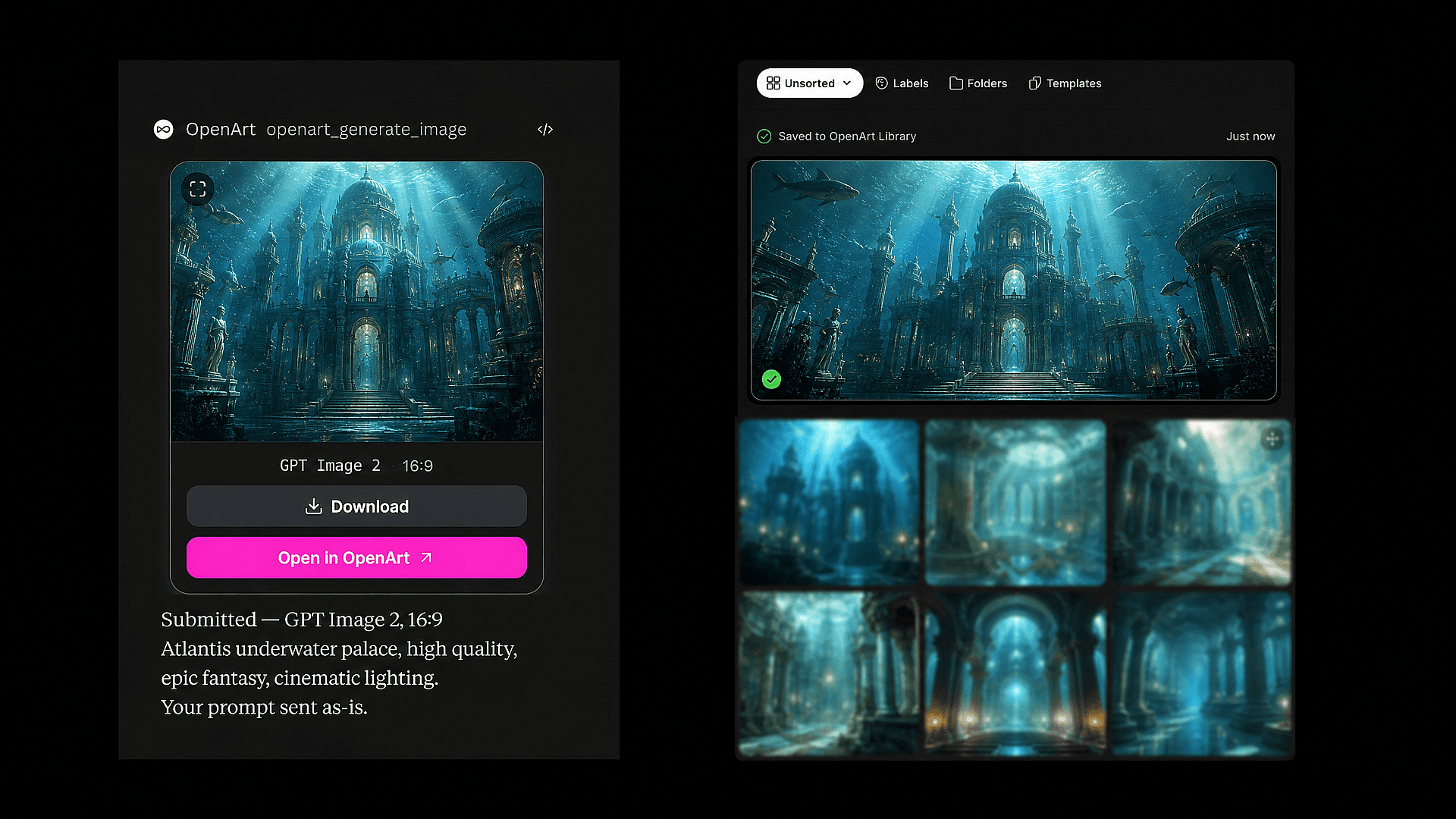
Work Inside Your Existing OpenArt Library
Every image and video you make in Cursor is saved to your OpenArt library, next to the work you made on the website. Point Cursor at a product shot you made last week and ask for a wider version for a new page, or a matching clip for the launch banner. Your old work stays useful as source material.
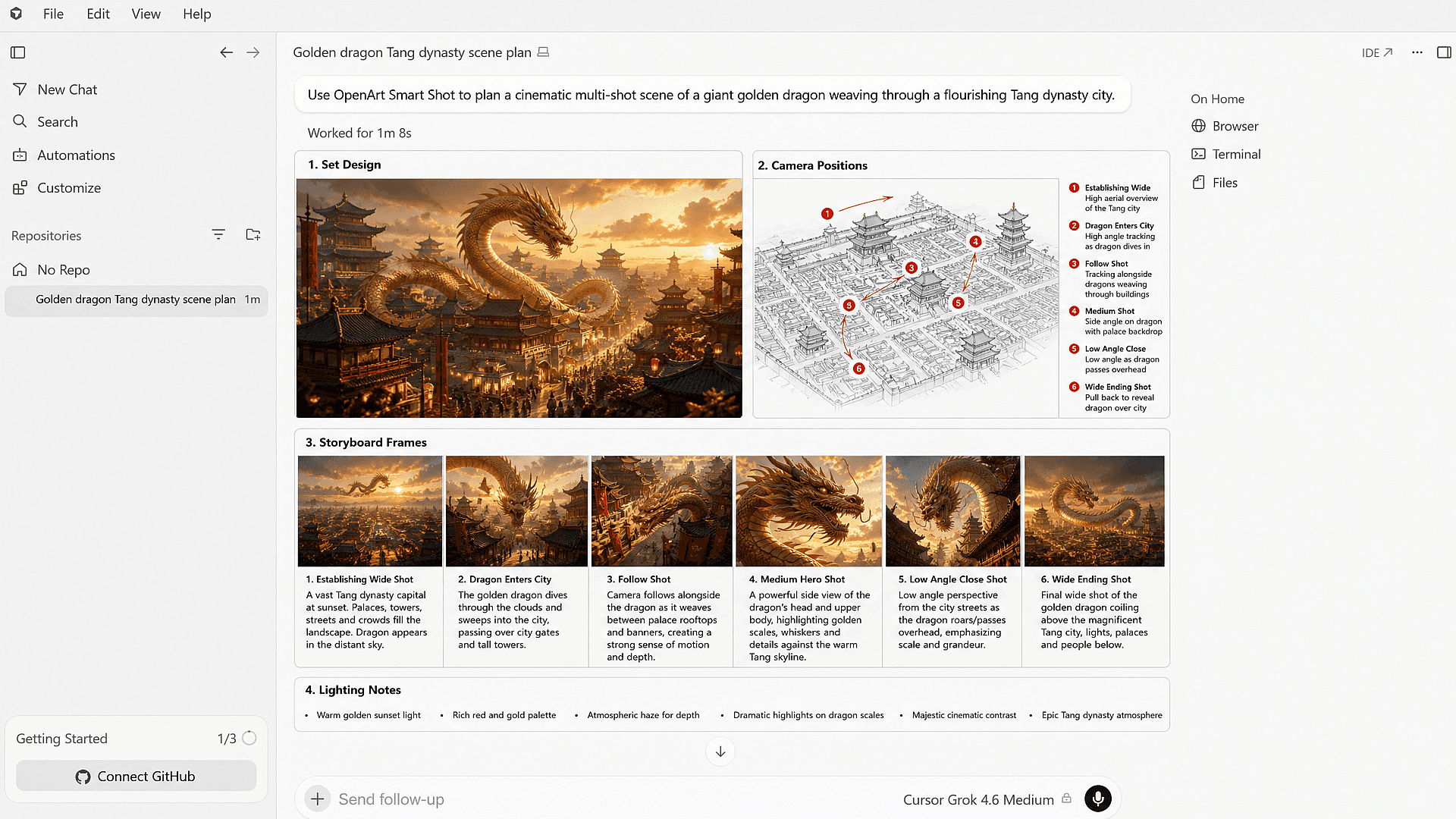
Plan a Multi-Shot Scene First
OpenArt’s Smart Shot writes the plan first. Describe a scene in Cursor and you get one sheet with the set design, the camera positions, the storyboard frames, and the lighting notes. Read the plan, change what you want, then ask for the video of that exact scene. You spend credits on the full video once the plan already looks right.
What You Can Make From Cursor
Cursor is already where your page gets built, so making the pictures in the same place saves you a round trip to another tool.
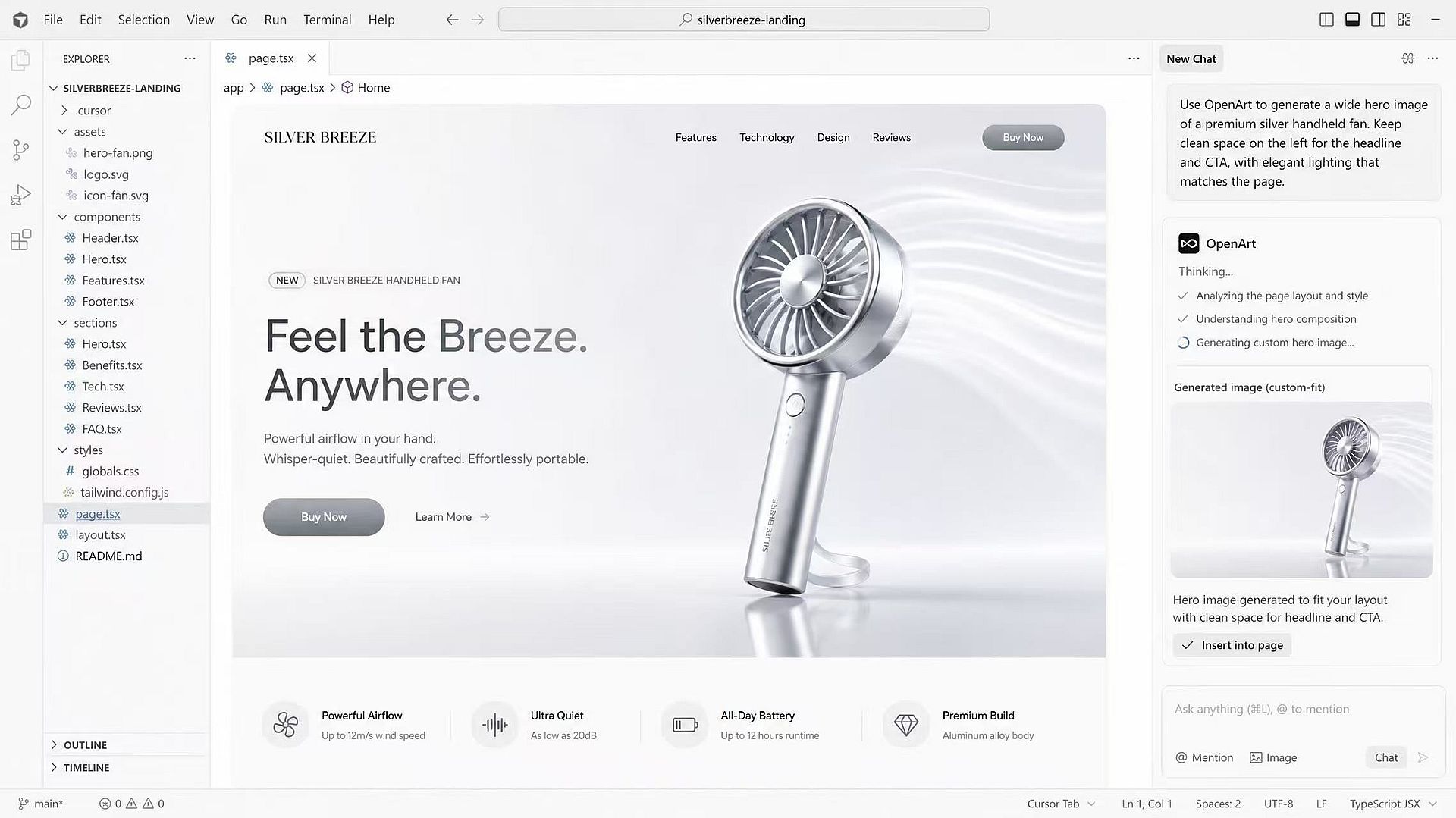
Landing Pages and Marketing Sites
Ask for the hero image while the layout is still on your screen. You can call out the exact shape you need, leave clear space for the headline and the button, and fix the angle or the lighting when the first picture fights with your design. The image matches the page instead of a stock photo that almost fits.
Try it Now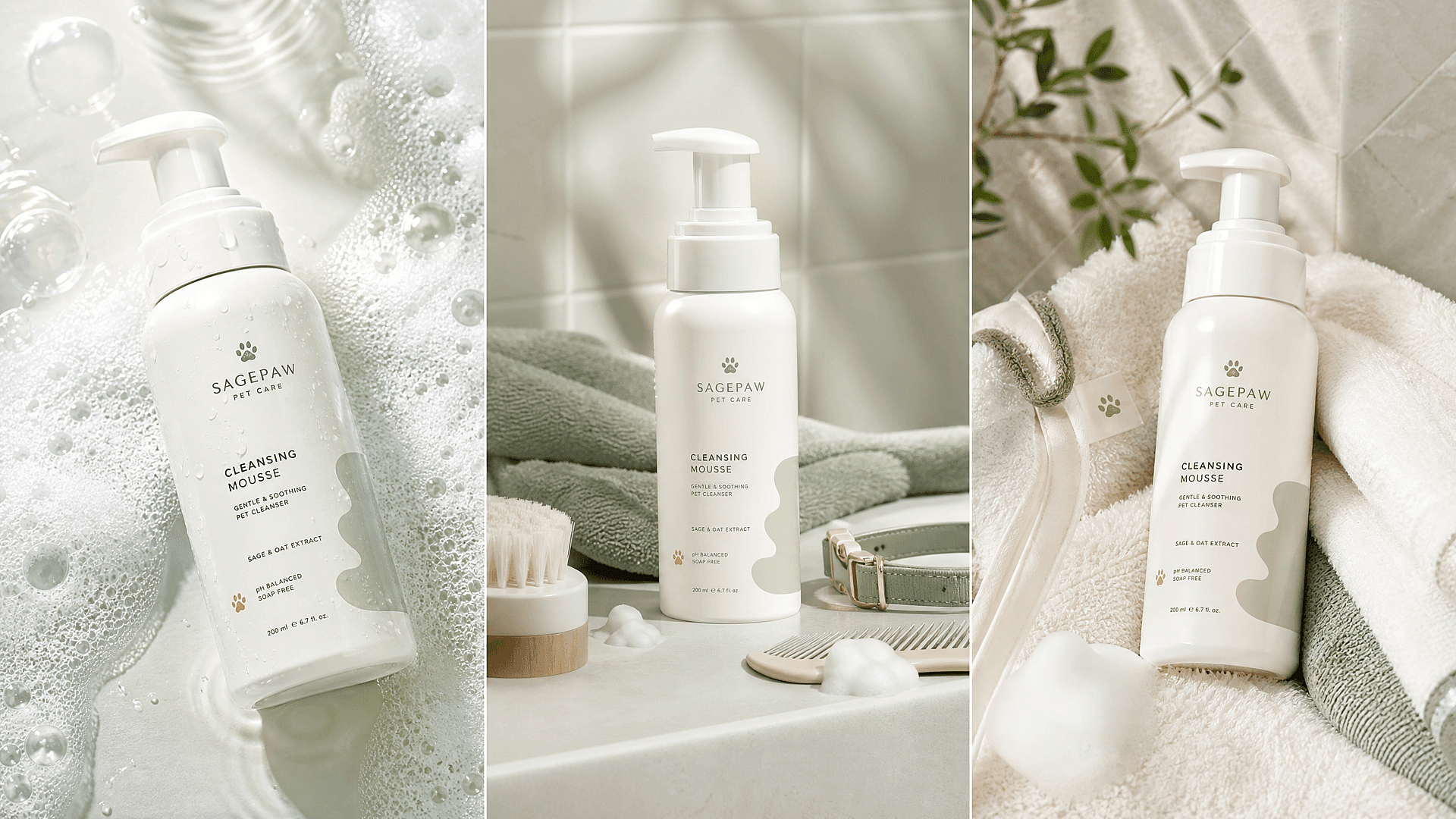
Product Launches and Ad Variants
Make one good product picture, then ask for the other sizes and placements you need for launch day. A square for the ad, a wide banner for the page, and a short clip for the top of the post can all come from the same chat. Each one can match the copy and the audience already written into the build.
Try it Now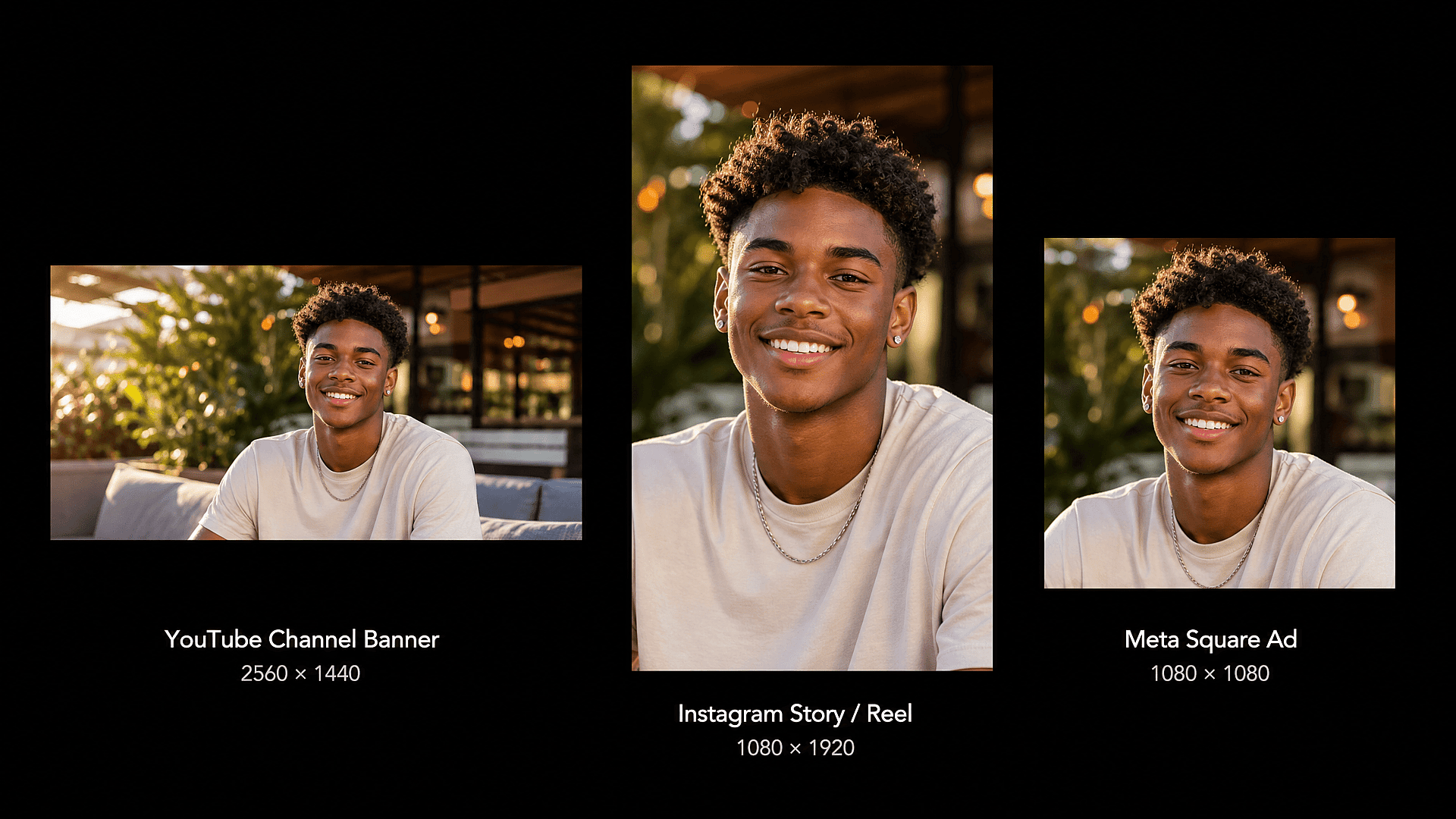
Agency and Client Work
Keeping one client's look identical across every page is the hard part, not making one nice picture. Point Cursor at the client's approved product shot, repeat the same colors and framing in each new request, and build a reusable character in OpenArt when a person needs to appear again. Every result lands in the same library.
Try it Now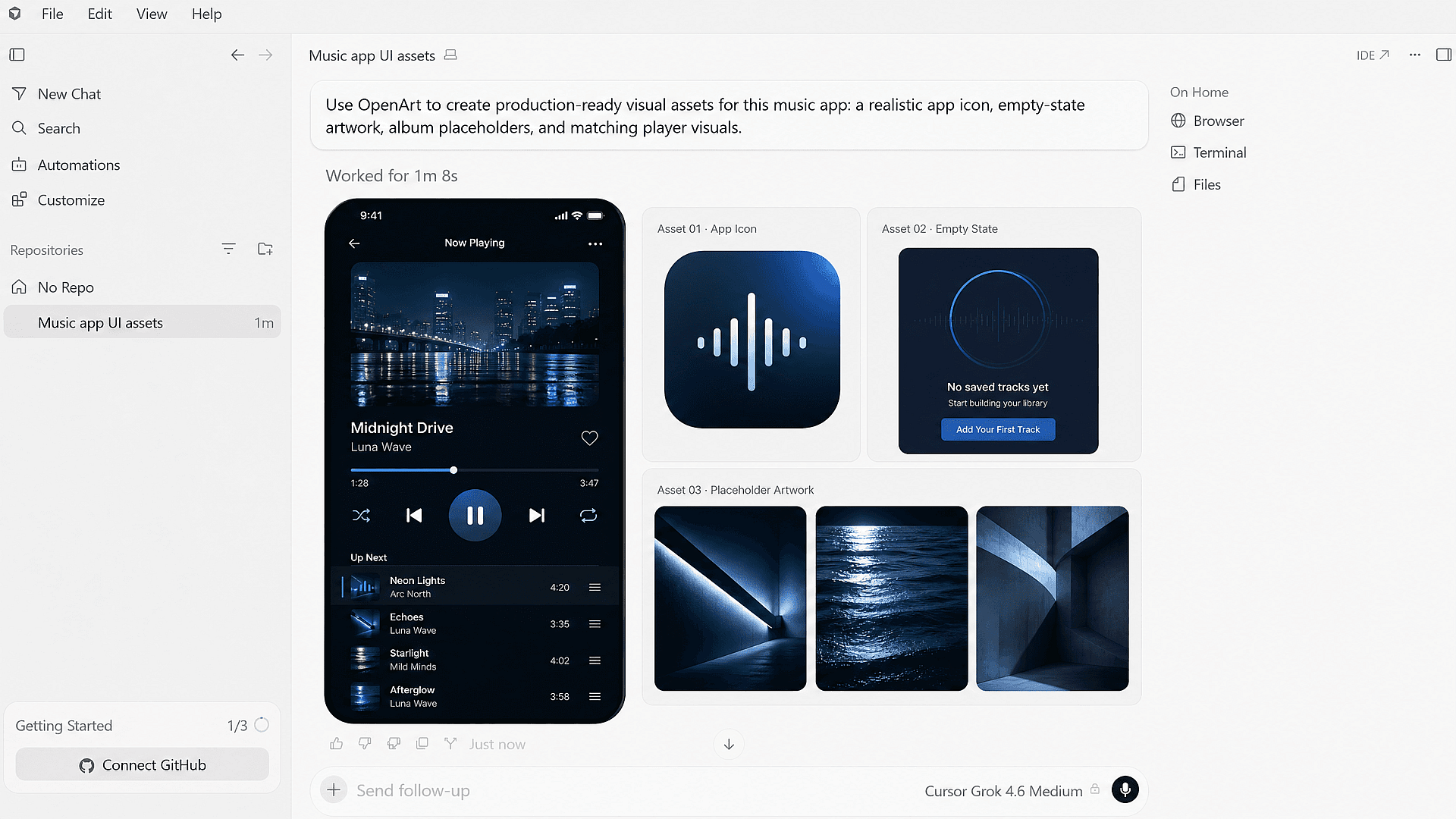
App Screens and Placeholder Art
Builds need pictures that never make it into a campaign. Ask for app icons, empty state illustrations, UI mockups, and placeholder images in the same chat you are coding in. You get art that fits the screen you are building, and you keep working in Cursor instead of opening a design tool for a 200 pixel illustration.
Try it NowFrequently Asked Questions
Create without limits
Join thousands of creators using OpenArt to generate stunning images, videos, and more — all in one platform.
Get Started for Free →