AI Video Relight
AI video relighting transforms the entire visual character of your footage, including lighting, atmosphere, color, and style, while keeping your performance and motion completely intact. Upload your clip, pick a preset or reference image, and the world around your subject changes in minutes.




Full-Frame Restyle
Lighting, atmosphere, color, and visual character all transform together in a single pass, not as a stack of filters.




Preset or Custom Direction
Pick from curated style presets, upload your own reference image, or generate a brand-new look with AI.

Performance Stays Intact
Your motion, expression, and timing are preserved. Only the world around you changes.
Community Creations
See how creators are turning flat takes into golden-hour cinema, casual clips into noir shorts, and standard shots into anime, sci-fi, and horror with AI video relighting.
Same Video. Entirely New World.
OpenArt's AI video relight and mood tool is part of OpenArt VFX. Upload any video and the AI restyles the full frame, including lighting, atmosphere, color, and visual character, while keeping your performance untouched.
Standard shots become cinematic.
A flat, overexposed daytime clip can become a rich golden-hour scene. A standard talking-head shot can become a moody cinematic sequence. A casual vlog can become a noir short. AI video relighting transforms the lighting, color, and visual character of the entire frame in a single generation, giving any clip the look of footage shot with intention. No timeline, no manual color grade, no keyframes.
Apply a complete new style.
Beyond grading, AI video relighting applies full style transformations across every frame of your clip. Pick a direction, noir, horror, anime, sci-fi, fantasy, or any other aesthetic captured in your reference image, and the AI restyles the world your subject is in. Your performance stays intact while everything around it gets recomposed in the style you chose. The shift is not a filter sitting on top of the footage. It is the visual character of the scene being rebuilt.
Your performance stays. The world around it changes.
AI video relighting transforms what surrounds your subject without changing the subject itself. Your face, your expressions, your timing, your motion, and your audio sync stay exactly as you captured them. Composition holds. Camera framing holds. Only the lighting, the atmosphere, and the visual character of the world get rebuilt. The performance you delivered is the performance the viewer sees, in a world you chose afterward.
Rebuild the light, not just recolor it.
Traditional video grading shifts color values across the frame. The AI video relighting tool, powered by Beeble's SwitchX, goes further. This underlying AI model actually rebuilds the light in your scene to match the reference, with shadows, highlights, and ambient color all responding to the world you chose. The result reads as a scene that was actually lit that way, not a scene with a filter on top. This is the difference between coloring a clip and relighting it.
How to Use AI Video Relighting
Three steps from upload to a fully restyled scene.
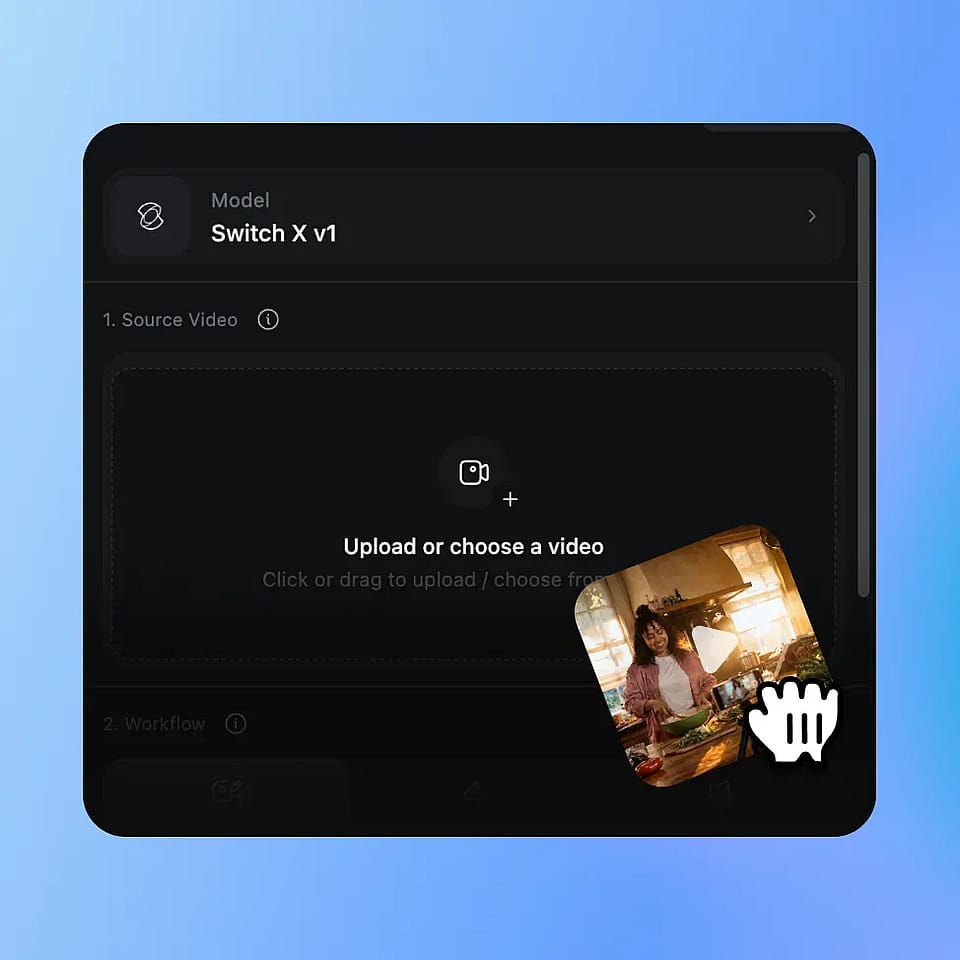
Upload Your Video
Upload any MP4 or MOV clip. Any room, any lighting, any camera setup. AI video relighting works on the footage you already shot.
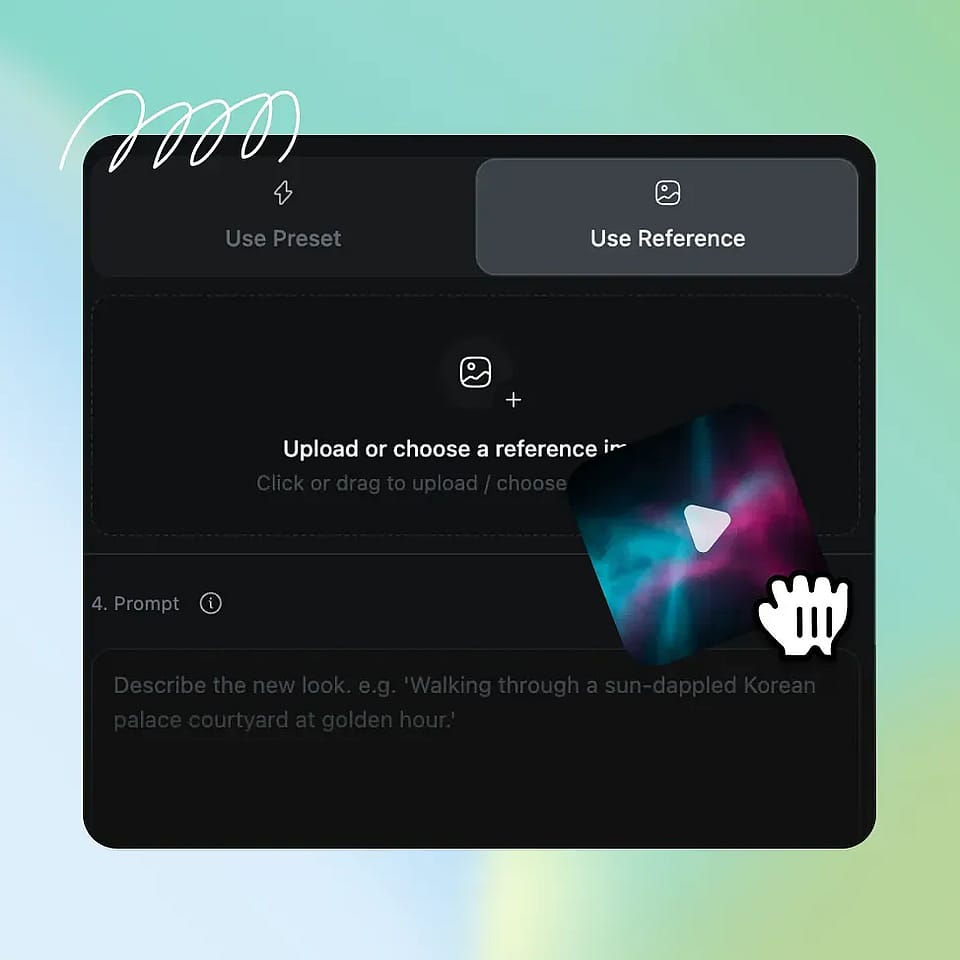
Pick Your Direction
Choose a curated style preset, upload your own reference image, or generate a new reference with OpenArt's AI image tools. Add an optional text prompt to push the mood in a specific direction.
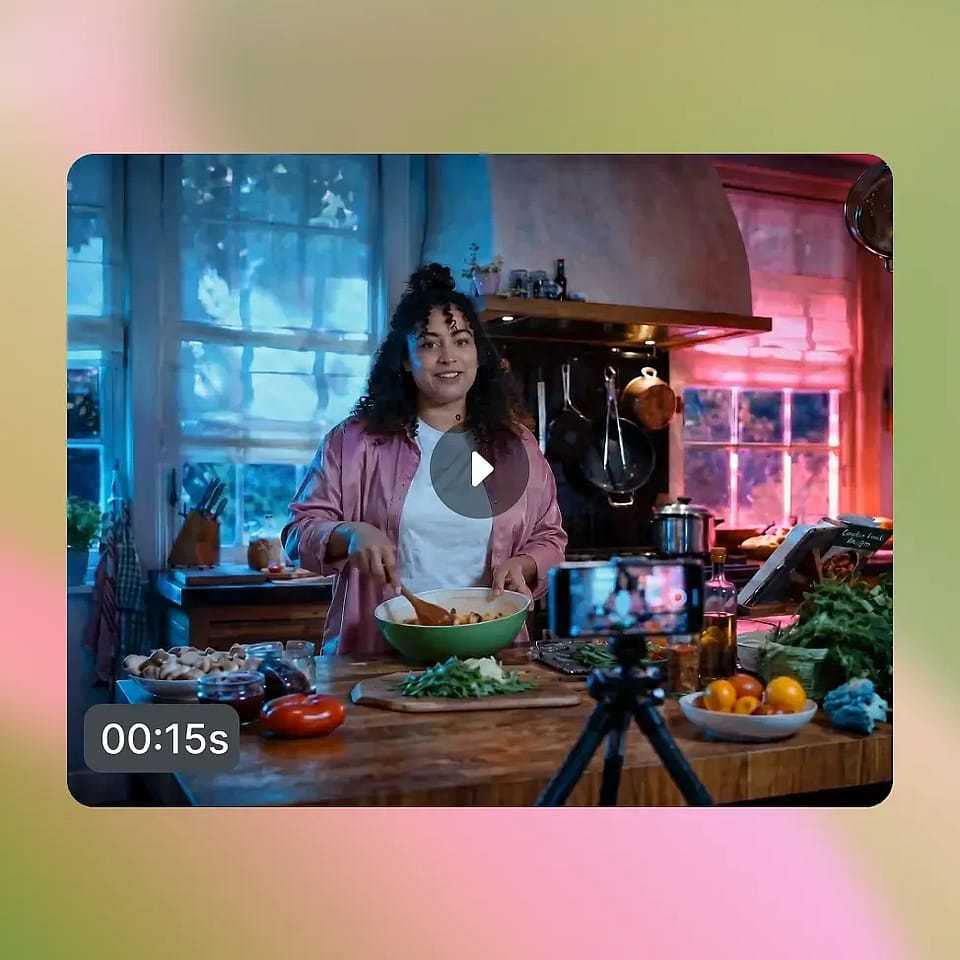
Generate and Compare
SwitchX restyles your full frame in a few minutes and delivers the result with side-by-side comparison views. Refine the reference, regenerate, or download the final clip as MP4.
Built for Cinematic Creators and Editors
From music videos to brand campaigns, here is how creators are using the AI video relight and mood tool.
Music video directors and filmmakers
Music video directors and short filmmakers can apply multiple visual styles to the same performance and compare them side by side before committing to a final grade. A music video that needs three different scenes can come from a single take, each one relit and restyled in a different cinematic direction. Indie shorts get a cinematic look without a colorist, a DP, or a grading suite, just the take you captured and the world you imagined for it.
Try it NowContent creators and social media
YouTubers, TikTokers, and Reels creators can give their content a signature visual identity without changing how they film. Take a casual vlog and ship it as cinematic noir for one episode, golden hour for the next, and sci-fi for the third. Your audience sees a consistent aesthetic across the channel while you keep filming the same way, from the same room, with the same gear.
Try it NowVFX-curious creators and editors
AI video relighting is the easiest path into VFX-grade visual transformation. No keying, no grading software, no compositing pipeline, no learning curve. Pick a preset or reference image, hit generate, and the result feels like footage that was lit and styled for a specific look, not a clip with an effect dropped on top. This is the kind of output that gets shared, remixed, and reposted across creator communities.
Try it NowBrand and product video teams
Brand and product video teams can take one asset and ship it in multiple visual styles for multiple campaigns or platforms. A product video can become moody and editorial for a brand campaign, warm and sunlit for a seasonal push, or stylized for a launch moment, all from a single recording session. One shoot, many campaign-ready looks, no reshoot required.
Try it NowFrequently Asked Questions
Get Insights from Experts Blog
Get the insights you need. Our experts share actionable hacks, break down the hottest topics, and provide essential how-to guides to help you build, optimize, and scale.
Read More