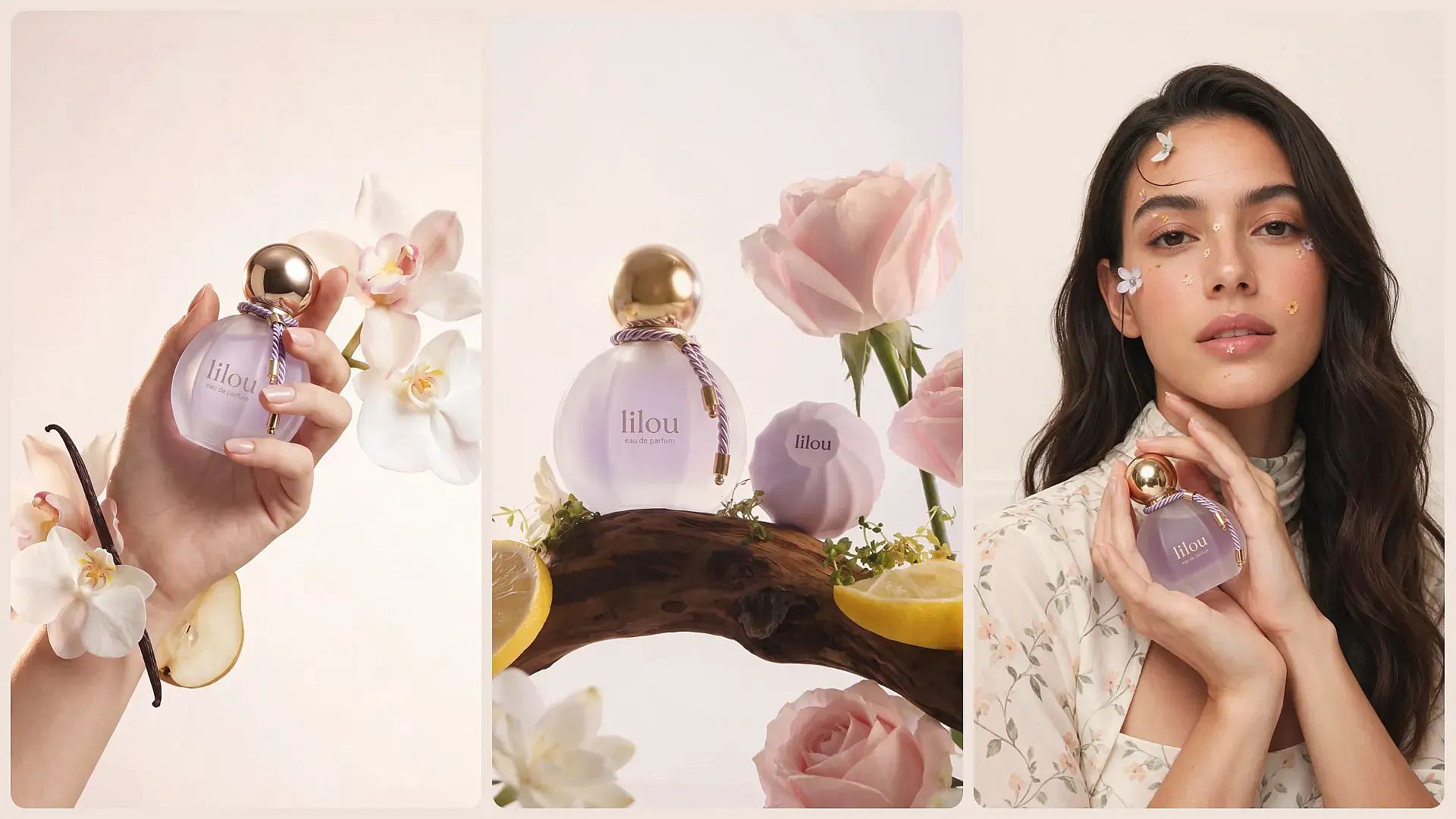
AI Product Image Generator
Upload a phone photo and the AI product image generator turns it into studio shots, white background listing images, and lifestyle AI product photos for Amazon, Shopify, Etsy, and TikTok Shop. Your label, shape, and colors stay the same, so every listing and ad shows the product you actually ship.
Key Features of the AI Product Image Generator
AI product photography that still looks like the product you sell.
Keep the Label and Shape on Every Shot
Upload a product photo to Edit Image and describe the new scene. This Image to Image edit changes the background and light but keeps your product. Add "keep the product, label, and cap exactly as they are" to the prompt. GPT Image 2.6 and Nano Banana Pro keep small label text readable. Zoom in and check the label before you publish.
Place Your Product in Any Scene
Describe a white studio, a marble counter, a beach towel, or a city street, and the AI product image generator builds the scene around your product with matching light and shadows. Pick the size first: 1:1 for marketplaces, 4:5 for Instagram, 16:9 for banners. No photo yet? Describe the product and start with Text to Image, or try more models in the AI Image Generator.
Make a Full Listing Set From One Brief
Chat Mode makes several product images from one message, such as "a white-background main image, two lifestyle shots, and a close-up of the lid." It shows the credit cost first and saves every image to your library. Save your logo and hex colors in Brand Kit to keep ad images on brand with GPT Image 2.6.
How to Make Product Photos With AI
Turn one product photo into a set of listing and ad images in three steps.
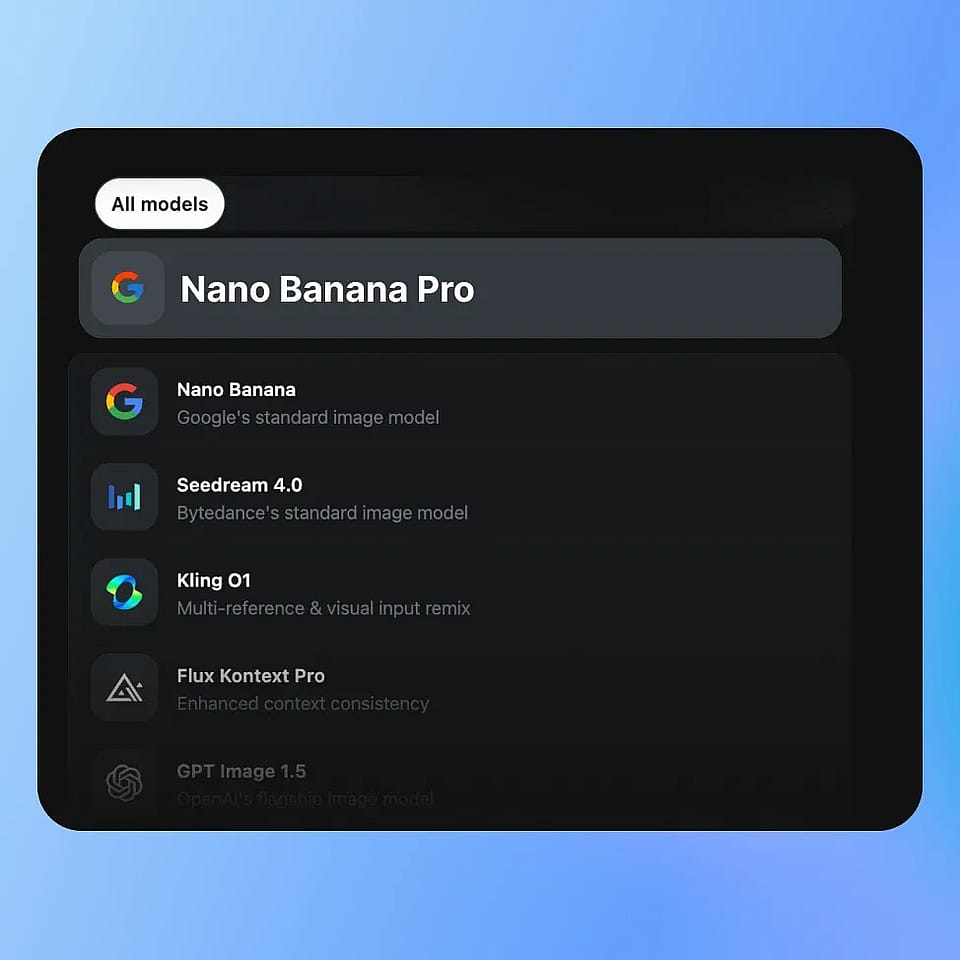
Upload Your Product Photo
Open Edit Image and upload a clear photo of your product. A plain background and even light help the AI keep the label sharp.
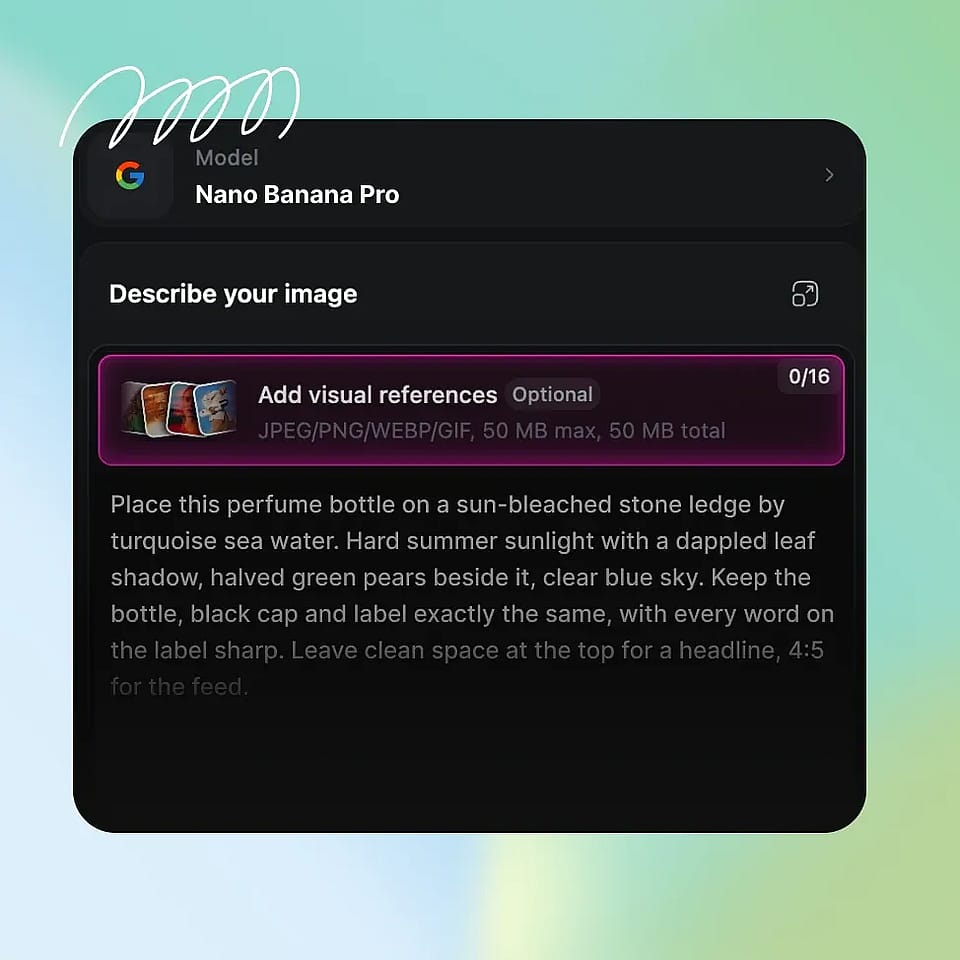
Describe the New Scene
Type the background, surface, light, and props you want, then add "keep the product unchanged." Pick GPT Image 2.6 or Nano Banana Pro.
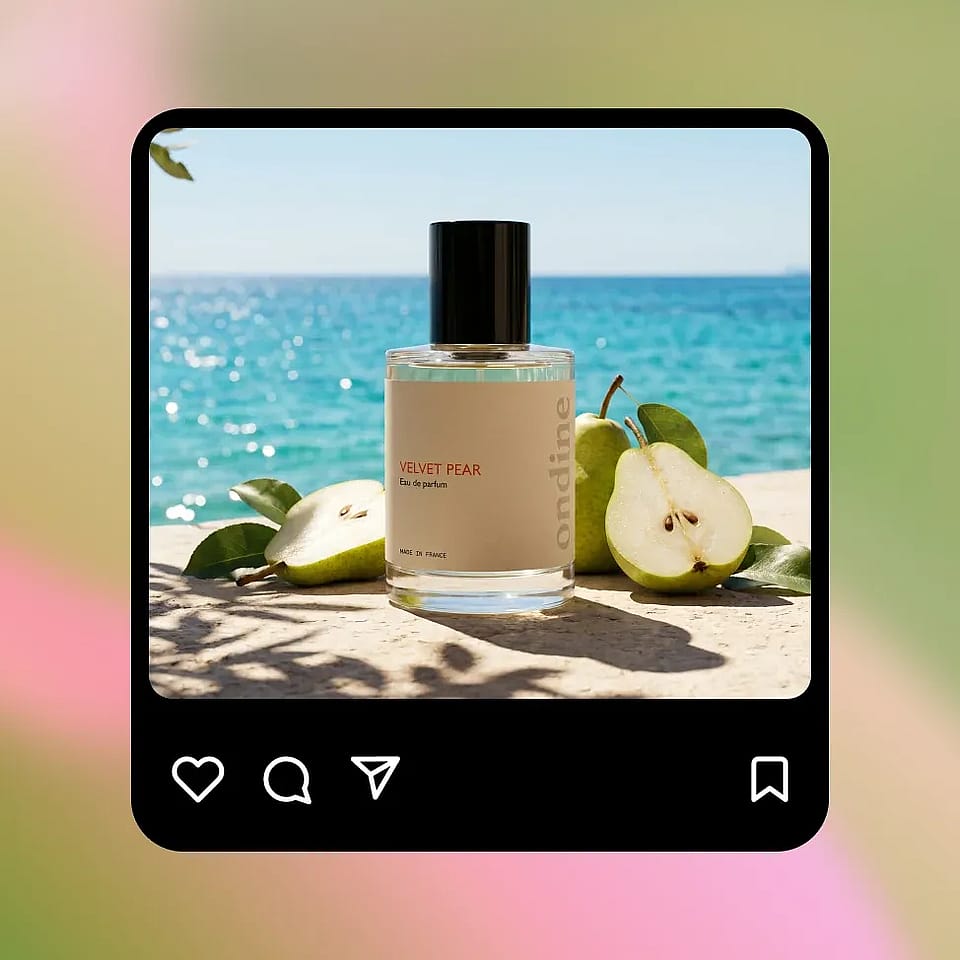
Generate, Check, and Download
Click Generate, zoom in to check the label and shape, then click the download icon to save your favorite version.
What You Can Make With the AI Product Image Generator
AI product photography for online listings, seasonal campaigns, ad tests, and short product videos.
Give Every Listing a Clean Main Image
Online sellers can turn one phone photo into a white background main image for Amazon, Etsy, Shopify, or TikTok Shop, then make lifestyle shots for the rest of the gallery. Use the same product photo for every image so the color and shape match. Sharpen small details with Image Upscale.
Try it NowShoot a Seasonal Campaign Without a Studio
Brand teams can put a hero product in a holiday, summer, or launch scene in an afternoon instead of booking a set. Save the logo, hex colors, and fonts in Brand Kit once, and every campaign image in that project follows them.
Try it NowTest More Ad Images Each Week
Performance marketers can make four or five backgrounds for the same product and test them as ad images, with no designer needed for each SKU. Keep the product and headline the same and change one thing per version, such as the set color or the props, so you can see which change won.
Try it NowTurn a Product Photo Into a Short Video
Shop owners can upload a finished product photo to Image to Video and describe one movement, like steam rising from a cup or the camera circling the bag. To add a headline and logo for a post, use the Instagram Post Generator.
Try it NowFrequently Asked Questions
An AI product image generator turns a photo or a description of a product into finished product images. With OpenArt, simply upload a product photo and describe the background, light, and props you have in mind, and the AI creates studio shots, lifestyle scenes, and ad images. These work well for online listings, ads, emails, and social posts.
Yes. Just upload the product photo and ask for a pure white background, a soft shadow, a square 1:1 size, and the product filling most of the frame. Amazon asks for a pure white background on the main image, so we recommend checking each result against Amazon's current image rules before listing it.
It helps to start from a sharp, well-lit photo with an easy-to-read label. In the prompt, ask the AI to keep the product, label, and shape unchanged and to change only the scene. GPT Image 2.6 and Nano Banana Pro handle products with text especially well. Since AI can redraw small details, we recommend zooming in to check the logo, label, color, and size before publishing.
Commercial rights apply on eligible paid plans, and the Pricing page shows which plan fits a shop or team. It is also worth following each marketplace's photo rules. For example, Amazon asks for a pure white background on the main product image.
Yes. Simply add the product photo as a reference, then describe the person, the pose, and how they hold or wear the product. We recommend checking the hands, the fit, and the logo in each result. For a model who stays recognizable across a whole campaign, OpenArt Characters can keep the same look in every image.
The OpenArt AI product image generator can do this in Edit Image. Simply upload the phone photo, describe a studio background with soft light, and ask the AI to keep the product unchanged. It works well for skincare bottles, clothing, furniture, and food packaging, and the same photo can also become lifestyle scenes and ad images.
Yes. With Text to Image, a written description of the product, material, color, and scene is enough to get started. These images are a good fit for early mockups and ad tests, and once samples arrive, real product photos will keep listings true to the actual item.
Yes, it is free to start. New accounts get 40 free credits with no credit card required, plus a daily free credit allowance after the trial. OpenArt shows the credit cost before each generation, and the Pricing page lists plans with more credits.
It is best to choose the size before generating. A 1:1 square suits Amazon, Etsy, and most marketplace listings, 4:5 portrait suits Instagram feed posts, 9:16 suits Stories and Reels, and 16:9 suits website banners. For a larger file that holds up when shoppers zoom in, Image Upscale can enlarge the final version.
More Ideas for AI Product Photography
Read guides on AI product photography and marketplace photos, with prompts you can copy for your own products.
Read the Guide