

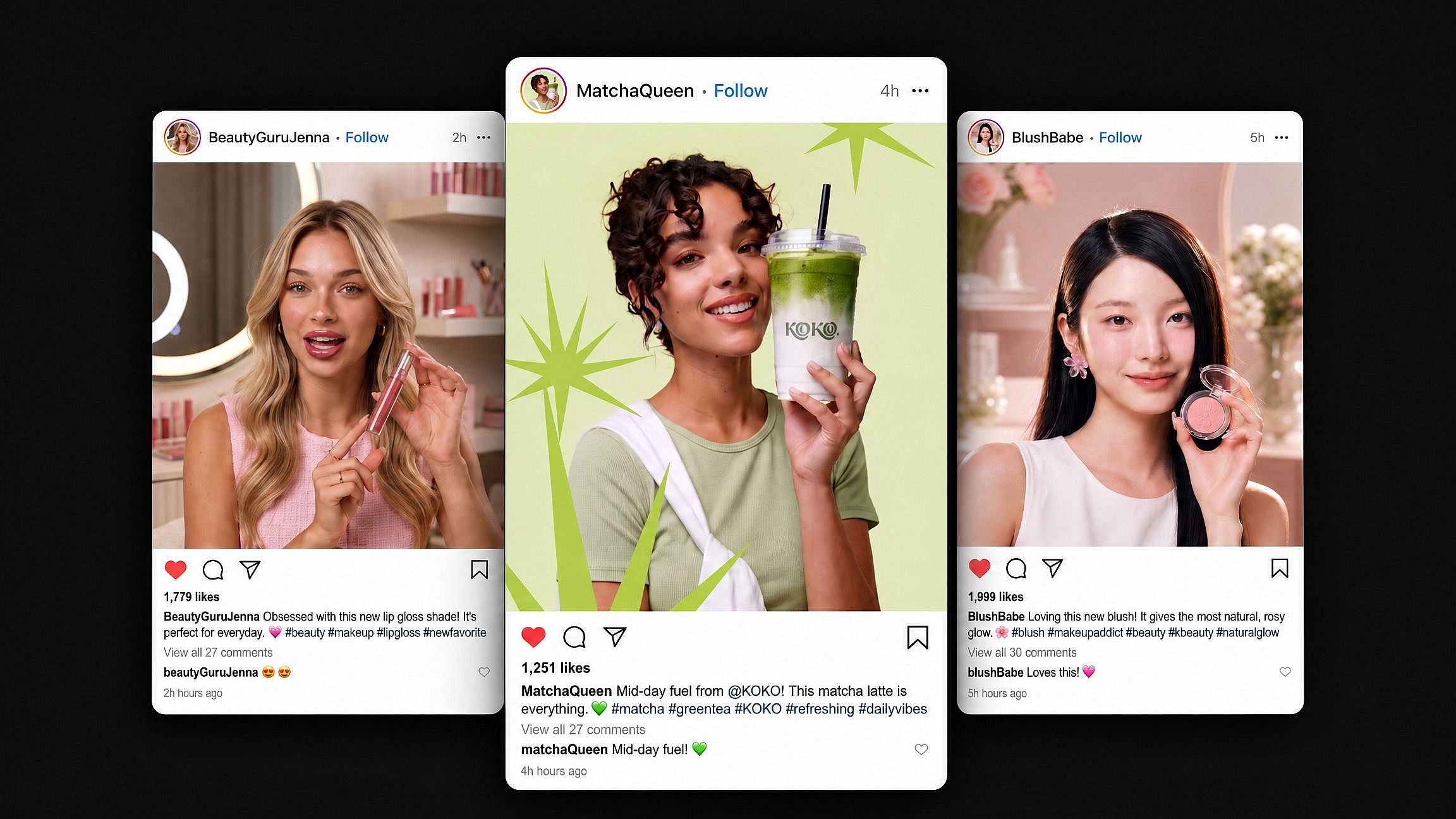
Instagram Post Generator
Turn a text prompt or reference image into polished Instagram visuals. OpenArt’s AI Instagram post generator creates on-brand feed posts and carousel panels. It also creates Reels covers and gives you model choices and editing tools in one workspace.
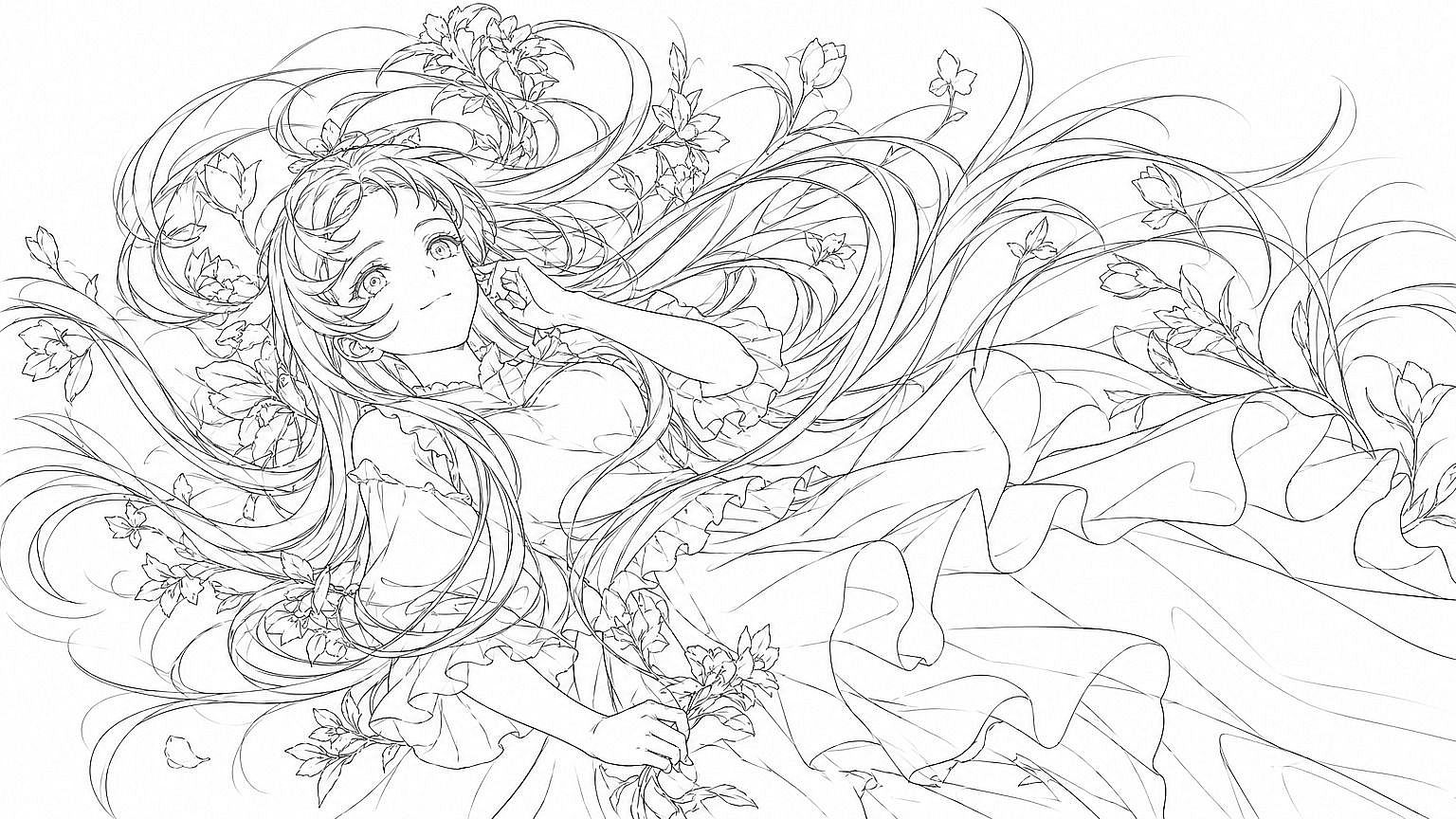
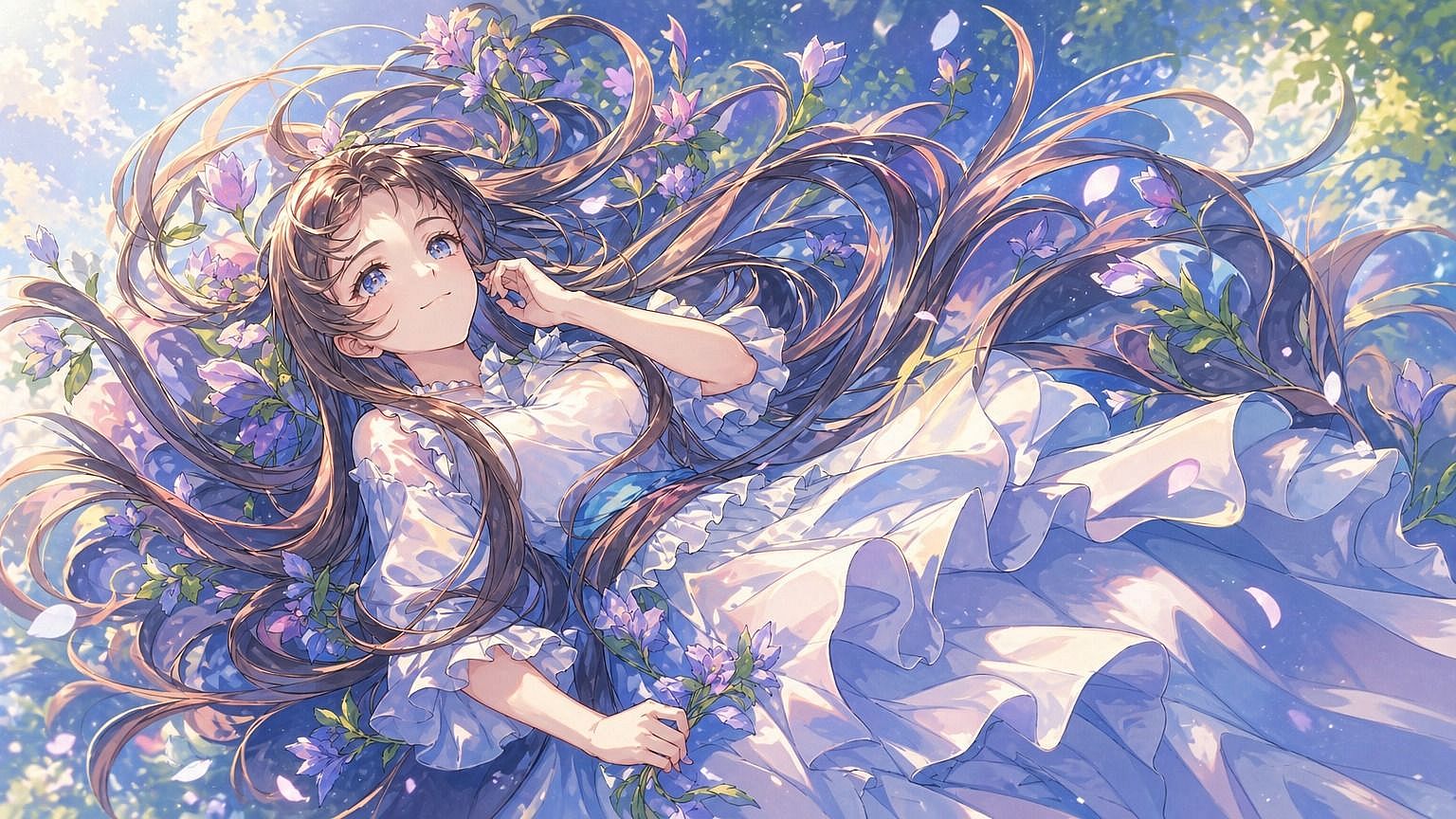
Create Instagram-Ready Visuals in Three Steps



Step 1: Describe your post
On the Home screen, enter a plain-language prompt or upload a reference image. Choose the Image tab if you want to guide image generation directly.



Step 2: Set the look and format
Pick a model and apply your Brand Kit. Then choose a square or portrait format, or set a 9 by 16 ratio for Reels covers.

Step 3: Generate and finish
Create multiple options and choose one to refine. Use inpainting or background replacement, then upscale to 4K if needed. Export the finished post or carousel panel. You can also export a Reels cover.
Explore the Latest AI Image and Video Models
These are the models powering everything you can create on OpenArt, from a single image to a full video.
Frequently Asked Questions
OpenArt focuses primarily on image generating and editing Instagram visuals. General Agent can draft caption copy from your post or campaign brief and use the same conversation to develop the visual concept.
You can use OpenArt's Instagram post generator. Describe your post or upload a reference image, pick a model and apply your Brand Kit in your chosen format (square, portrait, or 9:16 for Reels covers), then generate options, refine your pick, and export the finished post or Reels cover.
OpenArt can create Instagram posts and portrait carousel panels, and it also supports vertical Reels covers. Use shared references and brand settings across the carousel, then correct individual panels in the canvas before export.
AI can maintain a consistent grid when posts use the same saved brand inputs. OpenArt’s Brand Kit carries your palette and typography, along with your logo and visual references, across generations so you can vary subjects and layouts without changing the overall identity.
OpenArt gives new users 40 free trial credits with no credit card required. You can use those credits to generate and edit Instagram visuals, while paid plans provide more credits for regular posting.
OpenArt’s Brand Kit applies your logo and exact colors, along with typography and style references, across generated posts. You can reuse one kit throughout a grid or campaign without repeating the brand instructions in every prompt.
OpenArt includes commercial usage rights with Plus plans, and Pro and Wonder plans include them as well. You own eligible outputs and can use them without attribution in social campaigns or client work, including advertisements, but Starter and free trial access exclude commercial rights.
OpenArt fits recurring Instagram production because it combines model choice, reusable brand controls, variant generation, and final edits in one workspace. Canva and Freepik can each produce individual posts, and Fotor can do the same. Each tool supports repeat publishing in a different way.