

Chat to Create Anything
Describe what you want in your own words, and OpenArt Chat Mode chooses the right models, tools, and settings to produce it. Or specify the exact model, format, resolution, duration, and number of assets you want. Works like a charm either way!
Chat Mode Makes Generating AI Content Friendly & Easy



Natural language works
Say what you want the way you would say it out loud, and Chat Mode turns it into everything OpenArt needs to make it.




A whole media set at once
Ask for five images and three videos in one message, and every one of them comes back from that single request.
Credit cost shown up front
Chat Mode shows you the credit cost before you generate so you always know what a request will use.
Bring Your Imagination to Life by Just a Chat
Chat Mode lets you use OpenArt's creative tools through natural conversation, including the AI image generator and the AI video generator.
Skip complex prompting and setup
Type what you want in natural language, the way you would say it to a friend. Chat Mode writes the prompt syntax, picks the best AI model, and chooses the format, resolution, and length for you. You can also specify any of those yourself in the same message. Ask for a video made with Seedance 2.5 in 9:16 at 1080p, and Chat Mode delivers exactly that.
Multiple asset requests at once
Ask for five product images and three short videos in one message and Chat Mode generates all of them. Give each one its own direction, like a warmer color on one and a different mood on another. It knows how to prioritize and run the generations in queue. One creative brief turns into a full campaign with a single message.
Paste a URL link for context
Drop a product page link into the text box and Chat Mode reads the page. It picks up your product details, and you can then ask it to make ads, product shots, and social posts from them. Your generations would be informed by the context straight from the content on the webpage. Paste the link for a store’s summer launch landing page and ask for four ad concepts. It will grab the right context.
Edit and refine by chat
Want to make changes in your recent generation? Just tell Chat Mode what to fix in plain language. Ask it to make the third image brighter and keep the product exactly the same, and only that precise edit applies. Tell it to animate one of those images into a vertical video in the same conversation, and it will deliver.
How to Use Chat Mode in OpenArt
Create images and videos from a simple description.
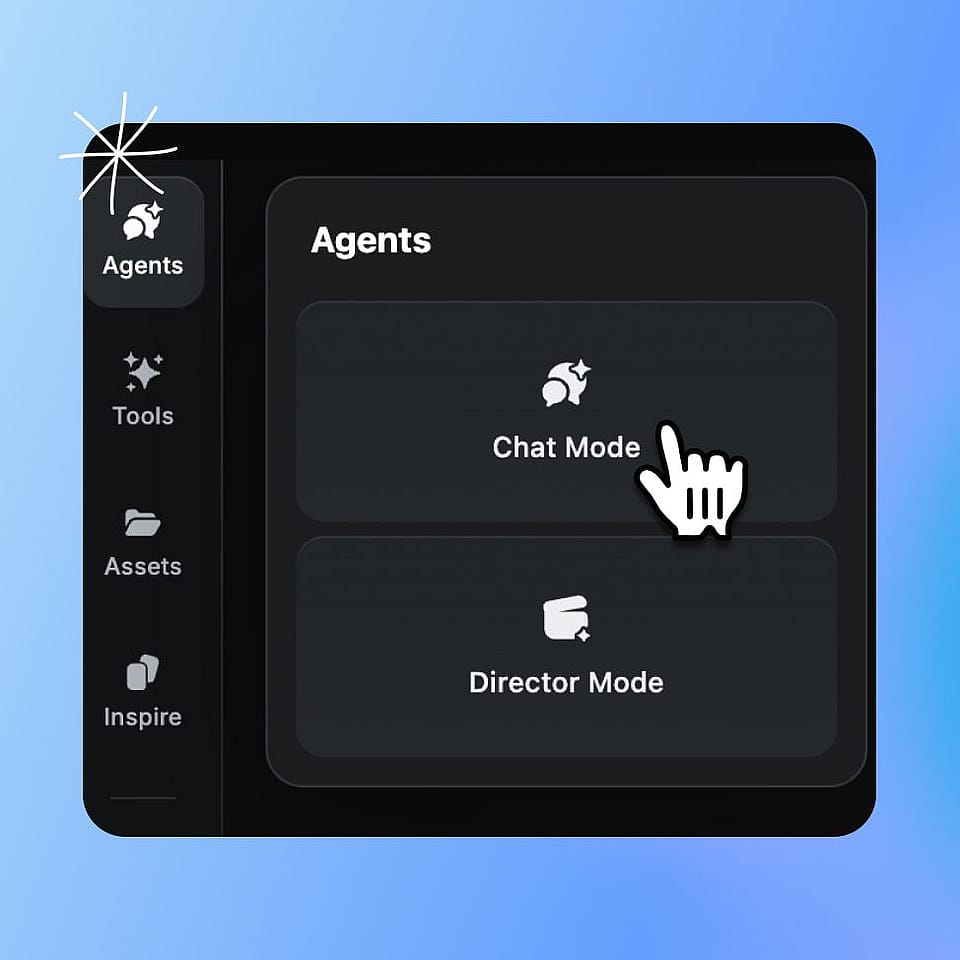
Open Chat Mode.
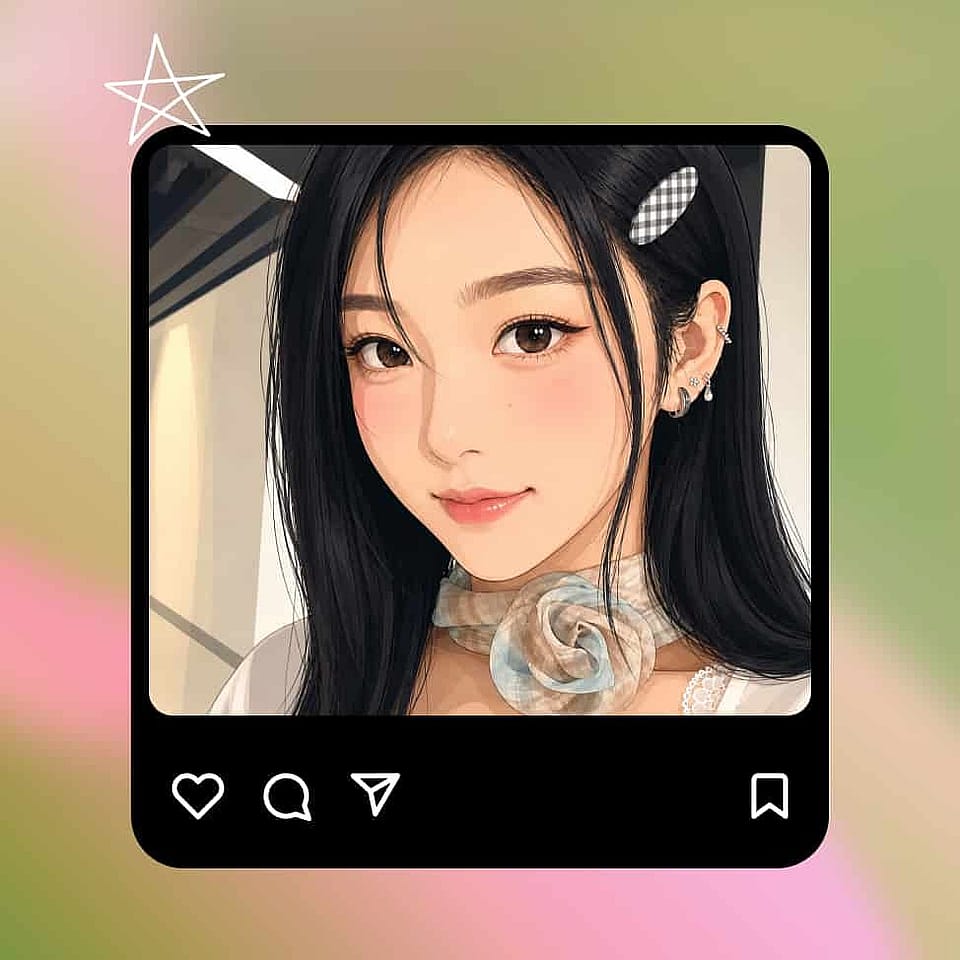
Go to your OpenArt home and click Chat Mode. Type what you want to make and upload any reference media.
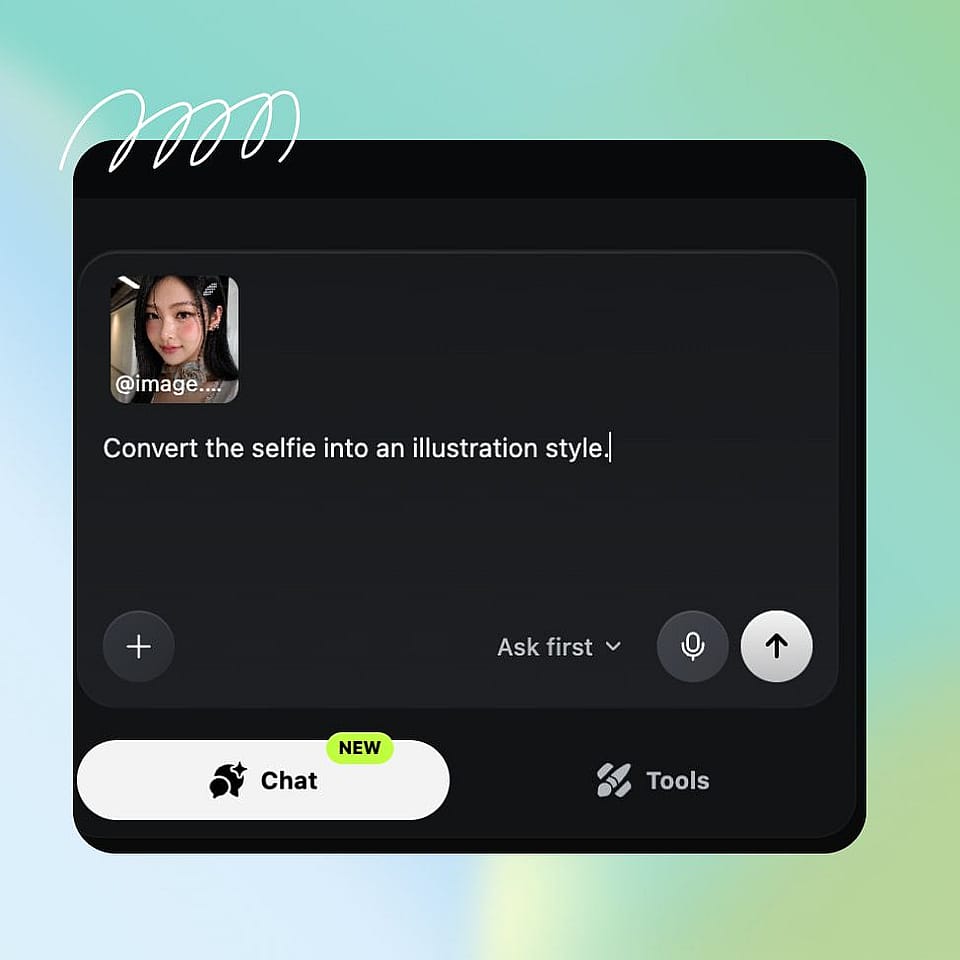
Confirm your settings.
If you toggle “Ask First”, Chat Mode shows the model, prompt, and settings it picked, along with the credit cost.
Refine and save.
Ask for edits or more generations in the same chat. Your results save to your OpenArt library and the folder you picked.
Best Uses for OpenArt Chat Mode
Chat Mode makes AI media generation even easier and more accessible for everyone.
Make your first AI image or video
New to the world of generative AI? Just type what you have in mind and Chat Mode handles the prompt, the model, and the settings for you. Your first try can be a finished image or video on the day you sign up. If the result is not what you pictured, tell Chat Mode what to edit and it applies the changes.
Try it NowTurn one brief into a campaign
Give Chat Mode your creative brief and ask for the full set, like five images, three videos, and a vertical cut for social. Each asset can carry its own direction thanks to its accurate handling of complex prompts. You see the generation plan and credit costs before anything runs, so you stay in control even as the AI does the heavy-lifting for you.
Try it NowDraw context from your webpages
Paste the link to your store's product page and describe the ads you need. Chat Mode reads the page and builds studio shots, lifestyle videos, and seasonal concepts from it. Your product details come from the product description you already have on the webpage, so you don’t need to give it all the details again.
Try it NowPost fresh content every week
Ask for a batch of posts, vertical videos, and variations in one conversation, then pick the ones you want to run. Write and make a song for a character, then turn that song into a short video. Everything lands in your OpenArt library, ready to post, and a bigger project can carry on in OpenArt Director.
Try it NowFrequently Asked Questions
Chat Mode is a way to create in OpenArt by chatting. You describe what you want in everyday language and OpenArt picks the model, writes the prompt, chooses the settings, and makes the images, videos, edits, music, and ads you asked for.
Chatting is free. Credits apply when you generate, and Chat Mode shows you the cost before you run anything, so you decide with the number in front of you.
Yes. Name any model you want in the same message, like asking for one video with Seedance 2.5 and another with a different model. Chat Mode follows your pick and tells you if that model cannot do something you asked for.
You can ask for several images and videos in one message and give each one its own direction. OpenArt can queue up to 8 generations in one go.
Just describe the change the way you would explain it to a person in natural words. Ask for a brighter version of the third image with the product left alone, and Chat Mode updates that one result while the rest stay as they are.
No. Say what you want in your own words, even if the idea is rough. Chat Mode turns that into the prompt and the setup needed to create it, and you can keep talking to shape the result.
Yes! Chat Mode is a new feature and does not override or remove any existing OpenArt tool you already love and use. Every individual OpenArt tool stays where it is for the times you want to set things up yourself. Longer and more complex video projects can also carry on in OpenArt Director.
Yes. Ask for 9:16 at 1080p, or a 30 second product video and a 15 second social cut, and Chat Mode uses those settings. Anything you leave out, Chat Mode chooses for you.
Yes. Paste a product page or another URL into the chat and Chat Mode reads it, then uses what it finds as reference for the creative you asked for.
Every new output saves to your OpenArt asset library and the folder you specified, so your images and videos sit with the rest of your work and stay available after the chat ends.
Get Insights from Experts Blog
Get the insights you need. Our experts share actionable hacks, break down the hottest topics, and provide essential how-to guides to help you create, optimize, and scale.
Read More
Create without limits
Join thousands of creators using OpenArt to generate stunning images, videos, and more — all in one platform.
Get Started for Free →