

 ChatGPT
 Perplexity
 Claude
 Gemini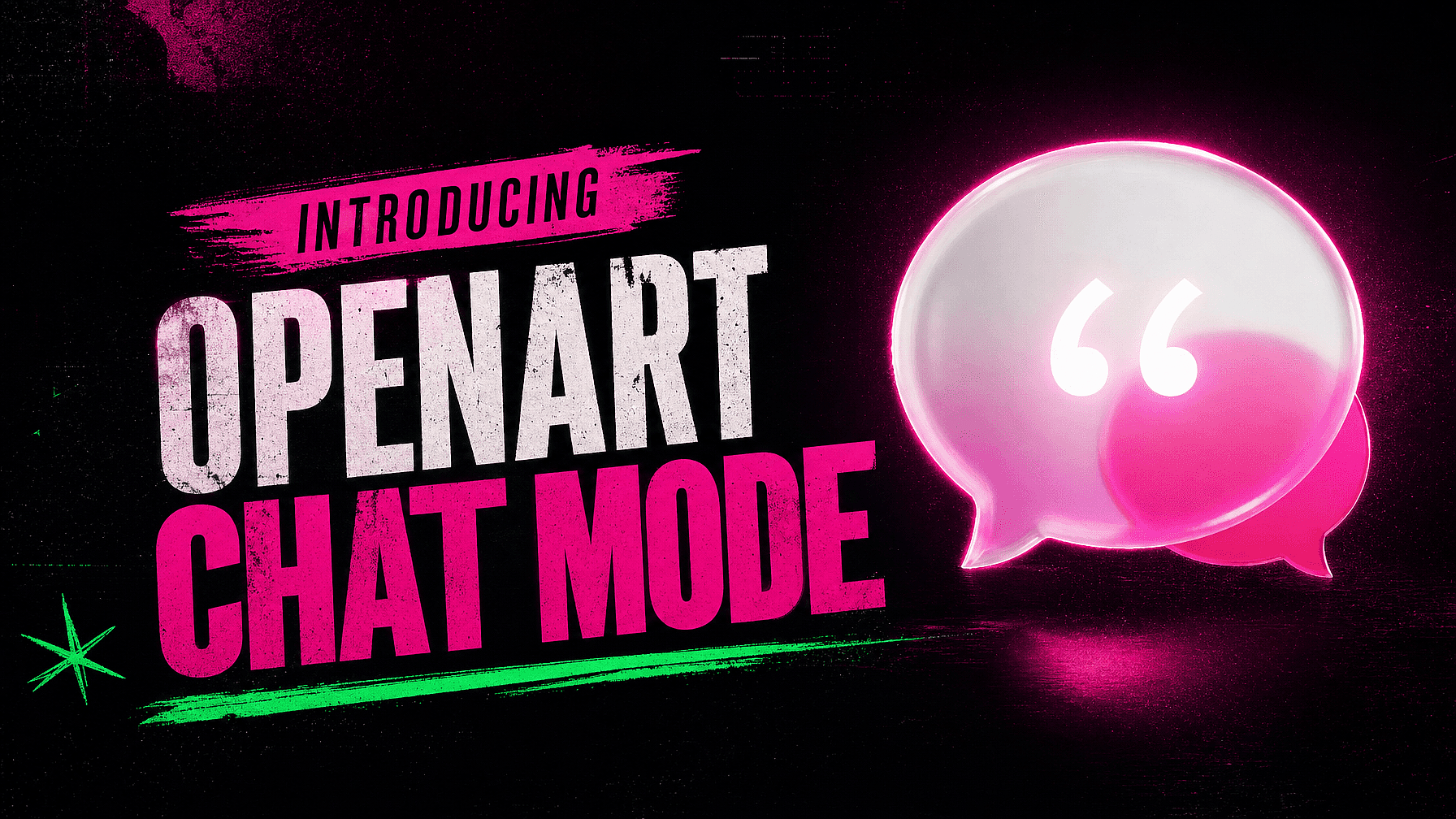
Chat Mode lets you create in OpenArt by chatting. You open it from your dashboard, type what you want, and OpenArt makes it. It works for images, videos, edits, product shots, ads, music, and songs.
Creating with AI usually starts with a few setup questions. Which model? What prompt? Which tool? What size? Chat Mode answers those for you, so you can start with the idea instead.
How it works
- Open your OpenArt dashboard and click Chat Mode.
- Type what you want to make, in whatever words come out first.
- Check the model, the settings, and the credit cost, then generate.
Keep typing after that to ask for changes or make more. The chat holds on to what you already said, so a follow-up can be as short as "now make it vertical."
Say what you want in your own words
Type your request the way you would say it out loud. "Make five product photos for my coffee brand and three short videos for social." That is enough to go on.
Chat Mode reads the request and fills in the parts you left out. It writes the prompt, picks the model, and chooses the format, resolution, and length. It runs on models like Seedance 2.5, Wan 3.0, Veo 3.1, Kling Omni, GPT Image 2, Nano Banana Pro, and Seedream 5.0 Pro, and it picks the one that fits what you asked for. These are the same models you would pick by hand in the AI image generator and the AI video generator, so the quality you already know carries over.
A rough idea works fine here. You can shape the result once you see it.
Name the settings yourself when you want to
You can also be exact. Ask for Seedance 2.5 in 9:16 at 1080p and 30 seconds long, and Chat Mode uses it.
Mix both styles in one message. "Make two videos. Use Seedance 2.5 for the first one, and make the second one 15 seconds for Reels." Chat Mode follows your picks. It also tells you when a model cannot do something you asked for, before you spend anything.
Every request shows the model, the prompt, and the settings it chose. You can change any of them before you generate.
Ask for a whole set at once
One message can cover a full batch. Ask for five images and three videos, then give each one its own direction. Make one warmer. Make one vertical. Make one feel like a summer sale.
Each asset carries its own note, so the set comes back with real variety instead of eight near copies. That turns a single brief into a campaign. A creator can line up a week of posts in one chat. A marketer can get the images, the videos, and the vertical cuts from one request.
Paste a link and get ads
Drop a product page link into the chat. Chat Mode reads the page and picks up your product details. Then ask for what you need: four studio shots, two lifestyle videos, a set of summer concepts.
Your photos and your product copy come from the listing you already wrote. Nothing gets retyped.
Change a result by typing
Tell Chat Mode what to fix in plain words. "Make the third image brighter and keep the packaging exactly the same." That one image changes and the others stay as they are.
You can also turn one result into another. Take the first concept and ask for a vertical video of it. Write a playful song for a character, then ask for a short video to go with it. It all happens in the same chat, so you never have to explain the project twice.
Music and songs work the same way
Ask for a track and describe the sound you want. A slow acoustic tune for a travel clip, or something upbeat for a product reel. Chat Mode writes the song and makes it, and you can pair it with a video in the same chat.
What it costs and where your files go
Chatting is free. Credits apply when you generate, and Chat Mode shows the cost first. You decide with the number in front of you.
Every result saves to your OpenArt asset library and the folder you picked. Your images and videos sit with the rest of your work, and they stay there after the chat ends.
Tools and Director are one click away
Chat Mode is one way in. Every OpenArt tool sits a click away for the times you want to open one on its own and set it up by hand. Longer and more complex video projects can carry on in OpenArt Director, where you build a film scene by scene.
Try it
Open your OpenArt dashboard and click Chat Mode. Type the thing you have been meaning to make, and see what comes back.