AI Image to Video Generator
Turn any photo into a motion video with OpenArt's AI Image to Video generator. Upload a single image, describe the motion you want, and get a finished, cinematic clip in minutes.
Key Benefits of AI Image to Video Maker




Animate Any Photo
Start from a product shot, a portrait, an illustration, or a screenshot, and OpenArt adds realistic motion to it. You do not need footage, a camera, or editing software to get a moving video.




Control the Motion
You decide how the shot moves, from a slow zoom on a face to a pan across a landscape or a subject that walks into frame. Describe the camera move and the action, and the AI follows your direction.

Ready in Minutes
A still image becomes a polished clip in a few minutes, not a full production day. Generate several motion options from the same photo and keep the version that works best.
Key Features of AI Image to Video Generator
Add synced sound, set the first and last frame, and make clips up to 30 seconds.
Full Videos from an Image
Animate any kind of image, from a product shot or a portrait to an illustration, a concept render, or a screenshot. The AI video generator reads the subject, the background, and the lighting in your image, then adds smooth motion, camera movement, and cinematic atmosphere that stays true to the original scene.
Shape Every Move and Action
Choose exactly how the shot moves, from a slow zoom on a face to a pan across a landscape, a dolly push, or an orbit around your subject. You can also set first and last frames, which lets you control where your video starts and where it ends. Upload one photo as the first frame and a second photo as the last frame. The AI creates the motion between the two, like a closed flower opening into full bloom.
Leading AI Video Models
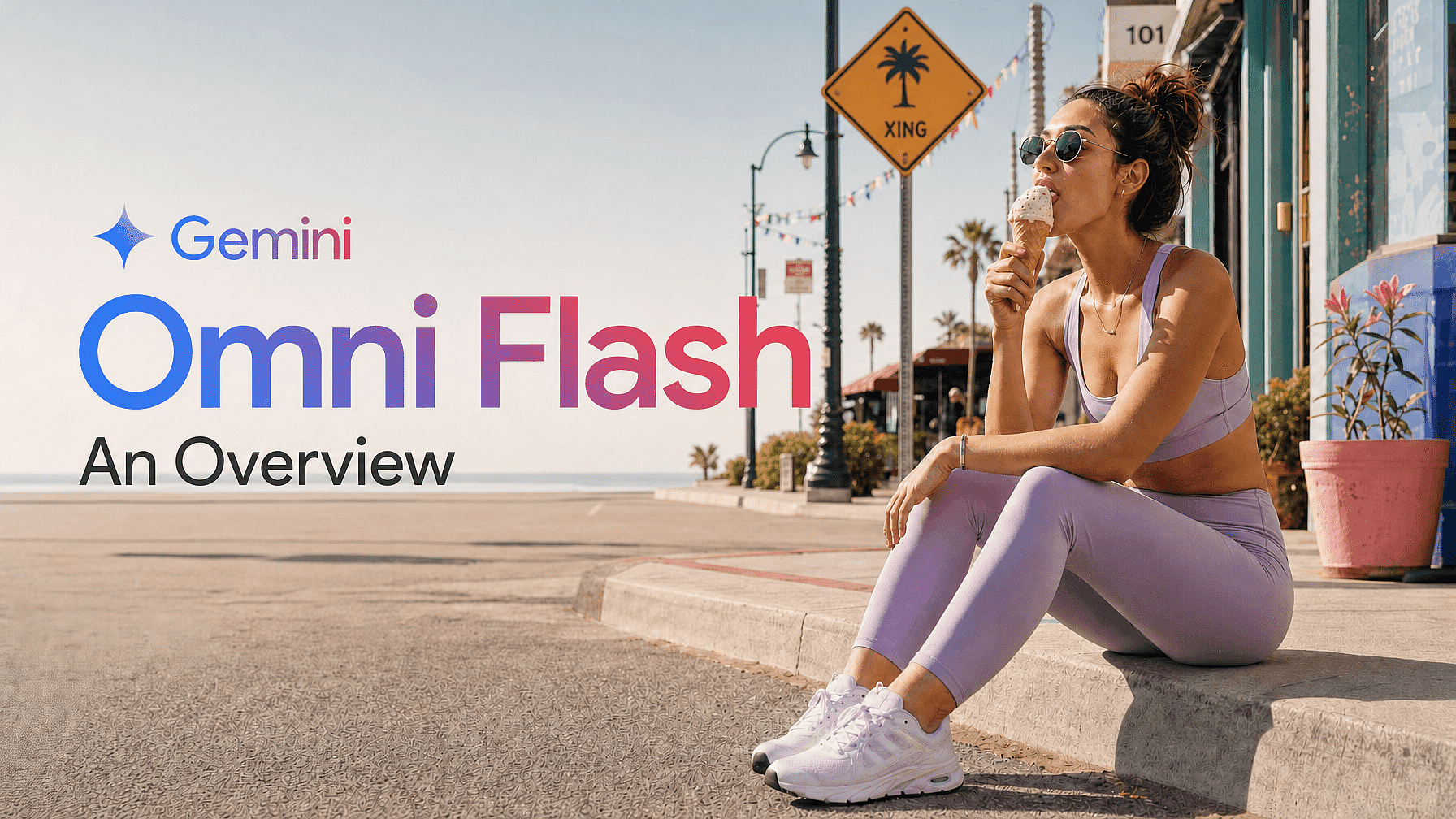
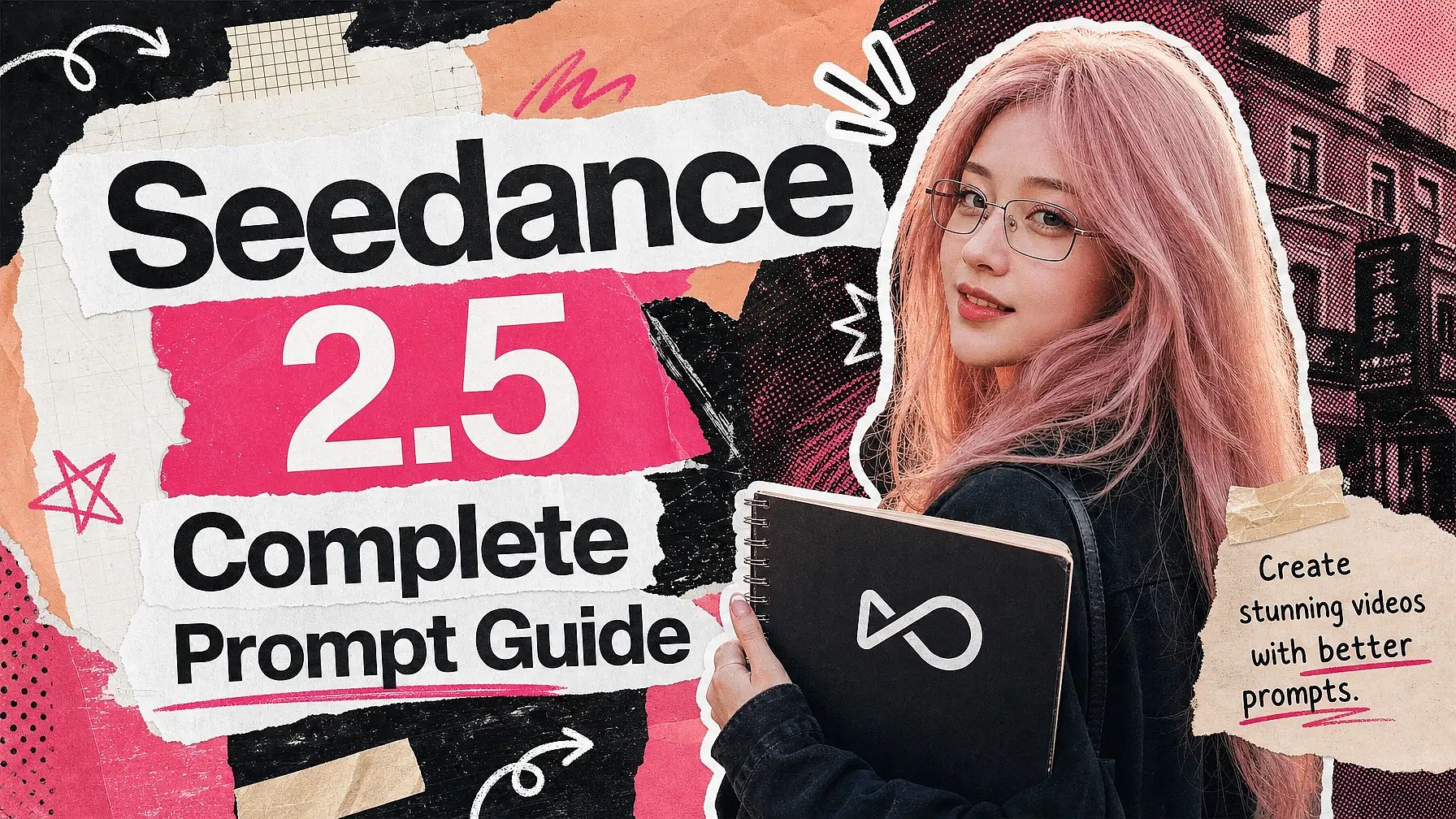
Pick the AI model that best fits your image, with Seedance 2.5, Gemini Omni Flash, Kling Omni, PixVerse V6, and Google Veo 3.1 all available in one place. Each model handles motion and style a little differently, so you can generate from the same photo across several models and keep the strongest results.
Extend, Upscale, and Add Sound
Continue a shot by up to 10 seconds with Extend Video when a clip is close but too short, and sharpen the final result to 4K with Upscale Video to clear any blur or pixelation. Add Sound Effect tool lets you layer in audio you describe in a prompt, and you can carry the same subject into OpenArt's other tools with OpenArt Characters.
How to Use the AI Image to Video Generator
Turn a photo into a video with AI in three steps.
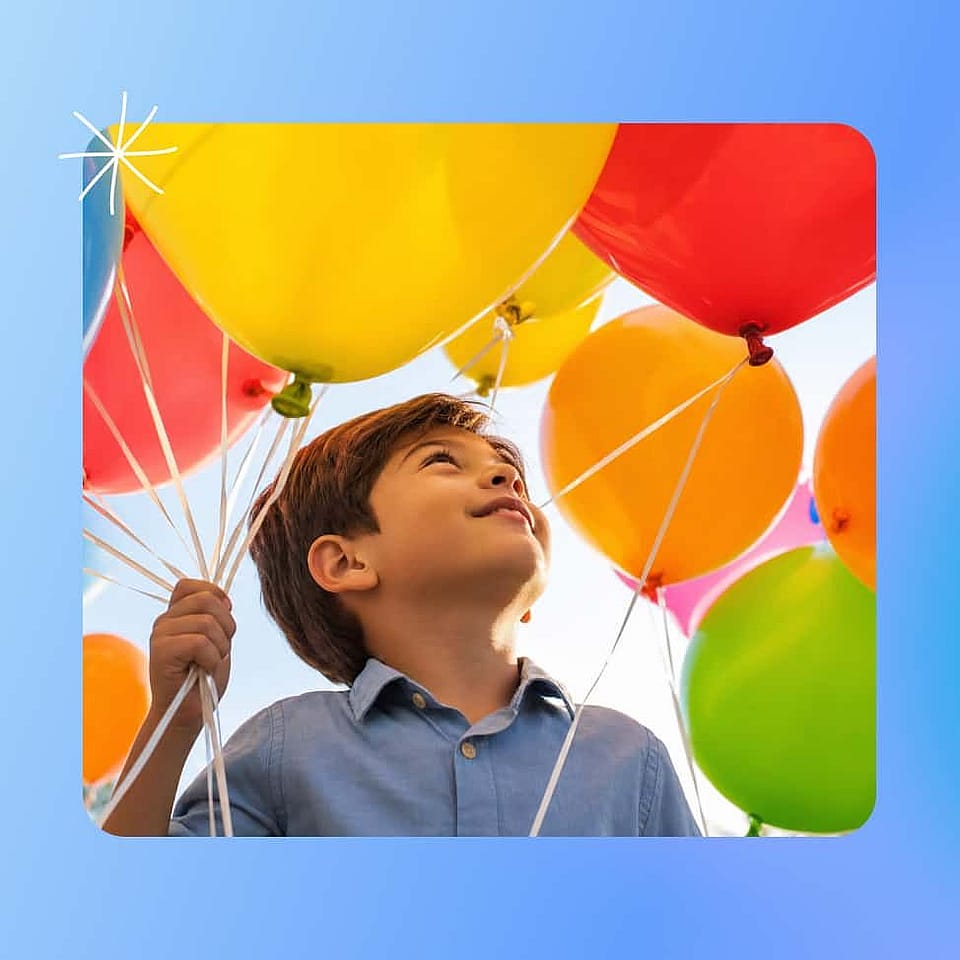
Upload Your Photo
Choose a clear, high-quality image with a well-defined subject and open the AI Image to Video generator. Sharp, unblurred photos give the model the most detail to work with and produce the cleanest motion.
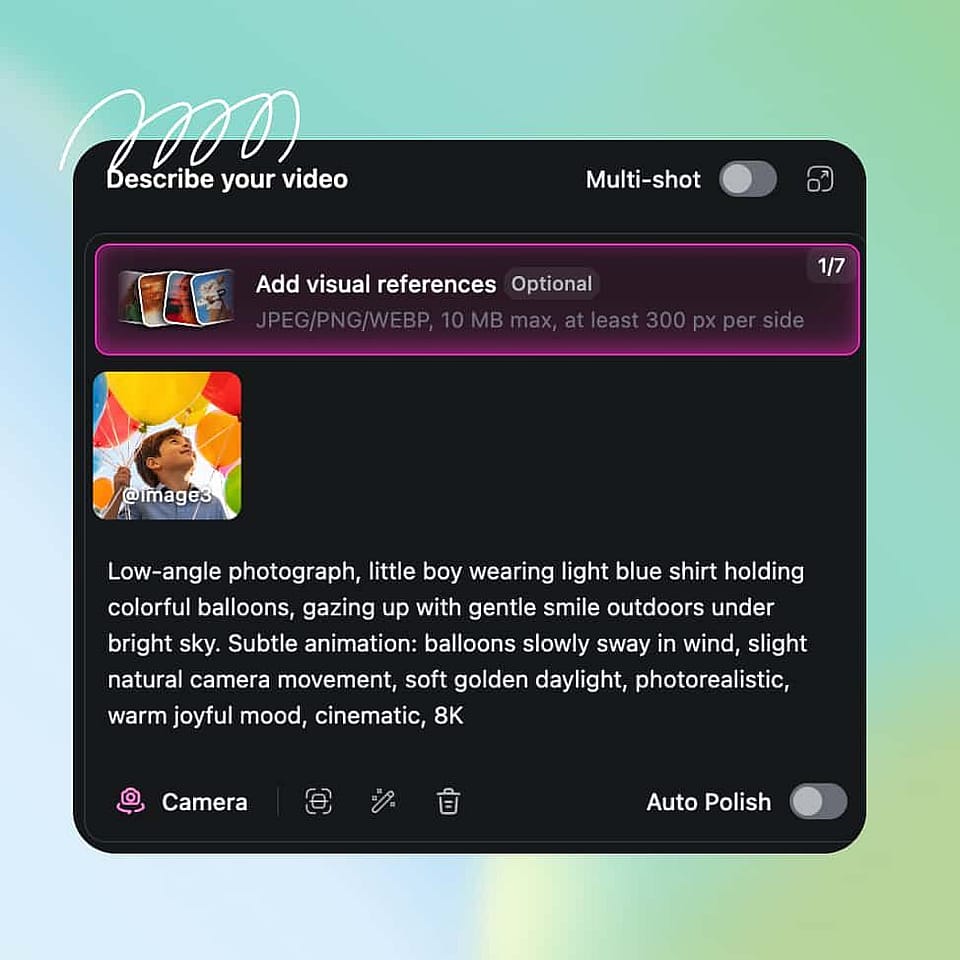
Describe the Scene
Write a short prompt for the camera move and the action you want, then pick your model, duration, aspect ratio, and resolution. Turn on Auto-Polish Prompt if you want OpenArt to refine your description for you.
Generate And Download
Generate the clip, review the motion, and adjust your prompt or settings to get closer to the shot you want. When the motion is right, extend or upscale the video and export it for your platform.
Best Uses of the AI Image to Video Tool
The AI Image to Video generator fits a wide range of creators and teams.
Turn Product Photos Into Ads
E-commerce sellers and marketers can animate a single product photo into a short ad that shows the item in motion. Instead of booking a shoot, you generate a moving clip that highlights the product and drops straight into a social or paid campaign. This makes it easy to test several angles for the same product quickly.
Try it NowAnimate Portraits and Memories
Bring family photos, portraits, and old pictures to life with gentle, natural movement. You can add a subtle zoom or a soft camera drift that turns a static memory into a short clip worth sharing. It is a simple way to make personal photos feel cinematic without any editing skill.
Try it NowBring Illustrations and Art to Life
Artists, illustrators, and designers can animate their artwork, character designs, and concept pieces into moving showcases. The AI adds motion while keeping the look of your original image, so your style stays intact. Animated art stands out in a portfolio and on social feeds far more than a flat image.
Try it NowCreate Social & UGC Clips at Scale
Content creators and social teams can turn a library of photos into a steady stream of short videos for TikTok, Reels, and Shorts. Because each clip takes minutes, you can keep an active posting schedule without filming new footage every week. Then use the AI Video to Video workflow to restyle those clips into new looks.
Try it NowFrequently Asked Questions
Get Insights from Experts Blog
Get the insights you need. Our experts share actionable hacks, break down the hottest topics, and provide essential how-to guides to help you create, optimize, and scale.
Read More