AI Text to Image Generator
Type what you want to see and OpenArt's AI text to image generator builds it for you. Choose from frontier models including Seedream 5.0 Pro, GPT Image 2, and Nano Banana Pro, and generate up to four images at resolutions as high as 4K.
Key Benefits



Every Model, One Prompt
Write your description once and run it through any image model on OpenArt, so you are never stuck with one engine's look.



Resolution You Can Print
Supported models generate up to 4K, which means a sentence of text can become a poster or a packshot instead of a small web thumbnail.
On-Brand From the Start
Save your colors, fonts, logo, and brand rules to a Brand Kit once, and every image you generate from text follows them without extra prompting.
Key Features of AI Text to Image Maker
Write a Prompt, Get the Image You Pictured
Describe Any Image and Generate It
Open the AI Image Generator, describe the subject, setting, lighting, and style you want in plain language, and the AI text to image generator builds it from a blank canvas. If you would rather keep the prompt short, turn on Auto-Polish Prompt and OpenArt expands it into a fuller description before generating.
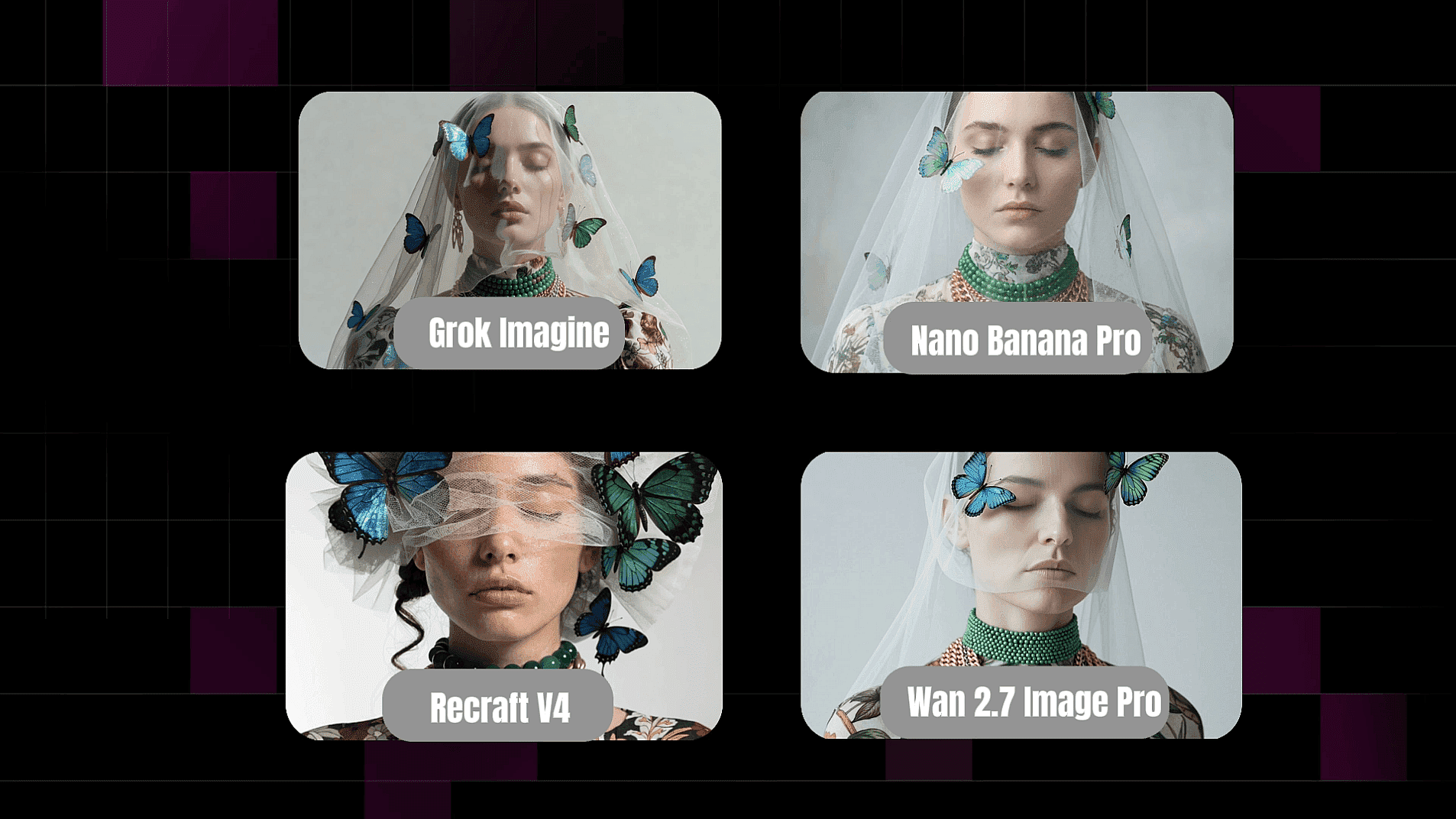
Switch Models to Match Your Style
Every model has a different strength, so OpenArt lets you change engines without rewriting your prompt. Reach for Seedream 5.0 Pro on dense multi-element layouts, GPT Image 2 on photoreal composition and typography, Recraft V4 on clean vector-style graphics, and Nano Banana Pro when you need speed.
Set the Aspect Ratio and Resolution
Pick the aspect ratio your project actually needs, anything from a square social post to a wide cinematic frame, and set your output resolution up to 4K on supported models. Generating up to four images in one run gives you real options to compare rather than a single result to accept.
Trust the Model to Follow Your Prompt
Detailed prompts hold together on OpenArt's newer models, so a brief that names several subjects, their positions, and the words on a sign can resolve correctly in one generation. The AI image generator also renders text natively in multiple languages, which means you get correct letterforms and typography.
How to Use the AI Text to Image Generator
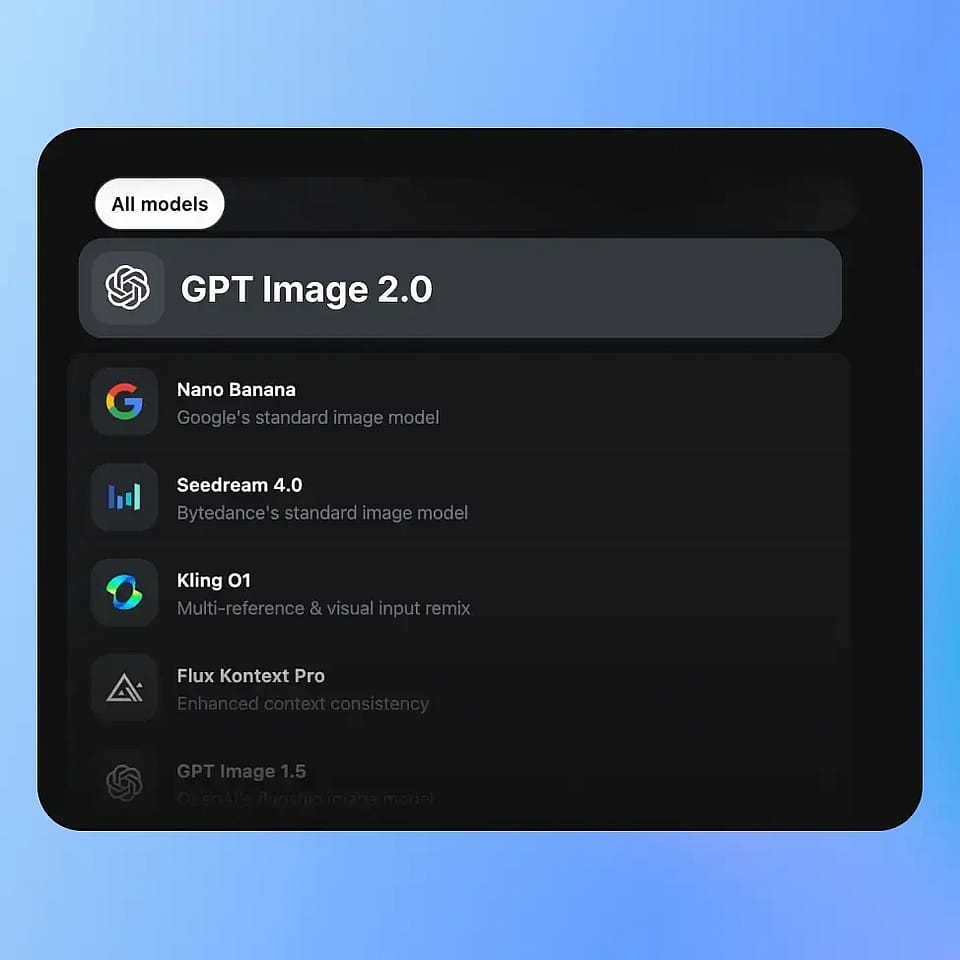
Open Create Image Tool
Head to Create Image and pick the model that fits your goal, whether that is photorealism, illustration, or graphic design. You can change the model later and rerun the same prompt.
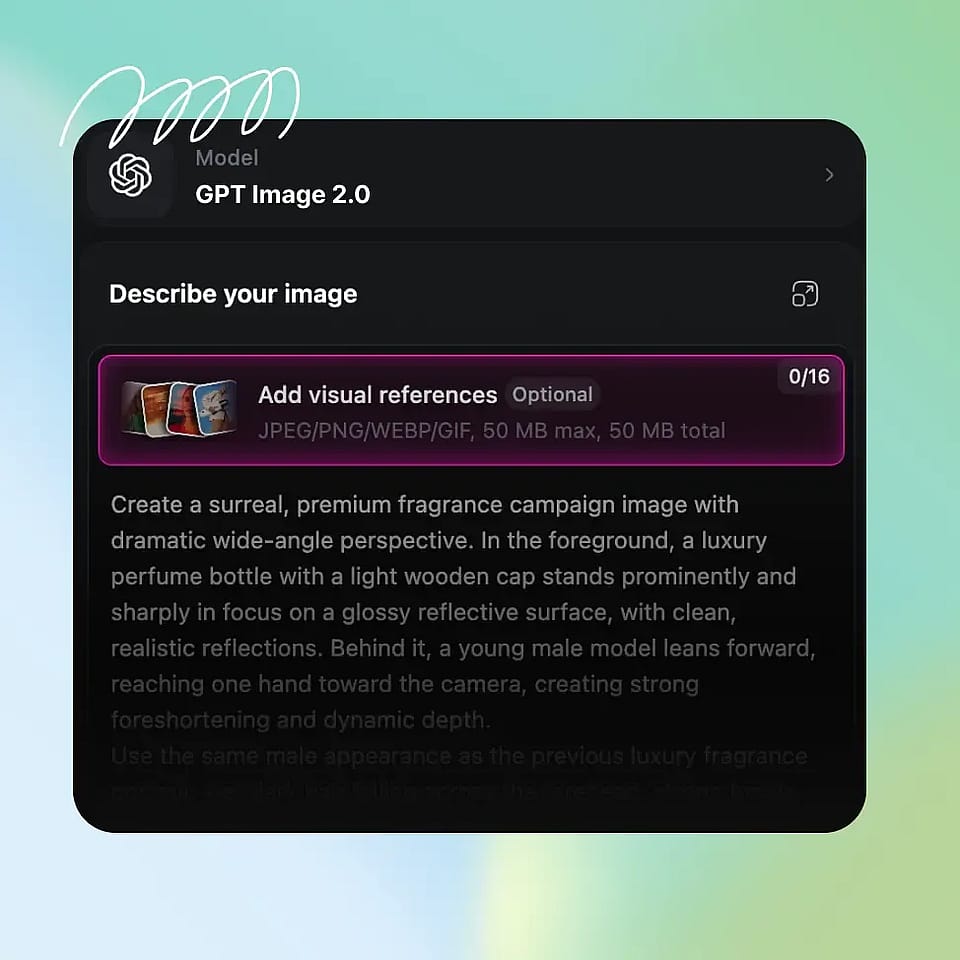
Write Your Text Prompt
Describe the subject, the setting, the lighting, and the style you want. "Golden retriever puppy on a wet city sidewalk at night, neon reflections, shallow depth of field" gives the model far more to work with than "cute dog."
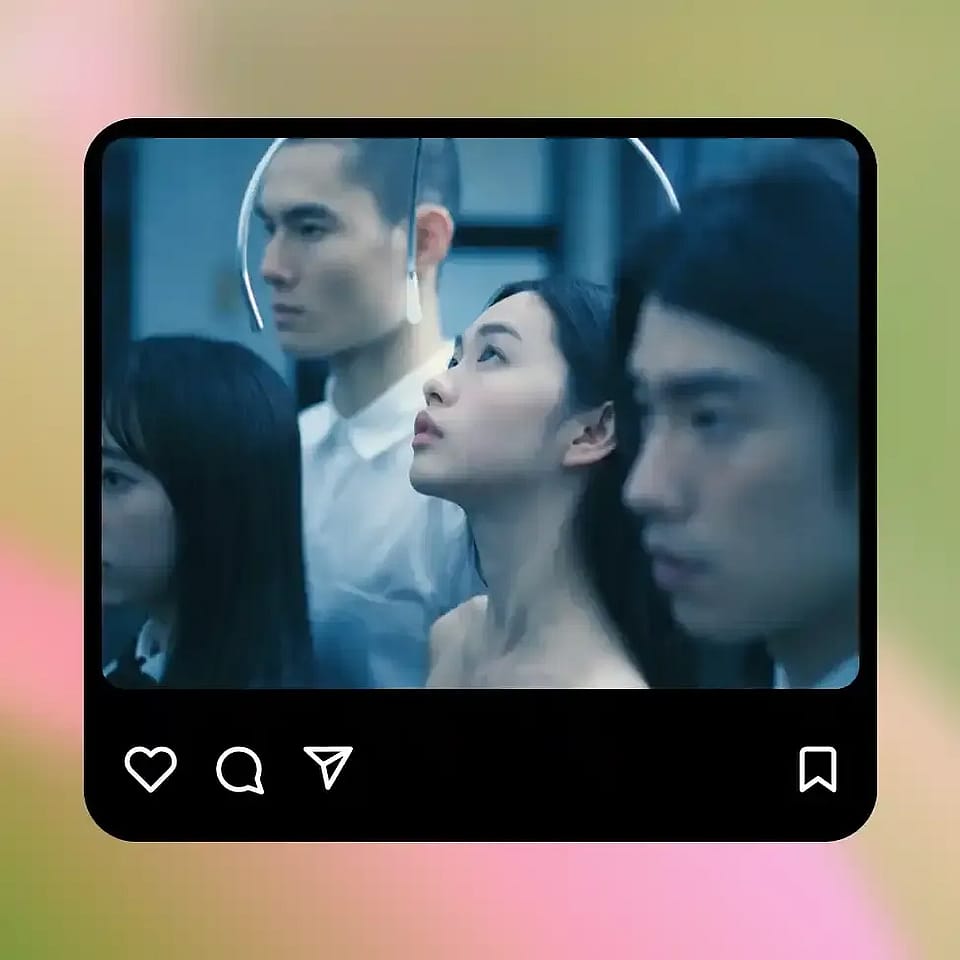
Set Your Output and Generate
Choose an aspect ratio, set the resolution, pick how many images you want, and generate. Toggle Auto-Polish Prompt on if you want OpenArt to enrich your prompt first.
Best Uses for AI Text to Image Generator
Making fresh images has never been this easy.
Marketing Visuals Without a Photoshoot
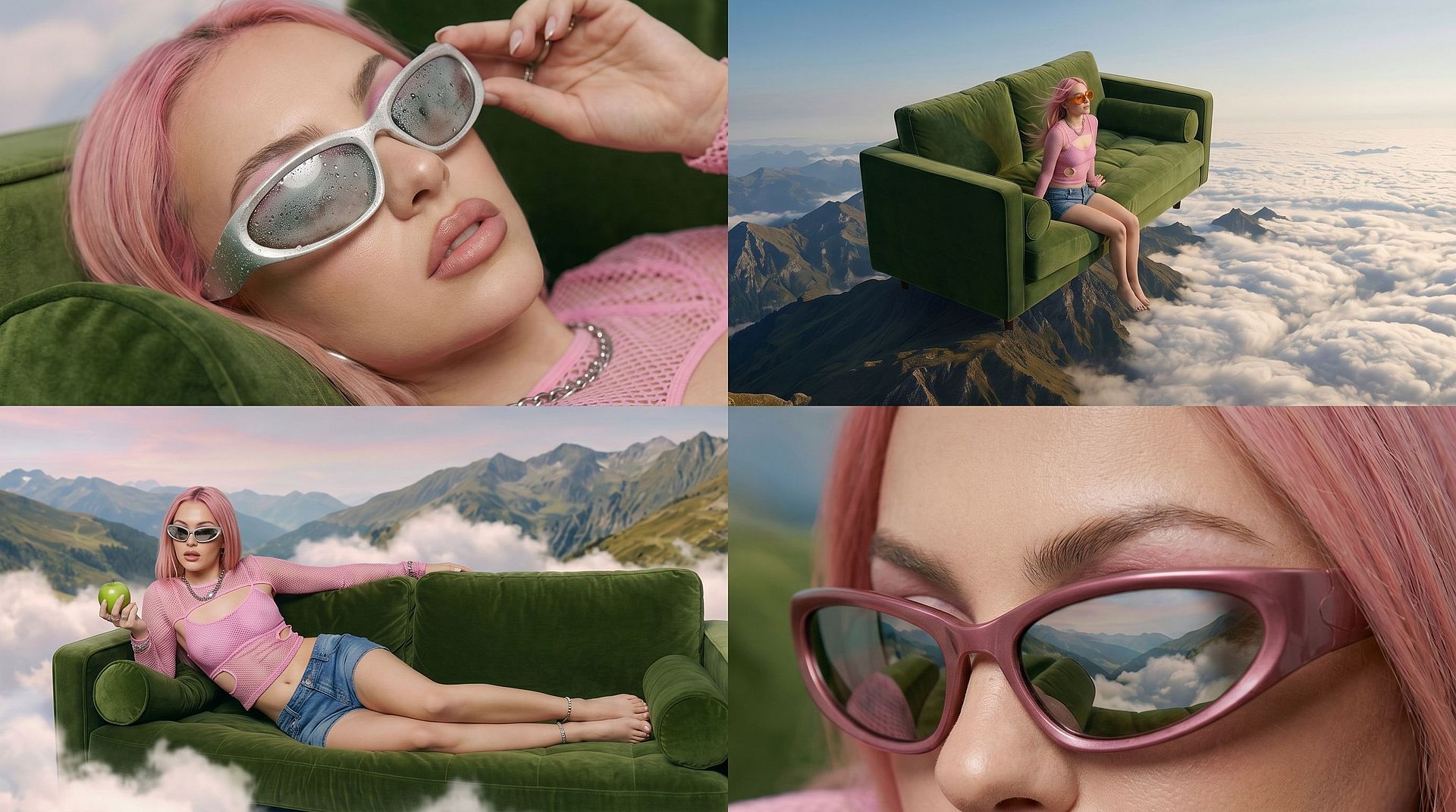
Marketing teams describe the scene they need and have it the same afternoon, with no location, model, or crew to book. One prompt covers seasonal backgrounds, lifestyle scenes, and hero images at every size your channels ask for, and a Brand Kit keeps the whole set on brand.
Try it Now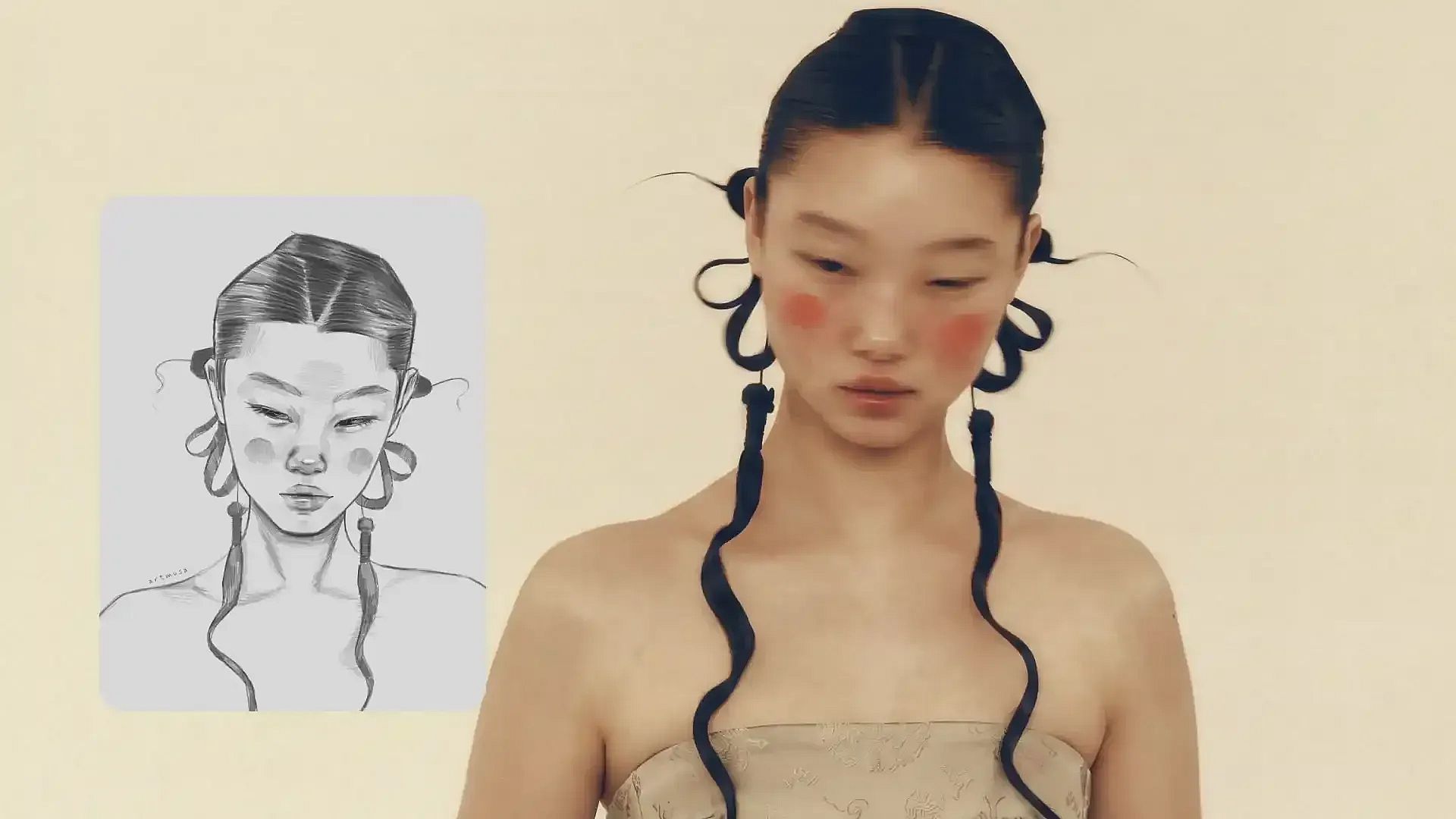
Concept Art and Mood Boards
Designers, illustrators, and game artists use text to image generation to see an idea before committing real time to it. Writing a few variations of the same concept and generating four options each turns a day of sketching into a mood board you can put in front of a client.
Try it NowSocial Content for Every Platform
Creators generate thumbnails, post graphics, and cover art directly at the ratio each platform wants, so a single idea can cover a vertical story, a square post, and a wide banner. Reusing the same prompt structure across posts also keeps your feed looking consistent.
Try it NowArticle and Blog Illustration
Writers and content teams turn a headline into a custom header image instead of settling for stock photography that every competitor is also using. Describe the concept from the article, generate a few options, and pick the one that matches your publication's look.
Try it NowFrequently Asked Questions
An AI text to image generator is a tool that creates an original image from a written description. You type a prompt describing the subject, style, and setting you want, and the AI produces a picture from scratch rather than editing an existing photo.
OpenArt runs Seedream 4.5, Seedream 5.0 Lite, Seedream 5.0 Pro, GPT Image 2, Kling 3.0, Grok Imagine, Recraft V4, Nano Banana Pro, Nano Banana 2, Nano Banana 2 Lite, and Wan 2.7. You can switch between them on the same prompt to compare results.
Yes, and this is one area where model choice matters most. Seedream 5.0 Pro renders native text in 14 languages, GPT Image 2 handles typography and structured layouts well, and Nano Banana Pro produces crisp in-image text, so pick one of those for posters, ads, and packaging mockups.
Most text to image models are diffusion models. A text encoder converts your prompt into a numerical representation of its meaning, then the model starts from random noise and removes that noise step by step, guided by your prompt, until a coherent image appears.
You can start on OpenArt for free with trial credits and no credit card. Paid plans add more credits, faster generation, and access to higher output resolutions for regular use.
Name four things: the subject, the setting, the lighting, and the style. Keep it concrete, since "backlit at golden hour, 35mm, shallow depth of field" steers the model far more than "beautiful." If you would rather start short, write one line and let Auto-Polish Prompt expand it.
Loved by Creators Worldwide
See what our community has to say
I've tried many AI platforms… but OpenArt is still the best for character creation, image-to-video quality, and the variety of models available.
OpenArt offers an excellent array of AI tools… once you learn the features, the creative possibilities are amazing - and their support team is outstanding.
OpenArt is a very versatile AI platform with many image and video models, consistent character creation, and powerful editing tools.
Helpful AI tools all in one place - image and video generation, editing, and more… no need for multiple subscriptions.
Customer service is always quick and helpful… and the platform keeps getting better with new features and tools.
I've tried many AI platforms… but OpenArt is still the best for character creation, image-to-video quality, and the variety of models available.
OpenArt offers an excellent array of AI tools… once you learn the features, the creative possibilities are amazing - and their support team is outstanding.
OpenArt is a very versatile AI platform with many image and video models, consistent character creation, and powerful editing tools.
Helpful AI tools all in one place - image and video generation, editing, and more… no need for multiple subscriptions.
Customer service is always quick and helpful… and the platform keeps getting better with new features and tools.
I've tried many AI platforms… but OpenArt is still the best for character creation, image-to-video quality, and the variety of models available.
OpenArt offers an excellent array of AI tools… once you learn the features, the creative possibilities are amazing - and their support team is outstanding.
OpenArt is a very versatile AI platform with many image and video models, consistent character creation, and powerful editing tools.
Helpful AI tools all in one place - image and video generation, editing, and more… no need for multiple subscriptions.
Customer service is always quick and helpful… and the platform keeps getting better with new features and tools.
With so many AI platforms out there, OpenArt stood out as a stellar choice - I'd recommend it to any creator.
This platform includes everything you need for AI content creation - images, video, characters, audio, and multiple AI models in one place.
OpenArt is pushing the boundaries of AI video creation… and it's clear the team is committed to improving the creator experience.
I made my first AI music video with OpenArt… and their support team was the best help I've ever experienced.
I'm very happy with the support - my issue was resolved quickly and the team made the process easy.
With so many AI platforms out there, OpenArt stood out as a stellar choice - I'd recommend it to any creator.
This platform includes everything you need for AI content creation - images, video, characters, audio, and multiple AI models in one place.
OpenArt is pushing the boundaries of AI video creation… and it's clear the team is committed to improving the creator experience.
I made my first AI music video with OpenArt… and their support team was the best help I've ever experienced.
I'm very happy with the support - my issue was resolved quickly and the team made the process easy.
With so many AI platforms out there, OpenArt stood out as a stellar choice - I'd recommend it to any creator.
This platform includes everything you need for AI content creation - images, video, characters, audio, and multiple AI models in one place.
OpenArt is pushing the boundaries of AI video creation… and it's clear the team is committed to improving the creator experience.
I made my first AI music video with OpenArt… and their support team was the best help I've ever experienced.
I'm very happy with the support - my issue was resolved quickly and the team made the process easy.
Get Insights from Experts Blog
Get the insights you need. Our experts share actionable hacks, break down the hottest topics, and provide essential how-to guides to help you create, optimize, and scale.
Read More