
Learning & Development

OpenArt's AI training video generator helps L&D teams create professional training videos with voice-over, branded visuals, and multilingual dubbing, all with the IP controls and enterprise governance your compliance team expects.

Contact Sales Enterprise Pricing

Learning & development outcomes

5 Minute

Multi-scene training modules in Director mode, as one connected video

$0/seat

Unlimited L&D creators, subject-matter experts, and reviewers

24

Languages per video with AI dubbing and matched lip sync

Why Teams Switch

Produce more training videos on the same L&D budget

One workspace that turns an internal document into a finished training video the same week.

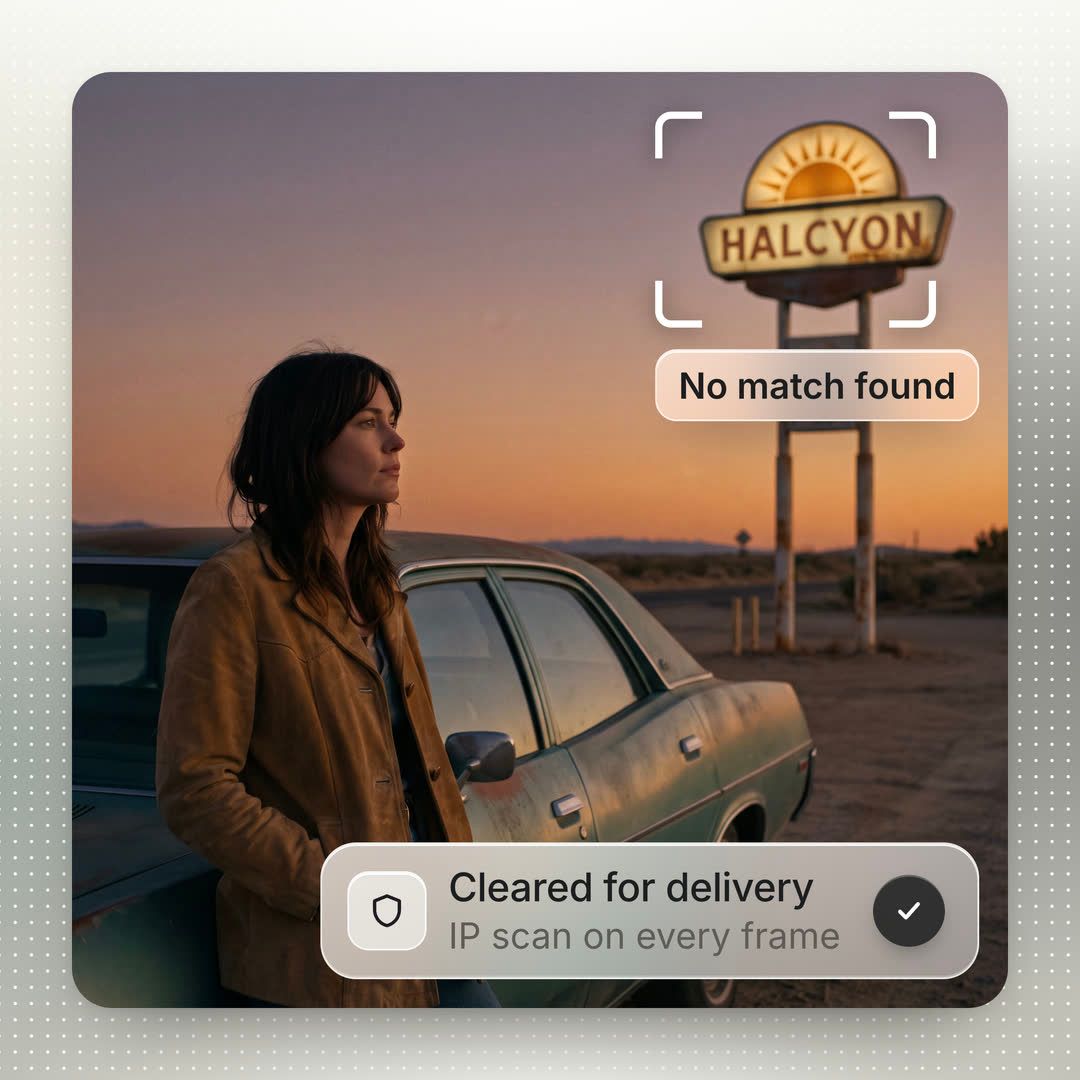
Film still of an actress beside a vintage car, with an IP scan frame on a roadside sign and a cleared-for-delivery check IP Protected

Compliance-Ready Output

Training content goes to employees, partners, and regulators. Every asset passes an automated copyright and trademark scan before it leaves the platform. Your data stays private, and enterprise plans carry broad IP coverage across every model in the stack, so legal signs one agreement for the whole L&D library.

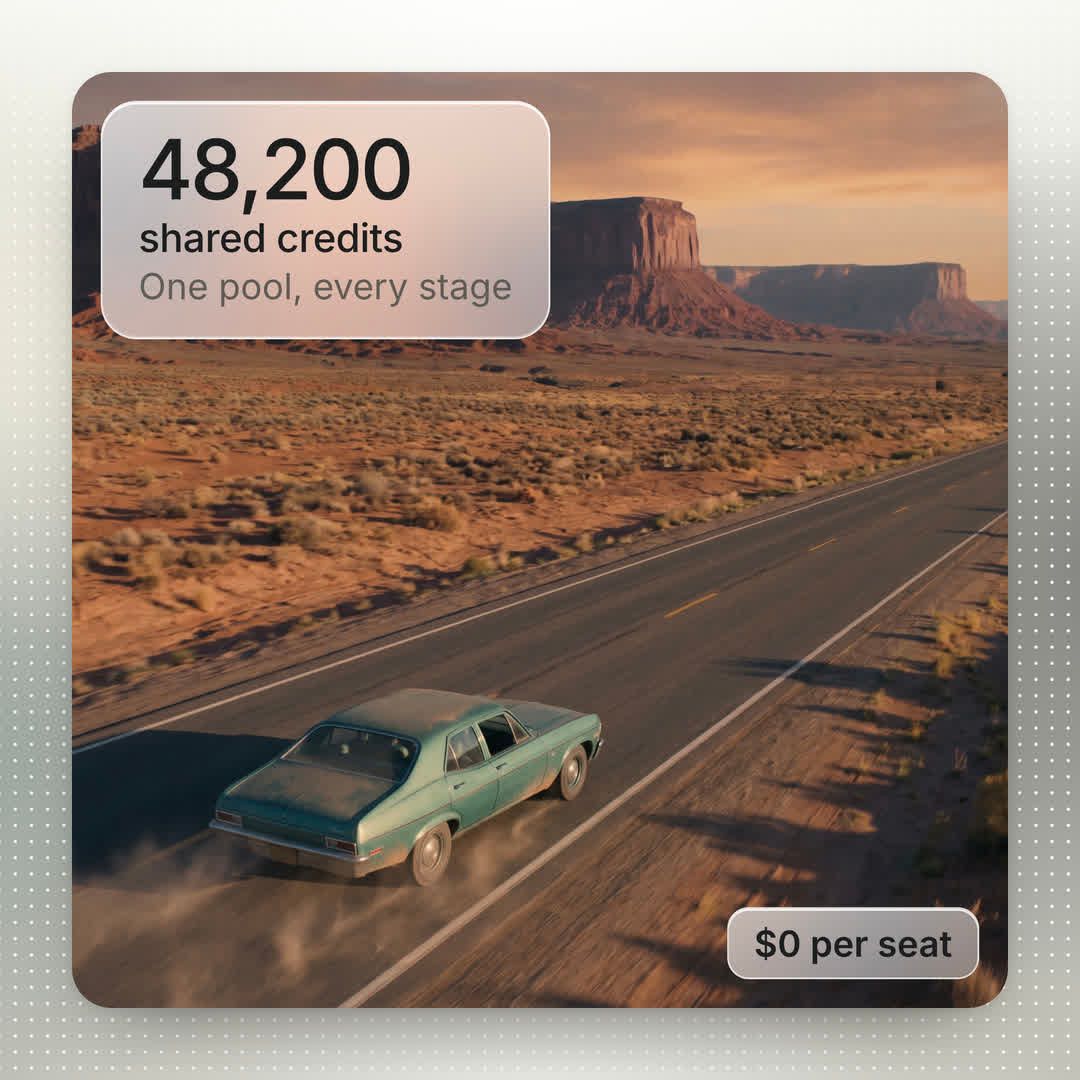
Vintage sedan on a desert highway with a shared pool of 48,200 credits and $0 per seat $0 Per Seat

One Budget for Every Format

Most L&D teams juggle separate vendors for video production, voice-over, localization, and graphics. Each has its own contract and billing cycle. OpenArt folds every format into one subscription with one credit pool and one invoice. Invite trainers, SMEs, and external partners at no additional cost.

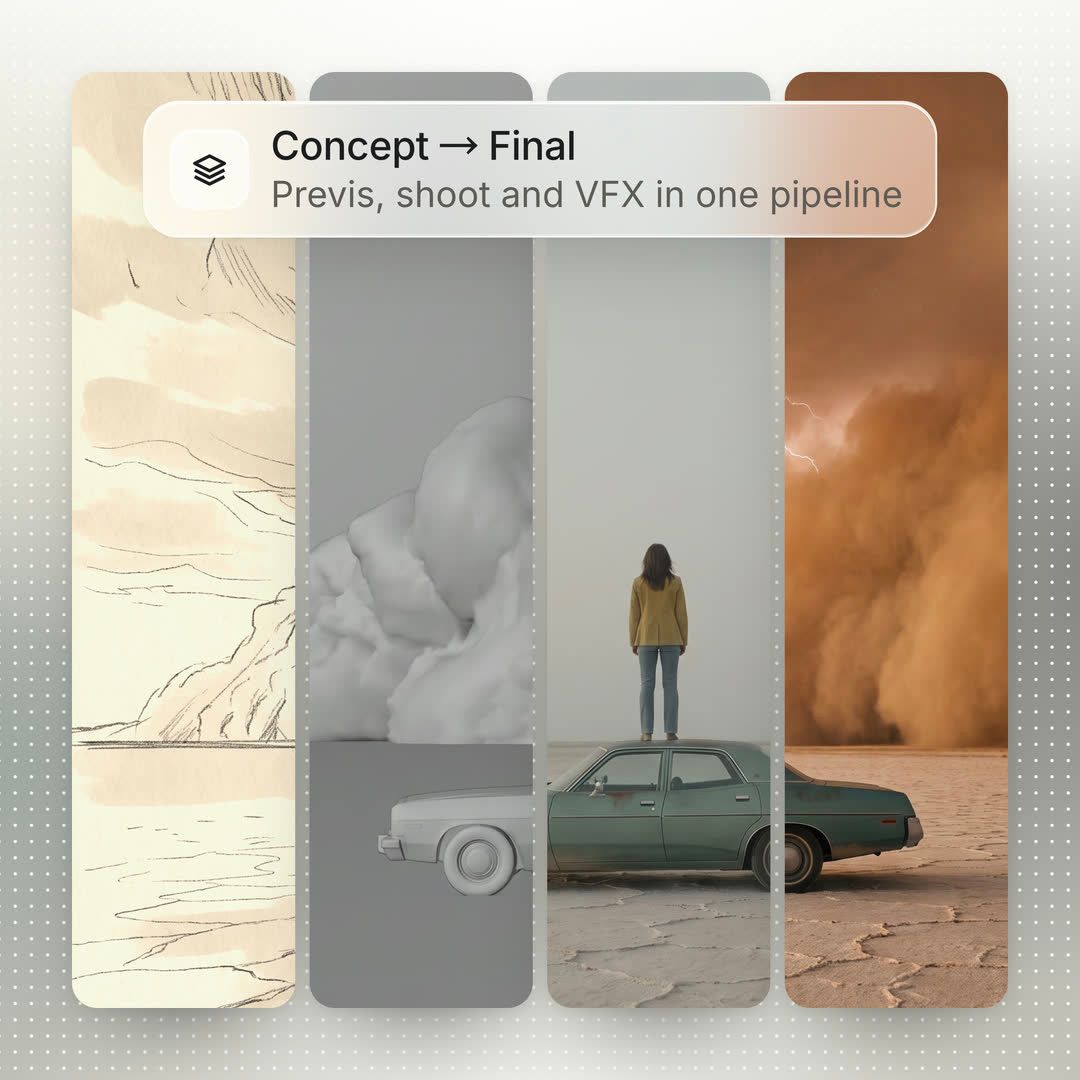
One shot carried across four panels, from concept sketch and previs to live-action shoot and final VFX 6+ Formats

Every Training Format, One Tool

Onboarding walkthroughs, safety briefings, product training, compliance modules, soft-skills scenarios, and SOP explainers all come from the same workspace. Each video uses the same brand elements, voice, and visual style, so your training library looks like one program.

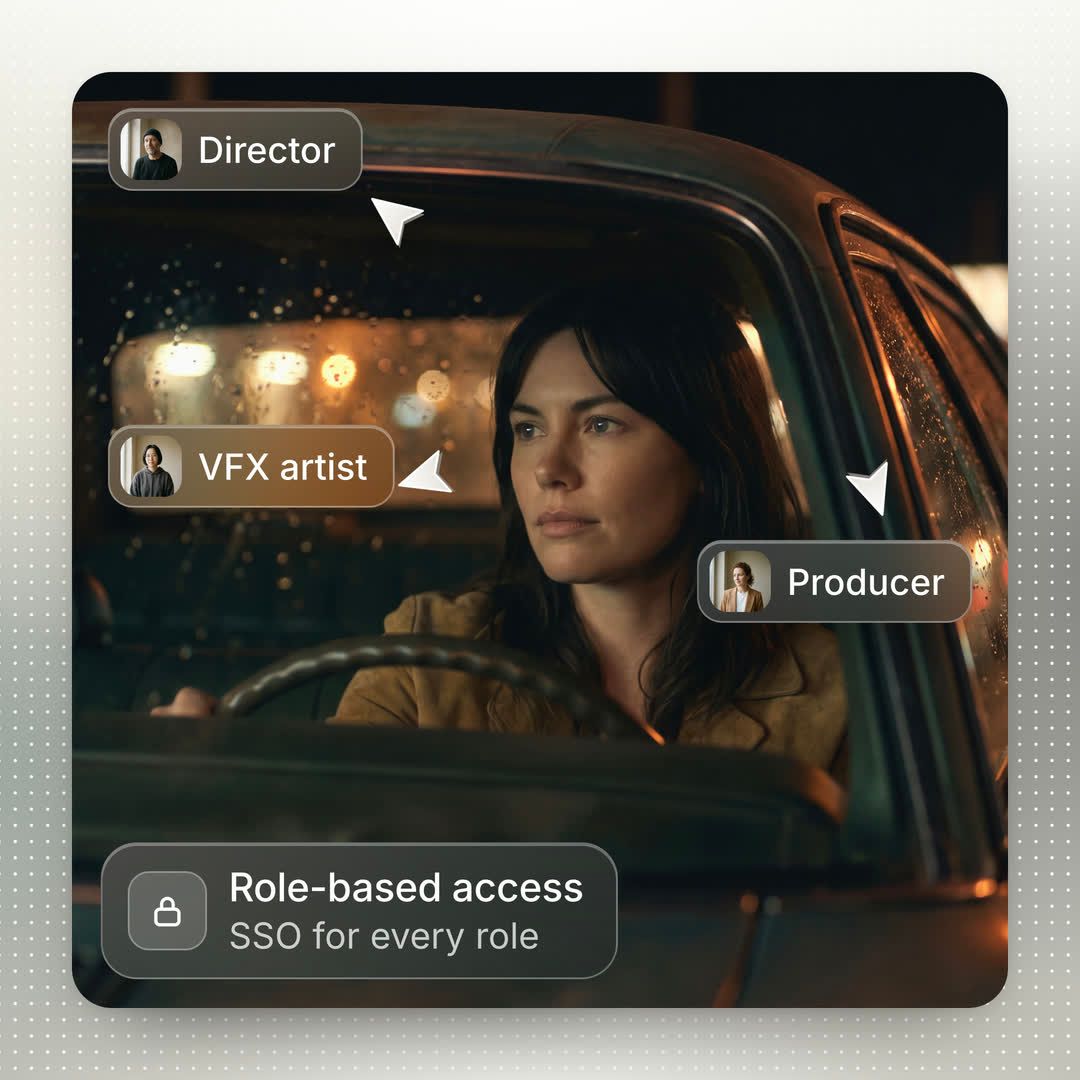
Night driving scene with Director, VFX artist and Producer tiles and role-based access with SSO SSO + Permissions

Enterprise Controls for L&D Teams

Role-based permissions let IT govern who creates, reviews, and publishes training content. Single sign-on, budget caps per department, and audit-ready access logs keep your governance team comfortable. The L&D team moves fast, and IT stays in control.

The Switch

Build your entire training library in-house

Five places L&D teams lose budget and time, and what changes in one workspace.

Without an AI Training Workspace

  • BudgetA single training video costs $5,000+ with an external agency, and every update means another invoice.
  • Production TimeA new module takes weeks to script, shoot, edit, and approve through the vendor chain.
  • Brand ConsistencyFreelancers and agencies deliver videos that drift from your brand guidelines with every new project.
  • LocalizationEach new region needs a separate voice-over vendor, translation agency, and QA cycle.
  • ComplianceLegal reviews separate terms for every AI or production vendor before training content ships.
With OpenArt Enterprise

  • BudgetOne credit pool covers video, voice-over, graphics, and dubbing. Update a module the same day a policy changes.
  • Production TimePaste a process document, and OpenArt's AI agent builds a narrated draft the same day for your review.
  • Brand ConsistencyBrand Kit locks your colors, fonts, and logo into every video, so the library looks like one program
  • LocalizationDub a finished training video into additional languages in one submission with matched lip sync.
  • ComplianceOne enterprise agreement covers every model, with automated IP scans on every asset.
From Brief to Published Module

Seven steps from a process document to a finished training video

Every step of AI training video production in OpenArt, from the first brief to global distribution.

  • Brief

    Paste a process doc, SOP, product-update page, or knowledge base URL. OpenArt reads it and prepares the source material for your training video.

  • Script

    The AI agent drafts a narrated storyboard from your brief, scene by scene. Review the script, adjust the talking points, and approve before any visuals are generated.

  • Visuals

    Generate scenes with the right model for each segment. Use Seedance 2.5 for live-action motion, Veo 3.1 for cinematic shots, or Wan 3.0 for animated explainers.

  • Narration

    Add professional voice-over from text with Create voice-over, layer in background music with Create Music, and drop in sound effects where the visuals need emphasis.

  • Review

    Share the draft with subject-matter experts and compliance reviewers inside the same workspace. Collect feedback, make edits, and approve in one place.

  • Localize

    Dub the approved video into additional languages with Dub Video. Voice, timing, and lip movement update together in one submission.

  • Distribute

    Export in every format your LMS accepts. Upscale to 4K for in-office screens, or export 9:16 and 1:1 for mobile learners.

Training Video Tools

AI training video software built for L&D teams

Create training videos from a topic, a document, or a URL, and finish with voice-over, music, and localization in one workspace.

See Training Video Tools in Action
  • Explainer Video maker

    Paste a topic or a brief, and Explainer Video produces a narrated training video with voice-over and visuals matched to your script. Use it for quick product walkthroughs, process overviews, and microlearning clips your team can publish the same day.

  • Voice-over and narration from text

    Type or paste a script, pick a voice, and Create voice-over turns it into professional narration. Layer in background music and sound effects from OpenArt's audio tools, so the finished module sounds polished without a recording studio.

  • Director mode for longer modules

    Director mode builds connected training sequences up to five minutes long. Each scene shares the same characters, visual style, and pacing, so the module reads as one lesson. Break a complex process into chapters and produce the full video as one generation.

  • Brand Kit for visual consistency

    Upload your brand colors, logo, and fonts once, and Brand Kit applies them to every training video you create. New hires see the same visual language in onboarding that tenured employees see in compliance refreshers, so your library stays on-brand as it grows.

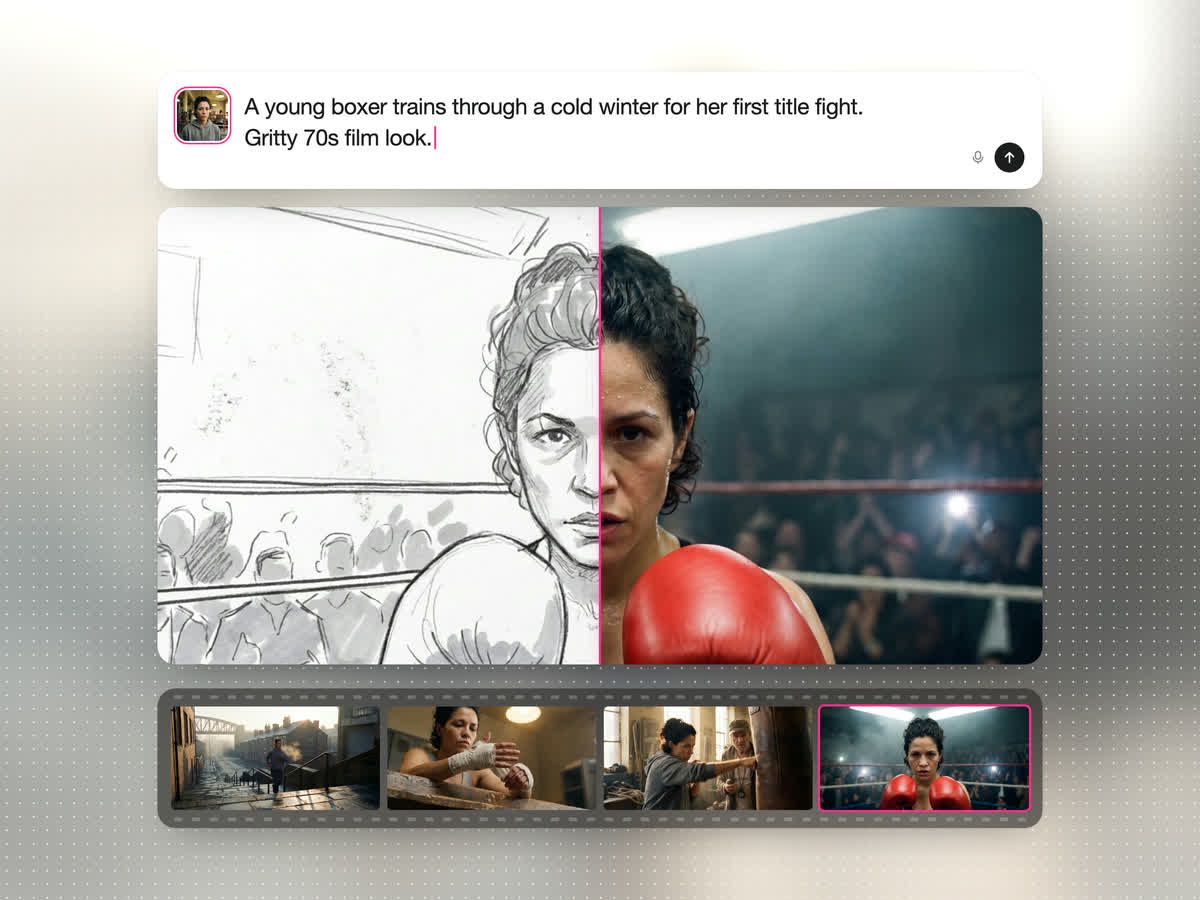
Prompt for a young boxer's 70s film, with a pencil storyboard split into the final shot and a filmstrip of connected scenes
From Document to Video

Turn the knowledge your team already has into training videos

Your SOPs, wikis, and product docs are the raw material. OpenArt turns them into watchable, searchable training content.

  • URL to Video

    Paste a knowledge base article or internal wiki link through Chat Mode, describe the training video you need, and OpenArt generates it. Product updates, process changes, and new-hire guides go from published page to finished video in one session.

  • Smart Shot for complex processes

    Record one long walkthrough and let Smart Shot break it into distinct cuts with its own storyboard. Each step gets a clean visual and narration, so a 12-step warehouse procedure becomes a structured module learners can pause and replay.

  • Dub Video for global workforces

    Take any approved training video and dub it into additional languages. Voice, lip movement, and timing stay synchronized. A safety briefing your U.S. team approved on Monday can reach your LATAM and APAC teams by Wednesday.

  • Audio that keeps learners engaged

    Add background music with Create Music to set the tone, and use Create Sound Effects for emphasis on key steps. Learners retain more when the audio matches the content. Layer everything inside the same project alongside your video and narration.

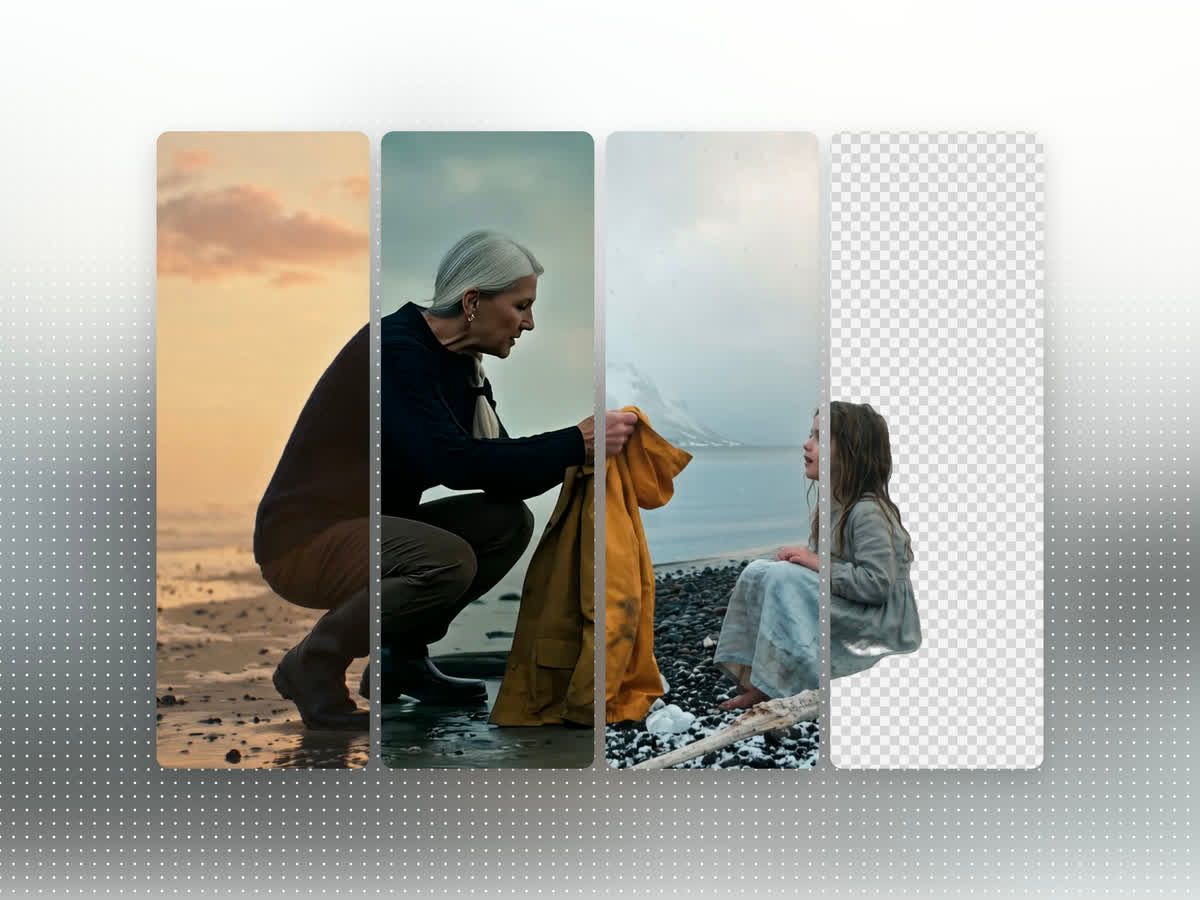
One beach scene split into four panels showing AI relighting, the original shot, a background replacement and a character cutout

Use cases

What L&D teams create with OpenArt

AI training video tools built around the programs you already run, from onboarding to compliance to customer enablement.

Categories

For L&D and training teams

Employee onboarding

Turn your onboarding checklist into a video series new hires watch in their first week. Consistent characters and narration guide every new employee through the same experience, whether they join in New York or Nairobi.

A presenter-led welcome session

Legal & Procurement

The answers your legal and procurement teams need, before they ask

What a buying committee checks when choosing an AI training video generator.

Book a 30-min demo
01 / DATA USE

Is our training content used to train AI models?

No. OpenArt never trains on your images, videos, prompts, or outputs. Your proprietary processes and internal knowledge stay private.

02 / IP & COPYRIGHT

How is copyrighted material caught before distribution?

IP Safety Check scans every image and video for copyrighted or trademarked elements before the training video is published or distributed to employees.

03 / INDEMNIFICATION

Who carries the IP risk?

Enterprise plans can include one broad IP indemnification agreement with up to $2 million in coverage that spans every model you use.

04 / COMMERCIAL RIGHTS

Can training videos go to customers and partners?

Paid plans include commercial use rights. Your enterprise agreement sets the exact terms for internal distribution, customer-facing enablement, and partner training.

05 / LMS FIT

Does it work with our learning management system?

OpenArt exports standard video formats (MP4, MOV) that every major LMS accepts. Upload to your LMS, intranet, or internal video platform the same way you would any production file.

06 / SEATS & CREDITS

What happens as the training program grows?

Usage-based credits with day-0 access to new models. Your team grows, SMEs join as reviewers, and the bill scales with output volume.

LMS Fit

How OpenArt fits with your LMS, intranet, and distribution tools

Training video software that hands off cleanly, so your L&D stack stays intact. Every export uses standard formats and aspect ratios your downstream tools already accept. Connect to Claude, Codex, or your own automation tools for bulk generation workflows.

In OpenArt

  1. Turn SOPs, wikis, and briefs into training scripts

  2. Add voice-over, music, and sound effects

  3. Build multi-scene modules up to five minutes

  4. Dub approved videos for global teams

  5. Upscale to 4K for in-office and classroom screens

  6. Apply Brand Kit for consistent visuals

  7. Generate scenes with the right model for each topic

In Your LMS and Distribution Stack

  1. Upload finished modules to your LMS

  2. Assign courses and track completion

  3. Embed videos on your intranet or knowledge base

  4. Distribute through Slack, Teams, or email campaigns

  5. Track quiz scores and certification status

  6. Archive and version completed modules

  7. Report training hours to compliance

  8. Automate with OpenArt MCP and CLI

Pay for what you create, and the whole team uses it

Business

MonthlyAnnually27% OFF

Put your whole L&D team on OpenArt. Pay for what you create, and seats are always free. Shared credit pool, built-in budget controls, and premium support.

150k credits/mo.Up to ~3,750 Nano Banana Pro images
Up to ~375 Seedance 2.0 videos
$680$496/mo
Start Business
View all featuresHide features — Business
  • Shared global credits give you lower per-user costs
  • Up to 50 users — pay for what you create, never per-seat
  • Admin, Editor, and Viewer roles give you fine-grained access control
  • Credit limit controls help your projects stay under budget
  • Project permissions ensure privacy & security for confidential projects
  • Maximum simultaneous generations — support for thousands of concurrent tasks
  • Full commercial license terms
  • Not included:Evergreen credits that don't expire monthly

  • Not included:Single Sign-On (SSO) support for enterprise IT compliance
  • Not included:Available IP Indemnification
  • Not included:Custom commercial terms, security reviews, and payment terms
  • Not included:Premium support, onboarding, and training from our savvy creative specialists

Enterprise

Scale training video production across your organization with governance, security, and IP protection built for global L&D programs.

  • Unlimited seats
  • Single sign-on (SSO)
  • API access
  • Premium support & training
  • Evergreen credits that never expire
Custom pricing
View all featuresHide features — Enterprise
  • Shared global credits give you lower per-user costs
  • Unlimited users — pay for what you create, never per-seat
  • Admin, Editor, and Viewer roles give you fine-grained access control
  • Credit limit controls help your projects stay under budget
  • Project permissions ensure privacy & security for confidential projects
  • Maximum simultaneous generations — support for thousands of concurrent tasks
  • Full commercial license terms
  • Evergreen credits that don't expire monthly
  • Single Sign-On (SSO) support for enterprise IT compliance
  • Available IP Indemnification
  • Custom commercial terms, security reviews, and payment terms
  • Premium support, onboarding, and training from our savvy creative specialists

Contact our team

Loading contact form…

Loading…

Unlimited seats

Invite every trainer, SME, and department head. External consultants and agency partners join the workspace too. Headcount never drives the bill.

Credits that fit your calendar

Enterprise credits stay in your account until you use them. Produce a burst of onboarding videos in January and compliance refreshers in July, all on the same pool.

Budgets per department

Set credit caps by department, program, or region and track spending in real time. L&D gets its budget, product training gets its own, and finance gets one report.

One invoice, annual terms

Consolidated billing with annual terms and PO support. One procurement approval, one invoice, one vendor in your system.

FAQ

AI training video generator FAQ: What L&D teams ask before they buy

Still have a question? Bring it to your demo.

What is an AI training video generator?

An AI training video generator is software that turns text, documents, or URLs into finished training videos using AI. OpenArt combines video generation, narration, music, sound design, and multilingual dubbing in one workspace. An L&D team goes from a process document to a published, narrated training module in days, on a single subscription.

How is training video software different from a general video editor?

Training video software is built for the L&D workflow: scripting from internal documents, consistent branding across modules, voice-over from text, and export to LMS formats. A general video editor expects you to bring finished footage. OpenArt generates the footage, narrates it, and packages it for distribution, so your team ships complete modules from one tool.

How long can a training video be?

A single connected module runs up to five minutes across multiple scenes. You can also extend any individual clip by up to 10 seconds with Extend Video. For longer programs, break the curriculum into chapters and publish them as a series in your LMS.

Can I turn an existing document into a training video?

Yes. Paste a URL, upload a document, or type a brief through Chat Mode. OpenArt’s AI agent reads the source material, drafts a narrated storyboard, and generates the video. You review, edit, and approve before publishing. SOPs, wikis, release notes, and slide decks all work as input.

Can OpenArt keep brand consistency across training videos?

Yes. Save your visual identity to Brand Kit once, and it carries into every video your team generates. Recurring characters keep the same look across modules through Character Builder. A 50-video library produced over 12 months still looks like it came from one production house.

What languages are supported for multilingual training?

Each submission supports up to 10 target languages. The original narration is replaced with a matched voice in each language, and lip movement adjusts to the new audio. One approved English module becomes a localized library for every office your workforce operates in.

Does OpenArt work with our LMS?

Yes. Finished modules export as standard video files that Cornerstone, Docebo, Workday Learning, SAP SuccessFactors, and every other major LMS accepts. Upload them the same way you upload any training video today. OpenArt MCP and CLI also support automated publishing workflows for teams that need to push modules in bulk.

Is our training content used to train AI models?

No. Your uploads, prompts, and generated content stay yours. OpenArt processes your inputs to produce the output you request and stores them for your workspace access, but the data is never fed into any model training pipeline. Your enterprise agreement spells out the data-handling terms in detail.

Can AI training videos be used for compliance and regulatory purposes?

Yes. Paid plans include commercial use rights, and your enterprise agreement sets the exact terms for internal distribution, partner training, and regulatory submissions. An automated copyright scan runs on every asset before it leaves the platform, so compliance teams can verify clearance at any point in the review cycle.

How does AI corporate training video production work?

Paste or link your source material. The AI agent reads it, builds a storyboard, and generates each scene. You review the script and visuals before narration and music are added. After internal approval, the finished module goes straight to your LMS. The whole cycle takes days, and updates follow the same path when policies change.

How should an L&D team evaluate AI training video generators?

Compare document-to-video workflow, voice-over quality, brand consistency tools, multilingual support, output formats, and LMS compatibility. Then check commercial rights, IP protection, data-use policies, and whether one subscription covers video, audio, and localization or you need separate vendors for each.

Turn your training backlog into a video library

OpenArt brings video generation, voice-over, branding, and multilingual dubbing into one workspace for L&D teams. Book 30 minutes, and we will map your current training workflow to an OpenArt trial workspace and show you what your next module looks like inside it.

Book an L&D Demo
Pink surreal artwork created with OpenArt
OpenArtBig ideas. Meet your next chapter.MAKE WONDERS.
LET’S TALK · 30 MINUTES

Bring your idea. Let’s make it real.

OpenArt brings video generation, voice-over, branding, and multilingual dubbing into one workspace for L&D teams. Book 30 minutes, and we will map your current training workflow to an OpenArt trial workspace and show you what your next module looks like inside it.

Continue to book a demo

Explore OpenArt with your team.

OpenArt creative collaboration