

AI Ads Generator
Generate ad visuals for social, display, and video campaigns without a designer or stock library.
AI Ads Generator
Generate ad visuals for social, display, and video campaigns without a designer or stock library.
Key Benefits of AI Ads Maker




Every ad, one workflow
UGC spots, product ads, branding films, and social media clips all come out of the same chat. One workflow covers the whole media plan, so you stop juggling a different tool for every format.



Iterate by chat
Tell it what to change and only that changes. You keep the hook you love while you fix the ending, instead of gambling the whole ad on a fully new generation.

Your brand, remembered
Upload your logo, fonts, and colors once, and every ad after that holds them. A quarter's worth of campaigns reads like one team made it, because one direction did.
Key Features of AI Ads Generator
You set the message, and your AI handles the imagery, the edit, and all the shots.
Conversational ad generation
Describe the product, the audience, and the feeling, and get back a complete ad with scenes, dialogue, and pacing in place. There is no raw clip to rescue in editing software, because the output is built to run as is.
One advert, every channel
Direct the concept once, then cut it for each placement: vertical for TikTok and Reels, square for feeds, widescreen for YouTube and CTV. The story, product, and brand stay identical while the shape changes.
Consistent, lifelike characters
Cast a presenter, a customer, or a mascot, and they keep the same face and voice across every ad you make. Run a whole season of spots around one character your audience starts to recognize.
Voice, music, and SFX included
Every ad arrives with voiceover, soundtrack, and effects already in place. Ask for a calmer read, a punchier track, or silence under the logo, and the mix reshapes to match.
How the AI ads generator works
Directing an ad with OpenArt takes three steps.
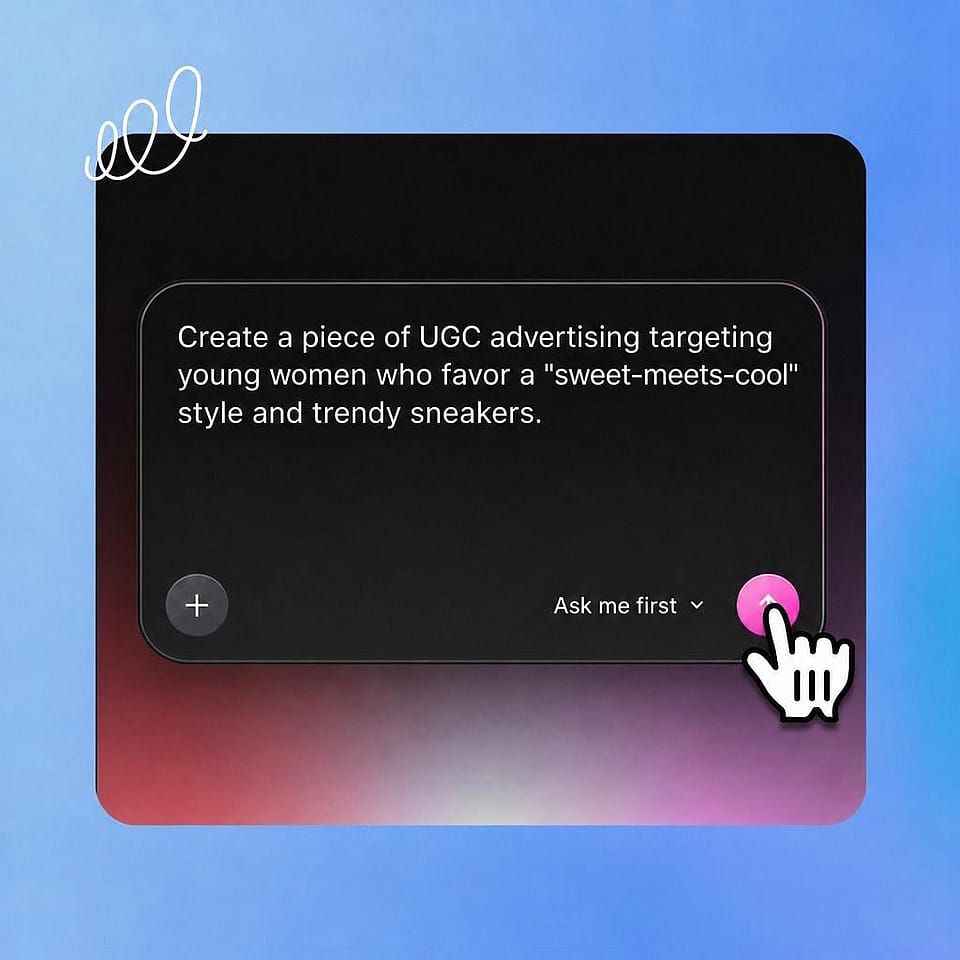
Brief the ad
Describe what you're selling, who it's for, and how it should feel. Add a product photo, your logo, a soundtrack, or a saved character to steer it.
Give the notes
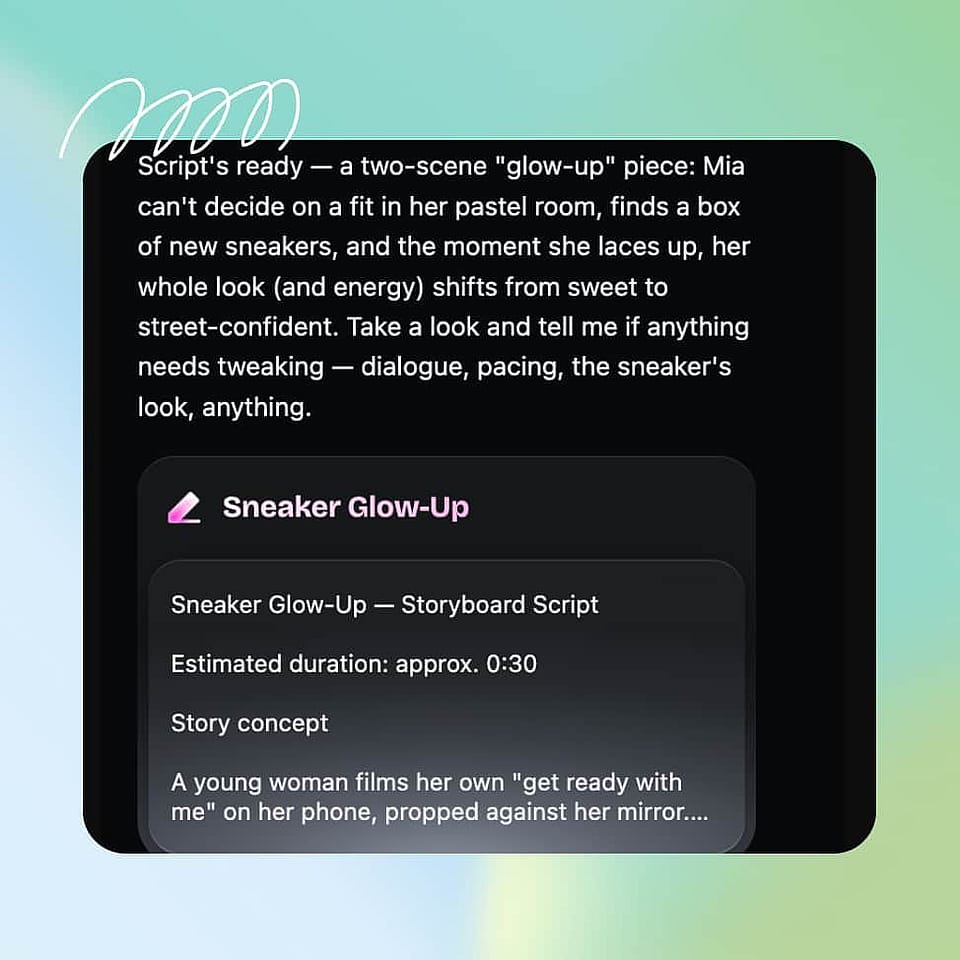
Shape the hook, the scenes, and the dialogue by chat, the way you would brief a creative team. Ori, the built-in assistant, checks with you on the calls you care about or runs with the best settings on its own.
Cut your versions
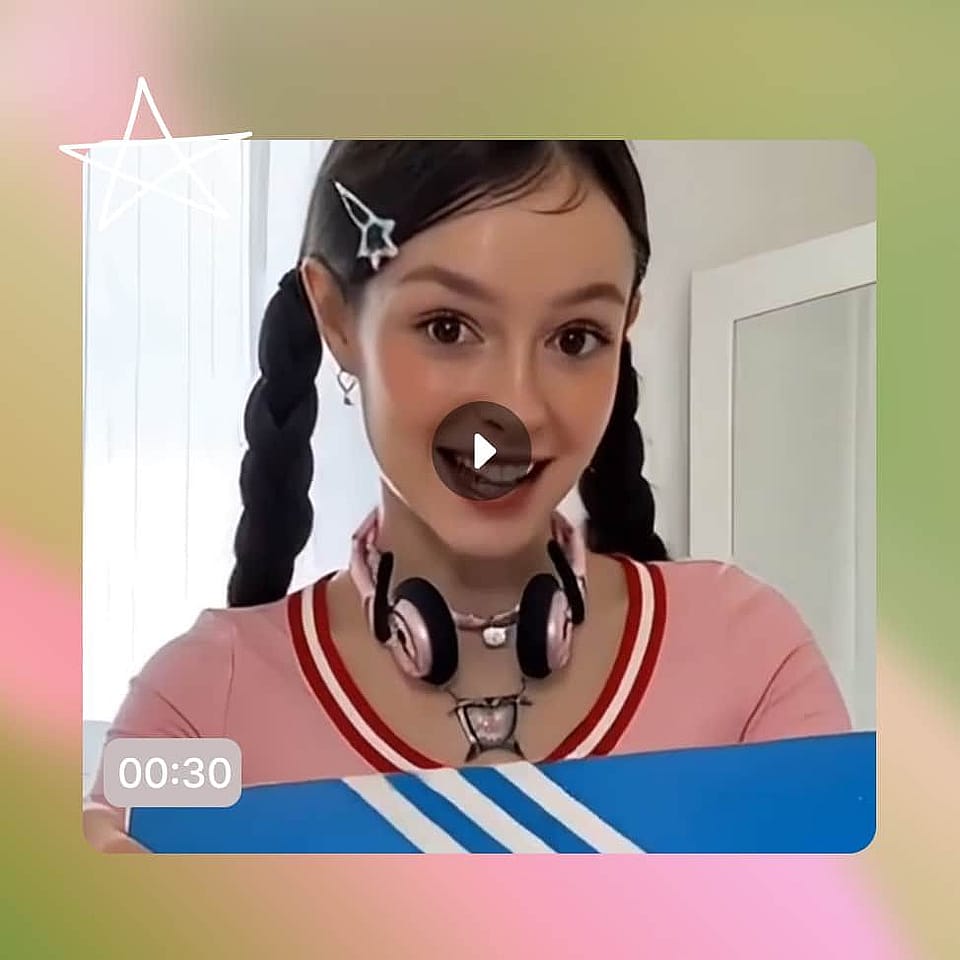
Review the ad, change exactly what you name, and export. Then spin variants by channel, hook, or audience, and let performance pick the winner.
Best Uses for Vibe Directing Advertisements
Your first ad ever
You have something to sell and no marketing department behind you. Describe the business in plain words and direct your way to an ad that looks like you hired one.
Try it NowThe product launch push
You have one launch date and a dozen placements to fill. Direct the hero spot, then cut teasers, verticals, and retargeting variants that all share its look, so your launch covers all platforms at once.
Try it NowFresh creative variations
Paid social burns through creatives faster than any team can shoot. Keep a standing pipeline of fresh hooks, formats, and angles flowing into your campaigns without ever waiting on production.
Try it NowMulti-brand agency work
Every client needs on-brand ads, and nobody's budget covers a shoot per concept. Hold each brand's identity separately and direct spots for all of them from one seat, at pitch speed.
Try it NowFrequently Asked Questions
It is a tool that turns your product, offer, or idea into finished video ads. OpenArt's AI ads generator works by direction: you describe the ad, give notes by chat, and refine it until it is ready to run.
UGC ads, product ads, branding ads, commercials, and social-first cuts, all in one place. The same AI ad maker workflow covers every format, so a full campaign can come from one brief.
Yes. Cut the same ad in vertical, square, and widescreen, at the durations each platform wants, and export ready-to-upload files for every channel.
Describe what you are advertising, add a product photo or logo if you have one, and direct the result with plain-language notes. OpenArt builds the scenes, voices, and sound, and you export when it matches what you pictured.
Yes. Upload a product photo and it stays accurate in shape, label, and color across every scene, so the ad sells the actual item you ship.
Template tools drop your product into someone else's layout, and most AI ad generators hand you one clip per prompt. OpenArt builds the ad around your direction and reworks any detail from your notes, so the result fits your brand instead of a template.