AI Video Face Swap
Swap the face in any video in minutes. Upload a clip, choose a new face, and let the AI apply it across every frame while keeping the original motion and performance. Powered by OpenArt's best-in-class AI video models for smooth, realistic results with no editing experience needed.
Key Benefits of AI Video Face Swap



Realistic Face Swaps
Apply a new face that blends in naturally with your subject and scene.



Smooth, Consistent Motion
The swap holds across every frame, so movement and timing stay natural.
Fast and Easy
Upload, pick a face, and generate in minutes, no editing skills needed.
Community Creations
See how creators, filmmakers, and brands are swapping faces in video with OpenArt.
Key Features of AI Video Face Swap
OpenArt's AI Video Face Swap is powered by the best-in-class AI video models including Seedance 2.0, Kling Omni, Google Veo 3.1, Wan 2.7, and many more!
Swap Faces in Video
Upload a clip and replace the face of your subject in minutes. The AI applies the new face to your video while keeping the body, scene, and action exactly as you shot them.
Keep Motion and Expressions
The new face follows your subject's head turns, expressions, and timing. Movement stays smooth and natural, so the swap looks like real footage instead of a frame-by-frame edit.
Use Any Reference Face
Bring your own face image or pick one from the OpenArt Characters library. The AI maps it onto your subject, giving you full freedom over who appears in the final video.
Consistent Across Every Frame
The swapped face holds steady from start to finish. There is no flicker or drift between frames, so the identity stays locked in and believable through the whole clip.
How to Use AI Video Face Swap
Swapping a face in video with OpenArt takes only a few steps.
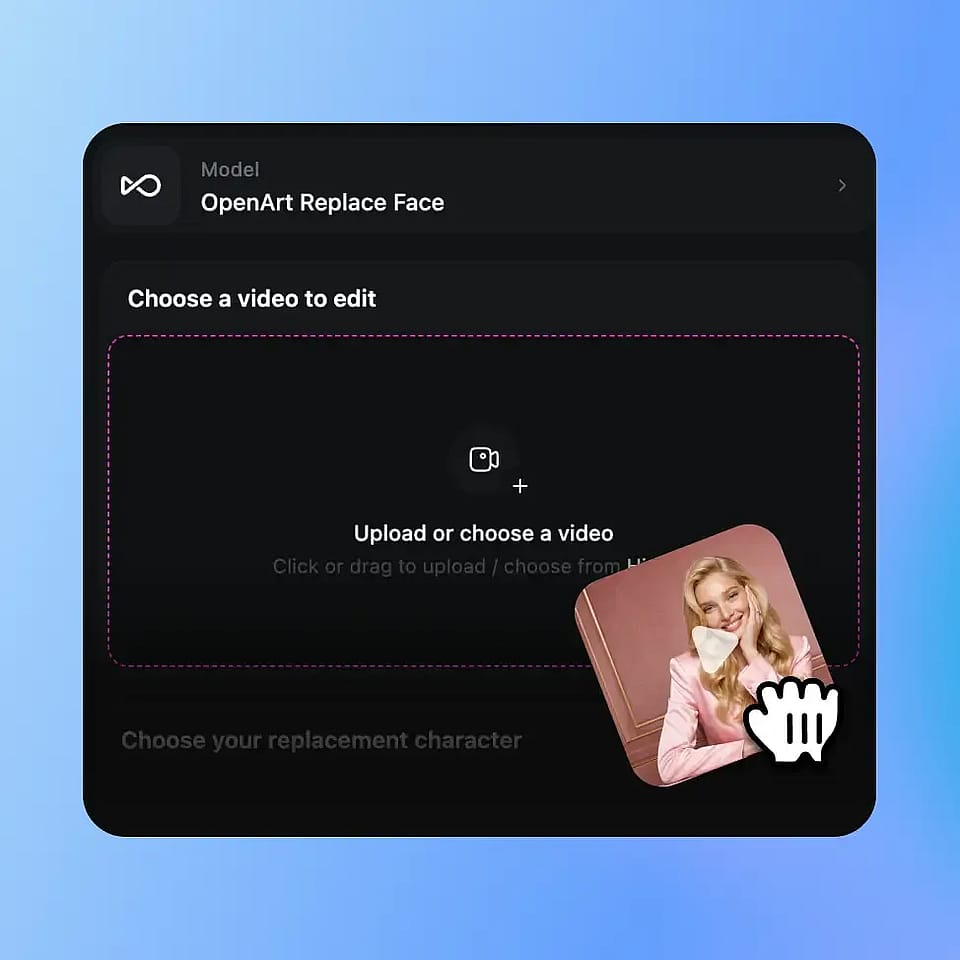
Upload Your Video
Start by uploading the clip with the subject whose face you want to swap. Clear, well-lit footage works best.
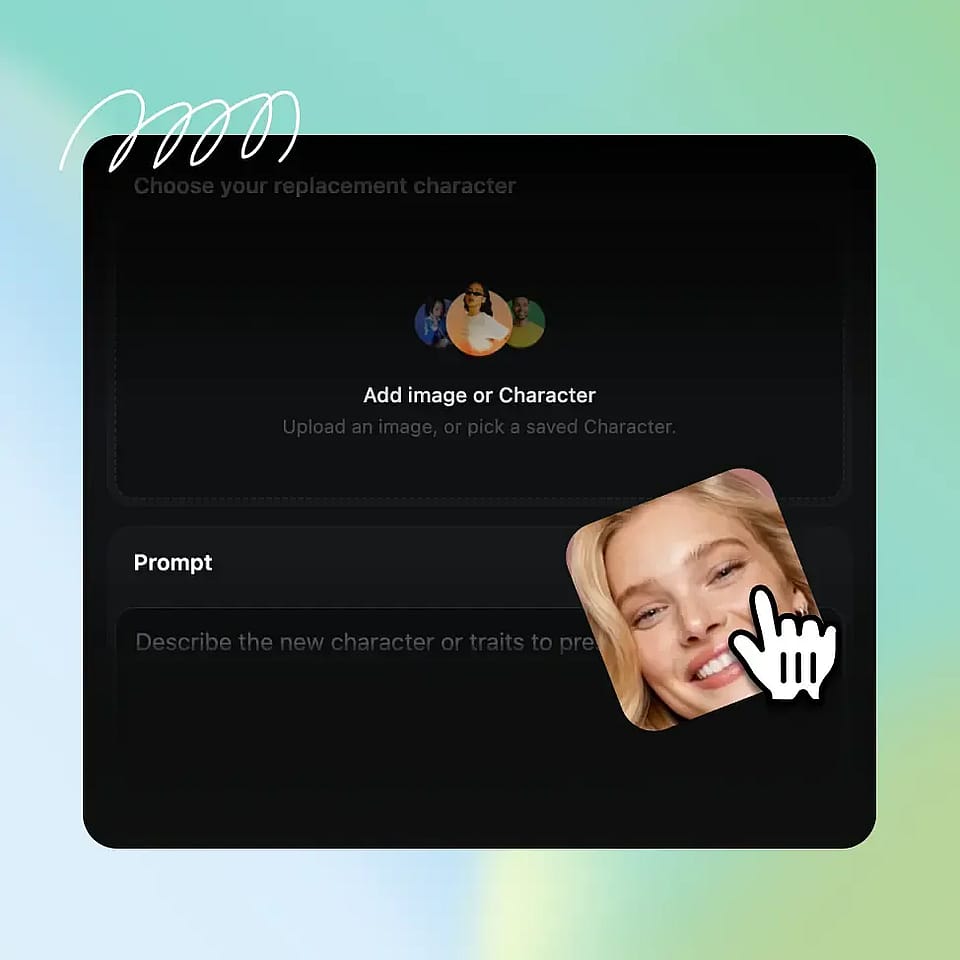
Choose the New Face
Upload a reference face image or pick a character from the OpenArt Characters library to apply to your subject.
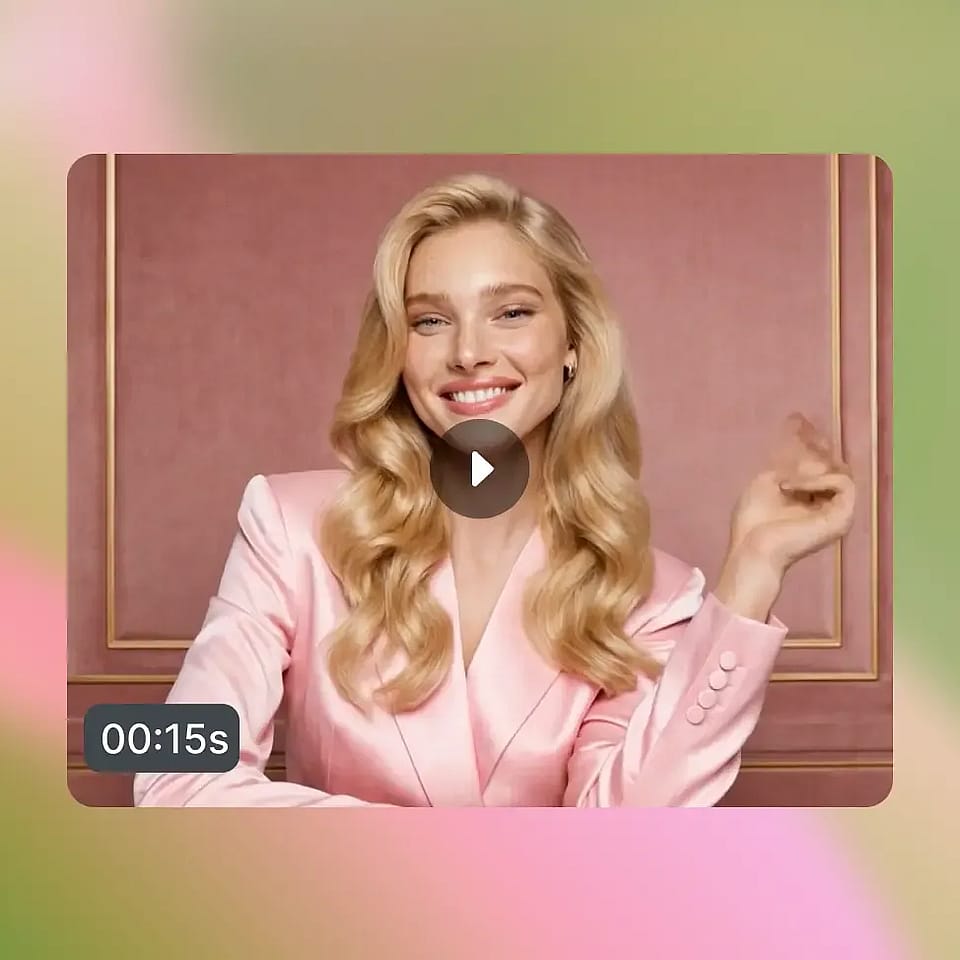
Generate and Refine
Generate your video, preview the swap across frames, then adjust and regenerate until it looks right.
Best Uses of AI Face Swap Video Tool
From social clips to short films, here is how people use AI Video Face Swap.
Social Content and Memes
Create fun, shareable clips with a fresh face. Swap yourself or a friend into a video for memes, reactions, and trends that grab attention and keep your feed entertaining.
Try it NowFilm and Short Videos
Recast a scene without reshooting it. Swap a performer's face for storytelling, fan edits, or creative shorts, giving you more options in post without extra production time.
Try it NowMarketing and Brand Videos
Adapt one video for different faces and audiences. Feature a new spokesperson or persona across campaigns, so brand teams can scale video content from a single shoot.
Try it NowPersonalized Video Content
Put a specific face into custom videos. Create personalized greetings, gifts, and fun clips that feel made for one person, all from footage you already have.
Try it NowFrequently Asked Questions
Get Insights from Experts Blog
Get the insights you need. Our experts share actionable hacks, break down the hottest topics, and provide essential how-to guides to help you build, optimize, and scale.
Read More