AI Face Swap
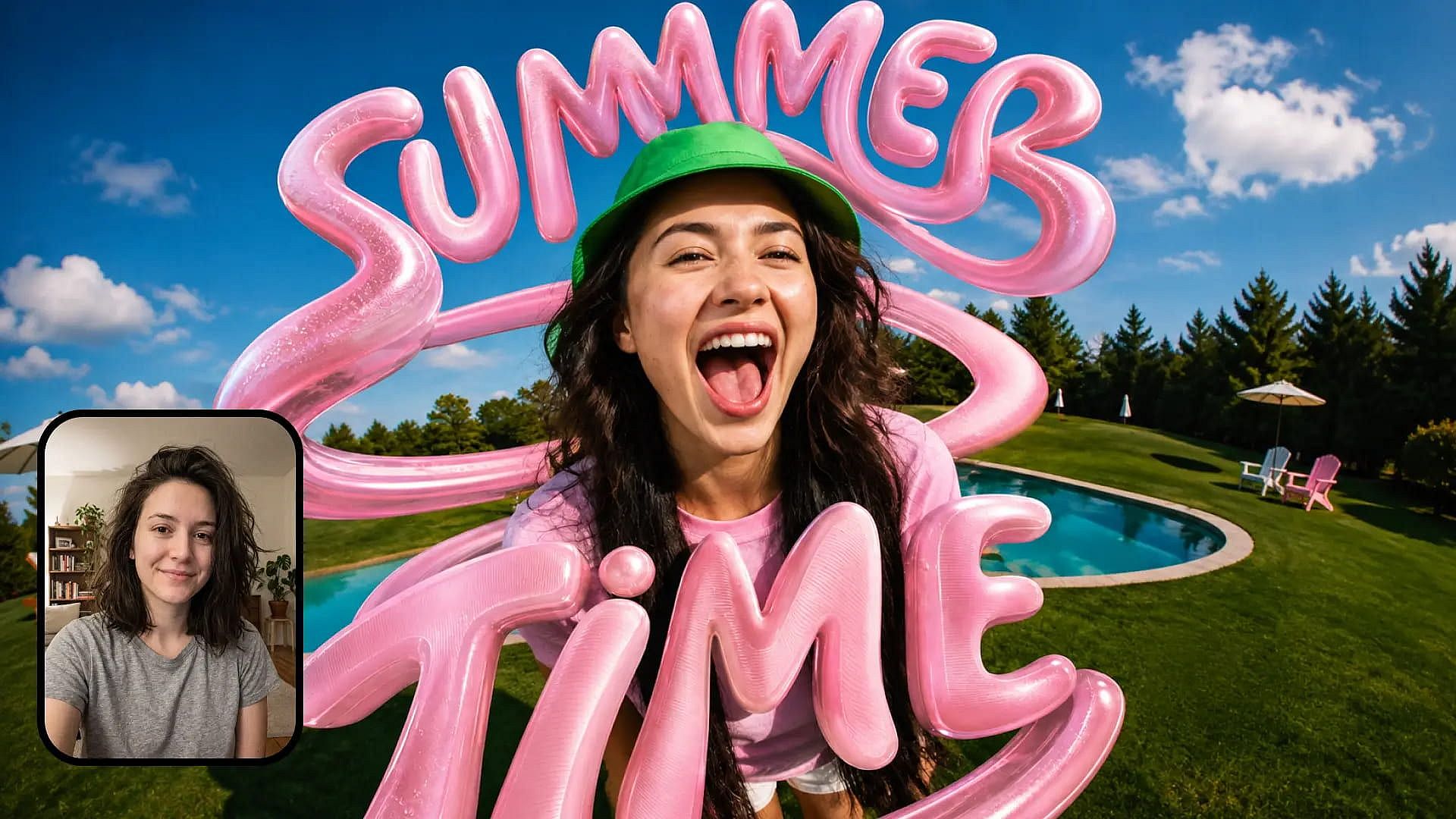
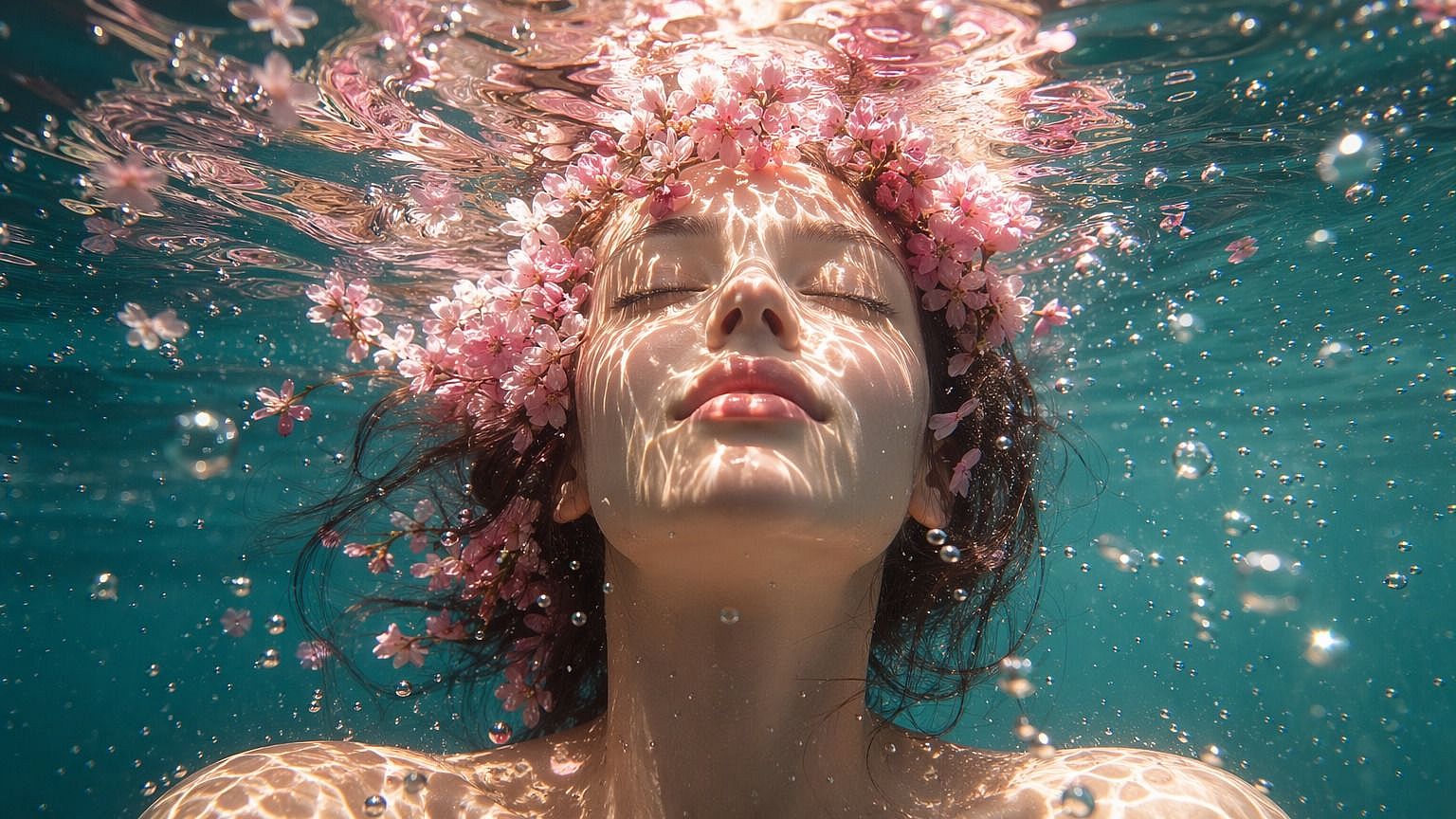
Use the AI face swap to put a new face into any photo in seconds. Upload your picture, add a reference face, and the AI swaps the face without disturbing the pose and surrounding lighting.
Key Features of AI Image Face Swap
Swap Faces Within Seconds
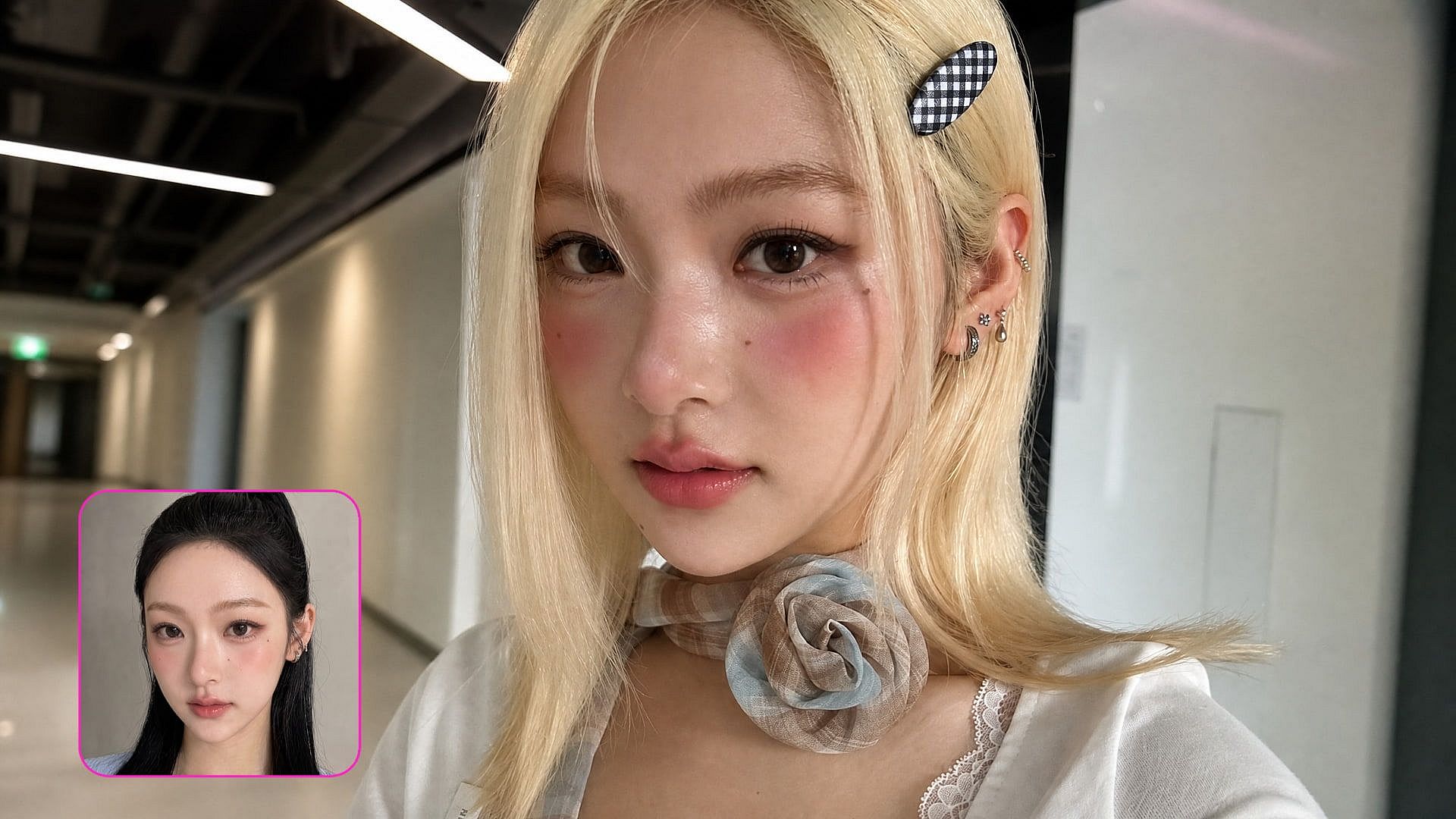
Upload the photo you want to change, then upload a reference image of the face you want in it, and the AI face swap tool delivers a finished image in seconds. There is no masking, layering, or manual retouching involved, so a high-realism swap that used to take 30 minutes in Photoshop takes less than a minute here.
Match the Lighting and Skin Tone
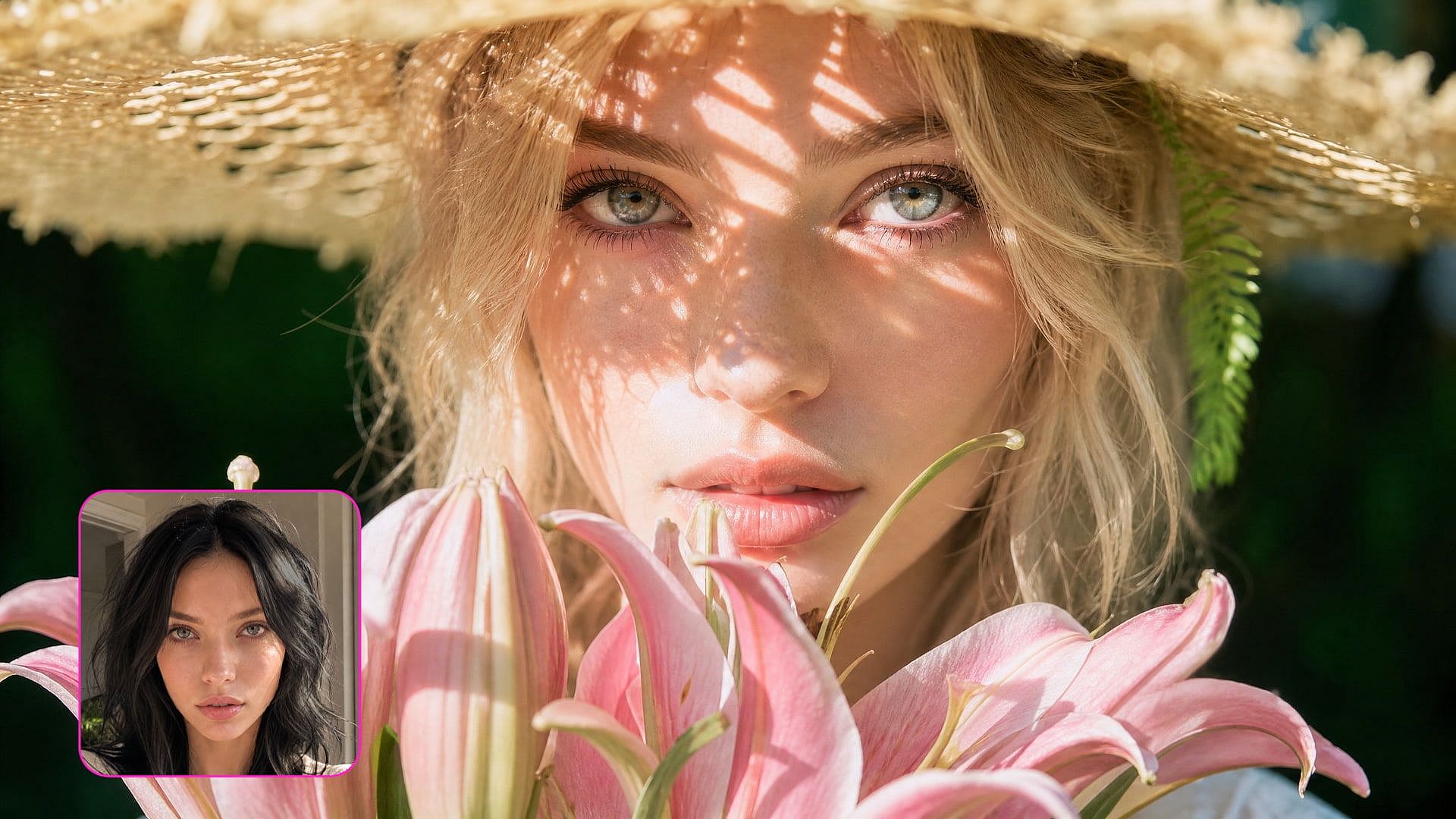
The new face takes on the light direction, shadows, and skin tone already present in your photo instead of making up new elements in the image. That is what separates a believable swap from an obvious cutout, and it is why you can use the face swap even on a group photo and it still won’t look out of place.
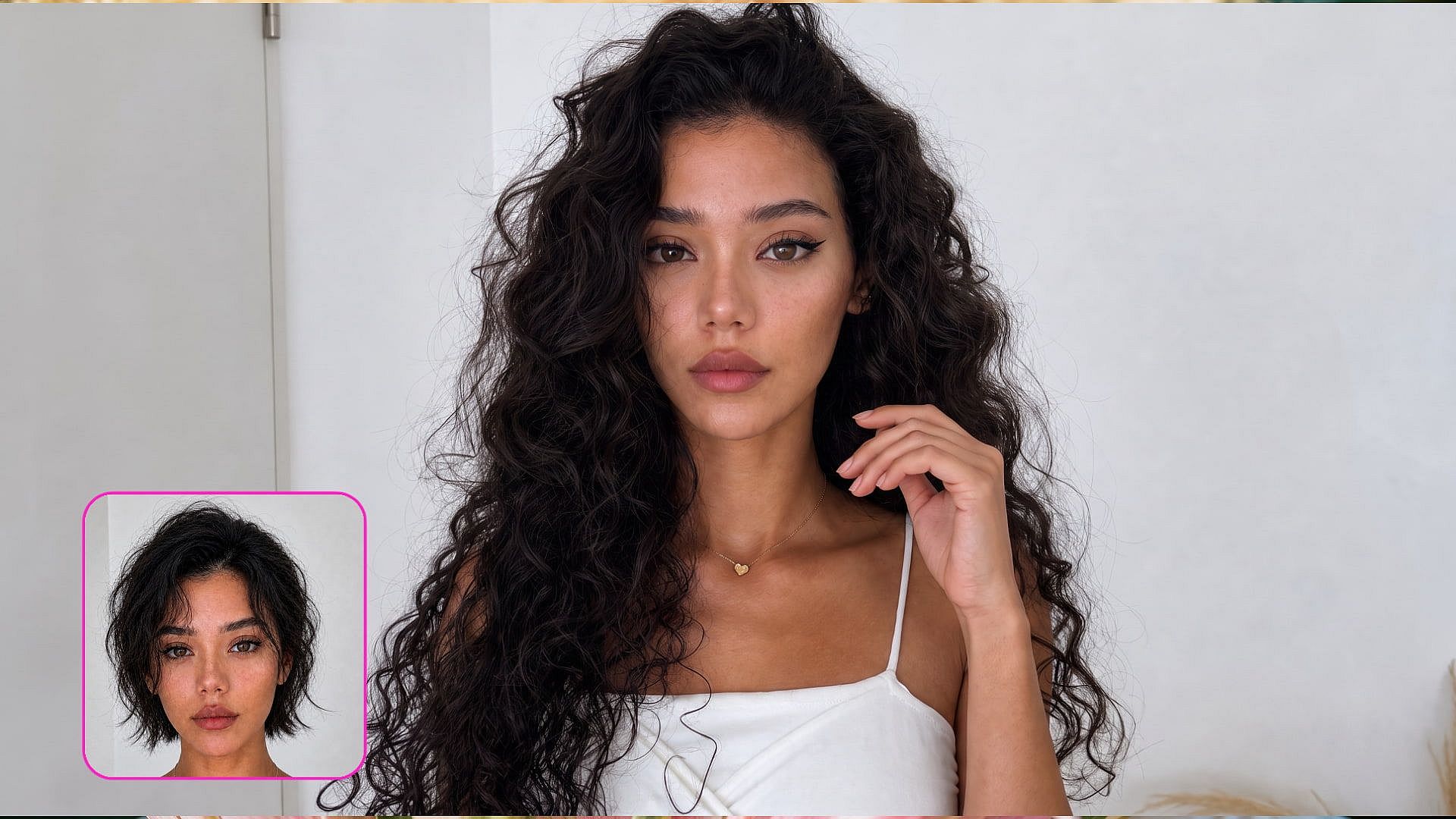
Keep the Hair, Pose, and Background
The AI face swap changes the face and leaves the rest of the personal characteristics alone, so your subject's hairstyle, clothing, body position, and the scene behind them all come through exactly as you shot them. You get the photo you already liked with one person's face replaced, not a regenerated version of it.
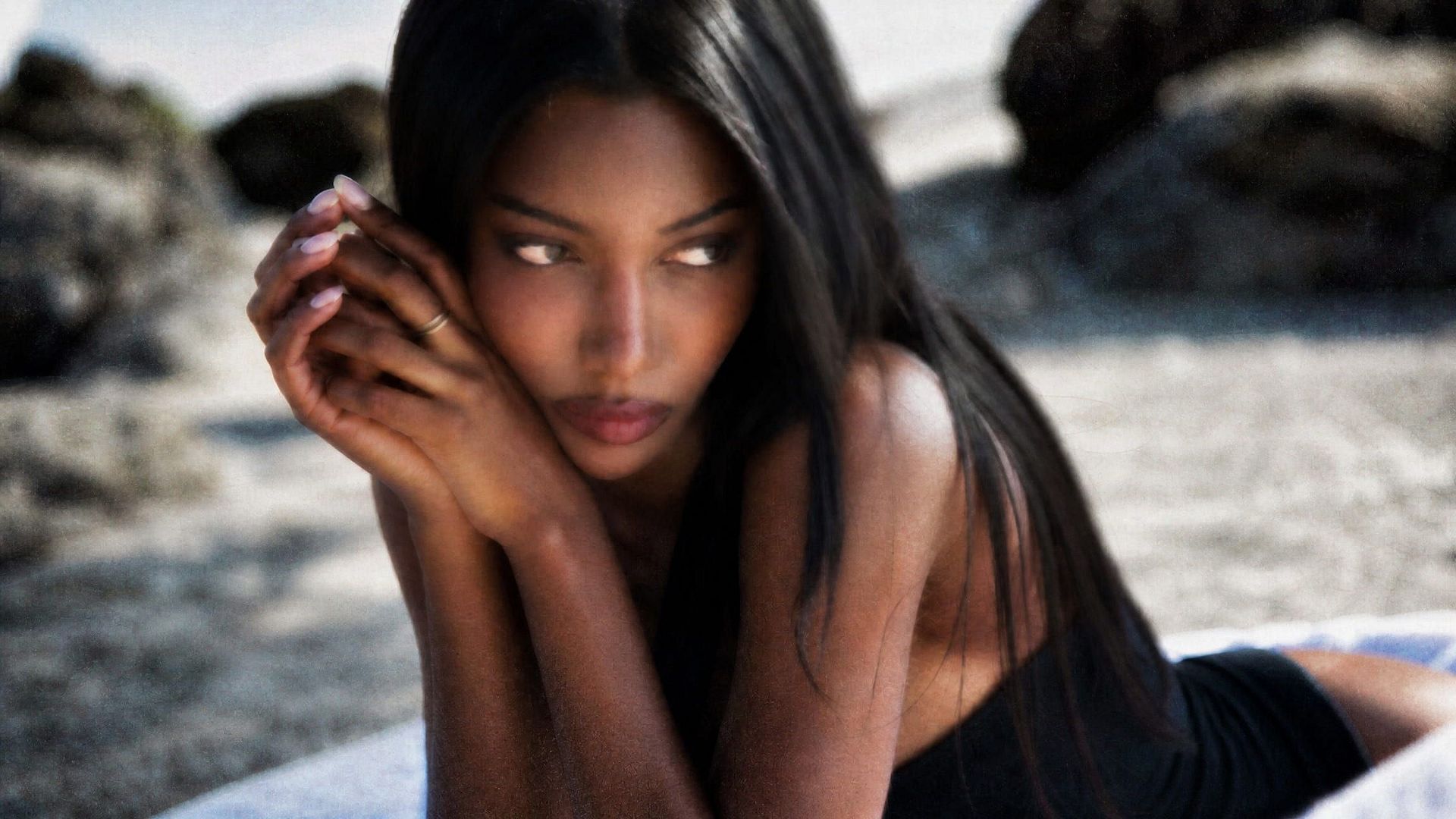
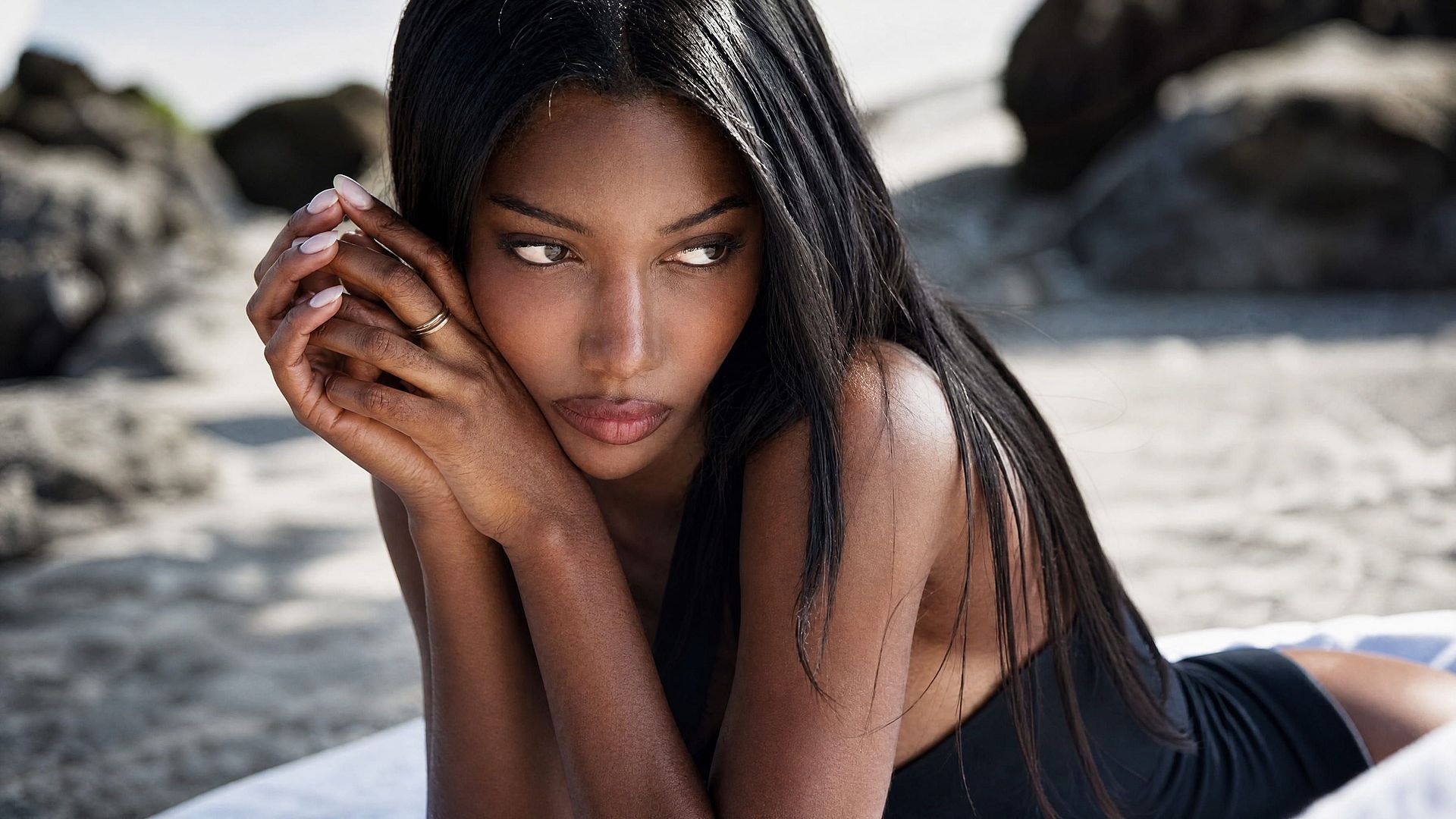
Refine the Swap After You Generate
Want more refinement? Use the Skin Enhancer tool to smoothen the skin texture, or the Image Upscale tool to dial up the sharpness and pixel density, and export in up to 4K resolution. You can also use the AI image generator to spin up new creative variations of your image.
How to Use the AI Face Swap
Swapping a face in a photo with OpenArt takes only three steps.
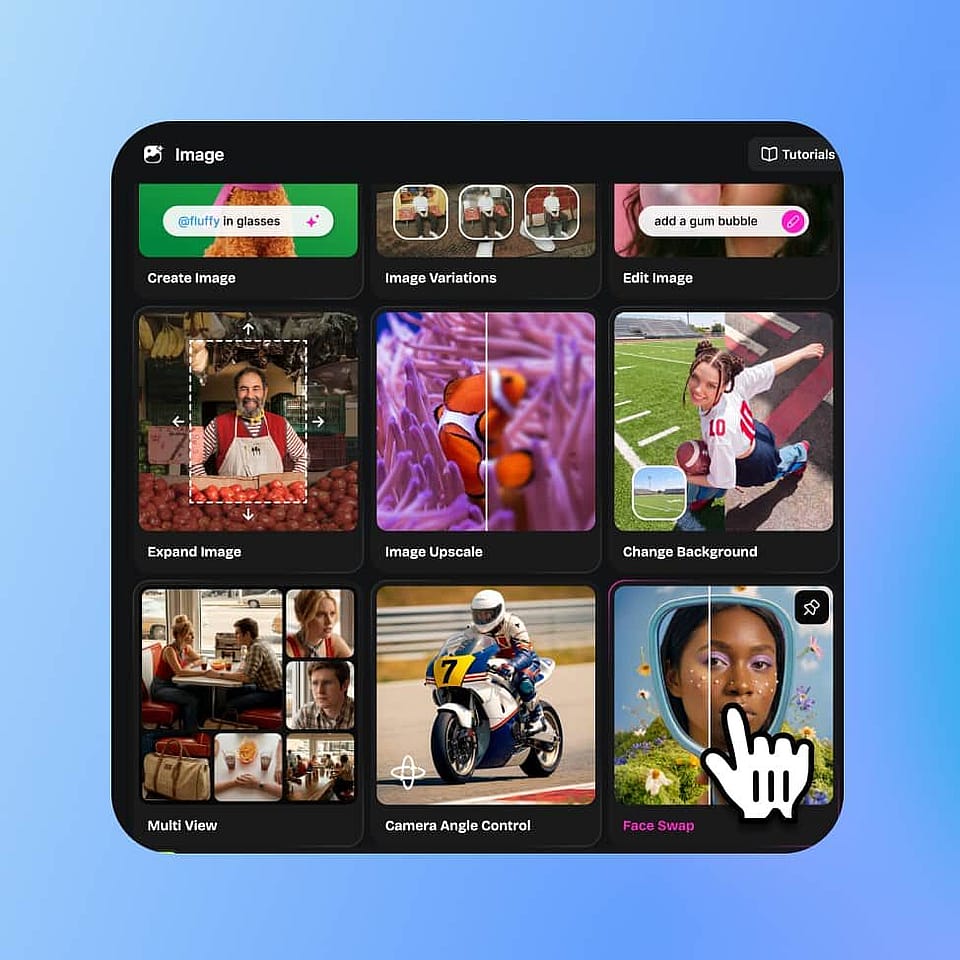
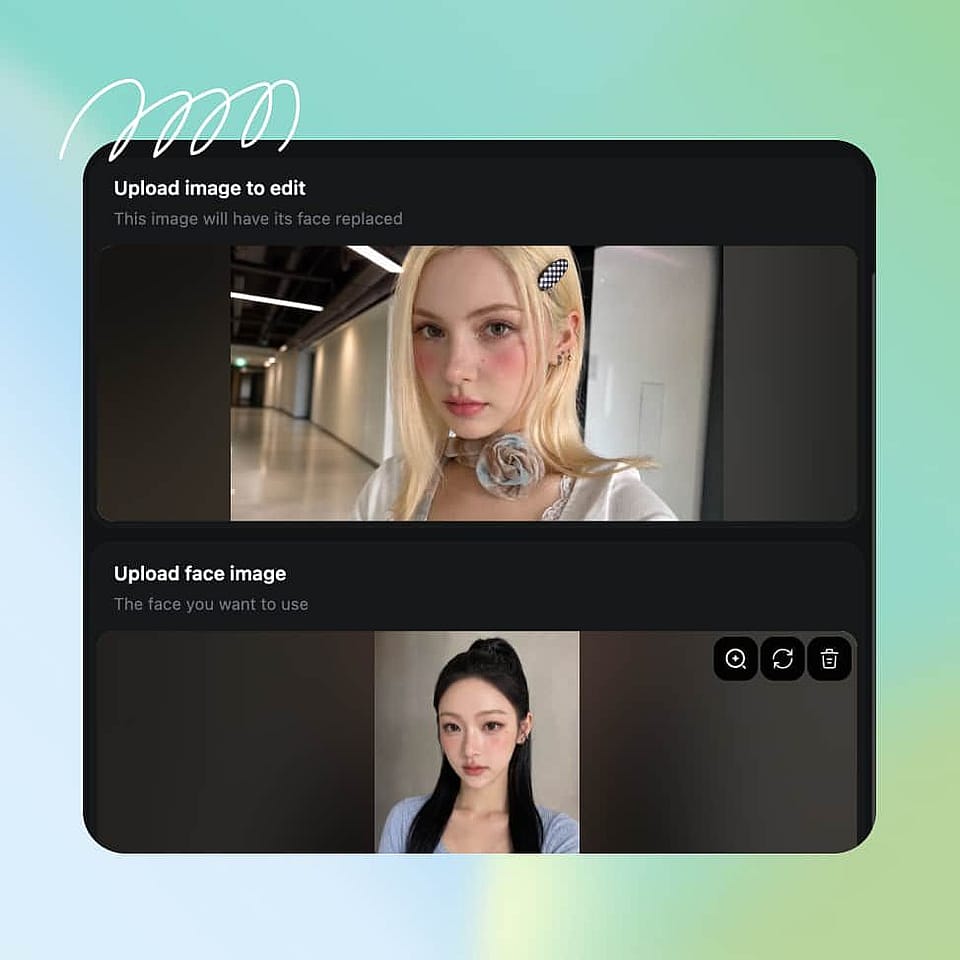
Upload Your Photo.
Go to Image tools, open Face Swap and upload the image with the face you want to replace.
Upload the Reference Face.
Add a clear, front-facing photo of the face you want to swap in.
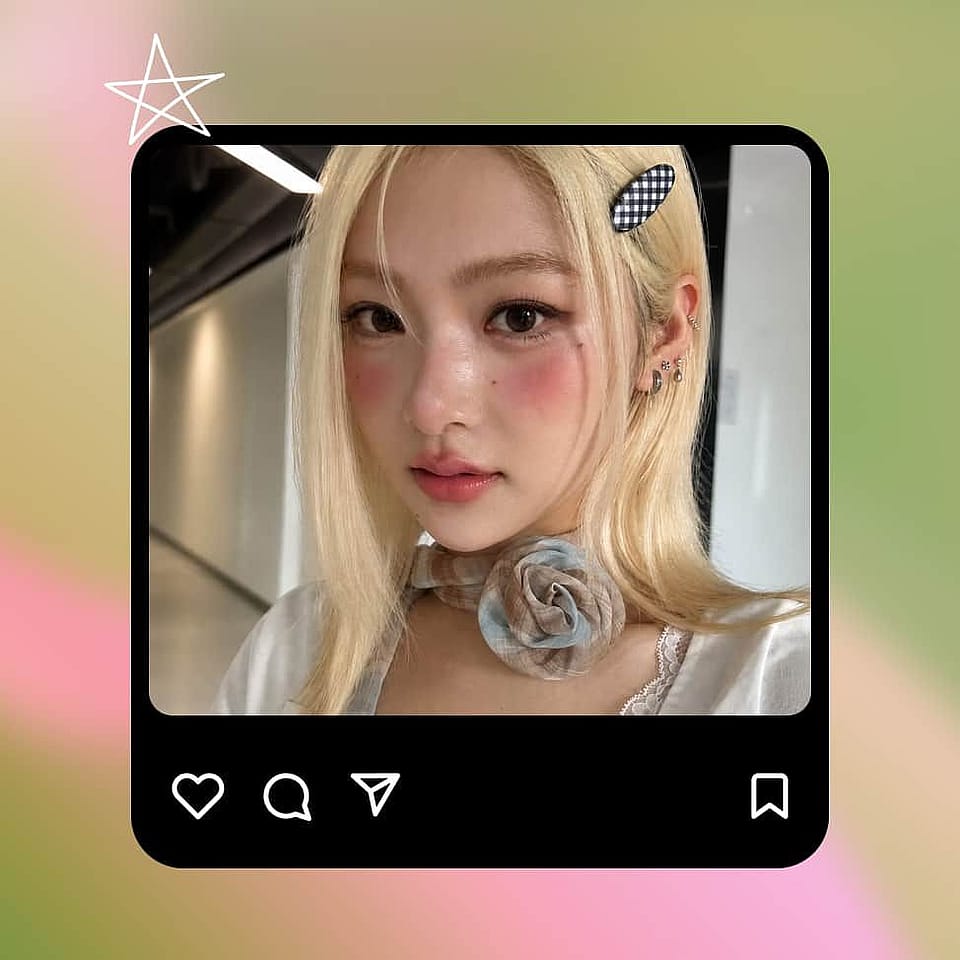
Generate and Download.
Generate the swap, check the result, then regenerate or download it.
Best Uses of AI Face Swap
Where an AI Face Swap Comes in Handy
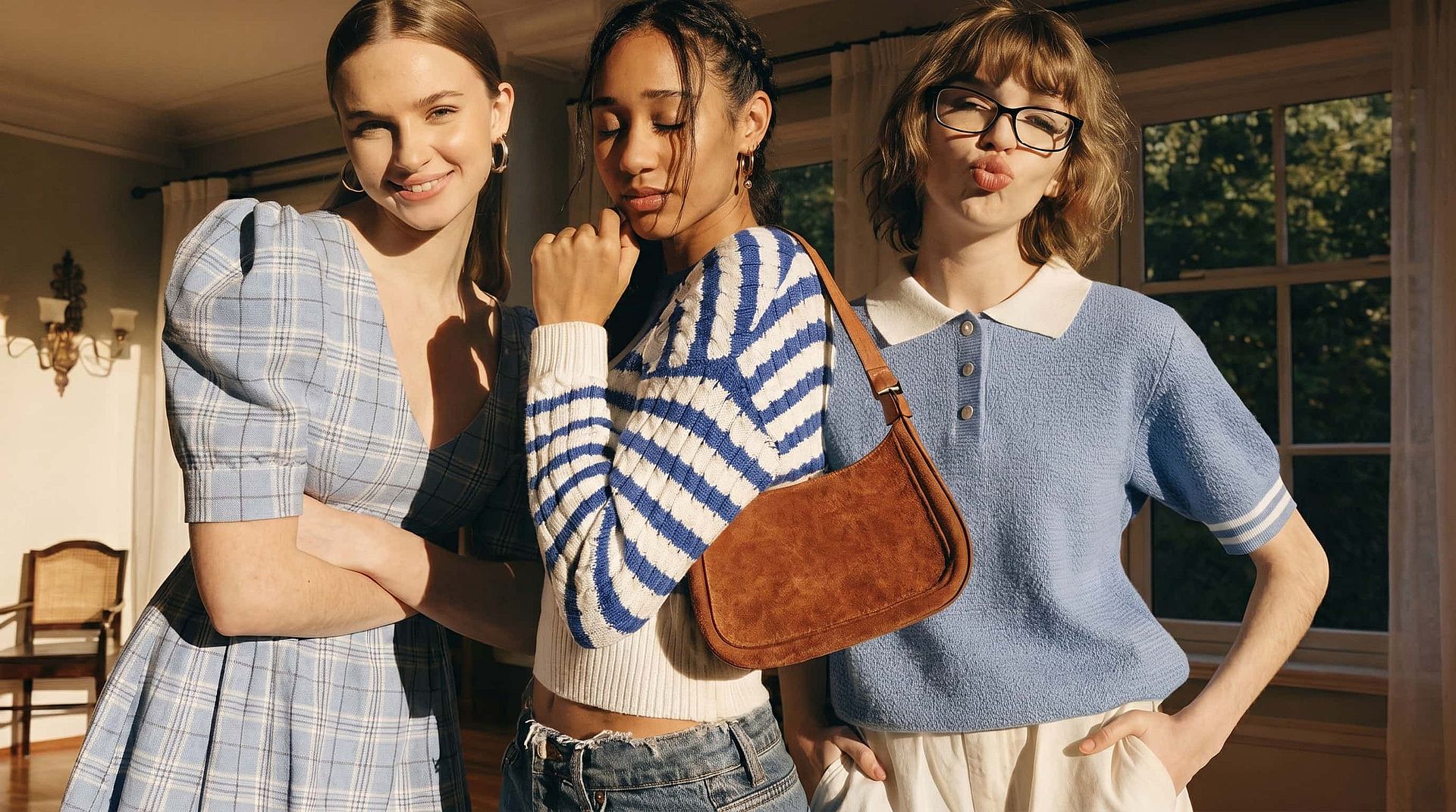
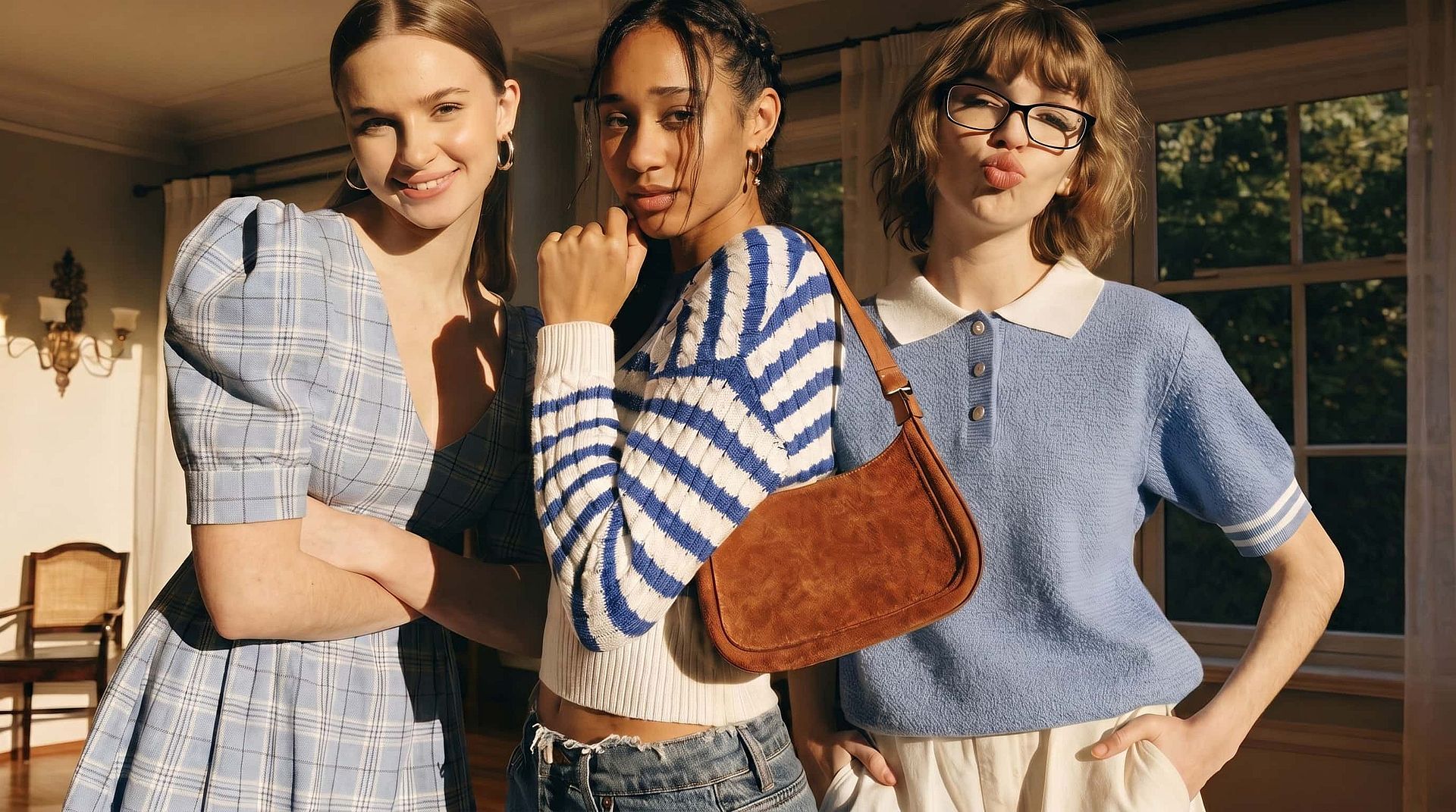
Rescue the Only Good Group Photo
There is always one person blinking or looking away in the shot where everyone else looks great. Take that person's face from a second frame, swap it into the good photo, and you end up with a single group picture where every face is worth keeping.
Try it Now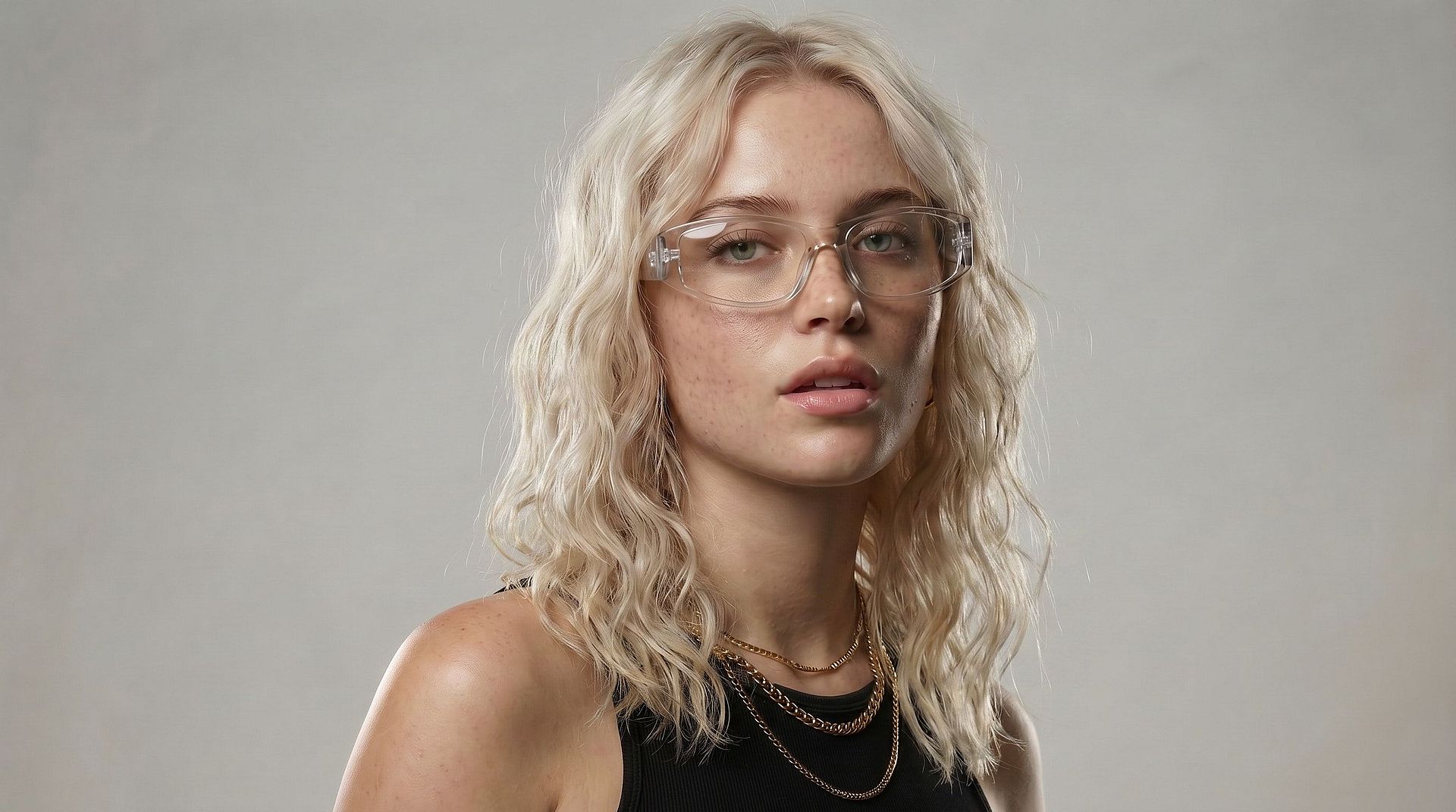
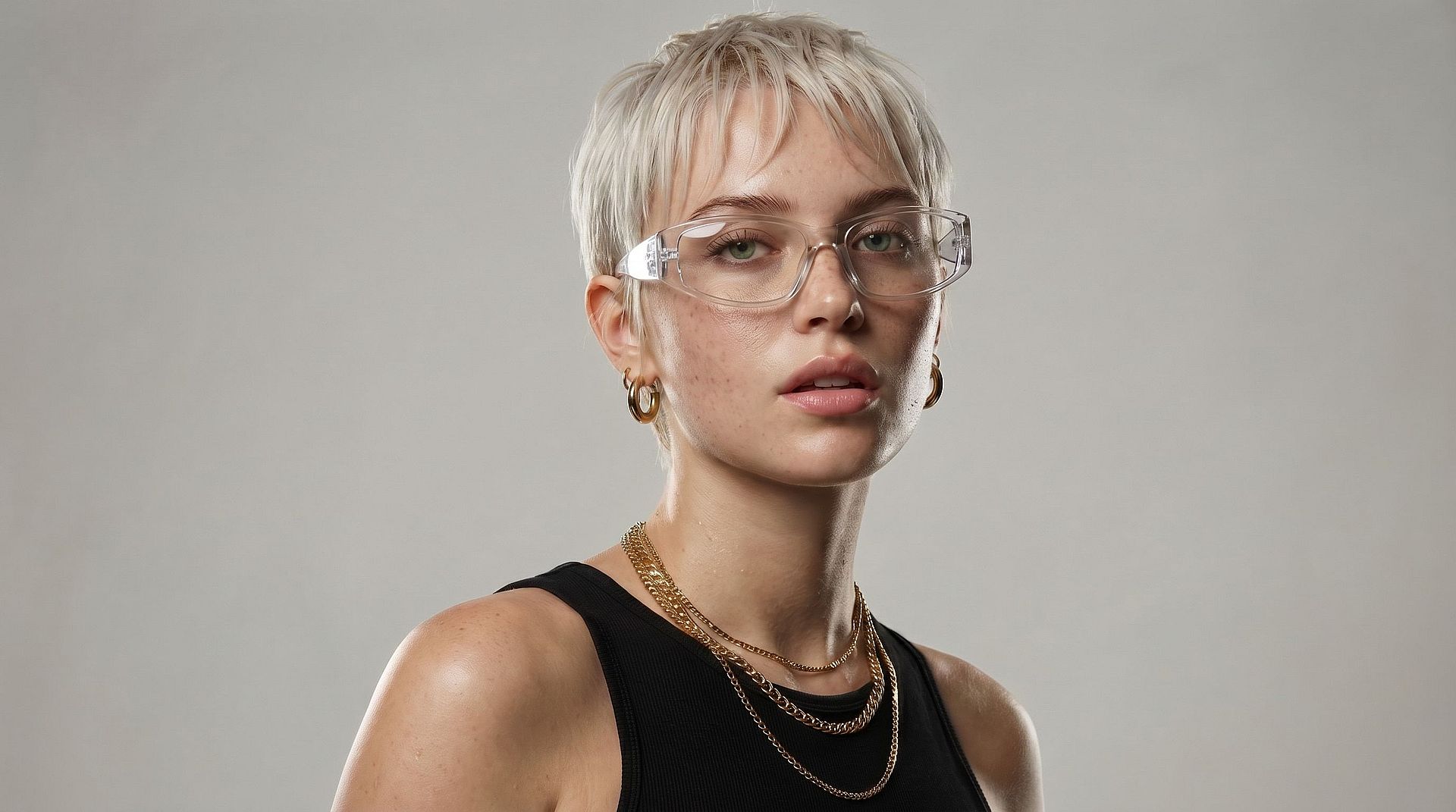
Preview a New Look on Yourself
Try on a new hairstyle, makeup, or costume before you actually go ahead with it. Put your own face into a reference photo of the look instead, and you get a realistic preview of how it sits on you before you book that appointment or buy the outfit.
Try it Now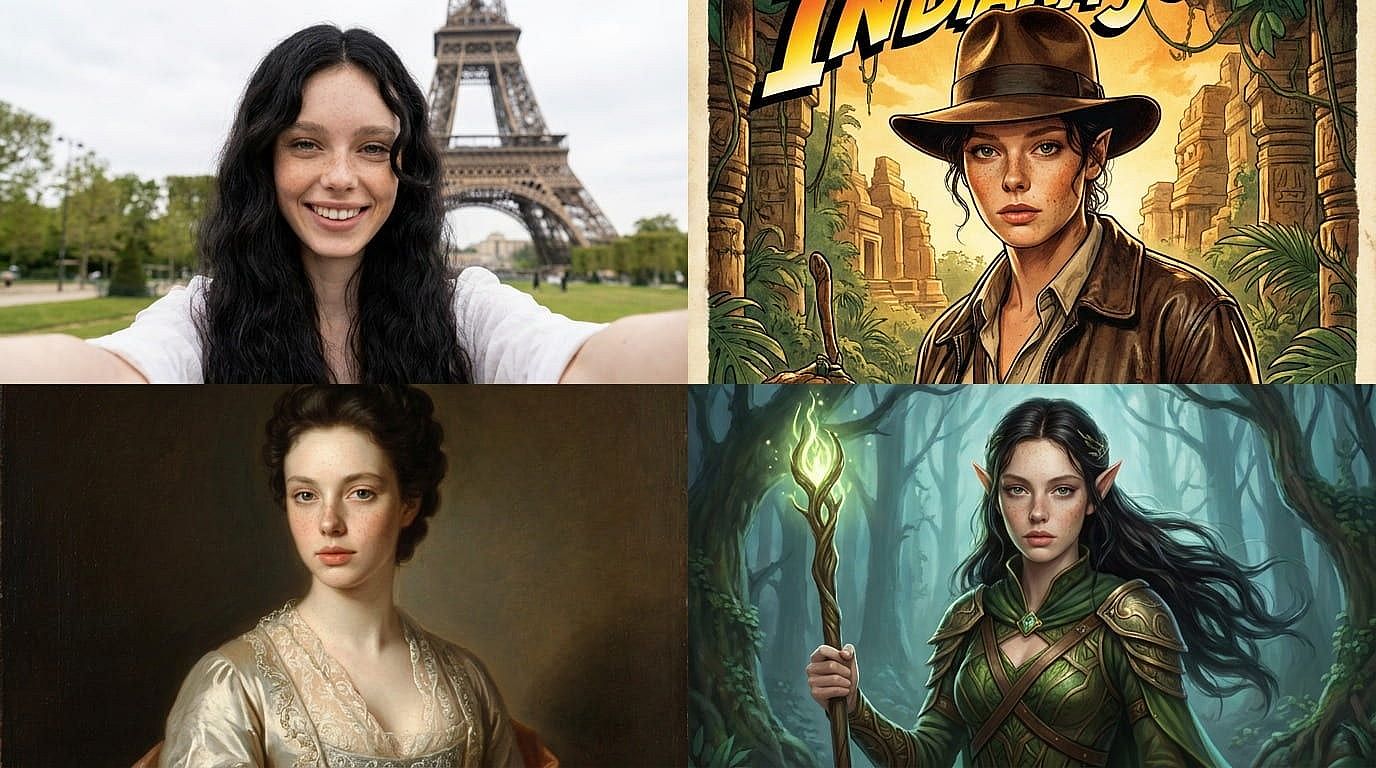
Put Yourself Into Any Scene
Drop your face into travel photos, movie posters, historical portraits, or fantasy artwork and you land somewhere you have never been. Creators use the AI face swap for memes, reaction images, thumbnails, and personalized gifts, all built from a photo they already had on their phone.
Try it Now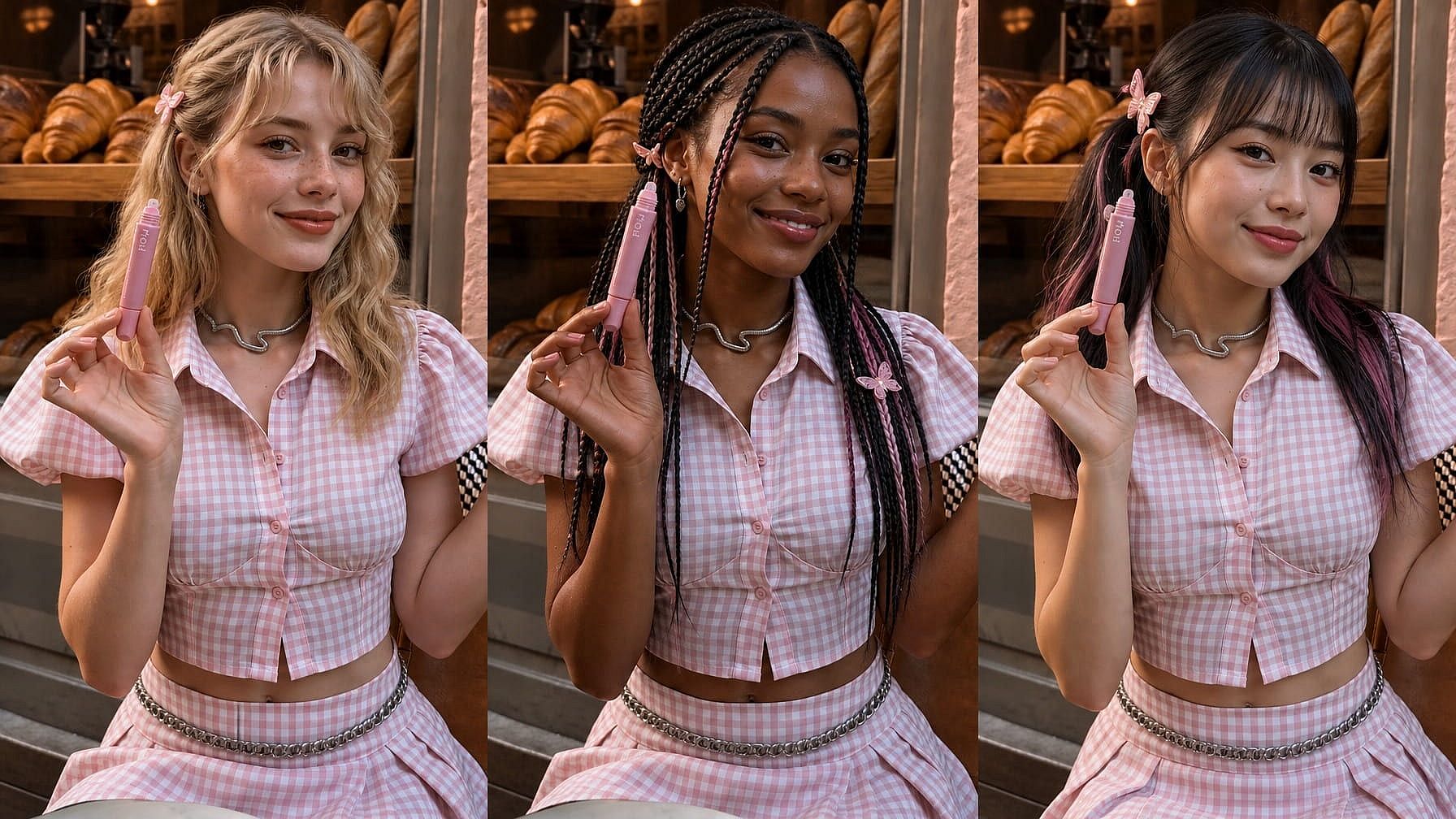
Test a Campaign Across Faces
Marketing and design teams often need the same layout shown with a different person in it. Swap faces into an existing visual to compare options for a client, an audience, or a regional market, without rebooking the shoot or paying for another round of stock photography.
Try it NowFrequently Asked Questions
It is an OpenArt tool that replaces the face in a photo with a face from another image. You upload your picture, upload a reference face, and the AI blends the new face into the original photo.
Yes. The AI matches the lighting, shadows, and skin tone of your original photo, so the new face sits in the scene naturally instead of looking pasted over the old one.
No. Only the face is replaced. Hairstyle, clothing, pose, and background stay exactly as they were in your original photo.
Yes, subject to OpenArt's terms of use. Make sure you have the rights and consent for every face you upload, especially for advertising and client work.
You can start swapping faces for free on OpenArt. Paid plans add more generations, higher resolution output, and access to the full set of image tools.
Use clear, well-lit photos where both faces are visible and facing roughly the same direction. Sharp reference images and similar head angles give the cleanest swaps.
Not with this tool. Photos go through the AI face swap, and clips go through the AI video face swap, which applies the new face across every frame of your footage.
Start with a sharp, front-facing reference face and a photo where the head angle is close to it. If the first swap is off, regenerate, or edit the output to clean up small details.
Loved by Creators Worldwide
See what our community has to say
I've tried many AI platforms… but OpenArt is still the best for character creation, image-to-video quality, and the variety of models available.
OpenArt offers an excellent array of AI tools… once you learn the features, the creative possibilities are amazing - and their support team is outstanding.
OpenArt is a very versatile AI platform with many image and video models, consistent character creation, and powerful editing tools.
Helpful AI tools all in one place - image and video generation, editing, and more… no need for multiple subscriptions.
Customer service is always quick and helpful… and the platform keeps getting better with new features and tools.
I've tried many AI platforms… but OpenArt is still the best for character creation, image-to-video quality, and the variety of models available.
OpenArt offers an excellent array of AI tools… once you learn the features, the creative possibilities are amazing - and their support team is outstanding.
OpenArt is a very versatile AI platform with many image and video models, consistent character creation, and powerful editing tools.
Helpful AI tools all in one place - image and video generation, editing, and more… no need for multiple subscriptions.
Customer service is always quick and helpful… and the platform keeps getting better with new features and tools.
I've tried many AI platforms… but OpenArt is still the best for character creation, image-to-video quality, and the variety of models available.
OpenArt offers an excellent array of AI tools… once you learn the features, the creative possibilities are amazing - and their support team is outstanding.
OpenArt is a very versatile AI platform with many image and video models, consistent character creation, and powerful editing tools.
Helpful AI tools all in one place - image and video generation, editing, and more… no need for multiple subscriptions.
Customer service is always quick and helpful… and the platform keeps getting better with new features and tools.
With so many AI platforms out there, OpenArt stood out as a stellar choice - I'd recommend it to any creator.
This platform includes everything you need for AI content creation - images, video, characters, audio, and multiple AI models in one place.
OpenArt is pushing the boundaries of AI video creation… and it's clear the team is committed to improving the creator experience.
I made my first AI music video with OpenArt… and their support team was the best help I've ever experienced.
I'm very happy with the support - my issue was resolved quickly and the team made the process easy.
With so many AI platforms out there, OpenArt stood out as a stellar choice - I'd recommend it to any creator.
This platform includes everything you need for AI content creation - images, video, characters, audio, and multiple AI models in one place.
OpenArt is pushing the boundaries of AI video creation… and it's clear the team is committed to improving the creator experience.
I made my first AI music video with OpenArt… and their support team was the best help I've ever experienced.
I'm very happy with the support - my issue was resolved quickly and the team made the process easy.
With so many AI platforms out there, OpenArt stood out as a stellar choice - I'd recommend it to any creator.
This platform includes everything you need for AI content creation - images, video, characters, audio, and multiple AI models in one place.
OpenArt is pushing the boundaries of AI video creation… and it's clear the team is committed to improving the creator experience.
I made my first AI music video with OpenArt… and their support team was the best help I've ever experienced.
I'm very happy with the support - my issue was resolved quickly and the team made the process easy.
Get Insights from Experts Blog
Get the insights you need. Our experts share actionable hacks, break down the hottest topics, and provide essential how-to guides to help you create, optimize, and scale.
Read More