

AI ART
GENERATOR
Generate original AI art from text prompts or reference images, from anime and pixel art to cinematic portraits, oil paintings, and 3D illustrations. Compare leading AI image models, keep characters and styles consistent, and refine your artwork without starting over.
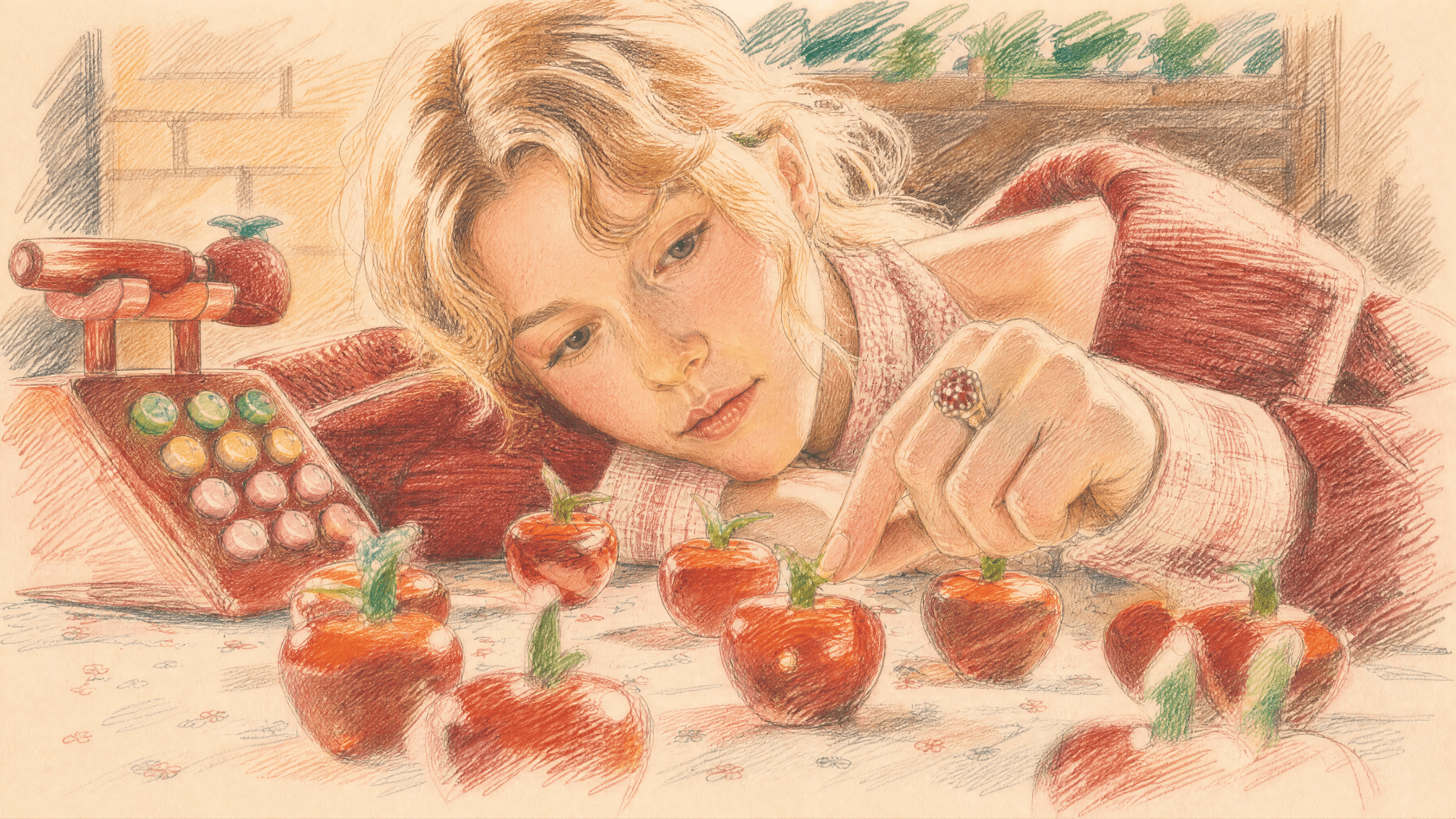
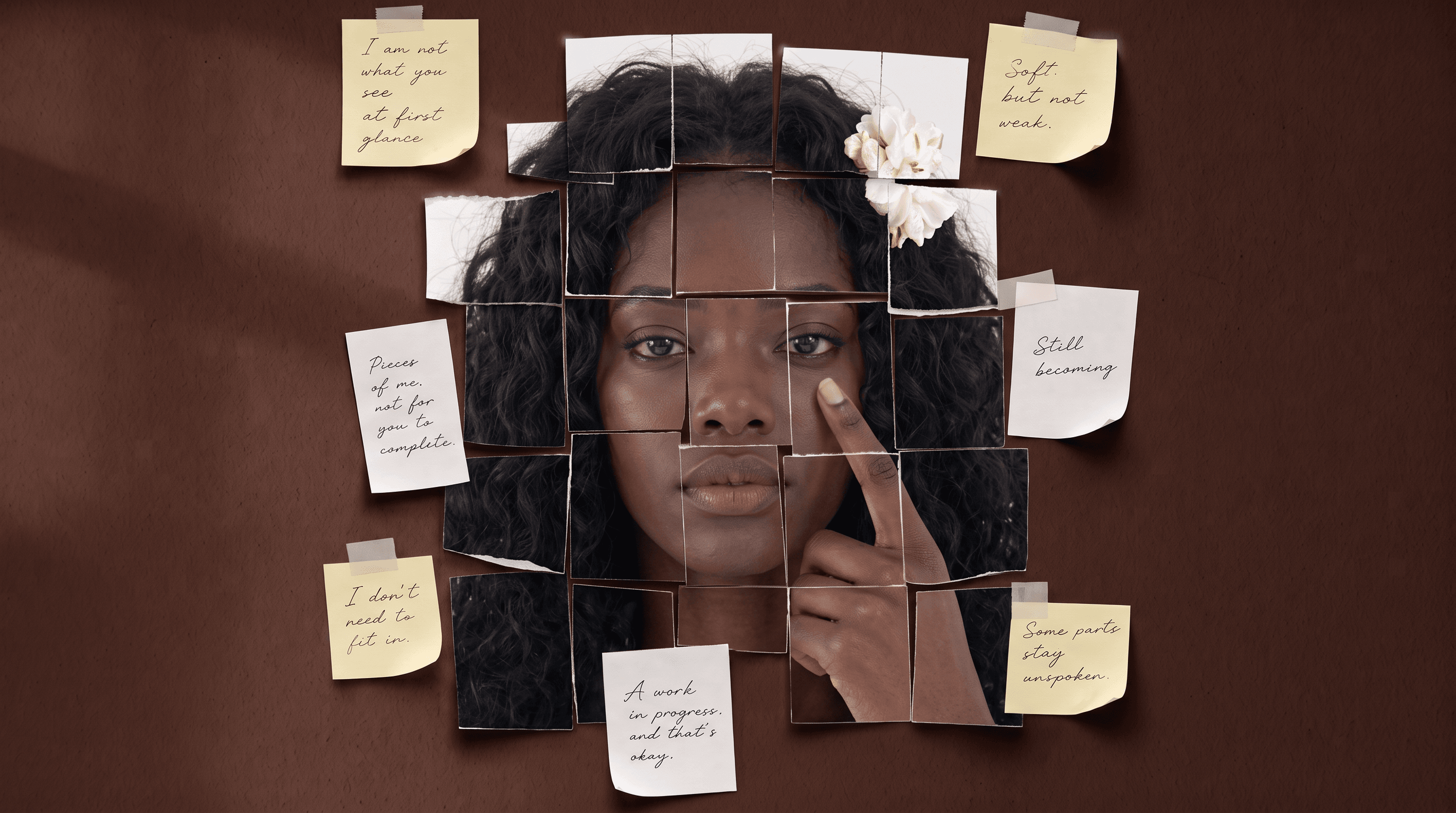
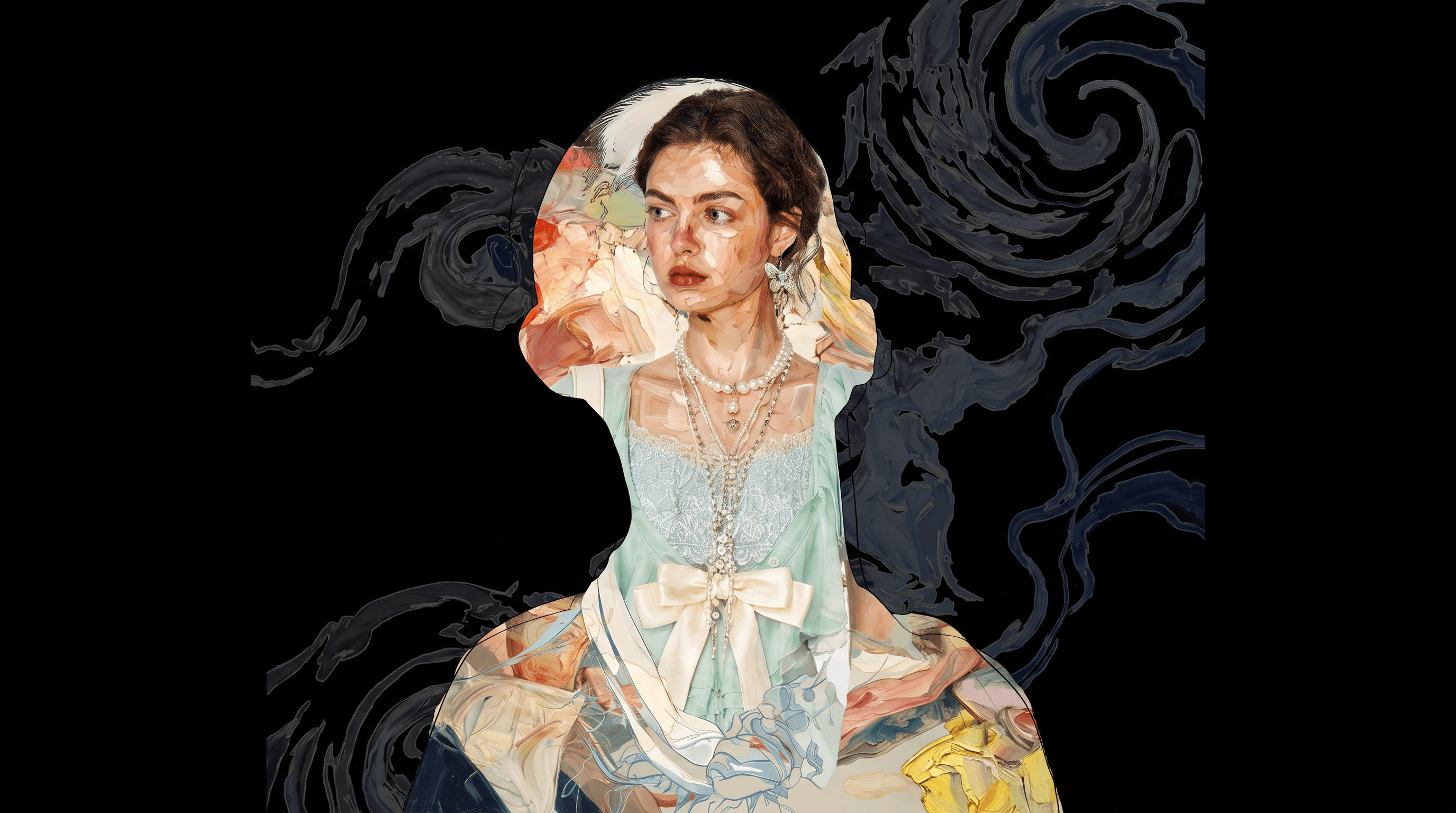
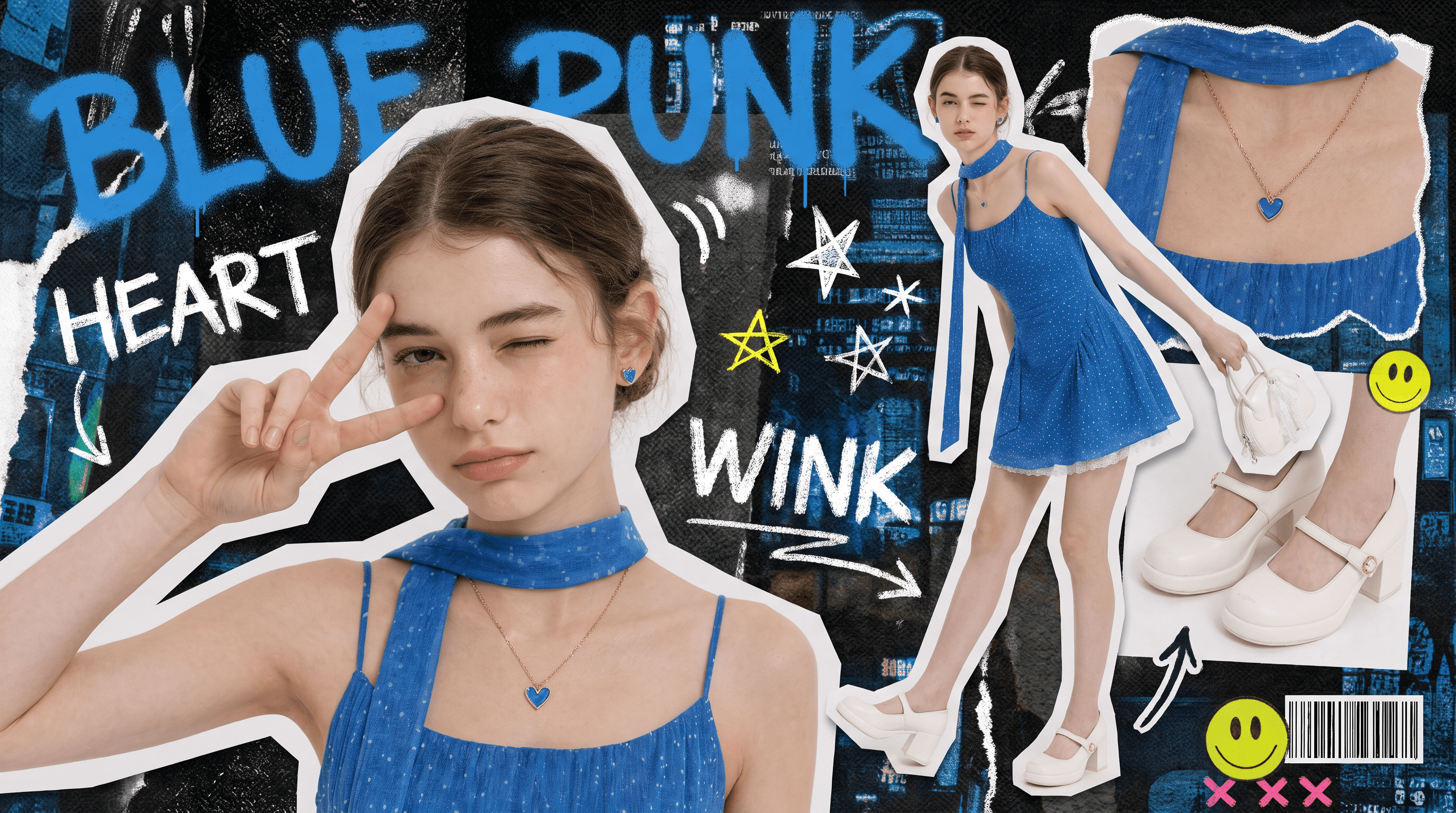
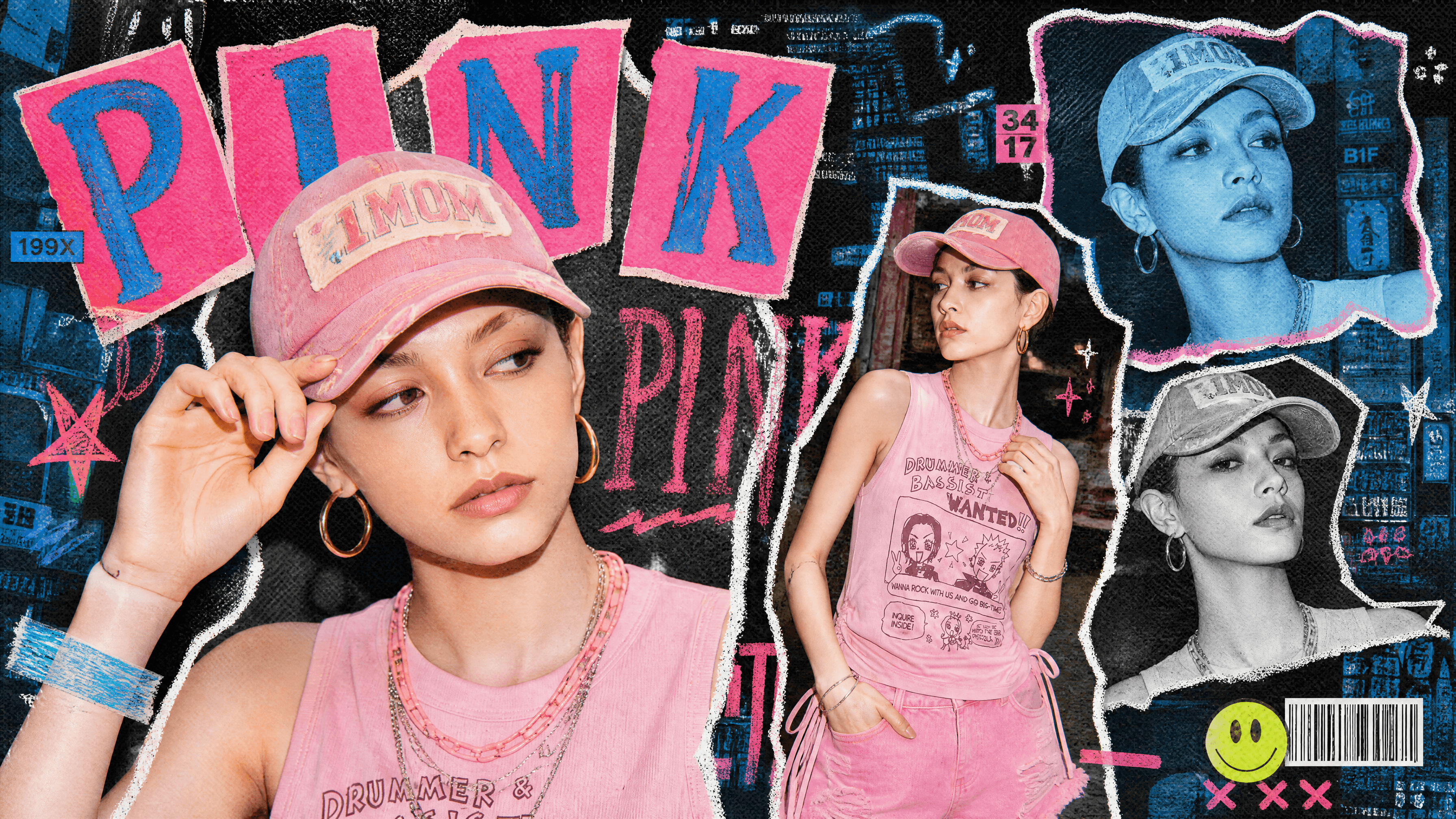
Explore AI Art Examples and Prompts
Browse AI-generated art created with OpenArt, including anime illustrations, digital paintings, pixel art, surreal artwork, concept art, and more. Try a production-ready prompt or use it as inspiration for your own artwork.
Key AI Art Generator Features
Great art takes more than just a single prompt; it requires control, iteration, and consistency. OpenArt unifies the world's best AI models with a professional editing canvas, giving you everything you need to build and publish flawless visuals without the subscription chaos.
Top AI Models in One Workspace
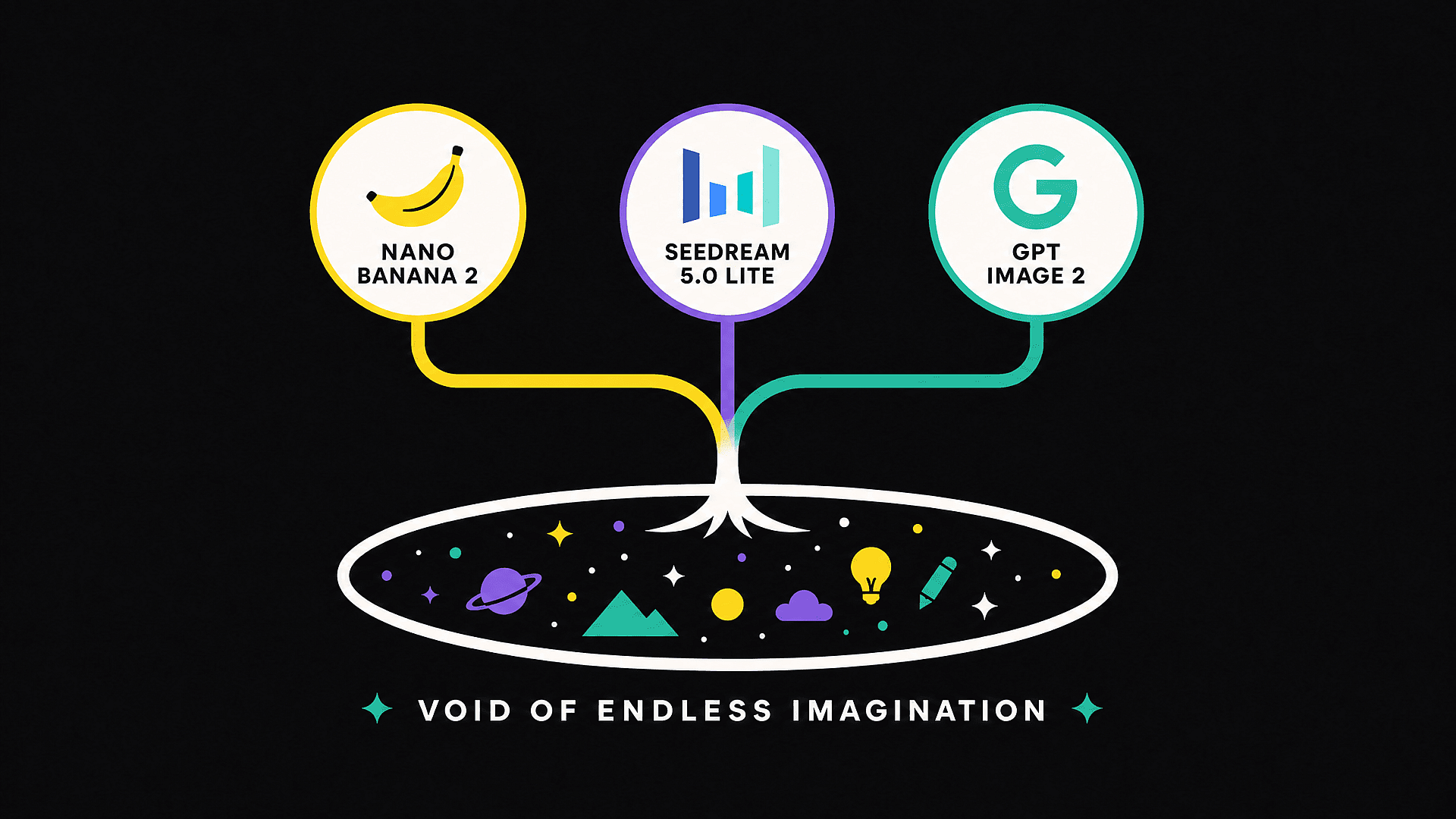
Access the world’s leading AI image modelsm, all from a single canvas. Whether you need GPT Image 2 for flawless text rendering and structured composition, Nano Banana Pro for rock-solid character consistency, Seedream 5.0 Lite for photorealistic portraits, we’ve got you covered.
Character Consistency That Actually Holds
OpenArt’s Character feature keeps the same face, outfit, and visual identity across every image in a project. Build a recurring protagonist for a webcomic, a brand mascot that looks identical across 30 social posts, or a story character who maintains the same outfit from chapter one to chapter twenty. Other generators usually drift after a few iterations. This one does not.
Edit and Upscale Without Starting Over
When an image is almost right but the hands look off, do not regenerate the whole thing. Use Edit Image to fix specific regions, change outfits, adjust expressions, or restyle just a portion. When you are happy with the composition, upscale to high resolution with detail enhancement so it is ready for print, print-on-demand, or large-format display.
Built for the Way Creators Actually Publish
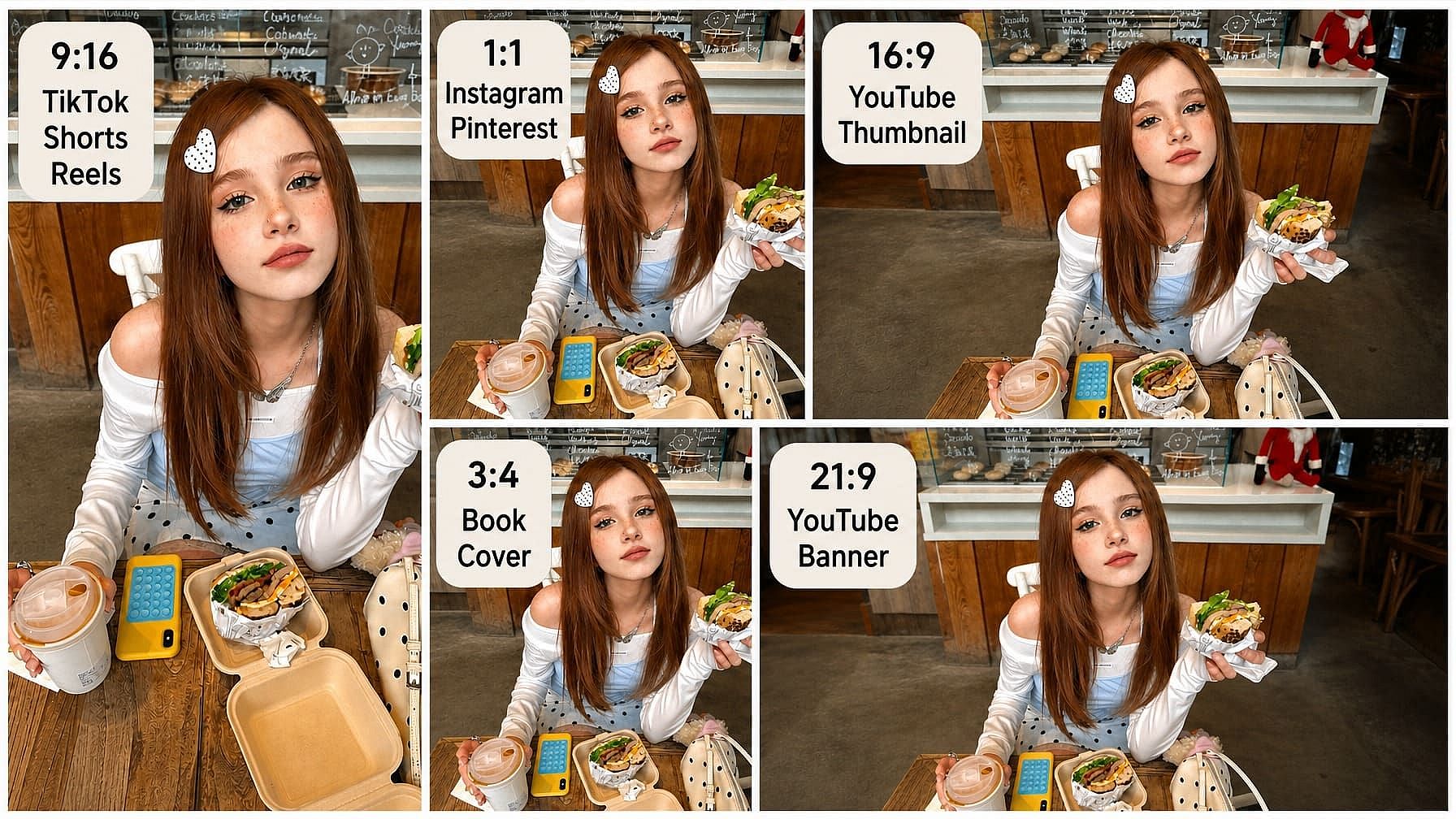
Generate directly in the aspect ratios that real creators use: vertical for TikTok, Shorts, and Reels; square for Instagram and Pinterest; widescreen for YouTube thumbnails and banners; and book-cover proportions for print. No more cropping after the fact and losing the composition you spent ten minutes prompting for.
More Ways to Create and Edit
Top AI Models for Image and Video Creation
Explore leading AI image and video models from multiple providers in one workspace. Compare their strengths across art styles, image generation, animation, and video creation, then choose the right model for your project.
How to Use the AI Art Generator
From Prompt to Finished Image in Three Steps
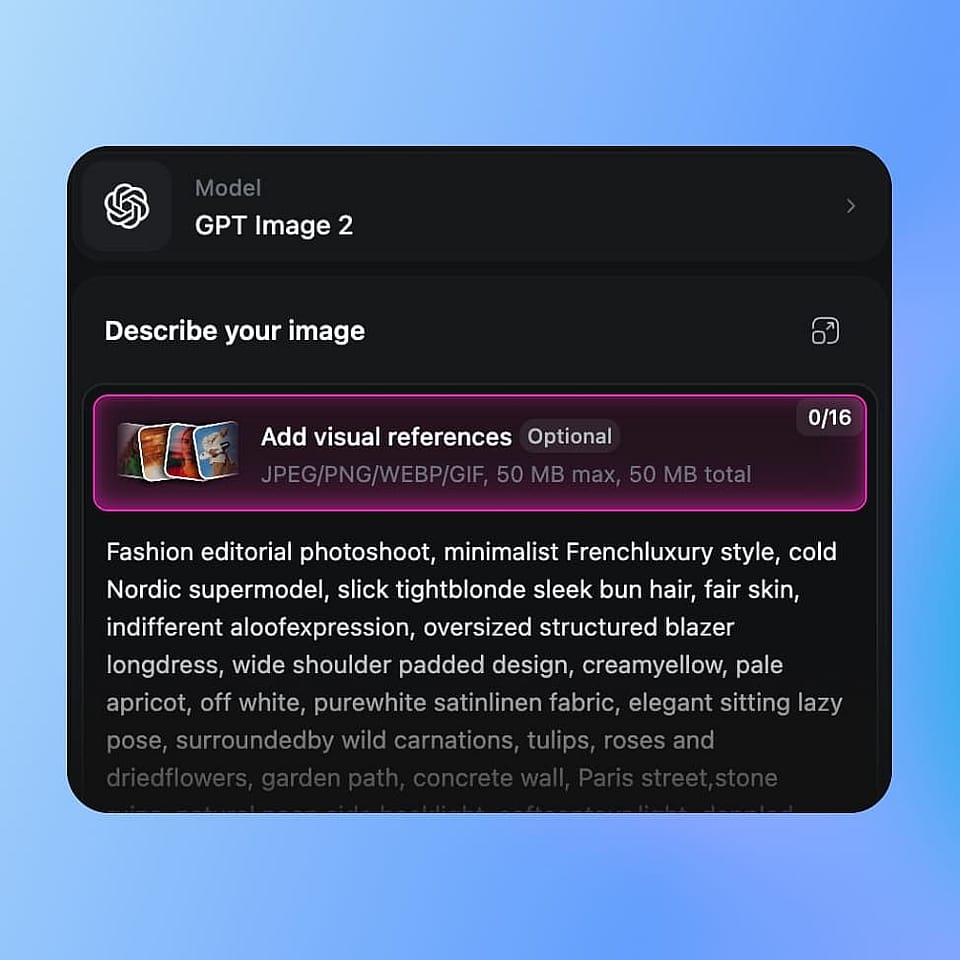
Pick a model and write your prompt
Open the OpenArt Suite and choose a model like Flux 2 Max or Nano Banana Pro. Type or paste your prompt.
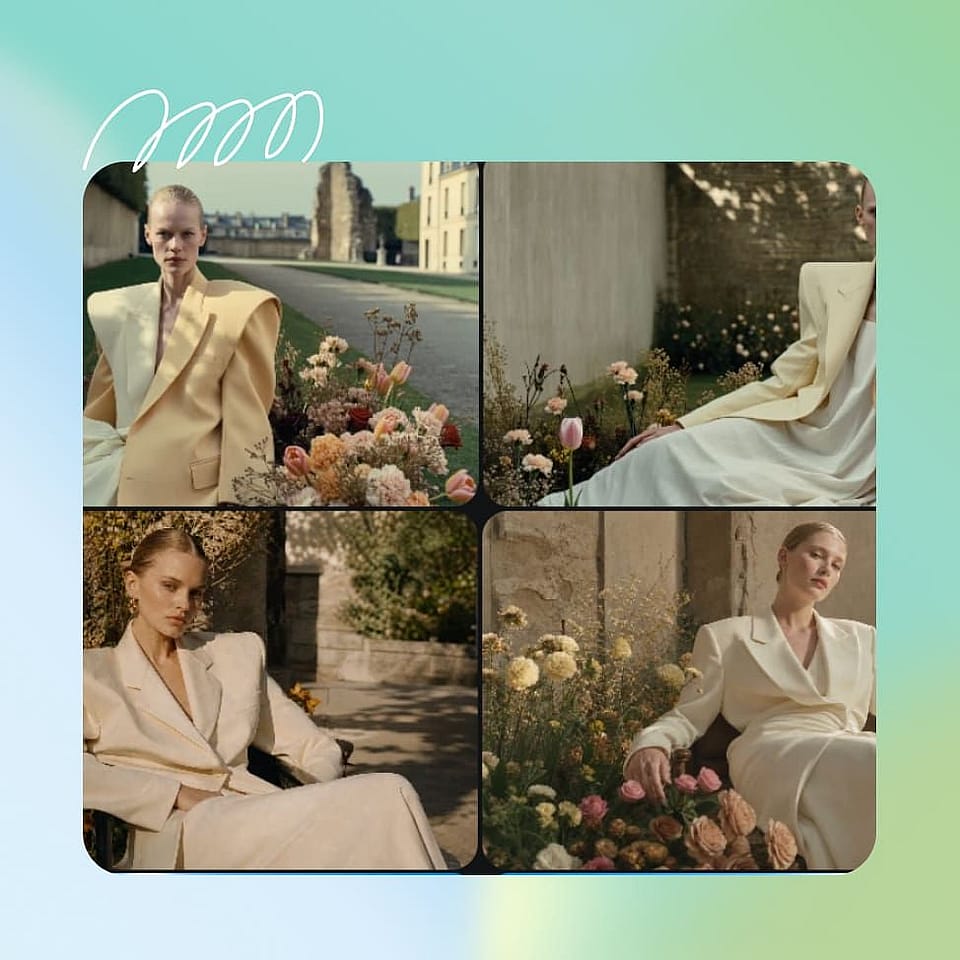
Generate, iterate, and refine
Generate 4 variations, choose the one and refine only what needs fixing. Adjust lighting, outfits, expressions, hands, or small details with Edit Image instead of starting over.
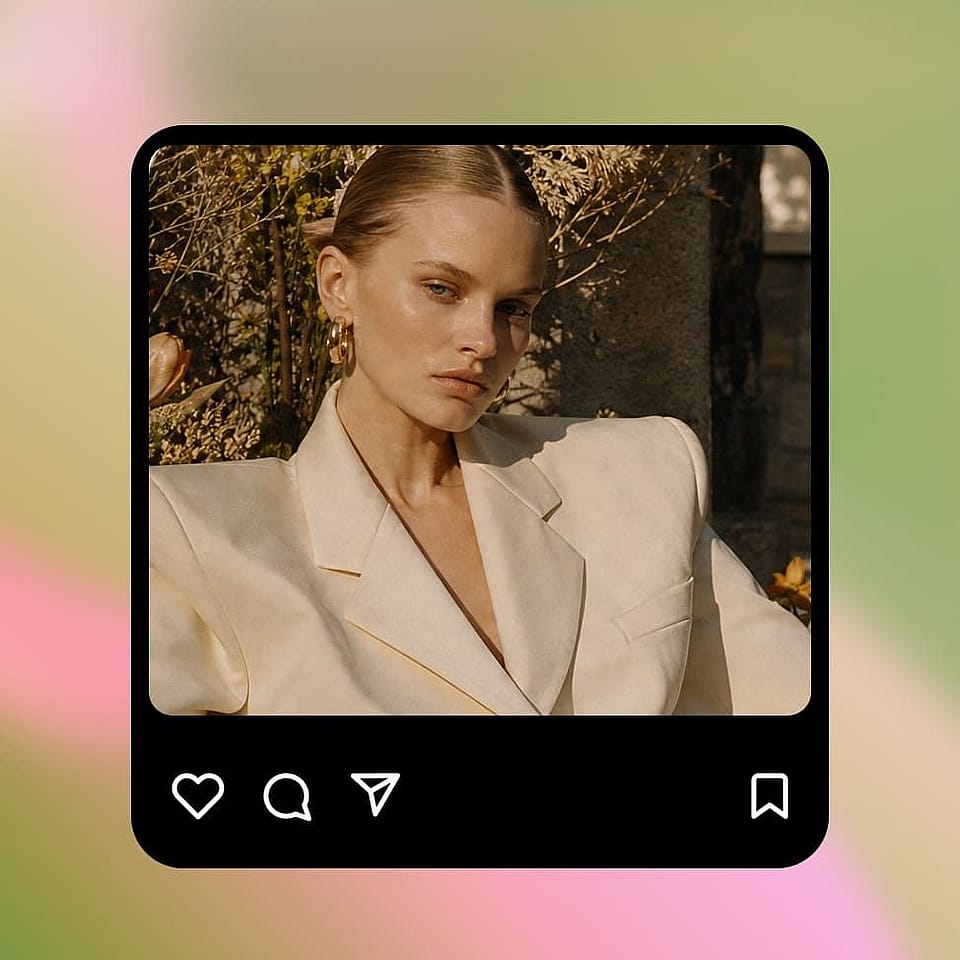
Upscale and export
Once you have the image you want, upscale to 2K or 4K with detail enhancement. Export to PNG, JPG, or WebP.
Create Stunning AI Art in Every Style
From anime scenes and cinematic portraits to pixel art, storyboards, and brand campaigns, OpenArt covers the styles that actually show up in creator searches.
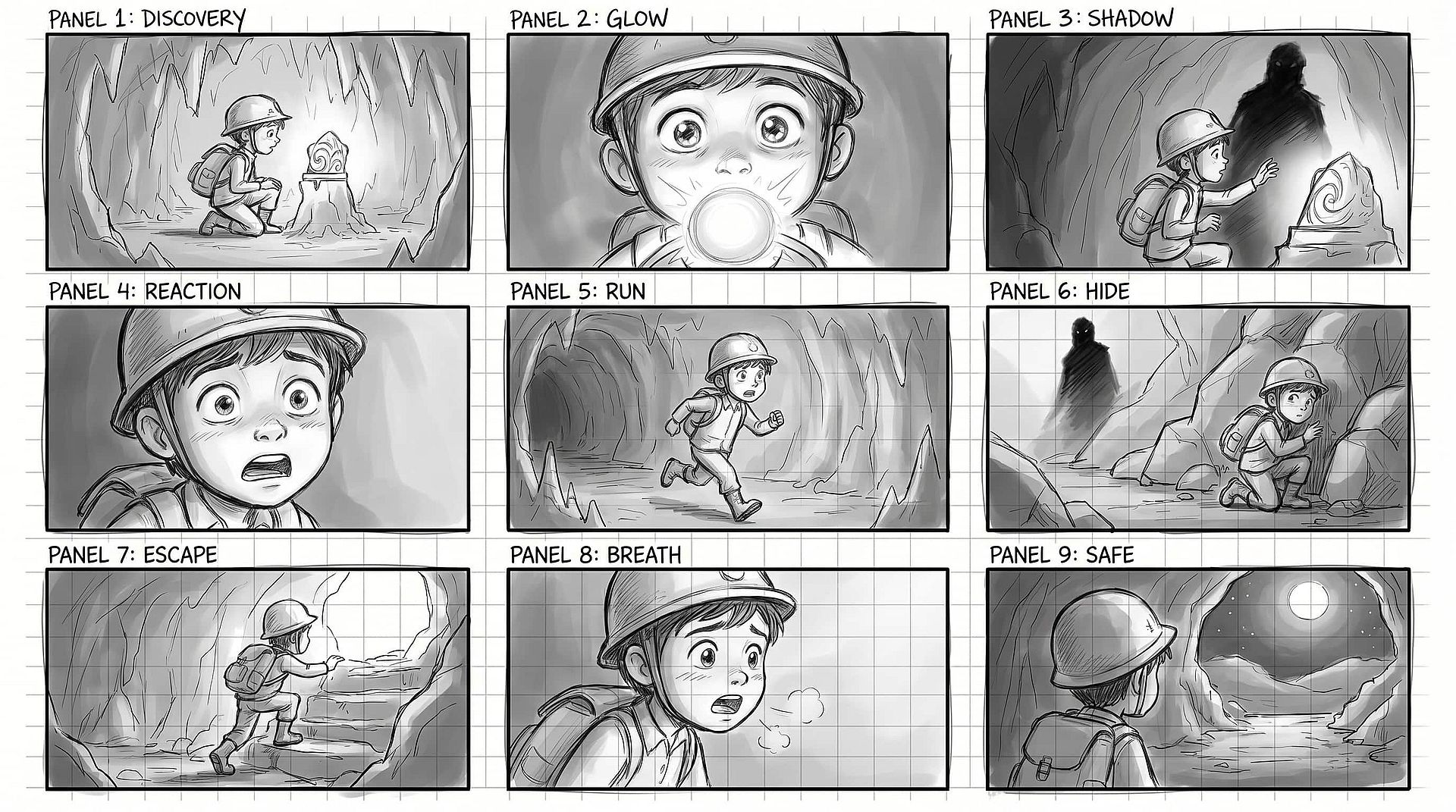
Anime Art and Manga Panels
Create anime characters, manga panels, key visuals, and illustrated scenes in styles ranging from retro 1990s animation to modern webtoons and watercolor manga. Use character references to keep faces, outfits, and visual details consistent across a complete series.
Try it Now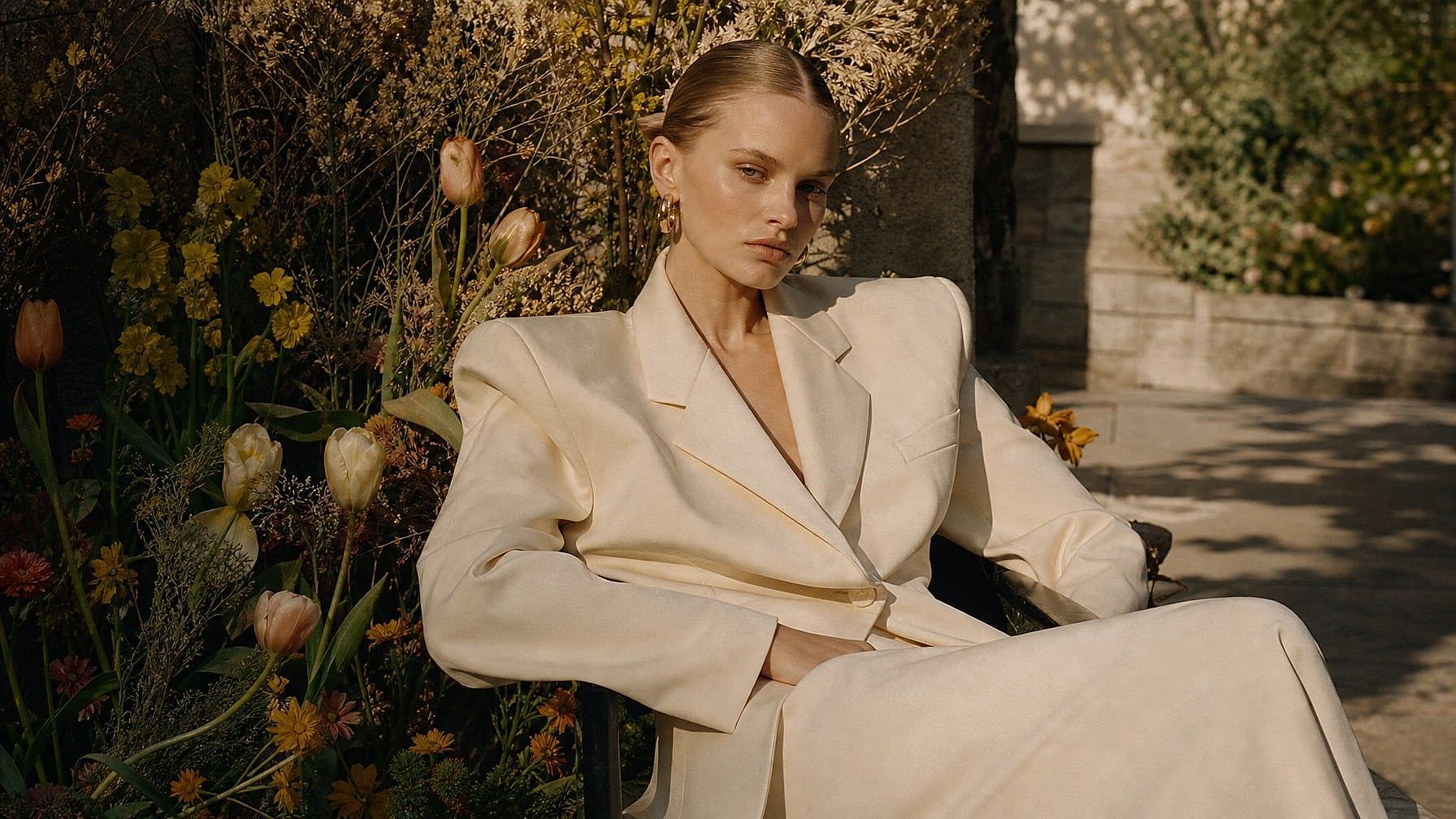
Cinematic Portraits and Editorial Images
Create photoreal portraits with cinematic lighting, film grain, and editorial composition using Seedream 5.0 Lite. Perfect for personal photo series, magazine-style social posts, YouTube thumbnails that look like film stills, and high-end creative campaigns where AI cannot look obviously AI.
Try it Now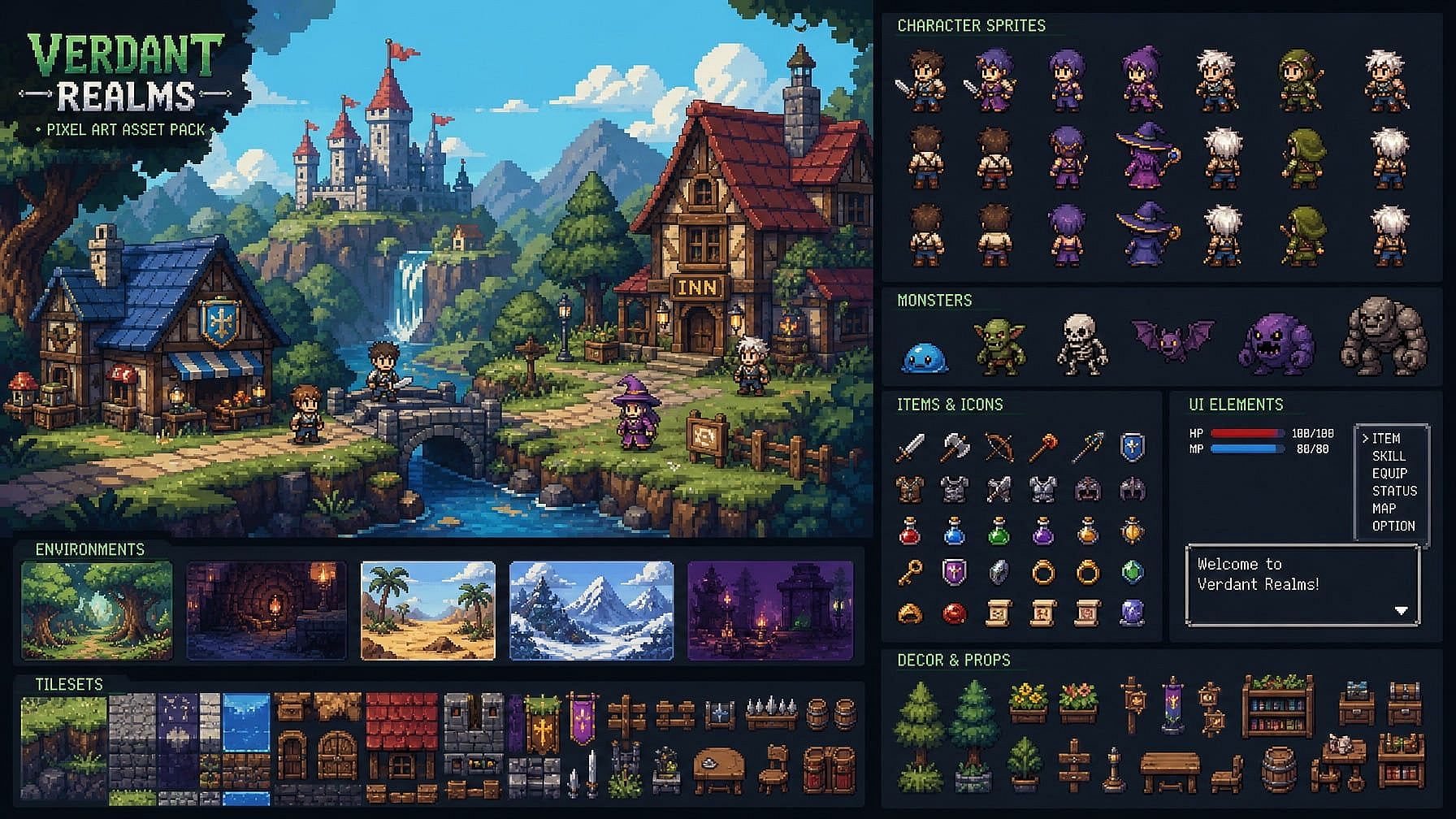
Pixel Art and Game Assets
Design pixel art characters, environments, objects, and retro game assets with clear stylistic direction. Create 8-bit or 16-bit visuals for indie games, RPG concepts, social content, merchandise, and early-stage worldbuilding.
Try it Now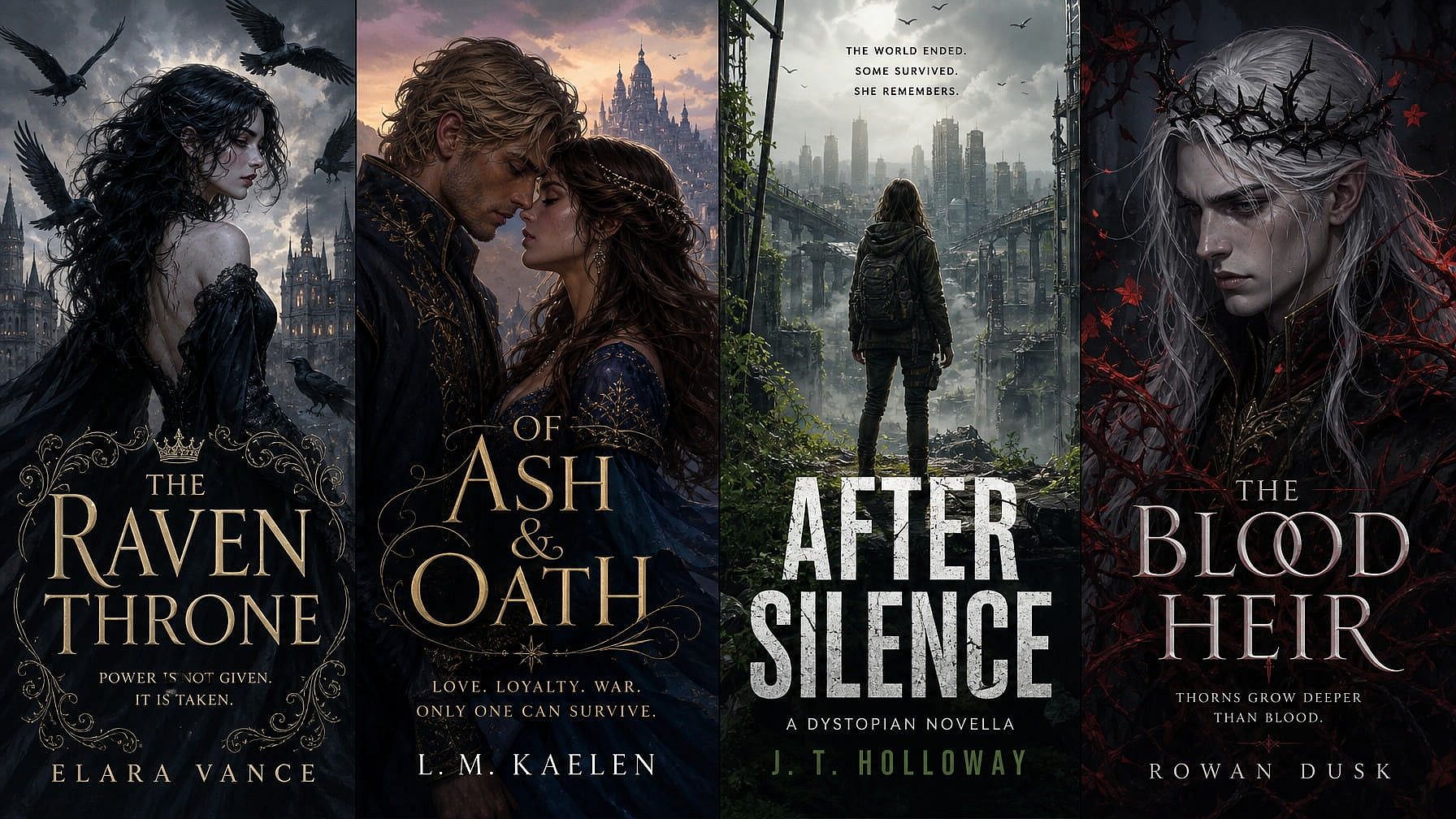
Book Covers and Illustrated Content
Create striking hero illustrations for novels, novellas, indie publishing, and serialized fiction. Refine details with Edit Image, swap text positioning with GPT Image 2, and upscale for print resolution without restarting the composition.
Try it Now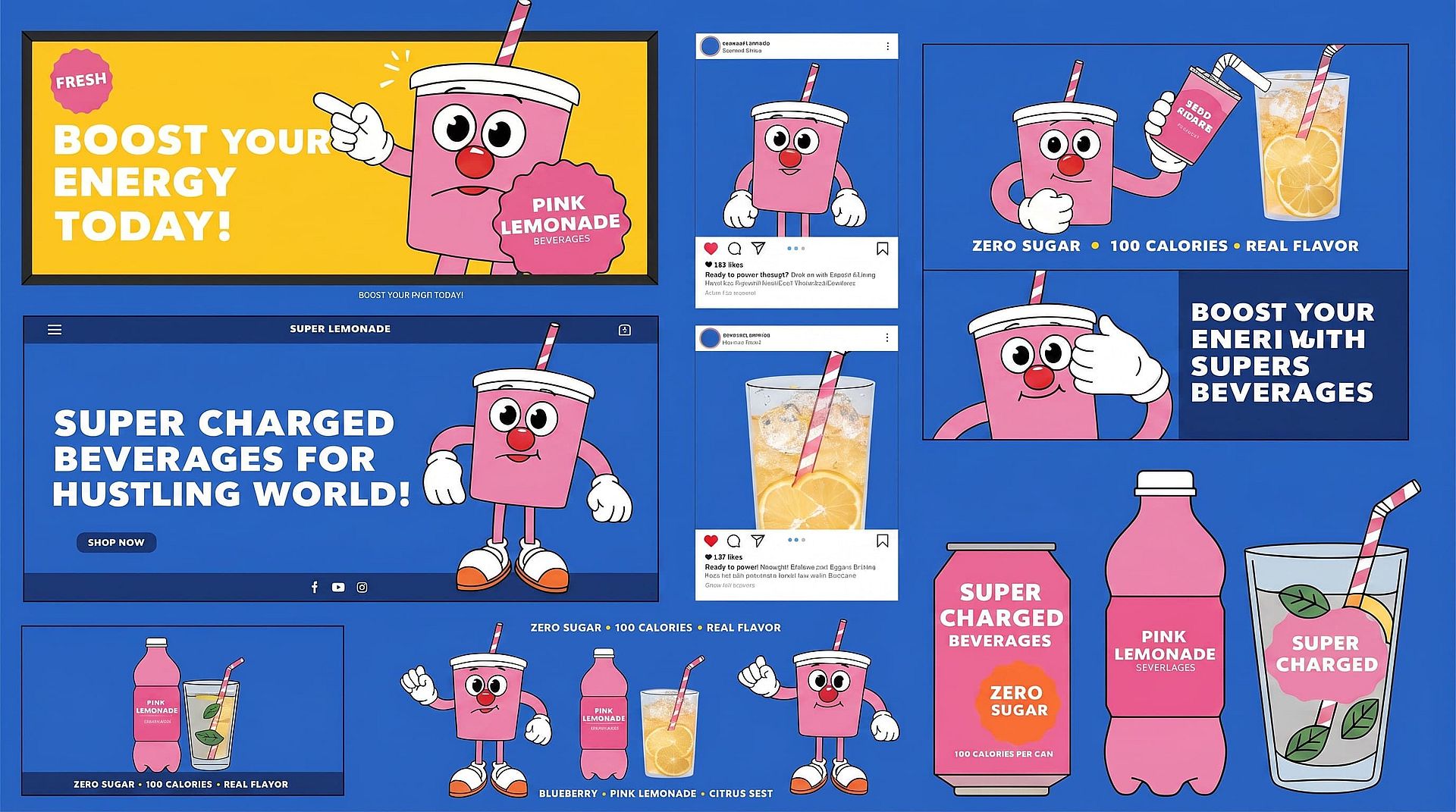
Brand Visuals and Campaign Creative
Generate illustrations and visual concepts for ads, landing pages, social media, packaging, and marketing campaigns. Use character references and OpenArt’s AI Brand Kit to keep characters, products, logos, colors, and visual styles consistent across every creative variation.
Try it Now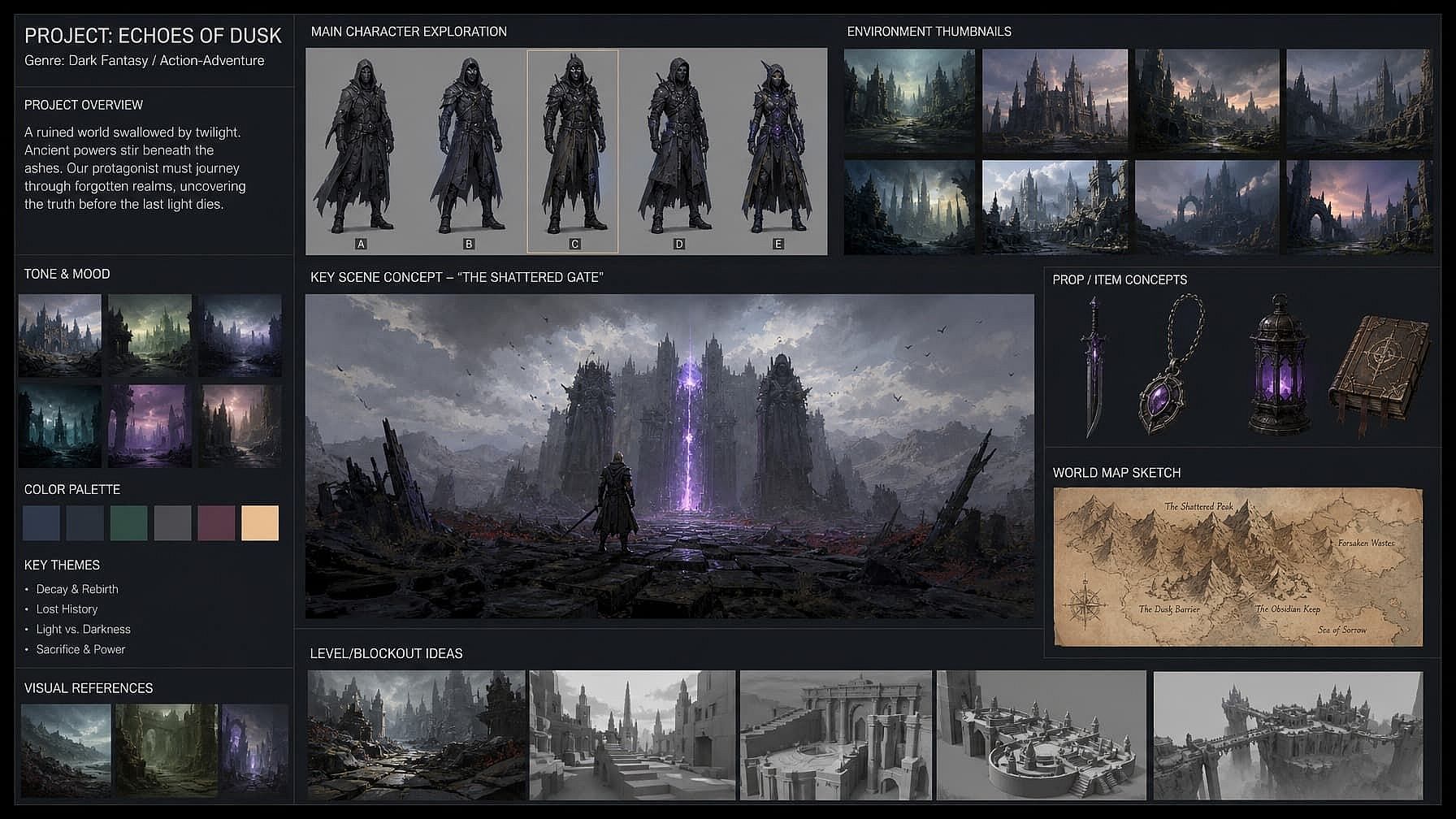
Concept Art and Storyboards
Visualize scenes, characters, and environments before production. Used by indie filmmakers, game designers, animators, and worldbuilding teams who need fast-moving visual exploration before locking direction.
Try it NowFrequently Asked Questions
An AI art generator is a tool that turns text prompts or reference images into digital artwork. It can create anime, paintings, illustrations, pixel art, concept art, fantasy scenes, and other artistic styles without requiring traditional drawing or painting skills.
Yes. The Character feature anchors faces, outfits, and visual identity across many images, scenes, or projects. Use it for webcomics with a recurring lead, branded content that needs the same mascot across a campaign, or storyboards where a single character appears in dozens of frames without drifting.
Yes. Edit Image lets you fix specific regions of an image—change an outfit, adjust an expression, fix a hand, swap a background object—without touching anything else. Most generators force you to restart the prompt and lose what you already liked. OpenArt does not.
You can upload JPEG, PNG, and WEBP files as reference images. Generated outputs can be downloaded as PNG or JPEG. PNG keeps transparency intact, which matters if you're using the background remover or working with sticker-style outputs.
No. Start with a simple description of the subject and style you want. Adding details about the artistic medium, colors, lighting, composition, and mood can give you more control. You can browse these AI image and art prompts for examples or use the Image-to-Prompt Generator to create a prompt from a reference image.
OpenArt provides access to multiple AI image models in one workspace. Different models are suited to different tasks, including readable text, realistic portraits, anime, illustration, graphic design, character consistency, and fast creative exploration. The available model lineup is updated as new models launch.
You can create anime and manga art, digital paintings, watercolor illustrations, oil-painting styles, pixel art, game assets, book covers, fantasy scenes, concept art, storyboards, character designs, graphic artwork, and abstract compositions. The final result depends on your prompt, reference images, and selected model.
Yes. Upload a photo, drawing, or rough sketch and describe how you want it transformed. OpenArt’s AI Image-to-Image Generator can preserve the original composition while changing the colors, details, medium, mood, or artistic style.
Get Insights from Experts Blog
Get the insights you need. Our experts share actionable hacks, break down the hottest topics, and provide essential how-to guides to help you build, optimize, and scale.
Read More

Create without limits
Join thousands of creators using OpenArt to generate stunning images, videos, and more — all in one platform.
Get Started for Free →