

AI Logo Generator
Turn a brand idea into logo directions you can see, compare, and refine. OpenArt's AI logo generator lets you start with a written brief or visual reference, explore different image models, and create marks for a business, product, channel, or campaign.
Key Feature of AI Logo Generator
Several Top AI Models on One Brief
Send one brief to several models and compare. GPT Image 2 holds detail in small text and icon shapes. Nano Banana Pro specializes in in-image text, so it suits wordmarks. Seedream 4.5 handles layout, which combination marks need. One workspace, one subscription.
Iteration Instead of Re-Rolling
Most logo tools give you one engine and a page of variations. When none of them land, all you can do is generate again. Here you swap the reference, tighten a few structural words, or move the same brief to a different model.
The Logo Is Not the Last Asset You Need
A finished mark immediately needs an avatar crop, a header, a launch clip, and social posts. Animate it with Kling 3 Omni, build supporting visuals with the AI image generator, or clear a competing mark out of a reference photo with remove logo from photo.
Reference Images, Not Just Prompts
You do not have to describe everything in words. Upload an old logo, a paper sketch, or a photo whose palette you want, and the models steer toward it. Layer several references at once to hold both shape and color together in one mark.
Refine and Upscale Without Regenerating
Fix what is wrong without starting over. Use Edit Image to change one letter, swap a color, or clean up a shape in the mark you already like. Then run the final version through Image Upscale to get a sharp file for print and large screens.
Check Brand Similarity Before You Commit
A mark you like is worth checking before it goes on a storefront or a shipment of packaging. OpenArt's IP Safety Check, powered by CopySight, flags brand similarity in your output, so you catch a resemblance while it is still cheap to change.
How to create a logo with OpenArt
From Brief to Finished Logo in Three Steps
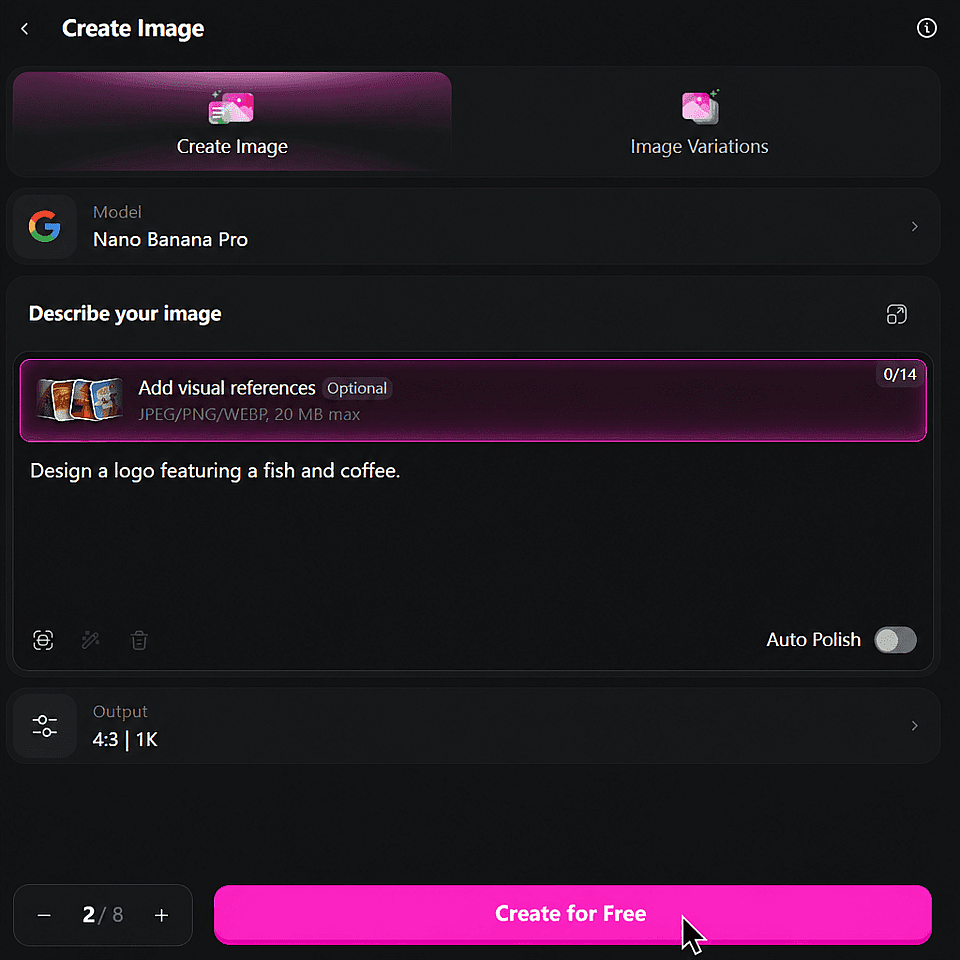
Write the brief and name the structure
Open the OpenArt Suite and pick a model. Describe the business and say which structure you want: wordmark, icon, monogram, or combination mark. Have an old logo or a sketch? Upload it as a reference instead.
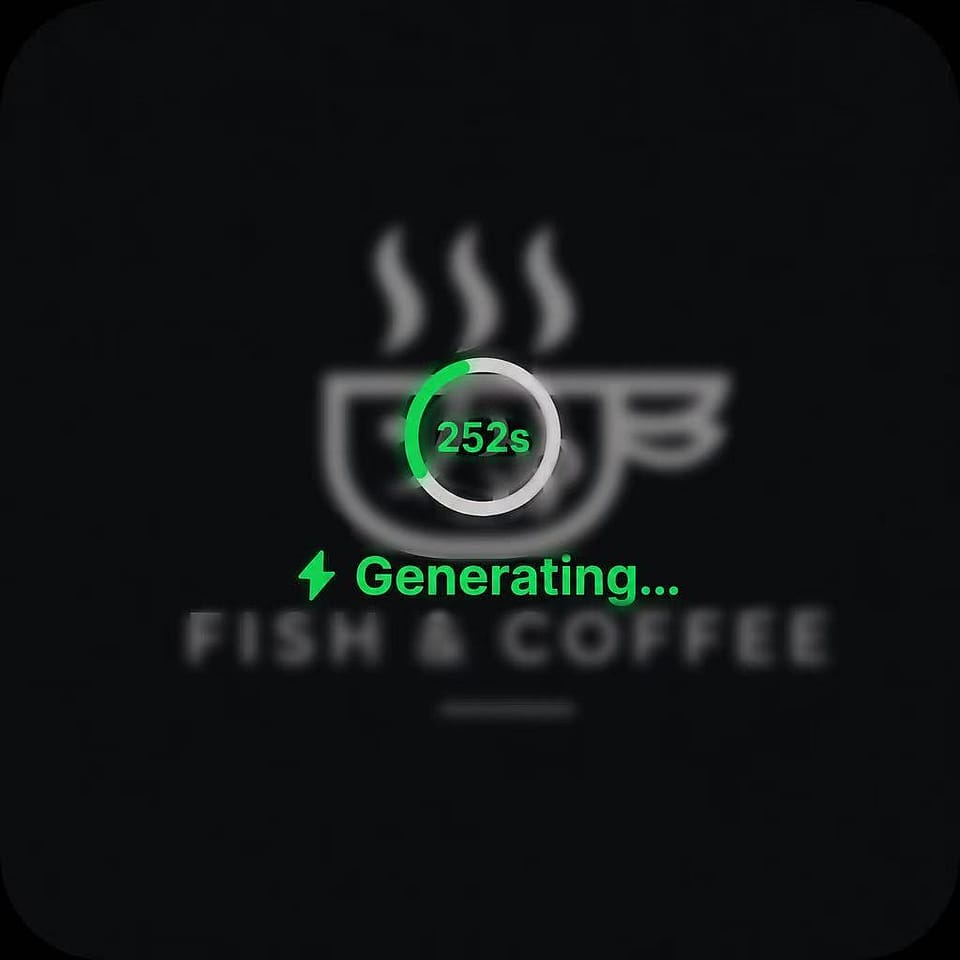
Generate across models and compare
Run the same brief through two or three models. Generate four concepts each, then pick the one closest to right and refine only what is wrong.
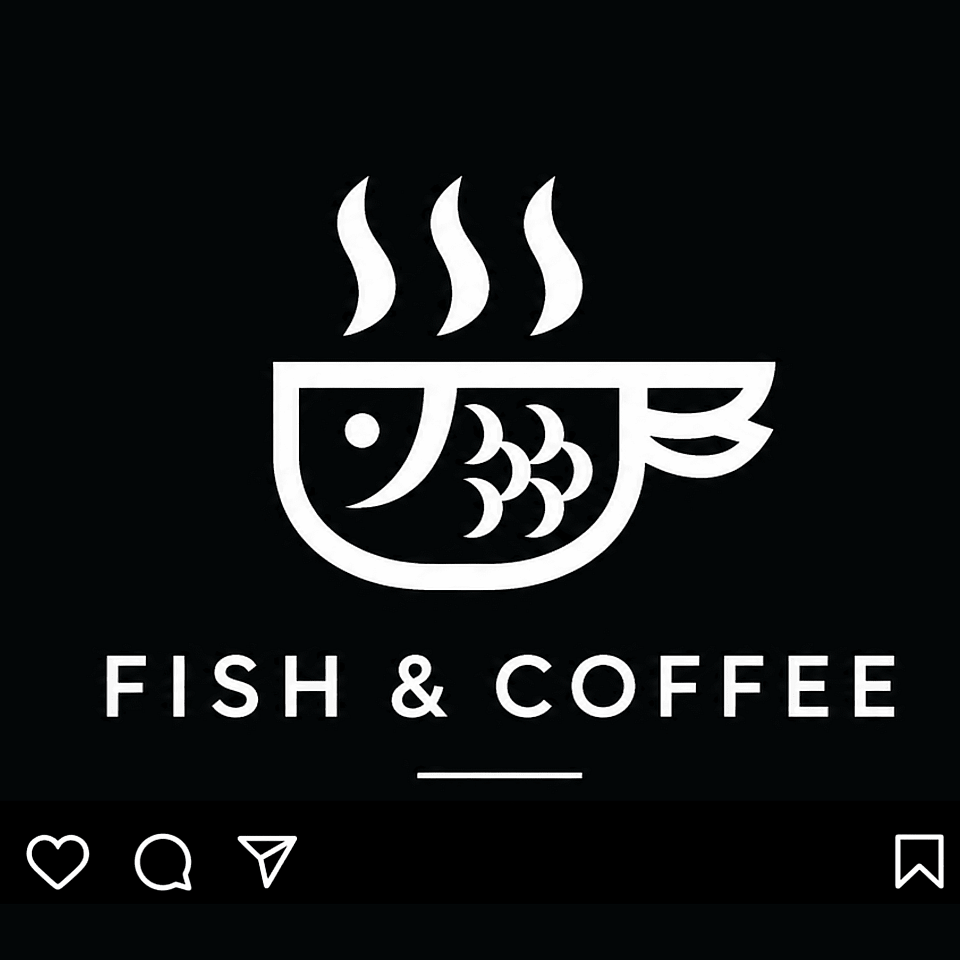
Check it small, then upscale
Shrink the mark to favicon size before you commit. Once it holds, upscale to 2K or 4K and export.
Create Logos for Every Kind of Brand
From a first real logo for a local business to a channel mark for a creator, OpenArt covers the logo work that actually shows up in searches.
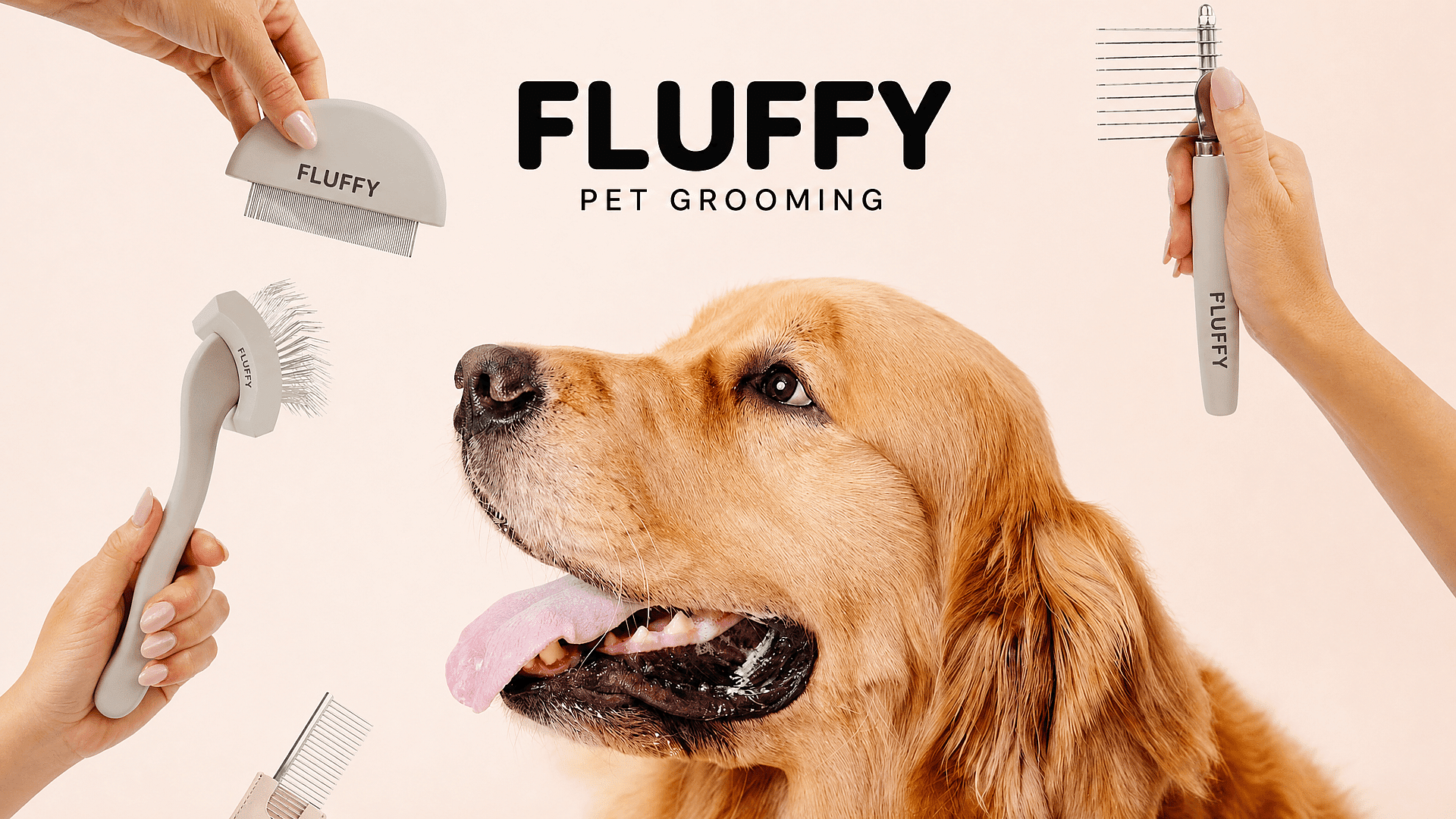
Create Logos for Small Businesses
Replace a text-only header or a stock icon with a mark that looks deliberate. Generate options for a cleaning service, nail salon, food truck, or dental practice, compare directions in one session, and land a mark before a website launch or a first paid campaign. KingdomClean, a local cleaning business, produced its own ad campaign inside OpenArt rather than hiring an agency. Logo work follows the same self-serve shape.
Try it Now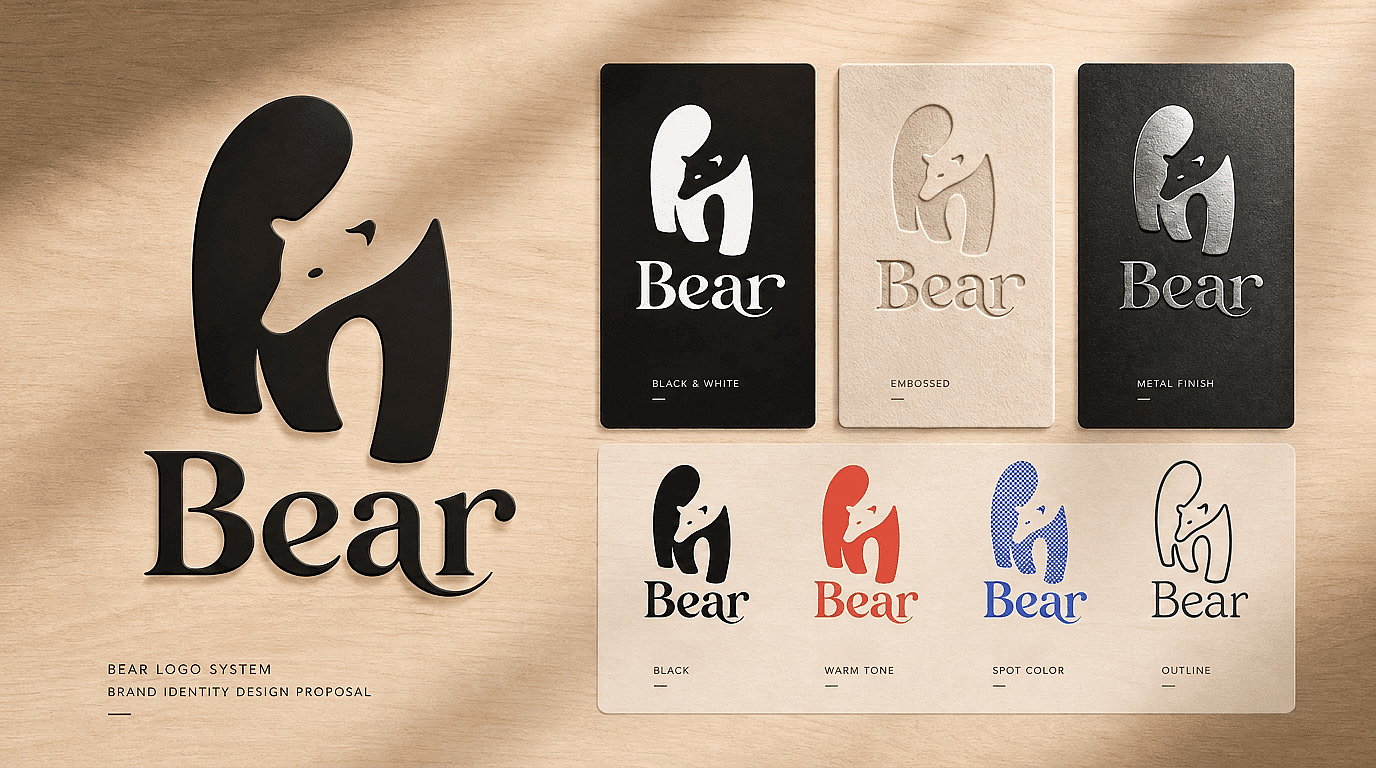
Logo Refreshes and Modernization
Keep the recognition and update the execution. Upload the existing mark as a reference and generate variations around its shape and color with Seedream 4.5, rather than describing a twenty-year-old logo from memory.
Try it Now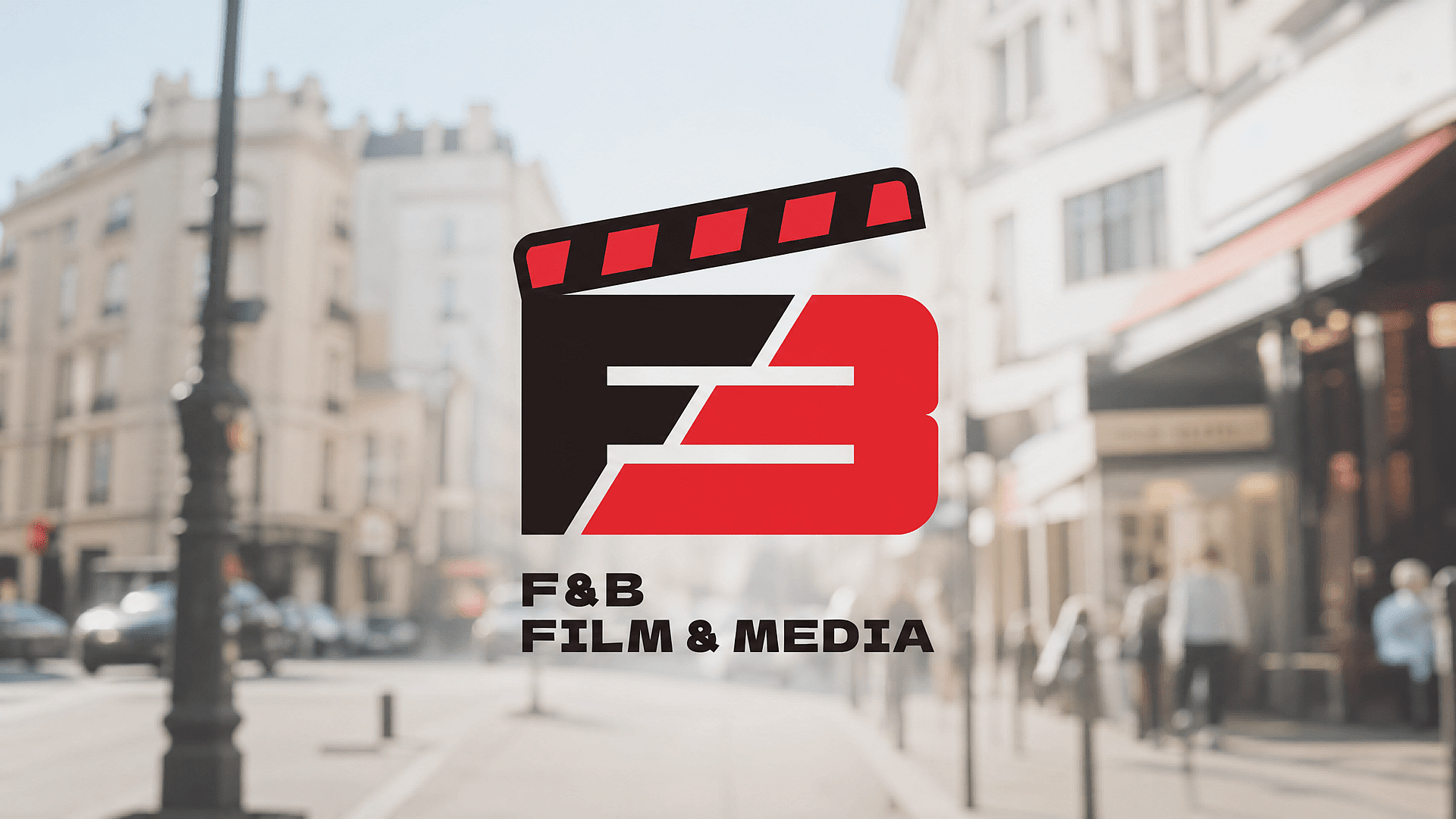
Wordmarks and Lettermarks
Build marks where the type is the logo. Nano Banana Pro renders clean in-image text, which is what makes wordmarks and interlocking monograms viable instead of coming back as garbled letterforms.
Try it Now
Creator and Channel Marks
Design a mark for a series, newsletter, store, or persona that holds up as a profile picture, a video end card, and a favicon. Generate the square, horizontal, and icon-only lockups from the same direction.
Try it Now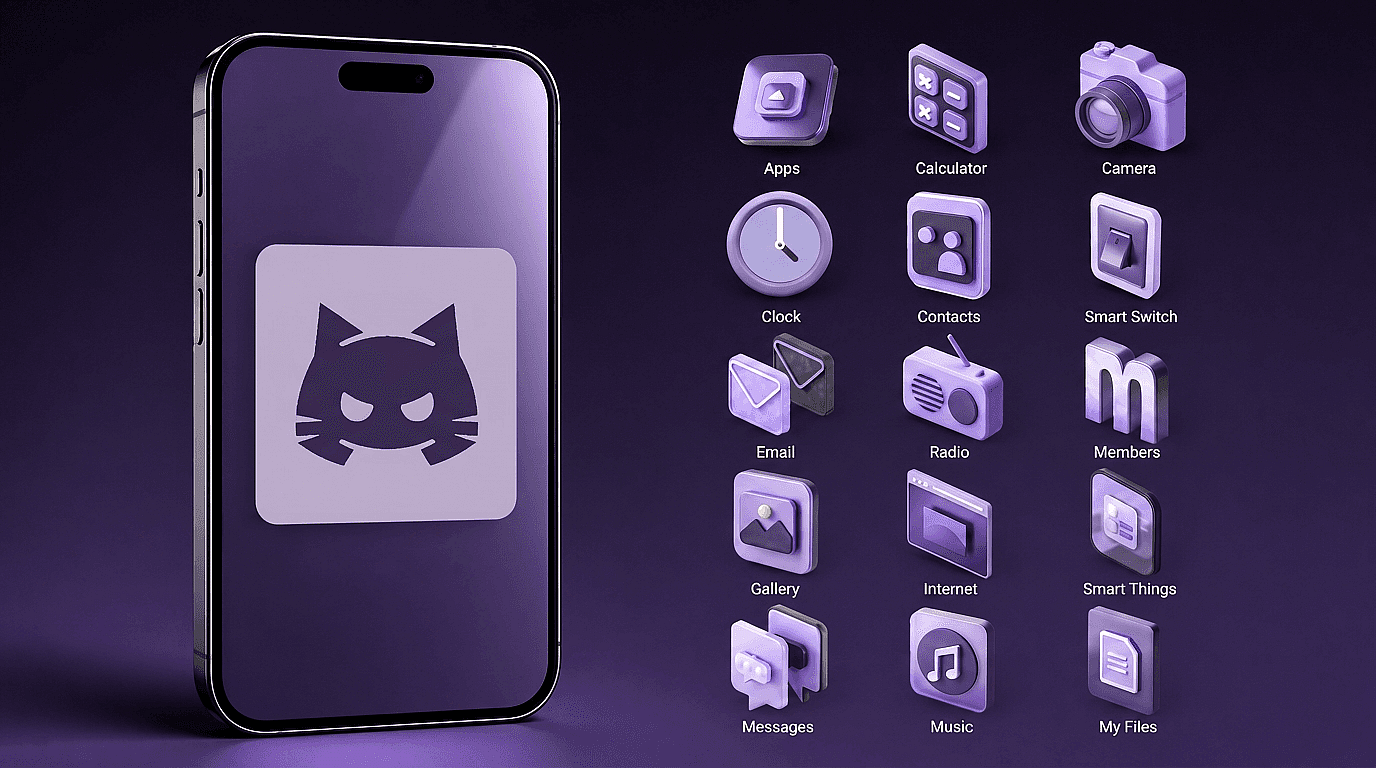
App Icons and Favicons
Design for the size the mark is actually seen at. GPT Image 2 holds icon-style detail and small shapes, so a mark survives the drop to 16 or 24 pixels instead of turning to mush.
Try it NowAnimated Logo Stings
Turn the finished mark into a short animated intro or outro with Kling 3 Omni, using the approved logo as the reference so the motion matches the identity you just signed off.
Try it NowFrequently Asked Questions
The best choice depends on the job. OpenArt is a strong fit for exploring custom visual concepts, using image references, comparing image models, and continuing the logo into a wider branded-content workflow. A dedicated logo maker may fit better when you need a packaged SVG, exact font controls, and preset logo layouts. A professional designer is the safer route for a high-value identity that needs deep strategy and legal review.
Yes. New OpenArt accounts get 40 free trial credits with no credit card required, which covers generating and comparing your first several logo directions before you pick a plan.
Generating a logo does not guarantee that it is original, exclusive, or eligible for trademark registration. Search for similar marks, keep records of your design process, and speak with a qualified trademark professional when the identity is commercially important.
Include the brand or product, audience, desired personality, logo structure, symbol idea, color direction, and practical constraints. Terms such as "flat," "one color," "clear negative space," and "recognizable at favicon size" usually provide more useful direction than vague praise words.
Look beyond the word "free." Check whether the free plan lets you download the result, which file formats are included, whether you can edit the text, and what the usage terms allow. OpenArt lets you start creating for free with 40 trial credits, so you can compare logo directions before you pick a plan.
Yes. Commercial rights apply on eligible paid plans, subject to OpenArt's terms and applicable law. Review the current OpenArt Terms and Pricing page before using a logo for a business.
OpenArt exports your logo as a high-resolution image file, not as an SVG with editable vector paths. When you need a vector version for print, signage, or embroidery, upscale the final image with Image Upscale first, then trace or redraw it in a vector tool. Clean, flat logos with one or two colors trace most accurately.
Yes. OpenArt's current Create Image interface supports visual references. Use them to guide color, composition, or visual mood, and upload only images you own or have permission to use.
Get Insights from Experts Blog
Get the insights you need. Our experts share actionable hacks, break down the hottest topics, and provide essential how-to guides to help you build, optimize, and scale.
Read More
