

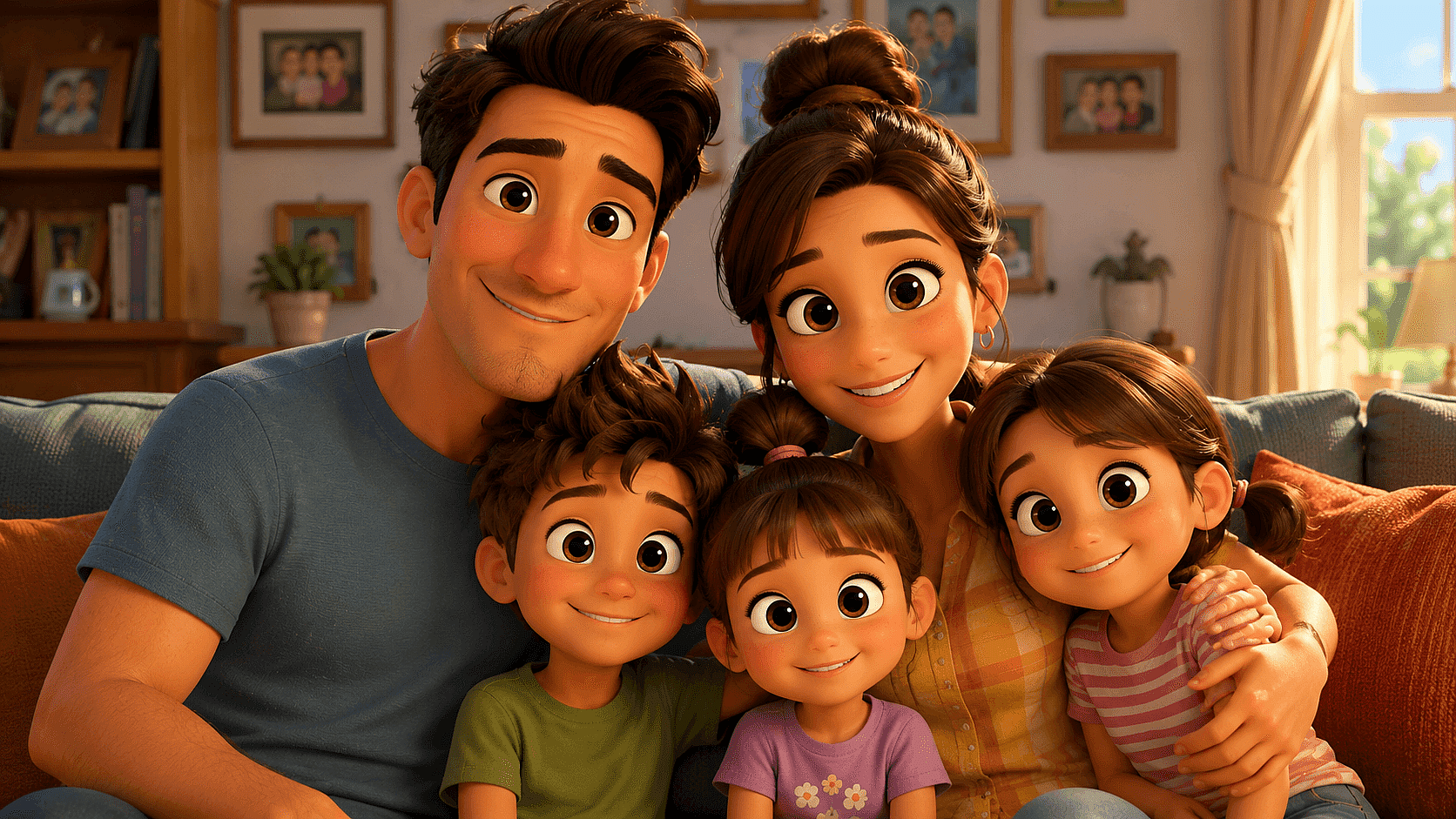
Add a Pixar Filter to Your Photos
Upload one photo. Get the big expressive eyes, soft cinematic lighting, and movie-poster finish of a real Pixar still. Free, no app, no watermark. And unlike a one-shot filter, OpenArt keeps your Pixar face consistent across new poses, portraits, and video.
Why Use OpenArt’s Pixar Filter



A Pixar Face that Looks Like You
OpenArt uses identity-preserving models like Nano Banana Pro and Seedream to hold onto your face shape, hair, and skin tone, so the result is recognizably you, not a generic cartoon.



Your Face Stays Consistent
OpenArt's Character feature locks your Pixar self in place, same face across every pose, scene, and image. Make it once, reuse it forever.
From Portrait to More Angles
Nine angles with Multi View. A character story in Director. An animated clip. The complete Pixar character workflow in one place.
Know more →How to Turn Your Photo Into a Pixar Character
Create Your Own Pixar Character in Three Steps.
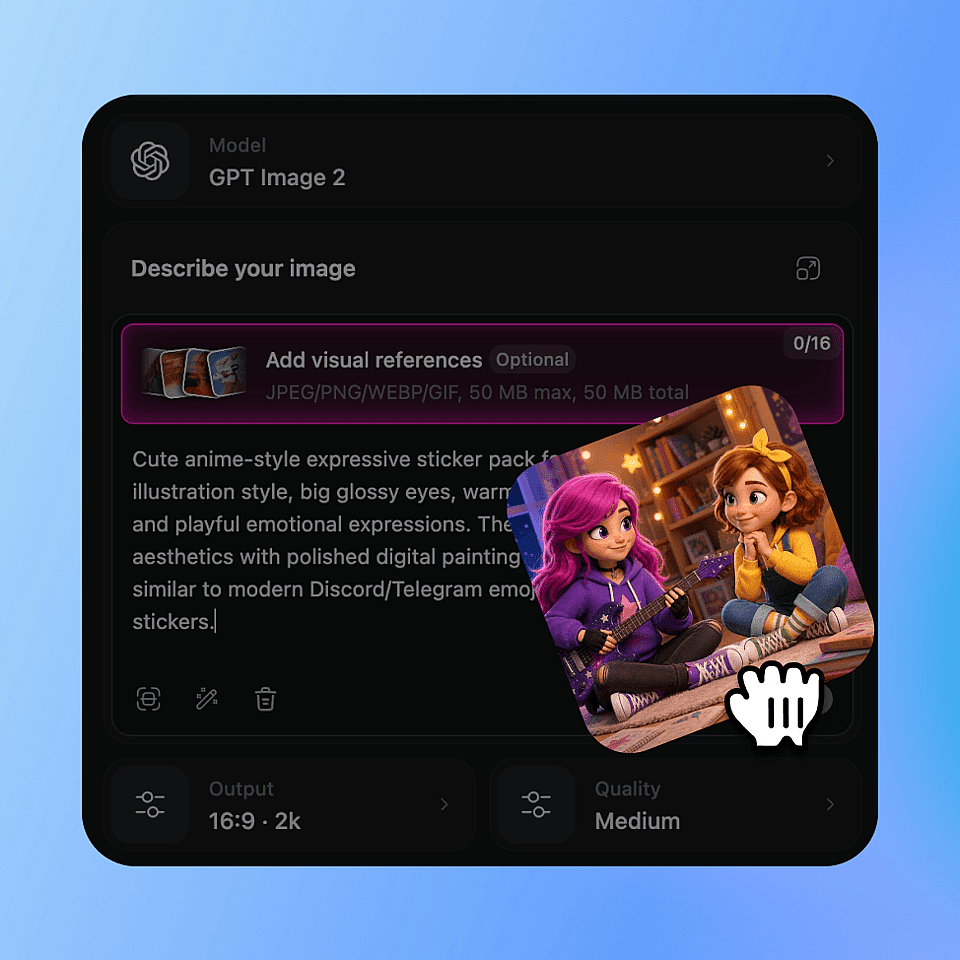
Upload your photo
Any clear selfie or portrait works (JPG, PNG, WEBP). Front-facing, decent lighting, the sharper the photo, the more you shows up in the final character.
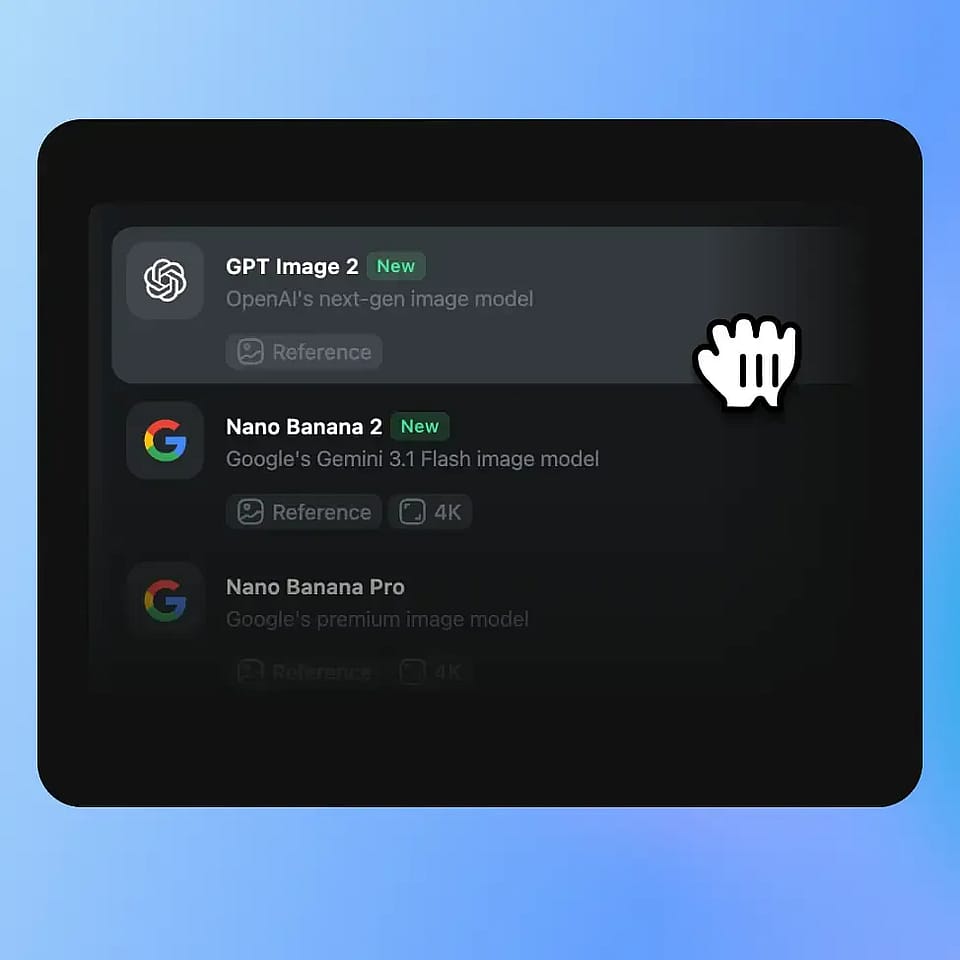
Prompt the Pixar style
Write the Pixar style and hit generate. In seconds: big expressive eyes, warm cinematic lighting, that animated movie color grade, your real features intact.
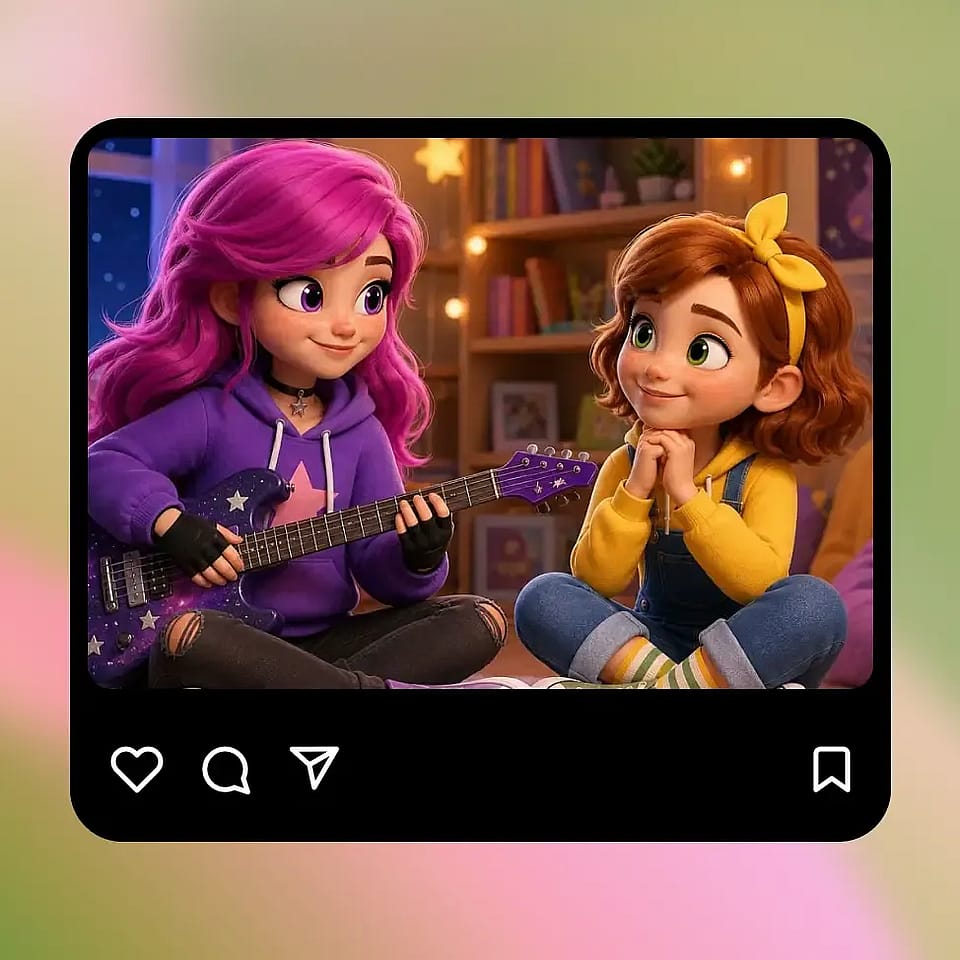
Generate & Download
Download in high resolution, watermark-free. Or keep going: generate the same character from new angles, drop it into a story, animate it into a clip. All in the same workspace.
Create in Every Pixar-Adjacent Style
One Pixar Filter for Every Style and Moment.
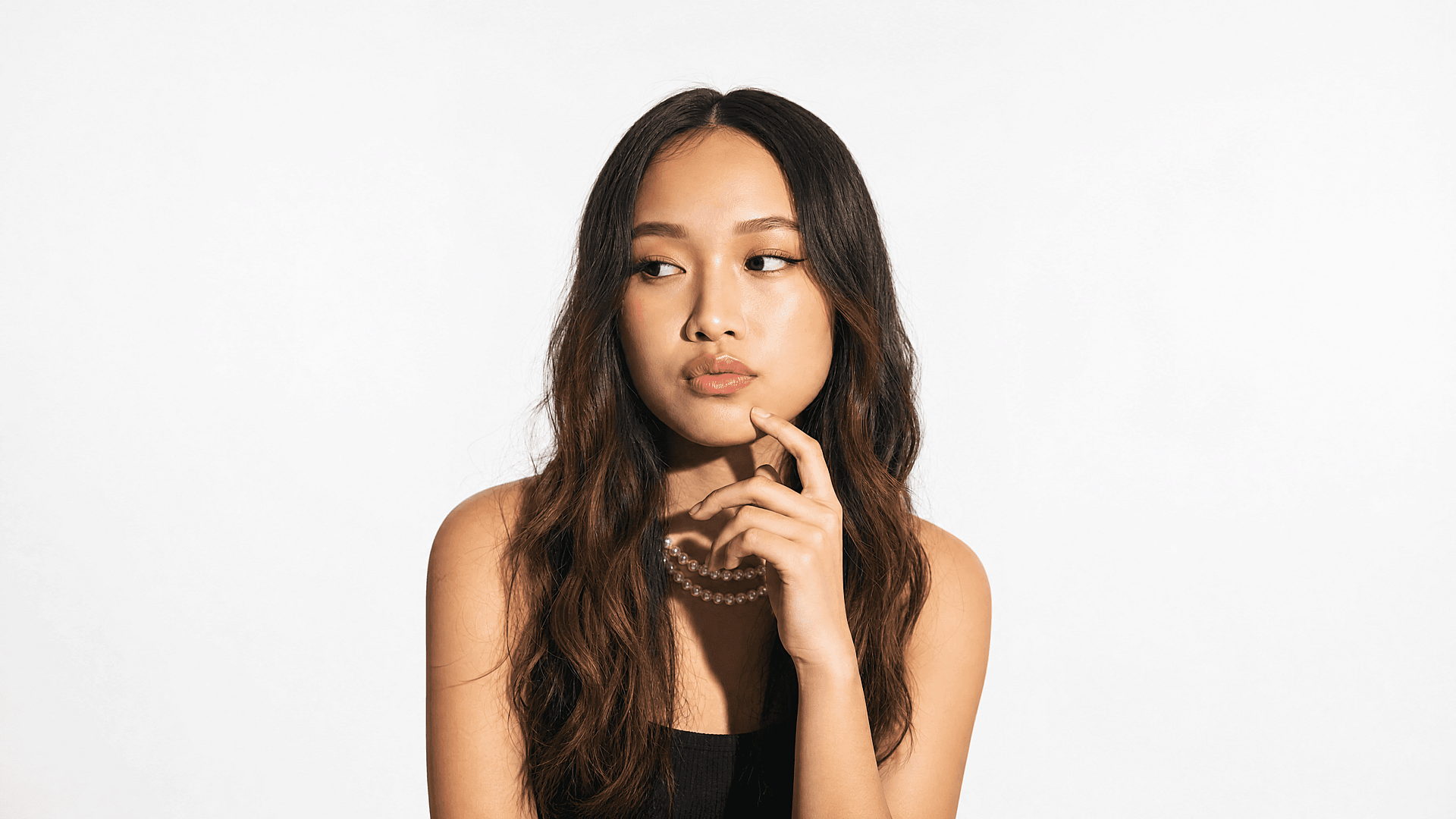
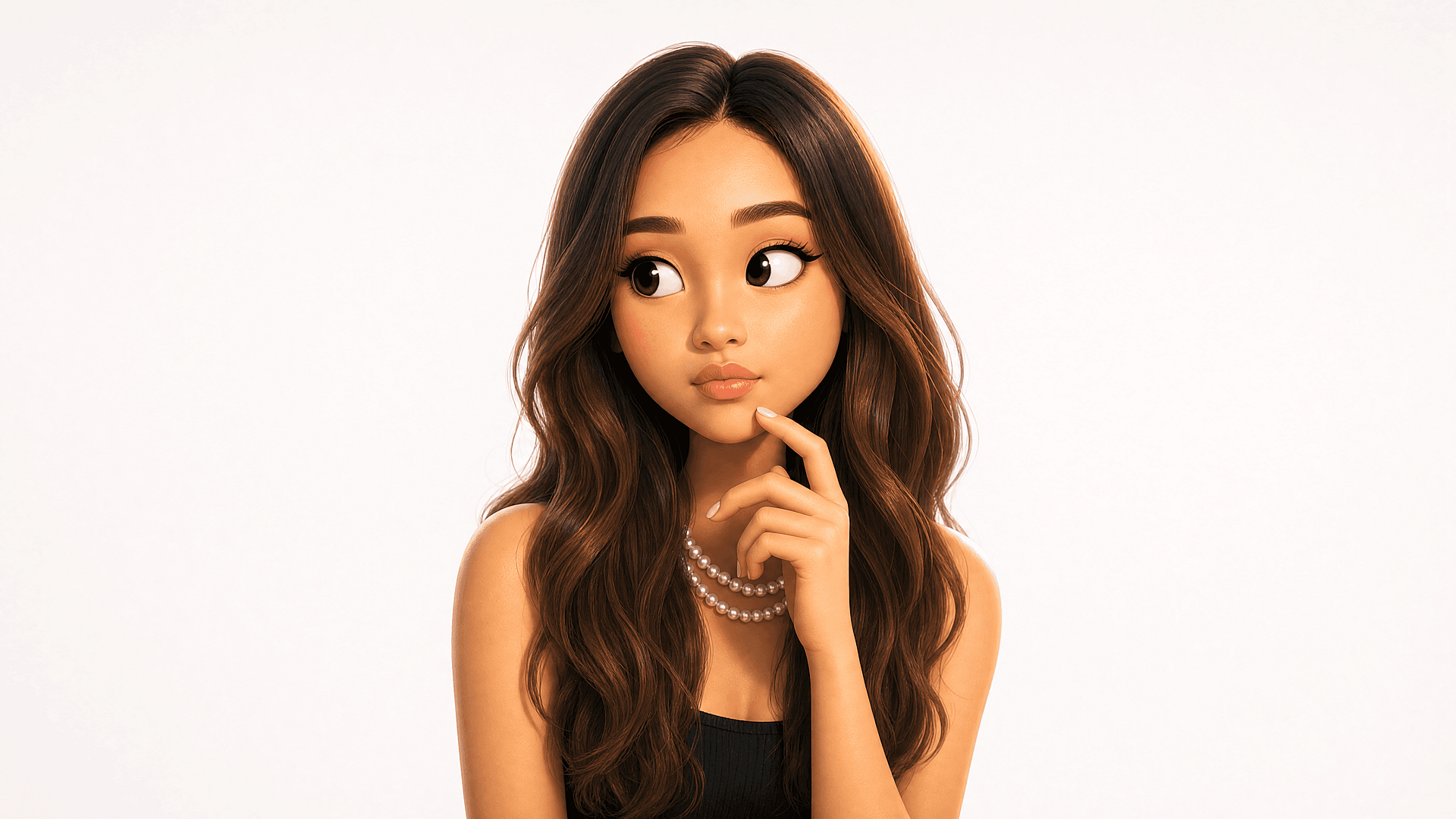
Your Pixar Self for Social
The Pixar wave is still going.The Pixar wave is still going. Turn your selfie into a 3D Pixar-style avatar ready to post on TikTok, Reels, Instagram, or set as your profile pic. Higher quality than any lens that's here today and gone tomorrow, and actually looks like you. Keep the same avatar across every post with Consistent Character AI.
Try it Now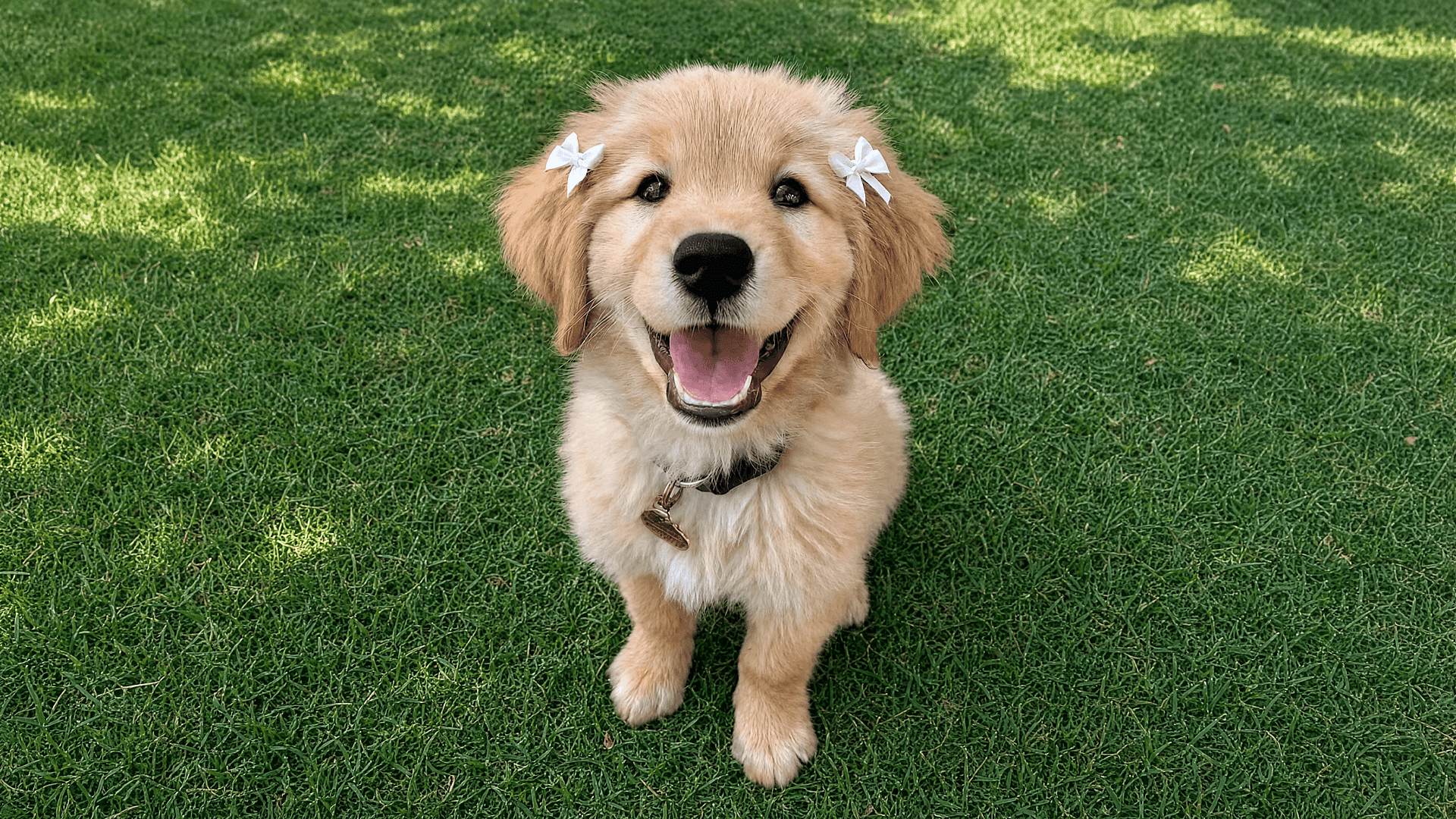
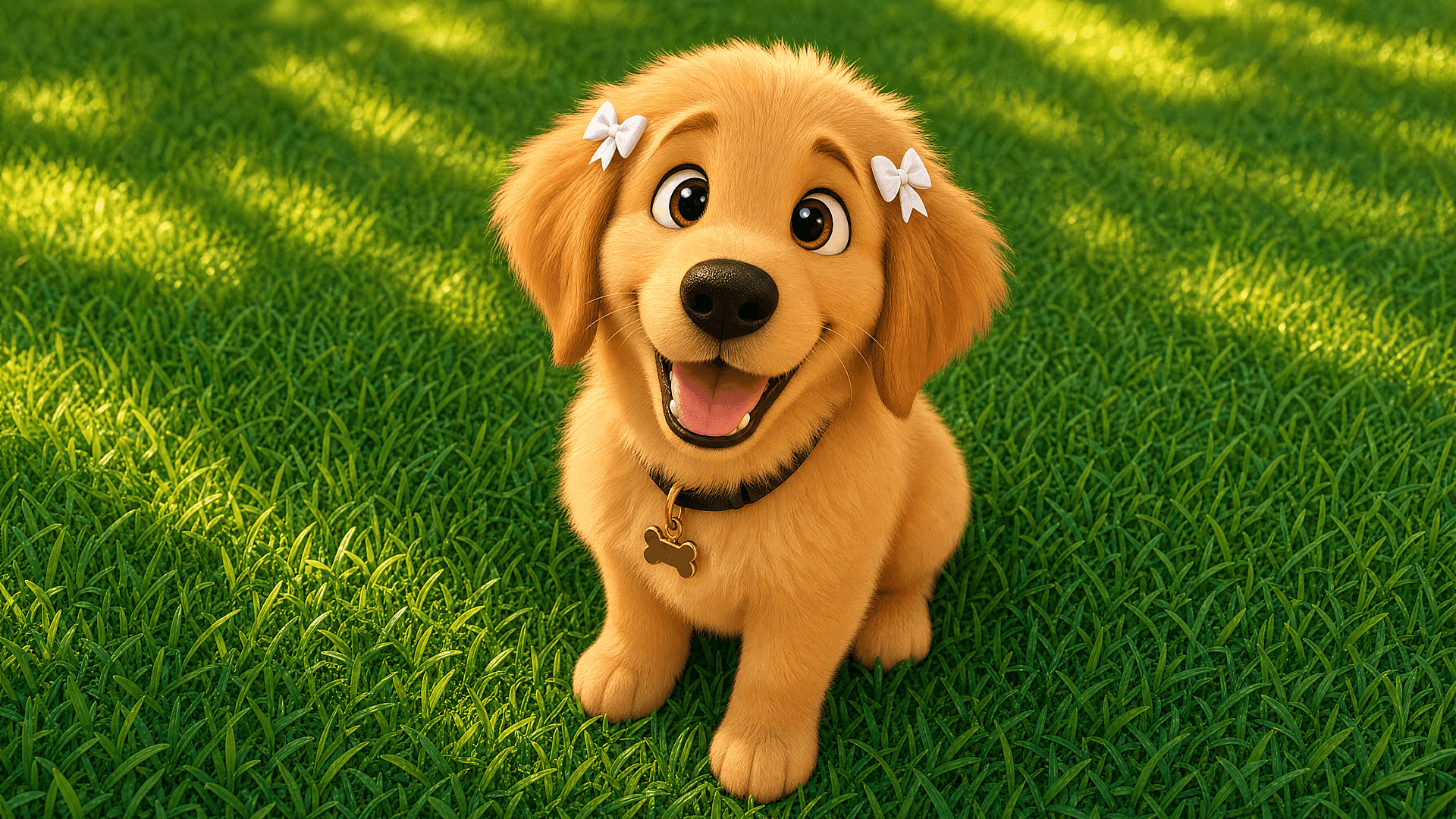
Couples, Family, and Pets
Upload a couple's photo, a family portrait, a picture of your dog, or turn everyone into Pixar moms and see the whole family reimagined in that warm, animated-movie glow. The filter keeps every face's likeness while wrapping the whole frame in that signature Pixar look. Print it, frame it, send it as a card. The kind of thing people actually keep.
Try it Now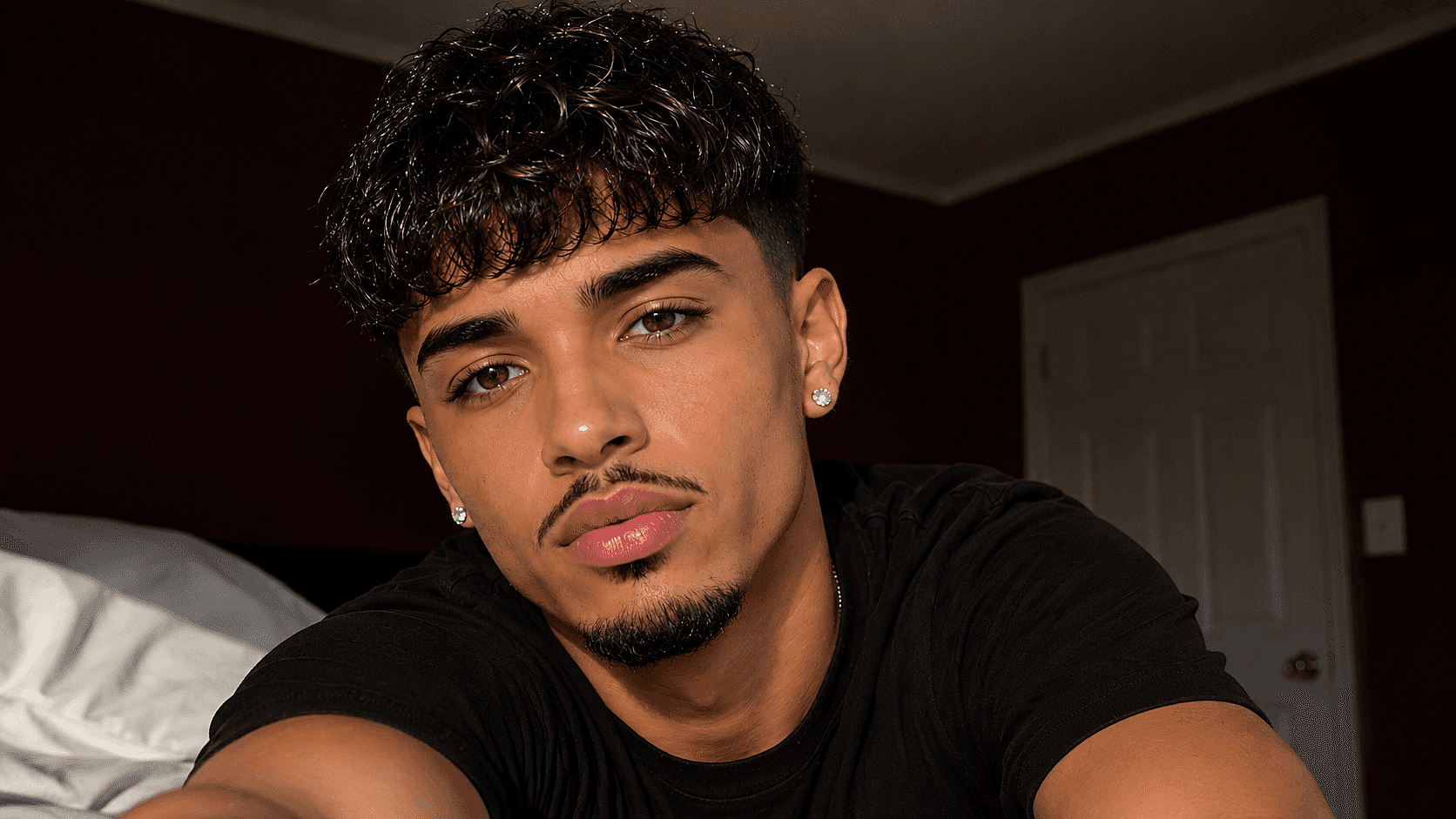
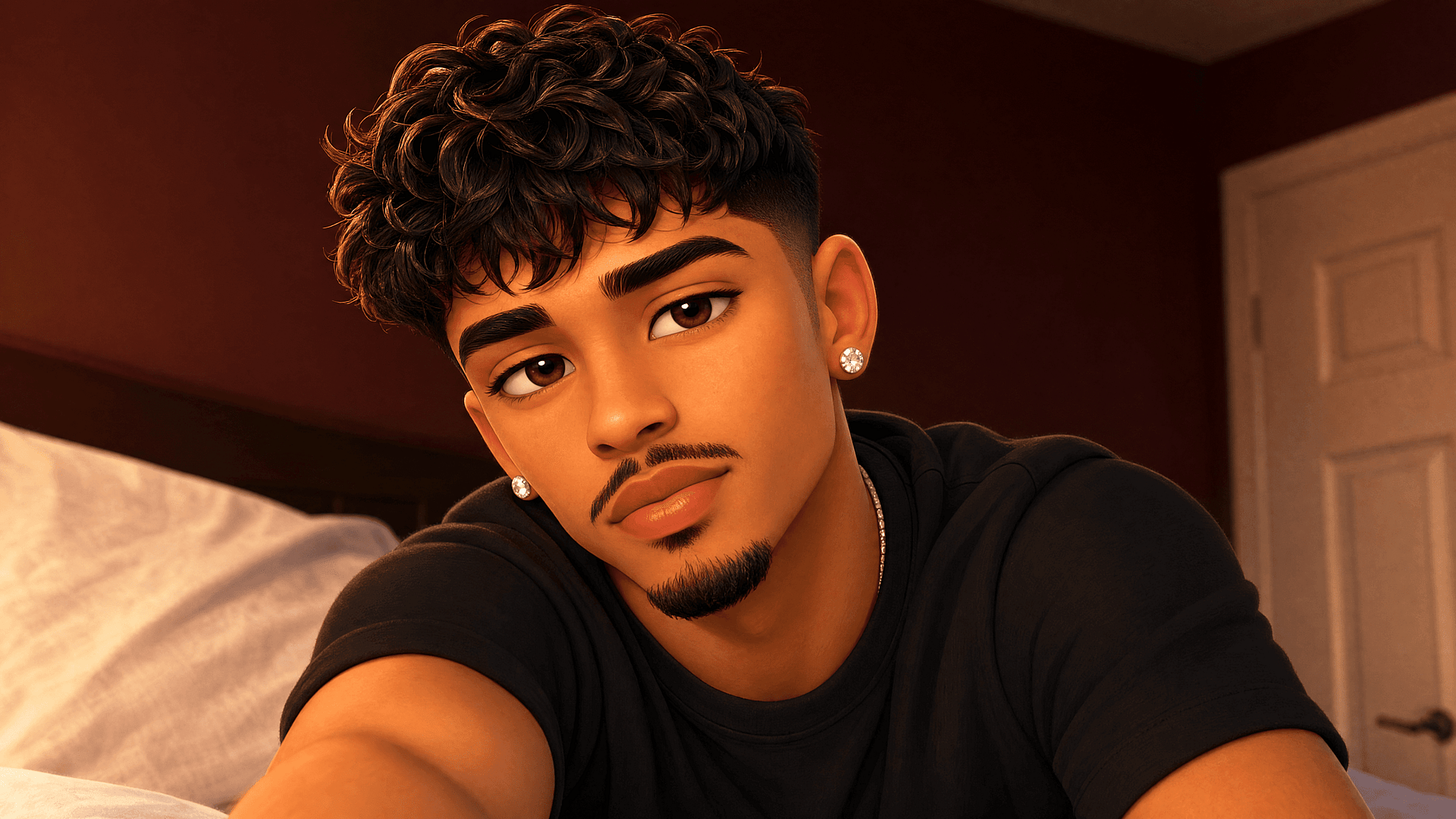
Pixar-Style Art From a Prompt
No photo needed. Describe the character you have in mind and generate original Pixar-style art from scratch. Good for posters, custom avatars, or whenever you want something that doesn't exist yet.
Try it NowAnimated Pixar Clips
A still portrait is one thing. Take your Pixar character and put it in motion, a short clip for a Reel intro, a birthday video, a story beat. The kind of thing a flat filter will never give you.
Try it NowFrequently Asked Questions
The viral Pixar look isn’t an official TikTok or Instagram lens, the versions that circulated were mostly unofficial and have been pulled or renamed. The reliable way to get it now is an AI tool: upload your photo to OpenArt’s Pixar filter, generate your character, and post the result anywhere.
That’s the weakness of most one-shot filters, they redraw your face from scratch each time. OpenArt uses identity-preserving models (Nano Banana Pro, Seedream) plus its Character feature to lock your real features and keep the same Pixar you across every image.
Yes. Upload a pet, couple, or family photo and the filter keeps each subject’s likeness while applying the Pixar style, great for gifts and keepsakes.
A clear, front-facing photo with even light works best. Keep your face free of hands, hats, or heavy shadows so the filter can read your features. Group and pet photos work too, as long as each face is easy to see.
Yes. You can turn your photo into a Pixar character for free, right in your browser — no app to install. Free generations are watermark-free; upgrade only when you want consistent-character projects and longer videos.
No. The Pixar filter runs entirely in your browser on phone or desktop. Nothing to install, nothing to sign up for just to see your result.
Yes. Use Multi View for nine angles, and the Character feature to keep the same face every time, the full consistent AI character workflow in one place.
Yes. Open your Pixar-style image in the Image to Video tool and describe the motion, like a wave, a laugh, or a turn toward the camera. You get a short animated clip for a Reel intro, a birthday message, or a story post.
Get Insights from Experts Blog
Get the insights you need. Our experts share actionable hacks, break down the hottest topics, and provide essential how-to guides to help you build, optimize, and scale.
Read More

Create without limits
Join thousands of creators using OpenArt to generate stunning images, videos, and more — all in one platform.
Get Started for Free →