
Photo to Emoji
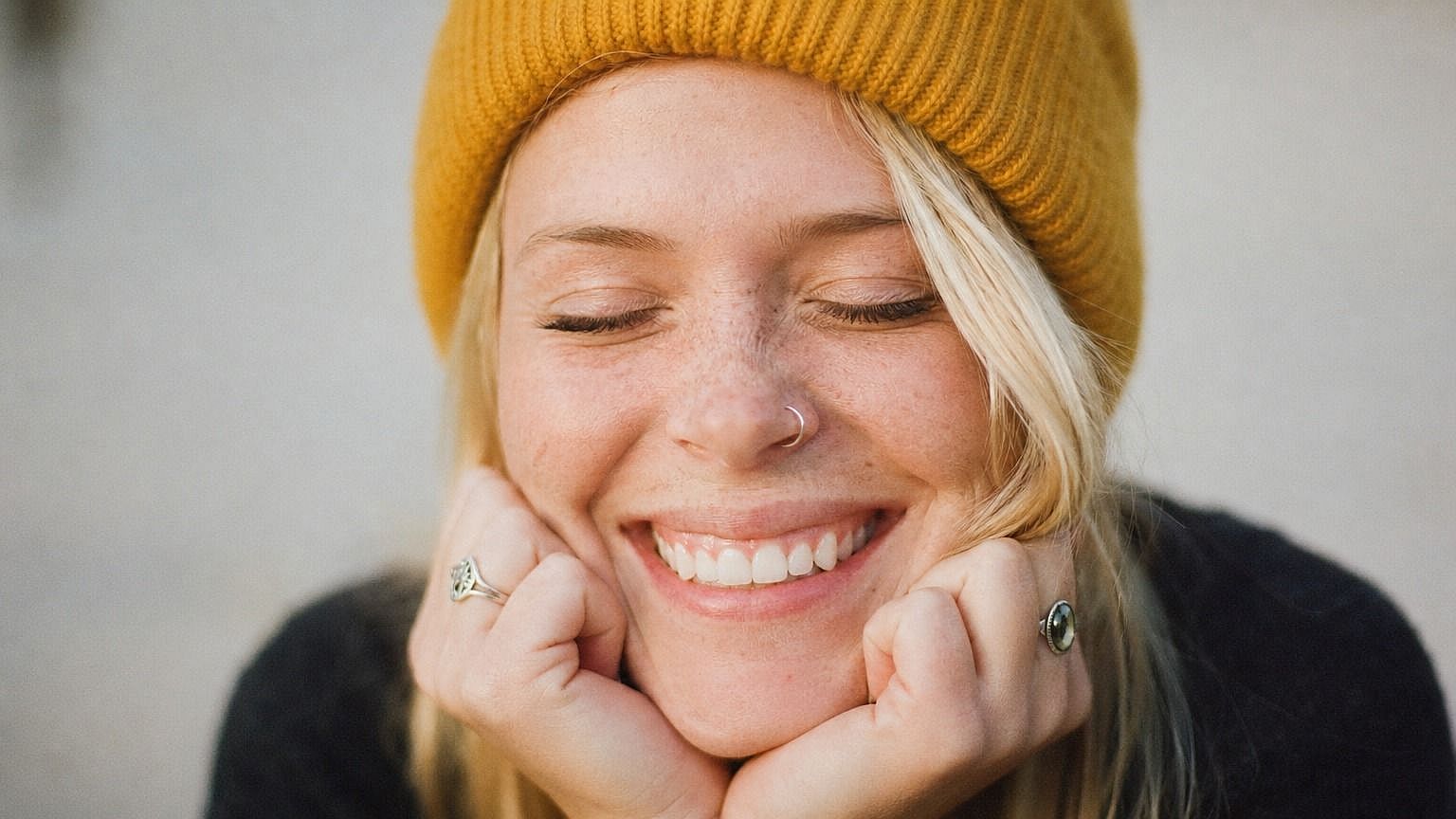
Want to turn yourself, your dog, or your best friend into a custom emoji? Upload a photo to OpenArt's photo to emoji tool and get a stylized, expressive version in seconds. The AI takes what's in your image (face, expression, vibe) and renders it in the emoji style you pick, ready to drop into chats, posts, and group threads.
 Add an image Or drag and drop here · JPEG, PNG, WEBP
 Benefits of Photo to Emoji



Custom Emoji from Any Photo
Upload yourself, a friend, your pet, or any subject and get a personal emoji that actually looks like them. Works for faces, full characters, and even more creative subjects.



Pick Your Emoji Style
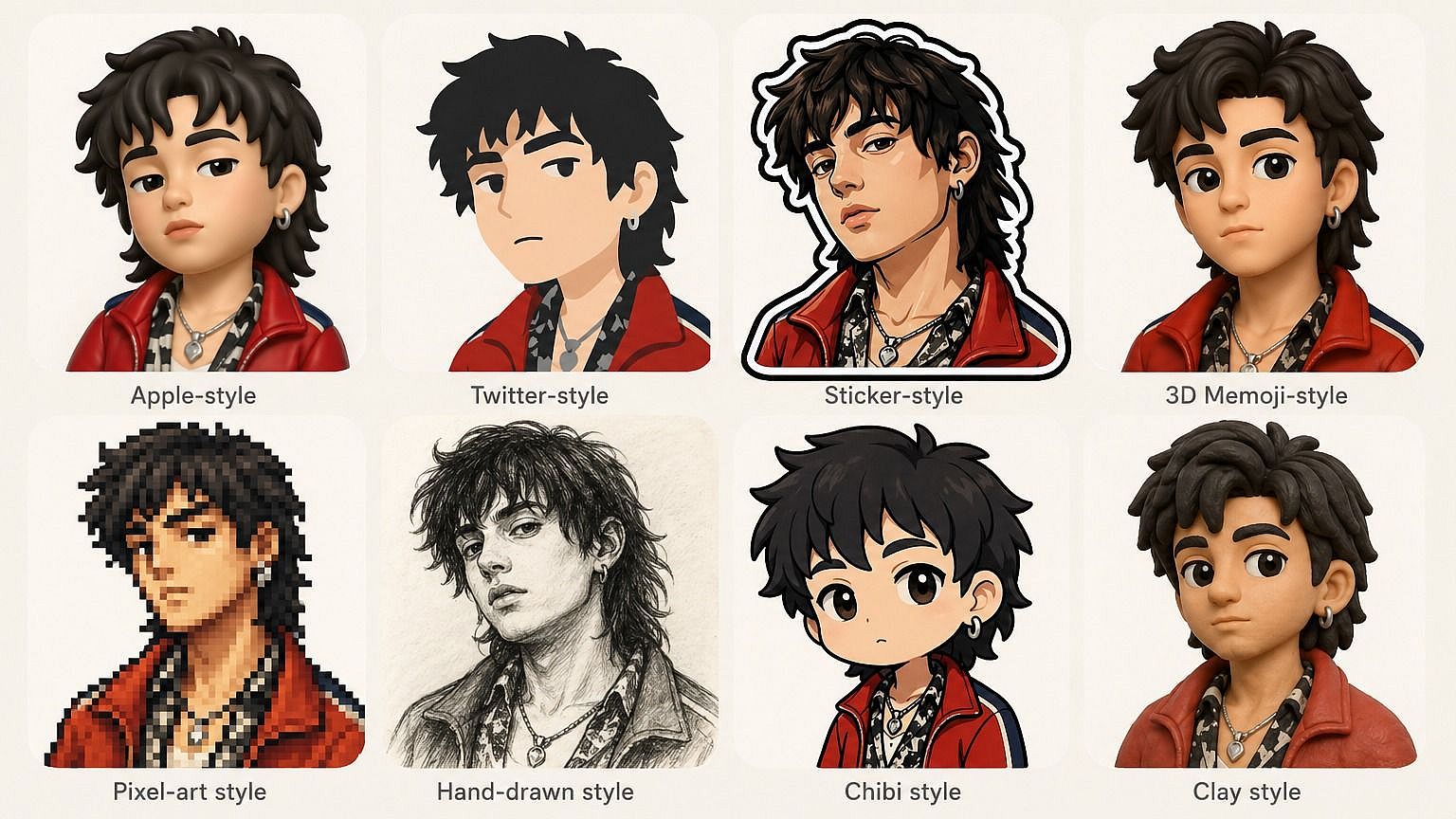
Round Apple-style, flat 2D, 3D Animoji-like, sticker, hand-drawn, pixel. Describe the look you want and the AI adapts to it. Switch styles whenever you feel like trying a new vibe.
Use Them Anywhere
Save your emoji as a clean PNG and drop them into chats, group threads, social posts, slide decks, or anywhere else you'd use a regular emoji or sticker.
Community Creations
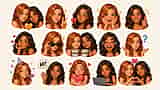
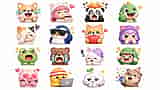
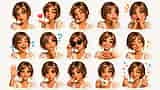
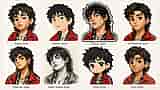
See what creators are turning into emoji. From self-portraits and pet photos to memes and group chat in-jokes, explore how a single photo can become a whole emoji set.















Key Features of Photo to Emoji
OpenArt's AI image editor uses advanced models like GPT Image 2.0, Nano Banana Pro, and Recraft V4 to convert photos into stylized emoji that stay expressive and recognizable. That means your emoji actually looks like you.
Personal Emoji from a Photo
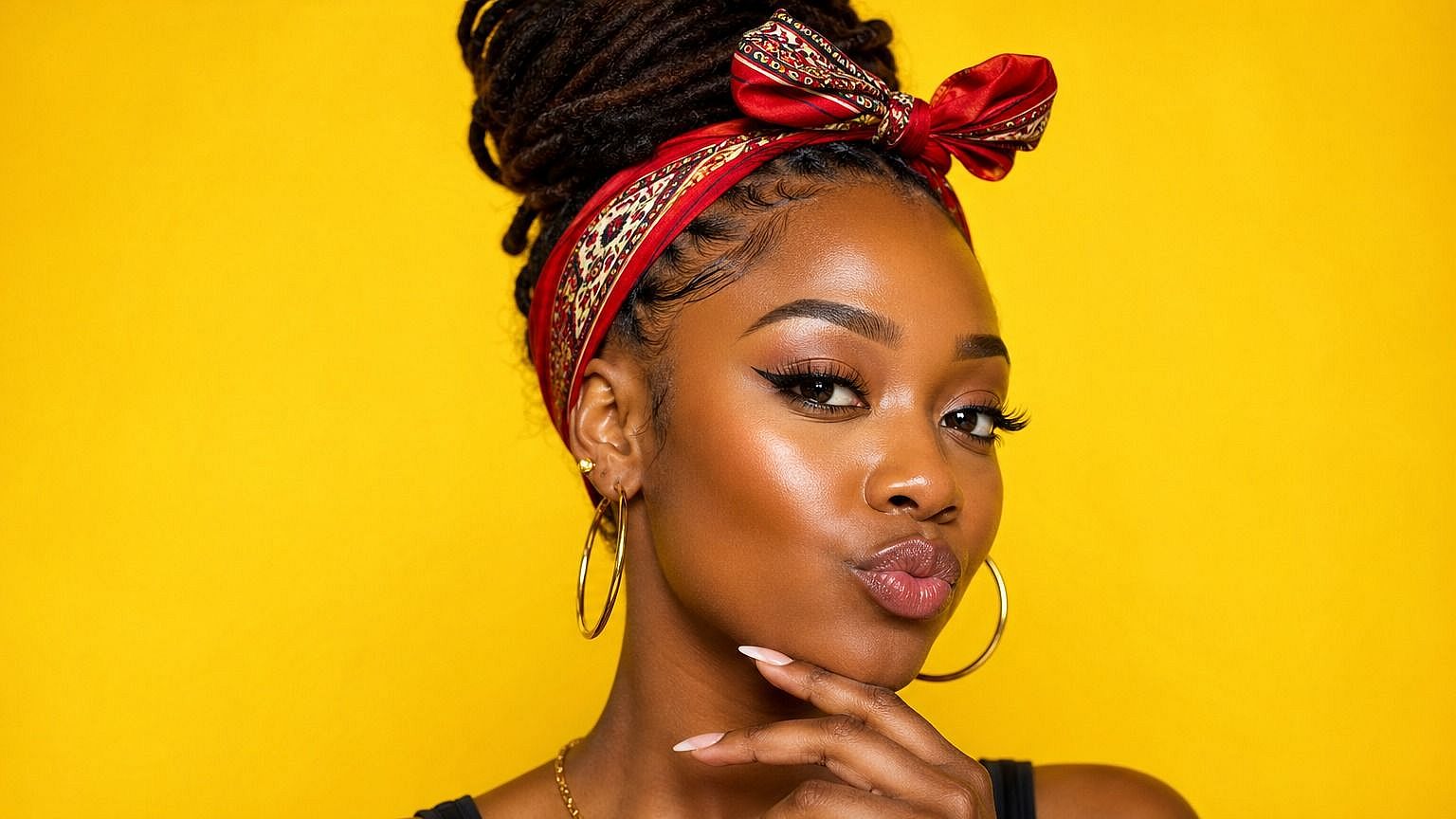
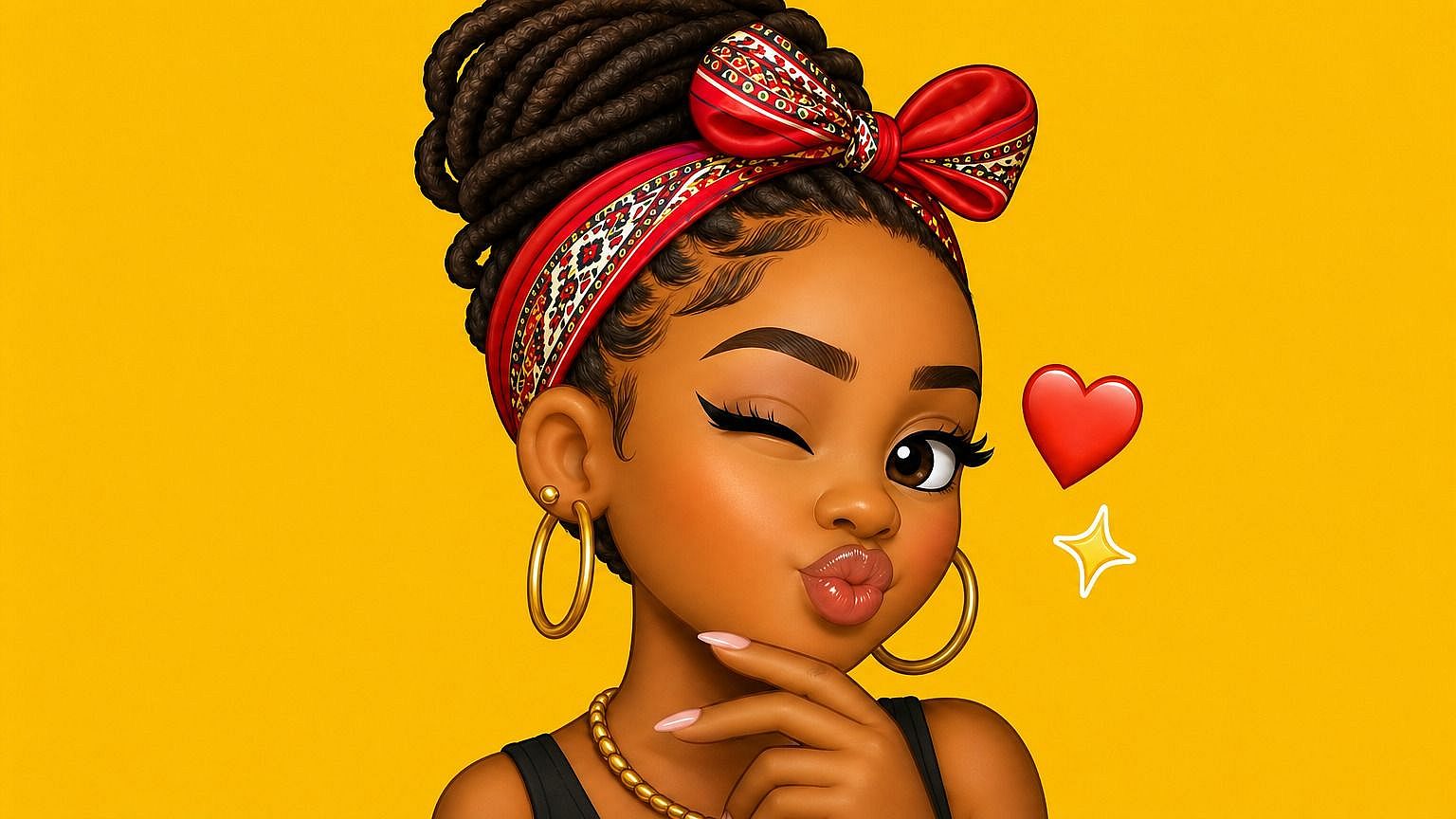
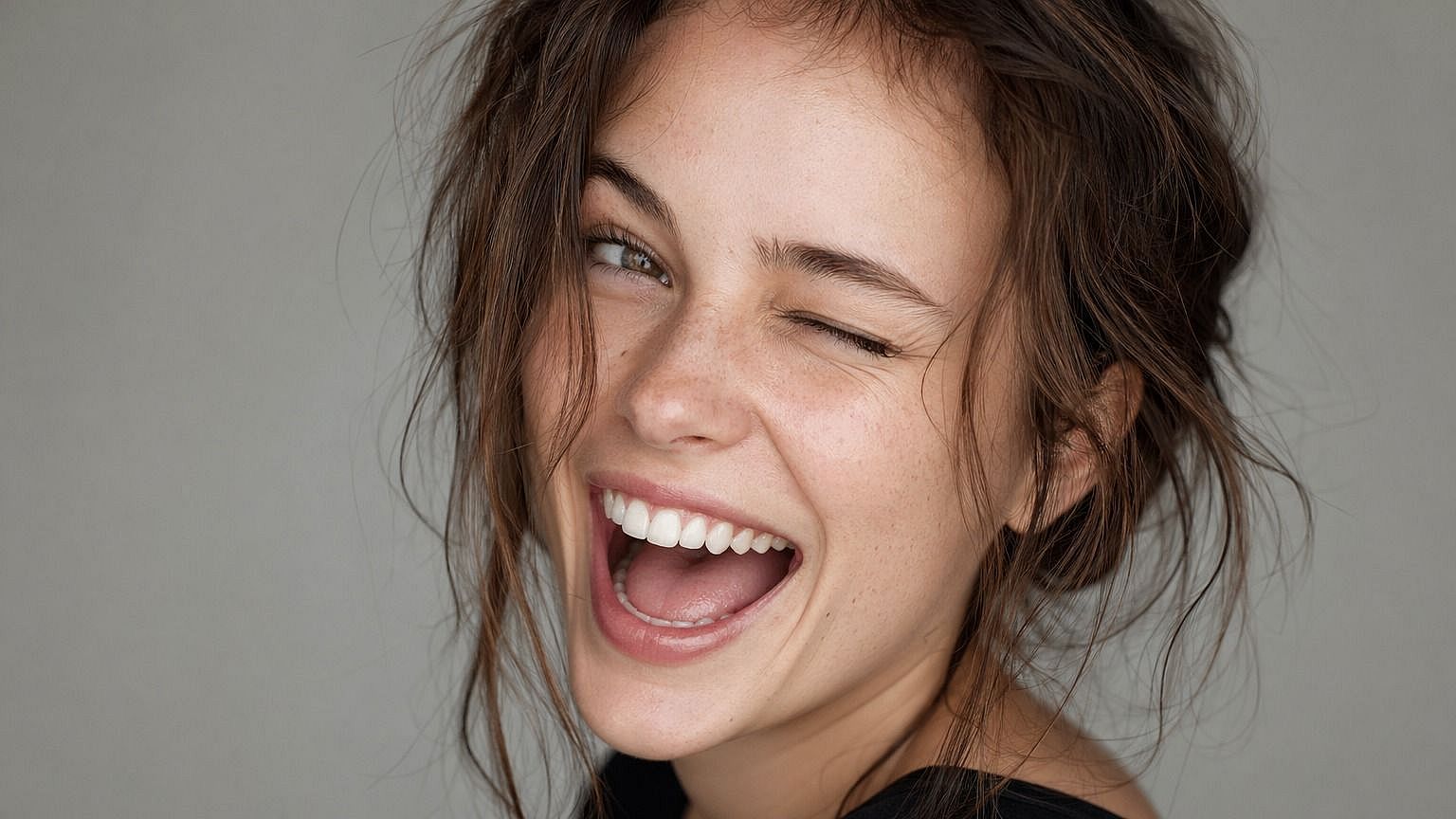
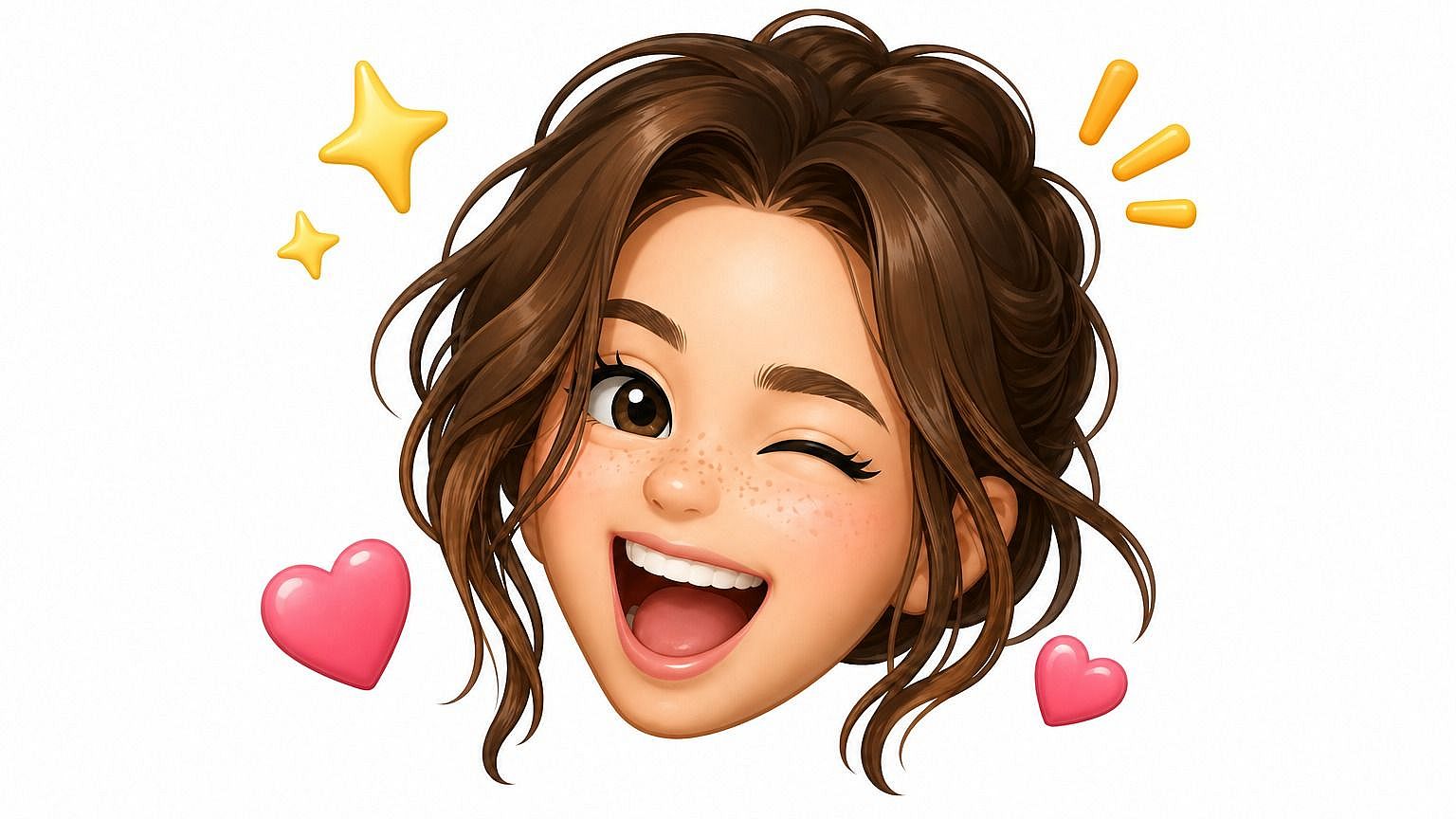
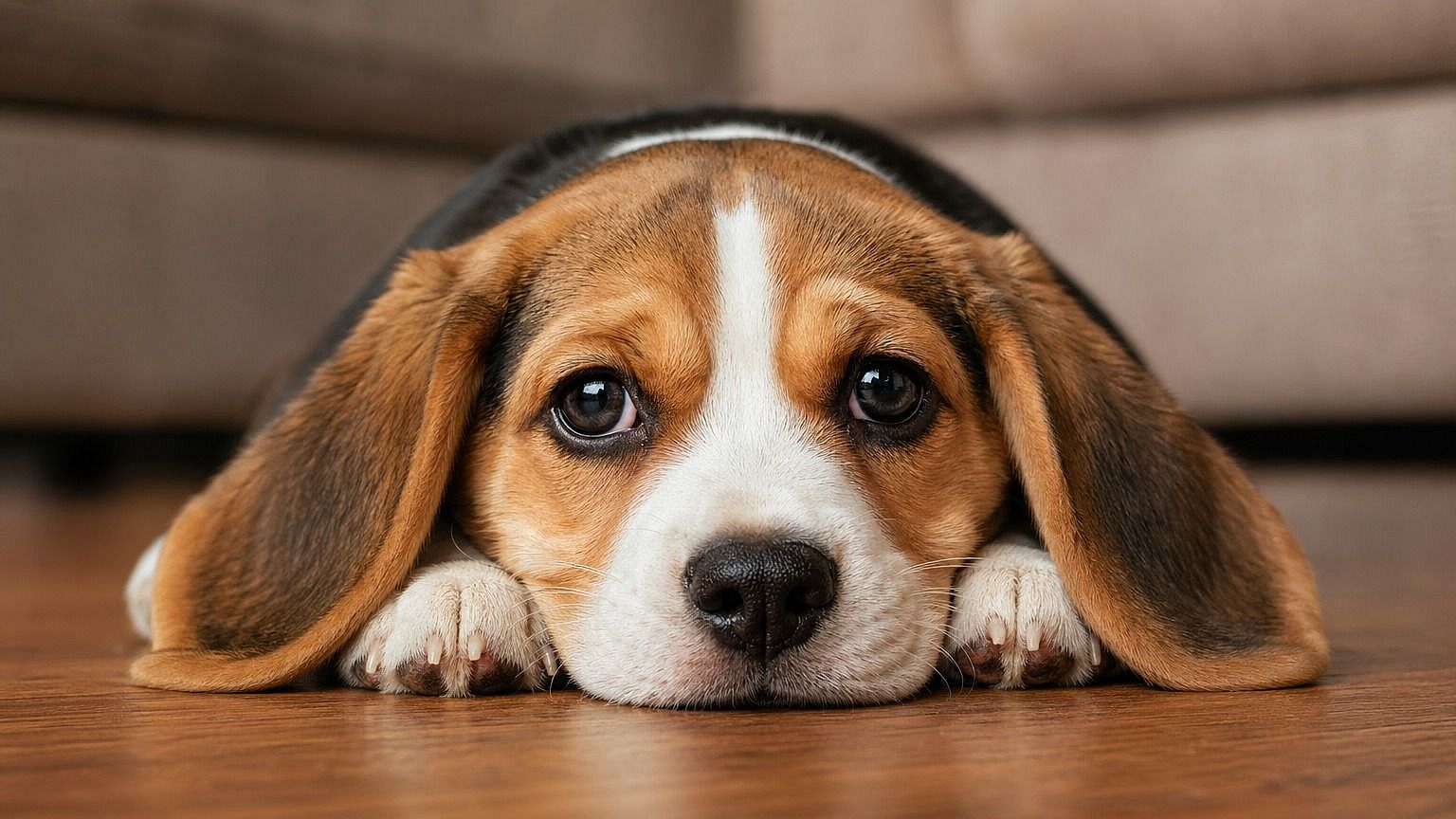
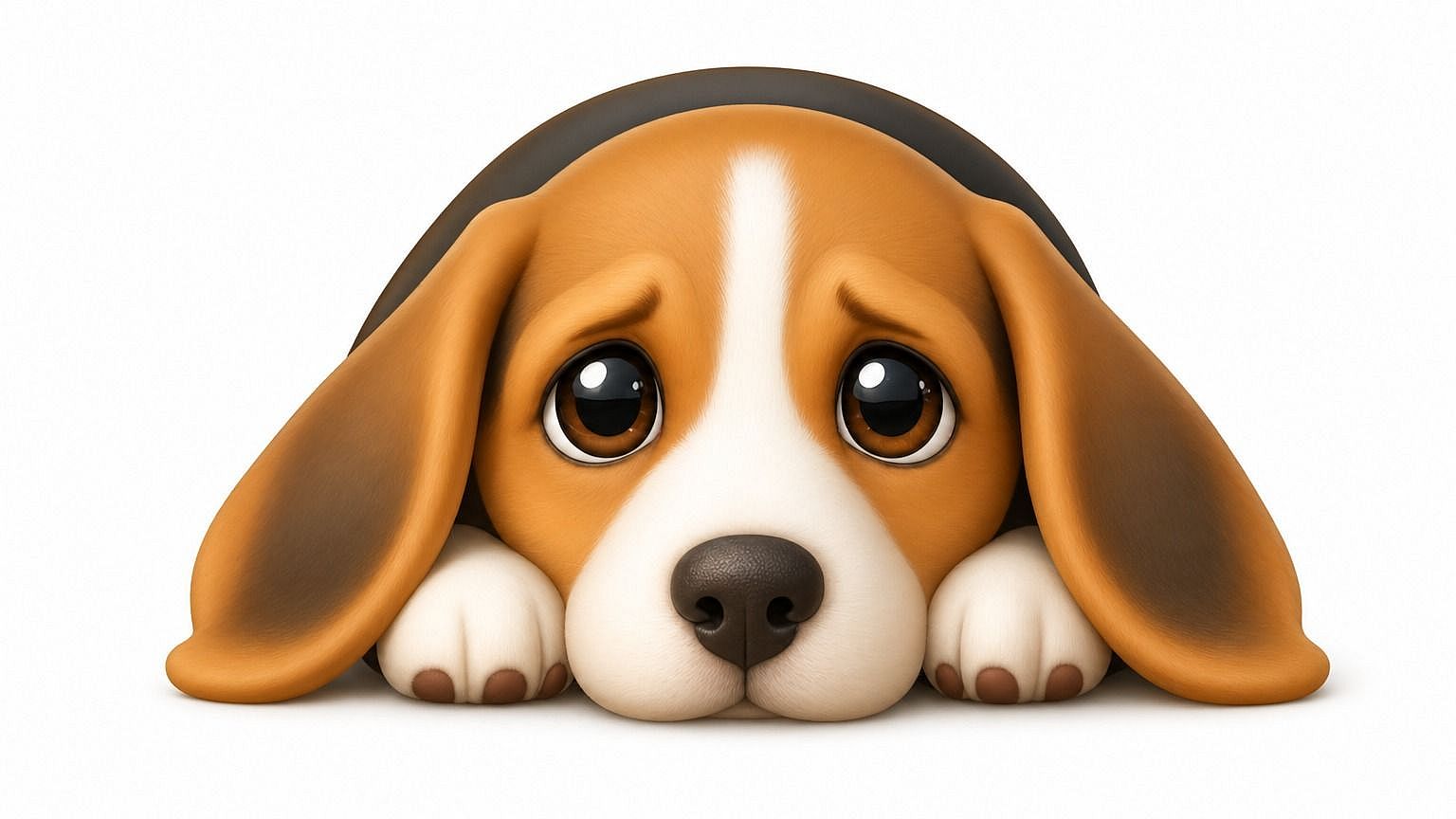
Upload any photo and the AI generates an emoji version that captures the face, expression, and overall vibe. It's not a basic filter. The system rebuilds the subject in emoji form, keeping what makes them recognizable while leaning into the proportions and energy of a real emoji icon. So an emoji of you actually feels like you.
Multiple Emoji Styles
Pick the style you want and the AI adapts. Round and glossy like Apple emoji, flat and graphic like Twemoji, sticker-style with bold outlines, 3D Animoji-like, retro pixel, hand-drawn. Describe the look in your prompt and the model leans into it. You can switch styles anytime to see how the same photo translates across different aesthetics.
Recognizable Likeness, Stylized Look
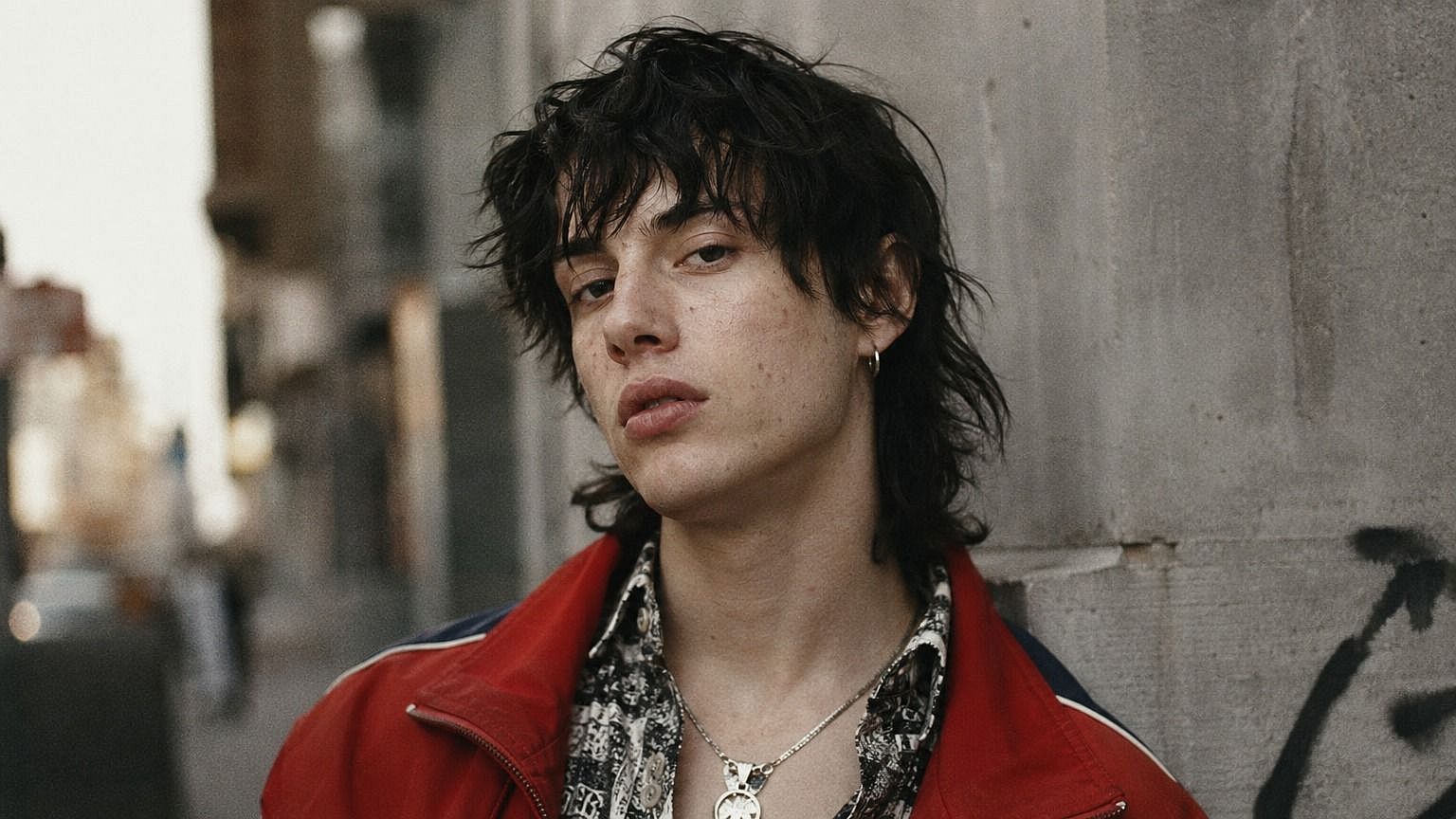
Even with all the stylization, the AI preserves the features that make a face actually recognizable, like eye shape, hair, expressions, the small details that read as "you." So when you send a custom emoji of yourself, your friends, or your pet, people instantly know who it is rather than seeing a random cartoon stand-in.
Built into a Full Image Editing Suite
The photo to emoji tool is part of OpenArt's wider editing workspace, so you can keep refining the result without switching tools. Tweak the expression, swap the background, expand a single emoji into a full sticker, or generate variations at different angles - all in the same window. If you want something more exaggerated and artistic, the Photo to Caricature tool is right next door.
How to Use the Photo to Emoji Tool
Turn any photo into a custom emoji in three steps.
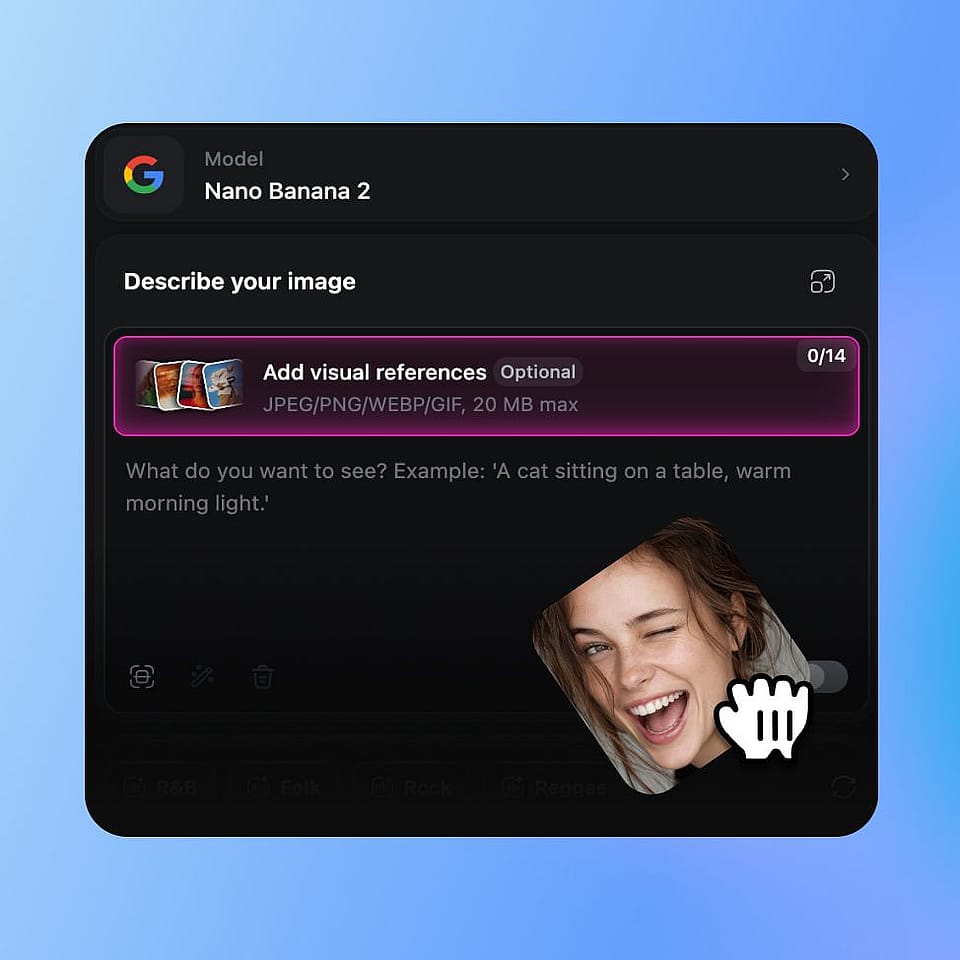
Upload Your Photo
Open OpenArt's image tools and upload a photo of whatever you want to emoji-fy — your face, a friend, a pet, even a fictional character.
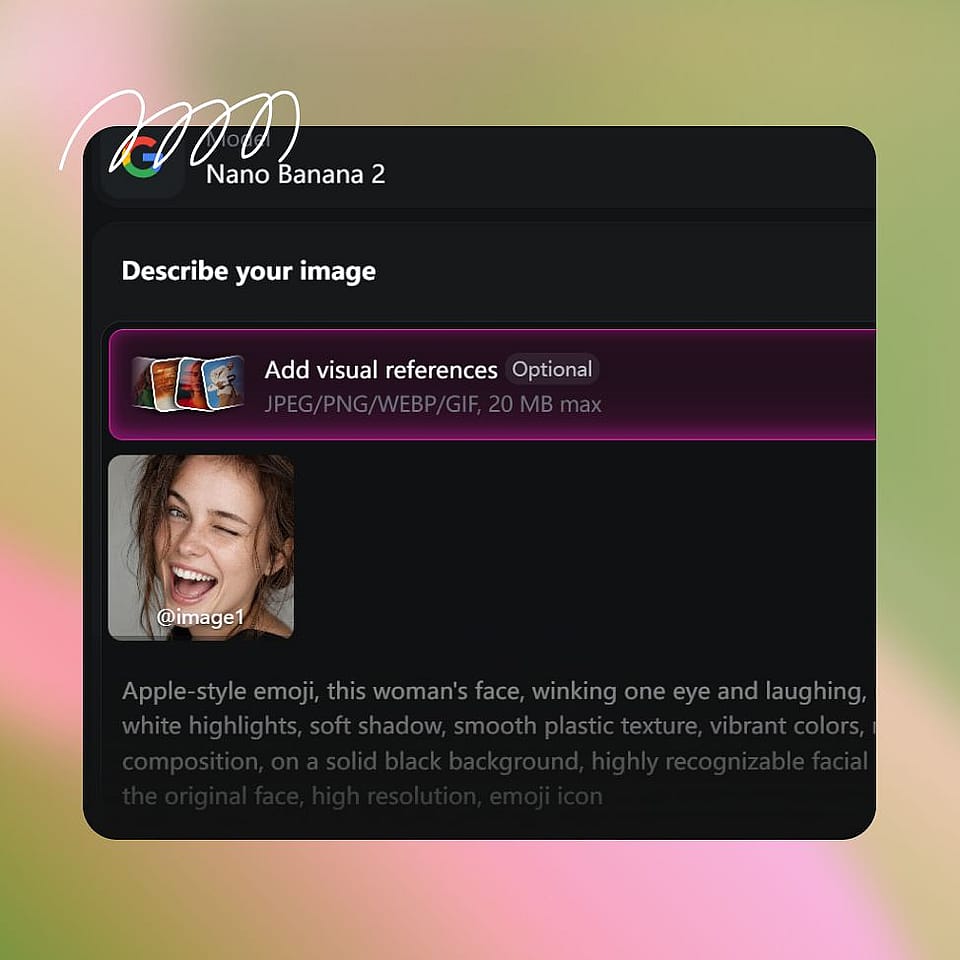
Describe the Emoji Style
Type in the style you're going for — "round Apple emoji style," "flat 2D sticker with bold outline," "3D Animoji look," "hand-drawn pixel emoji." Be as specific or loose as you want.
Generate and Refine
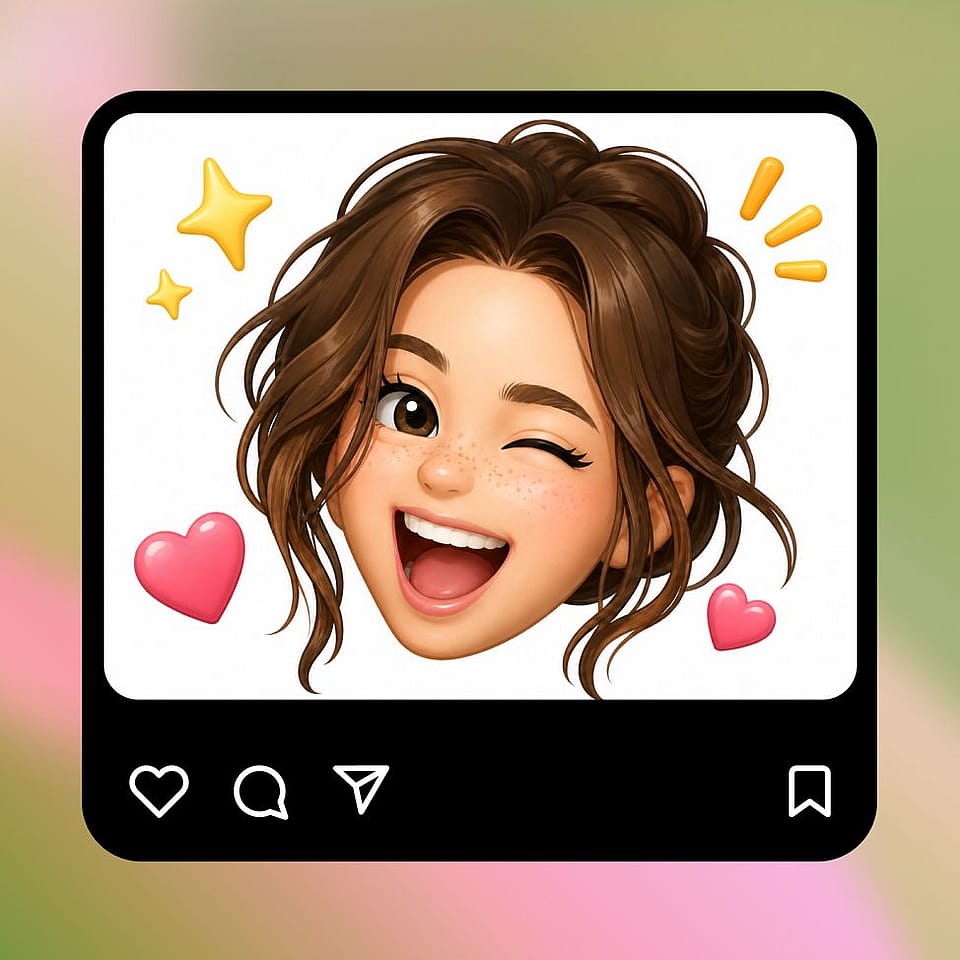
Run it, preview the result, and refine if needed. Tweak the prompt, try a new style, or generate a few variations until you land on the version you like.
Built for Custom Emoji, Stickers, and Personal Avatars
Take any photo and turn it into something fun, personal, and instantly usable across the apps you actually live in.
Custom Reaction Emoji and Stickers
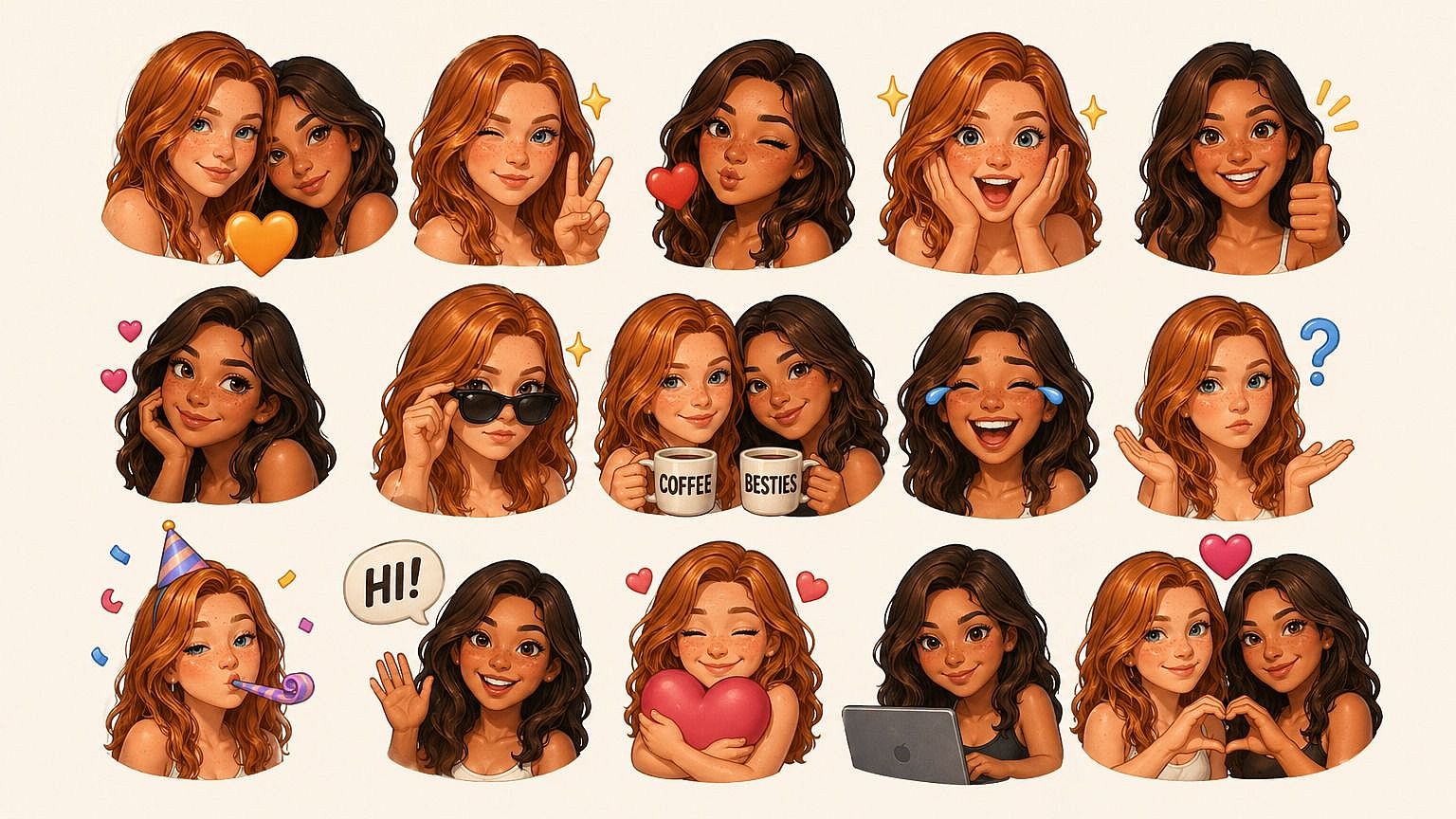
Make your group chats actually fun. Turn your face, or your friend's, into a set of expressive reaction emoji that drop into iMessage, Discord, Telegram, Slack, or wherever else you hang out online. Way more entertaining than the same handful of default reactions everyone has been stuck on for years.
Try it Now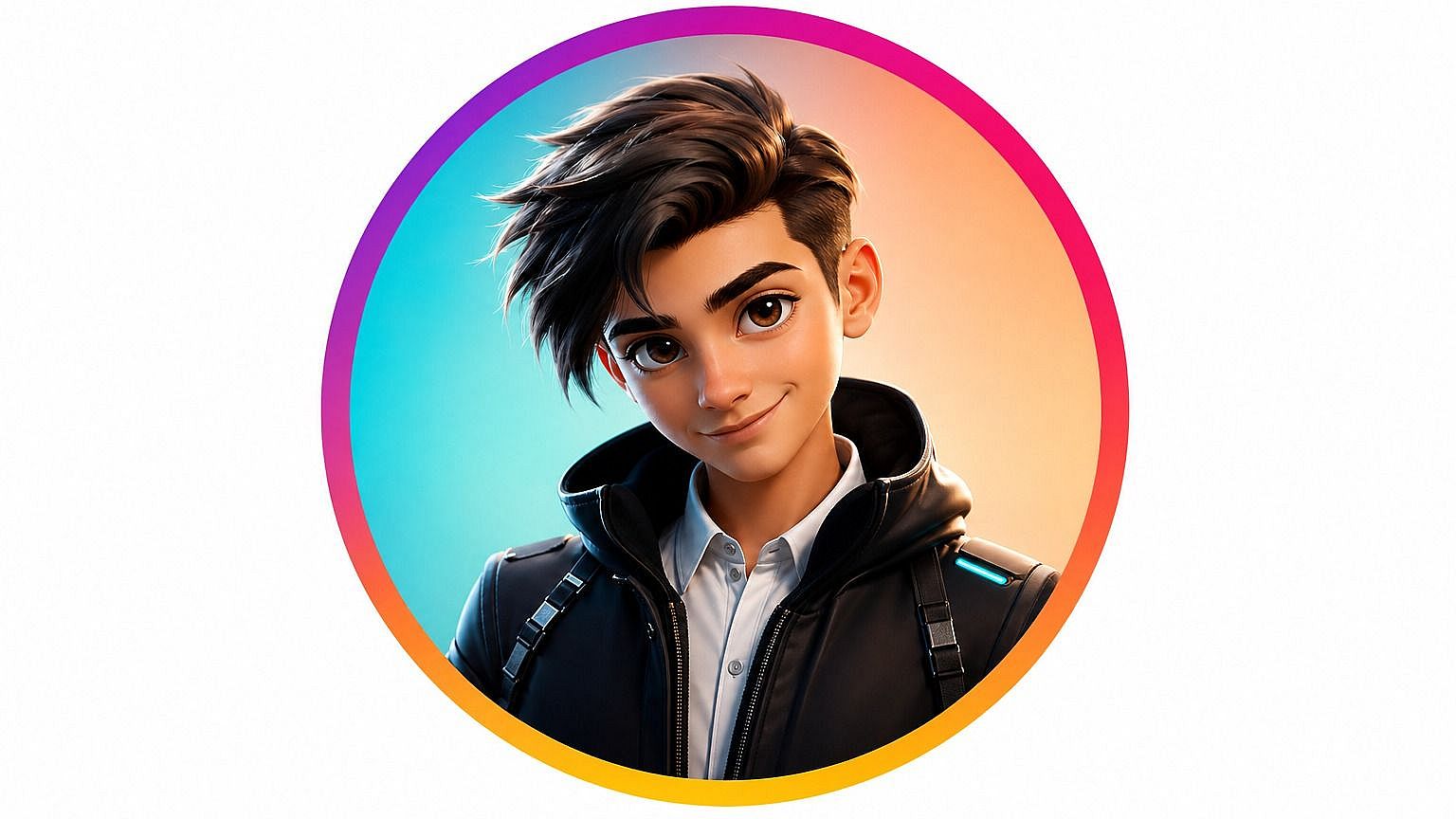
Personalized Avatars and Profile Pictures
Use your custom emoji as a profile picture across social media, gaming, or work apps. Because it's stylized, it works as a fun, expressive identity that still looks like you, without putting your full face on every single platform you sign up for.
Try it Now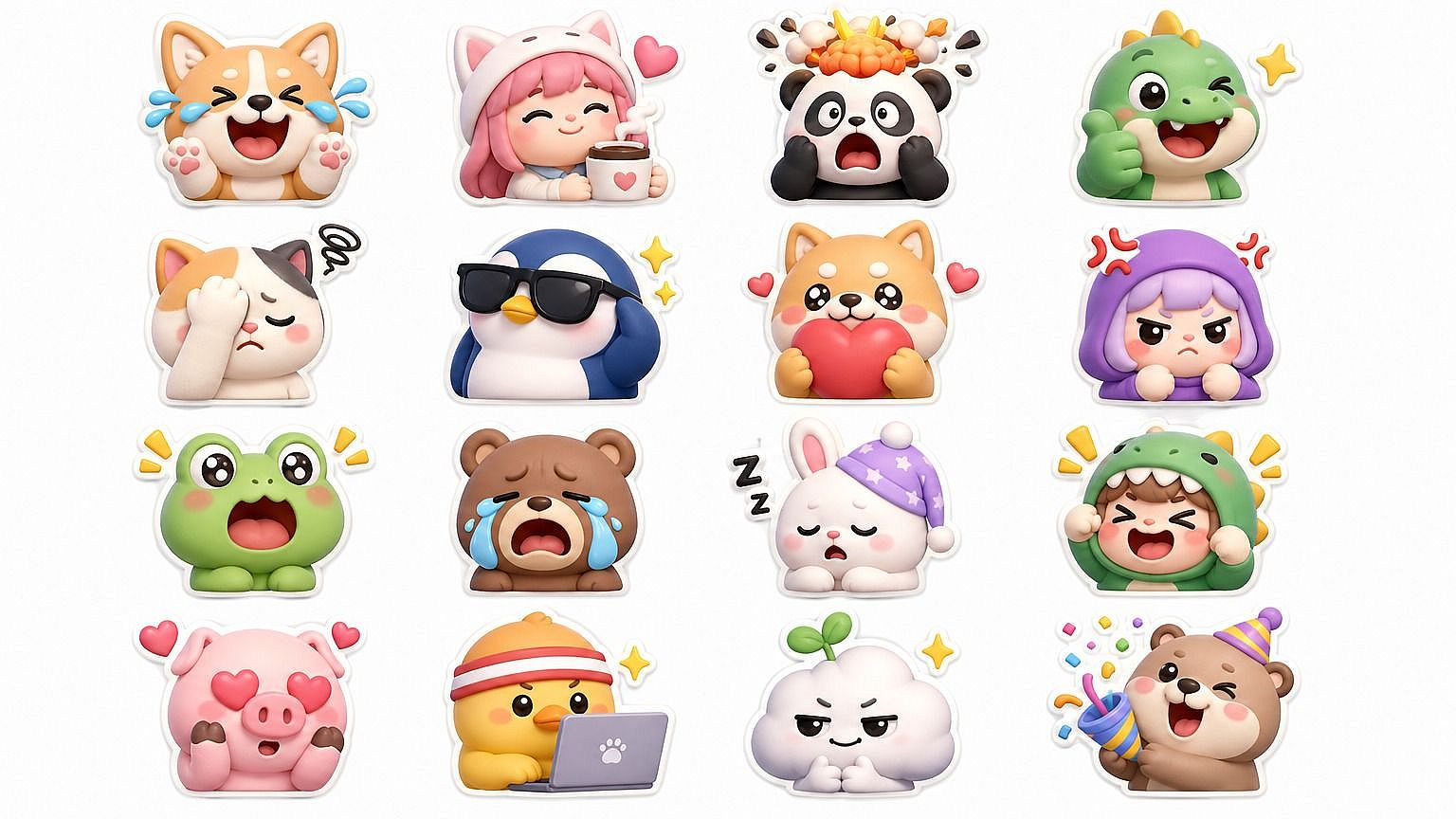
Branded and Team Emoji Sets
Build a custom emoji pack for your company Slack, your friend group, your fan community, or your D&D party. Use a consistent style across multiple subjects so the whole set feels like it belongs together, then keep adding new ones whenever your group grows or a new in-joke appears.
Try it Now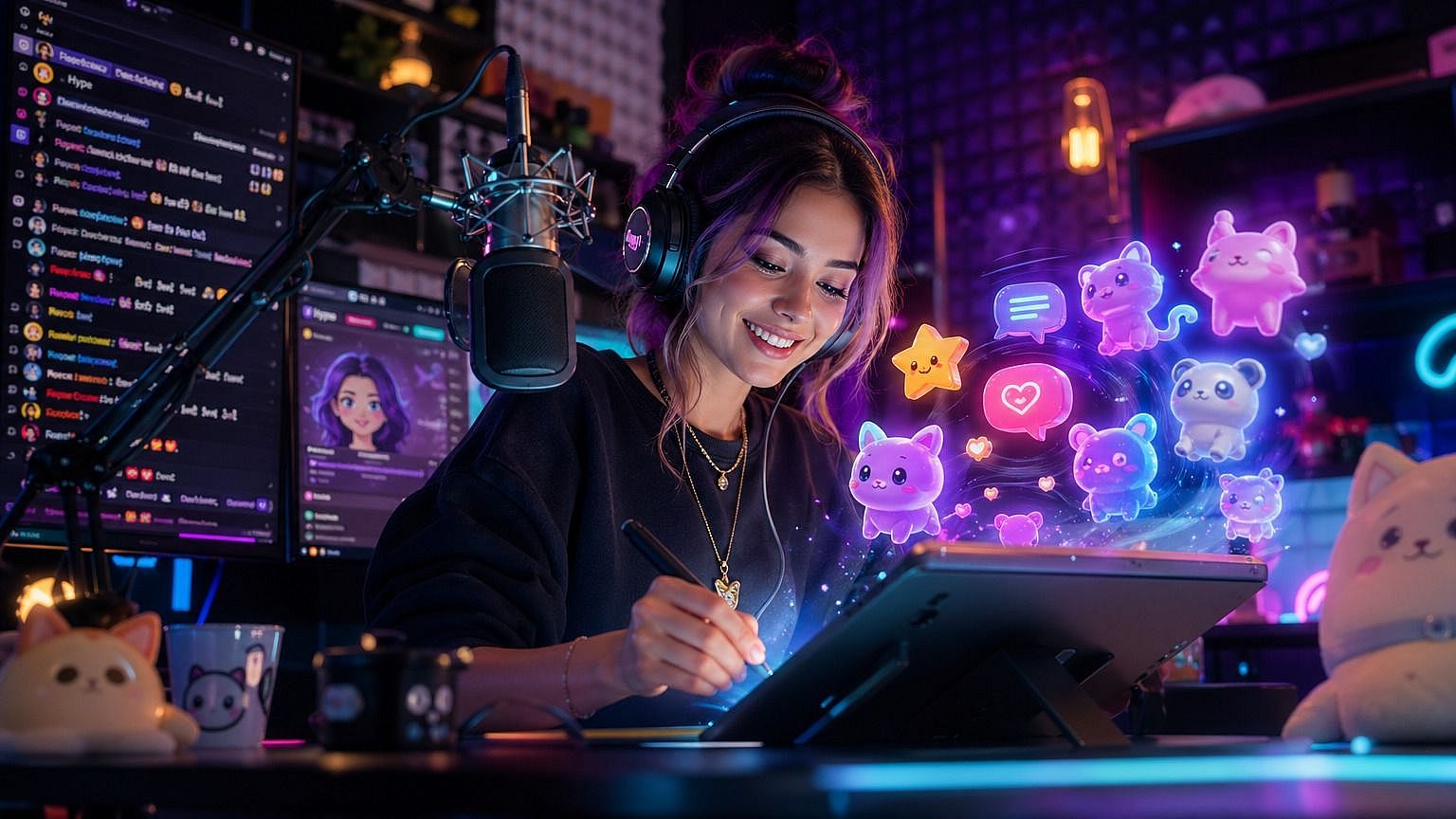
Content Creators and Community Builders
Custom emoji are a low-effort way to give your audience something to actually use. Streamers, podcasters, creators, and Discord moderators can generate emoji of themselves, their guests, or their mascots, then drop them into chats, sub badges, channel reactions, or merch.
Try it NowFrequently Asked Questions
Get Insights from Experts Blog
Get the insights you need. Our experts share actionable hacks, break down the hottest topics, and provide essential how-to guides to help you build, optimize, and scale.
Read More