

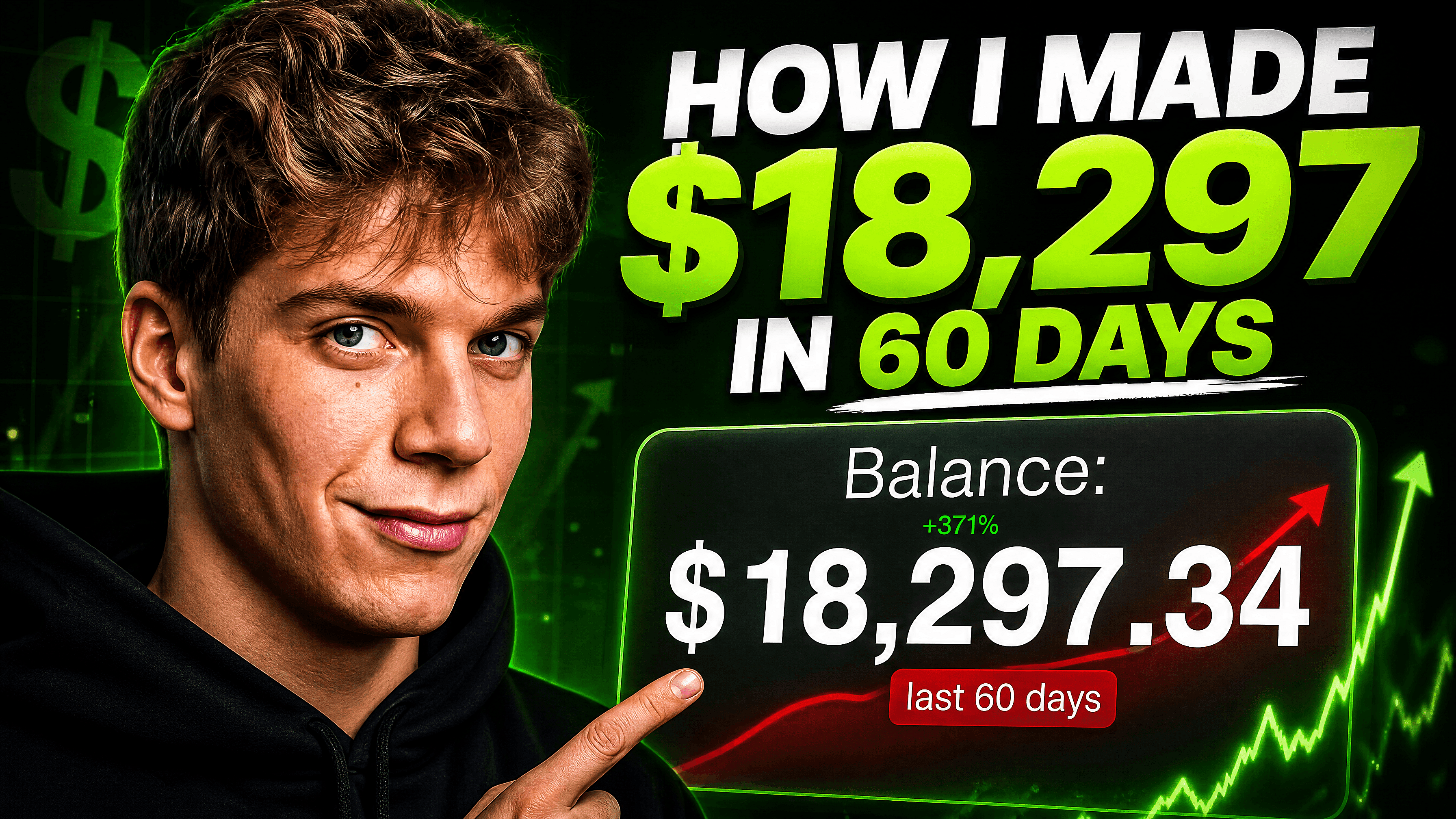
AI YouTube Thumbnail Generator
Professional AI YouTube Thumbnail Generator to Create Bold, Clickable Thumbnails for Gaming, Tutorials, Podcasts, Shorts, and Product Reviews.
What Can You Create With OpenArt’s AI Thumbnail Maker?
Generate high-converting YouTube thumbnails for gaming videos, podcasts, tutorials, Shorts, product reviews, faceless channels, and more using AI-powered thumbnail generation.
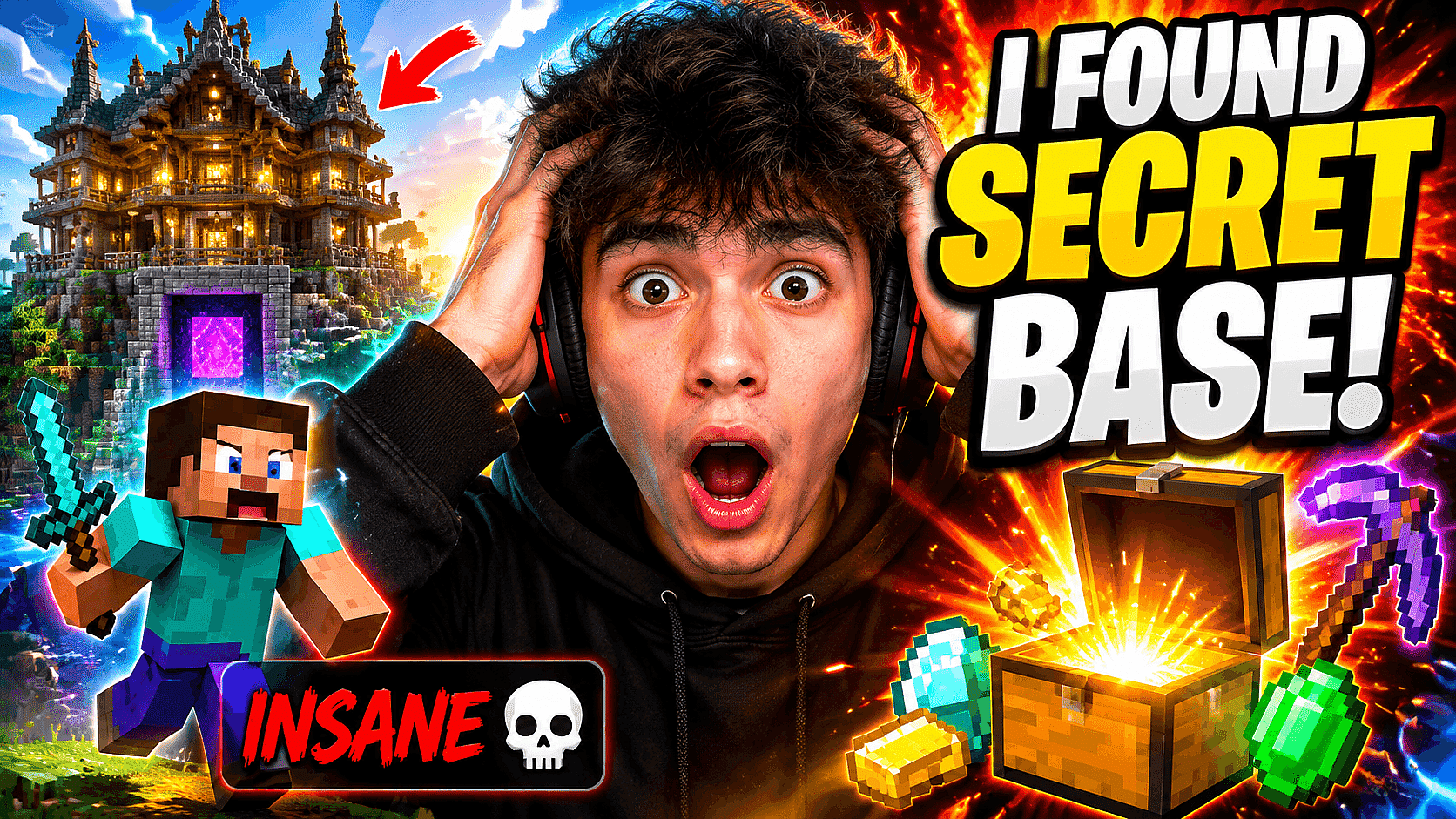
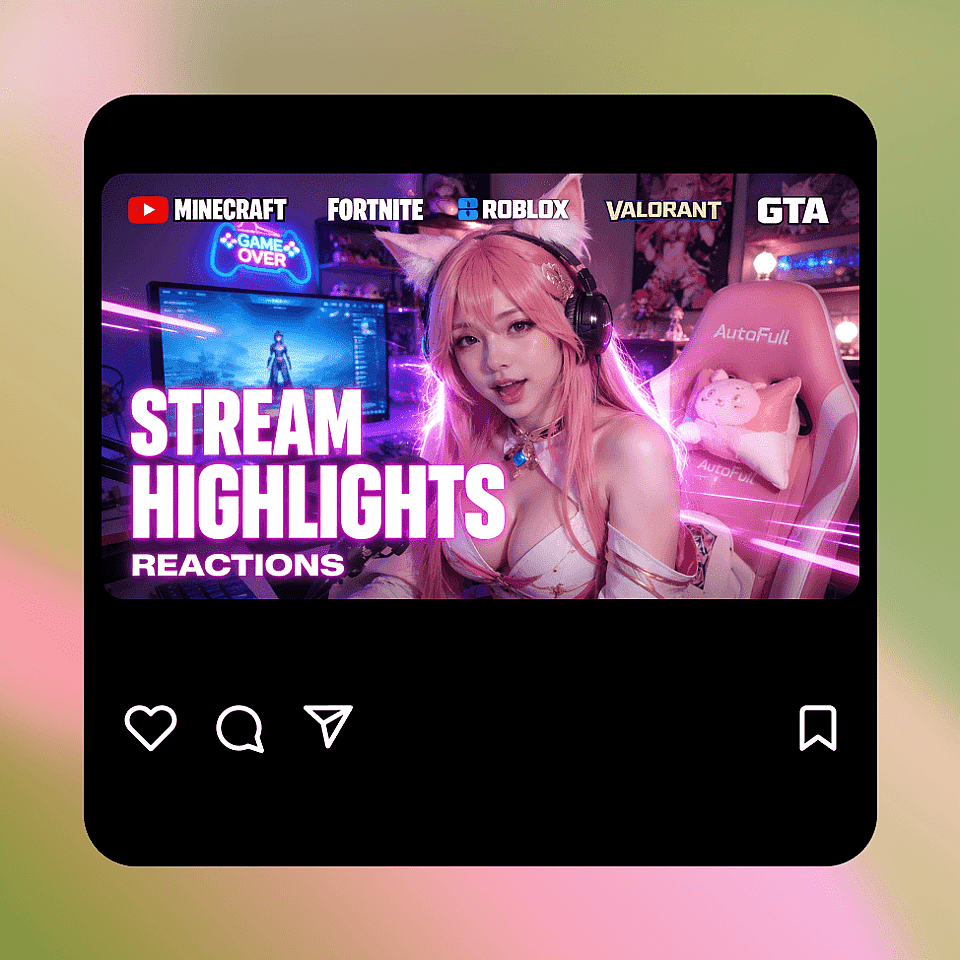
Eye-Catching Gaming Thumbnails
Generate high-energy gaming thumbnails with expressive reactions, glowing effects, cinematic lighting, and bold text optimized for clicks. Perfect for Minecraft, Fortnite, Roblox, Valorant, GTA, stream highlights, and reaction-based gaming content.
Try it Now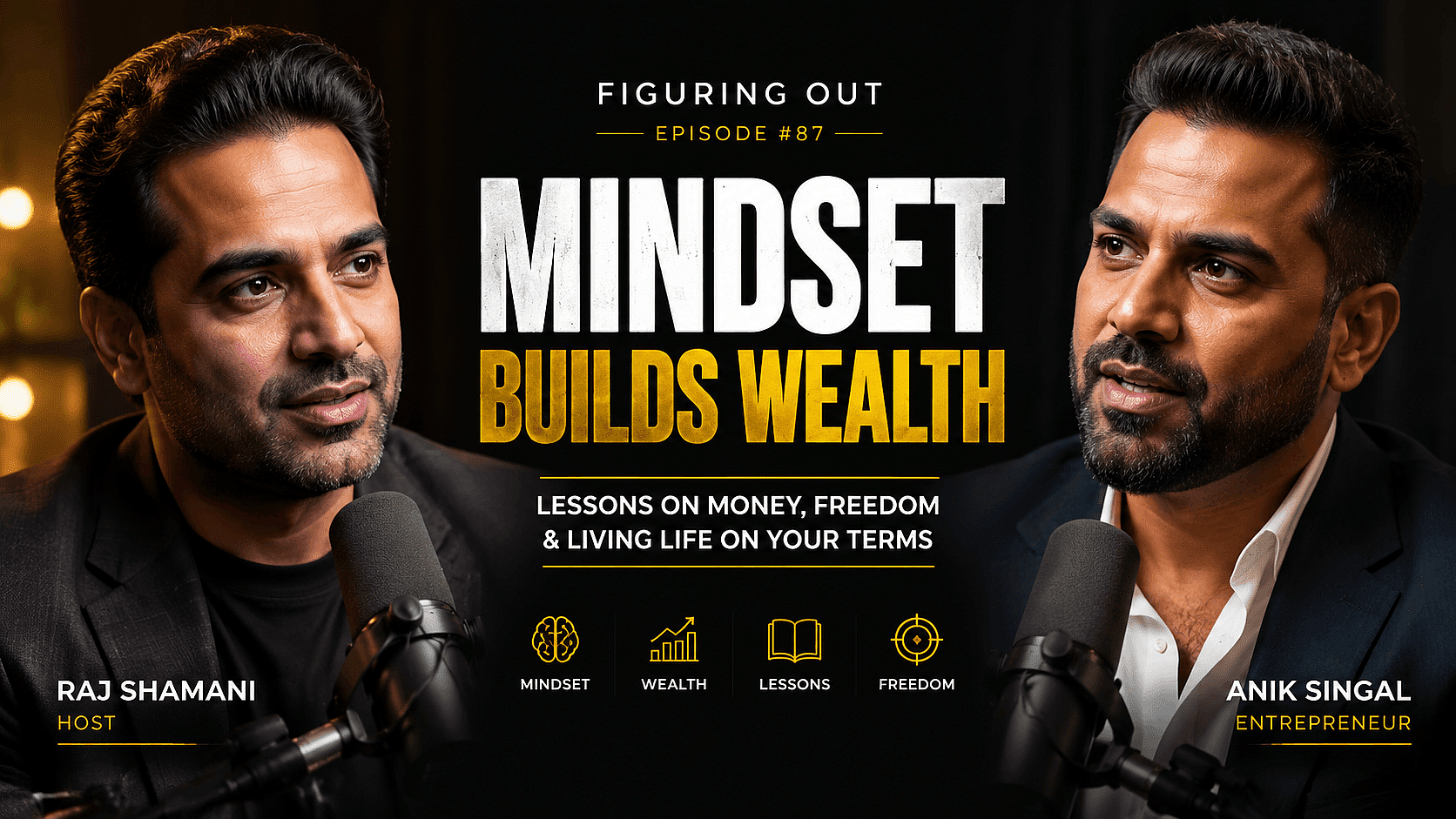
Professional Podcast Thumbnails
Create cinematic podcast thumbnails with professional portraits, premium lighting, and clean typography. Ideal for interview podcasts, finance podcasts, educational content, commentary channels, and business creators building a recognizable brand.
Try it Now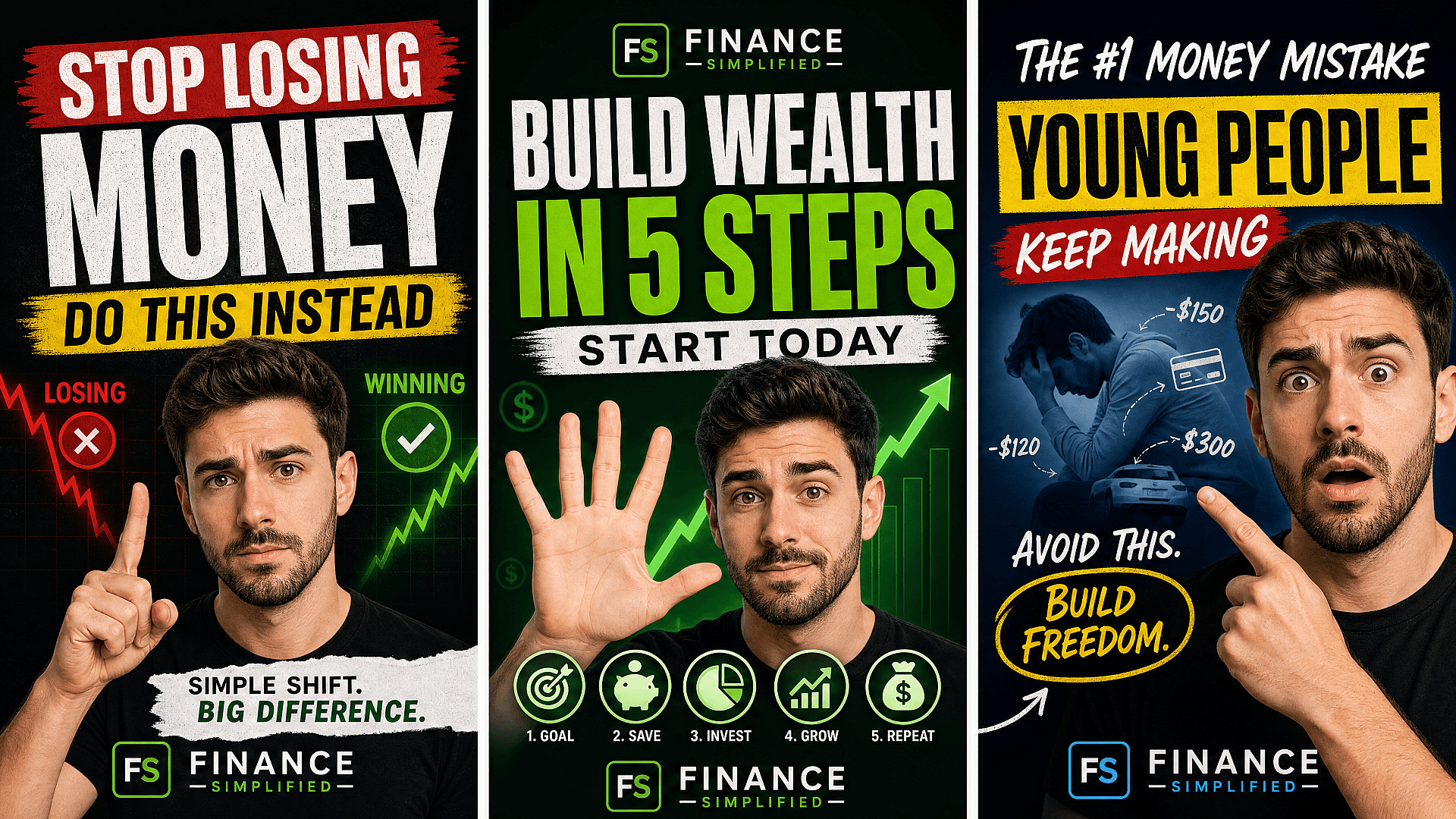
Mobile-Optimized Shorts Thumbnails
Generate mobile-first thumbnails and vertical covers optimized for Shorts discovery. Create consistent branding across long-form videos and Shorts while producing multiple thumbnail variations for testing and engagement.
Try it Now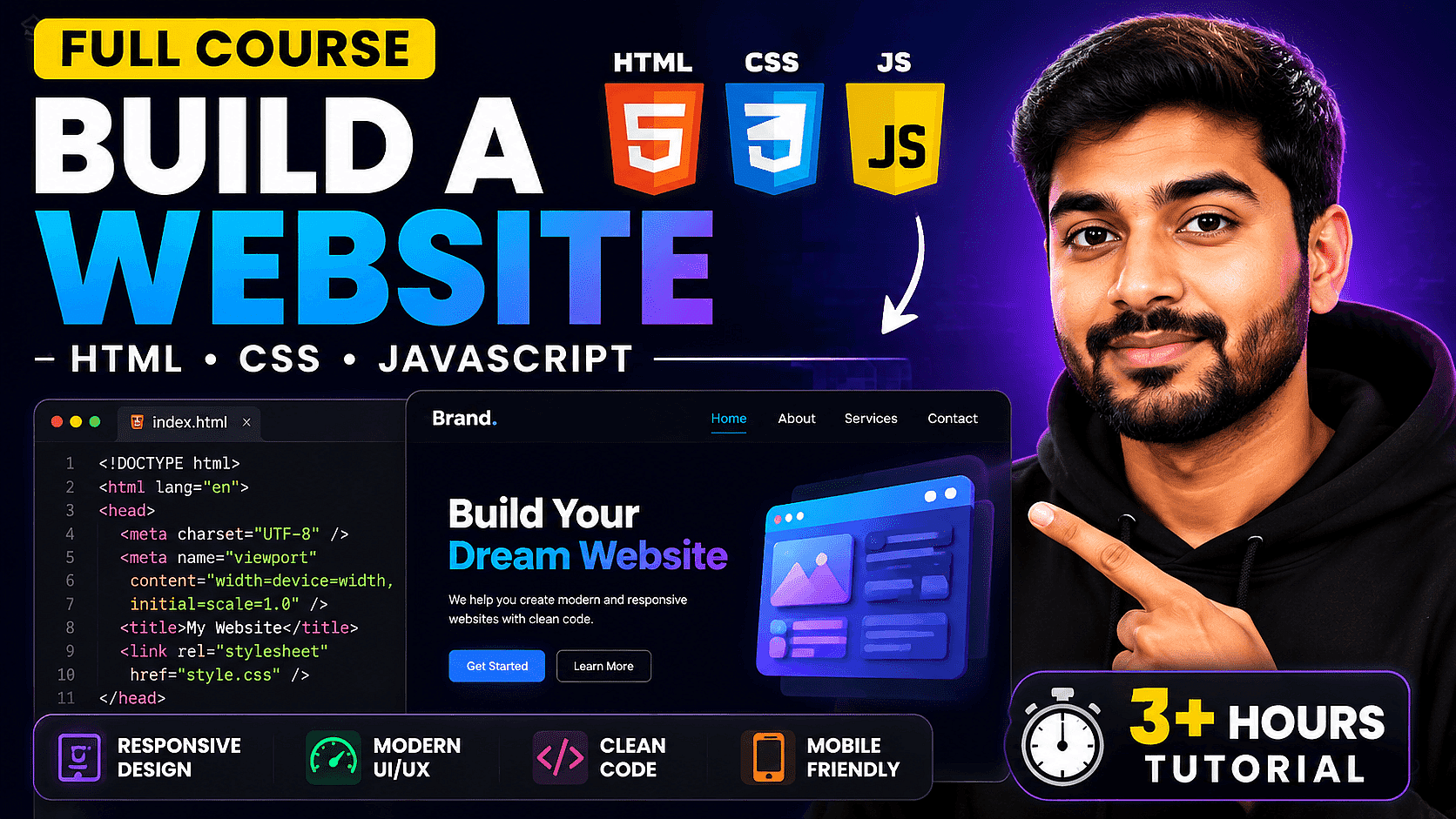
Clear Tutorial & Education Thumbnails
Design clean tutorial thumbnails with readable text, interface-focused layouts, and clear visual hierarchy. Perfect for coding tutorials, AI tools, productivity content, software walkthroughs, and educational YouTube channels.
Try it Now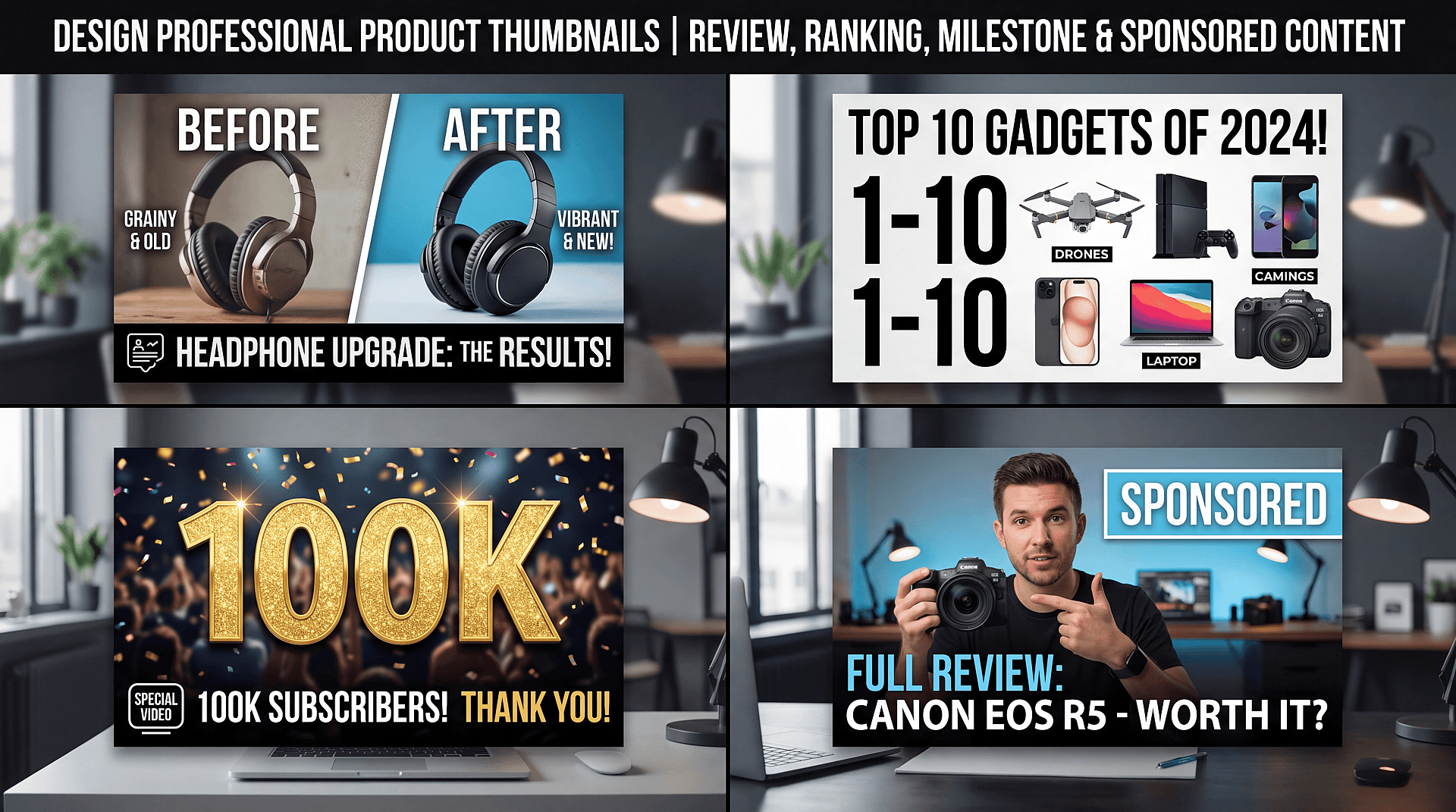
Engaging Product & Review Thumbnails
Design before-and-after thumbnails, “Top 10” rankings, product reviews, milestone videos, and sponsored content instantly. Upload products, describe the shot, and generate clean editorial-style thumbnails without manual editing.
Try it NowHow to Generate YouTube Thumbnails
Create high-CTR YouTube thumbnails in 3 simple steps with OpenArt's AI Thumbnail Maker.
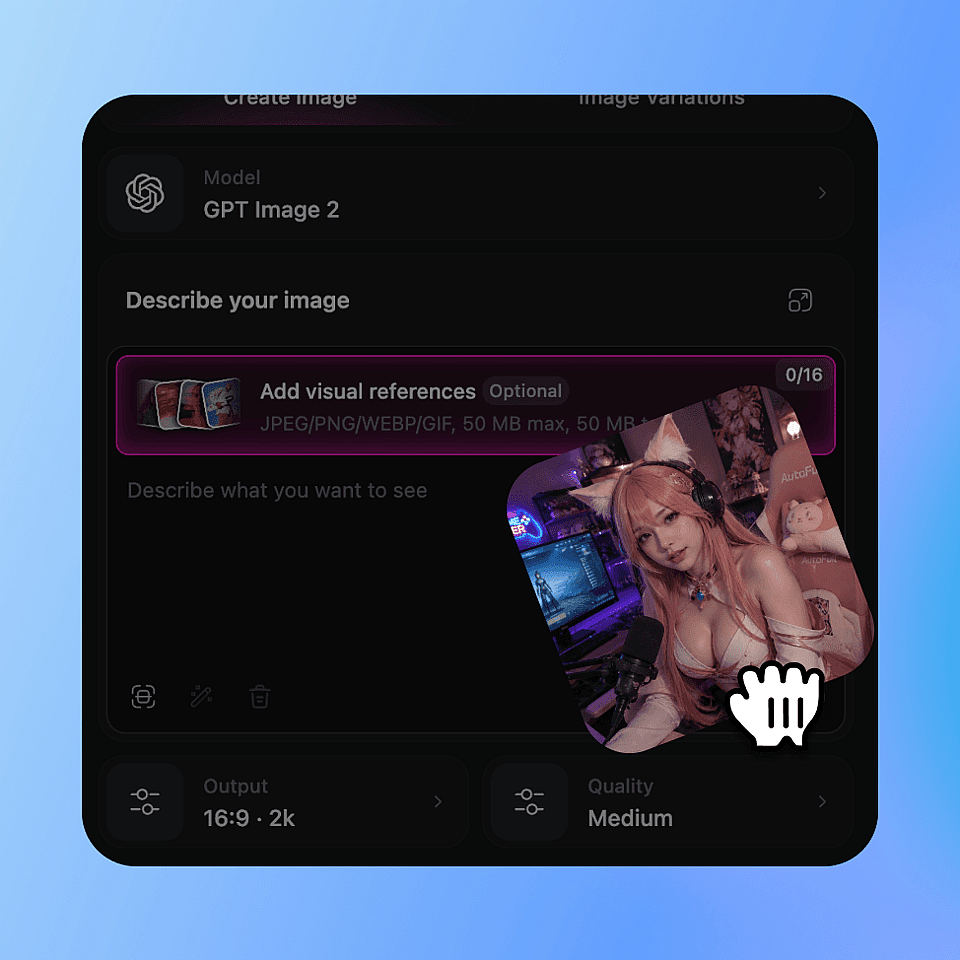
Upload Your Image
Start by uploading your base image, whether it’s a product shot, gameplay screenshot, or a portrait. OpenArt.ai supports various image formats to make the process smooth and convenient.
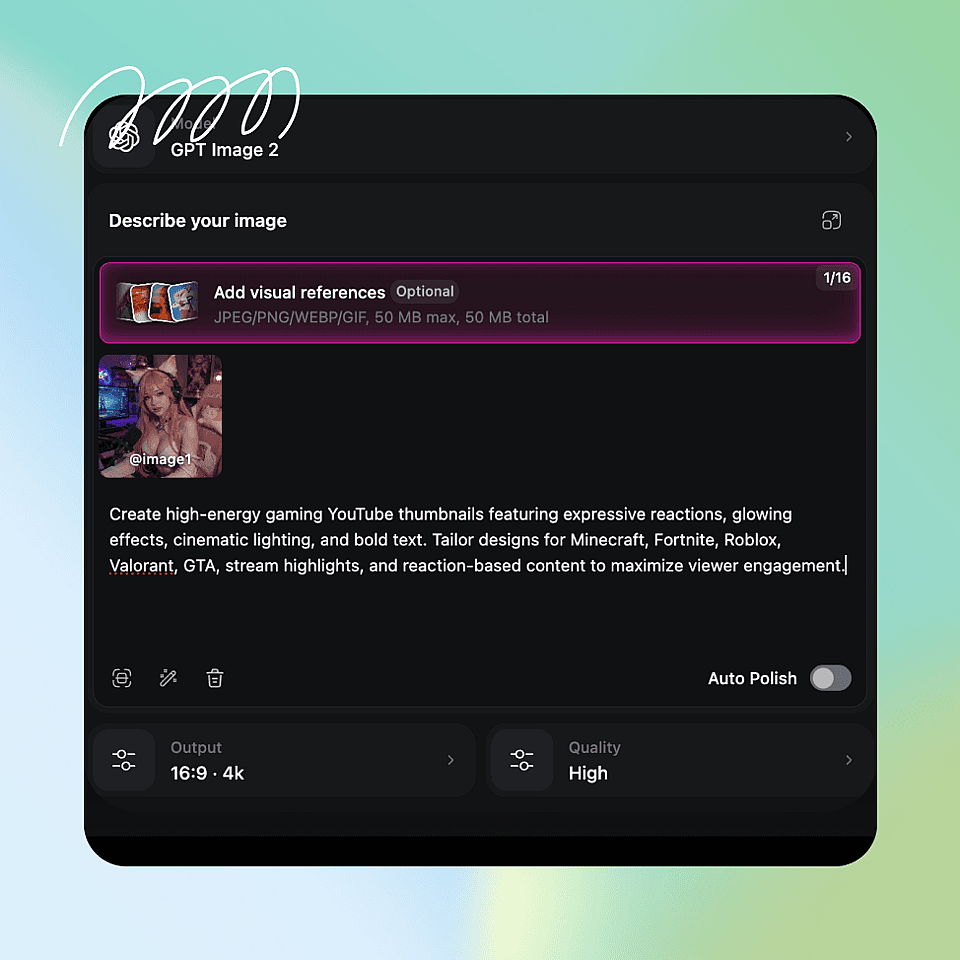
Describe Your Thumbnail
Enter a detailed description of the thumbnail you want. Include elements like text, background style, lighting, character poses, or specific visual effects. The AI uses your description to generate a professional, attention-grabbing thumbnail.
Edit & Download
Adjust layouts, text, colors, and composition if needed. Download your high-resolution thumbnail ready for YouTube, Shorts, tutorials, gaming, podcasts, or product reviews.
What Makes a YouTube Thumbnail Actually Get Clicked
One Clear Focal Subject
The best thumbnails focus on one clear subject. Too many faces or objects confuse viewers. Highlight one person, object, or moment with a clean background to make it instantly understandable.
Faces with Big Expressions
Strong facial expressions like shock, excitement, or surprise immediately attract attention and spark curiosity, making viewers more likely to click, especially on small mobile screens.
Add Headline Text
Use short, bold phrases that reinforce the hook rather than explain the full story, drawing attention and sparking curiosity. Examples include: “BIGGEST MISTAKE” or “I LOST $10K,” which immediately communicate stakes and make viewers want to learn more.
Text Has to Read at 168 × 94 Pixels
Most viewers discover videos on mobile devices, so text should be large, bold, high-contrast, and minimal. It should usually be 3–5 words for instant readability.
High Contrast Beats Subtle Design
Subtle color palettes and soft compositions may look elegant, but they often get lost in YouTube’s crowded feeds. Bright colors, dramatic lighting, and clear subject-background separation capture attention better.
Specificity Creates Curiosity
Specific thumbnails spark more curiosity than vague ones. Details such as “I Tried a $10,000 Sushi Dinner,” dramatic objects, or clear outcomes make the video’s value obvious. The more concrete specific the thumbnail, the higher the click potential.
Loved by Creators Worldwide
See what our community has to say
I've tried many AI platforms… but OpenArt is still the best for character creation, image-to-video quality, and the variety of models available.
OpenArt offers an excellent array of AI tools… once you learn the features, the creative possibilities are amazing - and their support team is outstanding.
OpenArt is a very versatile AI platform with many image and video models, consistent character creation, and powerful editing tools.
Helpful AI tools all in one place - image and video generation, editing, and more… no need for multiple subscriptions.
Customer service is always quick and helpful… and the platform keeps getting better with new features and tools.
I've tried many AI platforms… but OpenArt is still the best for character creation, image-to-video quality, and the variety of models available.
OpenArt offers an excellent array of AI tools… once you learn the features, the creative possibilities are amazing - and their support team is outstanding.
OpenArt is a very versatile AI platform with many image and video models, consistent character creation, and powerful editing tools.
Helpful AI tools all in one place - image and video generation, editing, and more… no need for multiple subscriptions.
Customer service is always quick and helpful… and the platform keeps getting better with new features and tools.
I've tried many AI platforms… but OpenArt is still the best for character creation, image-to-video quality, and the variety of models available.
OpenArt offers an excellent array of AI tools… once you learn the features, the creative possibilities are amazing - and their support team is outstanding.
OpenArt is a very versatile AI platform with many image and video models, consistent character creation, and powerful editing tools.
Helpful AI tools all in one place - image and video generation, editing, and more… no need for multiple subscriptions.
Customer service is always quick and helpful… and the platform keeps getting better with new features and tools.
With so many AI platforms out there, OpenArt stood out as a stellar choice - I'd recommend it to any creator.
This platform includes everything you need for AI content creation - images, video, characters, audio, and multiple AI models in one place.
OpenArt is pushing the boundaries of AI video creation… and it's clear the team is committed to improving the creator experience.
I made my first AI music video with OpenArt… and their support team was the best help I've ever experienced.
I'm very happy with the support - my issue was resolved quickly and the team made the process easy.
With so many AI platforms out there, OpenArt stood out as a stellar choice - I'd recommend it to any creator.
This platform includes everything you need for AI content creation - images, video, characters, audio, and multiple AI models in one place.
OpenArt is pushing the boundaries of AI video creation… and it's clear the team is committed to improving the creator experience.
I made my first AI music video with OpenArt… and their support team was the best help I've ever experienced.
I'm very happy with the support - my issue was resolved quickly and the team made the process easy.
With so many AI platforms out there, OpenArt stood out as a stellar choice - I'd recommend it to any creator.
This platform includes everything you need for AI content creation - images, video, characters, audio, and multiple AI models in one place.
OpenArt is pushing the boundaries of AI video creation… and it's clear the team is committed to improving the creator experience.
I made my first AI music video with OpenArt… and their support team was the best help I've ever experienced.
I'm very happy with the support - my issue was resolved quickly and the team made the process easy.
Frequently Asked Questions
Get Insights from Experts Blog
Get the insights you need. Our experts share actionable hacks, break down the hottest topics, and provide essential how-to guides to help you build, optimize, and scale.
Read More
Create without limits
Join thousands of creators using OpenArt to generate stunning images, videos, and more — all in one platform.
Get Started for Free →