

AI Image Extender
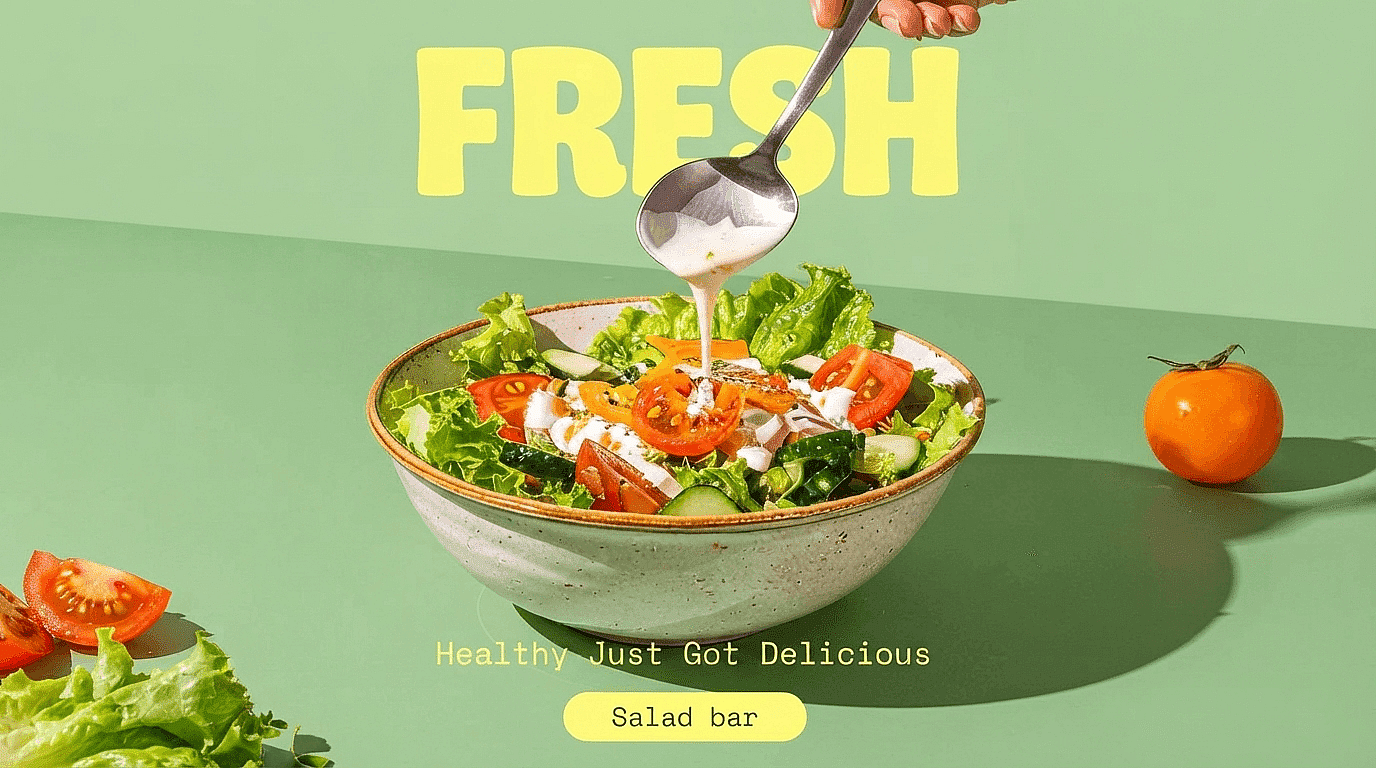
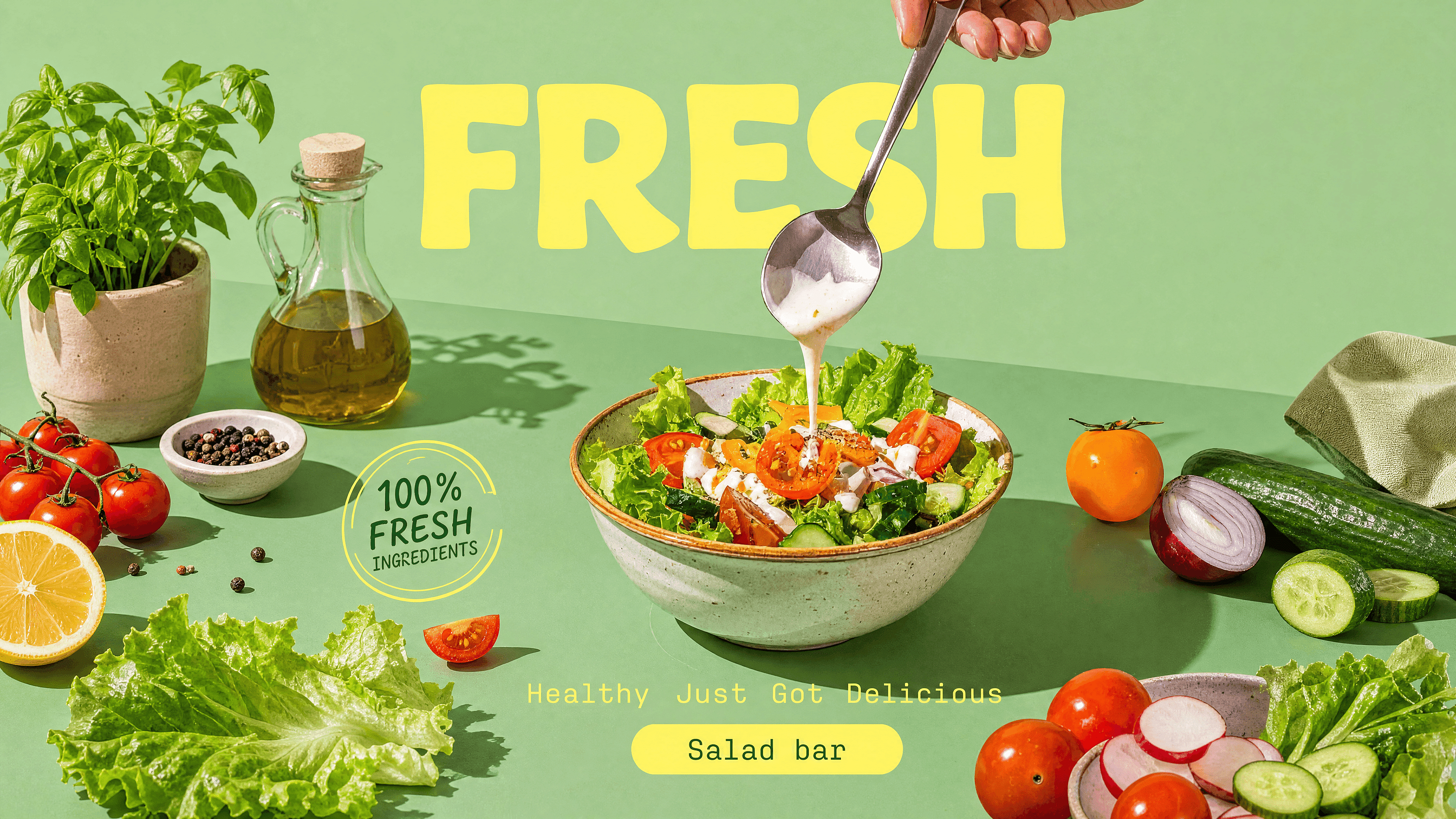
Expand any photo past its original edges with OpenArt's AI image extender. The AI generates new surroundings that match your image, so you can uncrop shots, switch aspect ratios, and add space without stretching a single pixel.
 Add an image Or drag and drop here · JPEG, PNG, WEBP, HEICJPEG, PNG, WEBP, HEIC
 How to Expand Images with OpenArt
Turn any image into a larger, layout-ready composition with natural AI outpainting in just a few steps.
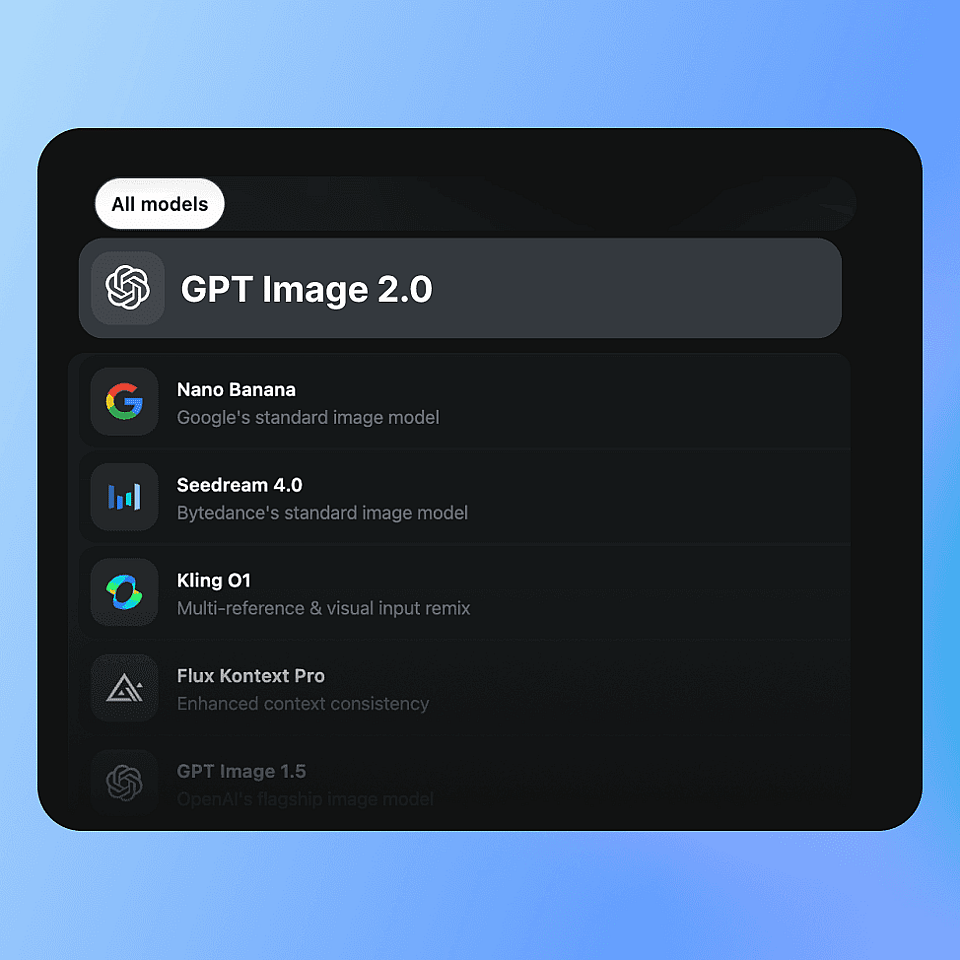
Choose AI Model
Select the model to match your image style and expansion needs.
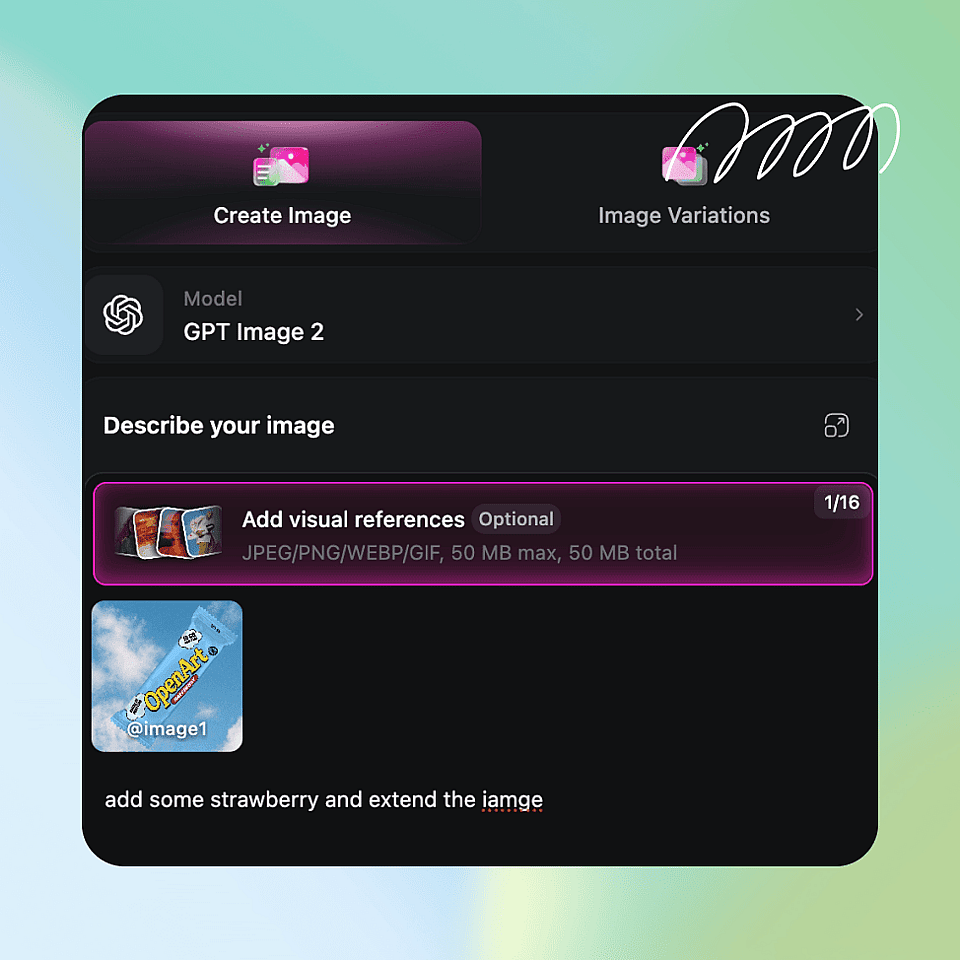
Describe Expansion
Enter a prompt to expand the background, add new scenery, or create additional visual elements while preserving the original subject.
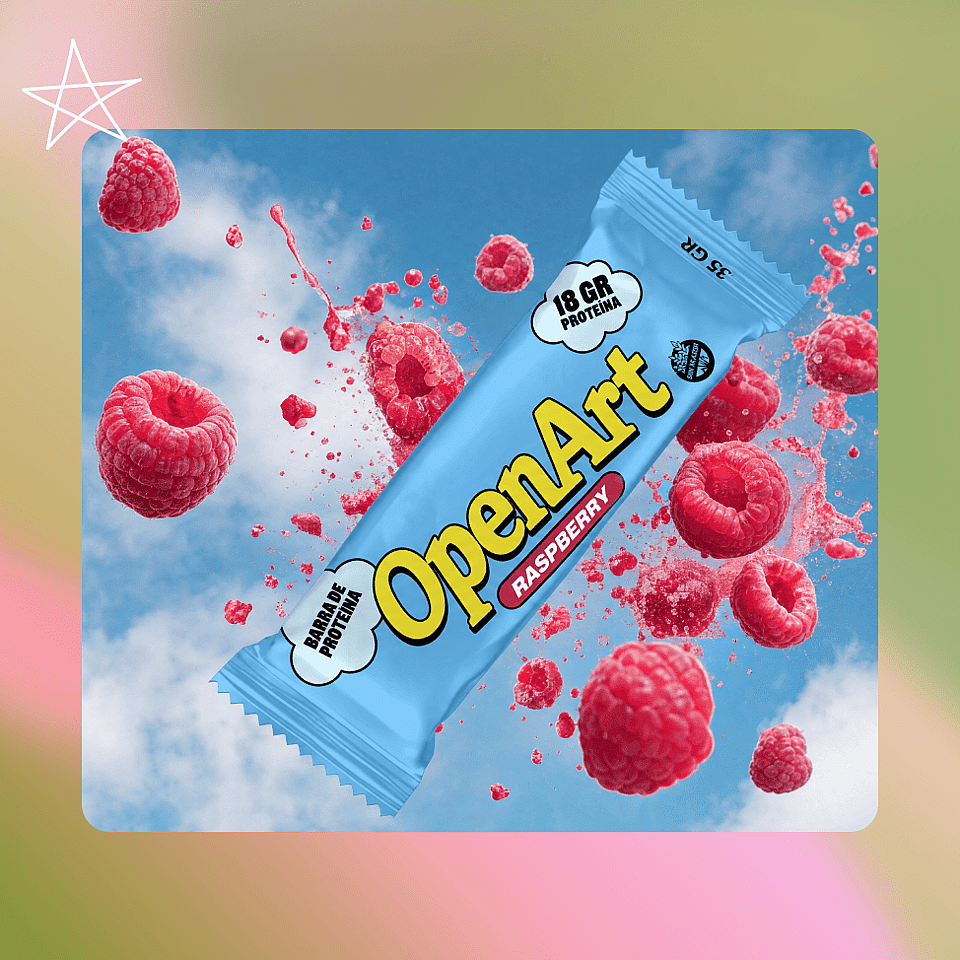
Generate and Export
Generate your extended image in seconds, refine the result with additional prompts if needed, and export your final artwork in up to 4K resolution.
What You Can Do With AI Image Extender and Expander
Expand, reframe, and adapt images for social media, video, design, and creative content, while keeping the original composition natural and visually consistent.
Resize Photos to Any Ratio
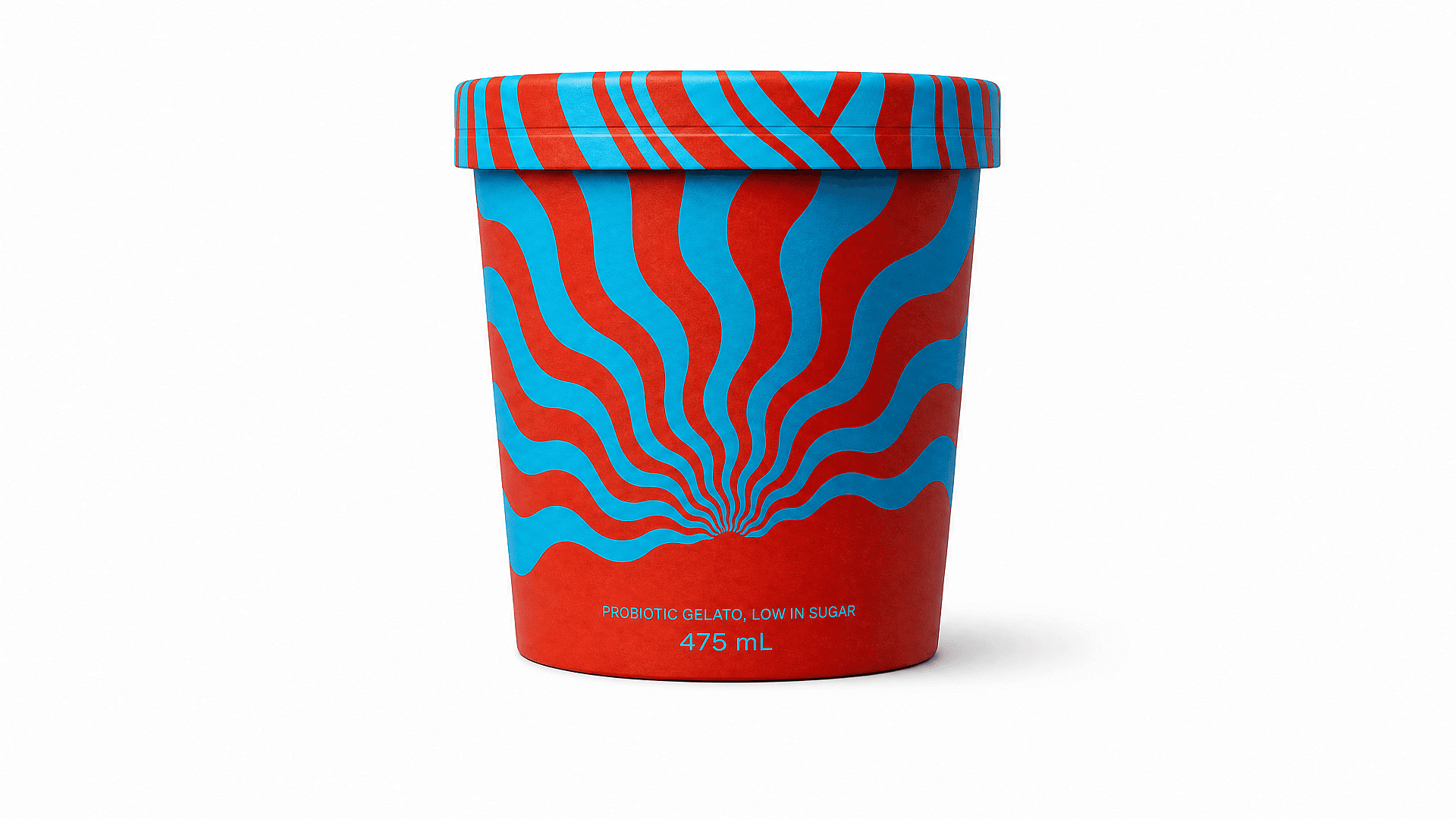
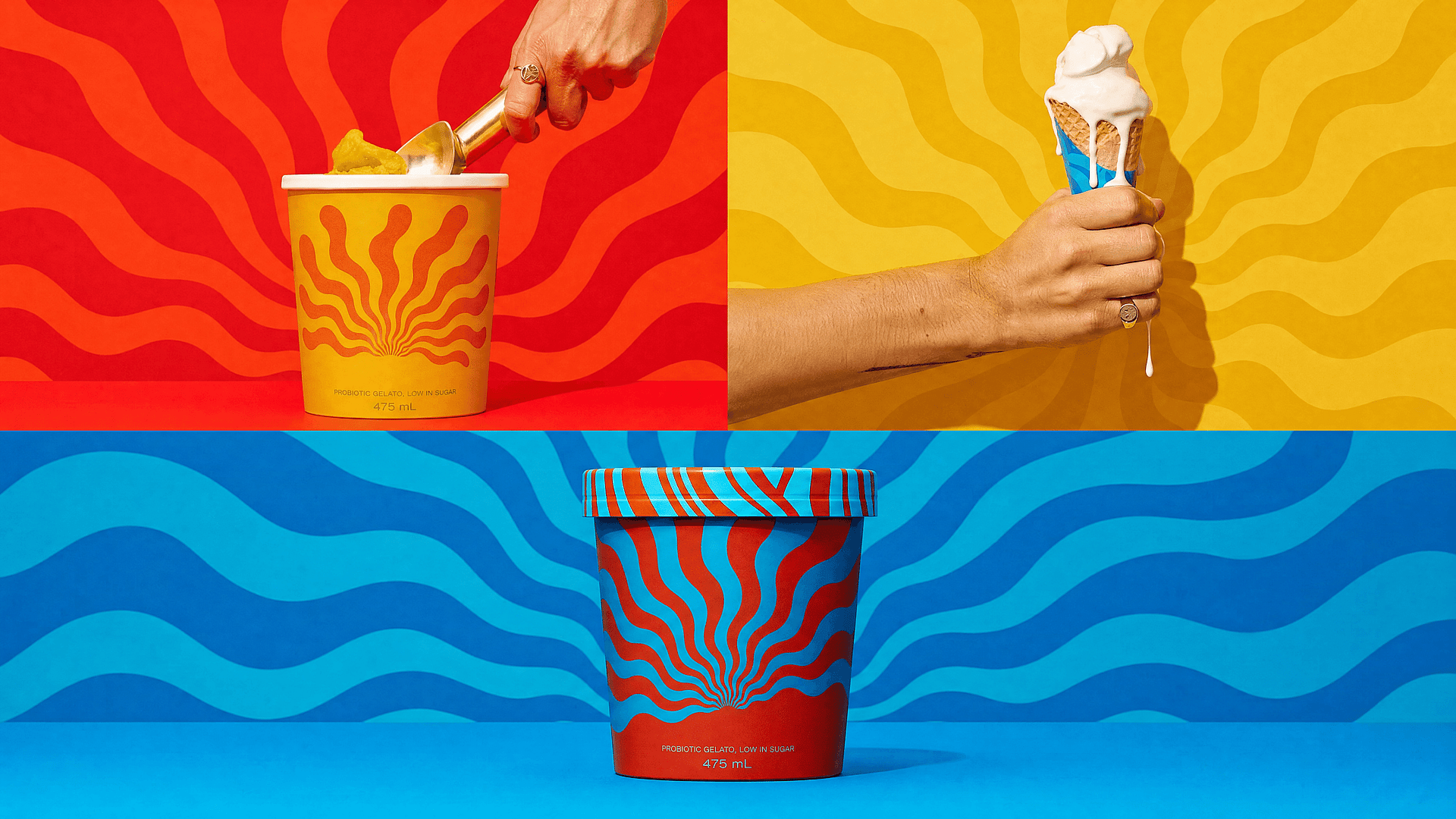
Turn a vertical phone shot into a 16:9 widescreen, a landscape into a 9:16 Story, or anything into a clean 1:1 square with our AI image generator. Instead of cropping into your subject or stretching the frame, the AI adds matching surroundings until the photo fills the new aspect ratio naturally.
Try it Now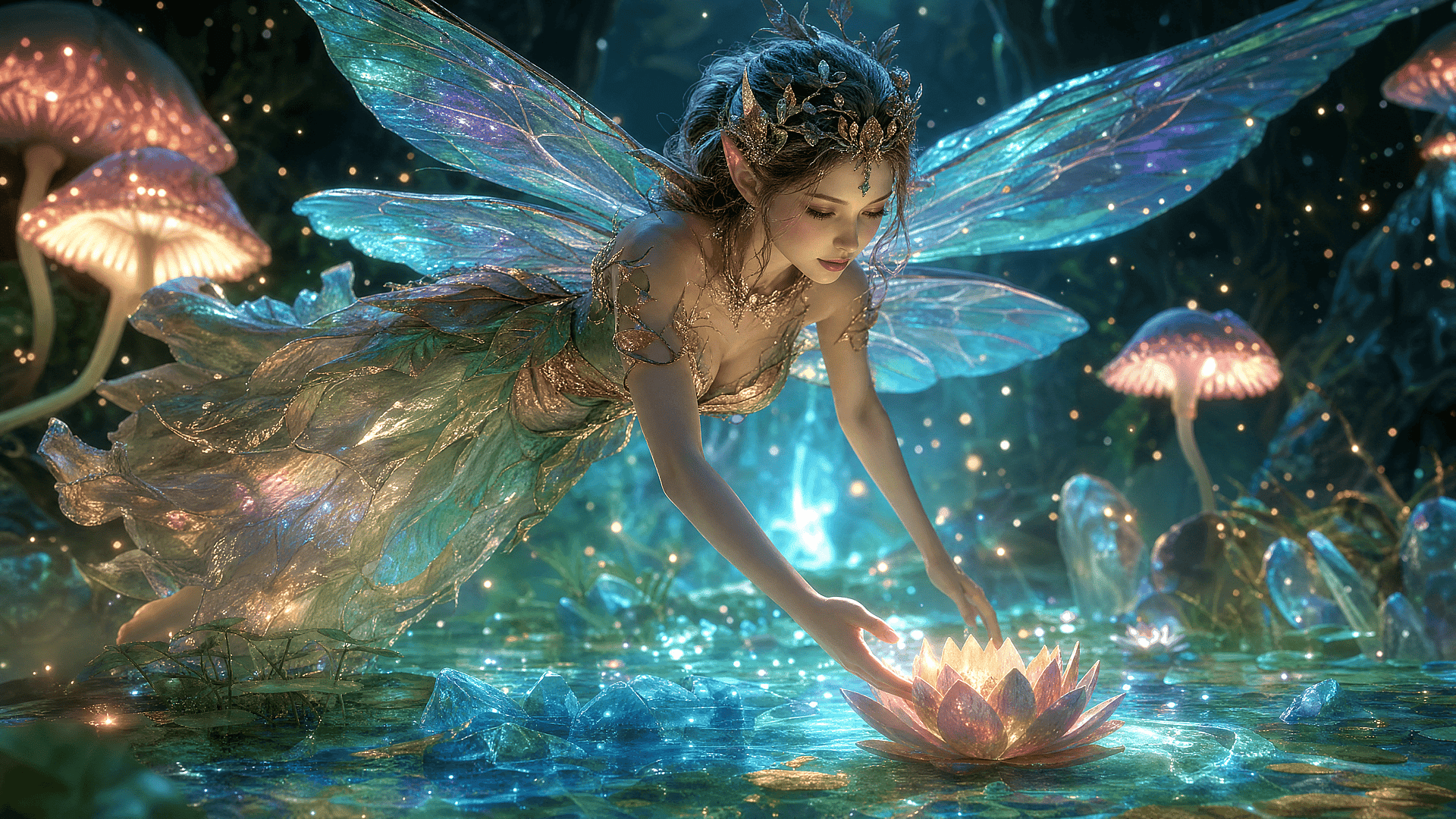
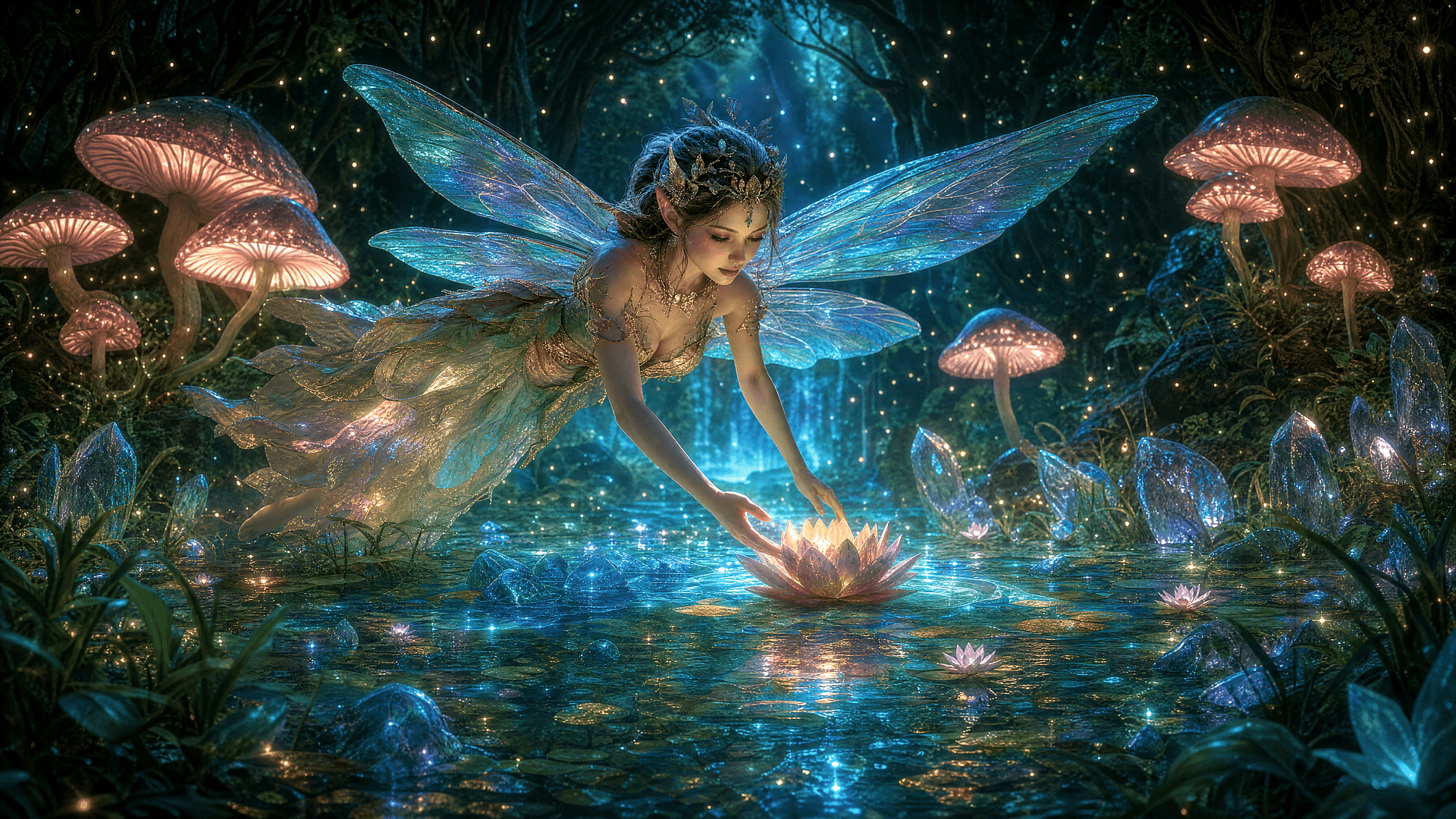
Zoom Out From Tight Shots
When a photo feels cramped, the extender works like a step backward. It widens the scene around your subject to fix awkward framing, restore cut-off elements like hands or hair, and open up compositions that were shot too close.
Try it Now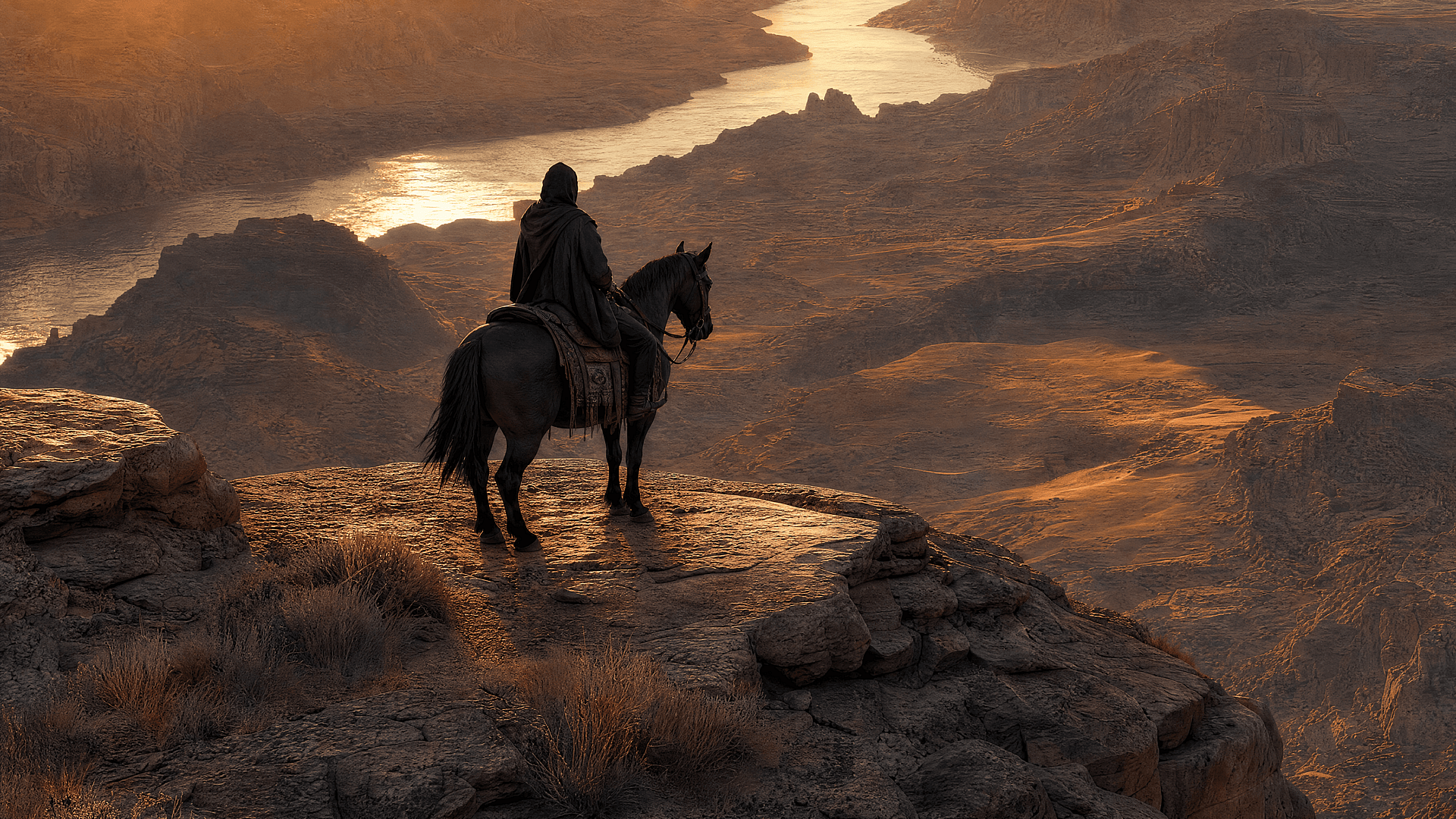
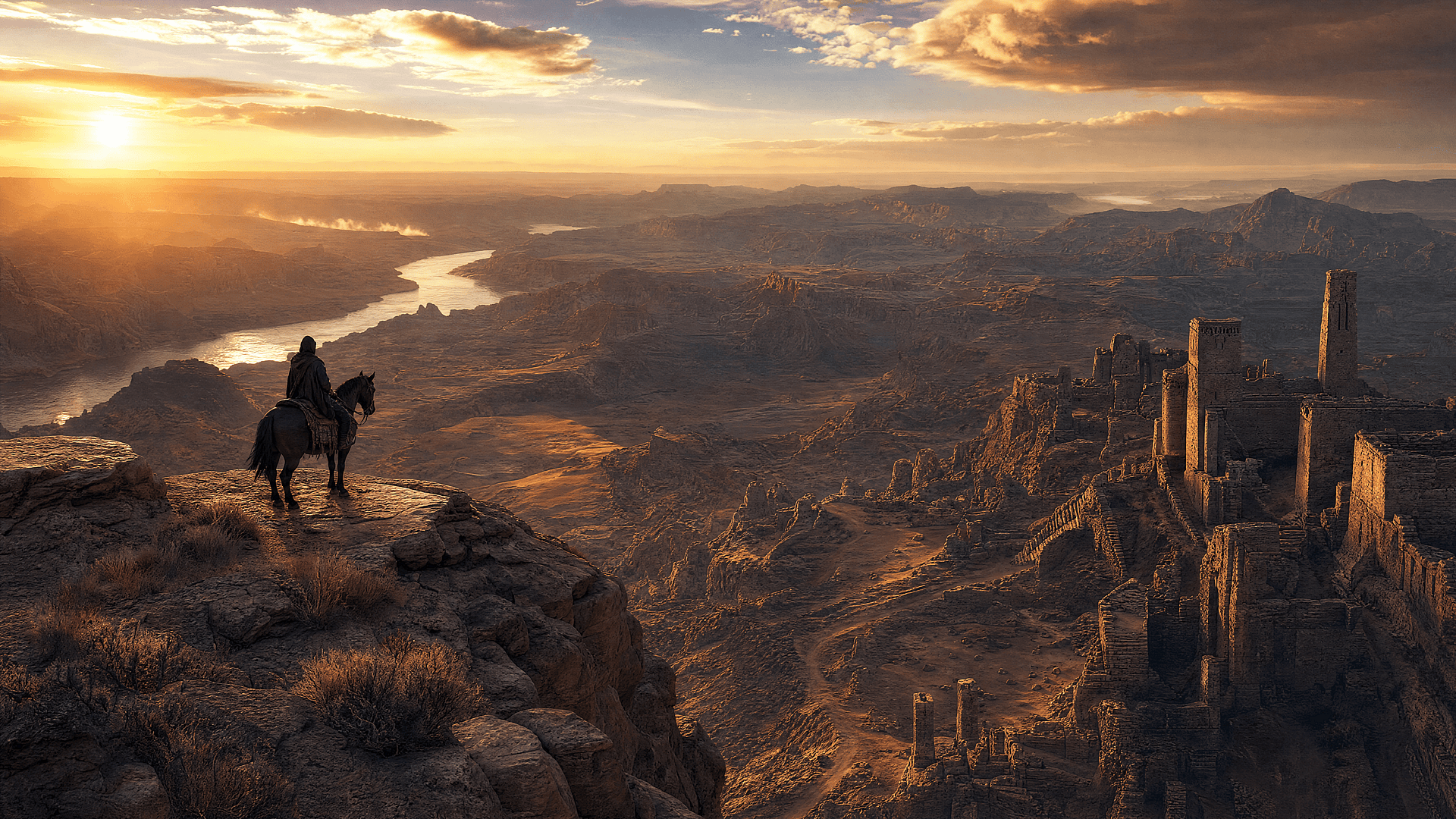
Extend Images Beyond the Frame
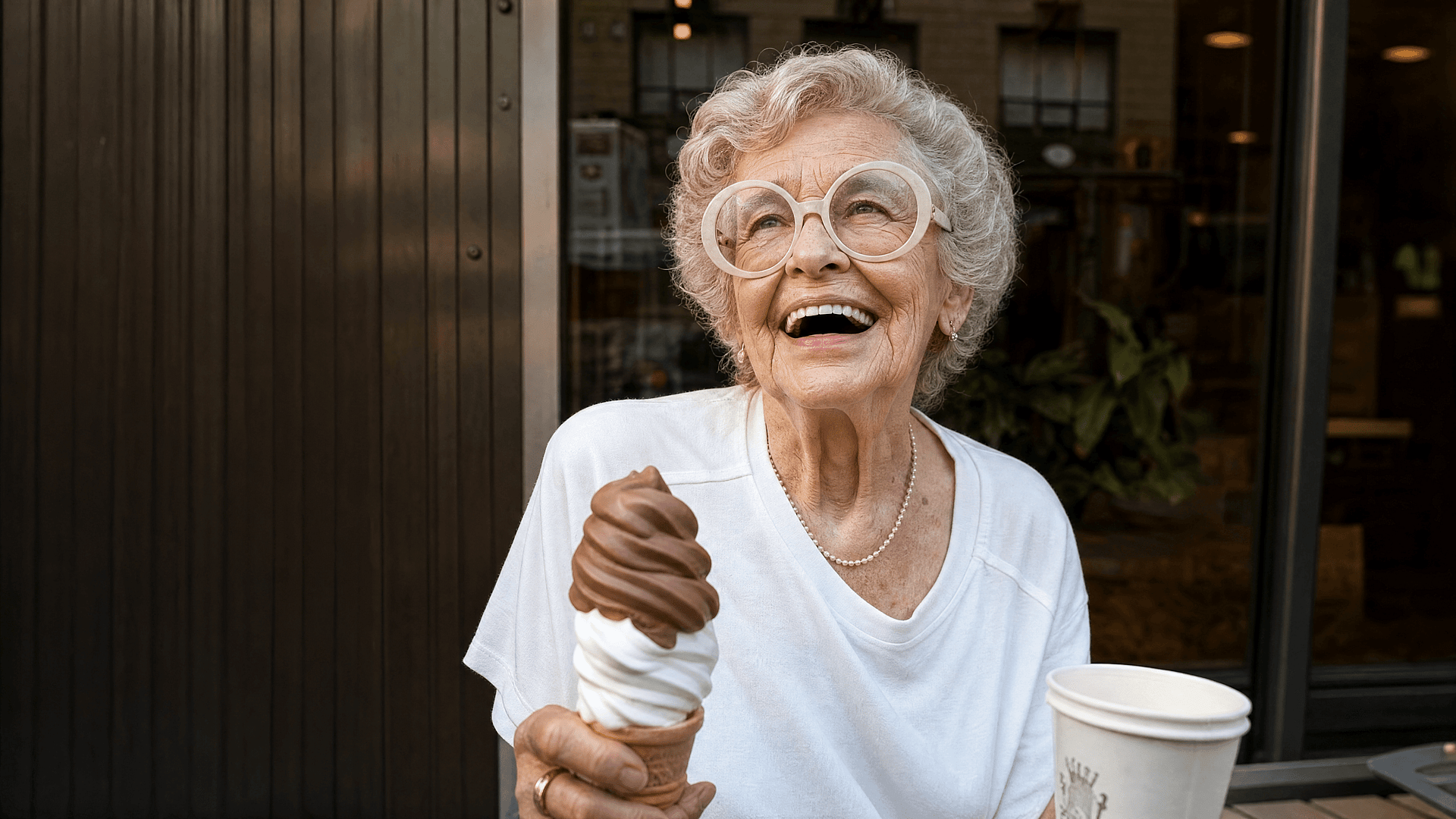
The image extender uses AI outpainting to continue your image outward in any direction. It reads the scene, then generates new content past the borders: such as more sky above a landscape, more room around a portrait, more table around a product. The result is a larger image that looks like it was captured that way.
Try it Now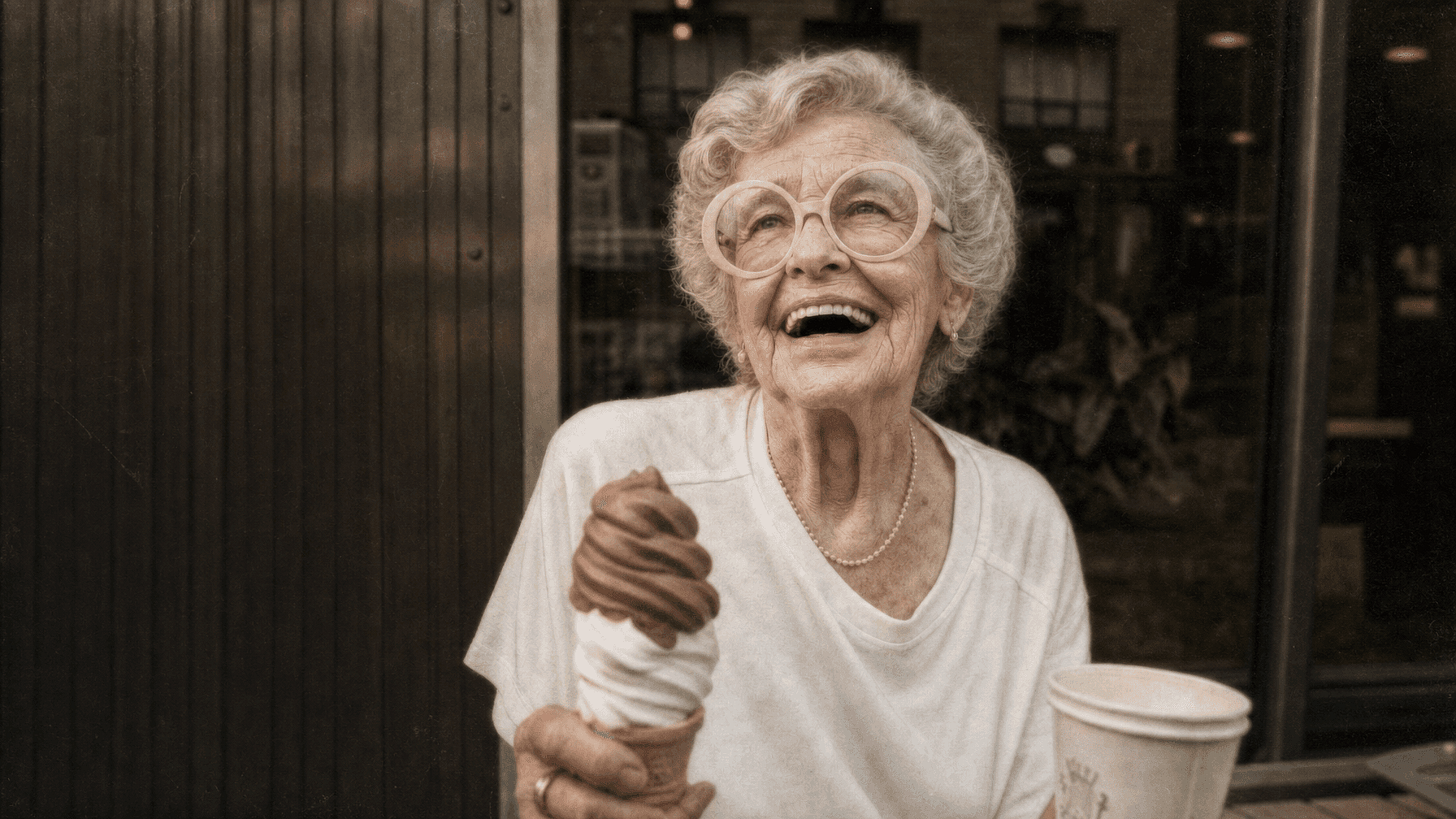
Control What Fills the Space
You are not limited to what the AI guesses. Describe what should appear in the new areas, like a longer beach, a darker studio backdrop, or empty wall space for text, and the extender generates surroundings that follow your prompts’ direction while still blending with the original.
Try it NowFrequently Asked Questions
An AI image extender is a tool that expands a picture beyond its original borders. Instead of stretching or cropping, it generates brand new content around the edges that matches the scene, lighting, and style of your photo, a technique known as outpainting.
Yes. Pick the ratio you need, such as 1:1, 9:16, or 16:9, and the extender adds matching surroundings until your photo fills it. Your subject keeps its position and proportions because nothing is cut or stretched.
The AI matches lighting, color, texture, grain, and perspective from your source image. On clean, well-lit photos the seam between original and generated content is effectively invisible, and you can regenerate until the blend looks right.
Yes. Add a text prompt describing the surroundings you want, like "empty white studio backdrop" or "more forest and mist." Leave it blank and the AI simply continues the existing scene.
You can start free with OpenArt's trial credits and extend images right away. Paid plans add more generations, faster processing, and higher resolution output, and you can upscale extended images up to 4K.
The AI analyzes the colors, textures, lighting, and objects near the edges of your image, then generates a continuation of the scene outward. Because the new pixels are created from the image's own context, they blend into the original instead of looking pasted on.
Yes. The extender reconstructs what could plausibly exist beyond the current frame, which restores breathing room to tightly cropped shots. It cannot recover the literal pixels a crop deleted, but it generates a natural replacement for them.
No. The original pixels are left untouched. All new content is generated outside the existing frame, so faces, products, and text in your photo stay exactly as they were.
OpenArt's image tools run on leading models including Seedream 4.5, Seedream 5.0 Lite, GPT Image 2, Nano Banana Pro, Kling 3.0, and Wan 2.7. That model depth is why extended regions hold detail instead of going soft or generic.
Yes, images you create on OpenArt can be used in commercial projects under OpenArt's terms of service. Make sure you hold the rights to the original photo you upload.
Get Insights from Experts Blog
Get the insights you need. Our experts share actionable hacks, break down the hottest topics, and provide essential how-to guides to help you build, optimize, and scale.
Read More

Create without limits
Join thousands of creators using OpenArt to generate stunning images, videos, and more — all in one platform.
Get Started for Free →