Y2K Photo Editor
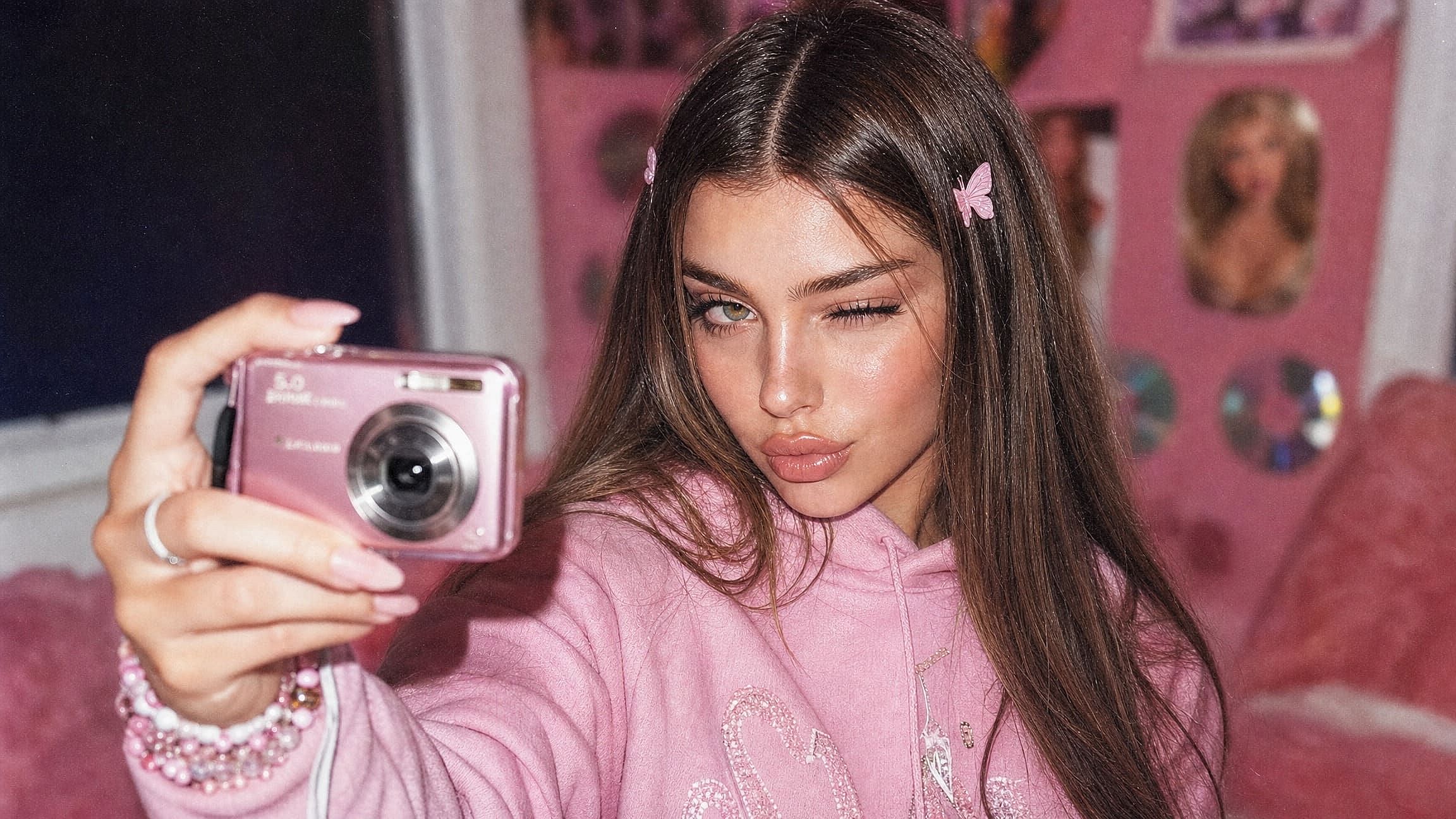
Use the Y2K photo editor to turn any selfie into a 2000s digital camera shot. Upload a photo, then describe the flash, grain, and stickers you want.
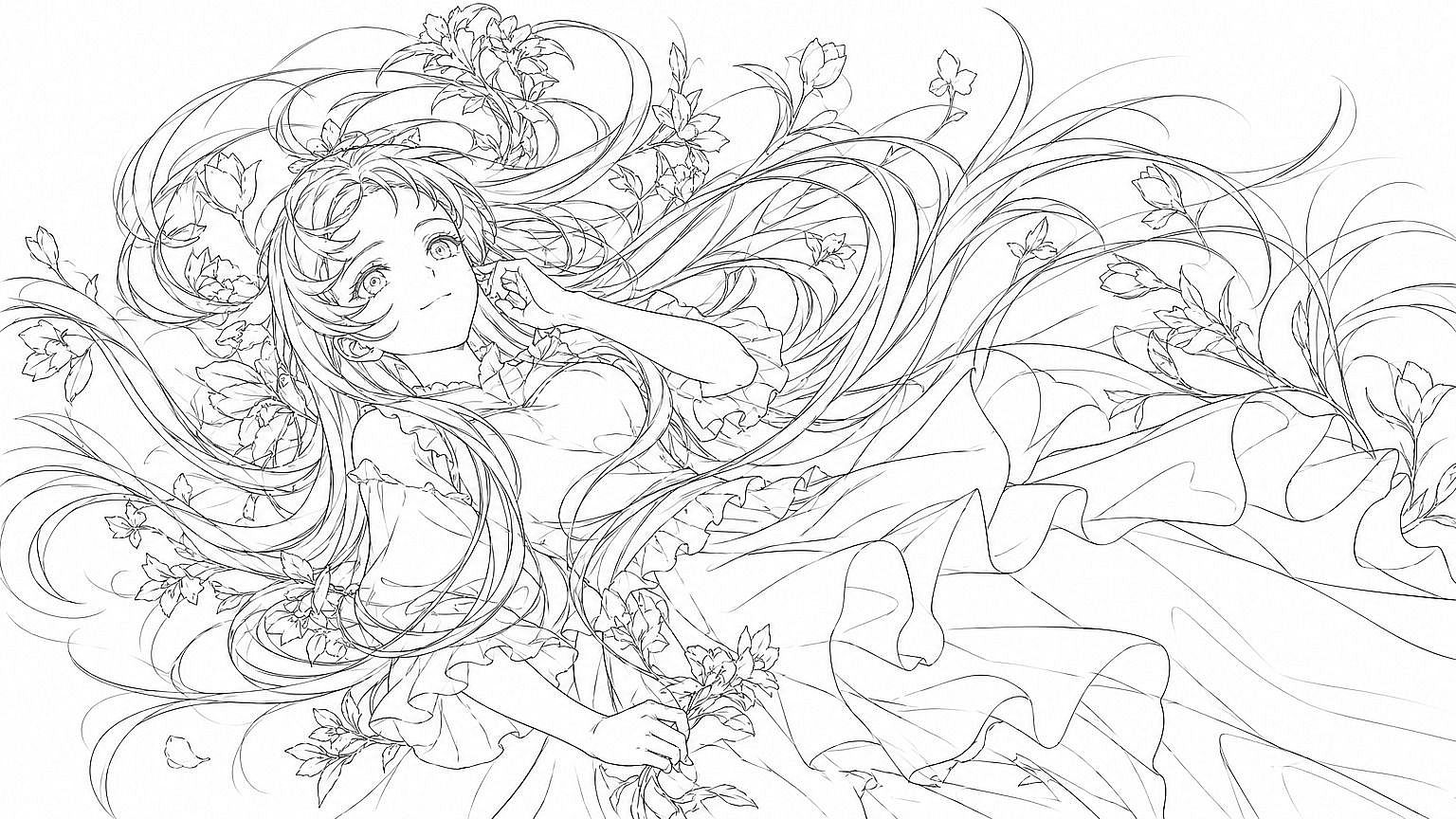
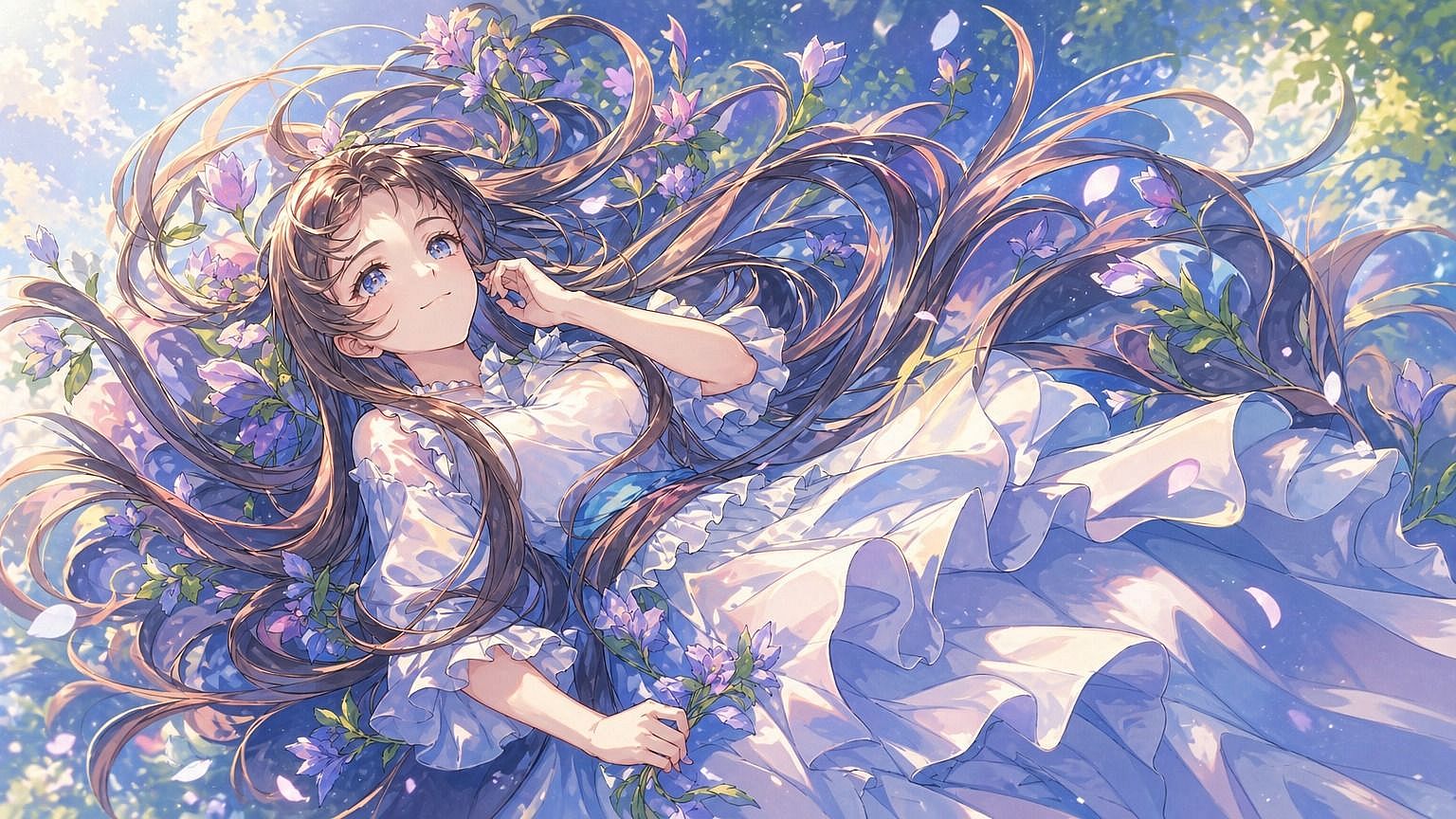
Key Features of the Y2K Photo Editor
Restyle a photo with a Y2K filter, choose the exact 2000s camera look, add stickers, or turn your edit into a short video.
Restyle any photo with a Y2K filter
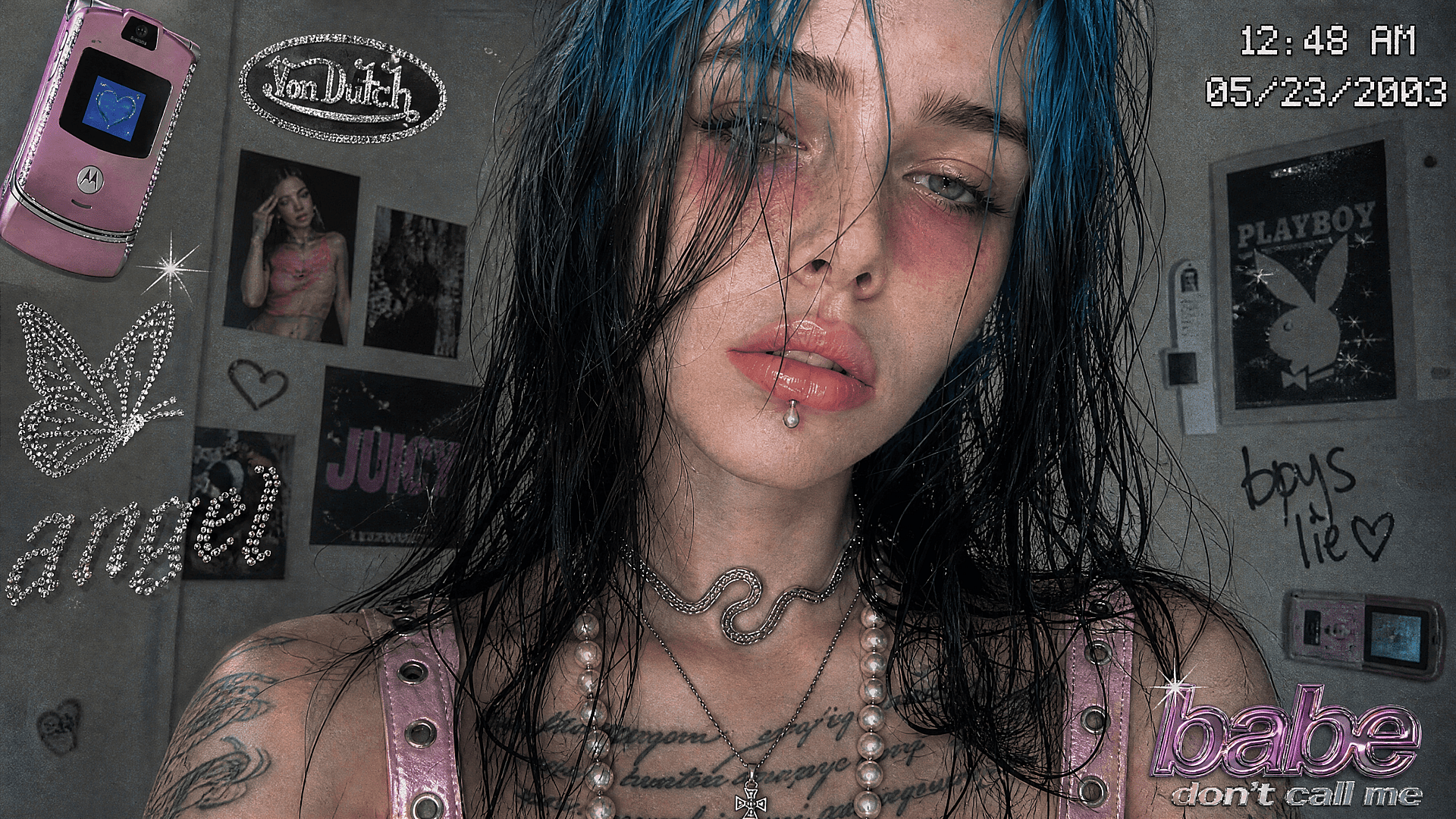
The Y2K photo editor restyles pictures you already have. In the 'Edit Image' tool, choose 'Describe' mode and type the look you want, like "make this a 2003 digicam photo with direct flash." 'Area Edit' mode changes only the part you highlight, so you can add glitter to your top while your face and background stay the same.
Choose the exact 2000s camera look
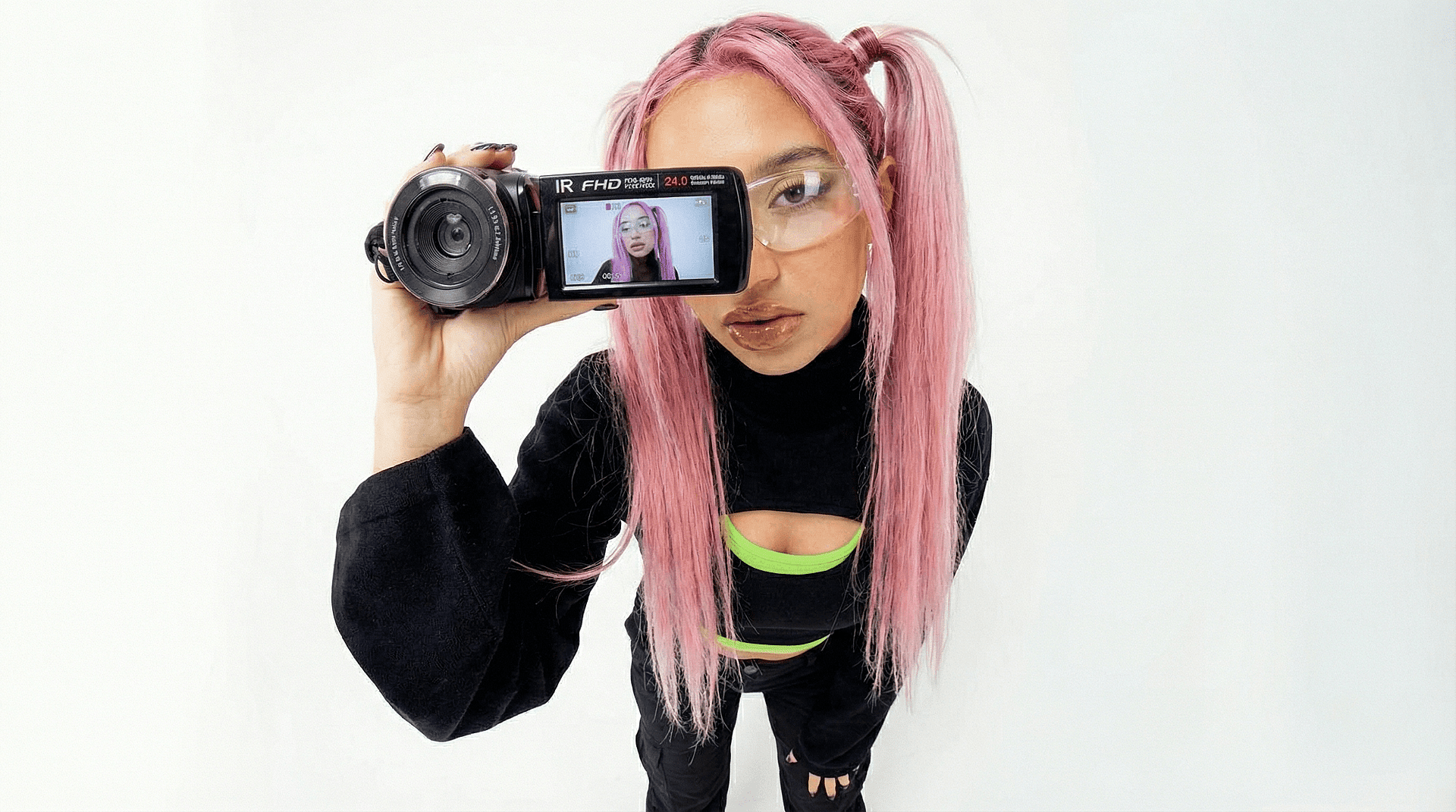
Y2K photos come from four camera details: direct flash with a dark background, soft digicam grain, VHS glow, and an orange camcorder date stamp. Ask for the ones you want, and name the camera too, like a disposable camera or a flip phone. In our tests, GPT Image 2 kept faces closest to the original photo, so your edit still looks like you.
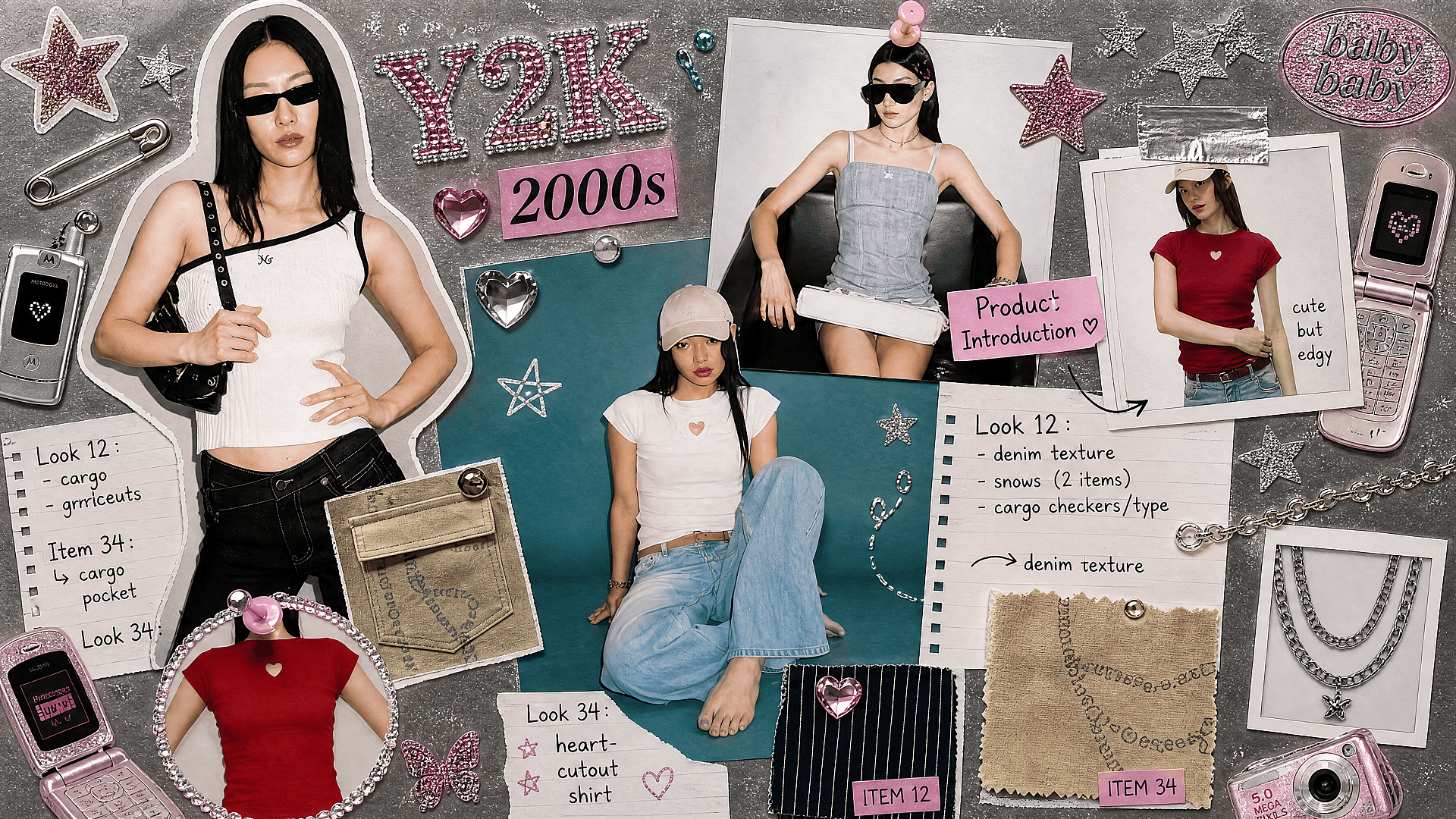
Add Y2K stickers and glitter text
Type the stickers and words you want, such as pink butterflies, silver stars, a flip phone, or "Y2K baby" in glitter letters. Say where each one goes, like "stars around my head." The editor adds them in the same step as the camera effect, so you skip dragging and resizing stickers by hand.
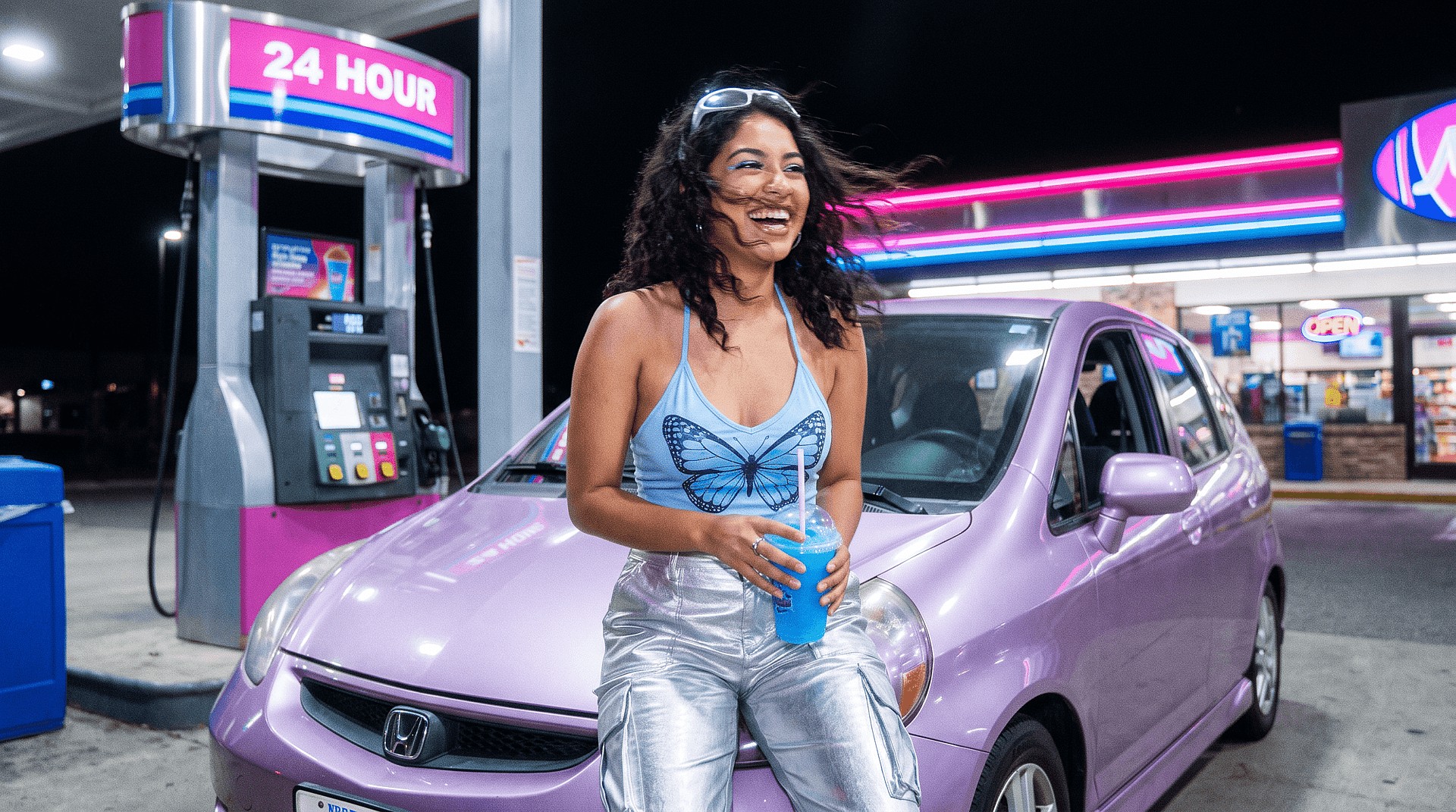
Turn your Y2K photo into a video
The Image to Video tool makes your Y2K picture move. Upload the edit and describe the motion, like a camera flash going off or hair blowing in a night breeze. Models like Seedance 2.5 and Veo 3.1 turn the still photo into a short clip. You then have a Y2K post for TikTok or Reels too.
How to Add a Y2K Filter to Your Photos
Adding a Y2K filter to your photo takes one clear picture and a short prompt. Follow these three steps in the Y2K photo editor.
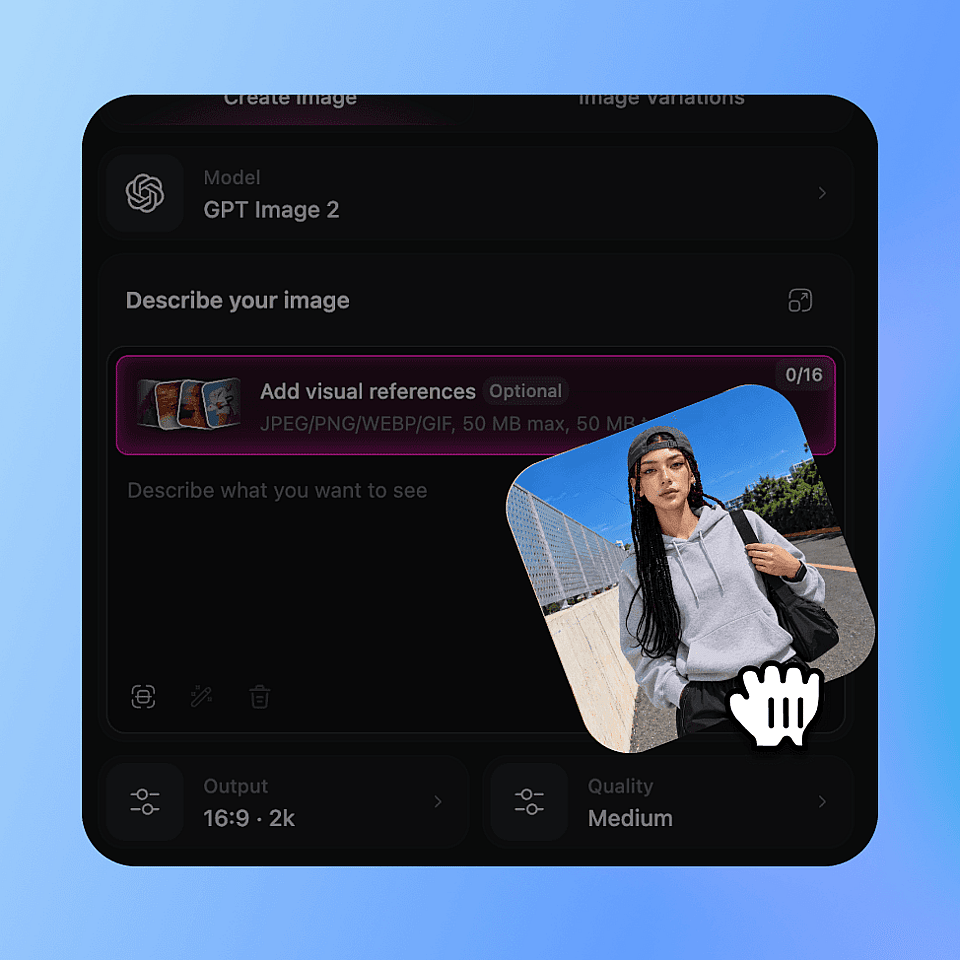
Upload your photo
Open the Edit Image tool and upload the photo you want to restyle. Choose a model such as GPT Image 2.
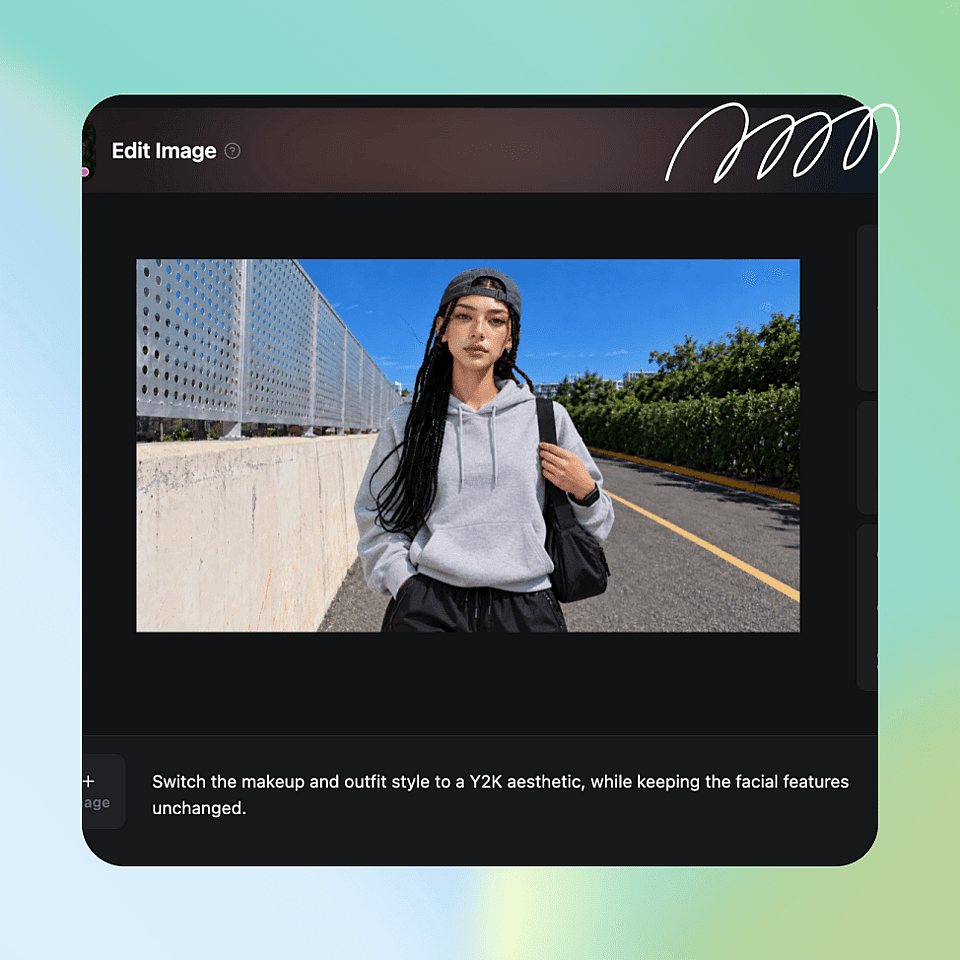
Describe your Y2K look
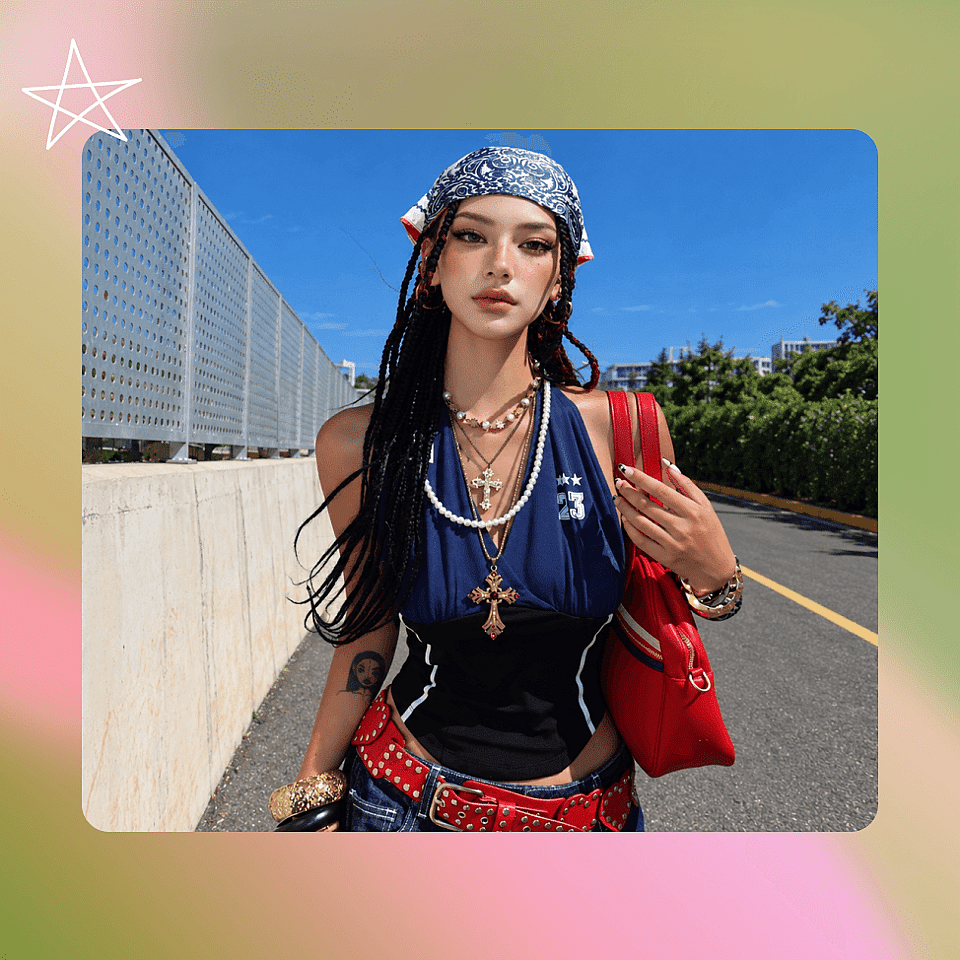
Type the camera effect, colors, and stickers you want, like "2000s digicam flash, pink tones, butterfly stickers. Keep my face unchanged."
Generate and download
Choose your resolution, aspect ratio, and other settings, and hit Generate. Download the image you like.
Best Use Cases for the Y2K Photo Editor
Creators, AI influencers, and marketing teams use the Y2K photo editor to make 2000s-style content without a vintage camera.
Social & UGC creators joining the Y2K trend
Social media creators use the Y2K photo editor to post their own take on the 2000s photo trend. Upload a few selfies, give them the same flash and grain, and post them as a photo dump carousel. Then turn your favorite into a short clip with the Image to Video tool. Reusing one prompt helps every slide match.
Try it Now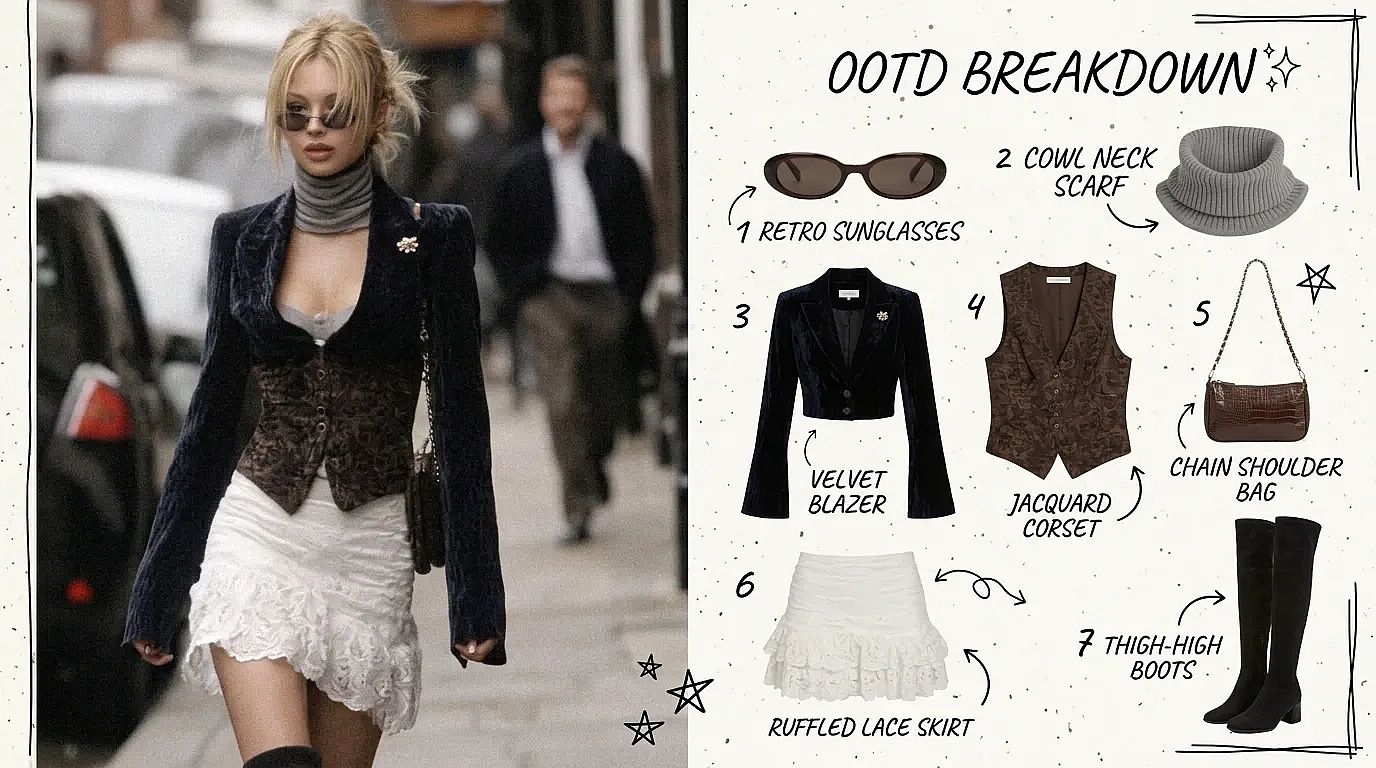
AI influencer creators building a Y2K persona
AI influencer creators use the Y2K photo editor to give a virtual persona a 2000s look. Save the persona in OpenArt Characters, then put the same face in a mirror selfie, a flash-lit party, or a mall photo booth. The persona stays recognizable from post to post, so your followers see a Y2K week from the account they already know.
Try it Now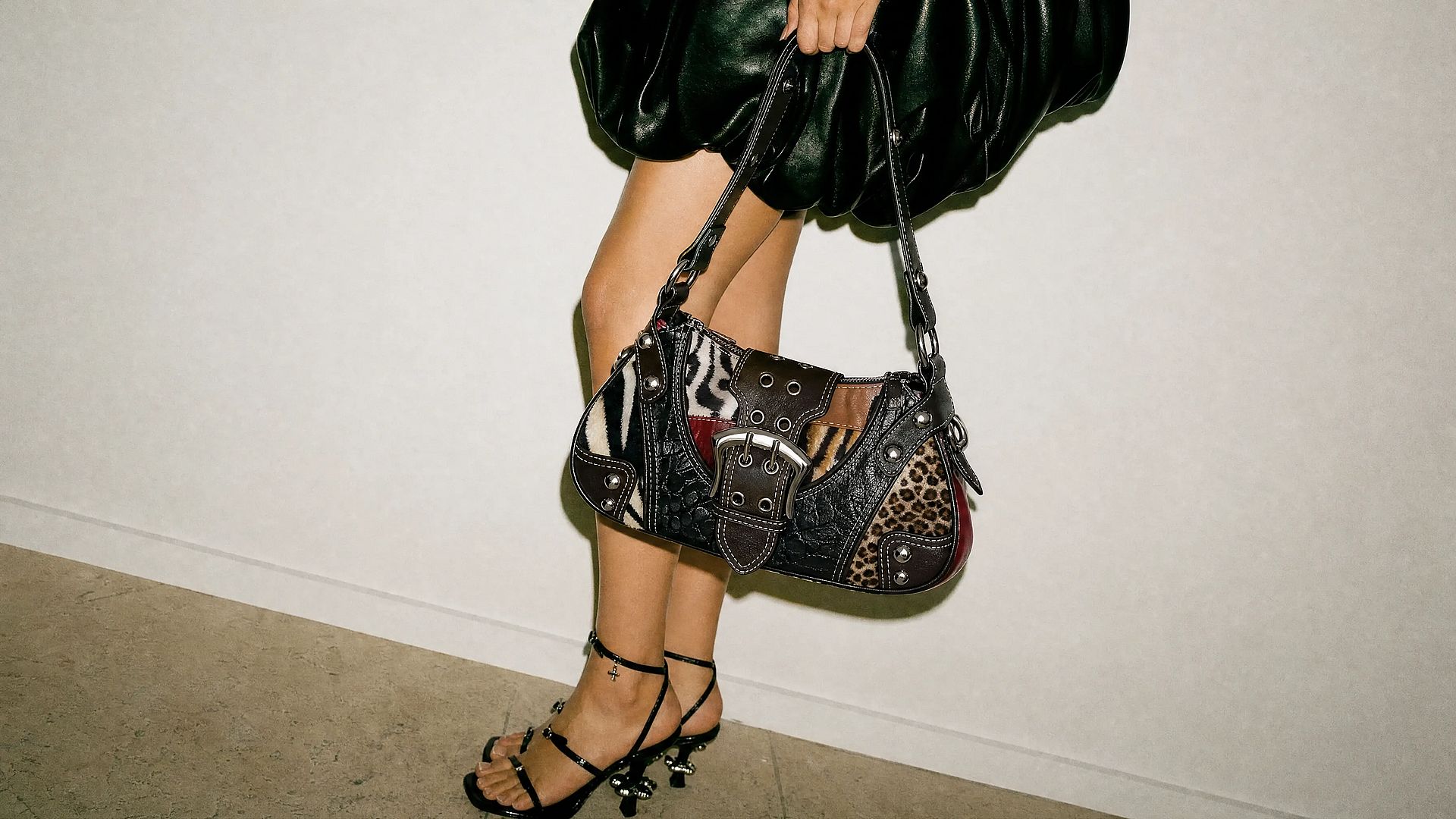
Marketing teams running throwback campaigns
Marketing teams use the Y2K photo editor to make throwback ad images that still look like the brand. Set up Brand Kit once, and Create Image with GPT Image 2 applies your colors, fonts, and logo to each image in the project. Ask for up to eight versions of one idea and test which one gets the most clicks.
Try it NowFrequently Asked Questions
A Y2K photo editor is a tool that gives your pictures an early-2000s look: harsh flash, digicam grain, chrome text, butterfly stickers, and pastel colors. OpenArt's Y2K photo editor restyles photos you already have when you describe the look you want. You can also make Y2K images from scratch with the AI Image Generator.
The Y2K photo trend is a social media trend where people edit photos to look like they came from a 2000s digital camera or flip phone, with harsh flash, grain, and stickers. People share these edits on TikTok and Instagram because the photos feel candid and a little imperfect.
Yes. List the stickers and text you want in your prompt, such as pink butterflies, silver stars, a flip phone, or "Y2K baby" in glitter letters. Say where each one goes, and the editor adds them to your photo along with the camera effect.
Upload your photo to the Edit Image tool and describe the Y2K details, such as direct flash with a dark background, 2000s digital camera grain, VHS glow, a camcorder date stamp, or pastel and chrome colors. Pick two or three details. Too many retro effects at once can make a photo look muddy.
Yes. New accounts get 40 free credits to try the Y2K photo editor, no credit card required. OpenArt runs in your web browser, so there is no app to install. For regular use, paid plans start at $14/month with the Starter plan. Commercial rights apply on eligible paid plans. Check the Pricing page for current figures.
Yes. Upload a selfie, ask for a flash-lit Y2K portrait with glitter text or butterfly stickers, and choose a 1:1 aspect ratio before you generate. Download the version you like and use it as your PFP on Instagram, TikTok, or any other platform.
Get Insights from Experts Blog
Get the insights you need. Our experts share actionable hacks, break down the hottest topics, and provide essential how-to guides to help you create, optimize, and scale.
Read More