

 ChatGPT
 Perplexity
 Claude
 Gemini
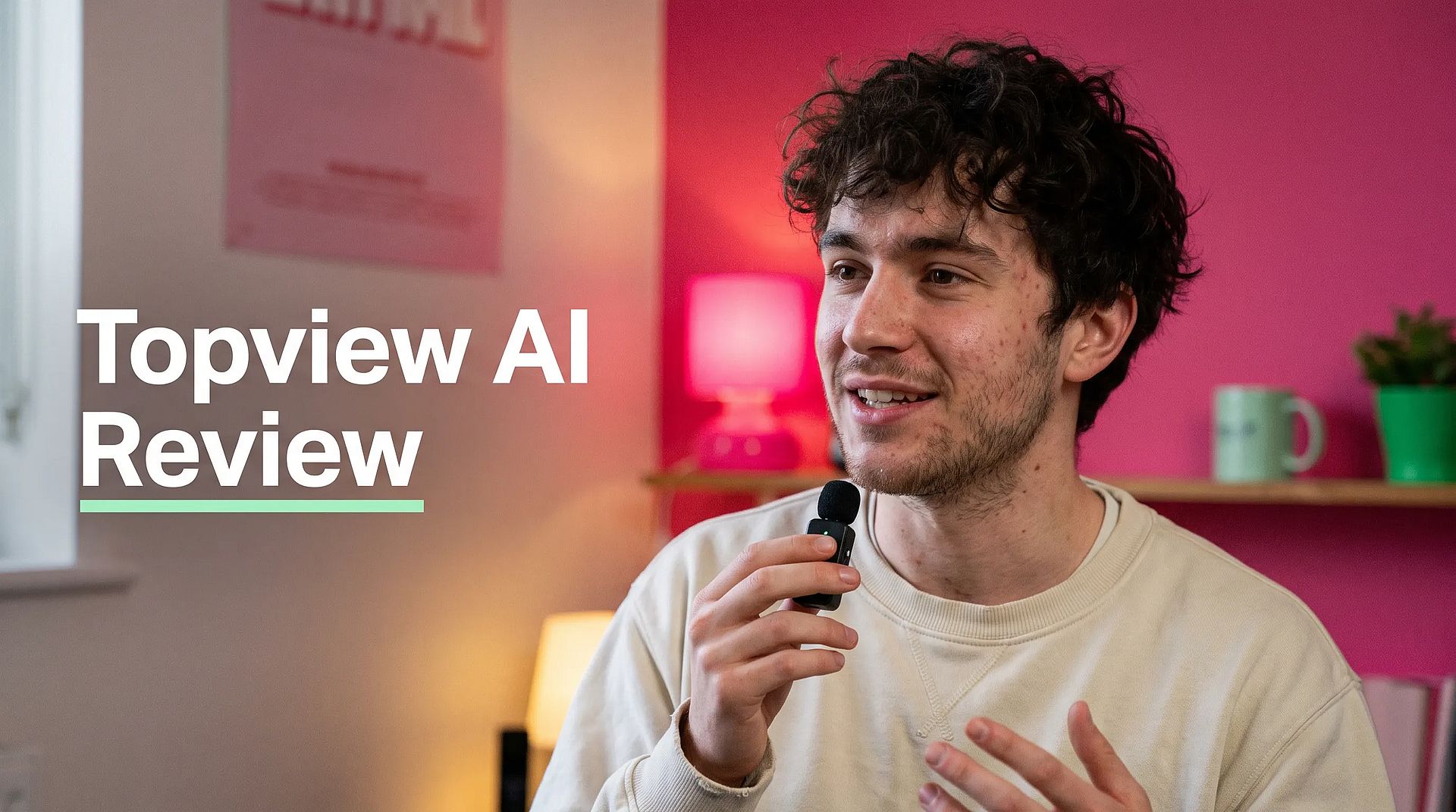
Topview AI is an AI video agent that plans and creates marketing videos, short films and micro-dramas from an idea, script or product link. Marketers, e-commerce brands and agencies use its canvas and AI video editor to build ads. Topview AI pricing starts at $36 per month on yearly billing. This review covers Topview AI features, real user feedback and the best Topview AI alternative for monthly plans and a free start. Facts checked in November 2026.
TL;DR
- What it is: an AI video agent with a canvas editor and third-party models such as Seedance 2.5 and Wan 3.0.
- Price: from $36/month billed yearly; no free plan on the pricing page.
- Best for: e-commerce teams that want product research and ads in one agent.
- Watch out for: long queues on unlimited plans and slow support replies.
- Alternative: OpenArt offers Director mode, reusable characters and monthly plans from $14, with 40 free credits and no credit card required.
What Is Topview AI?
Topview describes itself as an AI video agent. Its homepage line is "Create Any Video, Just Tell Your Agent." You give it an idea, a script, a reference video or a product URL. The agent plans the scenes, picks models and creates the assets on an editable canvas.
Topview gives access to third-party models such as Seedance 2.5, Wan 3.0, MiniMax H3 and GPT Image 2.5, plus its own Topview T1 model. Its advertising page says more than 50,000 advertisers use it.
How Much Does Topview AI Cost?
Topview sells credit-based plans. The prices below are per month on yearly billing, from its pricing page:
| Plan | Price (billed yearly) | Credits |
|---|---|---|
| Plus | $36/month | 100 per month |
| Business | $44/month | 3,000 per year, given upfront |
| Ultra | $50/month | 500 per month |
| Team | $56/seat/month | 500 per seat per month |
| Enterprise | Custom | Custom |
Some plans add "unlimited" access to named models for a set period. For example, Ultra includes 30 days of unlimited Seedance at 720p. Unused monthly credits do not roll over, and plans renew automatically.
Is Topview AI free? The pricing page lists no free plan. Other Topview pages show a "Start Generating Free" button and mention a free trial, without stated limits. Older reviews describe a free tier with 10 credits per month, so check the current offer when you sign up.
What Are Topview AI's Main Features?
Topview covers both ads and story videos:
- Canvas with an agent that plans stories and splits scenes into shots, with storyboard cards and character reference pins.
- AI video editor that changes a selected area with plain-language instructions.
- URL to video from Shopify, Amazon or landing pages.
- Ad tools to copy the structure of winning ads, AI UGC avatars with lip-sync, and batches of test variants.
- AI Marketer, an agent that researches TikTok Shop, Amazon and Shopee data and then plans assets.
- Localization into 30+ languages, plus an API, MCP and a plugin.
What Do Users Say About Topview AI?
Topview has a 4.0 out of 5 score on Trustpilot from 336 reviews (November 2026). About 63% of reviews are 5 stars and 21% are 1 star. MobileAppDaily rates it 4.3 out of 5.
What users like:
- Good value on yearly and unlimited plans.
- Many models and tools in one place.
- Easy to learn, with good motion quality.
Common problems users report:
- Long queues in unlimited modes. One Reddit user on the Ultra plan reported waiting about 48 hours for a 15-second video.
- Missing credits and slow support replies.
- Short clips or slideshow-style output when users expected longer videos.
- Avatar lip-sync and movement that can look unnatural.
Is Topview AI Worth It?
Topview is worth a look if you want many third-party models and an agent that plans e-commerce ads from marketplace data. The yearly plans and unlimited model passes give good value for high-volume teams.
It is a weaker fit if you need fast turnaround on unlimited plans or want to pay month to month. Read the queue and credit terms before you commit to a yearly plan.
Topview AI vs OpenArt
Topview and OpenArt both bring many video models into one account and use AI to plan multi-scene videos. The main differences are in pricing, presenters and how you edit.
| Topview AI | OpenArt | |
|---|---|---|
| Entry price | $36/month billed yearly (Plus) | $14/month (Starter) |
| Free option | Free trial, limits not stated | 40 free credits, no credit card required |
| Presenters | AI UGC avatars with lip-sync | Your own reusable character with OpenArt Characters, plus an AI Copyright and IP Check before you publish |
| Product in the ad | URL to video from store pages | Product stays consistent across scenes in Director mode |
| Ad from a link | Yes | Yes, with URL to Video |
| Full ad with scenes, music, captions | Yes, on the canvas | Yes, in Director mode |
| Other languages | 30+ | OpenArt Dub Video changes the spoken language and re-syncs the lips |
| Commercial use | Listed on the pricing page; plan details not shown | Commercial rights apply on eligible paid plans |
Choose Topview if marketplace research and unlimited model passes matter most. Choose OpenArt if you want monthly plans, a free start and one place to build images, video and audio for your ads.
How OpenArt Solves Common Topview Problems
OpenArt is an AI creative suite for images, video and audio. Its Director mode plans and builds full ads and short films from a brief, with UGC Ads and Product Ads quick starts.
| Problem with Topview | What OpenArt does |
|---|---|
| Yearly billing to get the listed prices | Monthly plans from $14, plus 40 free credits with no credit card required |
| Avatars that look unnatural or change between videos | Build one presenter with OpenArt Characters that keeps the same look in every ad |
| Unclear costs and missing credits | The credit cost shows before you generate |
| Short clips when you need a full video | Director mode plans multi-scene videos up to 5 minutes, with music and voice |
How to Make a UGC Ad With OpenArt
- Step 1: Pick a quick start. Open Director mode, choose UGC Ads or Product Ads under Quick Starts, and describe your product and audience.
- Step 2: Add your product and presenter. Upload product photos or paste a link with URL to Video. Add a presenter built with OpenArt Characters.
- Step 3: Review, generate and edit by chat. Choose Guide me to check the script and storyboard, then generate. Ask for changes in plain words, such as "end on the logo."
Copy this prompt to make a realistic starting image for your presenter:
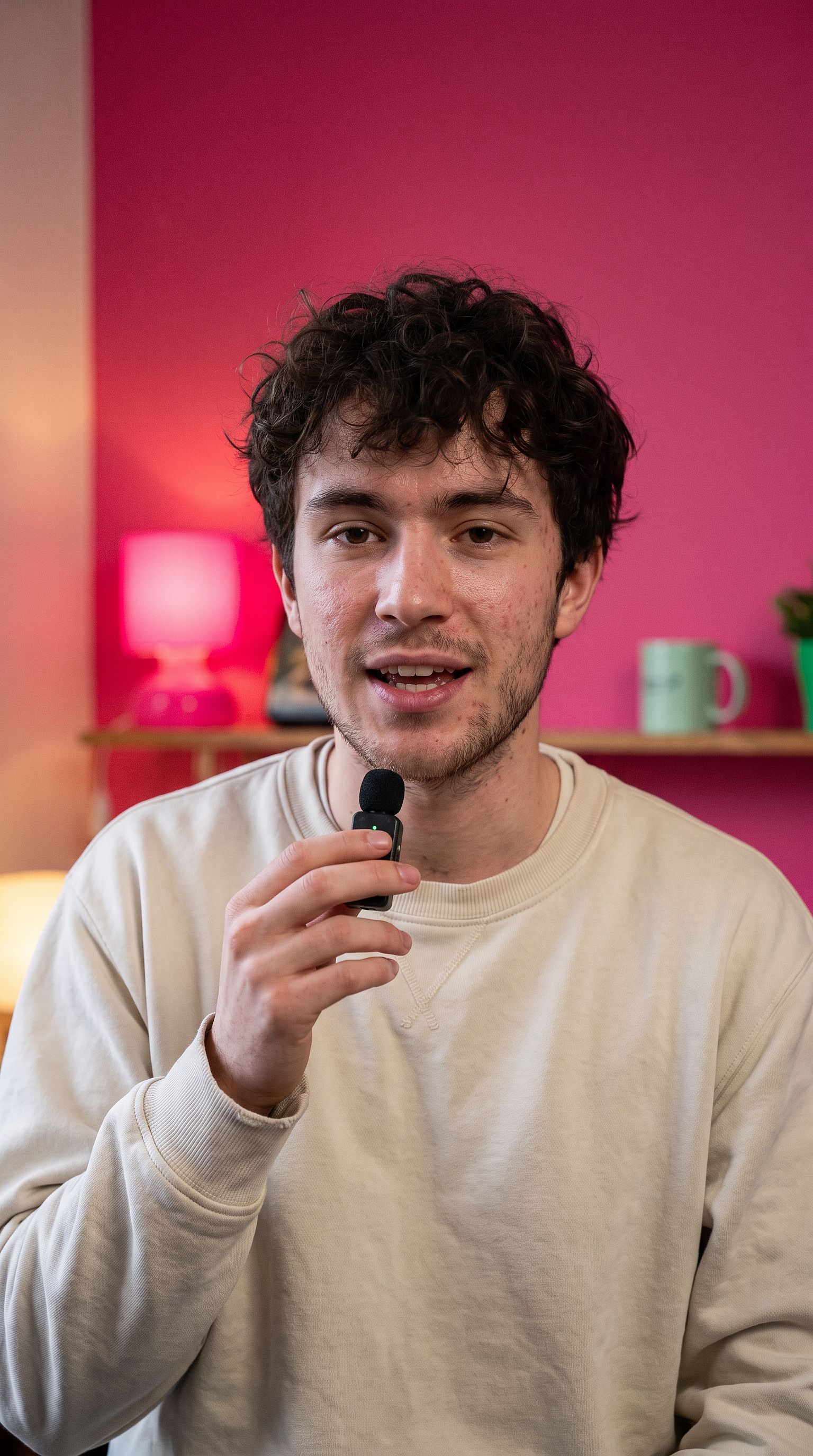
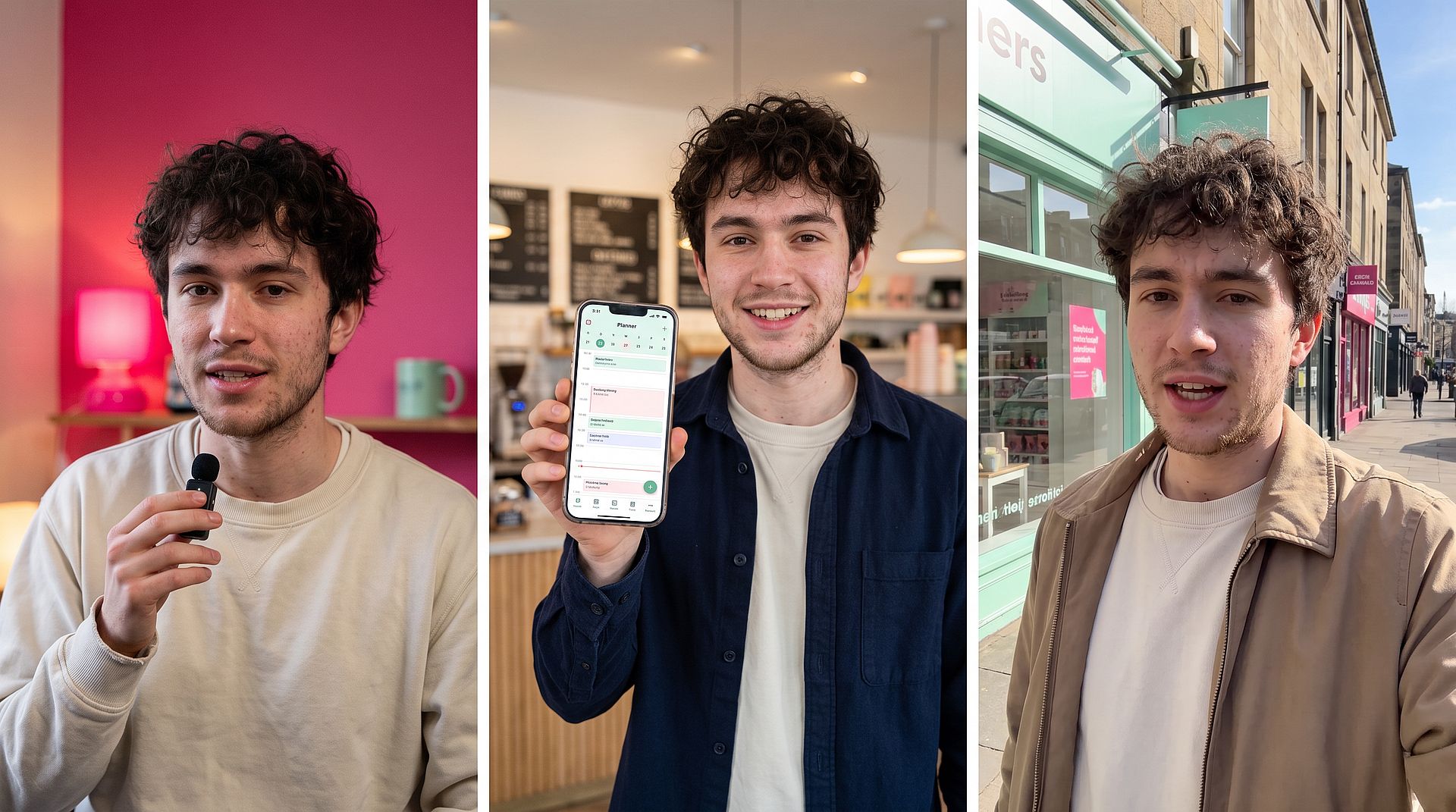
Candid photo shot on an iPhone of a 23-year-old man with messy dark curly hair and light stubble, sitting in a small apartment in front of a pink wall, warm lamp light, plain cream crewneck sweatshirt, holding a small wireless mic and talking to the camera mid-sentence. No retouching, visible pores, natural skin texture, slight background clutter.
To make single clips with models such as Seedance 2.5 or Kling 3.0, use the AI Video Generator.
Need one image or clip instead of a full ad? Describe it in Chat Mode, then change the result by typing what you want.
How to Make AI UGC Ads That Don't Look AI-Generated
These tips come from OpenArt's own ad tests and work in any tool.
- Start from a realistic image. A video never looks more real than its first frame. Describe a phone photo with natural light and no retouching, then make it with the AI Image Generator.
- Use one consistent creator. Reuse the same presenter so your ads feel like one person's channel.
- Describe the room in words. A background photo marked "identical" often looks pasted on. Write the setting instead.
- Write casual lines. Put the script in quotes, about 25 to 30 words per 10 seconds, with one pause or laugh.
- Mix shots and test hooks. Add product close-ups, and remake only the first 3 seconds to get A/B versions.
- Keep it honest. The US Federal Trade Commission bans fake customer testimonials. Before you publish, run the presenter image through the AI Copyright and IP Check. It flags brand similarity and famous-face likeness with a Safe, Warning or Unsafe rating. Treat the result as a risk screen and get legal review for high-stakes campaigns.
Topview AI FAQ
What is Topview AI?
Topview AI is a video tool with an AI agent that plans and creates marketing videos, short films and micro-dramas from an idea, script or product link.
Is Topview AI free?
Topview's pricing page shows paid plans only. Some pages offer a free trial, but the limits are not stated.
How much is Topview AI?
Plans start at $36 per month on yearly billing for Plus. Business, Ultra and Team cost $44 to $56 per month on yearly billing. Enterprise is custom.
Is Topview AI legit?
Yes. Topview is an active product with a 4.0 out of 5 Trustpilot score from 336 reviews. The most common complaints are about queue times and support.
Does Topview AI have a video editor?
Yes. Topview's canvas lets you select part of a scene and change it with plain-language instructions, and compare scene versions side by side.
What is a good Topview AI alternative?
OpenArt is a close alternative. It brings video models, Director mode and reusable characters into one account, with monthly plans and 40 free credits, no credit card required.
Topview AI vs OpenArt: what is the difference?
Both give you many third-party video models in one account. Topview stands out for its marketplace research agent and unlimited model passes on yearly plans. OpenArt stands out for monthly plans from $14, reusable presenters with OpenArt Characters, and Director mode for full multi-scene ads, plus 40 free credits with no credit card required.
How do I check AI video ads for IP risk?
Check the key images before you publish. The AI Copyright and IP Check rates each image Safe, Warning or Unsafe for brand similarity and famous-face likeness, so you can swap out a risky presenter or prop early. Treat the result as a risk screen and get legal review for high-stakes campaigns.