

URL to Video Generator
URL to Video turns any web link into a video on OpenArt. Paste a blog post, a product page, or a video URL, then describe the video you want to make or the change you want. Works in both Chat Mode and Director Mode.
Benefits of URL to Video Generator Tool




Any link works
URL to Video takes any web page to create a new video, from a blog post to an Amazon listing to a YouTube video.




Your words decide
You type what you want the video to be, and URL to Video builds the video around your instruction.
Works on your own video
URL to Video can also change and edit a video you upload, using something from the link you pasted as context.
Key Features of URL to Video Generator
Turn any web page into a video
URL to Video reads the page you paste and builds a video from what is on it. Give URL to Video a blog post and ask for a short explainer. Give URL to Video a product page and ask for an ad. You decide what the video shows and how it looks.
Guide a new video with a link
URL to Video can use a link as a reference for something new. Paste a video or a page whose look you like, then describe your own subject. URL to Video makes a fresh video in that direction. Showing an example is faster than describing a style in words.
Put a linked product in your video
URL to Video can change a video you already have. Upload your video, paste a product listing, and ask for the product in your video to be swapped for the linked one. Your shot stays the same and the product changes. Your first video then works for the next item you sell.
Get different videos from one link
URL to Video gives one link as many videos as you have ideas for. Paste your landing page and ask for a calm, premium ad. Paste the same page again and ask for a fast, playful one. Each instruction makes its own video, so you can test which one works.
How to Use URL to Video Creator
URL to Video works the same way in both Chat Mode and OpenArt Director.
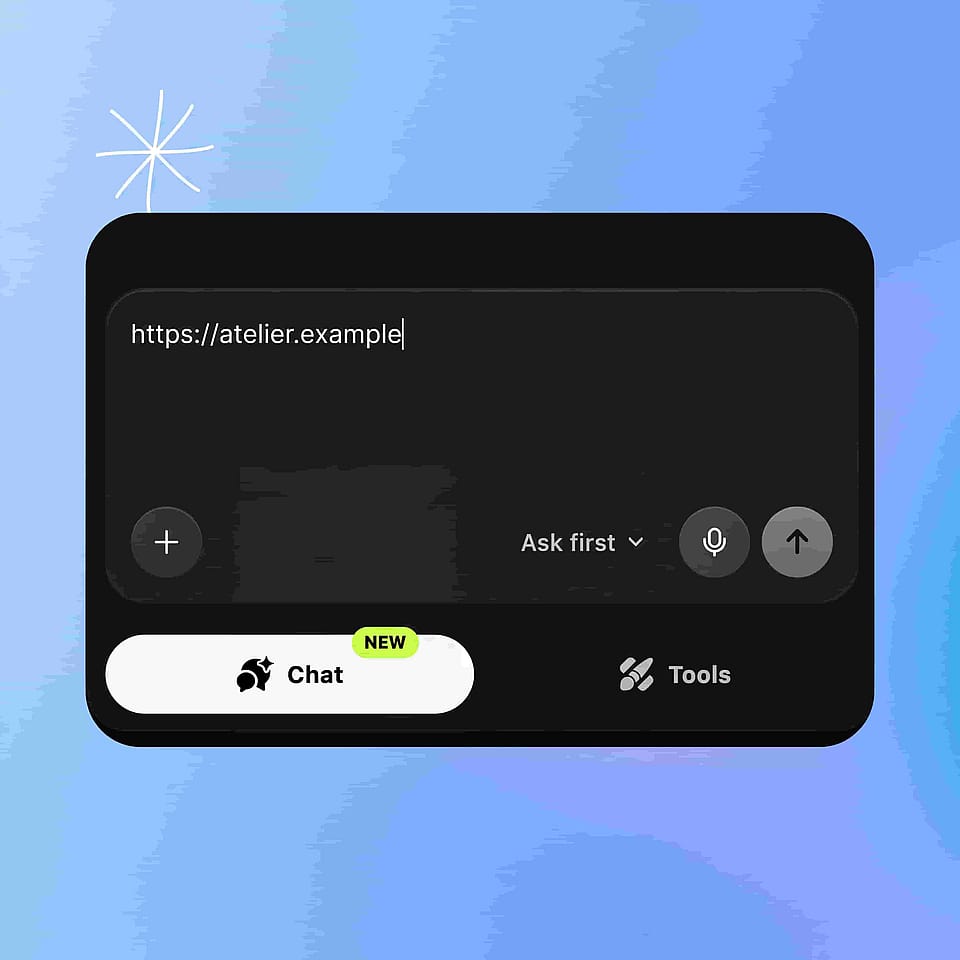
Paste your link
Open Chat Mode or OpenArt Director and paste the URL into the message box. Add your own video too if you want URL to Video to change it.
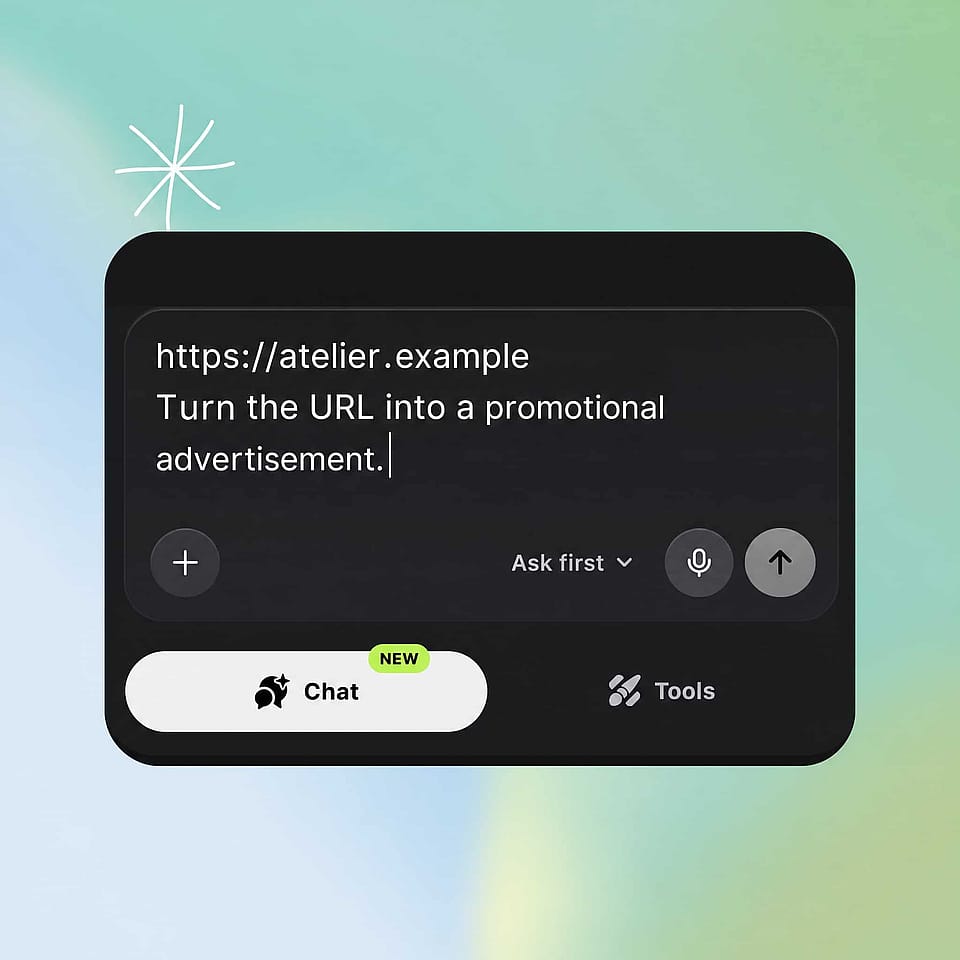
Describe what you want
Type the video you want made, or the change you want to the video you uploaded.
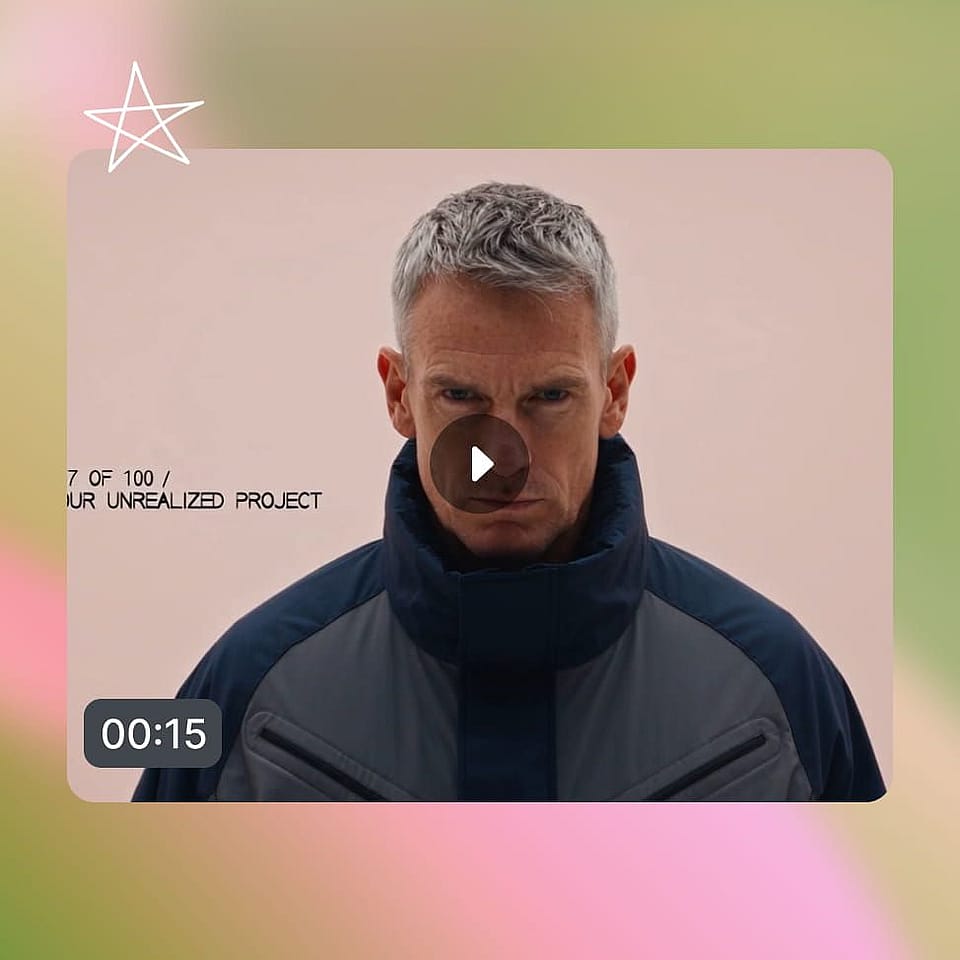
Review and download
Look at the video, then adjust your instruction and make another version.
Best Uses for URL to Video Maker
Sell products you already list online
Small business owners and online sellers use URL to Video to make video from the listings they already run. Paste the product page and ask for an ad. When you add a new item, paste its link along with your old video and ask for the product to be swapped. Your first video then covers the next product too.
Try it NowTurn your published writing into video
Content and SEO teams use URL to Video to give their blog posts a second format. Paste the post and ask for a short explainer for social. Paste the same post again with a different angle for a different audience. Writing you already published becomes video without starting a new brief.
Try it NowBuild campaign videos from your own pages
Marketers and agencies use URL to Video to make video from the campaign pages they already built. Paste the landing page and describe the ad the campaign needs. Ask for a second version with a different tone and compare the two. Your page and your instruction carry the campaign into video.
Try it NowMake something from a link you liked
Creators use URL to Video to build on the pages and videos they save. Paste an article about a topic you care about and ask for a playful video. Paste a video whose look you like and describe your own version. A link you found becomes a starting point you can use.
Try it NowFrequently Asked Questions
URL to Video is an OpenArt feature that turns a web link into a video. You paste any URL, such as a blog post, a product page, or a YouTube video, then describe the video you want. URL to Video works in Chat Mode and OpenArt Director.
URL to Video takes any web URL. Blog posts, news articles, product pages including Amazon listings, YouTube videos, other video links, and ordinary web pages all work. Those page types are examples rather than a fixed list, so a page that does not appear here is still worth pasting.
Yes. Upload your video, paste a link, and describe the change. The clearest example is a product swap: paste an Amazon listing alongside your video and ask URL to Video to replace the product in your video with the linked one.
No. You write one instruction describing the video you want, in your own words. Something like "turn this blog into a short explainer for beginners" is enough for URL to Video to work from.
Yes. Every new OpenArt account starts with 40 free credits, so you can paste a link and try URL to Video right away. When you're ready to create more, paid plans add monthly credits and watermark-free downloads. See current plans on the OpenArt pricing page.
URL to Video works from two things: the link and your instruction. The link gives OpenArt the content, and your instruction says what to do with it. You can ask URL to Video to turn the page into a video, use the page as a reference for a new video, or change a video you upload.
Yes. Paste the YouTube URL into URL to Video and describe what you want. You can ask for a video built from what the YouTube video covers, or use the YouTube link as a reference for a new video about your own subject.
Yes. URL to Video builds the video from your instruction, so one link can produce very different videos. Paste a landing page and ask for a calm, premium ad, then paste the same page again and ask for a fast and playful one.
URL to Video is available in Chat Mode and in OpenArt Director. In both, you paste the link into the message box and type what you want. Director is sometimes called Director mode, and both names mean the same place.
URL to Video starts from something that already exists, so you write less. Paste the product page and OpenArt already has the product. Your instruction then only has to cover what the video should do with it.