

AI IMAGE
GENERATOR
Turn any idea into a stunning image with OpenArt's AI Image Generator. Create images from text prompts or reference photos and generate everything from realistic photos and characters to anime art, product images, and marketing visuals in seconds.
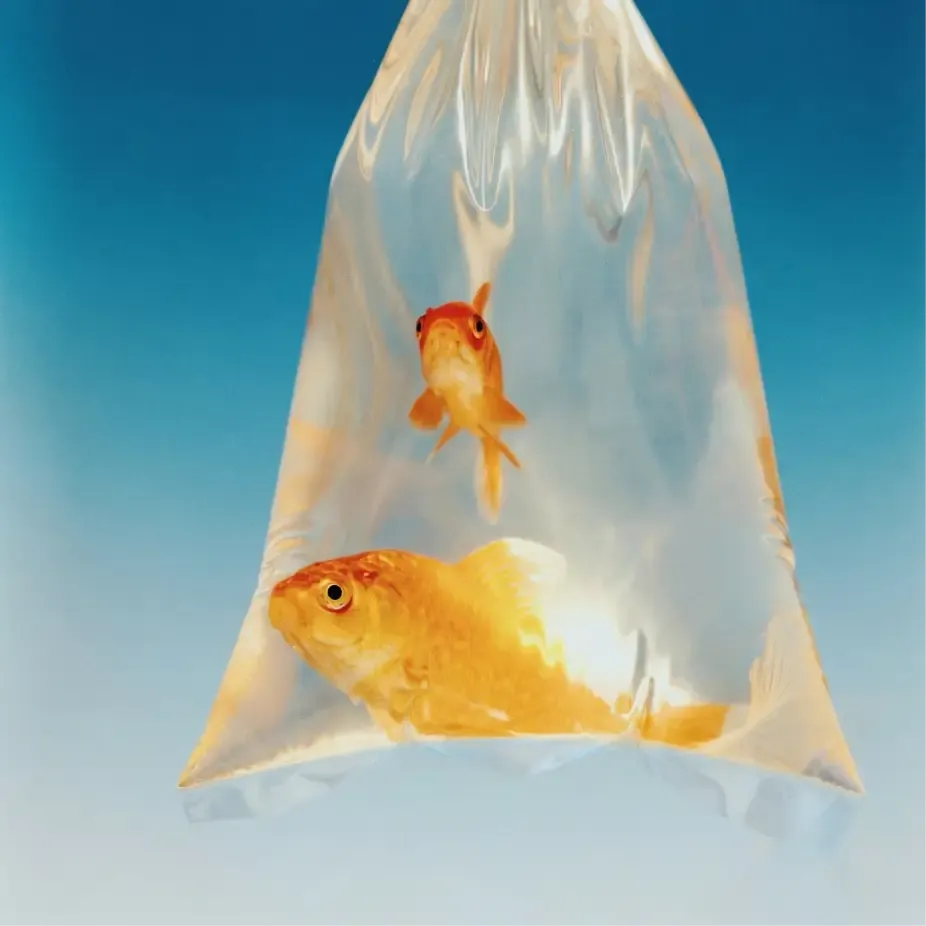
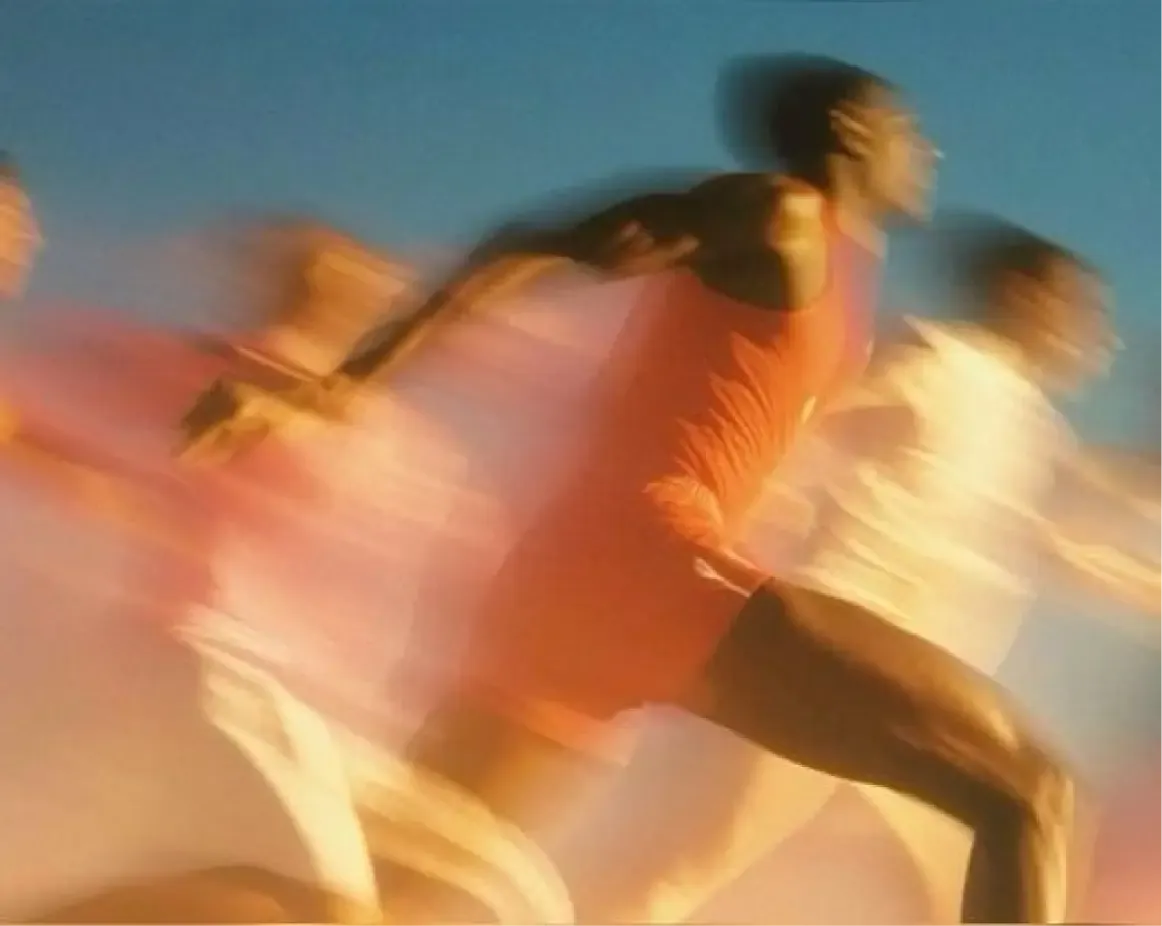
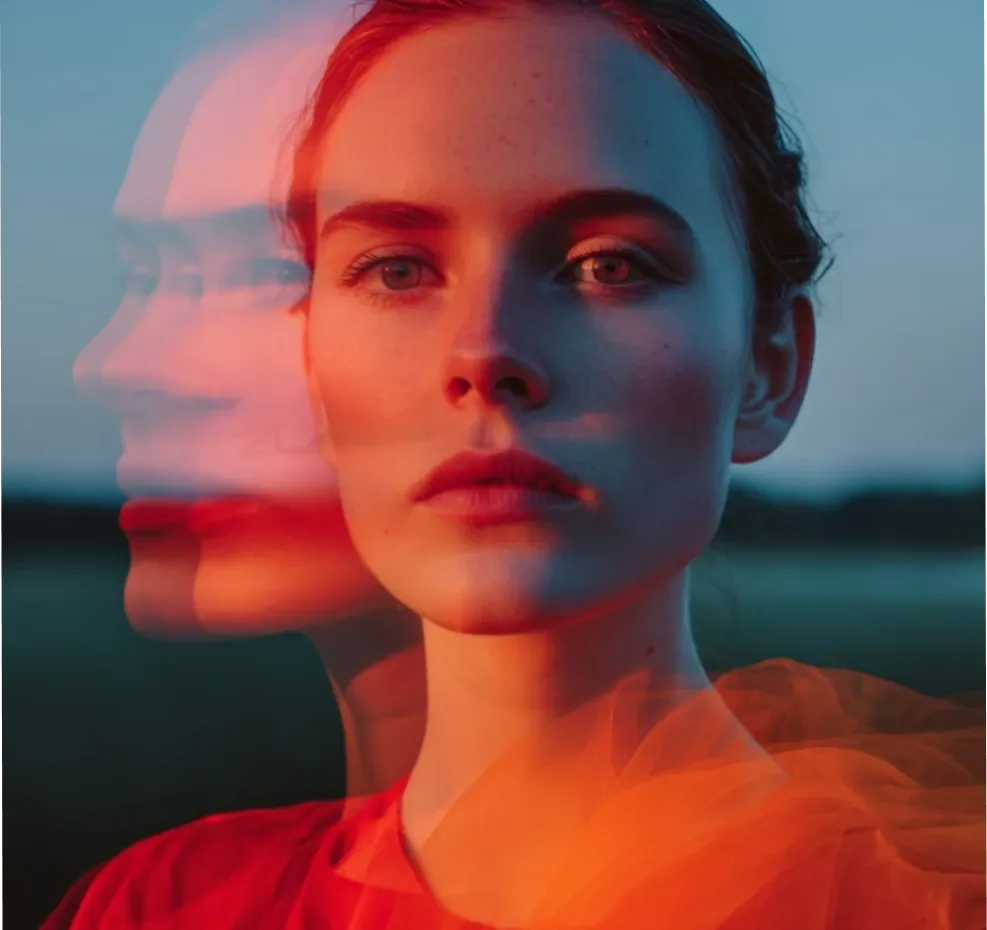
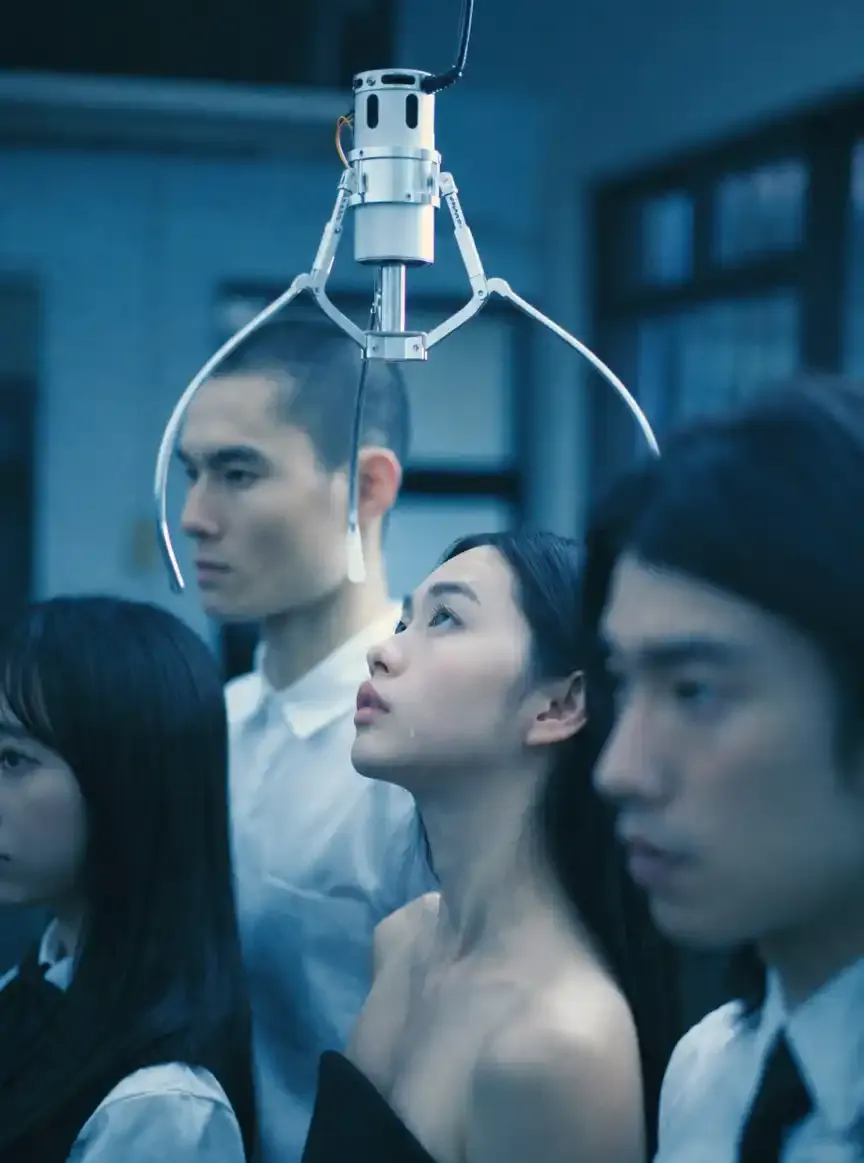
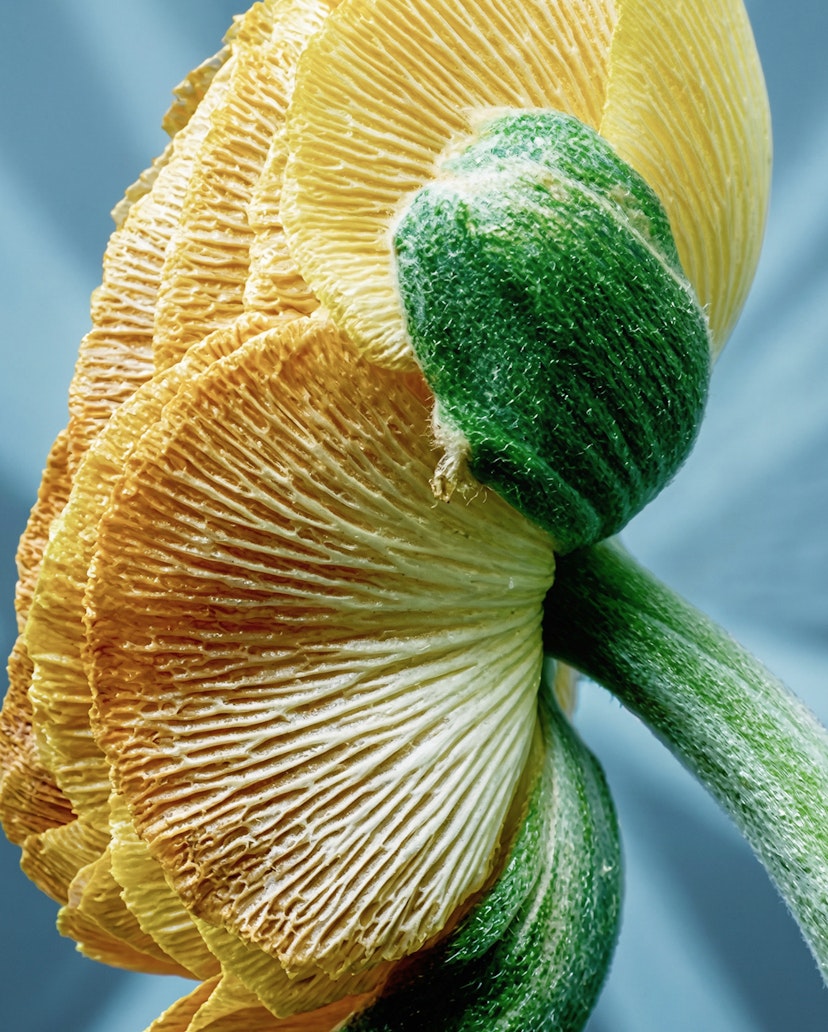
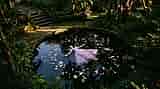
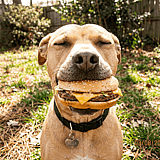
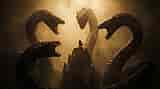
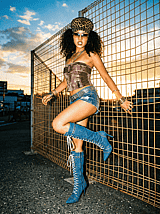
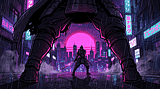
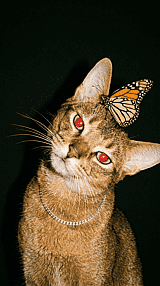
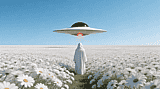
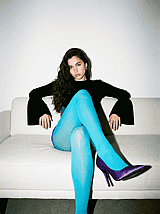
Explore AI Image Examples and Prompts
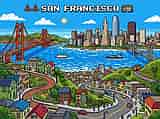
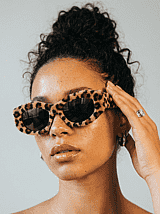
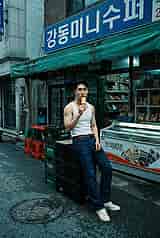
See what creators are making with OpenArt’s AI Image Generator. Explore text-to-image prompts for photorealistic portraits, cinematic scenes, anime art, product mockups, and more, then try a prompt or create your own.
Key AI Image Generation Features
OpenArt gives you the full creative toolkit in one place: generate from text or reference images, edit on the fly, keep characters consistent, and pick the model that actually fits the job. Everything connects, so you go from idea to finished image without switching tools.
Text to Image
Type a prompt, get an image. Describe whatever you want—subject, mood, style, lighting, or composition—and our text to image generator creates it from scratch. Short prompts work for quick ideas, while longer and more detailed prompts help you get closer to the result you want. Either way, the model does the heavy lifting. Try new prompts or generate more versions until something clicks. This is how most people start: a blank canvas, an idea, and a sentence to bring it to life.
Frame / Image to Image
Upload a reference photo, sketch, or frame and use it as the foundation for something new. Our AI image-to-image generator reads the structure, composition, and style of your input, then creates a new image based on it. Same bones, completely different look. Control how closely the output follows the original, from a small style change to a full reimagining. Use it to turn a photo into an illustration, a sketch into a finished image, or a single product shot into a full series of campaign visuals.
Image Editing
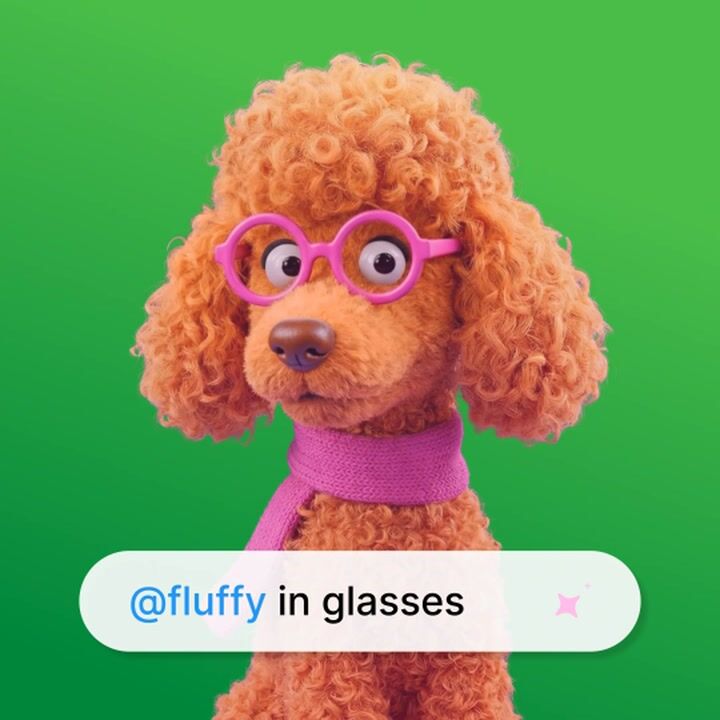
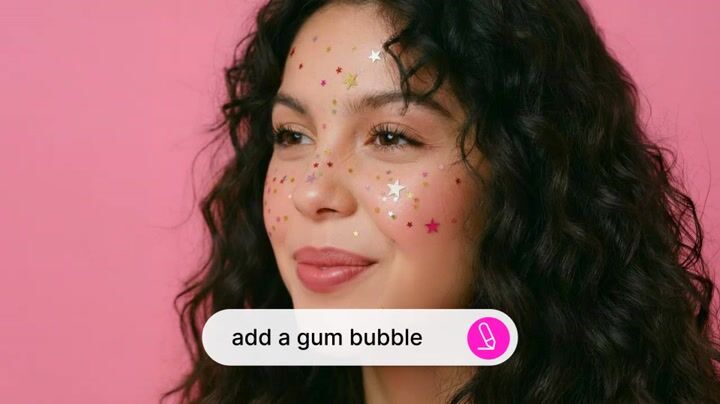
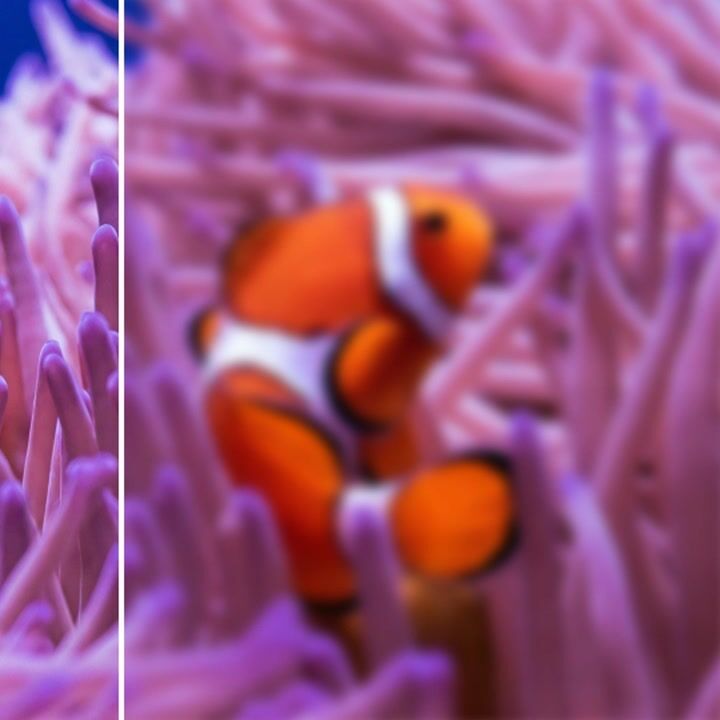
You don't have to start over to make changes. Use our AI image editor to inpaint specific regions, swap objects, repair areas, or add details. Outpaint to expand the canvas in any direction. Remove or replace backgrounds, sharpen the resolution, or make targeted edits to one part of the image. The editing tools sit right next to the generator, so you can refine an output in the same window. No exporting, no reuploading, and no losing your place mid-project.
Character Consistency
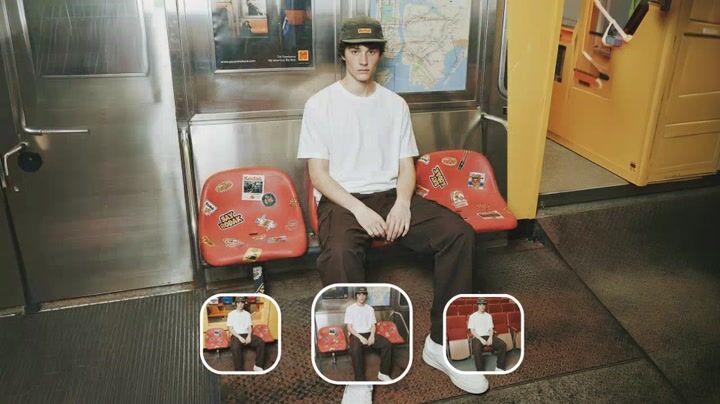
Lock in a face, character, or subject once, and keep them recognizable across every generation. Reuse across poses, scenes, outfits, and lighting setups without starting from scratch. Pair it with OpenArt's AI video generator to bring that same character to life in motion, with a consistent face, consistent style, every frame. Perfect for storytelling, comic panels, brand mascots, and content series.
Enhance Your Prompt
Not sure how to describe what you want? OpenArt's prompt enhancer takes your rough idea and rewrites it into a more detailed, AI-friendly version by adding style, mood, lighting, and other useful details. If you already have a reference image, use our image to prompt tool to turn it into a ready-to-use prompt. Use the result as a starting point and edit it, or send it straight into generation. It is faster than learning prompt writing from scratch and remains a useful shortcut even if you already know how to write good prompts.
Multiple Models
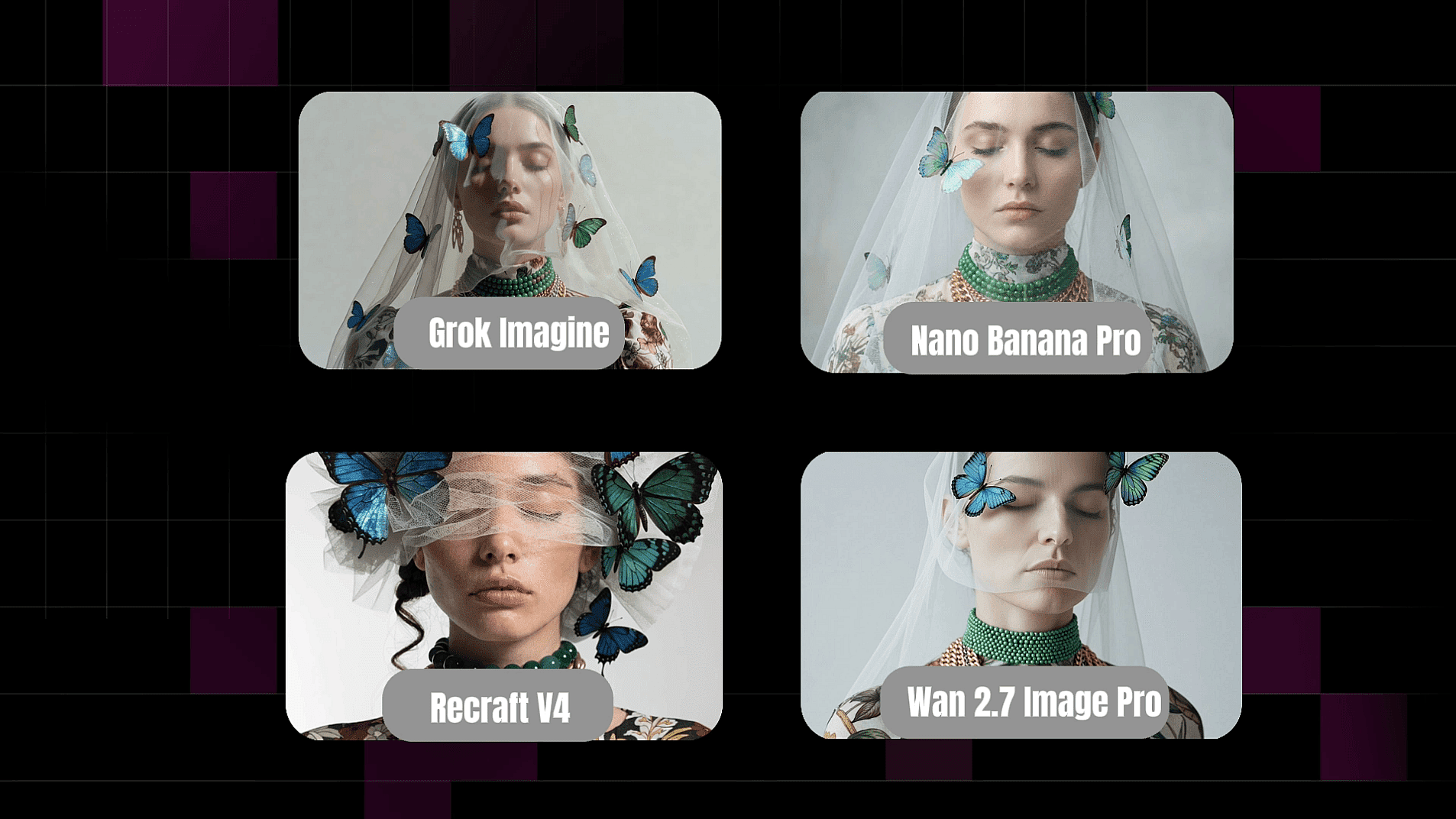
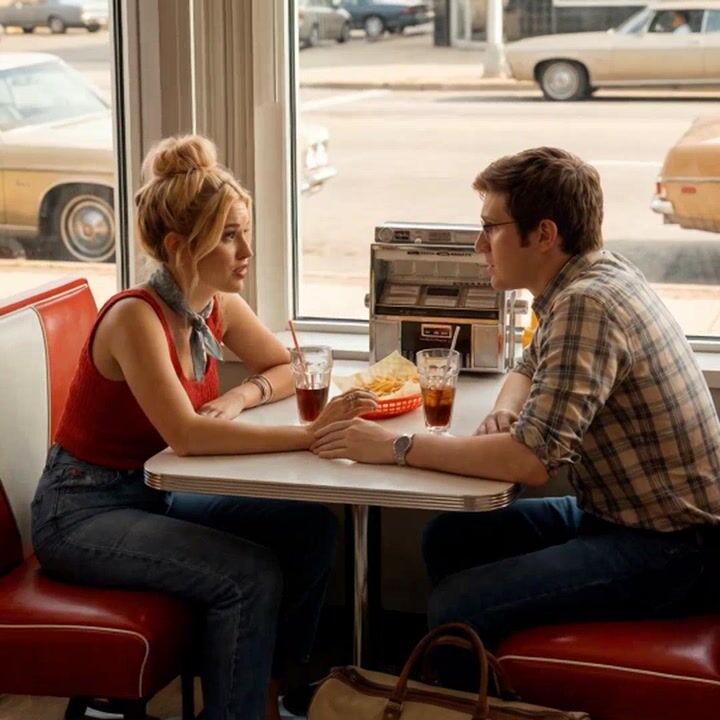
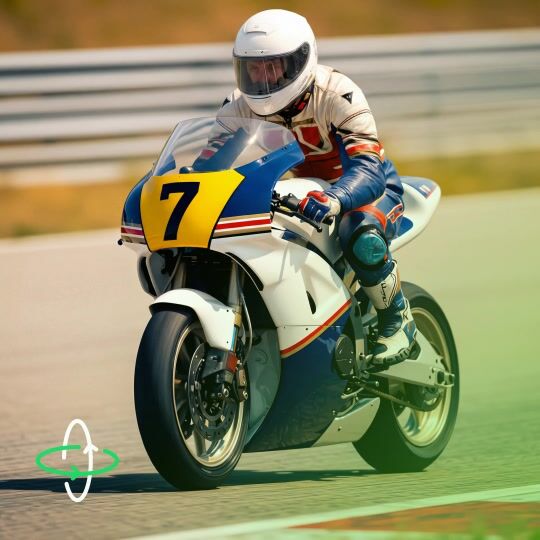
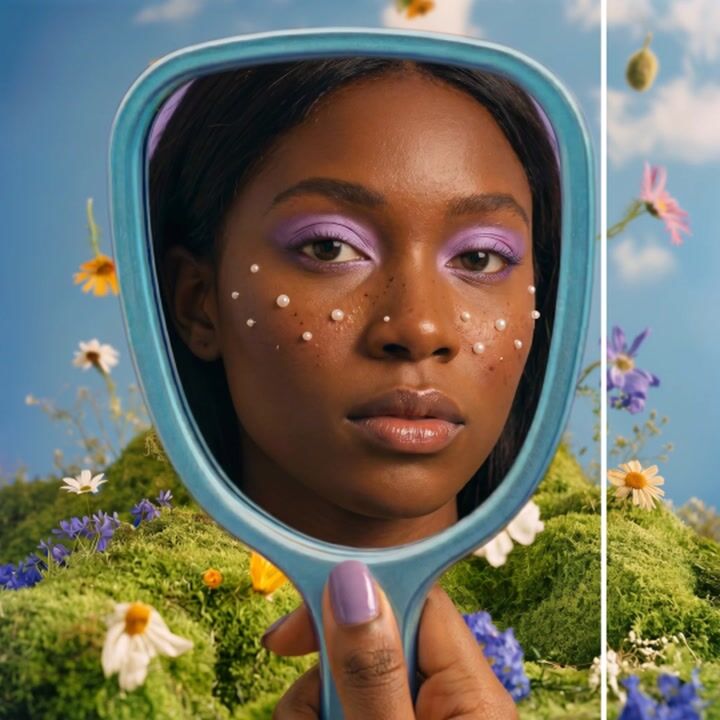
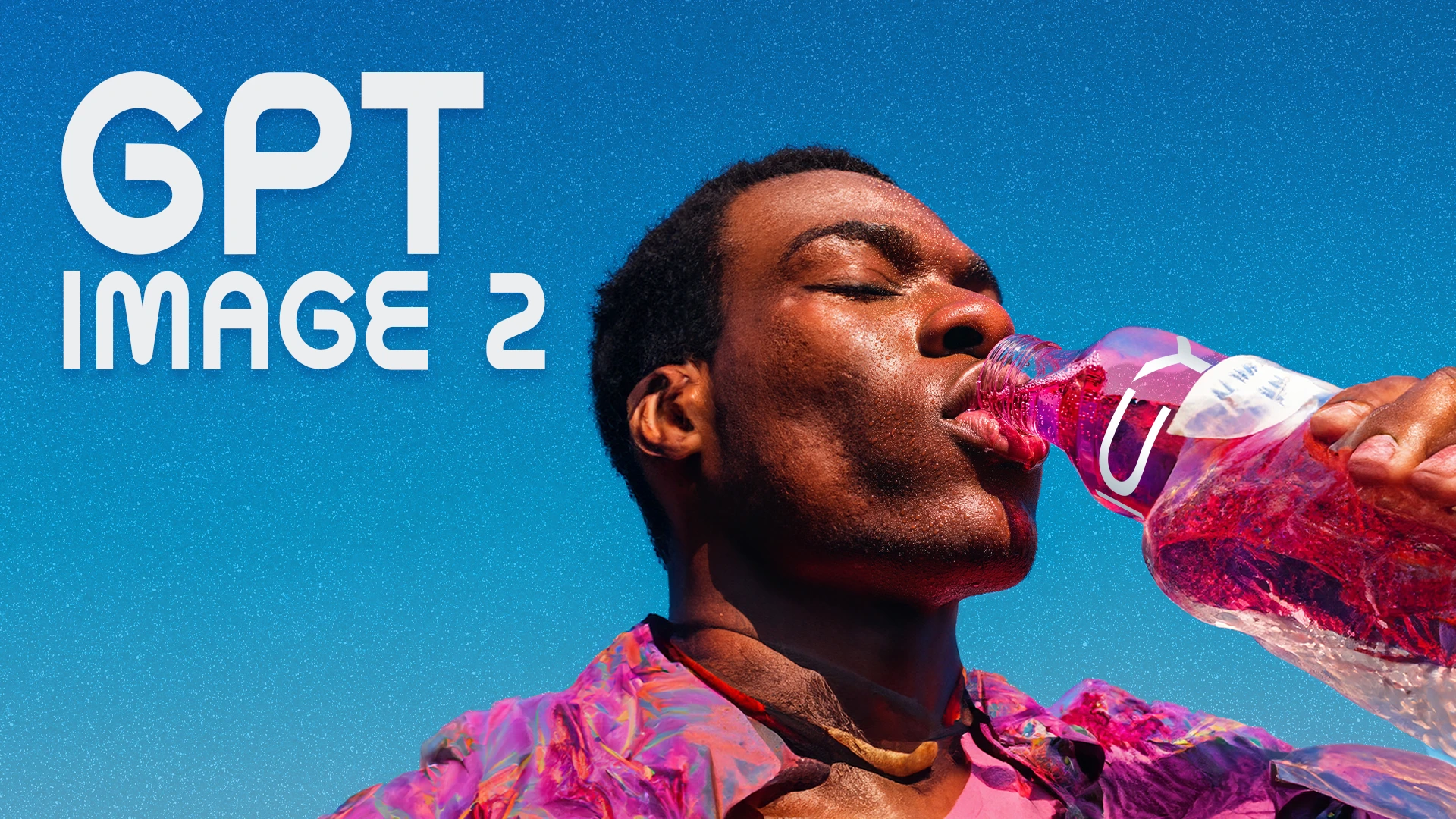
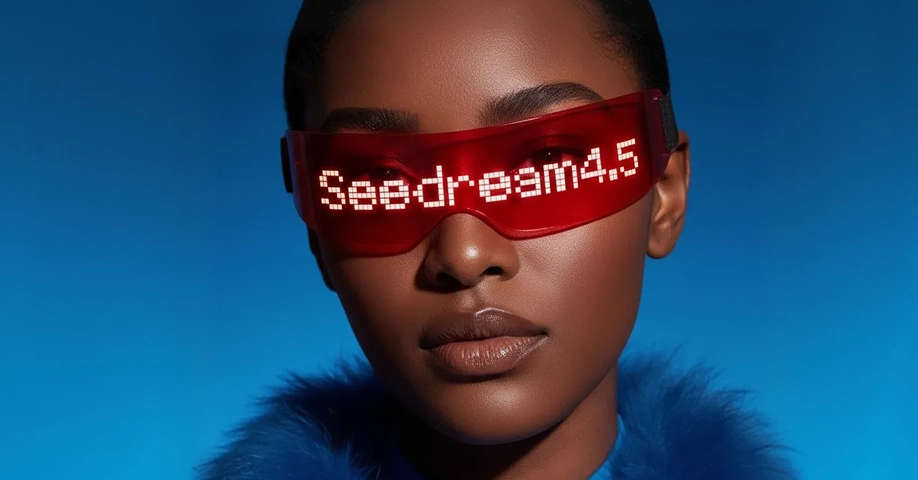
Not every model is right for every job. Photorealistic portraits need something different from stylized anime, product images, or clean vector art. OpenArt gives you access to leading image models such as Qwen Image 3, Seedream 5 Pro, Nano Banana 2, Nano Banana 2 Lite, GPT Image 2.5, Recraft V4, WAN 2.7 Image, and Grok Imagine. You can run the same prompt through different models, compare the results, and choose the one that fits your idea best. Having all these models in one place makes it easier to move from a good result to the right one.
More Ways to Create and Edit
Top AI Models That Power OpenArt's Image Generator
OpenArt gives you direct access to the best image generation models available - not locked to one provider, not filtered through a single look. Pick the model that fits the job.
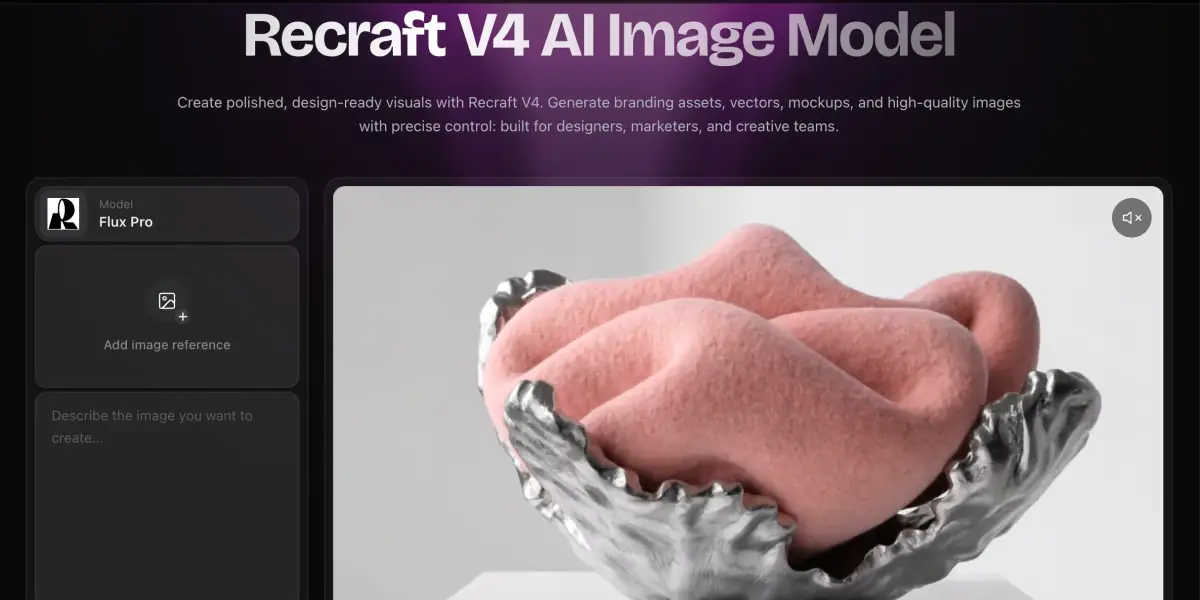
How to Generate AI Images
Create stunning visuals in just a few steps. No design experience needed.
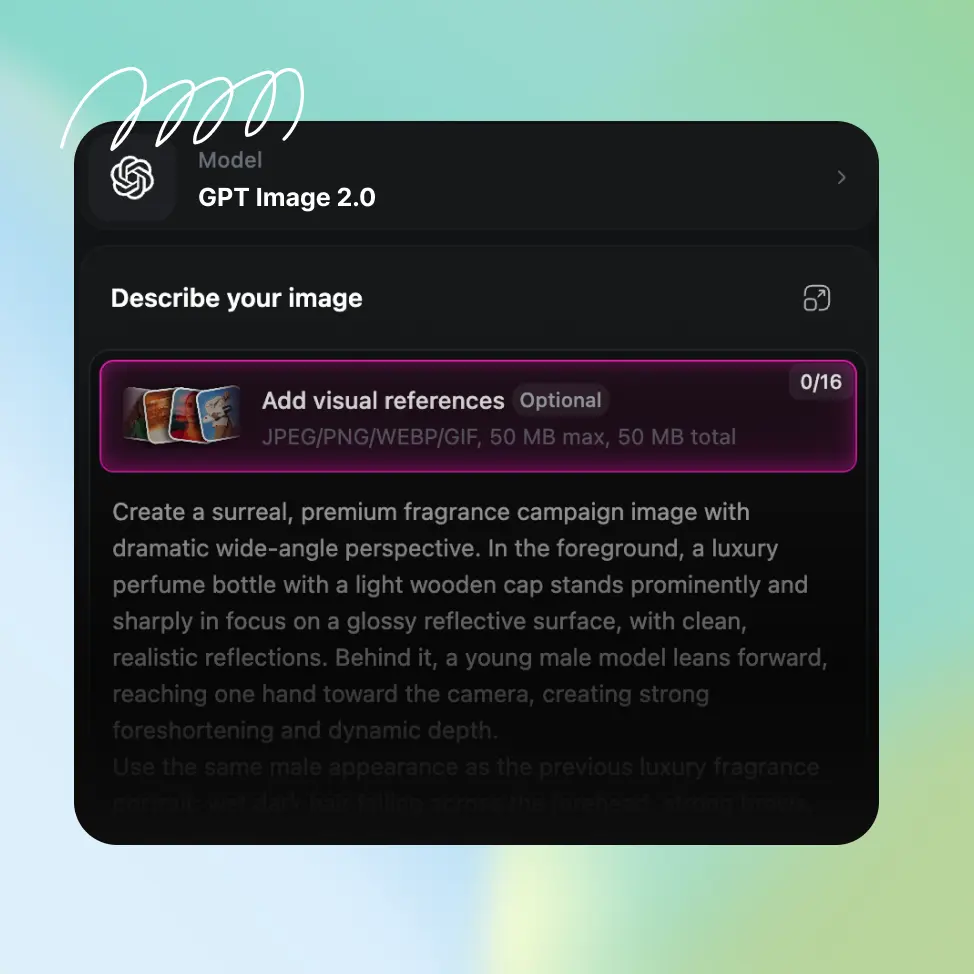
Choose Your Starting Point
Open OpenArt's image generator and decide how you want to begin. Type a text prompt describing the image you want to create, or upload a reference photo to use as your foundation. You can use both together for extra control: a reference for structure and a prompt for style and content.
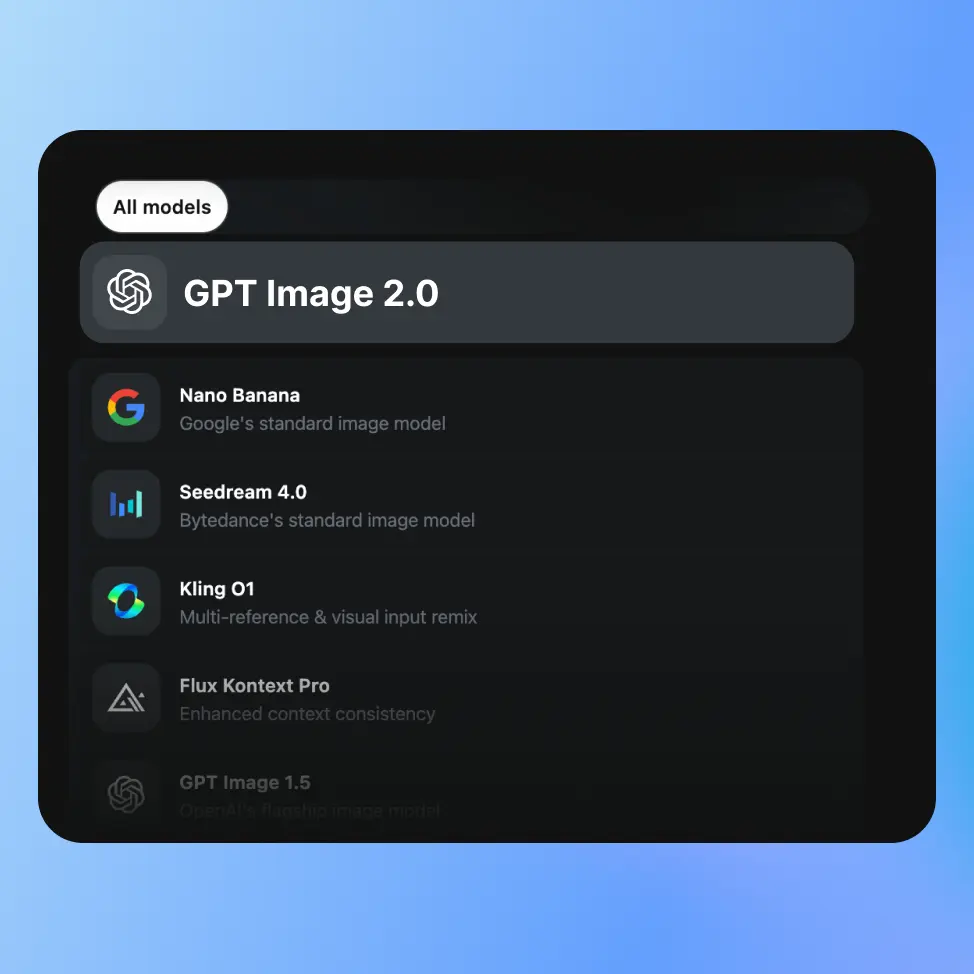
Pick a Model and Set Your Parameters
Choose the AI model that fits your goal: photorealistic, illustrated, stylized, or something in between. Set the aspect ratio, adjust any advanced controls, and add any specific details to your prompt that matter for the output. The more direction you give, the closer the AI lands.
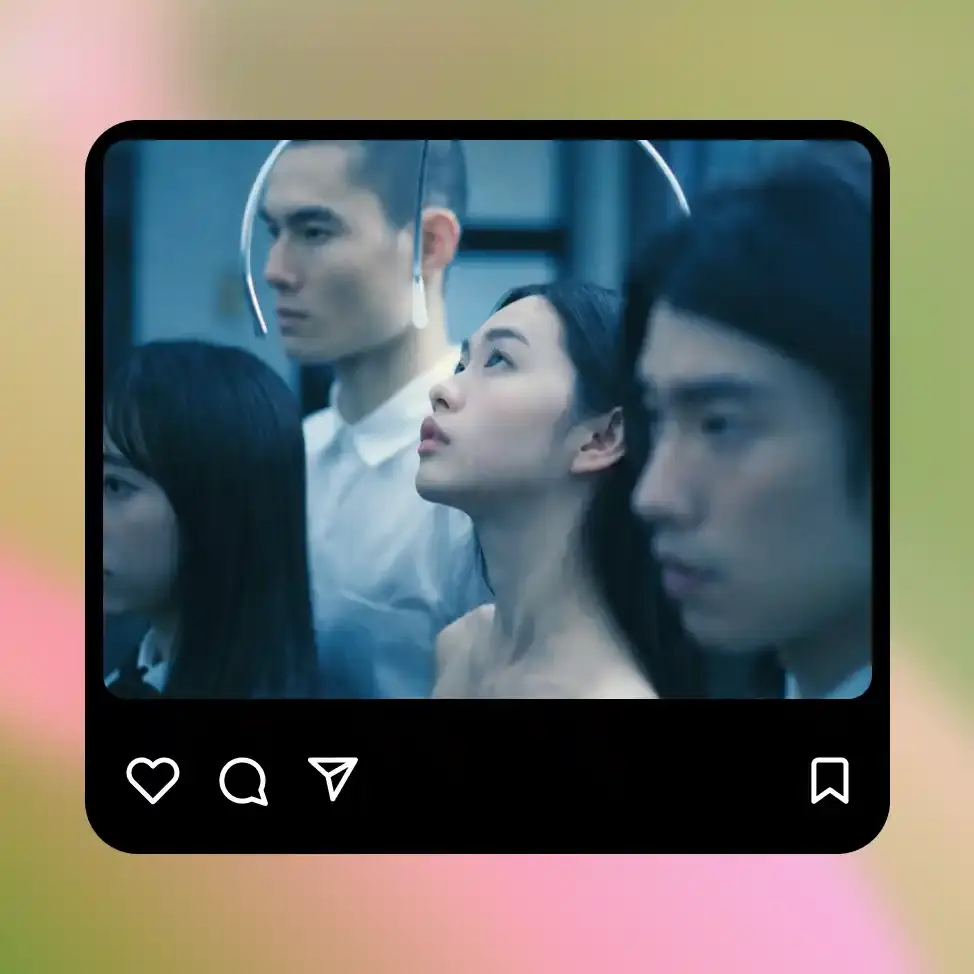
Generate, Refine, and Export
Hit generate, preview the result, and decide what to do next. Regenerate for more variations, refine the prompt, use inpainting to fix specific areas, or keep going in the editing suite. When you're happy, download the image in your preferred format and resolution.
Best Uses for OpenArt's AI Image Generator
Artists and Illustrators
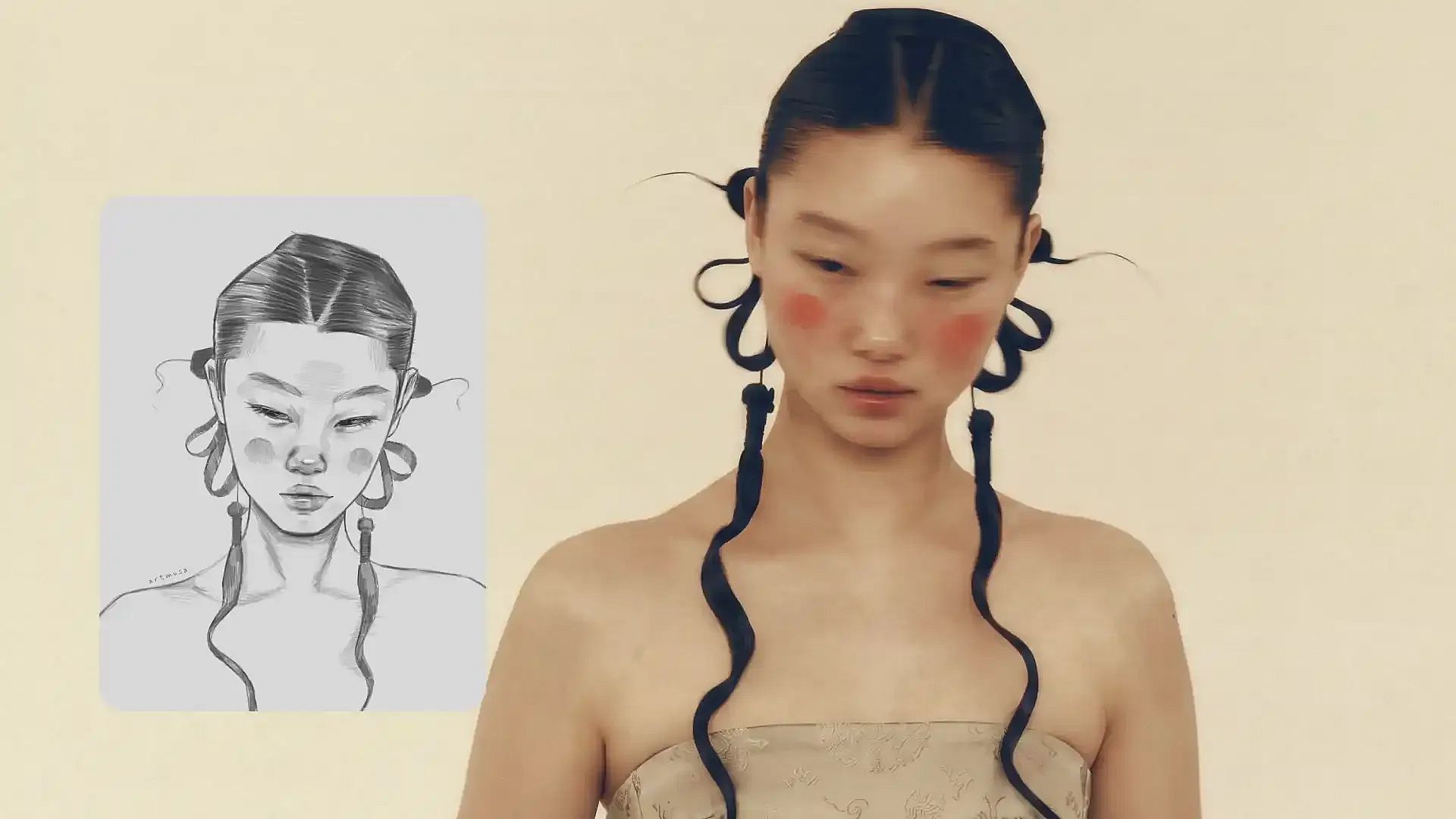
Use text-to-image and image-to-image as part of a real creative workflow, not just for generating finished pieces, but for rapid concept exploration, reference generation, and rendering out compositions before committing to hand-rendering them. Sketch a rough idea, push it through the AI for a polished interpretation, then use that as a reference or take it further in OpenArt's editing suite. The model variety means you're not stuck with one look. You can run the same concept through three different models and pick the direction that feels right.
Try it NowContent Creators and Social Media
Generate custom visuals for every post, video, thumbnail, campaign, and piece of content you put out, without needing a photographer, illustrator, or stock library subscription for every idea. Text-to-image gets you from concept to usable visual in under a minute, and the style reference tools mean you can keep a consistent look across your content without rebuilding the prompt from scratch every time. Build a visual identity that's actually yours, not a slightly different version of the same stock photo everyone else is using.
Try it Now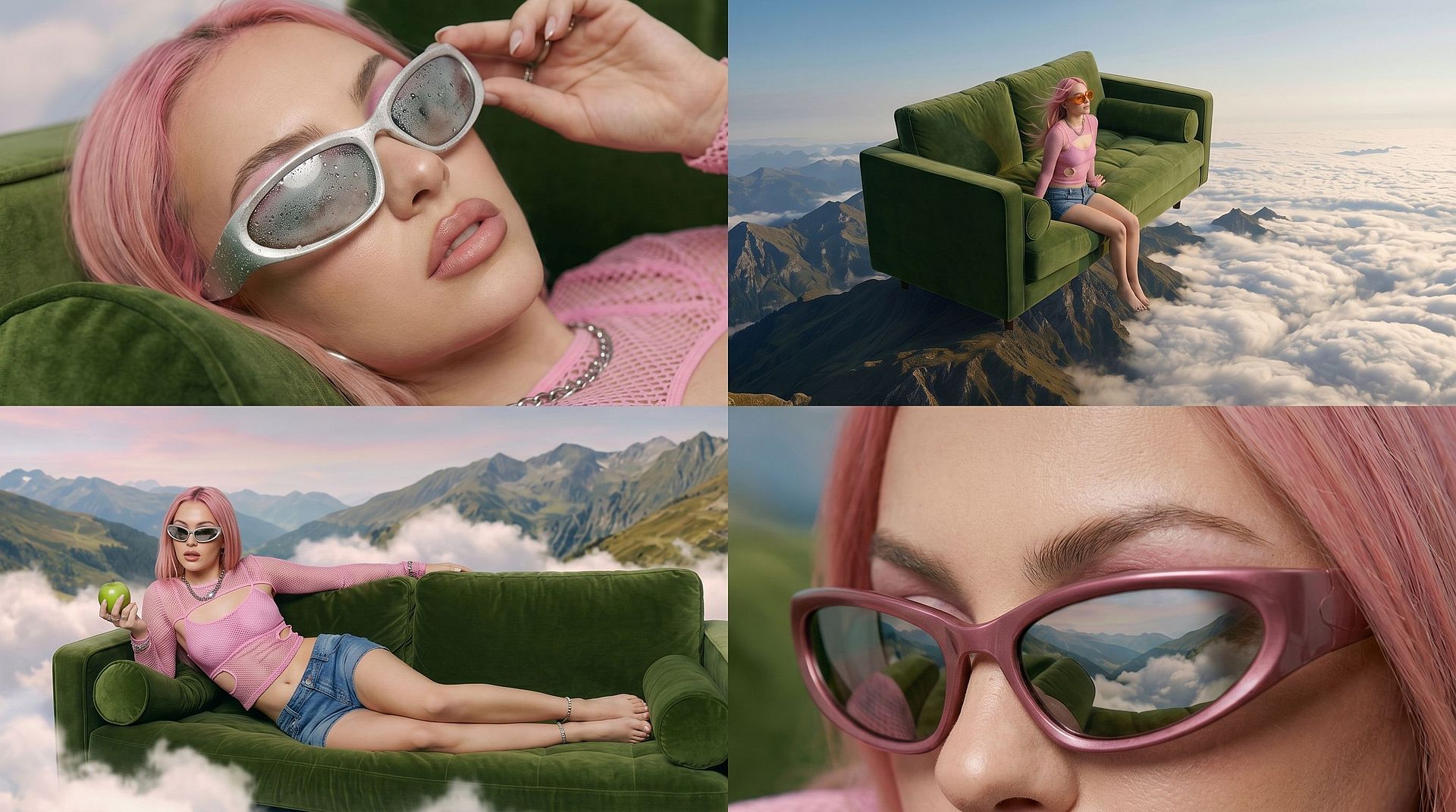
Marketers and Creative Teams
Concept campaign visuals before committing production budget, generate on-brand images for ads and landing pages, build out multiple creative directions for A/B testing, or put together mockups fast enough to actually use in client presentations. OpenArt's advanced controls (style references, aspect ratio presets, inpainting) mean you can generate images that are close to final-production quality without waiting on a design sprint. The LoRA training feature lets you build a custom model on your brand's visual language and keep generating on-brand from there.
Try it NowHobbyists, Beginners, and Curious Creators
You don't need a creative background to use OpenArt's image generator. If you can describe something in plain language, you can make an image. Type "a cozy cabin in the woods in autumn, painted in a watercolor style" and you get exactly that. No technical knowledge required, no design skills needed, no prompting expertise necessary to get started.
Try it NowLoved by Creators Worldwide
See what our community has to say
I've tried many AI platforms… but OpenArt is still the best for character creation, image-to-video quality, and the variety of models available.
OpenArt offers an excellent array of AI tools… once you learn the features, the creative possibilities are amazing - and their support team is outstanding.
OpenArt is a very versatile AI platform with many image and video models, consistent character creation, and powerful editing tools.
Helpful AI tools all in one place - image and video generation, editing, and more… no need for multiple subscriptions.
Customer service is always quick and helpful… and the platform keeps getting better with new features and tools.
I've tried many AI platforms… but OpenArt is still the best for character creation, image-to-video quality, and the variety of models available.
OpenArt offers an excellent array of AI tools… once you learn the features, the creative possibilities are amazing - and their support team is outstanding.
OpenArt is a very versatile AI platform with many image and video models, consistent character creation, and powerful editing tools.
Helpful AI tools all in one place - image and video generation, editing, and more… no need for multiple subscriptions.
Customer service is always quick and helpful… and the platform keeps getting better with new features and tools.
I've tried many AI platforms… but OpenArt is still the best for character creation, image-to-video quality, and the variety of models available.
OpenArt offers an excellent array of AI tools… once you learn the features, the creative possibilities are amazing - and their support team is outstanding.
OpenArt is a very versatile AI platform with many image and video models, consistent character creation, and powerful editing tools.
Helpful AI tools all in one place - image and video generation, editing, and more… no need for multiple subscriptions.
Customer service is always quick and helpful… and the platform keeps getting better with new features and tools.
With so many AI platforms out there, OpenArt stood out as a stellar choice - I'd recommend it to any creator.
This platform includes everything you need for AI content creation - images, video, characters, audio, and multiple AI models in one place.
OpenArt is pushing the boundaries of AI video creation… and it's clear the team is committed to improving the creator experience.
I made my first AI music video with OpenArt… and their support team was the best help I've ever experienced.
I'm very happy with the support - my issue was resolved quickly and the team made the process easy.
With so many AI platforms out there, OpenArt stood out as a stellar choice - I'd recommend it to any creator.
This platform includes everything you need for AI content creation - images, video, characters, audio, and multiple AI models in one place.
OpenArt is pushing the boundaries of AI video creation… and it's clear the team is committed to improving the creator experience.
I made my first AI music video with OpenArt… and their support team was the best help I've ever experienced.
I'm very happy with the support - my issue was resolved quickly and the team made the process easy.
With so many AI platforms out there, OpenArt stood out as a stellar choice - I'd recommend it to any creator.
This platform includes everything you need for AI content creation - images, video, characters, audio, and multiple AI models in one place.
OpenArt is pushing the boundaries of AI video creation… and it's clear the team is committed to improving the creator experience.
I made my first AI music video with OpenArt… and their support team was the best help I've ever experienced.
I'm very happy with the support - my issue was resolved quickly and the team made the process easy.
Frequently Asked Questions
More Insights from Experts Blog
Get the insights you need. Our experts share actionable hacks, break down the hottest topics, and provide essential how-to guides to help you build, optimize, and scale.
Read More
Explore AI Image Tools
Create without limits
Join thousands of creators using OpenArt to generate stunning images, videos, and more — all in one platform.
Get Started for Free →