
 ChatGPT
 Perplexity
 Claude
 Gemini
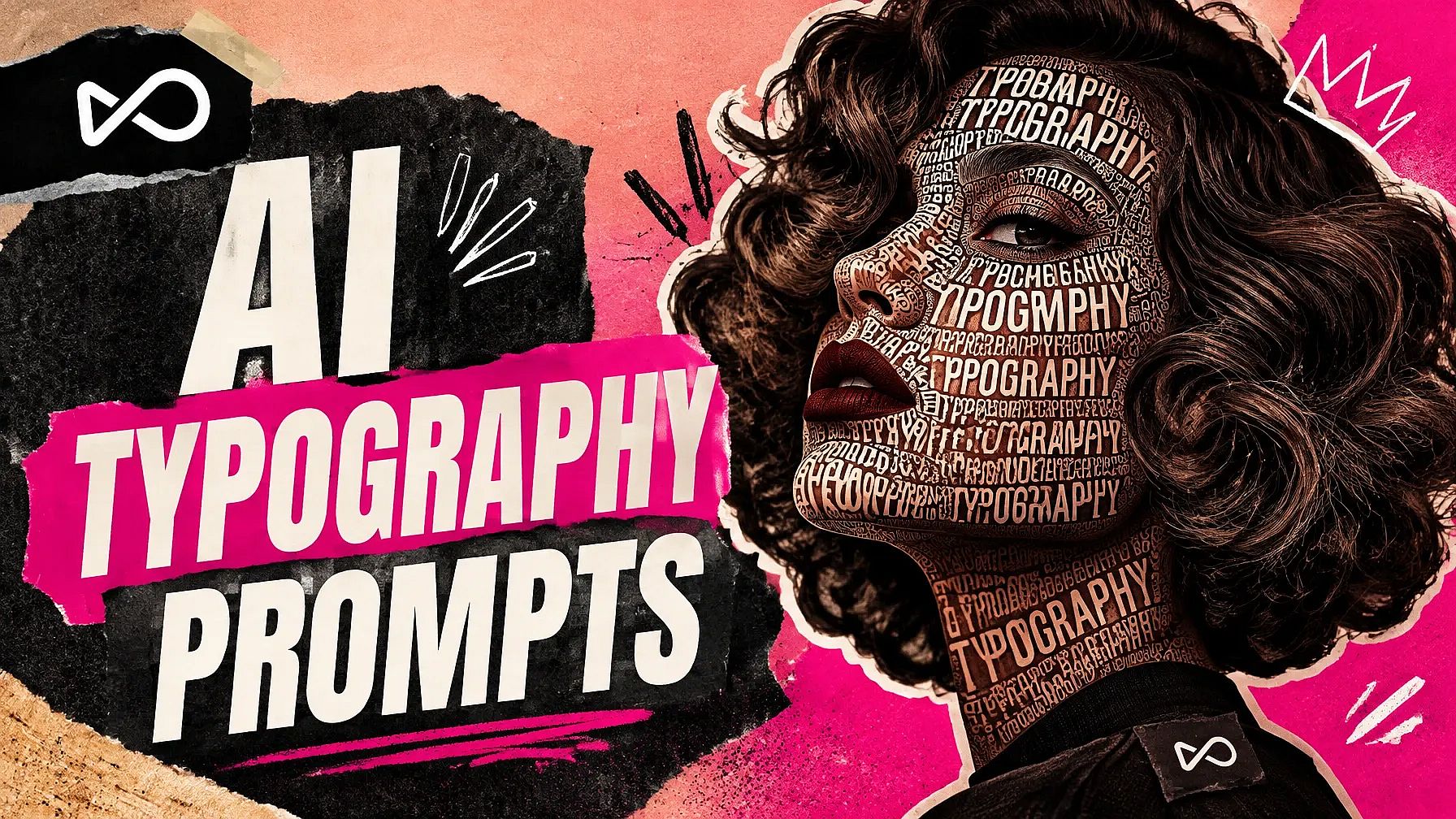
A typography prompt is how you get AI to put real words in your image, spelled right and styled the way you want. A few years ago, most AI images turned words into scrambled letters. Today's models spell short words correctly most of the time, as long as your prompt is clear.
Below are 30 AI typography prompts for posters, logos, 3D text, neon signs, graffiti and hand lettering. Every prompt puts the exact words in quotes, so you can swap in your own text and generate.
Paste any prompt into OpenArt's AI image generator to try it. If you just want one word turned into art, the AI word art generator does that in a single step.
Key takeaways
- Put the exact words in quotes, like "OPEN LATE", so the AI knows what to spell.
- Short text spells right more often, so keep it to five words or fewer.
- Name the font style first, then add the material or effect.
- Pick a model that handles text well, such as GPT Image 2 or Ideogram 4.5.
- Fix one wrong letter with Area Edit in Edit Image and keep the rest of the image.
What is a typography prompt?
A typography prompt is a text instruction that tells an AI image generator which words to show and how they should look. It names the exact text, the font style, the effect and where the words sit in the image.
A text design prompt covers the whole layout, like a poster with a big title on top. A font style prompt focuses on the letters themselves, like gothic blackletter or puffy bubble letters. Most prompts in this guide do a bit of both.
The typography prompt formula
A good typography prompt names the words first and the look second. Fill in these slots in order:
"[exact words]" + [font style] + [material or effect] + [layout and placement] + [background] + [colors] + [style]
- Exact words in quotes. Write the text the way it should appear, including capital letters: "SUMMER SALE".
- Font style. Say what the letters look like: bold condensed sans-serif, elegant script or gothic blackletter.
- Material or effect. Tell the AI what the letters are made of: chrome, neon tubes, chalk or dripping paint.
- Layout and placement. Say where the text goes, like centered, stacked on two lines or across the top third.
- Background. Keep it simple when the words matter most. Plain paper or a brick wall works better than a busy street.
- Colors. Name two or three colors, or paste a hex code.
- Style. End with the overall look, like flat vector, vintage print or 3D render.
Here is the formula filled in:
"SUMMER SALE" in bold condensed sans-serif, letters made of melting orange popsicle, centered and stacked on two lines, plain pastel blue background, orange and white colors, playful flat poster style
Add "no other text" at the end if the AI keeps adding extra words you didn't ask for.
30 typography prompts by style
Each group below starts with one example image. Copy a prompt, change the words in quotes and generate.
Typography poster prompts
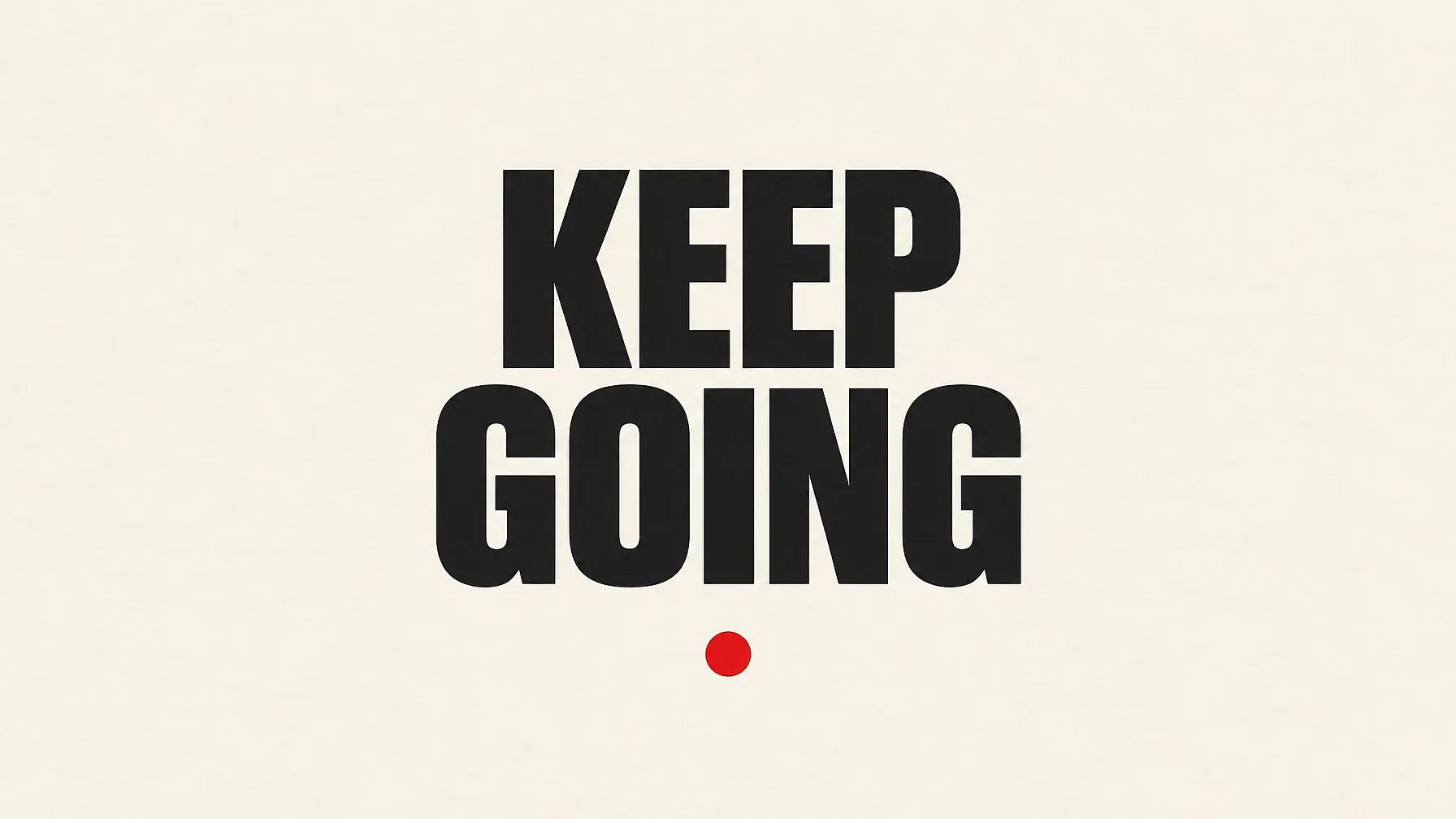
A typography poster lets the words do the work, so keep the background quiet. Need a full layout with dates and event details? The AI poster maker builds the whole poster around your text.
1. Bold minimal motivational poster
"KEEP GOING" in heavy black condensed sans-serif, stacked on two lines and centered, lots of empty space, off-white paper background, small red dot under the text, clean Swiss poster style, no other text
2. Psychedelic festival poster
"SUNSET SOUNDS 2026" in wavy psychedelic lettering that melts and swirls, letters fill the top half, orange, pink and purple swirls behind, 1970s concert poster, screen print texture
3. Vintage movie title poster
"THE LAST SUMMER" in ornate gold serif letters with deep drop shadows, centered over a faded sunset beach scene, film grain, 1960s movie poster style, no other text
4. Two-language poster
"धन्यवाद" in large Devanagari brush letters on top, "THANK YOU" in clean sans-serif below it, both centered, warm marigold yellow background, simple festive poster
Typography logo and wordmark prompts
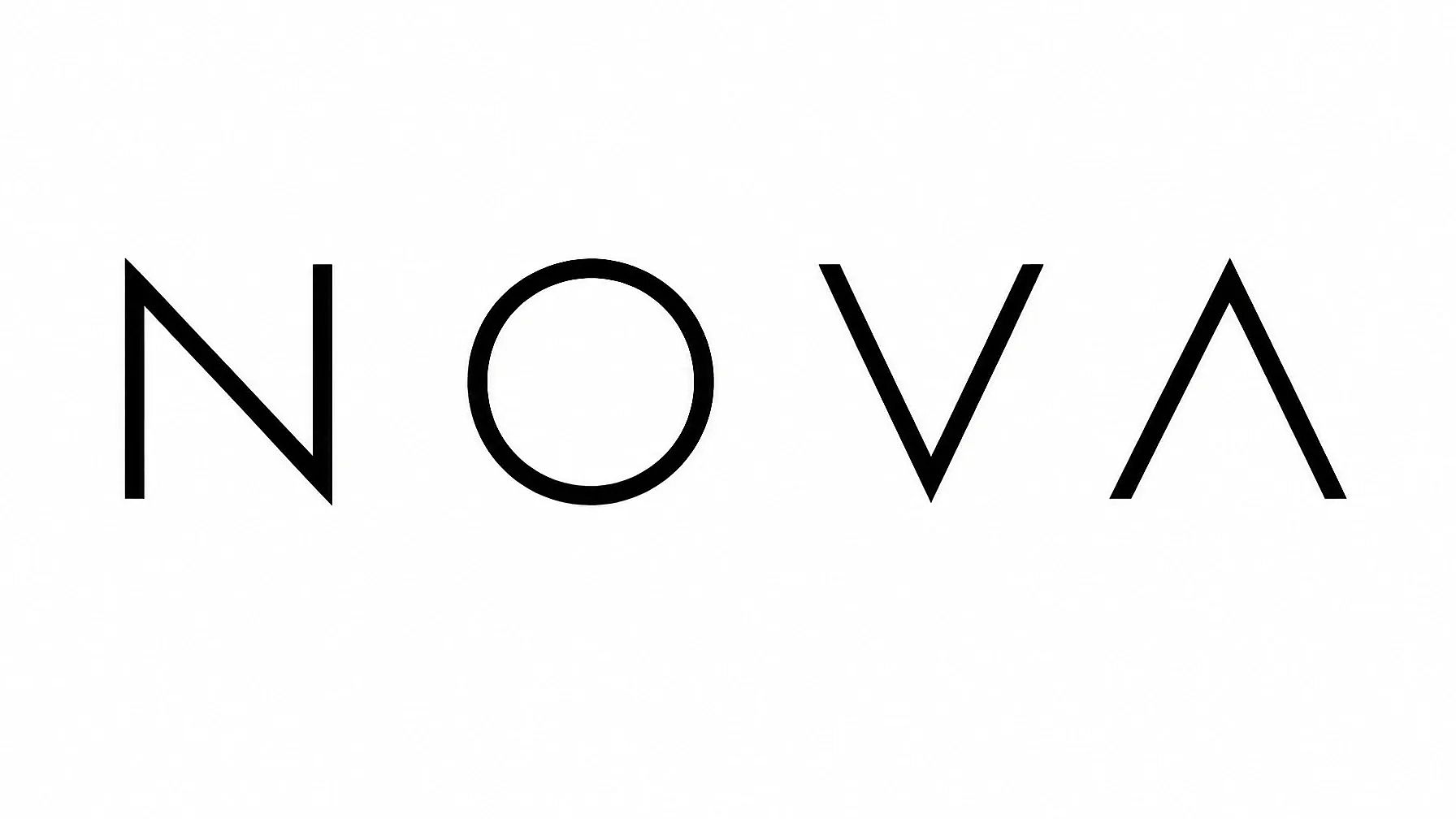
A wordmark is a logo made only of the brand name, so the letters have to be perfect. Keep the background plain white and say "flat vector" for clean edges.
5. Minimalist wordmark
minimalist wordmark logo, the word "NOVA" in thin geometric sans-serif with wide letter spacing, black on pure white, flat vector, no icon, no other text
6. Geometric monogram
geometric monogram logo of the letters "AK" built from overlapping circles and straight lines, navy blue on white, flat vector, centered
7. Rustic bakery logo
rustic bakery logo, the words "HEARTH & CO." carved into a round wooden sign, warm brown wood grain, a small wheat stalk on each side, soft natural light
8. YouTube channel text logo
bold text logo for a YouTube channel, the word "BYTEBITES" in thick rounded sans-serif, white letters with a lime green outline, dark charcoal background, flat graphic style
Making a logo for a real brand? Add your Brand Kit in Create Image and pick GPT Image 2 or GPT Image 2.5. Your colors and typography then carry into every image in the project. For logo ideas that go past lettering, try the AI logo generator.
3D text and text effect prompts
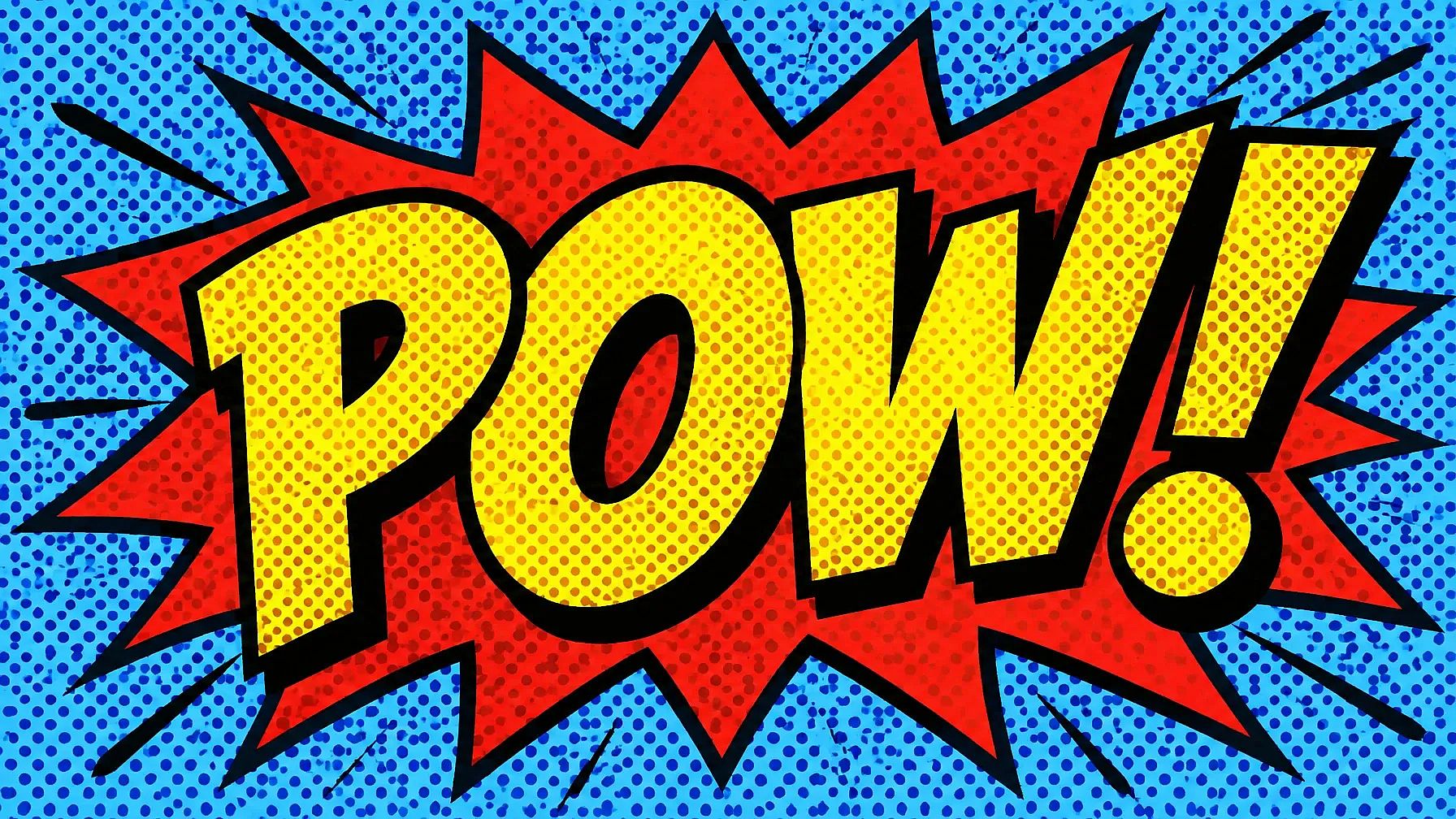
3D text works best when you name a real material and one strong light. Shiny materials like chrome and foil show off the shape of each letter.
9. Chrome 3D letters
the word "FUTURE" in 3D chrome letters with mirror reflections, floating over a dark gradient background, blue and purple rim light, sleek 3D render
10. Balloon letters
the word "PARTY" spelled in shiny pink and gold foil balloon letters, floating in front of a pastel wall, soft studio light, 3D photo
11. Fire text effect
the word "FIRE" made of real flames, glowing embers floating up, pitch black background, high contrast photo
12. Pop art comic text
comic book text effect, "POW!" in bold yellow letters with a thick black outline, red starburst behind, halftone dots, pop art style
Neon, retro and vintage text prompts
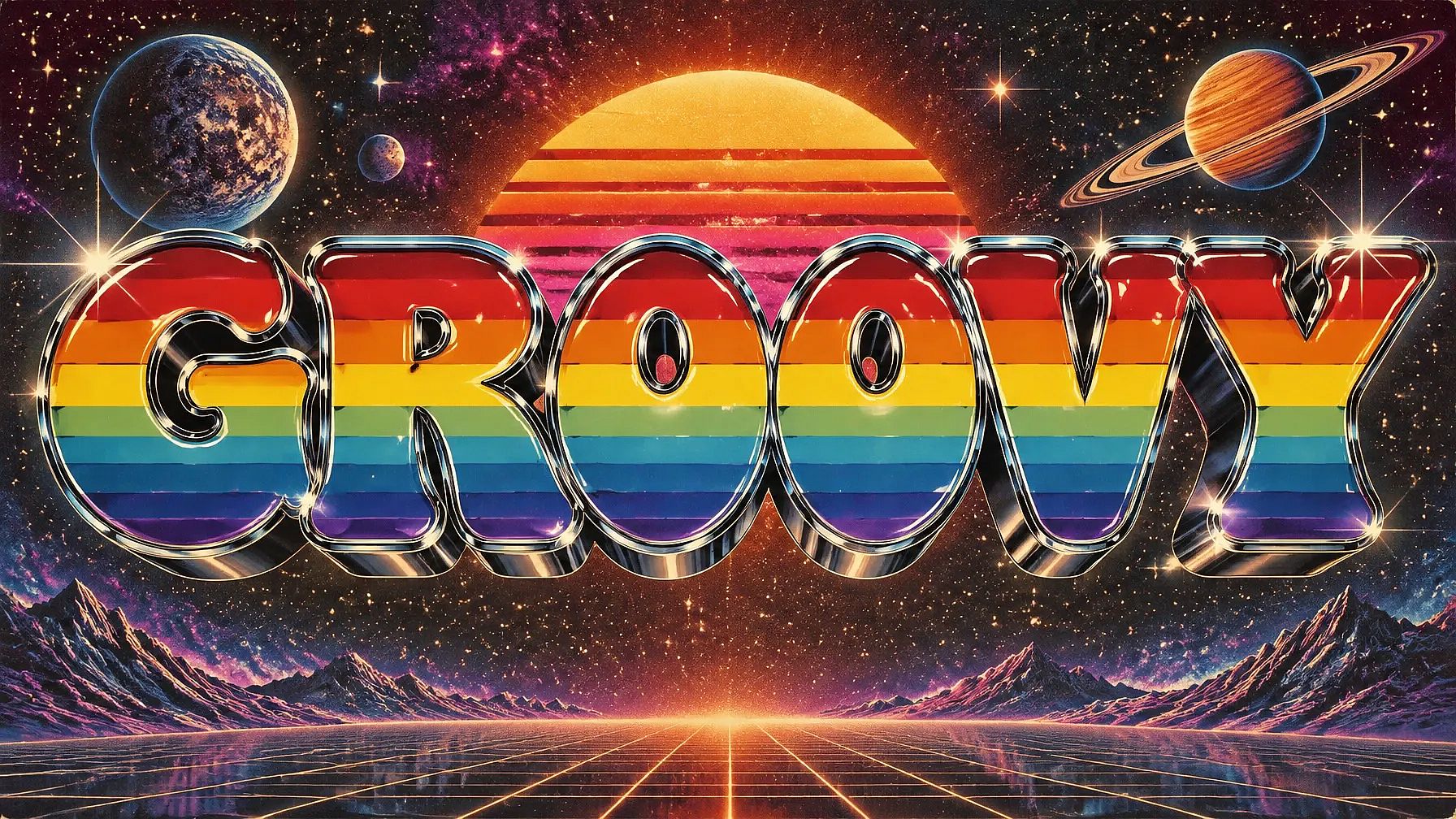
For neon, describe the wall behind the sign and the glow it throws. For retro styles, name the decade so the AI picks the right letter shapes.
13. Neon sign
neon sign that reads "OPEN LATE" in pink cursive tubes, mounted on a dark brick wall, soft pink glow on the bricks, night photo
14. 1970s retro-futuristic text
the word "GROOVY" in chunky 1970s retro letters with a rainbow stripe sunset gradient, chrome edges, starry space background, retro-futuristic poster
15. Art Deco lettering
"GRAND HOTEL" in tall Art Deco letters with gold geometric lines and fan shapes, black background, luxury 1920s style, symmetrical layout
16. Vintage circus poster text
vintage circus poster text, "THE GREAT SHOW" in playful red and cream slab serif letters with small stars, aged paper texture, worn edges, early 1900s print style
Graffiti and bubble letter prompts
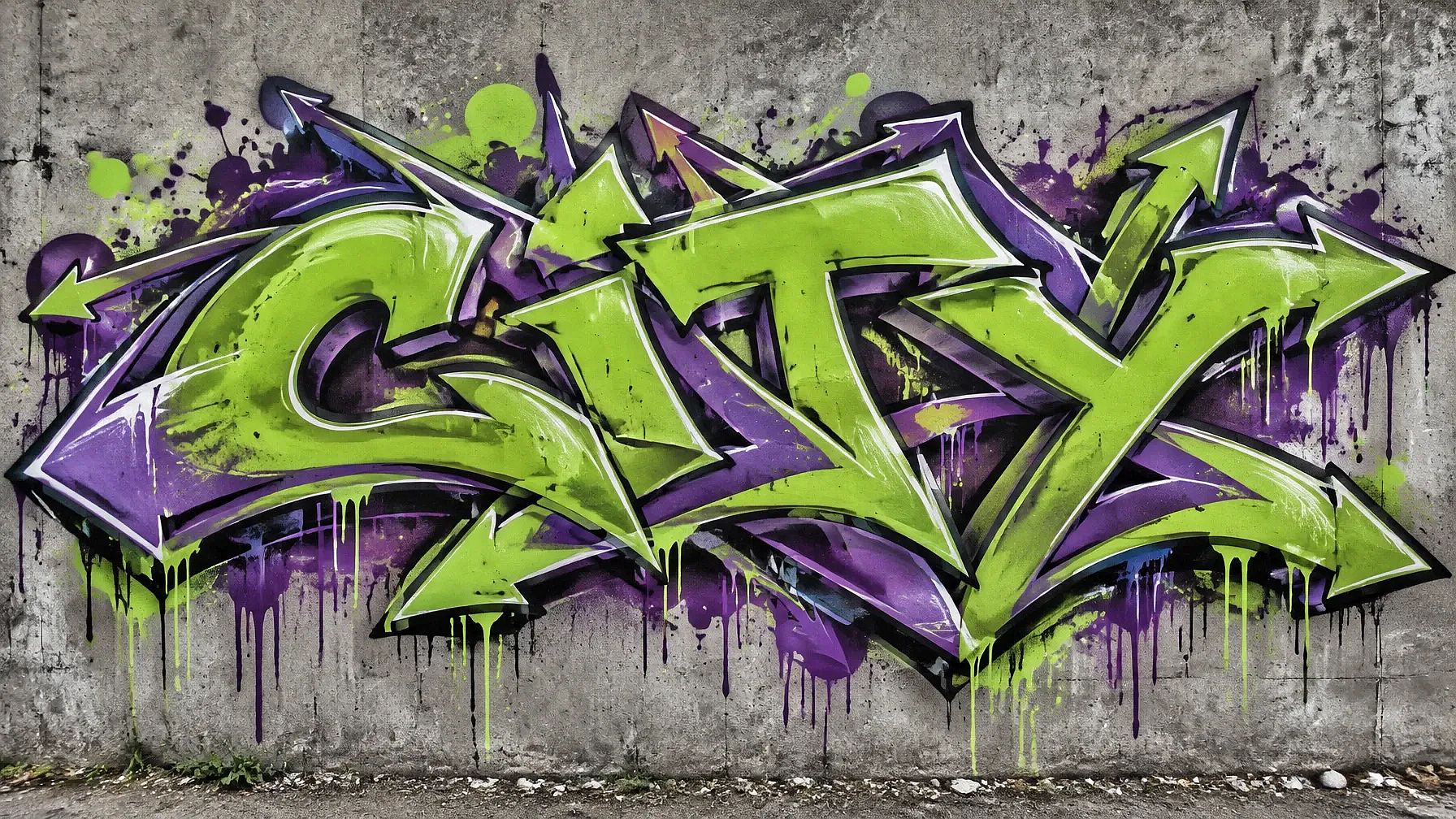
Graffiti letters are hard to read on purpose, so keep the word short. Name the wall surface and the paint colors to get a real street look. For more street art ideas, try the graffiti generator.
17. Wildstyle graffiti wall
wildstyle graffiti of the word "CITY", spray paint on a gray concrete wall, interlocking letters with arrows, lime green and purple with white highlights, paint drips, street photo
18. Bubble letters
puffy bubble letters spelling "HELLO", candy pink, mint and lemon colors, thick white outline, glossy 3D look, plain white background
19. Grunge street sticker
street sticker with the words "NO SLEEP" in rough distressed black letters, peeling sticker on a lamppost, grunge texture, close-up photo
Calligraphy and hand lettering prompts
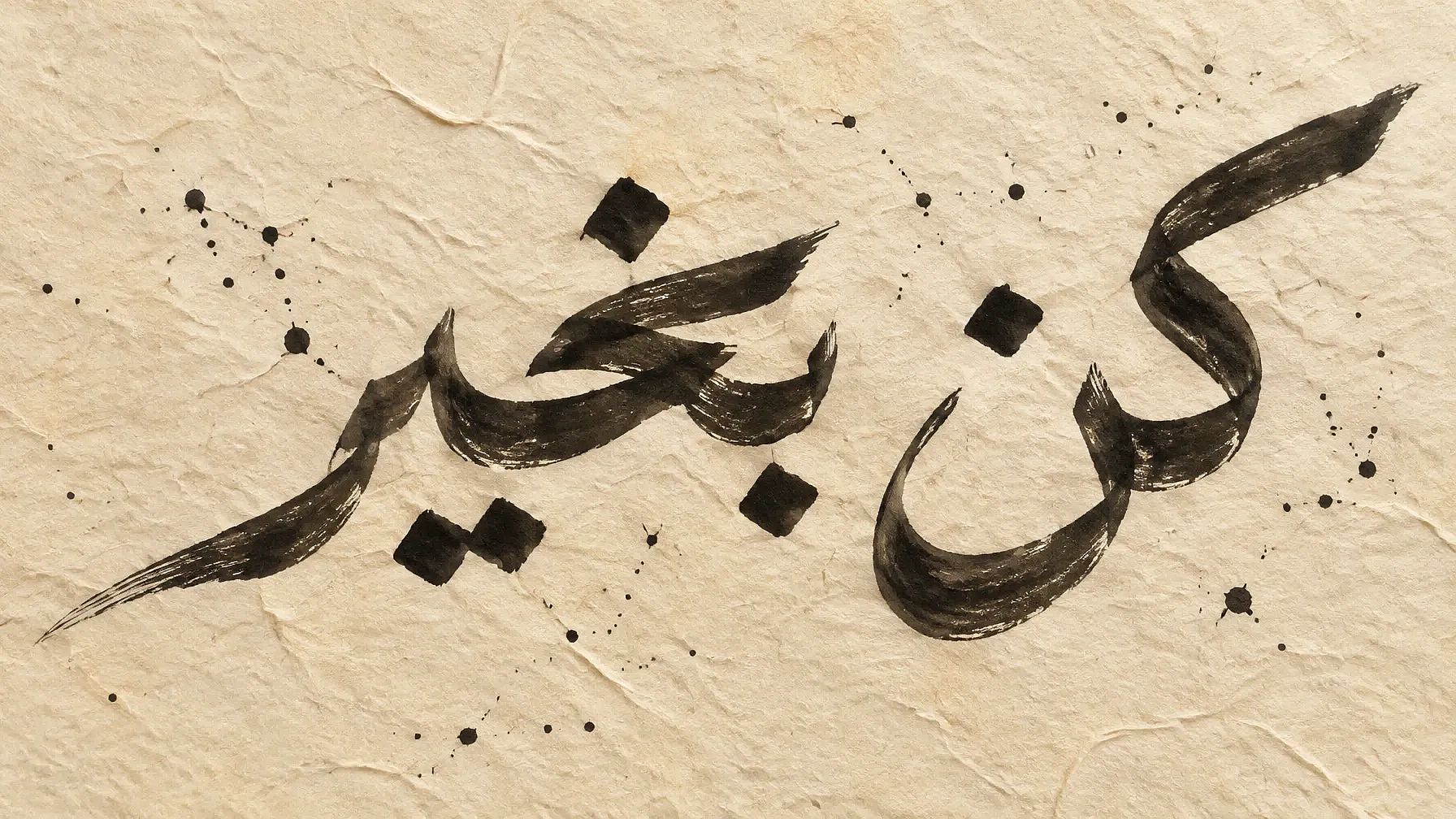
Hand lettering looks real when you describe the tool and the paper. Lowercase words often look more natural in script styles.
20. Brush calligraphy
the word "grateful" in black brush calligraphy, thick and thin strokes, visible ink texture, cream handmade paper, small ink splatter, top-down photo
21. Watercolor hand lettering
watercolor hand lettering of the word "bloom", soft pink and peach washes, loose painted flowers around the letters, white watercolor paper
22. Chalkboard café sign
café chalkboard sign with "Today's Special" in hand-drawn white chalk lettering, a small doodled coffee cup and swirls, rustic wooden frame, warm café light
Font style prompts
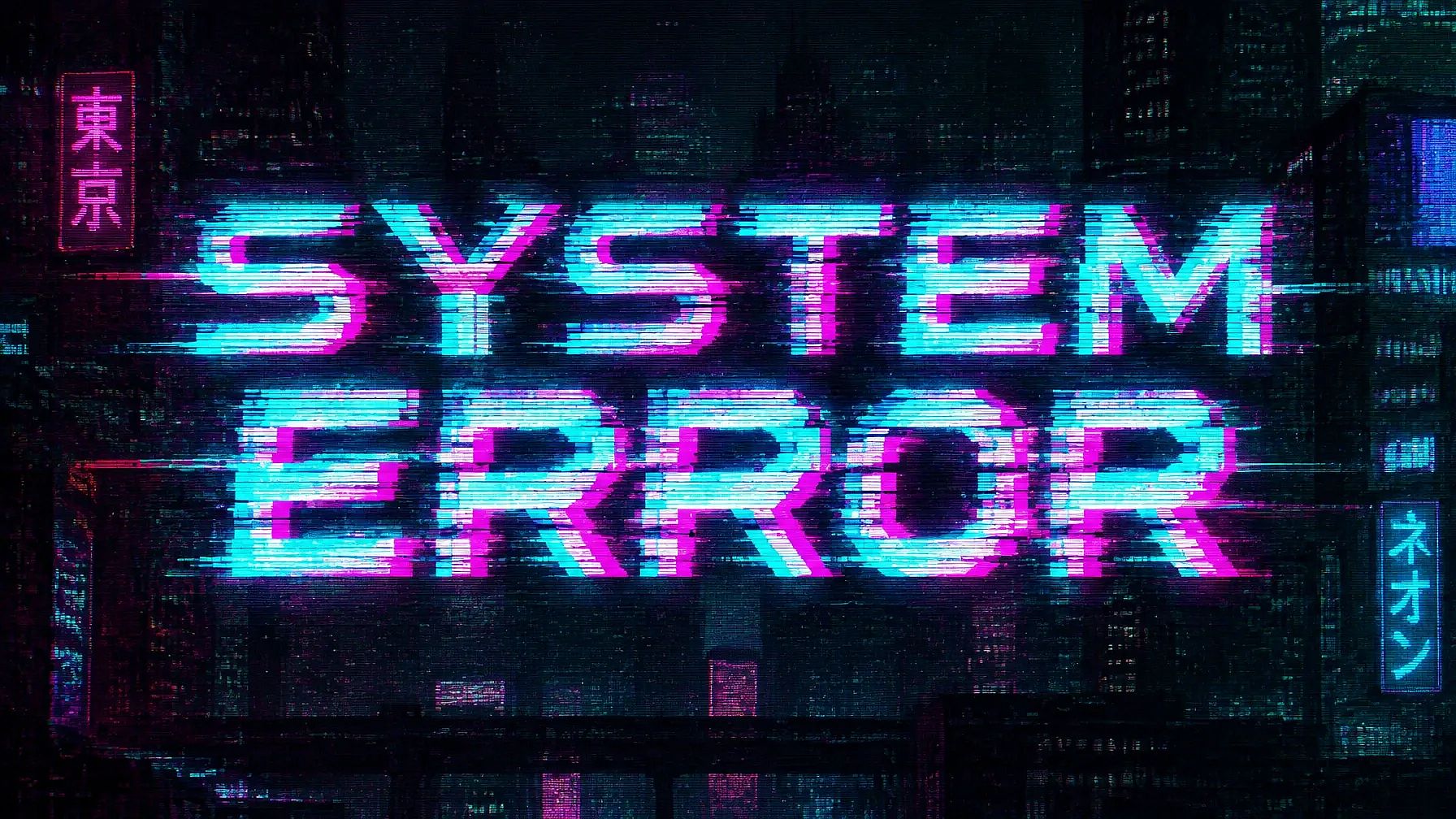
A font style prompt describes the shape of the letters, so be specific. "Gothic blackletter with sharp points" gets you closer than just "gothic font."
23. Gothic blackletter
"MIDNIGHT" in gothic blackletter font, dark silver letters with sharp points, stone wall background, dramatic shadows, moody candlelight
24. Elegant serif invitation
wedding invitation text, "Sara & Adam" in an elegant high-contrast serif font, gold foil on an ivory card, thin leaf border, soft daylight, flat lay photo
25. Cyberpunk glitch font
the words "SYSTEM ERROR" in a cyberpunk glitch font, cyan and magenta split lines, pixel noise, dark city screen background, neon glow
26. Steampunk letters
the word "INVENTOR" in steampunk letters made of brass plates, rivets and small gears, dark leather background, warm lamp light, detailed 3D render
Typography for t-shirts and merch
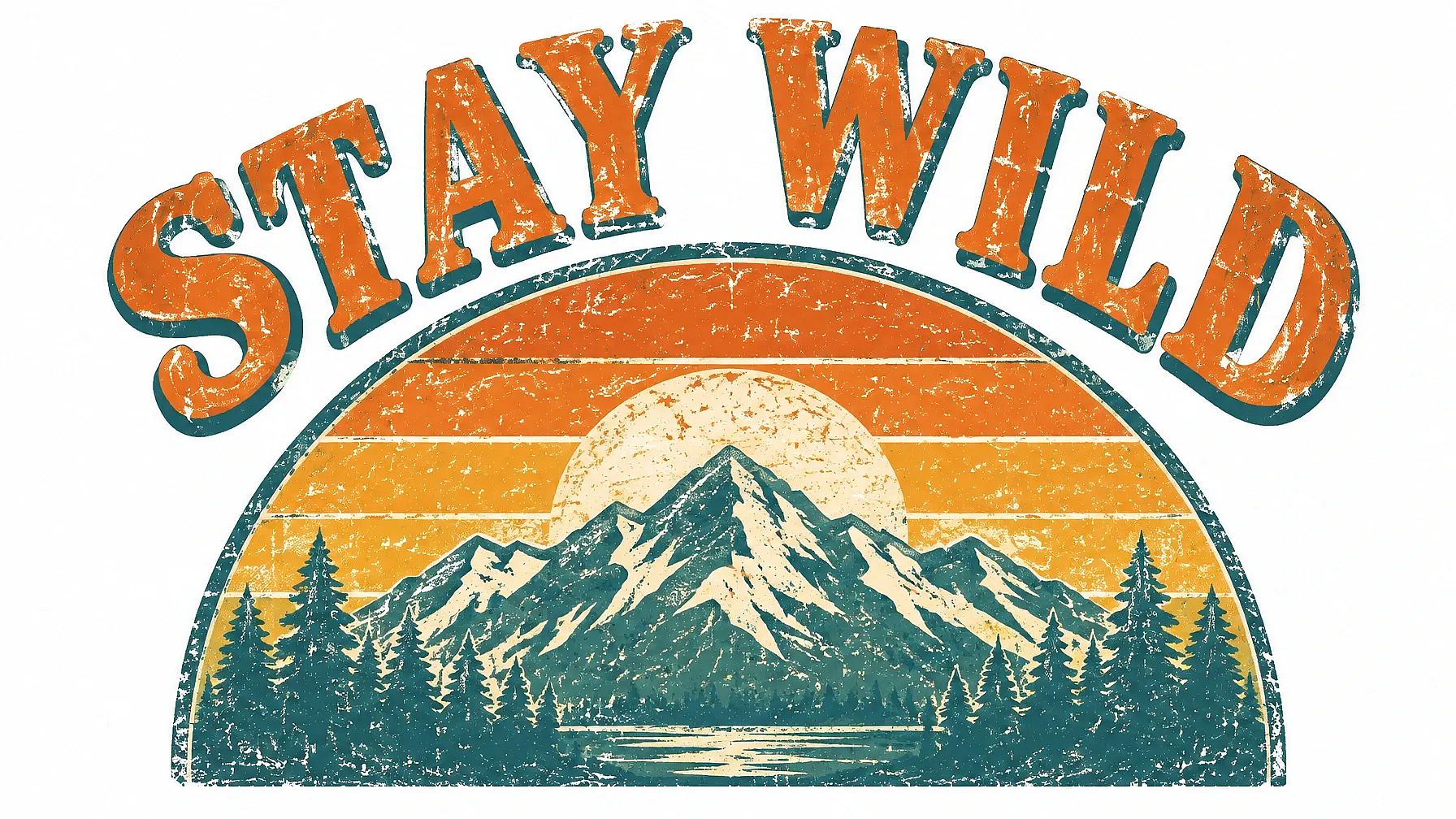
Generate the design on a plain white background first. Then pull the text onto a transparent background with Extract Layers so it's ready to print. You can also remove the background from a text image in one step. For full shirt designs, see our t-shirt design prompts.
27. Vintage tee graphic
vintage t-shirt graphic, the words "STAY WILD" in distressed retro serif letters curved over a mountain sunset badge, orange and teal, worn print texture, plain white background, centered
28. Streetwear back print
streetwear back print, "NO DAYS OFF" in bold stacked condensed letters, black and red, plain white background, centered, flat vector style
Add text to an existing photo
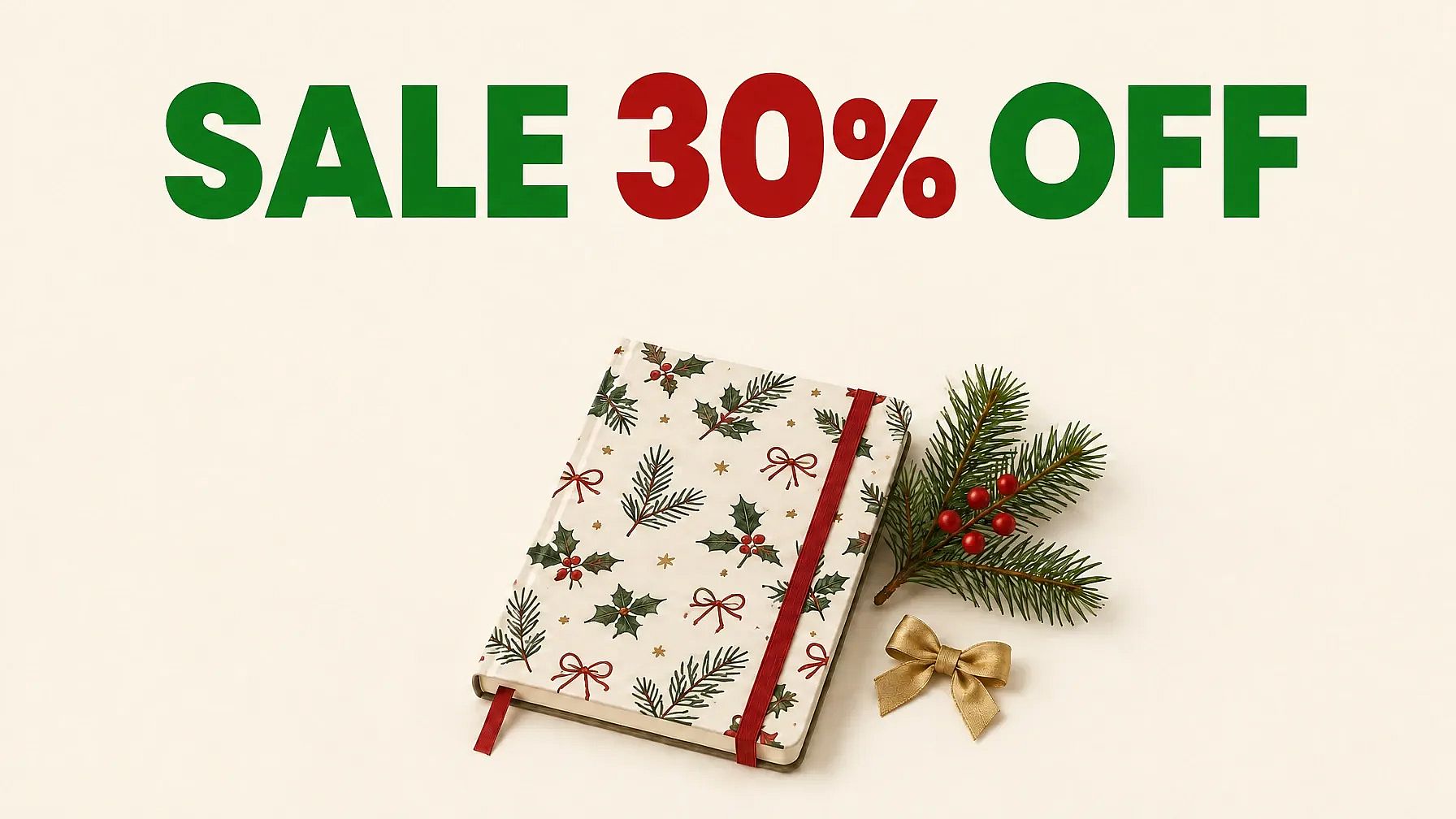
You can add text to a photo you already have. Upload it to OpenArt's AI photo editor, describe the text and say where it goes. Tell the AI to keep everything else the same so your product or face stays untouched.
29. Sale text on a product photo
add the text "SALE 30% OFF" in bold white sans-serif across the top of the image, keep the product and background exactly the same
30. Magazine cover title on a portrait
add the magazine title "BOLD" in large red serif letters across the top, keep the face, pose and lighting exactly the same
Make your typography move
Kinetic typography is text that moves on screen, like a title that slides in letter by letter. You can make it from any image in this guide.
Upload your typography image to the AI video generator and describe how the letters should be animated. Keep the camera still so the words stay easy to read.
the letters slide in one at a time from the left, then glow softly, camera stays still
Short clips like this work well for logo reveals, Reels intros and event teasers.
Which OpenArt model is best for text?
GPT Image 2 and Ideogram 4.5 are good first picks when the words in your image have to be right. Each model has a sweet spot, so match it to the job.
| Model | Best for in typography |
|---|---|
| GPT Image 2.6 | Text inside real scenes, like a shop sign or a bottle label. Works with Brand Kit in Create Image. |
| Ideogram 4.5 | Posters and layouts with a title plus a line or two of smaller text |
| Nano Banana 2.1 | Adding or changing text in a photo you already have |
| Recraft V4.1 | Flat vector logos and wordmarks with clean edges |
Not sure which to use? Run the same prompt on two models and keep the cleaner result.
How to fix common AI text mistakes
Most text mistakes can be fixed in the image you already have. Here are the usual problems and what to do:
- One letter is wrong. Open Edit Image, switch to Area Edit, highlight the bad letter and type the right one. The rest of the image stays the same.
- Extra words show up. Cut your text down and add "no other text" to the end of the prompt.
- Letters bend on a curved product. Make the design flat first, then place it on the product with a mockup prompt.
- Small text looks blurry. Run the image through Image Upscale and pick the Text and Shapes preset.
- Packaging labels look messy. Keep label text to one or two short lines and make the words bigger in the prompt.
Start with one prompt
Pick a prompt from the list, change the words in quotes to your own and generate. New accounts get 40 free trial credits, so you can try a few styles before you settle on one. Open OpenArt's AI image generator and paste your first typography prompt.
Frequently Asked Questions
What is a typography prompt?
A typography prompt is a text instruction that tells an AI image generator which words to show and how they should look. It names the exact text in quotes, plus the font style, effect, layout and background.
How do I get AI to spell text correctly?
Put the exact words in quotes and keep them short, ideally five words or fewer. Use a model that handles text well, like GPT Image 2 or Ideogram 4.5. If one letter still comes out wrong, fix it with Area Edit in Edit Image.
What is the best AI model for typography?
GPT Image 2 and Ideogram 4.5 are strong picks for readable text in OpenArt. Recraft V4.1 suits flat vector logos, and Nano Banana Pro is handy for adding text to an existing photo. Try the same prompt on two models and keep the cleaner one.
How do I write a font style prompt?
Describe the shape of the letters in plain words, like "gothic blackletter with sharp points" or "thin geometric sans-serif with wide spacing." Then add the material, colors and background. The more specific the letter shape, the closer the result.
Can AI make a typography logo?
Yes. Ask for a wordmark with the brand name in quotes, a plain white background and "flat vector" for clean edges. With GPT Image 2 or GPT Image 2.5, you can also add your Brand Kit so the logo uses your exact colors and fonts.
How do I add text to an image without warping the font?
Upload the image to OpenArt's photo editor, describe the text and where it goes, and ask it to keep everything else the same. Flat surfaces give the cleanest letters. For text on a curved product, make the design flat first and then place it with a mockup prompt.
Can I use Midjourney typography prompts in OpenArt?
Yes. The prompts in this guide are plain descriptions, so they work in OpenArt as written. Midjourney settings like --ar aren't needed, because you pick the aspect ratio in the settings panel instead.
Can I animate AI typography?
Yes. Upload your typography image to OpenArt's AI video generator and describe how the letters should move, like sliding in one at a time. Keep the camera still so the words stay readable.