

 ChatGPT
 Perplexity
 Claude
 Gemini
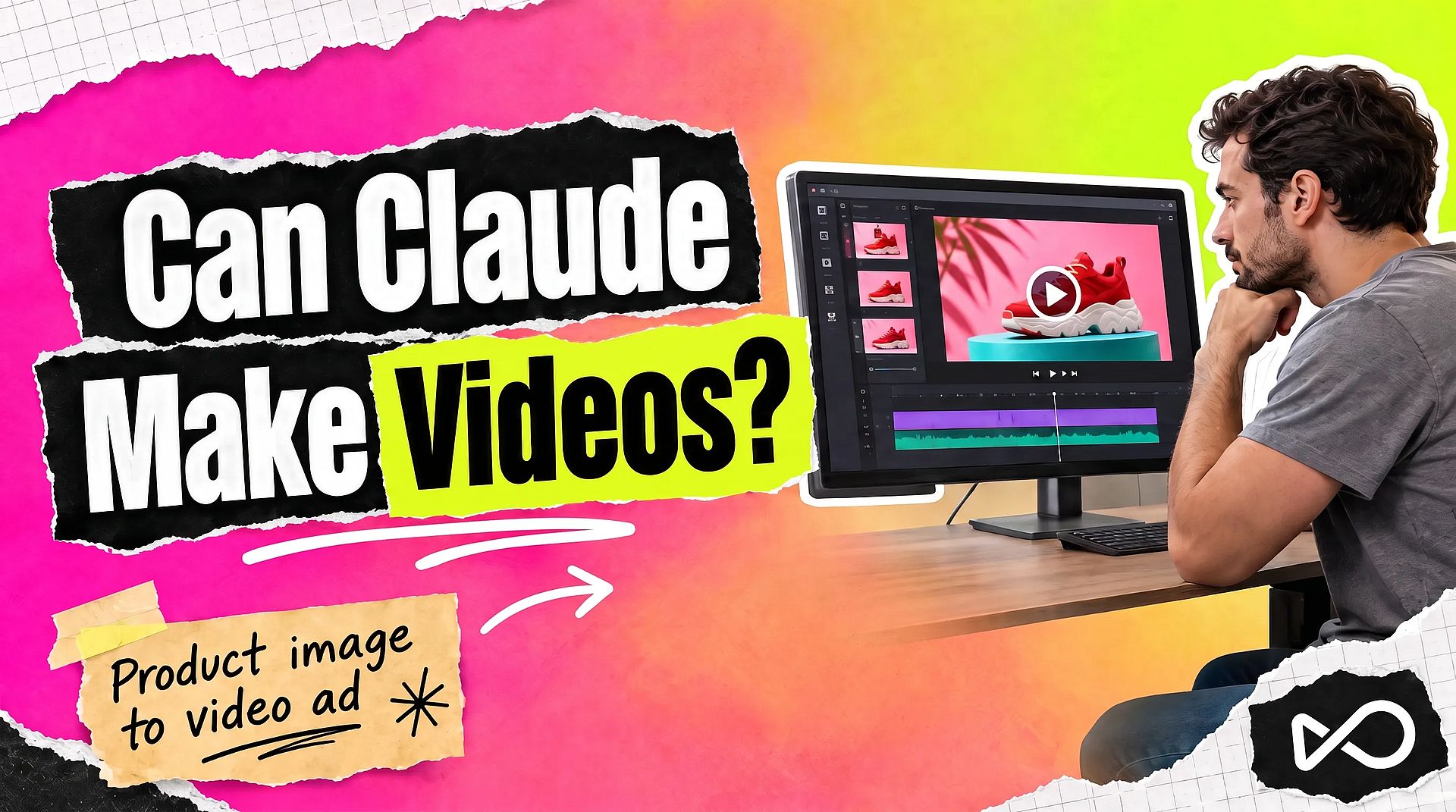
Can Claude make videos? Yes, but Claude has no video model of its own, so the kind of video depends on the route you take. Claude Motion and Claude Code build animated graphics from code. For realistic AI video, such as people, products, and scenes, Claude needs a connector to a video tool like OpenArt. This guide explains each way to make videos with Claude, which one to pick, and how to use Claude as an AI video generator in a few minutes.
TL;DR
- Claude has no built-in video generation model. Asking plain Claude for a video clip gives you text, a plan, or code.
- Claude Motion turns content into short animations and exports MP4. It is in beta on Team and Enterprise plans and makes motion graphics, without realistic footage or people.
- Claude Code can write a video project in a framework such as Remotion and render it to a file. This also makes coded animation.
- For realistic AI video, connect OpenArt to Claude. You describe the video in the chat, and OpenArt makes it with models such as Seedance 2.5, Kling 3 Omni, and Veo 3.1.
Can Claude make videos on its own?
Claude cannot generate video footage on its own. Anthropic has not built a video generation model into Claude, so Claude.ai and the Claude API do not return a realistic clip from a text prompt.
Claude can build a video out of code. It lays out text, charts, shapes, and images, then animates them. That gives you a real MP4 file that looks like a motion graphic. For a person talking, a product on a table, or a city street at night, Claude has to call a video model through a connector.
The same split applies to images. Claude reads images well but does not draw them. Our guide on why Claude can't generate images covers that side.
What are the ways to make videos with Claude?
There are four routes. They make different kinds of video, so the right one depends on what you need to show.
| Route | What you get | Realistic footage and people | What you need |
|---|---|---|---|
| Claude Motion | Short animations built from code, exported as MP4 | No | A Claude Team or Enterprise plan (beta) |
| Claude Code with a video framework | A coded video project, rendered to a file | No | Claude Code and a framework such as Remotion |
| Claude Design | Slides, prototypes, and layouts | No | Exports to HTML, PDF, PPTX, or Canva |
| Claude with the OpenArt connector | AI video clips from text or images | Yes | A free OpenArt account and two minutes of setup |
What is Claude Motion?
Claude Motion is Anthropic's animation tool inside Claude. According to Anthropic's help center, it turns your content into short animations, such as explainers, animated charts, or product walkthroughs. Claude builds each one as code that animates text, charts, shapes, and images. You can export the result as MP4.
Claude Motion is in beta on Team and Enterprise plans. It is on by default for Team plans. On Enterprise plans, an owner turns it on in Organization settings under Artifacts. Anthropic's help center also states that it does not use a video generation model, so it does not create realistic footage or people. Longer or more complex animations use more of your plan's usage limit.
How does Claude Code make videos?
Claude Code can write a full video project in a code framework, such as Remotion or HyperFrames. You describe the video, Claude writes the scenes, timing, and text as code, and the framework renders the file on your computer.
This route gives you full control. Every word, color, and move stays editable, so a typo is a one-line fix. It also needs some comfort with a terminal. Our guide to AI motion graphics with Claude shows this workflow step by step, including how to animate images made in OpenArt.
Claude Code can also make realistic AI video through the OpenArt CLI. Install the CLI, run openart login, and ask Claude Code for the video in your terminal. It spends the same OpenArt credits as the connector.
Is Claude Design a video tool?
Claude Design is a workspace for slides, prototypes, and marketing layouts. You can export the work to HTML, PDF, PPTX, or Canva. It does not render video files, so it fits a pitch deck better than a video ad.
Why does Claude need a connector for realistic video?
Realistic video needs a trained video model. Claude reaches outside tools through connectors, which use the Model Context Protocol (MCP). A connector gives Claude a set of tools it can call when your request matches them.
The OpenArt connector puts video models on the other end. You type the request in Claude, Claude calls OpenArt, and the finished clip comes back in the same conversation. Each video also saves to your OpenArt library.
Which way should you use to make videos with Claude?
Pick the route that matches the video you need to show.
Use Claude Motion for an animated chart, a feature walkthrough, or an explainer made of text and shapes. It needs no extra setup if you are on a Team or Enterprise plan.
Use Claude Code when you want every frame to stay editable, or when you need the same video template in many versions.
Use the OpenArt connector when the video needs real-looking people, products, places, or camera moves. Marketers use it for product videos, ad videos, and social clips. You can also make the clip in OpenArt and then add text and graphics on top with Claude Code.
How to make AI videos in Claude with OpenArt
With the OpenArt connector, Claude works as a Claude AI video generator in the Claude desktop app and on claude.ai. Setup takes about two minutes. You need a free OpenArt account. There is no API key.
Step 1: Open connector settings. In the Claude desktop app or on claude.ai, open Settings, then Customize, then Connectors. Click + Add and select Add custom connector.
Step 2: Add OpenArt. Name it OpenArt and paste this server URL:
https://mcp.openart.ai/mcp
Step 3: Connect and sign in. Click Add, then Connect, and sign in with your OpenArt account.
Step 4: Add OpenArt Skills (optional). On the OpenArt MCP page, pick the Claude tab and click Install OpenArt Skills. Skills are ready-made workflows for ads, product videos, and more.
Step 5: Ask for a video. Mention OpenArt in your request so Claude knows which tool to use. In Claude, you can upload a reference image right in the chat.
Try this prompt after you connect:
Use OpenArt to make an 8-second 16:9 video. A cobalt blue ceramic coffee mug sits on a sunny yellow table in front of a tomato red wall. Steam rises from the cup, hard morning light comes in from the left, and the camera moves in slowly. Use Seedance 2.5.
We ran this prompt through OpenArt with Seedance 2.5. Here is the clip, with no editing:
Cobalt mug clip made with Seedance 2.5 on OpenArt from a text prompt.
On a Claude Team or Enterprise plan, an Owner or Primary Owner adds OpenArt for the whole organization once. They go to Settings, then Organization settings, then Connectors, and add the same server URL. Each member then signs in with their own OpenArt account.
For a longer walkthrough with more examples, read our guide on generating AI videos from Claude.
How to turn a product image into a video ad in Claude
With OpenArt connected, Claude can make a product image and then animate it into an ad video in the same conversation. This is a common workflow for marketers.
- Get the product image. Upload your own product photo, or ask Claude to use OpenArt to make one, such as "a red sneaker on a turquoise pedestal, bold studio light."
- Animate it. Ask for the motion and the length: "Turn this photo into an 8-second ad video. The sneaker rotates, then a hand lifts it toward the camera. Keep the shoe exactly as it is."
- Make versions to test. Ask for the same ad in 9:16 and 1:1, or for three different opening moves. Claude keeps the conversation context, so you only describe what changes.
Here is that workflow for KOZU, a made-up sneaker brand. We made the product photo with Nano Banana Pro on OpenArt, then turned it into the ad video below with Seedance 2.5.
The 8-second ad clip Seedance 2.5 made from the KOZU product photo on OpenArt.
For bigger ad jobs, install the OpenArt skills in Claude (Step 4 above). The skills cover UGC ads, PGC ads, talking-head videos, product listing videos, TV commercials, performance ads, ad variants, hook variants, and ad remakes. Each skill asks for the inputs it needs, plans the script, and makes a draft before the full-quality video. There is no extra price per skill. A skill spends the credits of the models it runs.
Three tools also edit videos you already have. Replace Background puts the subject in a new scene, Relight Video changes the lighting or mood, and Dub Video translates the speech into 22 languages with lip sync.
What else can you do with OpenArt in Claude?
Once OpenArt is connected, Claude can plan, make, and organize video work in the same chat.
- Pick a video model. Models include Seedance 2.5, Seedance 2.0, Wan 3.0, Kling 3 Omni, Veo 3.1, MiniMax H3, Gemini Omni 1.1 Flash, and PixVerse V6. Name one, or let Claude choose.
- Plan multi-shot videos with Smart Shot. Claude can show you the shot plan first, so you can change it before the final video is made.
- Keep work organized. Claude can check your credits, list your OpenArt projects, and save each video to the right one.
You can also skip Claude for the footage. If you prefer a visual workspace, the AI Video Generator on OpenArt gives you the same models in the browser.
How much does it cost to make videos in Claude?
Claude Motion and Claude Code use your Claude plan's usage. Videos made through OpenArt spend OpenArt credits, the same as on openart.ai. The cost depends on the model, the length, and the resolution.
New OpenArt accounts get 40 free credits, no credit card required, and a daily free credit allowance continues after the trial. Commercial rights apply on eligible paid plans. See the pricing page for plan details.
FAQ
Can Claude AI generate videos?
Claude cannot generate realistic video on its own. It can build coded animations with Claude Motion or Claude Code. For AI video footage, connect Claude to OpenArt and ask for the video in the chat.
Can I make videos in the Claude desktop app?
Yes. Add OpenArt as a custom connector under Customize, then Connectors, in the Claude desktop app. Then ask Claude to make a video with OpenArt, and the clip comes back in the same chat.
Is Claude Motion free?
Claude Motion comes with Claude Team and Enterprise plans, where it is in beta. Anthropic's help center lists it for those two plans only. It counts toward your plan's usage limits, and longer animations use more.
Can Claude make videos with real people?
Claude Motion and Claude Code do not create realistic people. Through the OpenArt connector, Claude can make videos with people using models such as Seedance 2.5 or Kling 3 Omni. Use only faces and voices you own or have permission to use.
Can Claude turn an image into a video?
Yes, with the OpenArt connector. Upload the image in Claude, mention OpenArt, and describe the motion, camera move, and length you want. The clip comes back in the same chat.
Do I need an API key to make videos in Claude?
No. The OpenArt connector uses your OpenArt sign-in. You paste the server URL once, sign in, and Claude can call OpenArt from then on.
Does the same connector work in ChatGPT?
ChatGPT uses the official OpenArt plugin, and it spends the same credits and saves to the same library. Our guide on whether ChatGPT can make videos covers that setup.