
 ChatGPT
 Perplexity
 Claude
 Gemini
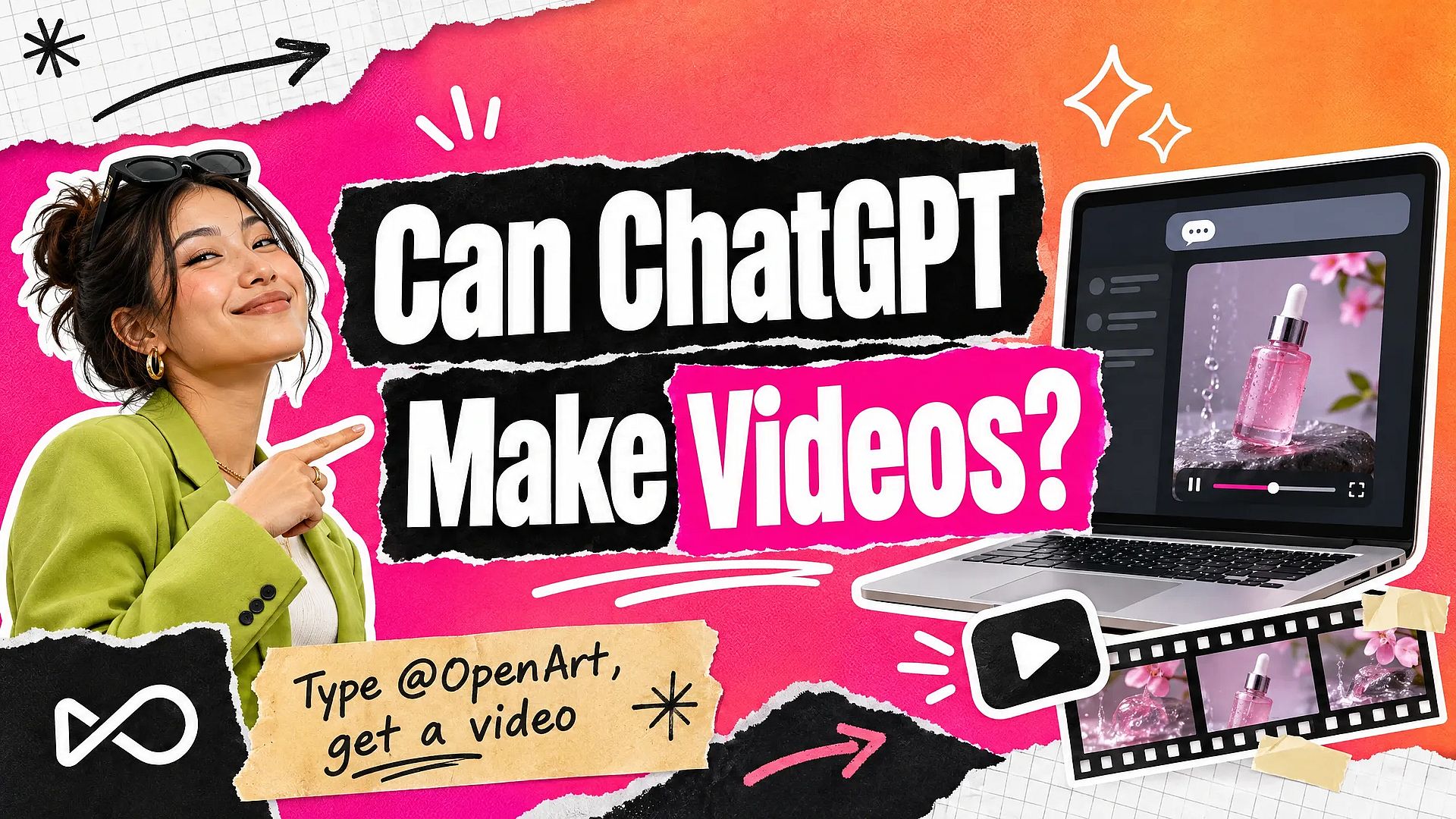
Can ChatGPT make videos? Not on its own. ChatGPT writes scripts, shot lists, and prompts, and it makes still images, but it has no built-in video model. OpenAI shut down the Sora app on April 26, 2026, and the Sora API on September 24, 2026. Today, ChatGPT makes videos through plugins that send the job to a video model and return the clip to your chat. This guide explains what ChatGPT can and can't do with video, and how to use ChatGPT as an AI video generator with the OpenArt plugin.
TL;DR
- ChatGPT has no video model of its own. Plain ChatGPT gives you text and still images.
- OpenAI closed Sora, its video product, in 2026. The app shut down in April and the API in September.
- A video plugin adds video to ChatGPT. You type the request in the chat, and the plugin makes the clip.
- With the OpenArt plugin, you type @OpenArt and describe the video. It uses video models such as Seedance 2.5, Kling 3 Omni, and Veo 3.1, and it spends your OpenArt credits.
Can ChatGPT make videos on its own?
No. ChatGPT is a language model with an image generator. Ask plain ChatGPT for a video and it will give you a script, a storyboard, or a set of still frames. It will not return a moving clip with sound.
That answer covers every ChatGPT plan. A paid plan gives you more messages and stronger models. It does not add a video model. To get a real clip inside ChatGPT, you need a plugin that connects it to a video tool.
What happened to Sora?
Sora was OpenAI's video model. It first reached ChatGPT Plus and Pro users in December 2024. On March 24, 2026, OpenAI announced that it would discontinue Sora in both the app and the API. The Sora app shut down on April 26, 2026, and the Sora API followed on September 24, 2026.
OpenAI has not announced a video product to replace Sora. So if you used Sora for quick clips, you need another route. The closest one is a video plugin inside the same ChatGPT window.
What can ChatGPT do for video without a plugin?
Plain ChatGPT handles the planning side of video. It can write the words and plan the shots. It cannot make the footage.
| Video task | Plain ChatGPT | ChatGPT with a video plugin |
|---|---|---|
| Write a script or voice-over text | Yes | Yes |
| Plan shots and write a storyboard | Yes | Yes |
| Make still images for each scene | Yes | Yes |
| Make a moving video clip | No | Yes |
| Turn a product photo into a video | No | Yes |
| Return the clip in the chat | No | Yes |
The split is simple. Let ChatGPT plan the video in plain words. Then let the plugin turn that plan into a clip in the same chat.
How to make videos in ChatGPT with OpenArt
OpenArt has an official plugin in ChatGPT, so ChatGPT can work as a ChatGPT video generator without a separate app. The plugin uses your OpenArt account, so there is no API key to create or paste. Setup takes about two minutes.
Step 1: Install the plugin. Go to chatgpt.com/plugins, search for OpenArt, and click Install Plugin.
Step 2: Sign in. Sign in with your OpenArt account when ChatGPT asks. If you don't have one yet, sign up for free at openart.ai first.
Step 3: Call @OpenArt in a chat. Start a chat, type @OpenArt, and pick the plugin. Naming it tells ChatGPT which tool should do the job.
Step 4: Describe your video. Say what should happen, how long it should be, and the shape you need, such as 9:16 for Reels or 16:9 for YouTube. Add a link to a product photo if the video should show it.
Here is a prompt to try once the plugin is installed:
@OpenArt Turn this product photo into an 8-second vertical product ad. The bottle stays still on the stone while the camera slowly moves in toward the label and a soft band of light glides across the glass. Keep the bottle, the MIRELLE label, the stone, and the pink backdrop exactly as they are. 9:16.
We ran the same request through OpenArt with Seedance 2.5, the model the plugin can call, starting from a product photo of a MIRELLE serum. MIRELLE is a made-up brand for this example. Here is the result, with no editing.
The 8-second vertical product ad Seedance 2.5 made from the product photo on OpenArt.
OpenArt makes the clip in the background while you keep chatting. When it is done, the video shows up in the conversation and in your OpenArt library. You can then ask for another version in the same thread, such as "make it 16:9" or "try it with Kling 3 Omni."
On a ChatGPT Business or Enterprise workspace, an owner or admin turns on the OpenArt plugin for the workspace first. Members then install it from chatgpt.com/plugins and sign in with their own OpenArt account.
How do you write a good video prompt in ChatGPT?
A plugin can only make what you describe. These five habits give better first results.
- Name the plugin. Start with @OpenArt, or write "Use OpenArt to make a video." This matters most when you have several tools installed.
- Give the length and shape. Write "8 seconds, 9:16" or "20 seconds, 16:9." Missing details get filled in for you, and they may not match your plan.
- Describe one main movement. "The camera moves in slowly" works better than a list of five moves in one short clip.
- Add a reference image. A product photo or a character photo keeps the video closer to what you have in mind. Paste an image URL, or upload the photo if your ChatGPT app lets you.
- Change one thing at a time. When you ask for another version, say what to keep and what to change: "Keep the bottle and the light, make the background a beach."
For more ideas, the OpenArt MCP page has ready-made prompts for product ads, UGC, music videos, anime, and explainers. Each one starts with @OpenArt, so you can paste it into ChatGPT as is.
Which video models can ChatGPT use through OpenArt?
The OpenArt plugin gives ChatGPT a choice of video models. The list includes Seedance 2.5, Seedance 2.0, Wan 3.0, Kling 3 Omni, Veo 3.1, MiniMax H3, Gemini Omni 1.1 Flash, and PixVerse V6. OpenArt adds models as they ship, so the list grows over time.
You don't have to pick one. If you leave the model out, the plugin picks one for the request and sets the length and resolution. If you have a favorite, name it in the prompt. For example, Seedance 2.5 handles single shots up to 30 seconds.
For videos with several shots, ask for Smart Shot. It plans the shots first, so you can read and change the plan in ChatGPT before the final video is made.
What kinds of videos can you make in ChatGPT?
These are common work jobs the OpenArt plugin handles well.
Online sellers: turn product photos into product videos. Share one product photo and ask for a turntable spin, a lifestyle scene, or a close-up of the label. Ask for 9:16 for social and 16:9 for your store page in the same chat.
Performance marketers: make ad videos and versions to test. OpenArt's ad skills are ready in ChatGPT as soon as you connect, with no extra price per skill. Ask for a UGC-style ad video, a talking-head video, a TV commercial, or several hook versions of one ad. To reuse a video you already have, ask OpenArt to replace its background, relight it, or dub it into another language with lip sync. The plugin asks for what it needs, such as product photos, a script, or the length, and makes a draft first.
Social media teams: run a content pipeline from one chat. Ask ChatGPT to write five hooks for next week, then ask @OpenArt to make a short vertical clip for each one. The clips land in your OpenArt library, ready to edit or post.
Agencies: keep client work in the right place. Ask the plugin to list your OpenArt projects and save each video to the right client's project. In a team workspace, videos spend the workspace's credits, so costs stay with the right account.
Can you make videos from Claude or Cursor too?
Yes. The same OpenArt account works in other AI tools, and the credits and library are shared. In Claude, you add OpenArt as a custom connector and ask for a video in the chat. Our guide on whether Claude can make videos covers that setup and the other ways Claude handles video.
In the Cursor desktop app, you add OpenArt as an MCP server under Settings, then Tools & MCP, and sign in. The OpenArt tools then show up in Agent chats. See the Cursor setup for the full steps. OpenArt also has a plugin in Kimi on kimi.ai, where you type /OpenArt in a chat to turn it on.
How much does it cost to make videos in ChatGPT?
The OpenArt plugin costs nothing to install. Each video spends OpenArt credits, the same as making it on openart.ai. The cost depends on the model, the length, and the resolution, and you can check your balance by asking @OpenArt.
New OpenArt accounts get 40 free credits, no credit card required, and a daily free credit allowance continues after the trial. Commercial rights apply on eligible paid plans. See the pricing page for plan details.
Are there other ways to make videos with ChatGPT?
Yes. If you prefer to keep ChatGPT for planning only, copy its script and shot list into a video tool. Paste each shot description into the AI Video Generator on OpenArt and make the clips there. This takes more copying, and it works on any ChatGPT plan.
If you already have footage and want to cut it, our guide on editing videos with ChatGPT and Claude covers that workflow. For more prompts and troubleshooting tips, read the ChatGPT MCP setup guide.
FAQ
Can ChatGPT create videos for free?
Plain ChatGPT cannot create videos on any plan. With the OpenArt plugin, installing is free and each video spends OpenArt credits. New OpenArt accounts get 40 free credits, no credit card required.
Does ChatGPT have a video generator?
ChatGPT has no built-in video generator. OpenAI shut down Sora, its video model, in 2026. A video plugin such as OpenArt adds video generation to ChatGPT, and the clip comes back in the same chat.
Can ChatGPT turn an image into a video?
Yes, with a video plugin. Share a photo or paste an image URL, type @OpenArt, and describe the movement you want. OpenArt animates the image and returns the clip in the conversation.
Can ChatGPT turn a product photo into an ad clip?
Yes, with the OpenArt plugin. Share the product photo, type @OpenArt, and ask for a short ad clip with the length and shape you need. OpenArt's ad skills can also make UGC-style ad videos and several hook versions to test.
Can ChatGPT make videos with sound?
ChatGPT alone does not make video clips, with or without sound. Through OpenArt, some video models, such as Seedance 2.5 and Veo 3.1, create sound with the video. Say what you want to hear in your prompt, such as music or dialogue.
Do I need an API key to make videos in ChatGPT?
No. The OpenArt plugin connects through your OpenArt sign-in. There are no keys to create, paste, or rotate.
Can I use videos made in ChatGPT for my business?
Yes. Videos made with OpenArt in ChatGPT follow your OpenArt plan, and commercial rights apply on eligible paid plans. Check the people, logos, and product details in each video before you publish it.