

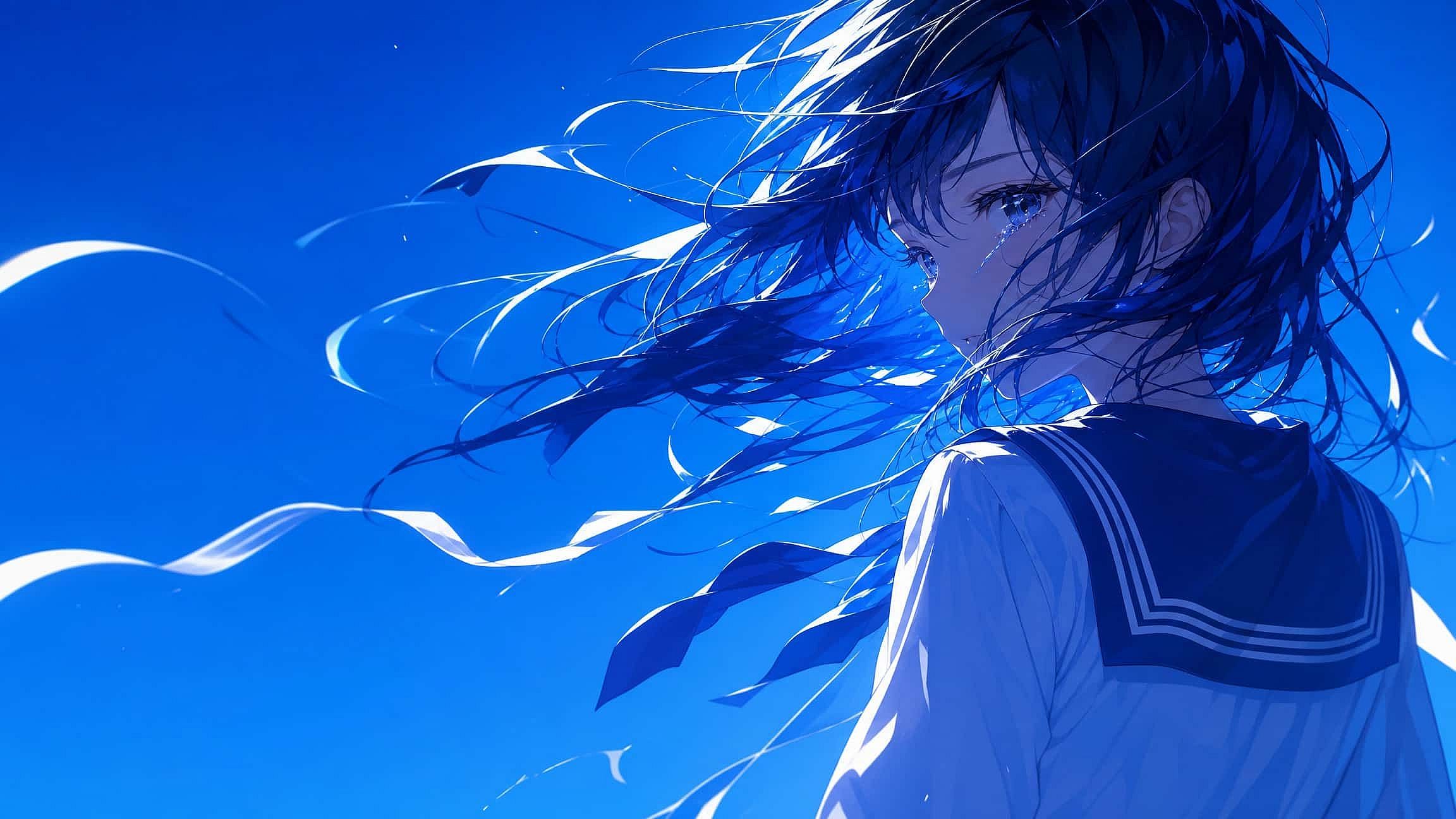
AI Wallpaper Generator
An AI wallpaper generator creates custom background images from a text description or your own photo, sized correctly for phone, desktop, or ultrawide monitors instead of a stretched, cropped stock image.
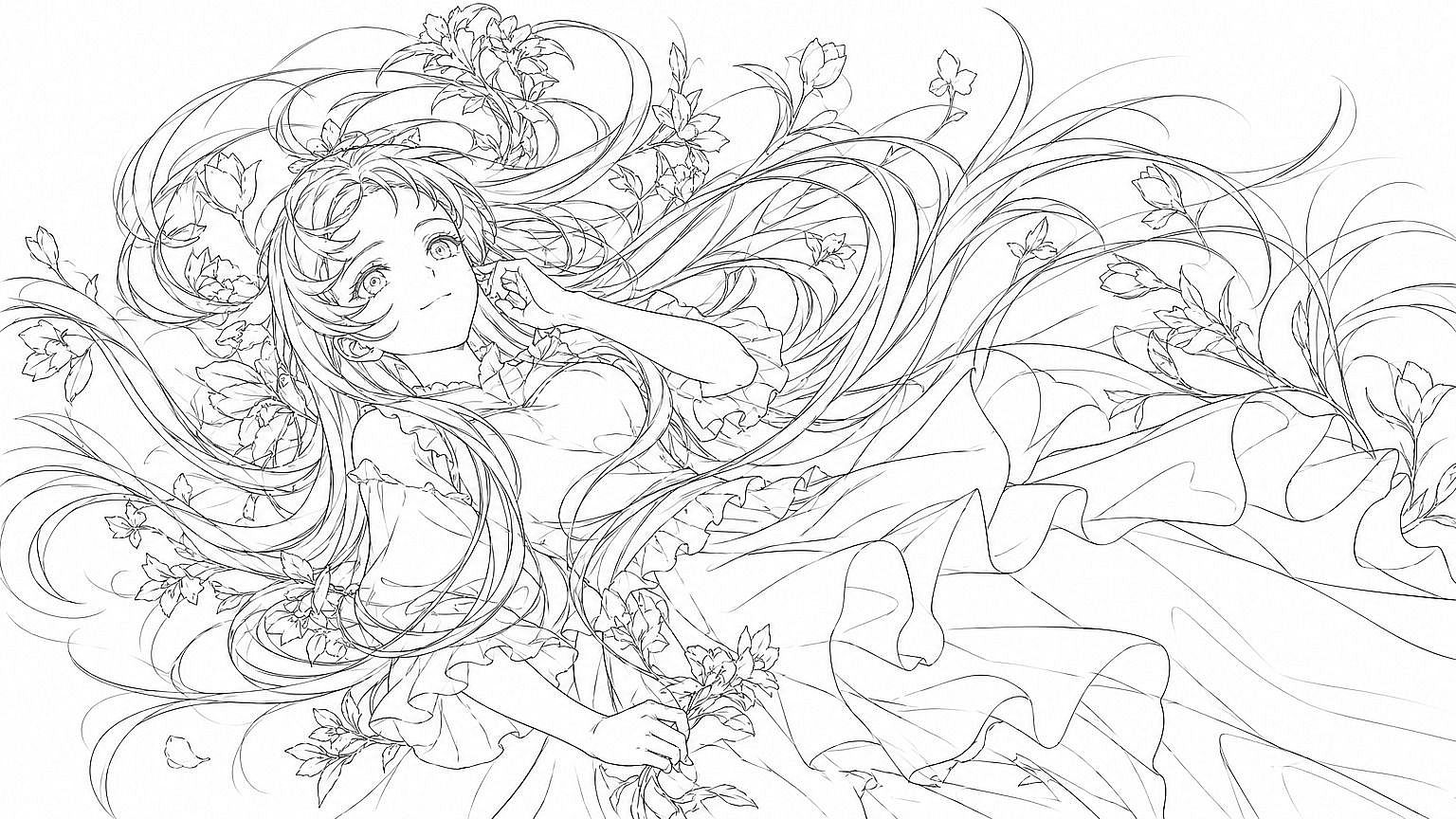
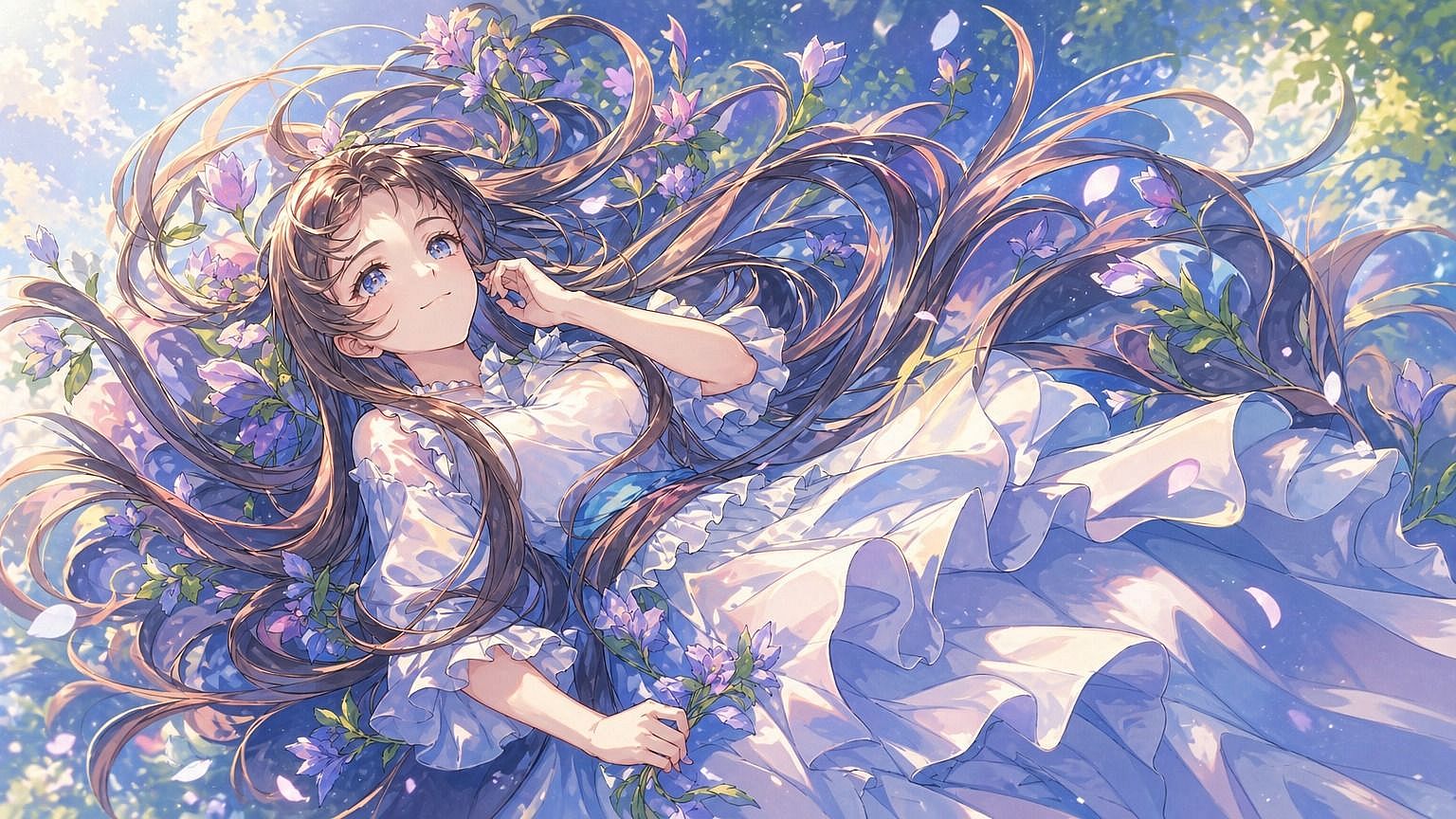
How to Use the OpenArt AI Wallpaper Generator



Step 1: Describe Your Wallpaper
Open Create Image, choose a model such as GPT Image 2 or Nano Banana Pro, and describe the subject, palette, lighting, and mood. Starting from a photo instead? Add it under "Add visual references" in the same step.



Step 2: Set Your Aspect Ratio
Choose 9:16 for phone, 16:9 for desktop, 21:9 for ultrawide, or square, pick a quality level, and hit Generate.
Step 3: Upscale and Download
Run the result through the 4K Image Upscaler, then export it and set it as your wallpaper.
Create AI Wallpapers for Every Screen and Style
From a phone lock screen to a matched pair across every device you own, OpenArt covers the wallpaper scenarios that actually show up in consumer searches.
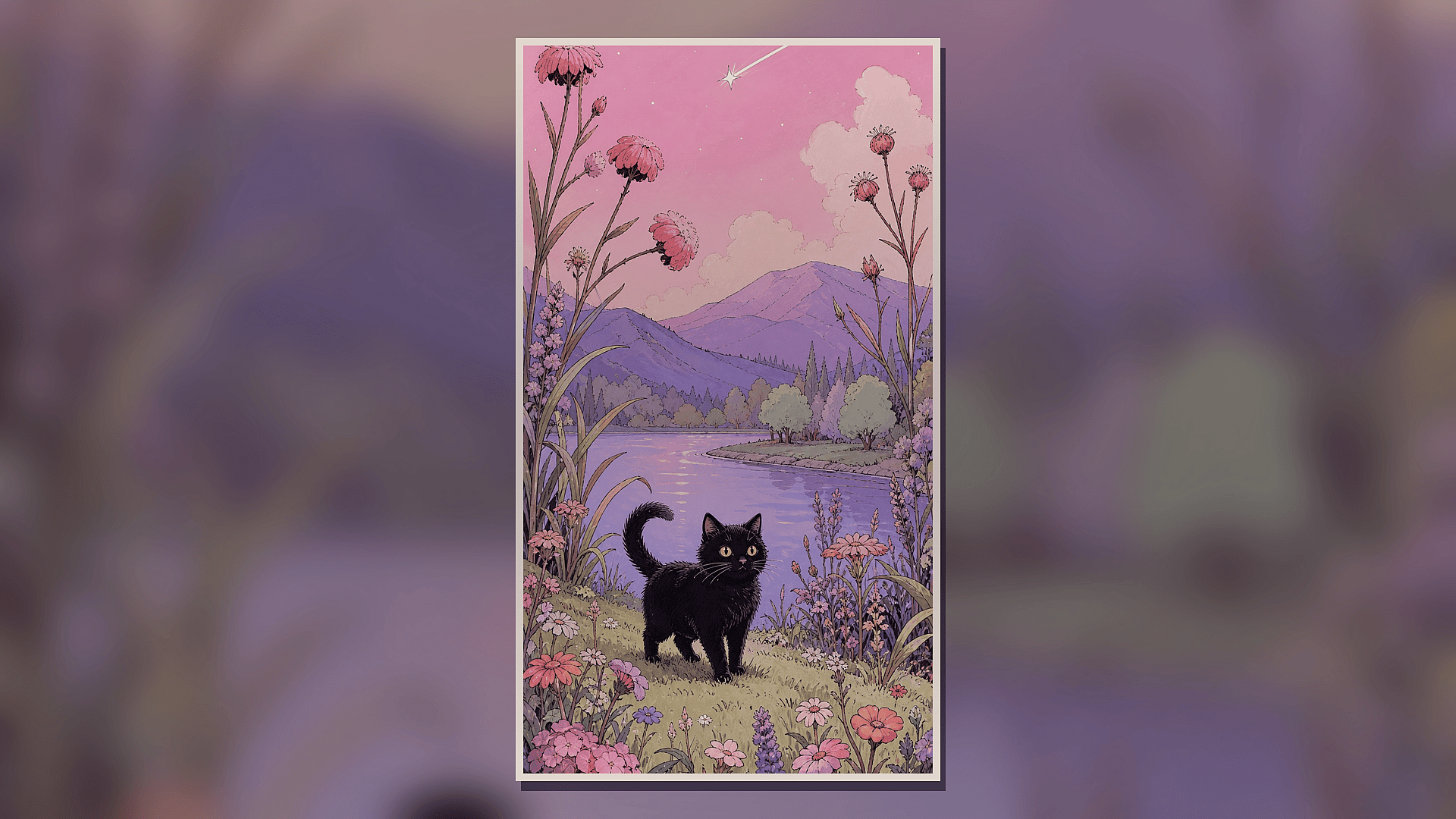
Phone Lock Screens
Generate image at 9:16 and keep the main subject clear of the clock, notification, and app-icon bands so the composition still reads once your interface sits on top of it. Nano Banana Pro and GPT Image 2 both hold up well at this ratio for portrait-oriented scenes.
Ultrawide and Desktop Monitors
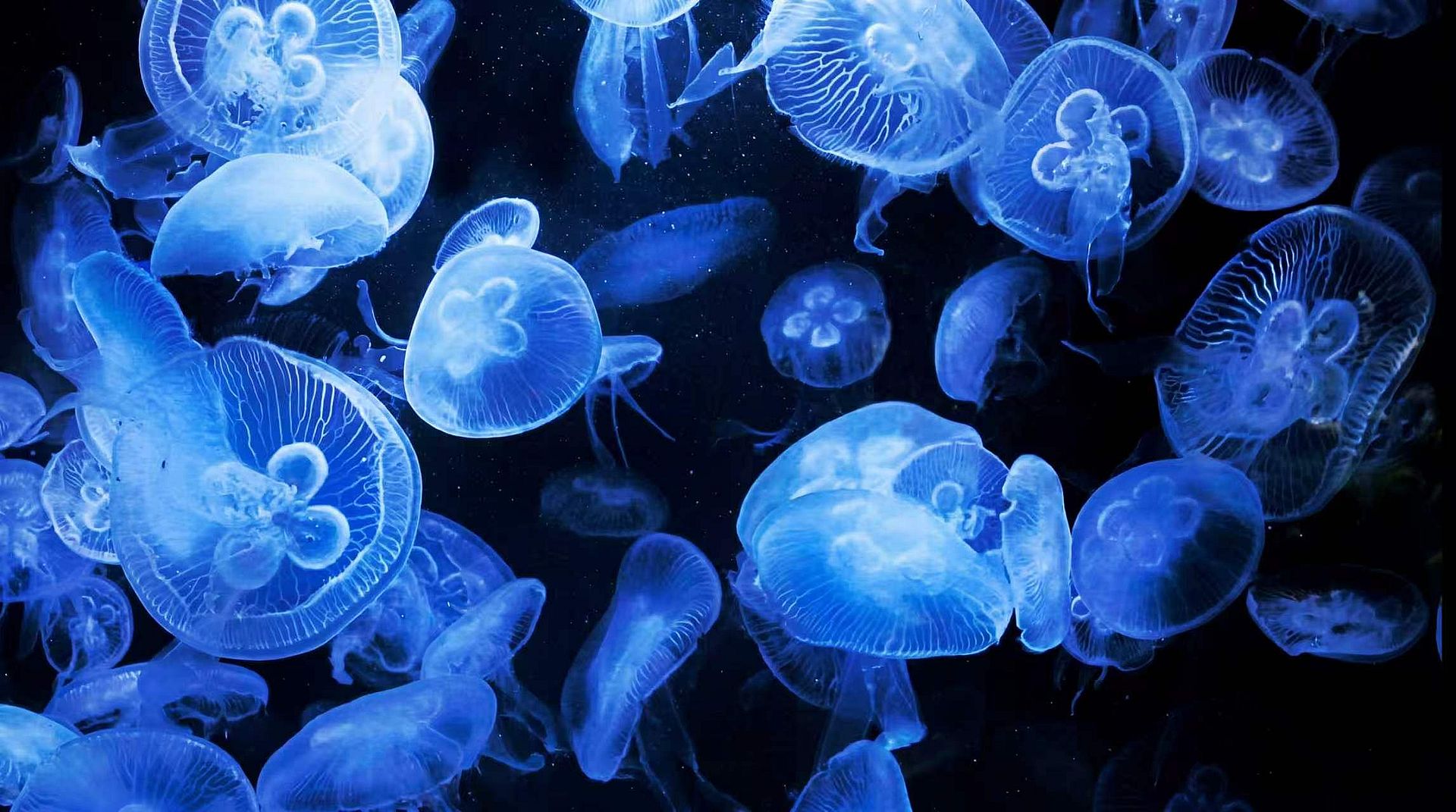
A 21:9 canvas exposes the weakest point of most stock photography: it usually wasn't shot that wide. Generating natively in 21:9 with Seedream 5.0 Pro gives a panoramic landscape or an abstract composition room to fill the full display.
Travel Photos Turned Into Nature Wallpapers
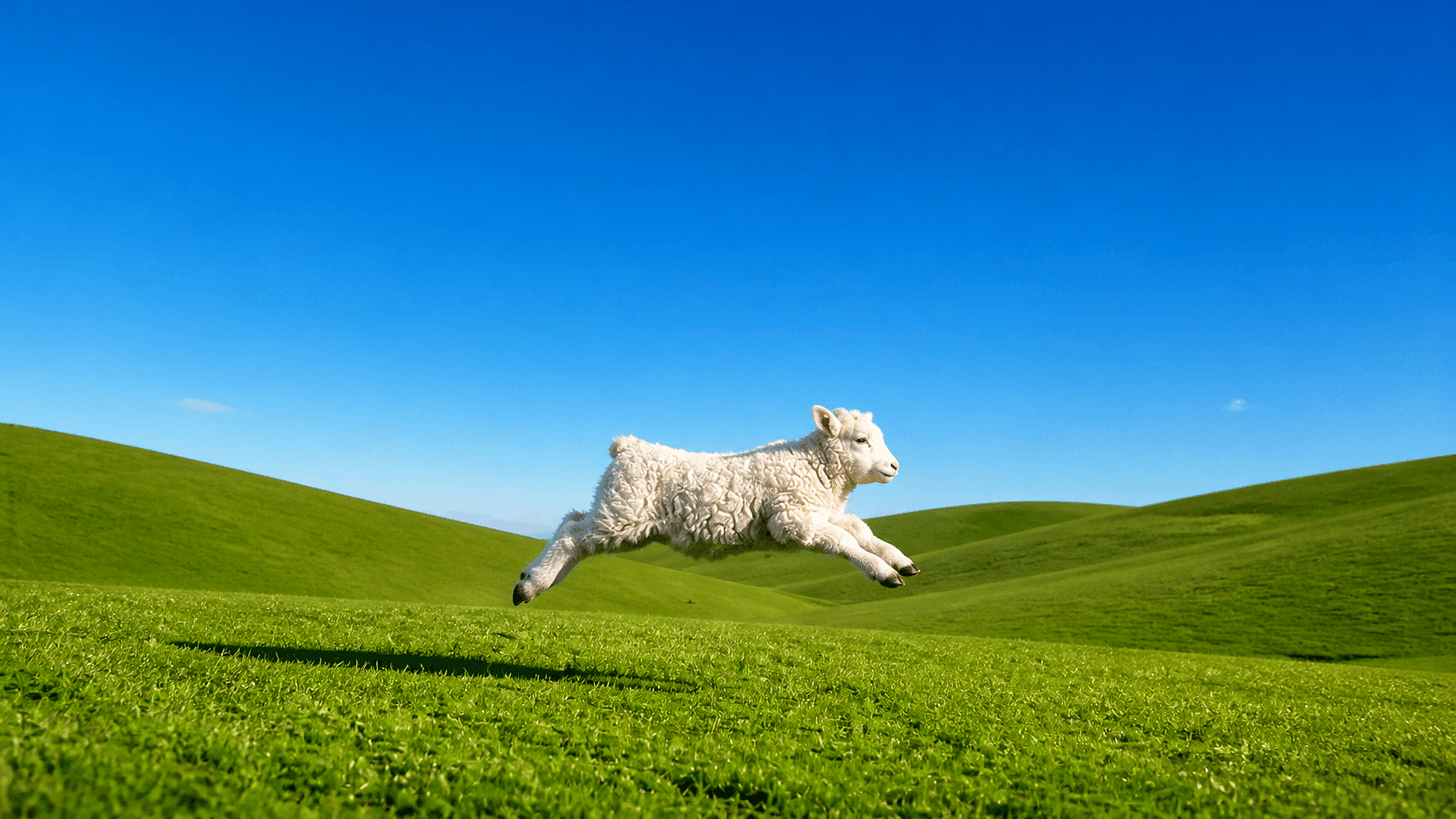
Upload that grassland or mountain shot from your camera roll and restyle it into a polished nature wallpaper. OpenArt keeps your original composition and light, then renders it with painterly or cinematic detail, sized for phone, desktop, or ultrawide.
Specific Aesthetics a Wallpaper App Doesn't Carry
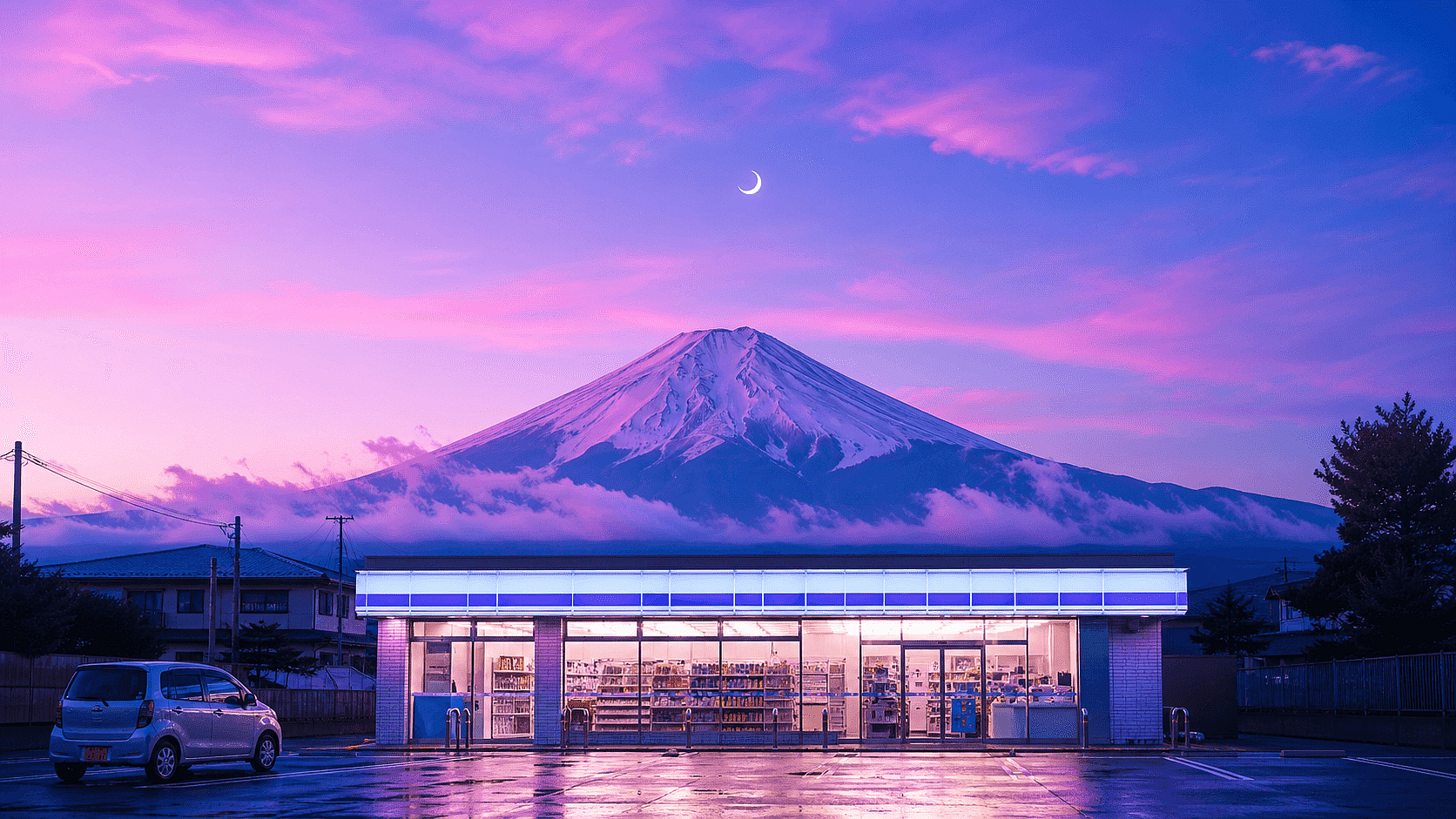
Anime, retro synthwave, minimalist abstract, whatever a fixed preset library doesn't stock, describe it directly with FLUX.2 Pro or Nano Banana Pro instead of digging through someone else's filter list.
4K Upscaling Wallpaper
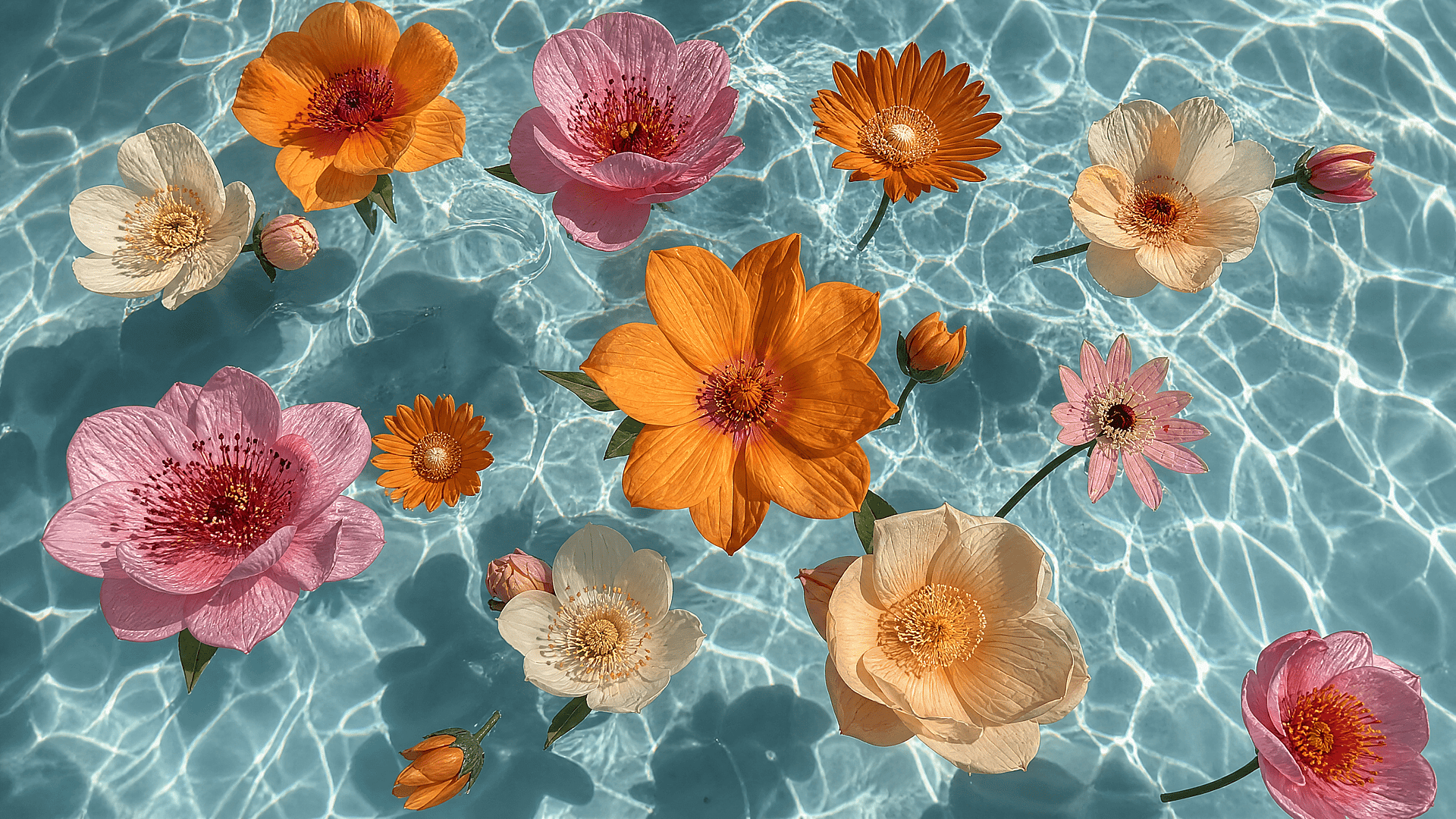
Run any wallpaper through the 4K Image Upscaler before it goes live. A resolution that looks fine in a preview thumbnail often looks soft once it's stretched behind a home screen full of icons.
Explore the Latest AI Image and Video Models
These are the models powering everything you can create on OpenArt, from a single image to a full video.