

AI Storyboard Generator
OpenArt's AI storyboard generator is built for filmmakers, video teams, and marketers who need to see the shot sequence before committing budget to it. Paste a script, shot list, or rough idea and get consistent visual panels back in minutes, no drawing skills required. Preview camera angles, blocking, and pacing before you shoot, pitch a client, or hand the sequence to production.
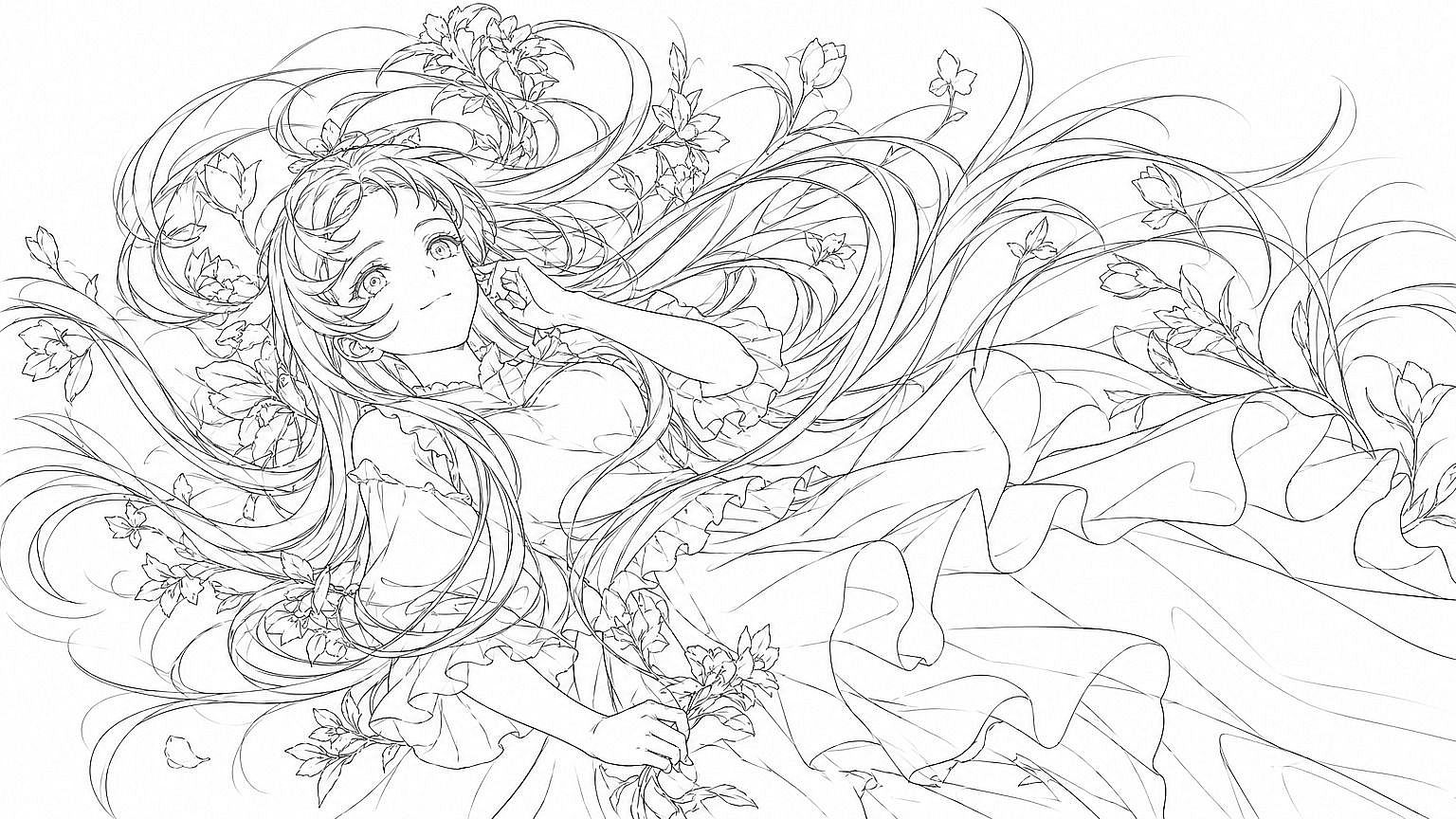
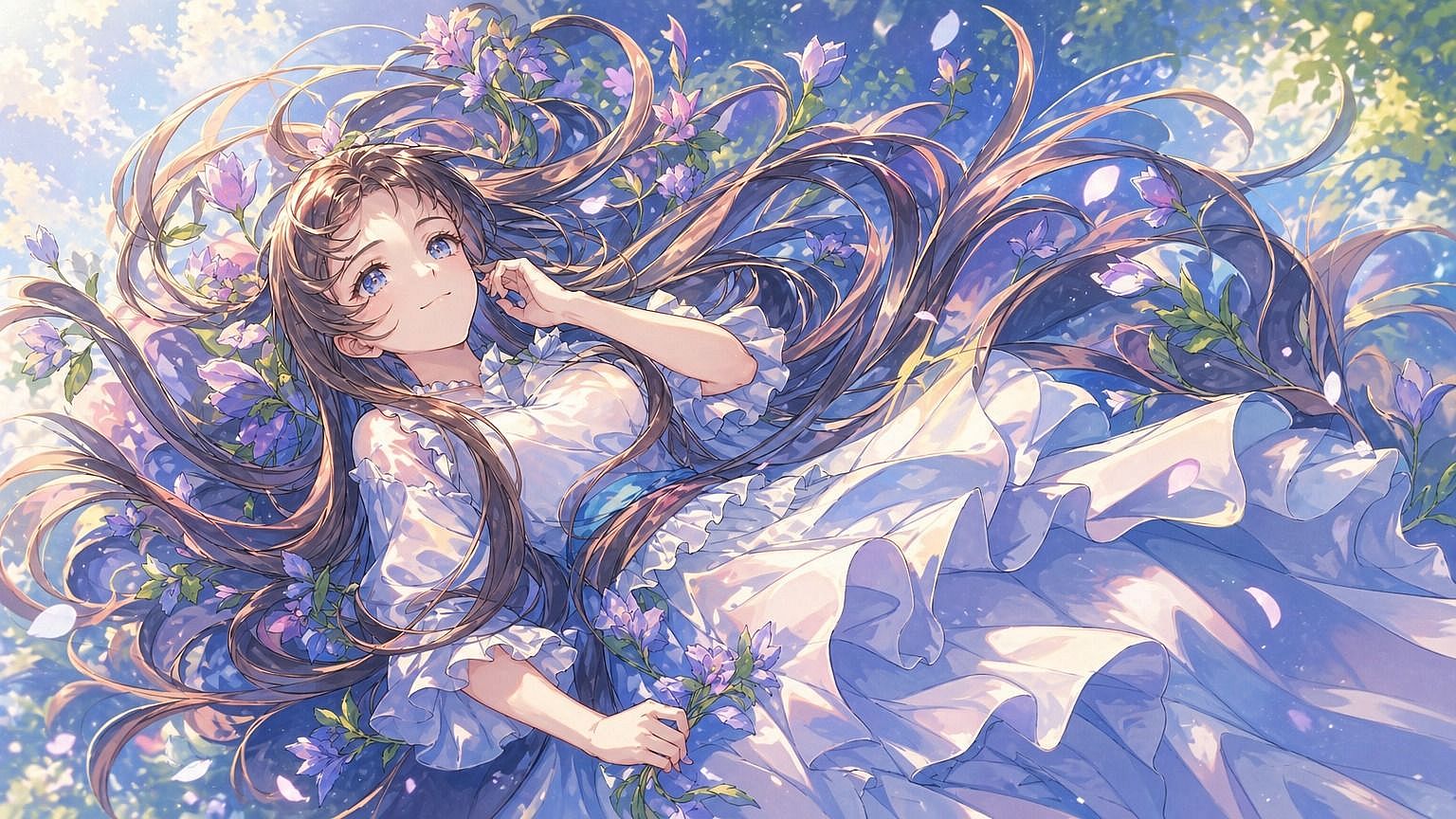
How to Create a Storyboard with AI



Step 1: Write a prompt for each shot
Open the AI Image Generator and describe the scene, action, and camera angle for one panel at a time. Add your cast from Character Builder so the same faces and settings carry across every panel.



Step 2: Generate and refine each panel
Generate the panel from your prompt, then adjust the wording and regenerate until the framing and action match your shot list. Fix one panel at a time without touching the others.
Step 3: Export the sequence
Once every panel looks right, export the set as a numbered sequence of frames. Use it to brief a shoot, pitch a client, or move straight into the AI Video Generator.
AI Storyboard Generator Built for Real Production Workflows
From consistent characters to camera control, here's how OpenArt's AI storyboard generator moves a script from first draft to a production-ready shot sequence, and who relies on it every day.
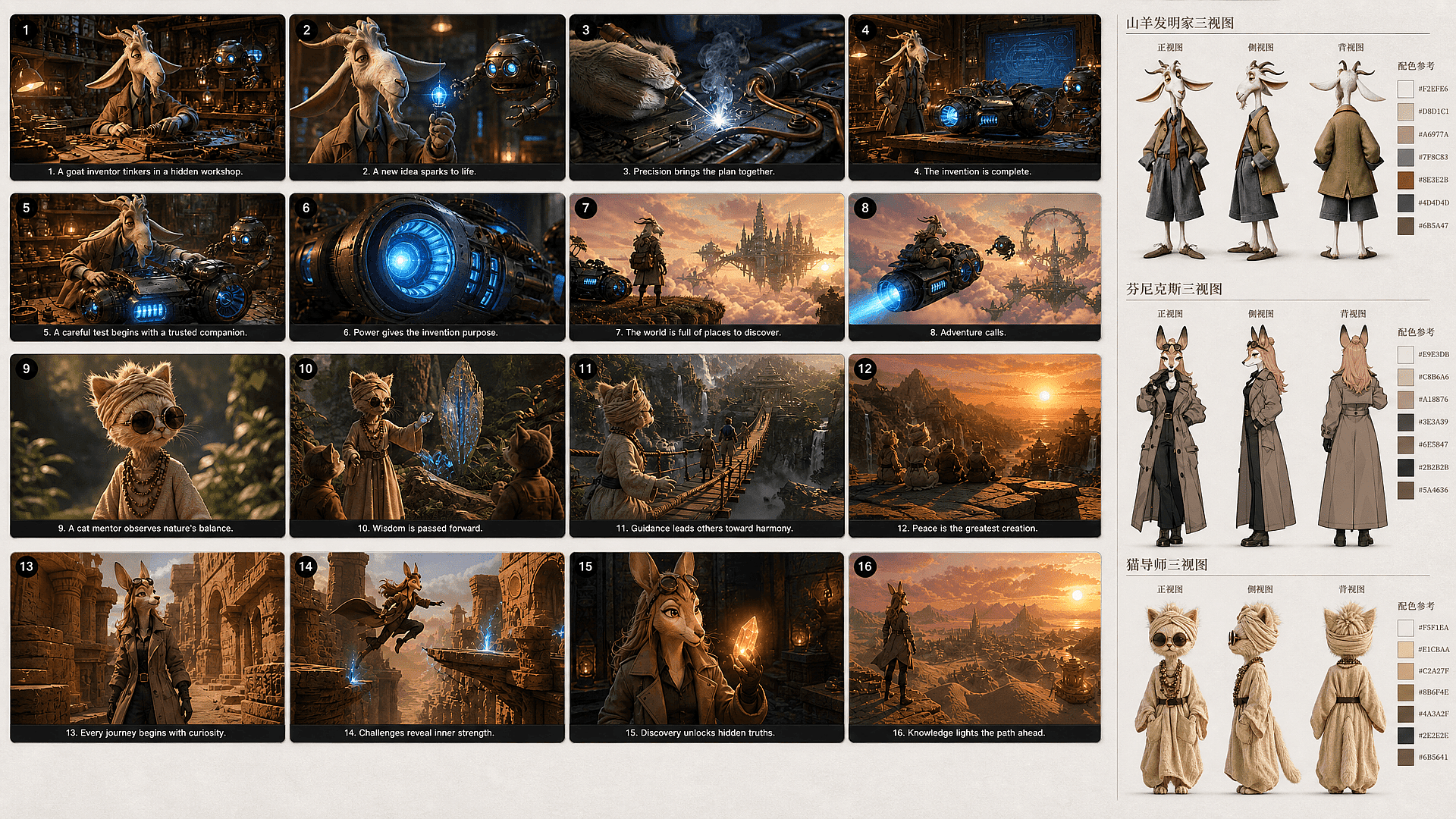
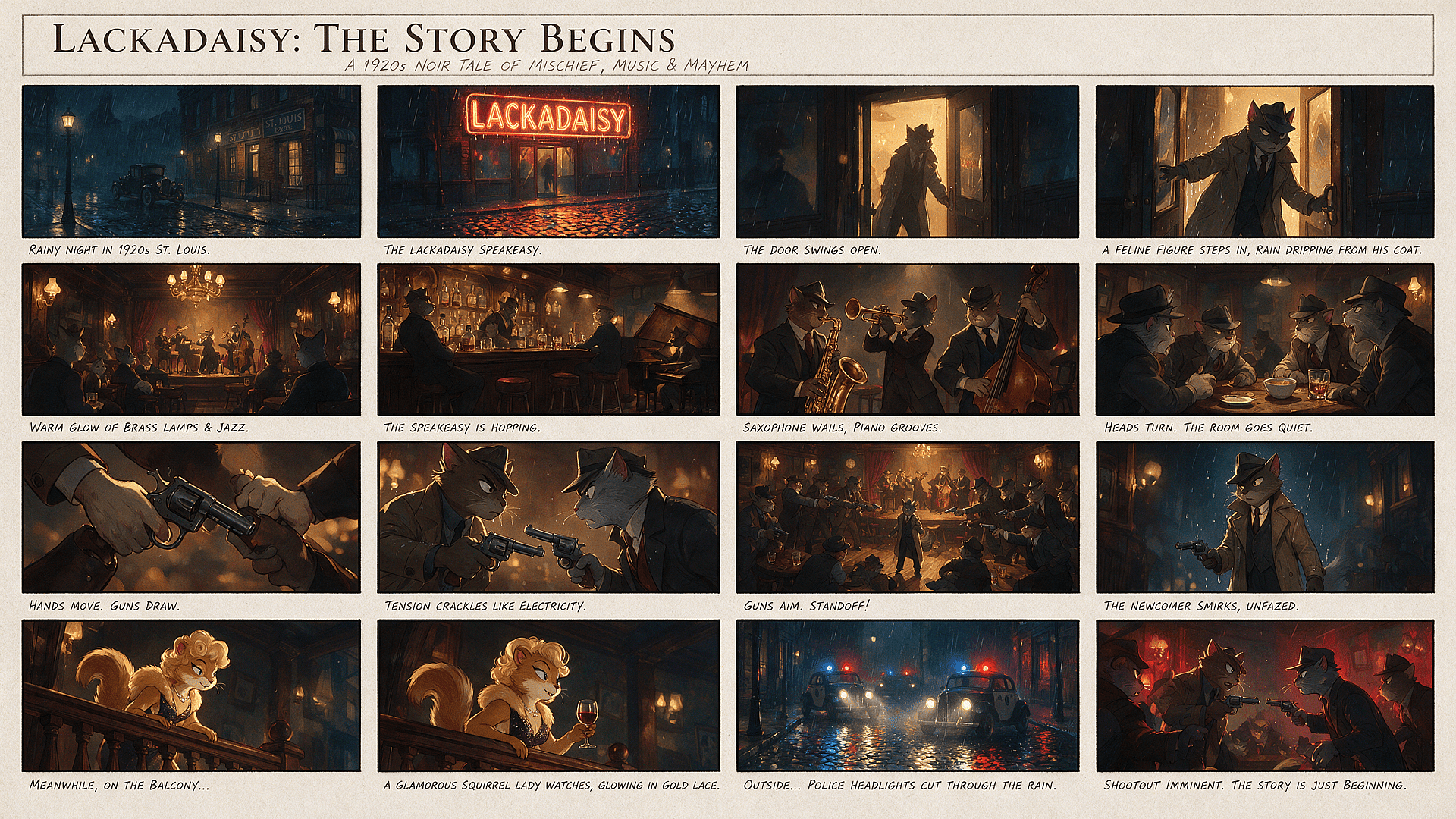
Keep characters and settings consistent
OpenArt keeps your storyboard from looking like several unrelated productions. Character Builder saves each cast member to your persistent library, so you can reuse the same face and identity across every panel. You can also carry established setting references into later shots, keeping locations recognizable as the camera position and action change.
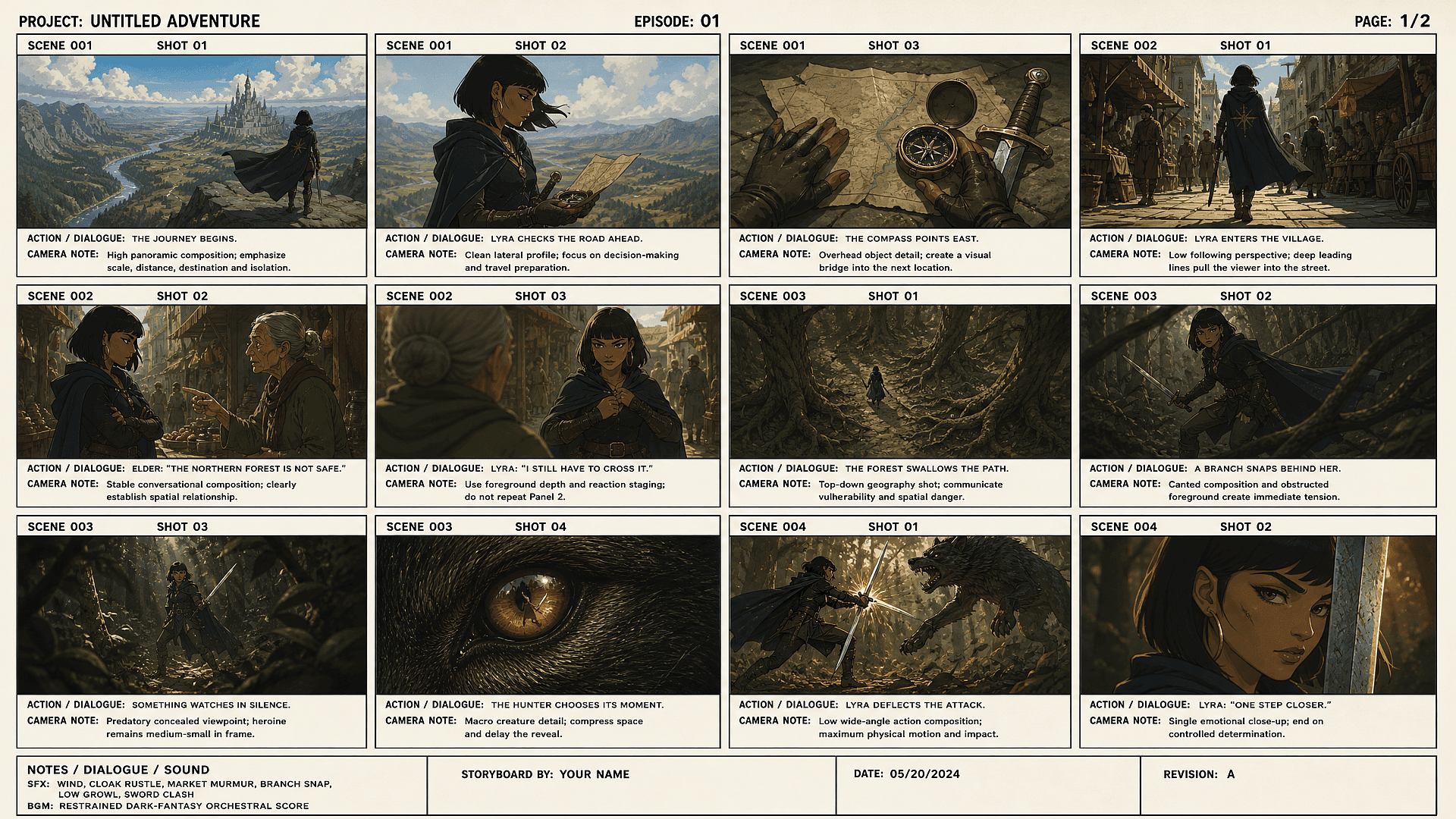
Control camera angle and shot type per panel
You can direct each panel with a wide shot, close-up, or specific camera angle inside the AI Image Generator. Describe the shot type in plain language and the panel follows it. You do not need technical prompts or camera terminology to get the framing right.
Regenerate a single panel without redoing the board
OpenArt lets you regenerate one panel while keeping the rest of your storyboard intact. You can revise a weak expression, composition, or camera angle without rebuilding approved shots. Your sequence stays stable while you test alternatives, which avoids the delays and continuity problems caused by full-board regeneration.
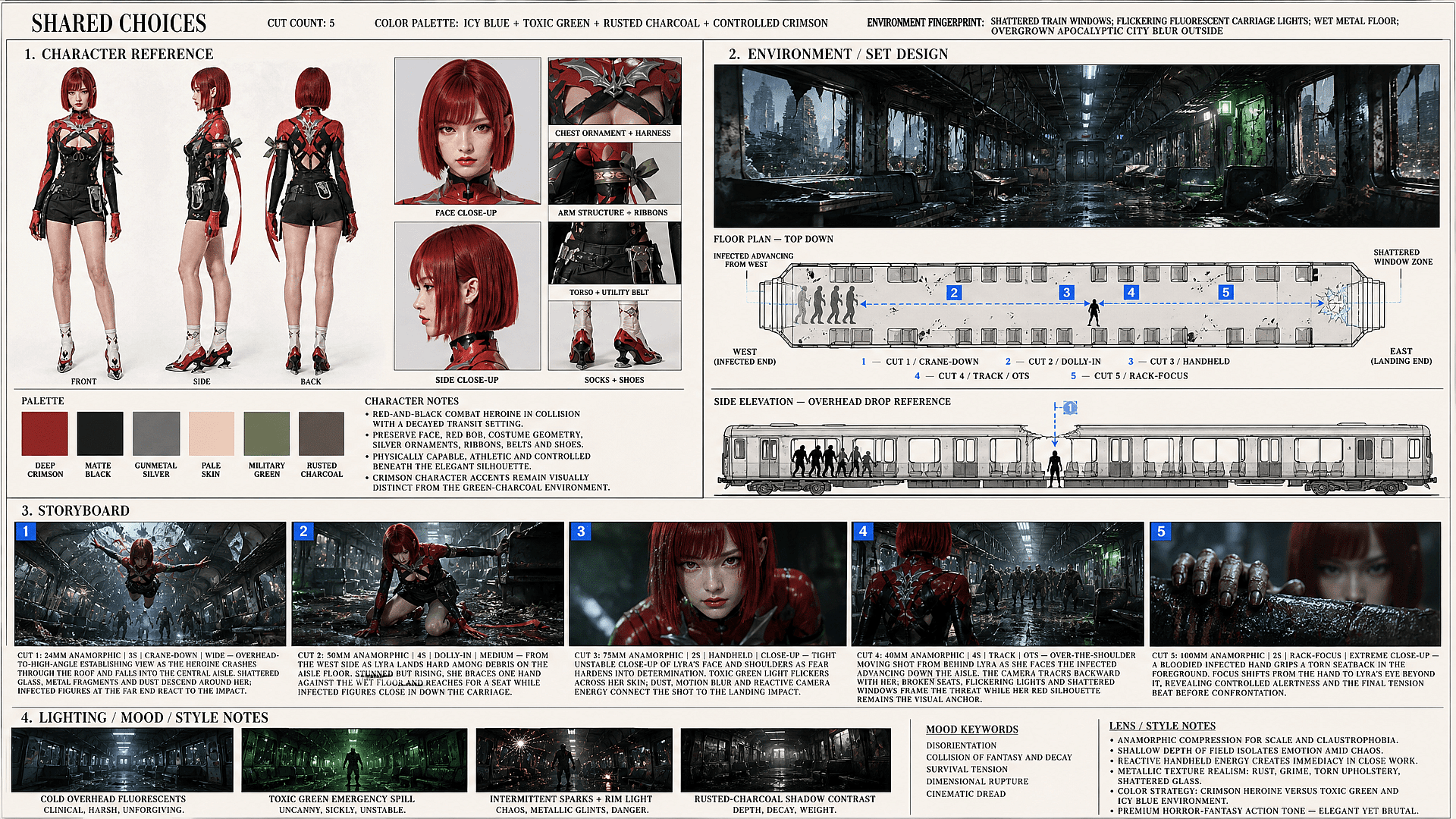
Turn a finished storyboard into animated video
Use each approved panel as the starting frame for motion in OpenArt's AI Video Generator. Image-to-video models can animate character movement, environmental motion, and camera moves while following the panel's composition. You can generate each shot separately, then continue production with the visual plan already established.
Explore the Latest AI Image and Video Models
These are the models powering everything you can create on OpenArt, from a single image to a full video.
Frequently Asked Questions
An AI storyboard generator (also called an AI storyboard maker) turns a script or scene idea into an ordered set of visual panels, so you can check framing, action, and sequence before filming or generating video.
Manual storyboarding means drawing every frame yourself, and generic AI image tools only generate separate pictures without planning how one shot leads to the next. OpenArt Smart Shot instead builds a visible shot plan — camera angles, compositions, scene details — that you can review and revise before rendering the panels. OpenArt Character Builder then keeps your saved characters recognizable across the board, so panels read as one production instead of a set of unrelated images.
It plans out each shot, camera angle, action, and framing, before filming starts, so a director or client can see the sequence in advance.
Be specific about camera angle, subject position, and lighting. 'Wide shot, two people at a kitchen table, morning light from left window' works better than 'kitchen scene'. Refine one frame at a time, then copy settings across similar shots.
Describe the shot type directly in the prompt (wide establishing shot, close-up, over-the-shoulder), and the panel follows it.
Write a prompt for each scene: 'close-up of a hand reaching for a doorknob, dim hallway, overhead light'. The generator renders the frame. Repeat for each shot. Adjust framing or details. Export all frames as a numbered sequence.
OpenArt's character consistency locks in the face and outfit across a whole sequence instead of letting it drift panel to panel.
Yes. Once you have your sequence, you can use OpenArt's image-to-video tool to add motion: camera push, character movement, or transitions. This turns static boards into animatics for client review.
Regenerate or edit that single panel; the rest of the sequence stays untouched.
Get Insights from Experts Blog
Get the insights you need. Our experts share actionable hacks, break down the hottest topics, and provide essential how-to guides to help you build, optimize, and scale.
Read More
