
AI Social Media Posts Generator
OpenArt's AI social media posts generator turns a short description or a product photo into ready-to-share posts for Instagram, Facebook, LinkedIn, TikTok, and more. Type what the post should say, add your logo and colors, and download each post in the right size and aspect ratio for each platform.
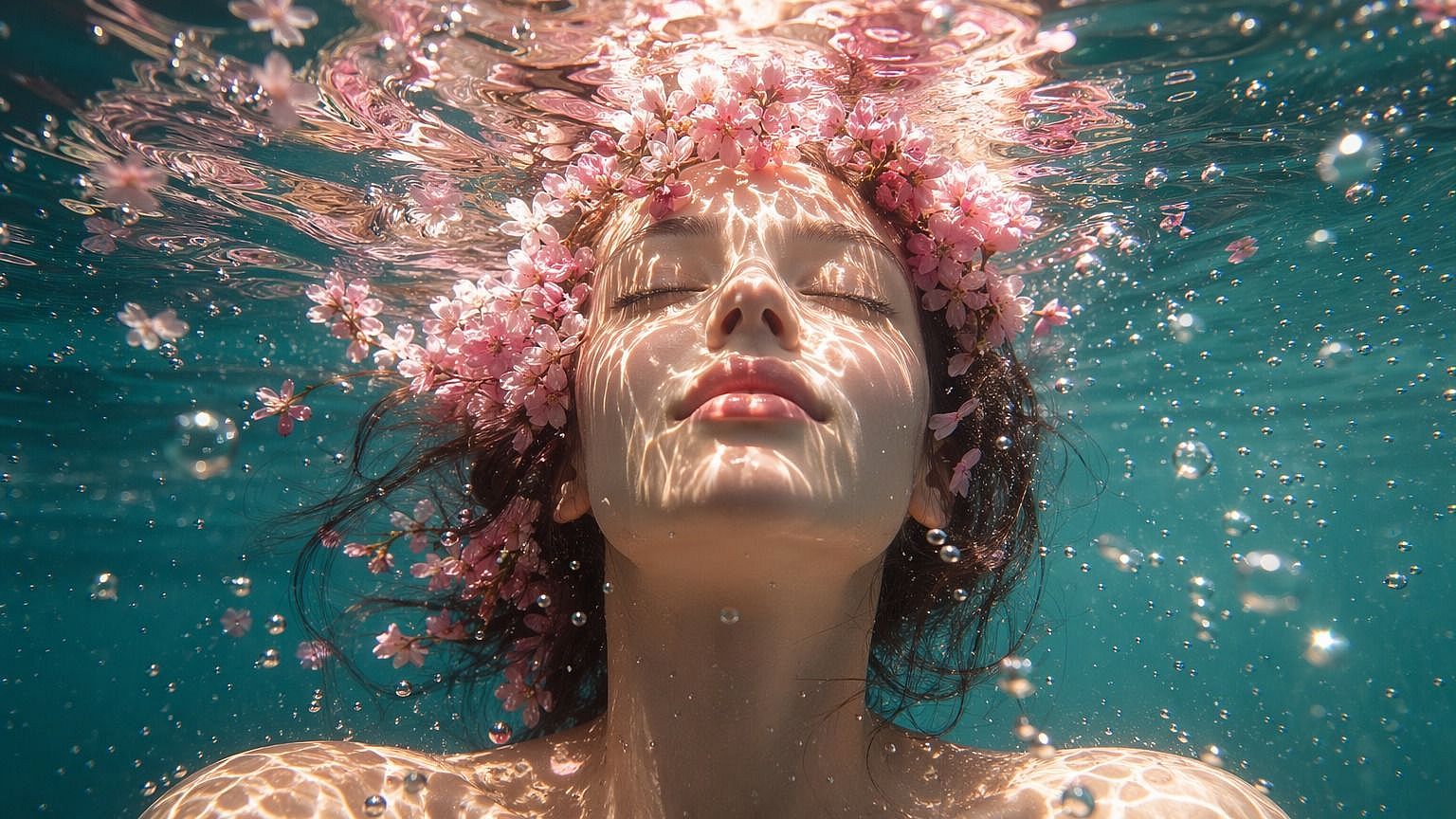
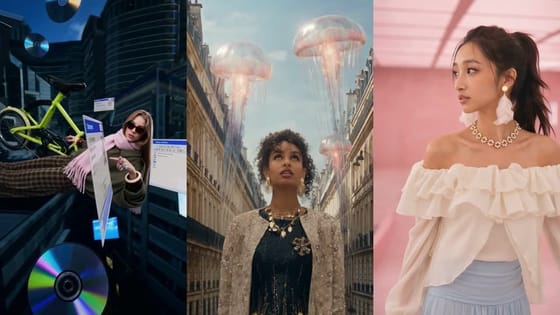
Create Social Media Posts With AI for Every App
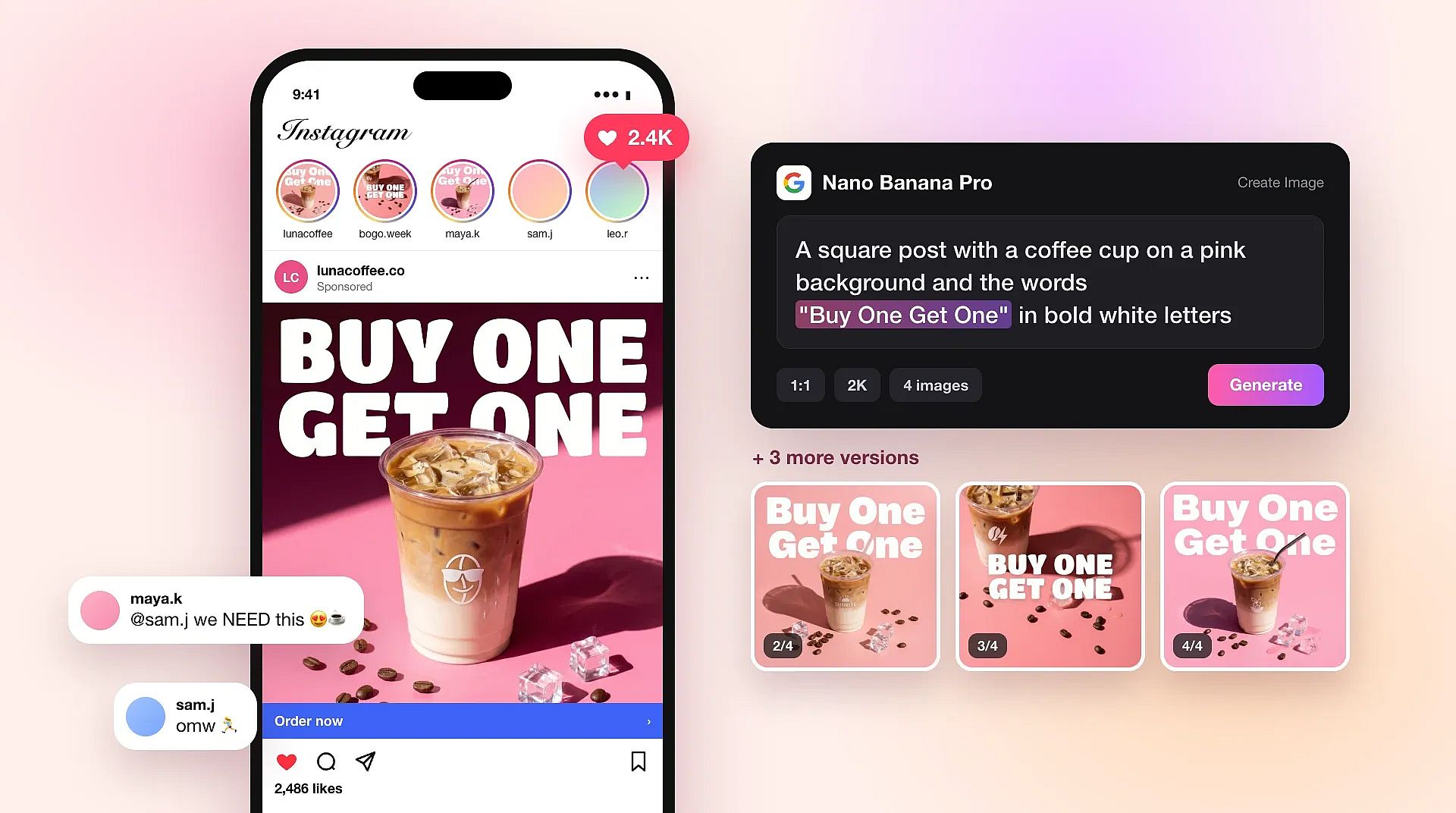
Describe a post and generate it
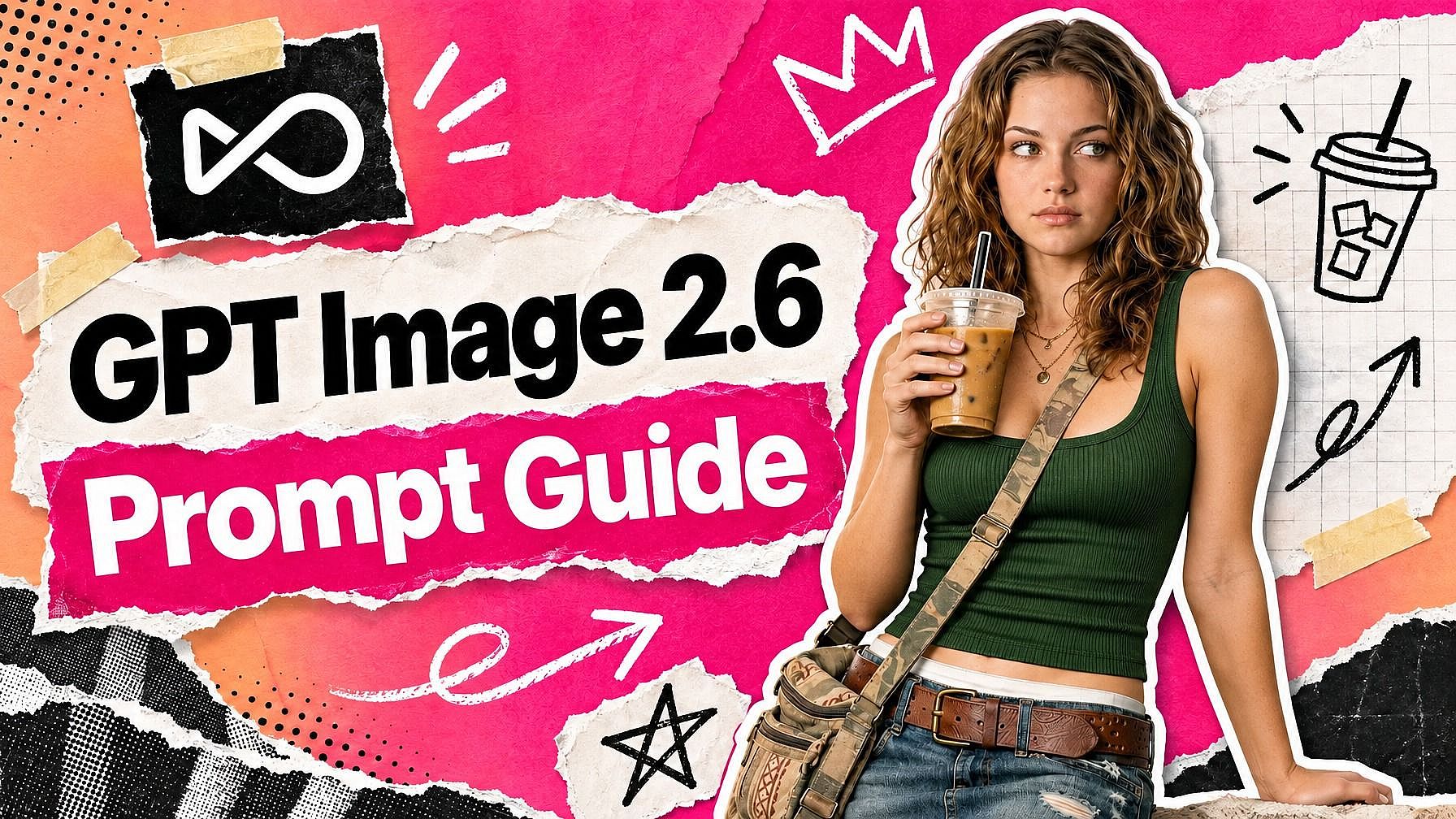
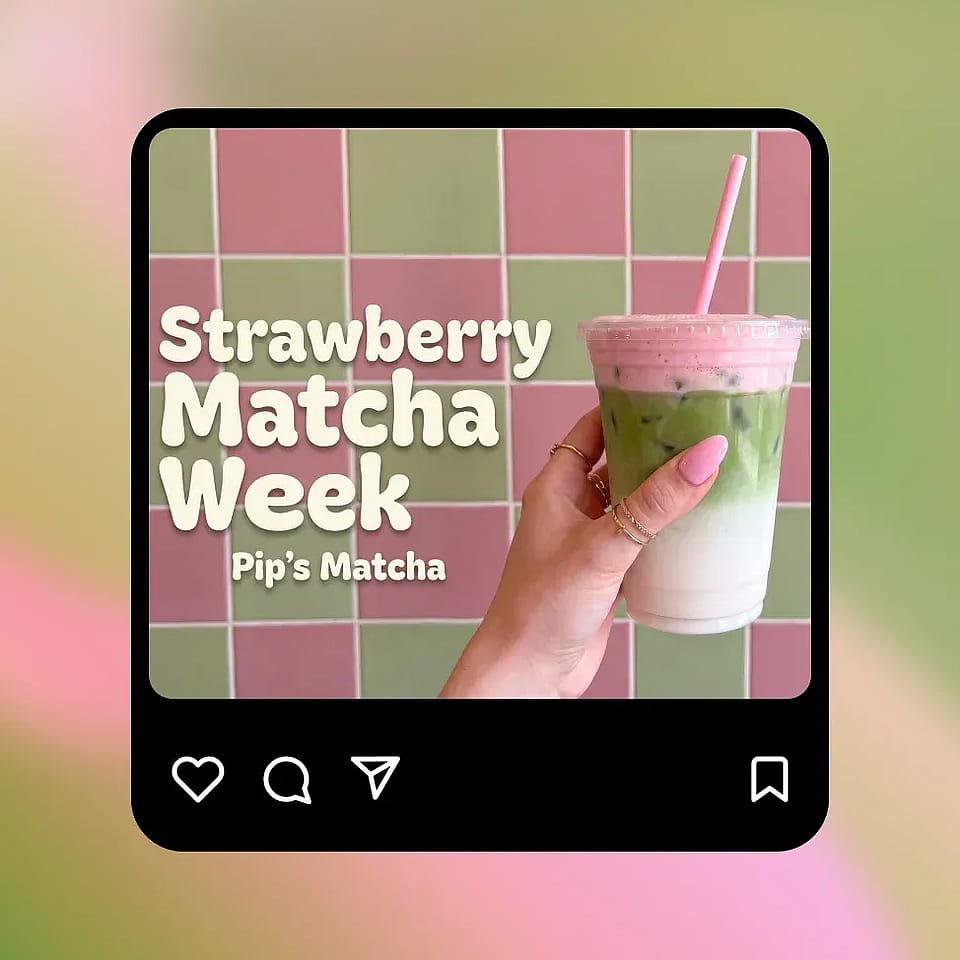
OpenArt's AI social media post generator starts with a few plain words in the AI image generator. Write what the post should show, like "a square post with a coffee cup on a pink background and the words Buy One Get One in bold white letters." Put every word you want on the post inside quotes so the model knows to write them. Nano Banana Pro and FLUX 3 Image both write clear, readable text on images. If one word comes out wrong, highlight it in OpenArt's AI photo editor and type the fix.
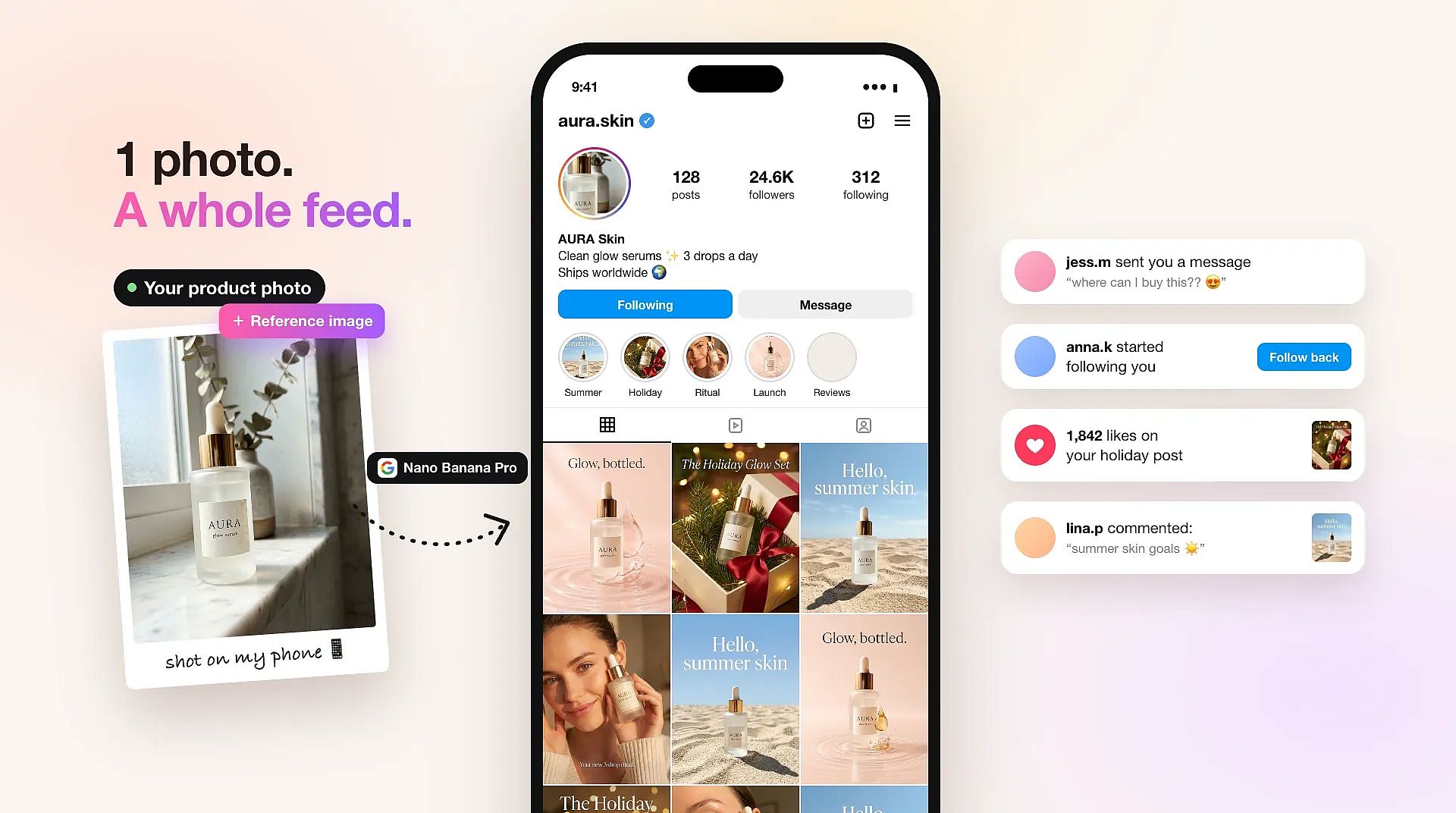
Build posts around your own photos
OpenArt's AI social media post generator can start from a photo you already have. Upload your product photo, your shop front, or a team picture as a reference image, and the new post follows its look and subject. A real product photo keeps the bottle, shoe, or box in your post looking like the one you sell. You can also ask for a new background, a holiday scene, or empty space at the top for your headline.
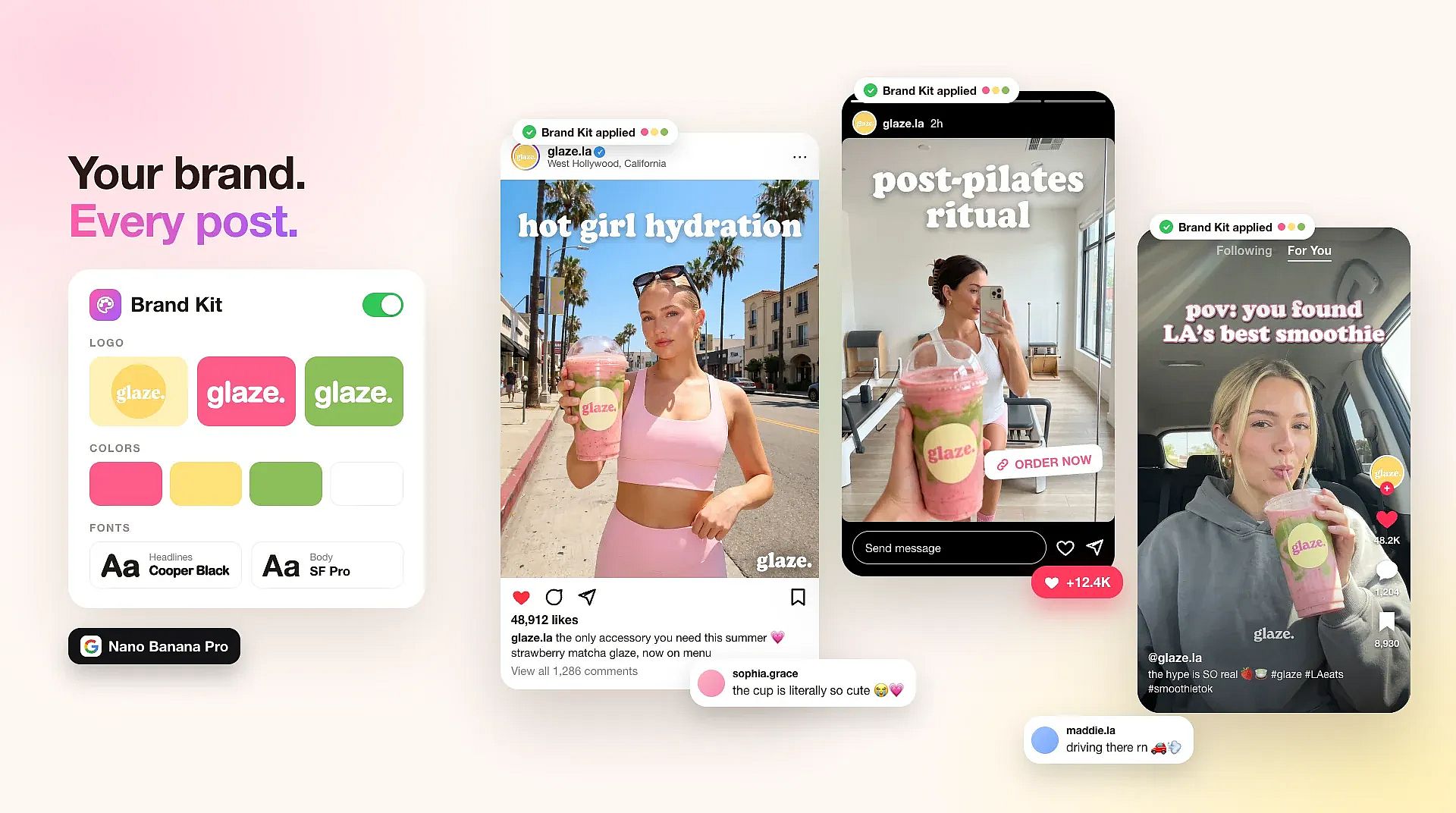
Keep every post in your brand's look
OpenArt's Brand Kit saves your logo, exact brand colors, fonts, and brand rules once for each project. When you make social media posts with GPT Image 2.6 in Create Image, Brand Kit applies that identity to every post automatically. You stop pasting color codes and style notes into every prompt. A whole month of posts then matches your brand, from the colors to the fonts.
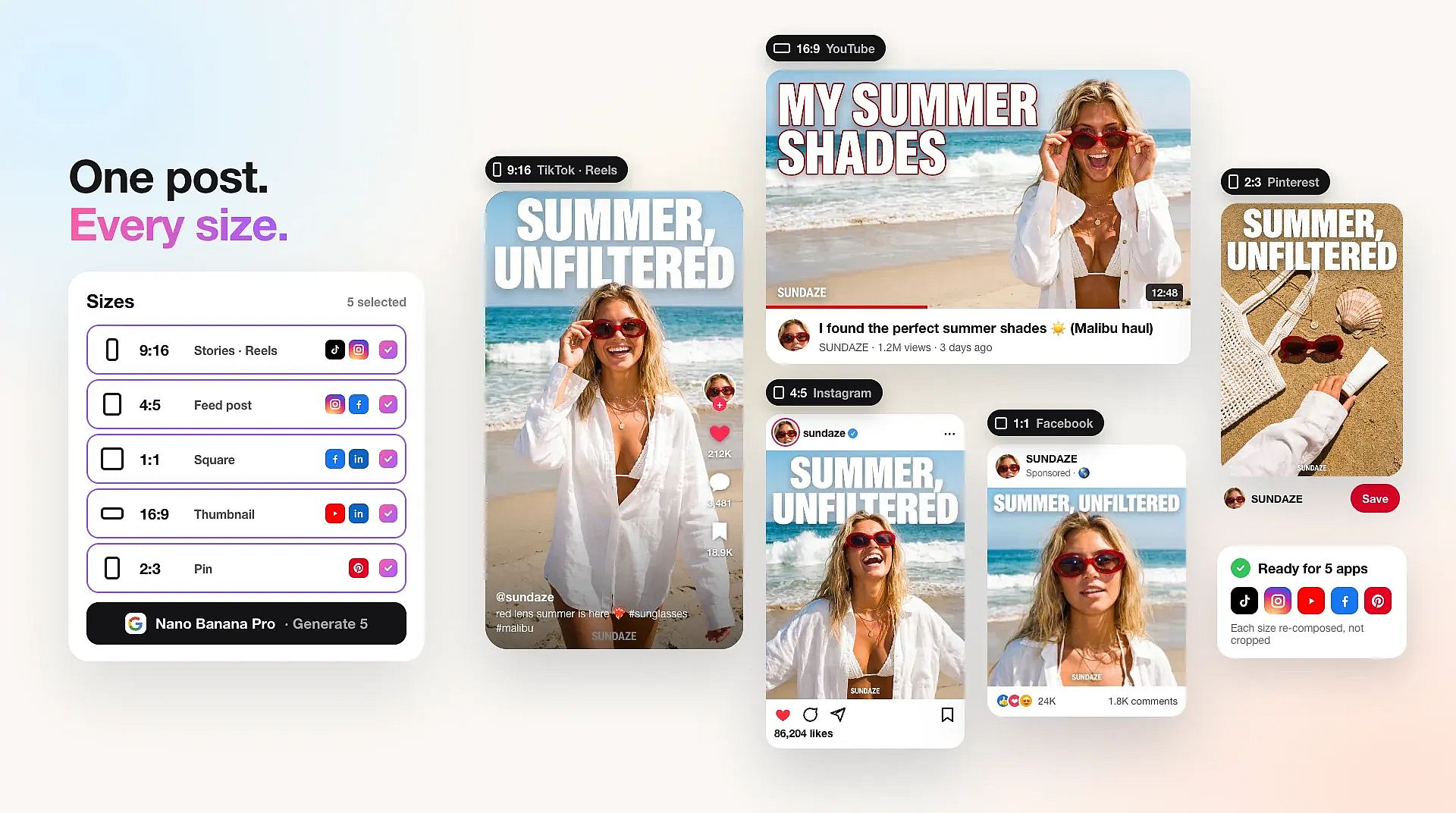
Pick the right size for every social app
OpenArt's AI image generator lets you choose any aspect ratio before you generate a social media post. Pick square 1:1 for Instagram, Facebook, and LinkedIn feeds, tall 9:16 for Stories and TikTok, or wide 16:9 for YouTube thumbnails. To get the same post in another size, keep your prompt, change the aspect ratio, and generate again. You can also upload a post you already made as a reference image and remake it in a new size for a different app.
How to Use the AI Social Media Posts Generator
You can make a social media post with OpenArt's AI image generator in three steps.
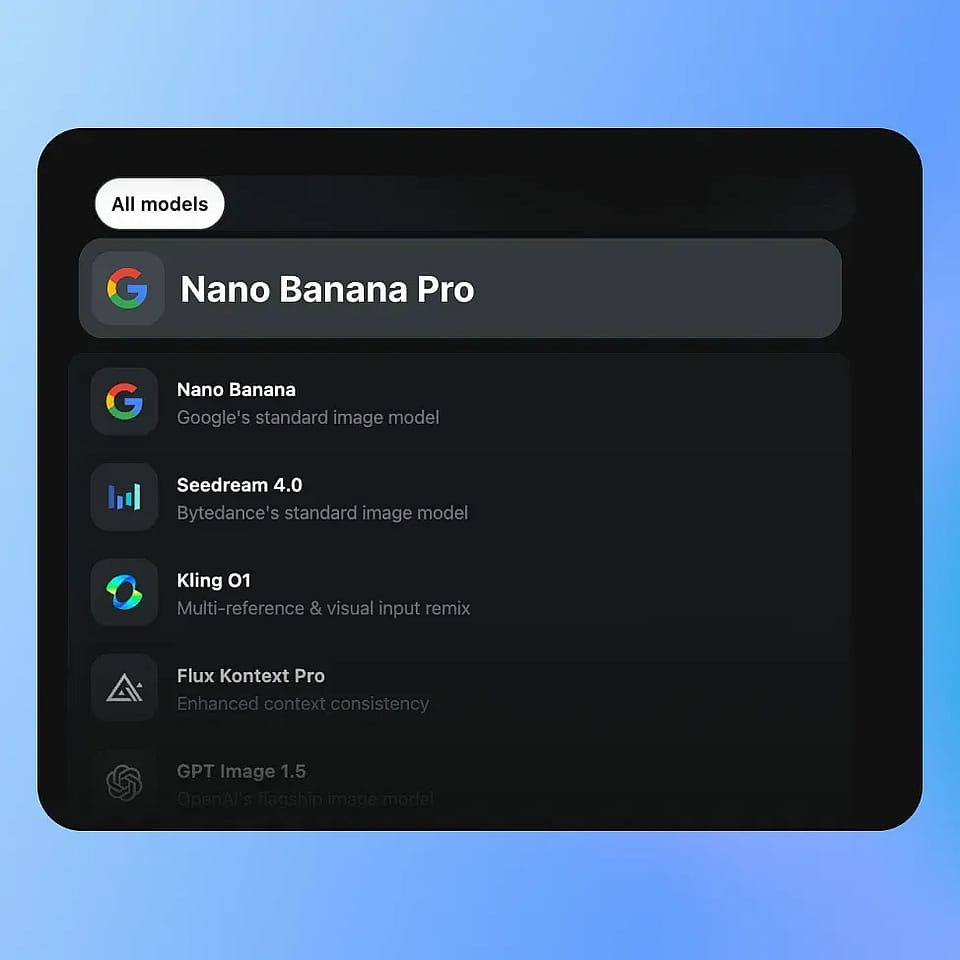
Pick a model
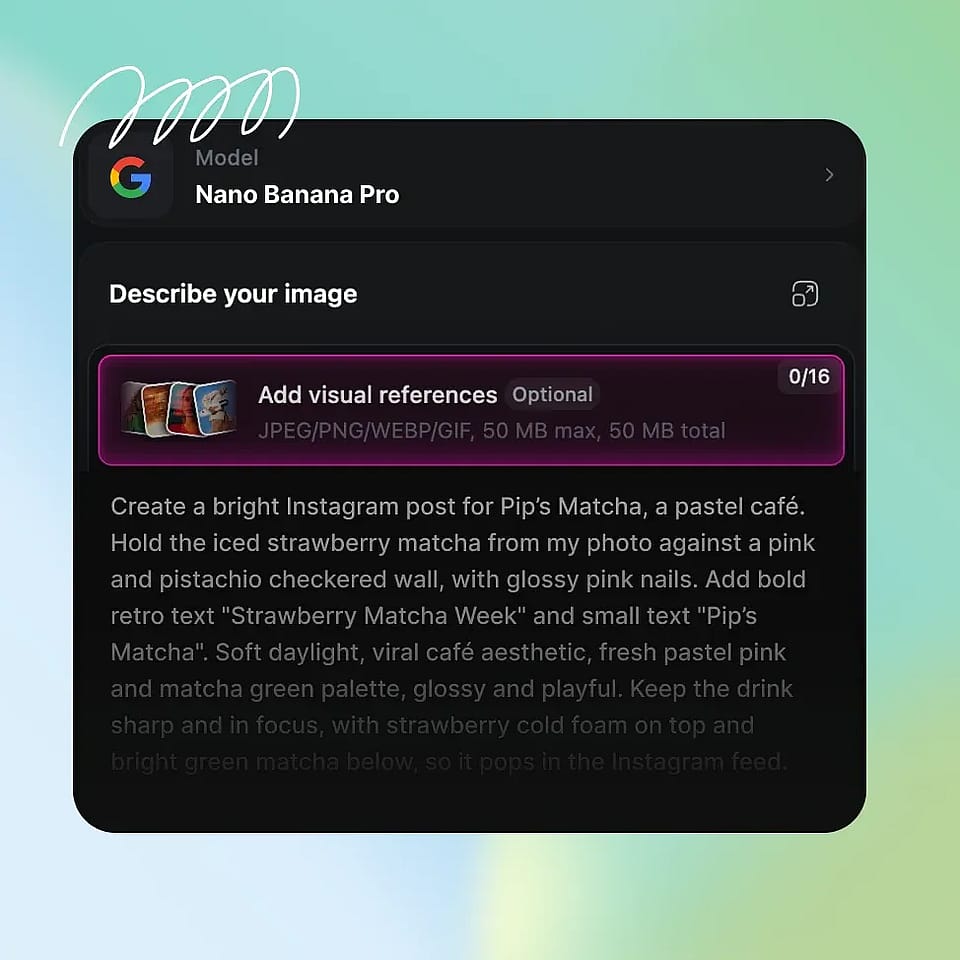
Open the AI image generator and choose a model. Pick GPT Image 2.6 to use your Brand Kit, or Nano Banana Pro for posts with a lot of text.
Describe your post and add a photo
Type what the post should show and put the exact words in quotes. Upload a product photo or logo as a reference if you want the post built around it.
Choose the size and generate
Pick a square, tall, or wide aspect ratio and up to 8 posts, then generate. Download the posts you want to share.
Who Uses an AI Social Media Post Generator
Marketers, brand teams, small business owners, and filmmakers use OpenArt to make social media posts for every app.
Performance marketers testing paid social posts
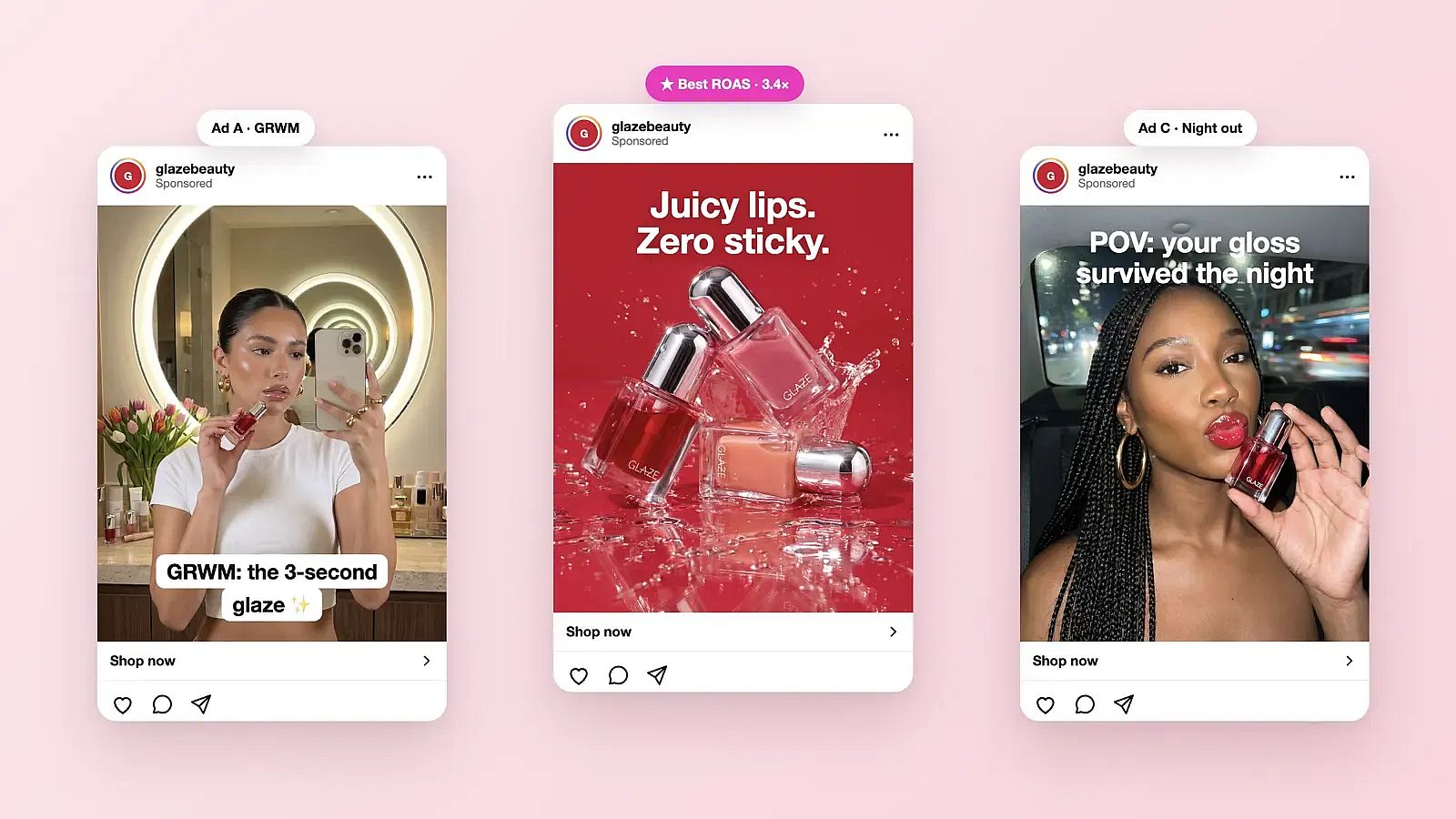
Performance marketers and ad designers use OpenArt's AI social media post generator to make many versions of one paid post. Keep the same product photo as a reference and change only the headline, the offer, or the background. Make up to 8 versions in one run, then test them against each other to see which one gets more clicks. Before a post goes live, run it through the AI Copyright and IP Check to look for IP matches. Commercial rights apply on eligible paid plans.
Try it Now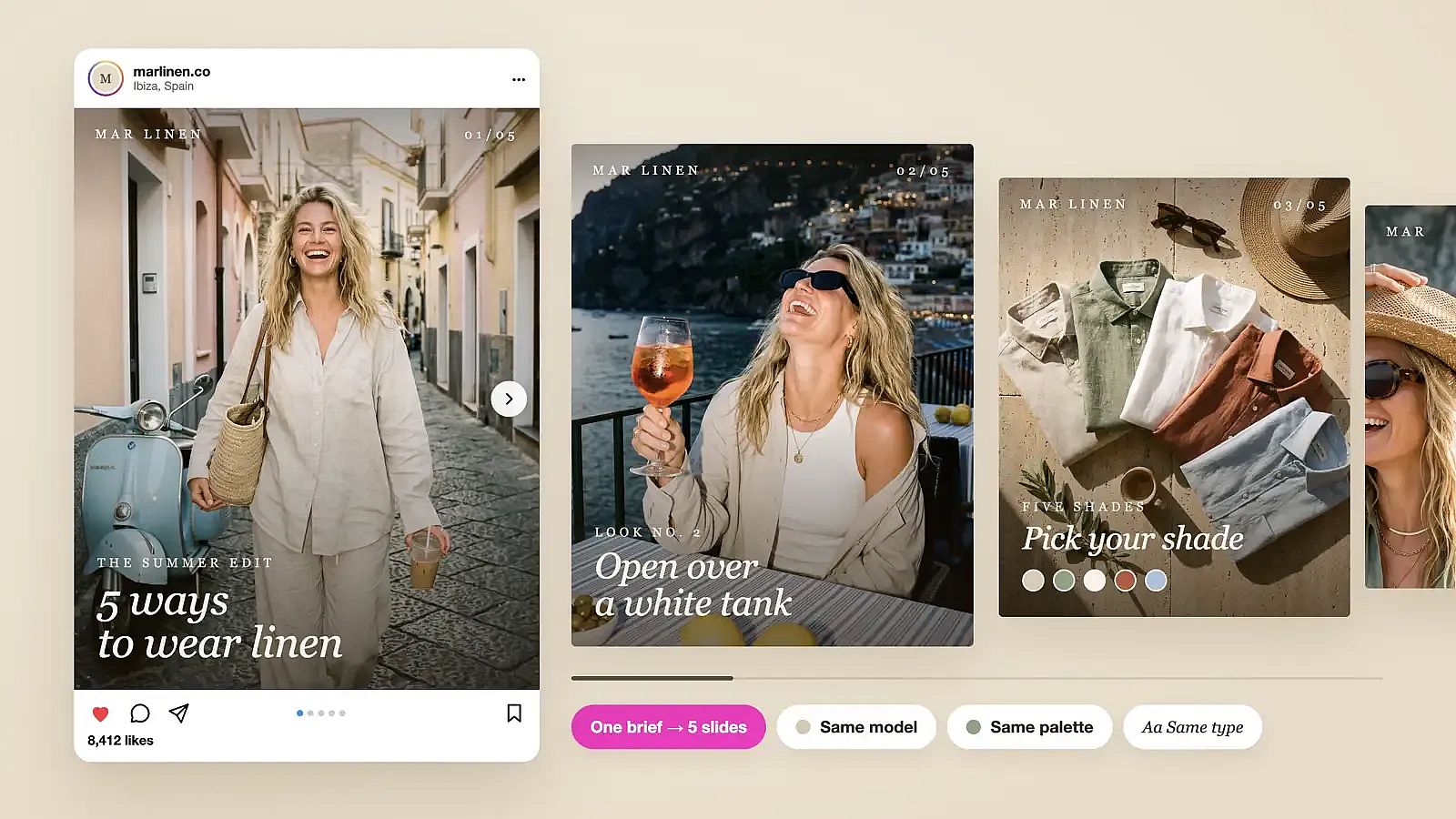
Brand teams and agencies planning a month of posts
Brand teams, social media managers, and agencies use OpenArt to plan a full month of social media posts in one sitting. In Chat Mode, you can ask for a set of matching posts in one message, like five carousel slides for a product launch. Chat Mode writes the prompts, picks the model, and shows the credit cost before it generates. Agencies can keep a separate Brand Kit project for each client, so every client's posts stay in that client's own colors and fonts.
Try it Now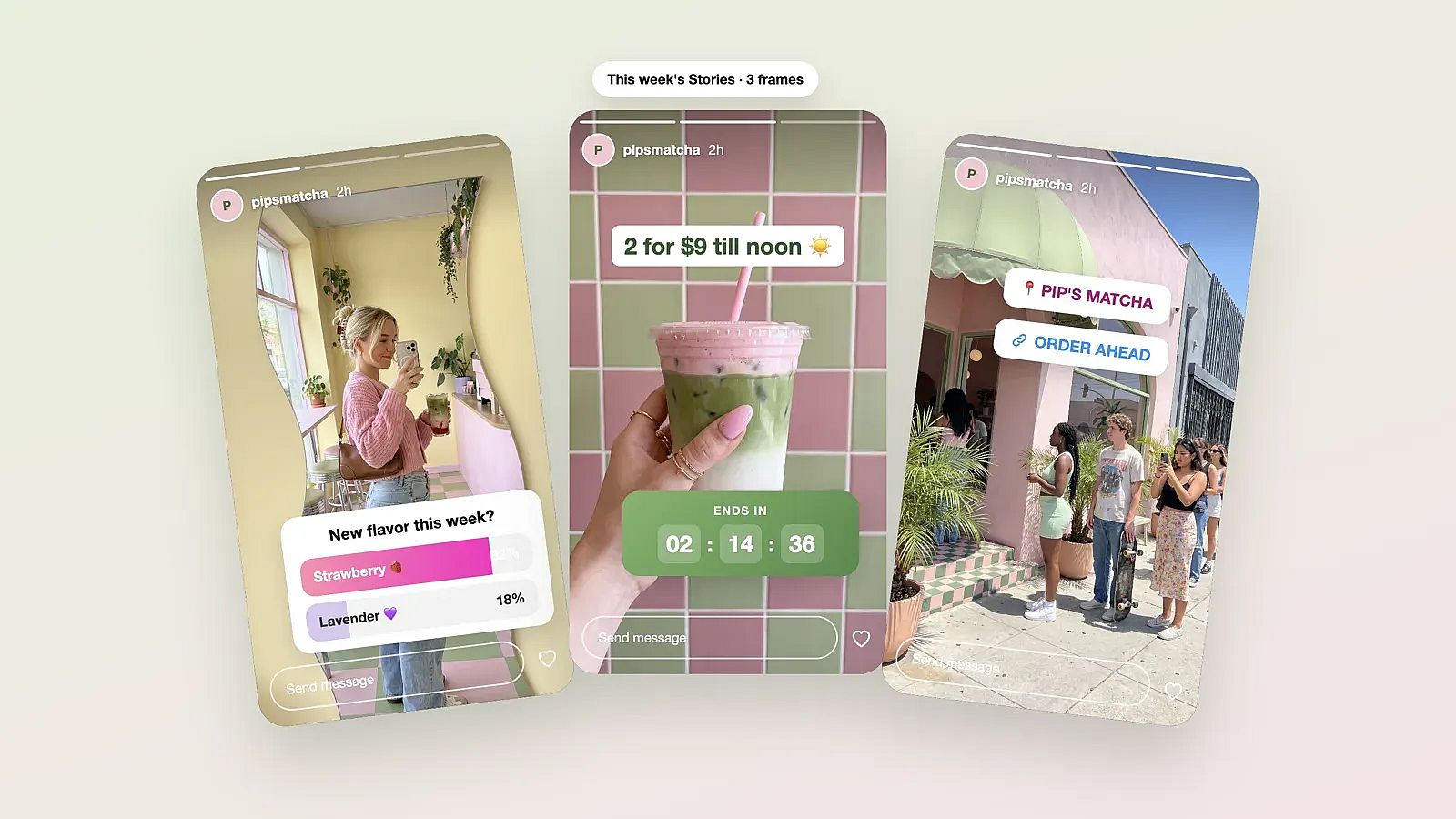
Small business owners posting every week
Small business owners use OpenArt's AI social media post generator to keep their pages active without hiring a designer. A bakery can turn a phone photo of fresh bread into a weekly specials post with the prices on it. A salon can post its holiday hours as a clean graphic in its own colors. For a little motion in the feed, GPT Image 2.6 can turn a still post into a short looping GIF, like steam rising from a coffee cup.
Try it Now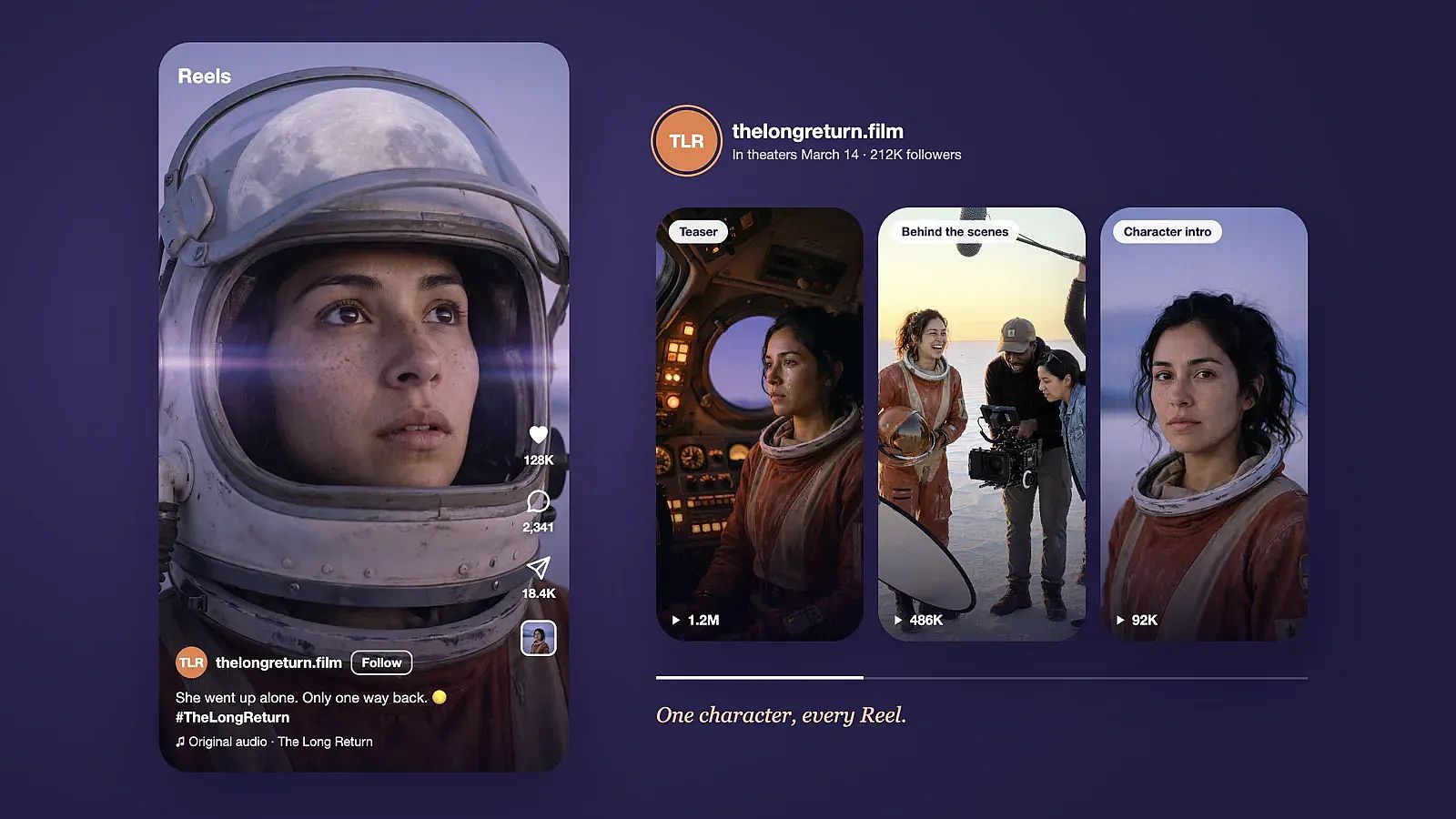
Filmmakers promoting a new release
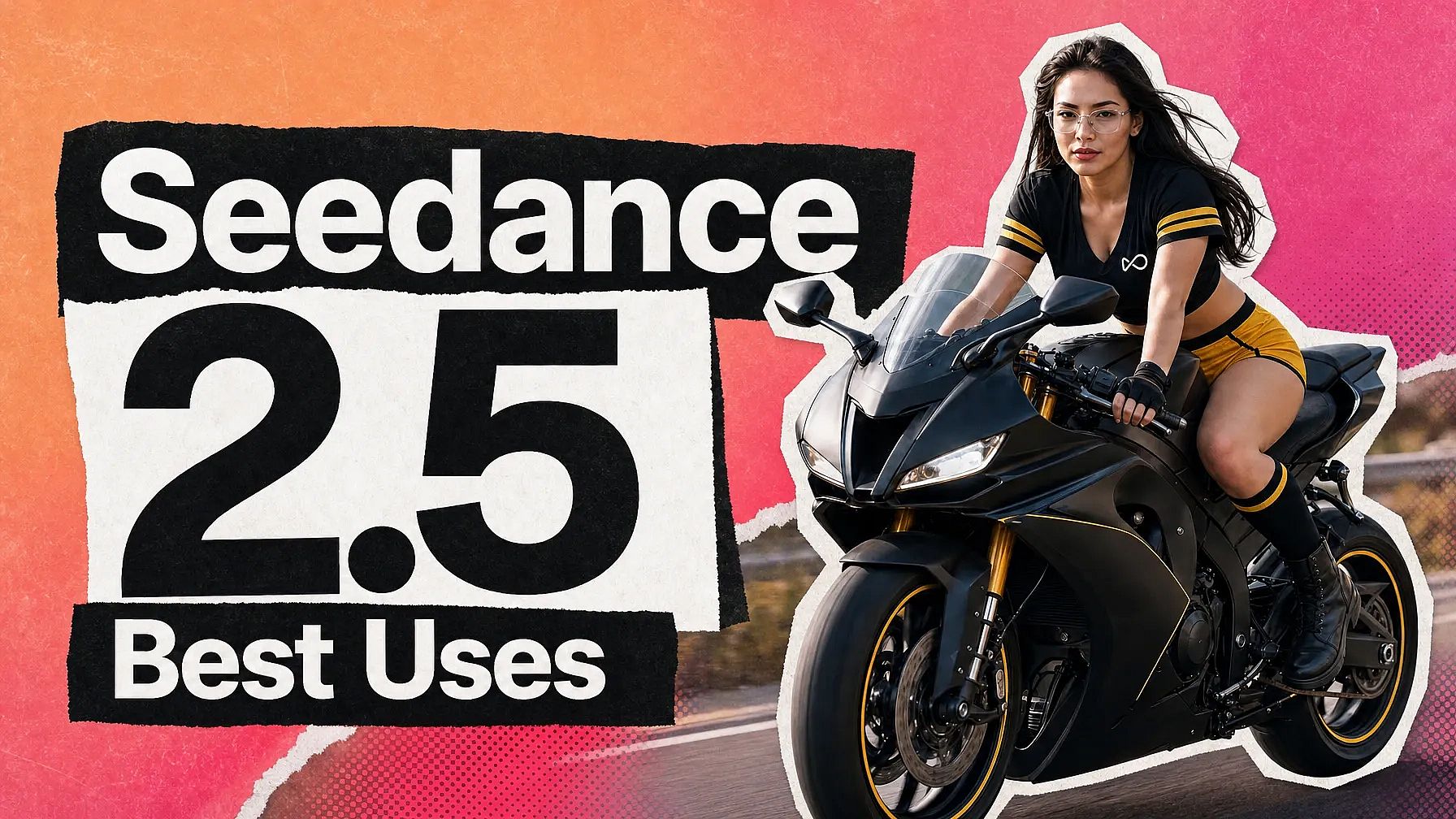
Filmmakers and small studios use OpenArt to make social media posts that build interest before a release. OpenArt Characters lets you build a character once and reuse the same face and outfit across posters, countdown posts, and teaser stills. Each post keeps the character looking the same, so fans follow one story across the whole campaign. Add the release date in quotes, and a text-strong model like Nano Banana Pro writes it on the poster.
Try it NowFrequently Asked Questions
An AI social media post generator is a tool that makes social media posts from a written description or a photo. OpenArt's AI social media post generator turns your idea into finished post images with your headline, your product, and your brand colors on them. You can pick the right size for Instagram, Facebook, LinkedIn, TikTok, or YouTube before you generate.
To use AI for social media posts, open OpenArt's AI image generator and type what the post should show, with the exact words in quotes. Pick a model, an aspect ratio, and how many posts you want, then generate. Upload a product photo as a reference if you want the post built around something you already have.
Yes. Type the exact words you want inside quotes in your prompt, and a text-strong model like Nano Banana Pro or FLUX 3 Image writes them on the post. Keep the text short, like a headline and a price, for the cleanest result. If one word comes out wrong, highlight it in OpenArt's AI photo editor and type the fix.
Save your logo, color codes, fonts, and brand rules to an OpenArt Brand Kit, and GPT Image 2.6 and GPT Image 2 apply them to every post in the project. With other image models, upload your logo or an older post as a reference image to guide the look. Using the same prompt wording from post to post also keeps a set of social media posts matching.
Yes. GPT Image 2.6 can turn a prompt or a still post into a short looping GIF, like a sale badge that pulses or steam rising from a cup. For full video posts with sound, OpenArt's social media video maker makes videos sized for each feed.
You can try some features for free. New accounts get 40 free credits, no credit card required. Every generation uses credits, and the exact cost shows before you click Generate. To keep creating, choose a paid plan. You can compare plans, prices and annual billing options on the pricing page. Commercial use requires the Plus plan or above. Plans renew automatically, monthly credits do not roll over, and extra credits are only sold as add-ons to a paid plan. You can cancel any time from Profile, then Subscriptions. Cancel at least 5 days before your renewal date to avoid the next charge, and you keep access until the end of the billing period. Completed generations and active subscription periods are generally not refundable. Full billing, cancellation and refund details are in the Help Center.
Yes. AI can make a complete social media post, including the picture, the layout, the colors, and the words on the image. OpenArt's AI social media post generator uses image models like GPT Image 2.6, Nano Banana Pro, and Seedream 5.0 Pro to make posts from a short prompt or a reference photo. You still pick the idea and choose the post that fits your brand.
The best AI social media post generator lets you pick the right image model for each post, keep your brand look, and make posts in the right size for every app. OpenArt gives you all three in one place: image models like GPT Image 2.6, Nano Banana Pro, and FLUX 3 Image, a Brand Kit for your logo and colors, and any aspect ratio you need for each app. You can also compare up to four models on one prompt and keep the post you like best.
Square 1:1 social media posts work in most feeds, including Instagram, Facebook, and LinkedIn. Tall 9:16 images fit Instagram Stories, Reels covers, and TikTok, and wide 16:9 images fit YouTube thumbnails. Pick the aspect ratio in OpenArt's AI image generator before you generate. To remake a finished post in another size, keep the same prompt or upload the post as a reference, change the aspect ratio, and generate again. For Instagram feed posts and carousels, the AI Instagram post generator covers each format in more detail.
Yes. OpenArt's AI image generator makes up to 8 social media posts from one prompt, and Chat Mode can make a set of matching carousel slides from one message. Use the same reference image and the same prompt wording for each slide so the colors and style match. You can fix any single slide in the AI photo editor without redoing the whole set.
Yes. Commercial rights apply on eligible paid plans, so you can use posts from OpenArt's AI social media post generator in ads, brand posts, and client work. Make sure you own every photo, logo, or face you upload, or have the rights to use it. OpenArt's AI Copyright and IP Check can scan a post for IP matches before it goes live.
Name the type of post, the main words, the colors, and the style in your prompt, like "a square LinkedIn post, navy background, the words Now Hiring in large white letters." Put every word you want on the image inside quotes, and keep the text short. Pick the aspect ratio before you generate so the layout fits the app. Make several versions at once and keep the strongest one.
Get Insights from Experts Blog
Get the insights you need. Our experts share actionable hacks, break down the hottest topics, and provide essential how-to guides to help you create, optimize, and scale.
Read More