

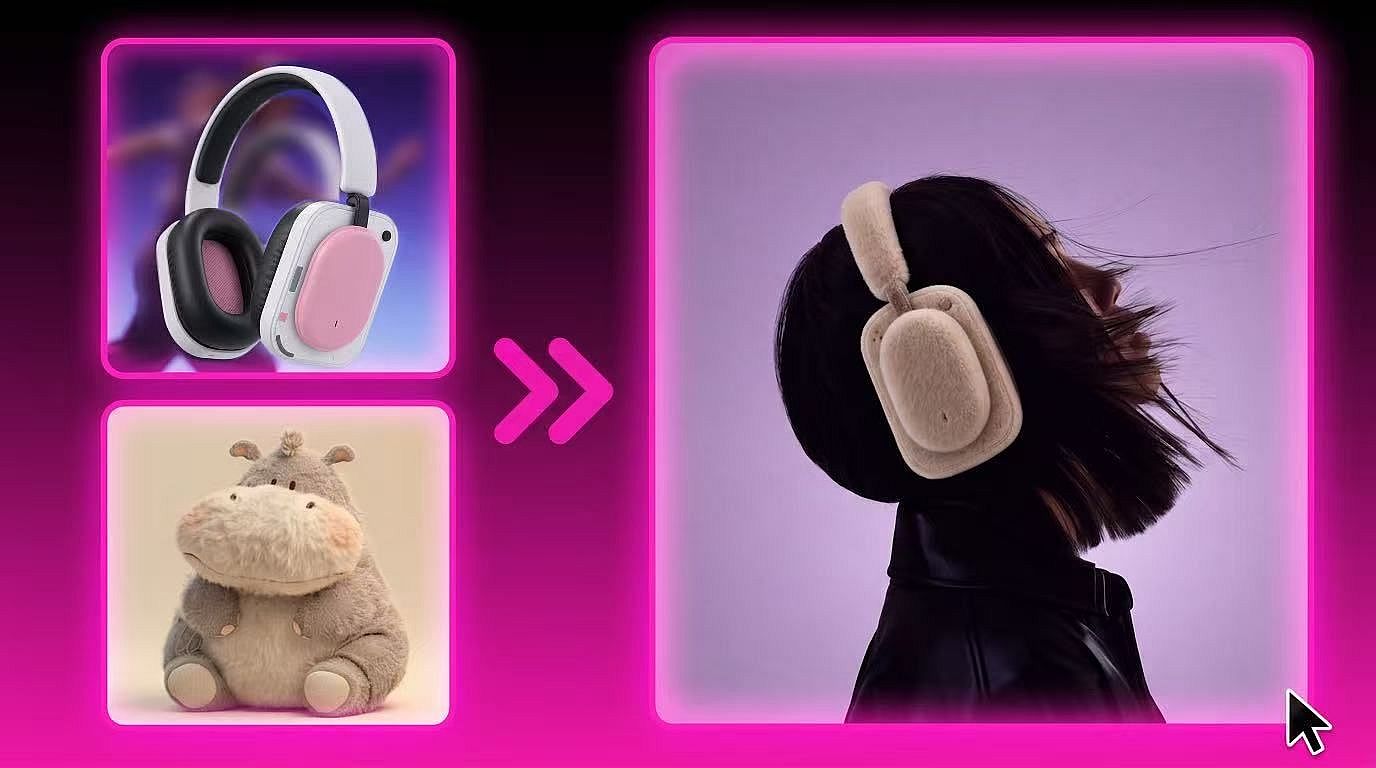
AI Image Blender
Upload two photos instead of writing a style prompt. One sets the composition, the other sets the look, and OpenArt's AI image blender turns them into a new image you can regenerate until it's right.
Why Creators Choose OpenArt's Image Blender
Blend Multiple Images into One
Bring together products, people, scenes, and styles in one composition. Use the AI Image Generator to create additional visual elements and build a more complete concept.
Build More Coherent Compositions
Merge different subjects and backgrounds into a balanced scene. For more control over your references, use Image to Prompt to analyze an image and refine its visual direction.
Preserve the Details That Matter
Retain key details such as facial features, product shapes, clothing, and color cues. You can also combine this workflow with the AI Character Generator to create more consistent character visuals.
Explore New Styles Faster
Blend your subject with different art styles, lighting setups, and visual moods. When developing branded content, the AI Brand Kit can help keep colors and visual elements more consistent.
Create Polished Product Visuals
Combine products, environments, props, and brand references into complete visuals. Use the AI Interior Design Generator to create room settings or the AI Poster Maker to turn your visuals into promotional designs.
Refine Ideas Through More Variations
Compare different image combinations, compositions, and styles as you work. Keep the strongest elements from each version and continue refining your concept with the AI Image Generator.
How to Blend Two Images Together
From upload to finished image in three steps, no prompt writing required.
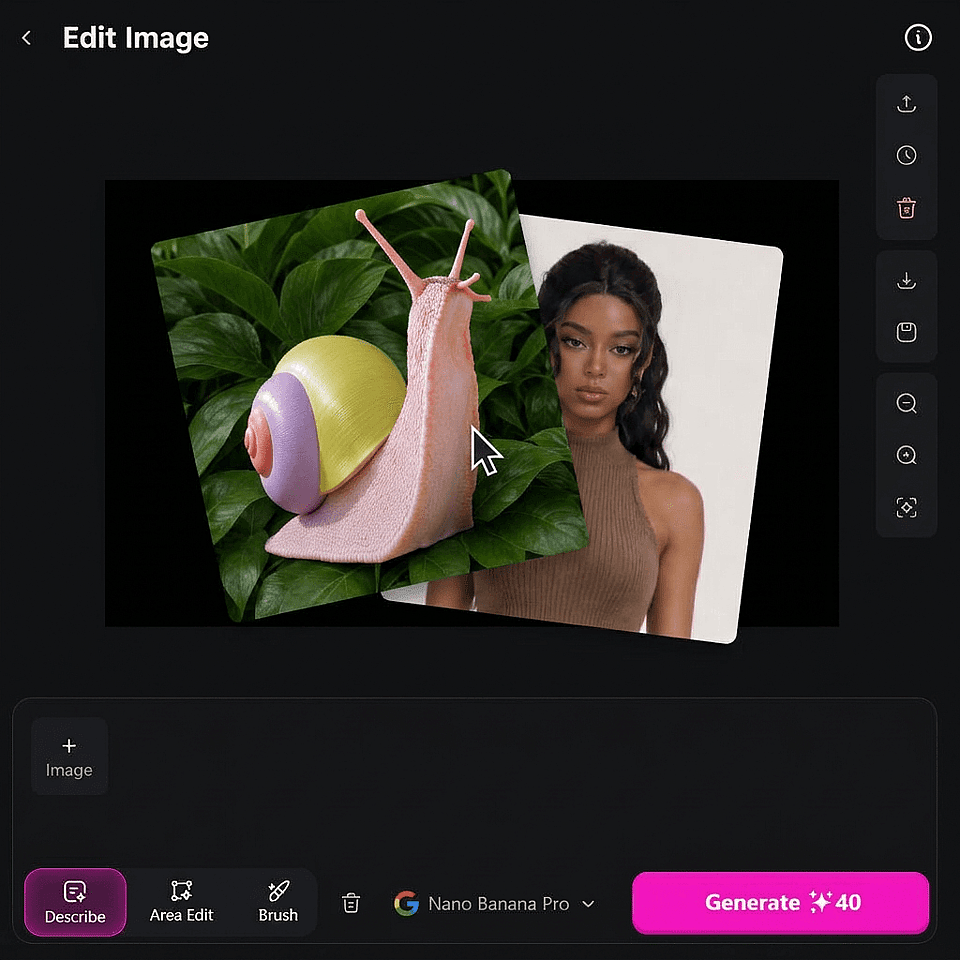
Upload images
Choose one for composition, subject, and framing, and another for color, texture, and style.
Describe how to combine them
Tell OpenArt which image should drive the framing and which should drive the look, or leave it general for a looser blend.
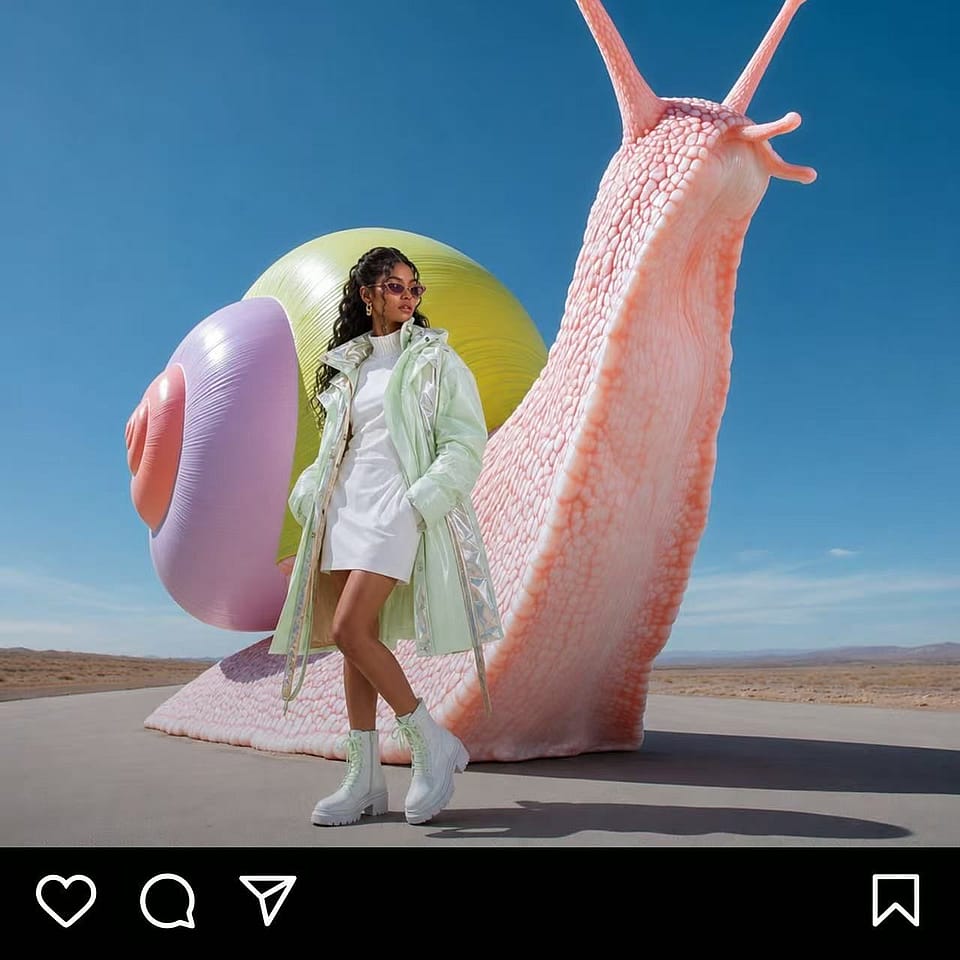
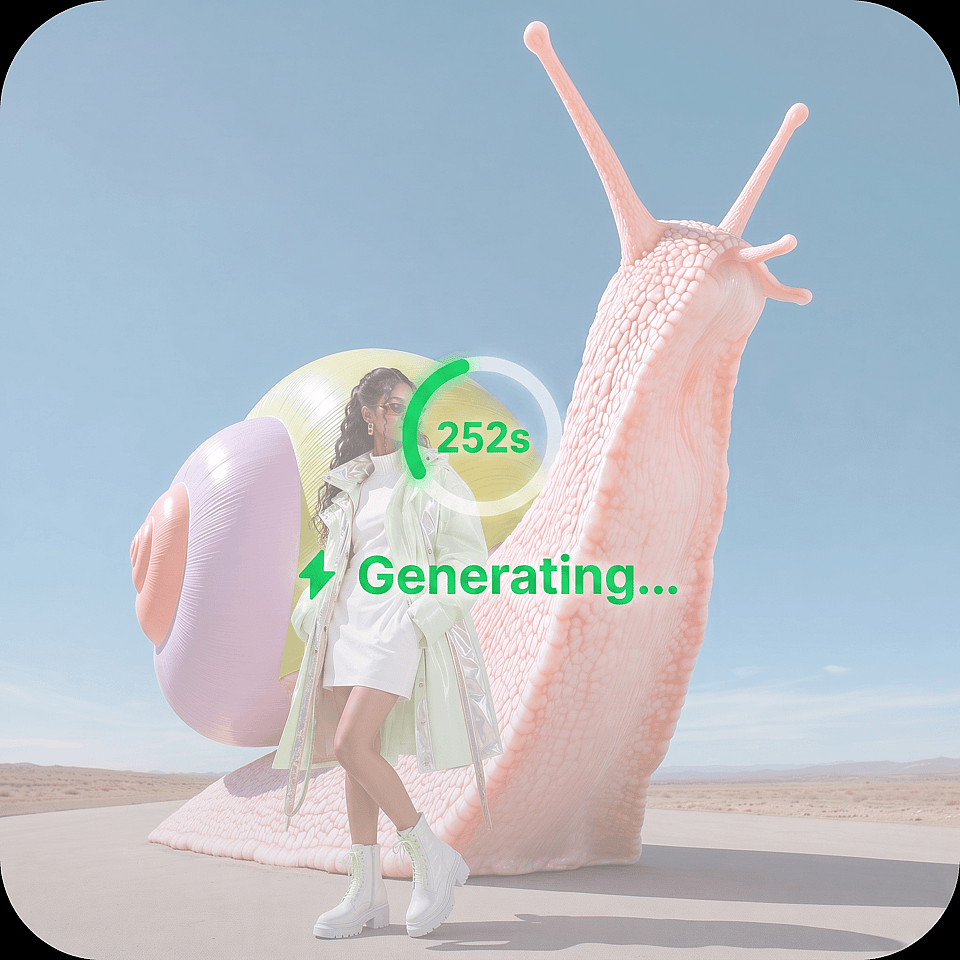
Generate and compare
Review the variations, adjust your description, and generate again for another take.
What You Can Do With AI Image Blender
From solo creators chasing a specific look to marketing teams previewing concepts before a shoot, here's who reaches for the AI image blender and what they get out of it.
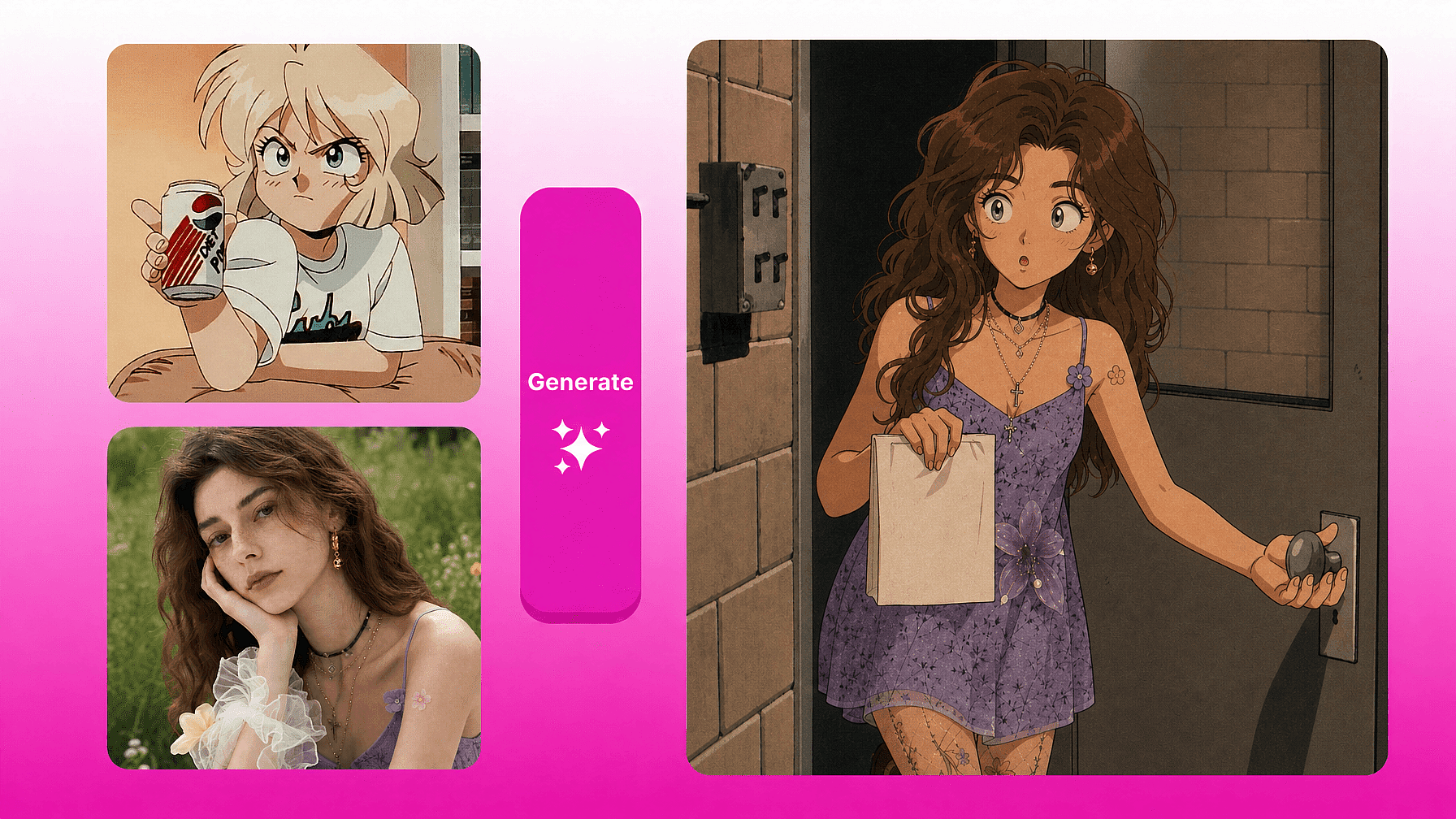
Get a Trending Look on Your Own Photo
Chasing a specific aesthetic, like old money, 90s anime, or dreamcore, usually means writing out a detailed style description. Skip that step: upload your own photo as the composition image and a reference photo in the target aesthetic as the style image. OpenArt pulls the color, texture, and treatment straight from the reference, and you compare a few generated variations before picking one.
Try it Now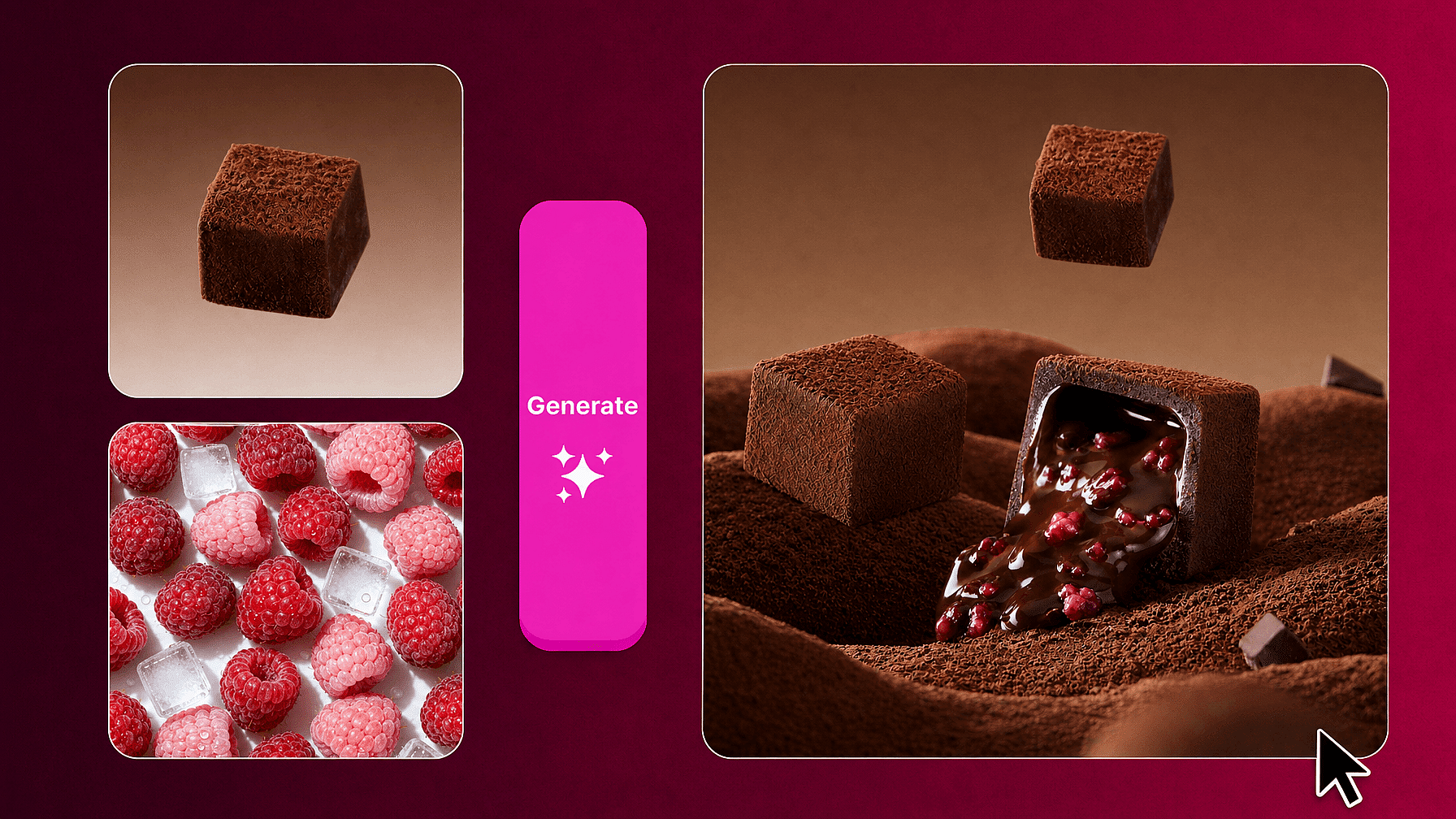
Preview Creative Concepts Before a Shoot
Blend a product photo with a mood or tone reference to see a few styled directions before booking a full shoot. Because each run returns multiple variations, you can put several concepts in front of a client or a team in minutes.
Try it Now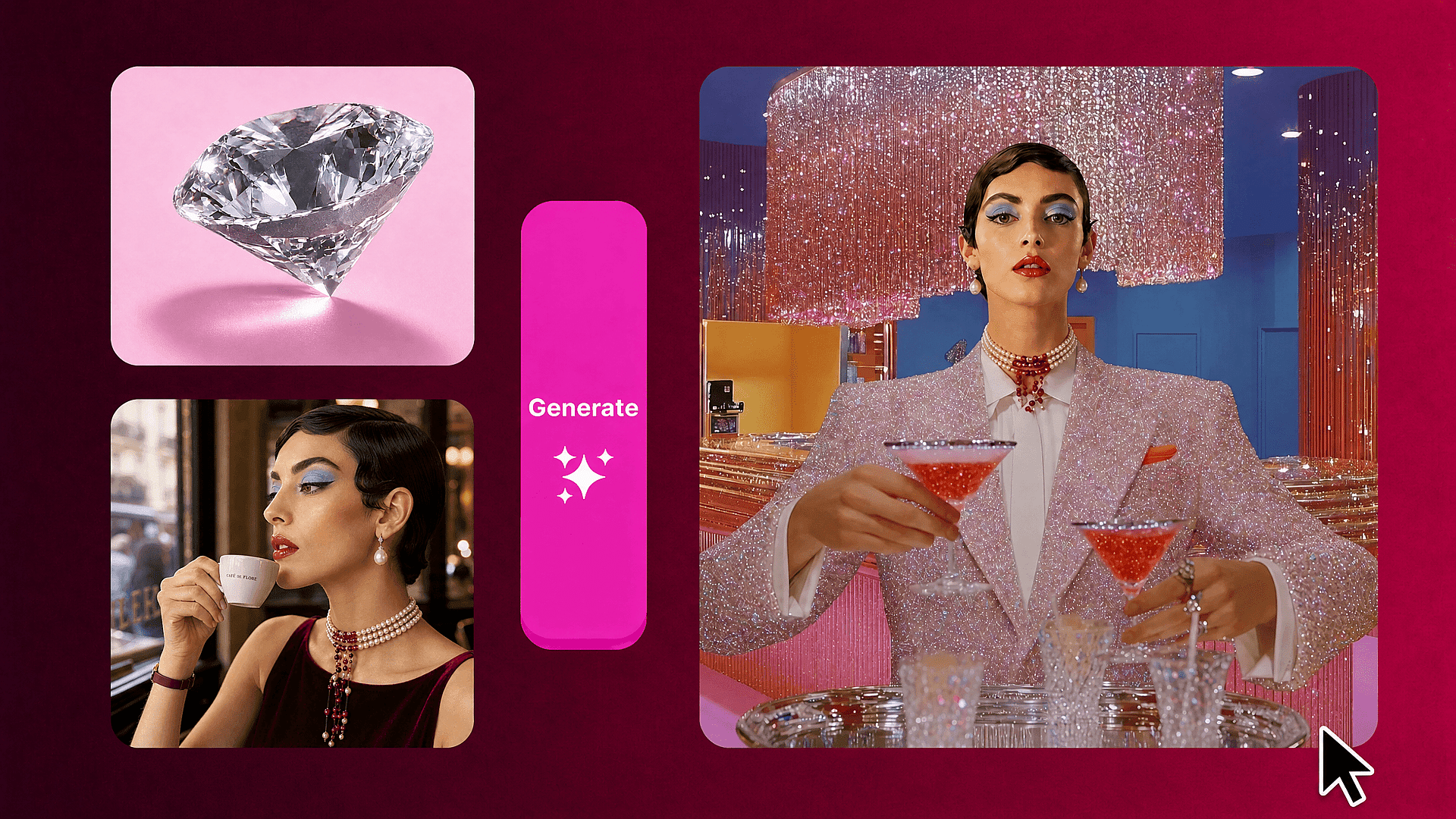
Mash Up Unrelated Images for Inspiration
Combine two pictures with no obvious relationship, like a portrait and a botanical print, to see what direction the blend suggests. This is open-ended exploration, useful for breaking out of a creative rut before committing to a final concept.
Try it NowTop AI Models for Image and Video Creation
Explore leading AI image and video models from multiple providers in one workspace. Compare their strengths across art styles, image generation, animation, and video creation, then choose the right model for your project.
Frequently Asked Questions
An AI image blender combines two photos into one, using one image for composition and another for style, instead of layering or collaging the original files.
Yes, through your description. Tell OpenArt to lean more on one image for framing or the other for color and style, and it follows that instruction instead of always blending both evenly.
These describe the same kind of tool: combining two photos into one new image. OpenArt's version separates composition from style so you can control each independently, rather than only offering one blended output.
An AI image combiner reinterprets both references into a new image with a model, rather than placing the original files side by side or on top of each other at reduced opacity. The result can include details that don't appear exactly in either source photo.
New accounts get 40 free trial credits with no credit card required, which covers blending before you decide on a paid plan.
Yes. Each generation uses OpenArt credits, the same as the platform's other image tools. New accounts start with 40 free trial credits and no credit card required, which covers several blend generations before you need a paid plan.
Get Insights from Experts Blog
Get the insights you need. Our experts share actionable hacks, break down the hottest topics, and provide essential how-to guides to help you build, optimize, and scale.
Read More
