

ARTE CON IA
GENERADOR
Genera arte original con IA a partir de prompts de texto o imágenes de referencia, desde anime y pixel art hasta retratos cinematográficos, pinturas al óleo e ilustraciones 3D. Compara los mejores modelos de imagen con IA, mantén la coherencia de personajes y estilos, y perfecciona tu obra sin empezar de cero.
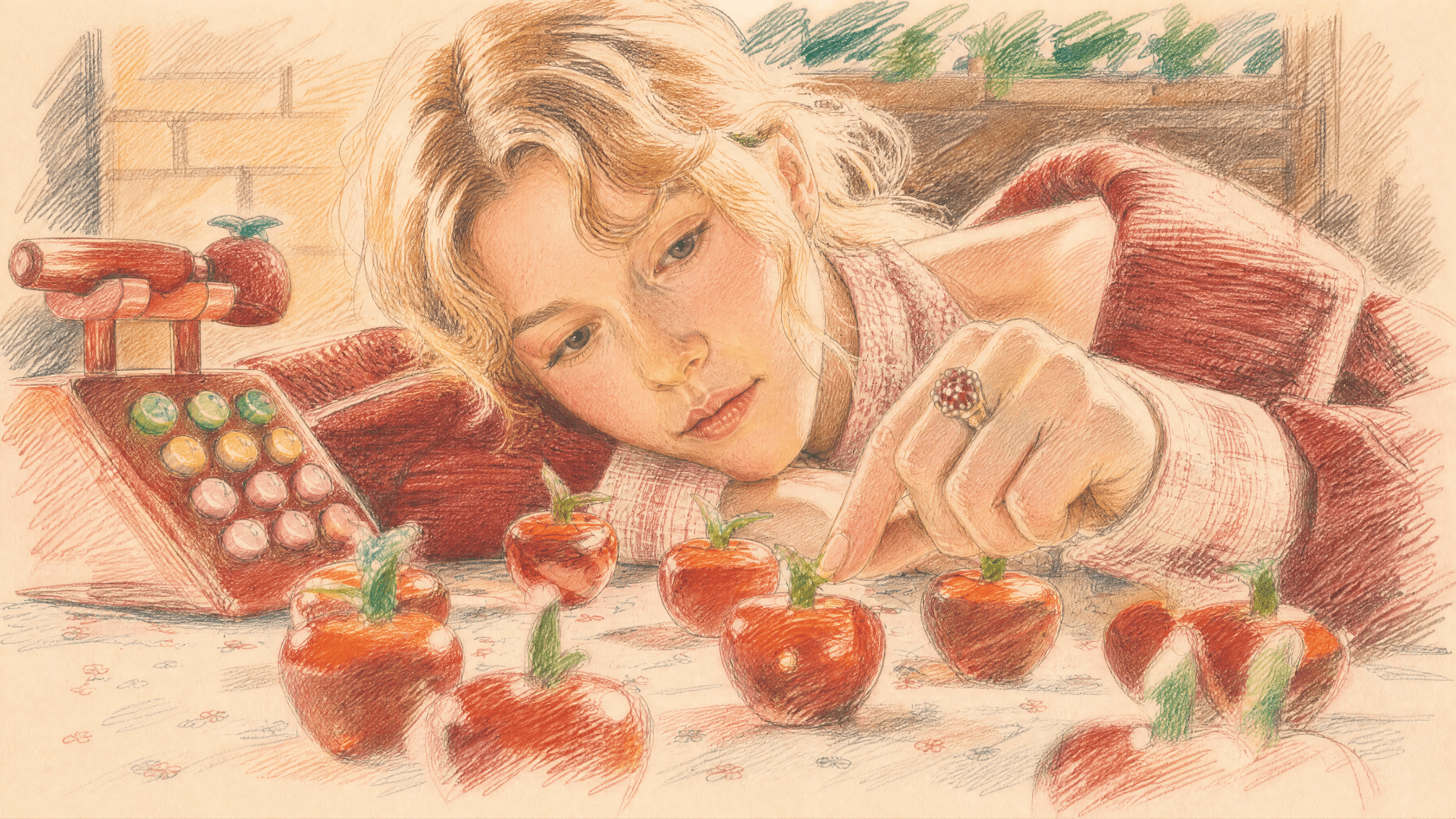
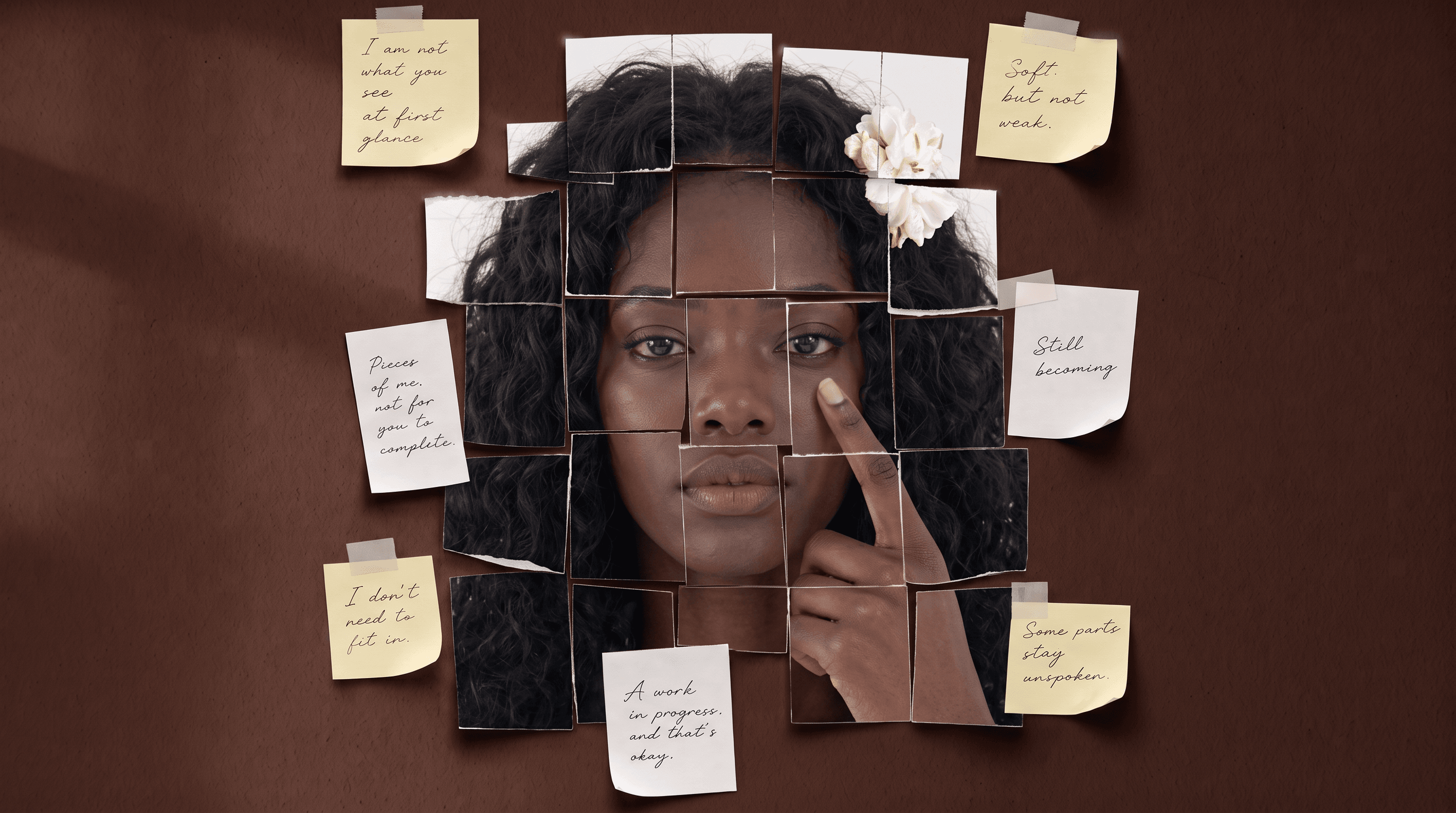
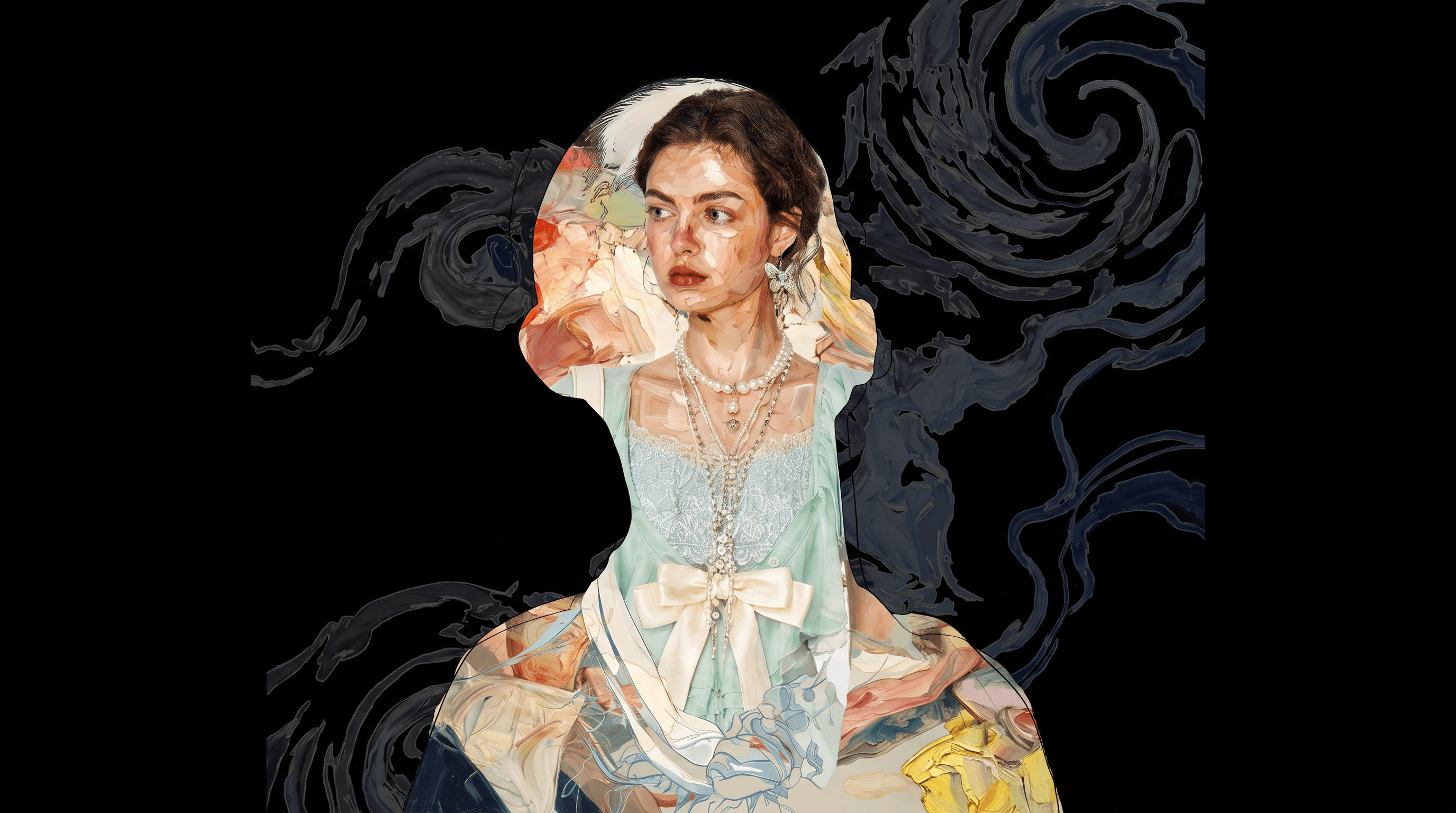
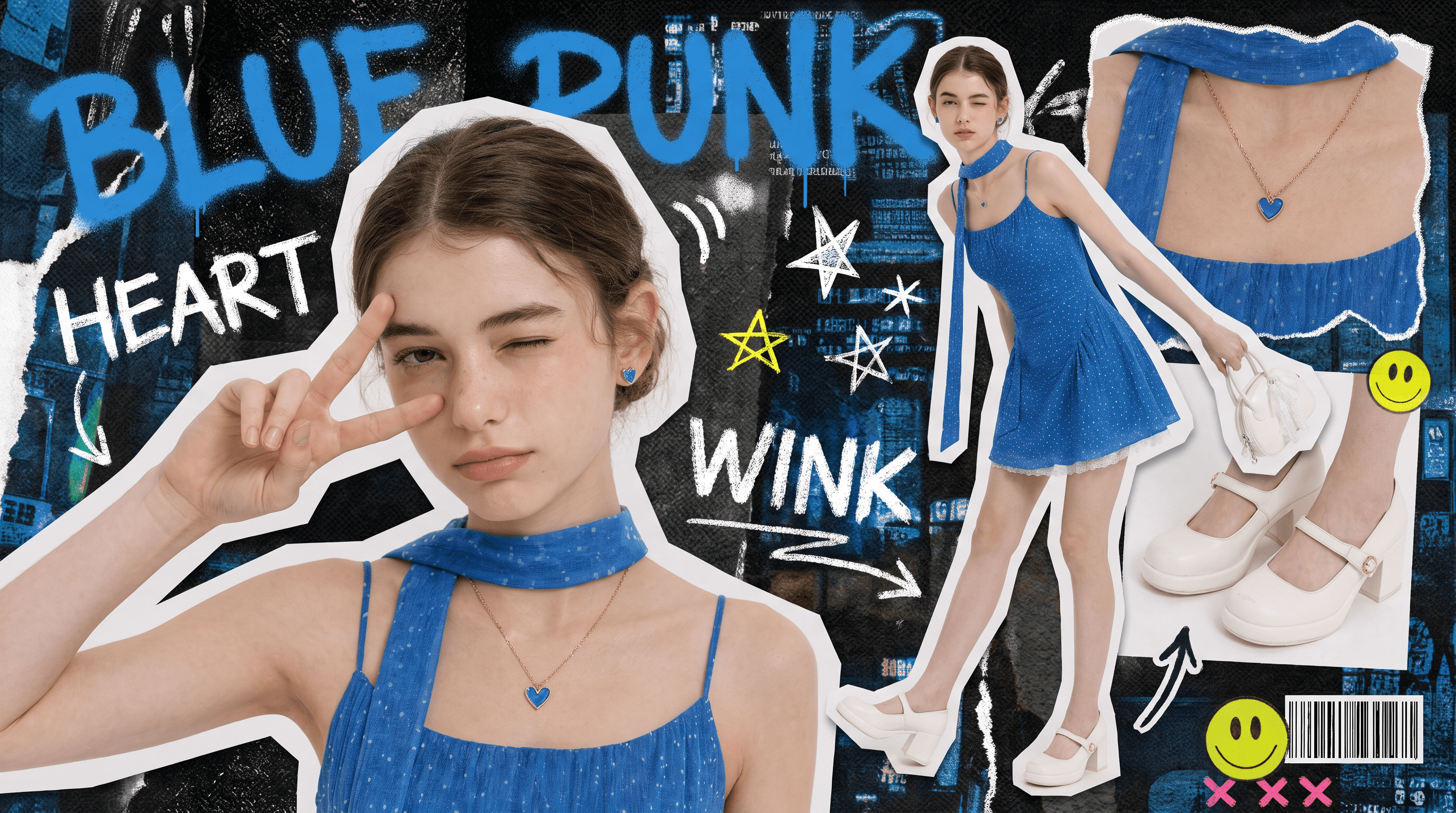
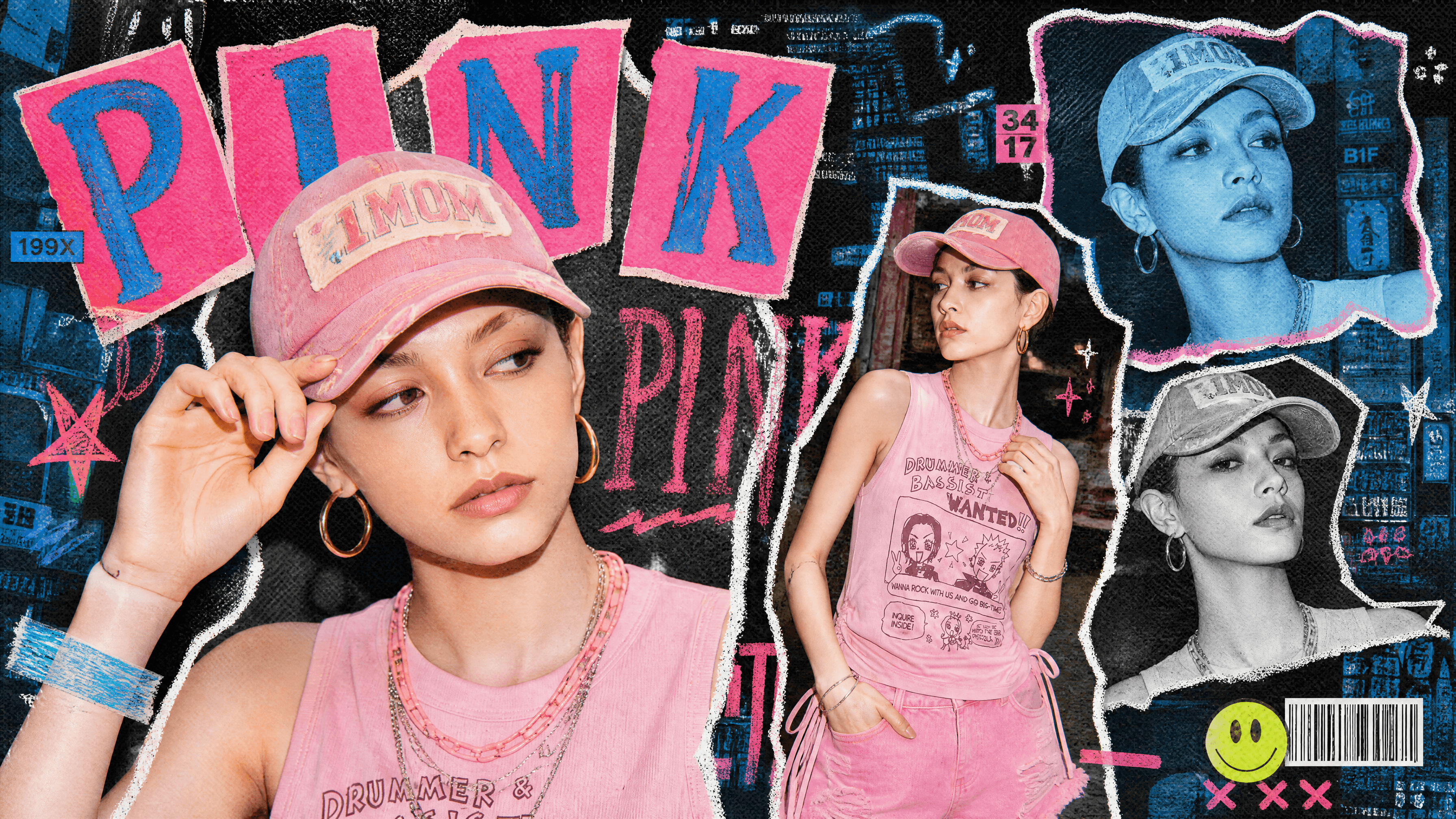
Explora ejemplos y prompts de arte con IA
Explora arte generado con IA creado con OpenArt, incluyendo ilustraciones anime, pinturas digitales, pixel art, obras surrealistas, arte conceptual y mucho más. Prueba un prompt listo para producción o úsalo como inspiración para tu propio arte.
Funciones clave del generador de arte con IA
Un gran arte necesita más que un solo prompt; requiere control, iteración y consistencia. OpenArt unifica los mejores modelos de IA del mundo con un lienzo de edición profesional, dándote todo lo necesario para crear y publicar visuales impecables sin el caos de las suscripciones.
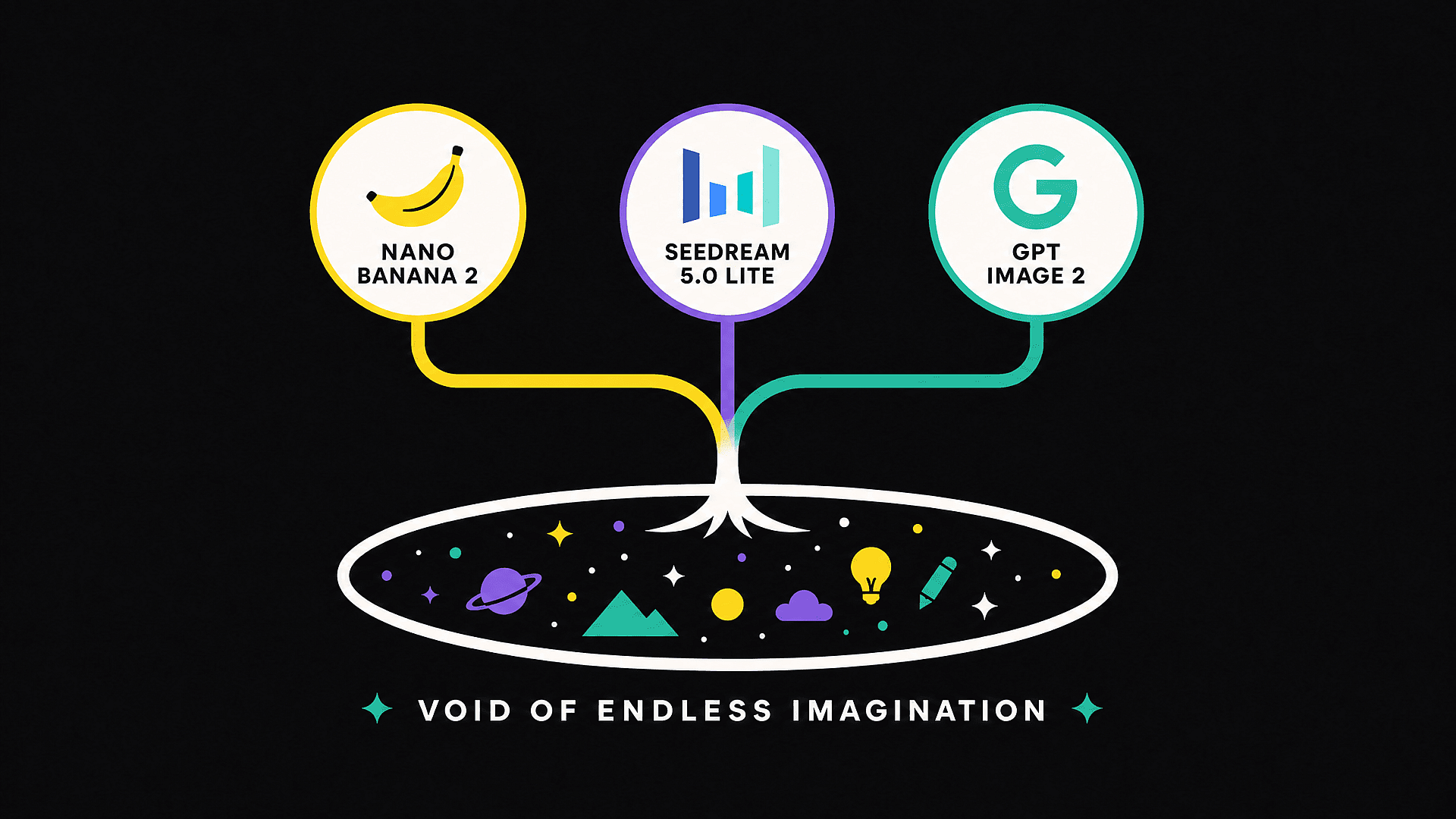
Los mejores modelos de IA en un solo espacio de trabajo
Accede a los principales modelos de imagen con IA del mundo, todo desde un mismo lienzo. Tanto si necesitas GPT Image 2 para renderizar texto impecable y composiciones estructuradas, Nano Banana Pro para una consistencia de personajes a prueba de balas o Seedream 5.0 Lite para retratos fotorrealistas, lo tenemos cubierto.
Consistencia de personajes que de verdad se mantiene
La función Character de OpenArt mantiene la misma cara, vestuario e identidad visual en todas las imágenes de un proyecto. Crea un protagonista recurrente para un webcómic, una mascota de marca idéntica en 30 publicaciones sociales o un personaje de una historia que conserva el mismo vestuario del capítulo uno al veinte. Otros generadores suelen desviarse tras unas cuantas iteraciones. Este no.
Edita y mejora sin empezar de cero
Cuando una imagen está casi perfecta pero las manos no cuadran, no vuelvas a generarla entera. Usa Edit Image para arreglar zonas concretas, cambiar la ropa, ajustar expresiones o dar otro estilo solo a una parte. Cuando estés contento con la composición, escala a alta resolución con mejora de detalle para dejarla lista para impresión, print-on-demand o pantallas de gran formato.
Diseñado para la forma en que los creadores publican de verdad
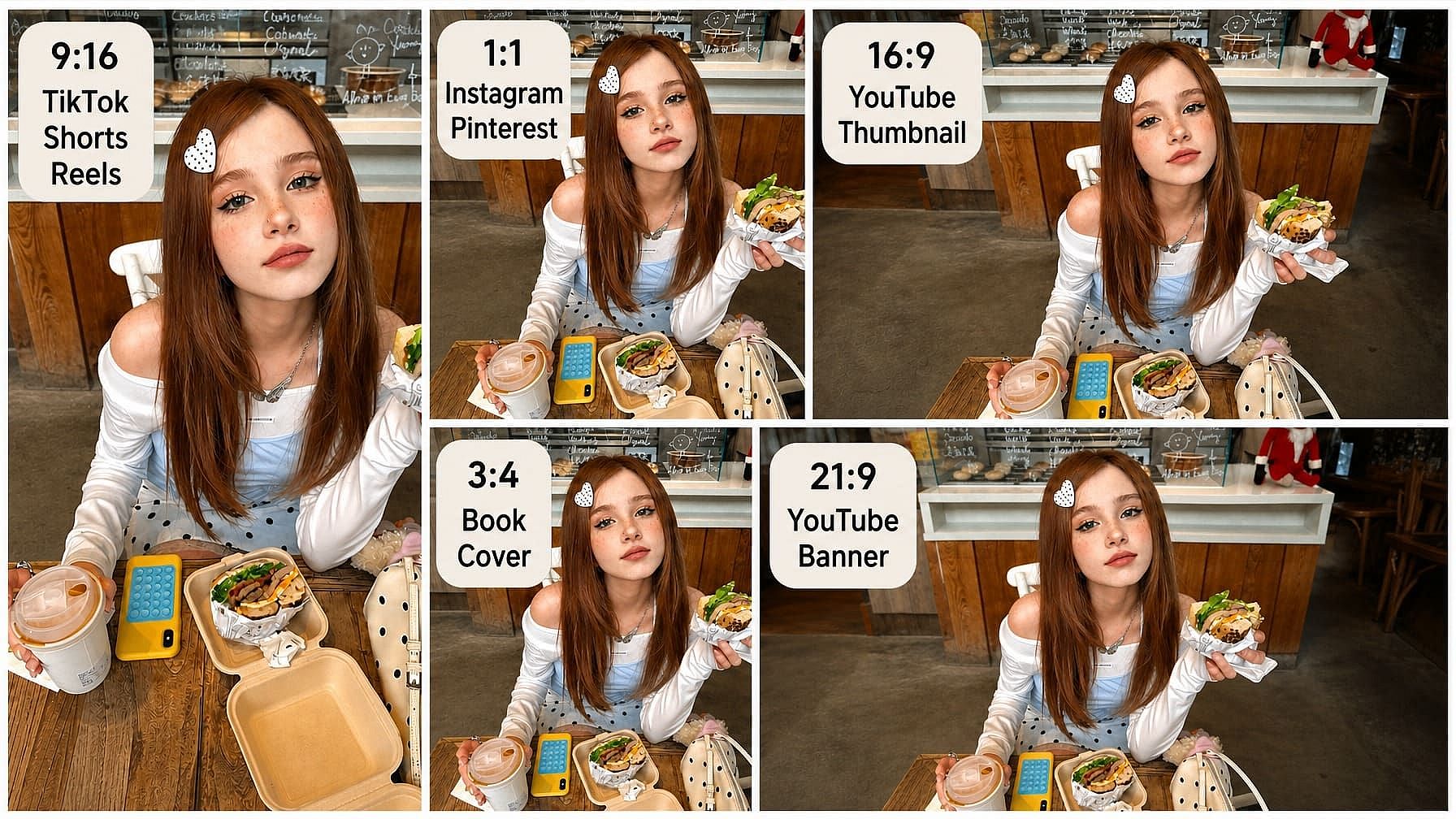
Genera directamente en las relaciones de aspecto que usan los creadores de verdad: vertical para TikTok, Shorts y Reels; cuadrado para Instagram y Pinterest; panorámico para miniaturas y banners de YouTube; y proporciones de portada de libro para impresión. Se acabó recortar después y perder la composición que te ha costado diez minutos crear con el prompt.
Más formas de crear y editar
Los mejores modelos de IA para crear imágenes y vídeos
Explora los principales modelos de imagen y vídeo con IA de múltiples proveedores en un solo espacio de trabajo. Compara sus puntos fuertes en estilos artísticos, generación de imágenes, animación y creación de vídeo, y elige el modelo ideal para tu proyecto.
Cómo usar el generador de arte con IA
Del prompt a la imagen final en tres pasos
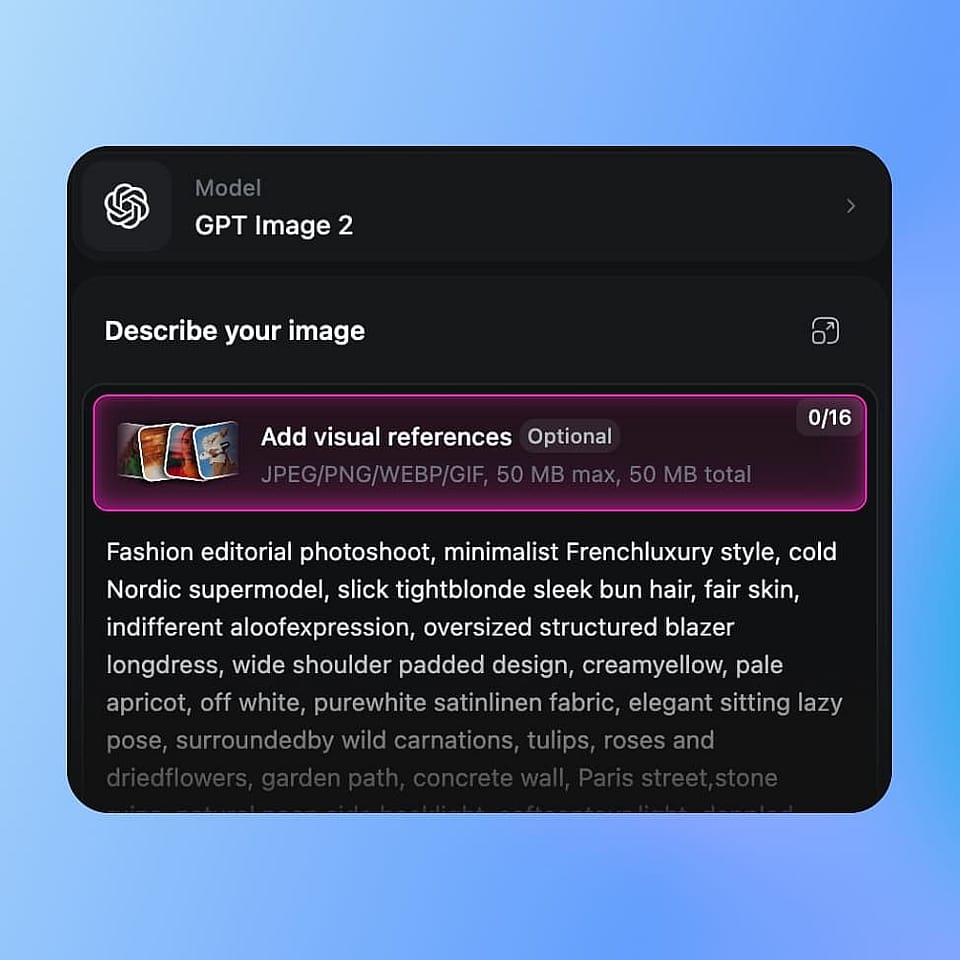
Elige un modelo y escribe tu prompt
Abre la OpenArt Suite y elige un modelo como Flux 2 Max o Nano Banana Pro. Escribe o pega tu prompt.
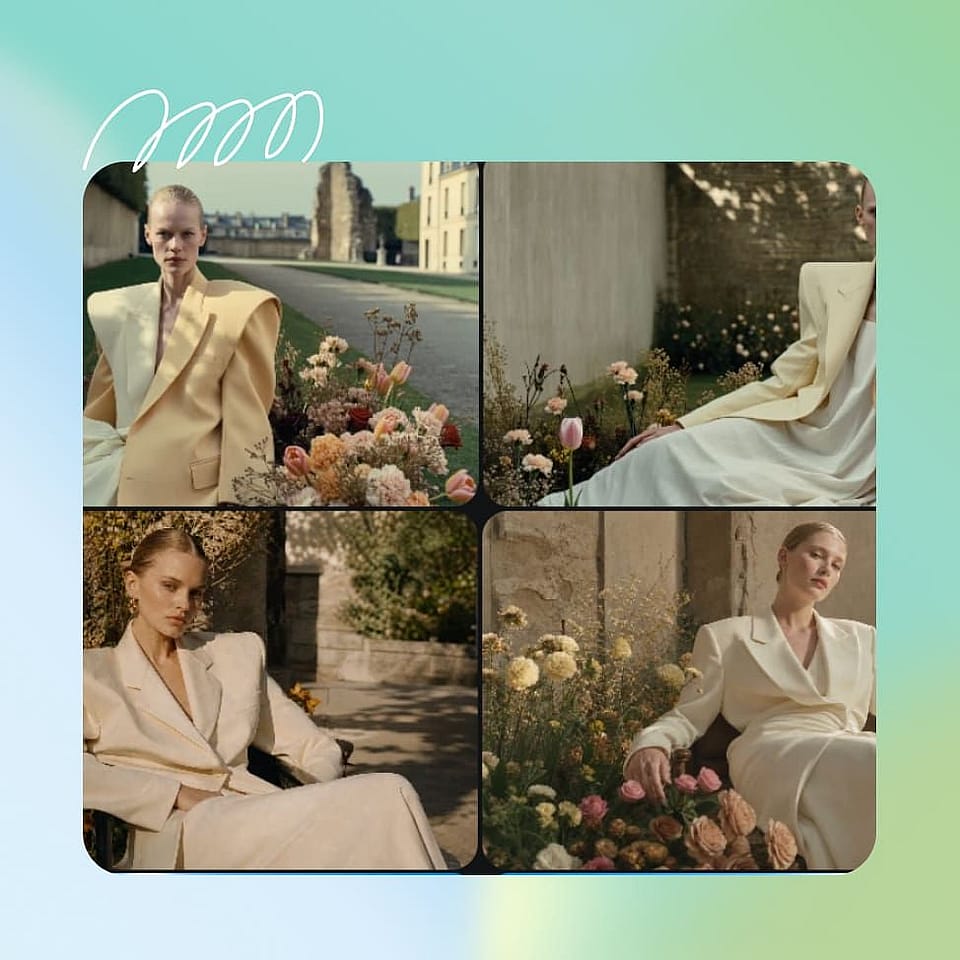
Genera, itera y perfecciona
Genera 4 variaciones, elige la que quieras y refina solo lo que haga falta. Ajusta la iluminación, la ropa, las expresiones, las manos o pequeños detalles con Editar imagen en lugar de empezar de cero.
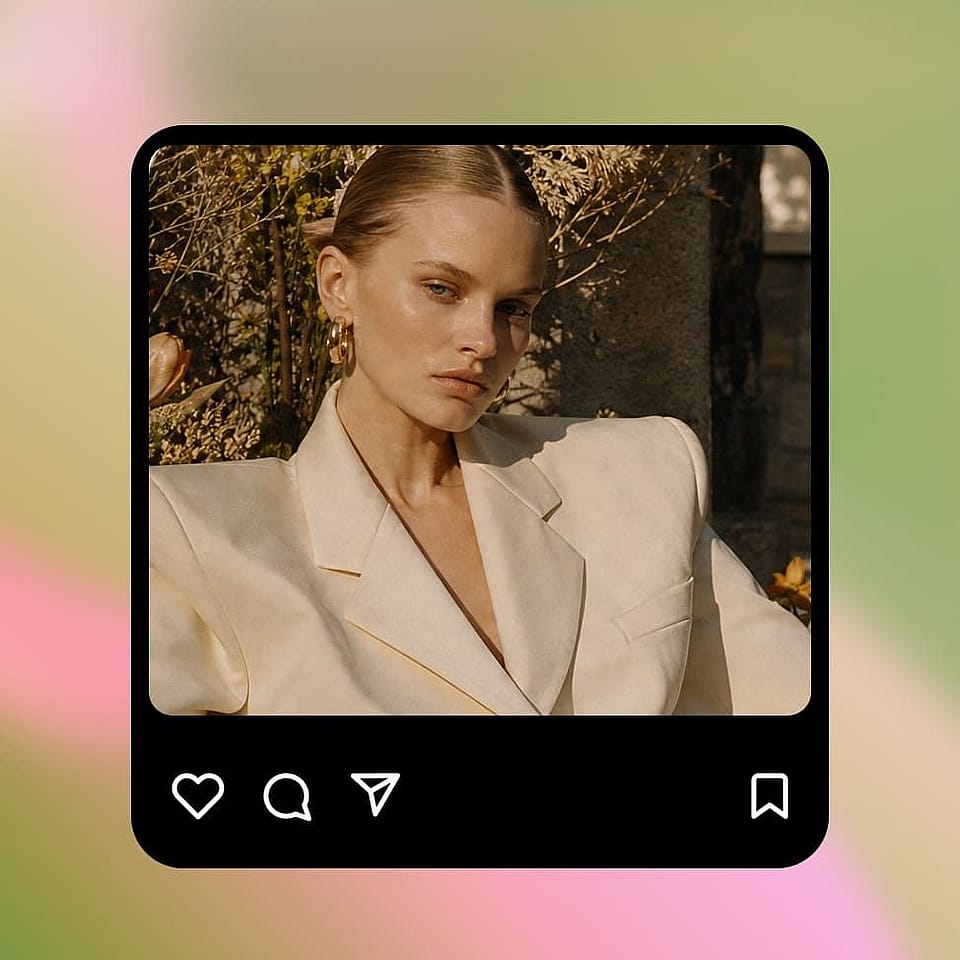
Escalar y exportar
Cuando tengas la imagen que quieres, escálala a 2K o 4K con mejora de detalle. Expórtala a PNG, JPG o WebP.
Crea arte con IA impresionante en todos los estilos
Desde escenas de anime y retratos cinematográficos hasta pixel art, storyboards y campañas de marca, OpenArt cubre los estilos que de verdad aparecen en las búsquedas de los creadores.
Arte anime y viñetas de manga
Crea personajes de anime, viñetas de manga, key visuals y escenas ilustradas en estilos que van desde la animación retro de los años 90 hasta los webtoons modernos y el manga en acuarela. Usa referencias de personajes para mantener caras, atuendos y detalles visuales consistentes a lo largo de una serie completa.
Pruébalo ahora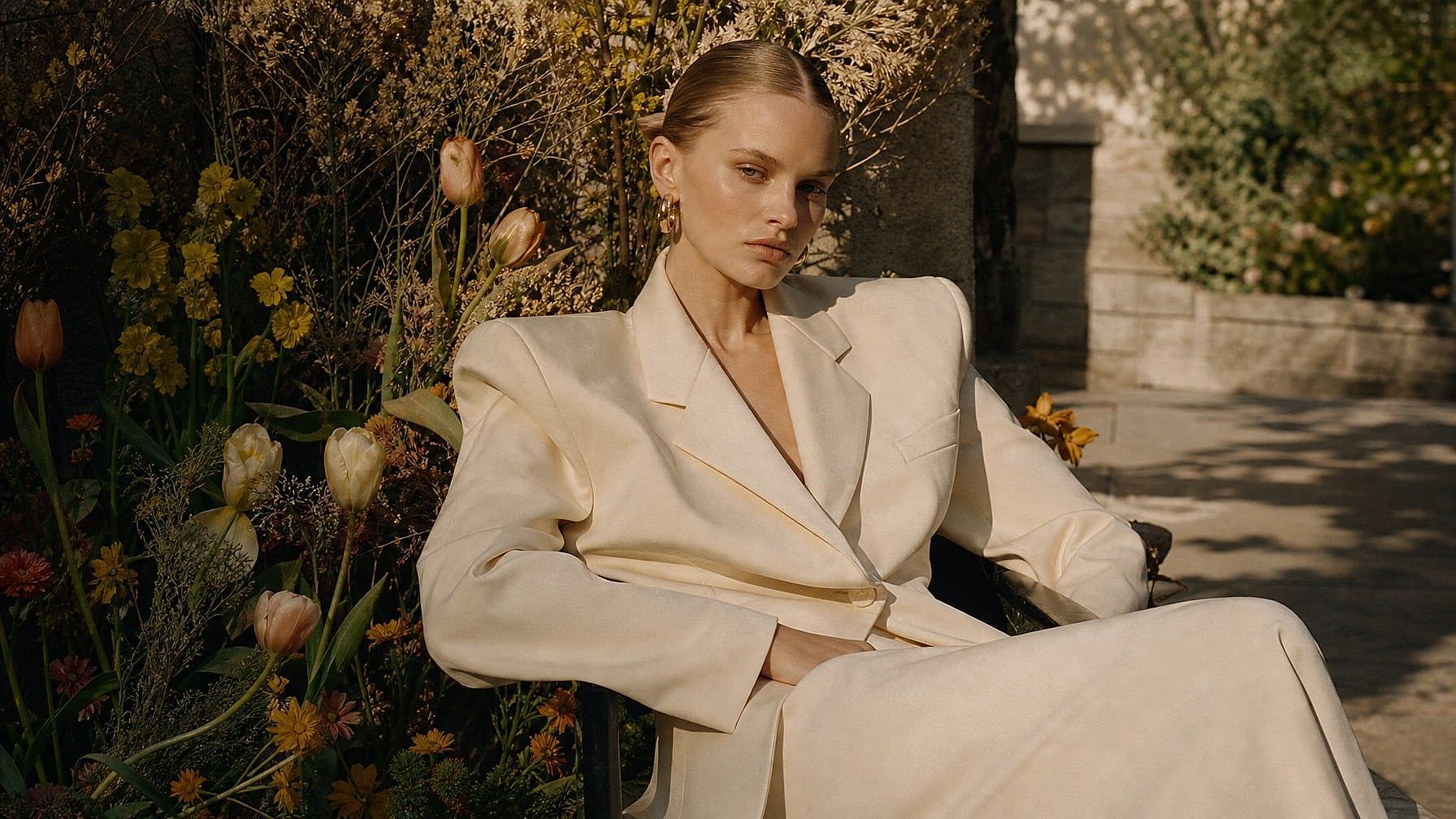
Retratos cinematográficos e imágenes editoriales
Crea retratos fotorrealistas con iluminación cinematográfica, grano de película y composición editorial usando Seedream 5.0 Lite. Perfecto para series de fotos personales, publicaciones sociales estilo revista, miniaturas de YouTube que parecen fotogramas de cine y campañas creativas de alto nivel donde la IA no puede parecer IA a simple vista.
Pruébalo ahora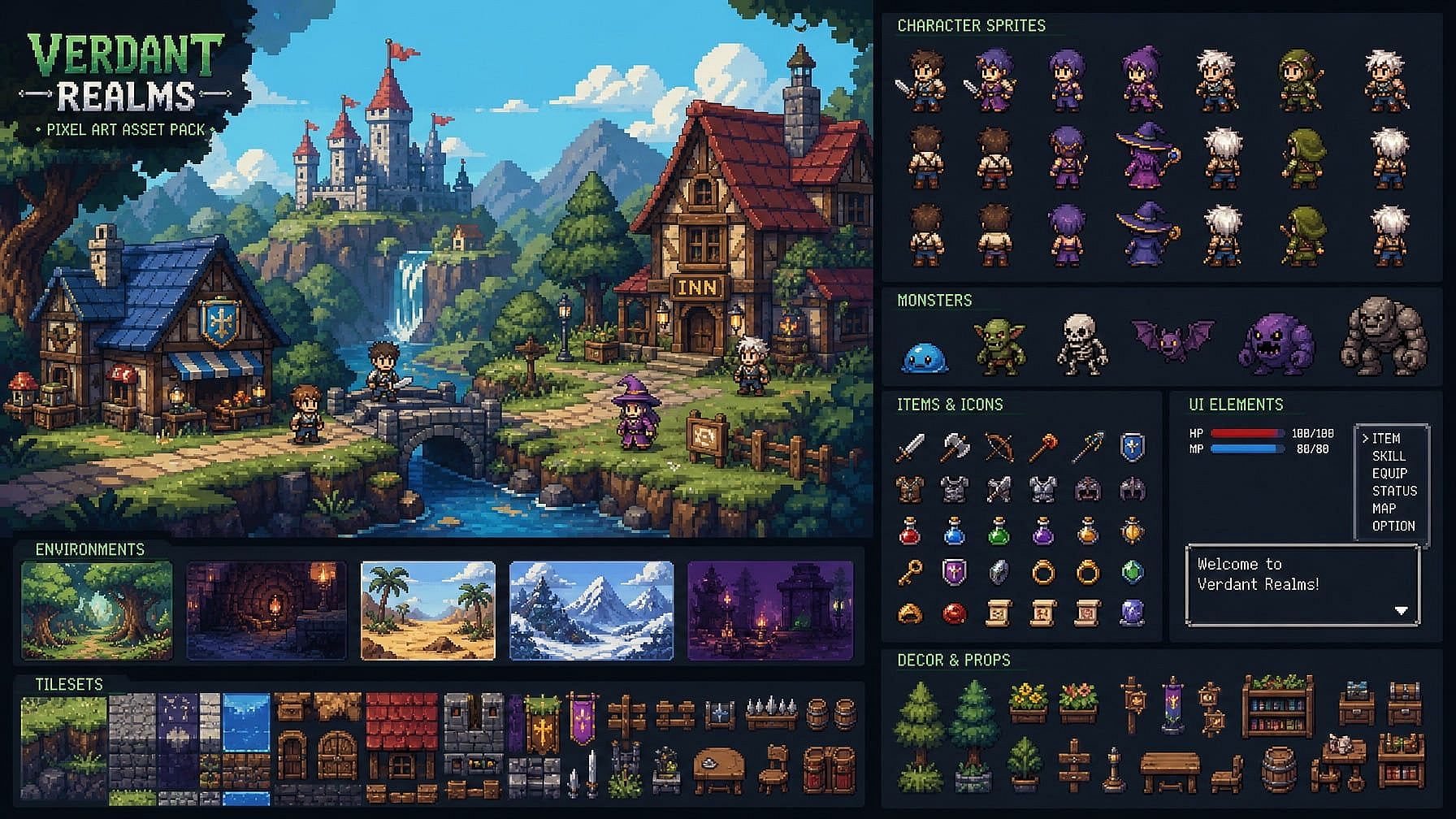
Pixel art y recursos para videojuegos
Diseño personajes de pixel art, entornos, objetos y recursos de juegos retro con una dirección estilística clara. Crea gráficos de 8 o 16 bits para juegos indie, conceptos de RPG, contenido para redes, merchandising y worldbuilding en fases iniciales.
Pruébalo ahora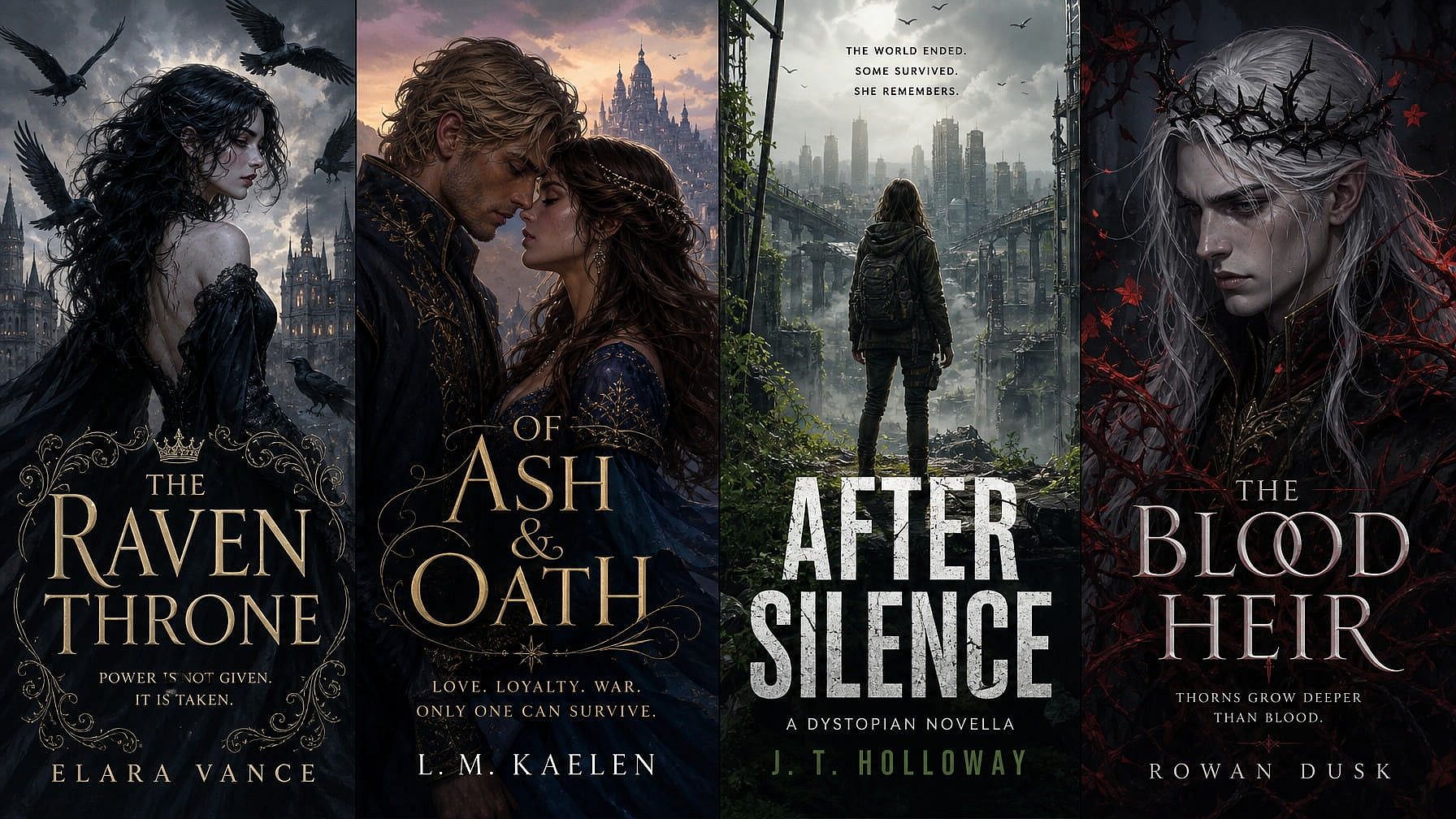
Portadas de libros y contenido ilustrado
Crea ilustraciones de portada impactantes para novelas, novelas cortas, autopublicación y ficción por entregas. Perfecciona los detalles con Edit Image, cambia la posición del texto con GPT Image 2 y amplía a resolución de impresión sin empezar de nuevo la composición.
Pruébalo ahora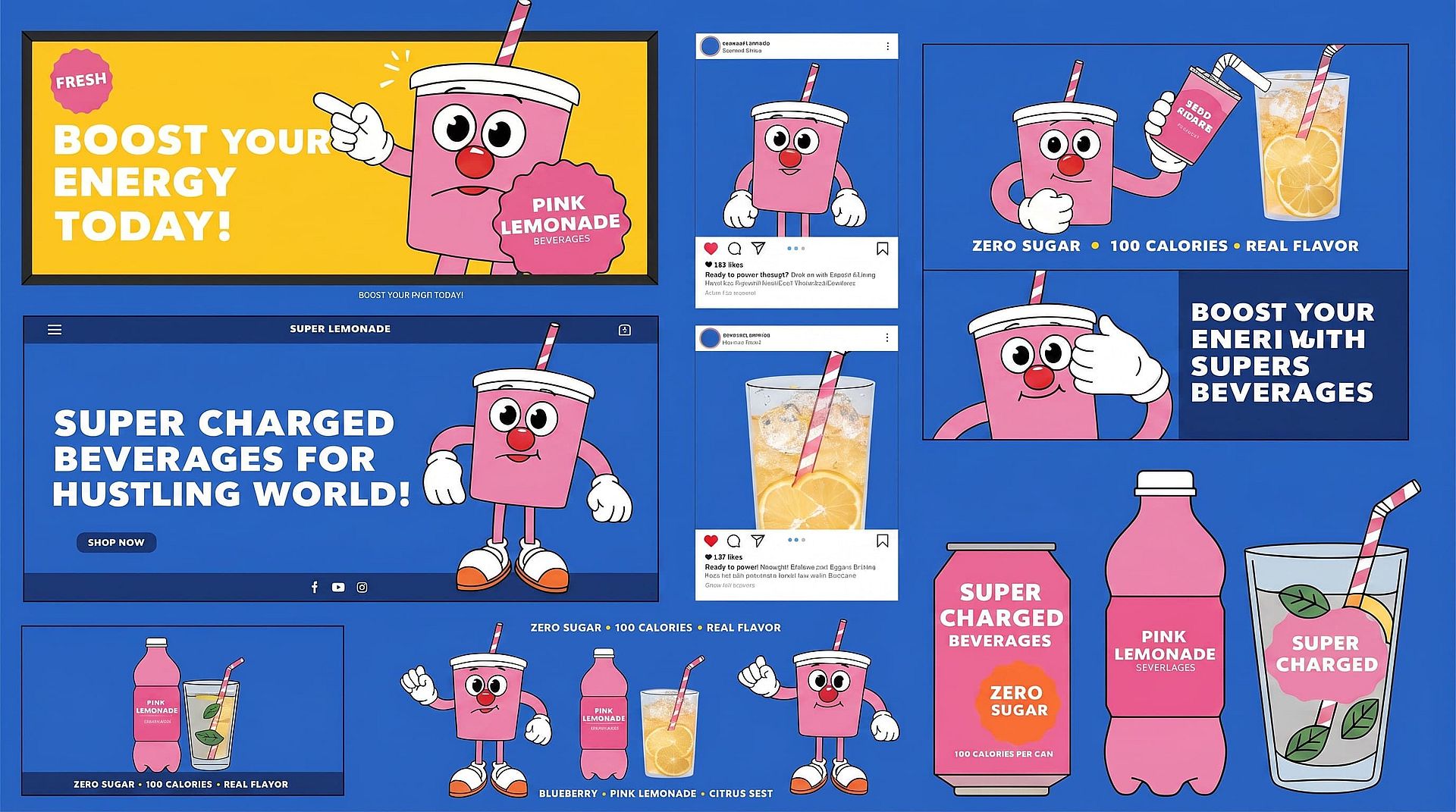
Imágenes de marca y creatividades de campaña
Generate illustrations and visual concepts for ads, landing pages, social media, packaging, and marketing campaigns. Use character references and OpenArt’s Kit de marca con IA para mantener personajes, productos, logotipos, colores y estilos visuales consistentes en cada variación creativa.
Pruébalo ahora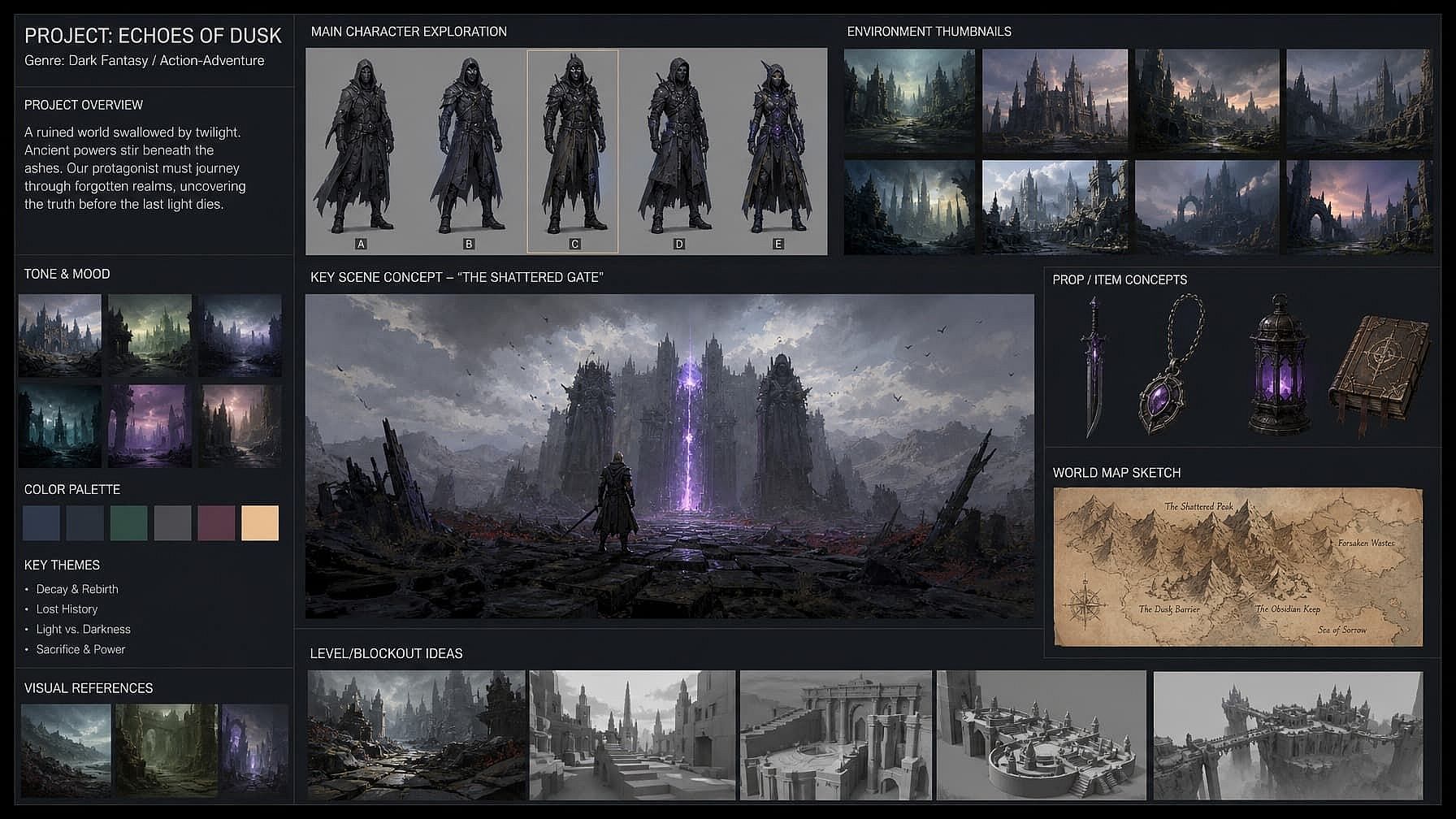
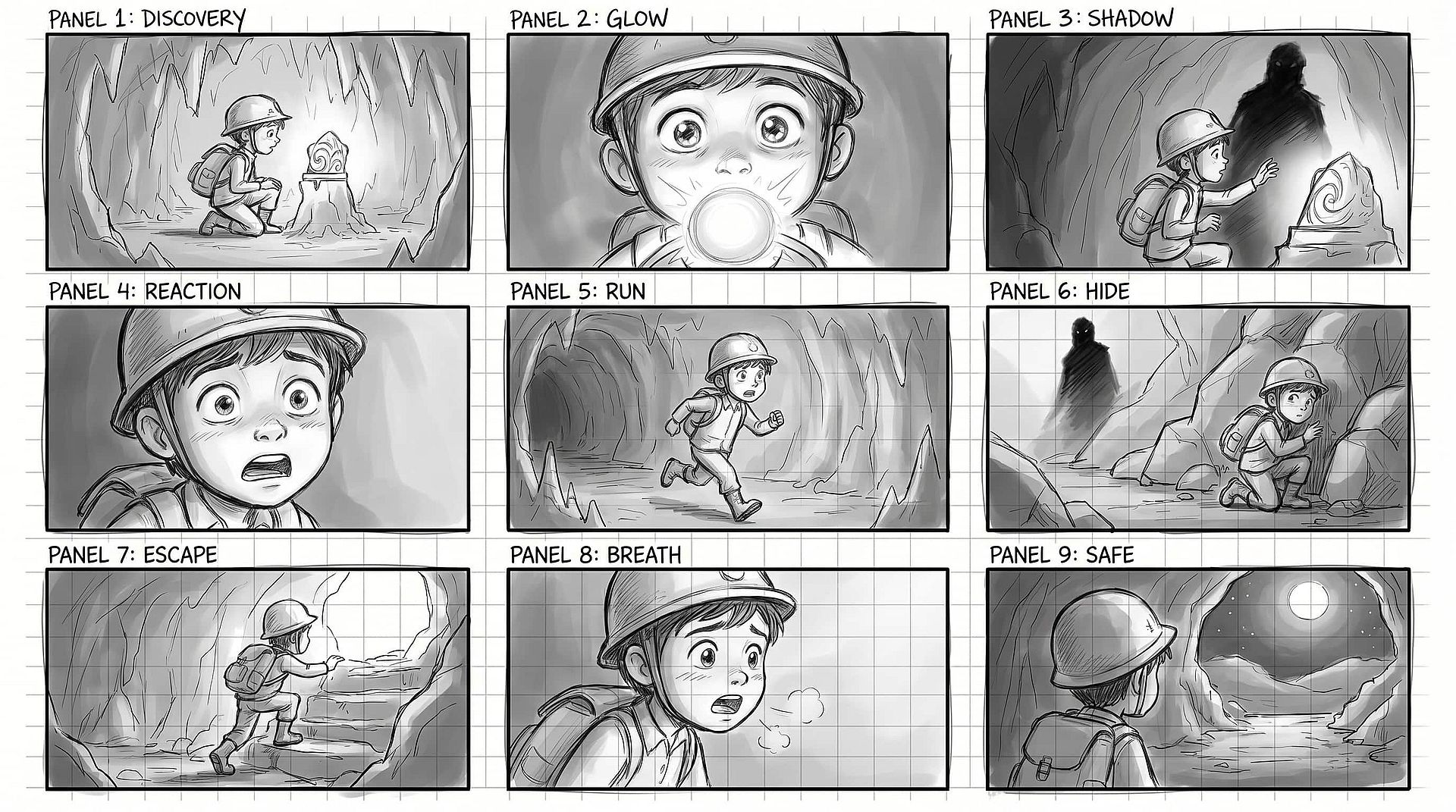
Arte conceptual y storyboards
Visualiza escenas, personajes y entornos antes de la producción. Lo usan cineastas independientes, diseñadores de juegos, animadores y equipos de worldbuilding que necesitan una exploración visual ágil antes de fijar la dirección.
Pruébalo ahoraPreguntas frecuentes Preguntas
Un generador de arte con IA es una herramienta que convierte prompts de texto o imágenes de referencia en obras digitales. Puede crear anime, pinturas, ilustraciones, pixel art, arte conceptual, escenas de fantasía y otros estilos artísticos sin necesidad de saber dibujar o pintar de forma tradicional.
Sí. La función de personaje fija caras, atuendos e identidad visual en muchas imágenes, escenas o proyectos. Úsala para webcómics con un protagonista recurrente, contenido de marca que necesita la misma mascota en toda una campaña o storyboards donde un mismo personaje aparece en docenas de fotogramas sin desviarse.
Sí. Editar imagen te permite corregir zonas concretas de una imagen —cambiar un outfit, ajustar una expresión, arreglar una mano, sustituir un objeto del fondo— sin tocar nada más. La mayoría de los generadores te obligan a empezar el prompt de cero y perder lo que ya te gustaba. OpenArt no.
Puedes subir archivos JPEG, PNG y WEBP como imágenes de referencia. Los resultados generados pueden descargarse como PNG o JPEG. PNG conserva la transparencia, lo que importa si usas el eliminador de fondos o trabajas con resultados tipo pegatina.
No. Empieza con una descripción sencilla del sujeto y el estilo que quieres. Añadir detalles sobre el medio artístico, los colores, la iluminación, la composición y el ambiente te da más control. Puedes explorar estos Prompts de imágenes y arte con IA para ver ejemplos o usa el Generador de imagen a prompt para crear un prompt a partir de una imagen de referencia.
OpenArt da acceso a múltiples Modelos de imagen con IA en un solo espacio de trabajo. Cada modelo se adapta a tareas distintas, como texto legible, retratos realistas, anime, ilustración, diseño gráfico, coherencia de personajes y exploración creativa rápida. La lista de modelos disponibles se actualiza a medida que se lanzan nuevos modelos.
Puedes crear arte anime y manga, pinturas digitales, ilustraciones a la acuarela, estilos de pintura al óleo, pixel art, recursos para juegos, portadas de libros, escenas de fantasía, concept art, storyboards, diseños de personajes, obra gráfica y composiciones abstractas. El resultado final depende de tu prompt, tus imágenes de referencia y el modelo seleccionado.
Yes. Upload a photo, drawing, or rough sketch and describe how you want it transformed. OpenArt’s Generador de imagen a imagen con IA puede conservar la composición original mientras cambia los colores, los detalles, el medio, el ambiente o el estilo artístico.
Consigue consejos de expertos en el blog
Consigue la información que necesitas. Nuestros expertos comparten trucos prácticos, analizan los temas más candentes y ofrecen guías esenciales para ayudarte a crear, optimizar y escalar.
Leer más
OpenArt Director es el n.º 1 en el benchmark de agentes de anuncios de vídeo con IA de Physion Labs

¿Qué es OpenArt? – La plataforma de creación con IA todo en uno, explicada
OpenArt presenta OpenArt Arena, un nuevo referente de modelos de IA hecho a medida para y por creativos
Crea sin límites
Únete a miles de creadores que usan OpenArt para generar imágenes, vídeos y mucho más impresionantes, todo en una sola plataforma.
Empieza gratis →