

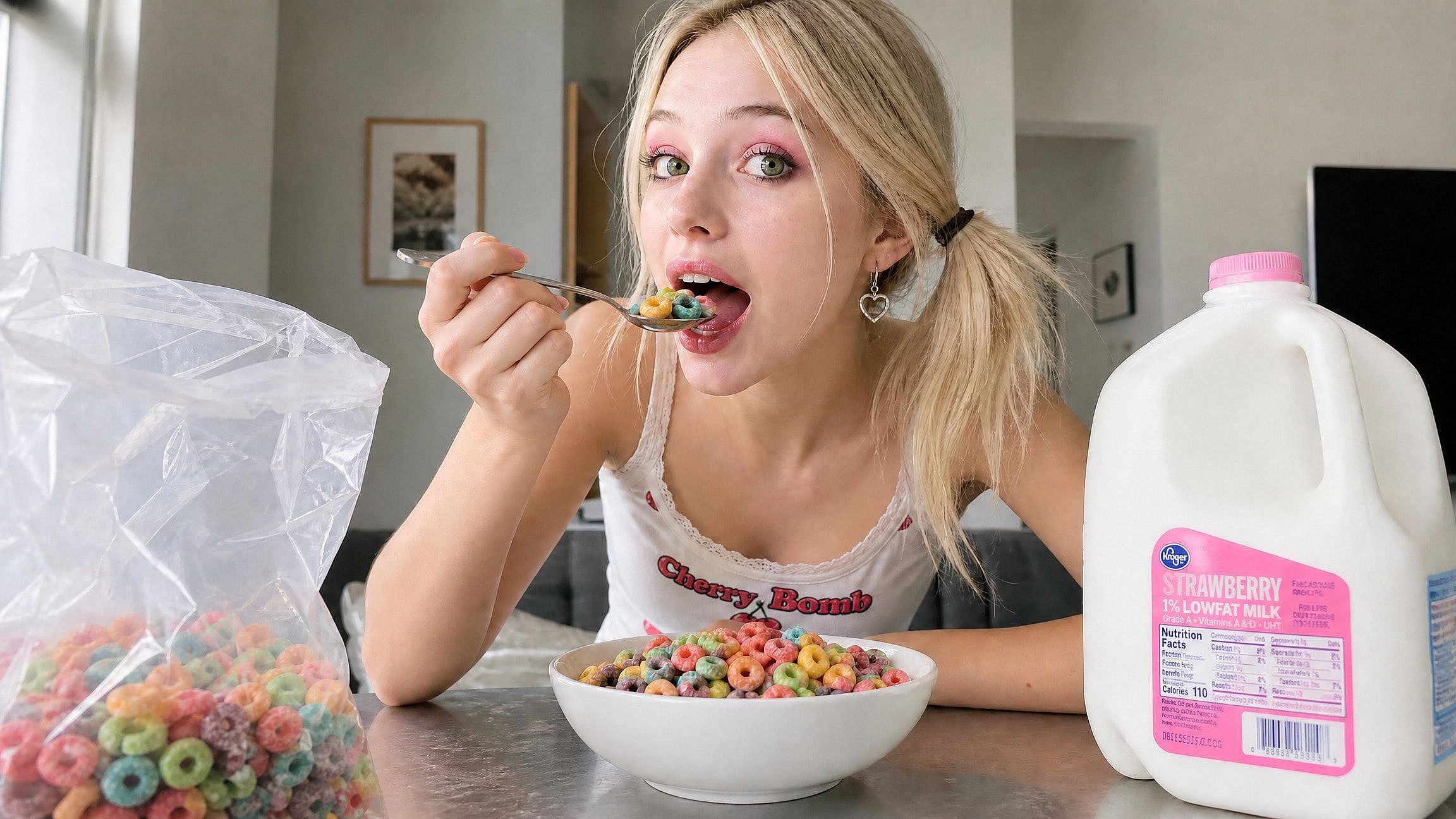
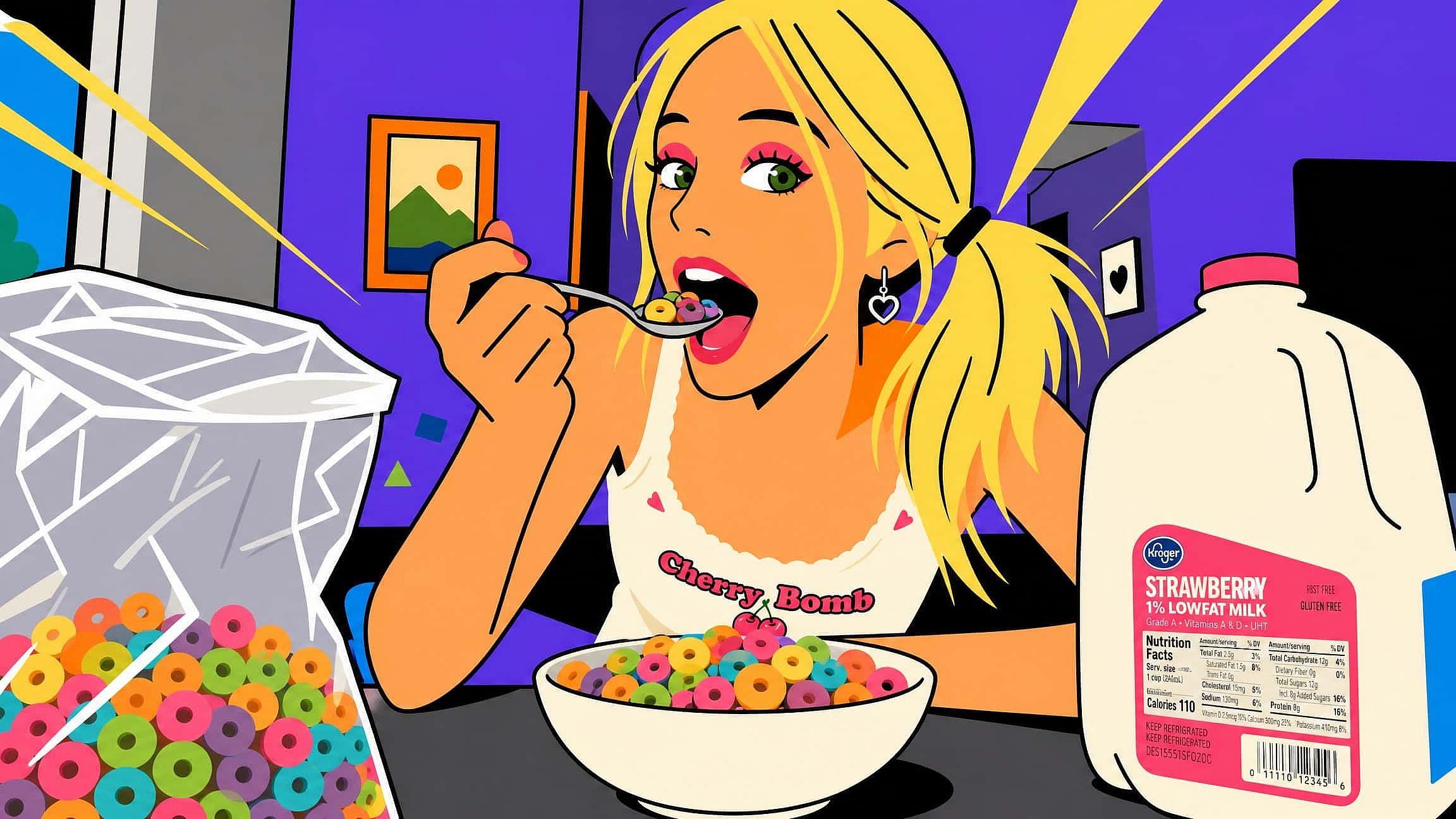
Imagen a imagen con IA
Convierte cualquier imagen en algo nuevo con el generador de imagen a imagen con IA de OpenArt. Sube una foto, describe la transformación por chat y obtén resultados que conservan tu composición mientras cambian el estilo, el ambiente o los detalles.
 Añade una imagen O arrástralo y suéltalo aquí · JPEG, PNG, WEBP, HEICJPEG, PNG, WEBP, HEIC
 Cómo usar la conversión de imagen a imagen con IA en OpenArt
Transformar una imagen requiere una subida, un prompt y un deslizador. El flujo principal se realiza con la herramienta Variaciones de imagen de OpenArt.
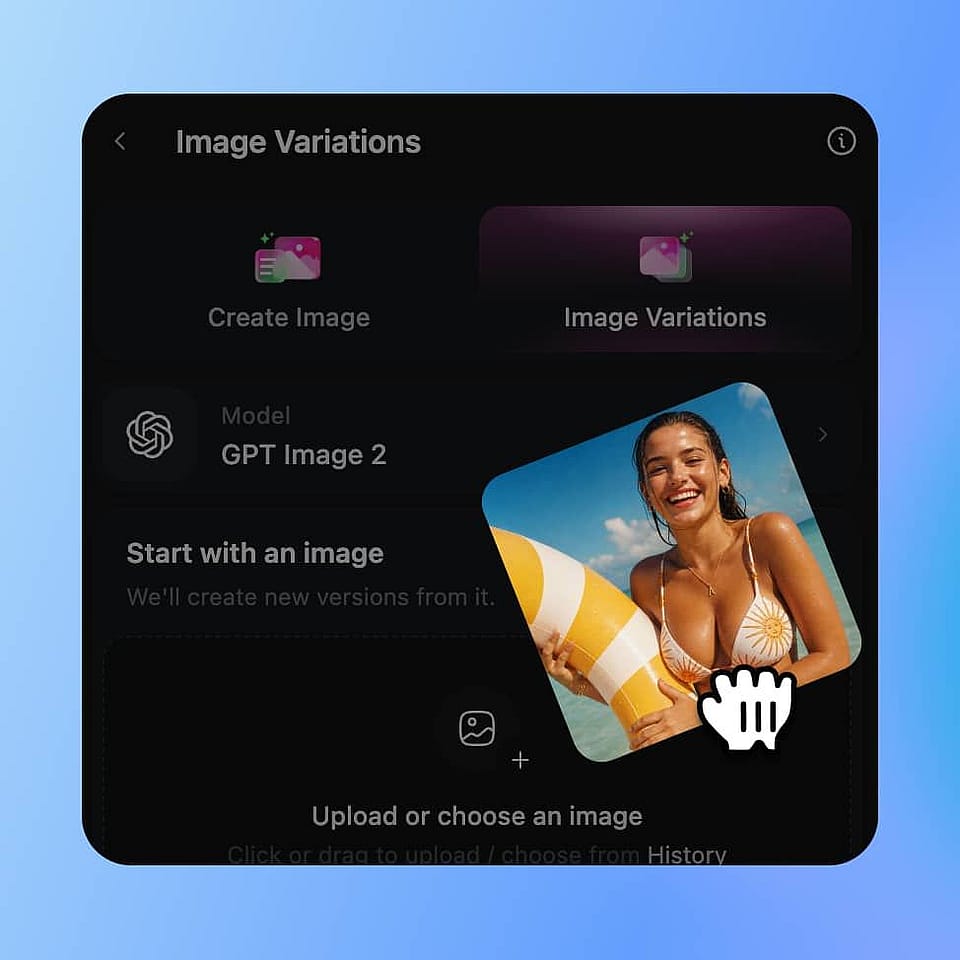
Sube tu imagen inicial
Abre Variaciones de imagen y suelta la foto, ilustración o boceto que quieres transformar. Las imágenes nítidas y bien iluminadas, con una resolución cercana a la de salida deseada, dan los mejores resultados.
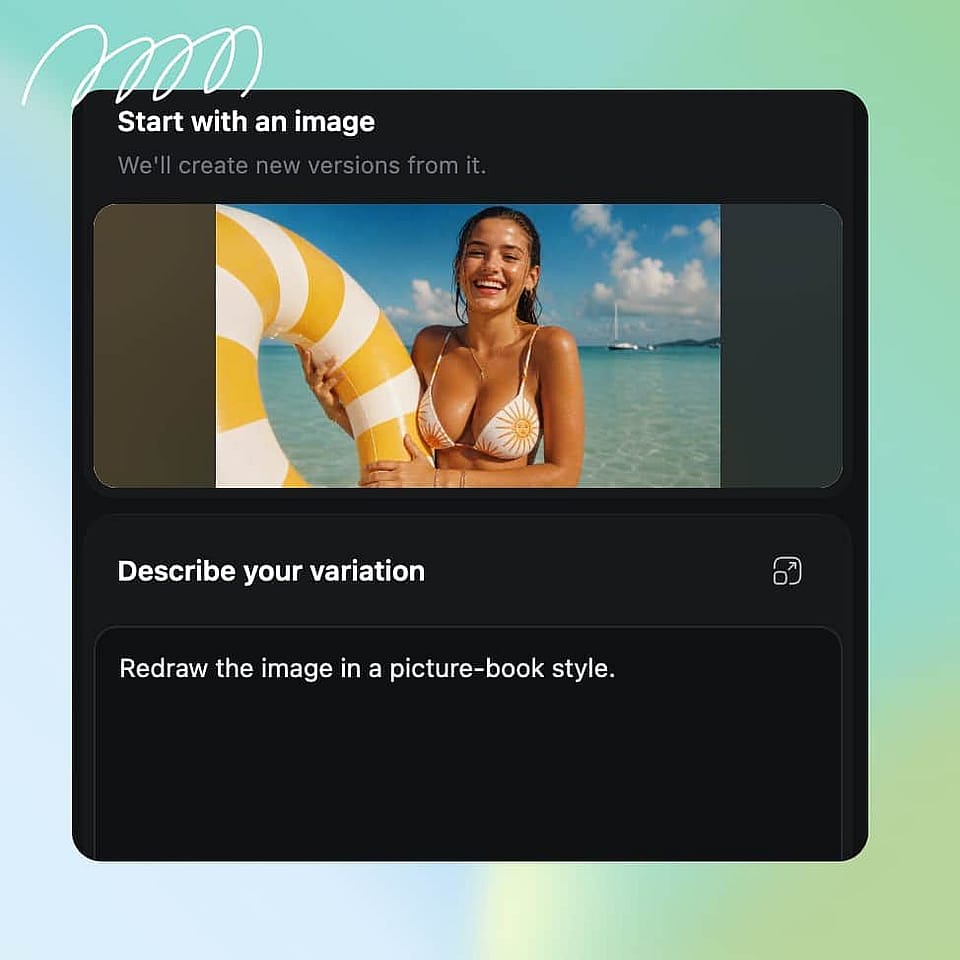
Describe la transformación
Escribe un prompt de texto que describa el estilo, el ambiente, los colores o los elementos que quieres cambiar. Sé específico: "ilustración en acuarela, paleta pastel suave, estilo de cuento" funciona mejor que "hazlo más artístico".
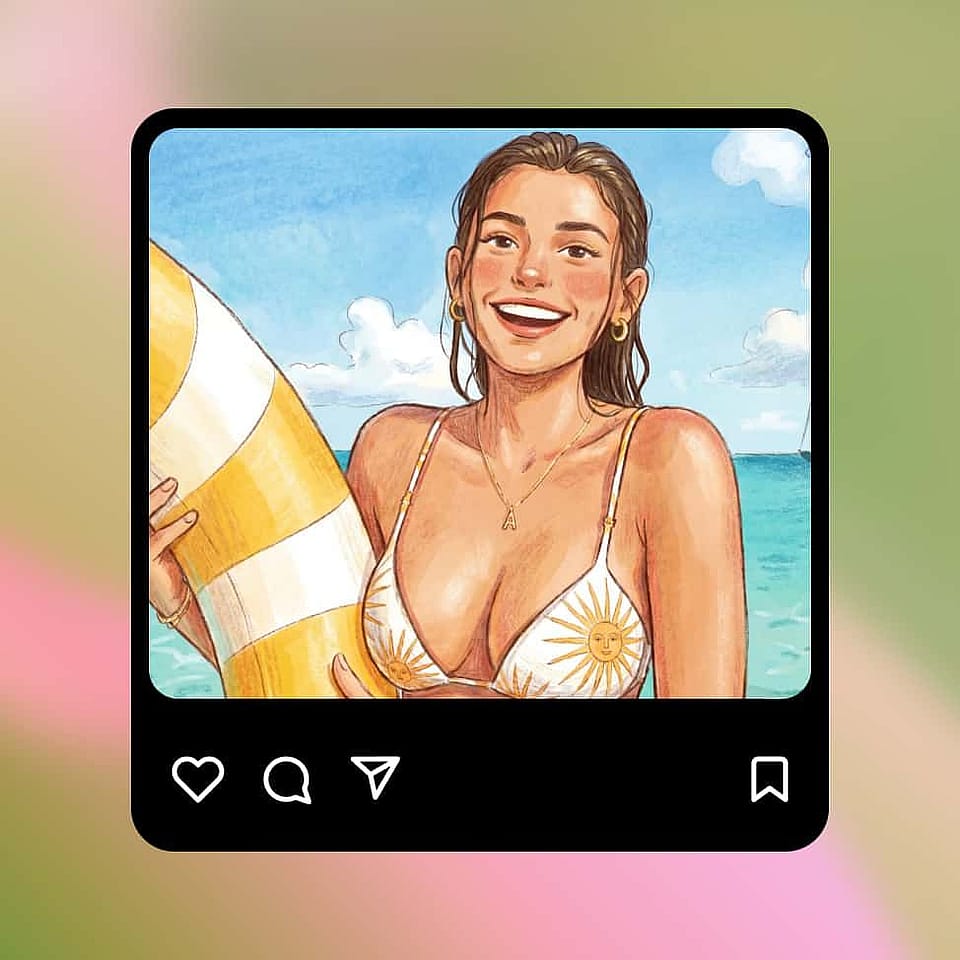
Ajusta el nivel de creatividad y genera
Mueve el control de creatividad hacia «más fiel al original» para un reestilizado fiel o hacia «más diferente» para dar un salto mayor, luego genera hasta 8 variaciones y elige tu favorita.
Transforma cualquier imagen sin perder lo que importa
Cambia el estilo de fotos, bocetos e ilustraciones conservando la composición, el sujeto y la identidad originales. Desde retoques sutiles hasta transformaciones artísticas espectaculares, OpenArt te permite crear resultados coherentes con potentes herramientas de edición con IA.
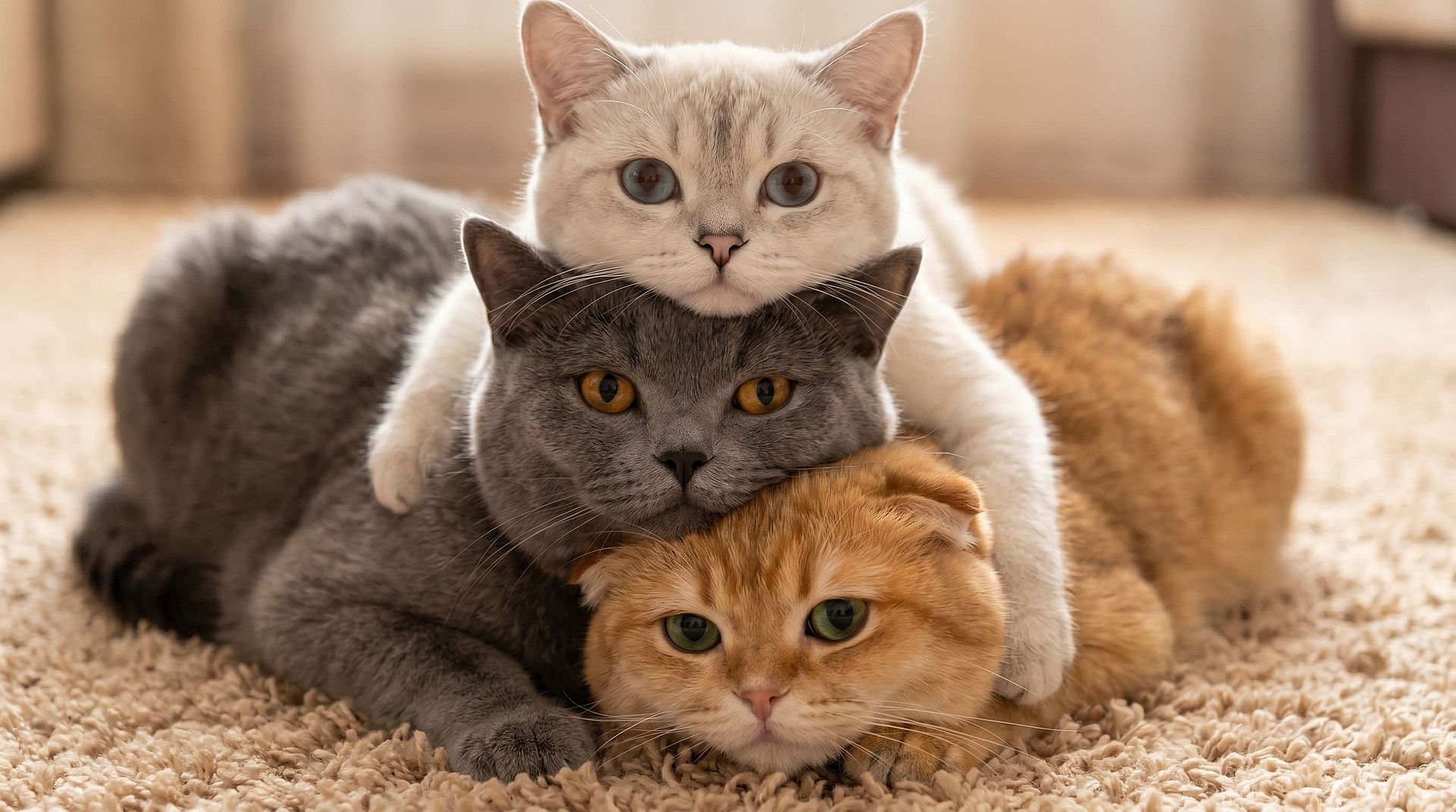
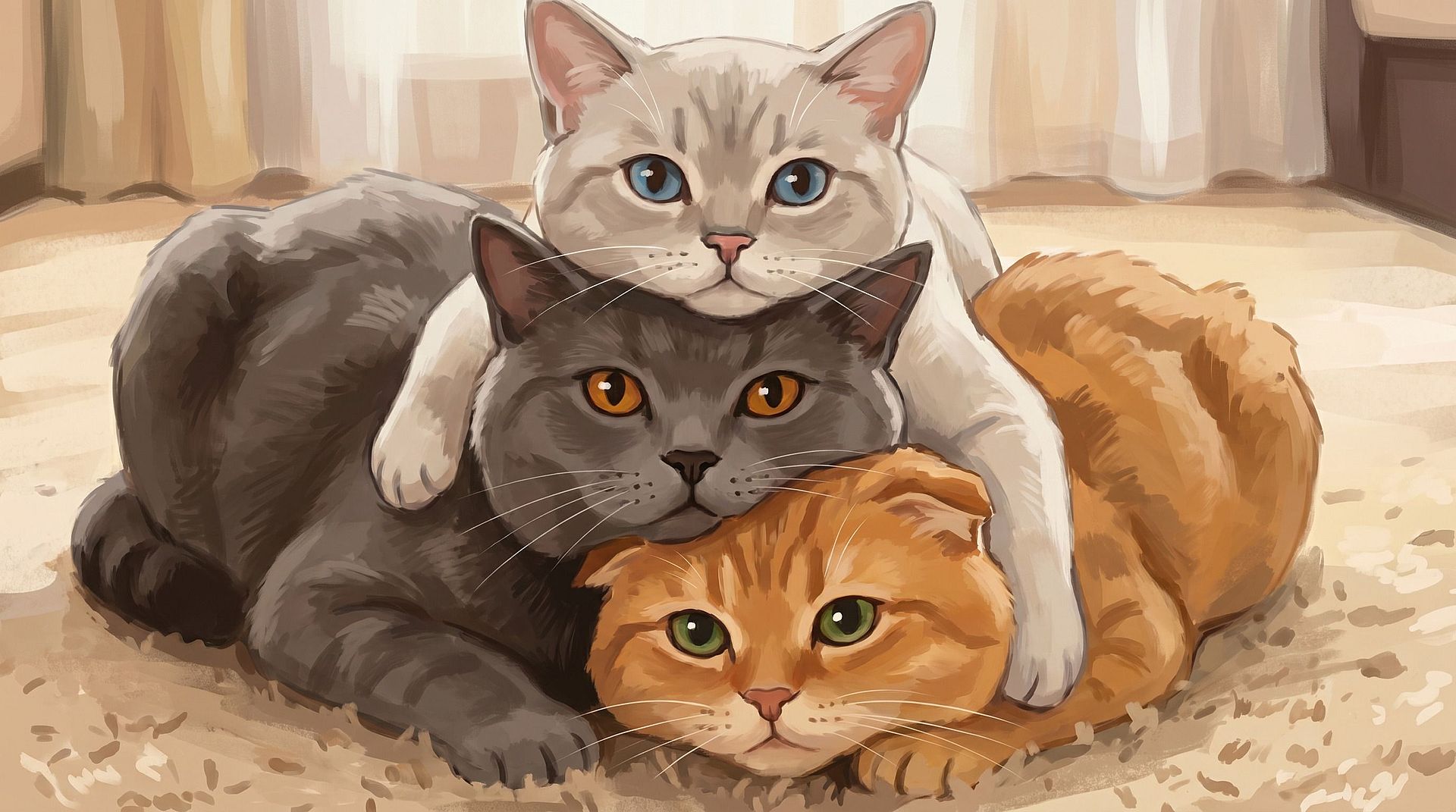
Cambia el estilo de tus fotos sin perder la estructura
El Generador de imágenes con IA puede cambiar cualquier foto conservando su composición, encuadre y parecido. Convierte un retrato en un personaje de anime, una foto callejera en una escena cyberpunk o la foto de tu mascota en una obra pintada. El sujeto y la disposición se mantienen, así que el resultado sigue siendo tu imagen con un estilo nuevo. También puedes combinar este flujo de trabajo con Transferencia de estilo con IA, IA de imagen a dibujo animado, o el Filtro Studio Ghibli para crear fotos de perfil estilizadas, fan art y retratos imprimibles.
Pruébalo ahora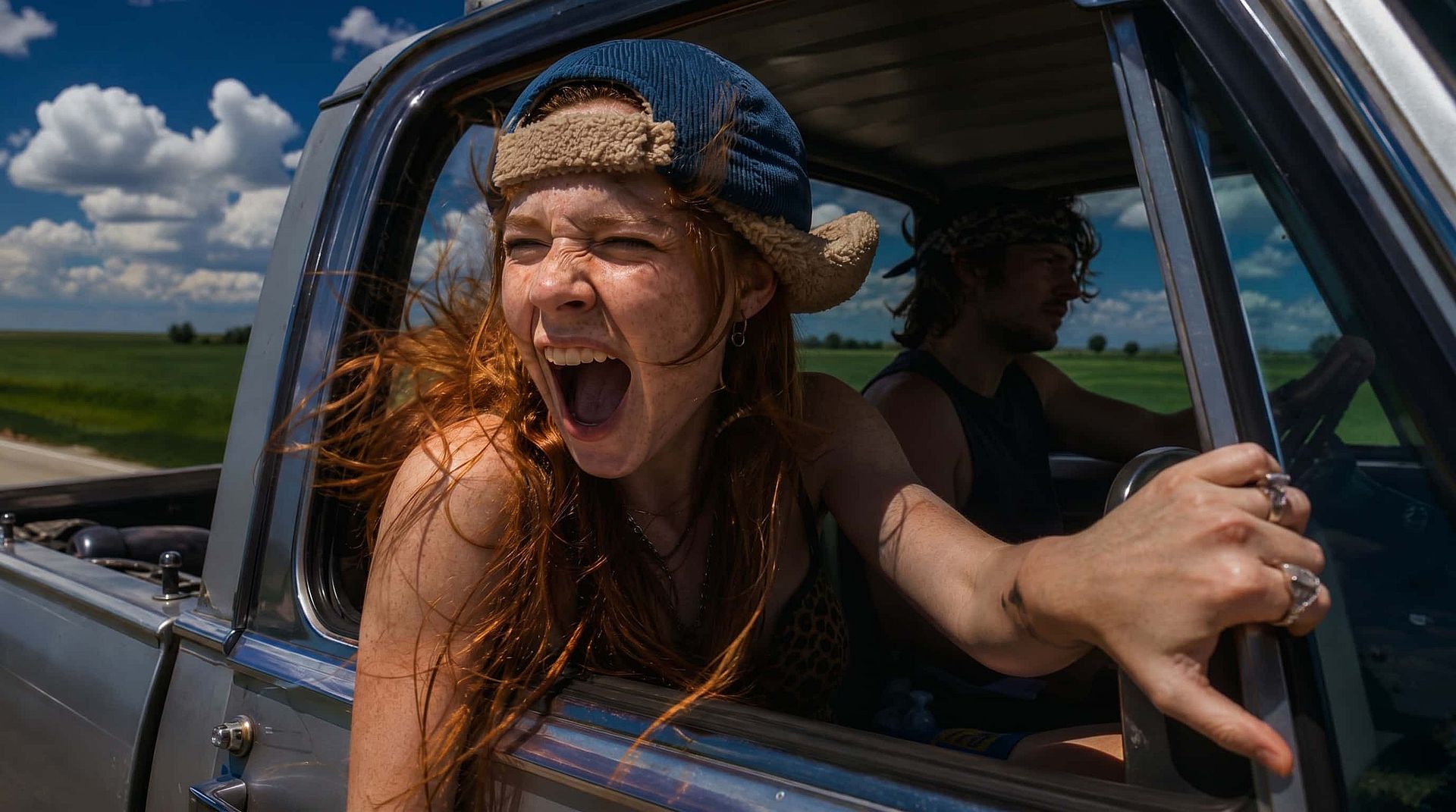
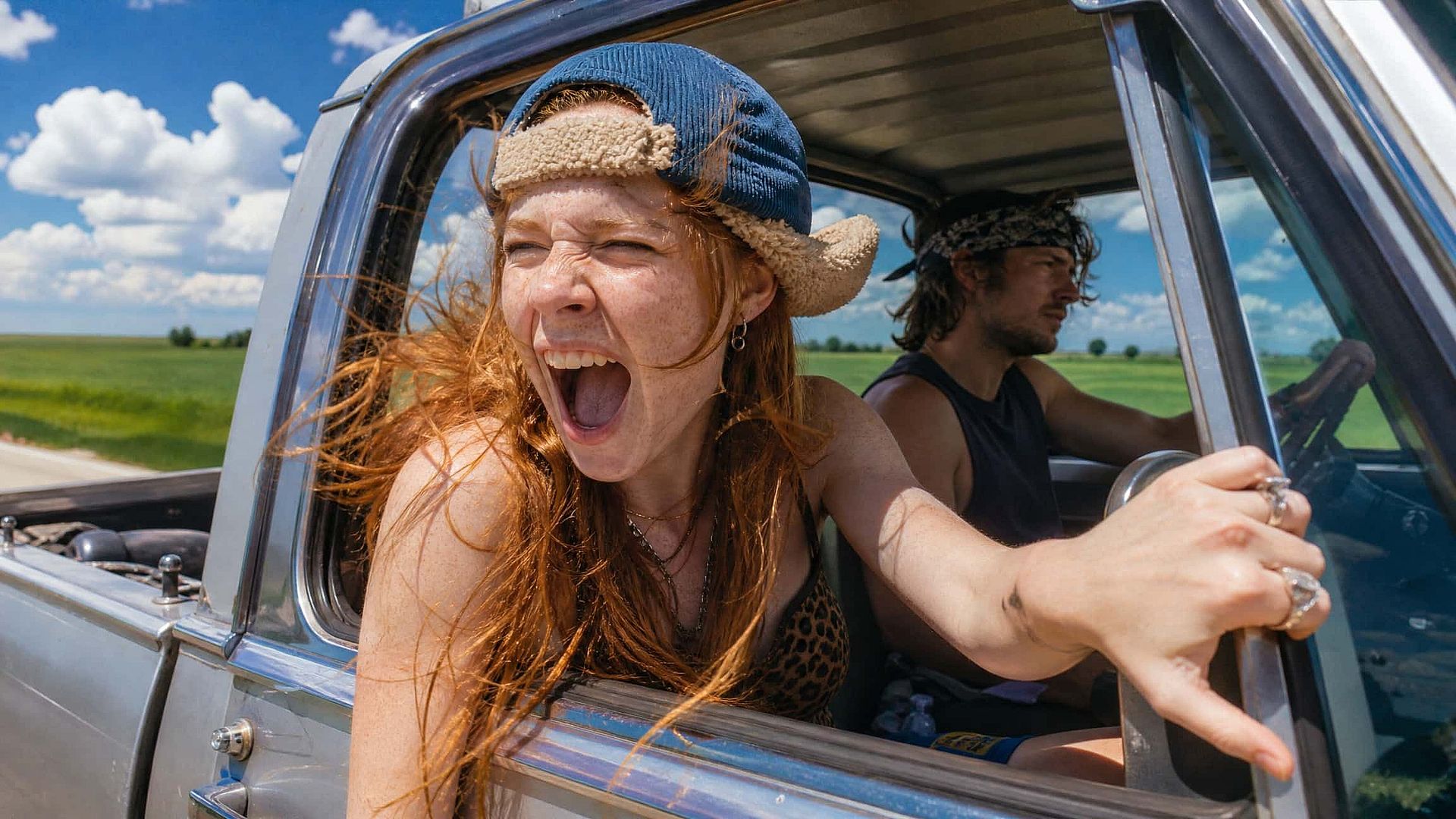
Controla la intensidad del cambio
El control deslizante de creatividad funciona como el ajuste de intensidad en los flujos clásicos de imagen a imagen: mantenlo bajo para cambios sutiles de color, iluminación y textura, o súbelo para una reinterpretación completa. También puedes subir una imagen de referencia junto a tu prompt para que las nuevas generaciones hereden su aspecto, o dejar que Imagen a prompt genera automáticamente un prompt a partir de cualquier imagen que subas. Es la forma más rápida de decir: «Hazme algo así, pero diferente».
Pruébalo ahora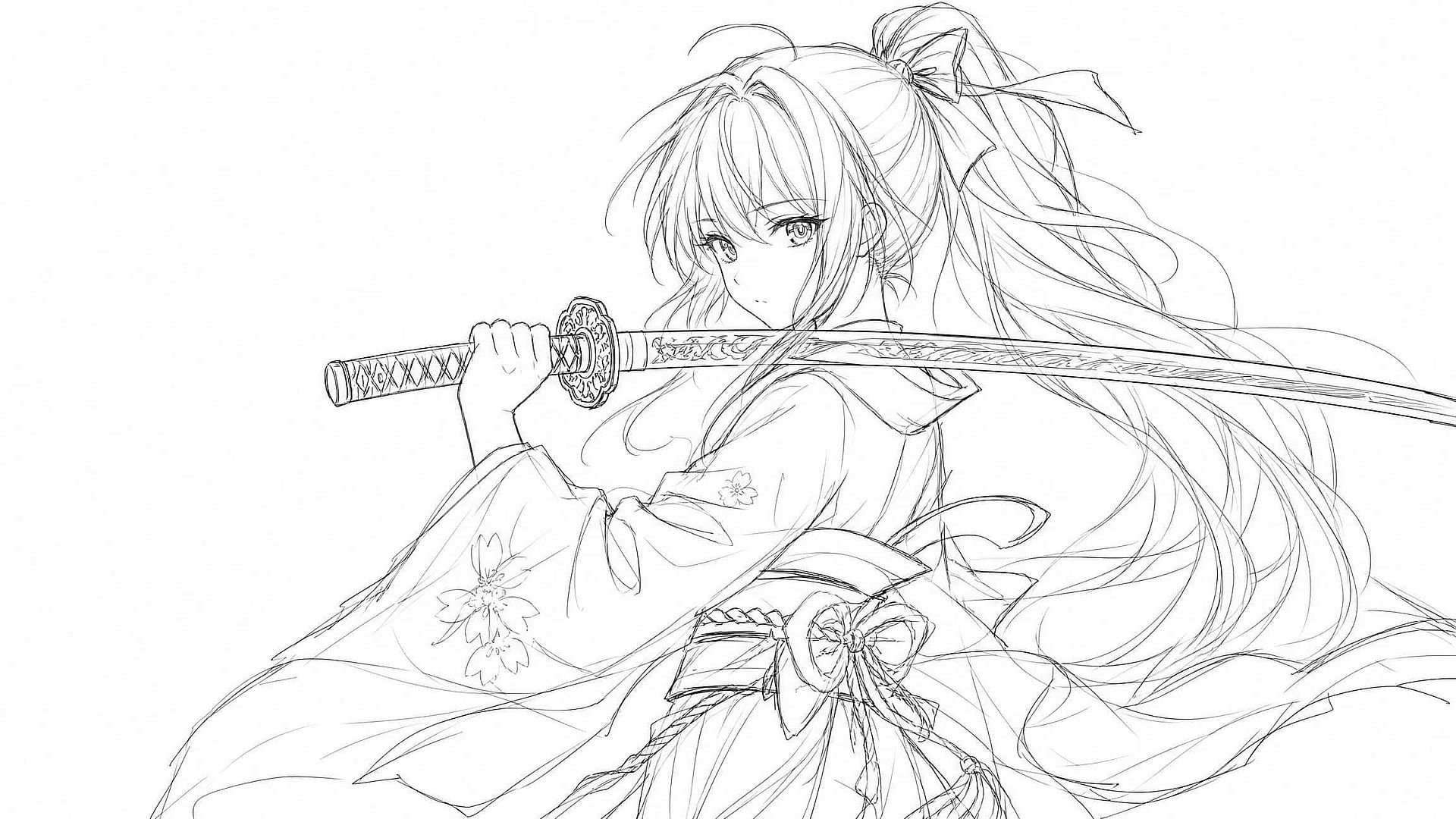
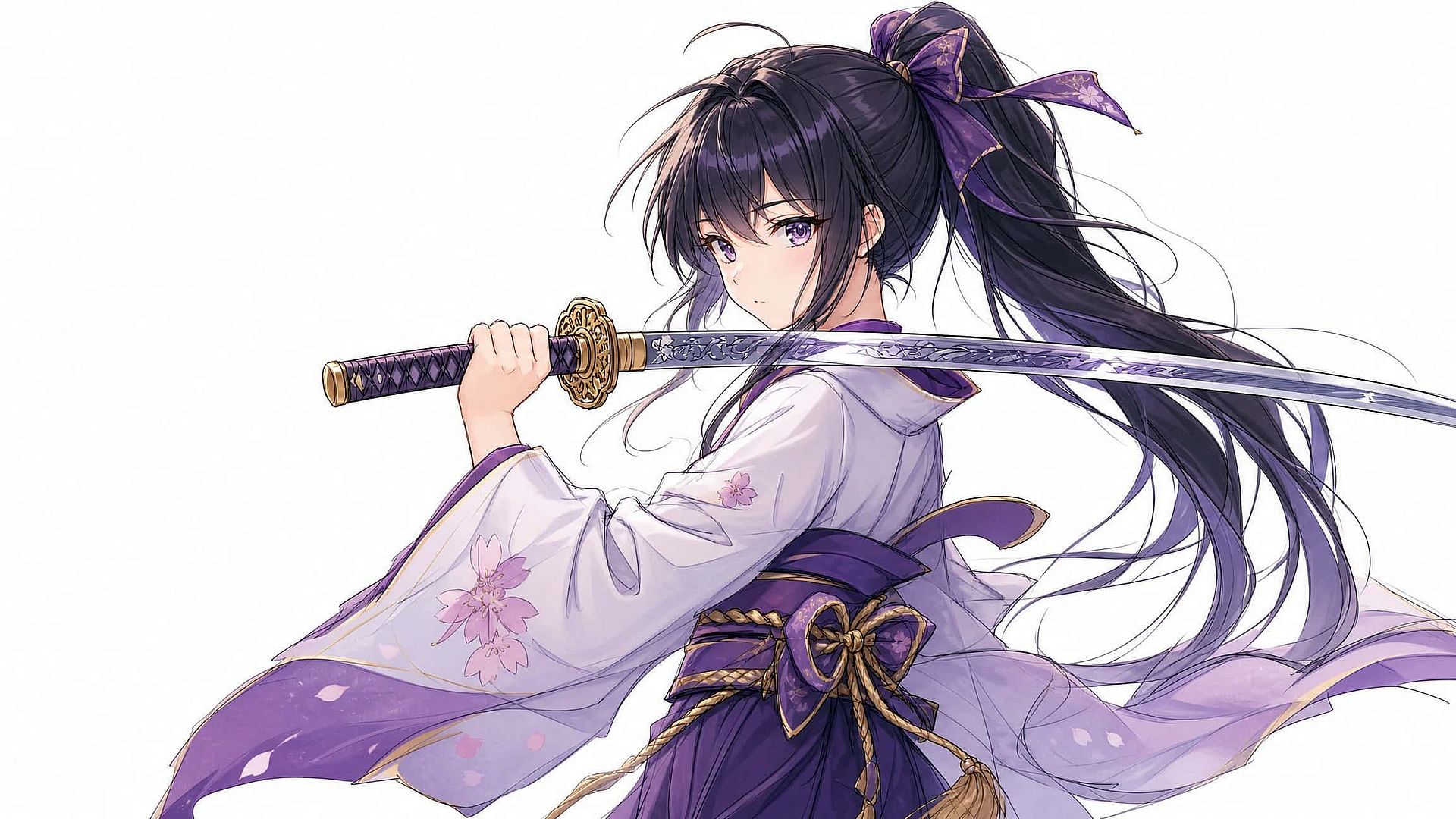
Convierte bocetos en imágenes acabadas
Sube un dibujo de líneas, un boceto o un render inicial y describe la pieza final que tienes en mente. La IA colorea y detalla tu boceto en arte pulido, y explora hasta ocho direcciones a la vez para iterar rápido. Artistas de videojuegos, ilustradores y diseñadores lo usan para desarrollar personajes, entornos y ambientes mucho más rápido que redibujando a mano, y funciona a la inversa para simplificar una foto en un trazo estilizado.
Pruébalo ahora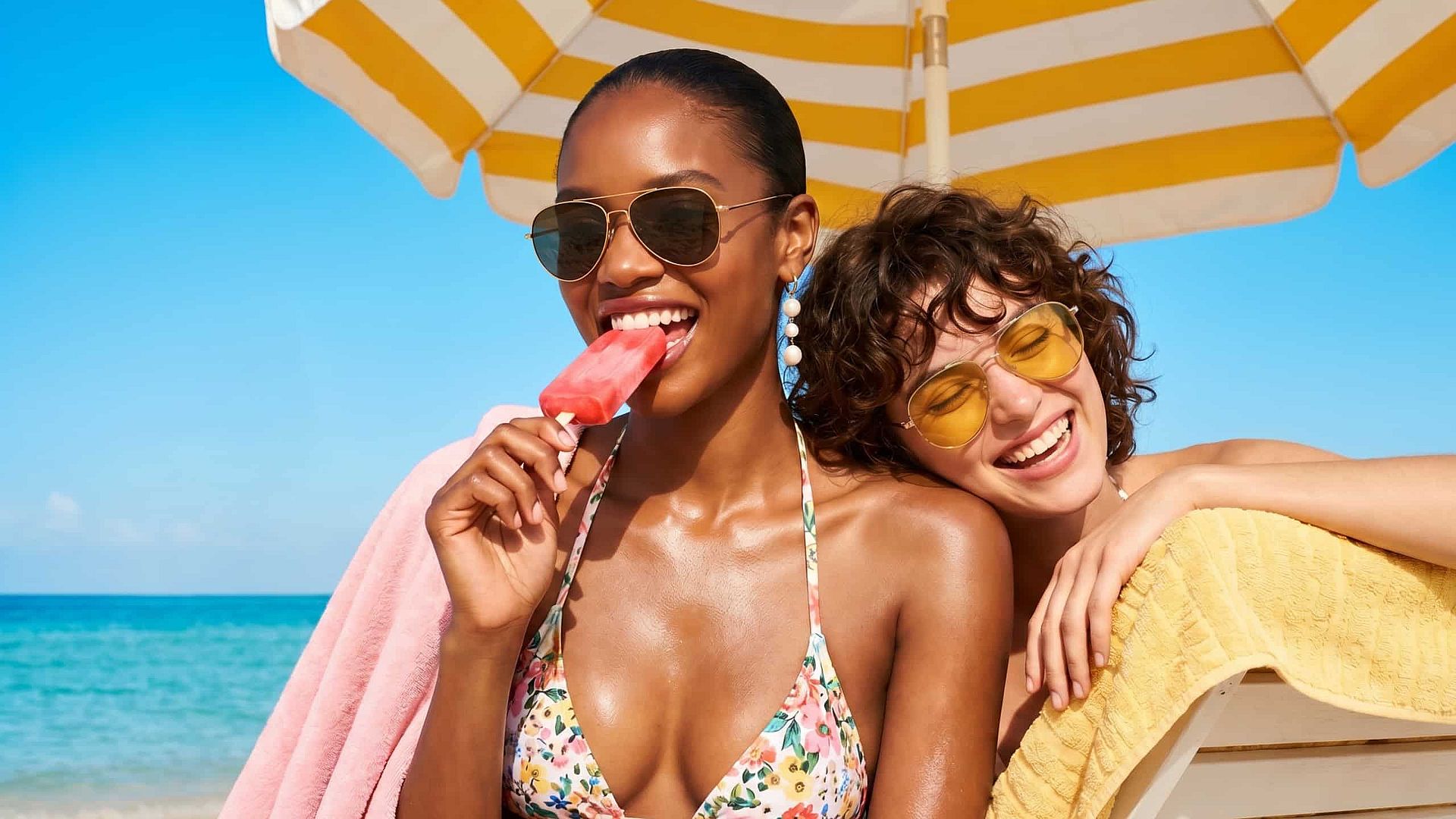
Contenido nuevo a partir de fotos antiguas
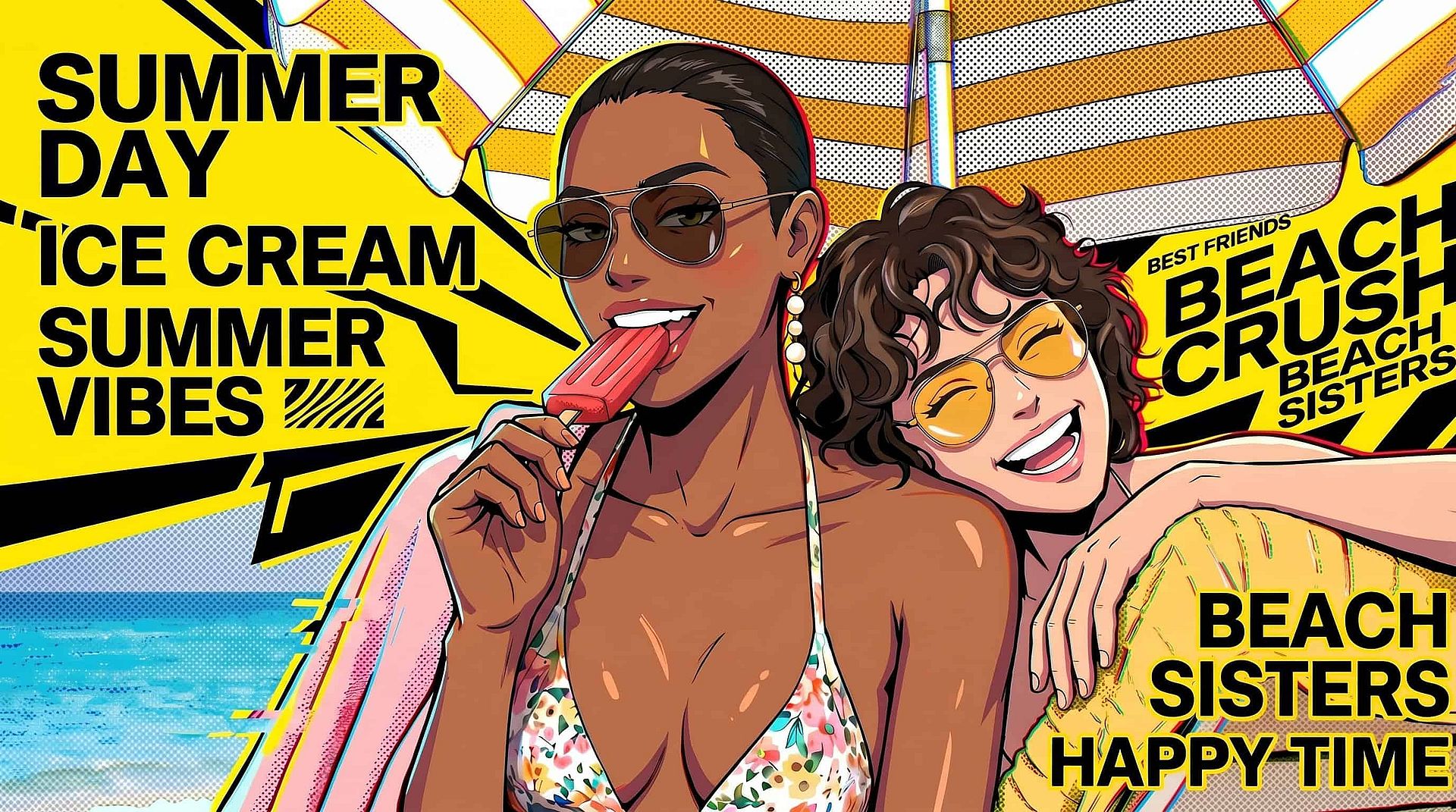
Dale una segunda vida a una sola imagen o a todo tu carrete. Reestiliza la foto de un producto con temas de temporada, fondos e iluminación para convertir un único recurso en una campaña completa. Combínalo con Cambiador de fondo, o Editor de fotos con IA para crear imágenes coherentes y fieles a tu marca para redes sociales, marketing y comercio electrónico.
Pruébalo ahoraPreguntas frecuentes Preguntas
La generación de imagen a imagen con IA es un tipo de generación que parte de una imagen existente en lugar de un lienzo en blanco. Subes una imagen, describes el cambio que quieres en un prompt de texto y la IA produce una nueva imagen que conserva la estructura original a la vez que transforma el estilo, los colores o el contenido.
El texto a imagen crea una imagen solo a partir de un prompt, así que la composición depende de la IA. La imagen a imagen ancla el resultado a la imagen que subes, dándote mucho más control sobre la disposición, la colocación del sujeto y las proporciones.
Puedes probar OpenArt gratis con créditos de prueba, sin tarjeta de crédito. Los planes de pago añaden más créditos, generación más rápida y resoluciones de salida más altas para un uso habitual.
Sí. Sube tu boceto o línea, describe el resultado final y sube el nivel de creatividad para que la IA tenga margen para añadir color, textura y detalle. Funciona igual de bien con arte de personajes, conceptos de producto e ideas arquitectónicas.
Las imágenes que generes en OpenArt pueden usarse para proyectos comerciales bajo los términos de servicio de OpenArt. Sube solo imágenes de origen que poseas o tengas derecho a usar, y evita subir obras con derechos de autor de otras personas o fotos de personas sin su permiso.
Por debajo, el modelo oscurece parcialmente tu imagen de entrada con ruido y luego la reconstruye guiándose por tu prompt de texto. Como la reconstrucción parte de tu imagen y no de ruido puro, el resultado hereda tu composición. El ajuste de creatividad controla cuánto ruido se añade, y por eso los valores más altos cambian más.
OpenArt utiliza varios modelos de vanguardia, entre ellos Seedream 4.5, Seedream 5.0 Lite, GPT Image 2, Nano Banana Pro, Nano Banana 2, Kling 3.0, Grok Imagine, Recraft V4 y Wan 2.7. Puedes cambiar de modelo para adaptarlo a tu estilo, desde el fotorrealismo hasta el anime.
Sí. Sube tu foto, indica en el prompt el estilo anime que quieras y mantén el nivel de creatividad entre bajo y medio para que los rasgos faciales sigan siendo reconocibles. Puedes generar varias variaciones y elegir la que mejor equilibre parecido y estilo.
Controla cuánto se aleja el resultado de tu original, la misma idea que el ajuste de intensidad o denoising strength en otras herramientas de imagen a imagen. Los valores bajos conservan casi toda la imagen de origen, mientras que los altos mantienen solo la composición aproximada y reinterpretan todo lo demás.
Empieza con una imagen de origen clara y bien iluminada, escribe prompts específicos que nombren el estilo y el mood que quieres, y genera varias variaciones con distintos niveles de creatividad. Pequeños ajustes en el prompt entre generaciones suelen llevarte al aspecto exacto más rápido que un único prompt largo.
Consigue consejos de expertos en el blog
Consigue la información que necesitas. Nuestros expertos comparten trucos prácticos, analizan los temas más candentes y ofrecen guías esenciales para ayudarte a crear, optimizar y escalar.
Leer más
Crea sin límites
Únete a miles de creadores que usan OpenArt para generar imágenes, vídeos y mucho más impresionantes, todo en una sola plataforma.
Empieza gratis →