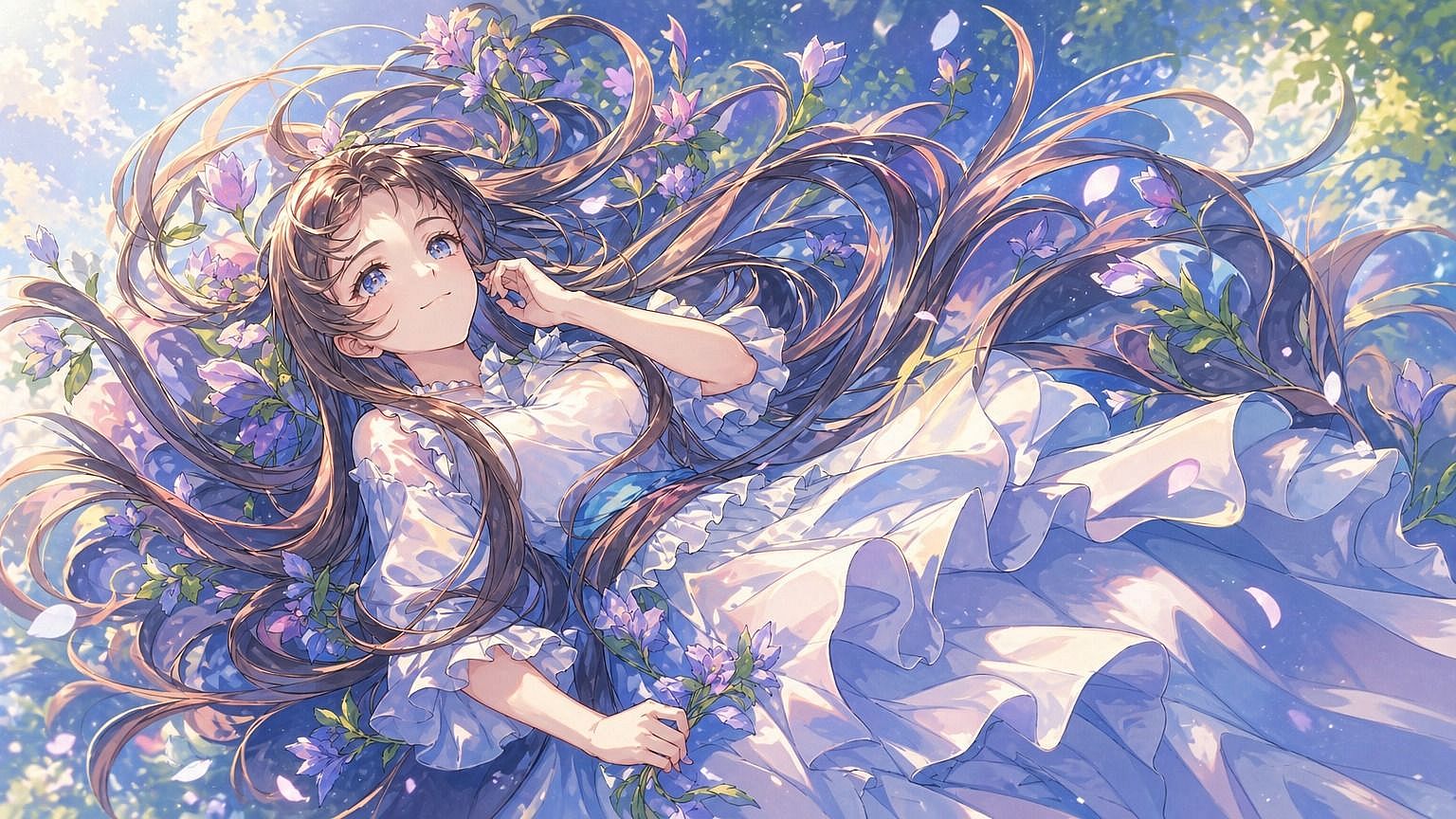
De boceto a imagen
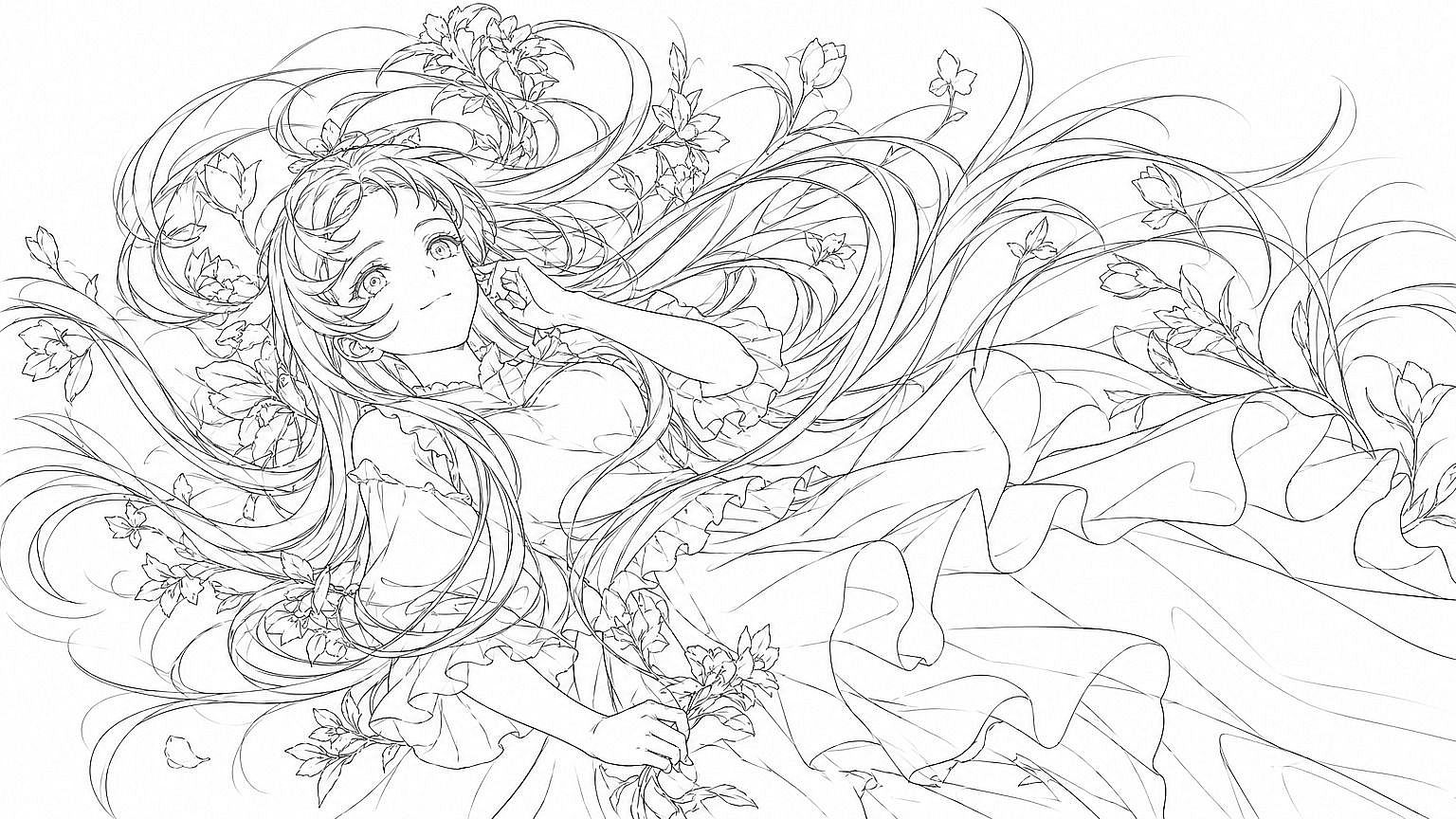
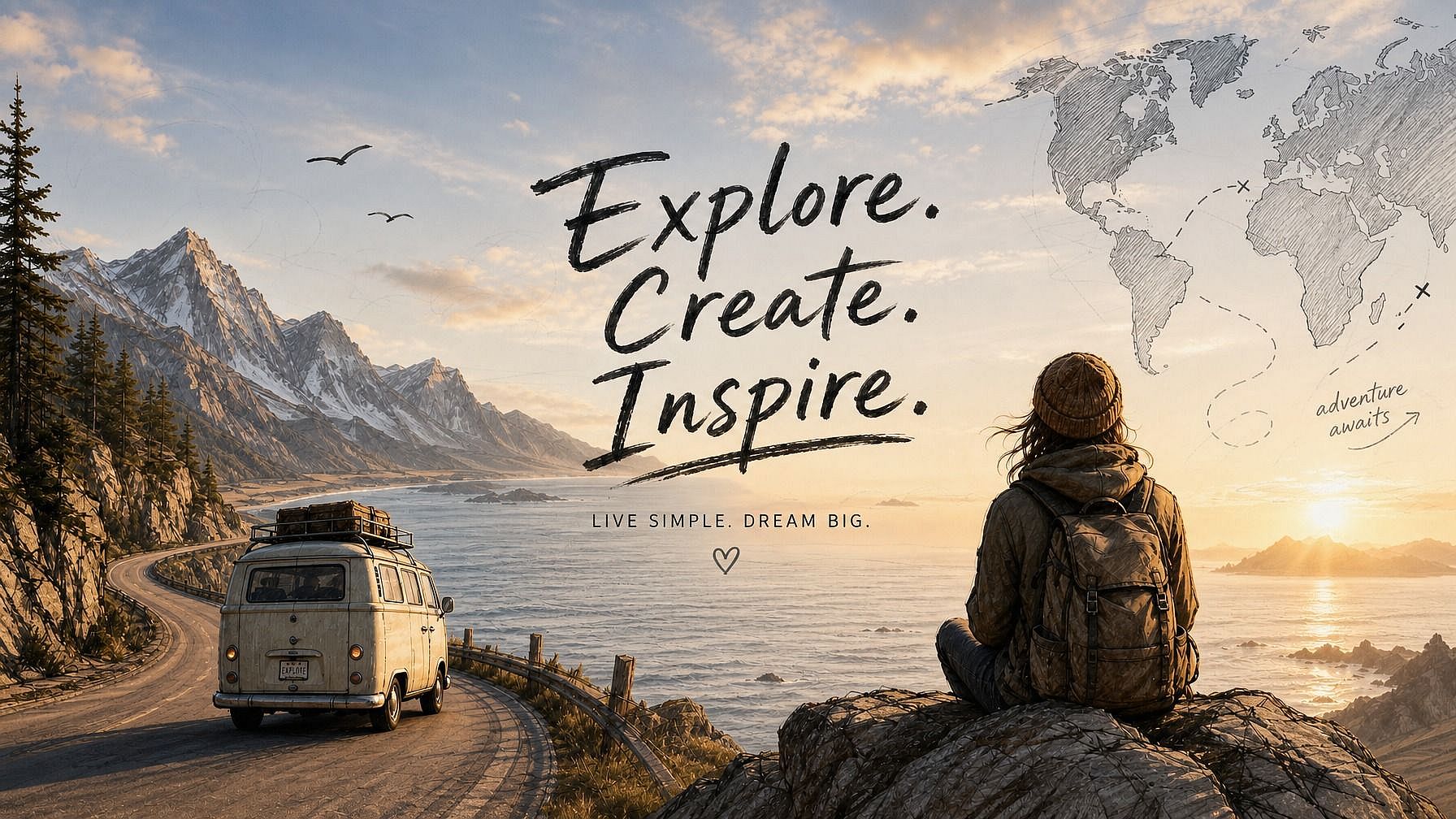
¿Tienes un boceto que te gustaría ver totalmente realizado? Súbelo a la herramienta de boceto a imagen de OpenArt y observa cómo tu dibujo cobra vida como una imagen acabada y pulida. La IA sigue la composición que dibujaste, incluidas las proporciones, la disposición y las formas clave, y rellena el estilo, el color y el detalle que describas.
 Añade una imagen O arrástralo y suéltalo aquí · JPEG, PNG, WEBP, HEICJPEG, PNG, WEBP, HEIC



Convierte cualquier boceto en una imagen terminada
Parte de un boceto a lápiz, un garabato rápido o un dibujo de líneas sueltas y recibe una imagen pulida y totalmente renderizada. No necesitas saber dibujar.



Mantiene intacta tu composición
Tu diseño original, las proporciones y los elementos clave se quedan exactamente donde los dibujaste. La IA añade estilo y detalle sin reorganizar lo que hay en la página.
Muchos estilos para elegir
Fotorrealista, anime, cinematográfico, acuarela, óleo, render 3D, cómic. Describe el estilo que quieres y la IA adapta tu boceto a él.
Creaciones de la comunidad
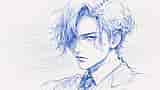
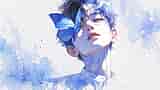
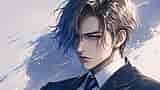
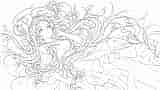
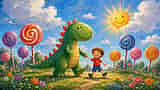
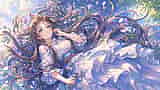
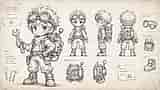
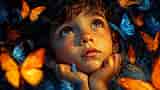
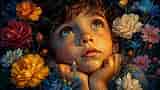
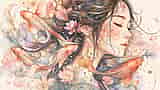
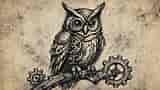
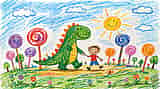
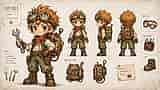
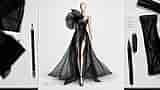
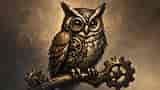
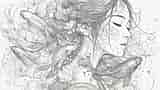
Descubre cómo artistas, diseñadores y aficionados dan vida a sus bocetos. Desde bocetos de ideas iniciales hasta arte conceptual, pósteres y maquetas de productos terminados, explora cómo un dibujo rápido puede convertirse en algo listo para tu portafolio.
Funciones clave de Boceto a Imagen
El editor de imágenes con IA de OpenArt usa modelos avanzados como GPT Image 2.0, Nano Banana Pro y Recraft V4 para convertir tus bocetos en imágenes limpias y detalladas. Es decir, tu dibujo sigue siendo la base y la IA solo construye sobre él en lugar de inventar algo sin relación.
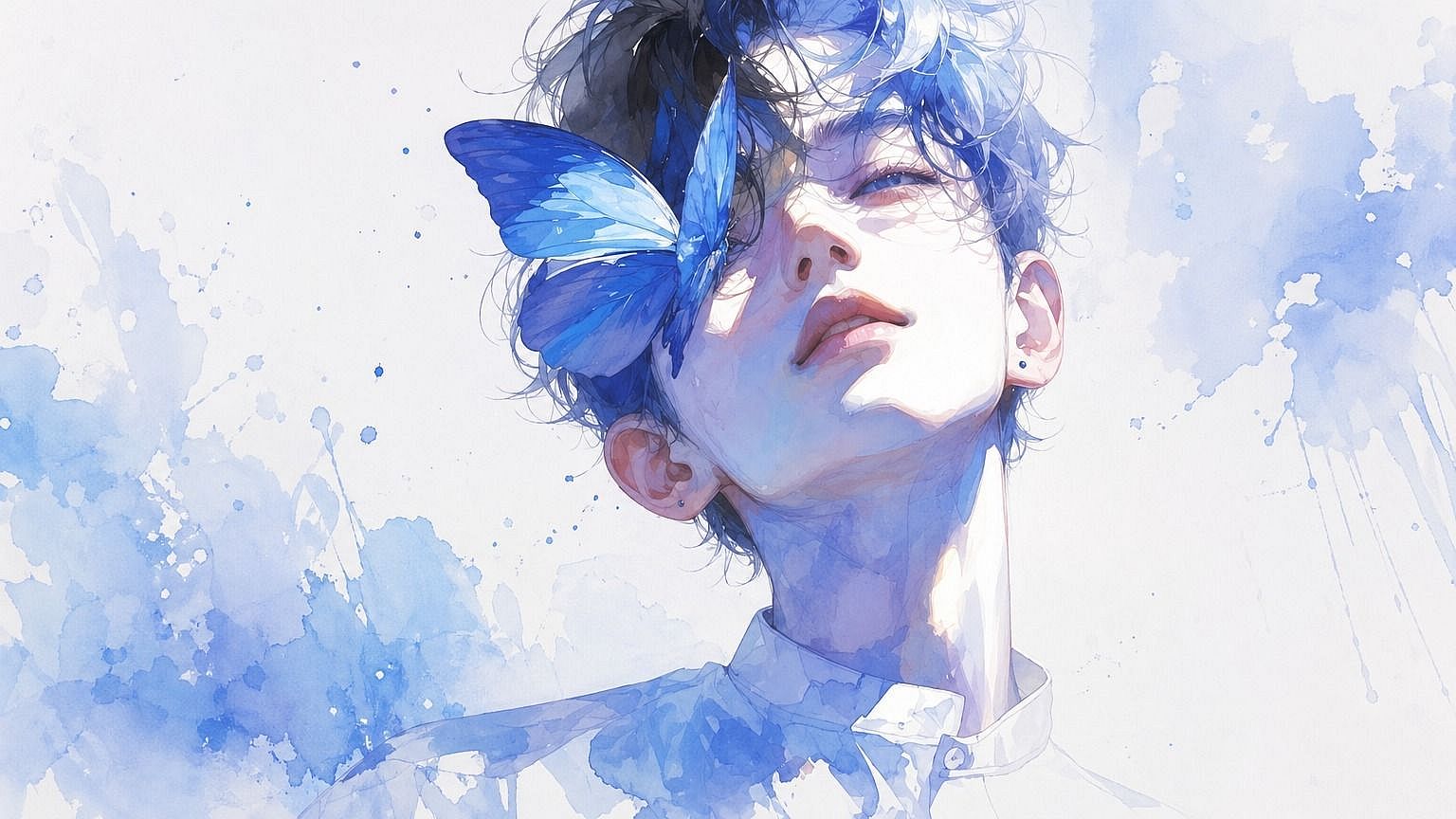
Generación fiel a la composición
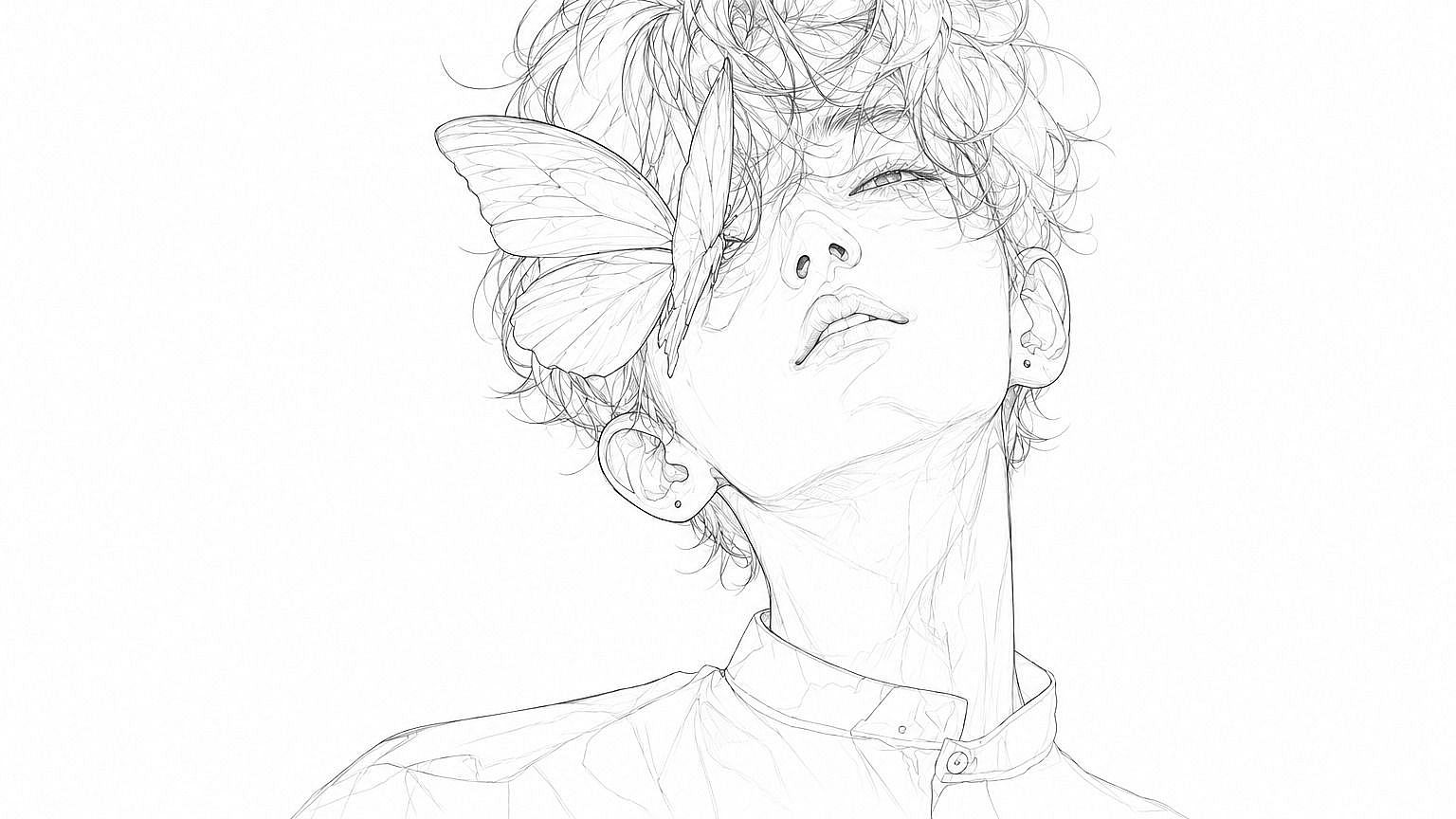
Lo que dibujes —poses de personajes, disposiciones de escena, colocación de objetos— se conserva en la imagen final. La IA trata tu boceto como el plano estructural, así que las proporciones, la perspectiva y los elementos clave se quedan donde los pusiste. Tú diriges la composición; el modelo se encarga de pulirla.
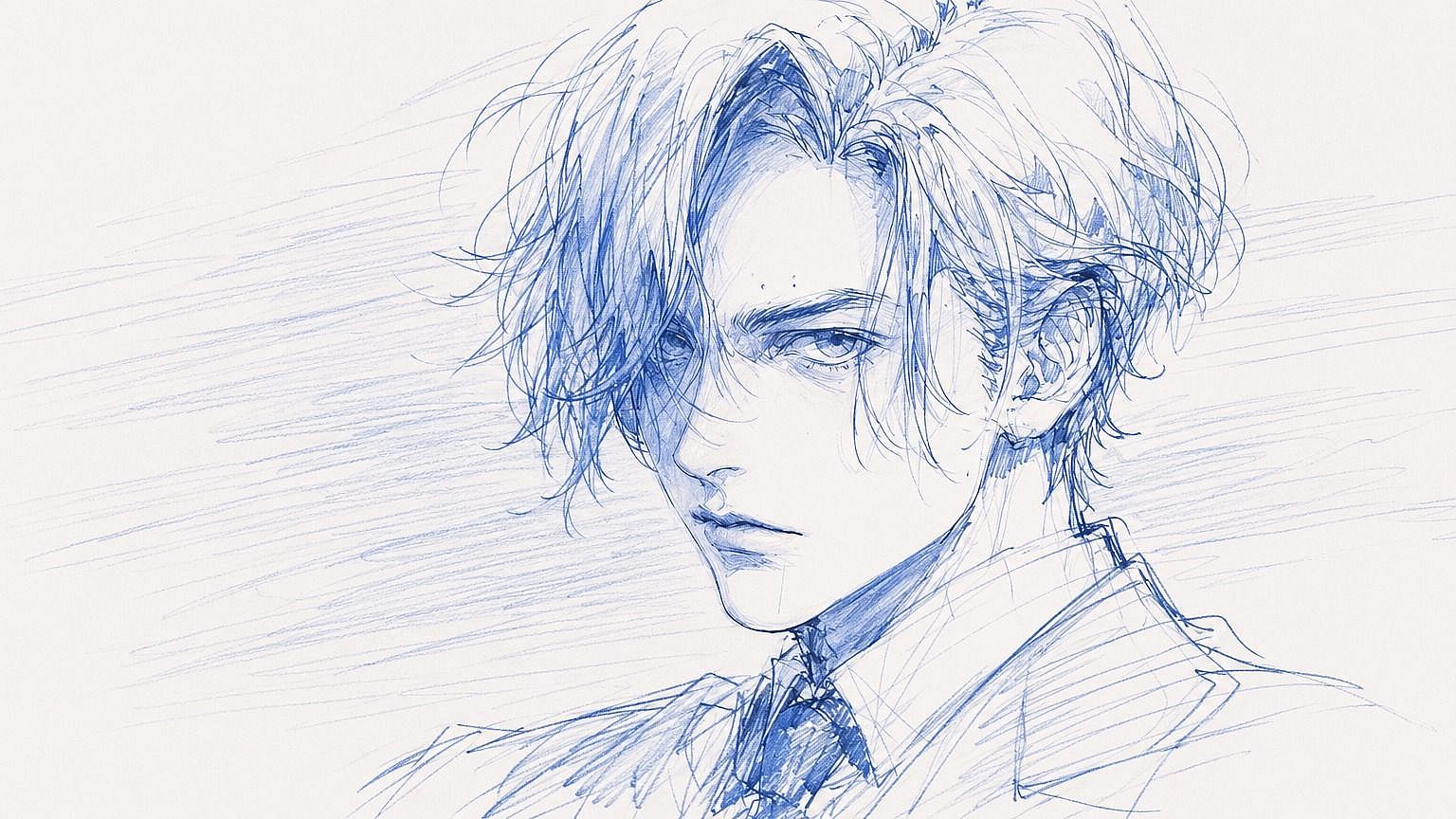
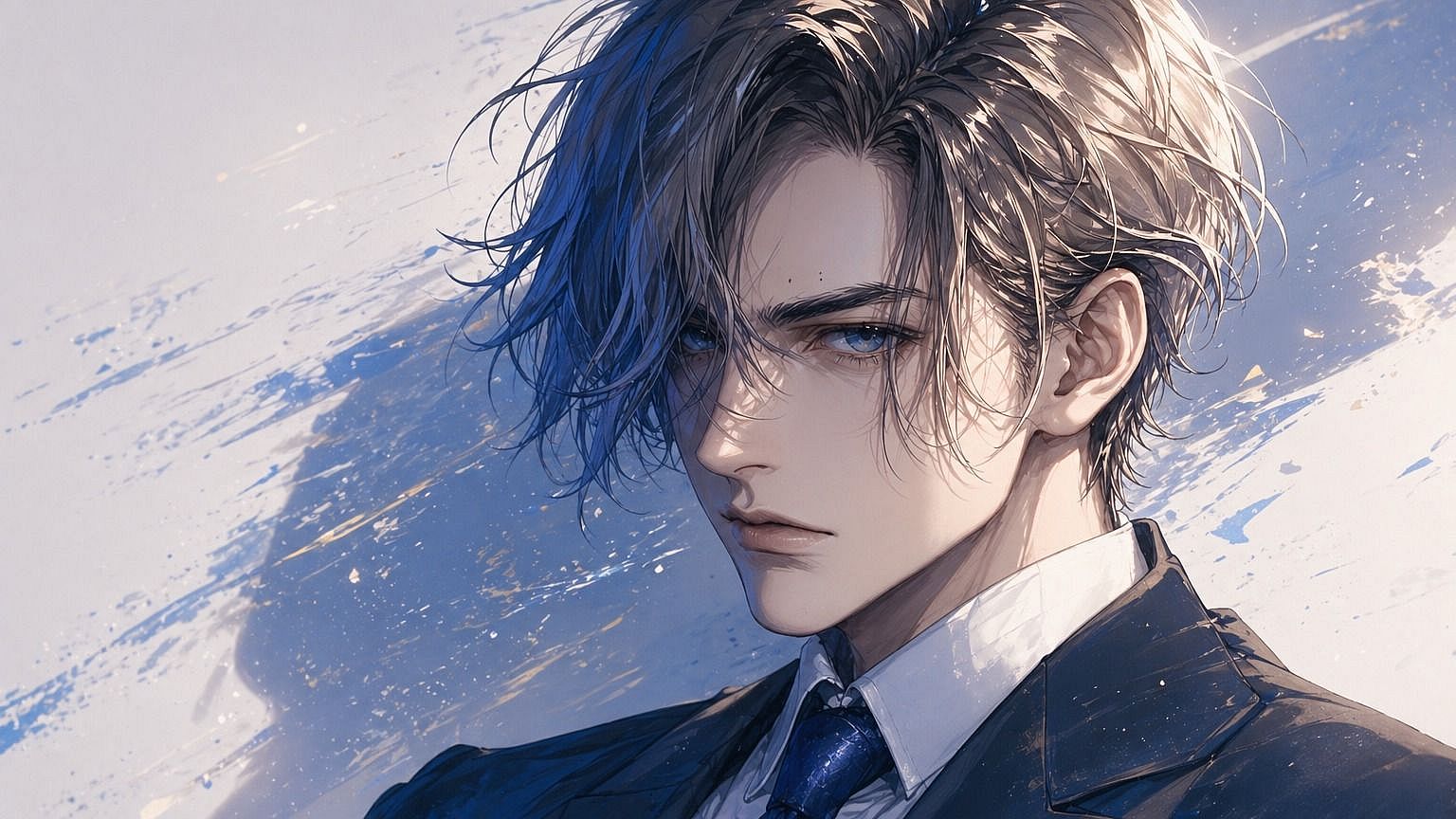
Abanico de estilos, del realista al estilizado
Elige cómo debe verse la imagen final. Fotorrealista, anime, cinematográfica, óleo, acuarela, render 3D, píxel retro o cómic. Describe el estilo en tu prompt y la IA adaptará tu boceto a esa estética. Pasa el mismo boceto por varios estilos para ver cuál encaja mejor con la idea.
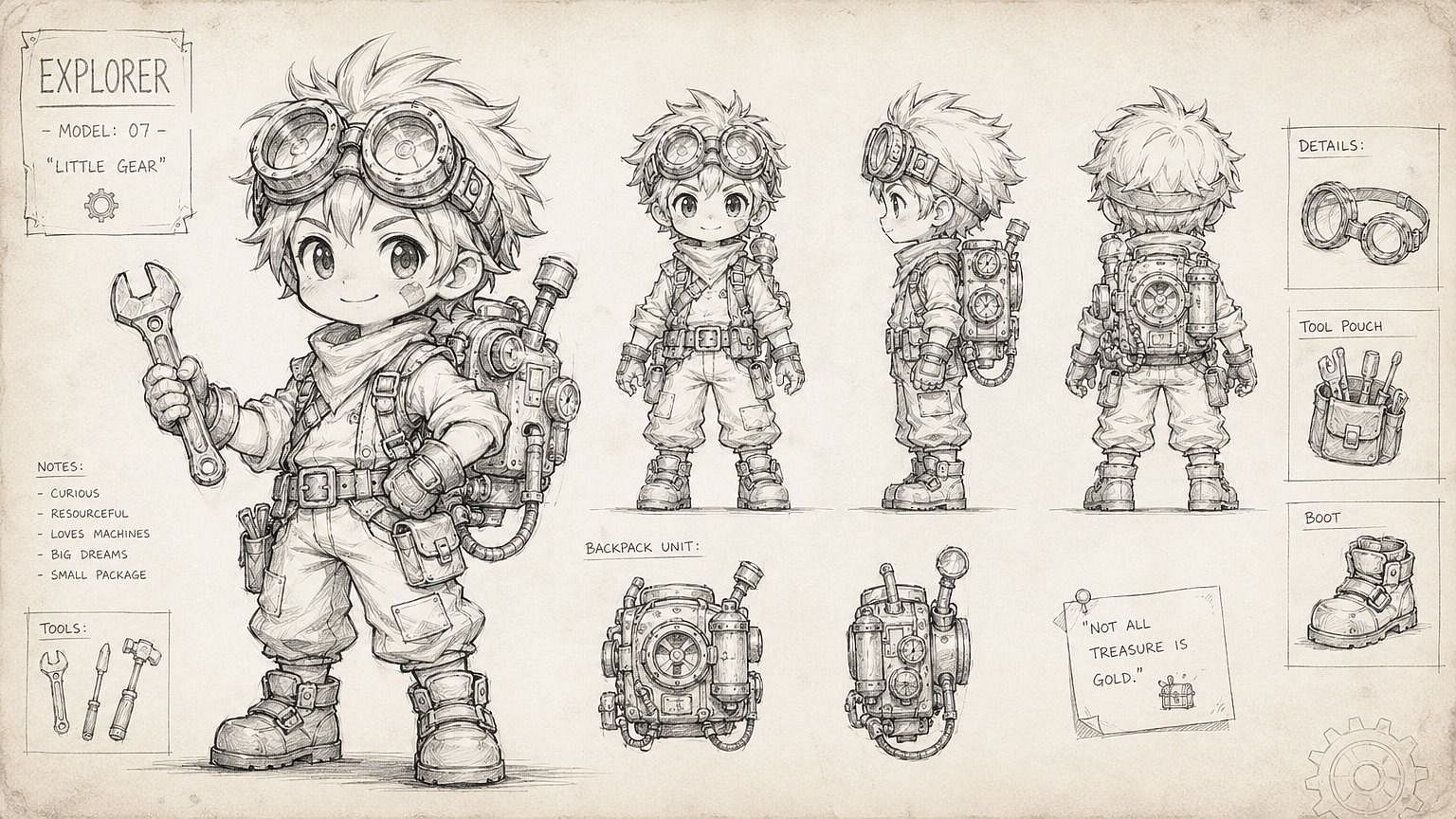
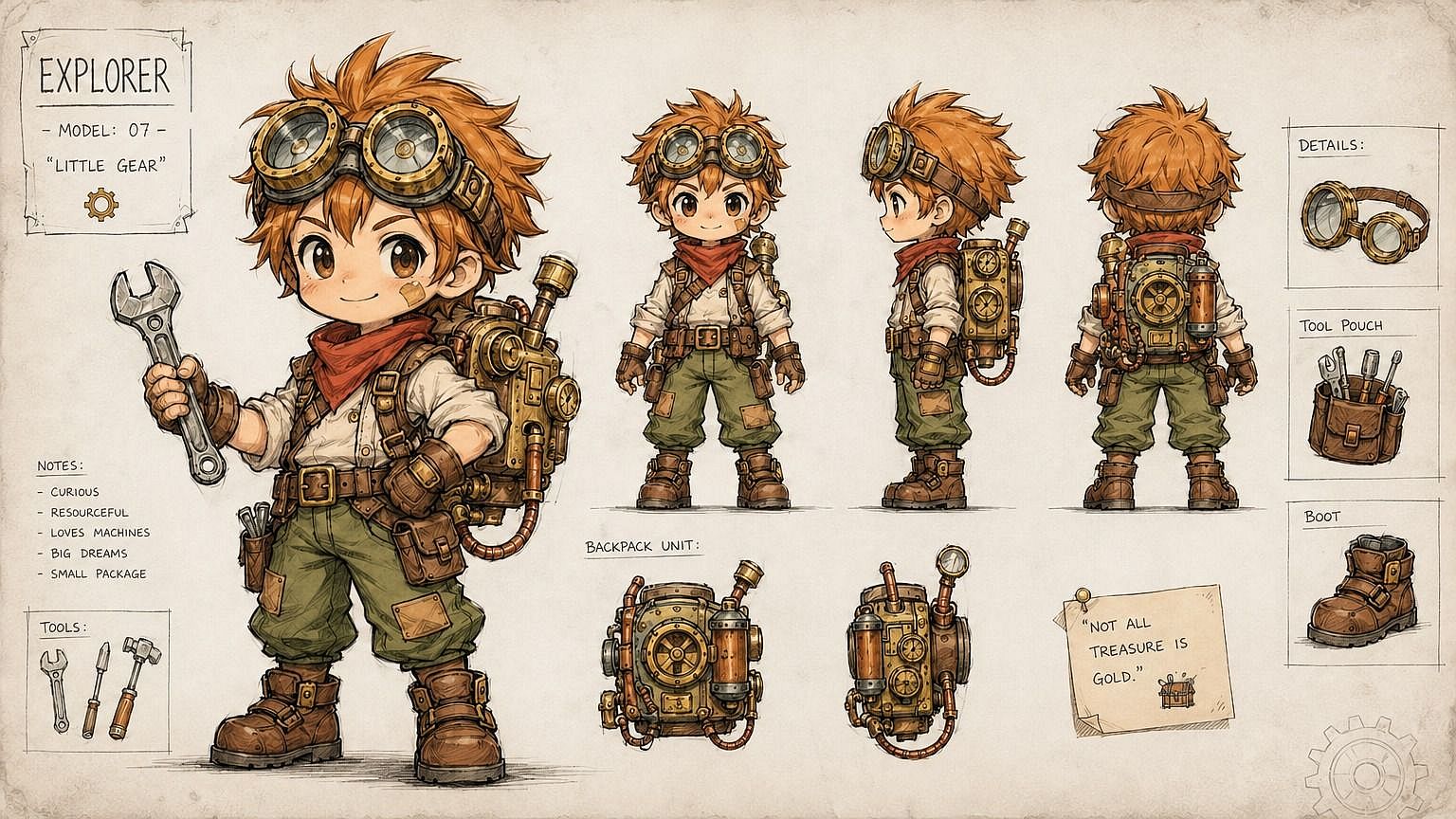
Funciona con cualquier tipo de boceto
Lápiz, bolígrafo, rotulador, tableta digital o incluso un garabato rápido en el reverso de una servilleta. La IA lee lo que hay y le da sentido. No necesitas líneas limpias ni precisión técnica. Los bocetos sueltos, toscos e incluso un poco desordenados funcionan, siempre que se vean las formas básicas.
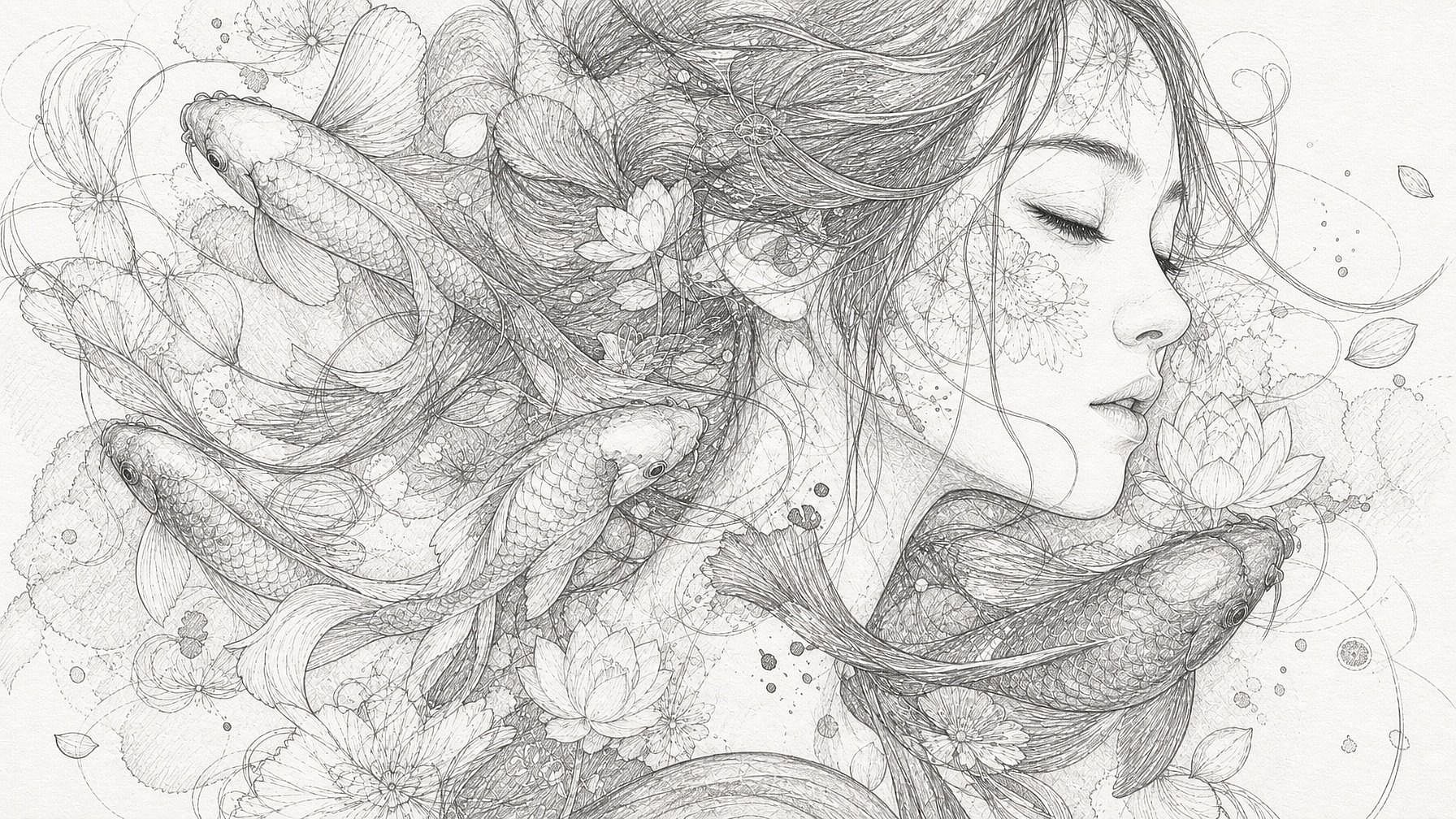
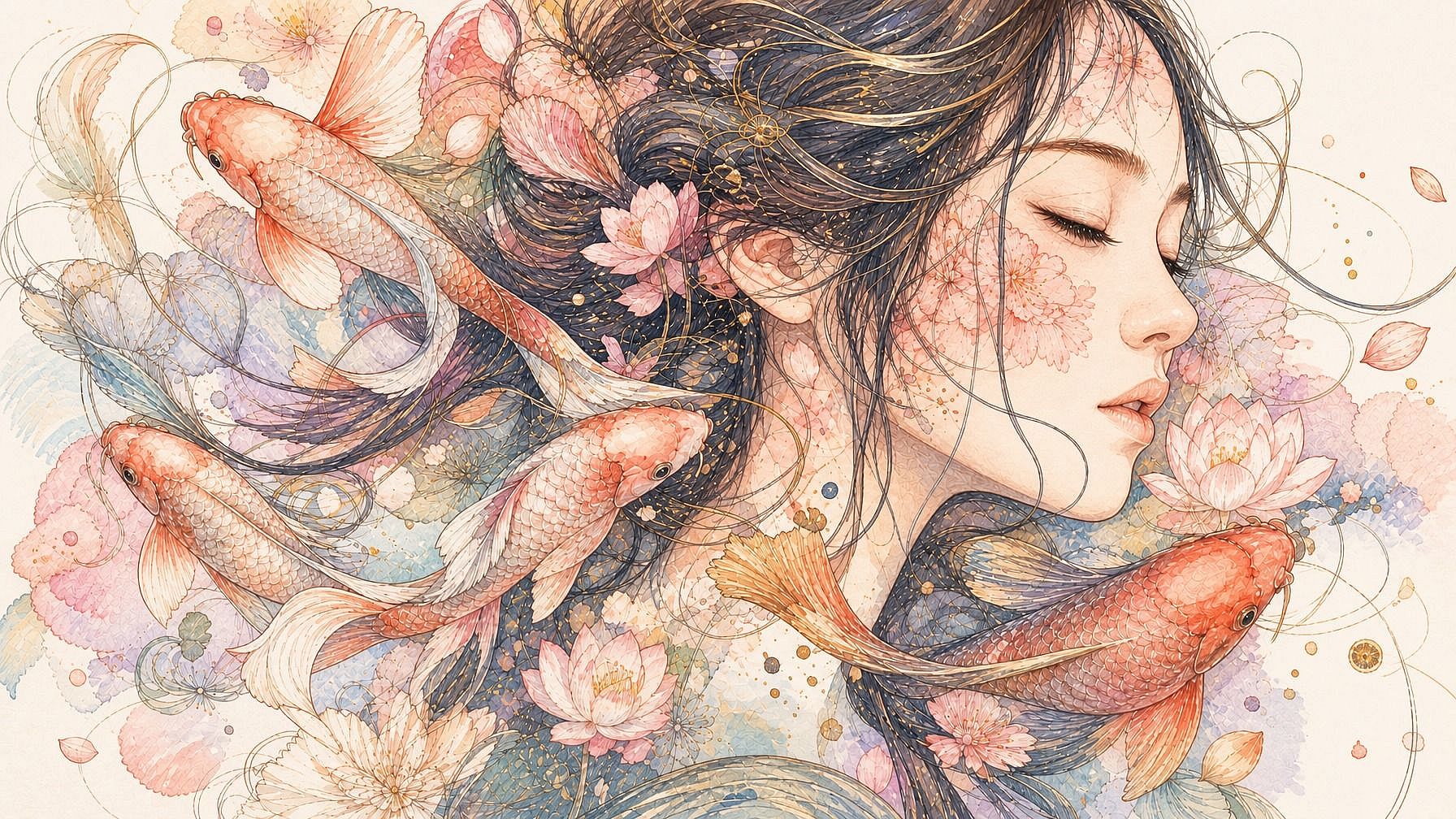
Integrado en un flujo de edición completo
Después de que tu boceto se convierta en imagen, puedes seguir trabajando en la misma ventana. Edita regiones concretas, cambia el fondo, amplía el lienzo, mejora la resolución o genera ángulos adicionales de la misma escena, todo sin cambiar de herramienta ni de aplicación.
Cómo usar Boceto a Imagen
Convierte tu boceto en una imagen acabada en tres pasos.
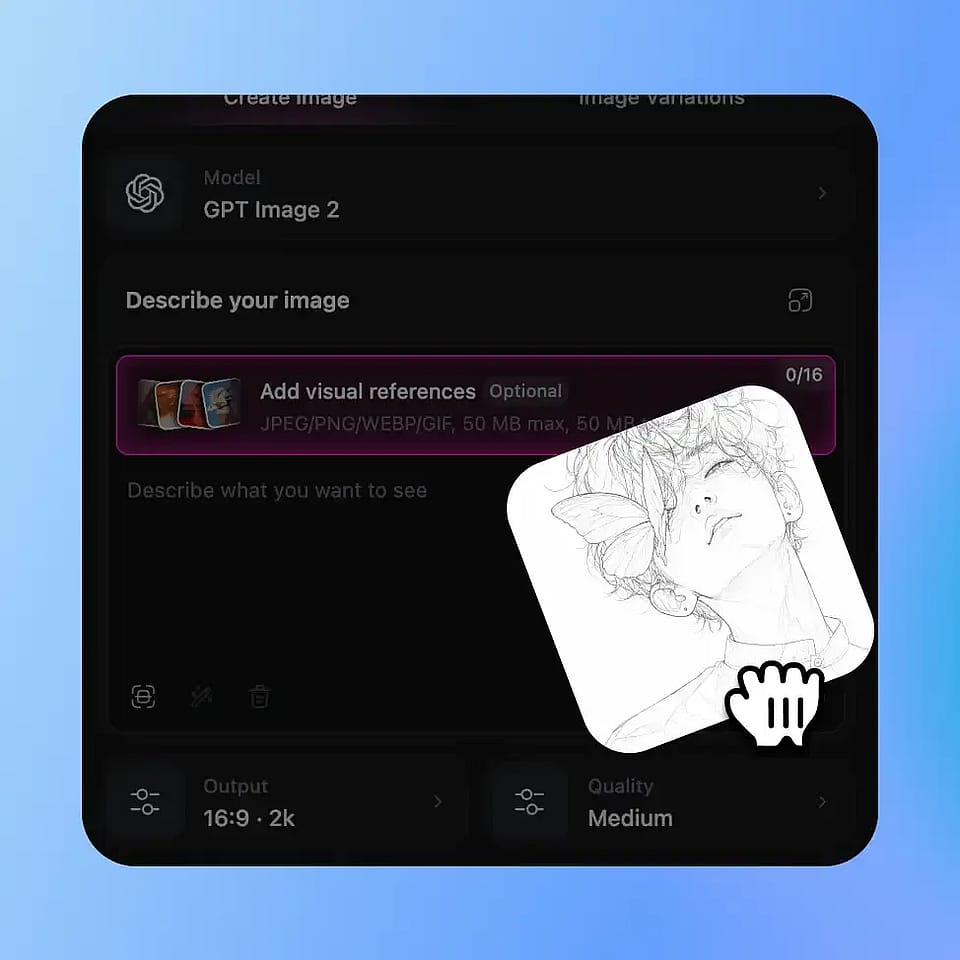
Sube tu boceto
Abre las herramientas de imagen de OpenArt y sube tu dibujo. Funcionan JPEG, PNG y WEBP: fotos de bocetos en papel hechas con el móvil, dibujos escaneados y archivos de arte digital, todo se sube sin problemas.
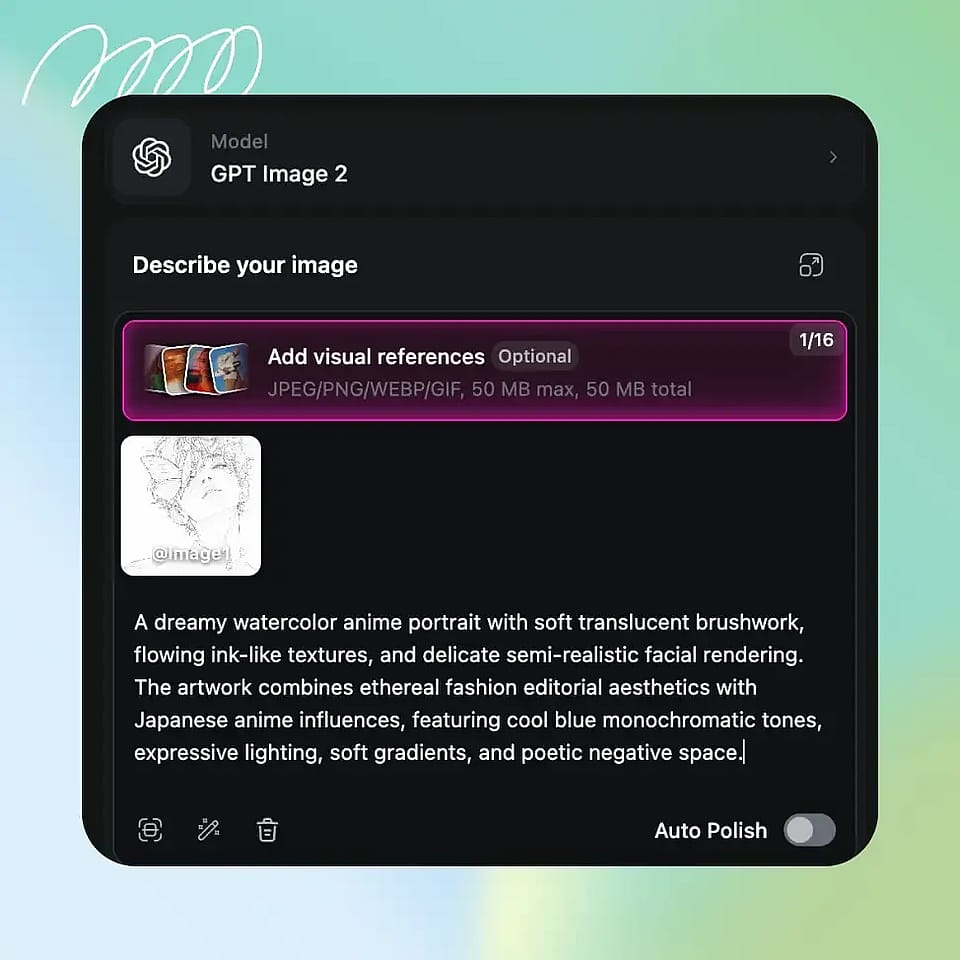
Describe lo que quieres
Escribe cómo debería quedar la imagen final: el sujeto, el estilo, el ambiente, la iluminación. Sé todo lo específico que quieras; cuanto más detalle des, más se acercará el resultado a tu visión.
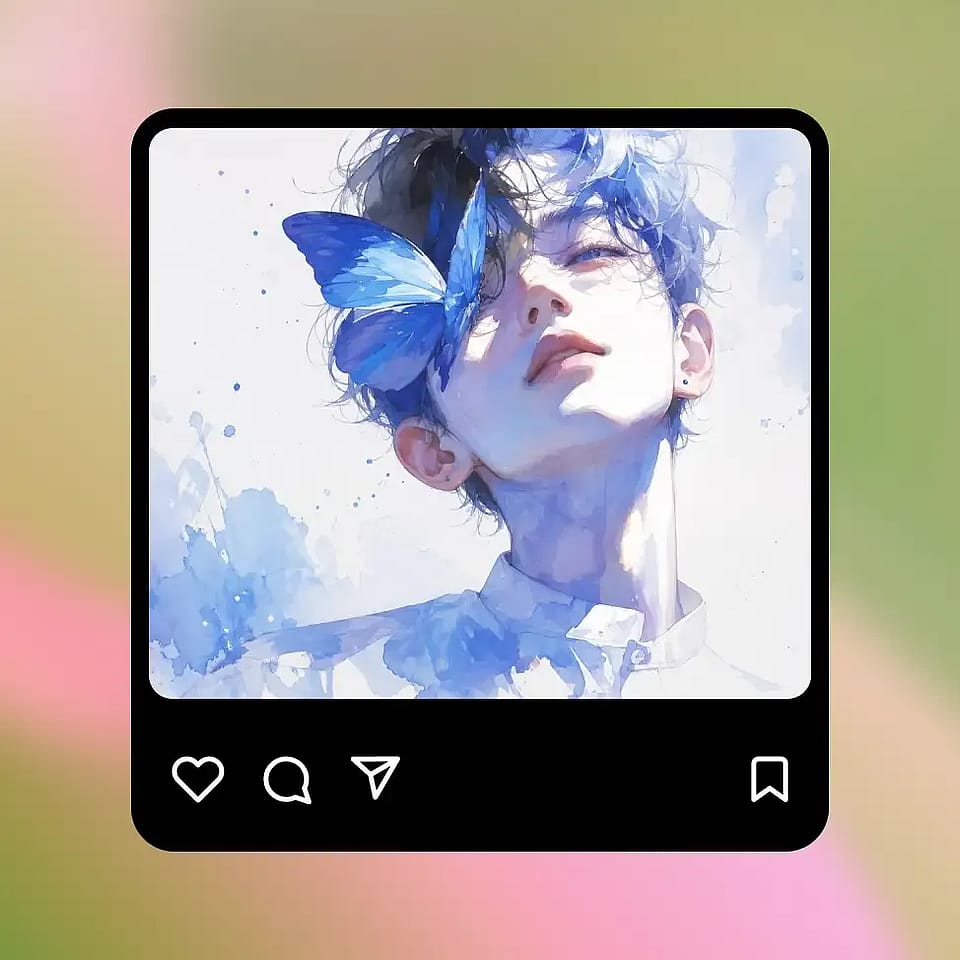
Genera y perfecciona
Ejecútalo, previsualiza el resultado y ajústalo según necesites. Si el estilo no es del todo correcto, cambia tu prompt; si quieres más variaciones, simplemente vuelve a generar. También puedes seguir editando después con las demás herramientas de OpenArt.
Diseñado para convertir ideas sobre papel en imágenes acabadas
Coge cualquier boceto —tuyo, de un amigo, el dibujo de un niño— y conviértelo en una imagen pulida que puedas usar de verdad.
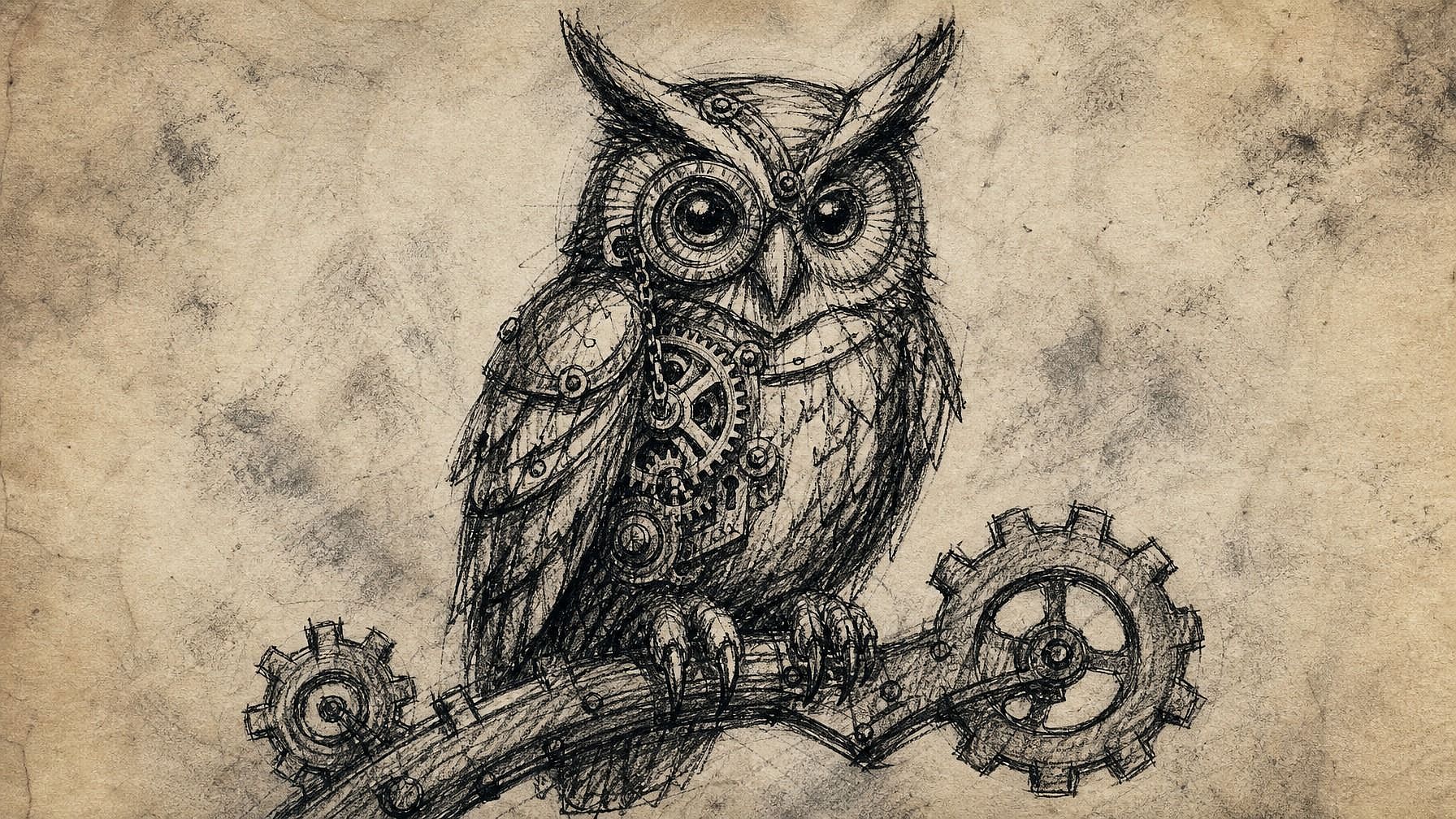
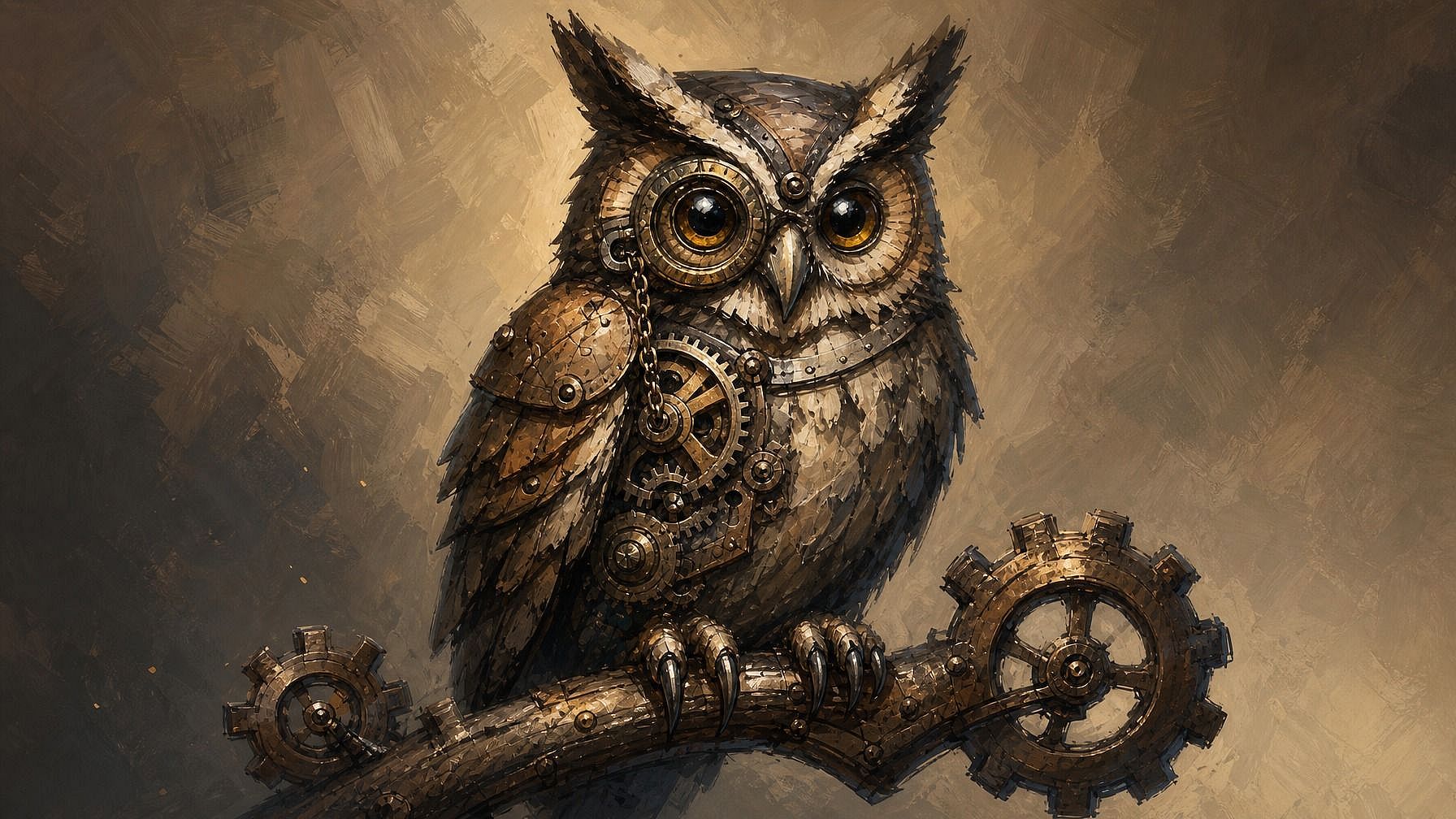
Artistas e ilustradores
Sáltate la fase de renderizado, que lleva tanto tiempo, y consigue directamente una versión acabada de tu concepto. Úsalo para probar una composición antes de dedicarle horas, generar referencias rápidas de color e iluminación o convertir bocetos rudimentarios en piezas listas para tu portafolio. Tu dirección artística se mantiene intacta mientras la IA se encarga del renderizado más laborioso.
Pruébalo ahora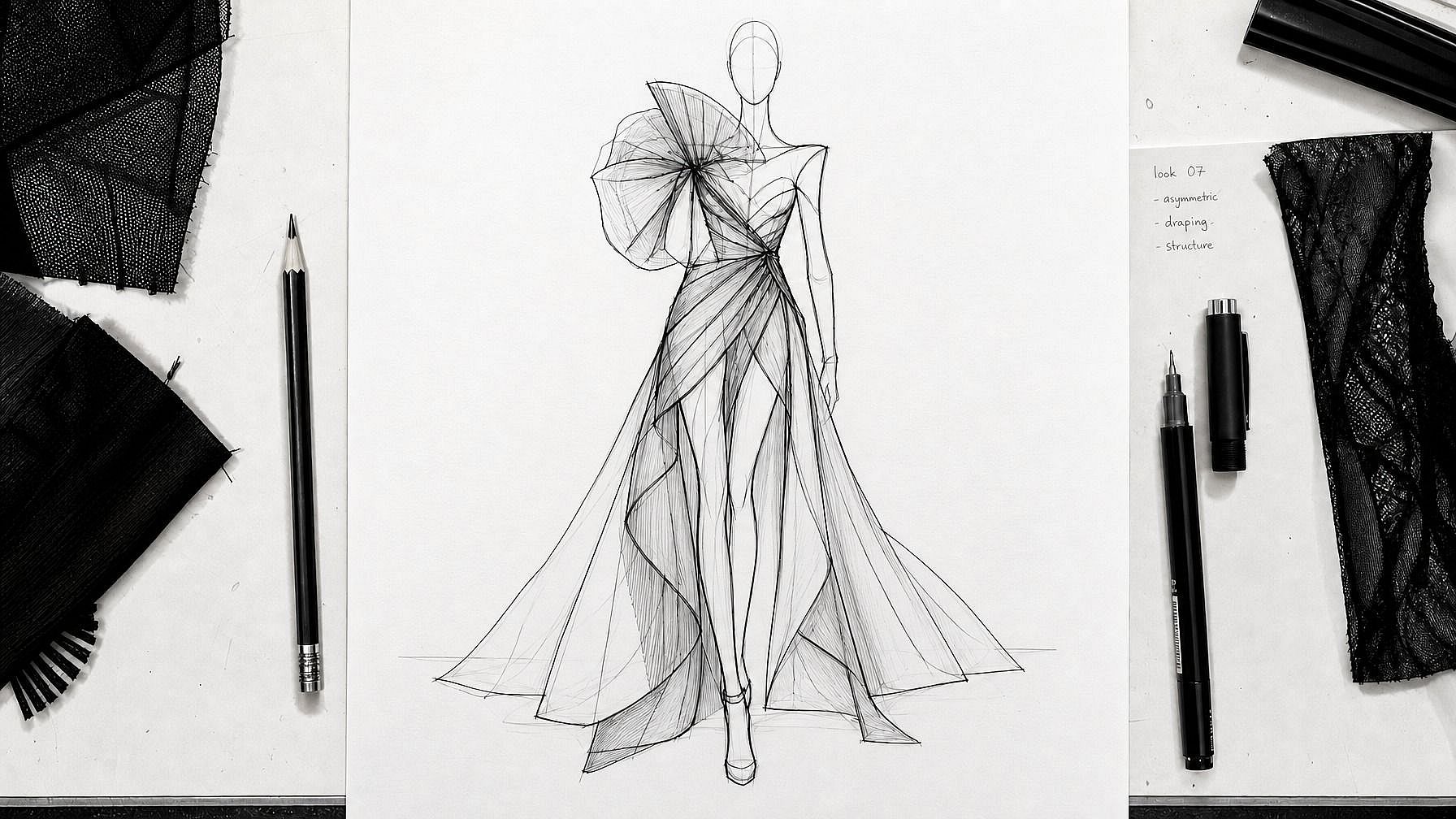
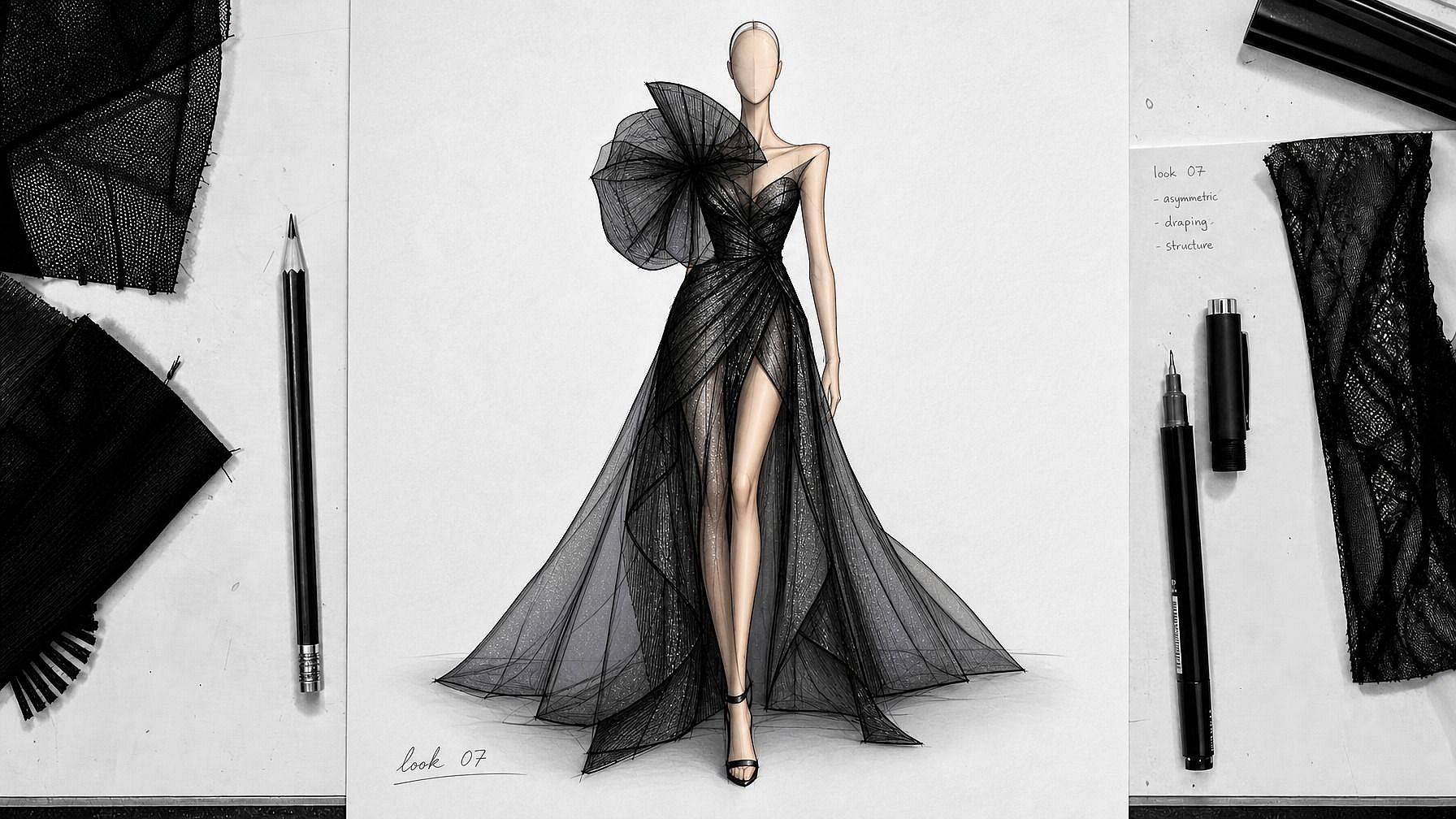
Diseñadores y trabajo conceptual
Esboza la distribución de una habitación, la idea de un producto, el diseño de un disfraz o un mockup de interfaz, y obtén una imagen acabada que puedas presentar de verdad. Especialmente útil en el conceptualizado inicial, cuando quieres que las partes interesadas reaccionen a una imagen con aspecto terminado en lugar de entornar los ojos ante un boceto tosco.
Pruébalo ahora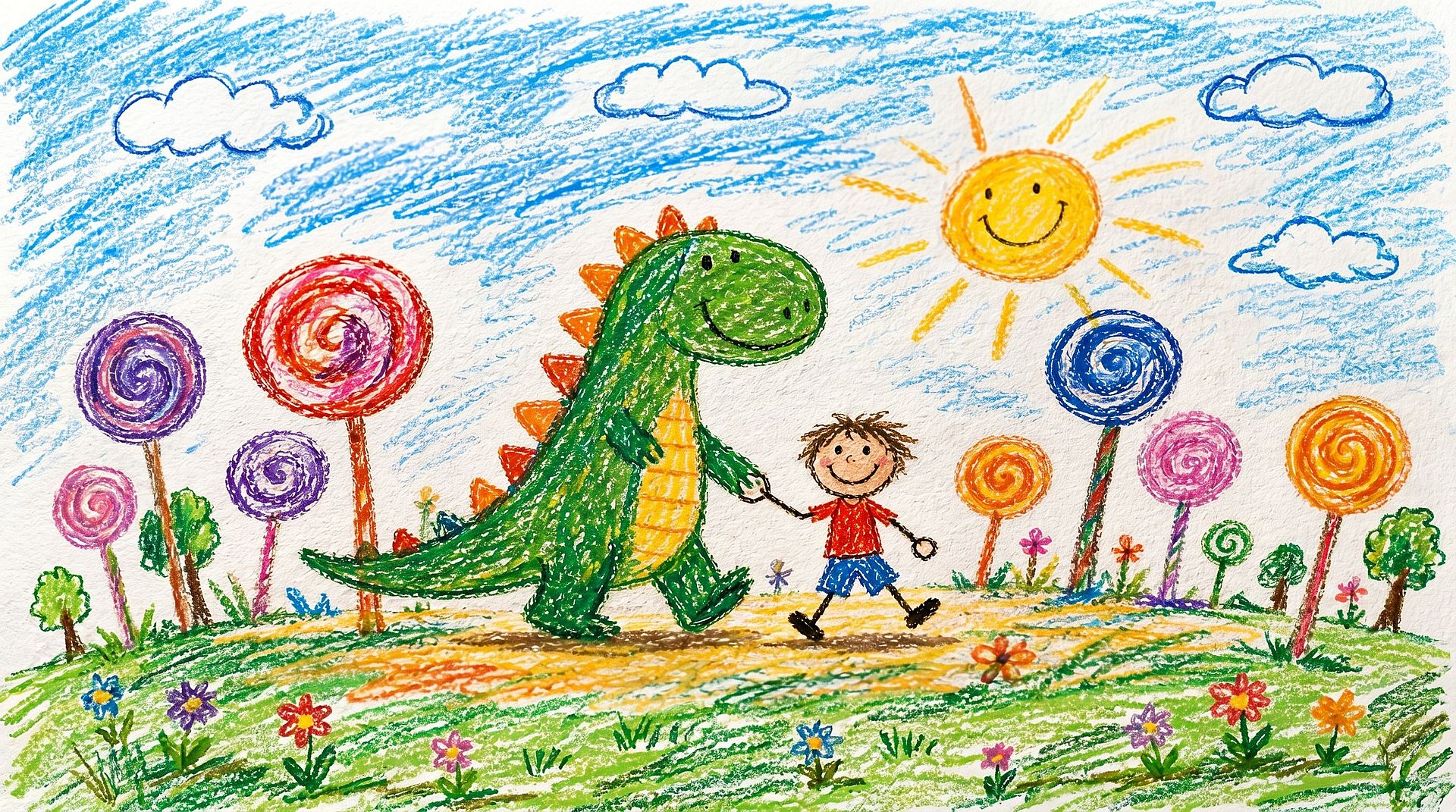
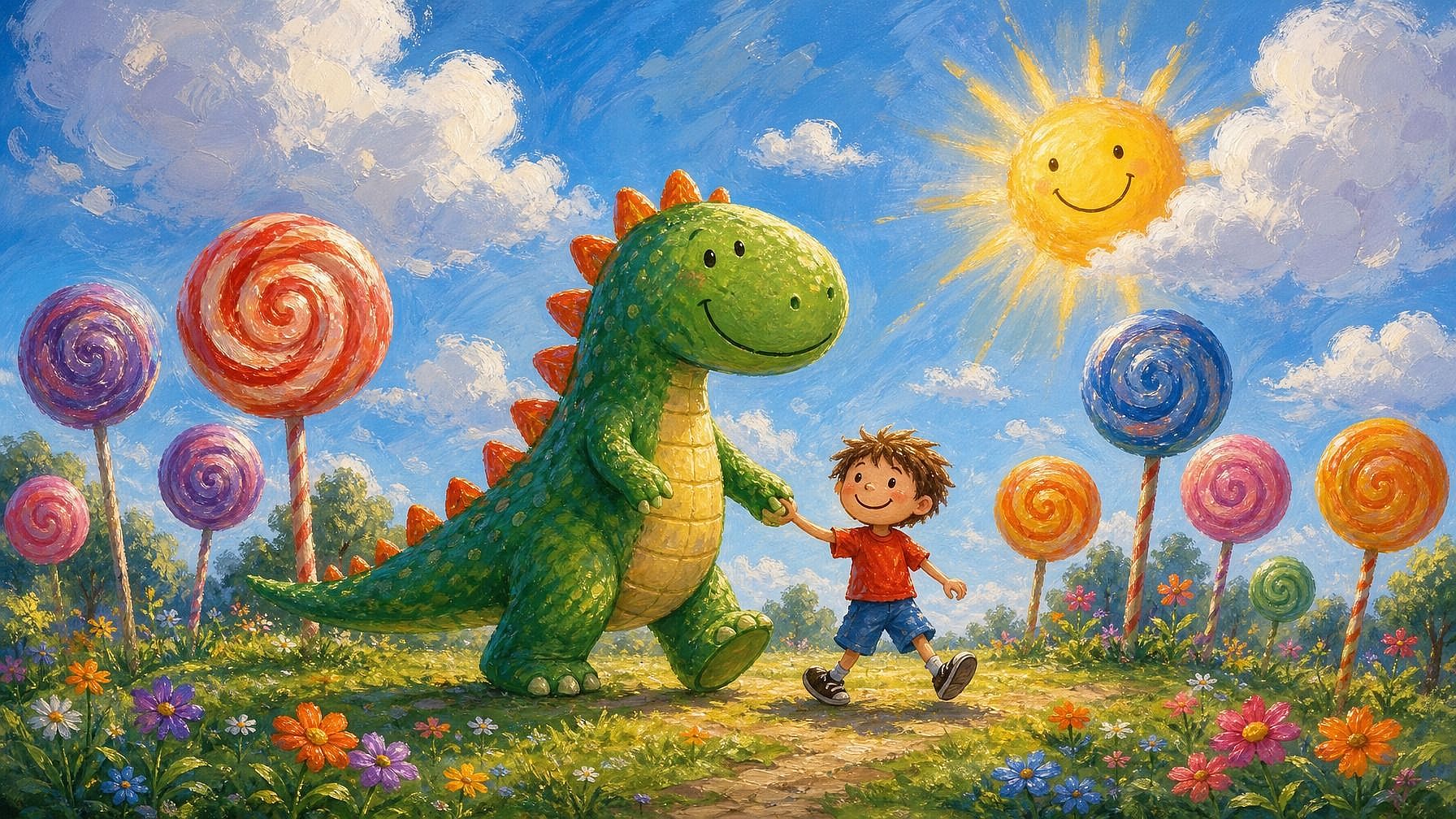
Aficionados y arte infantil
Convierte garabatos, bocetos de diario o dibujos de niños en obras de arte pulidas. Enmarca el dibujo de un niño como una ilustración vibrante, transforma un garabato en una escena acabada o coge ese dibujillo suelto de una reunión y descubre en qué podría convertirse.
Pruébalo ahora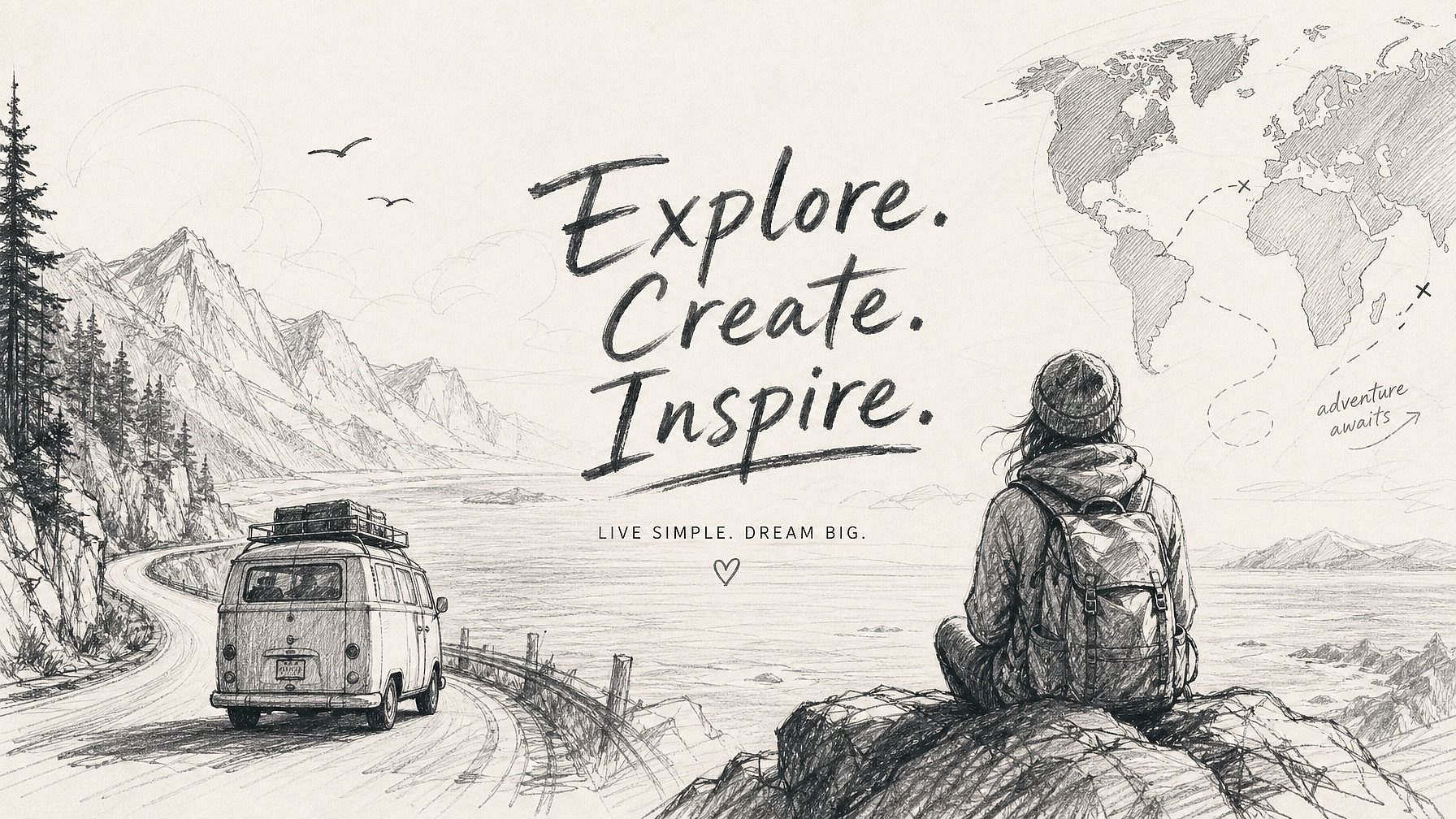
Creadores de contenido y redes sociales
Esboza tu idea, obtén una imagen terminada y tendrás algo listo para publicar en minutos. Ideal para miniaturas rápidas, publicaciones ilustradas, obras personalizadas para tu contenido o cualquier cosa en la que tengas una visión en la cabeza pero no horas para dibujarla a mano.
Pruébalo ahoraPreguntas frecuentes Preguntas
Es una herramienta de IA que toma tu boceto —lápiz, bolígrafo, digital, por muy tosco que sea— y lo convierte en una imagen pulida y acabada. La IA usa tu dibujo como guía estructural y luego rellena el estilo, el color y el detalle según lo que describas.
Prácticamente cualquier cosa con formas básicas visibles: dibujos a lápiz, bocetos a bolígrafo, trabajos con rotulador, line art digital, incluso garabatos sueltos. No necesitas un line art limpio ni proporciones precisas. Los bocetos más sueltos dan a la IA más margen interpretativo; los más limpios te dan resultados más predecibles.
Para nada. Incluso los garabatos toscos y las formas básicas funcionan. La IA rellena el detalle. Si sabes dibujar un monigote o el esquema aproximado de una habitación, puedes usar esta herramienta.
Funcionan JPEG, PNG y WEBP. Puedes subir fotos de dibujos en papel hechas con el móvil, escaneos o archivos de arte digital directamente.
OpenArt ofrece una prueba gratuita con créditos limitados, para que puedas probar la herramienta de boceto a imagen con algunos dibujos antes de mejorar tu plan.
Sí, de eso se trata precisamente. La IA toma tu boceto como base y conserva tu composición, las proporciones y las formas clave. El resultado parece una versión acabada de lo que dibujaste, no algo completamente distinto.
Sí. Describe el estilo en tu prompt (fotorrealista, anime, óleo, acuarela, render 3D, cómic, pixel art, lo que se te ocurra) y la IA adapta tu boceto a esa estética. Puedes probar varios estilos sobre el mismo boceto para ver cuál encaja.
Sí. Una vez que tu boceto se convierte en imagen, puedes seguir editándolo con las herramientas de OpenArt: cambia el fondo, refina zonas concretas, mejora la resolución, cambia el estilo o genera variaciones. El paso de boceto a imagen es solo el punto de partida.
Un generador normal crea una imagen únicamente a partir de tu prompt de texto, así que la composición y el diseño dependen por completo del modelo. Sketch to image toma tu dibujo como guía estructural, de modo que tú controlas la composición y la IA se encarga del estilo y el detalle. Lo mejor de ambos mundos cuando tienes una idea en mente pero no quieres renderizarla desde cero.
Asegúrate de que tu boceto muestre las formas básicas con claridad: no hace falta que estén limpias, solo que se vean. En tu prompt, indica el sujeto, el estilo y cualquier detalle que importe (iluminación, color, ambiente). Cuanta más dirección des, más se acercará el resultado. Si el primer intento se aleja de tu boceto, regenera con un prompt más específico.
Consigue consejos de expertos en el blog
Consigue la información que necesitas. Nuestros expertos comparten trucos prácticos, analizan los temas más candentes y ofrecen guías esenciales para ayudarte a crear, optimizar y escalar.
Leer más