

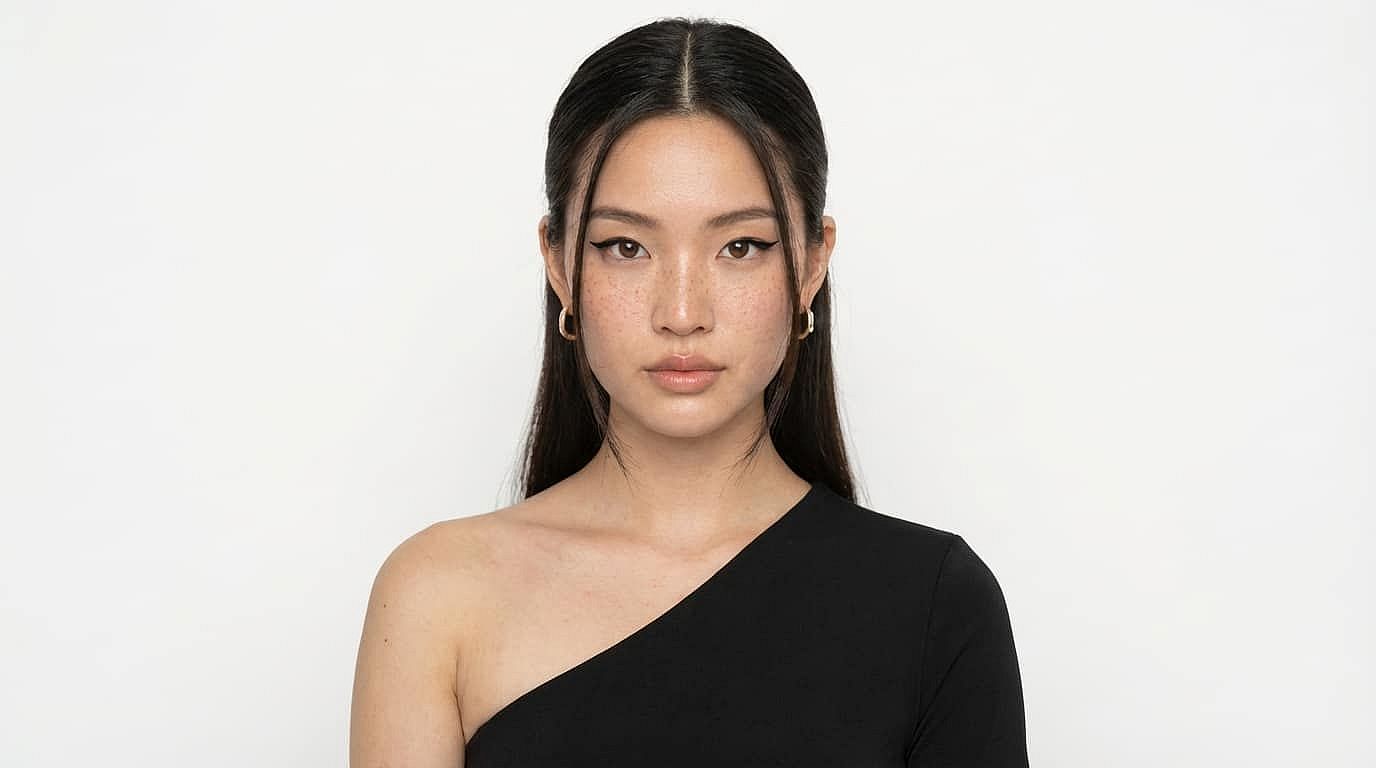
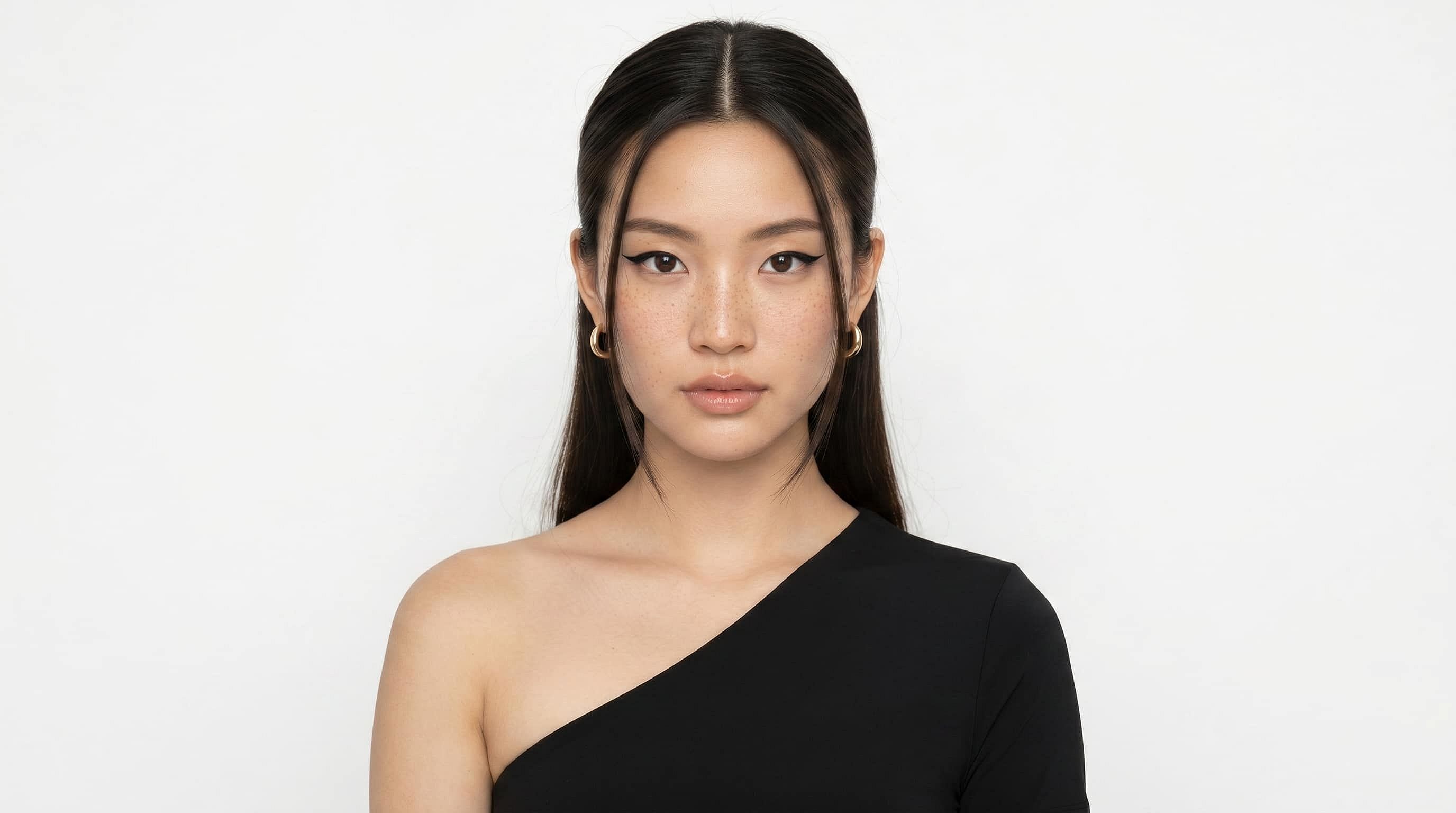
Herramienta de suavizado facial con IA
Convierte cualquier selfie en un retrato impecable y retocado en segundos. La herramienta online de suavizado facial de OpenArt usa IA avanzada para suavizar la piel automáticamente, borrar imperfecciones y refinar tus rasgos faciales.
 Añade una imagen O arrástralo y suéltalo aquí · JPEG, PNG, WEBP, HEICJPEG, PNG, WEBP, HEIC


Suavizado de piel con IA
Detecta automáticamente los rasgos faciales y aplica un retoque de piel de aspecto natural con un solo clic




Eliminación de manchas e imperfecciones
Borra el acné, las manchas y la textura irregular a la vez que conserva los detalles auténticos de la piel

Resultados profesionales con un toque
Consigue retoques de calidad de estudio sin edición manual ni software complejo
Creaciones de la comunidad
Descubre lo que han logrado nuestros usuarios con la herramienta de suavizado facial con IA.
Una piel que luce renovada, no de plástico
La mayoría de herramientas de IA o filtros de fotos online dejan tu piel con aspecto de plástico cuando los usas para suavizar la piel o los rasgos faciales. Sin embargo, la herramienta de suavizado facial de OpenArt funciona con los últimos modelos de imagen con IA que destacan en fotorrealismo y en visuales de alta fidelidad y consistencia. Así, tus imágenes quedan con un aspecto renovado, no falso.
Eliminación de manchas e imperfecciones
¿Buscas ese efecto de piel de porcelana perfecta? La herramienta de suavizado facial elimina cualquier imperfección de tu rostro. Elimina acné, cicatrices u otras marcas o defectos de tu piel en segundos y consigue la imagen perfecta de tu cara. Y para editar más allá del rostro, prueba la herramienta de eliminación de fondo.
Solo escribe el prompt y disfruta la magia
Escribe las mejoras o cambios que quieras aplicar a la piel de tu imagen, y nuestra herramienta de IA para suavizar rostros los aplicará al instante con una fidelidad al prompt increíble. Además, puedes subir una imagen de referencia como inspiración para que tu piel se parezca a la de la referencia.
Resultados profesionales con un clic
Olvídate de horas de retoque manual. Con la herramienta online de suavizado facial de OpenArt, consigues resultados dignos de la alfombra roja en menos de 30 segundos. Y si quieres transformar tu selfie en una foto totalmente nueva, también puedes probar el Generador de Retratos IA, el Creador de Avatares y el Creador de Fotos de Perfil.
Cómo usar el suavizado de rostro con IA
Consigue tu retrato con rostro retocado y suavizado en unos pocos pasos sencillos.
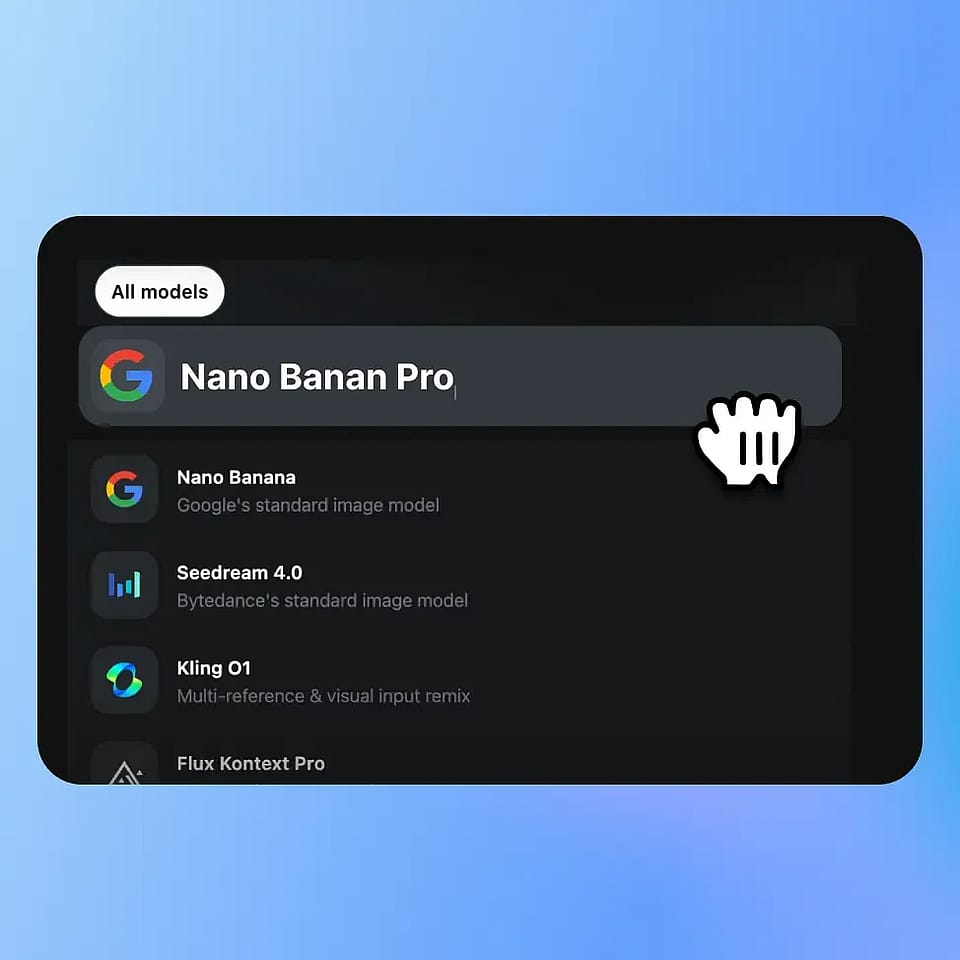
Elige modelo y sube
Elige un modelo de retoque de retratos y sube tu foto.
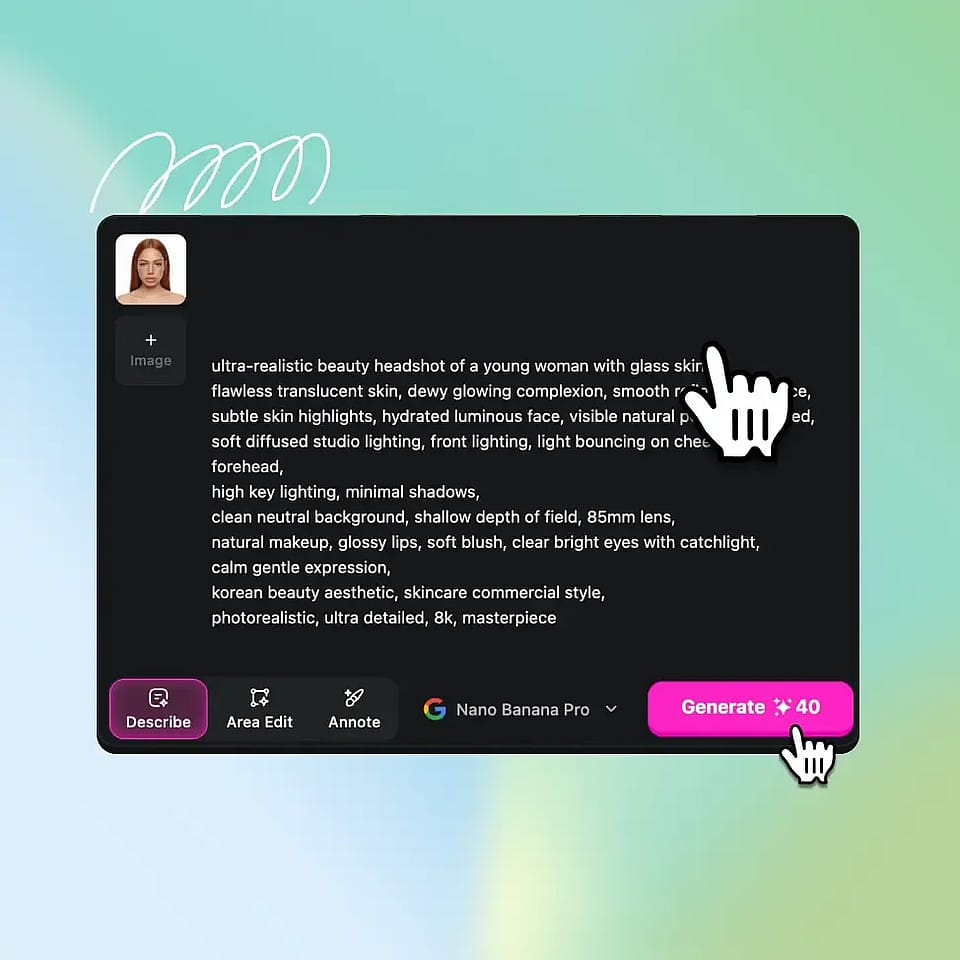
Describe y personaliza
Especifica las mejoras de la piel (por ejemplo, efecto glass skin o brillo natural), define la resolución y la relación de aspecto y añade una referencia si lo necesitas.
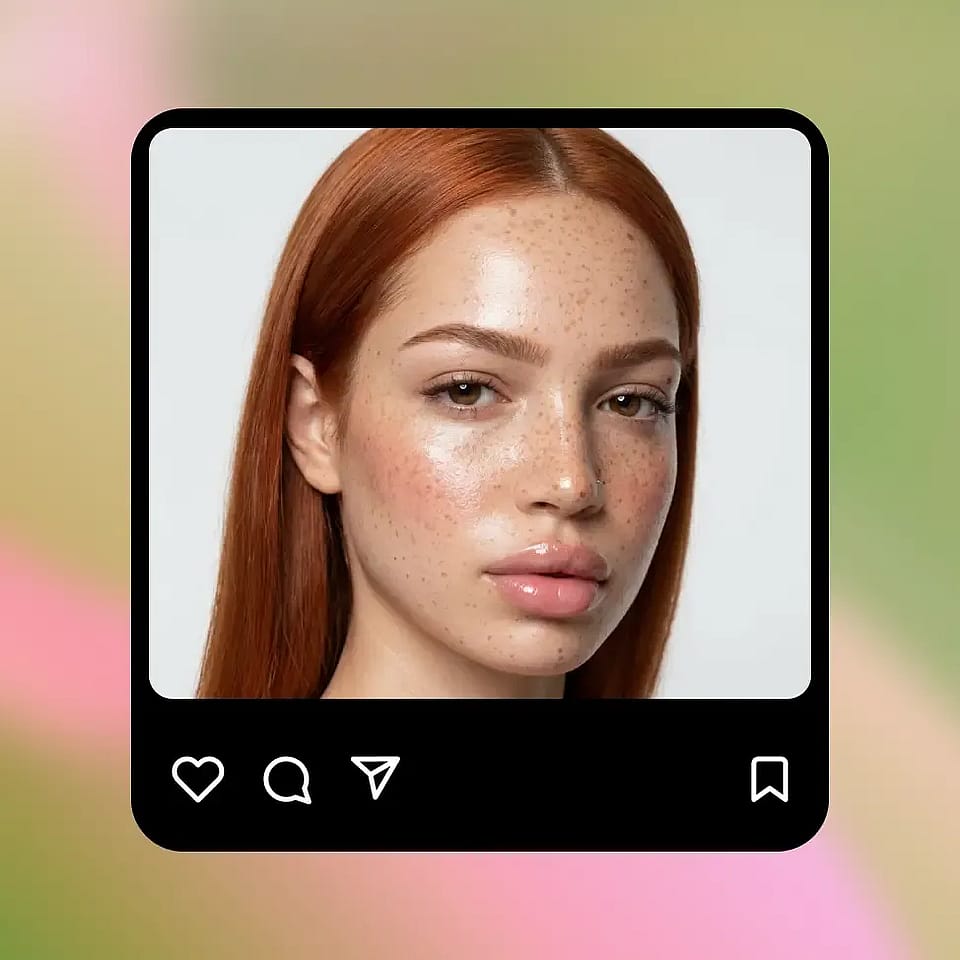
Genera, perfecciona y descarga
Crea resultados al instante, ajústalos hasta quedar satisfecho y descarga tu imagen final y pulida.
Suaviza tu cara para cada plataforma
Ya sea para redes, trabajo o uso personal, consigue el nivel de acabado justo sin pasarte con la edición.
Renovación para redes sociales
Tus selfis ya no necesitan filtros pesados ni retoques excesivos. Suaviza la piel, reduce imperfecciones y realza tus rasgos naturales sin dejar de parecerte a ti. Perfecto para Instagram, TikTok y cualquier lugar donde tu cara sea la protagonista.
Pruébalo ahoraPerfiles de citas que llaman la atención
La primera impresión importa, pero la autenticidad también. Elimina pequeñas imperfecciones, uniforma el tono de piel y muestra tu mejor versión sin dejar de verte natural, no filtrado hasta el punto de no reconocerte.
Pruébalo ahoraCreadores de contenido y marca personal
Ya sea que estés grabando miniaturas, reels o contenido de marca personal, la coherencia importa. Perfecciona rápidamente tu estilo en todas las imágenes para que tu contenido se vea cohesivo, pulido y profesional sin pasar horas editando.
Pruébalo ahoraEstilos creativos y estilizados
Ve más allá de las ediciones naturales. Experimenta con piel de cristal, maquillaje suave o estilos de retrato estilizados usando prompts e imágenes de referencia. Ya sea sutil o dramático, tú mantienes el control del resultado final de tu imagen.
Pruébalo ahoraPreguntas frecuentes Preguntas
La herramienta de suavizado facial con IA está diseñada para que tu piel se vea realista mientras difumina las imperfecciones. Los resultados dependen de tu imagen de entrada y del prompt, pero el objetivo es un aspecto refinado y no sobreprocesado.
Puede reducir o eliminar la mayoría de las imperfecciones visibles, como acné o granos, pero los resultados pueden variar según la calidad de la imagen y la iluminación. Puedes afinar los resultados ajustando tu prompt o regenerando.
Sí. Puedes guiar los resultados con prompts como «retoque ligero» o «glass skin», e iterar hasta que el nivel de suavizado quede perfecto para tu imagen.
Sí, las imágenes con retoques ligeros pueden funcionar bien en plataformas profesionales. Para mejores resultados, apuesta por mejoras sutiles que mantengan un aspecto natural y auténtico.