

Editor de fotos con IA
Cambia fondos de producto, elimina el desorden, añade texto o cambia una escena y un atuendo con prompts de texto. El editor de imágenes con IA de OpenArt hace el cambio y mantiene intacto el resto de tu foto.
Por qué elegir el editor de imágenes con IA de OpenArt



Edita fotos con un prompt
Escribe el cambio en lenguaje natural: «pon esta botella sobre una encimera de mármol», «añade una insignia de 30% de descuento», «cambia su chaqueta a rojo». La IA encuentra el área correcta y la edita. Olvídate de capas, máscaras y selecciones manuales.



Resultados profesionales, sin esfuerzo
Consigue ediciones con aspecto de estudio. La IA ajusta la iluminación, las sombras y la perspectiva, mantiene nítidas las etiquetas de producto y las caras, y se encarga del retoque de piel y los cambios de ángulo por ti.

Un editor de imágenes para cada retoque
Cambia fondos, elimina objetos, añade texto, intercambia caras, escala a 4K, corrige la iluminación, cambia ángulos de cámara y restaura fotos antiguas en un solo lugar. Un inicio de sesión reemplaza a un montón de apps y suscripciones.
Funciones clave del editor de fotos con IA de OpenArt
El editor de fotos con IA de OpenArt funciona con los modelos de imagen líderes, incluidos GPT Image 2.5, Nano Banana 2.1 y Seedream 5.0 Pro, así que cada edición usa un modelo diseñado para la tarea.
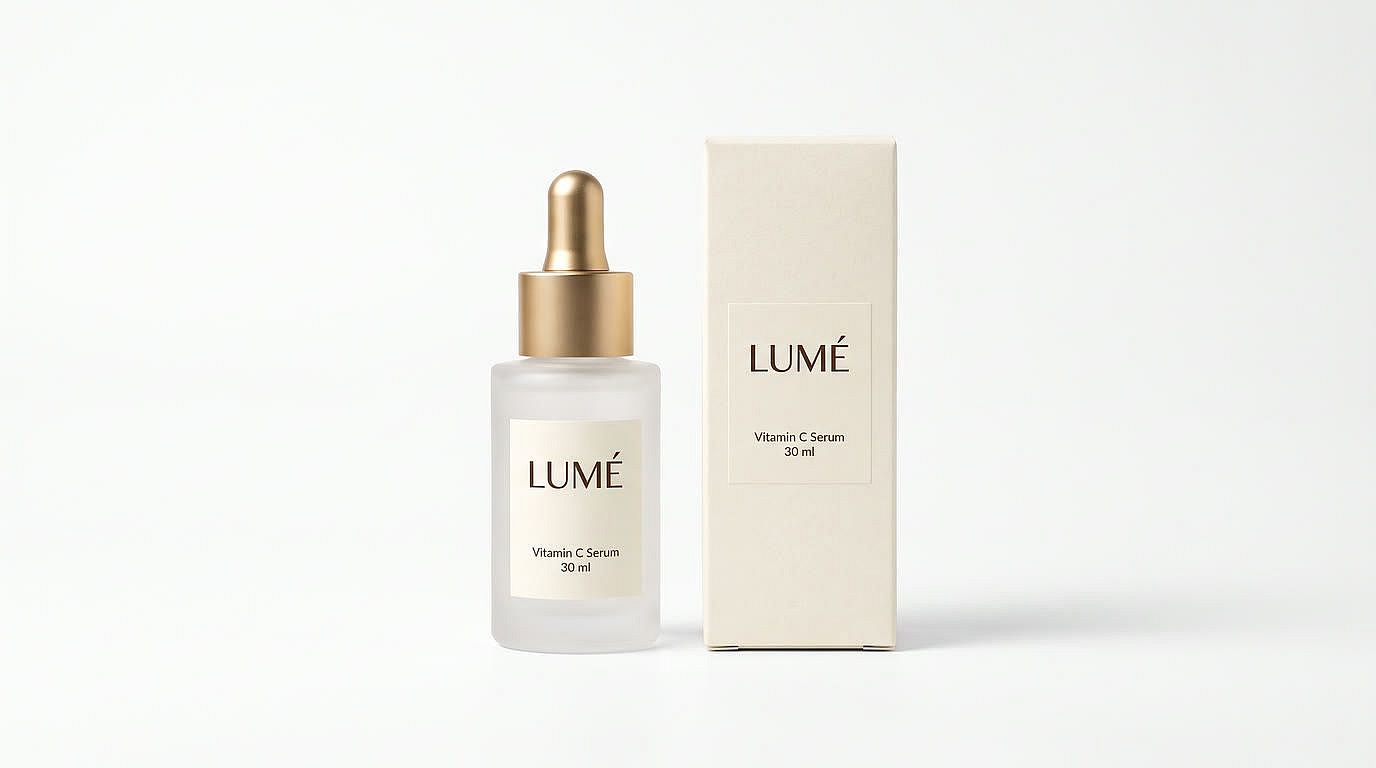
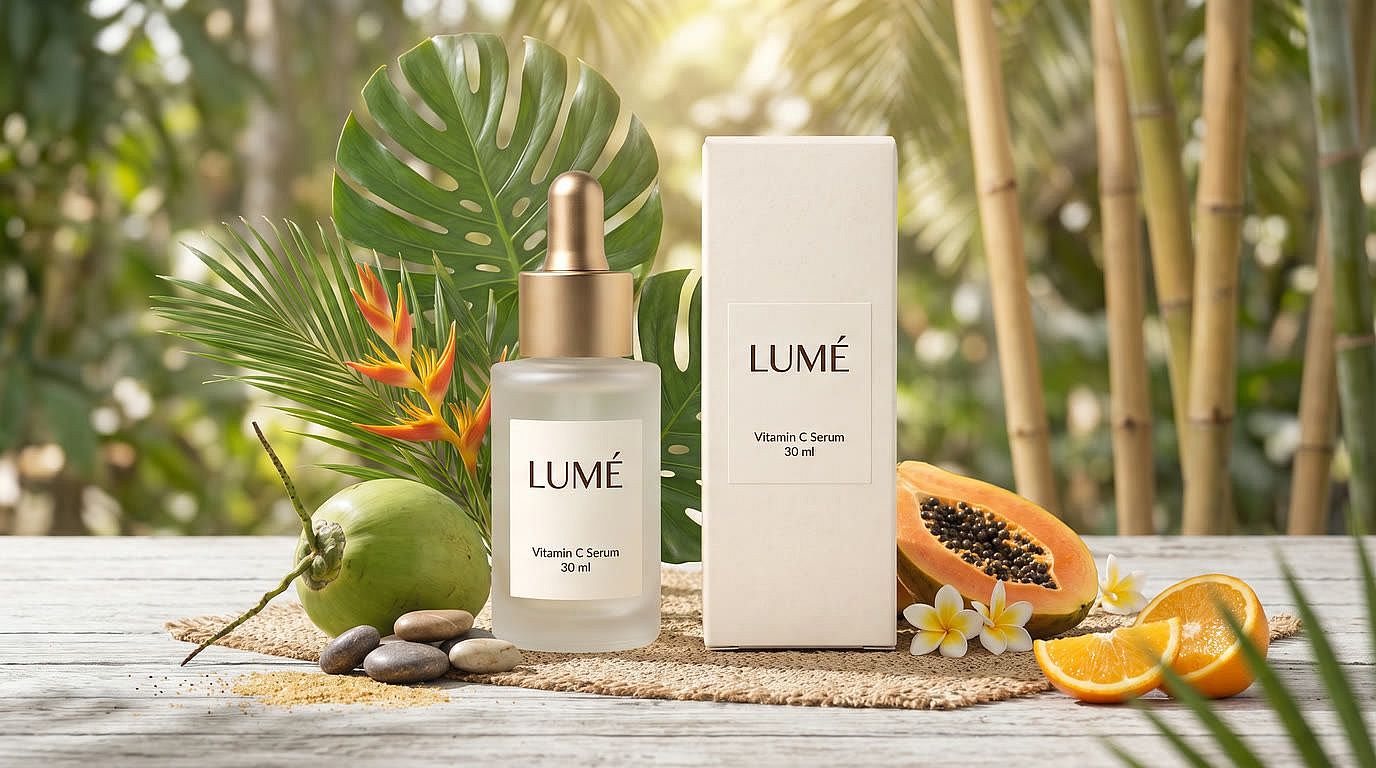
Edita cualquier imagen con un simple prompt
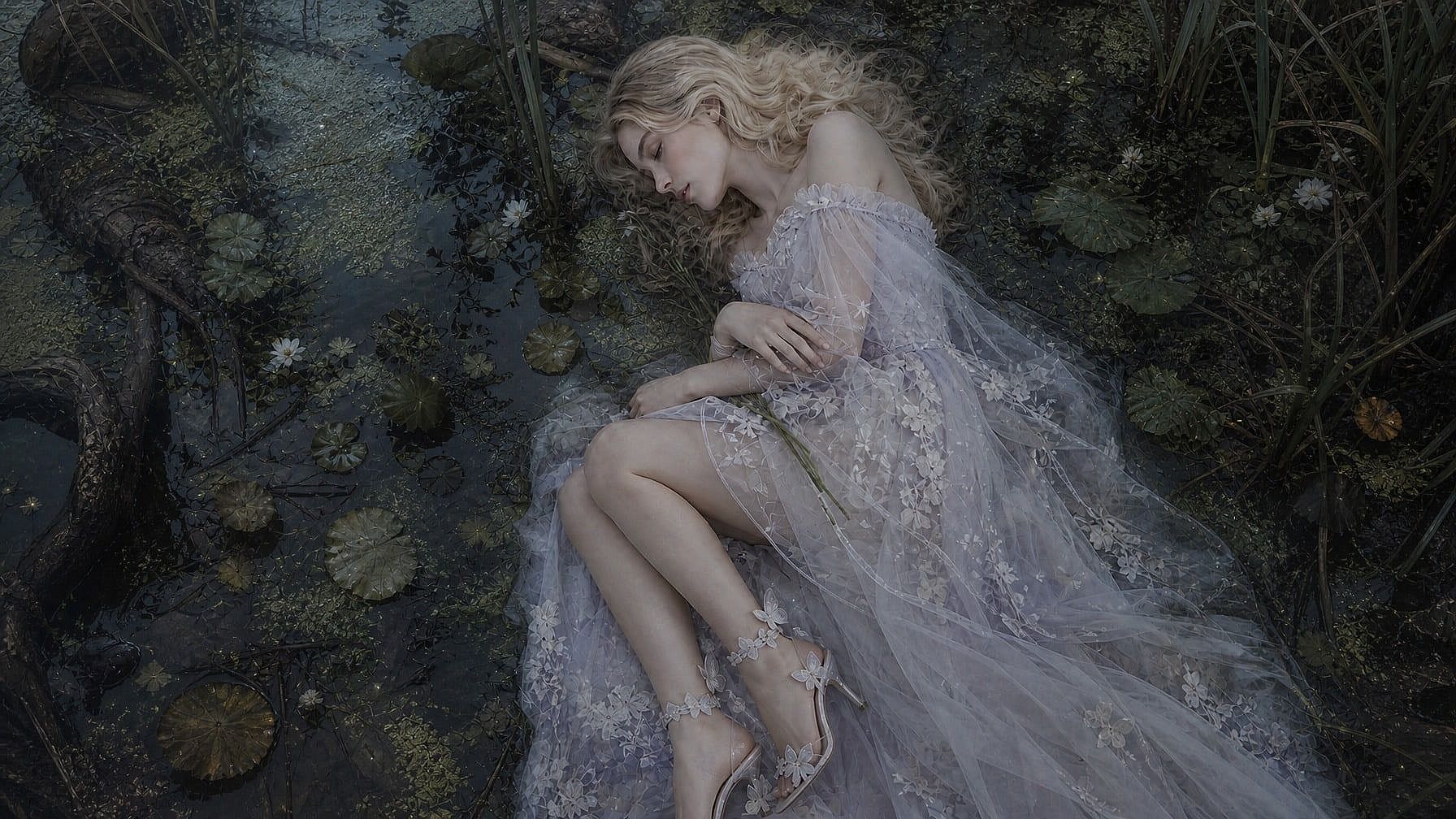
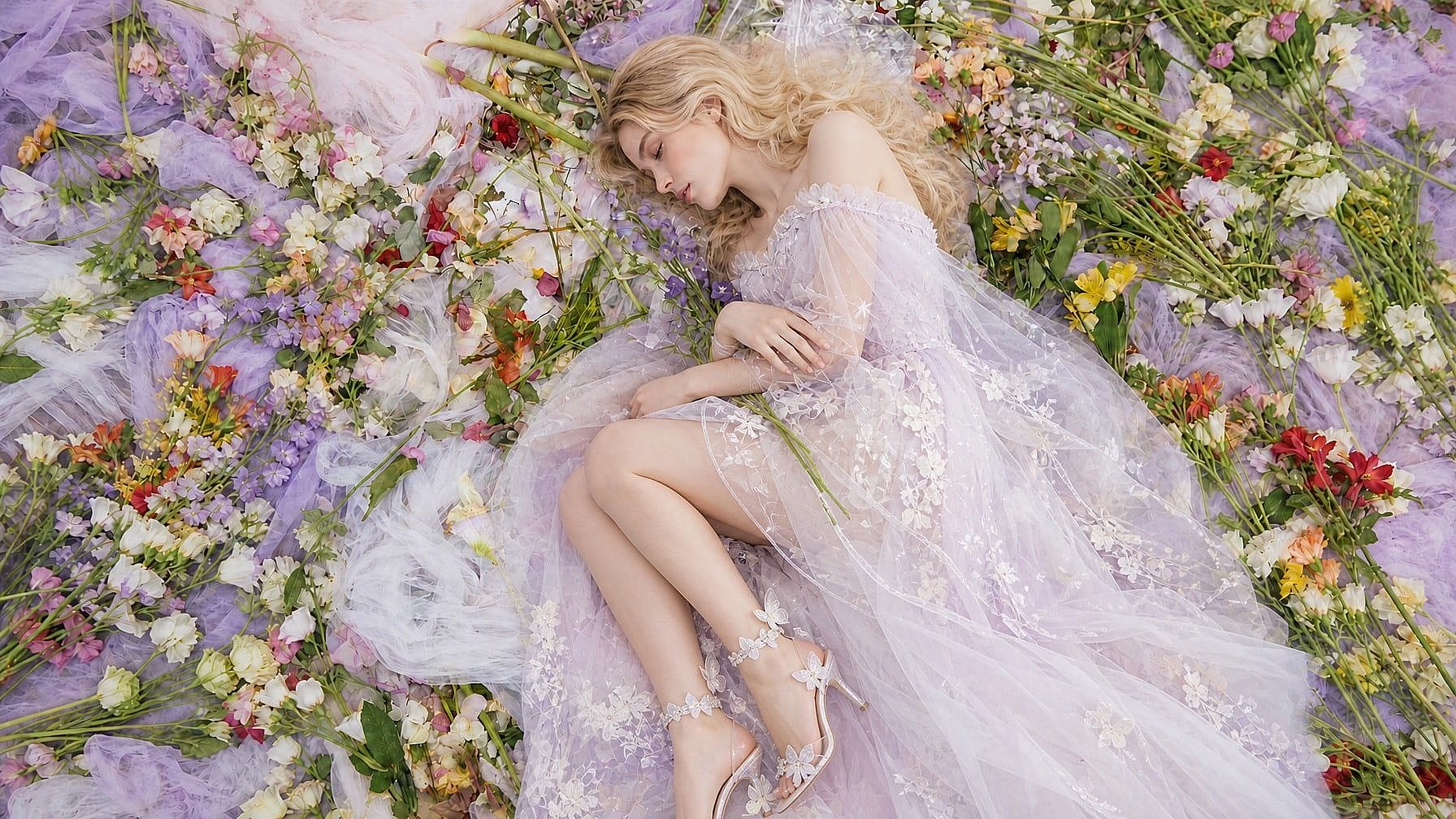
Describe el cambio y la IA lo hace. Lleva una foto de producto de un fondo blanco liso a una escena con estilo, borra un cable suelto o una pegatina de precio, o añade «NUEVO» o una etiqueta de precio con texto limpio y legible. Usa Edición por áreas para apuntar a una región, o el modo Anotación para dibujar flechas y formas que le muestren a la IA exactamente lo que quieres.
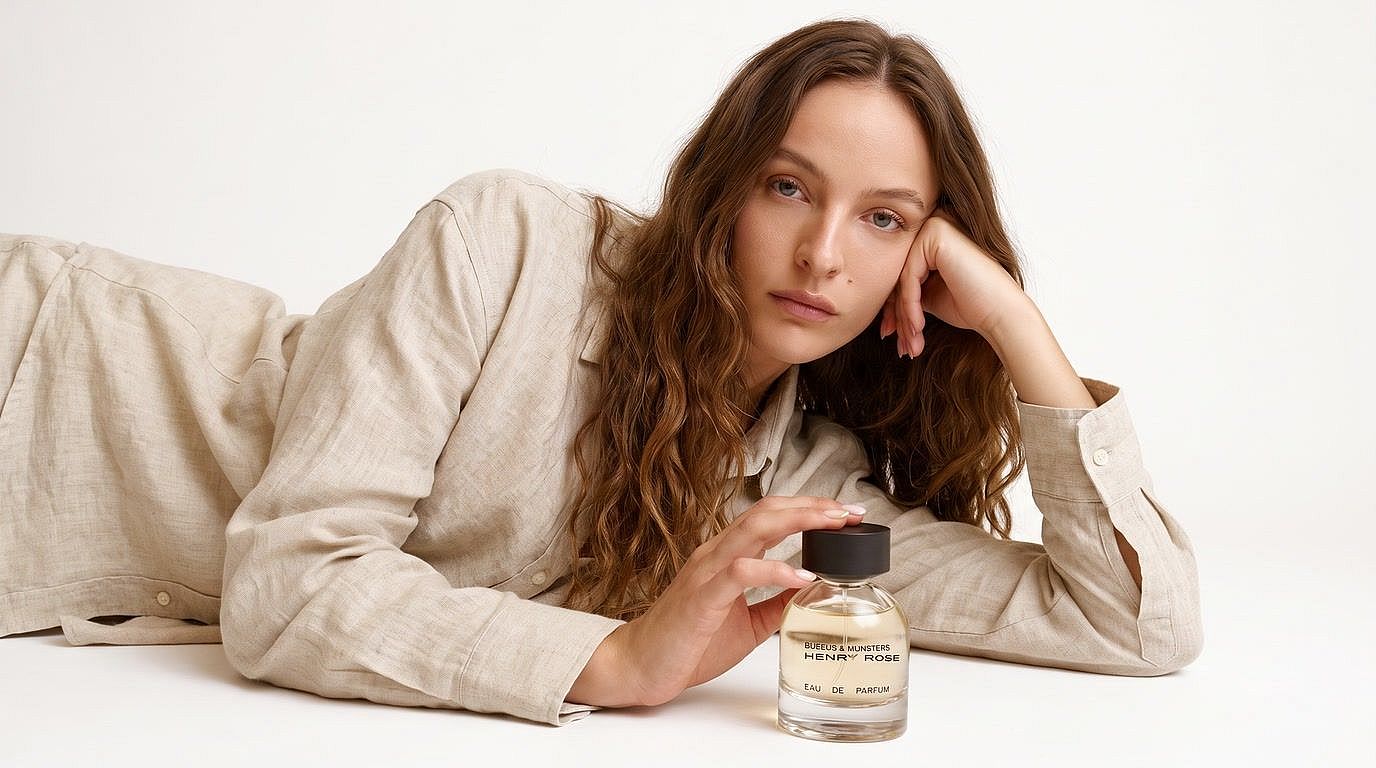
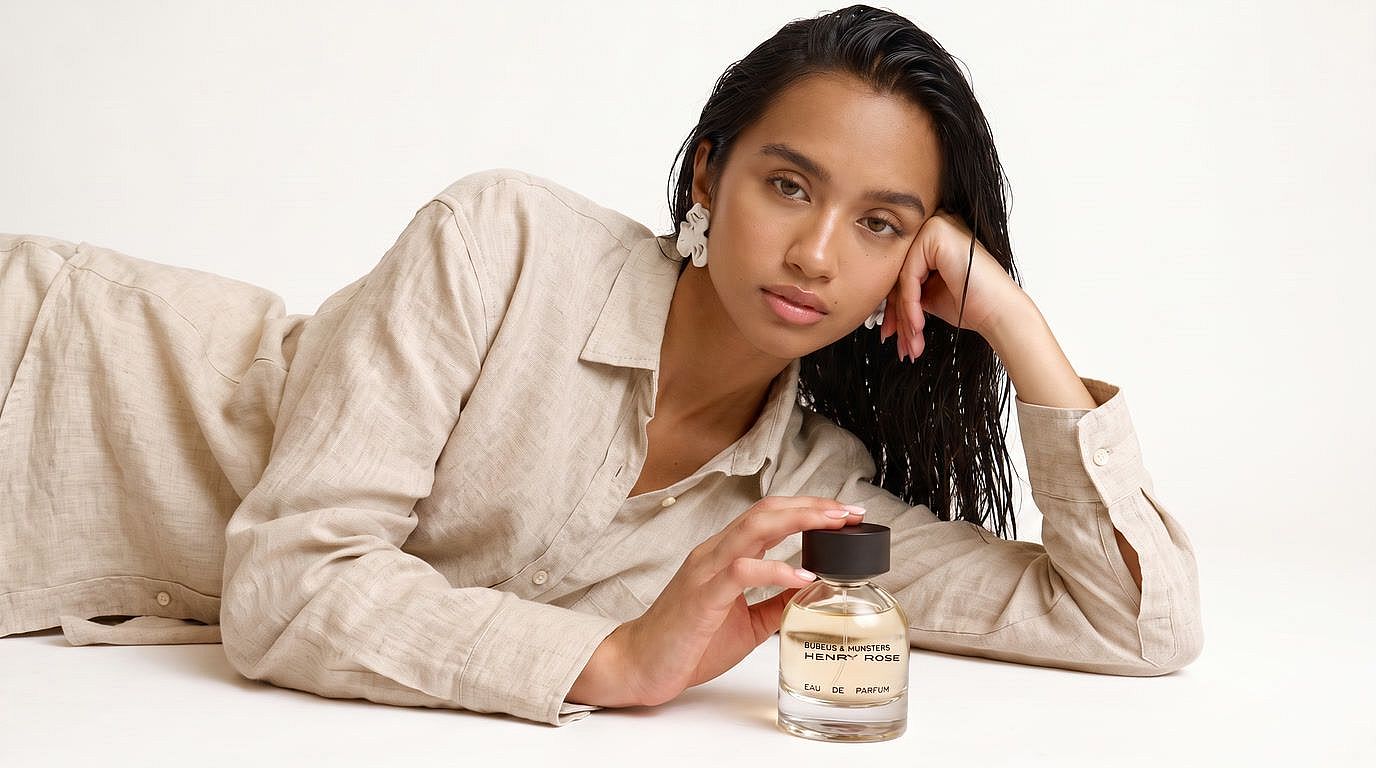
Cambia caras y mantén personajes coherentes
Sube tu foto, añade una cara de referencia y cambio de cara con IA lo sustituye mientras la pose, el atuendo y el producto se mantienen intactos. Reutiliza la misma cara de referencia en una serie de miniaturas, un carrusel o un cómic. O crea tu personaje una vez y guárdalo para reutilizarlo en cualquier nueva generación.
Escala y mejora fotos hasta 4K
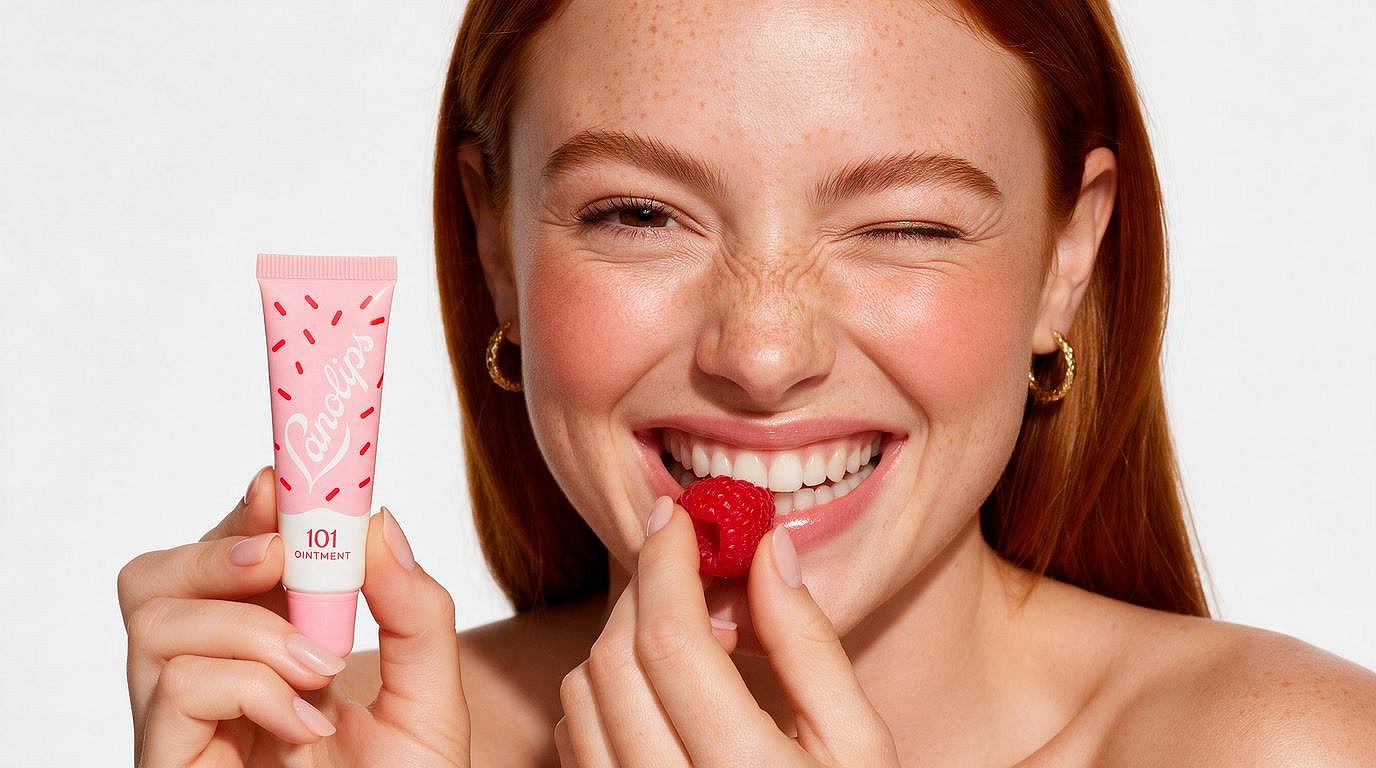
Convierte fotos borrosas y de baja resolución en fotos nítidas y de alta calidad donde las etiquetas de producto se leen con claridad y la textura de la piel se mantiene. Elige tu modo de escalado, selecciona calidad Fast o Ultra, y activa la mejora de piel para los retratos. También funciona con fotos familiares antiguas escaneadas.
Corrige la piel plastificada y recupera una textura natural
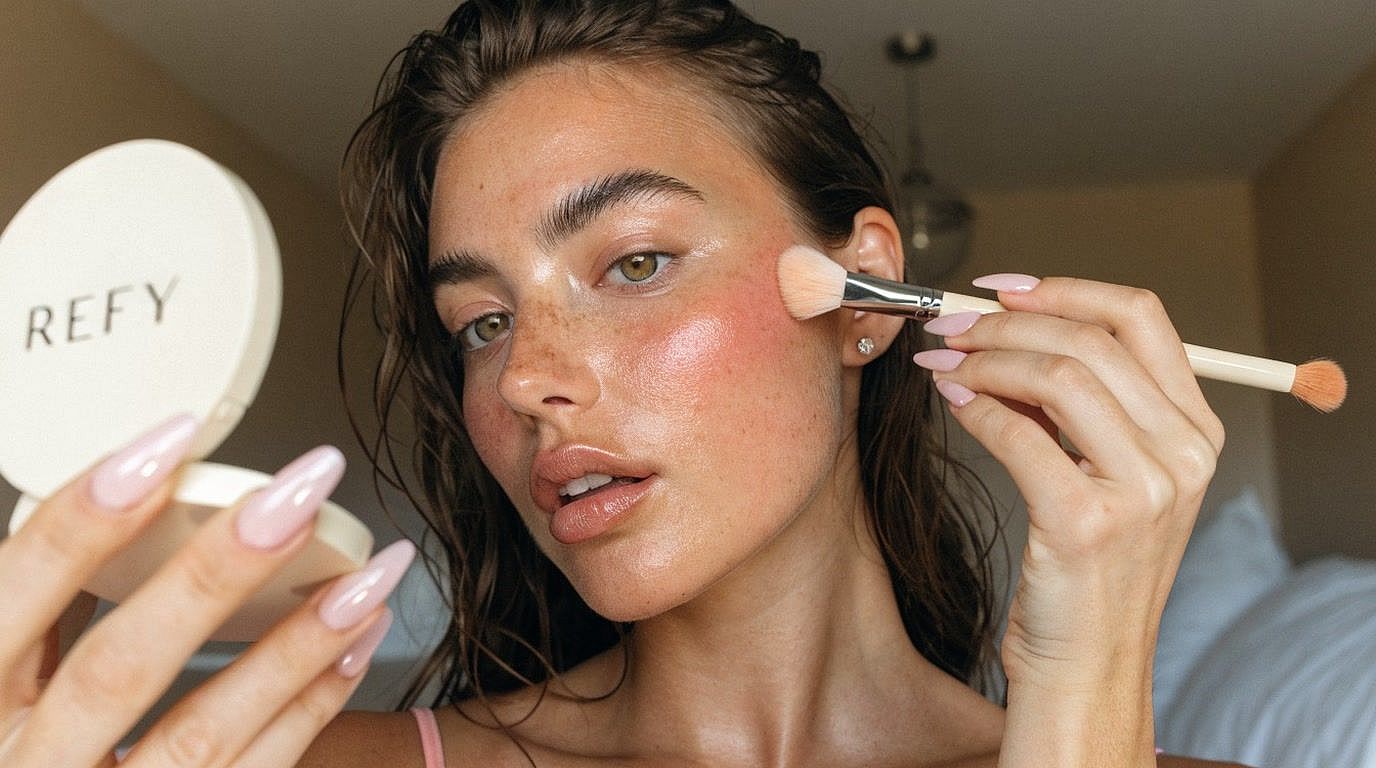
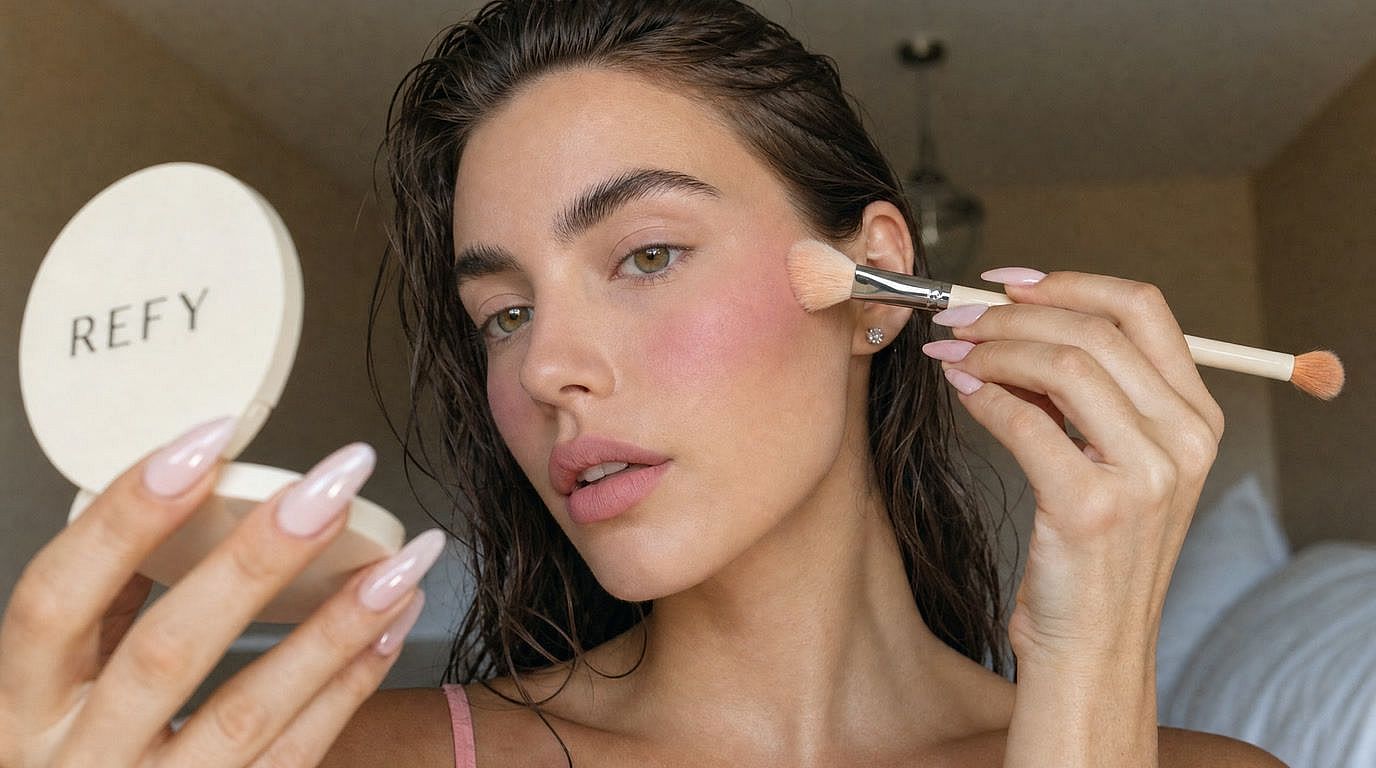
Activa la mejora de caras en la herramienta Escalar imagen para limpiar las caras y la textura de la piel mientras escalas. La piel conserva su detalle natural, así que los retratos retocados y las caras generadas por IA salen nítidos y creíbles. Un arreglo rápido para creadores cuyas fotos de influencers con IA salen demasiado suaves.
Cómo editar fotos con IA
Edita cualquier foto en tres pasos rápidos con el editor de fotos con IA online de OpenArt.
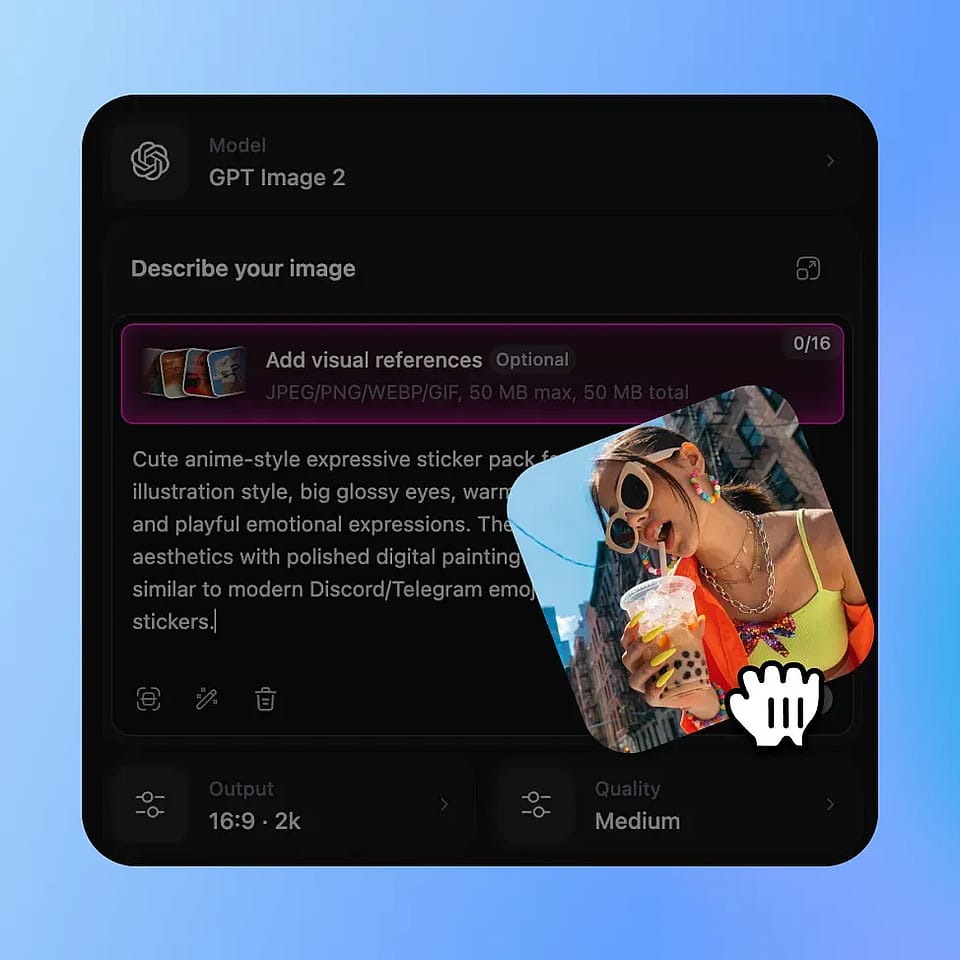
Sube tu foto
Arrastra cualquier imagen que quieras editar: retratos, fotos de producto, fotos antiguas, lo que sea.
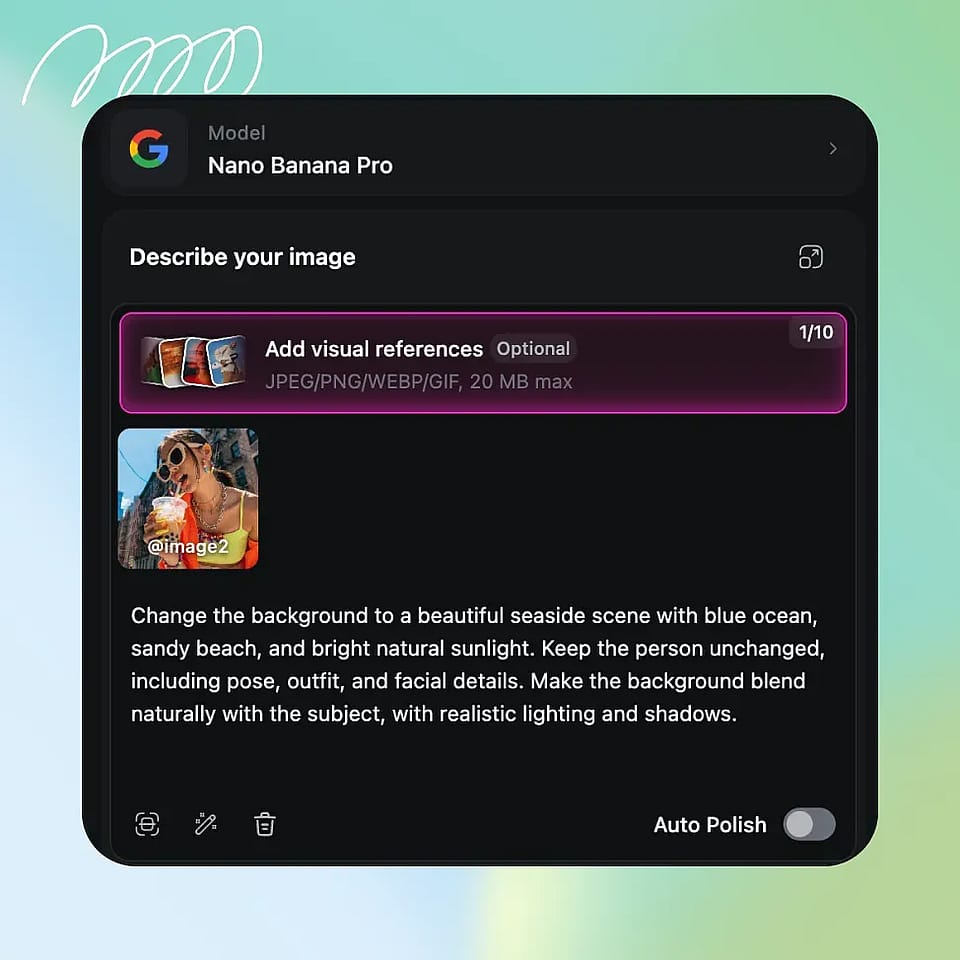
Describe tu edición
Escribe lo que quieres cambiar, usa Edición por áreas para actuar sobre un punto concreto o usa el modo Anotar para marcar la imagen directamente.
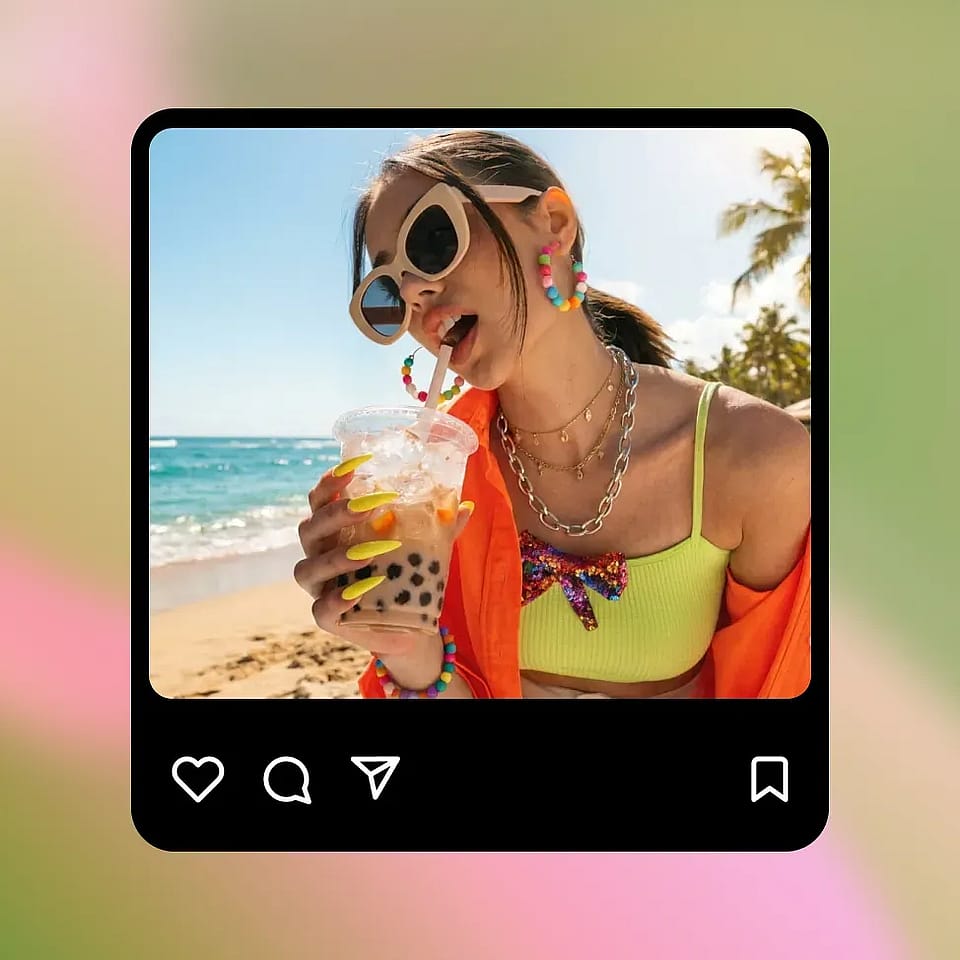
Generar y descargar
Pulsa Generar, revisa el resultado y descarga tu foto editada. Ajusta el prompt y vuelve a generar hasta que quede perfecta.
Cómo usan los creadores el editor de fotos con IA de OpenArt
Las pequeñas empresas lo usan para publicar fotos de producto listas para la venta, los creadores para publicar más rápido y los fotógrafos para reducir el tiempo de retoque.
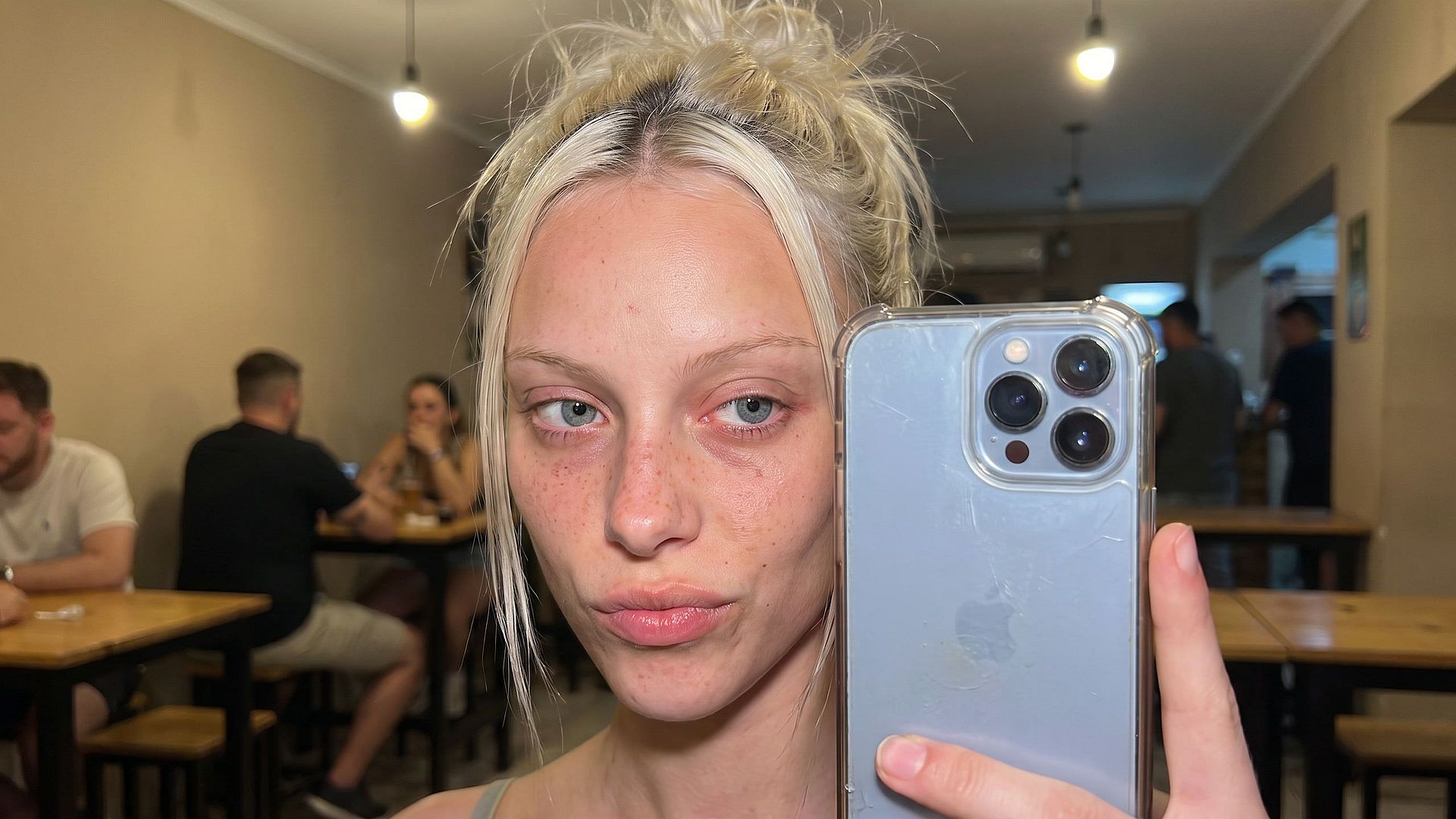
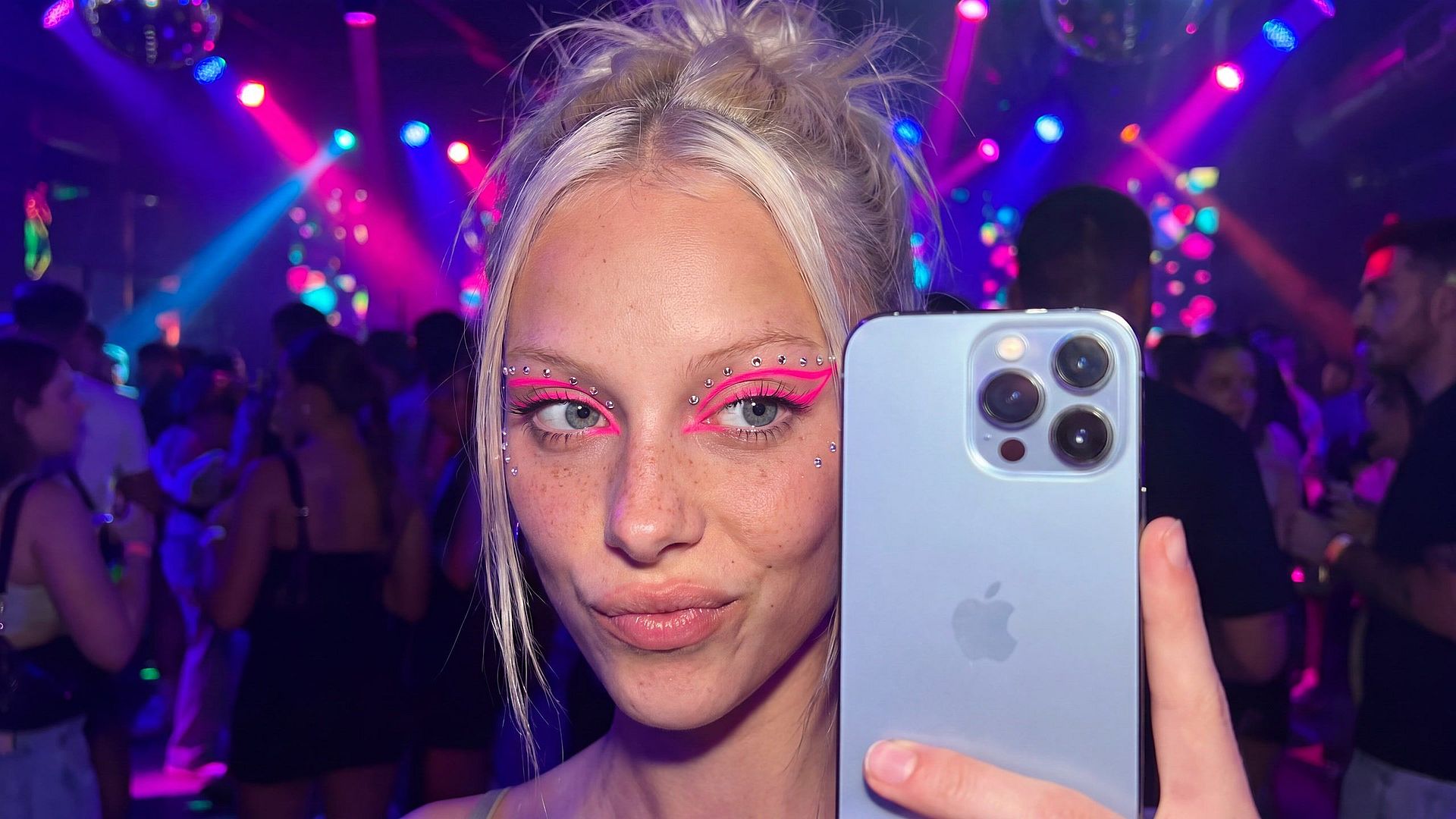
Edición de fotos con IA para redes sociales
Cambia tu escena, atuendo o maquillaje con un prompt, como convertir un selfie en un bar con poca luz en una foto de fiesta con neones. Crea miniaturas con texto llamativo y legible y caras expresivas, y usa una imagen de referencia para que tu personaje se reconozca en un carrusel o serie.
Pruébalo ahora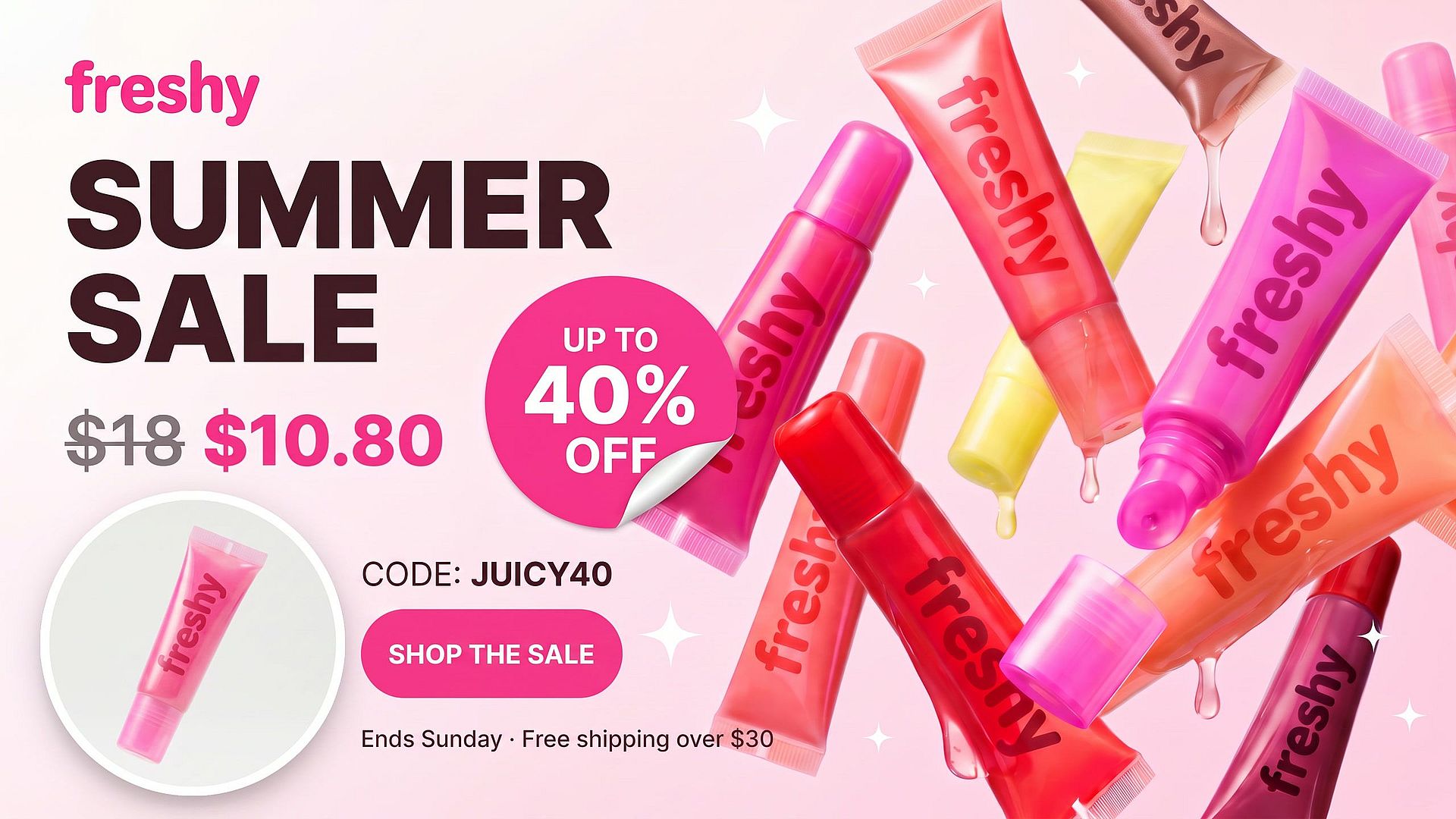
Edita fotos de producto para anuncios y fichas
Cambia fondos, elimina polvo y accesorios, y añade insignias de ofertas o texto de precio como «Rebajas de verano, 30% de descuento» sin abrir una app de diseño. Reutiliza el mismo prompt de fondo en todo tu catálogo para dar a tu tienda un aspecto coherente, y luego prueba variaciones para ver cuál convierte mejor.
Pruébalo ahora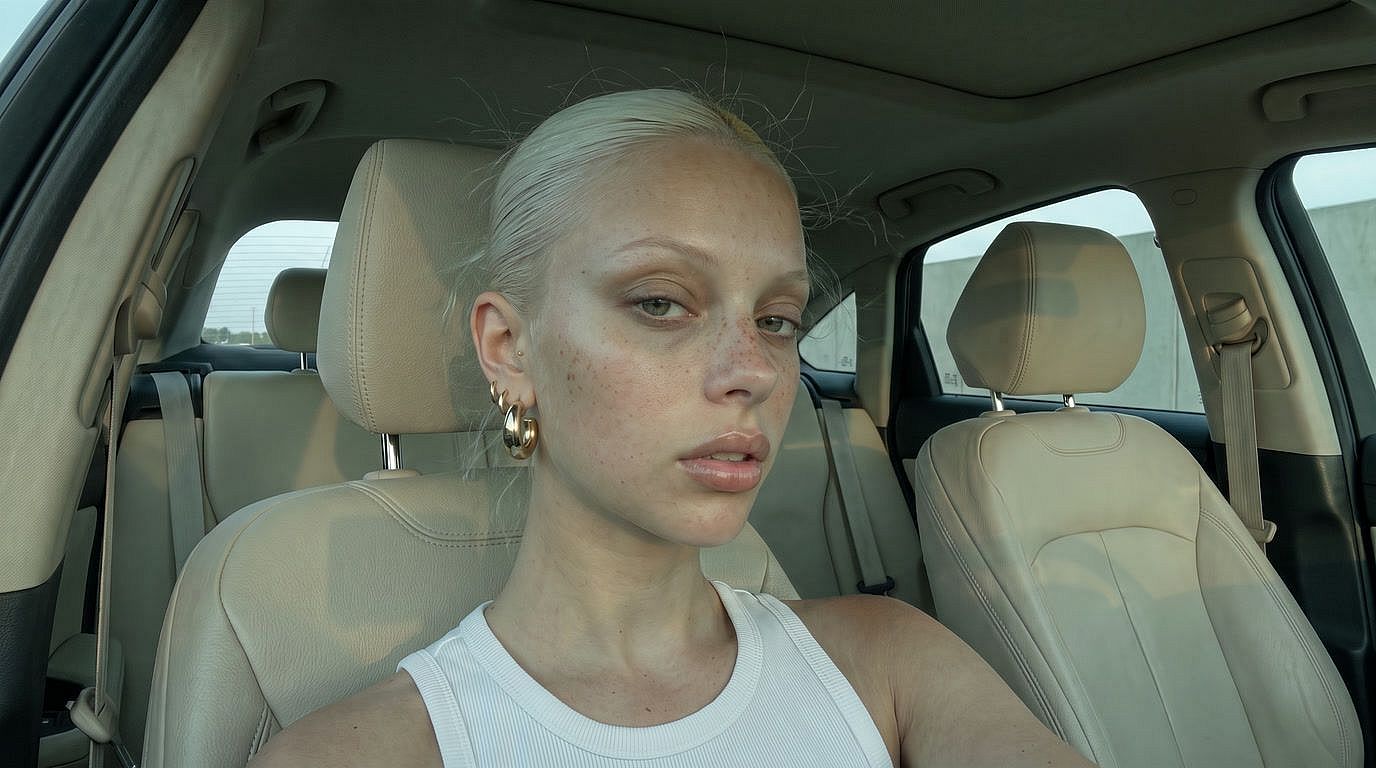
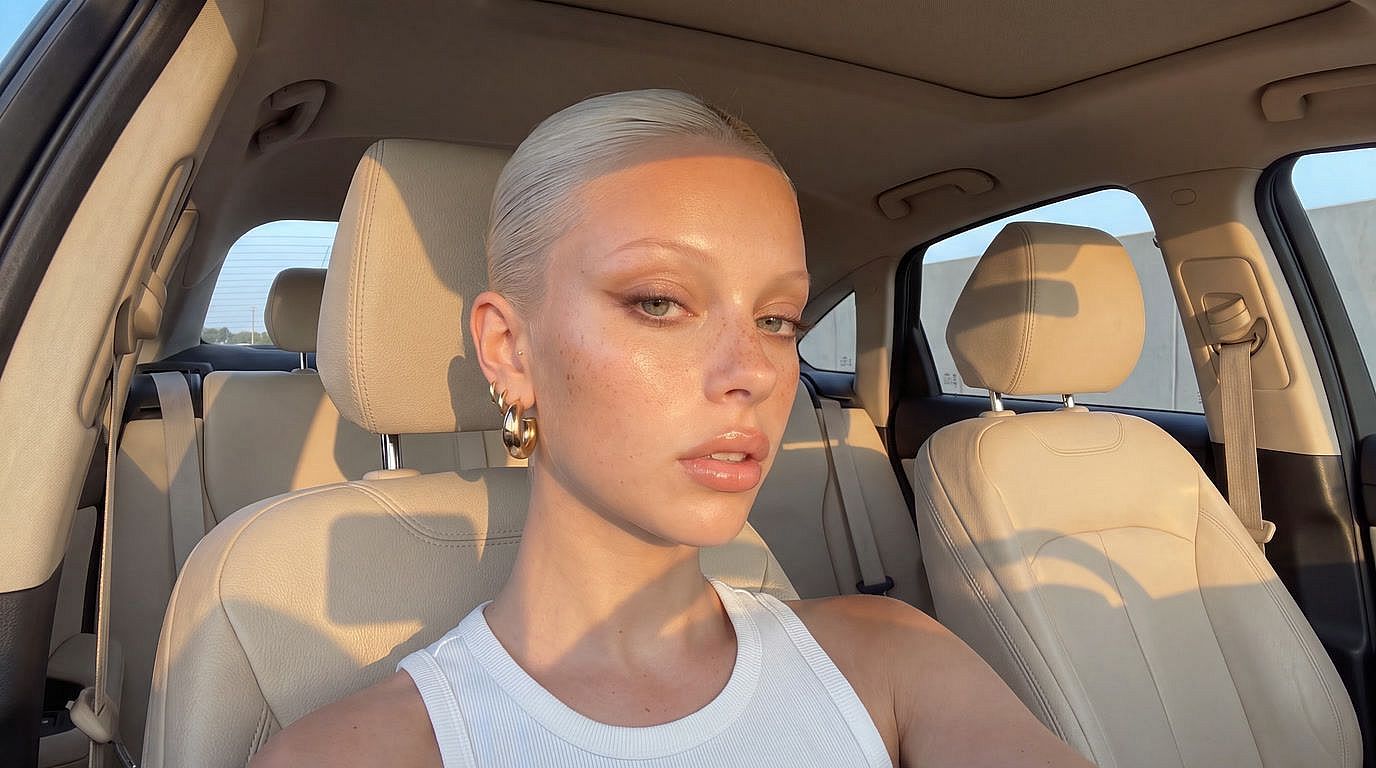
Retoque con IA para fotógrafos
Delega el retoque repetitivo. Activa la mejora facial para una piel natural, da calidez a los colores apagados, amplía tus tomas a 4K, restaura fotos antiguas y prueba las ediciones antes de aplicarlas en Photoshop.
Pruébalo ahoraPreguntas frecuentes Preguntas
Es un editor de fotos con IA online que cambia imágenes a partir de un prompt de texto. Cambia fondos, elimina objetos, añade texto, intercambia caras, escala a 4K, retoca la piel, corrige la iluminación, cambia ángulos de cámara o restaura fotos antiguas, todo sin software de edición tradicional. Empieza gratis.
Sí. Sube una foto de producto y describe la escena que quieres, como «colócalo sobre una encimera de mármol con luz suave de la mañana». La IA cambia el fondo y ajusta la iluminación y las sombras mientras el producto y la etiqueta se mantienen nítidos. Usa el mismo prompt en todo tu catálogo para dar a tu tienda un aspecto coherente.
Sí. Usa una cara de referencia con el intercambio de caras, o crea un personaje reutilizable con OpenArt Characters, para que un mismo aspecto se reconozca en miniaturas, carruseles y series de historias.
Sí, en los planes de pago elegibles. Consulta tu plan para ver los términos exactos.
Necesitarás una cuenta gratuita de OpenArt para editar y descargar imágenes. Registrarte lleva menos de un minuto y te da créditos gratis para empezar.
Sí. Pide el texto en tu prompt, por ejemplo «añade REBAJAS DE VERANO 30% DE DESCUENTO en letras blancas en negrita en la parte superior». Funciona para insignias de ofertas, etiquetas de precio, títulos de miniaturas y pies de foto para redes.
Sí. En Editar imagen, usa el modo Edición por áreas para resaltar una región y cambiar solo esa zona, o el modo Anotación para marcar el punto con flechas y formas.
Sé específico. En lugar de «mejóralo», prueba con «sustituye el fondo por una playa soleada y añade sombras suaves bajo la botella». Cuanto más detalle, más cerca estarás al primer intento.
Crea sin límites
Únete a miles de creadores que usan OpenArt para generar imágenes, vídeos y mucho más impresionantes, todo en una sola plataforma.
Empieza gratis →