

Por qué usar el Escalador de Imágenes con IA de OpenArt



Más grande, sin desenfoque
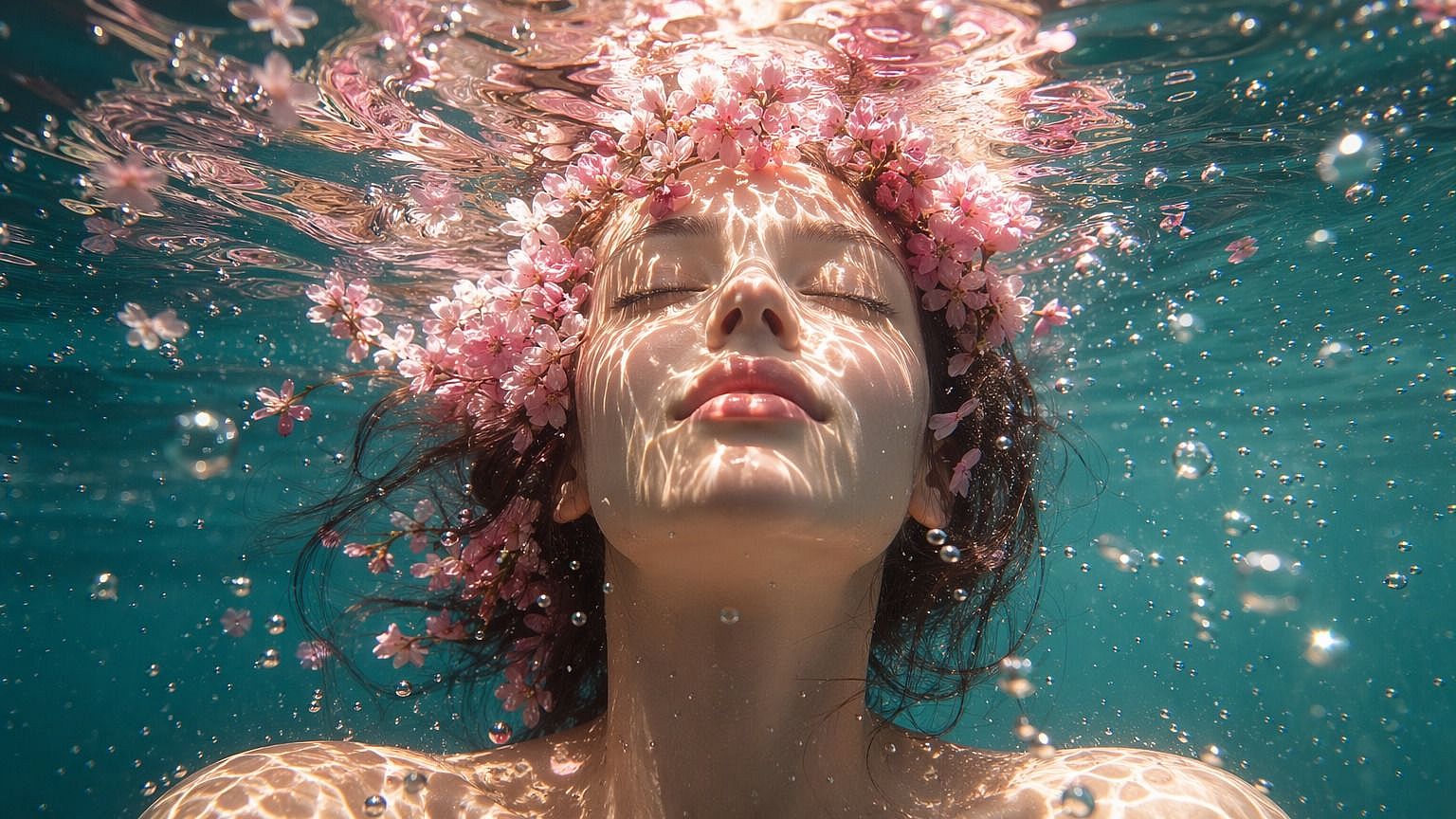
Las imágenes pequeñas o de baja resolución vuelven más grandes y nítidas. La IA añade detalle en lugar de estirar los píxeles.




Elige cómo escalar la resolución
Elige Preciso, Refinado o Creativo según lo fiel que quieras ser al original.
La piel se mantiene natural
Activa la mejora de piel mientras escalas para que las caras luzcan reales, no alisadas.
Amplía cualquier imagen sin perder detalle
El escalador de imágenes con IA de OpenArt se basa en los mejores modelos de imagen, así que el resultado escalado se ve limpio y natural, no sobreprocesado. Tú controlas hasta dónde llega la IA.
Añadir resolución real
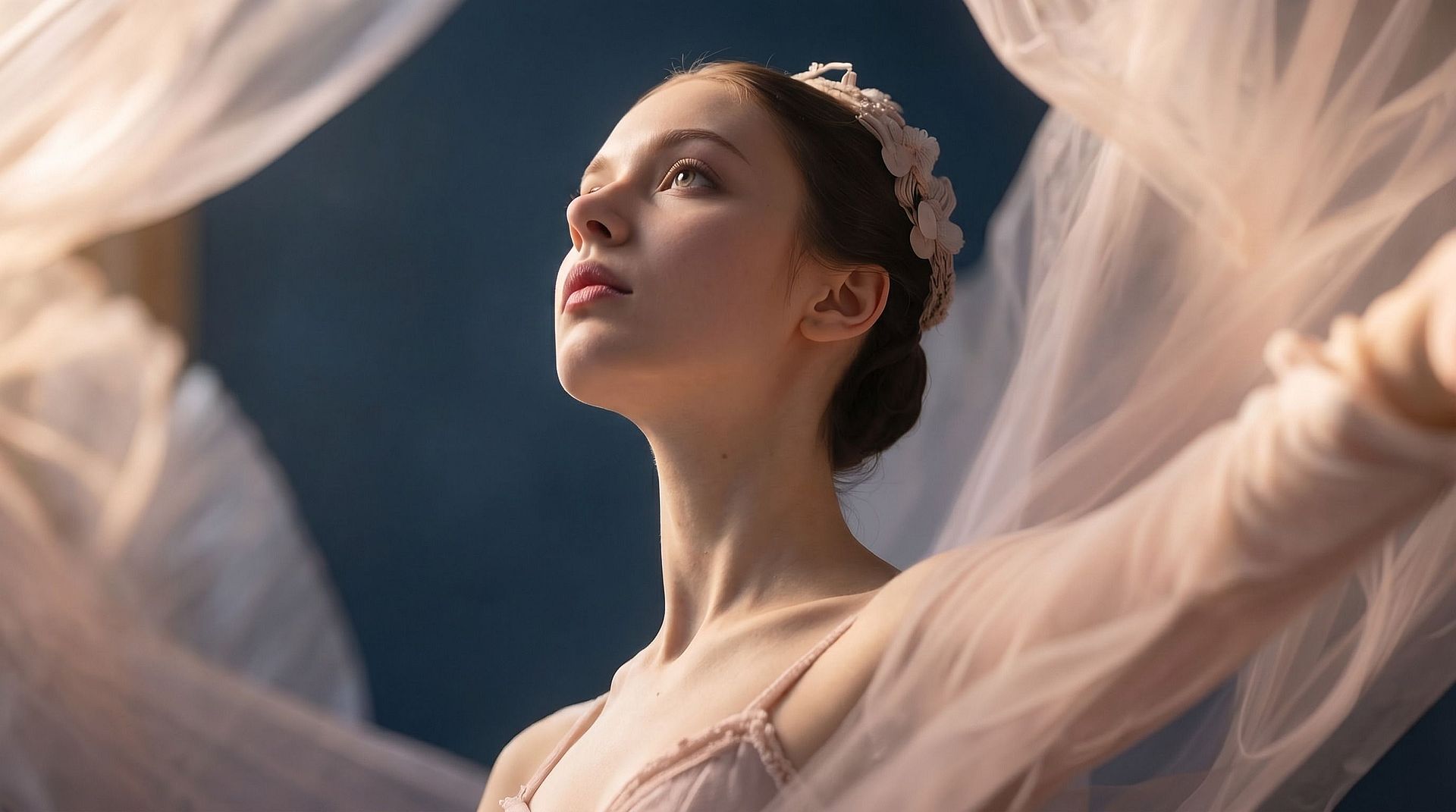
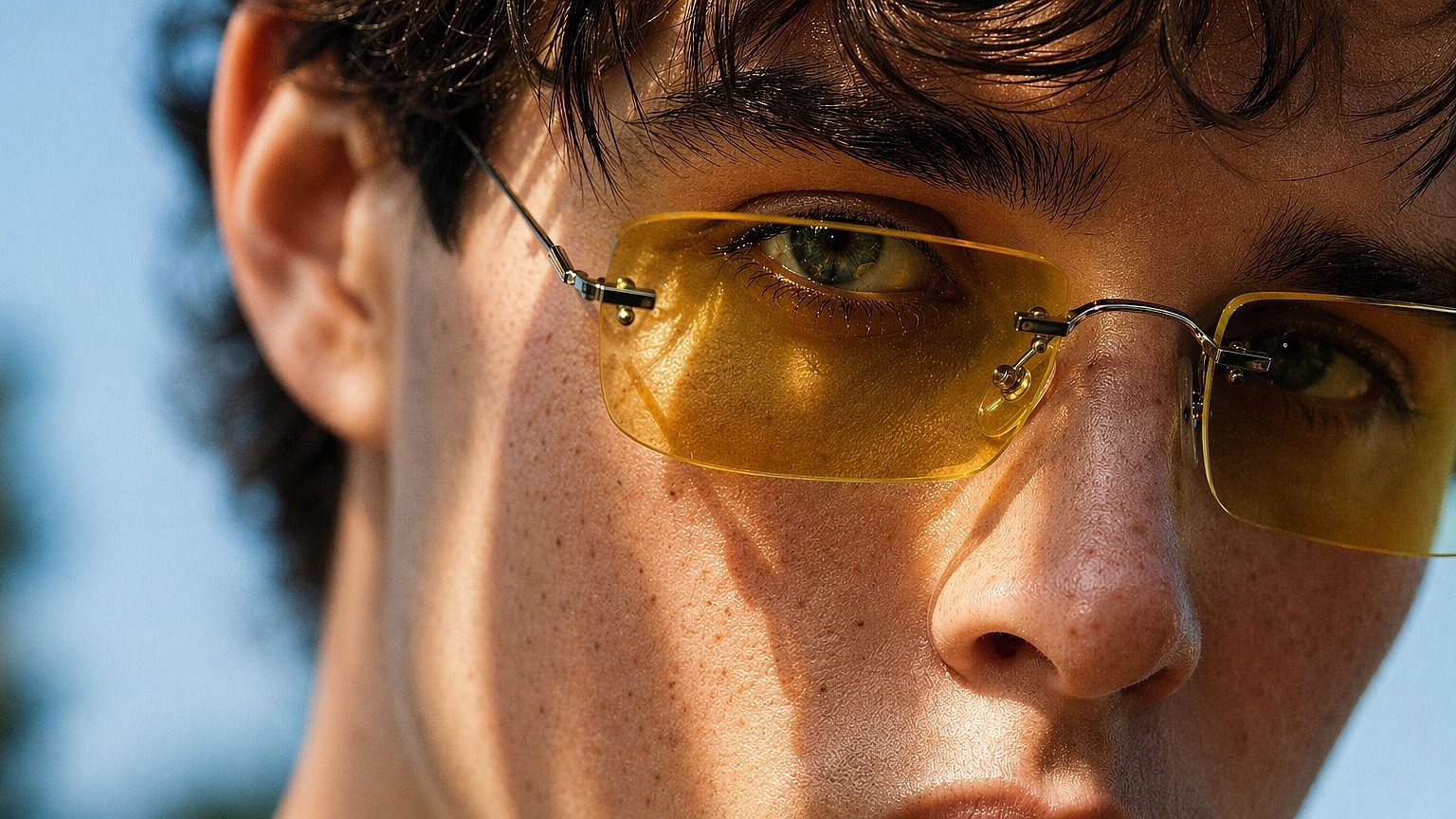
Sube cualquier imagen y la IA la reconstruye a mayor resolución con más píxeles. Añade detalle en bordes, texturas y zonas finas, de modo que el resultado aguanta el zoom o una impresión más grande.
Elige tu modo de mejora
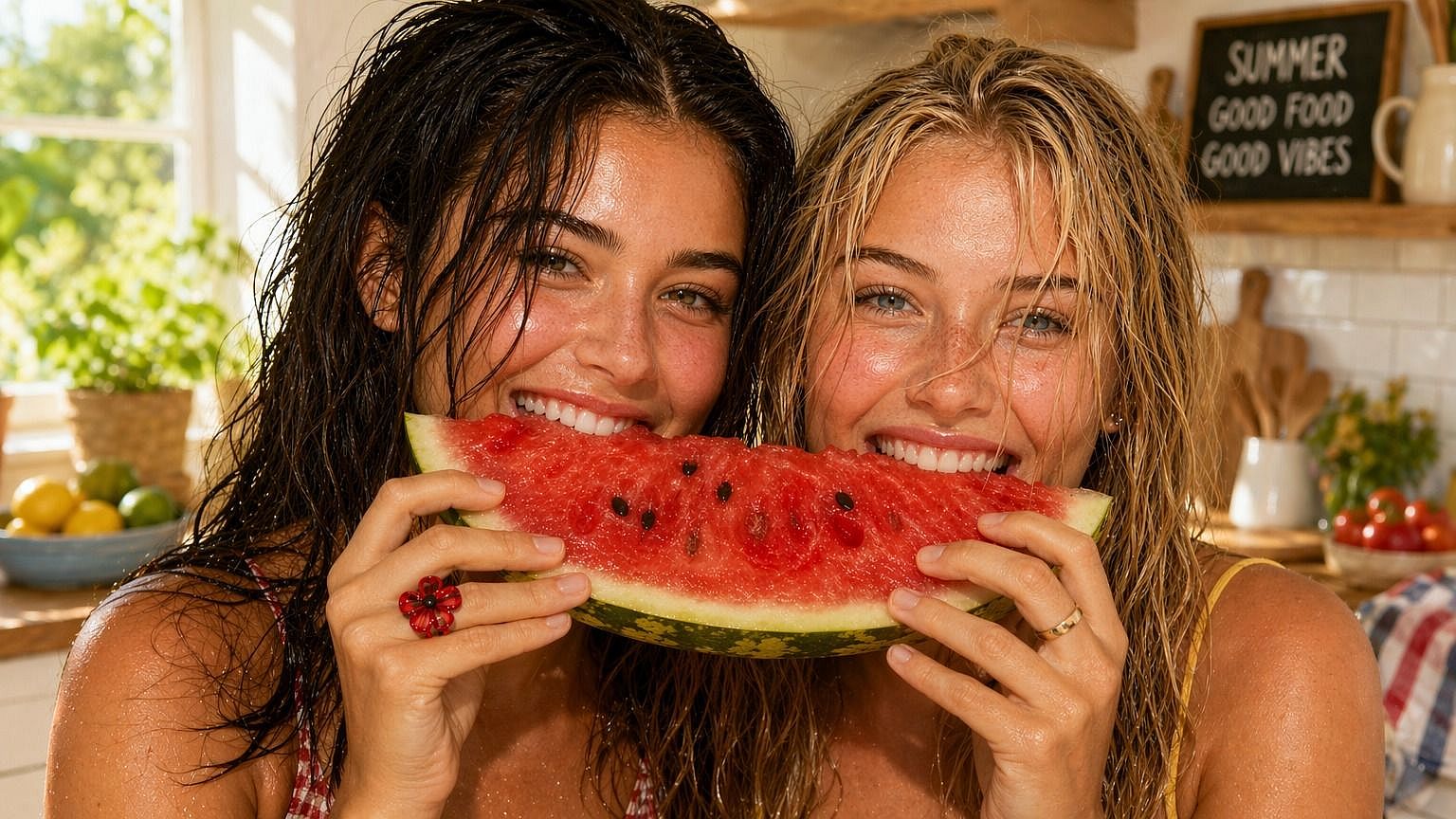
Elige «Preciso» para ser fiel al original, «Creativo» para un resultado más limpio o «Generativo» cuando quieras que la IA añada más detalle por su cuenta. El modo decide cuánto puede cambiar la imagen al escalarla.
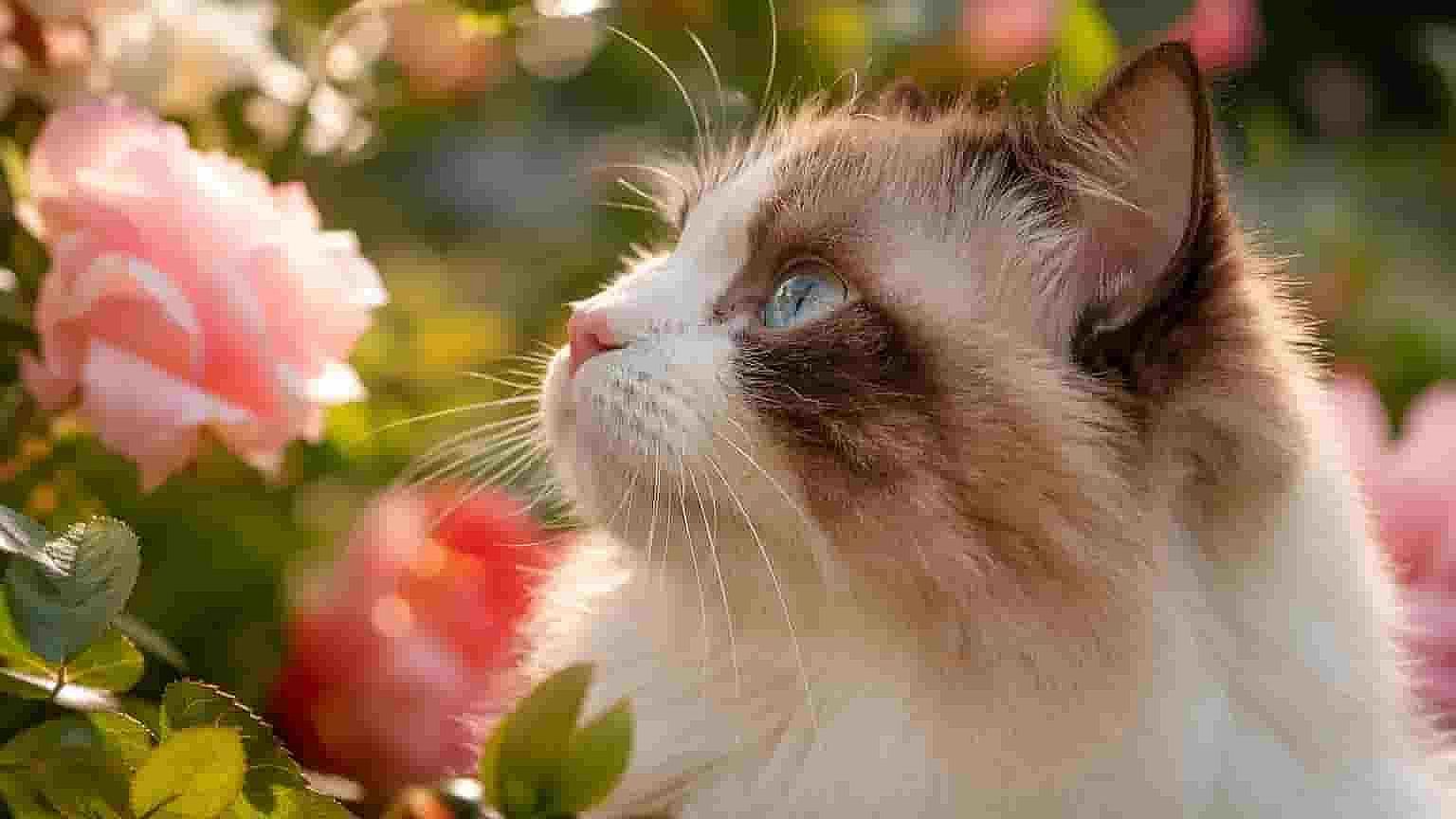
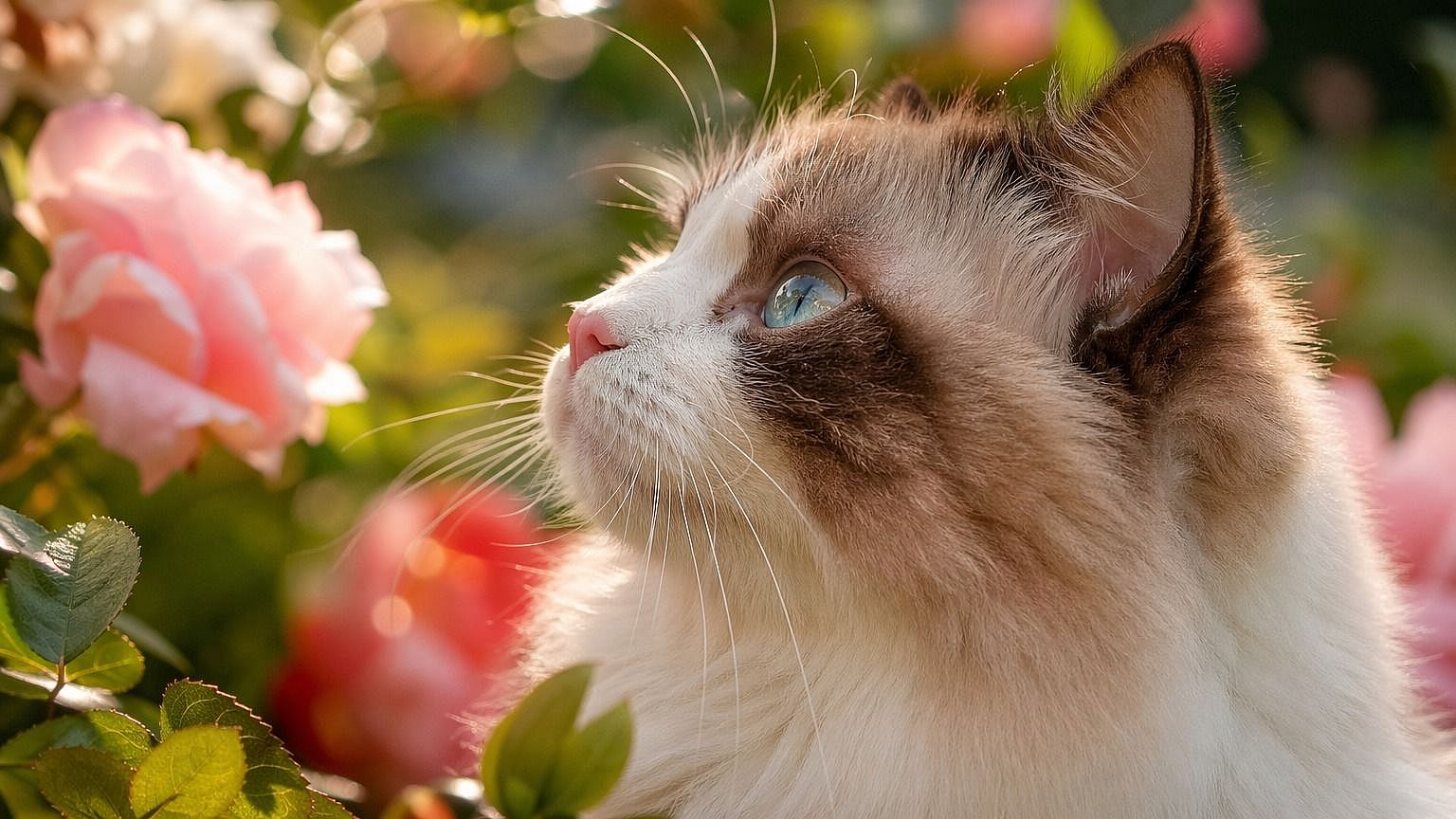
Ajusta el factor de escalado
Arrastra el control del factor de escalado entre 1x y 10x. Un pequeño ajuste da nitidez a una foto que casi lo consigue, y un salto mayor convierte una imagen de baja resolución en algo que puedes imprimir o recortar.
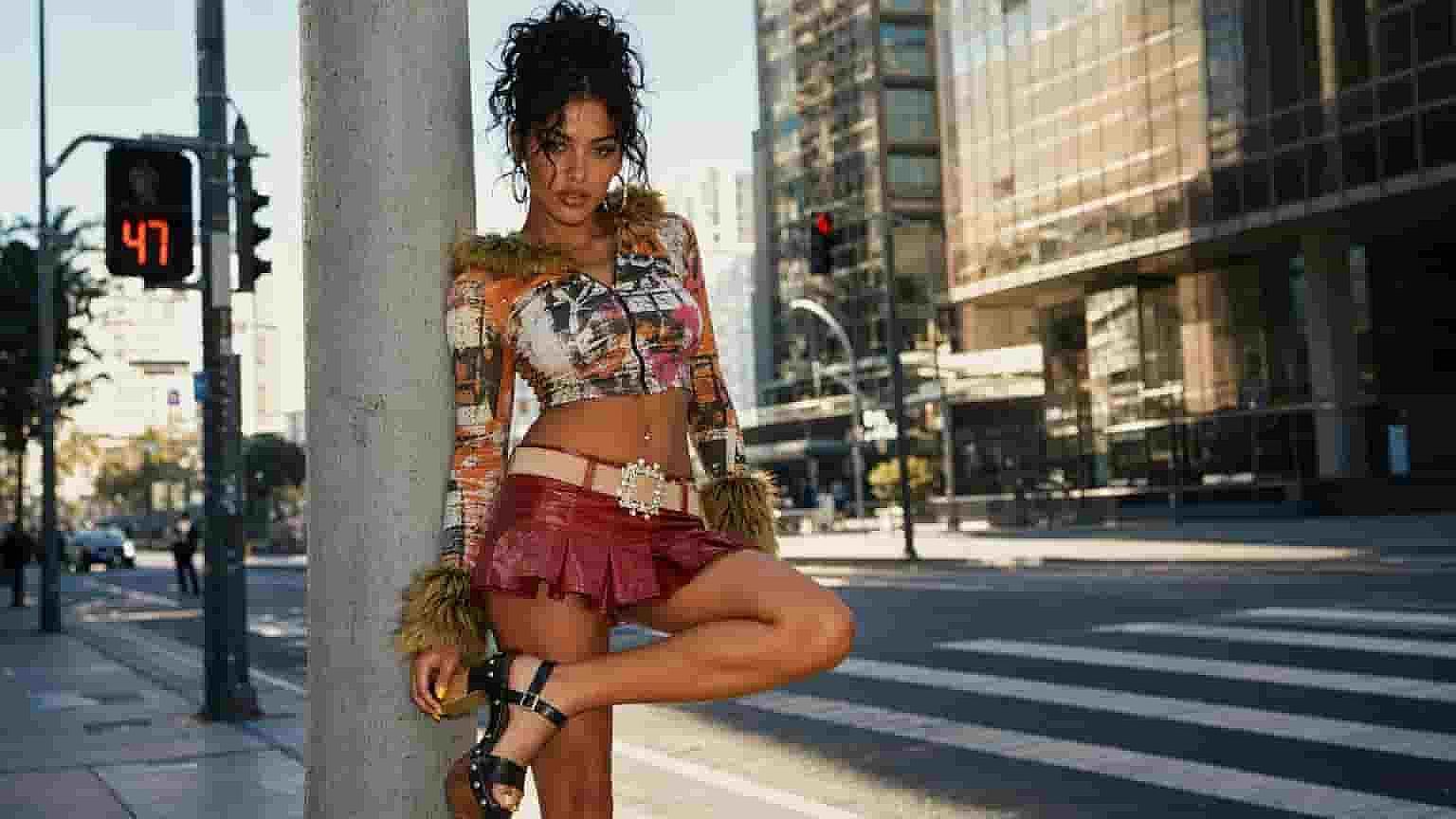
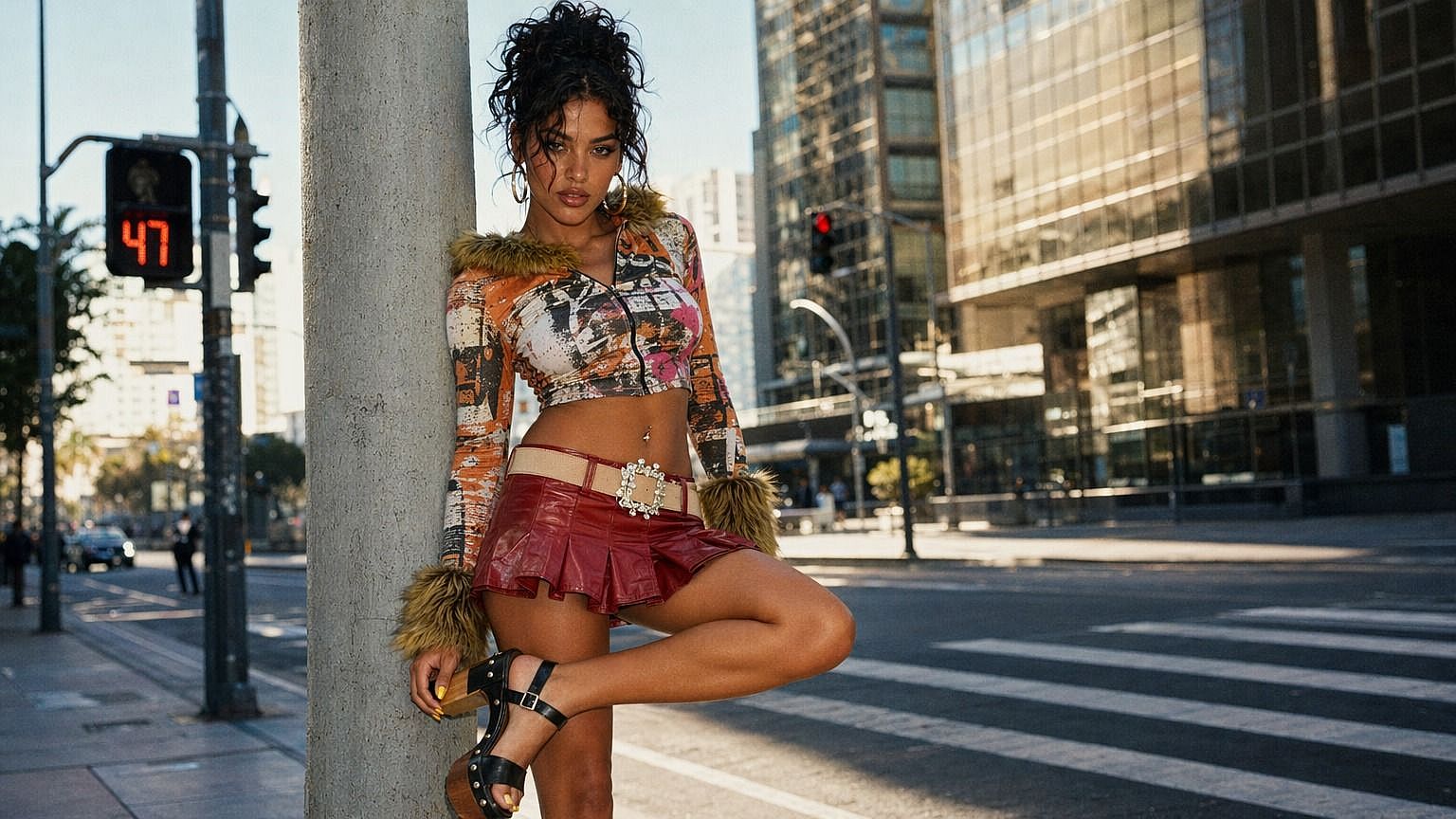
Mejora la piel del rostro de una sola pasada
Activa la «mejora facial» para pulir rostros y la textura de la piel mientras escalas la imagen. Mantiene la piel con un aspecto natural y detallado en lugar de plástico, así los retratos quedan nítidos y creíbles.
Cómo usar el escalador de imágenes con IA
Escalar una imagen consta de tres pasos.
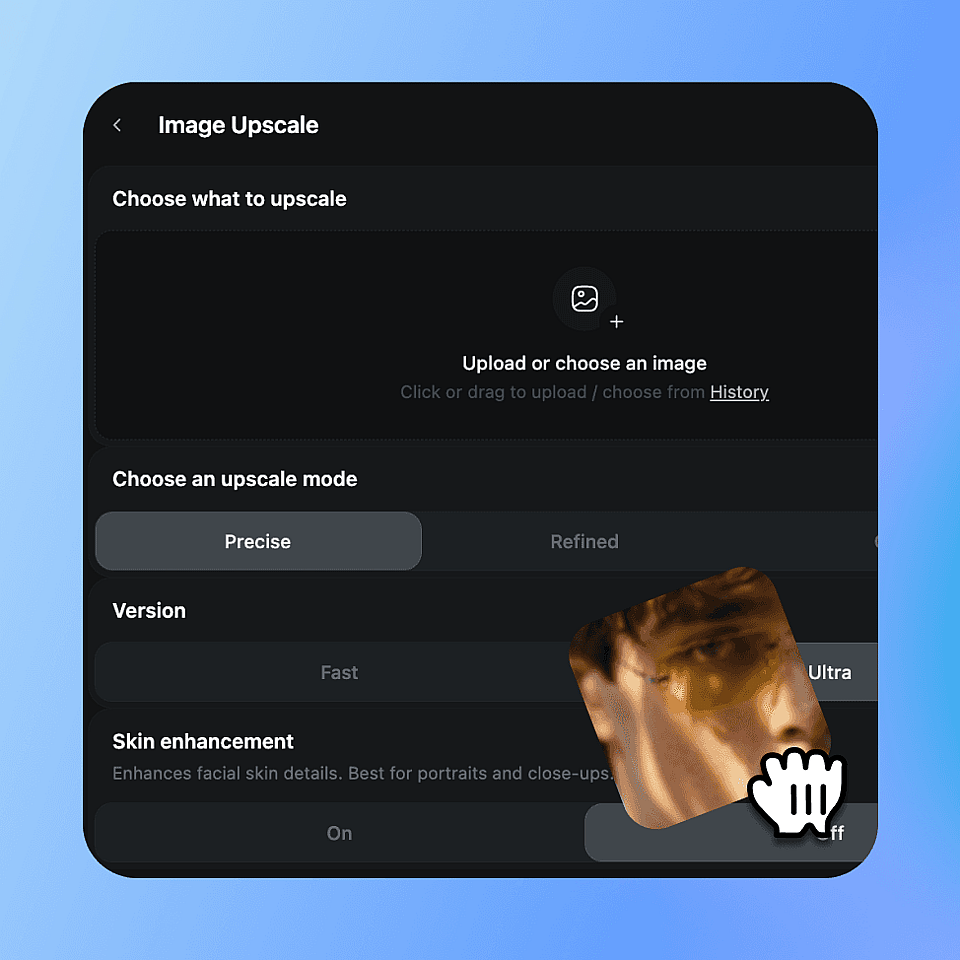
Sube tu imagen
Elige la imagen que quieres escalar y suéltala aquí.
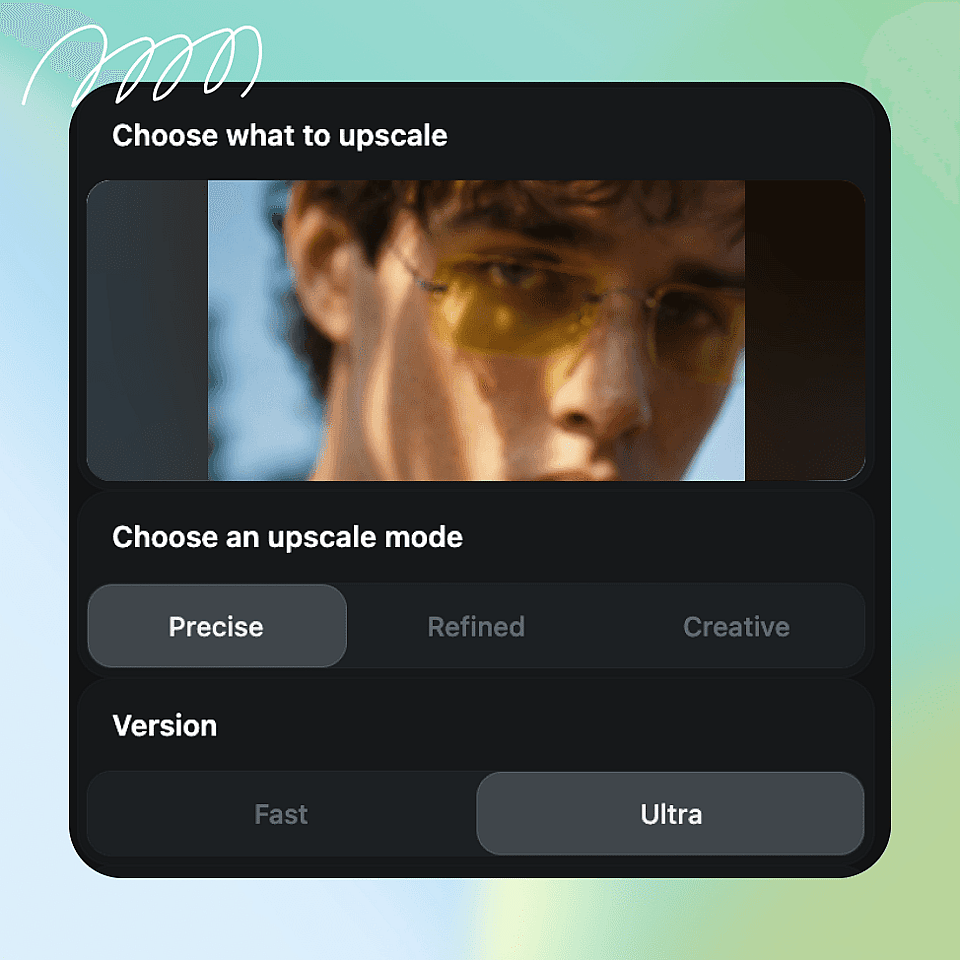
Elige tus ajustes
Elige un modo de reescalado, selecciona calidad Rápida o Ultra y activa la mejora de piel si la necesitas.
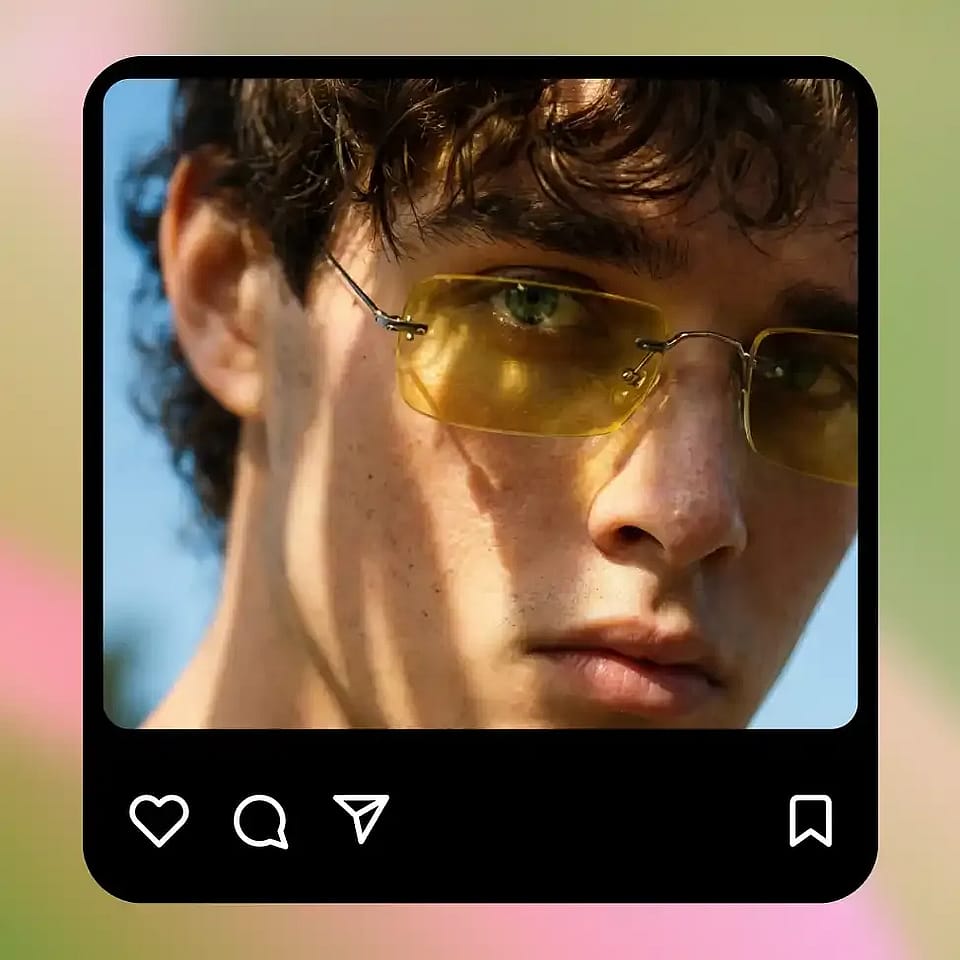
Escalar y descargar
Ejecútalo, revisa el resultado y descarga tu imagen en mayor resolución.
Mejores usos del escalador de imágenes con IA
Allí donde tu imagen sea demasiado pequeña o borrosa, el escalador la lleva a una calidad utilizable.
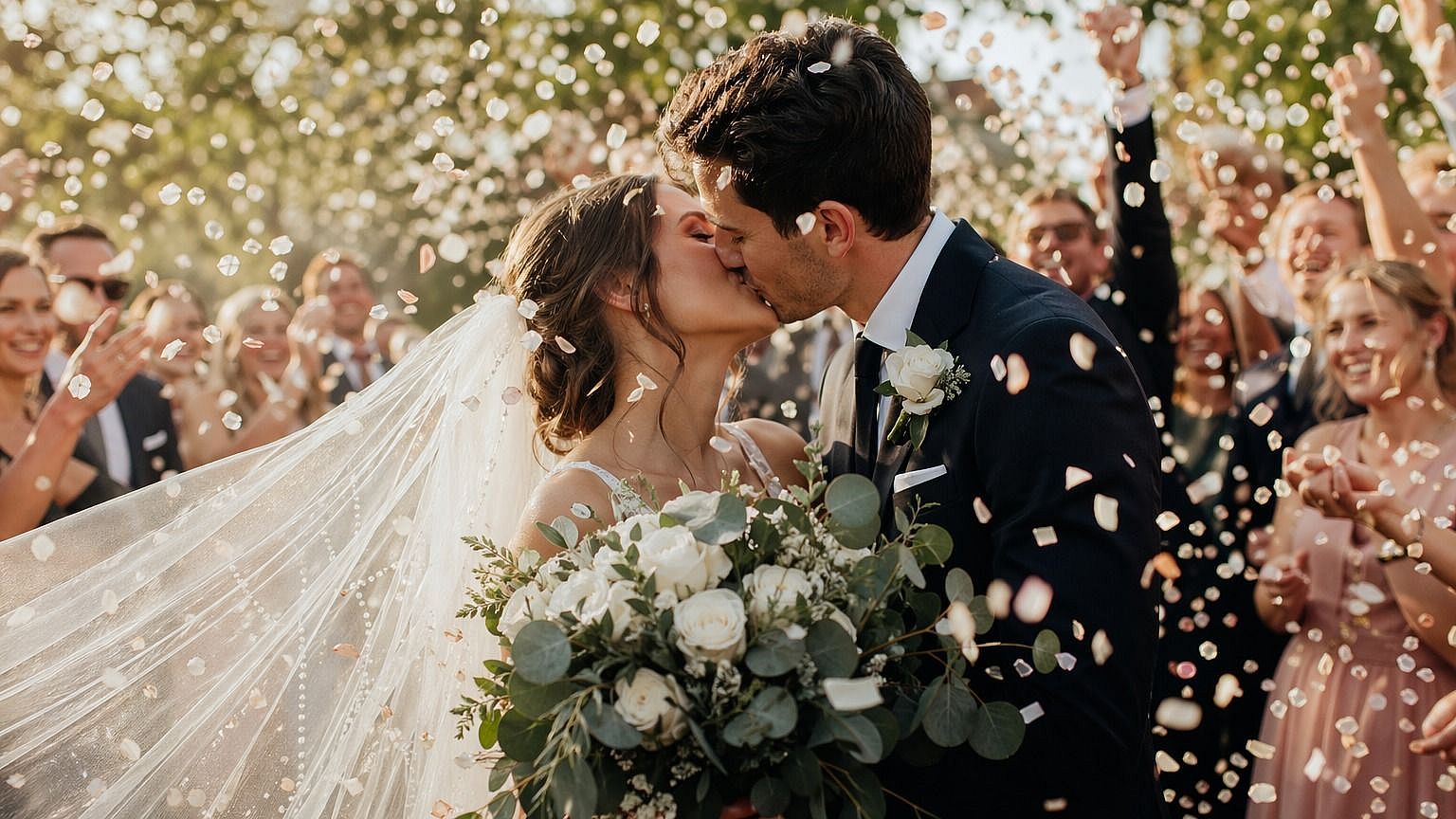
Fotógrafos y editores
Lleva fotos antiguas o de baja resolución a un tamaño que puedas recortar, imprimir o entregar. El ampliador añade detalle manteniendo la foto realista, así que dedicas menos tiempo a repetir tomas o rescatar archivos.
Pruébalo ahora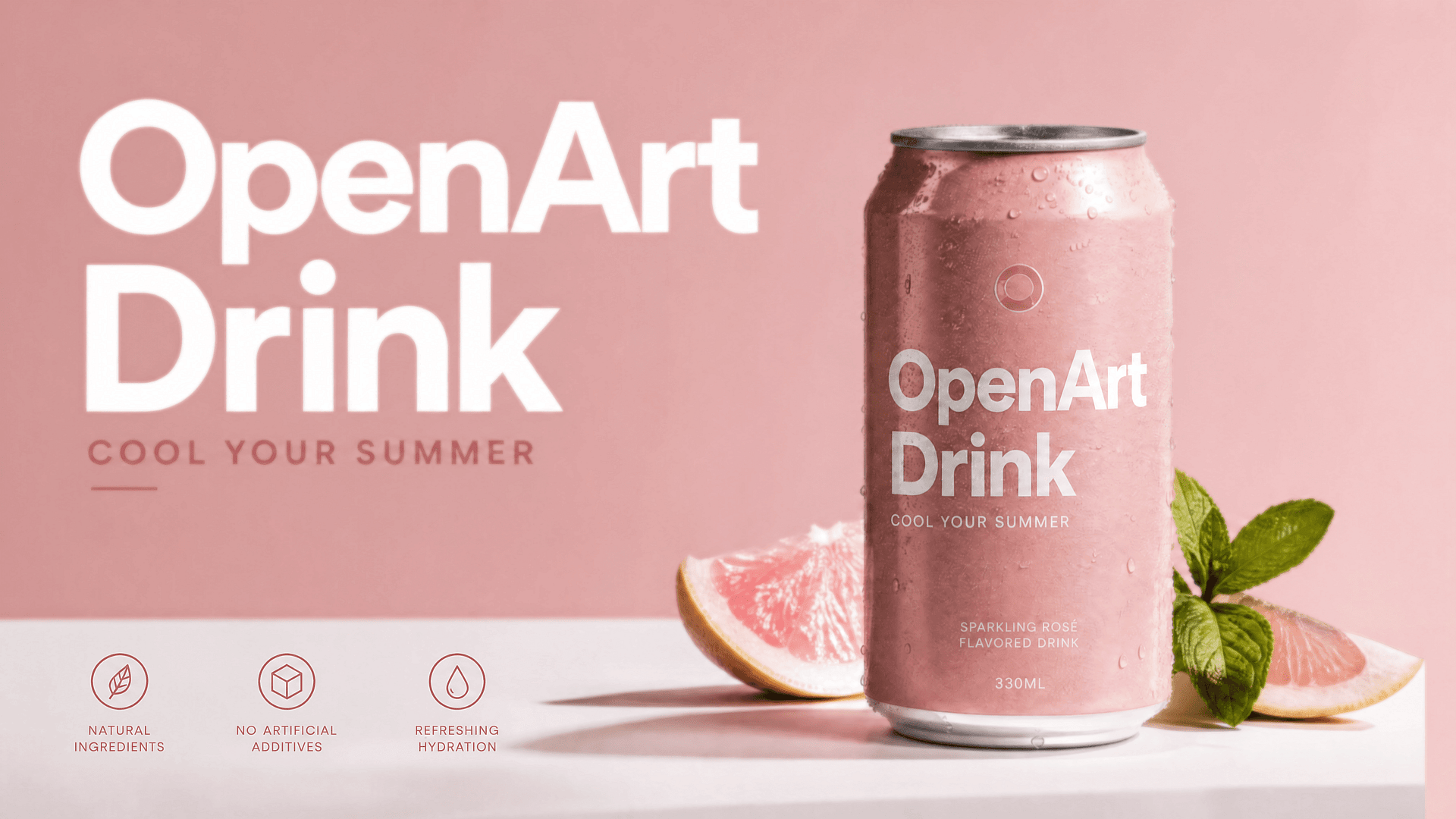
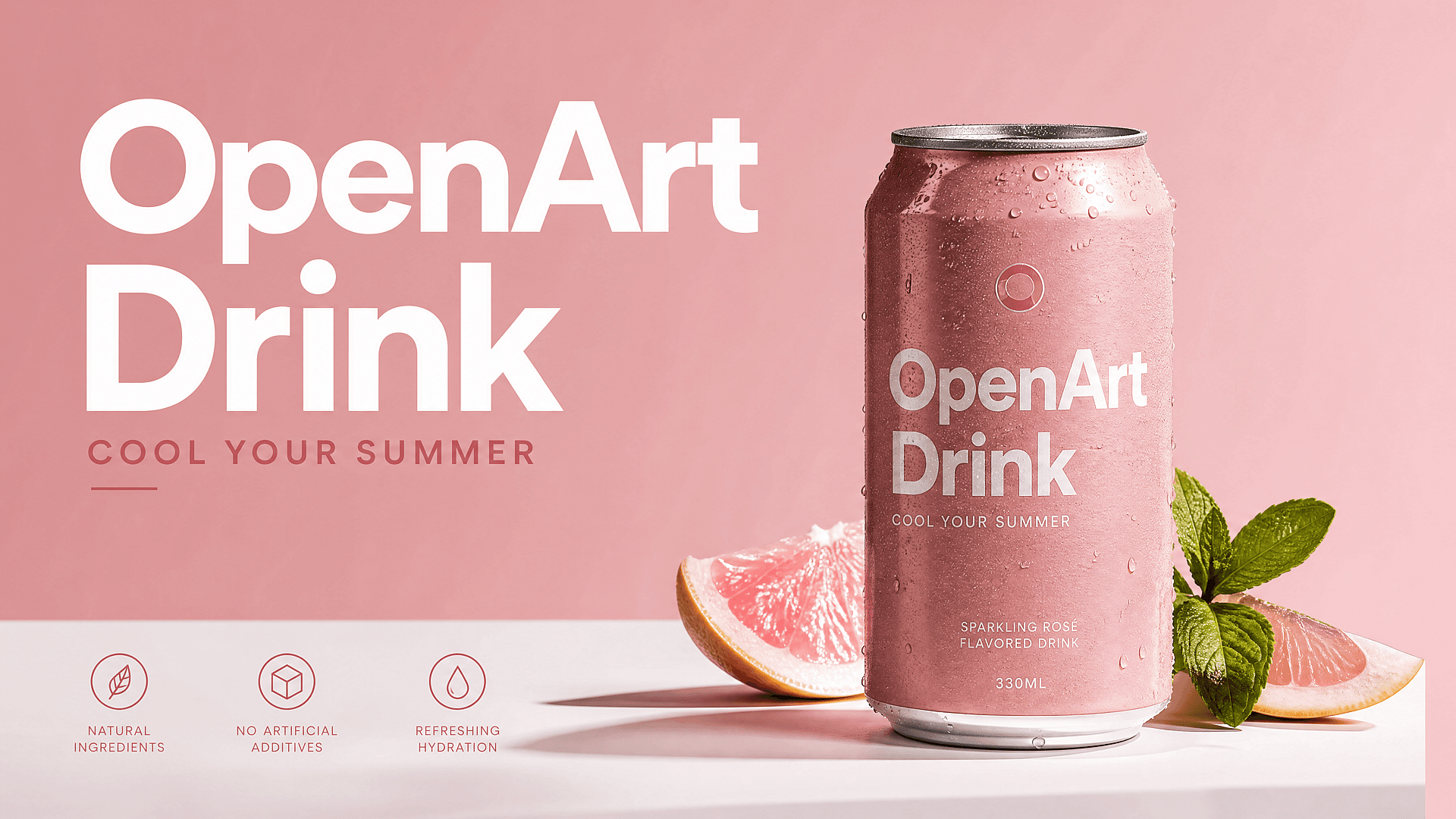
Vendedores online e impresión
Las fotos de producto y los gráficos suelen necesitar más tamaño y nitidez para listados, banners o impresión. Amplíalos a una versión limpia y de alta resolución que luce profesional a cualquier tamaño.
Pruébalo ahora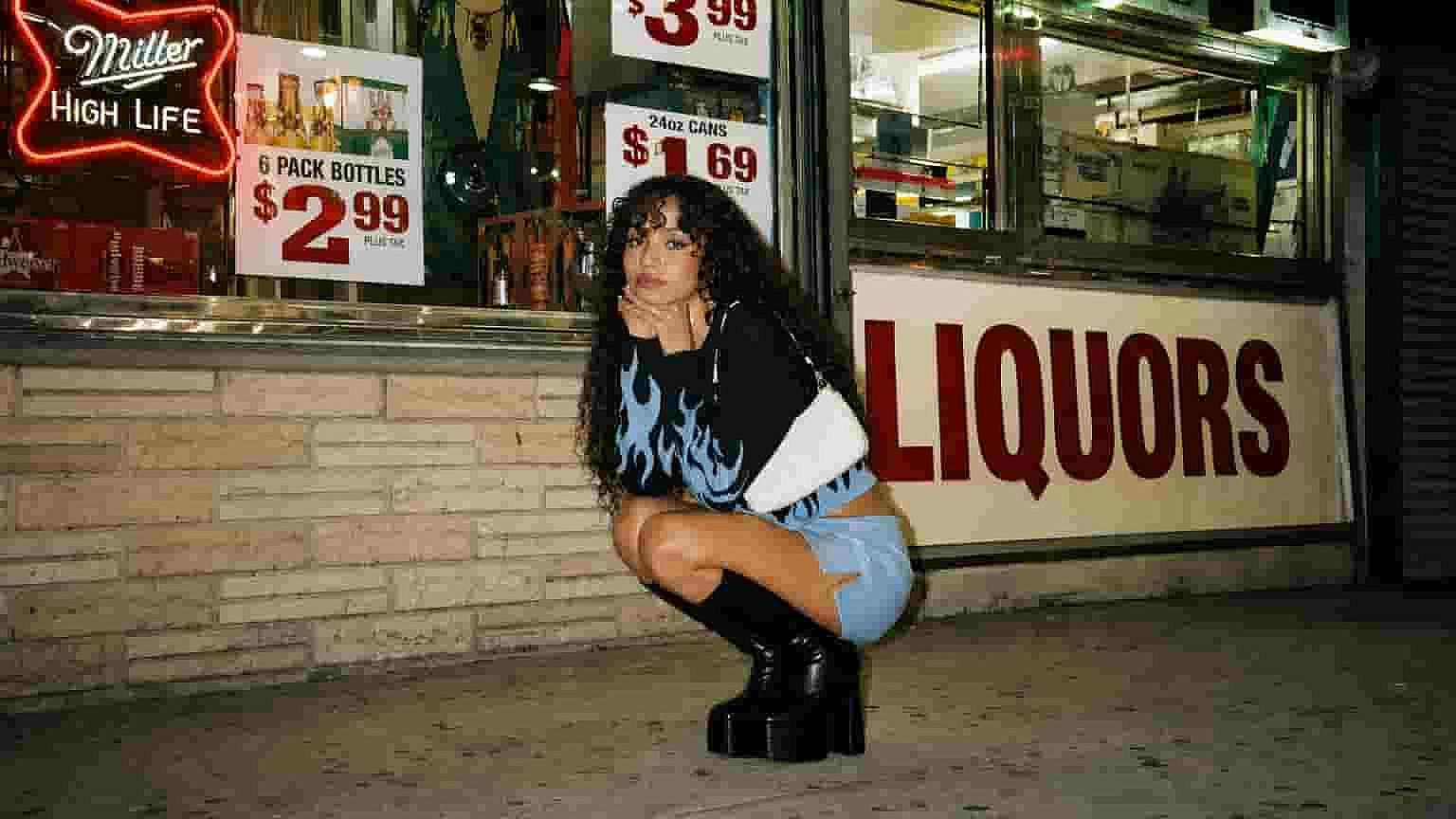
Diseñadores y agencias
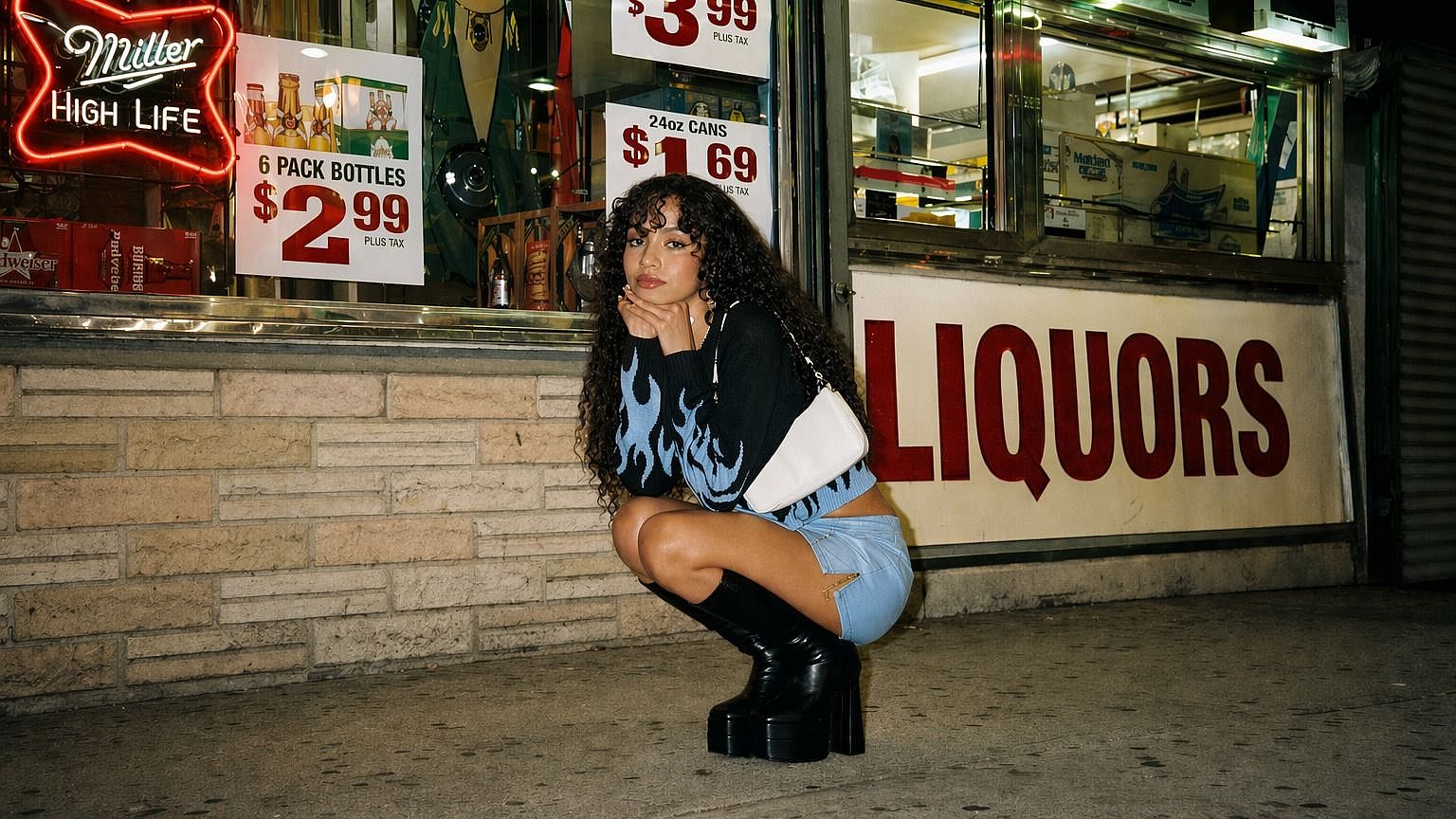
Los recursos de los clientes rara vez llegan con la resolución adecuada. Escala logos, fotos e imágenes de referencia para que aguanten en maquetaciones, mockups y trabajos de gran formato sin verse borrosos.
Pruébalo ahora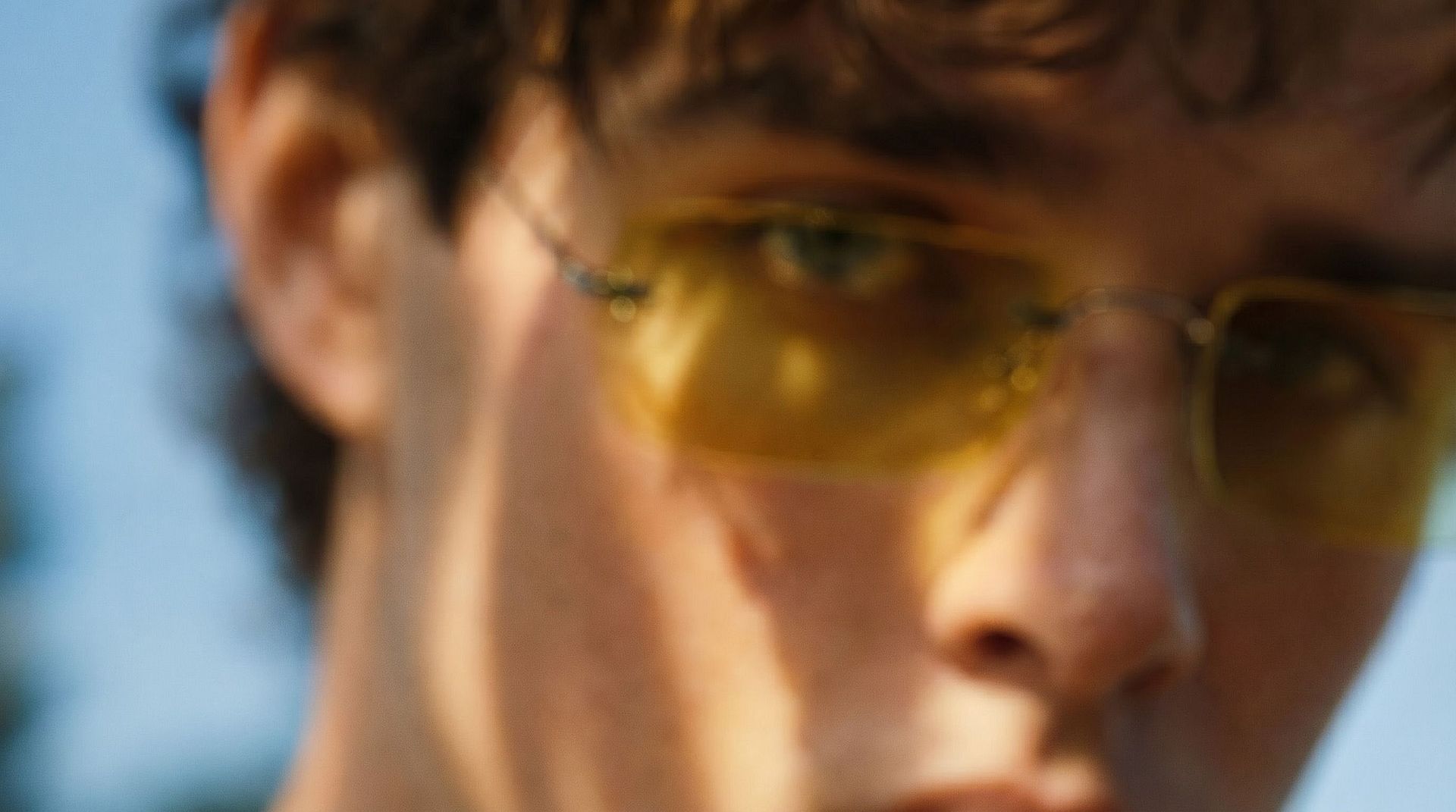
Creadores de contenido y redes sociales
Las miniaturas, publicaciones e imágenes recompartidas pueden salir borrosas. Escálalas a una versión nítida que se vea perfecta en cualquier pantalla y destaque en el feed.
Pruébalo ahoraPreguntas frecuentes Preguntas
Es una herramienta de OpenArt que aumenta la resolución de cualquier imagen con IA. Añade detalle real al ampliarla, así que tu imagen se hace más grande y más nítida a la vez.
Preciso se mantiene lo más fiel posible al original, Refinado da un resultado más limpio y equilibrado, y Creativo deja que la IA añada más detalle. Elige según cuánto cambio quieras.
Sí. Activa la mejora de piel y el escalador mantiene la piel detallada y creíble en vez de suavizarla hasta darle un aspecto plástico.
Puedes escalar fotos, imágenes de productos, gráficos e imágenes generadas por IA. Cualquier imagen demasiado pequeña o poco nítida es una buena candidata.
Puedes llevar imágenes pequeñas o de baja resolución a una resolución mucho mayor, ideal para recortes, impresión y pantallas grandes. El resultado exacto depende del modelo y la calidad que elijas.
Definen la calidad de tu resultado. Fast te da un resultado rápido y Ultra te ofrece la máxima calidad cuando tienes tiempo de esperar.
En Precise se mantiene muy fiel al original. En Refined y Creative la IA tiene más margen para añadir detalle, así que el resultado puede verse ligeramente distinto a medida que gana nitidez.
Sí, puedes usar tus resultados para trabajos comerciales. Consulta tu plan actual de OpenArt para conocer los detalles que se aplican a tu cuenta.
Consigue consejos de expertos en el blog
Consigue la información que necesitas. Nuestros expertos comparten trucos prácticos, analizan los temas más candentes y ofrecen guías esenciales para ayudarte a crear, optimizar y escalar.
Leer más
OpenArt Director es el n.º 1 en el benchmark de agentes de anuncios de vídeo con IA de Physion Labs

¿Qué es OpenArt? – La plataforma de creación con IA todo en uno, explicada
OpenArt presenta OpenArt Arena, un nuevo referente de modelos de IA hecho a medida para y por creativos
Crea sin límites
Únete a miles de creadores que usan OpenArt para generar imágenes, vídeos y mucho más impresionantes, todo en una sola plataforma.
Empieza gratis →