

Eliminar emoji de una foto
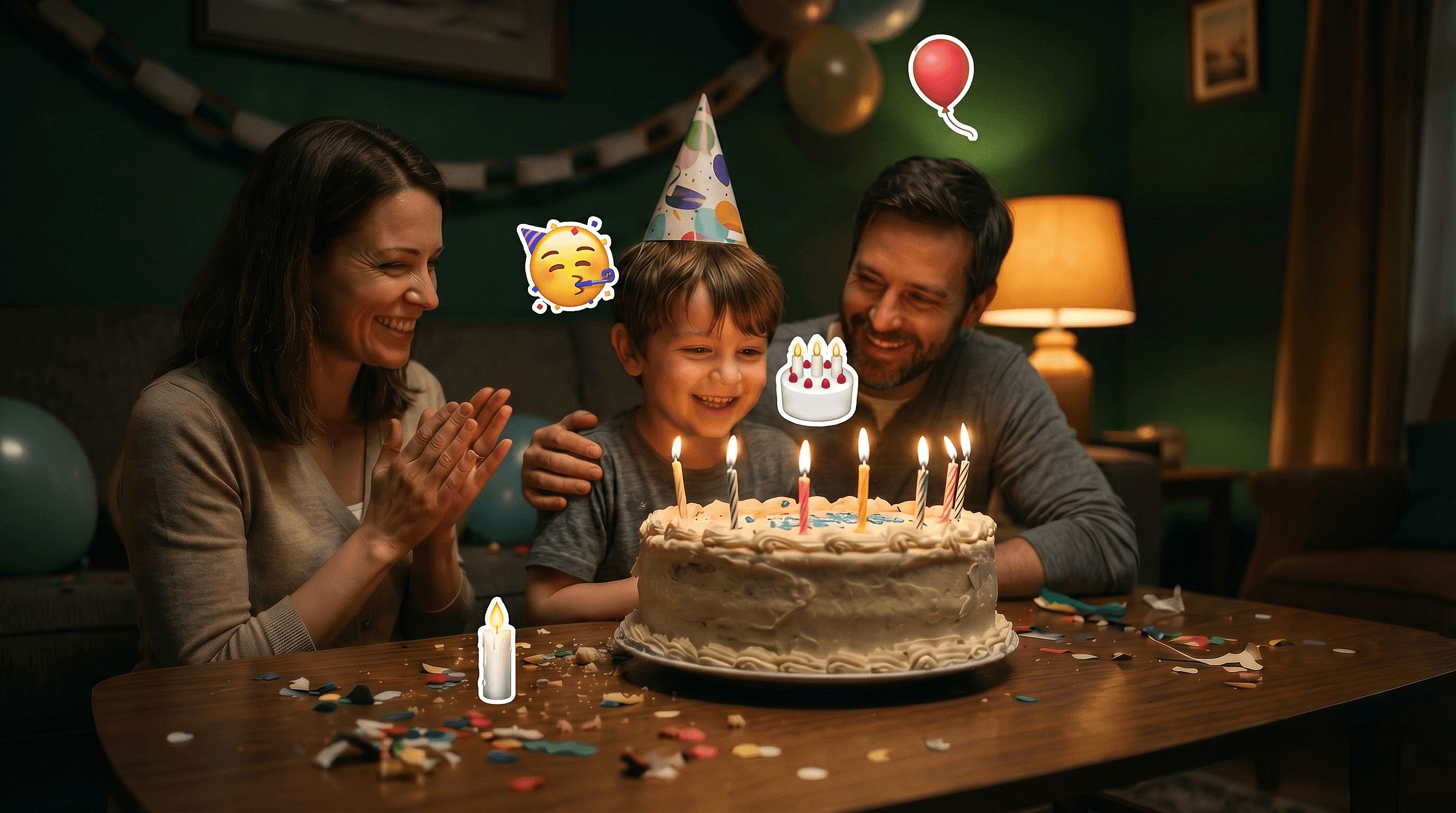
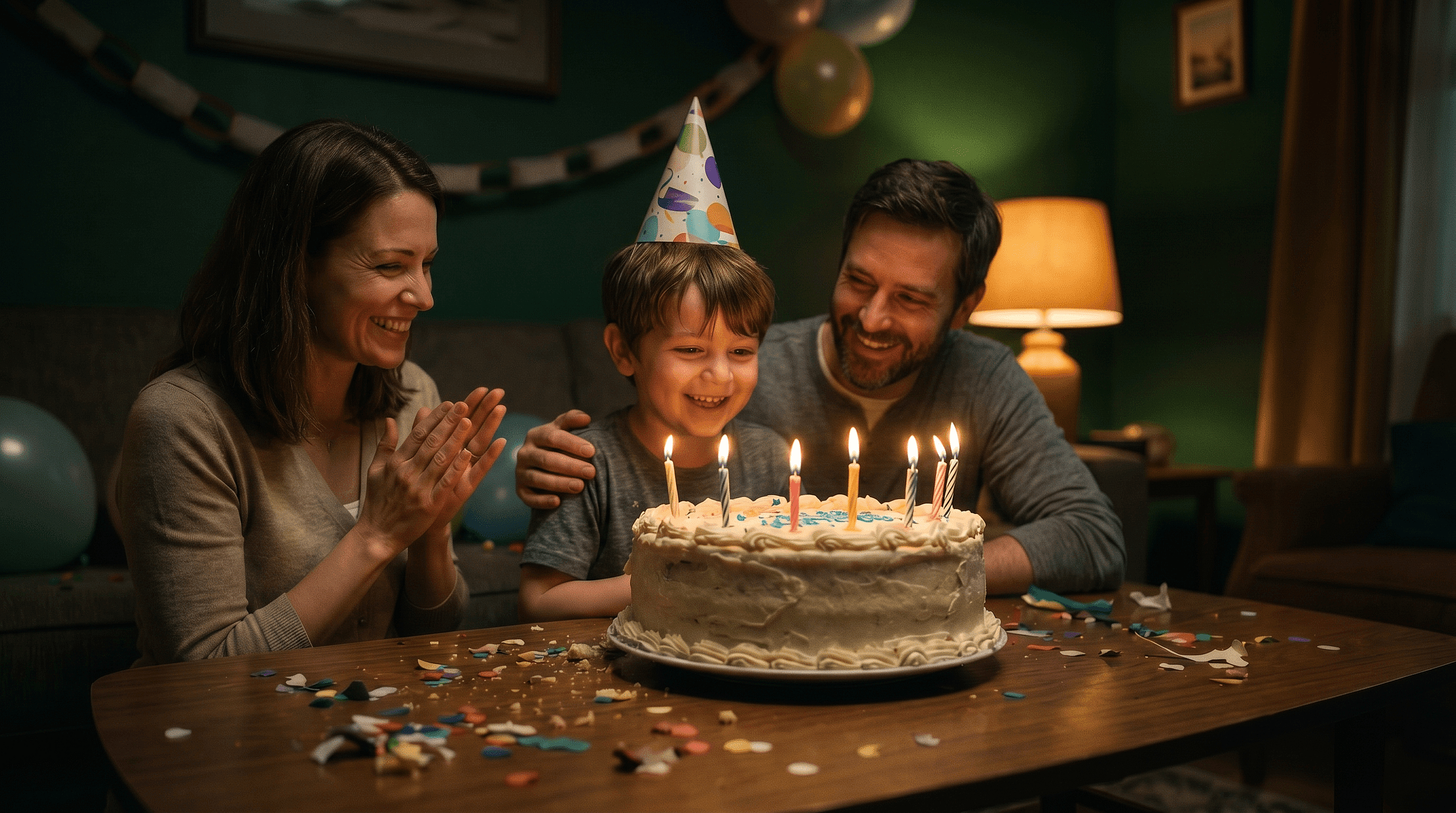
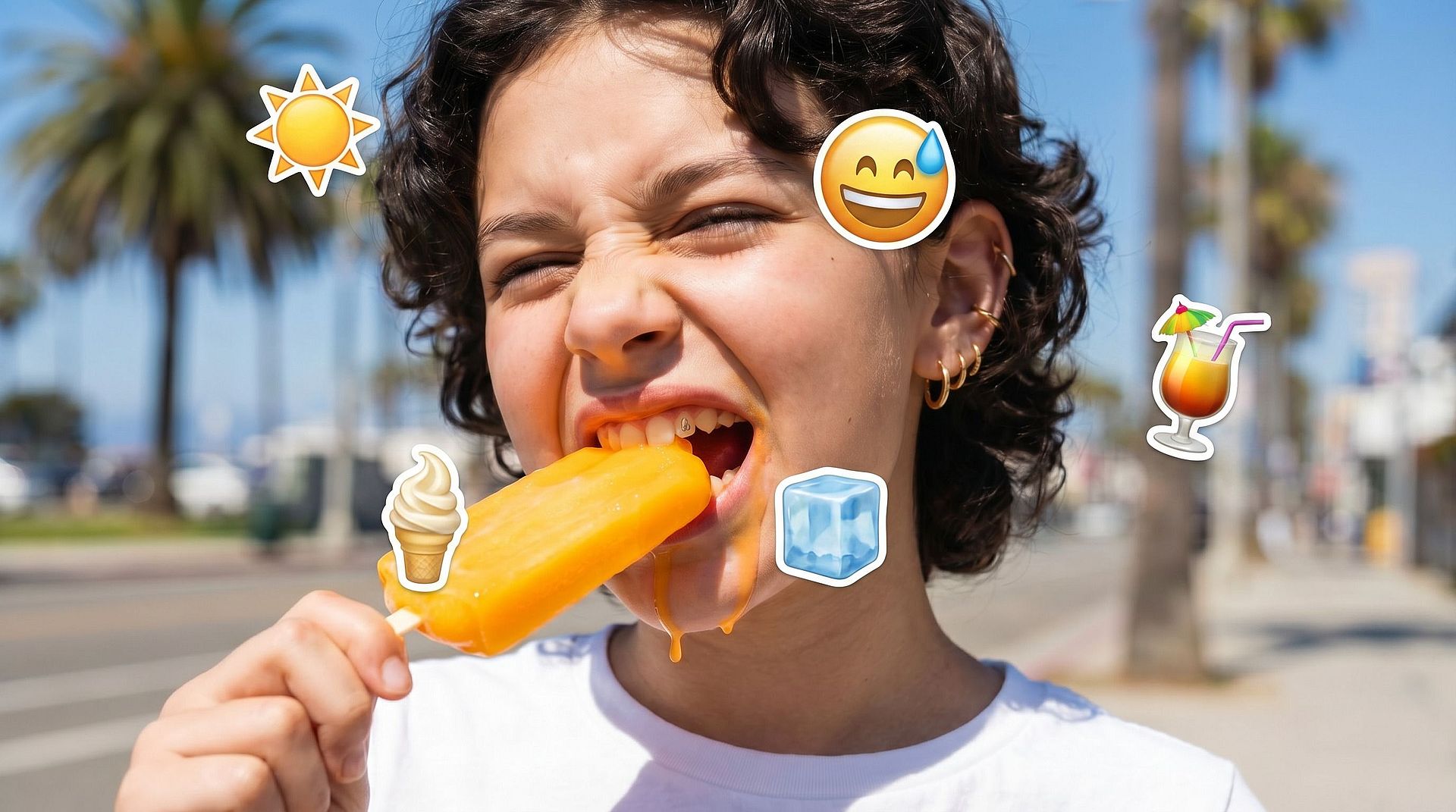
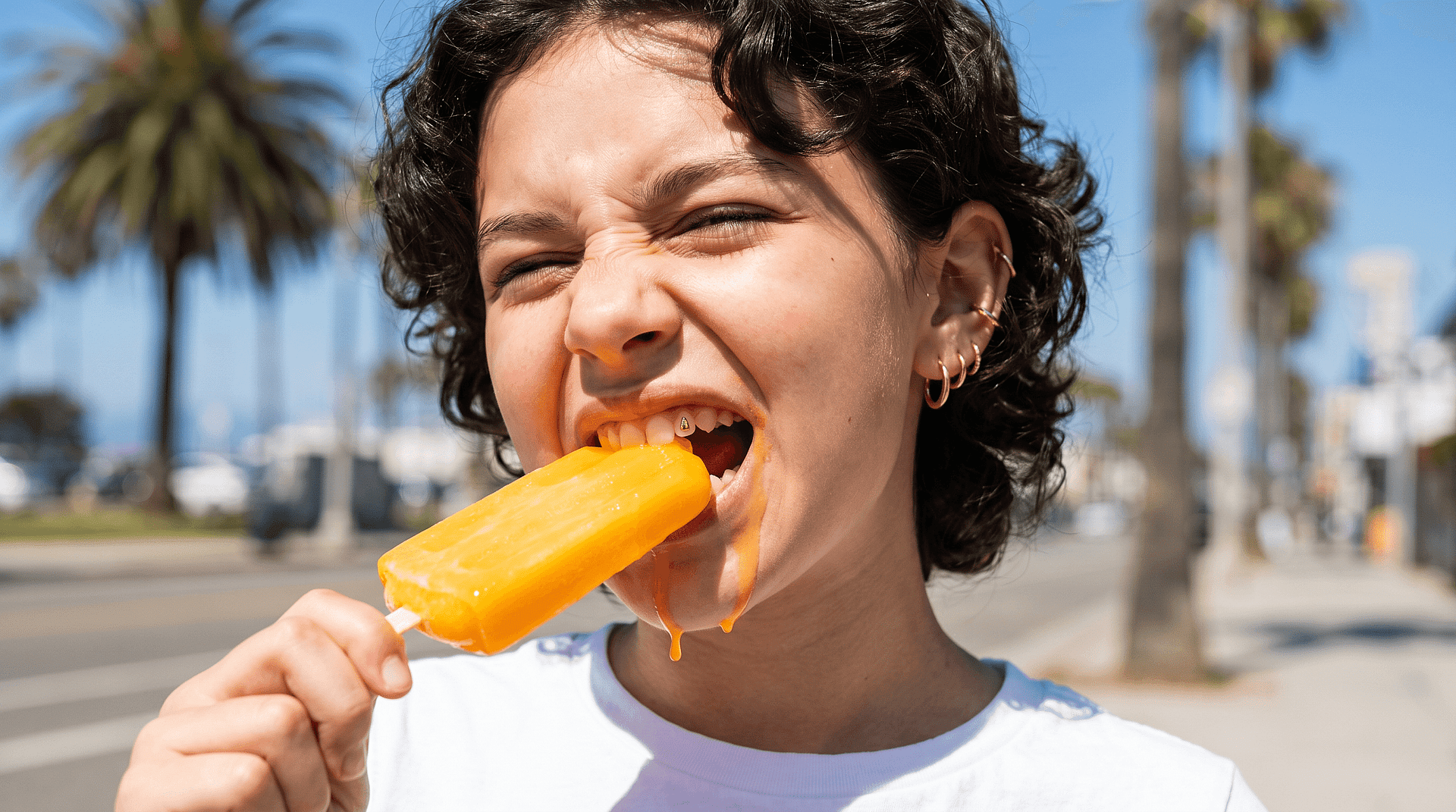
¿Tienes una foto con un emoji tapando parte de la imagen? Súbela a OpenArt y elimina el emoji en segundos. La IA rellena la zona oculta de forma natural, restaurando caras, fondos y detalles para que la imagen vuelva a verse limpia y completa.
 Añade una imagen O arrástralo y suéltalo aquí · JPEG, PNG, WEBP, HEICJPEG, PNG, WEBP, HEIC


Elimina emojis de forma limpia
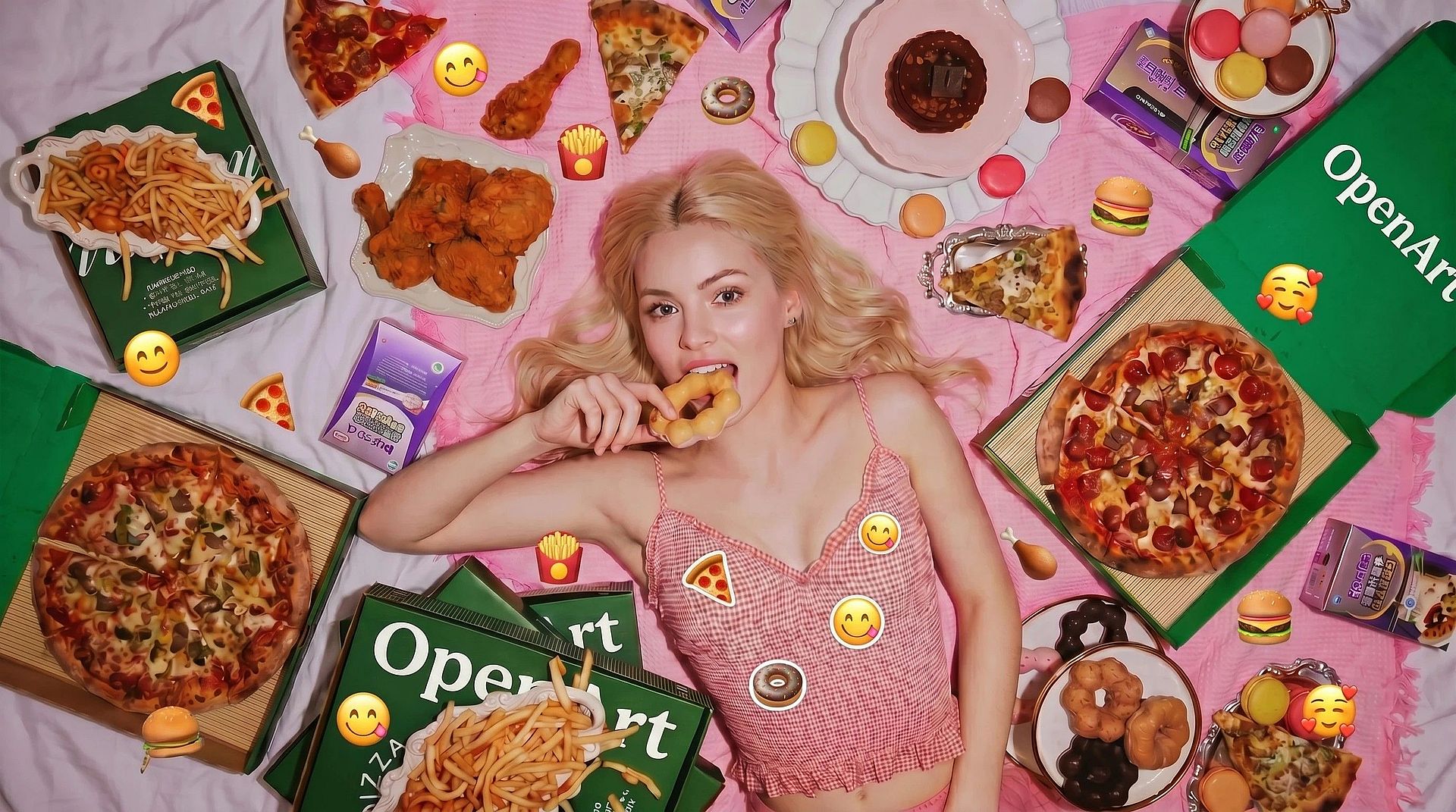
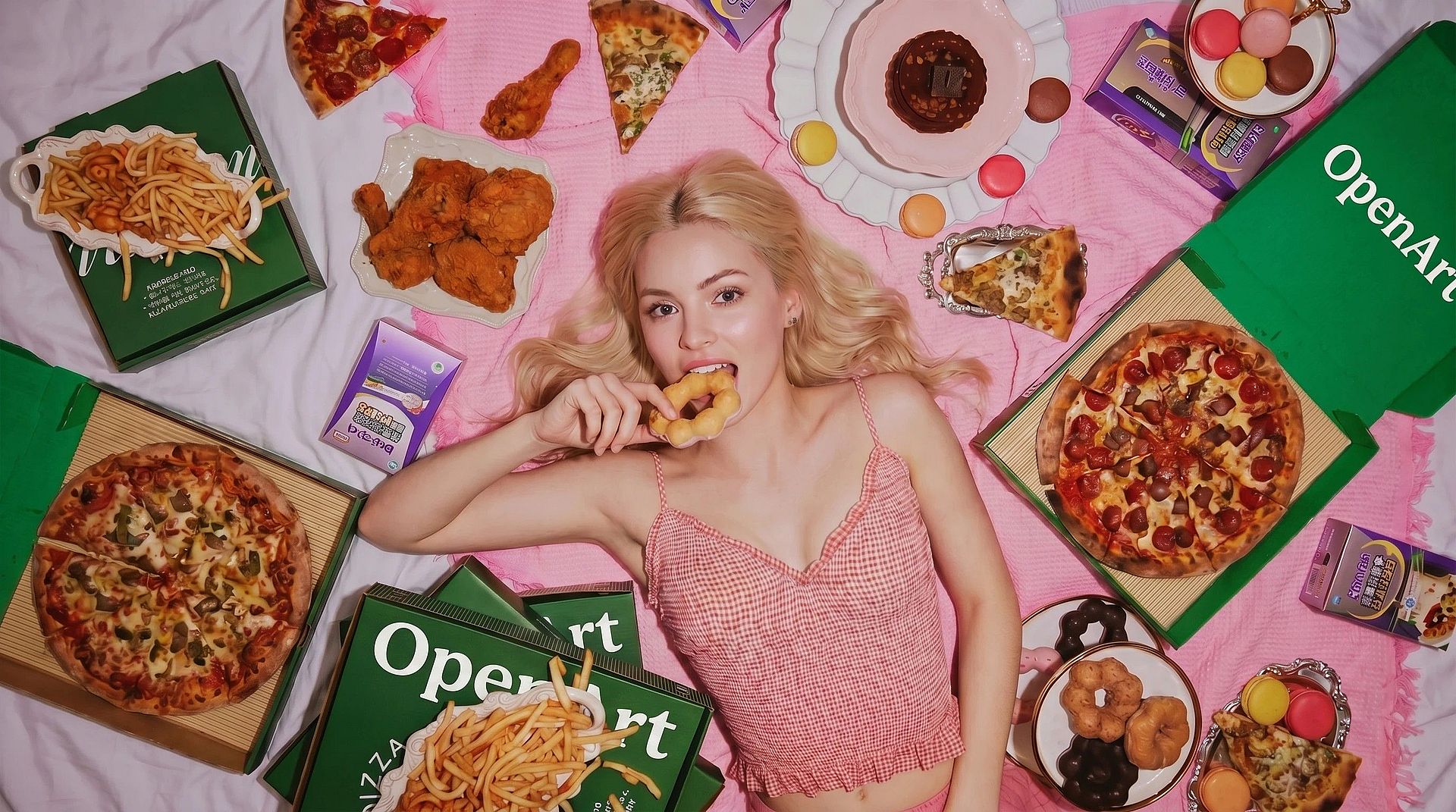
Elimina fácilmente los emojis colocados sobre caras u objetos sin dejar marcas visibles. La IA reemplaza la zona cubierta para que se integre con el resto de la imagen en lugar de parecer editada.



Recupera detalles ocultos
En lugar de simplemente borrar el emoji, la herramienta reconstruye lo que había debajo. Esto ayuda a recuperar rasgos faciales, ropa o elementos del fondo que quedaban tapados.
Resultados naturales y sin costuras
La edición ajusta automáticamente la iluminación, la textura y el color. La imagen final se ve coherente, sin bordes marcados ni parches donde antes estaba el emoji.
Creaciones de la comunidad
Descubre cómo la gente está limpiando sus fotos eliminando emojis y restaurando detalles originales. Desde arreglar imágenes antiguas hasta mejorar publicaciones en redes sociales, explora cómo pequeñas ediciones pueden marcar una gran diferencia.



Funciones clave de la herramienta para eliminar emojis con IA
El editor de imágenes con IA de OpenArt utiliza modelos avanzados como GPT Image 2.0, Nano Banana Pro y Recraft V4 para generar ediciones realistas con detalle y coherencia precisos. Esto permite reconstruir de forma natural las áreas eliminadas en lugar de dejar huecos.
Eliminación inteligente de objetos
Selecciona la zona del emoji y elimínala en un solo paso. La IA entiende el contexto que la rodea y rellena la parte que falta para que la imagen se vea completa.
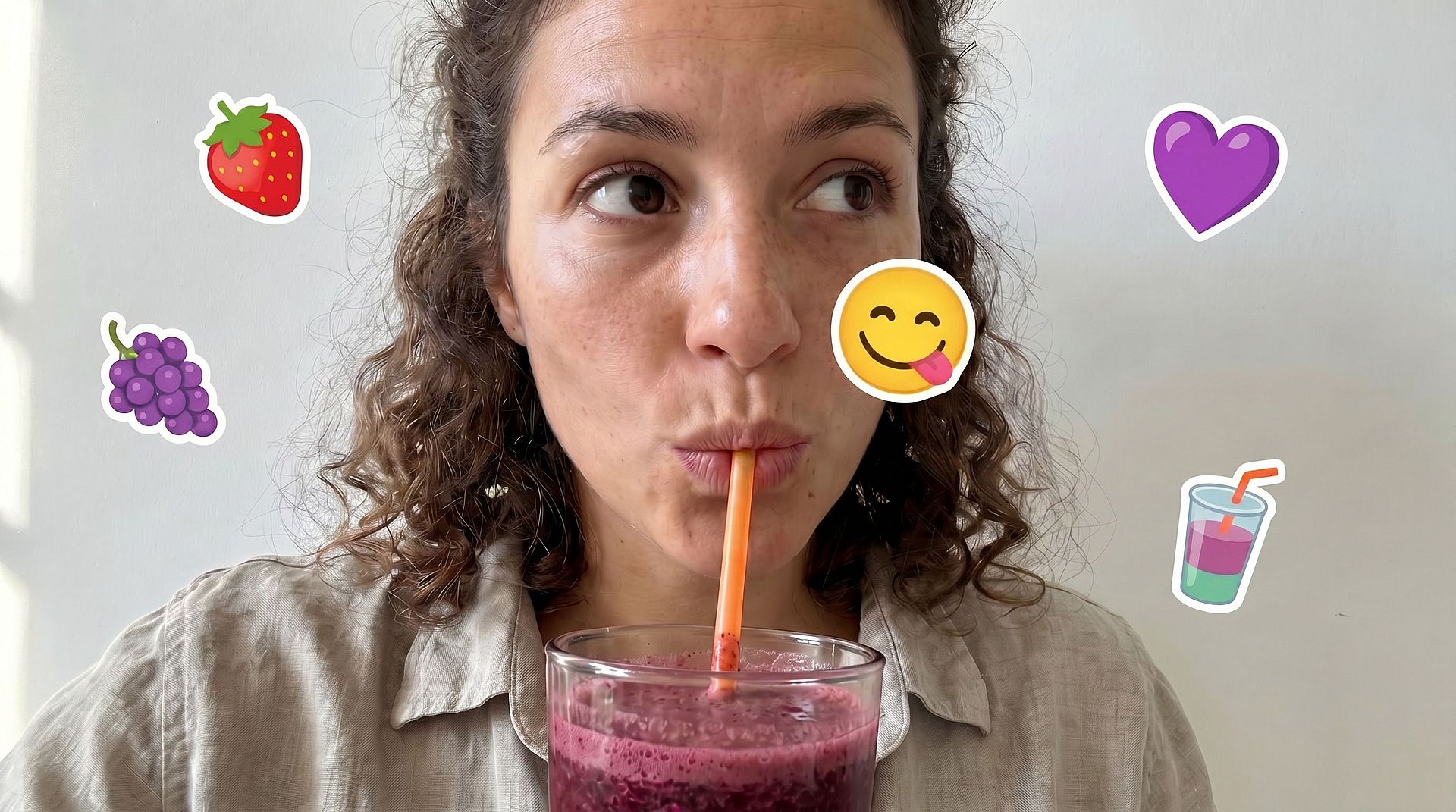
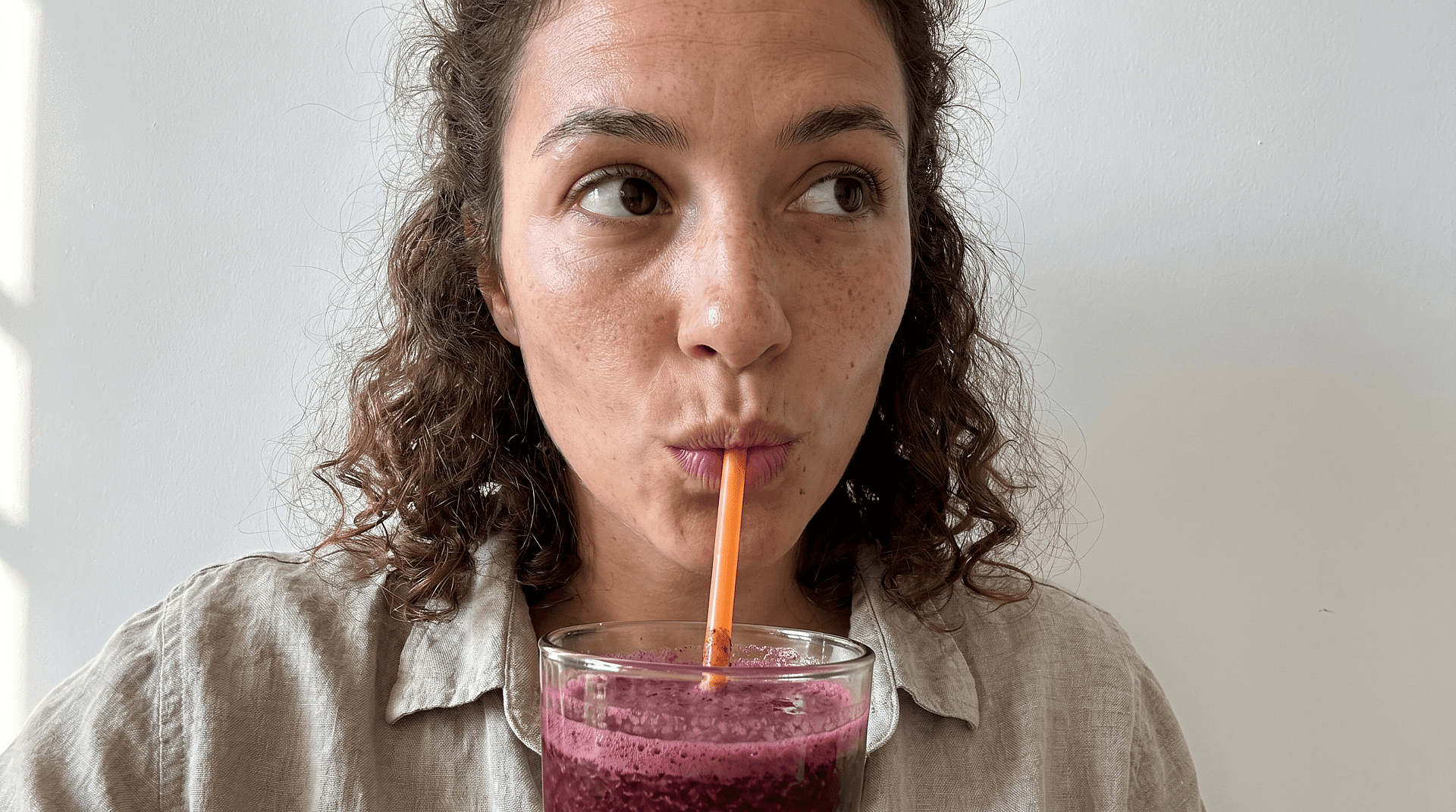
Reconstrucción de rostros y detalles
Si un emoji cubre una cara, la IA intenta restaurar los rasgos faciales, como los ojos, la textura de la piel y las expresiones, a partir de la información de alrededor. Así se recupera un retrato de aspecto más natural.
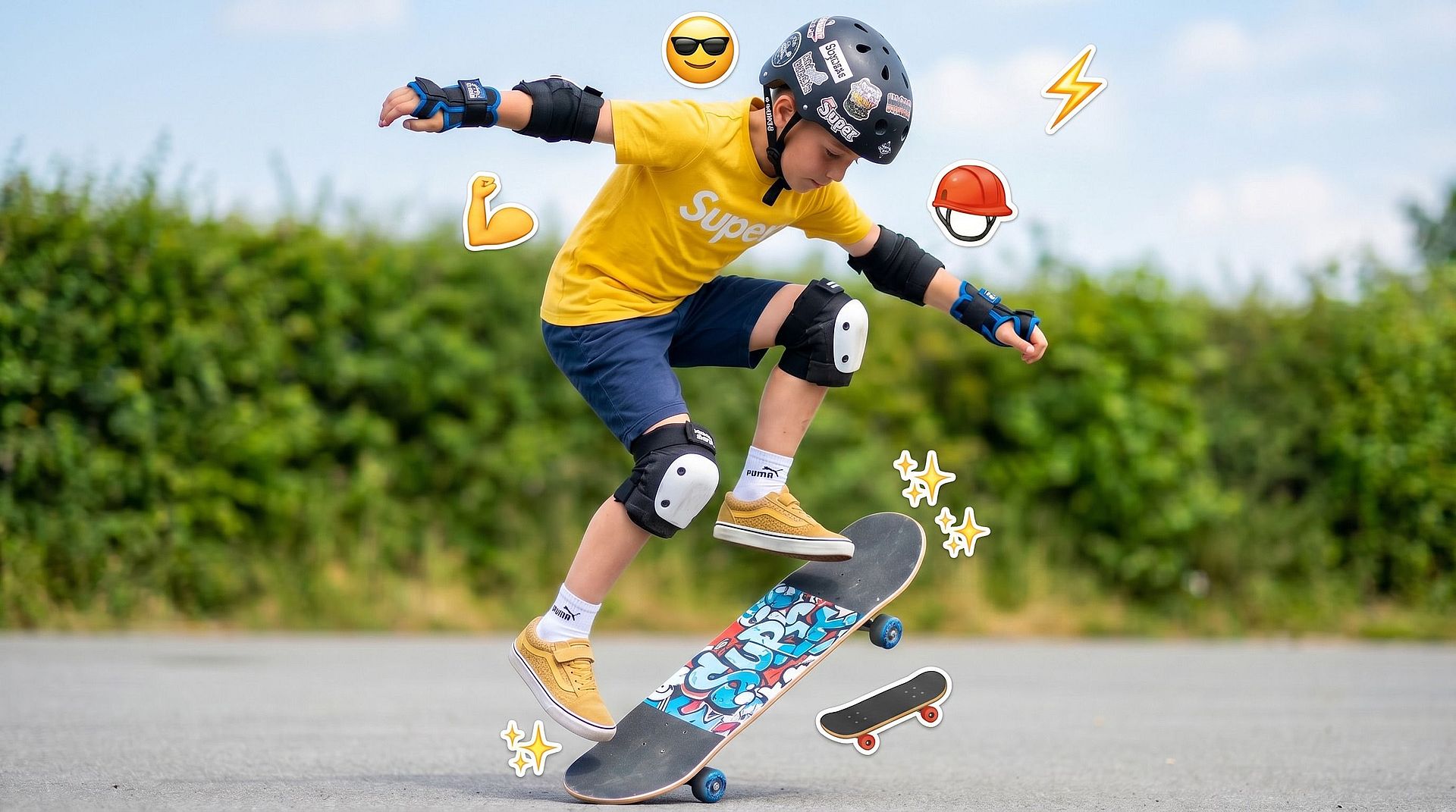
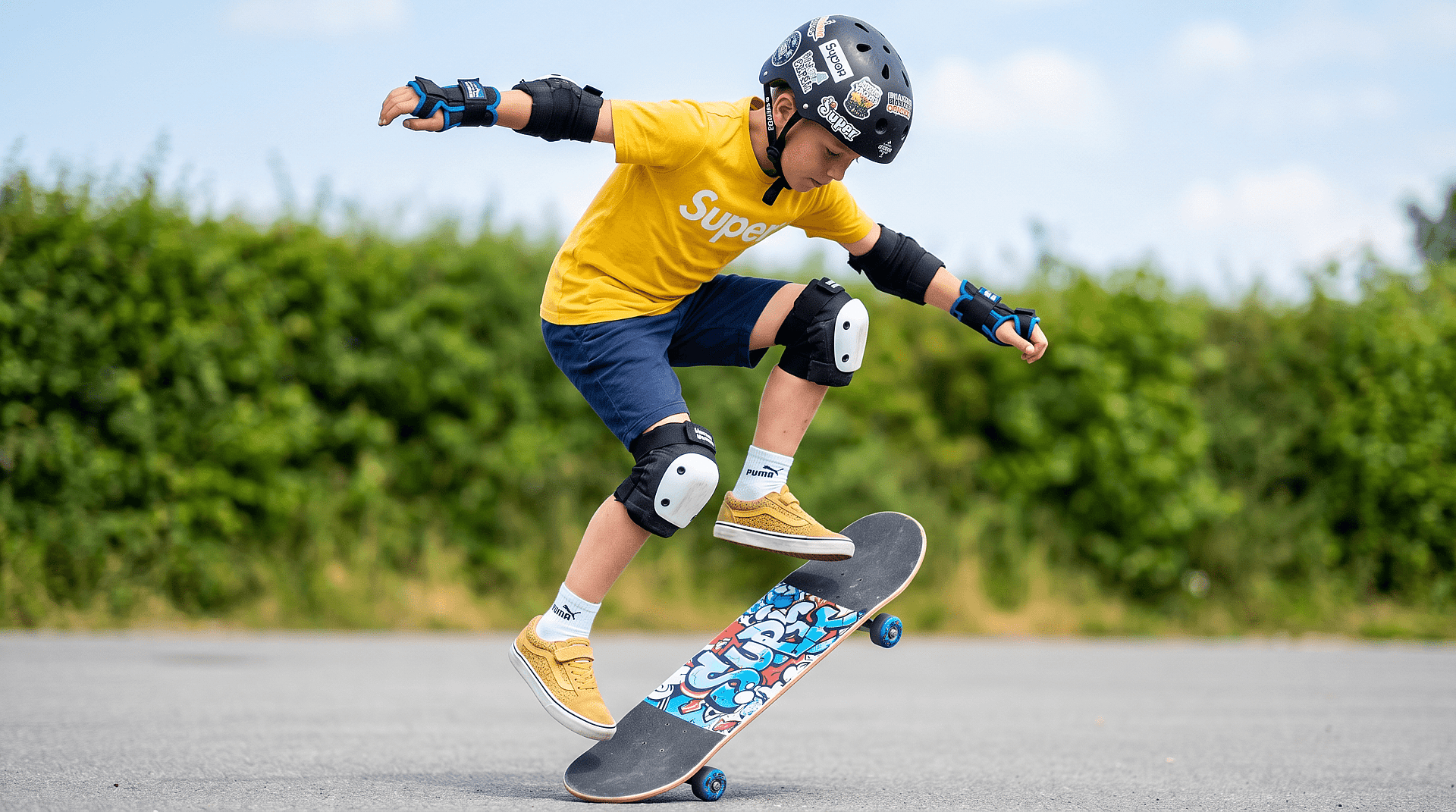
Relleno de fondo sin costuras
Para emojis colocados sobre fondos, la herramienta reconstruye texturas como paredes, cielos o superficies para que no queden ediciones ni distorsiones visibles.
Refina y ajusta las ediciones
Puedes reaplicar o refinar la edición si lo necesitas, haciendo pequeños ajustes para lograr un resultado más limpio y preciso.
Cómo usar la herramienta de eliminación de emojis
Elimina los emojis de tu foto en unos pocos pasos sencillos.
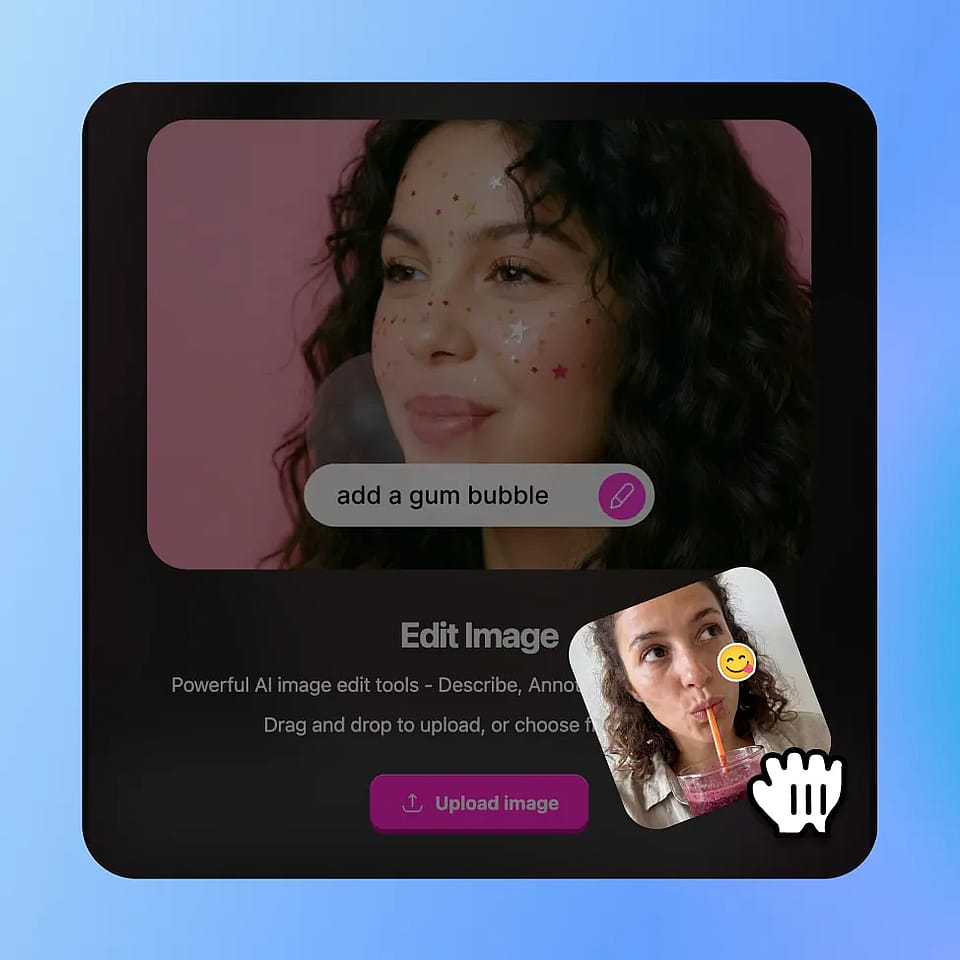
Sube tu foto
Ve a las herramientas de imagen de OpenArt y selecciona el modo «editar imagen». Sube tu imagen.
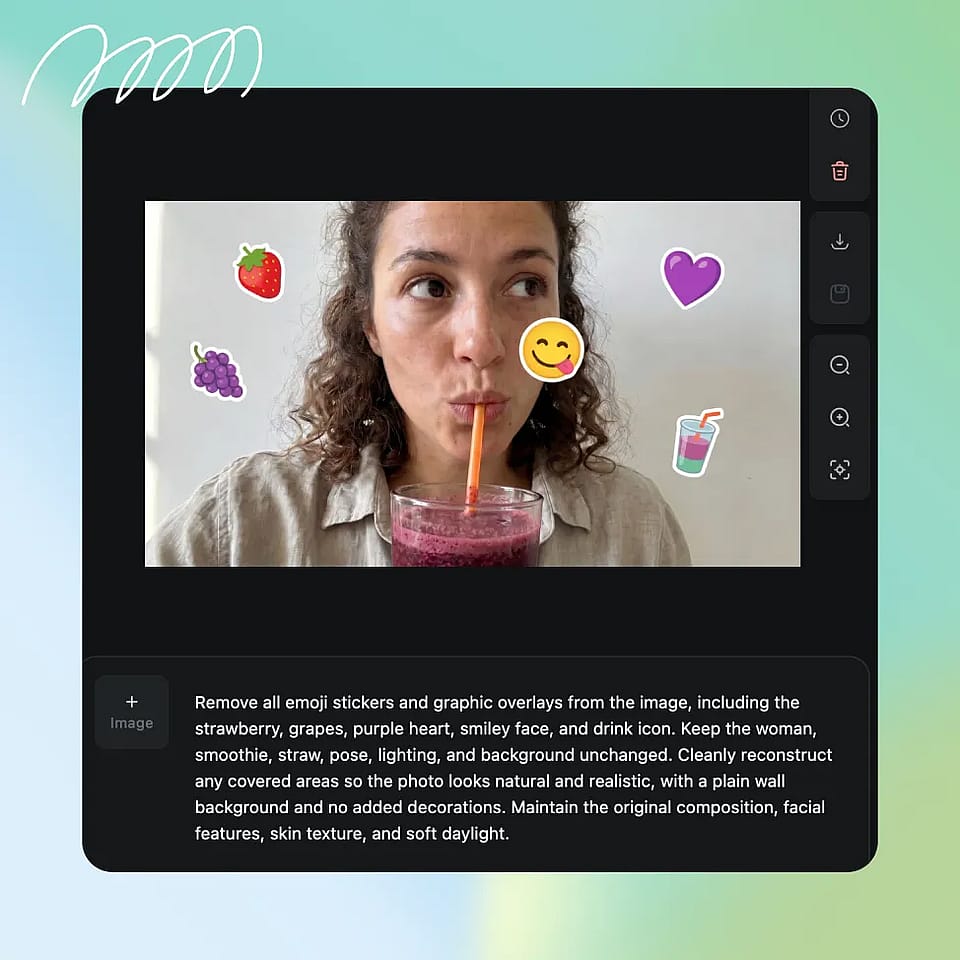
Selecciona la zona del emoji
Resalta el emoji o la zona cubierta que quieres eliminar.
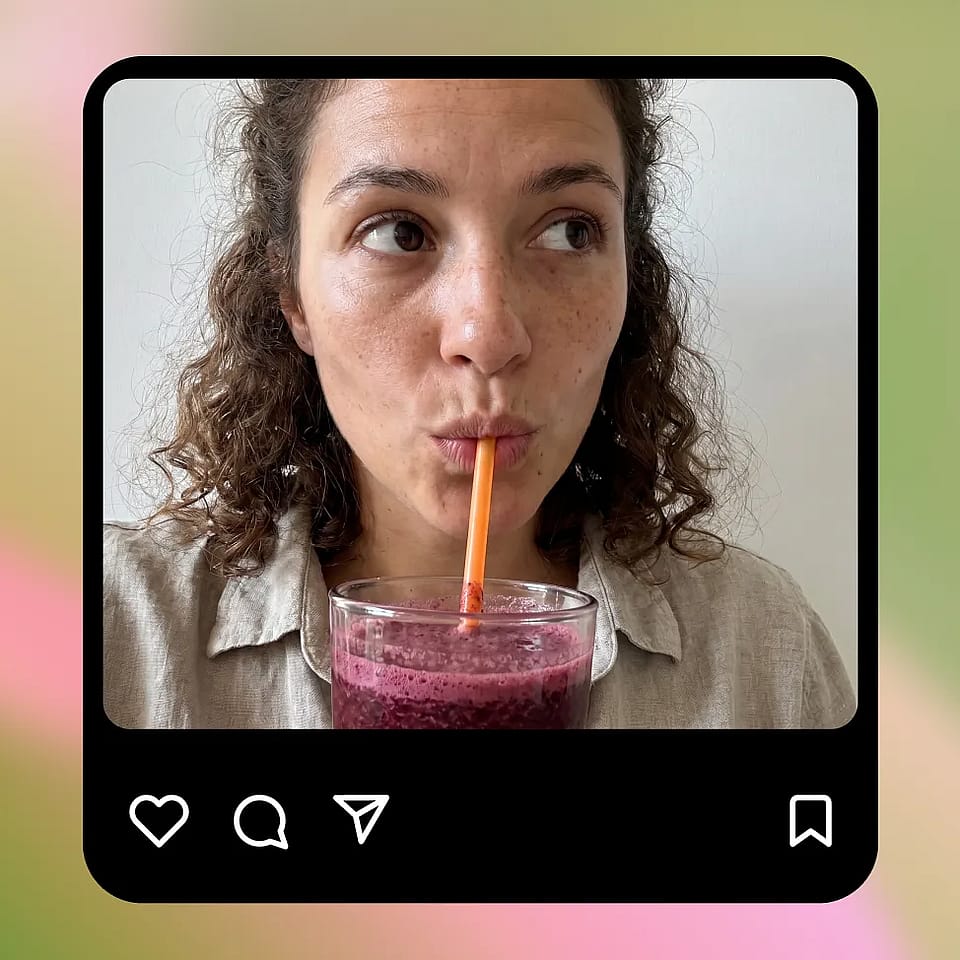
Genera y perfecciona
Aplica la edición y revisa el resultado. Ajusta la selección si hace falta para mejorar la precisión.
Diseñado para limpiar y restaurar fotos
Corrige imágenes editadas o tapadas y recupera los detalles originales rápidamente sin edición manual.
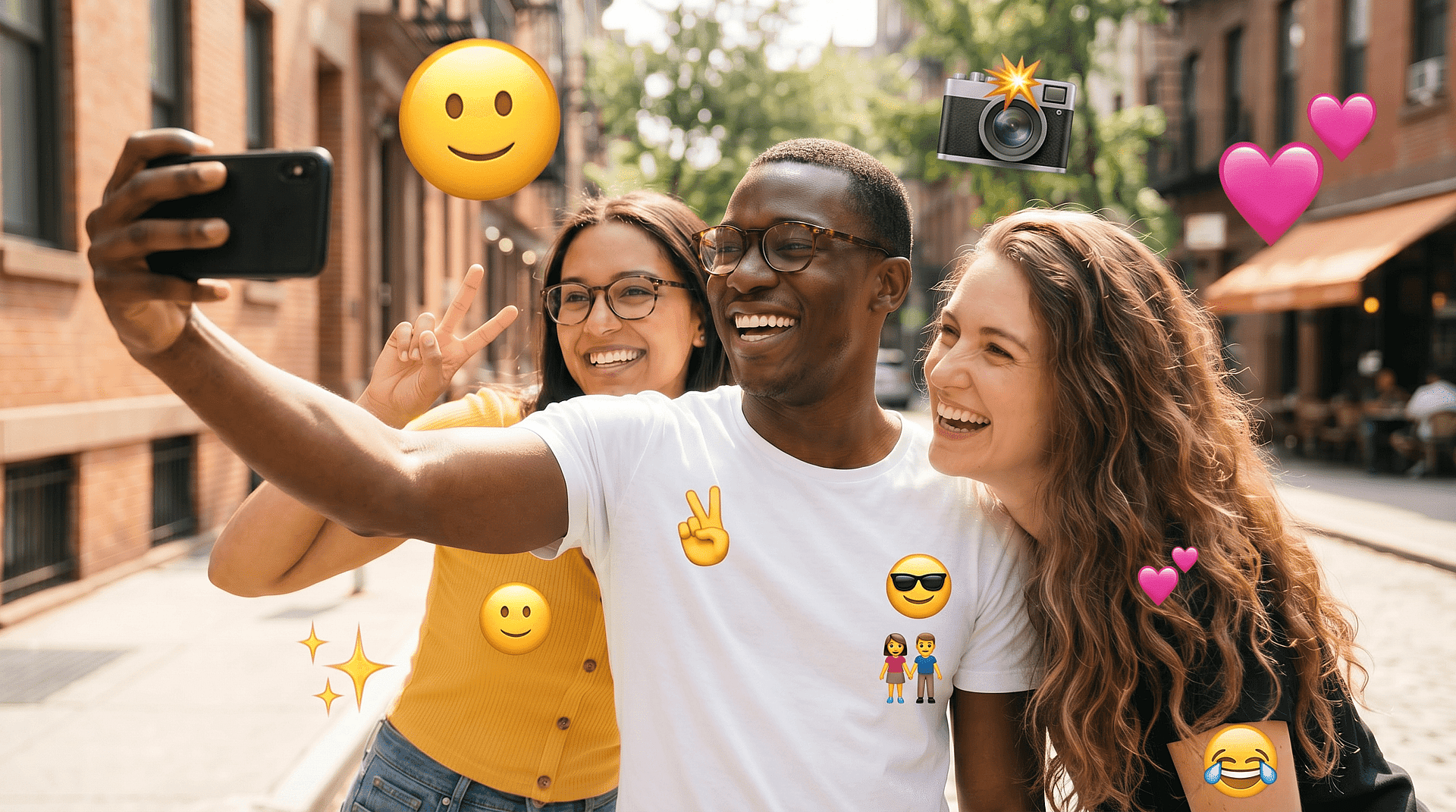
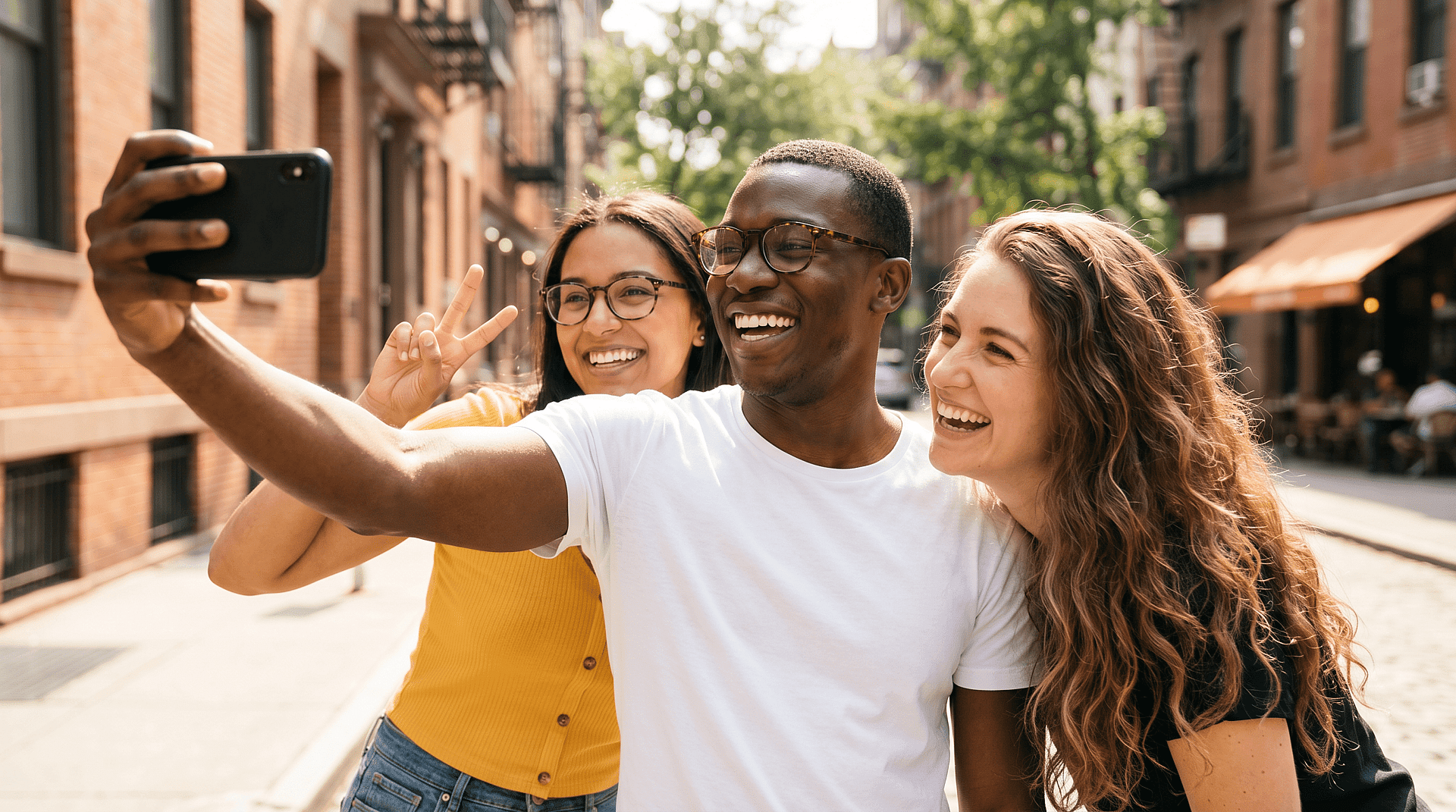
Arreglar fotos de redes sociales
Elimina los emojis añadidos por privacidad o por diversión y recupera la imagen original. Es útil si quieres una versión más limpia para volver a publicarla o para uso personal.
Pruébalo ahora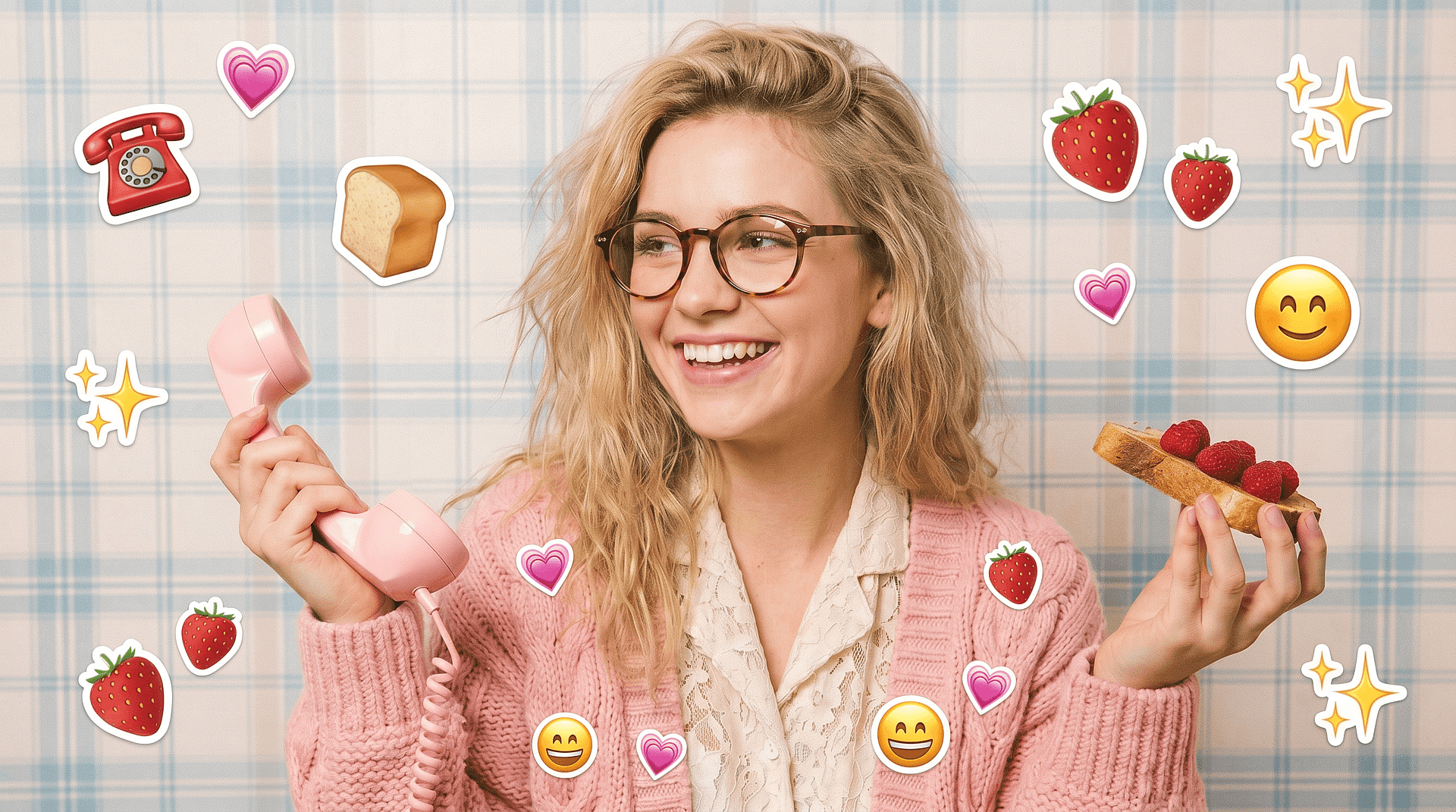
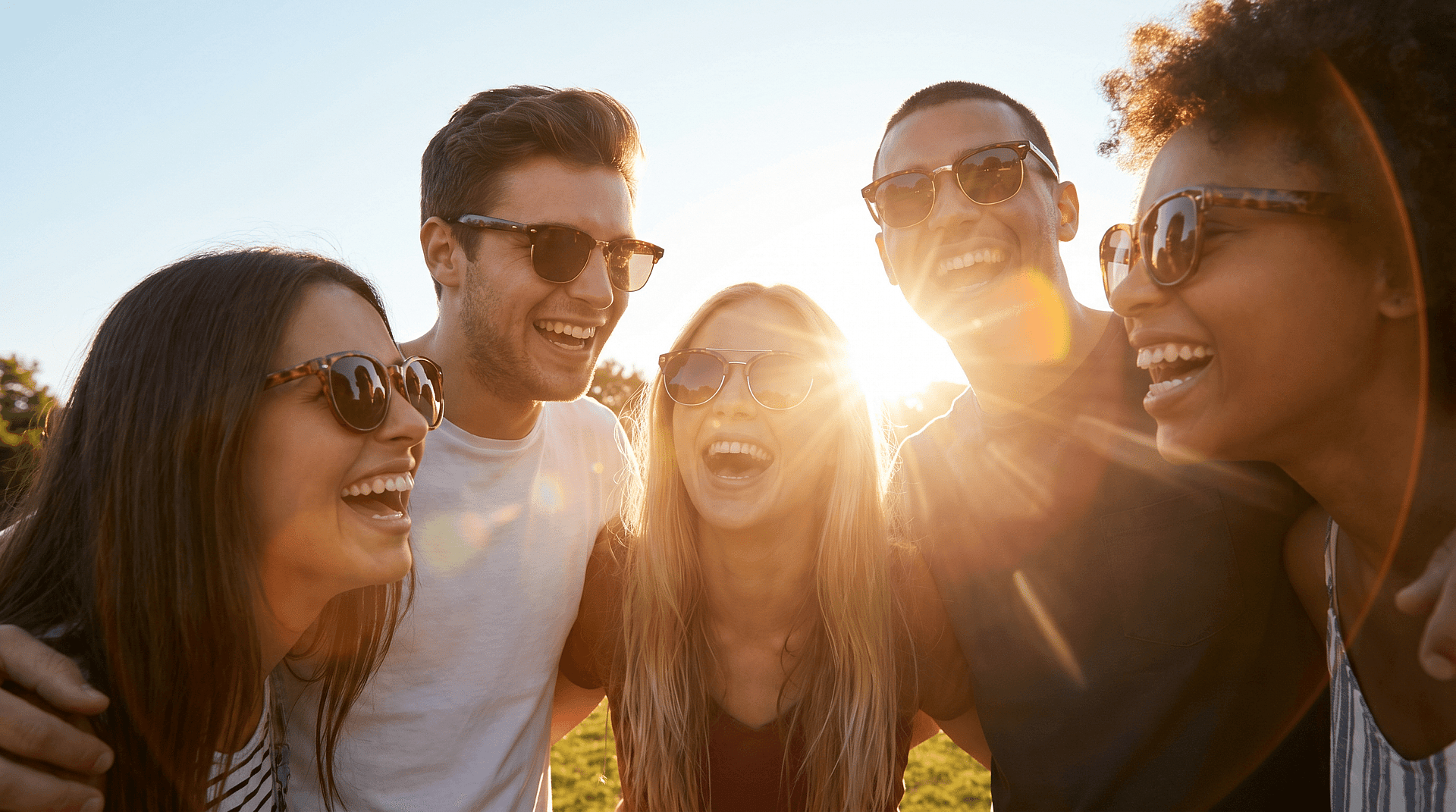
Restaurar imágenes antiguas o editadas
Recupera fotos en las que se usaron emojis para tapar partes de la imagen. La herramienta ayuda a reconstruir esas zonas que faltan para que la foto vuelva a verse completa.
Pruébalo ahora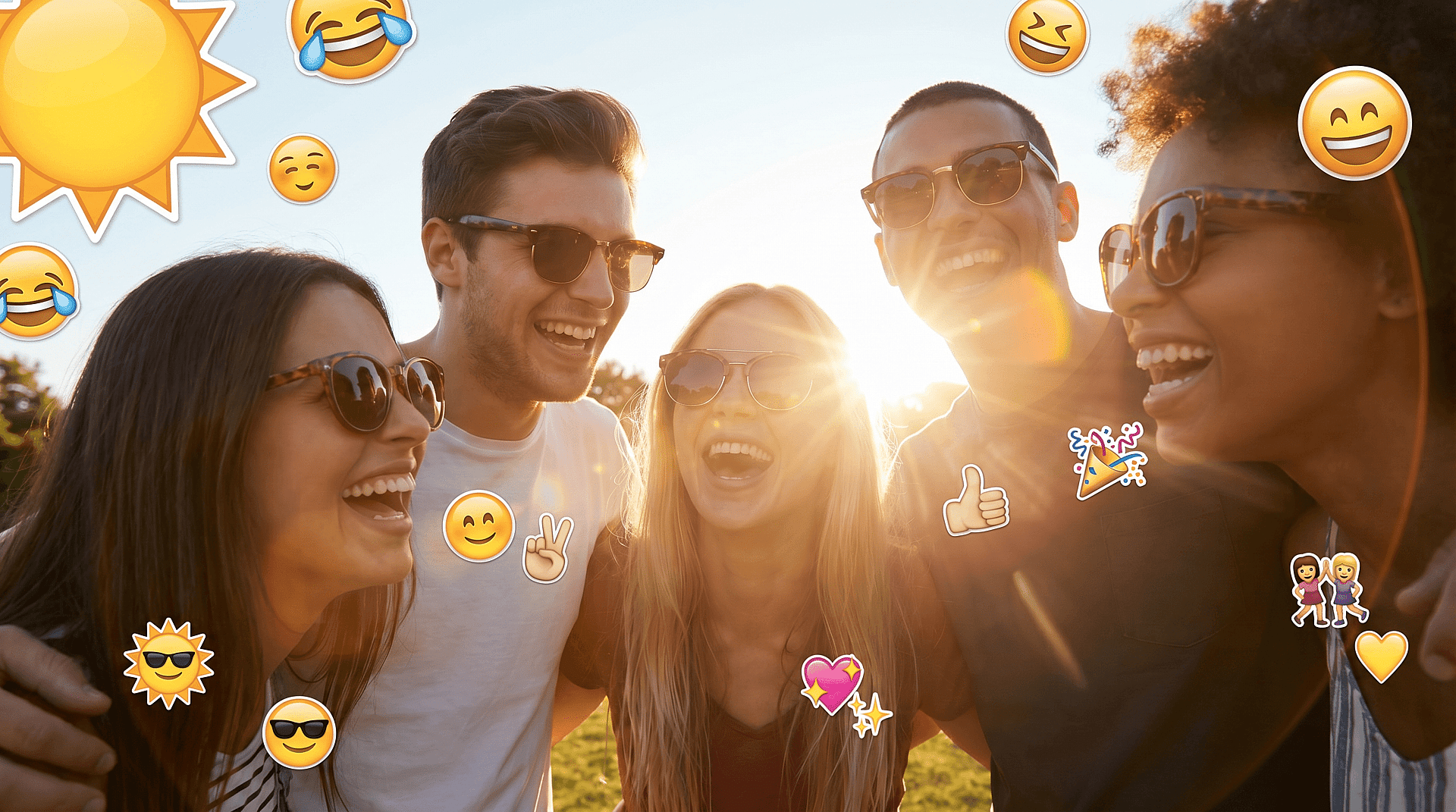
Mejorar las fotos de perfil y personales
Limpia imágenes para fotos de perfil o uso personal eliminando los elementos superpuestos que distraen del sujeto.
Pruébalo ahora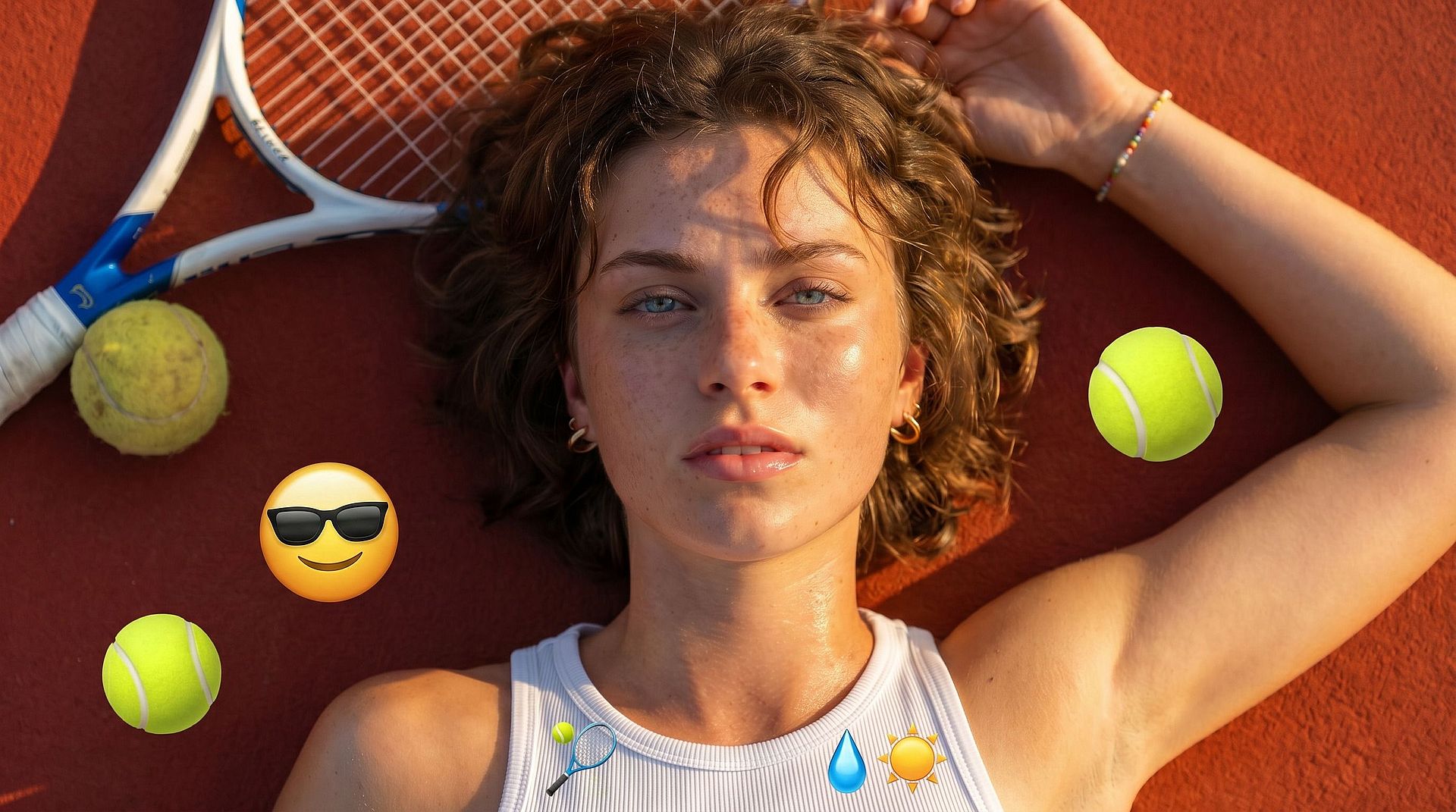
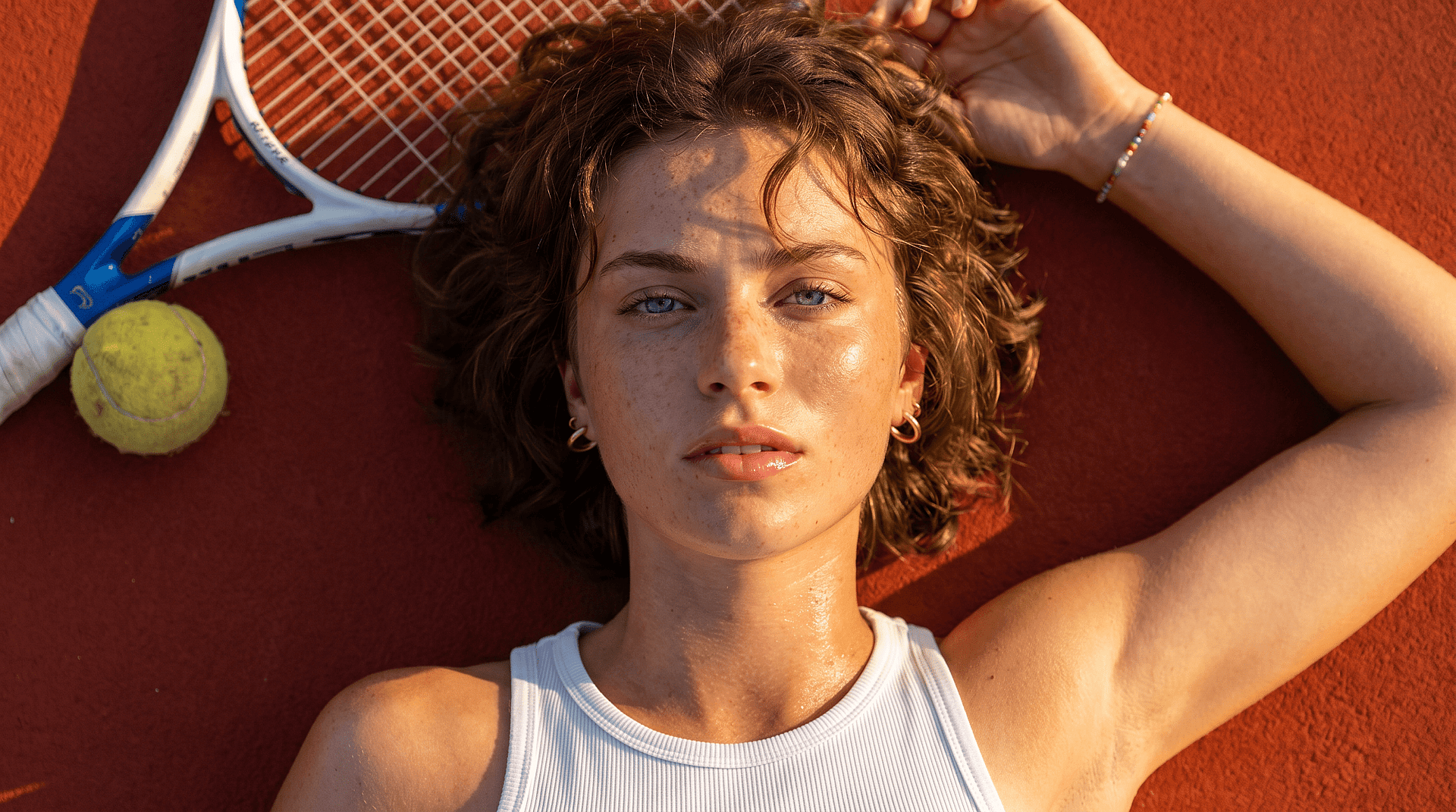
Creadores de contenido y limpieza de imágenes
Limpia rápidamente las imágenes para miniaturas, publicaciones o contenido visual. Ahorra tiempo frente a la edición manual y ofrece resultados más naturales.
Pruébalo ahoraPreguntas frecuentes Preguntas
Sube tu imagen, selecciona la zona del emoji y deja que la IA elimine y rellene la parte que falta automáticamente.
Sí, la herramienta intenta reconstruir los rasgos faciales usando la información visual del entorno para lograr un aspecto más natural.
OpenArt ofrece una prueba gratuita con créditos limitados para que puedas probar la herramienta antes de mejorar tu plan.
Usa una imagen nítida y selecciona con cuidado la zona del emoji para una reconstrucción más precisa.
Sí, la IA ajusta la iluminación, la textura y los detalles del entorno para lograr un resultado sin costuras.
No, el proceso es sencillo y solo requiere seleccionar el área que quieres eliminar.
Sí, la misma herramienta sirve para eliminar otros objetos no deseados de las fotos.
Consigue consejos de expertos en el blog
Consigue la información que necesitas. Nuestros expertos comparten trucos prácticos, analizan los temas más candentes y ofrecen guías esenciales para ayudarte a crear, optimizar y escalar.
Leer más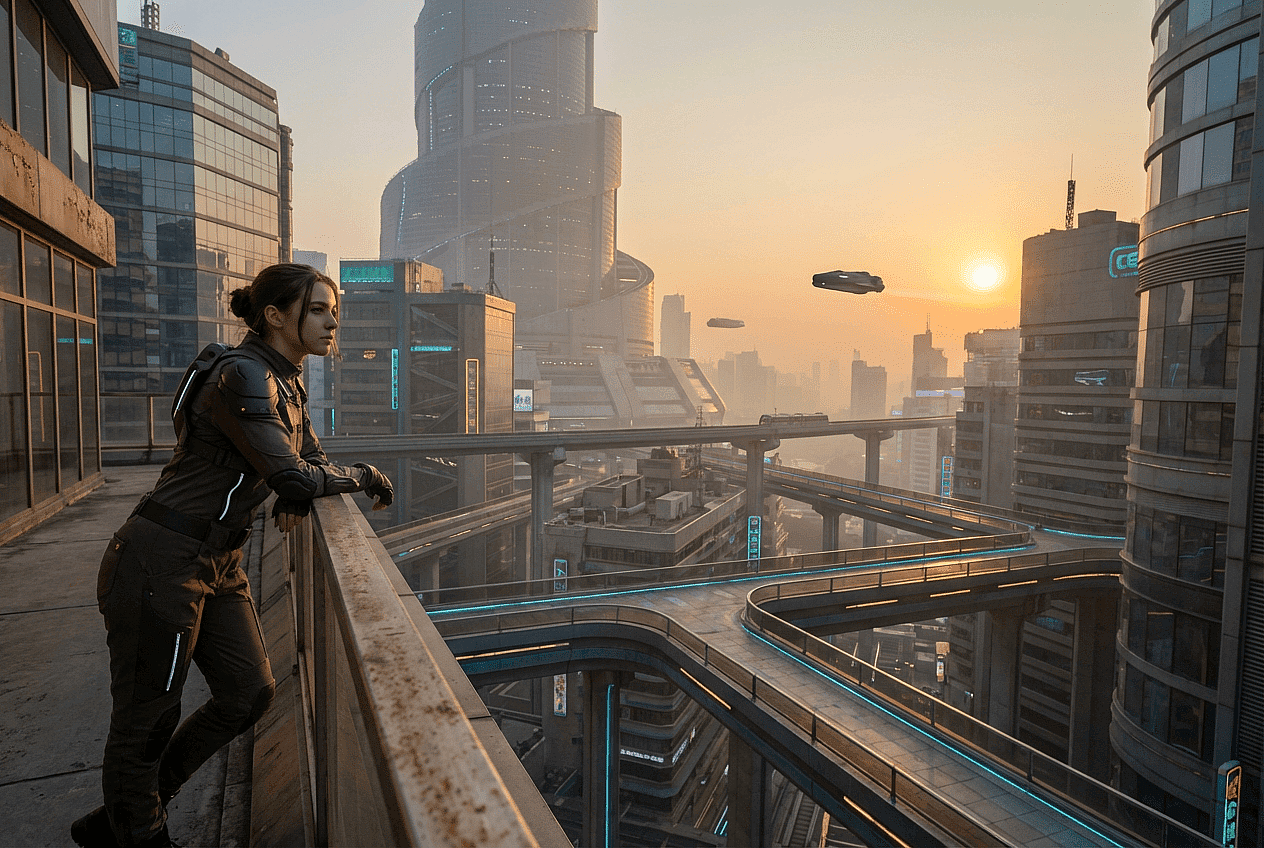
Crea sin límites
Únete a miles de creadores que usan OpenArt para generar imágenes, vídeos y mucho más impresionantes, todo en una sola plataforma.
Empieza gratis →