

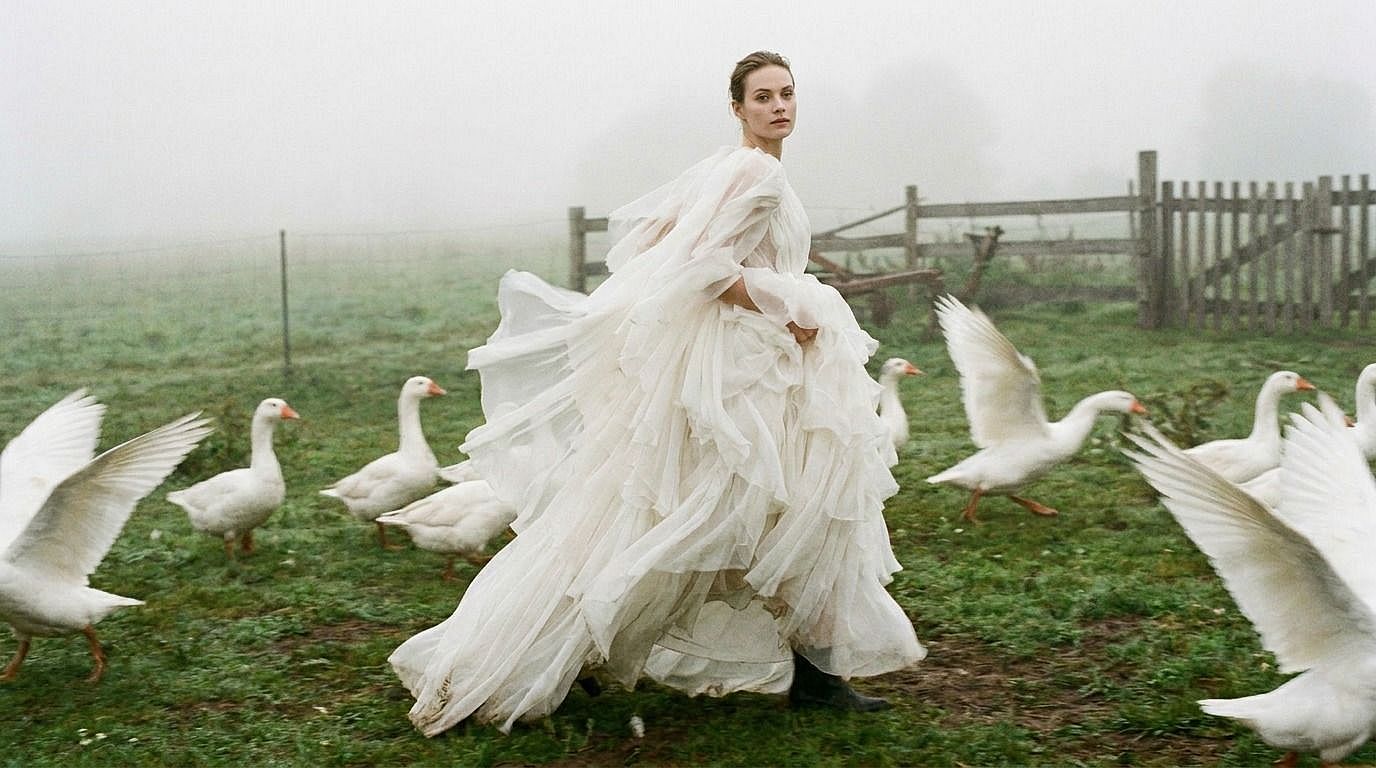
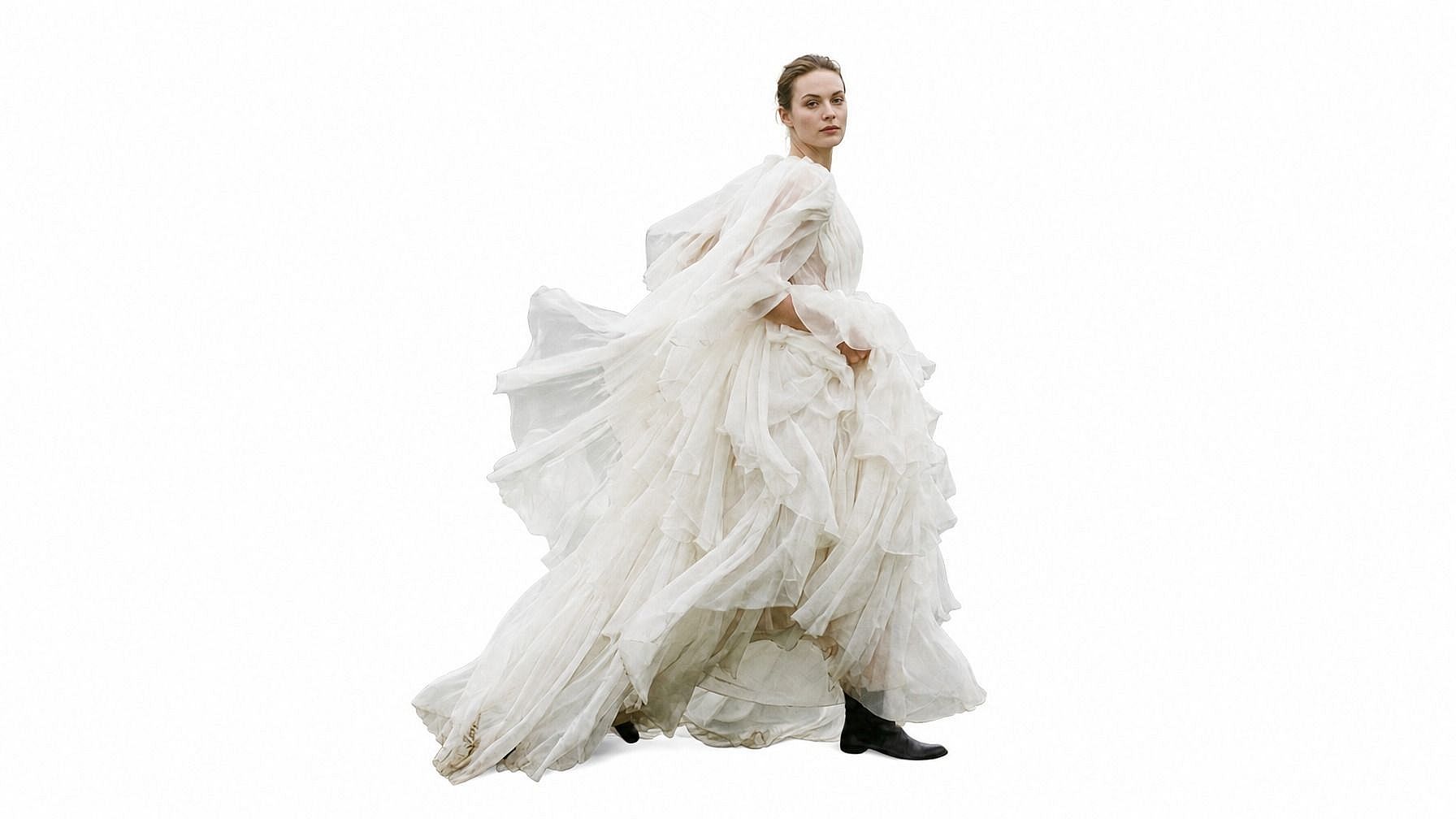
Eliminador de fondos con IA
Elimina el fondo de cualquier foto con un solo clic. Consigue un recorte limpio con salida en PNG transparente.
 Añade una imagen O arrástralo y suéltalo aquí · JPEG, PNG, WEBP, HEICJPEG, PNG, WEBP, HEIC
 Por qué elegir el eliminador de fondos con IA de OpenArt



Detección de bordes con precisión de píxel
Elimina fondos manteniendo bordes limpios en el pelo, el pelaje, los productos y los detalles finos.



Fondo transparente o personalizado
Exporta un PNG transparente o sigue editando con un color limpio, un diseño con tu marca o un nuevo fondo visual.
Hasta resolución 4K
Crea recortes de alta resolución para tiendas, recursos de diseño, fotos de perfil, materiales de marketing y contenido para redes.
¿Qué puedes hacer con un eliminador de fondos con IA?
Crea recortes limpios, PNG transparentes y sujetos aislados para diseño, comercio, retratos y proyectos creativos.
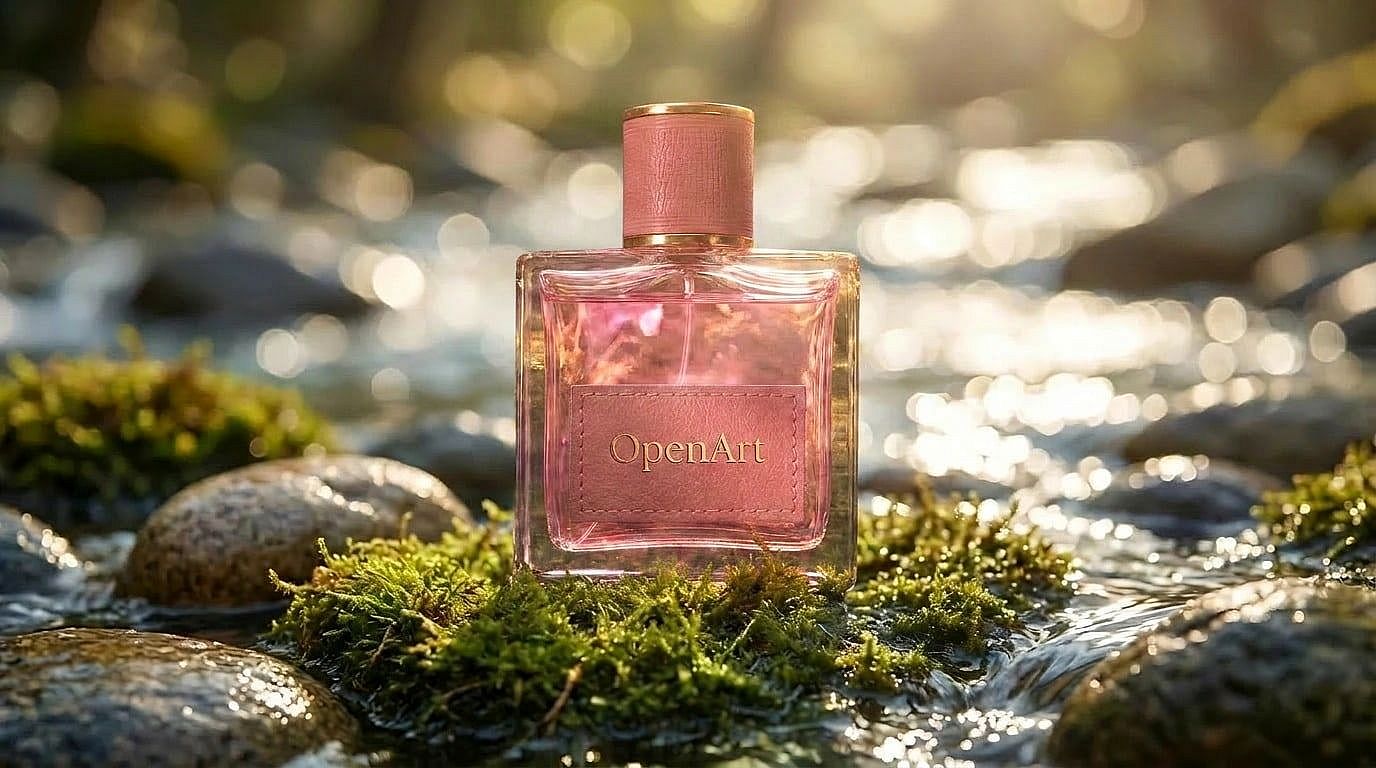
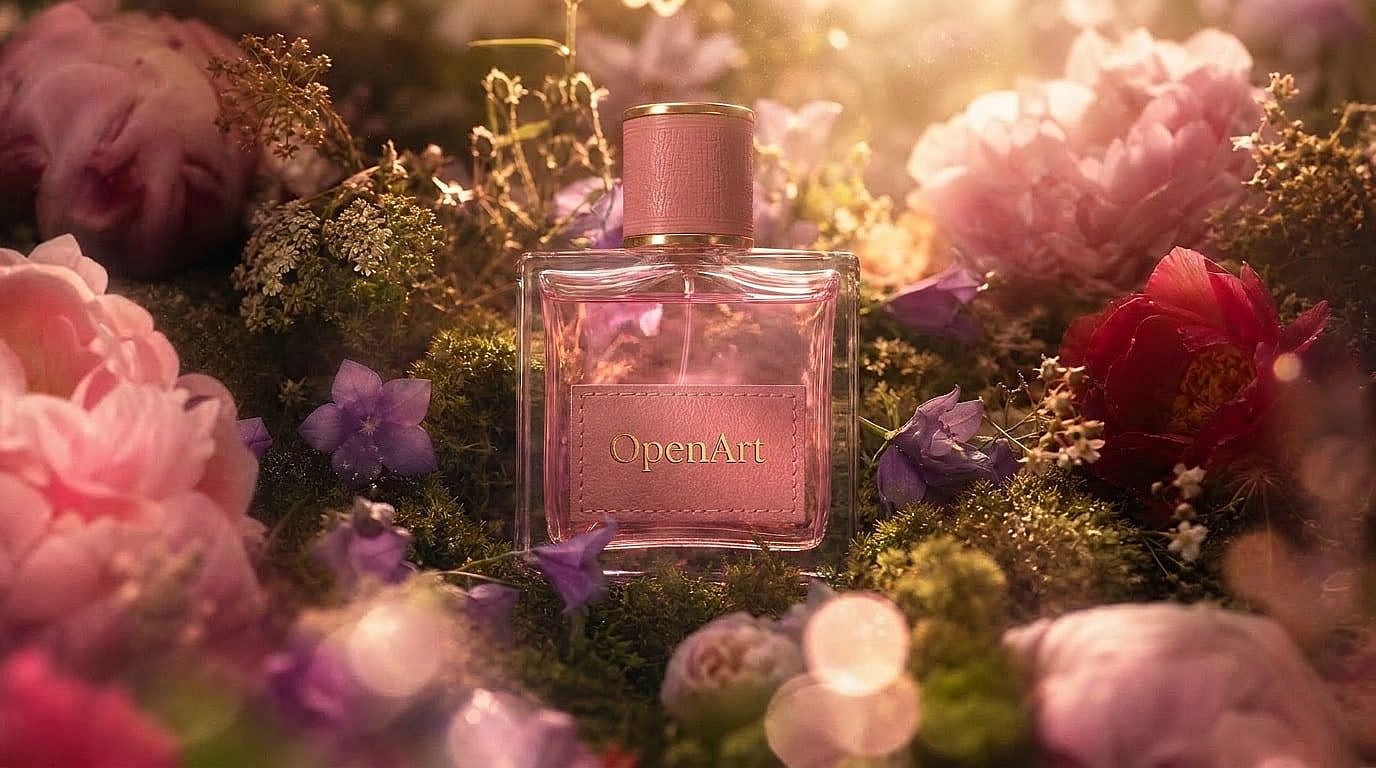
Crea fotos de producto sobre fondos limpios
Elimina fondos que distraen y coloca los productos sobre fondos blancos y limpios o de estudio sencillo para Amazon, Shopify, eBay y anuncios.
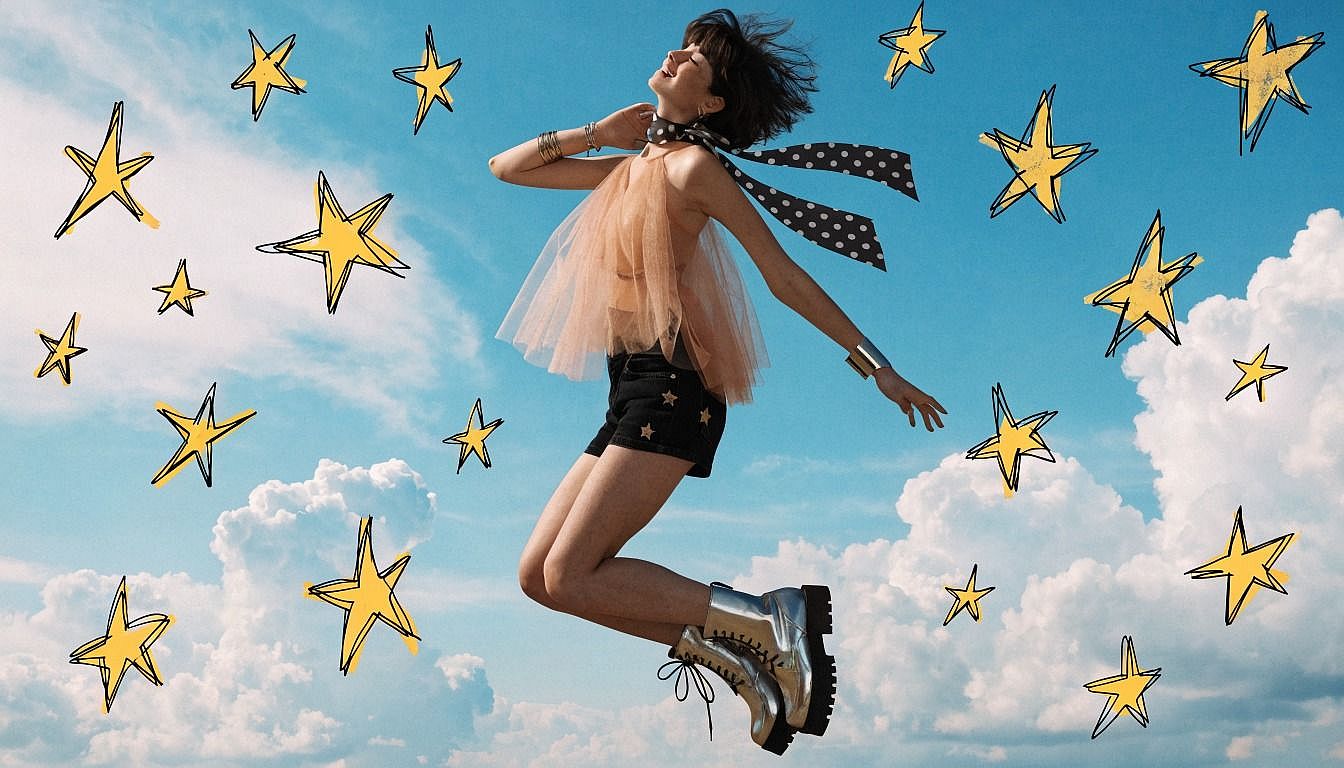
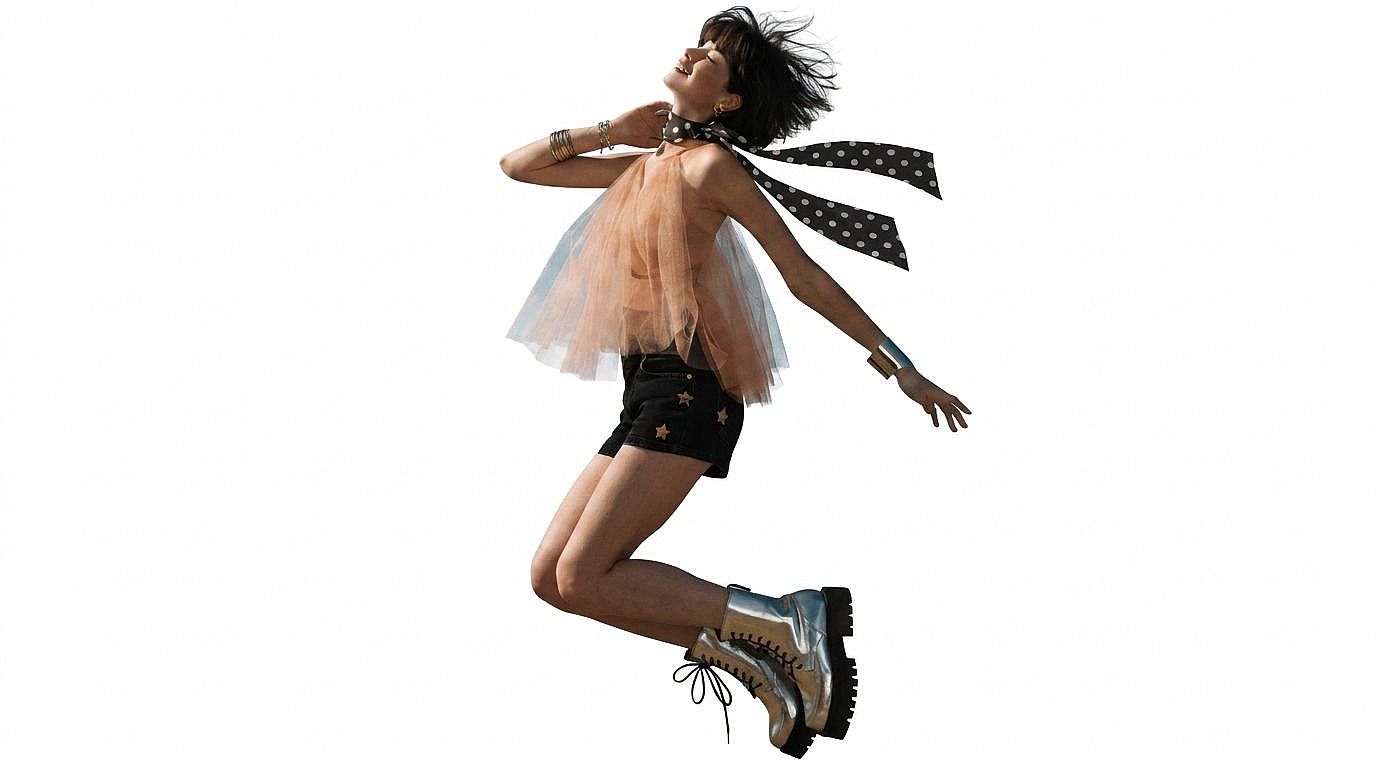
Crea PNG transparentes para diseño
Exporta sujetos como PNG transparentes para colocarlos en pósteres, miniaturas, collages, presentaciones y recursos de marca.
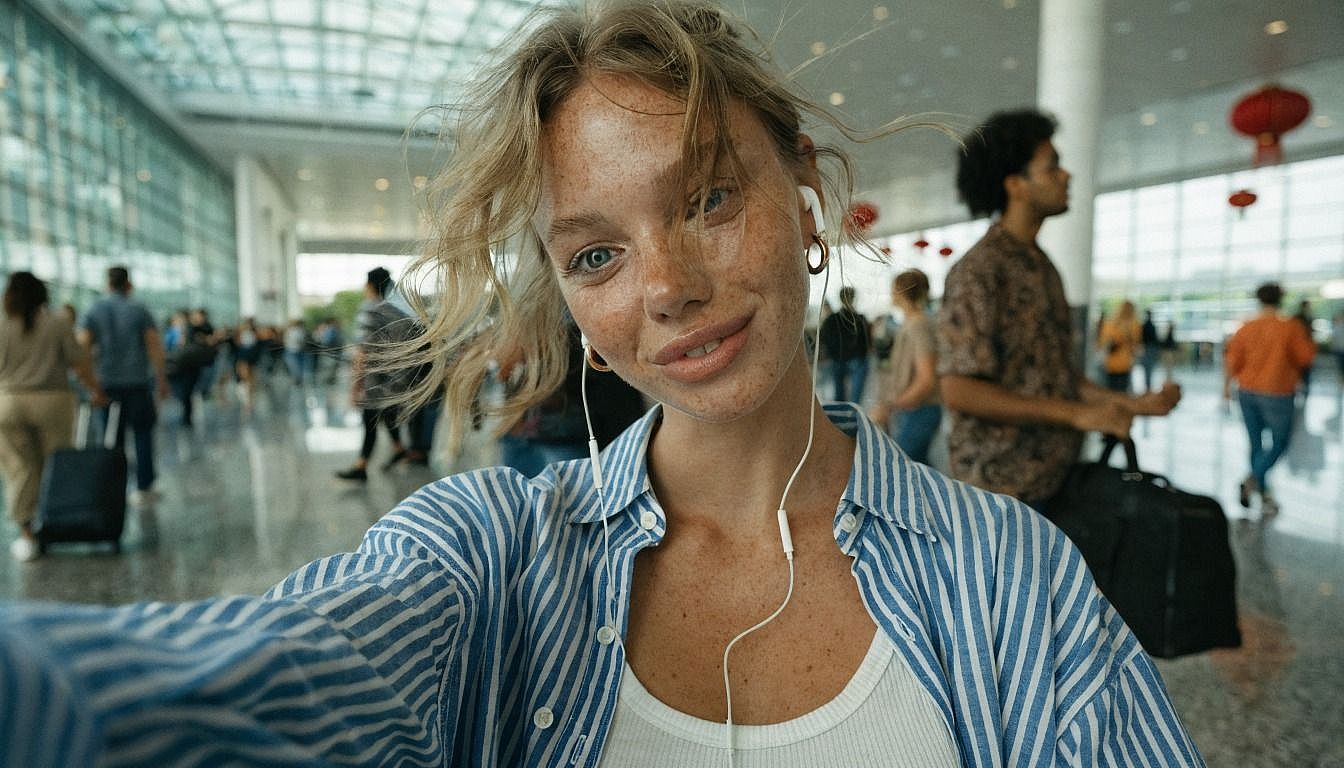
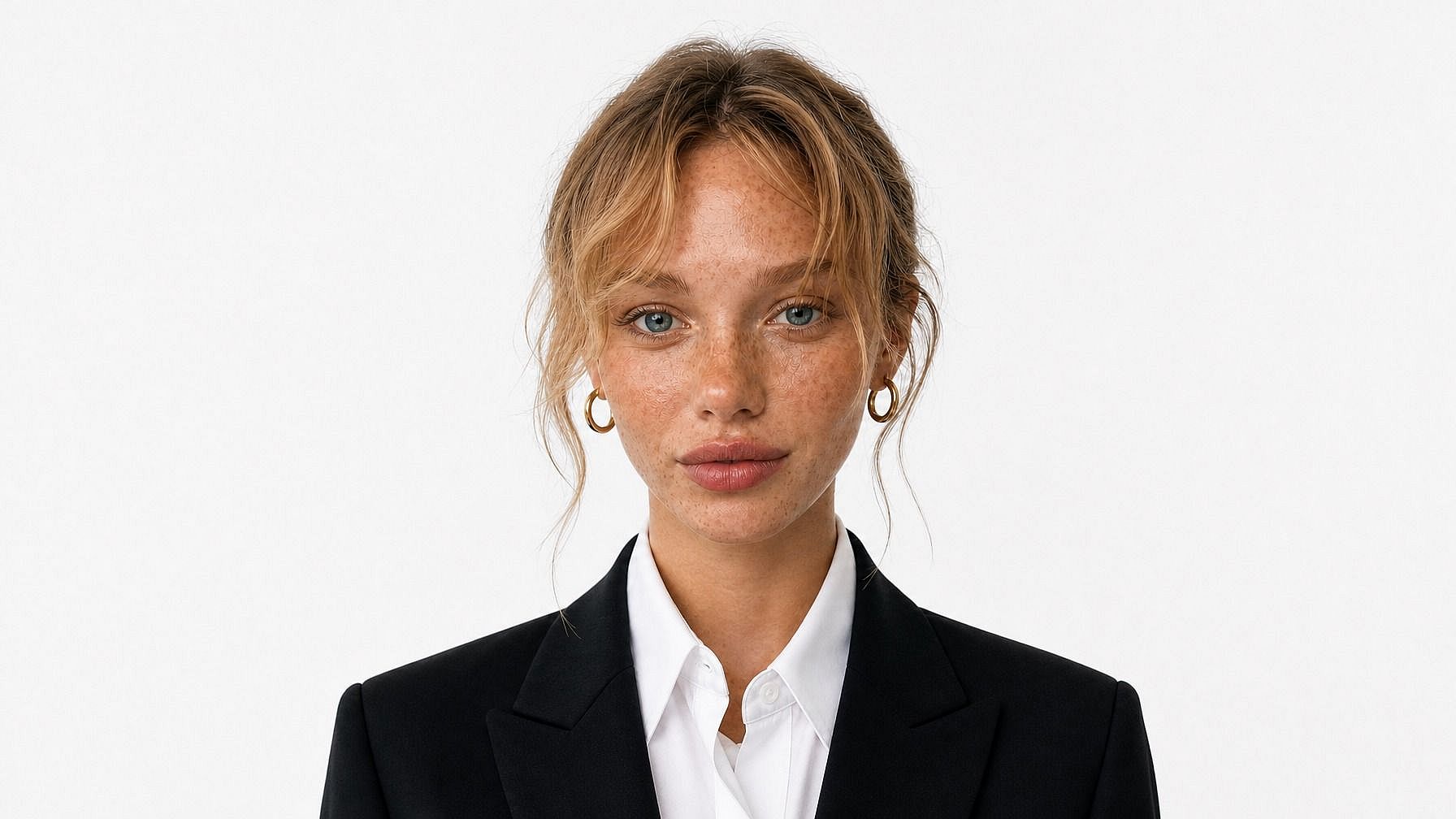
Prepara retratos para uso profesional
Convierte retratos en fotos de perfil impecables eliminando fondos recargados y manteniendo a las personas nítidamente aisladas.
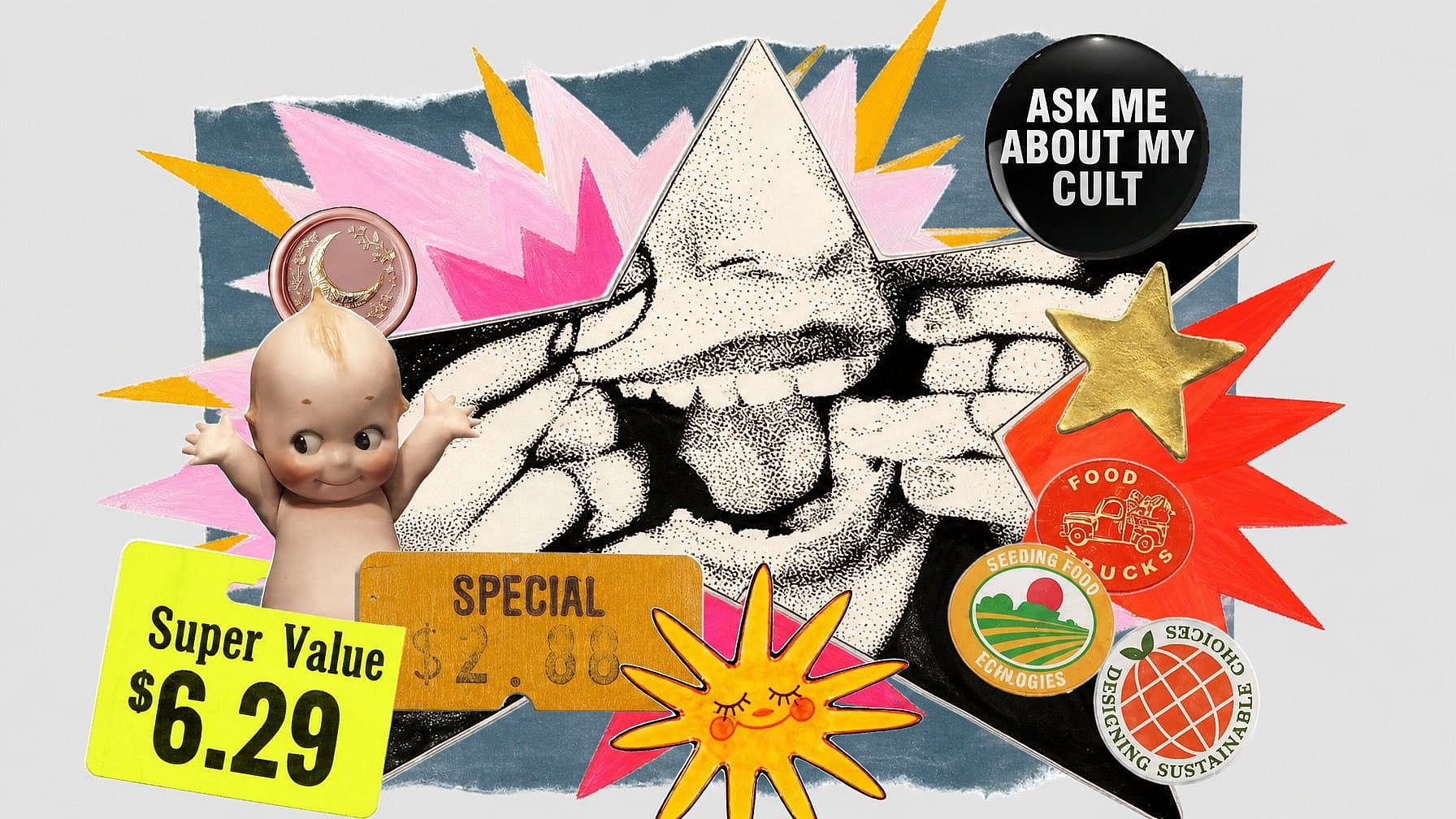
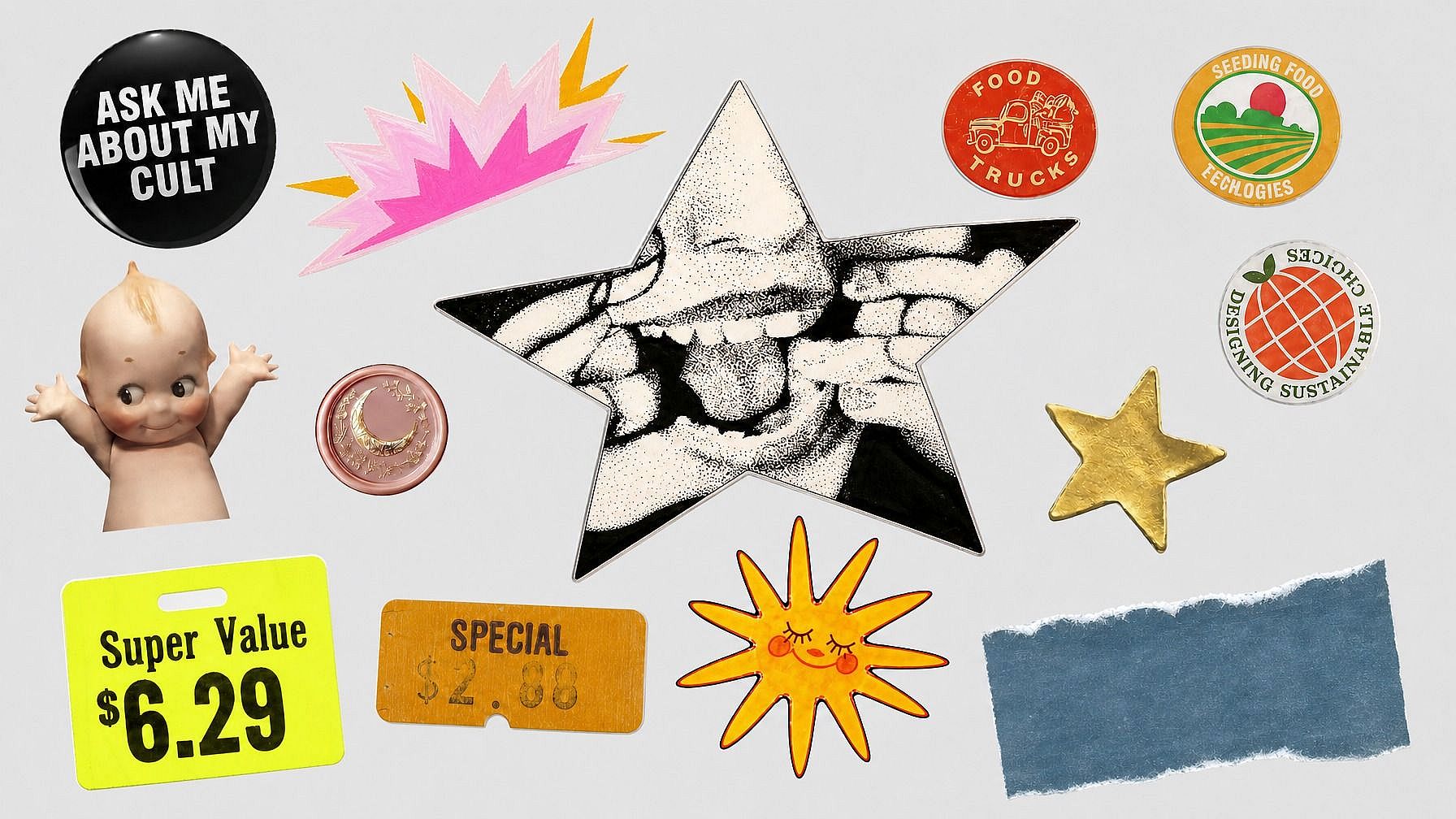
Aísla objetos para proyectos creativos
Recorta objetos, mascotas, vehículos, comida y personajes para composiciones, pegatinas, diseños de marketing y contenido para redes sociales.
Cómo eliminar un fondo con IA
Elimina fondos de imágenes online en tres sencillos pasos.
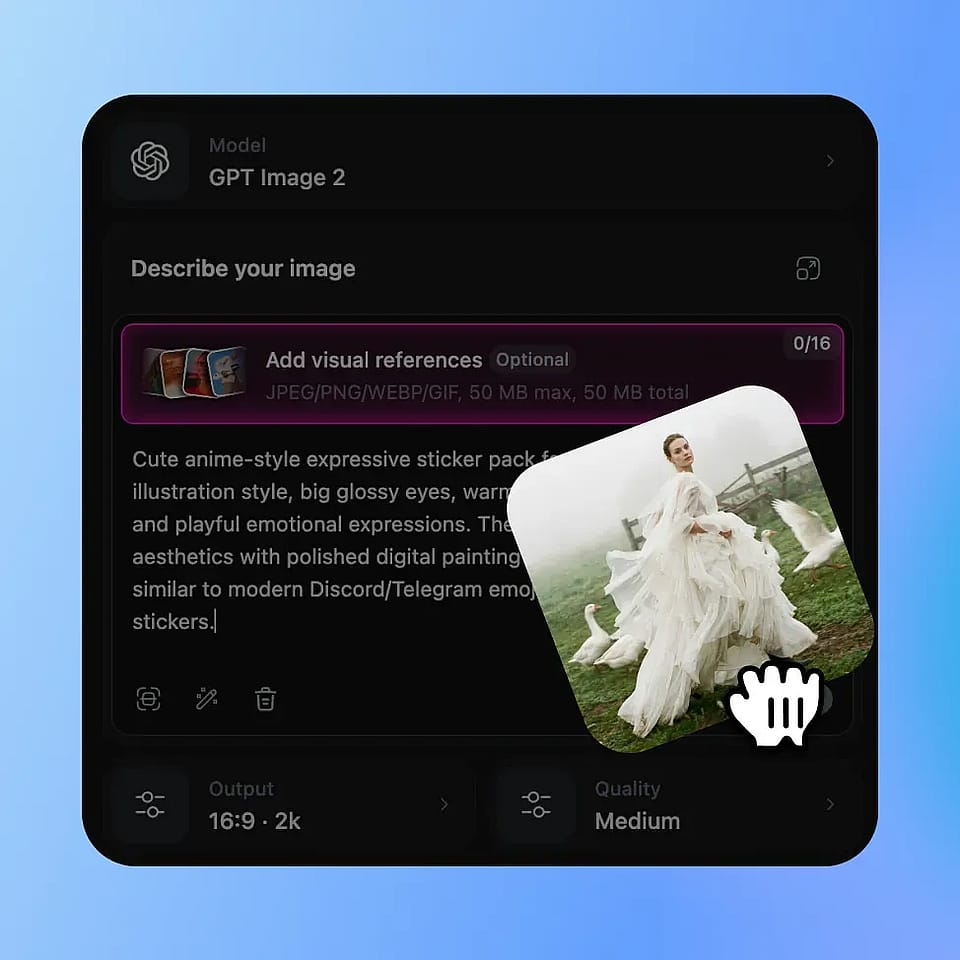
Sube tu foto
Sube la imagen que quieras editar. OpenArt detecta el sujeto automáticamente para que puedas eliminar el fondo sin recortar a mano.
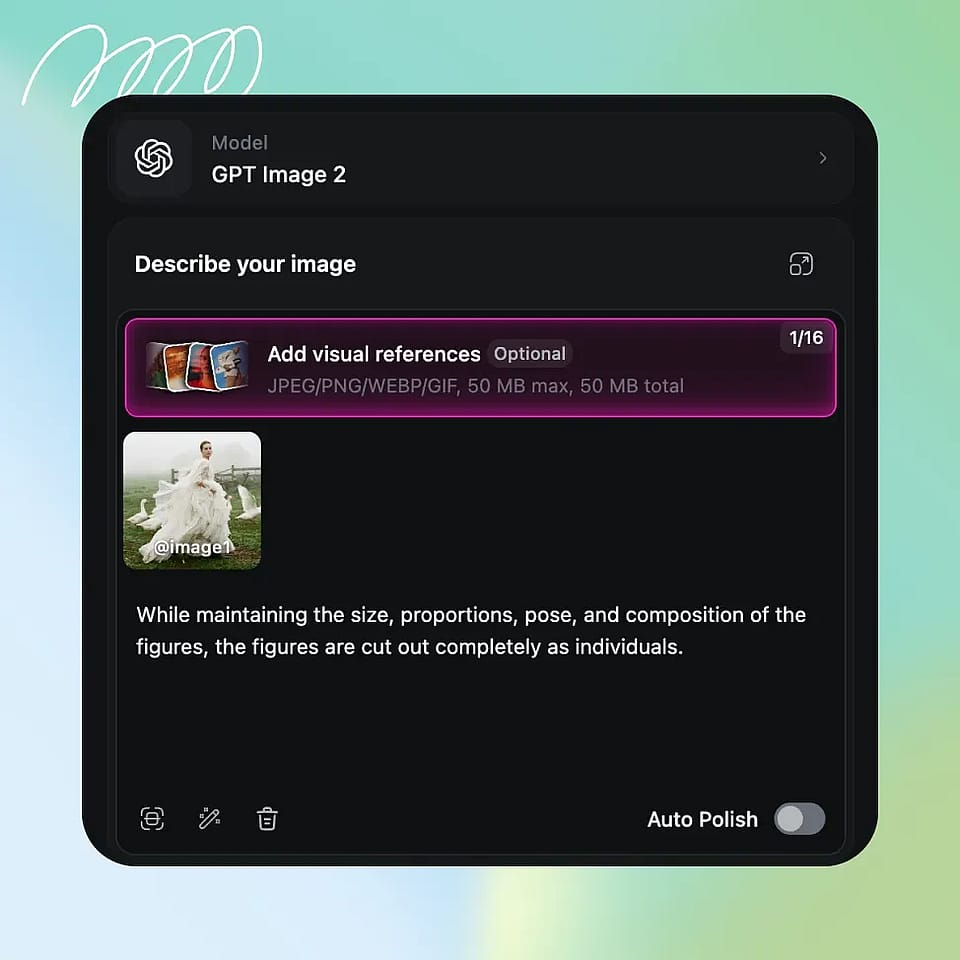
La IA elimina el fondo
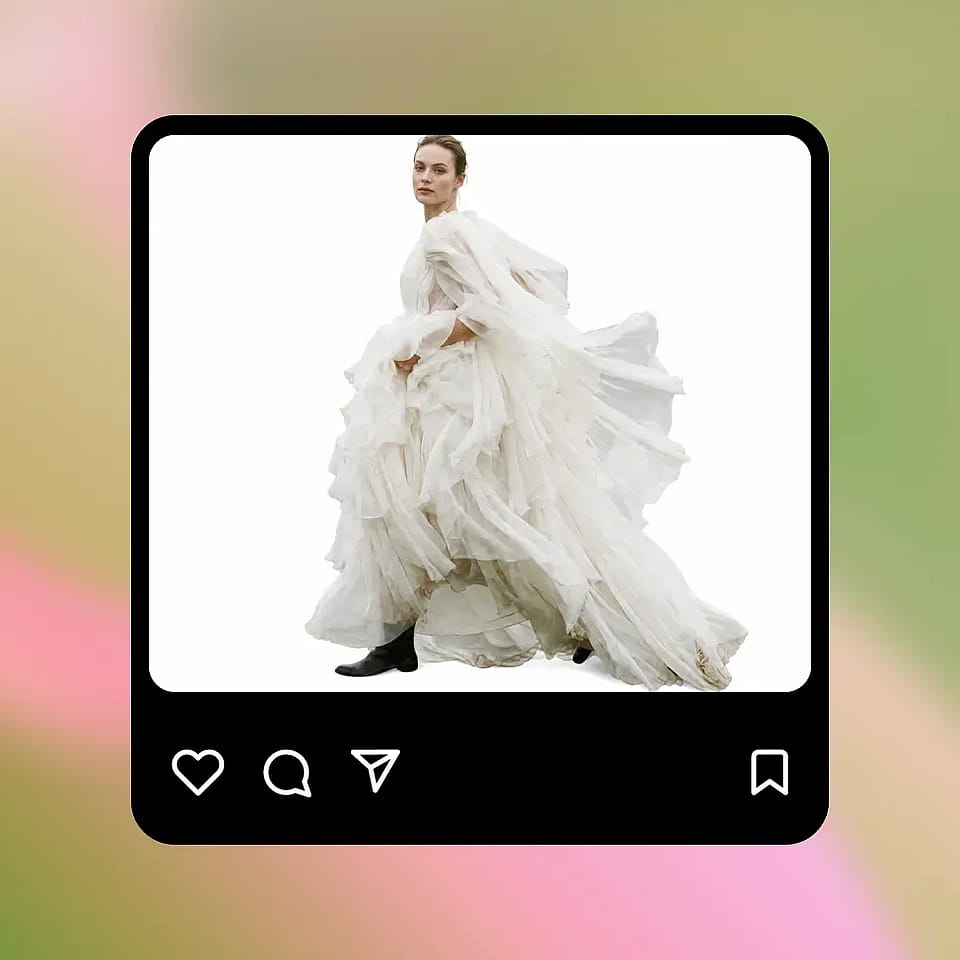
La IA separa el sujeto del fondo y conserva bordes limpios alrededor del pelo, el pelaje, los productos, la ropa y los detalles pequeños.
Descarga o sigue editando
Descarga un recorte en PNG transparente o sigue editando añadiendo un nuevo color, imagen o fondo generado en OpenArt.
¿Quién necesita un eliminador de fondos con IA?
Usa la eliminación de fondos con IA para comercio, diseño, contenido social, retratos y fotos de equipo.
Vendedores de comercio electrónico y marcas
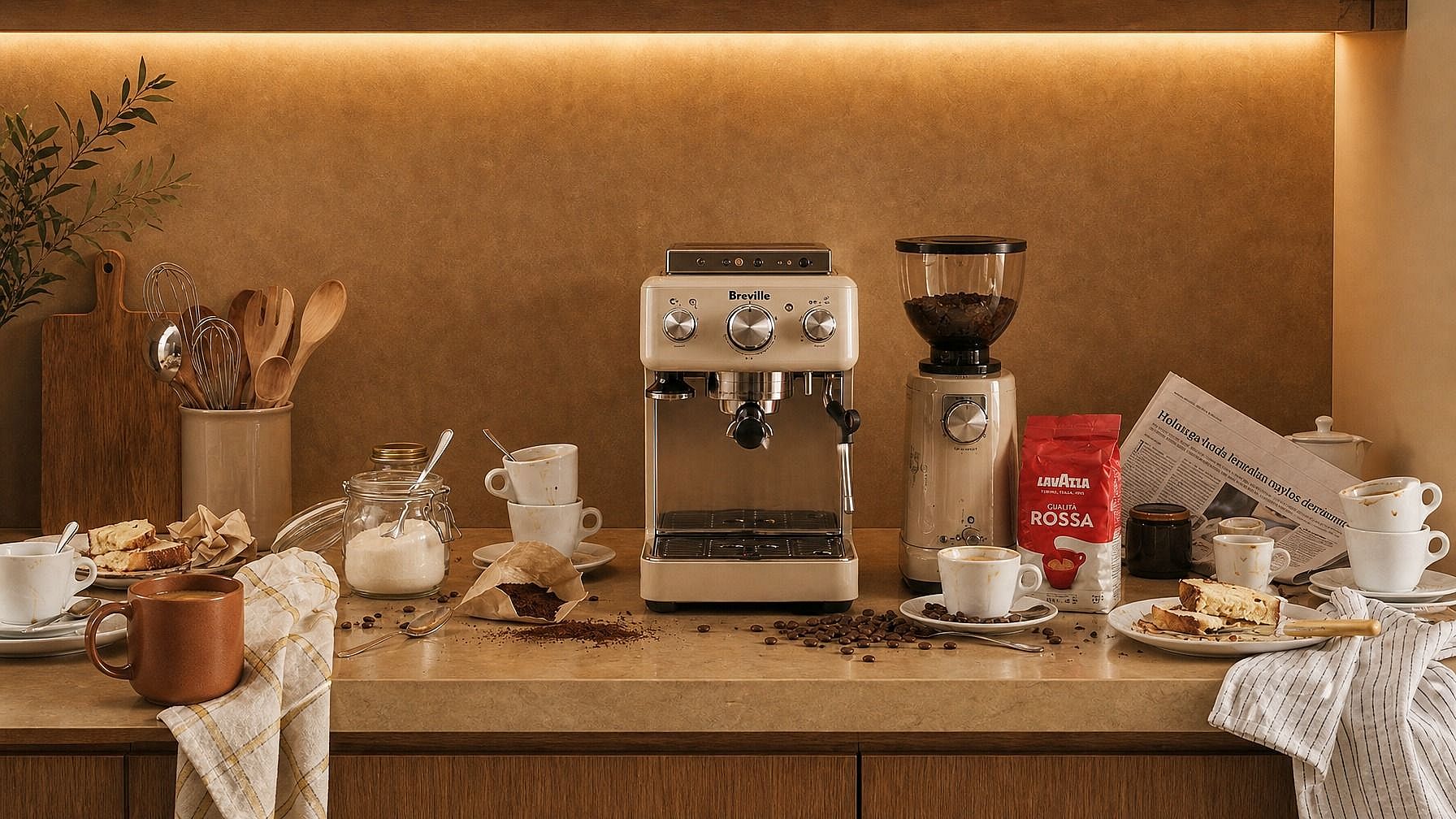
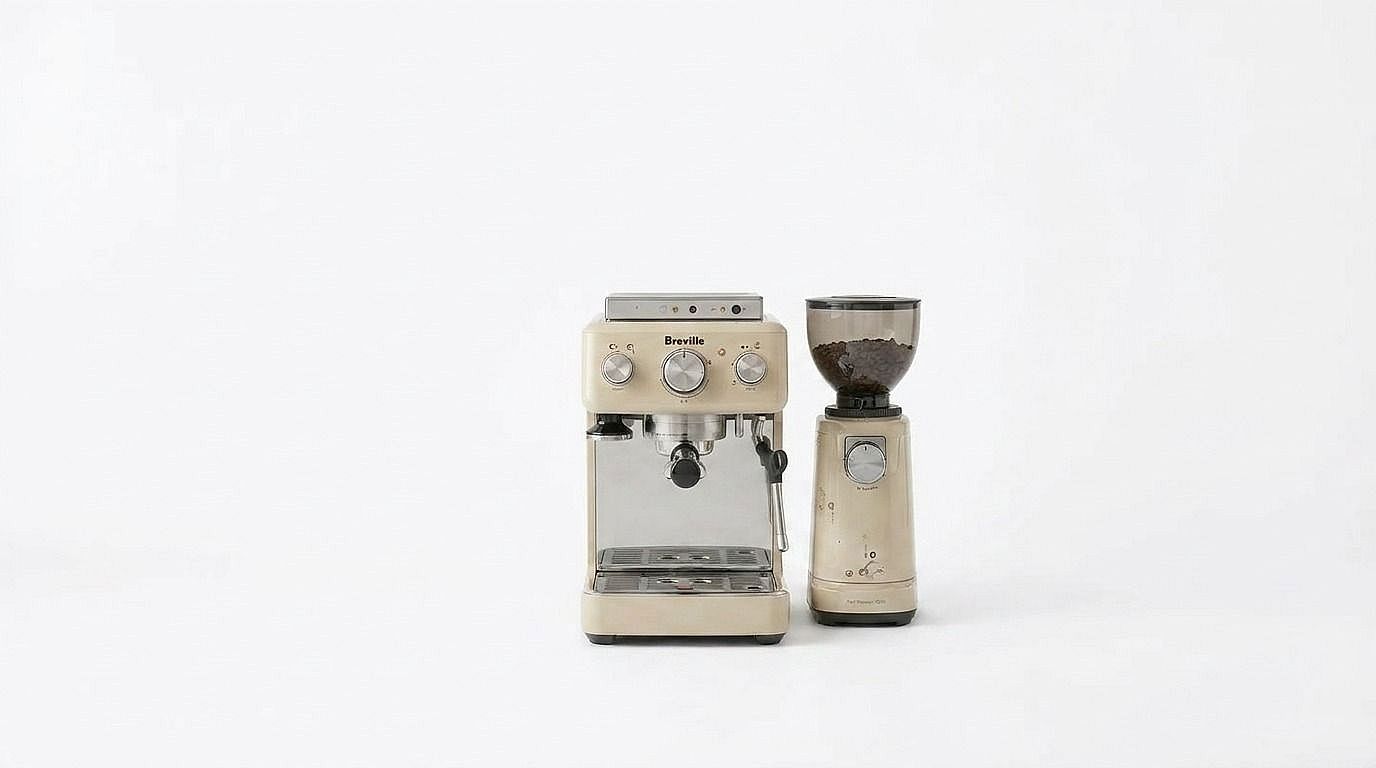
Amazon, Shopify y eBay exigen fotos de producto limpias sobre fondo blanco. Automatiza lo que antes llevaba horas en Photoshop.
Pruébalo ahora

Diseñadores gráficos
Aísla sujetos para composiciones, collages, anuncios y materiales de marketing sin trazado manual con la herramienta de pluma.
Pruébalo ahora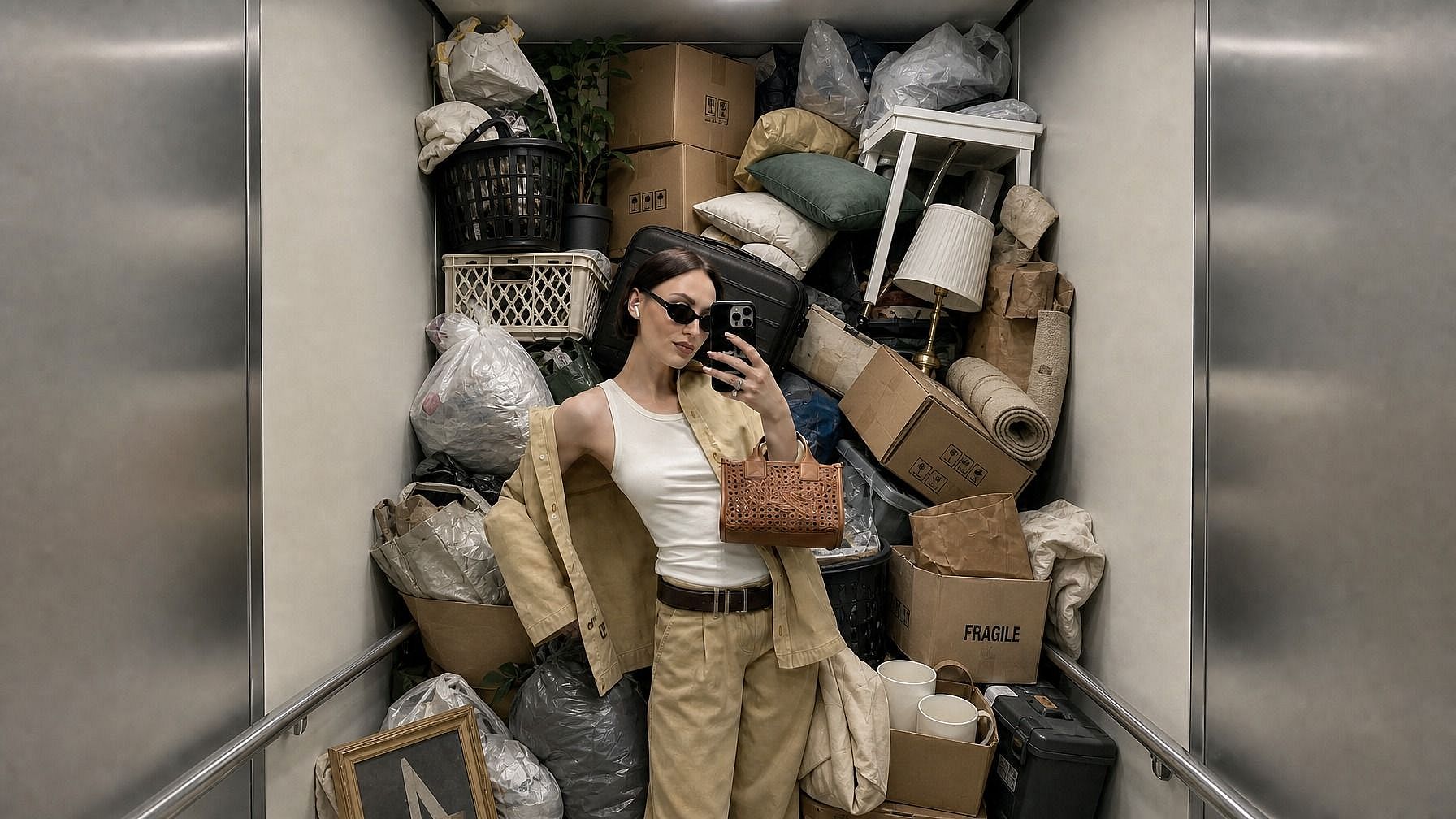
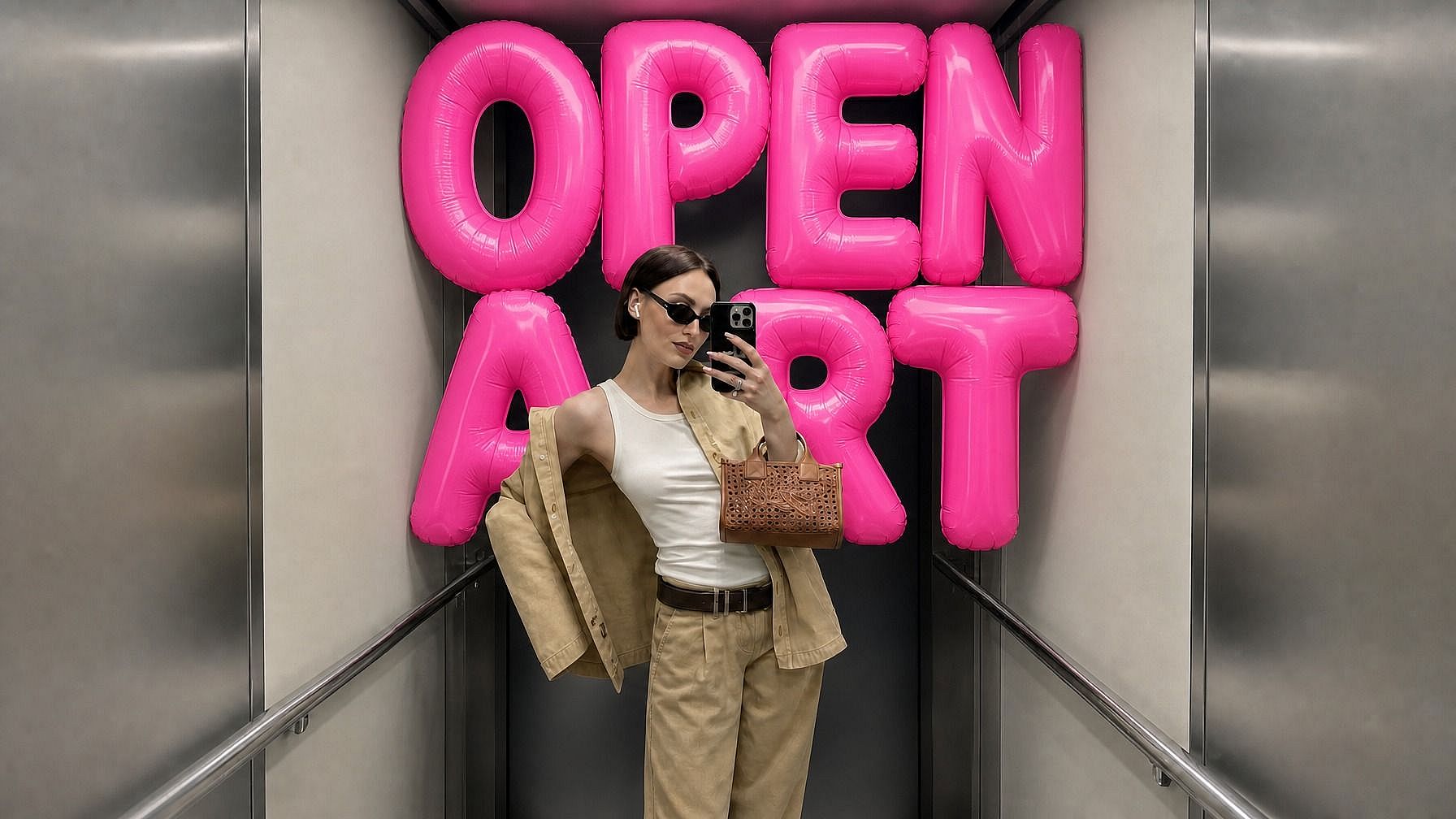
Creadores de redes sociales
Crea contenido de marca coherente eliminando fondos recargados antes de añadir elementos visuales, plantillas y diseños acordes con tu marca.
Pruébalo ahora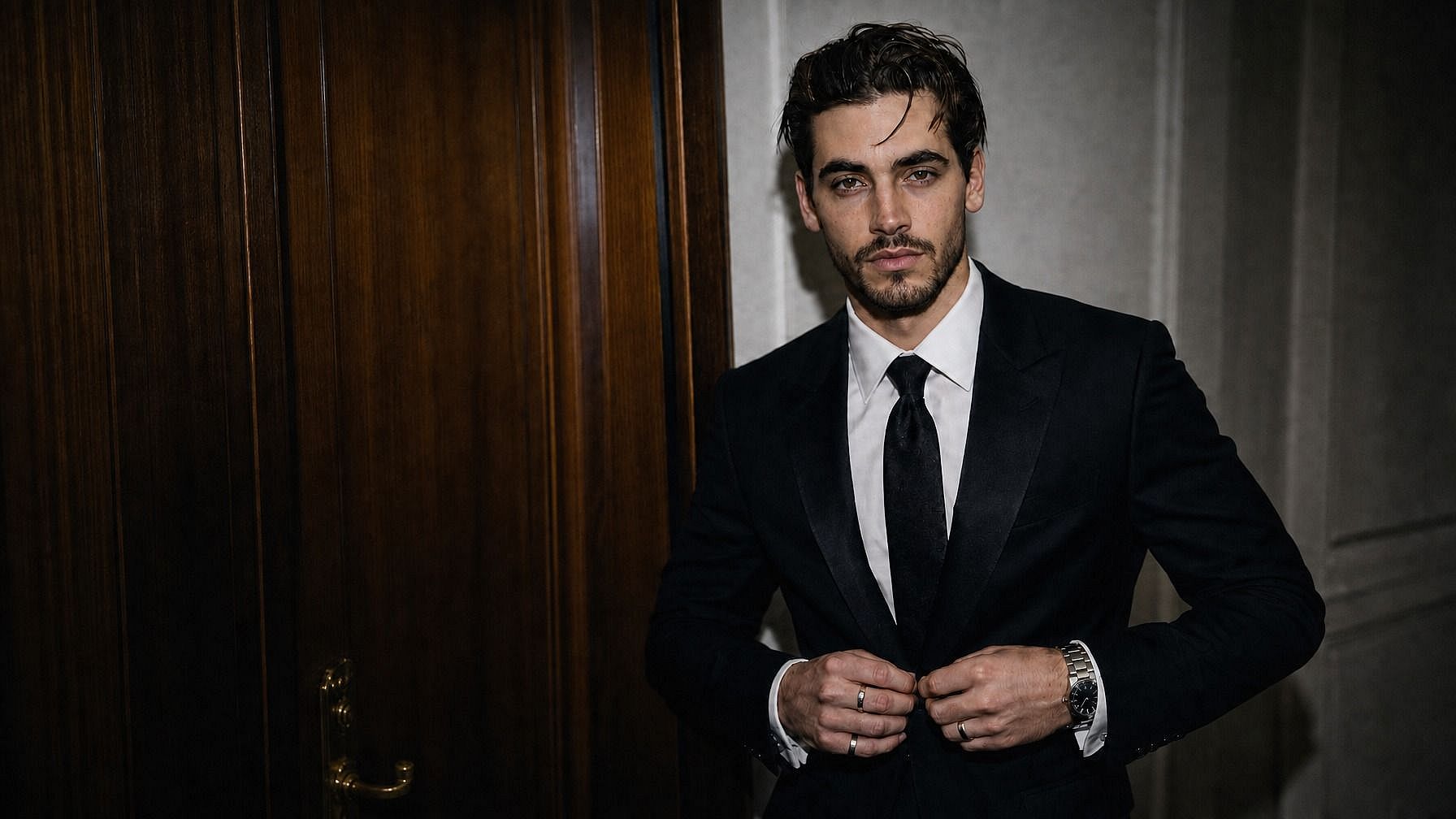
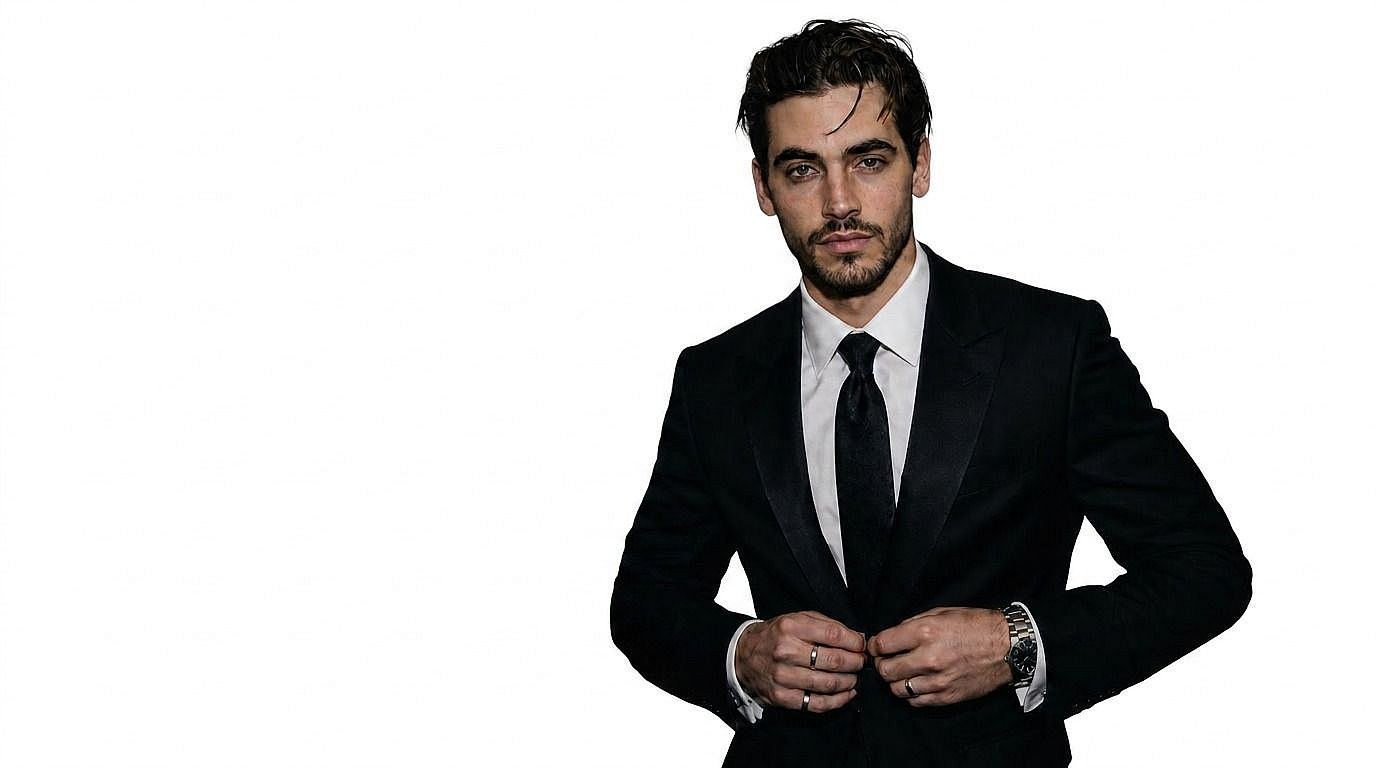
Fotógrafos que entregan recortes
Los fotógrafos de retratos pueden ofrecer versiones con el fondo eliminado como venta adicional con un esfuerzo de edición mínimo.
Pruébalo ahora

RR. HH., profesionales y empresas
Uniformiza las fotos de perfil de los empleados con fondos limpios y coherentes para directorios de empresa, páginas de perfil y LinkedIn.
Pruébalo ahoraPreguntas frecuentes Preguntas
OpenArt ofrece un eliminador de fondos con IA gratuito y online que te permite subir una foto, quitar el fondo automáticamente y crear un recorte limpio o un PNG transparente en segundos.
Elige tu foto, súbela, ejecuta el eliminador de fondos con IA, previsualiza el recorte limpio y descarga la imagen final.
La eliminación de fondo borra el fondo existente y suele crear un PNG transparente. El cambio de fondo sustituye el fondo eliminado por un color, imagen o escena generada nuevos.
OpenArt combina la eliminación de fondos con la edición creativa, así que tras hacer un recorte limpio puedes seguir diseñando, sustituyendo fondos y generando nuevas imágenes en la misma plataforma.
Sube tu imagen a OpenArt, deja que la IA detecte el sujeto y elimine el fondo, y luego descarga el PNG transparente o sigue editando con un fondo nuevo.
Sí. El eliminador de fondos con IA de OpenArt está diseñado para conservar los detalles finos, como el pelo, la piel, los bordes de los productos, la ropa y otros contornos complejos.
Esta página se centra en eliminar fondos de imágenes. Si necesitas editar el fondo de un vídeo, usa las herramientas de cambio de fondo de vídeo de OpenArt, que forman parte de OpenArt VFX.