

Kling 3.0 Motion Control — Modelo de generación de vídeo
Crea animaciones precisas con IA usando el modelo de vídeo Kling 3.0 Motion Control en OpenArt. Sube un vídeo de referencia y aplica el movimiento exacto a un nuevo personaje o escena. Haz clic en el botón de abajo para generar movimiento realista, coreografía y planos cinematográficos con control total.
Creaciones de la comunidad
Mira lo que están creando los creadores con Kling 3.0 Motion Control. Desde movimientos de cámara cinematográficos hasta animaciones fluidas de personajes.
Características clave de Kling 3.0 Motion Control
Transferencia de movimiento por referencia
El Control de Movimiento de Kling 3.0 extrae patrones de movimiento de un vídeo de referencia y los aplica a un nuevo personaje o escena. Cuando subes un clip de movimiento, el modelo rastrea cómo se mueve el sujeto a lo largo de los fotogramas y reproduce el mismo ritmo, postura corporal y secuencia de gestos en el vídeo generado.
Pruébalo ahoraPreservación de la identidad del personaje
El control de movimiento de Kling 3.0 mantiene estable el aspecto del personaje mientras se aplica el movimiento. Puedes subir imágenes de referencia que definan la cara, el pelo, la ropa y el diseño general del personaje, y el modelo conserva esos detalles en todos los fotogramas generados.
Pruébalo ahoraControl cinematográfico de cámara y escena
Kling 3.0 Motion Control separa el movimiento del personaje del entorno y la configuración de la cámara. El vídeo de referencia determina cómo se mueve el personaje, mientras que el prompt de texto controla el entorno, la iluminación y la dirección de cámara.
Pruébalo ahoraOclusión facial y restauración de identidad
Kling 3.0 Motion Control puede conservar la identidad de un personaje incluso cuando la cara queda parcialmente oculta durante el movimiento. Cuando objetos como manos, accesorios o ropa cubren partes de la cara, el modelo usa imágenes de referencia mediante Element Binding para restaurar con precisión los detalles faciales en todos los fotogramas.
Pruébalo ahoraCómo usar el control de movimiento de Kling 3.0
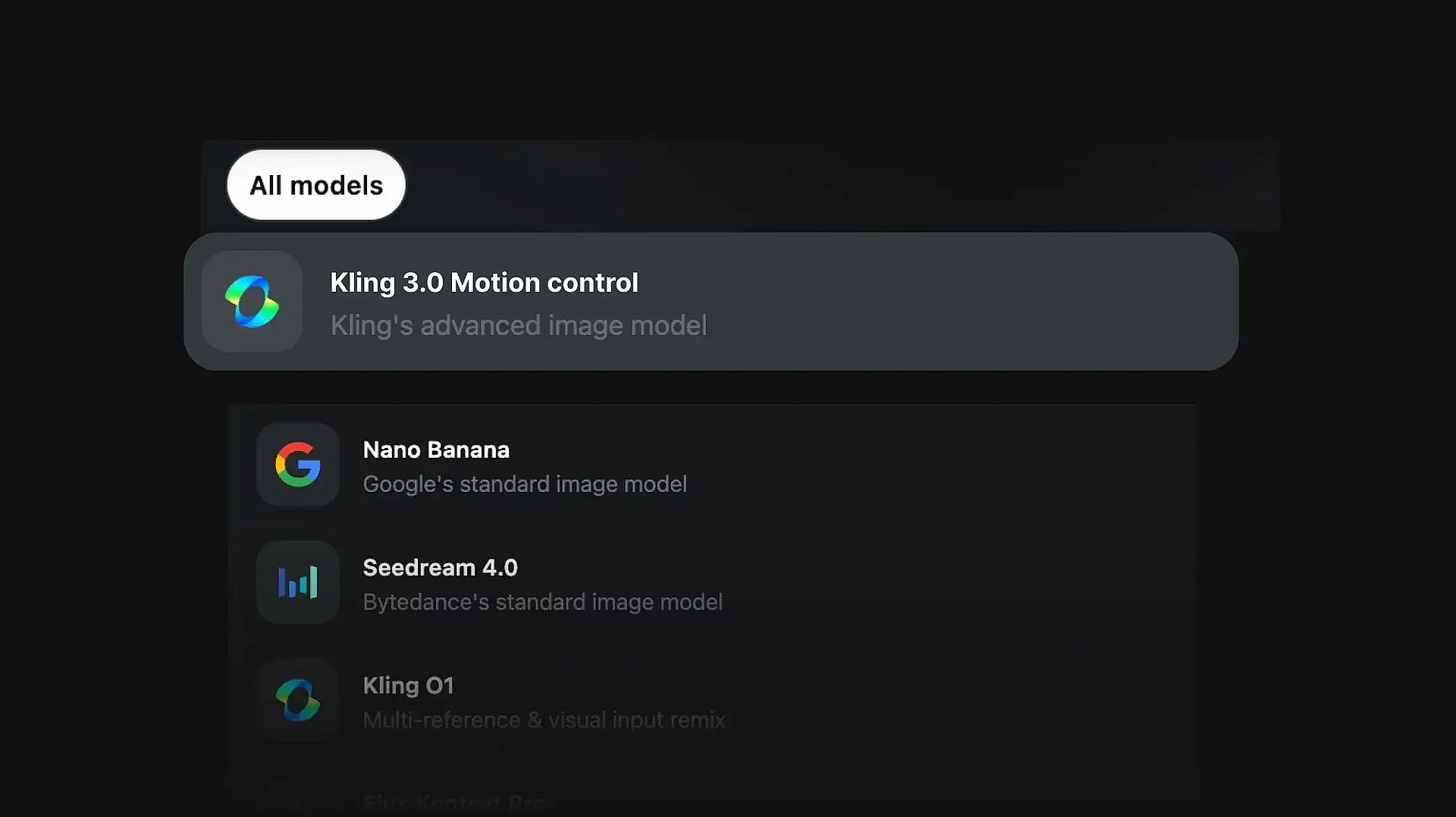
Elige el modelo
Para empezar, selecciona el modelo de vídeo con IA Kling 3.0 Motion Control.
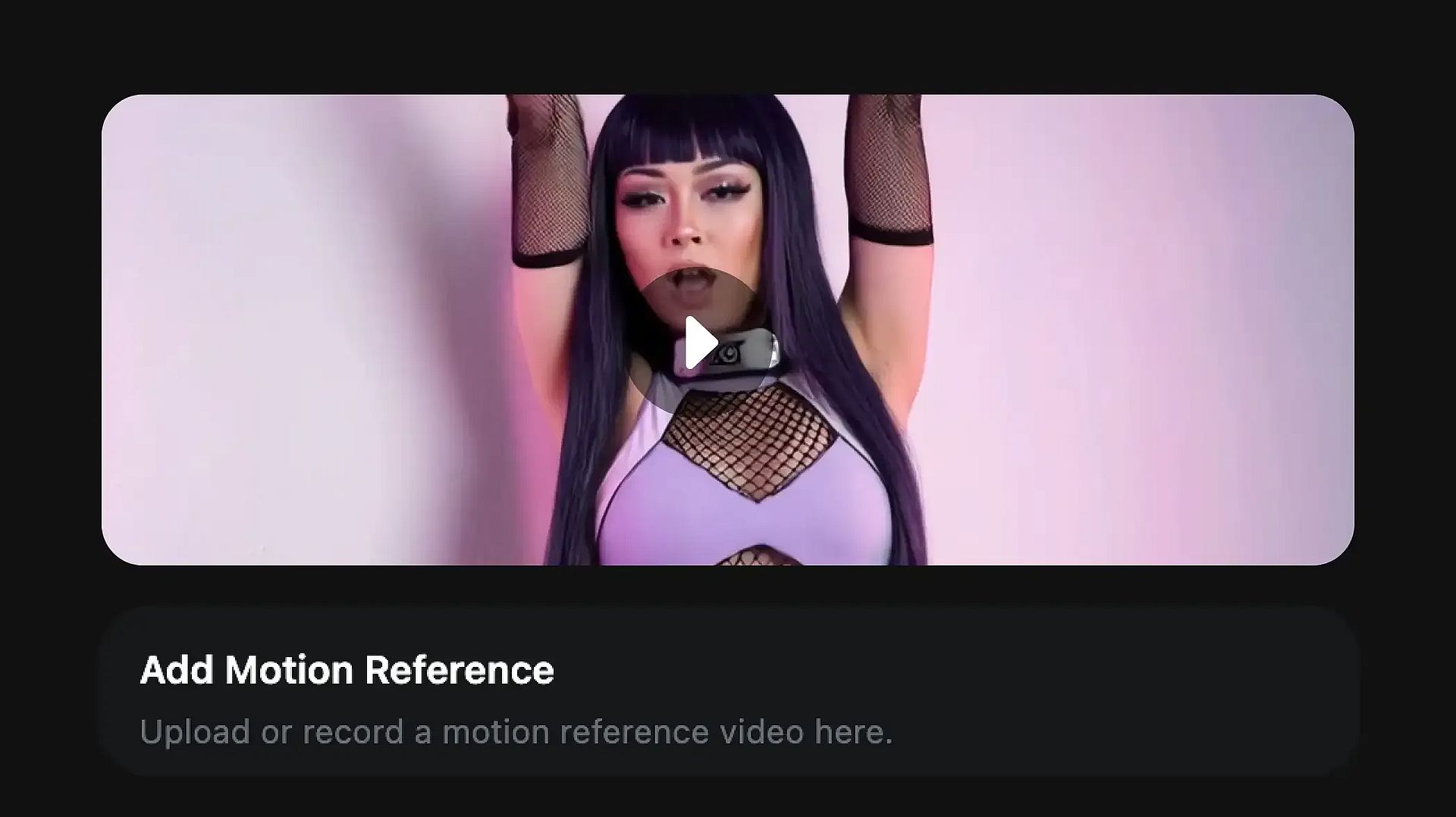
Subir referencia de movimiento
Sube un vídeo de referencia que contenga el movimiento que quieres reproducir. Este clip definirá cómo se mueve el personaje en el vídeo generado.
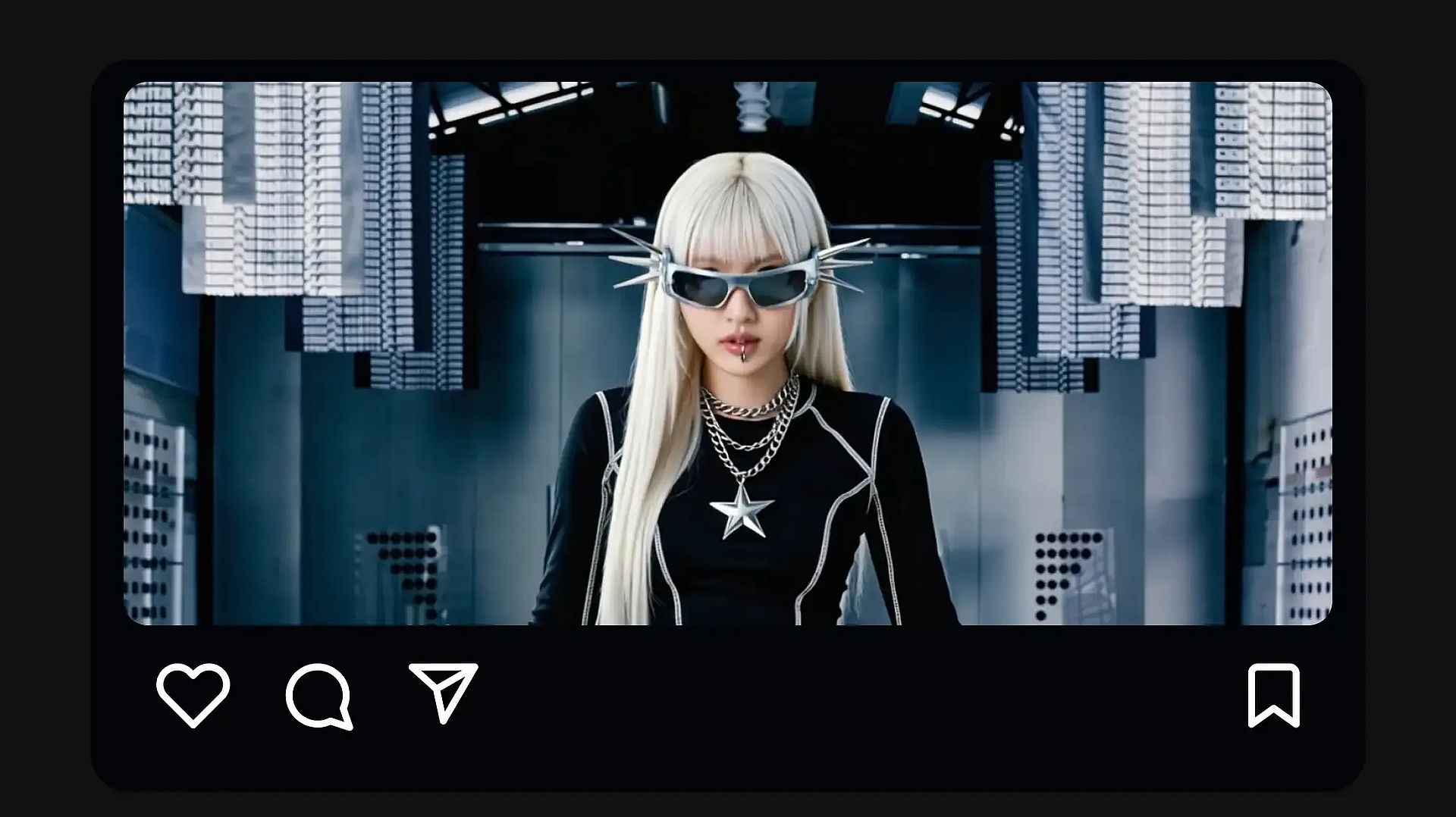
Guardar y compartir
Cuando la animación coincida con tu visión, guarda el vídeo o compártelo directamente.
Cómo obtener los mejores resultados
Usa un movimiento de referencia claro
Elige un vídeo de referencia donde el sujeto se vea con claridad y el movimiento no sea demasiado rápido ni borroso. Los clips suaves y estables suelen transferir el movimiento con más precisión.
Igualar la pose del personaje
Subir una imagen de personaje con una orientación del cuerpo similar a la del sujeto del vídeo de referencia ayuda al modelo a adaptar el movimiento de forma más natural.
Mantén el entorno sencillo
Empezar con un entorno y una iluminación sencillos puede mejorar los primeros resultados. Una vez confirmes que el movimiento se transfiere correctamente, puedes experimentar con escenas más complejas.
Describe la escena en lugar de la acción
El movimiento debe provenir del vídeo de referencia, mientras que el prompt debe describir el entorno, la iluminación y el estilo de cámara.
Experimenta con distintas referencias
Probar distintos clips de movimiento puede cambiar mucho el resultado. Algunas referencias generan animaciones más fluidas que otras.
Perfeccionar con cada iteración
Pequeños ajustes en el prompt, la dirección de cámara o las referencias entre varias generaciones te ayudan a acercarte poco a poco al resultado que buscas.
Preguntas frecuentes Preguntas
Consigue consejos de expertos en el blog
Consigue la información que necesitas. Nuestros expertos comparten trucos prácticos, analizan los temas más candentes y ofrecen guías esenciales para ayudarte a crear, optimizar y escalar.

OpenArt Director es el n.º 1 en el benchmark de agentes de anuncios de vídeo con IA de Physion Labs
OpenArt Director quedó en el n.º 1 del benchmark de anuncios de vídeo con IA de Physion Labs, superando a 5 agentes en 100 briefs y 500 vídeos para liderar todas las categorías de calidad.

¿Qué es OpenArt? – La plataforma de creación con IA todo en uno, explicada
OpenArt es una plataforma de IA generativa para crear imágenes, vídeo y audio a partir de prompts de texto y referencias. Descubre qué hace, cómo funciona, con qué modelos trabaja, cuánto cuesta y por qué deberías usarla.
OpenArt presenta OpenArt Arena, un nuevo referente de modelos de IA hecho a medida para y por creativos
OpenArt presenta OpenArt Arena, la primera clasificación de modelos de imagen y vídeo con IA basada en evaluaciones ciegas realizadas por expertos creativos del cine, la publicidad y el diseño.
Adorado por los creadores
He probado muchas plataformas de IA... pero OpenArt sigue siendo la mejor para crear personajes, por la calidad de imagen a vídeo y por la variedad de modelos disponibles.
OpenArt ofrece una excelente variedad de herramientas de IA... una vez que aprendes las funciones, las posibilidades creativas son increíbles, y su equipo de soporte es excepcional.
OpenArt es una plataforma de IA muy versátil con muchos modelos de imagen y vídeo, creación de personajes consistentes y potentes herramientas de edición.
Herramientas útiles de IA en un solo lugar: generación de imágenes y vídeo, edición y mucho más... sin necesidad de varias suscripciones.
El servicio de atención al cliente siempre es rápido y útil... y la plataforma no deja de mejorar con nuevas funciones y herramientas.
He probado muchas plataformas de IA... pero OpenArt sigue siendo la mejor para crear personajes, por la calidad de imagen a vídeo y por la variedad de modelos disponibles.
OpenArt ofrece una excelente variedad de herramientas de IA... una vez que aprendes las funciones, las posibilidades creativas son increíbles, y su equipo de soporte es excepcional.
OpenArt es una plataforma de IA muy versátil con muchos modelos de imagen y vídeo, creación de personajes consistentes y potentes herramientas de edición.
Herramientas útiles de IA en un solo lugar: generación de imágenes y vídeo, edición y mucho más... sin necesidad de varias suscripciones.
El servicio de atención al cliente siempre es rápido y útil... y la plataforma no deja de mejorar con nuevas funciones y herramientas.
He probado muchas plataformas de IA... pero OpenArt sigue siendo la mejor para crear personajes, por la calidad de imagen a vídeo y por la variedad de modelos disponibles.
OpenArt ofrece una excelente variedad de herramientas de IA... una vez que aprendes las funciones, las posibilidades creativas son increíbles, y su equipo de soporte es excepcional.
OpenArt es una plataforma de IA muy versátil con muchos modelos de imagen y vídeo, creación de personajes consistentes y potentes herramientas de edición.
Herramientas útiles de IA en un solo lugar: generación de imágenes y vídeo, edición y mucho más... sin necesidad de varias suscripciones.
El servicio de atención al cliente siempre es rápido y útil... y la plataforma no deja de mejorar con nuevas funciones y herramientas.
Con tantas plataformas de IA por ahí, OpenArt destacó como una opción excelente; se la recomendaría a cualquier creador.
Esta plataforma incluye todo lo que necesitas para crear contenido con IA: imágenes, vídeo, personajes, audio y múltiples modelos de IA en un solo lugar.
OpenArt está superando los límites de la creación de vídeo con IA... y está claro que el equipo se compromete a mejorar la experiencia de los creadores.
Hice mi primer videoclip musical con IA con OpenArt... y su equipo de soporte fue la mejor ayuda que he tenido nunca.
Estoy muy contento con el soporte: mi problema se resolvió rápido y el equipo hizo que todo fuera fácil.
Con tantas plataformas de IA por ahí, OpenArt destacó como una opción excelente; se la recomendaría a cualquier creador.
Esta plataforma incluye todo lo que necesitas para crear contenido con IA: imágenes, vídeo, personajes, audio y múltiples modelos de IA en un solo lugar.
OpenArt está superando los límites de la creación de vídeo con IA... y está claro que el equipo se compromete a mejorar la experiencia de los creadores.
Hice mi primer videoclip musical con IA con OpenArt... y su equipo de soporte fue la mejor ayuda que he tenido nunca.
Estoy muy contento con el soporte: mi problema se resolvió rápido y el equipo hizo que todo fuera fácil.
Con tantas plataformas de IA por ahí, OpenArt destacó como una opción excelente; se la recomendaría a cualquier creador.
Esta plataforma incluye todo lo que necesitas para crear contenido con IA: imágenes, vídeo, personajes, audio y múltiples modelos de IA en un solo lugar.
OpenArt está superando los límites de la creación de vídeo con IA... y está claro que el equipo se compromete a mejorar la experiencia de los creadores.
Hice mi primer videoclip musical con IA con OpenArt... y su equipo de soporte fue la mejor ayuda que he tenido nunca.
Estoy muy contento con el soporte: mi problema se resolvió rápido y el equipo hizo que todo fuera fácil.
Crea sin límites
Únete a miles de creadores que usan OpenArt para generar imágenes, vídeos y mucho más impresionantes, todo en una sola plataforma.
Empieza gratis →