

Generador de anime con IA
Convierte un prompt de texto en arte anime con tu estilo exacto, desde visuales clave de VHS de los 90 hasta paneles de webtoon modernos. Genera con los principales modelos de imagen con IA en un solo espacio de trabajo, fija la cara y el vestuario de un personaje a lo largo de todo un capítulo y corrige una mano mal hecha o una expresión equivocada sin regenerar toda la imagen.
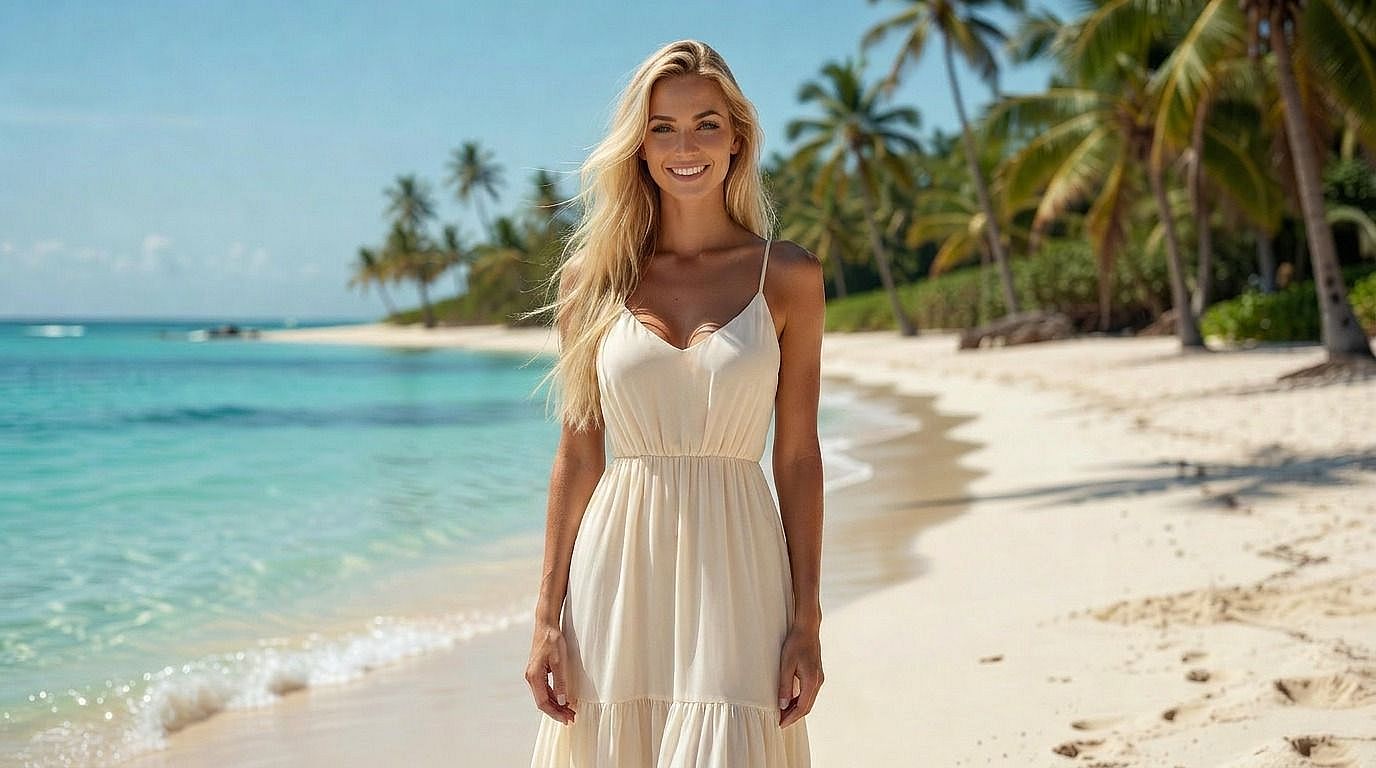
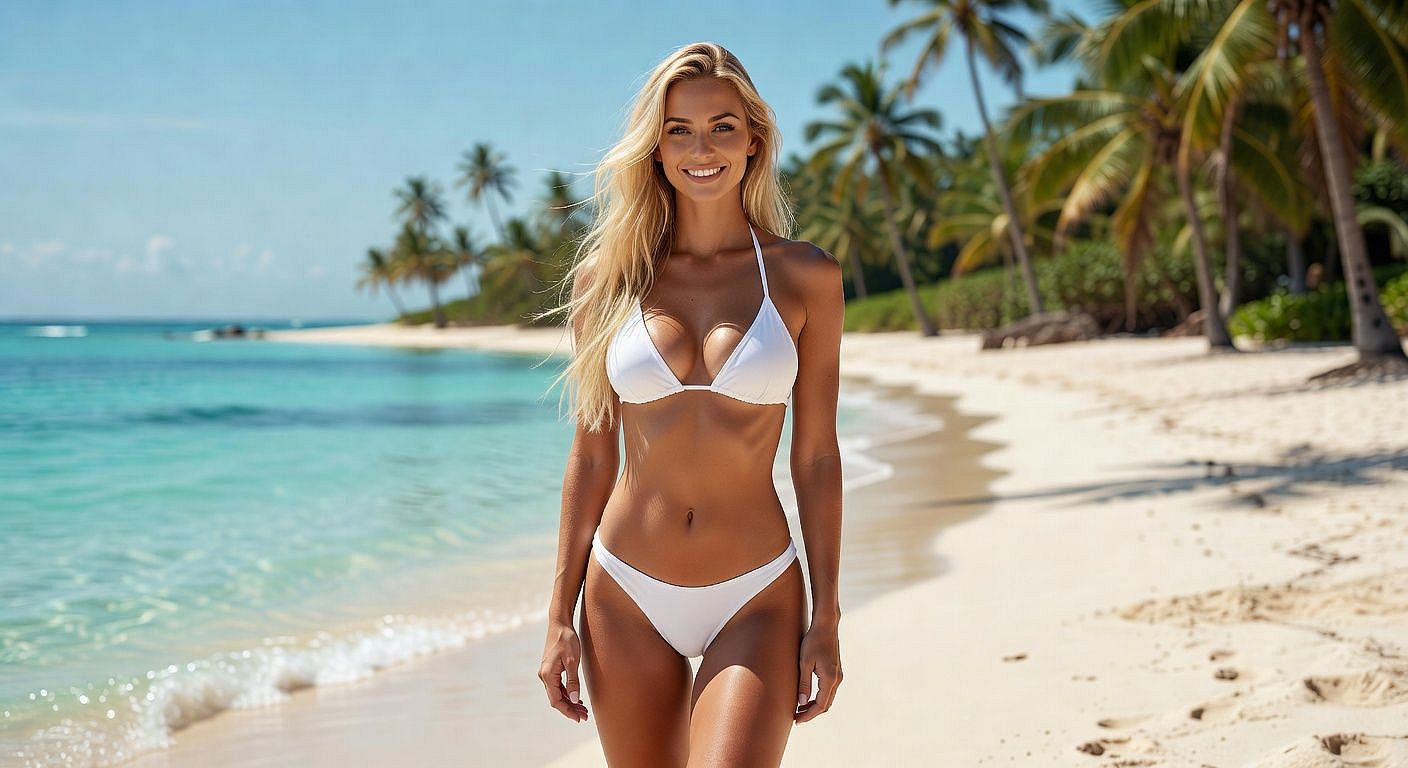
Por qué los creadores usan OpenArt para el arte anime
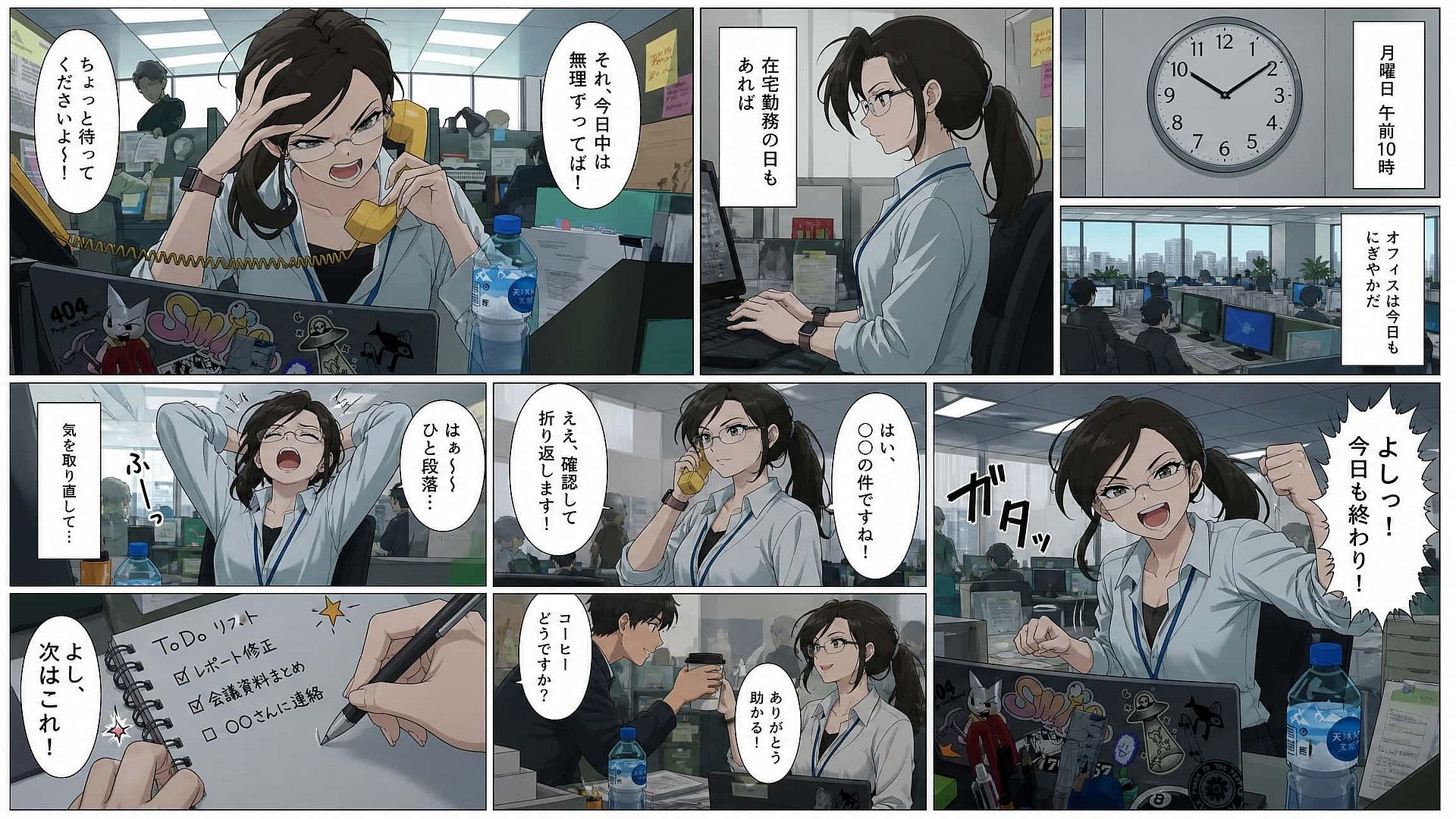
Conseguir una única gran imagen de anime es fácil con casi cualquier herramienta hoy en día. Lo difícil es mantener la coherencia de un personaje a lo largo de veinte viñetas, corregir un detalle sin perder el resto y publicar en la proporción que tu plataforma realmente necesita. Estas cuatro cosas son las que hacen que valga la pena cambiar a OpenArt.
Personajes consistentes con IA
OpenArt's Generador de personajes con IA fija un rostro, un vestuario y una identidad visual para que el mismo protagonista se mantenga a lo largo de todo un capítulo de webcómic o un mes de publicaciones en redes.
Todos los mejores modelos de IA en un solo espacio de trabajo
Como solución todo en uno Generador de imágenes con IA, OpenArt te da acceso a GPT Image 2 para texto limpio y diseños de storyboard, Nano Banana 2 Lite para referencias de personaje, Kling Omni para sombreado estilo anime y efectos dinámicos, y Seedream 5.0 Pro para lograr imágenes casi fotorrealistas, todo con una sola suscripción, así no hace falta cambiar entre varias herramientas.
Toda la gama de estilos, cualquier escenario
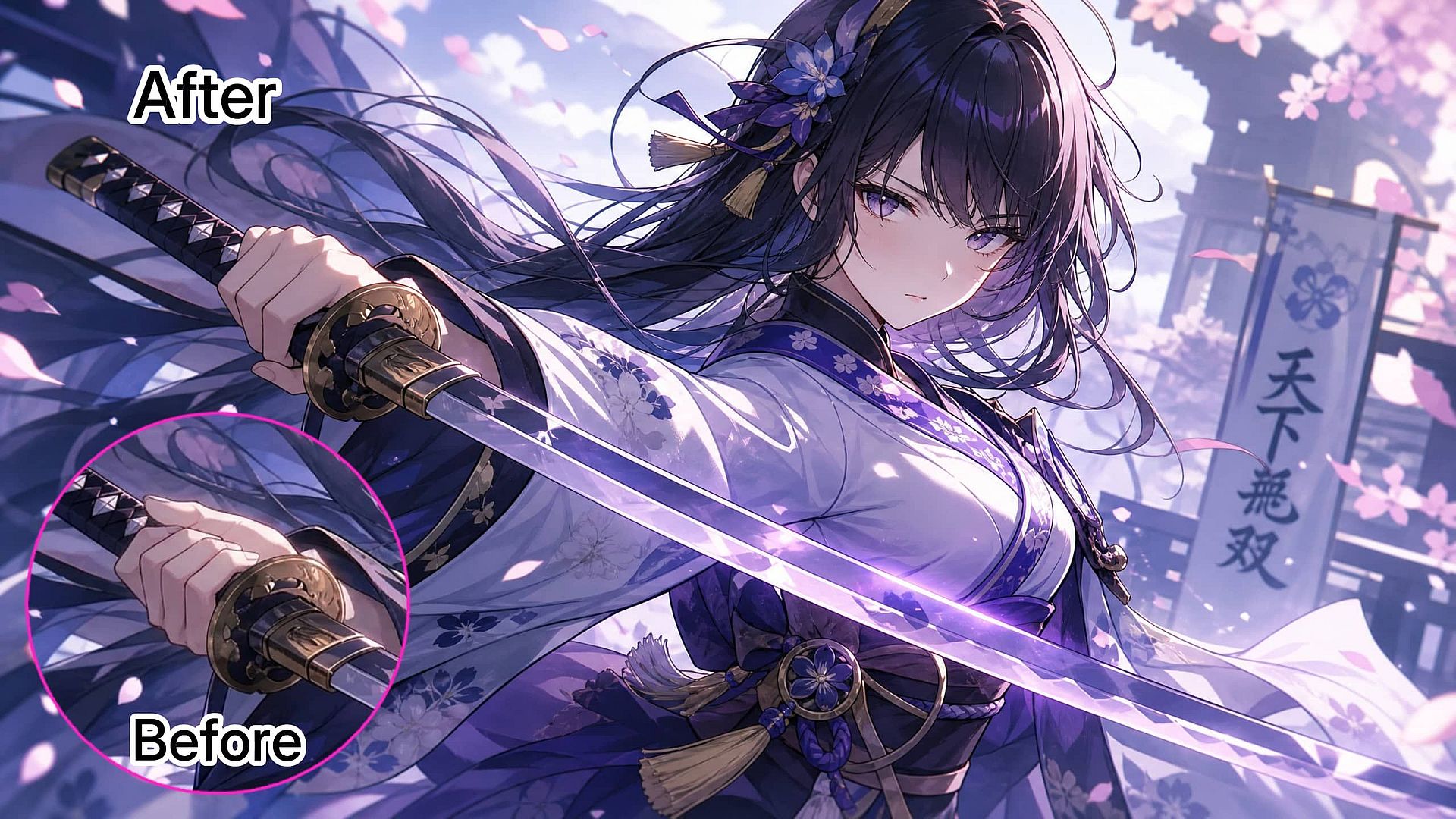
Una generación vuelve un 90 % bien, pero la mano de la espada está mal o la expresión es un poco demasiado plana. Edit Image cambia solo esa zona. No pierdes la composición que ya te gustaba por arreglar un detalle.
Integrado en un flujo de edición de imágenes completo
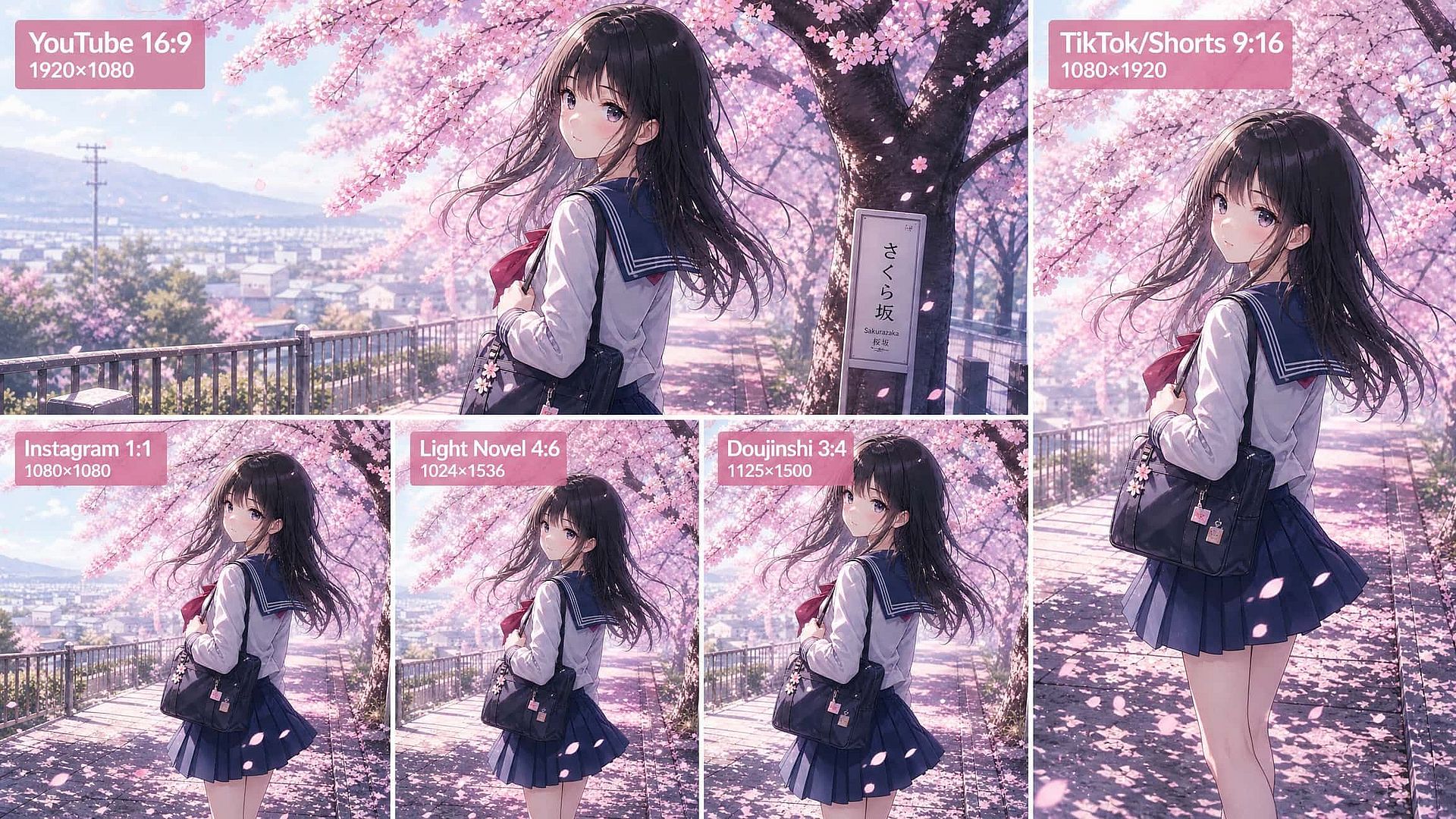
Vertical para TikTok y Shorts, cuadrado para paneles de Instagram, panorámico para miniaturas de YouTube, proporciones de portada de libro para doujinshi y novelas ligeras. Genera en la proporción que necesitas en lugar de recortar una composición que te llevó diez minutos de prompt.
Cómo usar el generador de anime con IA de OpenArt
Del prompt al arte anime terminado y listo para publicar en tres pasos, sin necesidad de otra herramienta para editar o escalar.
Describe tu personaje anime
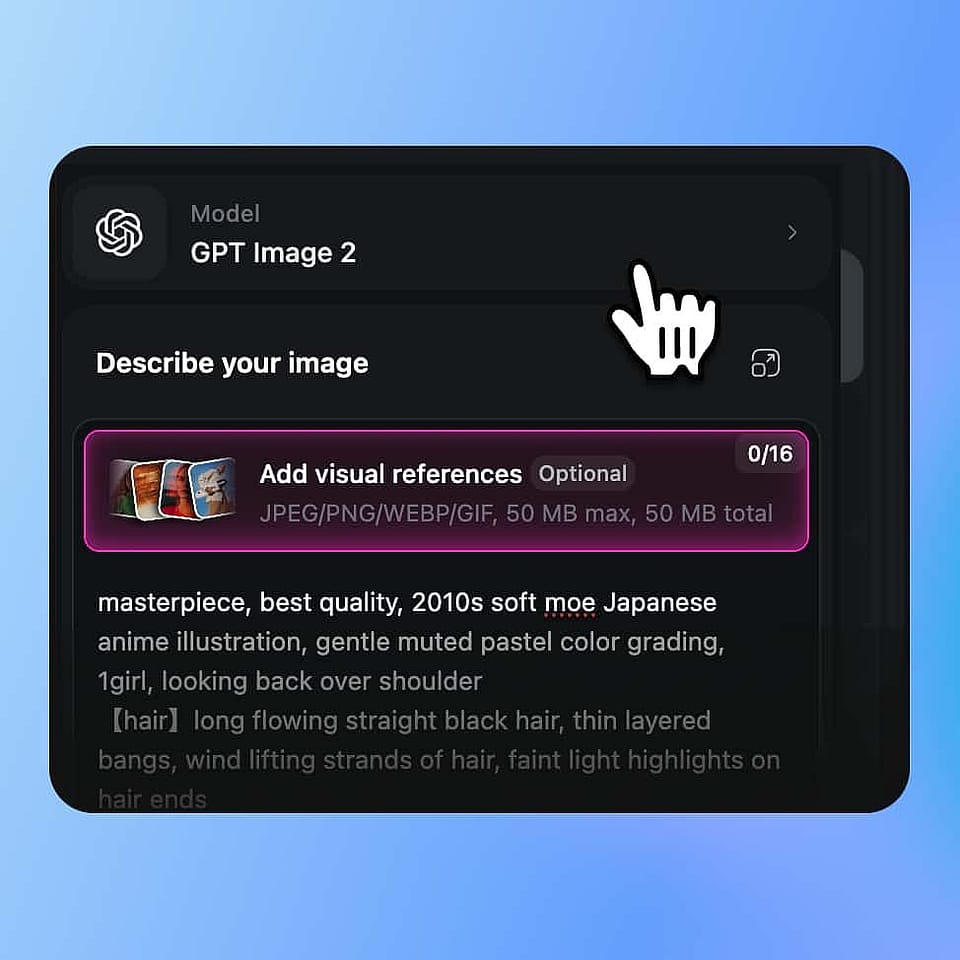
Abre OpenArt Suite, elige un modelo como Nano Banana Pro o Kling Omni y escribe tu prompt. Sé específico sobre el pelo, la ropa, la expresión y la época artística.
Genera variaciones y perfecciona
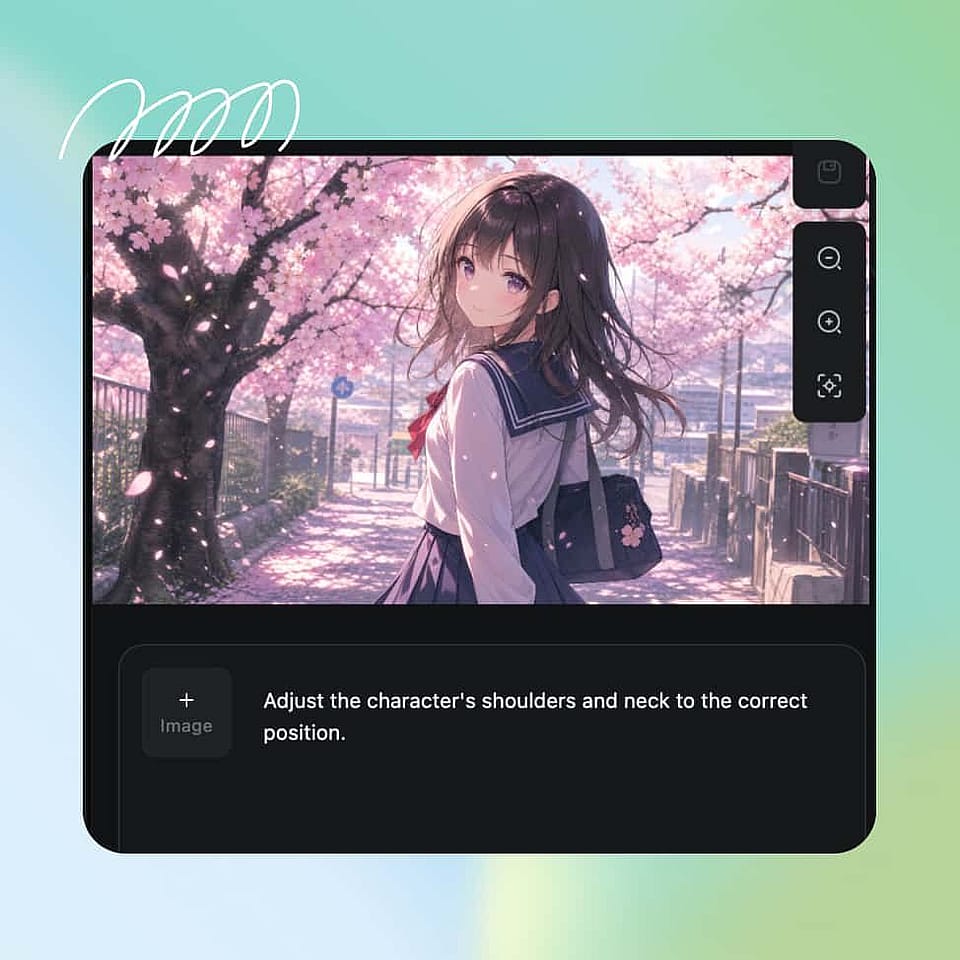
Genera un lote, elige el mejor resultado y usa Editar imagen para arreglar una mano o una expresión en lugar de repetir todo el prompt.
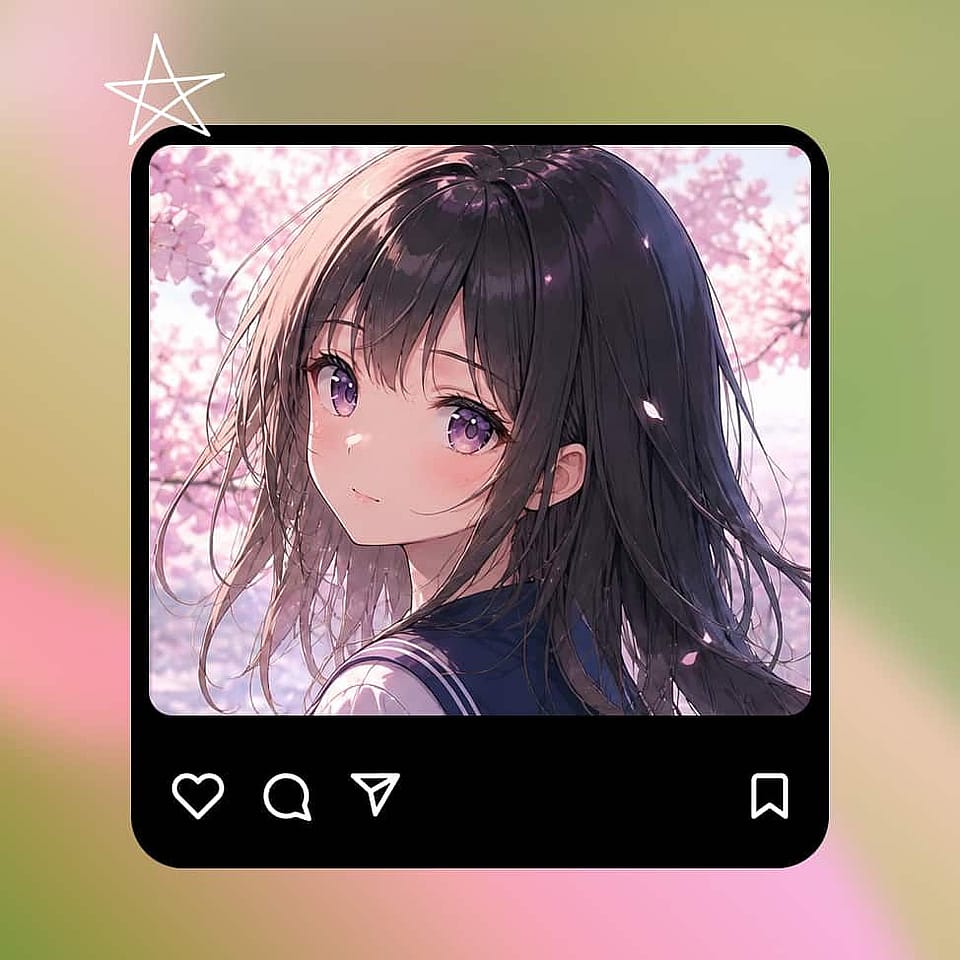
Descargar personaje de anime
Guarda el diseño con la función Personaje para que las generaciones futuras mantengan la misma cara y el mismo atuendo, y luego escala a 2K o 4K antes de exportar a PNG, JPG o WebP.
Qué imágenes de anime puedes crear
El anime abarca mucho más de lo que la mayoría escribe en su primer prompt. Estos son los casos de uso que realmente aparecen en lo que crean los usuarios con las herramientas de anime de OpenArt en su día a día.
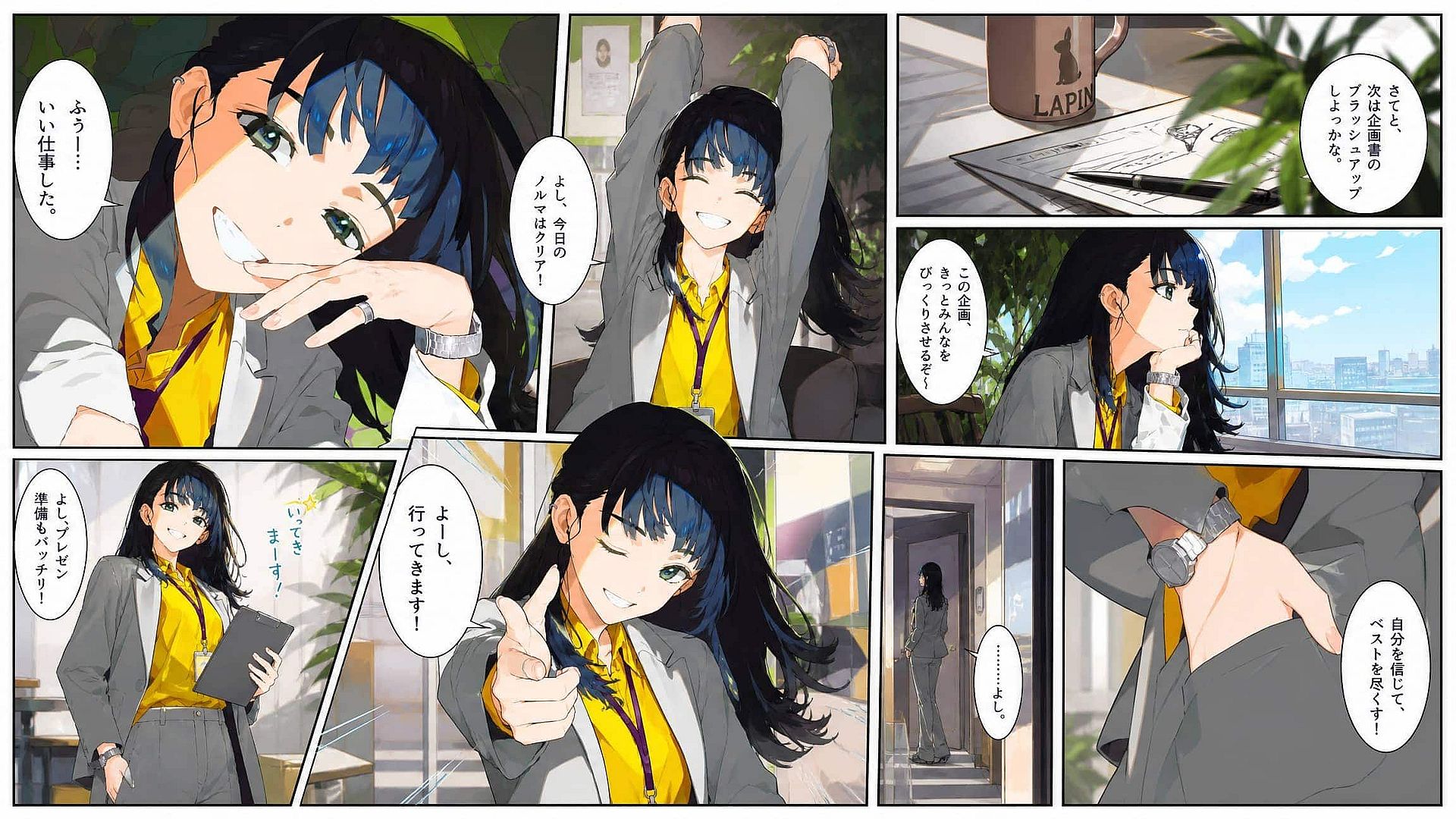
Escenas de anime y viñetas de manga
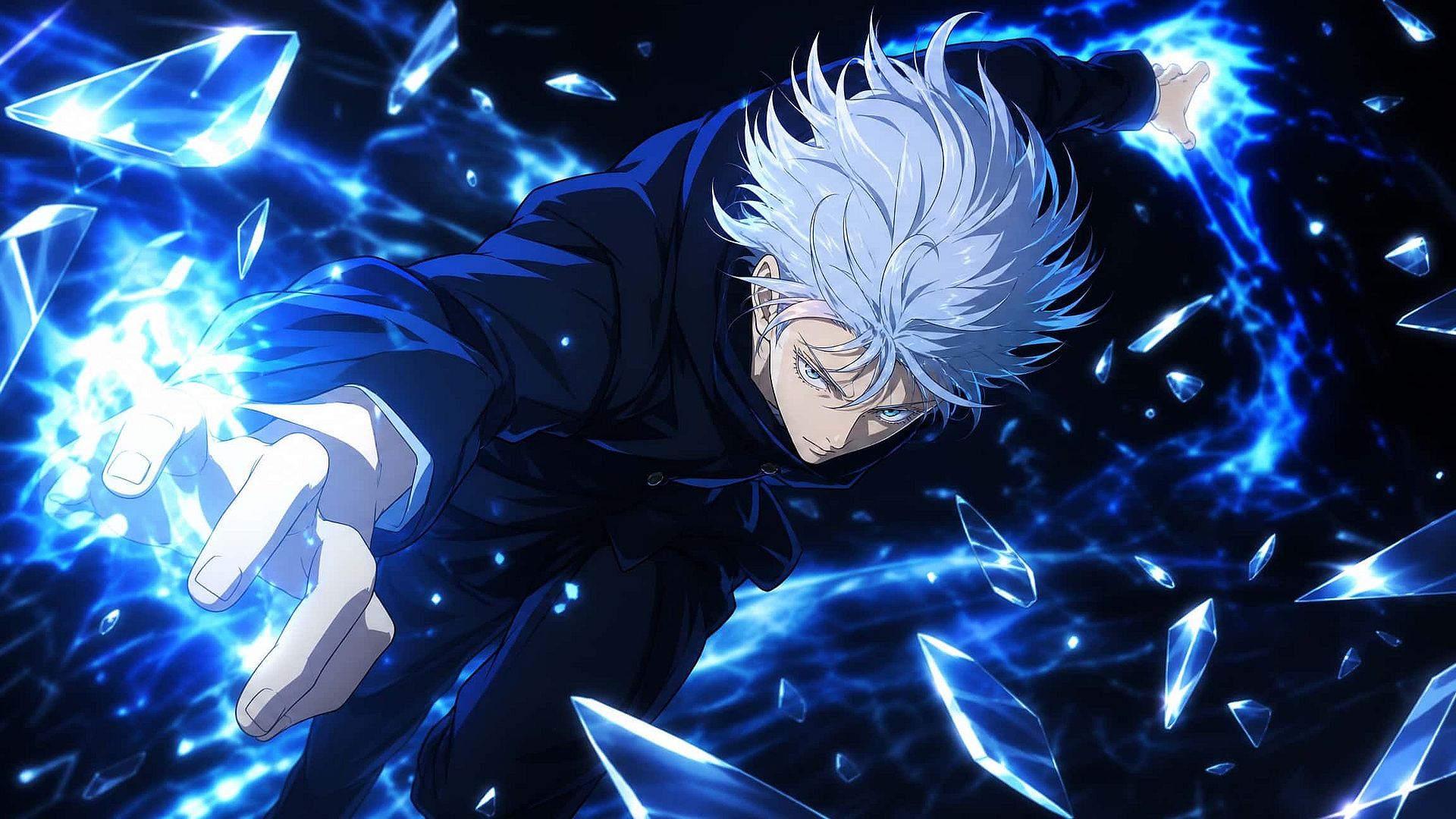
Genera escenas de anime expresivas y personajes recurrentes con Nano Banana Pro y Kling Omni, manteniendo consistentes las caras, la ropa y el estilo visual a lo largo de un capítulo completo. Esto abarca visuales clave al estilo VHS de los 90, key art de anime moderno, manga en acuarela y fanart chibi.
Pruébalo ahora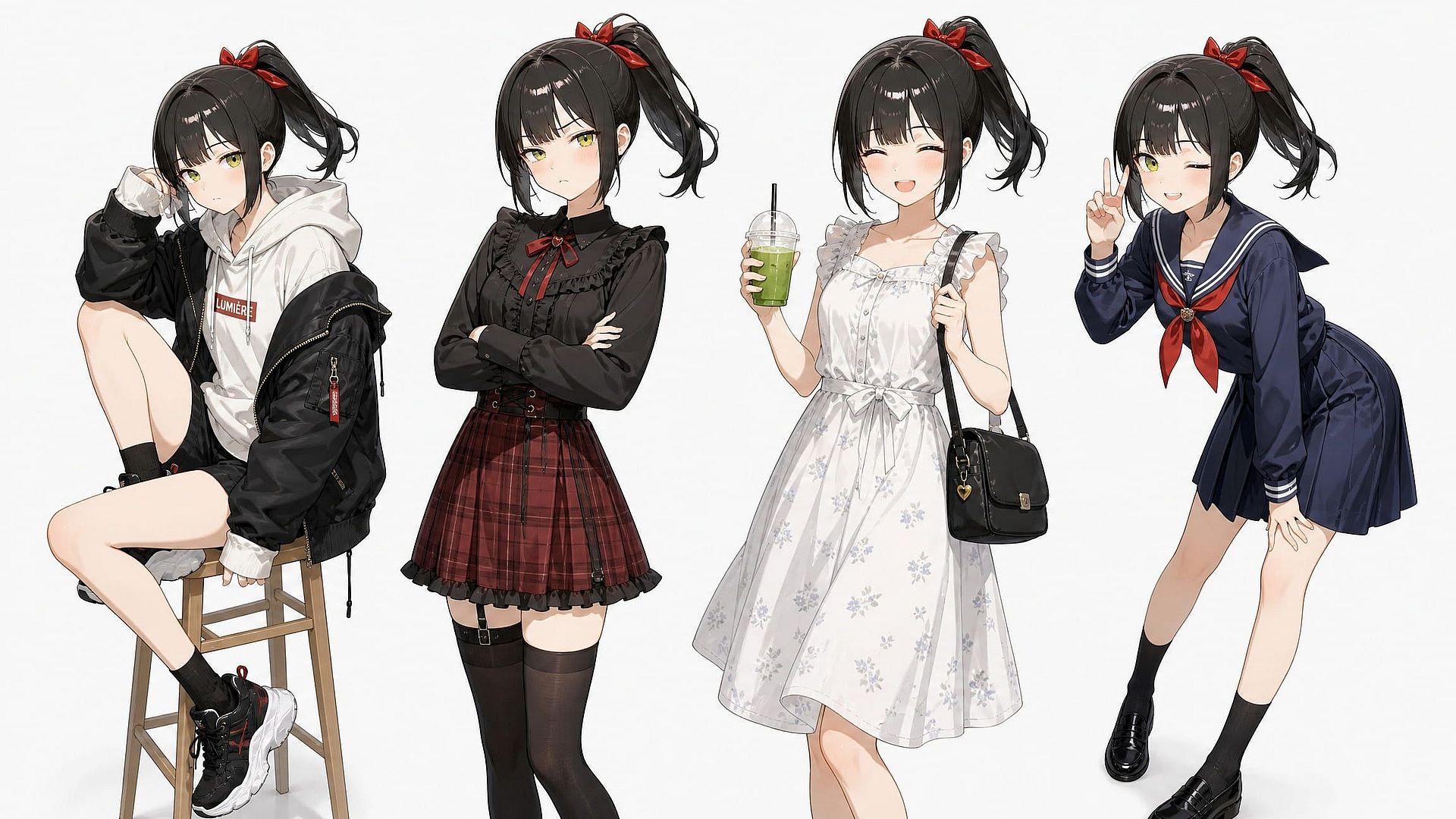
Personajes originales y OC
Crea un personaje original una vez y luego genéralo en nuevas poses, atuendos y expresiones sin tener que redibujar su identidad desde cero cada vez.
Pruébalo ahora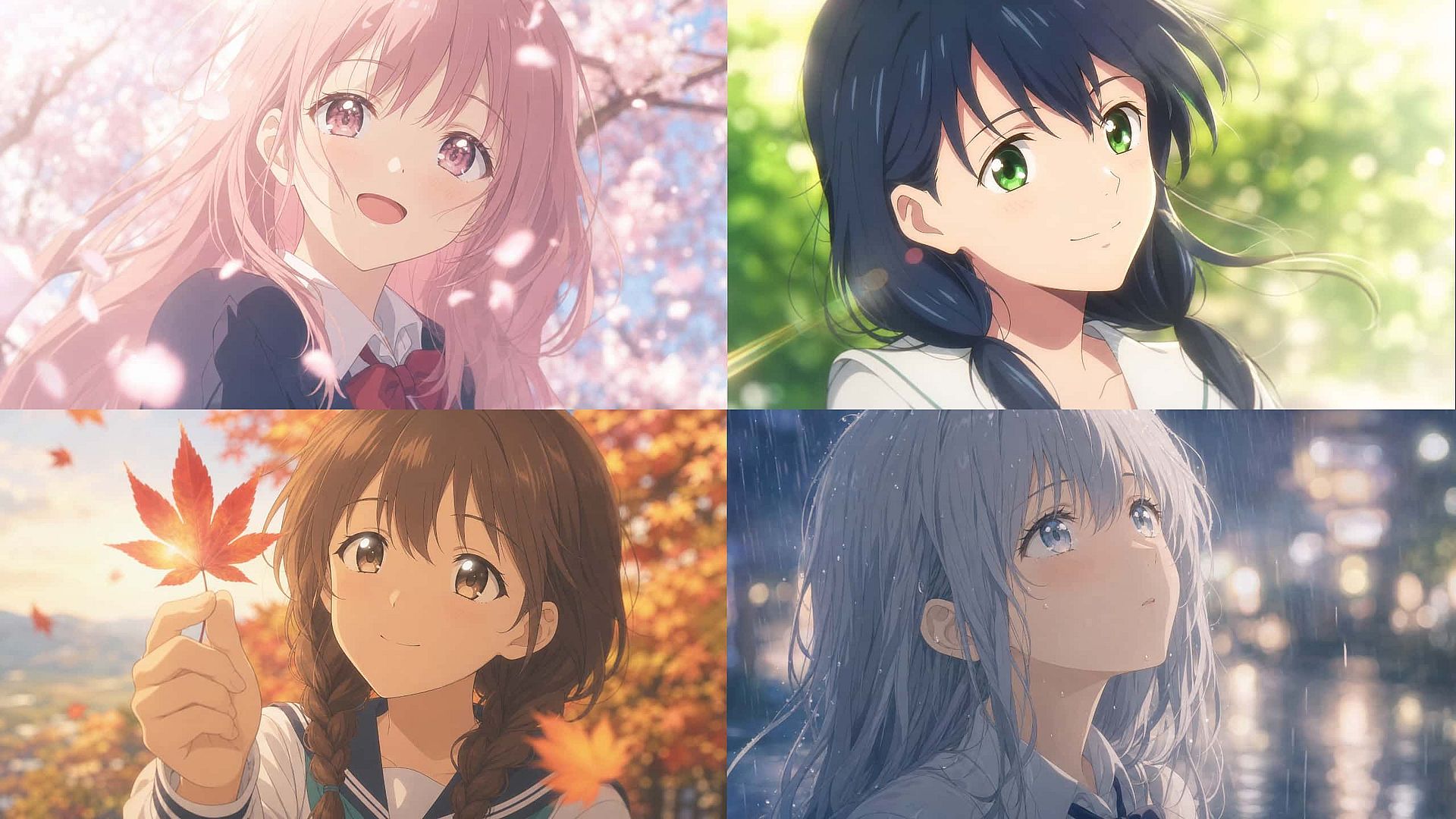
Fondos estilo anime
Genera fondos de estilo anime por su cuenta o junto a un personaje para componer escenas completas: pasillos de instituto, callejones de neón, tranquilos pueblos rurales.
Pruébalo ahora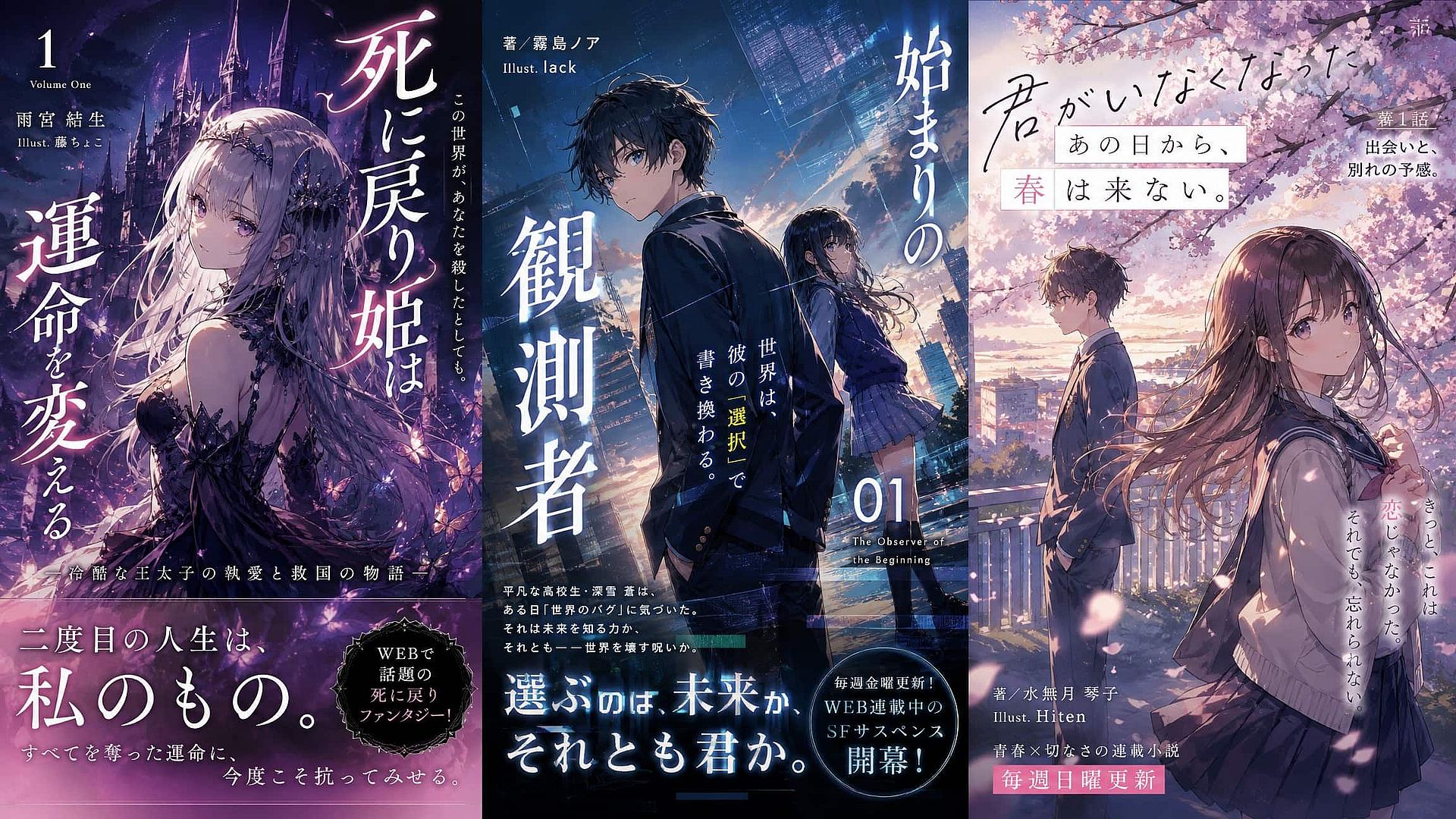
Portadas de libros y arte para novelas ligeras
Crea portadas ilustradas para autopublicación y ficción por entregas, con GPT Image 2 encargándose de la colocación del texto del título y Editar Imagen puliendo los detalles antes de escalar para imprenta.
Pruébalo ahoraMejores modelos de IA
Preguntas frecuentes Preguntas
OpenArt es un generador de arte anime todo en uno para crear imágenes anime impresionantes, personajes consistentes e historias visuales completas. Con potentes modelos como Nano Banana Pro, Kling Omni y GPT Image 2, además de herramientas de consistencia de personajes, puedes crear ilustraciones anime, cómics y personajes de marca en un solo lugar.
Sí, el plan gratuito de OpenArt genera sin marca de agua. Esto sale constantemente en las comunidades de creadores: la gente que busca una herramienta de anime gratuita suele especificar "sin marca de agua" como requisito imprescindible.
Los derechos de uso varían según la plataforma y el plan. Consulta los términos concretos antes de vender productos, publicar un webcómic comercialmente o usar arte generado en trabajos remunerados para clientes.
La elección del modelo, ya que los modelos generales y los ajustados para anime producen resultados notablemente distintos. La consistencia de los personajes a lo largo de varias generaciones. La capacidad de editar un detalle sin rehacer toda la imagen. Ajustes preestablecidos de relación de aspecto para donde vayas a publicar.
Describe con claridad los rasgos fijos en tu primer prompt, genera una imagen base sólida y luego mantén esa identidad con una función de bloqueo de personaje. Cambia solo lo que debe cambiar: pose, fondo, expresión, escena.
Sí. Sube una foto en lugar de partir de un prompt en blanco, y OpenArt le da un estilo anime conservando los rasgos que la hacen reconocible: la forma de los ojos, el pelo, la expresión. Funciona con selfis, mascotas y fotos de grupo, y es un flujo de trabajo distinto al de texto a imagen puro: estás guiando la transformación de una foto real en lugar de generar un personaje desde cero.