

Conversor de fotos HD
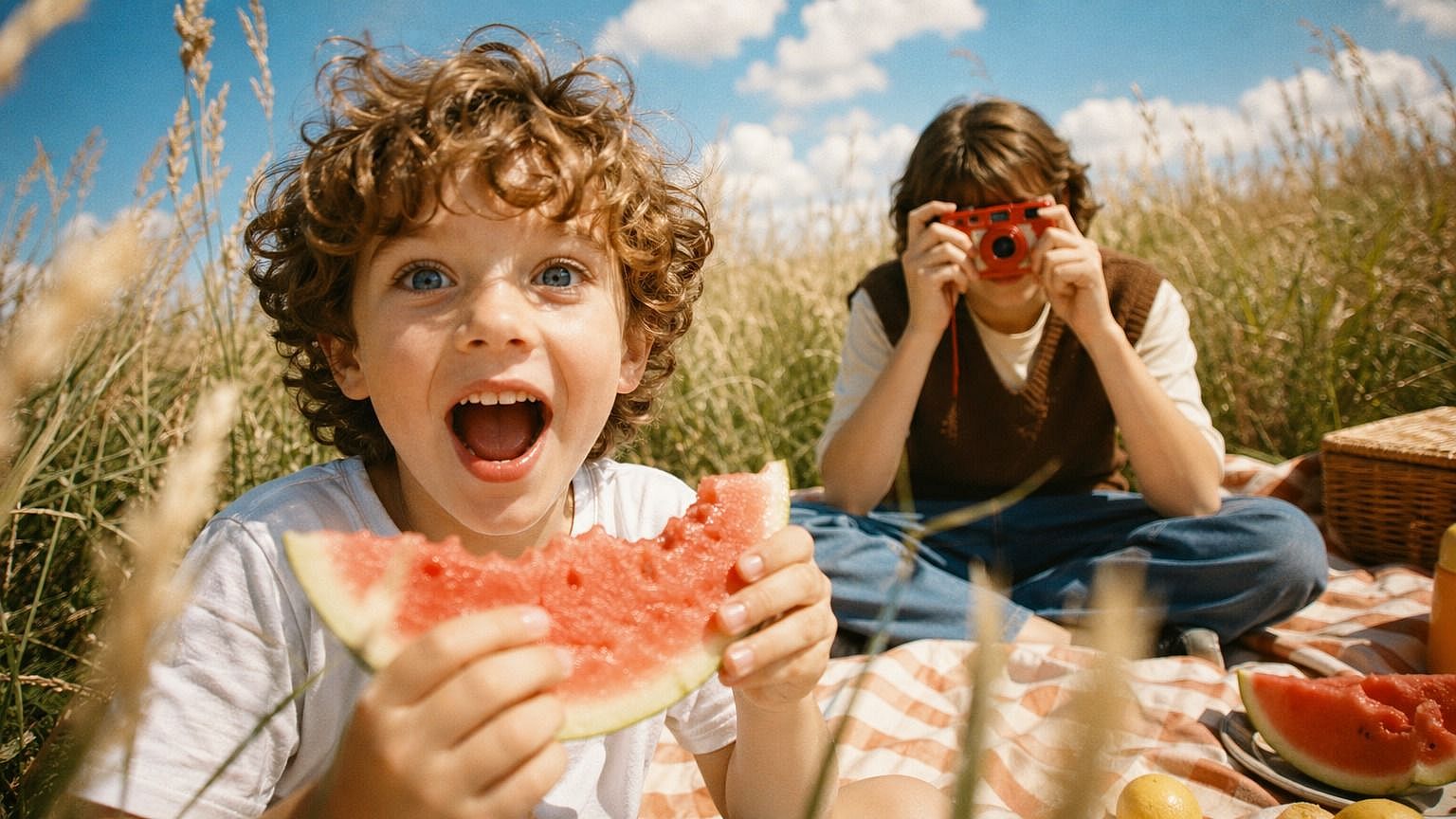
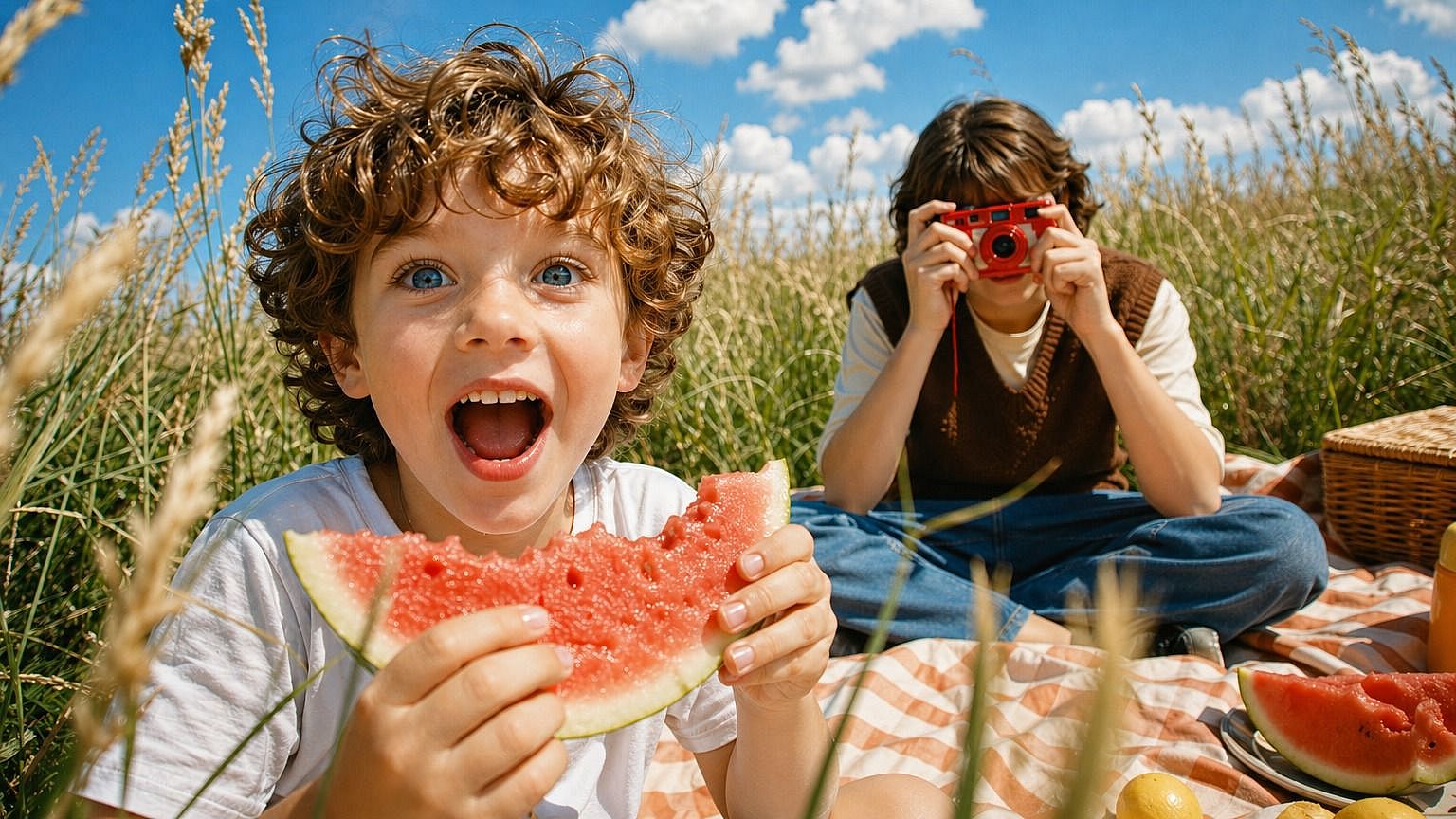
¿Tienes una foto antigua, borrosa o de baja resolución que te gustaría ver más nítida? Súbela al conversor de fotos HD de OpenArt y conviértela en una imagen nítida y de alta definición en segundos. La IA reconstruye el detalle de caras, texturas y fondos, dándote una mejora limpia sin ese aspecto plastificado y sobreprocesado.
 Añade una imagen O arrastra y suelta aquí · JPEG, PNG, WEBP
 Por qué usar un conversor de fotos HD



Salida más nítida y de mayor resolución
Coge cualquier foto y llévala a HD real: limpia, detallada y lista para impresiones, publicaciones, pantallas grandes o lo que sea.



Detalle real, no píxeles más grandes
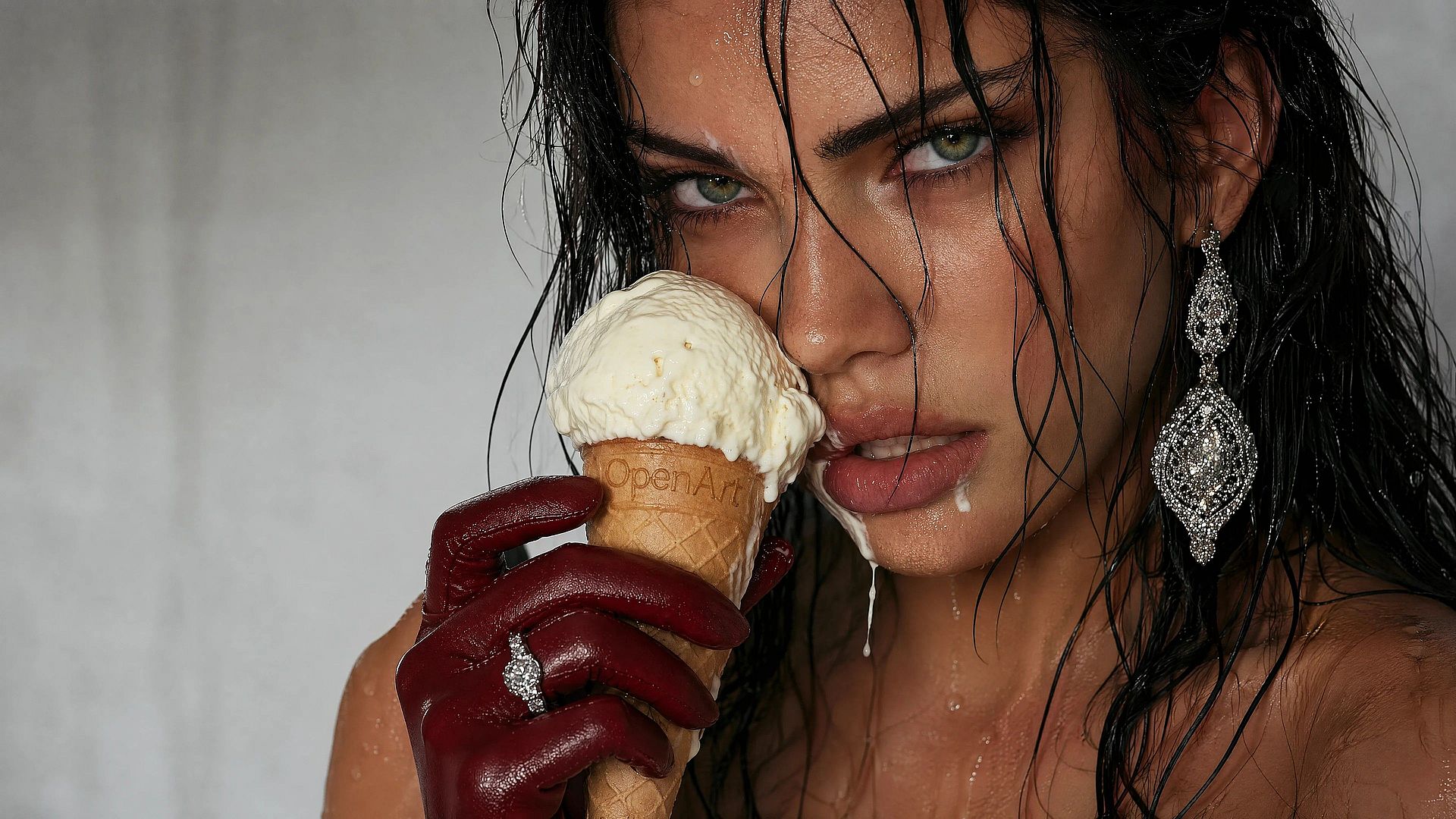
La IA reconstruye el detalle en lugar de simplemente estirar lo que ya está ahí. El pelo, la piel, la tela, las hojas y los pequeños rasgos salen nítidos, no borrosos, manchados ni con aspecto falso.
Funciona con fotos antiguas, borrosas o diminutas
Fotos de móvil, capturas de pantalla, impresiones escaneadas, imágenes guardadas de redes en baja calidad: dale casi cualquier imagen y le devuelve la vida a los detalles.
Creaciones de la comunidad
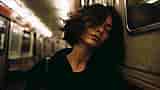
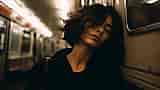
Descubre lo que la gente hace con el conversor de fotos HD de OpenArt. Desde revivir fotos familiares descoloridas hasta preparar imágenes de producto y capturas de pantalla, explora cómo un rápido reescalado puede cambiar por completo la sensación de una imagen.

















Características principales del conversor de fotos HD
El editor de imágenes con IA de OpenArt usa modelos avanzados como GPT Image 2.0, Nano Banana Pro y Recraft V4 para ofrecer resultados limpios y de alta calidad. Esto significa que el modelo no se limita a adivinar el color de los píxeles, sino que reconstruye detalles genuinos basándose en lo que debería estar ahí.
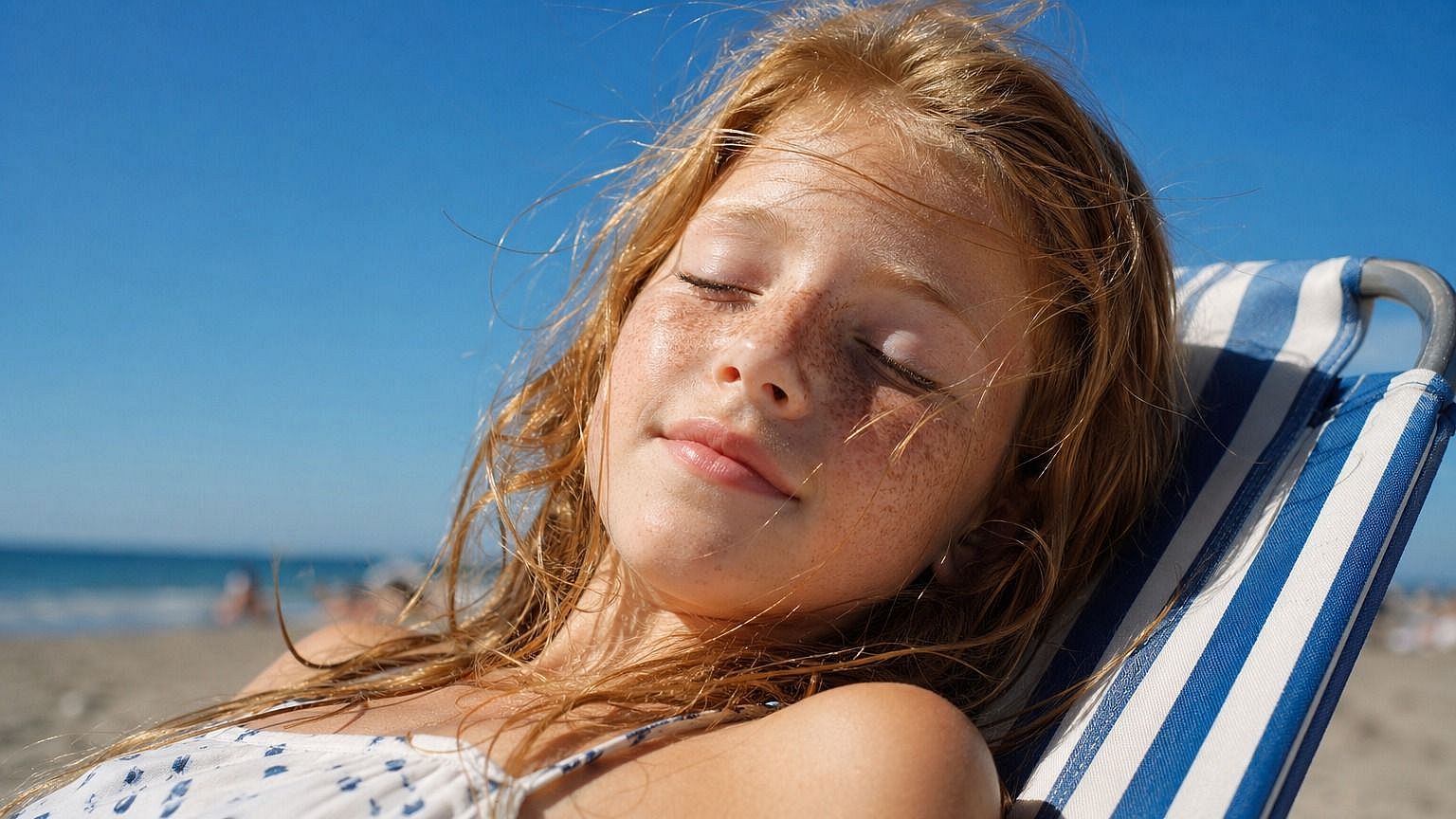
Salida en alta definición desde cualquier fuente
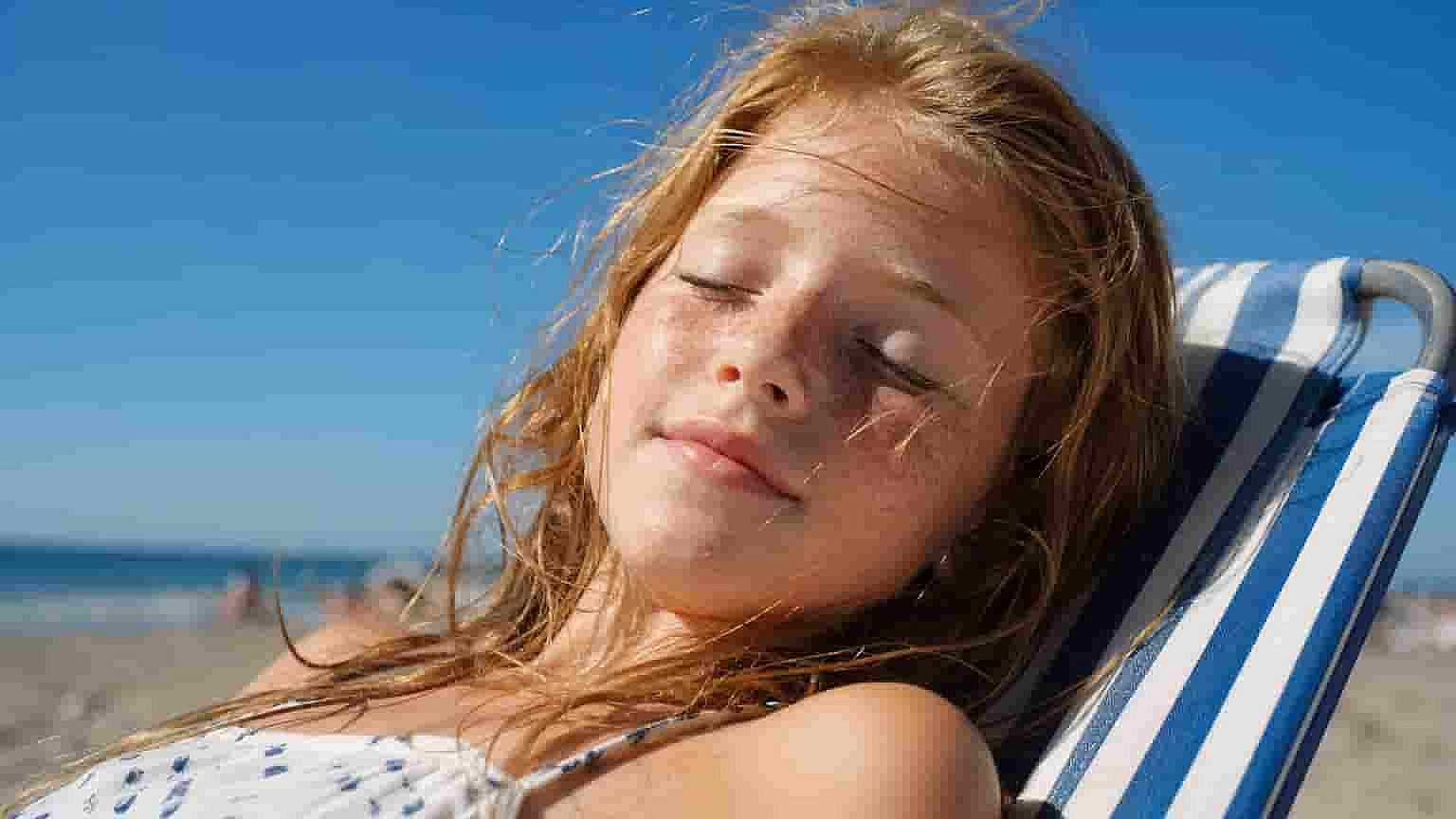
Ya sea que partas de una foto minúscula del móvil, de una imagen muy comprimida guardada de redes sociales o de una copia escaneada, el conversor la eleva a una imagen HD limpia y lista para publicar. La IA analiza la imagen completa, reconoce lo que ve y reconstruye el detalle para que encaje. Así que no necesitas una fuente perfecta; solo necesitas una fuente.
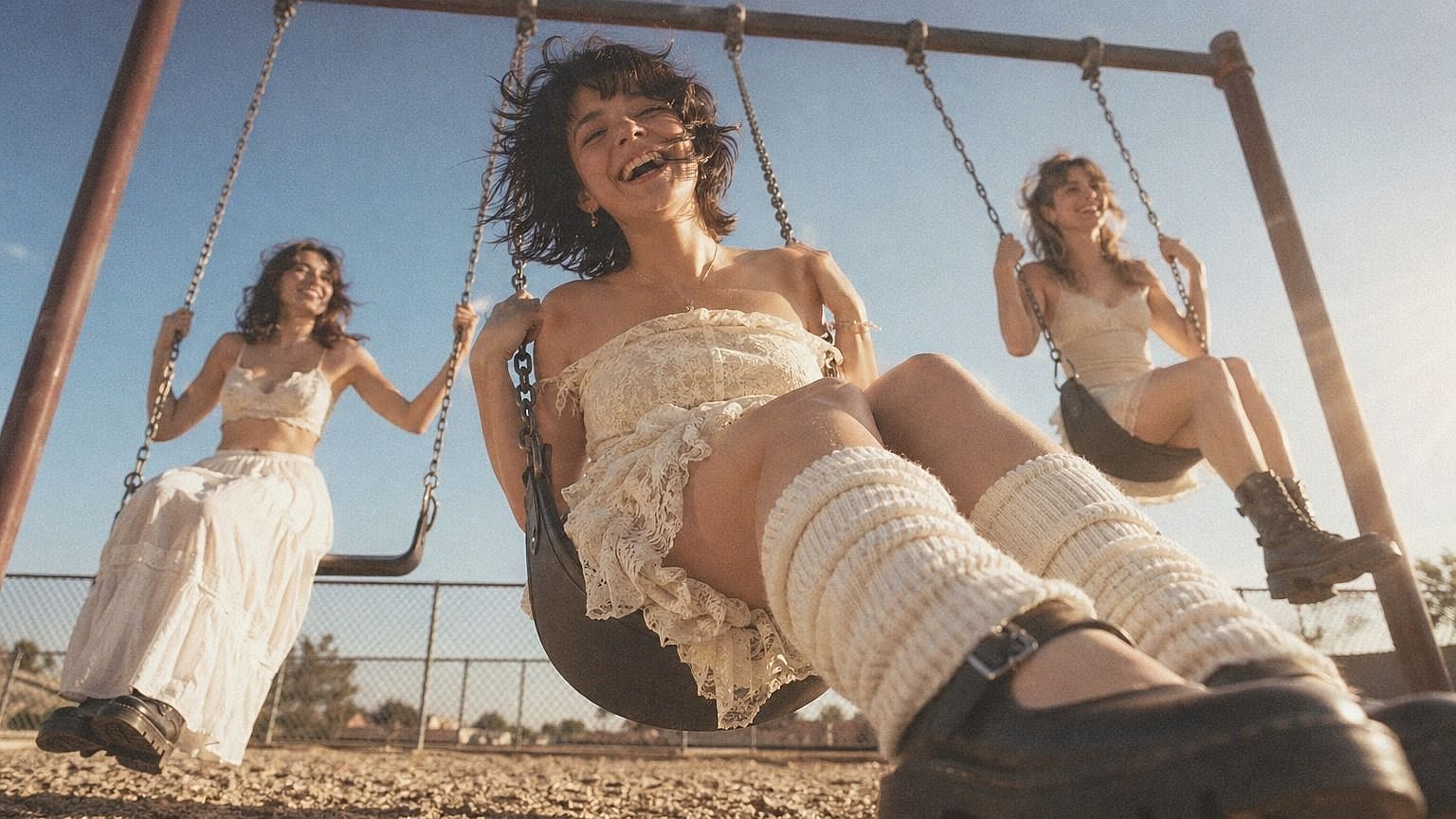
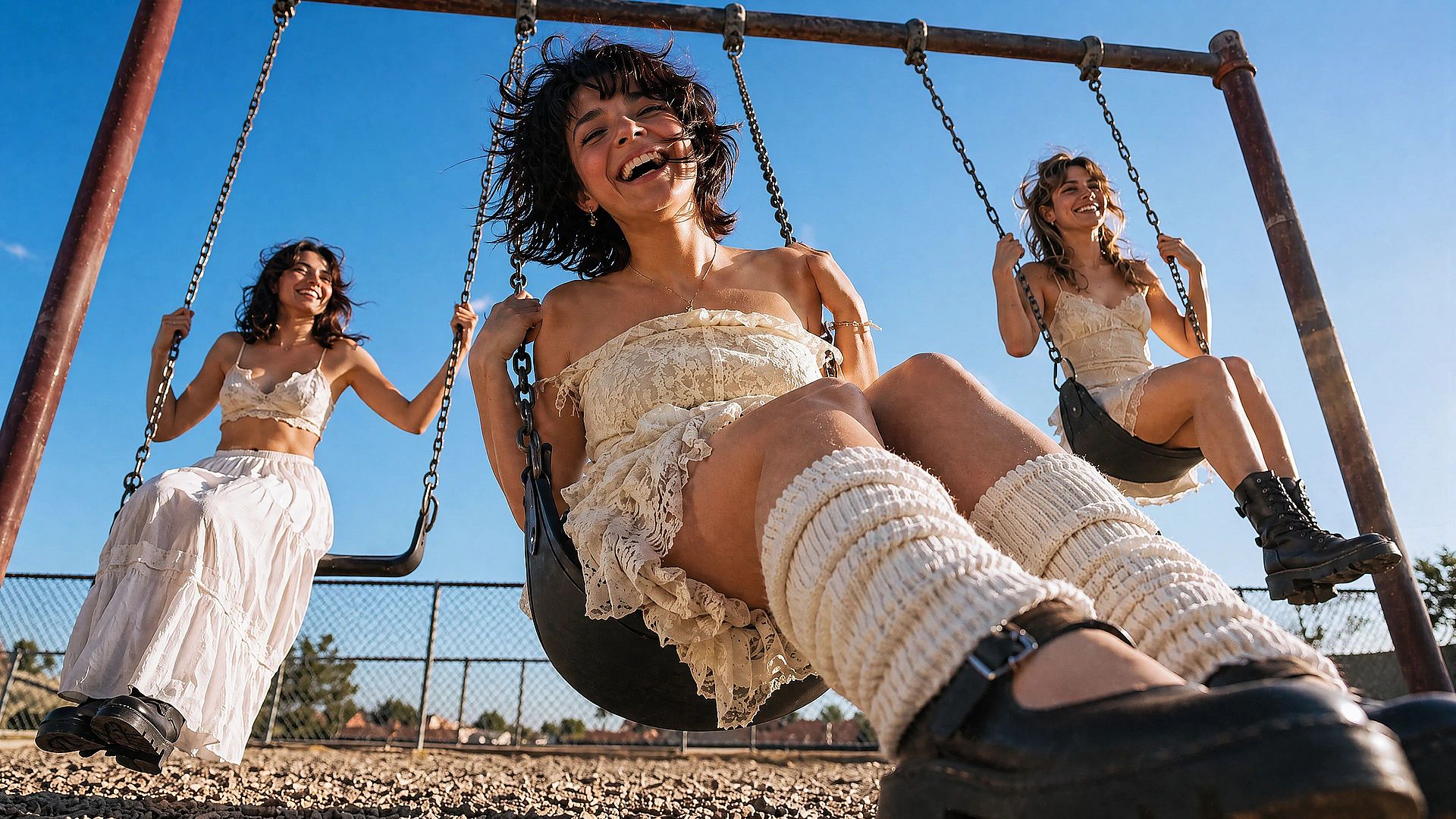
Reconstrucción de detalle real
Un redimensionado normal solo hace una imagen pequeña más grande y borrosa. Esto es distinto. La IA reconstruye la textura y la estructura reales, así que los mechones de pelo se mantienen separados, la trama de la tela sigue siendo visible y la piel conserva poros de verdad en lugar de quedar acartonada. El resultado aguanta con el zoom al máximo, no solo en tamaño miniatura.
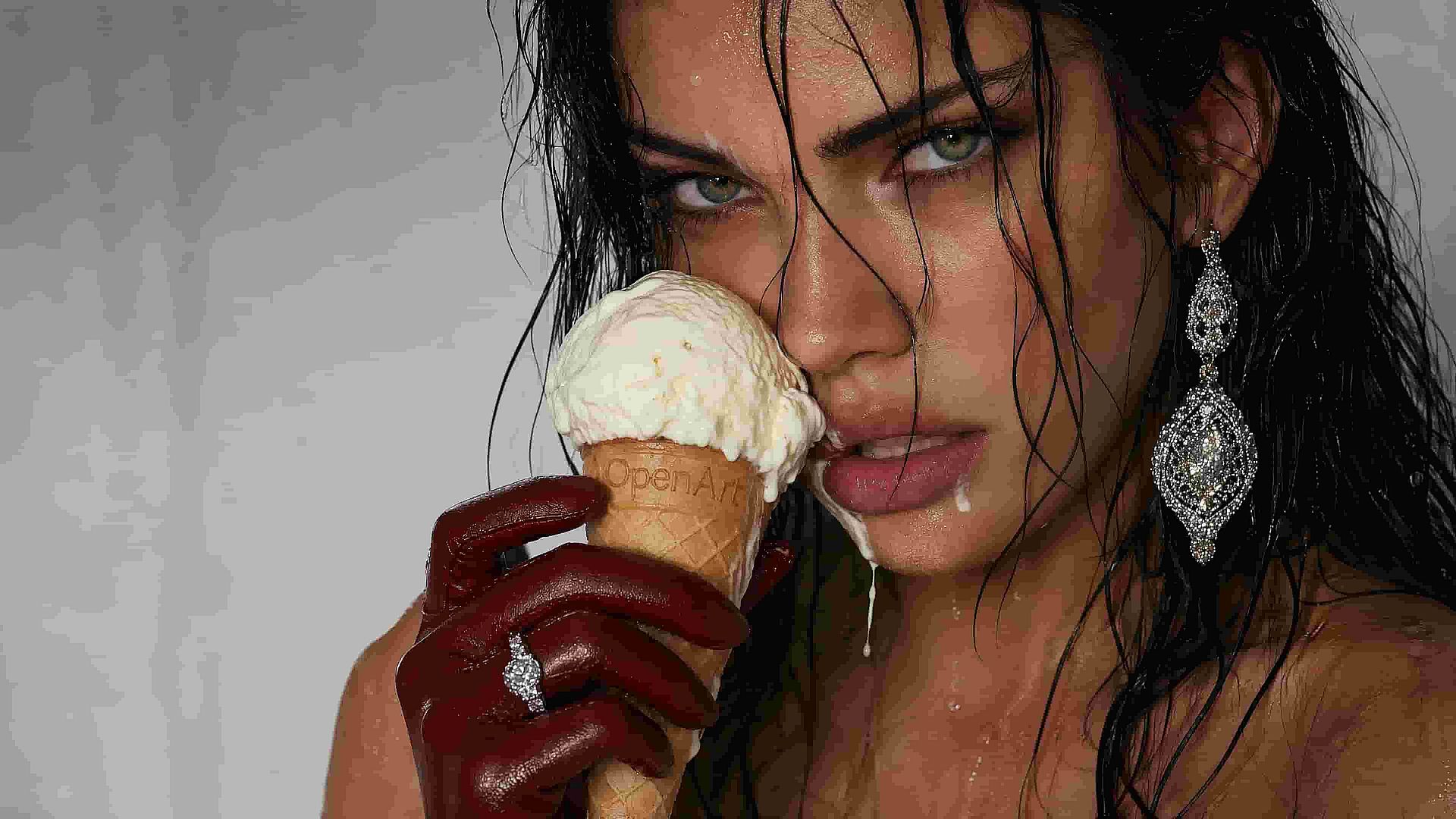
Elimina el desenfoque, el ruido y la compresión
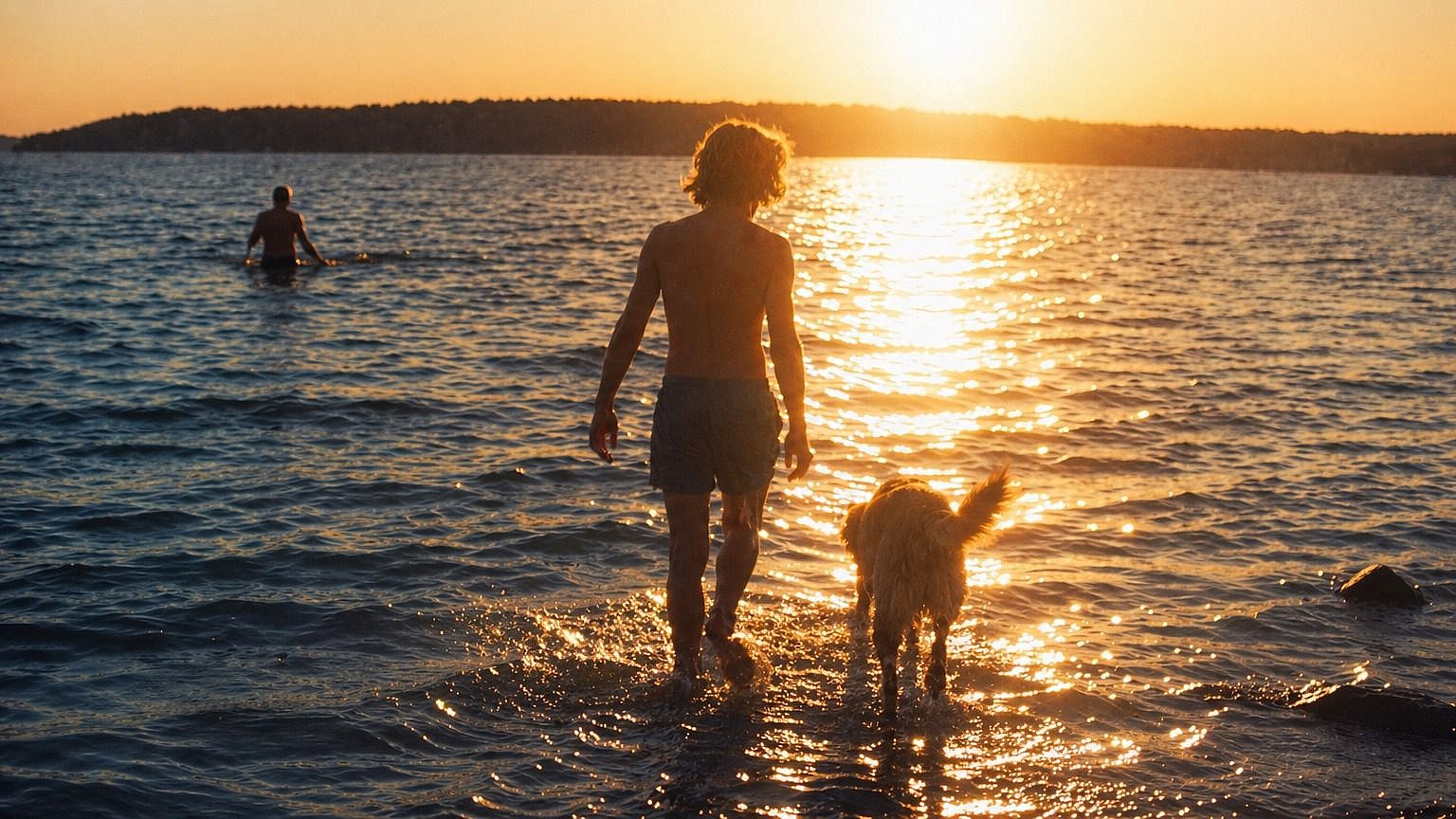
Fotos antiguas de móvil salpicadas de ruido, capturas de pantalla comprimidas hasta quedar borrosas, instantáneas movidas, escaneos de baja resolución de fotos impresas: el conversor las gestiona todas. Separa el detalle real del grano y de los artefactos de compresión, afinando lo que debe estar nítido y dejando suaves las zonas suaves en lugar de granuladas.
Integrado en un flujo de edición completo
El conversor HD está integrado en el editor de imágenes más amplio de OpenArt, así que una vez que tu foto está ampliada, puedes seguir trabajando en la misma ventana. Suaviza la piel con el mejorador Vellum, corrige caras, cambia el fondo, expande el lienzo o elimina objetos molestos, sin saltar entre cinco aplicaciones distintas para terminar una sola imagen.
Cómo usar el conversor de fotos HD
Consigue una versión HD de tu foto en tres pasos.
Sube tu foto
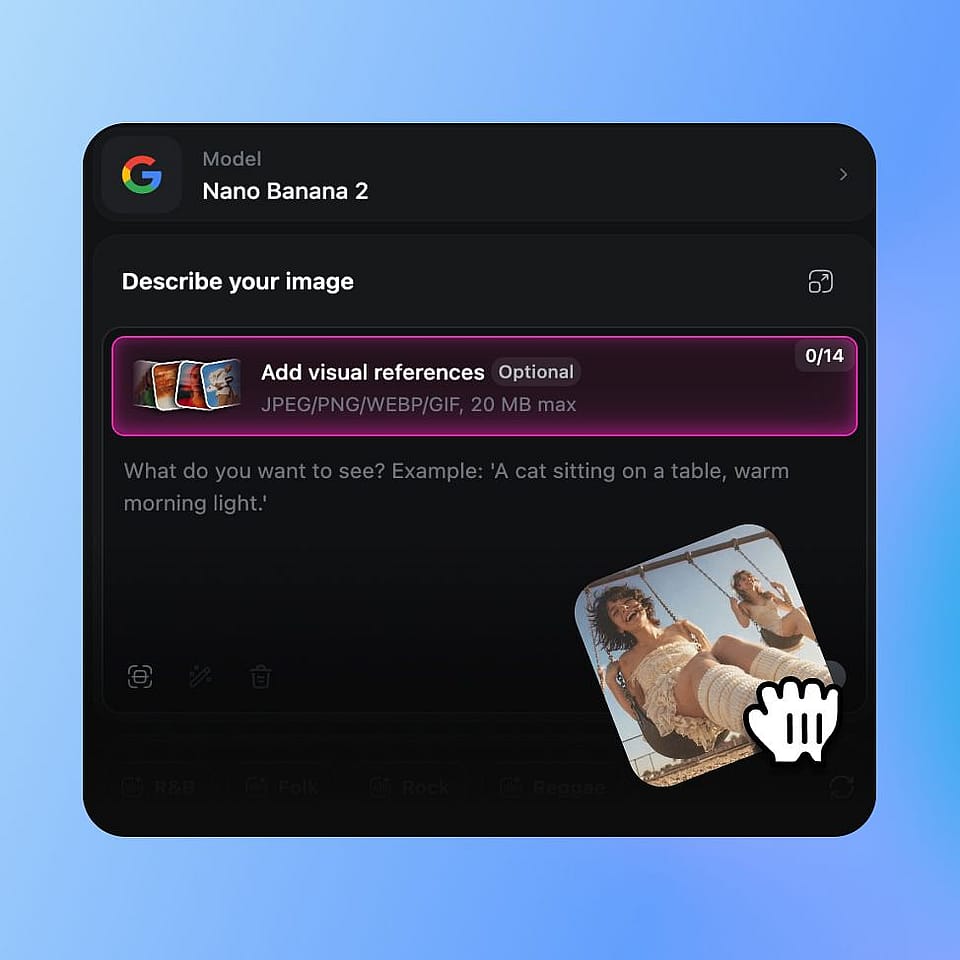
Abre las herramientas de imagen de OpenArt y sube la foto que quieres convertir. Funcionan JPEG, PNG y WEBP: arrastra una desde tu móvil, ordenador o disco en la nube.
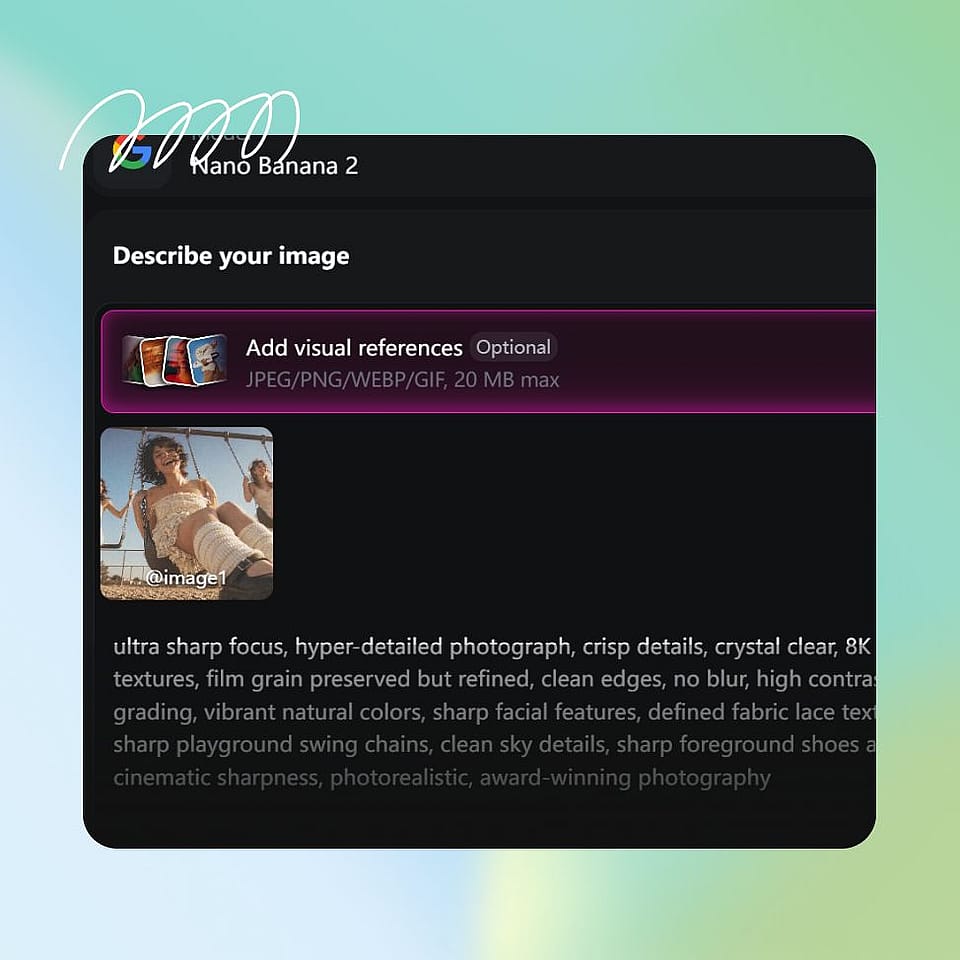
Elige la configuración de salida
Configura tu salida objetivo y las preferencias de mejora para la conversión. Mantén los valores predeterminados para una versión HD rápida, o ajústalos para obtener resultados más nítidos o más suaves.
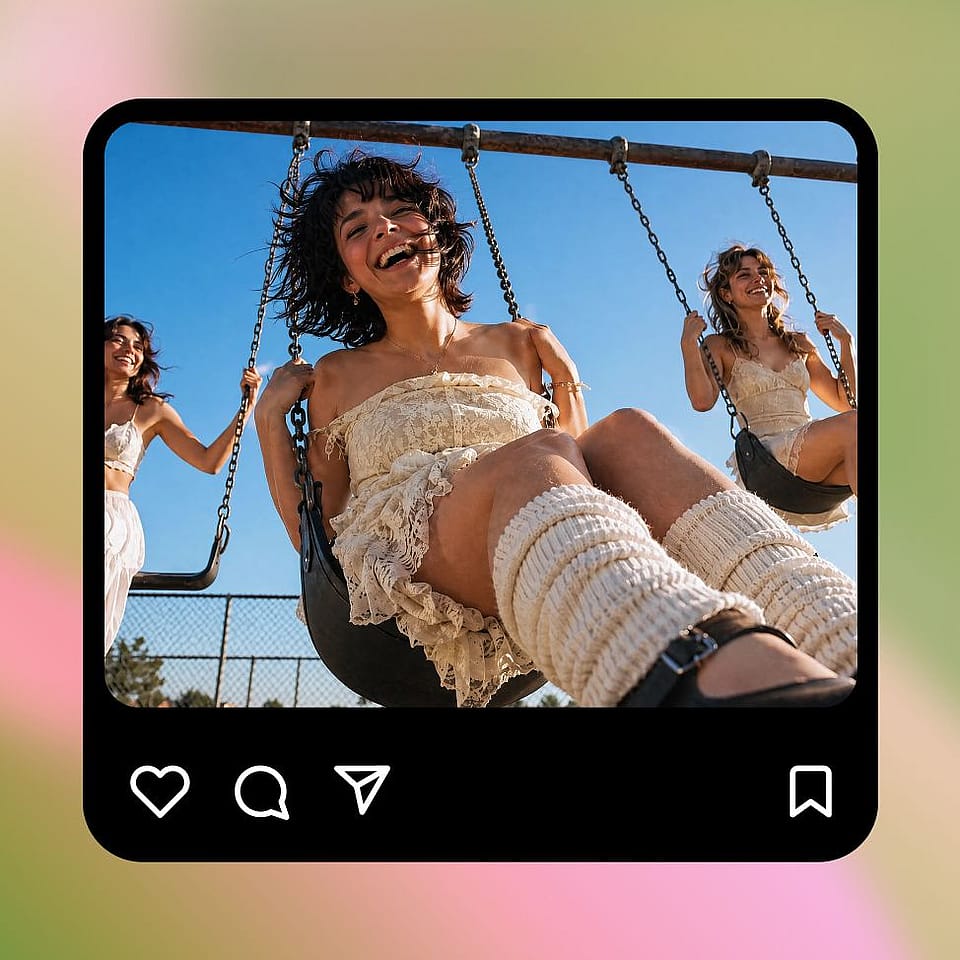
Generar y descargar
Ejecuta la conversión, previsualiza el resultado y descarga tu versión en HD. Si la quieres más nítida, más suave o más limpia, ajusta la configuración y vuelve a ejecutarla: solo tarda unos segundos.
Diseñado para devolver a las fotos su mejor aspecto
Convierte fotos de baja resolución, borrosas o antiguas en imágenes HD nítidas que puedas usar de verdad: para recuerdos, contenido, impresiones o páginas de producto.
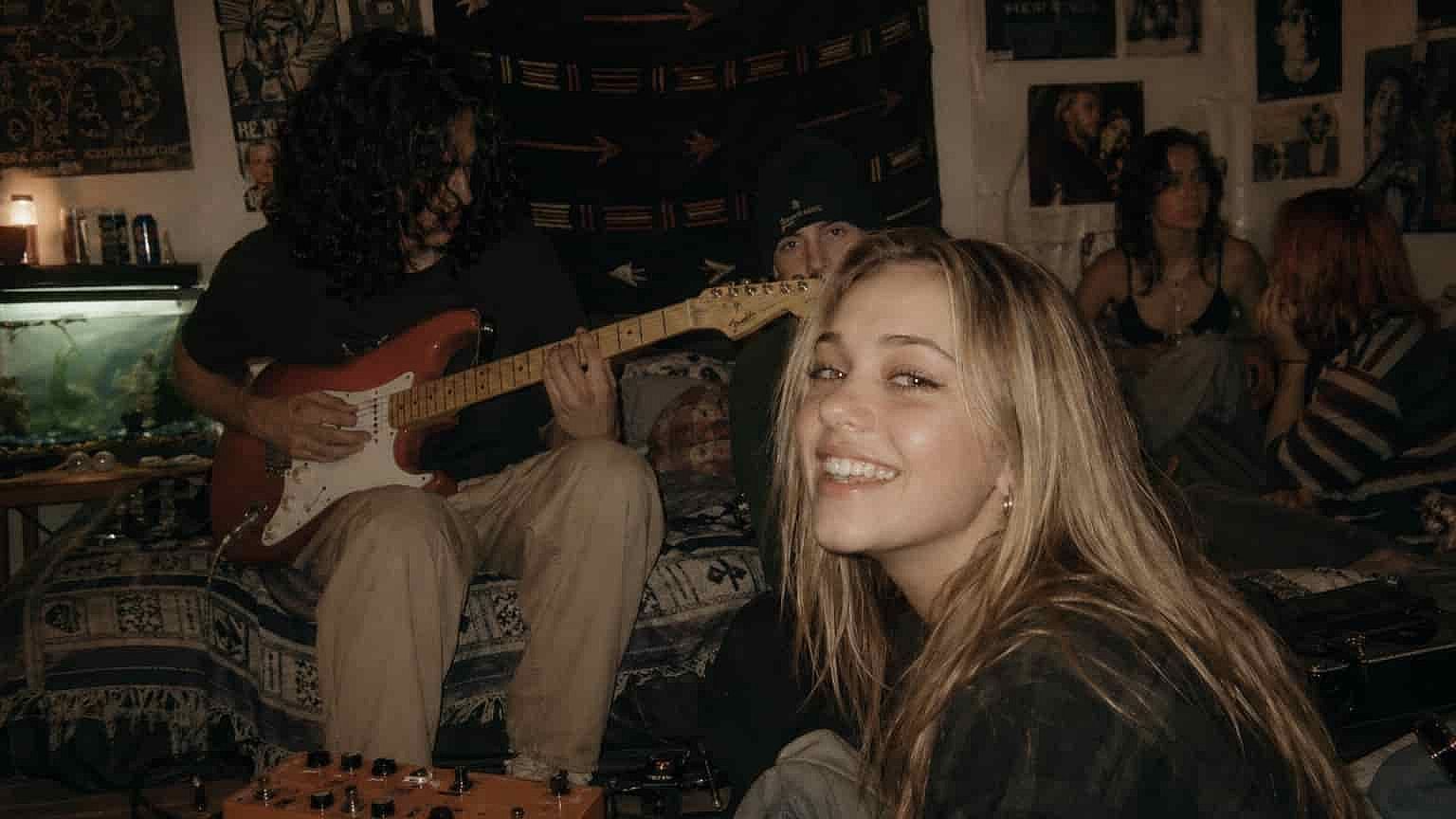
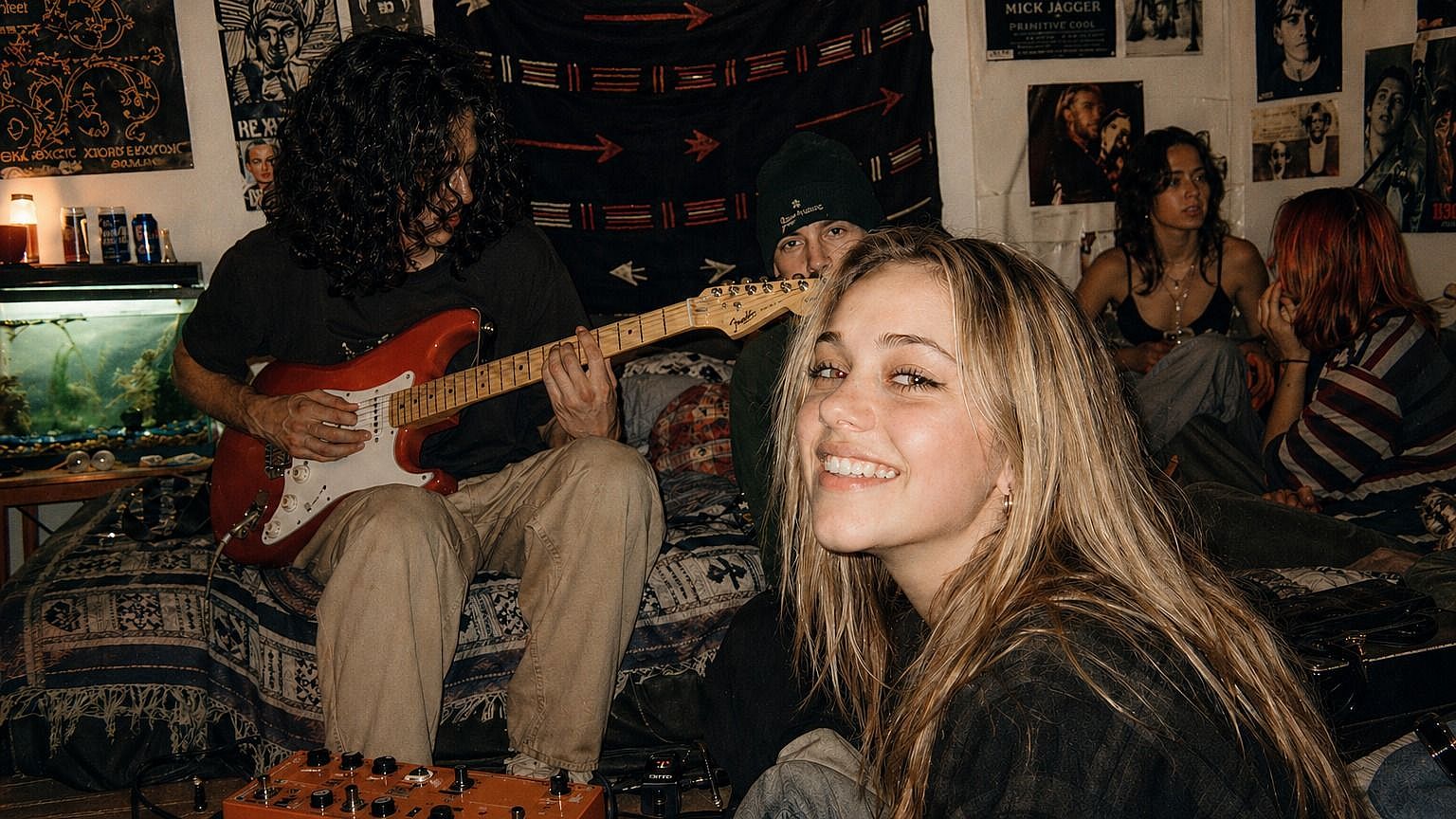
Restaurar fotos familiares antiguas
¿Tienes copias descoloridas, álbumes escaneados o fotos rescatadas de móviles antiguos? Súbelas y verás cómo las caras, la ropa y los fondos recuperan el enfoque. Las tomas que parecían un poco «perdidas» en el tiempo alcanzan una calidad que aguanta en pantallas modernas, listas para reimprimir, enmarcar o compartir en el chat familiar.
Pruébalo ahora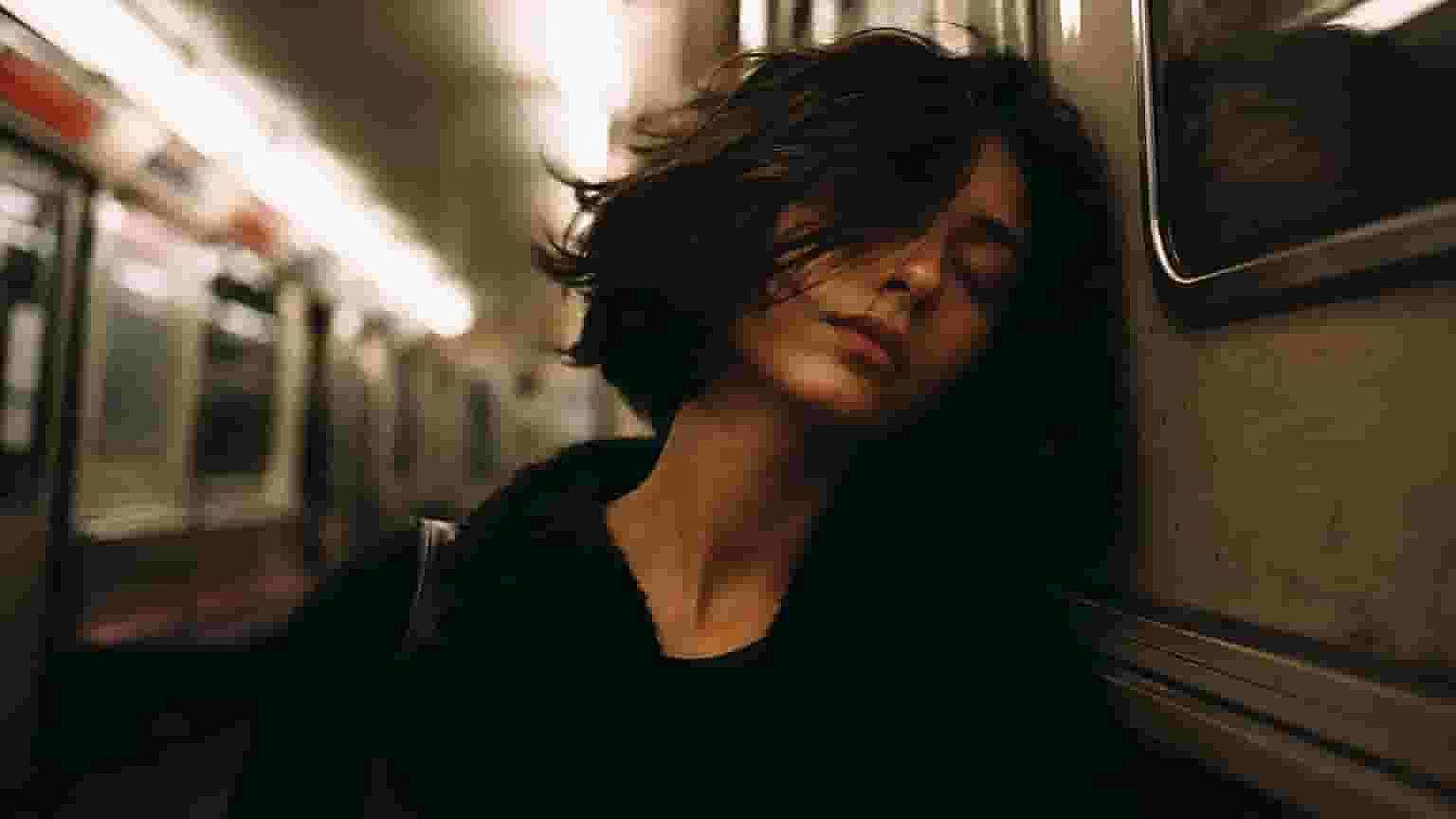
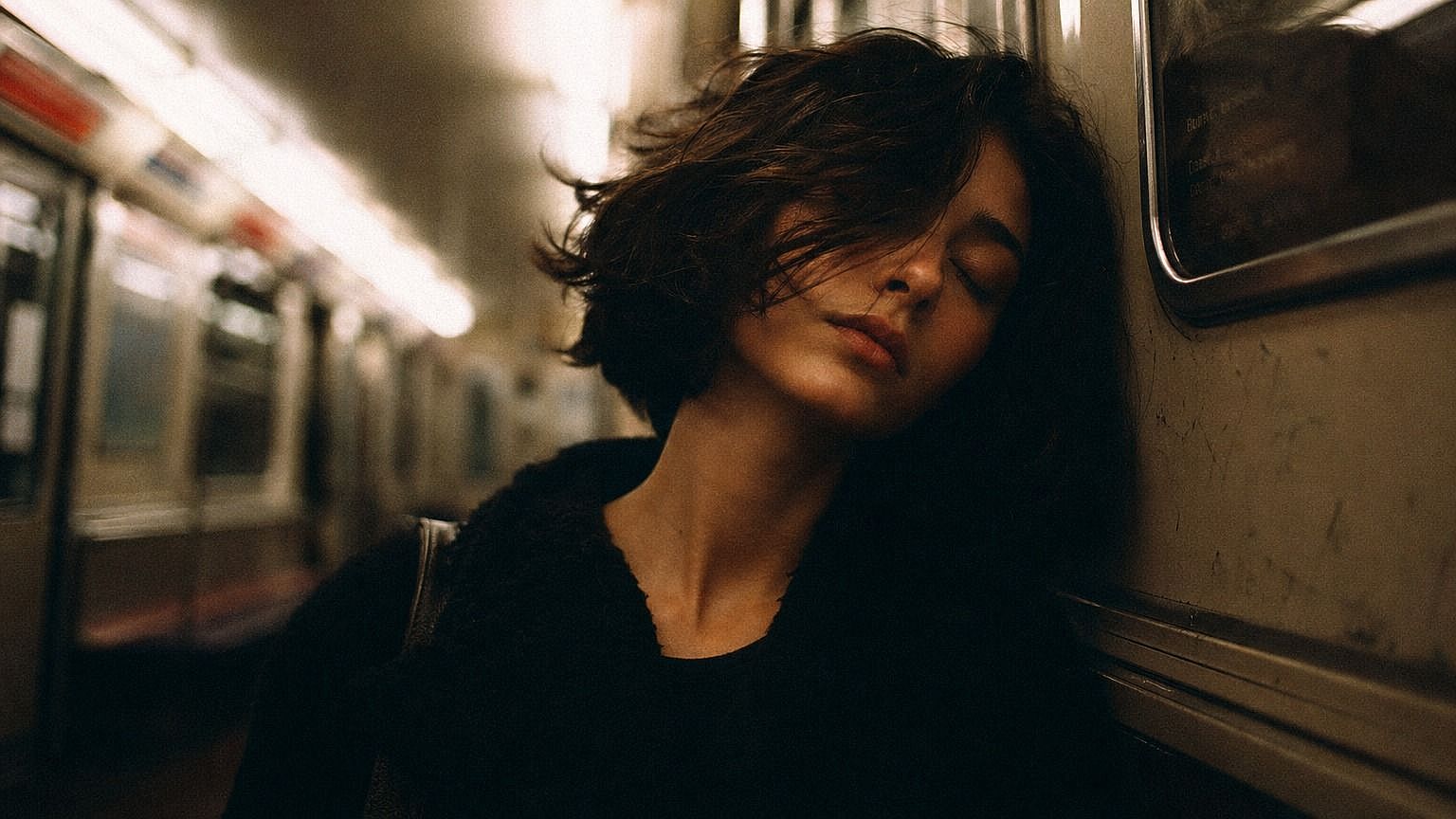
Nitidez para fotos y capturas de pantalla del móvil
Las fotos del móvil pueden perder mucha calidad cuando se amplían, se recortan o se envían por apps que las comprimen. El conversor las devuelve a una calidad nítida y lista para publicar. Lo mismo con capturas de pantalla e imágenes guardadas de la web: en vez de pixelarse al ampliarlas, salen lo bastante limpias para usarlas en publicaciones, presentaciones o miniaturas.
Pruébalo ahora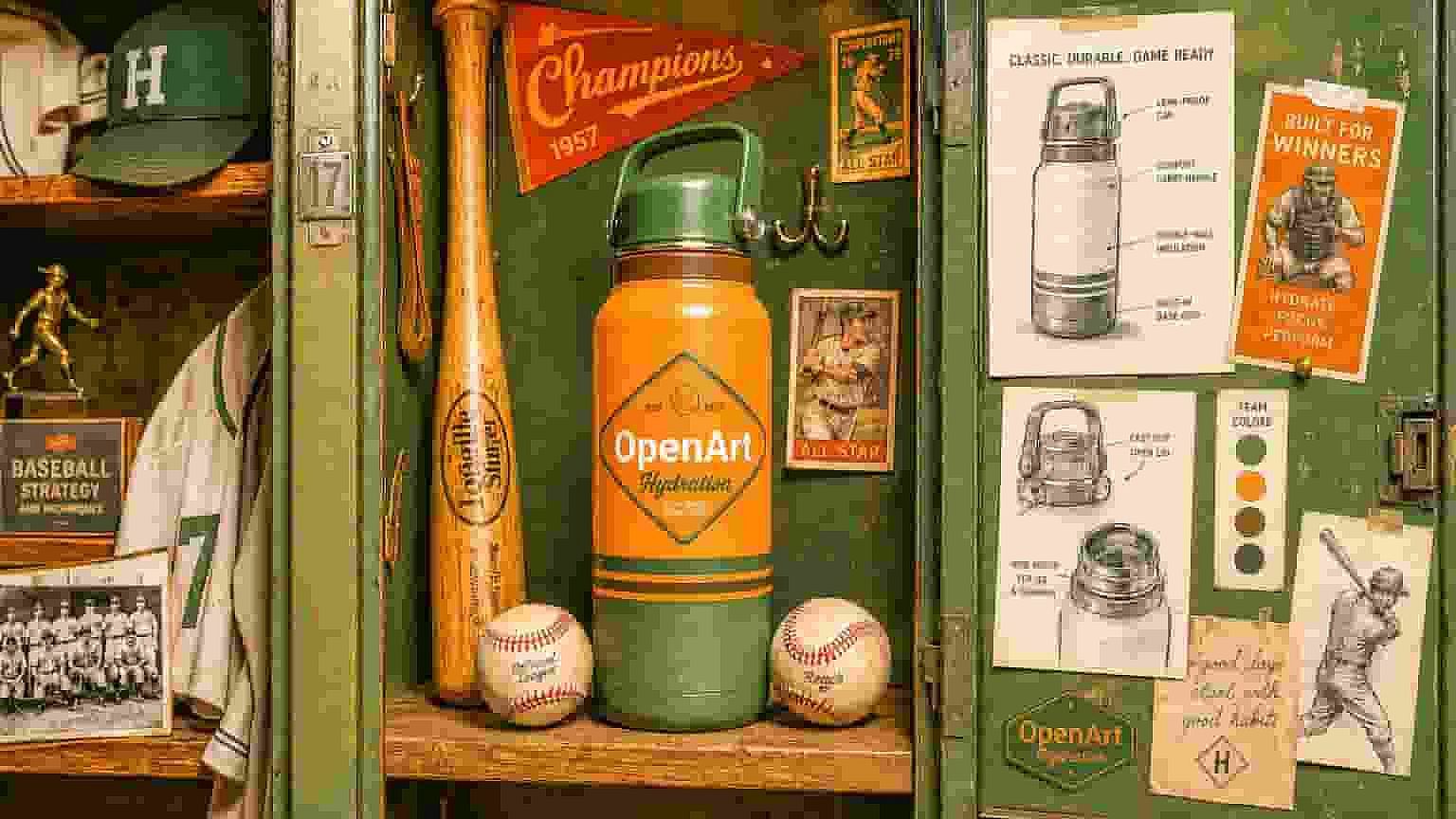
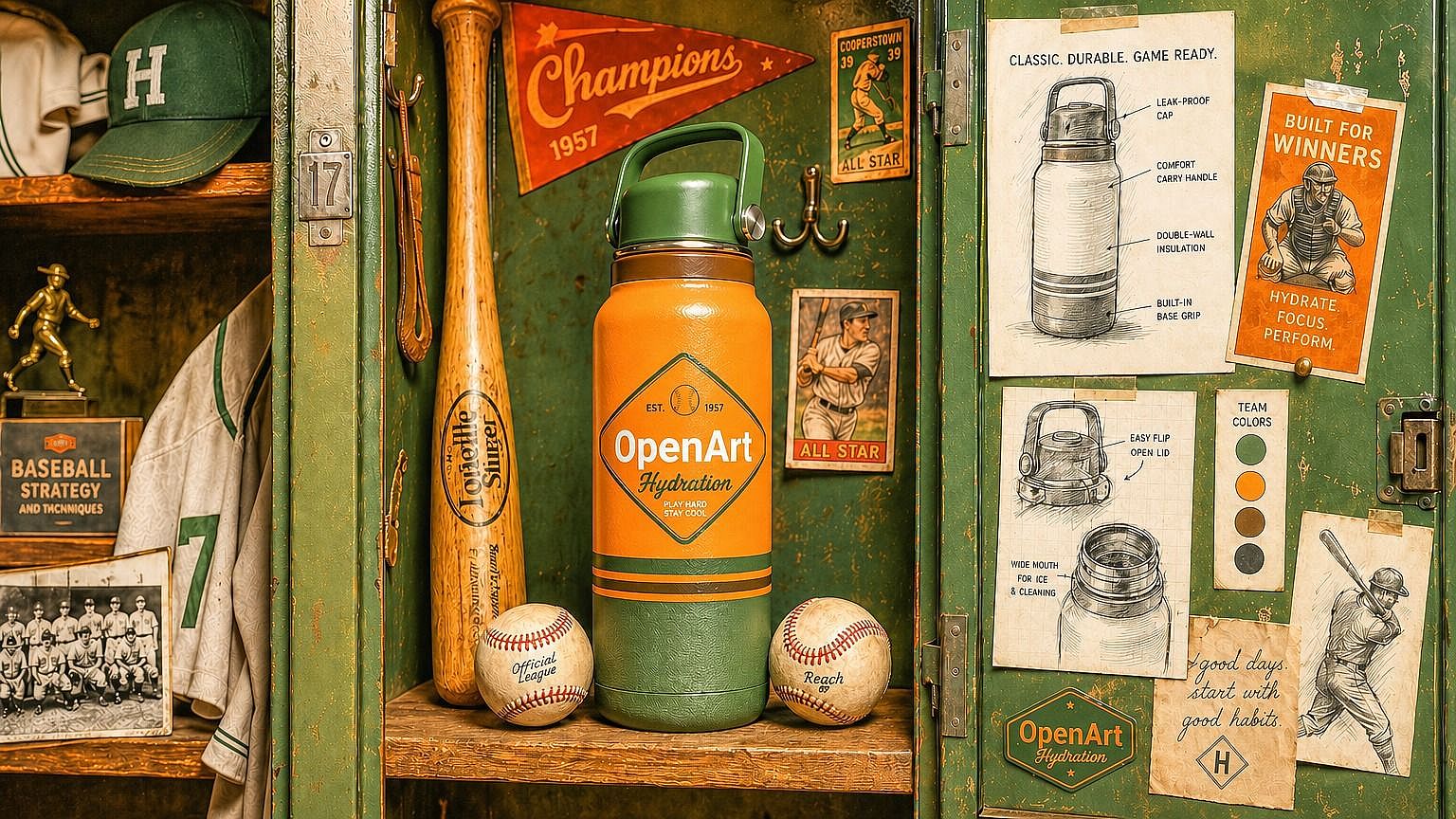
Comercio electrónico y fotos de producto
Las fotos de producto diminutas, las imágenes recortadas de proveedores y las fotos de catálogo de baja resolución perjudican las conversiones y hacen que una tienda parezca menos cuidada de lo que debería. Súbelas a HD (hasta 4K) y conseguirás fichas con aspecto profesional aunque no tuvieras el archivo original en alta resolución. Especialmente útil para revendedores, dropshippers y tiendas pequeñas que trabajan con las imágenes que tienen a mano.
Pruébalo ahora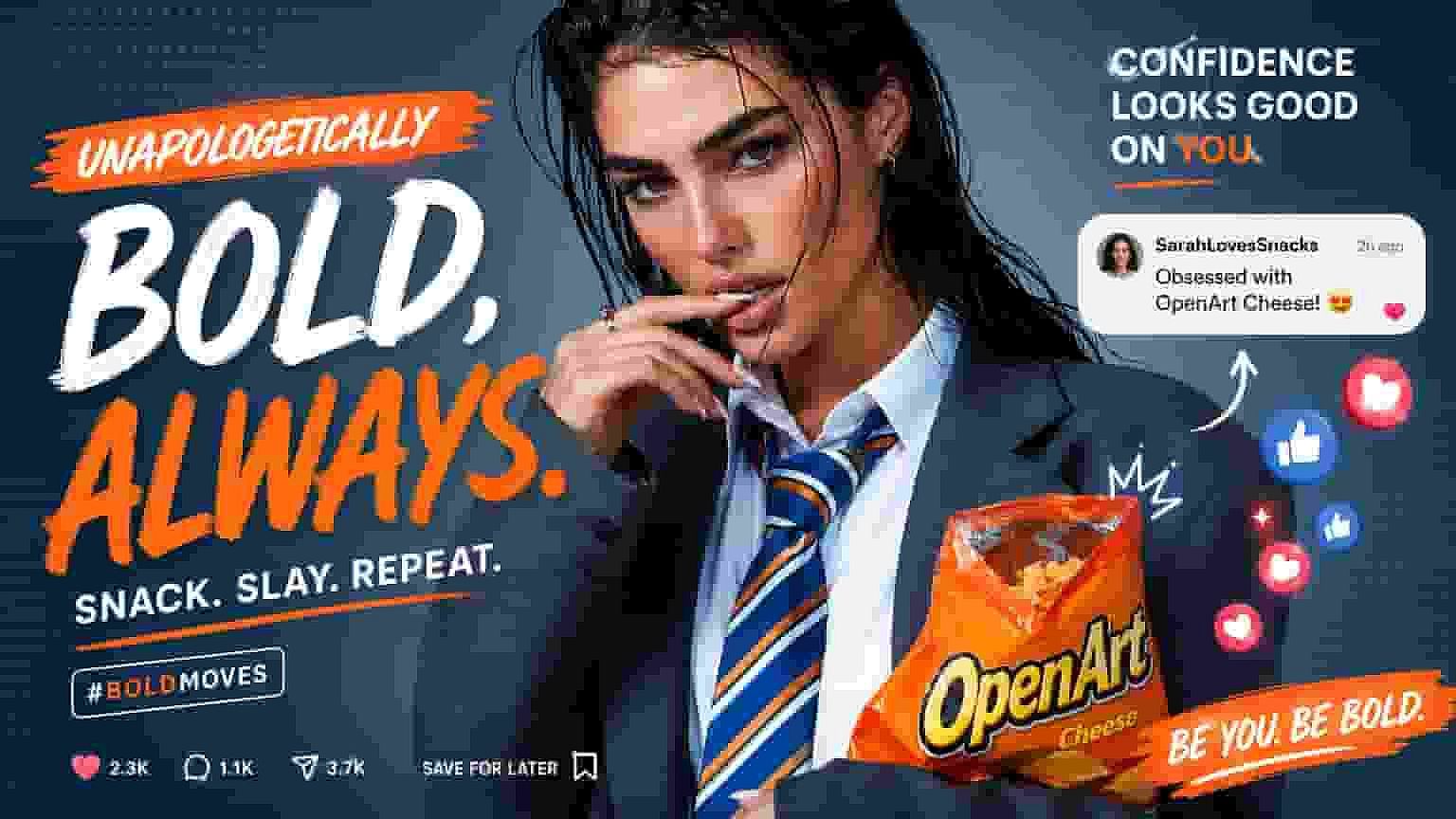
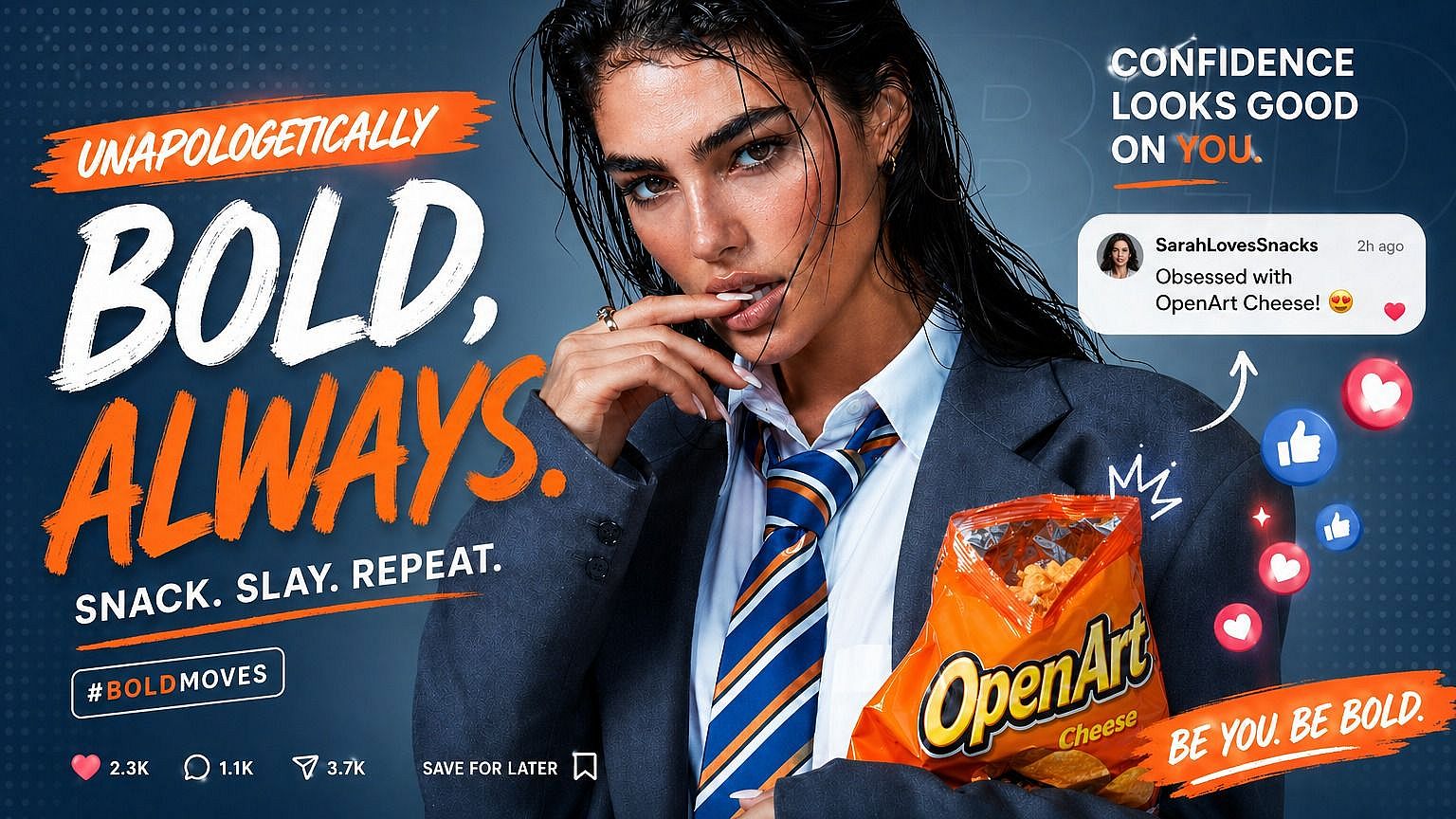
Creadores de contenido y redes sociales
Las miniaturas, los banners y las republicaciones suelen empezar como imágenes pequeñas o comprimidas. Con el conversor HD puedes tomar una referencia tosca y conseguir algo lo bastante nítido para lucir en un vídeo, reutilizar en un carrusel o usar como miniatura. Menos tiempo buscando fuentes de mayor resolución y más tiempo creando contenido.
Pruébalo ahoraPreguntas frecuentes Preguntas
Consigue consejos de expertos en el blog
Consigue la información que necesitas. Nuestros expertos comparten trucos prácticos, analizan los temas más candentes y ofrecen guías esenciales para ayudarte a crear, optimizar y escalar.
Leer más